Customer Ratings & Reviews
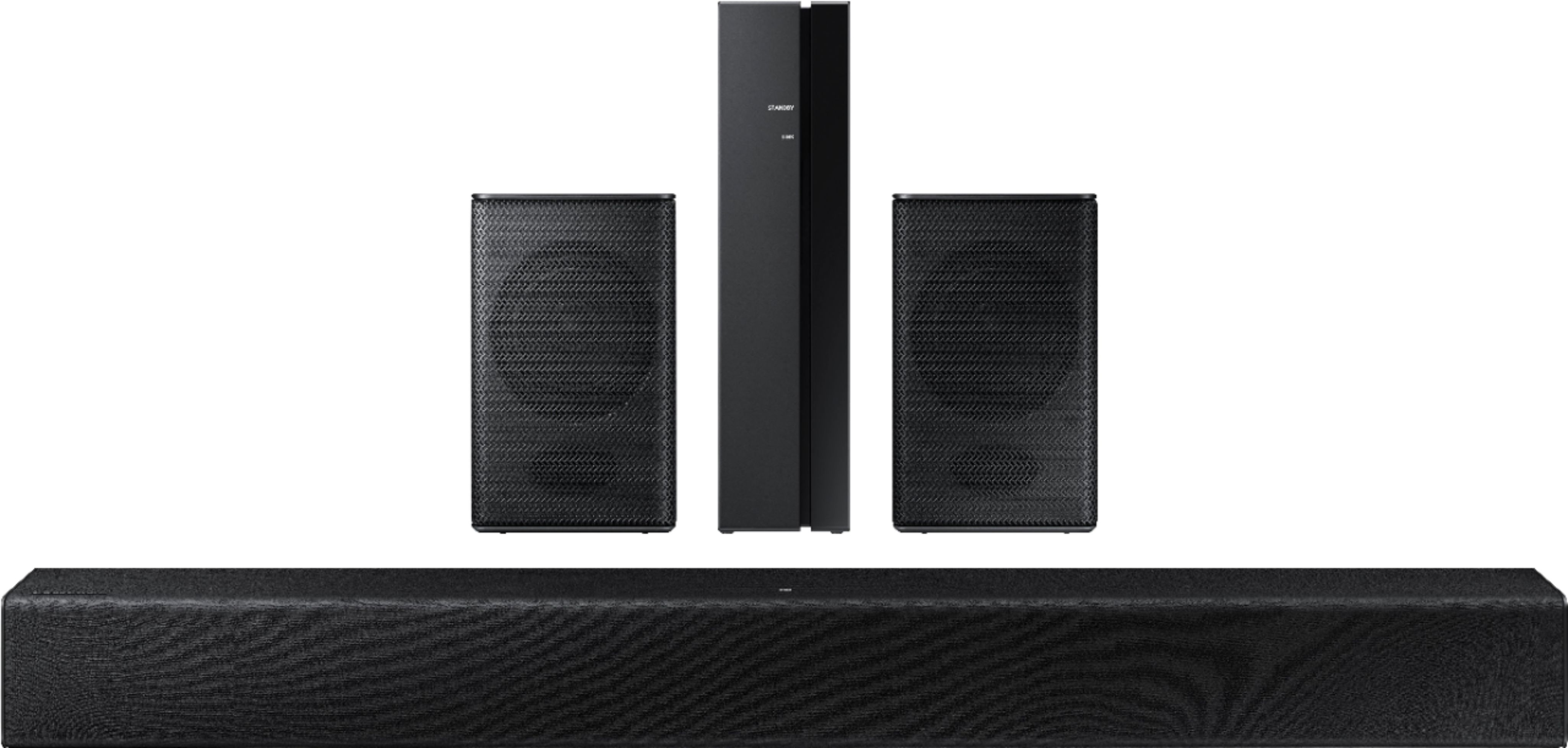

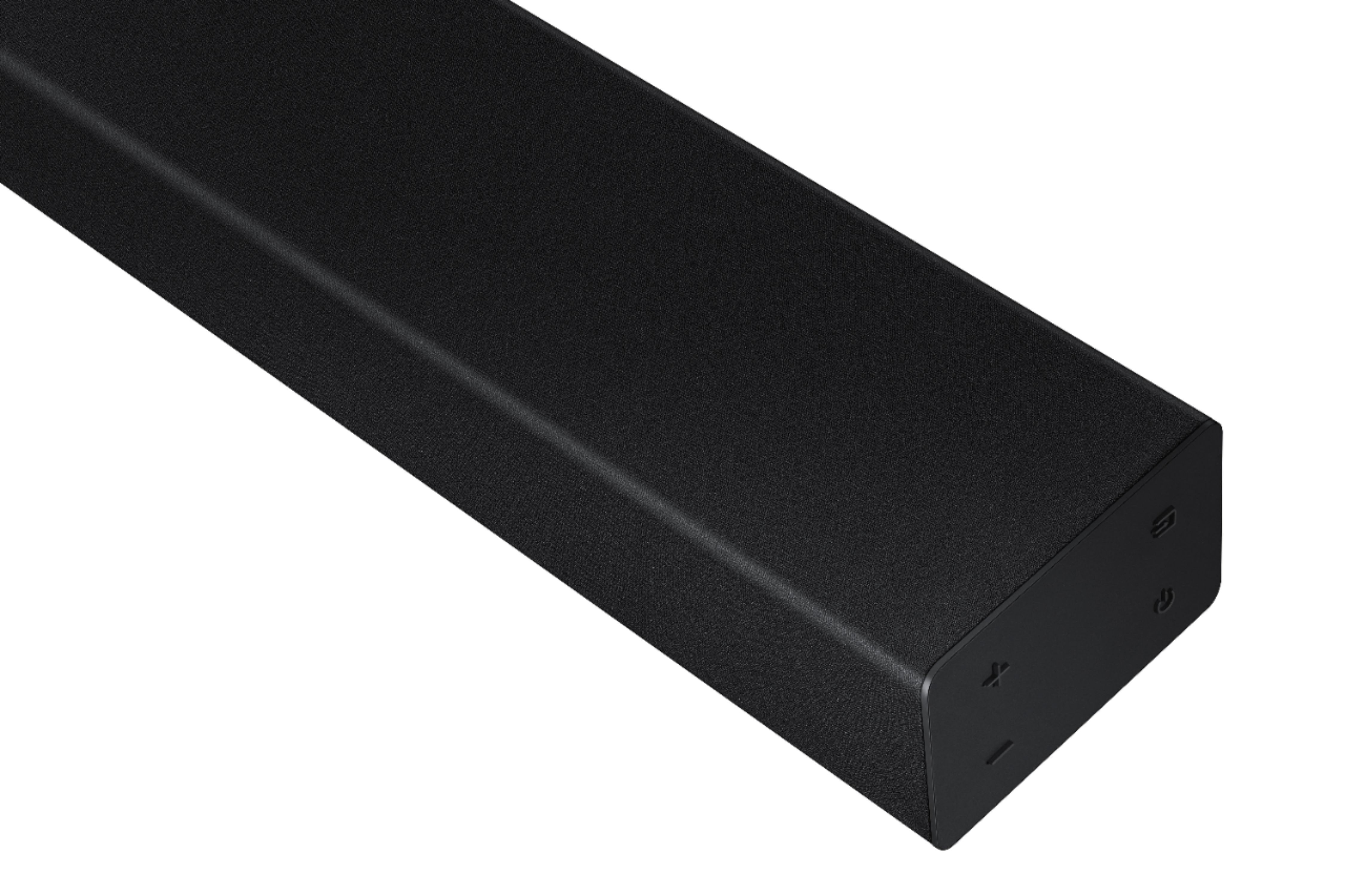

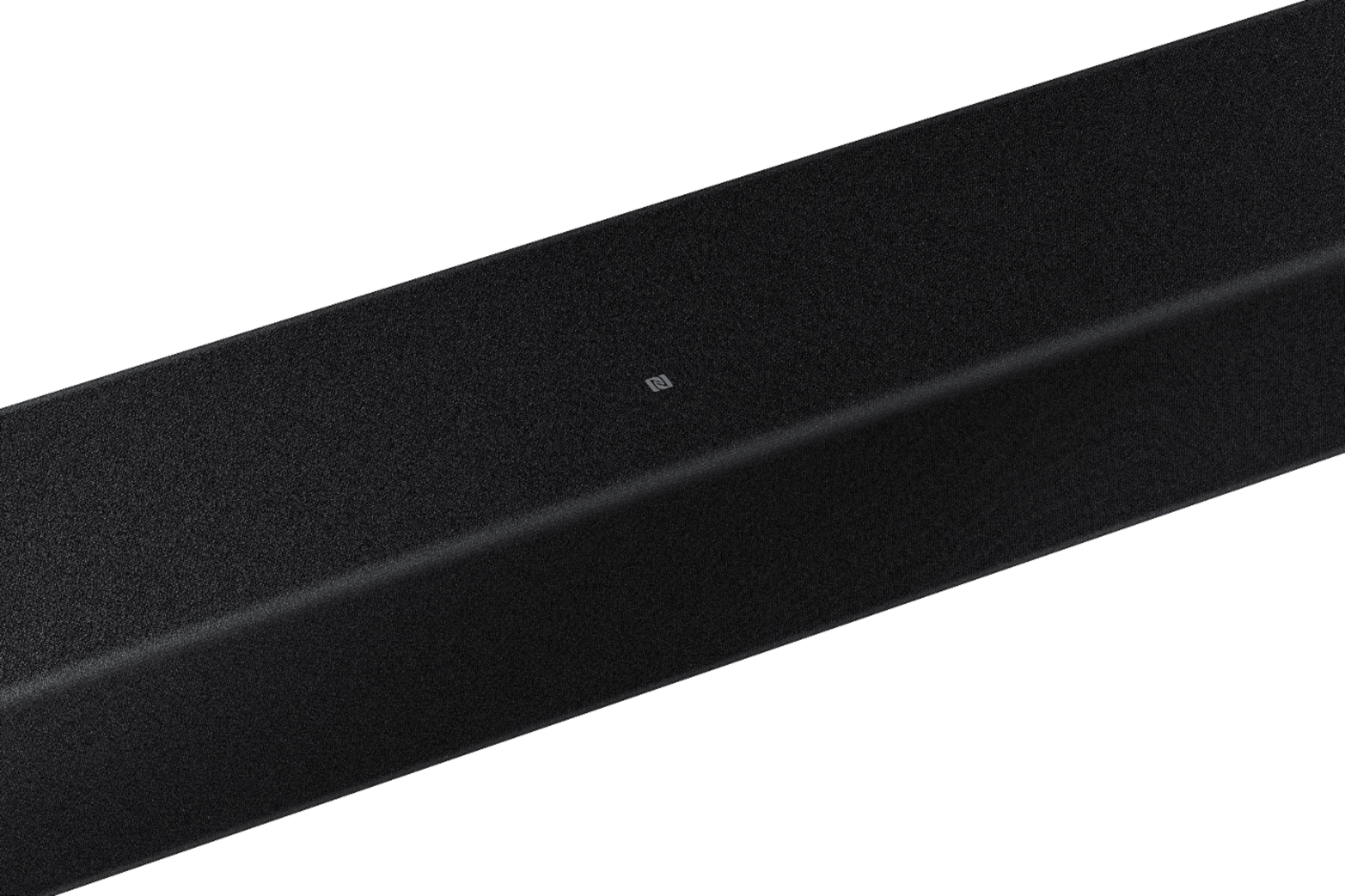

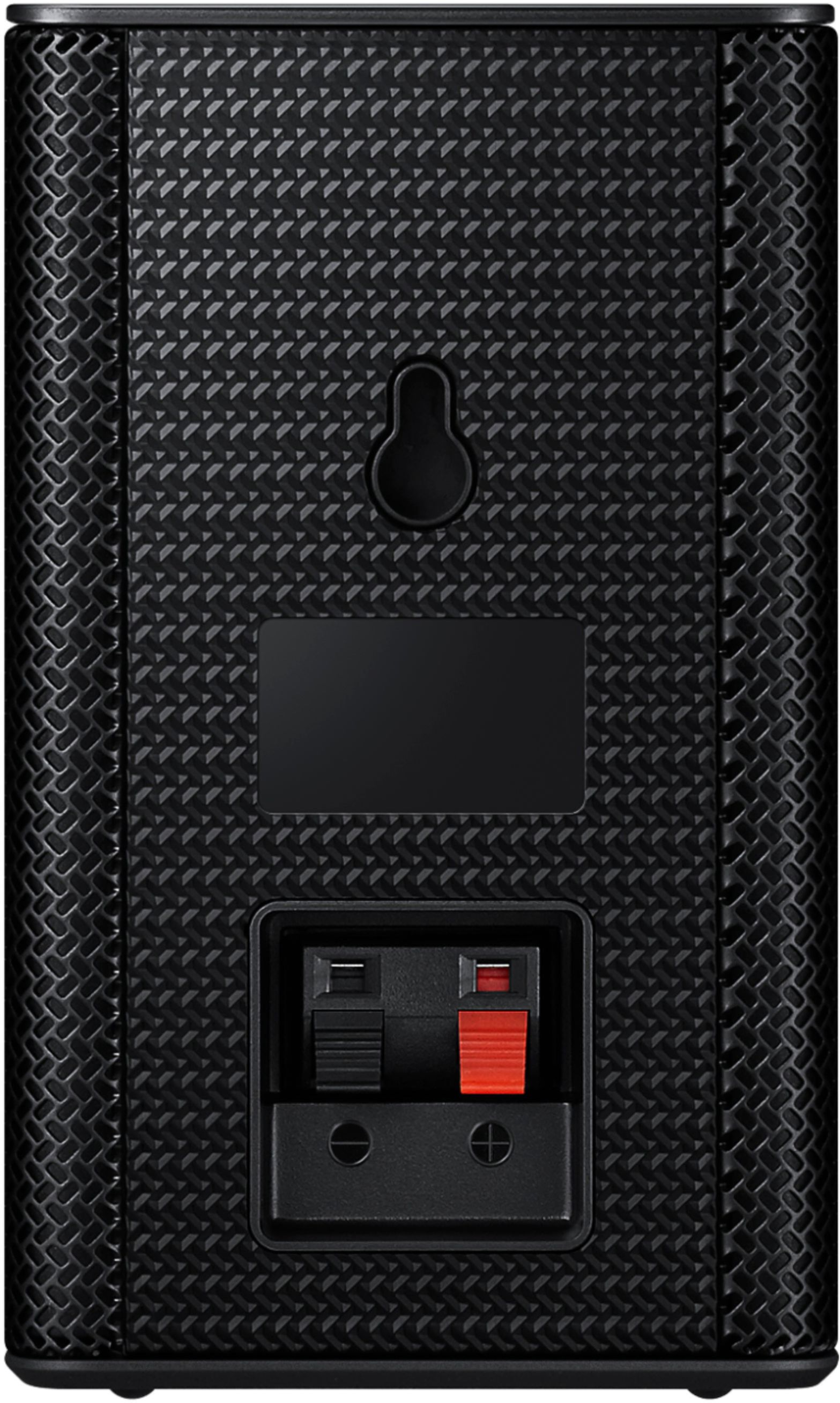





- Model:
- HW-A40R/ZA
- SKU:
- 6454650
Rating by feature
- Value
Rating 3.5 out of 5 stars
- Quality
Rating 3.3 out of 5 stars
- Ease of Use
Rating 3.5 out of 5 stars
Customers are saying
Customers are enthusiastic about the HW-A40R 4ch Sound bar's sound quality, describing it as "very good" and "amazing." They also appreciate its user-friendly setup process and affordable price point. However, some users have expressed concerns about the quality of the rear speakers, volume level, connectivity issues, and insufficient bass.
This summary was generated by AI based on customer reviews.
Loud as heck
||Posted . Owned for 10 months when reviewed.This reviewer received promo considerations or sweepstakes entry for writing a review.Bought for my dad for christmas and it sounds like war is going on in his living room
I would recommend this to a friend- Pros mentioned:Ease of use, Sound quality
Sound system
||Posted . Owned for 1 month when reviewed.This reviewer received promo considerations or sweepstakes entry for writing a review.Great sound system, easy to install and enjoy!! Good decision.
I would recommend this to a friend - Pros mentioned:Sound quality
Sound bar
||Posted . Owned for 1 month when reviewed.This reviewer received promo considerations or sweepstakes entry for writing a review.The quality of sound is really good. The long length of the cords was great. It has a sleek look to it. The bass is nice.
I would recommend this to a friend - Pros mentioned:Sound quality
Man Cave
||Posted . Owned for 3 weeks when reviewed.This reviewer received promo considerations or sweepstakes entry for writing a review.Great product. I thought the sound bar would have been bigger. Looks a little small under an 82” tv but sounds amazing
I would recommend this to a friend - Pros mentioned:Sound quality
Good sound quality
||Posted . Owned for 1 month when reviewed.This reviewer received promo considerations or sweepstakes entry for writing a review.This has made it so that we can understand our TV much better. It was a little harder to hook up than we expected.
I would recommend this to a friend Sound Bar
Posted .This reviewer received promo considerations or sweepstakes entry for writing a review.Dye it being previously owned I feel the quality has depreciated over time
No, I would not recommend this to a friendBrand response from Samsung
Posted .Hi LexS1S,
Thank you for purchasing the Samsung HW-A40R Soundbar. We appreciate you sharing your experience with us.
Please contact Samsung Customer Support so we can better understand your issue and assist you with step-by-step troubleshooting or warranty service. You can reach us at 1-800-SAMSUNG (ask for Soundbars), available 8AM - 12AM EST, 7 days a week.
For additional support resources, visit us on the Samsung website and click on the ‘Support’ link in the upper right corner of the homepage for:
1) Chat with Us/Product Help: To begin a chat or find solutions, choose ‘TVs & Home Theater’ and select your model & topic.
2) Manuals & Software
3) Warranty Info
4) Register a Product: For access to easy warranty support, convenient opt-in to special promos and offers, faster troubleshooting and service, and quick notification of system updates
5) Contact Us
~ Samsung Solutions
- Pros mentioned:Sound quality
Loved it, but…
||Posted . Owned for 1 month when reviewed.This reviewer received promo considerations or sweepstakes entry for writing a review.Sound quality was excellent but unfortunately I couldn’t connect it to my tv so I had to return it
I would recommend this to a friendBrand response from Samsung
Posted .Hi Kemari,
Thank you for your review of the Samsung HW-A40R Soundbar and for sharing the issues that have caused you to return your unit. Your experience is very important to us and will be shared with our product team.
It is possible that your unit needed minor troubleshooting, a firmware update, or adjustments in settings.
Should you ever decide to give Samsung Soundbars another try and have questions or need assistance with settings, setup, or features, please know we are always here to help.
Call us at 1-800-SAMSUNG (ask for Soundbars), available 8 AM – 12 AM EST, 7 days a week.
For additional support resources, visit us on the Samsung website and click on the ‘Support’ link in the upper right corner of the homepage for:
1) Chat with Us/Product Help: To begin a chat or find solutions, choose ‘TVs & Home Theater’ and select your model & topic.
2) Manuals & Software
3) Warranty Info
4) Register a Product: For access to easy warranty support, convenient opt-in to special promos and offers, faster troubleshooting and service, and quick notification of system updates
5) Contact Us
~ Samsung Solutions
- Pros mentioned:Price, Sound quality
Surround sound
||Posted . Owned for 3 weeks when reviewed.This reviewer received promo considerations or sweepstakes entry for writing a review.Excellent sound great price wires are a little weird not horrible
I would recommend this to a friend - Cons mentioned:Wireless
TO the Rear "Ho" I Mean no
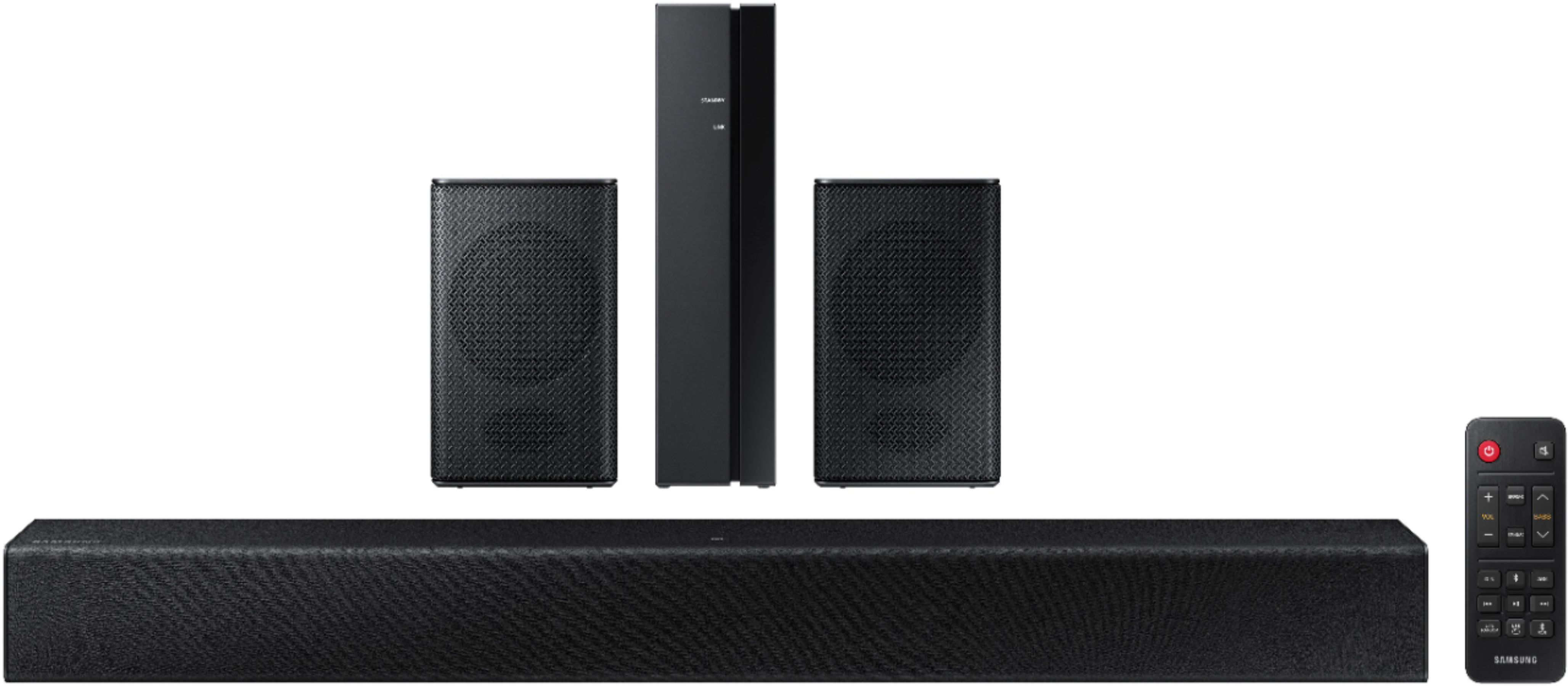
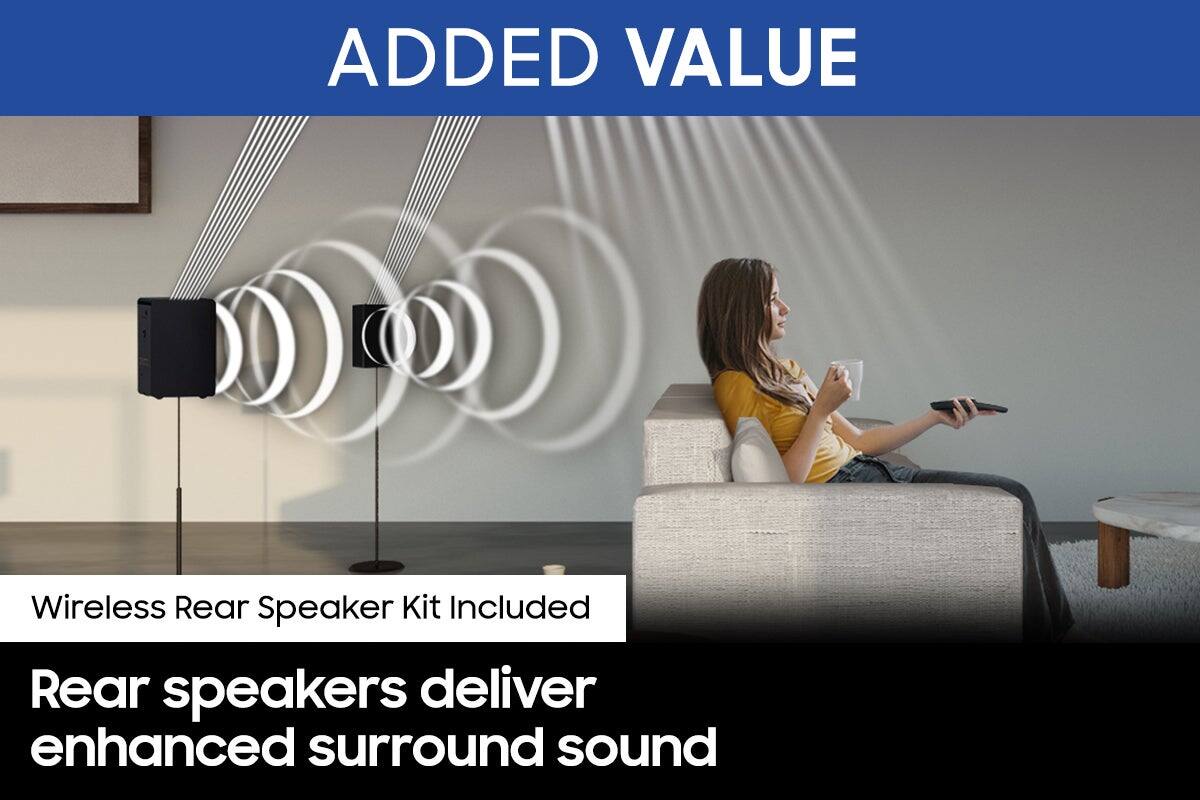
||Posted . Owned for 6 months when reviewed.This reviewer received promo considerations or sweepstakes entry for writing a review.The wireless part of this is not "wireless" There is a unit in the back which plugs in and you run speaker wires from that unit to the Rear Channel speakers. Not really wireless. I returned it.
No, I would not recommend this to a friendBrand response from Samsung
Posted .Hi RandyM,
Thank you for your review of the Samsung HW-A40R Soundbar and for sharing these experiences that have caused you to return your unit. Your experience is very important to us and will be shared with our product team.
Should you ever decide to give Samsung Soundbars another try and have questions or need assistance with settings, setup, or features, please know we are always here to help.
Call us at 1-800-SAMSUNG (ask for Soundbars), available 8 AM – 12 AM EST, 7 days a week.
~ Samsung Solutions
- Pros mentioned:Ease of use, Sound quality
Samsung speakers
||Posted . Owned for 3 weeks when reviewed.This reviewer received promo considerations or sweepstakes entry for writing a review.Works like a charm. Sound is great and was easy to setup and link to tv.
I would recommend this to a friend - Cons mentioned:Rear speakers, Volume
Crappy Sound
||Posted . Owned for 1 month when reviewed.This reviewer received promo considerations or sweepstakes entry for writing a review.Sound quality is trash! Not very loud and no available settings. Can't even hear the rear speakers at all. Do NOT recommend purchasing!
No, I would not recommend this to a friendBrand response from Samsung
Posted .Hi CrazyApril,
Thank you for your review of the HW-A40R Soundbar and for your feedback regarding the volume issues you are experiencing with the included rear speakers.
By design, the surround speakers are supposed to simulate sounds happening behind the viewer. Therefore, most of the time the surround channels are only used for ambient sounds, which are naturally lower in volume. However, there are a few settings you can change to adjust the surround effect to your preference:
1) Download and install the latest firmware version from the product support page on the Samsung website (ver.1014)
2) Once installed, with the Soundbar on, press and hold the STANDARD button on the remote control for about 6 seconds
3) The LEDs will blink to indicate you are in adjustment mode
4) Use the BASS Up/Down buttons to adjust the level of the REAR speakers between -6 to +6.
5) The adjustment mode will exit if the surround button is pressed, or if no button is pressed for 10 seconds
If the volume levels still seem to low for your preference, please be aware of the following:
1) Make sure that the source (e.g. TV output) is sending surround channels to the Soundbar. If the source is not capable of surround, then set the Surround mode to OFF on the Soundbar by pressing the Surround button on the remote.
2) If the source has surround channels, select the Surround Sound Mode from the Soundbar remote.
3) Turn off Dynamic Range Control. This is done by pressing and holding the SURROUND button for 5 seconds.
4) Turn off the soundbar, then press and hold the source button on the soundbar for 7 seconds to enable Gain Boost. With Gain Boost active, the rear speaker’s volume level will be increased when the soundbar is in Surround mode. This feature can be turned off by following the same process.
I hope these tips help to enhance your audio enjoyment. Should you ever have questions or need help, please call us at 1-800-SAMSUNG (ask for Soundbars), available 8AM - 12AM EST, 7 days a week.
For additional support resources, visit us on the Samsung website and click on the ‘Support’ link in the upper right corner of the homepage for:
1) Chat with Us/Product Help: To begin a chat or find solutions, choose ‘TVs & Home Theater’ and select your model & topic.
2) Manuals & Software
3) Warranty Info
4) Register a Product: For access to easy warranty support, convenient opt-in to special promos and offers, faster troubleshooting and service, and quick notification of system updates
5) Contact Us
~ Samsung Solutions
- Pros mentioned:Ease of use, Sound quality
Sound bar sound system
||Posted . Owned for 3 weeks when reviewed.This reviewer received promo considerations or sweepstakes entry for writing a review.Love the sound! We use it on our covered patio. Very easy to set up
I would recommend this to a friend - Pros mentioned:Ease of use, Sound quality
Sweet
||Posted . Owned for 1 week when reviewed.This reviewer received promo considerations or sweepstakes entry for writing a review.Works great! Very loud and easy to use. Sounds like a movie theater.
I would recommend this to a friend - Pros mentioned:Ease of use
Okay
||Posted . Owned for 1 month when reviewed.This reviewer received promo considerations or sweepstakes entry for writing a review.Okay entry level system. Easy to use and setup. Adding stands for the remote speakers makes it better
I would recommend this to a friend - Pros mentioned:Ease of use, Sound quality
Easy Sound Upgrade
||Posted . Owned for 3 weeks when reviewed.This reviewer received promo considerations or sweepstakes entry for writing a review.Easy install, big upgrade in sound quality, even before attaching surround expansion.
I would recommend this to a friend - Pros mentioned:Sound quality
Looses sound
||Posted . Owned for 3 weeks when reviewed.This reviewer received promo considerations or sweepstakes entry for writing a review.When the Sound Bar plays, its great. While it is deciding to play, loose sound at every "break" in TV program... commercials, start and end of the "intro" it is very frustrating.
No, I would not recommend this to a friendBrand response from Samsung
Posted .Hi YellowLady,
Thank you for purchasing the Samsung HW-A40R and for your review. We appreciate you sharing your experience with occasionally not hearing any sound from your soundbar. You may want to check that the cable connection is not loose. Remove the cable and connect again. Please also make sure that you have the latest firmware update. You can update your firmware by using a USB device.
Should the issue continue, you may also want to initialize your soundbar again by pressing the - + (volume) buttons at the same time for at least 5 seconds. “INIT” appears on the display when the soundbar is initialized.
For further assistance, please contact Samsung Customer Support at 1-800-SAMSUNG (ask for Soundbars), available 8AM - 12AM EST, 7 days a week.
For additional support resources, visit us on the Samsung website and click on the ‘Support’ link in the upper right corner of the homepage for:
1) Chat with Us/Product Help: To begin a chat or find solutions, choose ‘TVs & Home Theater’ and select your model & topic.
2) Manuals & Software
3) Warranty Info
4) Register a Product: For access to easy warranty support, convenient opt-in to special promos and offers, faster troubleshooting and service, and quick notification of system updates
5) Contact Us
~ Samsung Solutions
- Pros mentioned:Sound qualityCons mentioned:Setup
Samsung
||Posted . Owned for 2 weeks when reviewed.This reviewer received promo considerations or sweepstakes entry for writing a review.Great quality just hard to set up due to the side speakers
I would recommend this to a friend Sound awful
||Posted . Owned for 1 year when reviewed.This reviewer received promo considerations or sweepstakes entry for writing a review.Good product sound quality not good sound bar is good surround is terrible
No, I would not recommend this to a friend- Pros mentioned:Size
Small price, small sound.
||Posted . Owned for 3 weeks when reviewed.This reviewer received promo considerations or sweepstakes entry for writing a review.This sound bar is exactly what you are paying for. Very little. It would probably be well suited for a small space but don’t expect the sound quality or range that you’d get from a larger, more expensive set up.
No, I would not recommend this to a friendBrand response from Samsung
Posted .Hello Eliteheadstrap,
You can try optimizing audio performance for your specific content by pressing the SOUND MODE button on your soundbar remote, and then selecting the desired sound effect by choosing STANDARD, SURROUND SOUND, BASS BOOST, GAME, or ADAPTIVE.
You can also press the Sound Control button on the remote (which looks like a gear) to adjust TREBLE and BASS.
Press and hold the Sound Control button for about 5 seconds to adjust the sound for each of seven frequency bands.
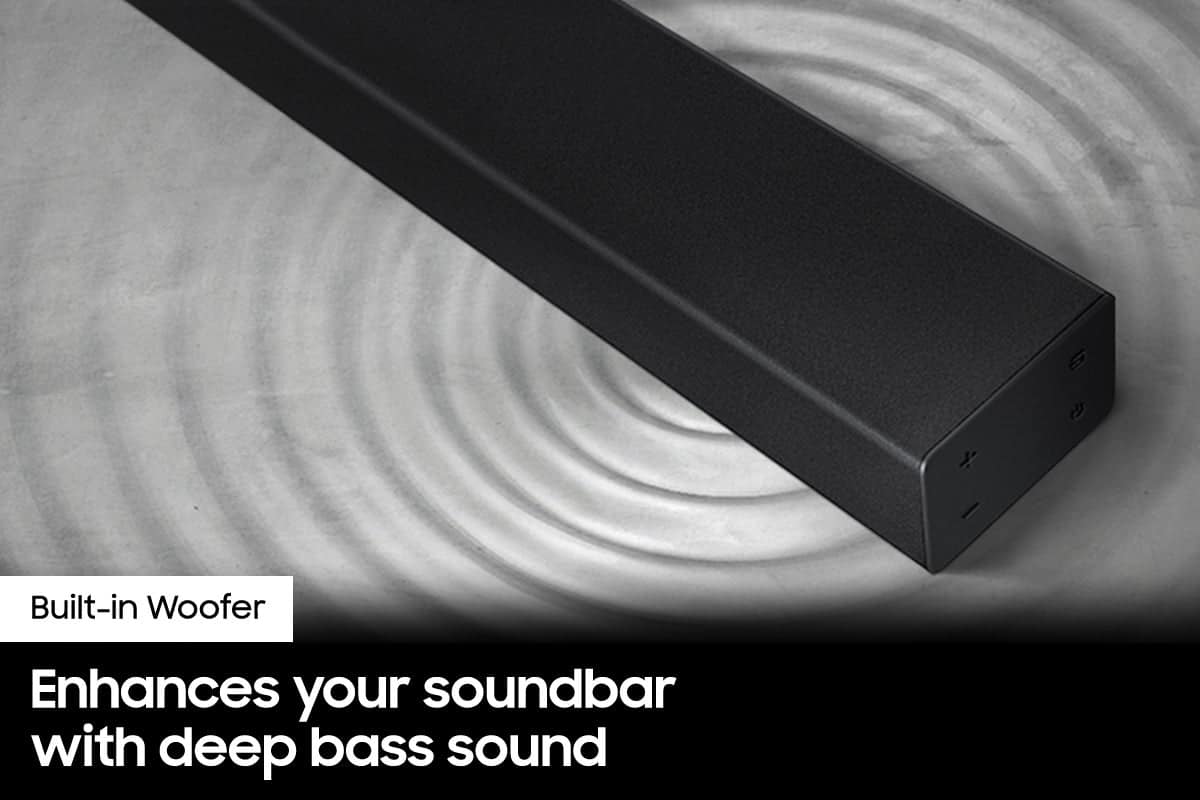
Using the WOOFER button on the remote, you can adjust the volume of the subwoofer to -12 or between -6 to +6 by toggling the button up or down. To set the subwoofer volume level to 0, press the button down.
I hope this tip helps improve your sound experience.
Should you ever have questions or need help, please call us at 1-800-SAMSUNG (ask for Soundbars), available 8AM - 12AM EST, 7 days a week.
For additional support resources, visit us on the Samsung website and click on the ‘Support’ link in the upper right corner of the homepage for:
1) Chat with Us/Product Help: To begin a chat or find solutions, choose ‘TVs & Home Theater’ and select your model & topic.
2) Manuals & Software
3) Warranty Info
4) Register a Product: For access to easy warranty support, convenient opt-in to special promos and offers, faster troubleshooting and service, and quick notification of system updates
5) Contact Us
~ Samsung Solutions
- Pros mentioned:Sound qualityCons mentioned:Rear speakers
No rear speaker sound.
||Posted . Owned for 2 weeks when reviewed.This reviewer received promo considerations or sweepstakes entry for writing a review.Hooked up fine. Sound bar was great. Rear speakers were too faint to hear unless your held them to your ear. Returned for a Vizio
No, I would not recommend this to a friendBrand response from Samsung
Posted .Hi Kirk,
Thank you for your review of the Samsung HW-A40R Soundbar System. We appreciate you sharing your experience with us.
It is our customers’ concerns and opinions that drive our continuous efforts towards delivering world-class service and products. Your feedback is very important to us and will be shared with our product team.
Please know that should you ever need assistance with settings or adjustments with a future Samsung purchase to optimize your sound experience, Samsung Customer Support is here to help. Call us at 1-800-SAMSUNG (ask for Soundbars), available 8AM - 12AM EST, 7 days a week.
For additional support resources, visit us on the Samsung website and click on the ‘Support’ link in the upper right corner of the homepage for:
1) Contact Us: For additional Chat & Text options, choose ‘TVs & Home Theater’ and select your model & topic.
2) Manuals, Software, & Warranty Info
We hope to regain you as a customer in the future.
~ Samsung Solutions