Customer Ratings & Reviews
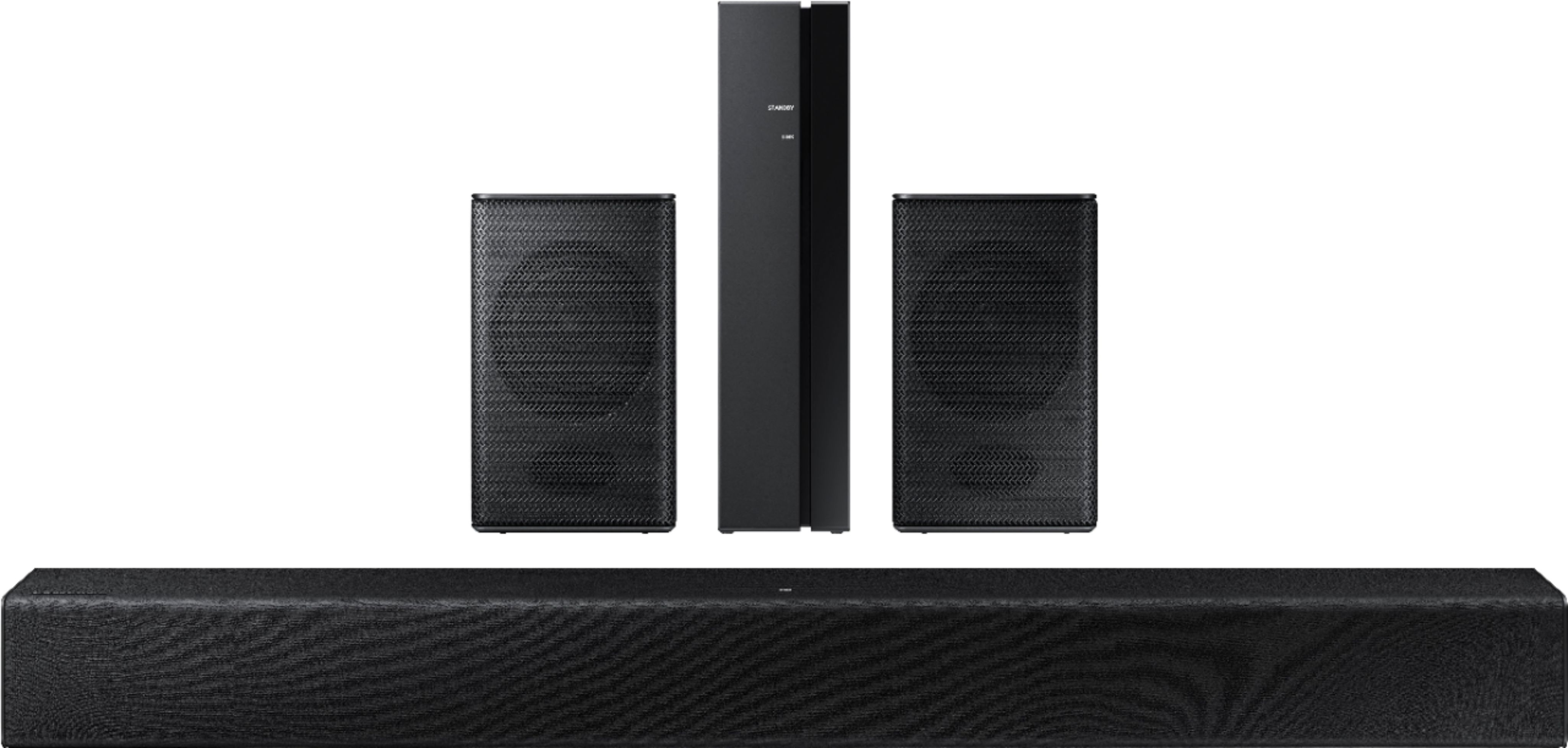

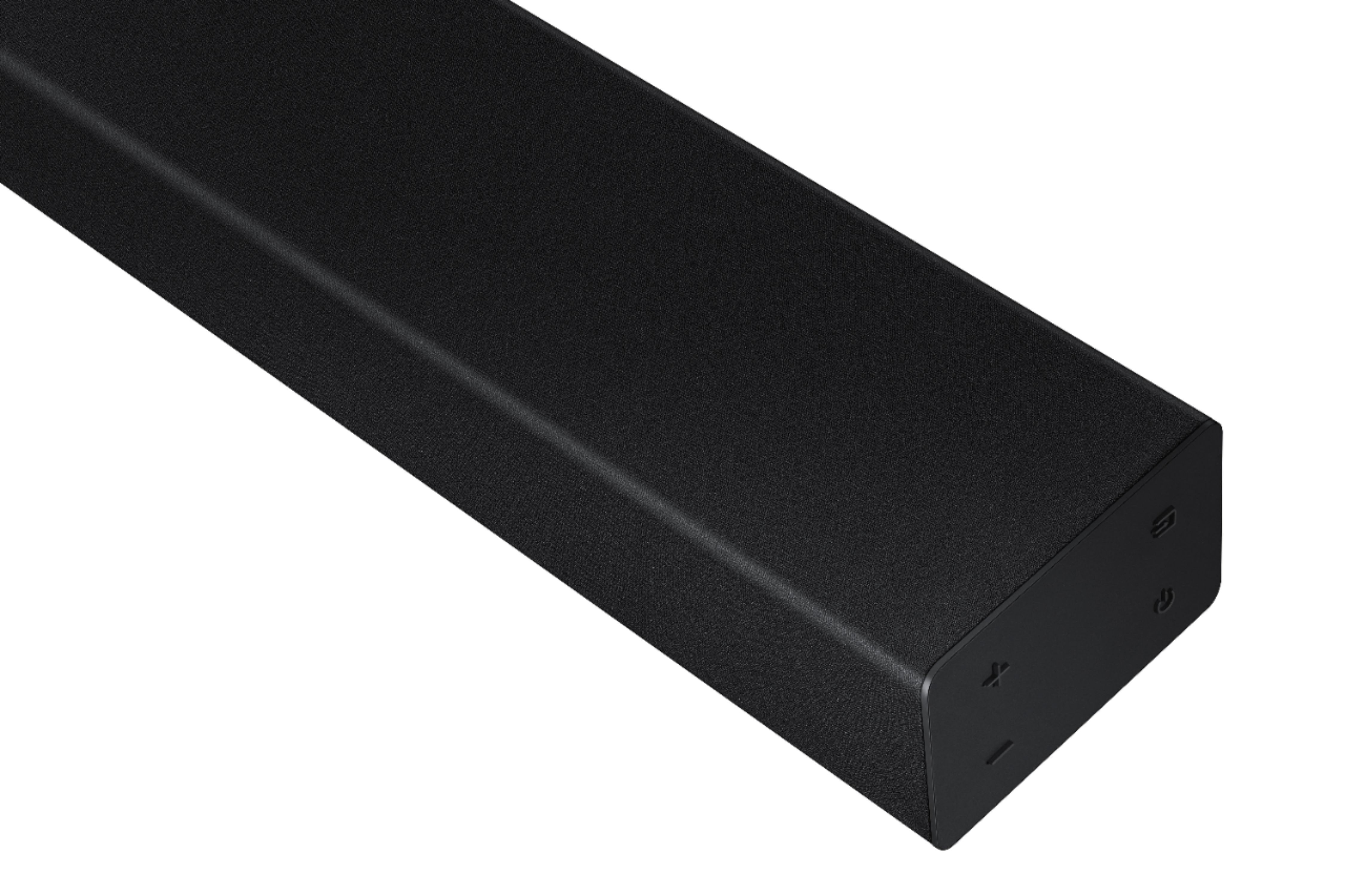

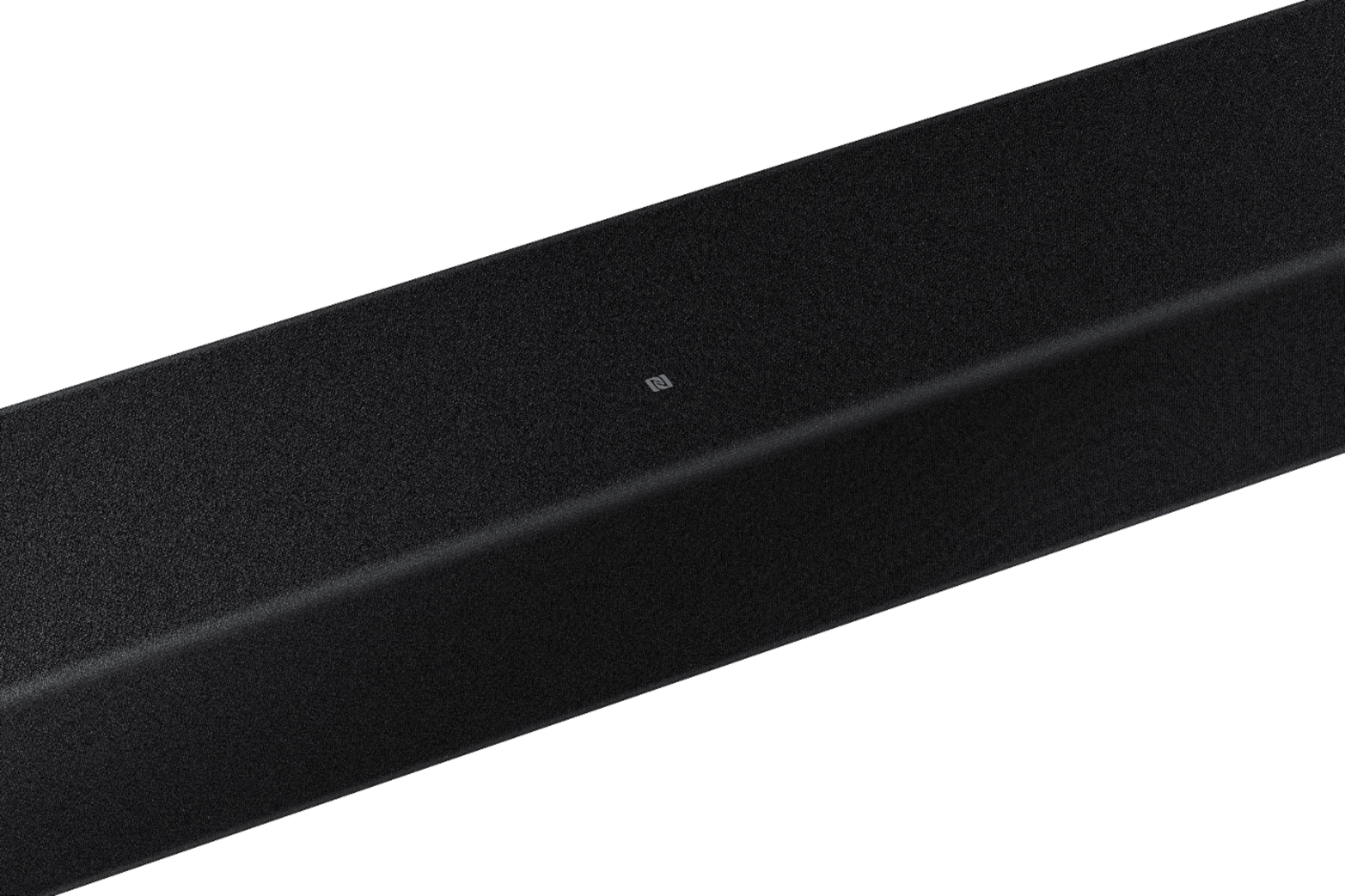

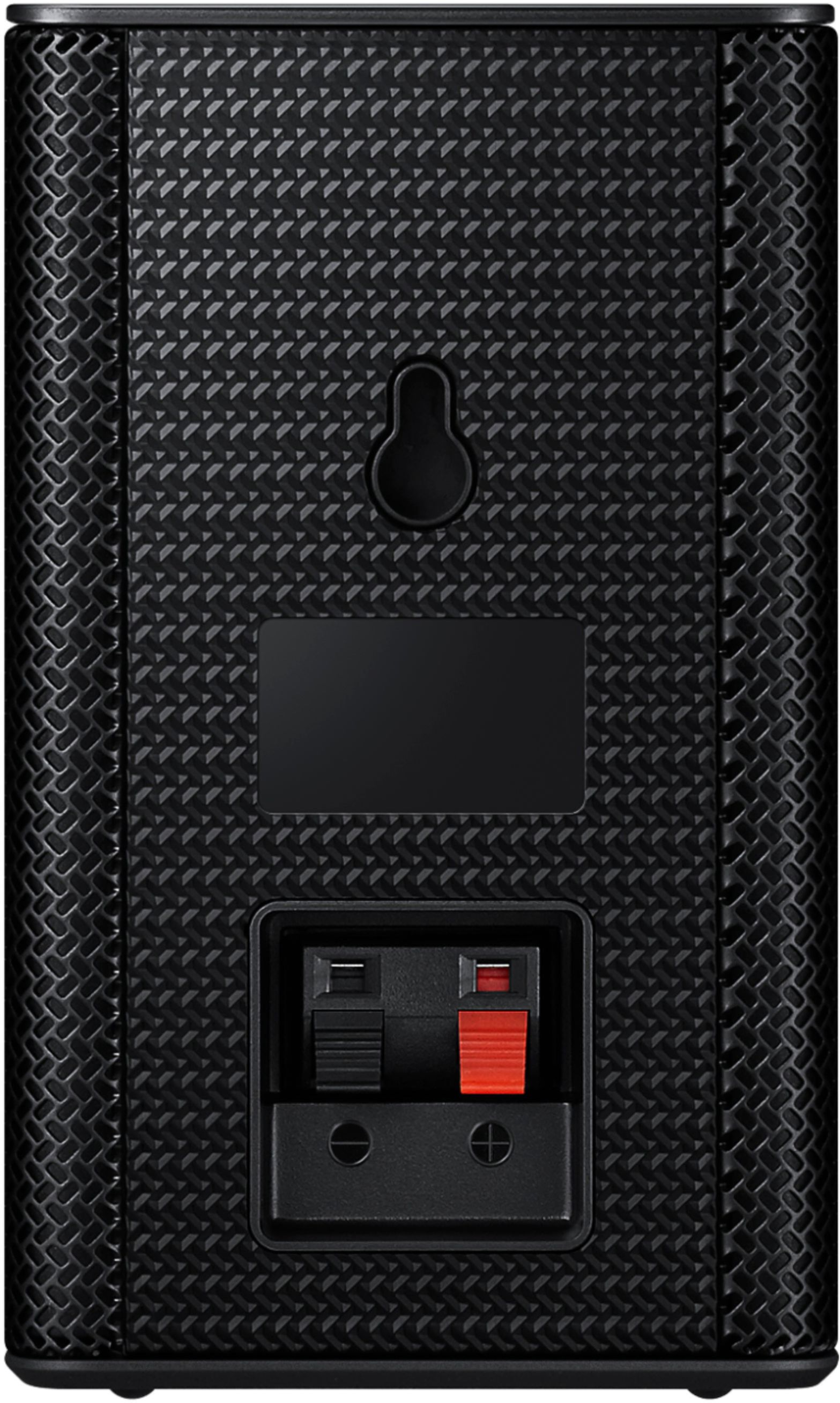
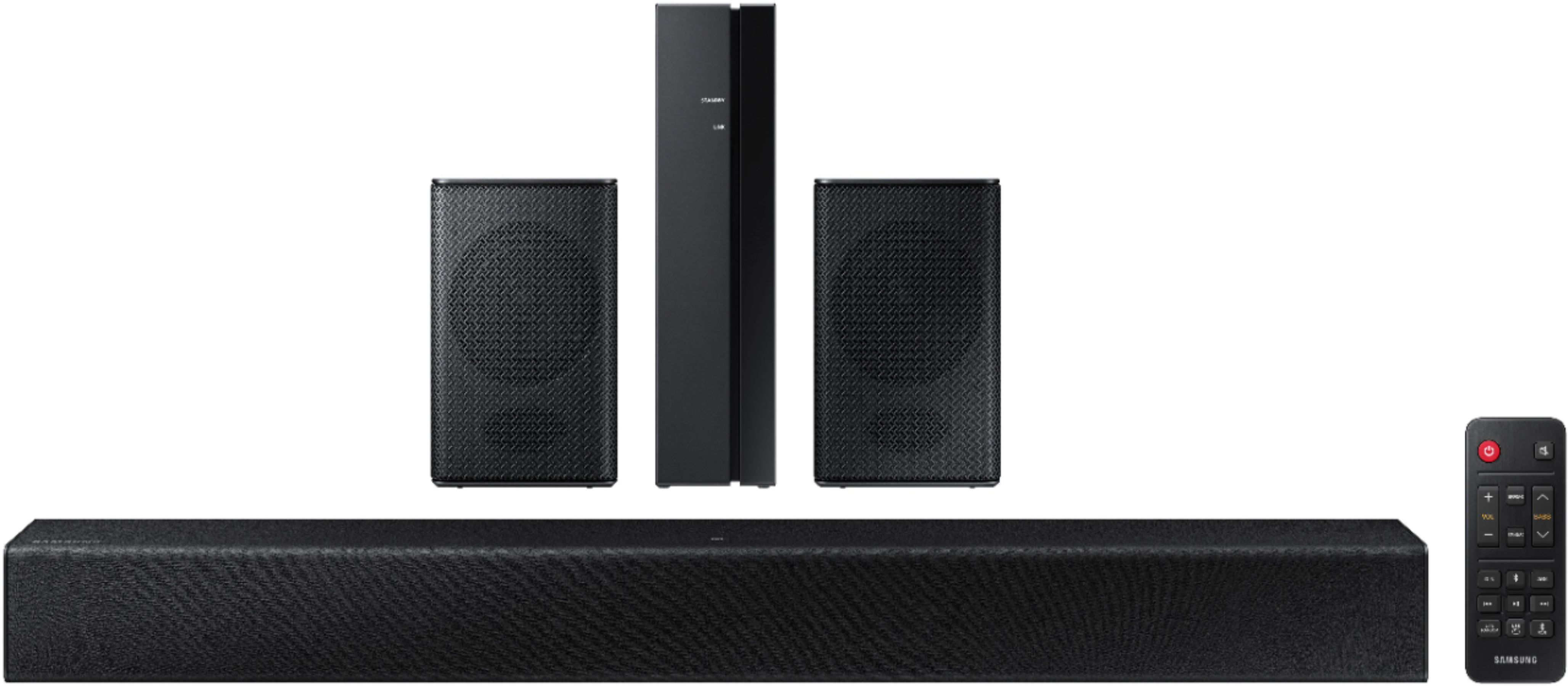





- Model:
- HW-A40R/ZA
- SKU:
- 6454650
Rating by feature
- Value
Rating 3.5 out of 5 stars
- Quality
Rating 3.3 out of 5 stars
- Ease of Use
Rating 3.5 out of 5 stars
Customers are saying
Customers are enthusiastic about the HW-A40R 4ch Sound bar's sound quality, describing it as "very good" and "amazing." They also appreciate its user-friendly setup process and affordable price point. However, some users have expressed concerns about the quality of the rear speakers, volume level, connectivity issues, and insufficient bass.
This summary was generated by AI based on customer reviews.
- Pros mentioned:Ease of use, Sound quality
Excellent
||Posted . Owned for 3 weeks when reviewed.This reviewer received promo considerations or sweepstakes entry for writing a review.Easy to install and it was perfect for movie night, the sound it’s really good
I would recommend this to a friend - Pros mentioned:Price, Sound quality
Best Choice Soundbars
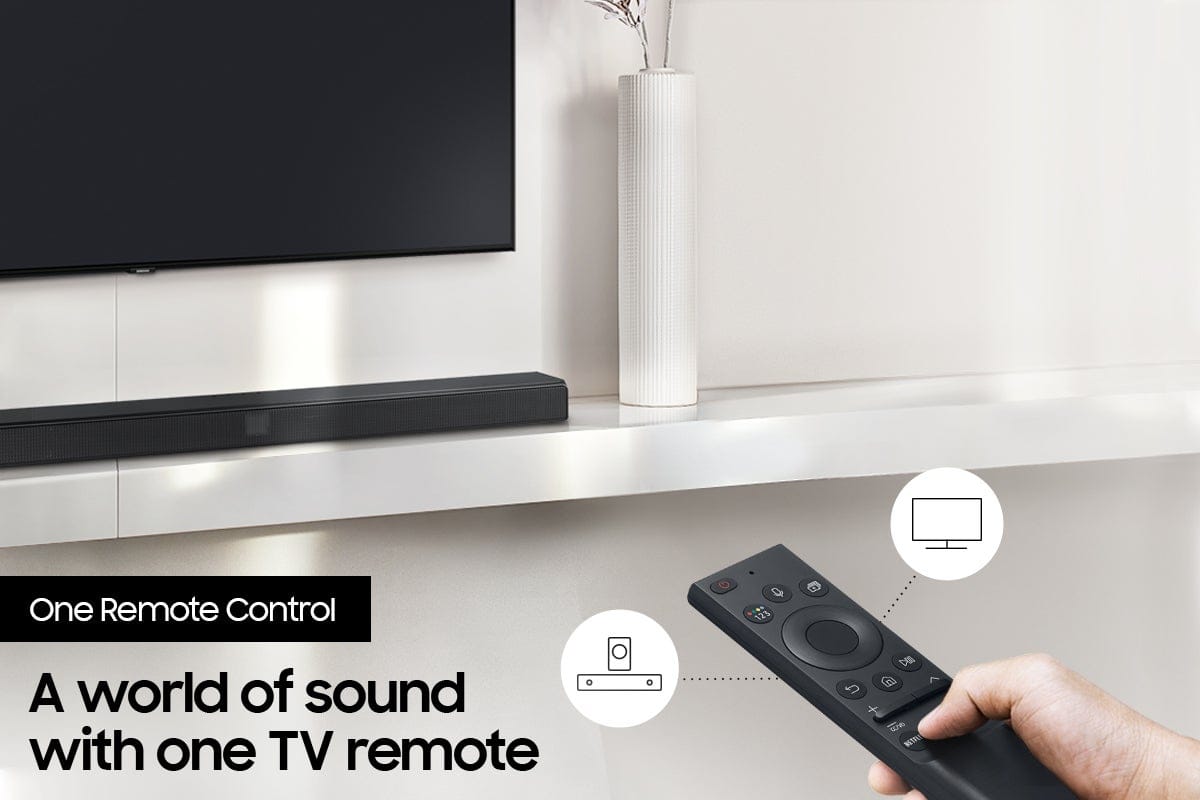
||Posted . Owned for 3 weeks when reviewed.This reviewer received promo considerations or sweepstakes entry for writing a review.quality sound is excellent. remote is very paractical. price is outstanding.
I would recommend this to a friend - Pros mentioned:Sound quality
I like it
||Posted . Owned for 1 month when reviewed.This reviewer received promo considerations or sweepstakes entry for writing a review.When watching a movie the sound bar alone gives a beautiful robust sound like you hear at a theater
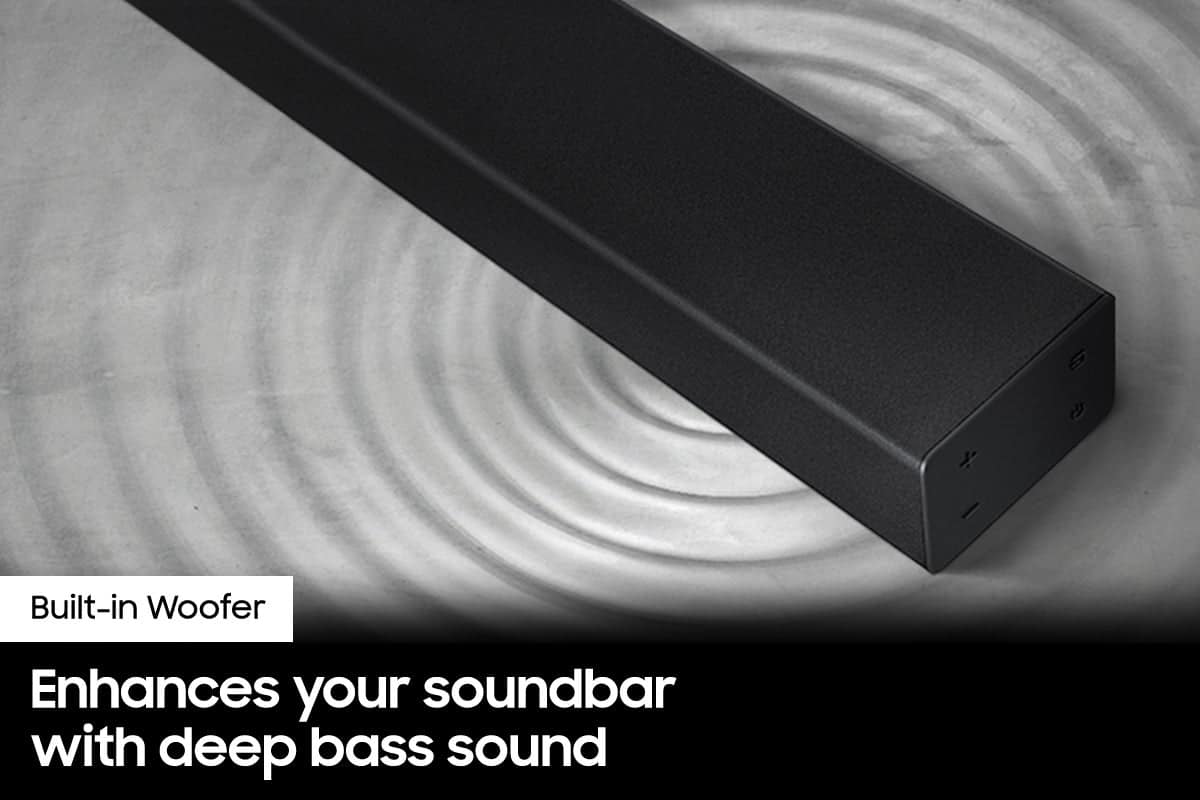
I would recommend this to a friend - Cons mentioned:Bass
I wouldn't buy it again
||Posted . Owned for 3 weeks when reviewed.This reviewer received promo considerations or sweepstakes entry for writing a review.Installation instructions are useless and the bass really doesn't work
No, I would not recommend this to a friendBrand response from Samsung
Posted .Hello wogger,
Thank you for sharing your review for the HW-A40R Soundbar. Your feedback is very important to us and will be shared with our internal product teams.
I am sorry that your out of box experience was not ideal. We appreciate your feedback regarding the manual included with your soundbar. To assist you in the functions and settings of your new soundbar, you can download the full user manual directly from Samsung’s website by clicking “Support” in the top right corner. Then go to “Manuals & Software” > “TVs & Home Theater” > “Home Theater” > “Sound Bars”. From there, you can select the HW-A40R under A Series.
This will also give you tips and tricks on how best to optimize your soundbar. If we can help with anything else, please call us at 1-800-SAMSUNG (Ask for Soundbars), 8 AM – 12 AM EST, 7 days a week. LiveChat with an agent as well as manuals, software, and warranty info can be found at the ‘Support’ link on our Samsung website.
~ Samsung Solutions
- Pros mentioned:Ease of use, Sound quality
Sounds great
||Posted . Owned for 1 month when reviewed.This reviewer received promo considerations or sweepstakes entry for writing a review.Installation was easy and sound quality is great for price paid.
I would recommend this to a friend - Pros mentioned:Sound quality
Not too bad for its price.
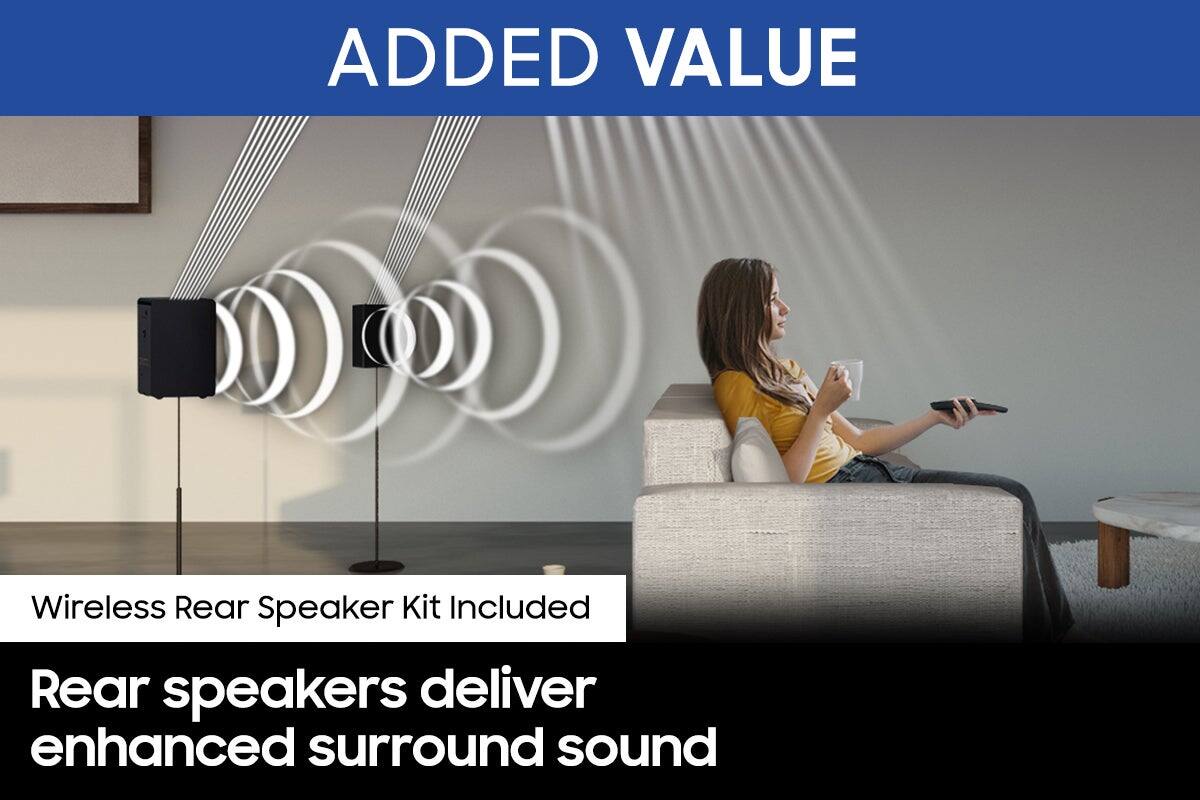
||Posted . Owned for 2 weeks when reviewed.This reviewer received promo considerations or sweepstakes entry for writing a review.The sound bar has good sound coming out of it. But there is hardly any sound coming out of the surround sound speakers. We even exchanged for another one, but we still have the same problem.
No, I would not recommend this to a friendBrand response from Samsung
Posted .Hi Whovian1987,
We appreciate you sharing your review of the HW-A40R and detailing your experience with the included Wireless Rear Speakers. Please know, there are a few adjustment settings available for the rear speakers after you update to the latest firmware version.
You can update the firmware by connecting a USB device with the firmware update stored on it to the USB port on your Soundbar.
1.Go to the Samsung Electronics website (www.samsung.com) → click on the “Support” option in the upper right corner.
2.Click on “Manuals & Software” from the pop-up list > TVs & Home Theater > Home Theater > Select your model
2. Download the firmware file (USB type).
3. Unzip the file to create a folder with the file name.
4. Store the created folder in a USB and then connect it to the Soundbar.
Once installed, with the Soundbar on, press and hold the STANDARD button on the remote control for about 6 seconds; the LEDs will blink to indicate you are in adjustment mode. You can then use the BASS Up/Down buttons to adjust the level of the REAR speakers between -6 to +6. The adjustment mode will exit if the surround button is pressed, or if no button is pressed for 10 seconds.
I hope this tip helps you enjoy the experience with your new Samsung soundbar! Should you have additional questions regarding the audio settings available for your soundbar,
Should you ever have questions or need help, please call us at 1-800-SAMSUNG (ask for Soundbars), available 8 AM – 12 AM EST, 7 days a week.
For additional support resources, visit us on the Samsung website and click on the ‘Support’ link in the upper right corner of the homepage.
~Samsung Solutions
Over riced
||Posted . Owned for 1 month when reviewed.This reviewer received promo considerations or sweepstakes entry for writing a review.I returned this item when I returned tv I will not be purchasing any more items from Best Buy . Things are way overpriced
No, I would not recommend this to a friendBrand response from Samsung
Posted .Hello TinamarieP,
Thank you for your review of the Samsung HW-A40R Soundbar and for sharing your thoughts regarding the price of your unit. Your feedback is very important to us and will be shared with our product team.
Should you ever decide to give Samsung Soundbars another try and have questions or need assistance with settings, setup, or features, please know we are always here to help.
Call us at 1-800-SAMSUNG (ask for Soundbars), available 8 AM – 12 AM EST, 7 days a week.
~ Samsung Solutions
Could be better
||Posted . Owned for 1 week when reviewed.This reviewer received promo considerations or sweepstakes entry for writing a review.The main bar isn't bad; its better thsn just the TV soeajers. However, i noticed the sound quality wasnt that great from the two satellite speajers. Upon insoection, I found euther the wiring isn't good, or the connectors are bad, because they kept going in and out
I would recommend this to a friendBrand response from Samsung
Posted .Hi Mattimus,
Thank you for purchasing the Samsung HW-A40R and for sharing your review. Your feedback regarding the sound cutting out or skipping is important to us and will be shared with our product teams.
Please make sure you are running the latest firmware version (HMS-A4X0WWB-1011). You may also want to try manually pairing the rear speakers again:
1. Check whether the power cables for the Soundbar and Wireless Surround speaker are connected properly.
2. Make sure that the Soundbar is turned on
3. Press the ID SET button on the back of the Wireless Receiver Module with a pen tip for 5~6 seconds until the LINK LED indicator blinks fast (in Blue)
4. Press and hold the mute button on the remote control for at least 5 seconds.
5. Check if the LINK LED is solid blue (connection complete)
- If the LED light is solid blue, the rear speakers are connected to your soundbar.
- If the LED light is blinking blue fast, the module is in pairing mode. Check to see if your soundbar is turned on and repeat the above steps.
- If the LED light is blinking blue slowly, the module is disconnected. Turn off your soundbar and press the Up button on the remote for 5 seconds. The ID SET message will appear on the soundbar for a short time and then disappear. After the ID SET process, the soundbar power is automatically turned on. The LINK LED indicator stops blinking and glows a solid blue when a connection is established between the soundbar and the wireless receiver module.
This issue may also be caused by wireless interference. When there is a wireless device (e.g., wireless LAN) using the same frequency (5.8GHz) near the Soundbar, the wireless connection between the Subwoofer and Surround Speaker could become unstable. This will affect the quality of audio output.
Should you ever have questions or need help, please call us at 1-800-SAMSUNG (ask for Soundbars), available 8AM - 12AM EST, 7 days a week.
For additional support resources, visit us on the Samsung website and click on the ‘Support’ link in the upper right corner of the homepage for:
1) Chat with Us/Product Help: To begin a chat or find solutions, choose ‘TVs & Home Theater’ and select your model & topic.
2) Manuals & Software
3) Warranty Info
4) Register a Product: For access to easy warranty support, convenient opt-in to special promos and offers, faster troubleshooting and service, and quick notification of system updates
5) Contact Us
~ Samsung Solutions
- Pros mentioned:Sound quality
Gofor gift
||Posted . Owned for 3 weeks when reviewed.This reviewer received promo considerations or sweepstakes entry for writing a review.Not a fan of the surrounded sound since it is non existent even with a surround sound test - the are just there with no purpose- sound bar is great but rears are useless
No, I would not recommend this to a friendBrand response from Samsung
Posted .Hello,
Thank you for your review of the HW-A40R Soundbar and for your feedback regarding the volume issues you are experiencing with the included rear speakers. By design, the surround speakers are supposed to simulate sounds happening behind the viewer. Therefore, most of the time the surround channels are only used for ambient sounds, which are naturally lower in volume.
However, there are a few settings you can change to adjust the surround effect to your preference:
1) Download and install the latest firmware version
2) Once installed, with the Soundbar on, press and hold the STANDARD button on the remote control for about 6 seconds
3) The LEDs will blink to indicate you are in adjustment mode
4) Use the BASS Up/Down buttons to adjust the level of the REAR speakers between -6 to +6.
5) The adjustment mode will exit if the surround button is pressed, or if no button is pressed for 10 seconds
If the volume levels still seem to low for your preference, please be aware of the following:
1) Make sure that the source (e.g. TV output) is sending surround channels to the Soundbar. If the source is not capable of surround, then set the Surround mode to OFF on the Soundbar by pressing the Surround button on the remote.
2) If the source has surround channels, select the Surround Sound Mode from the Soundbar remote.
3) Turn off Dynamic Range Control. This is done by pressing and holding the SURROUND button for 5 seconds.
4) Turn off the soundbar, then press and hold the source button on the soundbar for 7 seconds to enable Gain Boost. With Gain Boost active, the rear speaker’s volume level will be increased when the soundbar is in Surround mode. This feature can be turned off by following the same process.
I hope these tips help you enjoy your new product.
You can always contact us for further help at 1-800-SAMSUNG (Ask for Soundbars), 8 AM – 12 AM EST, 7 days a week. Our LiveChat agents are also available by clicking on the ‘Support’ link on our website.
~ Samsung Solutions
Samsung
||Posted . Owned for 1 month when reviewed.This reviewer received promo considerations or sweepstakes entry for writing a review.Can't go wrong with anything from samsung always a great product and value
I would recommend this to a friend- Pros mentioned:Ease of use
Serves the purpose
||Posted . Owned for 1 month when reviewed.This reviewer received promo considerations or sweepstakes entry for writing a review.Easy set up, sound quality could be better bit for my use and the price I give it 4/5.
I would recommend this to a friend Fantastic
||Posted . Owned for 8 months when reviewed.This reviewer received promo considerations or sweepstakes entry for writing a review.It was a great experience and I would definitely recommend
I would recommend this to a friend- Pros mentioned:Ease of use, Sound quality
Love it
||Posted . Owned for 2 months when reviewed.This reviewer received promo considerations or sweepstakes entry for writing a review.Love it sound loud and clear. It’s easy to install
I would recommend this to a friend MR.
||Posted . Owned for 11 months when reviewed.This reviewer received promo considerations or sweepstakes entry for writing a review.IT'S A GREAT PRODUCT, EXCELLENT I VERY SATISFIED WITH THE PURCHASE.
I would recommend this to a friend- Pros mentioned:Ease of use, Sound quality
Surround sound
||Posted . Owned for 1 month when reviewed.This reviewer received promo considerations or sweepstakes entry for writing a review.Great sound for a great price, easy to set up and looks great
I would recommend this to a friend - Pros mentioned:Ease of use, Sound quality
Great sound bar
||Posted . Owned for 1 month when reviewed.This reviewer received promo considerations or sweepstakes entry for writing a review.The sound bar sounds great. The setup was very easy.
I would recommend this to a friend Do not buy
||Posted . Owned for 3 weeks when reviewed.This reviewer received promo considerations or sweepstakes entry for writing a review.Bad product, spent a bunch of time trying to figure out why satellite speakers barely make any noise to find out online that this is a known issue. Will be bringing back to store for refund or exchange
No, I would not recommend this to a friendBrand response from Samsung
Posted .Hello JAYINAK,
Thank you for your review of the HW-A40R Soundbar and for your feedback regarding the volume issues you are experiencing with the included rear speakers. By design, the surround speakers are supposed to simulate sounds happening behind the viewer. Therefore, most of the time the surround channels are only used for ambient sounds, which are naturally lower in volume.
However, there are a few settings you can change to adjust the surround effect to your preference:
1) Download and install the latest firmware version
2) Once installed, with the Soundbar on, press and hold the STANDARD button on the remote control for about 6 seconds
3) The LEDs will blink to indicate you are in adjustment mode
4) Use the BASS Up/Down buttons to adjust the level of the REAR speakers between -6 to +6.
5) The adjustment mode will exit if the surround button is pressed, or if no button is pressed for 10 seconds
If the volume levels still seem to low for your preference, please be aware of the following:
1) Make sure that the source (e.g. TV output) is sending surround channels to the Soundbar. If the source is not capable of surround, then set the Surround mode to OFF on the Soundbar by pressing the Surround button on the remote.
2) If the source has surround channels, select the Surround Sound Mode from the Soundbar remote.
3) Turn off Dynamic Range Control. This is done by pressing and holding the SURROUND button for 5 seconds.
4) Turn off the soundbar, then press and hold the source button on the soundbar for 7 seconds to enable Gain Boost. With Gain Boost active, the rear speaker’s volume level will be increased when the soundbar is in Surround mode. This feature can be turned off by following the same process.
I hope these tips help you enjoy your new product.
You can always contact us for further help at 1-800-SAMSUNG (Ask for Soundbars), 8 AM – 12 AM EST, 7 days a week. Our LiveChat agents are also available by clicking on the ‘Support’ link on our website.
~ Samsung Solutions
- Pros mentioned:Sound quality
Sound bar delight
||Posted . Owned for 3 months when reviewed.This reviewer received promo considerations or sweepstakes entry for writing a review.Love it, used it for my livingroom and then gave it to my brother. He love it too.
I would recommend this to a friend - Pros mentioned:Sound quality
Stay away
||Posted . Owned for 5 months when reviewed.This reviewer received promo considerations or sweepstakes entry for writing a review.Rear speakers barley make sound, all the reviews are true.the front / center bar is amazing and knocks surprisingly well for no actual subwoofer.
No, I would not recommend this to a friendBrand response from Samsung
Posted .Hi eliasxgax,
Thank you for purchasing the Samsung HW-A40R and for sharing your review. Your feedback regarding the performance of the included rear speakers is important to us and will be shared with our product teams.
Please know, there are a few settings you can change to adjust the surround effect to your preference: 1) Download and install the latest firmware version found at the following link (ver. HMS-A4X0WWB-1011): https://www.samsung.com/us/support/downloads/?model=N0021435&modelCode=HW-A40R/ZA
2) Once installed, with the Soundbar on, press and hold the STANDARD button on the remote control for about 6 seconds
3) The LEDs will blink to indicate you are in adjustment mode
4) Use the BASS Up/Down buttons to adjust the level of the REAR speakers between -6 to +6.
5) The adjustment mode will exit if the surround button is pressed, or if no button is pressed for 10 seconds.
If the volume levels still seem to low for your preference, please be aware of the following: 1) Make sure that the source (e.g. TV output) is sending surround channels to the Soundbar. If the source is not capable of surround, then set the Surround mode to OFF on the Soundbar by pressing the Surround button on the remote.
2) If the source has surround channels, select the Surround Sound Mode from the Soundbar remote.
3) Turn off Dynamic Range Control. This is done by pressing and holding the SURROUND button for 5 seconds.
4) Turn off the soundbar, then press and hold the source button on the soundbar for 7 seconds to enable Gain Boost. With Gain Boost active, the rear speaker’s volume level will be increased when the soundbar is in Surround mode. This feature can be turned off by following the same process.
I hope these tips help to enhance your audio enjoyment. Should you ever have questions or need help, please call us at 1-800-SAMSUNG (ask for Soundbars), available 8AM - 12AM EST, 7 days a week. For additional support resources, visit us on the Samsung website and click on the ‘Support’ link in the upper right corner of the homepage for:
1) Chat with Us/Product Help: To begin a chat or find solutions, choose ‘TVs & Home Theater’ and select your model & topic.
2) Manuals & Software
3) Warranty Info
4) Register a Product: For access to easy warranty support, convenient opt-in to special promos and offers, faster troubleshooting and service, and quick notification of system updates
5) Contact Us
~ Samsung Ambassador
- Pros mentioned:Ease of use, Sound quality
Surround sound bar
||Posted . Owned for 3 weeks when reviewed.This reviewer received promo considerations or sweepstakes entry for writing a review.Great Sound to watch movies or play games easy to install
I would recommend this to a friend