Customer Ratings & Reviews
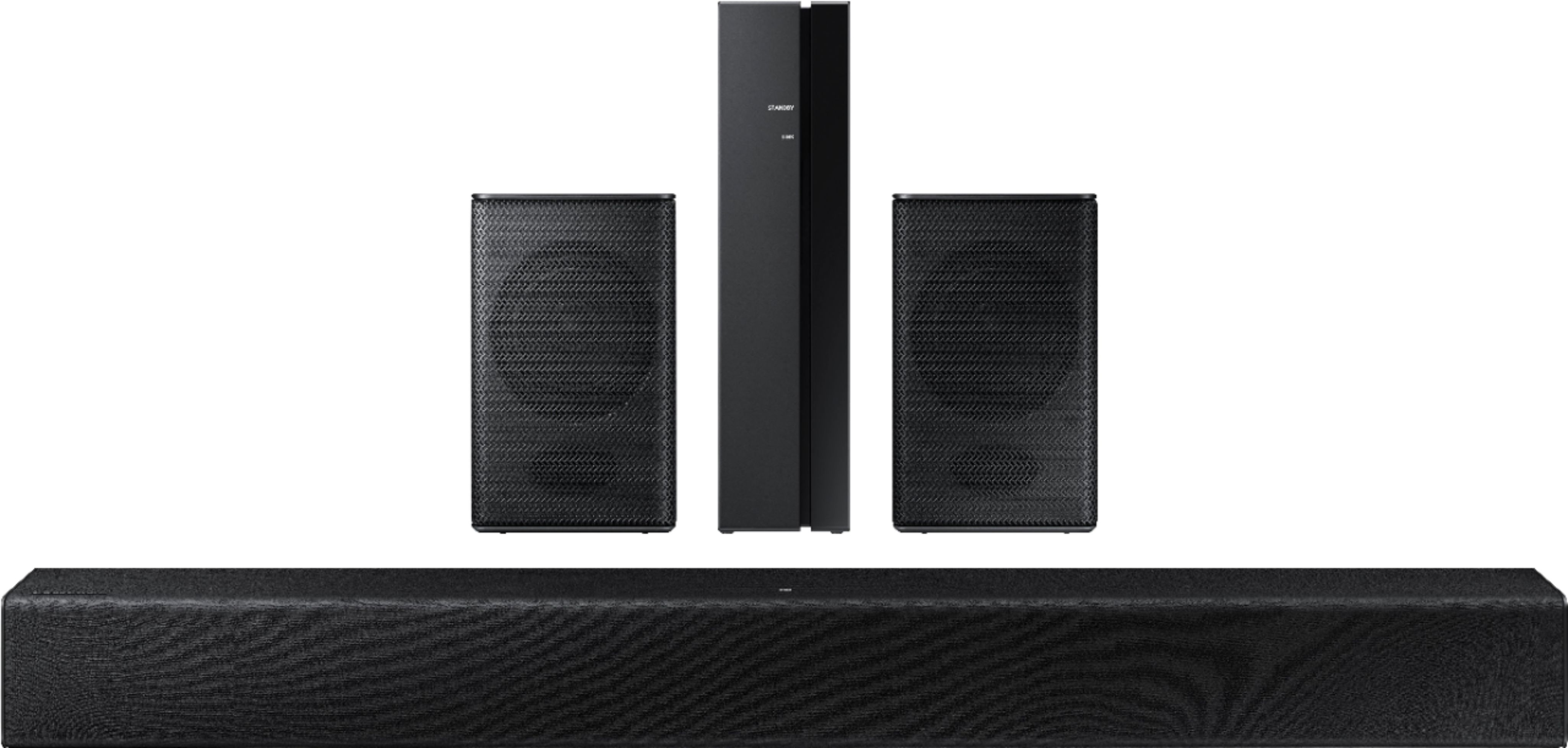

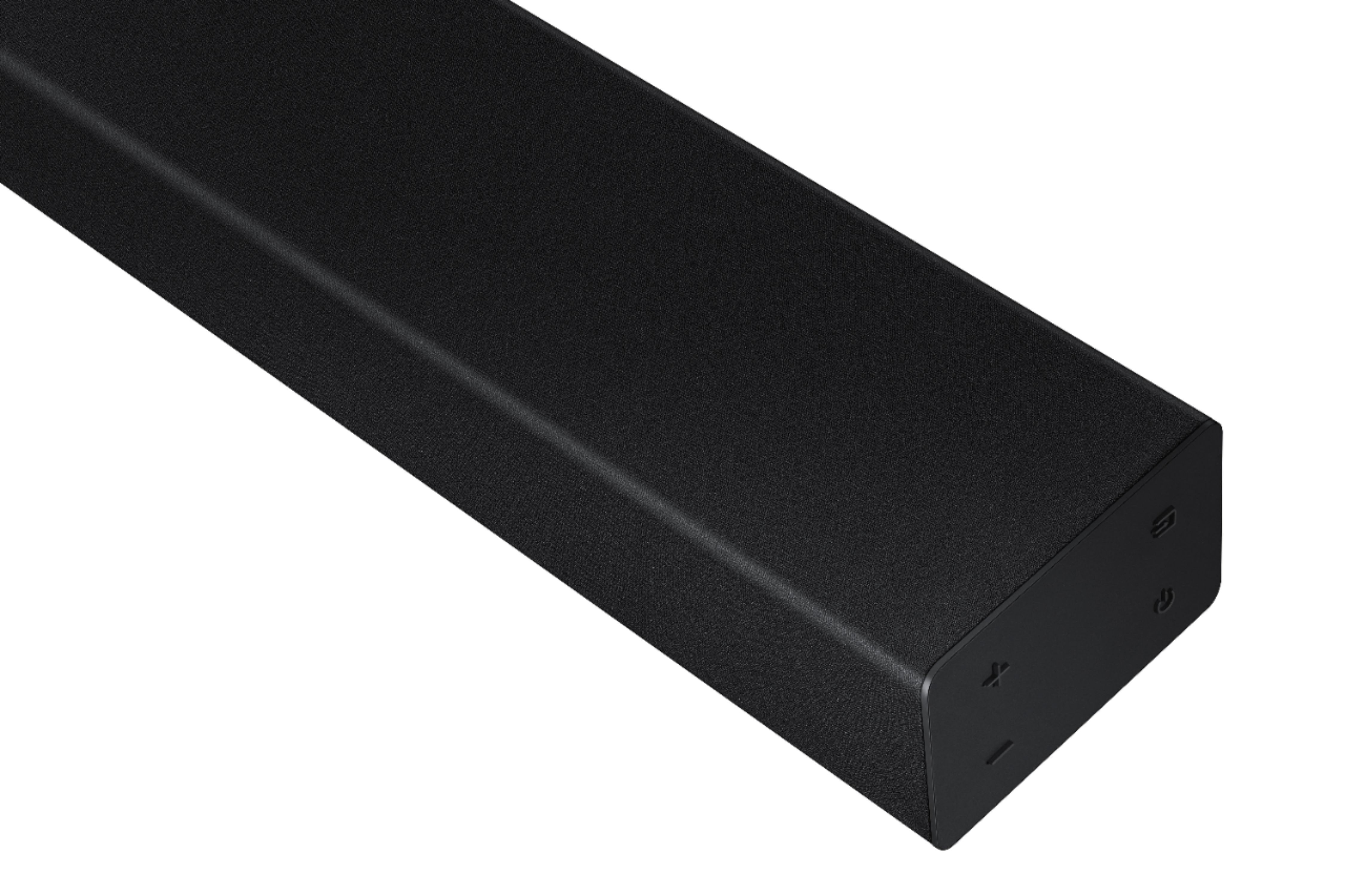

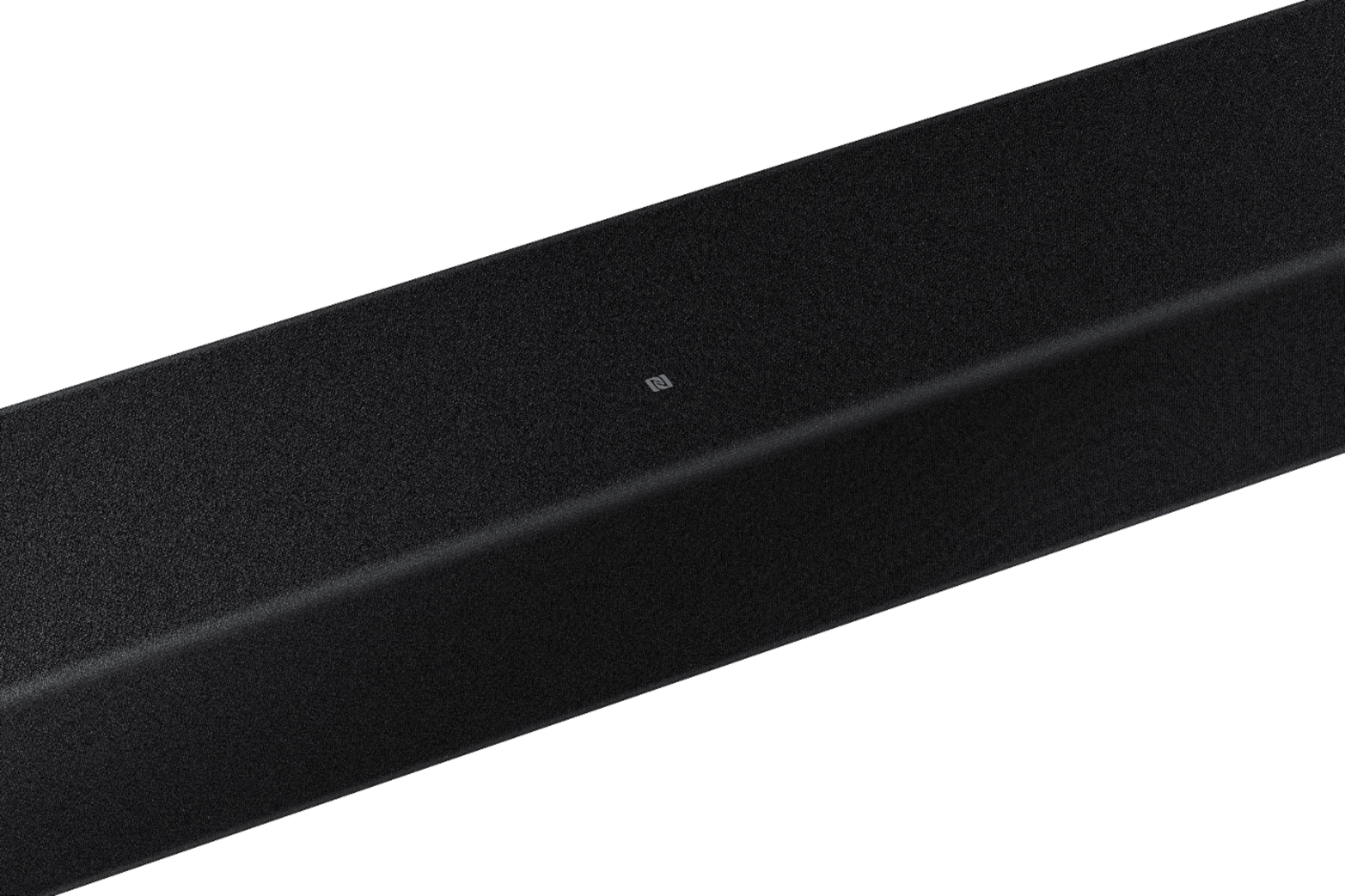

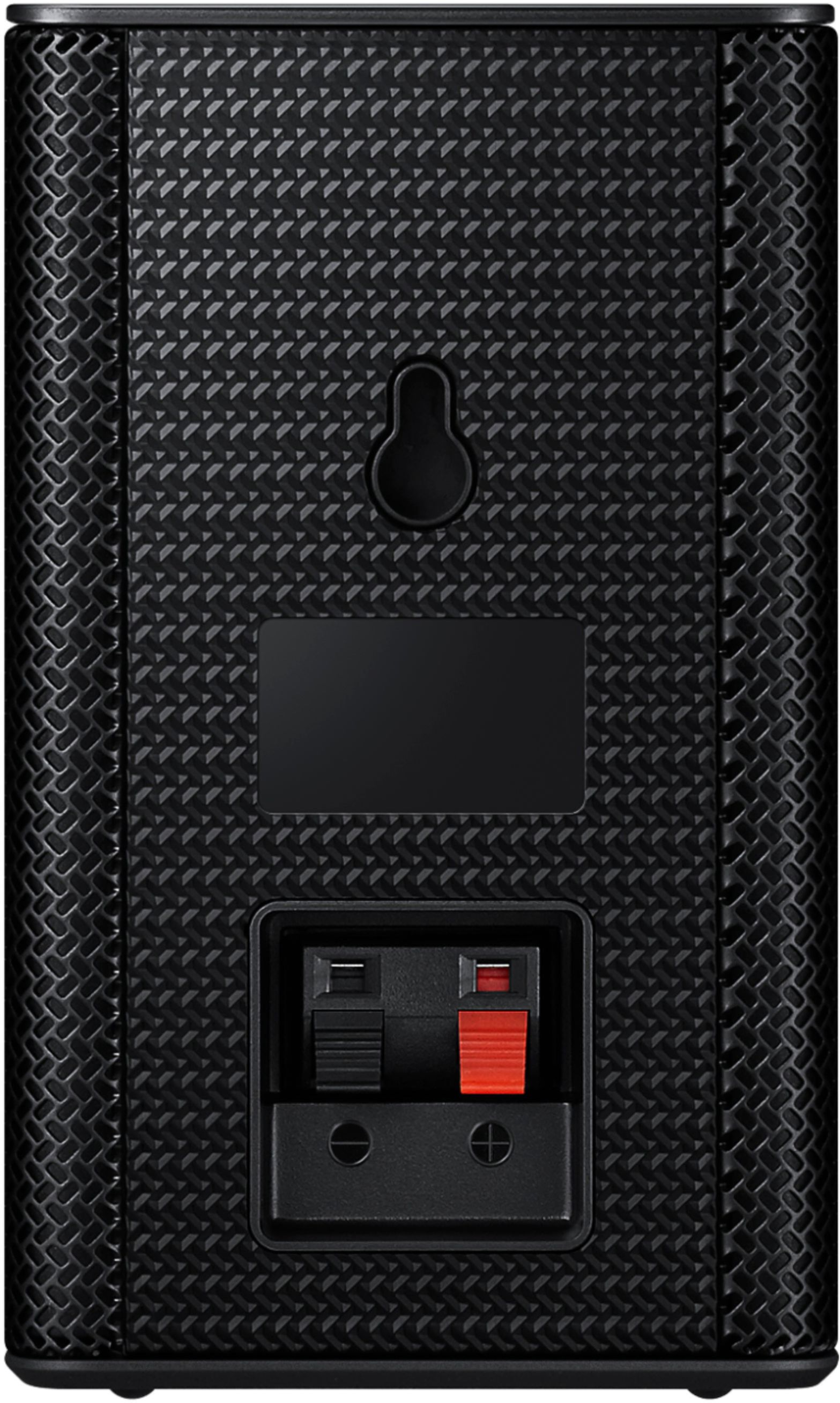
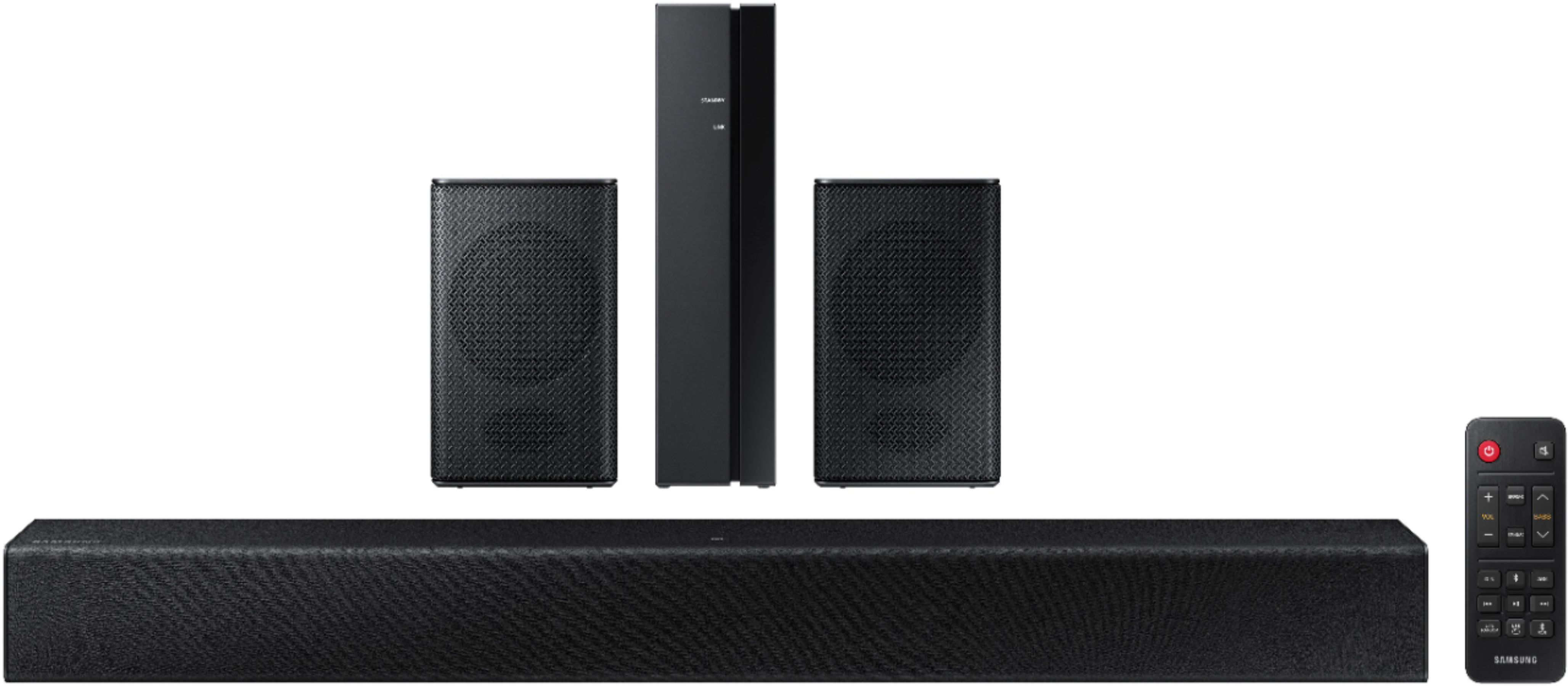
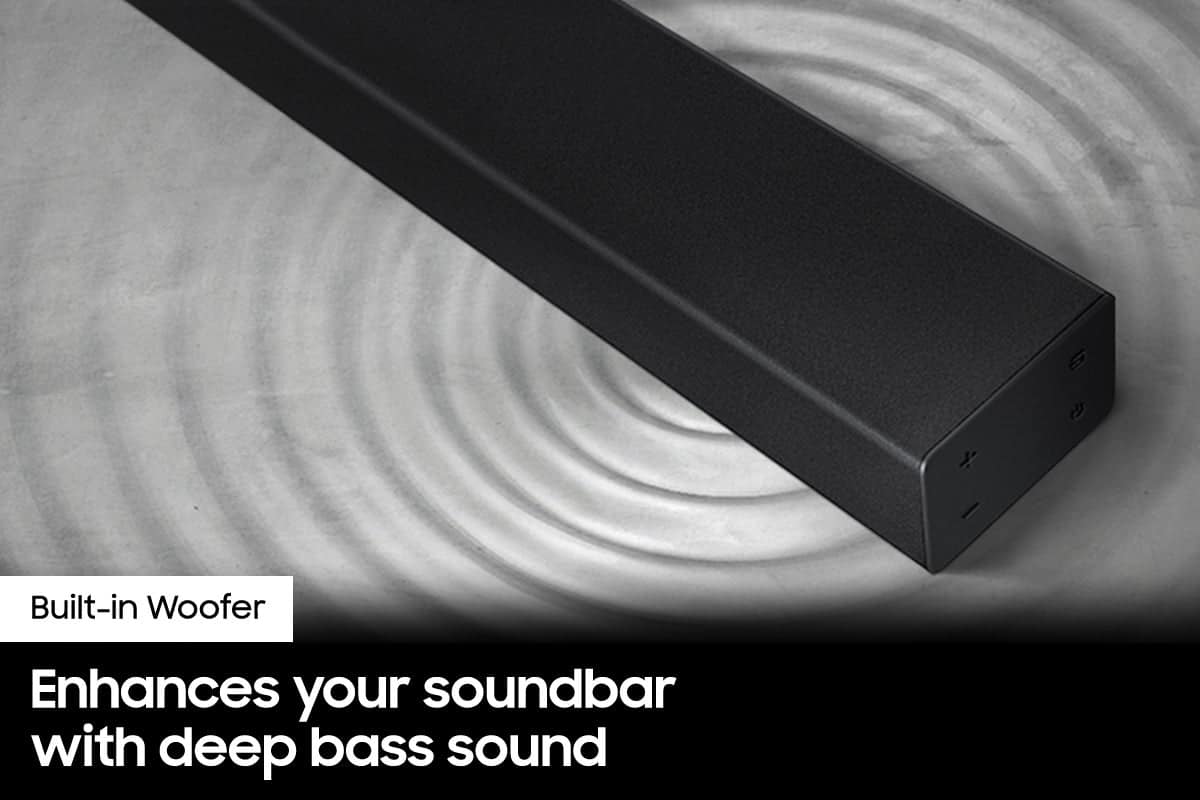
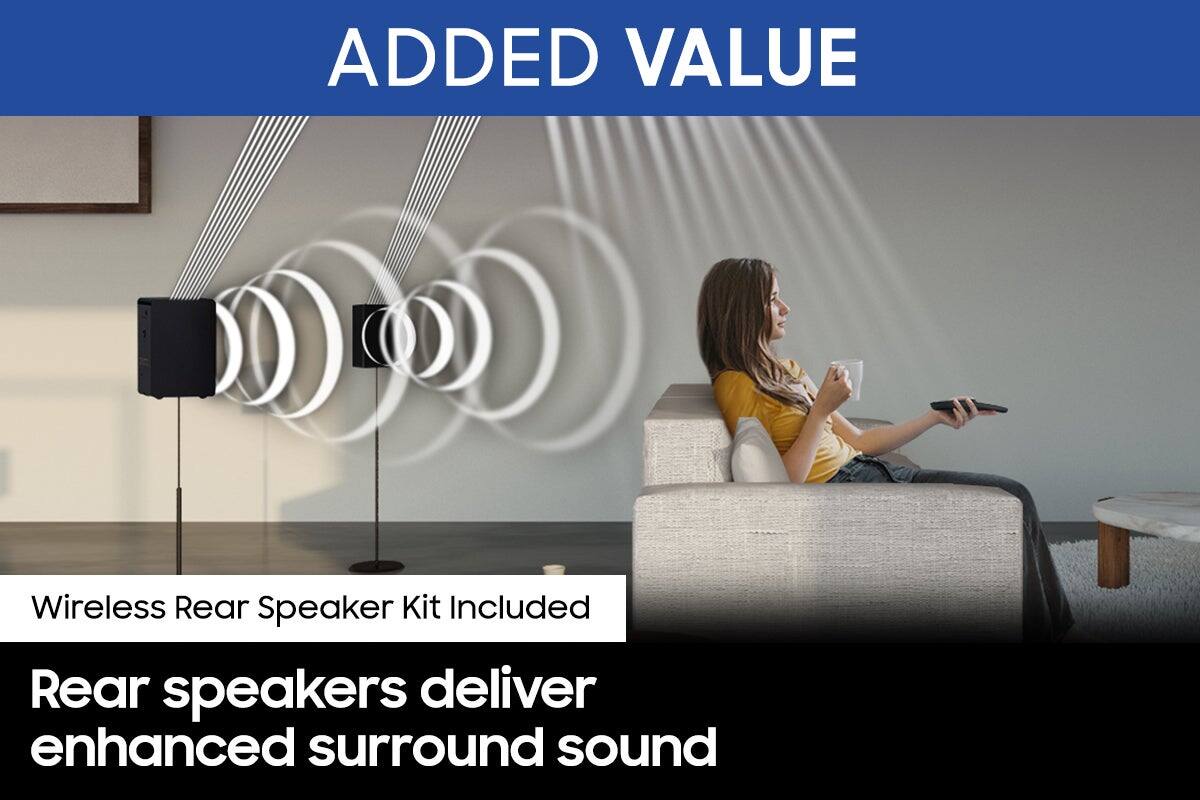

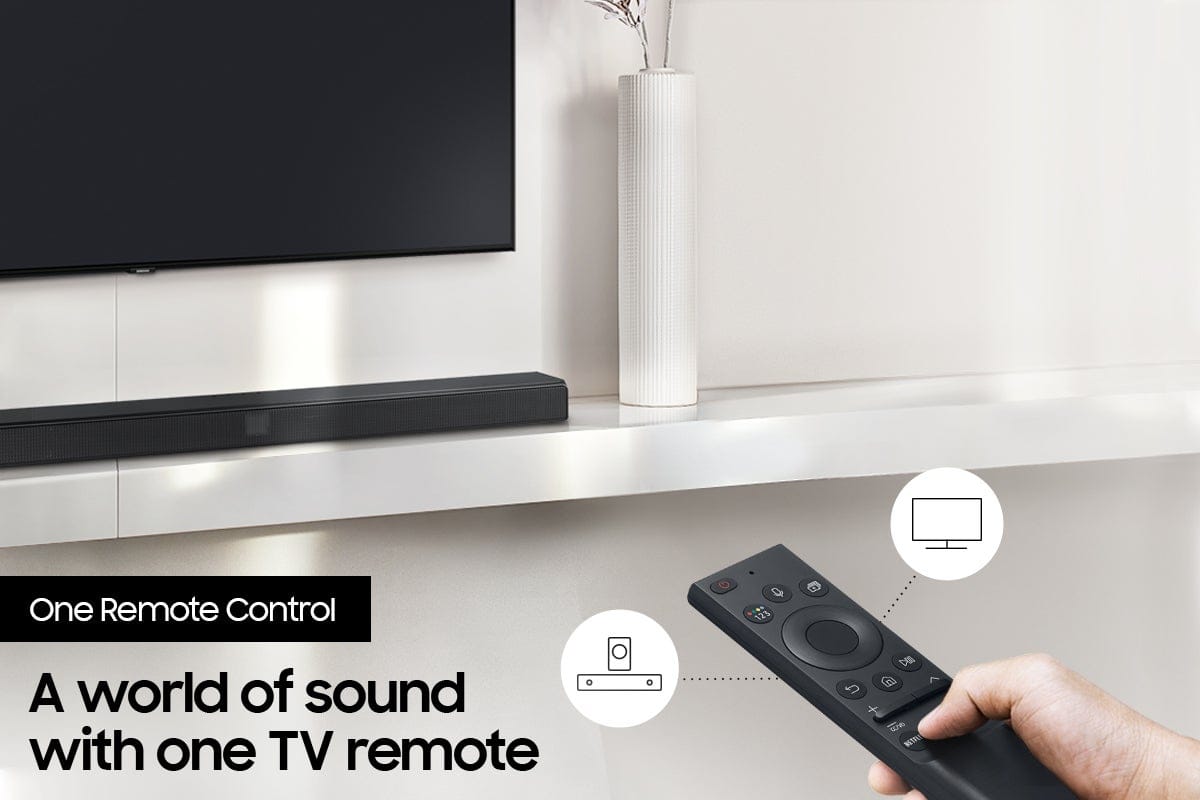




- Model:
- HW-A40R/ZA
- SKU:
- 6454650
Rating by feature
- Value
Rating 3.5 out of 5 stars
- Quality
Rating 3.3 out of 5 stars
- Ease of Use
Rating 3.5 out of 5 stars
Customers are saying
Customers are enthusiastic about the HW-A40R 4ch Sound bar's sound quality, describing it as "very good" and "amazing." They also appreciate its user-friendly setup process and affordable price point. However, some users have expressed concerns about the quality of the rear speakers, volume level, connectivity issues, and insufficient bass.
This summary was generated by AI based on customer reviews.
A catastrophe of biblical proportions
||Posted . Owned for less than 1 week when reviewed.This reviewer received promo considerations or sweepstakes entry for writing a review.I have no words to describe how much of a dumpster fire this speaker bundle is. For starters the sound bar and rear speaker kit are not compatible for one another- even though they connect there is no control on the sound bar to increase or decrease volume on the rear speakers-leaving them with almost no sound no matter what Sound setting the TV was set to or what audio OUT setting the sound bar is set to. As for the sound bar, the Bluetooth does not connect properly to Smart TVs. I tried on three different smart tv’s in my house 1 didn’t connect and the the other two had a 5 second lag/ echo. LASTLY- the sound bar is not found in the smart things app- it strait up says it doesn’t exist when the barcode/QR code is scanned… no poor reflection on Best Buy but if this were mid-evil times Samsung developers would be stoned in the streets for putting this on the market
No, I would not recommend this to a friendBrand response from Samsung
Posted .Hi Abigail,
Thank you for sharing your detailed review of the Samsung HW-A40R. Your feedback regarding the control of the rear speakers, connection issues with Bluetooth, and support for the Smart Things app is important to us and will be shared with our internal product teams.
There are a few settings and adjustments that can be made to increase the volume of the rear speakers to your liking. First, make sure you have the latest firmware version installed (ver1014). Once installed, with the Soundbar on, press and hold the STANDARD button on the remote control for about 6 seconds. Use the BASS Up/Down buttons to adjust the level of the REAR speakers between -6 to +6.
Additionally, turn off the soundbar, then press and hold the source button on the soundbar for 7 seconds to enable Gain Boost. With Gain Boost active, the rear speaker’s volume level will be increased when the soundbar is in Surround mode. This feature can be turned off by following the same process.
I hope this helps you further enjoy the audio experience. Should you ever have questions or need help, please call us at 1-800-SAMSUNG (ask for Soundbars), available 8AM - 12AM EST, 7 days a week.
For additional support resources, visit us on the Samsung website and click on the ‘Support’ link in the upper right corner of the homepage for:
1) Chat with Us/Product Help: To begin a chat or find solutions, choose ‘TVs & Home Theater’ and select your model & topic.
2) Manuals & Software
3) Warranty Info
4) Register a Product: For access to easy warranty support, convenient opt-in to special promos and offers, faster troubleshooting and service, and quick notification of system updates
5) Contact Us
~ Samsung Solutions
- Pros mentioned:Sound quality
Love this product
||Posted . Owned for 1 month when reviewed.This reviewer received promo considerations or sweepstakes entry for writing a review.Love it sound quality is amazing has a lot of bass and makes u feel like your at a movie theater
I would recommend this to a friend No worries
||Posted . Owned for 1 week when reviewed.This reviewer received promo considerations or sweepstakes entry for writing a review.First one the wireless speakers had very low volume. Best buy exchanged them with no problem and the second set worked great.best buy ....great customer service A+
I would recommend this to a friend- Pros mentioned:Sound quality
Pretty good soundbar for the price
||Posted . Owned for 1 month when reviewed.This reviewer received promo considerations or sweepstakes entry for writing a review.Been looking for a decent priced soundbar for a while. Decided to give it a try and sobfar I'm really happy with it.
I would recommend this to a friend - Pros mentioned:Sound quality
Movie theater quality
||Posted . Owned for 1 month when reviewed.This reviewer received promo considerations or sweepstakes entry for writing a review.Sounds very nice! Excellent product, and I love the surround sound.
I would recommend this to a friend - Cons mentioned:Rear speakers
Garbage
||Posted . Owned for 2 months when reviewed.This reviewer received promo considerations or sweepstakes entry for writing a review.Garbage. Pure garbage. Rear speakers do not work. No online trick has fixed them and now I cannot return mine, nor return it directly to samsung. Thanks best buy, you suck. Thanks samsung, this is actually your worst product.
No, I would not recommend this to a friendBrand response from Samsung
Posted .Hi CuttleFish,
We appreciate you sharing your review of the HW-A40R and detailing your experience with the included Wireless Rear Speakers. Please know, there are a few adjustment settings available for the rear speakers after you update to the latest firmware version (v.1014).
You can update the firmware by connecting a USB device with the firmware update stored on it to the USB port on your Soundbar.
1.Go to the Samsung Electronics website (www.samsung.com) → click on the “Support” option in the upper right corner.
2.Click on “Manuals & Software” from the pop-up list > TVs & Home Theater > Home Theater > Select your model
2. Download the firmware file (USB type).
3. Unzip the file to create a folder with the file name.
4. Store the created folder in a USB and then connect it to the Soundbar.
Once installed, with the Soundbar on, press and hold the STANDARD button on the remote control for about 6 seconds; the LEDs will blink to indicate you are in adjustment mode. You can then use the BASS Up/Down buttons to adjust the level of the REAR speakers between -6 to +6. The adjustment mode will exit if the surround button is pressed, or if no button is pressed for 10 seconds.
I hope this tip helps you enjoy the experience with your new Samsung soundbar! Should you have additional questions regarding the audio settings available for your soundbar,
Should you ever have questions or need help, please call us at 1-800-SAMSUNG (ask for Soundbars), available 8AM - 12AM EST, 7 days a week.
For additional support resources, visit us on the Samsung website and click on the ‘Support’ link in the upper right corner of the homepage for:
1) Chat with Us/Product Help: To begin a chat or find solutions, choose ‘TVs & Home Theater’ and select your model & topic.
2) Manuals & Software
3) Warranty Info
4) Register a Product: For access to easy warranty support, convenient opt-in to special promos and offers, faster troubleshooting and service, and quick notification of system updates
5) Contact Us
~ Samsung Solutions
- Pros mentioned:Sound quality
Surrounded by simplicity
||Posted . Owned for 3 months when reviewed.This reviewer received promo considerations or sweepstakes entry for writing a review.Wireless speakers yet still sound amazing. The hardest part about setting up is choosing where to put your speakers.
I would recommend this to a friend - Pros mentioned:Ease of use
sound system
||Posted . Owned for 1 month when reviewed.This reviewer received promo considerations or sweepstakes entry for writing a review.everything was perfect. We use it all of the time. setup was extremely easy. worked right out of the box.
I would recommend this to a friend - Pros mentioned:Sound quality
Good basic soundbar
||Posted . Owned for 5 months when reviewed.This reviewer received promo considerations or sweepstakes entry for writing a review.Excellent sound quality. Got it “open box” so price was great!
I would recommend this to a friend Review of Samsung sound bar
||Posted . Owned for 1 month when reviewed.This reviewer received promo considerations or sweepstakes entry for writing a review.I do feel that the sound quality could be a bit clearer.
No, I would not recommend this to a friendBrand response from Samsung
Posted .Hello Soundbar,
Thank you for purchasing the Samsung HW-A40R and for your review. We appreciate your feedback regarding the performance of your new soundbar.
You can try manually optimizing your settings by selecting the Surround or Standard buttons to change the sound mode. Additionally, Press the BASS + or BASS - buttons to adjust the level of the woofer (bass) between -6 to +6.
With the latest firmware version installed (ver. 1014), press and hold the STANDARD button on the remote control for about 6 seconds then use the Bass Up/Down buttons to adjust the level of the rear speakers between -6 to +6.
I hope these tip help to improve your sound experience. If you should need further assistance or have questions, please contact Samsung Customer Support.
Please call us at 1-800-SAMSUNG (ask for Soundbars), available 8 AM – 12 AM EST, 7 days a week.
For additional support resources, visit us on the Samsung website and click on the ‘Support’ link in the upper right corner of the homepage for:
1) Chat with Us/Product Help: To begin a chat or find solutions, choose ‘TVs & Home Theater’ and select your model & topic.
2) Manuals & Software
3) Warranty Info
4) Register a Product: For access to easy warranty support, convenient opt-in to special promos and offers, faster troubleshooting and service, and quick notification of system updates
5) Contact Us
~ Samsung Solutions
- Pros mentioned:Sound quality
It does the job
||Posted .This reviewer received promo considerations or sweepstakes entry for writing a review.Got this on sale and loved it. Bought another one for a friend. Does the job
I would recommend this to a friend Useless rear speakers, spend money elsewhere.
||Posted . Owned for 3 months when reviewed.This reviewer received promo considerations or sweepstakes entry for writing a review.The rear speakers really are useless. The volume is so low out of them that they may as well not even be there. The soundbar itself is passable. Do not buy these, you're wasting money on half a package of things that don't even work.
No, I would not recommend this to a friendBrand response from Samsung
Posted .Hi Dylan,
Thank you for purchasing the Samsung HW-A40R and for sharing your review. Your feedback regarding the performance of the included rear speakers is important to us and will be shared with our product teams. Please know, there are a few settings you can change to adjust the surround effect to your preference:
1) Download and install the latest firmware version found at the following link (ver. HMS-A4X0WWB-1011): https://www.samsung.com/us/support/downloads/?model=N0021435&modelCode=HW-A40R/ZA
2) Once installed, with the Soundbar on, press and hold the STANDARD button on the remote control for about 6 seconds
3) The LEDs will blink to indicate you are in adjustment mode
4) Use the BASS Up/Down buttons to adjust the level of the REAR speakers between -6 to +6.
5) The adjustment mode will exit if the surround button is pressed, or if no button is pressed for 10 seconds
If the volume levels still seem to low for your preference, please be aware of the following:
1) Make sure that the source (e.g. TV output) is sending surround channels to the Soundbar. If the source is not capable of surround, then set the Surround mode to OFF on the Soundbar by pressing the Surround button on the remote.
2) If the source has surround channels, select the Surround Sound Mode from the Soundbar remote.
3) Turn off Dynamic Range Control. This is done by pressing and holding the SURROUND button for 5 seconds.
4) Turn off the soundbar, then press and hold the source button on the soundbar for 7 seconds to enable Gain Boost. With Gain Boost active, the rear speaker’s volume level will be increased when the soundbar is in Surround mode. This feature can be turned off by following the same process.
I hope these tips help to enhance your audio enjoyment. Should you ever have questions or need help, please call us at 1-800-SAMSUNG (ask for Soundbars), available 8AM - 12AM EST, 7 days a week.
For additional support resources, visit us on the Samsung website and click on the ‘Support’ link in the upper right corner of the homepage for:
1) Chat with Us/Product Help: To begin a chat or find solutions, choose ‘TVs & Home Theater’ and select your model & topic.
2) Manuals & Software
3) Warranty Info
4) Register a Product: For access to easy warranty support, convenient opt-in to special promos and offers, faster troubleshooting and service, and quick notification of system updates
5) Contact Us
~ Samsung Solutions
- Pros mentioned:Sound quality
Soundbar
||Posted . Owned for 1 year when reviewed.This reviewer received promo considerations or sweepstakes entry for writing a review.Wonderful addition to any theatre room or living room. Sound quality is excellent.
I would recommend this to a friend Samsung sound bar
||Posted . Owned for 1 month when reviewed.This reviewer received promo considerations or sweepstakes entry for writing a review.I thought it was going to be bigger and have digital volume numbers
No, I would not recommend this to a friendBrand response from Samsung
Posted .Hi,
Thank you for purchasing the Samsung HW-A40R Soundbar and for your review. We appreciate your thoughts on the LED display and the size of the soundbar. Your feedback on the design is important to us and will be shared with our design teams.
Should you ever have questions or need help with features, specs, or operation, we are here to help. You can reach us at 1-800-SAMSUNG (ask for Soundbars), available 8AM - 12AM EST, 7 days a week.
For additional support resources, visit us on the Samsung website and click on the ‘Support’ link in the upper right corner of the homepage for:
1) Chat with Us/Product Help: To begin a chat or find solutions, choose ‘TVs & Home Theater’ and select your model & topic.
2) Manuals & Software
3) Warranty Info
4) Register a Product: For access to easy warranty support, convenient opt-in to special promos and offers, faster troubleshooting and service, and quick notification of system updates
5) Contact Us
~ Samsung Solutions
- Pros mentioned:Sound quality
Great quality & even better sound
||Posted . Owned for 11 months when reviewed.This reviewer received promo considerations or sweepstakes entry for writing a review.You can never go wrong with Samsung. The quality and sound are both amazing!
I would recommend this to a friend - Pros mentioned:Sound quality
Soundbar
||Posted . Owned for less than 1 week when reviewed.This reviewer received promo considerations or sweepstakes entry for writing a review.The best thing I could have ever did for my family. It brings our family room to life
I would recommend this to a friend Good sound bar
||Posted . Owned for 7 months when reviewed.This reviewer received promo considerations or sweepstakes entry for writing a review.Got this sound bar for our work out room. Does the job just fine! Not top of the line sound bad but great for what we needed.
I would recommend this to a friendSamsung sound bar review
||Posted . Owned for 3 weeks when reviewed.This reviewer received promo considerations or sweepstakes entry for writing a review.It is good and all it just can be aggravating to hook it up and everything.
I would recommend this to a friendBrand response from Samsung
Posted .Hi Nick!
Thank you for purchasing the Samsung HW-A40R and for sharing your review. Your experience regarding the setup is important to us and will be shared with our product teams.
Please know you can find the full manual for your soundbar online by following these steps:
1) Visit the product page of the HW-A650 Soundbar on Samsung’s website
2) Click “Support” below the soundbar name - this will take you to the bottom of the web page.
3) You will then see 2 options in grey boxes: User Manual and Warranty.
4) Click “Download” under User Manual & agree to the terms – the full User Manual will then begin downloading!
Should you ever have questions or need help with features, specs, or operation, we are here to help. Contact us at:
1-800-SAMSUNG (ask for Soundbars), available 8AM -12AM EST (Mon-Fri), 9AM – 6PM EST (Sat). Or text HELP to 62913.
For additional support resources, visit us on the Samsung website and click on the ‘Support’ link in the upper right corner of the homepage for:
1) More ‘Contact Us’ options – LiveChat, Facebook, Twitter, Samsung Community, Samsung Members app
2) Manuals & Software
3) Warranty Info
4) Product Registration: For access to easy warranty support, convenient opt-in to special promos and offers, faster troubleshooting and service, and quick notification of system updates.
~ Samsung Solutions
samsung hw a40r
||Posted . Owned for 3 weeks when reviewed.This reviewer received promo considerations or sweepstakes entry for writing a review.it's ok for the price but i wished i bought something with better sound.
No, I would not recommend this to a friendBrand response from Samsung
Posted .Hi lostsoul!
Thank you for purchasing the Samsung HW-A40R and for your review. We appreciate your feedback regarding the performance of your new soundbar.
You can try manually optimizing your settings by pressing the SOUND MODE button on your remote, and then selecting the desired sound effect by choosing STANDARD or SURROUND SOUND.
You can further adjust TREBLE and BASS via the SOUND CONTROL button (looks like a gear symbol).
For precise audio adjustments, you can use the 7-band frequency equalizer to optimize the sound for your room acoustics.
Additionally, there are two adjustments that can be made for bass and subwoofer:
1) Using the WOOFER button on the remote, you can adjust the volume of the subwoofer between -6 to +6 by toggling the button up or down. To set the subwoofer volume level to 0, press the button down
2) Adjust the bass control by pressing the SOUND CONTROL button (gear icon) on the remote control, then select BASS to increase the level. You can adjust the volume between -6 to +6 by using the Up/Down buttons.
If you need further assistance, please know Samsung Customer Support is here to help.
1-800-SAMSUNG (ask for Soundbars), available 8AM -12AM EST (Mon-Fri), 9AM – 6PM EST (Sat). Or text HELP to 62913.
For additional support resources, visit us on the Samsung website and click on the ‘Support’ link in the upper right corner of the homepage for:
1. More ‘Contact Us’ options – LiveChat, Facebook, Twitter, Samsung Community, Samsung Members app
2. Manuals & Software
3. Warranty Info
4. Product Registration: For access to easy warranty support, convenient opt-in to special promos and offers, faster troubleshooting and service, and quick notification of system updates.
~ Samsung Solutions
- Pros mentioned:Sound quality
Love it
||Posted . Owned for 1 week when reviewed.This reviewer received promo considerations or sweepstakes entry for writing a review.This small guy has great sound quality for its price. Great for bedrooms.
I would recommend this to a friend