Customer Ratings & Reviews
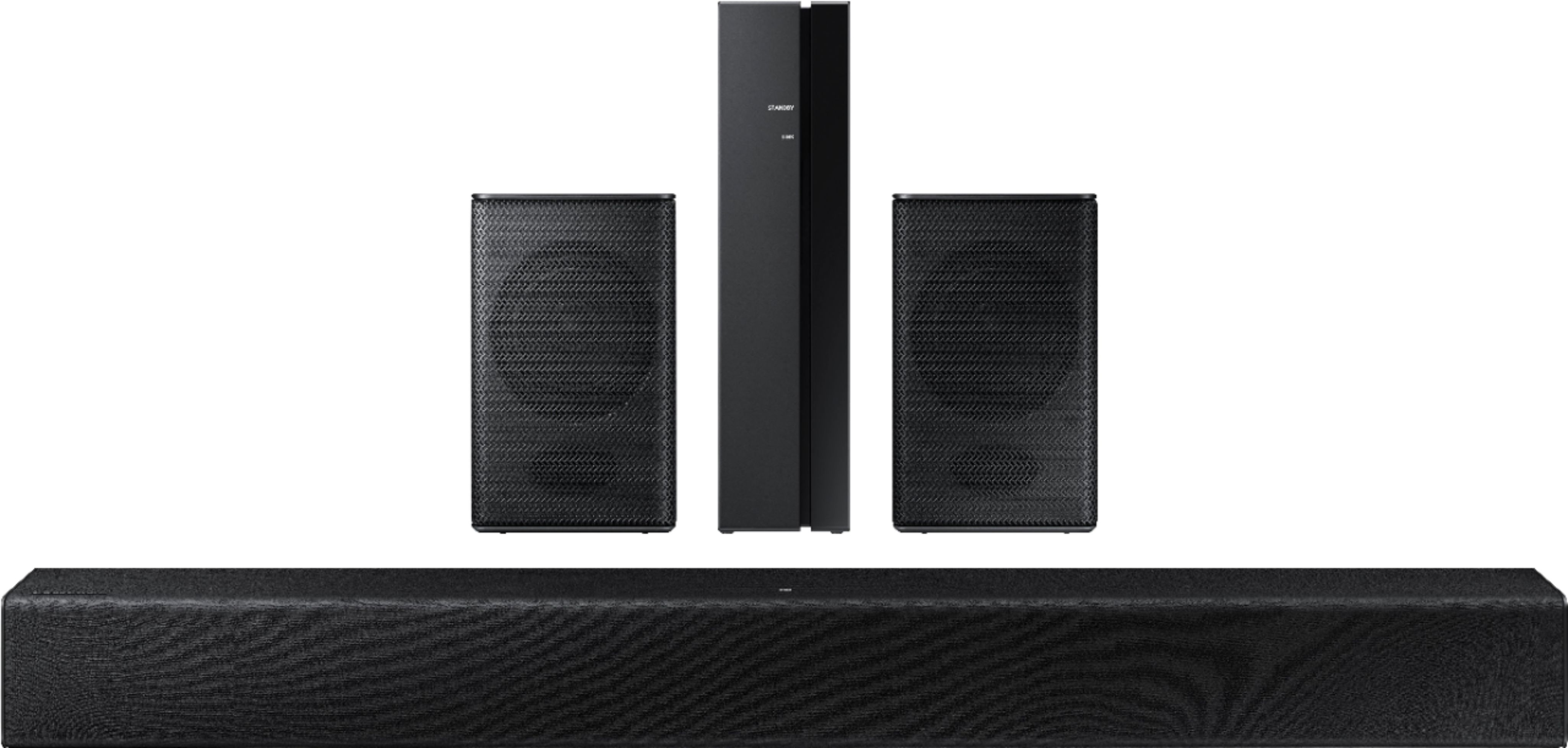

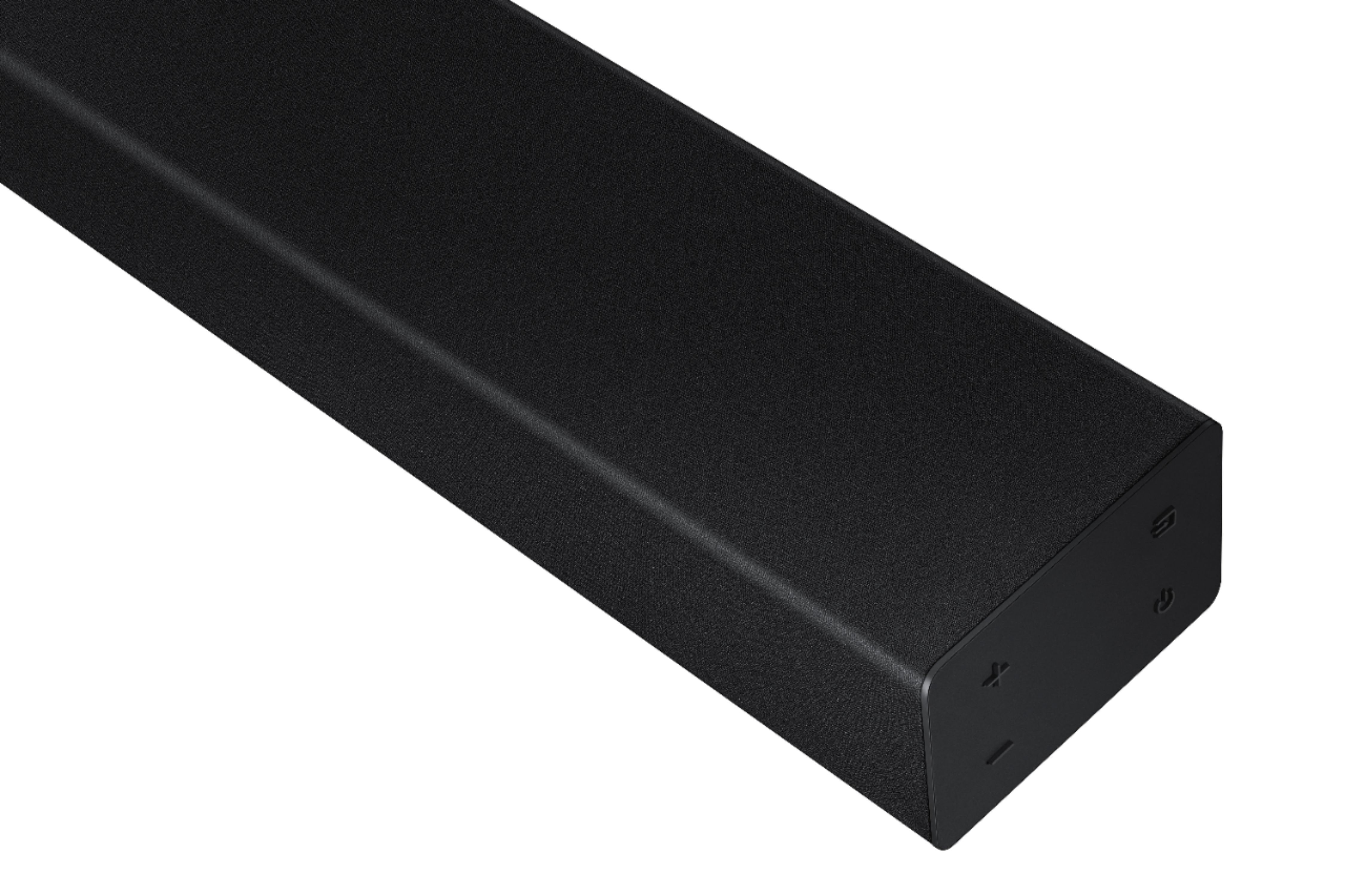


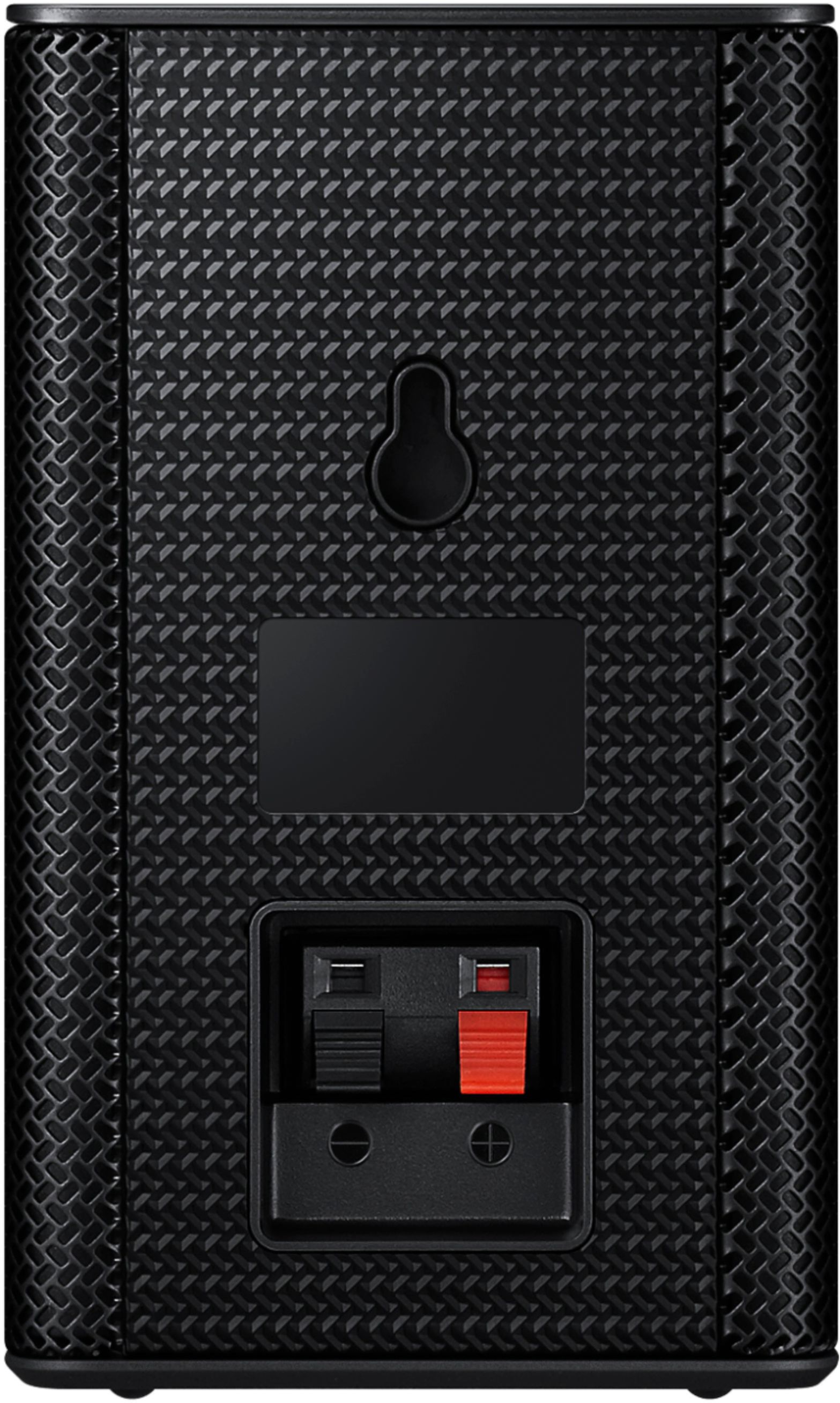
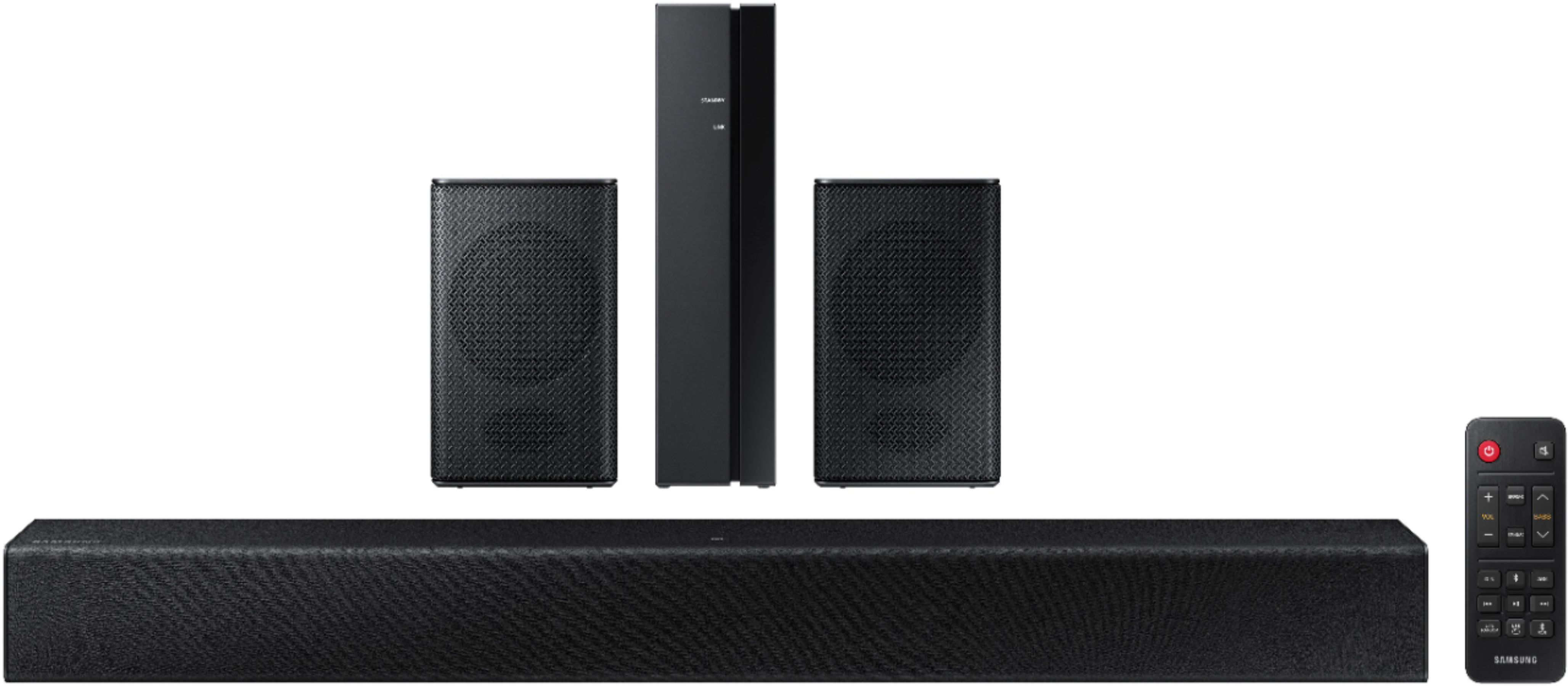
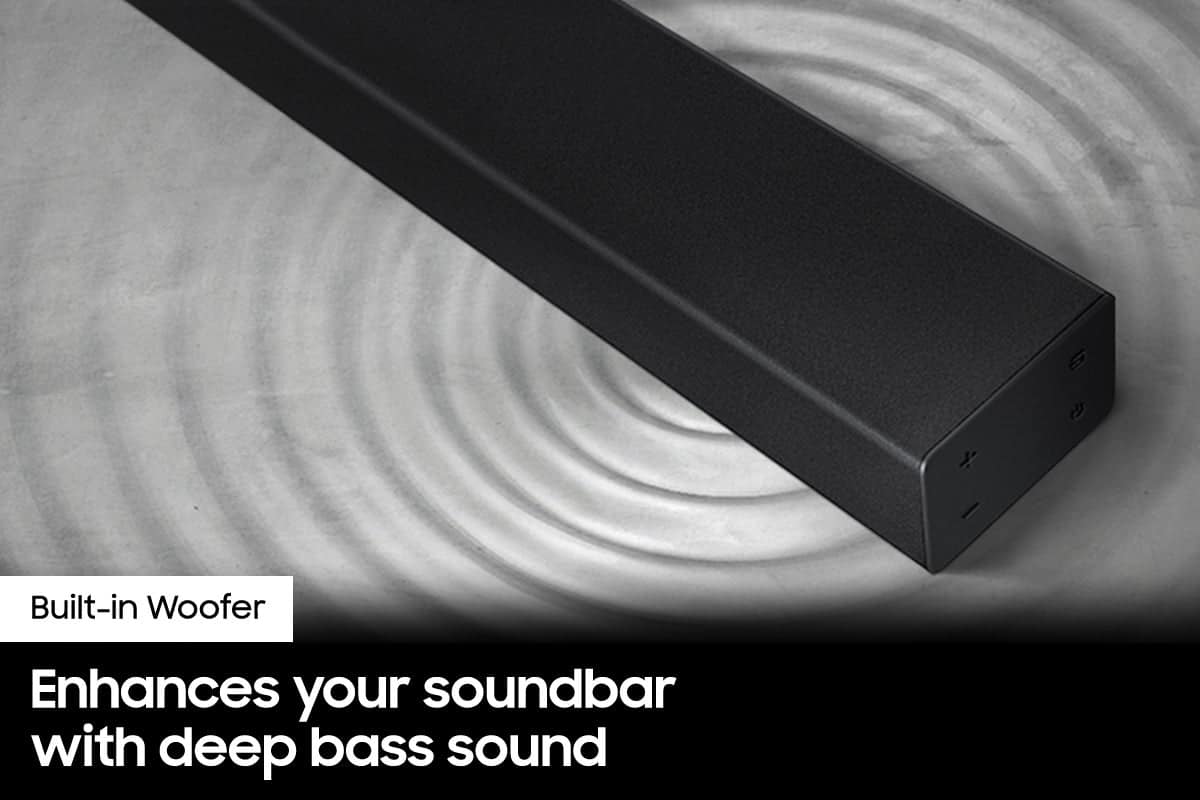
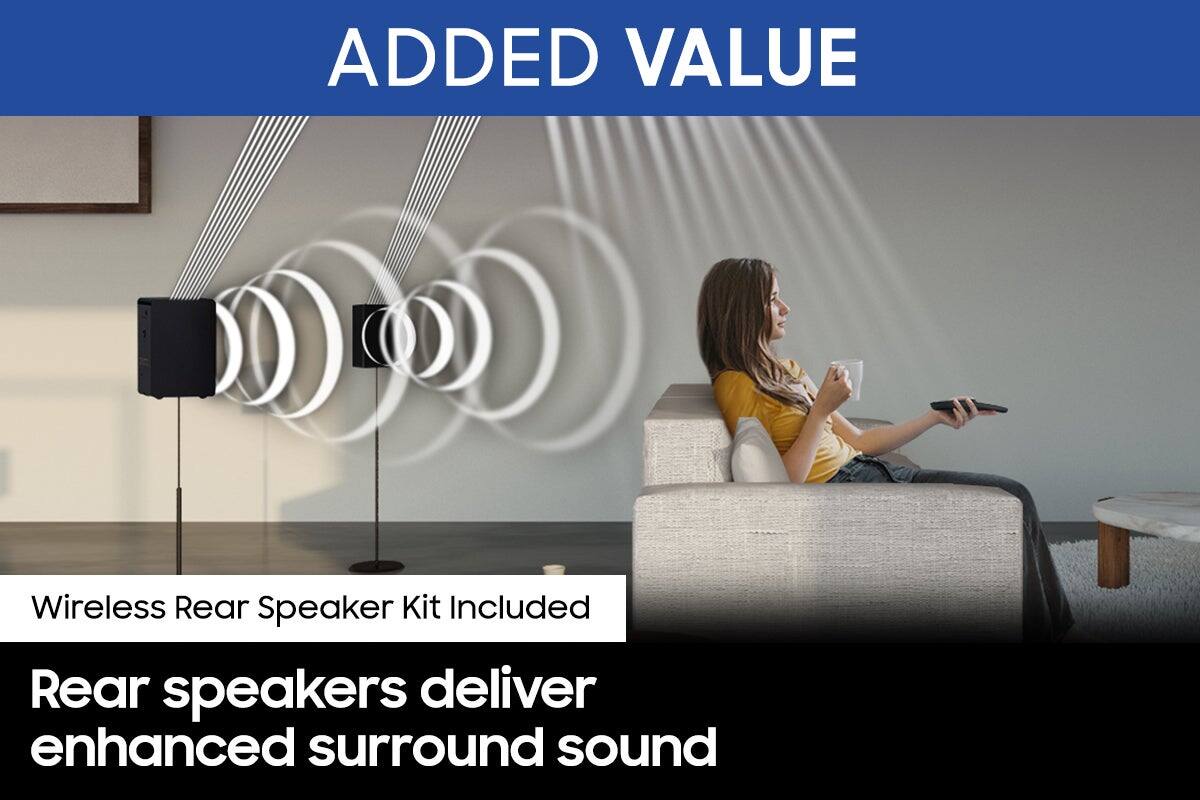
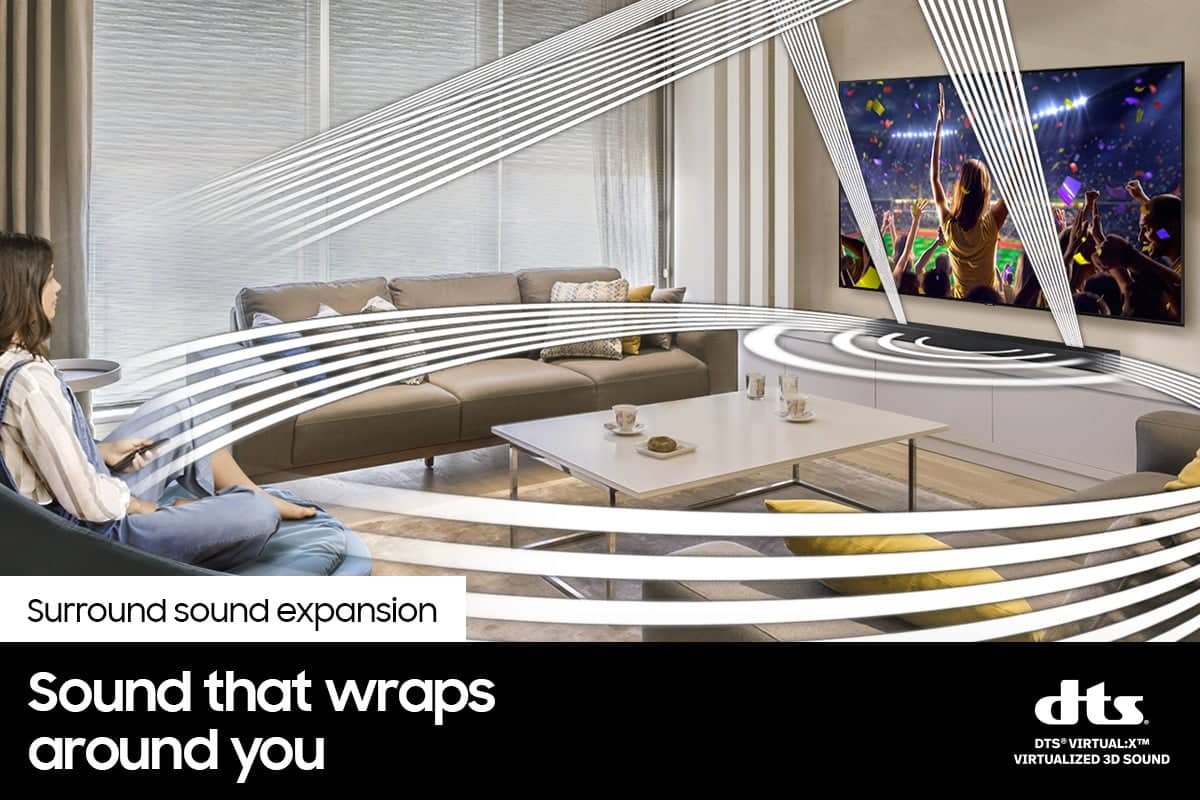




- Model:
- HW-A40R/ZA
- SKU:
- 6454650
Rating by feature
- Value
Rating 3.5 out of 5 stars
- Quality
Rating 3.3 out of 5 stars
- Ease of Use
Rating 3.5 out of 5 stars
Customers are saying
Customers are enthusiastic about the HW-A40R 4ch Sound bar's sound quality, describing it as "very good" and "amazing." They also appreciate its user-friendly setup process and affordable price point. However, some users have expressed concerns about the quality of the rear speakers, volume level, connectivity issues, and insufficient bass.
This summary was generated by AI based on customer reviews.
Buy a more expensive system
||Posted . Owned for 3 weeks when reviewed.This reviewer received promo considerations or sweepstakes entry for writing a review.Horrible sound quality will be returning don’t buy
No, I would not recommend this to a friendBrand response from Samsung
Posted .Hello AmandaN,
Thank you for your review of the Samsung HW-A40R Soundbar and for sharing your experiences with the issues that have caused you to consider returning your soundbar. Your experience is very important to us and will be shared with our product team.
If you have not yet returned your unit, please give us the opportunity to troubleshoot your issue and work toward a solution.
You can reach Samsung Support at 1-800-SAMSUNG (ask for Soundbars) 8 AM – 12 AM EST, 7 days a week.
We hope to hear from you soon.
~Samsung Solutions
Why would the back speakers not work
||Posted . Owned for less than 1 week when reviewed.This reviewer received promo considerations or sweepstakes entry for writing a review.Back speakers dont work at all why would you even sell this?
No, I would not recommend this to a friendBrand response from Samsung
Posted .Hello Perla,
We appreciate you sharing your review of the HW-A40R and detailing your experience with the included Wireless Rear Speakers. Please know, there are a few adjustment settings available for the rear speakers after you update to the latest firmware version (v.1014).
You can update the firmware by connecting a USB device with the firmware update stored on it to the USB port on your Soundbar.
1.Go to the Samsung Electronics website (www.samsung.com) → click on the “Support” option in the upper right corner.
2.Click on “Manuals & Software” from the pop-up list > TVs & Home Theater > Home Theater > Select your model
2. Download the firmware file (USB type).
3. Unzip the file to create a folder with the file name.
4. Store the created folder in a USB and then connect it to the Soundbar.
Once installed, with the Soundbar on, press and hold the STANDARD button on the remote control for about 6 seconds; the LEDs will blink to indicate you are in adjustment mode. You can then use the BASS Up/Down buttons to adjust the level of the REAR speakers between -6 to +6. The adjustment mode will exit if the surround button is pressed, or if no button is pressed for 10 seconds.
I hope this tip helps you enjoy the experience with your new Samsung soundbar! Should you have additional questions regarding the audio settings available for your soundbar,
Should you ever have questions or need help, please call us at 1-800-SAMSUNG (ask for Soundbars), available 8AM - 12AM EST, 7 days a week.
For additional support resources, visit us on the Samsung website and click on the ‘Support’ link in the upper right corner of the homepage for:
1) Chat with Us/Product Help: To begin a chat or find solutions, choose ‘TVs & Home Theater’ and select your model & topic.
2) Manuals & Software
3) Warranty Info
4) Register a Product: For access to easy warranty support, convenient opt-in to special promos and offers, faster troubleshooting and service, and quick notification of system updates
5) Contact Us
~ Samsung Solutions
Does not work as advertised
||Posted . Owned for 1 month when reviewed.This reviewer received promo considerations or sweepstakes entry for writing a review.Rear does not sync and all trouble shooting failed to fix it.
No, I would not recommend this to a friendBrand response from Samsung
Posted .Hi Choward,
Thank you for your review of the HW-A40R Soundbar and for sharing your experience regarding the connection issues you are experiencing with the included rear speakers. Your feedback is important to us and will be shared with our product teams.
If automatic connection fails, try manually pairing the rear speakers:
1. Check whether the power cables for the Soundbar and Wireless Surround speaker are connected properly.
2. Make sure that the Soundbar is turned on
3. Press the ID SET button on the back of the Wireless Receiver Module with a pen tip for 5~6 seconds until the LINK LED indicator blinks fast (in Blue)
4. Press and hold the mute button on the remote control for at least 5 seconds.
5. Check if the LINK LED is solid blue (connection complete)
- If the LED light is solid blue, the rear speakers are connected to your soundbar.
- If the LED light is blinking blue fast, the module is in pairing mode. Check to see if your soundbar is turned on and repeat the above steps.
- If the LED light is blinking blue slowly, the module is disconnected. Turn off your soundbar and press the Up button on the remote for 5 seconds. The ID SET message will appear on the soundbar for a short time and then disappear. After the ID SET process, the soundbar power is automatically turned on. The LINK LED indicator stops blinking and glows a solid blue when a connection is established between the soundbar and the wireless receiver module.
This issue may also be caused by wireless interference. When there is a wireless device (e.g., wireless LAN) using the same frequency near the Soundbar, the wireless connection between the Subwoofer and Surround Speaker could become unstable. This will affect the quality of audio output.
Should you ever have questions or need help troubleshooting this issue further, please call us at 1-800-SAMSUNG (ask for Soundbars), available 8AM - 12AM EST, 7 days a week.
For additional support resources, visit us on the Samsung website and click on the ‘Support’ link in the upper right corner of the homepage for:
1) Chat with Us/Product Help: To begin a chat or find solutions, choose ‘TVs & Home Theater’ and select your model & topic.
2) Manuals & Software
3) Warranty Info
4) Register a Product: For access to easy warranty support, convenient opt-in to special promos and offers, faster troubleshooting and service, and quick notification of system updates
5) Contact Us
~ Samsung Solutions
Bad
||Posted . Owned for 2 months when reviewed.This reviewer received promo considerations or sweepstakes entry for writing a review.Connection is wonky speakers half the time sound off
No, I would not recommend this to a friendBrand response from Samsung
Posted .Hi Manu,
Thank you for purchasing the Samsung HW-A40R and for sharing the issues you are experiencing with the connection of your wireless rear speaker kit. Your feedback is important to us and will be shared with our product teams.
Please know, the maximum wireless signal distance between the soundbar and rear speakers is about 33 feet. If there is a wall between the soundbar and the transmitter module, it may cause interference or the sound may not work at all, depending on the material in the wall. Finally, if a device that uses the same wireless frequency, such as a Wi-Fi router, is near the soundbar, interference may cause some sound interruption.
Please also make sure your soundbar is updated to the latest firmware version (ver1014) featuring the latest connection improvements. Should you continue to experience issues with the sound occasionally dropping, you may want to try reconnecting the speakers manually; this will reset the connection.
I hope these tips help, should you need additional assistance with this, or have additional questions, please contact Samsung Customer Support at 1-800-SAMSUNG (ask for Soundbars), available 8AM - 12AM EST, 7 days a week.
For additional support resources, visit us on the Samsung website and click on the ‘Support’ link in the upper right corner of the homepage for:
1) Chat with Us/Product Help: To begin a chat or find solutions, choose ‘TVs & Home Theater’ and select your model & topic.
2) Manuals & Software
3) Warranty Info
4) Register a Product: For access to easy warranty support, convenient opt-in to special promos and offers, faster troubleshooting and service, and quick notification of system updates
5) Contact Us
~ Samsung Solutions
Sound bar
||Posted .This reviewer received promo considerations or sweepstakes entry for writing a review.This system does not sound good and is not worth the price.
No, I would not recommend this to a friendBrand response from Samsung
Posted .Hi!
Thank you for your review of this Samsung HW-A40R Soundbar System. We appreciate you sharing your audio experience with us. Your feedback is very important to us and will be shared with our product team.
You can try manually optimizing your settings by pressing the SOUND MODE button on your remote, and then selecting the desired sound effect by choosing STANDARD or SURROUND SOUND.
You can further adjust TREBLE and BASS via the SOUND CONTROL button (looks like a gear symbol).
For precise audio adjustments, you can use the 7-band frequency equalizer to optimize the sound for your room acoustics.
If you need further assistance, please know Samsung Customer Support is here to help.
1-800-SAMSUNG (ask for Soundbars), available 8AM -12AM EST, 7 days a week. Or text HELP to 62913.
For additional support resources, visit us on the Samsung website and click on the ‘Support’ link in the upper right corner of the homepage for:
1) More ‘Contact Us’ options – LiveChat, Facebook, Twitter, Samsung Community, Samsung Members app
2) Manuals & Software
3) Warranty Info
4) Product Registration: For access to easy warranty support, convenient opt-in to special promos and offers, faster troubleshooting and service, and quick notification of system updates.
~ Samsung Solutions
- Pros mentioned:Sound quality
Extra Sound but not for me
Posted .This reviewer received promo considerations or sweepstakes entry for writing a review.This is a decent entry soundbar but i returned it. The sound was decent but it is not powered and did not pair with my remote. I love Samsung products but this one was not accurately described. I opted to spend a little more ($179) and get a much better, more powerful sound and ease of integration.
No, I would not recommend this to a friendBrand response from Samsung
Posted .Hello KennethD,
Thank you for your review of the Samsung HW-A40R Soundbar and for sharing the experiences that have caused you to return your unit. Your experience is very important to us and will be shared with our product team.
Should you ever decide to give Samsung Soundbars another try and have questions or need assistance with settings, setup, or features, please know we are always here to help.
Call us at 1-800-SAMSUNG (ask for Soundbars), available 8 AM – 12 AM EST, 7 days a week.
~ Samsung Solutions
- Pros mentioned:Sound quality
Works perfect for the bedroom tv
Posted .This reviewer received promo considerations or sweepstakes entry for writing a review.I got this for my husband for his bday, it’s for tv in the bedroom. It’s works perfect for the bedroom size. He loves it!
I would recommend this to a friend - Cons mentioned:Volume, Wireless
Bluetooth not working
Posted .This reviewer received promo considerations or sweepstakes entry for writing a review.I had this system with another house I recently sold and never had any issues. I decided to buy the same thing for my current house and the volume has never been that loud. Also, more recently, the Bluetooth sopped working. I’ve tried using other devices like my phone to make sure its the soundbar and not the TV but it’s the sound bar - It will connect and then disconnect. This weekend I will be looking for a more advanced system. I’ve always had success with Sumsung TV’s but am now reluctant to go with their lesser expensive sound system.
No, I would not recommend this to a friendBrand response from Samsung
Posted .Hi MarianaPalm,
Thank you for your review of this Samsung HW-A40R Soundbar System. Your feedback regarding Bluetooth connection issues is important to us and will be shared with our product teams
There are a few things you may want to check:
1) The maximum wireless signal transmission distance is about 33 ft.
2) If there is a wall between the sound bar and the device it may cause interference or not work at all depending on the material in the wall.
3) If there is a device that uses the same wireless frequency near the Soundbar, interference may cause some sound interruption.
4) Also, please be sure you have the latest firmware update (verHMS-A4X0WWB-1011). You can update your firmware by using a USB device. You can find the update on the product page of your HW-A40R on the Samsung website.
Should you need further assistance with this issue, or have any questions about features or operation, please know that Samsung is here to help. Call us at 1-800-SAMSUNG (ask for Soundbars), available 8AM - 12AM EST, 7 days a week.
For additional support resources, visit us on the Samsung website and click on the ‘Support’ link in the upper right corner of the homepage for:
1) Contact Us: For additional Chat & Text options, choose ‘TVs & Home Theater’ and select your model & topic.
2) Manuals & Software
3) Warranty Info
4) Register a Product: For access to easy warranty support, convenient opt-in to special promos and offers, faster troubleshooting and service, and quick notification of system updates
~ Samsung Solutions
- Cons mentioned:Rear speakers, Volume
Not very usefull!
Posted .This reviewer received promo considerations or sweepstakes entry for writing a review.Works ok, but rear speakers are virtually useless. Cannot adjust volume on rear speakers and unless you put your ear to them, you dont think they are working!
No, I would not recommend this to a friendBrand response from Samsung
Posted .Hi Steveg,
Thank you for your review of the HW-A40R Soundbar and for your feedback regarding the volume and control of the rear speakers. By design, the surround speakers are supposed to simulate sounds happening behind the viewer. Therefore, most of the time the surround channels are only used for ambient sounds, which are naturally lower in volume; however, there are a few settings you can change to adjust the surround effect to your preference:
1) Download and install the latest firmware version found at the following link (ver. HMS-A4X0WWB-1011): https://www.samsung.com/us/support/downloads/?model=N0021435&modelCode=HW-A40R/ZA
2) Once installed, with the Soundbar on, press and hold the STANDARD button on the remote control for about 6 seconds
3) The LEDs will blink to indicate you are in adjustment mode
4) Use the BASS Up/Down buttons to adjust the level of the REAR speakers between -6 to +6.
5) The adjustment mode will exit if the surround button is pressed, or if no button is pressed for 10 seconds
If the volume levels still seem to low for your preference, please be aware of the following:
1) Make sure that the source (e.g. TV output) is sending surround channels to the Soundbar. If the source is not capable of surround, then set the Surround mode to OFF on the Soundbar by pressing the Surround button on the remote.
2) If the source has surround channels, select the Surround Sound Mode from the Soundbar remote.
3) Turn off Dynamic Range Control. This is done by pressing and holding the SURROUND button for 5 seconds.
4) Turn off the soundbar, then press and hold the source button on the soundbar for 7 seconds to enable Gain Boost. With Gain Boost active, the rear speaker’s volume level will be increased when the soundbar is in Surround mode. This feature can be turned off by following the same process.
I hope these tips help to enhance your audio enjoyment. Should you need further assistance optimizing settings to your liking, please contact Samsung Customer Support at 1-800-SAMSUNG (ask for Soundbars), available 8AM - 12AM EST, 7 days a week.
For additional support resources, visit us on the Samsung website and click on the ‘Support’ link in the upper right corner of the homepage for:
1) Chat with Us/Product Help: To begin a chat or find solutions, choose ‘TVs & Home Theater’ and select your model & topic.
2) Manuals & Software
3) Warranty Info
4) Register a Product: For access to easy warranty support, convenient opt-in to special promos and offers, faster troubleshooting and service, and quick notification of system updates
5) Contact Us
~ Samsung Solutions
Samsung - 75” Class CU7000 Crystal UHD 4K Smart Ti
Posted .This reviewer received promo considerations or sweepstakes entry for writing a review.Makes movie night awesome. With the features this product has, it makes gaming a dream. Resolution is superior and refresh time is great.
I would recommend this to a friend- Cons mentioned:Volume
Not good.
Posted .This reviewer received promo considerations or sweepstakes entry for writing a review.Had nothing but trouble with this surround sound. Ended up returning it and upgrading. The volume would completely cut out after a few minutes of watching something and I’d have to turn off the unit and then back oh that for it to do the same thing later. Tried updating it using Samsungs recommended instructions to no avail.
No, I would not recommend this to a friend - Pros mentioned:Sound quality
Standard Quality
Posted .This reviewer received promo considerations or sweepstakes entry for writing a review.At first I didn’t like the sound quality until I mounted the sound bar and the rear speakers. I found out how to adjust the rear speakers volume,once that was adjusted the quality of this product was perfect for my bedroom. The bass on this sound bar is good especially for playing music.
I would recommend this to a friend - Pros mentioned:Sound qualityCons mentioned:Rear speakers
Rear speakers don’t work.
Posted .This reviewer received promo considerations or sweepstakes entry for writing a review.You get what you pay for. Looking to save money I opted for this surround sound system and boy did I make a mistake not reading the reviews. The rear speakers are whisper quiet. No intuitive way of turning them up either. The recommended fix of holding the source button also didn’t work nor did the optical sound cord to my TV. Had to link them via Bluetooth and it would cut out randomly. The sound at alone sounds good, but I wanted surround sound so I took it back and bought the slightly more expensive Vizio with the subwoofer and it sounds way better. Don’t buy this bar and Samsung needs to recall the model and tell Best Buy to no longer sell this junk.
No, I would not recommend this to a friendBrand response from Samsung
Posted .Hi Fabatron!
Thank you for your review of the Samsung Q700A Soundbar and for sharing the issues that have caused you to return your unit. Your experience is very important to us and will be shared with our product team.
It is possible that your unit needed minor troubleshooting, a firmware update, or adjustments in settings.
Should you ever decide to give Samsung audio products another try and have questions or need assistance with settings, setup, or features, please know we are always here to help. Contact us at: 1-800-SAMSUNG (ask for Soundbars), available 8AM -12AM EST (Mon-Fri), 9AM – 6PM EST (Sat). Or text HELP to 62913.
For additional support resources, visit us on the Samsung website and click on the ‘Support’ link in the upper right corner of the homepage for:
1) More ‘Contact Us’ options – LiveChat, Facebook, Twitter, Samsung Community, Samsung Members app
2) Manuals, Software, & Warranty Info
We hope to regain you as a customer in the future.
~ Samsung Solutions
Best product
Posted .This reviewer received promo considerations or sweepstakes entry for writing a review.Very good product i really recomendable go and buy one
I would recommend this to a friend- Pros mentioned:Sound quality
Speaker
Posted .This reviewer received promo considerations or sweepstakes entry for writing a review.Good sound quality . Definitely recommend . If you having movie night with family or even lil party for music
I would recommend this to a friend - Pros mentioned:Sound quality
Surround sound
Posted .This reviewer received promo considerations or sweepstakes entry for writing a review.Sounds great.. Glad I bought this. Regular TV speakers don't cut it these days...
I would recommend this to a friend - Pros mentioned:Sound quality
Great sound for the price.
Posted .This reviewer received promo considerations or sweepstakes entry for writing a review.Great sound for the price. This really made a difference with our TV. Perfect for what we needed.
I would recommend this to a friend Soundbar
Posted .This reviewer received promo considerations or sweepstakes entry for writing a review.Wasn't happy with the sound output from the speakers..
No, I would not recommend this to a friendBrand response from Samsung
Posted .Hello hench567,
Thank you for your review of the HW-A40R Soundbar and for your feedback regarding the volume issues you are experiencing with the included rear speakers. By design, the surround speakers are supposed to simulate sounds happening behind the viewer. Therefore, most of the time the surround channels are only used for ambient sounds, which are naturally lower in volume.
However, there are a few settings you can change to adjust the surround effect to your preference:
1) Download and install the latest firmware version
2) Once installed, with the Soundbar on, press and hold the STANDARD button on the remote control for about 6 seconds
3) The LEDs will blink to indicate you are in adjustment mode
4) Use the BASS Up/Down buttons to adjust the level of the REAR speakers between -6 to +6.
5) The adjustment mode will exit if the surround button is pressed, or if no button is pressed for 10 seconds
If the volume levels still seem to low for your preference, please be aware of the following:
1) Make sure that the source (e.g. TV output) is sending surround channels to the Soundbar. If the source is not capable of surround, then set the Surround mode to OFF on the Soundbar by pressing the Surround button on the remote.
2) If the source has surround channels, select the Surround Sound Mode from the Soundbar remote.
3) Turn off Dynamic Range Control. This is done by pressing and holding the SURROUND button for 5 seconds.
4) Turn off the soundbar, then press and hold the source button on the soundbar for 7 seconds to enable Gain Boost. With Gain Boost active, the rear speaker’s volume level will be increased when the soundbar is in Surround mode. This feature can be turned off by following the same process.
I hope these tips help you enjoy your new product.
You can always contact us for further help at 1-800-SAMSUNG (Ask for Soundbars), 8 AM – 12 AM EST, 7 days a week. Our LiveChat agents are also available by clicking on the ‘Support’ link on our website.
~ Samsung Solutions
Going back to BOSE
Posted .This reviewer received promo considerations or sweepstakes entry for writing a review.expected better sound but OK considering only $199. Was bought for school but couldn't get it to work with both the infocus TV and dvd player. Back speakers are not very loud at all.
No, I would not recommend this to a friendBrand response from Samsung
Posted .Hi CarrieK,
We appreciate your feedback on the Samsung HW-A40R Soundbar. I'm sorry you are experiencing issues with the sound and compatibility. To better assist you, give us a call at 1-800-SAMSUNG (Ask for Soundbars), 8 AM - 12 AM EST, seven days a week. Our LiveChat agents are also available by clicking on the ‘Support’ link on our website.
~Samsung Advisor
Overall sound clarity is out of this world.
Posted .This reviewer received promo considerations or sweepstakes entry for writing a review.This samsung sound bar system works great. Sound clarity is magnificent and you can remotely control this with the remote that it comes with. Best buy I have purchased yet. I highly recommend buying now.
I would recommend this to a friend