Customer Ratings & Reviews
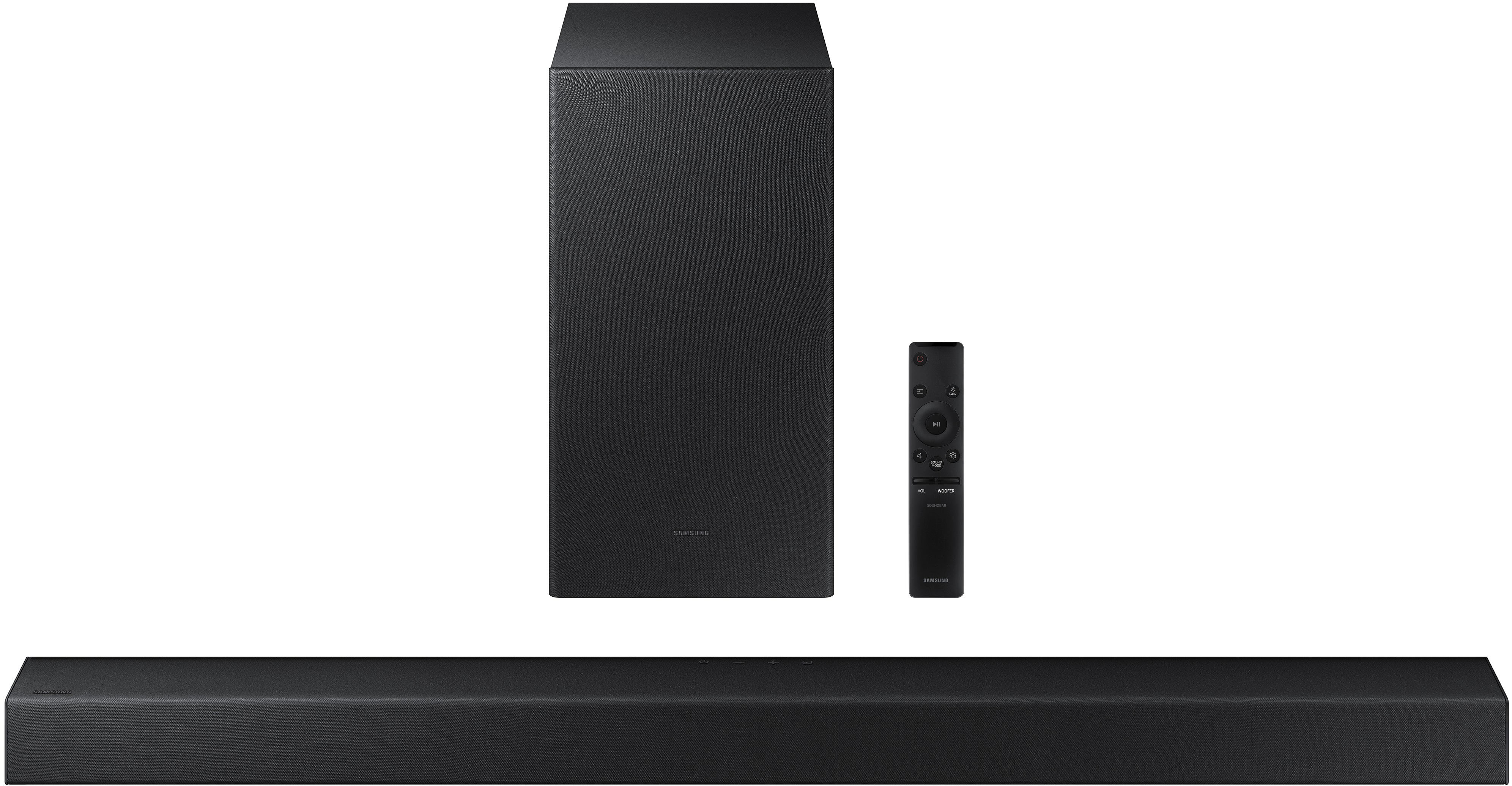
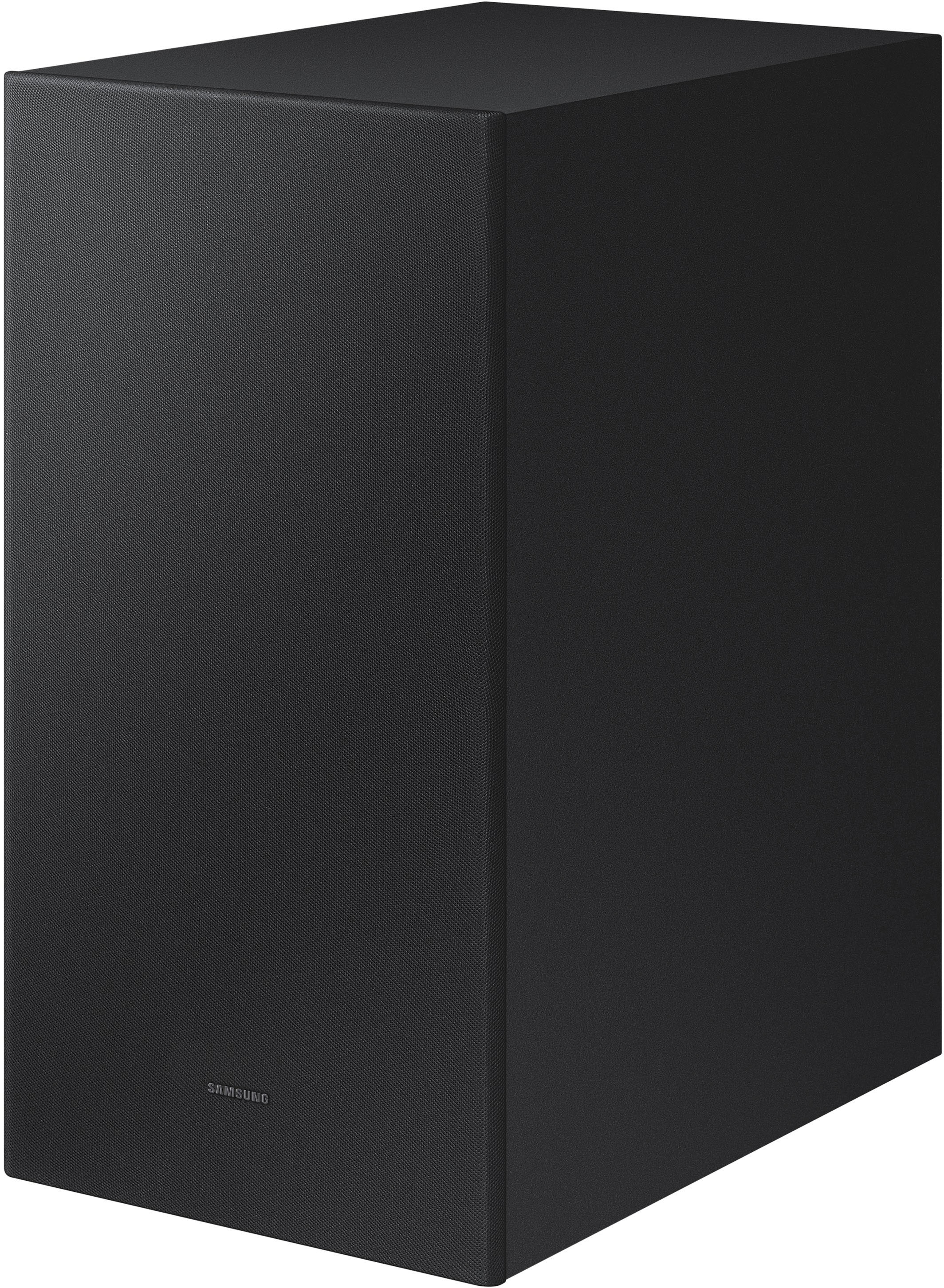

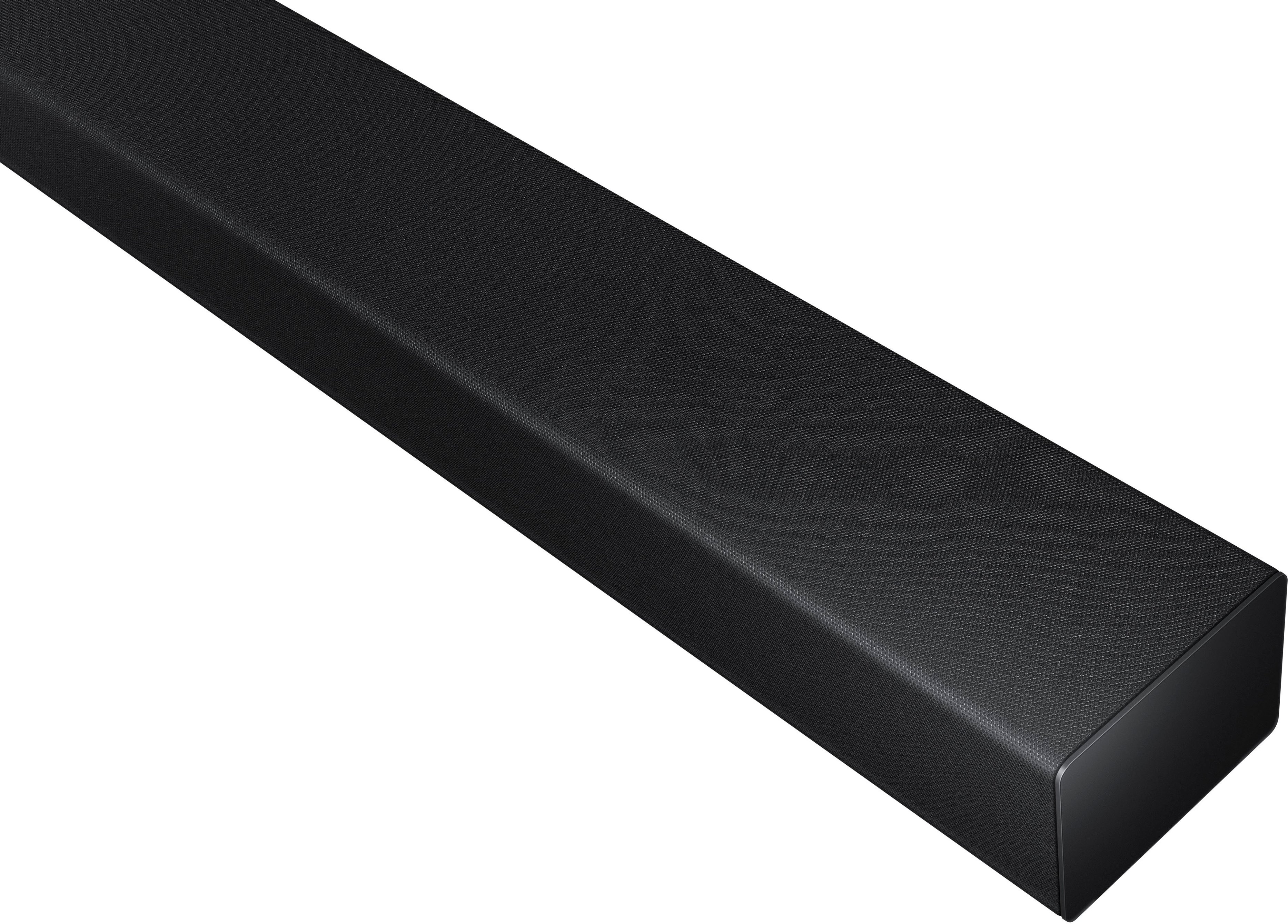









- Model:
- HW-A450/ZA
- SKU:
- 6454648
Rating by feature
- Value
Rating 4.5 out of 5 stars
- Quality
Rating 4.4 out of 5 stars
- Ease of Use
Rating 4.5 out of 5 stars
Customers are saying
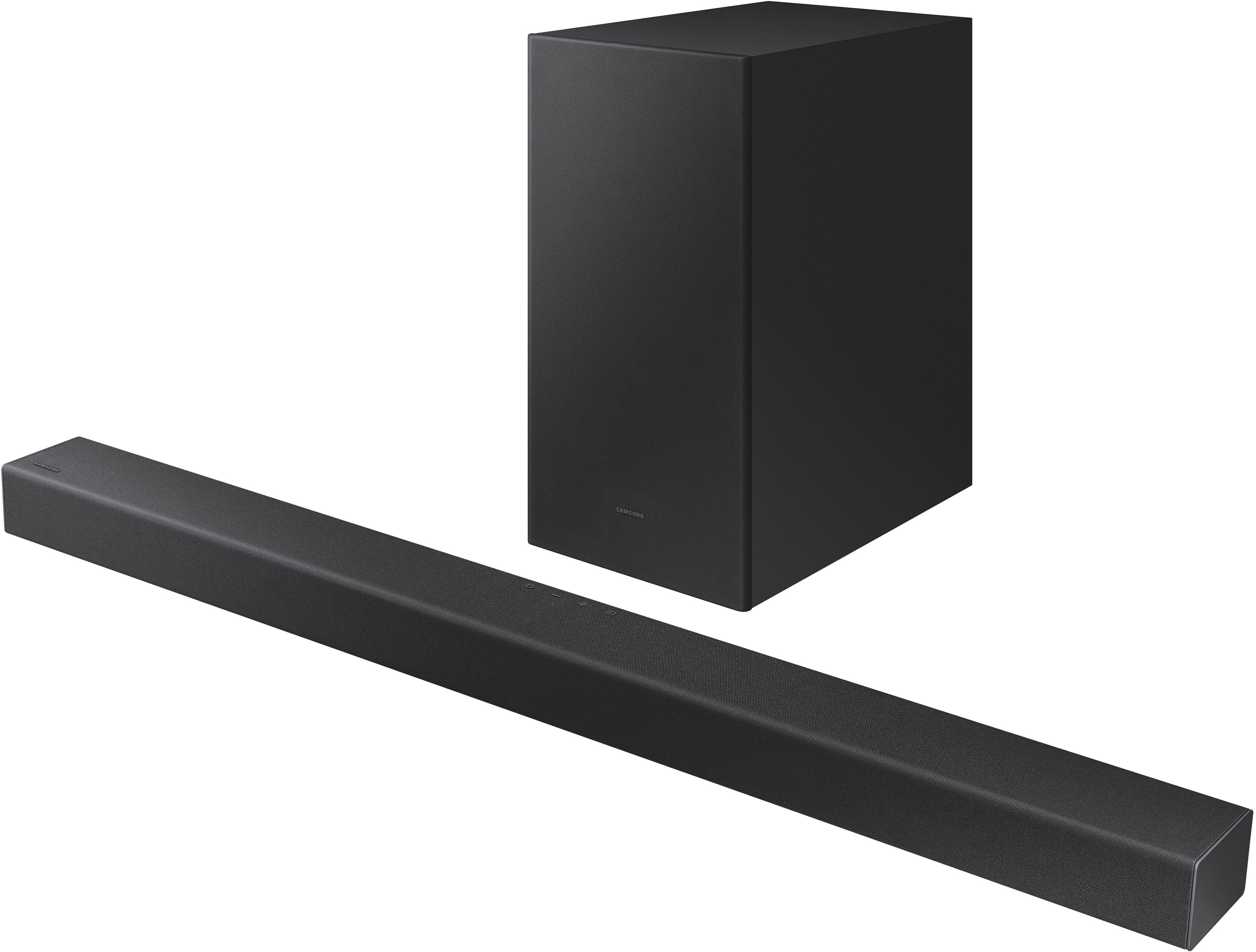
Customers commend the HW-A450 Wireless 2.1ch Soundbar for its exceptional sound quality, describing it as amazing and excellent. They appreciate the easy setup process and the versatility of the wireless subwoofer. The soundbar is also praised for its affordable price and powerful bass. On the downside, some customers have expressed concerns about the volume, connectivity issues, durability, and the lack of HDMI connectivity.
This summary was generated by AI based on customer reviews.
- Cons mentioned:Instructions
Terrible
Posted .This reviewer received promo considerations or sweepstakes entry for writing a review.Got this as a birthday present from my wife. Was super excited and immediately opened the box and unfortunately could not get this thing to work. I tried every youtube video and troubleshoot method I could find online. The instructions were mediocre at best. Silly me tore part of the box off, not thinking I would need to return it but hopefully with some duct tape, Best Buy will accept the return with a full refund.
No, I would not recommend this to a friendBrand response from Samsung
Posted .Hi Braden!
Thank you for your review of the Samsung HW-A450 Soundbar and for sharing the issues that have caused you to return your unit. Your experience is very important to us and will be shared with our product team.
It is possible that your unit needed minor troubleshooting, a firmware update, or adjustments in settings.
Should you ever decide to give Samsung Soundbars another try and have questions or need assistance with settings, setup, or features, please know we are always here to help.
1-800-SAMSUNG (ask for Soundbars), available 8AM -12AM EST, 7 days a week. Or text HELP to 62913.
For additional support resources, visit us on the Samsung website and click on the ‘Support’ link in the upper right corner of the homepage for:
1) More ‘Contact Us’ options – LiveChat, Facebook, Twitter, Samsung Community, Samsung Members app
2) Manuals & Software
~ Samsung Solutions
Bluetooth connection issues
Posted .This reviewer received promo considerations or sweepstakes entry for writing a review.Wasted money,nothing else.Ever 2 minutes i lose Bluetooth connection then comes back.Just annoying
No, I would not recommend this to a friendSamsung sound bar A450
Posted .This reviewer received promo considerations or sweepstakes entry for writing a review.I really thought this was a good sound bar but it was a waste of money. Watch Netflix and have to turn it up to like 40 to hear what there saying. Very disappointed in it. And having a samsung tv i thought it would be better.
No, I would not recommend this to a friendBrand response from Samsung
Posted .Hi Dom45ski,
Thank you for purchasing the Samsung HW-A450 and for sharing your experience with drowned out dialogue. The details you have provided are important to us and will be shared with our product teams.
To improve your experience, try using Dynamic Range Control (DRC). DRC lets you apply dynamic range control to Dolby Digital tracks. With DRC turned on, loud sounds will be reduced.
1) Turn off your Soundbar.
2) While the Soundbar is off, press and hold the Sound Mode button on the remote control for 6 seconds until you see “DRC ON” shown on the display.
3) To turn off DRC, repeat steps 1 and 2 above.
You can also try optimizing audio performance for your specific content by pressing the SOUND MODE button on your soundbar remote, and then selecting the desired sound effect by choosing STANDARD, SURROUND SOUND, BASS BOOST, GAME, or ADAPTIVE.
If you need additional help with this issue, or have any questions or concerns with this soundbar, please reach out to us at 1-800-SAMSUNG (ask for Soundbars), available 8AM - 12AM EST, 7 days a week.
For additional support resources, visit us on the Samsung website and click on the ‘Support’ link in the upper right corner of the homepage for:
1) Chat with Us/Product Help: To begin a chat or find solutions, choose ‘TVs & Home Theater’ and select your model & topic.
2) Manuals & Software
3) Warranty Info
4) Register a Product: For access to easy warranty support, convenient opt-in to special promos and offers, faster troubleshooting and service, and quick notification of system updates
5) Contact Us
~ Samsung Solutions
Unsatisfactory
Posted .This reviewer received promo considerations or sweepstakes entry for writing a review.Missing parts were not.listed in listing. Now i cant mount sound bar, and there are no instructions
No, I would not recommend this to a friendBrand response from Samsung
Posted .Hi Falcon414,
Thank you for purchasing the Samsung HW-A450 and for sharing your experience with us. Your feedback is appreciated and important in helping us provide crucial factors regarding customer satisfaction. We recommend you share your open box experience direct with Best Buy.
If there is anything we can do to improve your enjoyment such as helping to optimize settings for your specific sound scenario, please contact Samsung Customer Support at 1-800-SAMSUNG (ask for Soundbars), available 8AM - 12AM EST, 7 days a week.
For additional support resources, visit us on the Samsung website and click on the ‘Support’ link in the upper right corner of the homepage for:
1) Chat with Us/Product Help: To begin a chat or find solutions, choose ‘TVs & Home Theater’ and select your model & topic.
2) Manuals & Software
3) Warranty Info
4) Register a Product: For access to easy warranty support, convenient opt-in to special promos and offers, faster troubleshooting and service, and quick notification of system updates
5) Contact Us
~ Samsung Solutions
did not connect
Posted .This reviewer received promo considerations or sweepstakes entry for writing a review.Wouldn’t connect to tv, tired resetting it multiple times and still would not pair.
No, I would not recommend this to a friendBrand response from Samsung
Posted .Hi,
Thank you for purchasing the Samsung HW-A450 soundbar. We appreciate you sharing your experience regarding Bluetooth connection issues. Please make sure you download and install the latest firmware update which includes improved Bluetooth connectivity. You can update your firmware by using a USB device.
Alternatively, you can try using the included digital optical audio cable to connect the soundbar to your TV eliminating the need to pair to the TV via Bluetooth. This can often be a quick and easy way to connect to your TV.
Should you ever have questions or need help, please call us at 1-800-SAMSUNG (ask for Soundbars), available 8AM - 12AM EST, 7 days a week.
For additional support resources, visit us on the Samsung website and click on the ‘Support’ link in the upper right corner of the homepage for:
1) Chat with Us/Product Help: To begin a chat or find solutions, choose ‘TVs & Home Theater’ and select your model & topic.
2) Manuals & Software
3) Warranty Info
4) Register a Product: For access to easy warranty support, convenient opt-in to special promos and offers, faster troubleshooting and service, and quick notification of system updates
5) Contact Us
~ Samsung Solutions
not compatible with Samsung TV
Posted .This reviewer received promo considerations or sweepstakes entry for writing a review.very disappointed this sb is not compatible with my Samsung Smart TV.
No, I would not recommend this to a friendBrand response from Samsung
Posted .Hi Hobie1,
I’m very sorry for the difficulties you’ve experienced with your Soundbar’s setup. We completely understand your frustrations, and we are here to help.
There are several ways you can connect the soundbar to your TV, so you can customize your movie watching experience. Although they all have their benefits, certain setups provide better sound quality than others.
Connecting your soundbar to a TV through HDMI will give you the best audio because HDMI cables transmit sound digitally. There are 2 ways to connect your soundbar with HDMI: you can connect a device to your soundbar (like a Blu-ray player) and then connect the soundbar to the TV, or you can use HDMI ARC. The first method will give you the best possible sound from external devices you regularly use. ARC is the way to go if you want great sound from streaming apps on your TV and a soundbar.
1. Turn off the TV, soundbar, and external device. Then, connect one end of an HDMI cable to an HDMI port on your TV (make a note of which one).
2. Connect the other end to the HDMI OUT port on your soundbar.
3. Connect a second HDMI cable to the HDMI OUT port on your external device. Connect the other end the HDMI IN port on your soundbar.
4. Turn on the external device and the soundbar. Press the Source button on the soundbar until "HDMI" appears on the display.
5. Turn the TV on and change its source to the HDMI port where the soundbar is connected.
6. Your TV will display images from the external device, and audio will play from the soundbar.
HDMI ARC (Audio Return Channel) lets certain TVs and soundbars transfer audio back and forth using one HDMI cable. In other words, you can use the HDMI port as both an input and audio output. The only downside is that your soundbar is going to take up a port on your TV that would normally connect an external device.
To set up HDMI ARC, power on your TV and soundbar.
1. Next, connect one end of an HDMI cable into the HDMI IN (ARC) port on your TV.
2. Connect the other end into the HDMI OUT (TV-ARC) port on your soundbar.
3. Next, change the source on your soundbar to the D.IN. setting.
4. After a few seconds, "TV ARC" will appear on the soundbar's display, and the TV will transfer audio through the soundbar.
An optical cable is also another way to connect your soundbar to your TV. You can also connect your devices (cable boxes, video game systems, and Blu-ray players) to the TV, and have the sound output from the TV to the soundbar.
1. With the TV and soundbar turned on, connect one end of a digital optical cable to the OPTICAL OUT port on the TV.
2. Then, connect the other end to the DIGITAL AUDIO IN (OPTICAL) port on the soundbar.
3. Press Source on the remote or soundbar, and then set the soundbar to the D.IN. setting.
4. Finally, on the TV, you need to set the speaker output to external speakers.
5. Navigate to Settings, and then press Up on the navigation arrows to highlight Quick settings.
6. Press the right directional arrow to highlight TV Speaker and press select to change it to Optical (external speakers). The TV's sound will now play from the soundbar.
Should you need further assistance connecting this Samsung soundbar to your Samsung TV, please call us at 1-800-SAMSUNG (ask for Soundbars), available 8AM - 12AM EST, 7 days a week.
For additional support resources, visit us on the Samsung website and click on the ‘Support’ link in the upper right corner of the homepage for:
1) Contact Us: For additional Chat & Text options, choose ‘TVs & Home Theater’ and select your model & topic.
2) Manuals & Software
3) Warranty Info
4) Register a Product: For access to easy warranty support, convenient opt-in to special promos and offers, faster troubleshooting and service, and quick notification of system updates
~ Samsung Solutions