Customer Ratings & Reviews
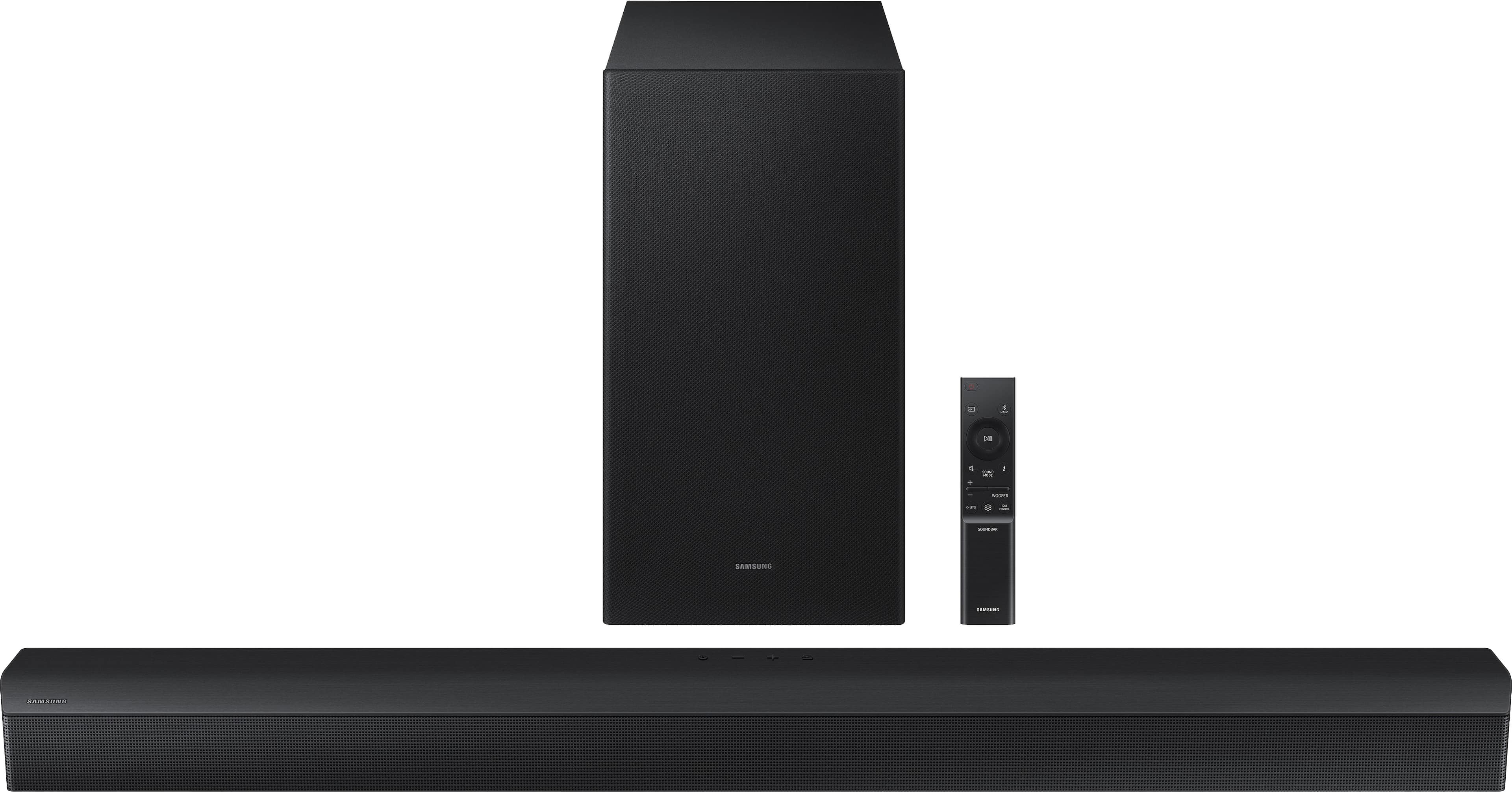
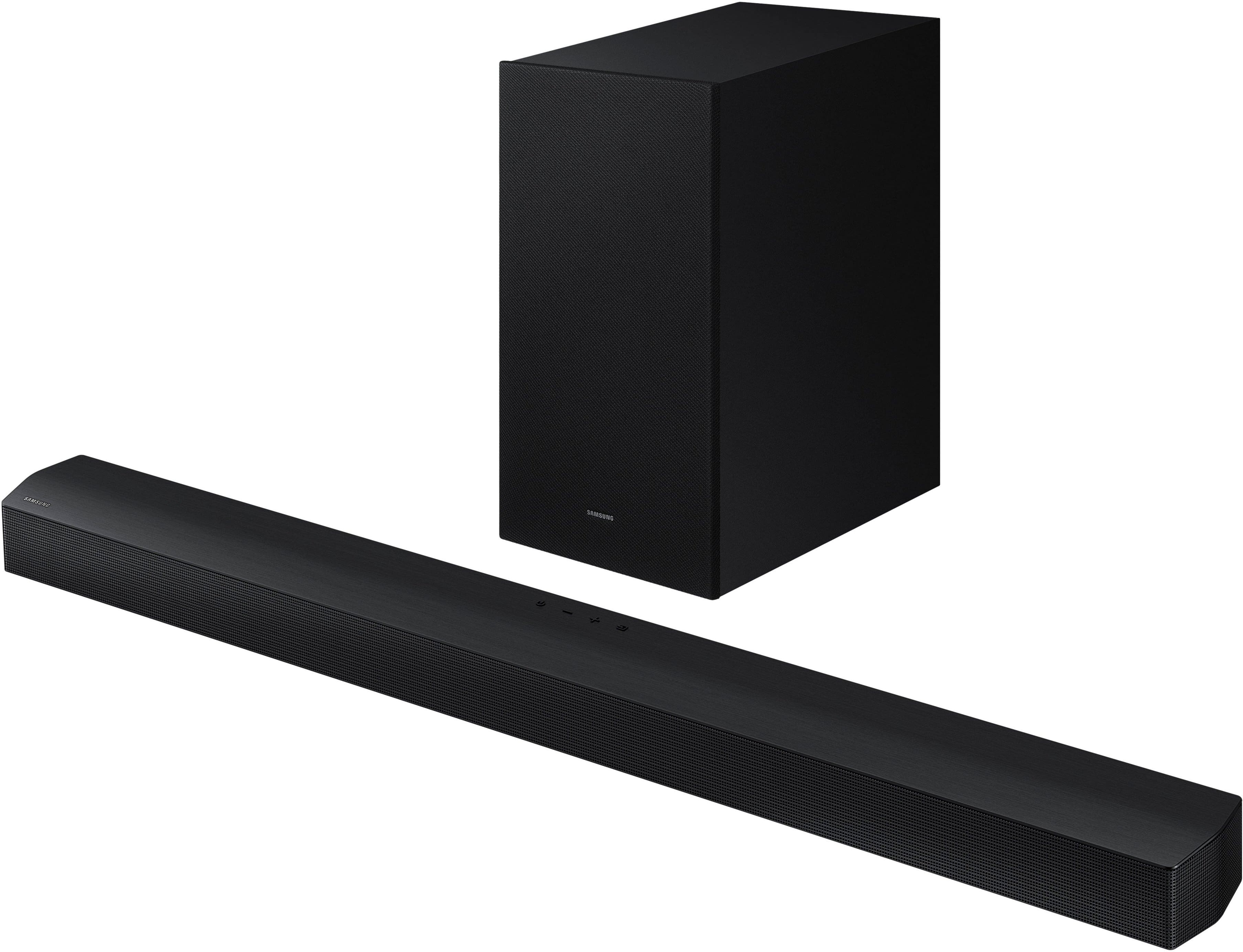

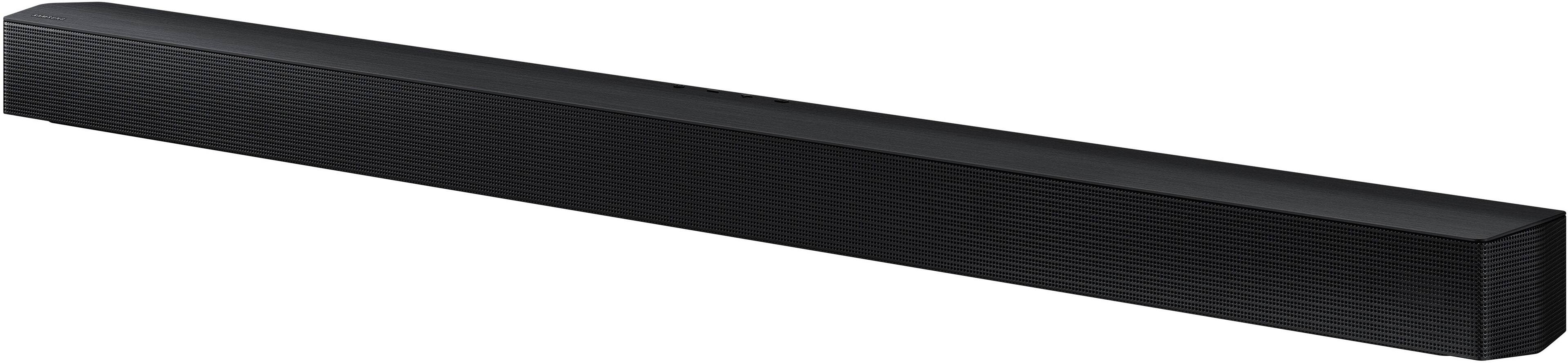
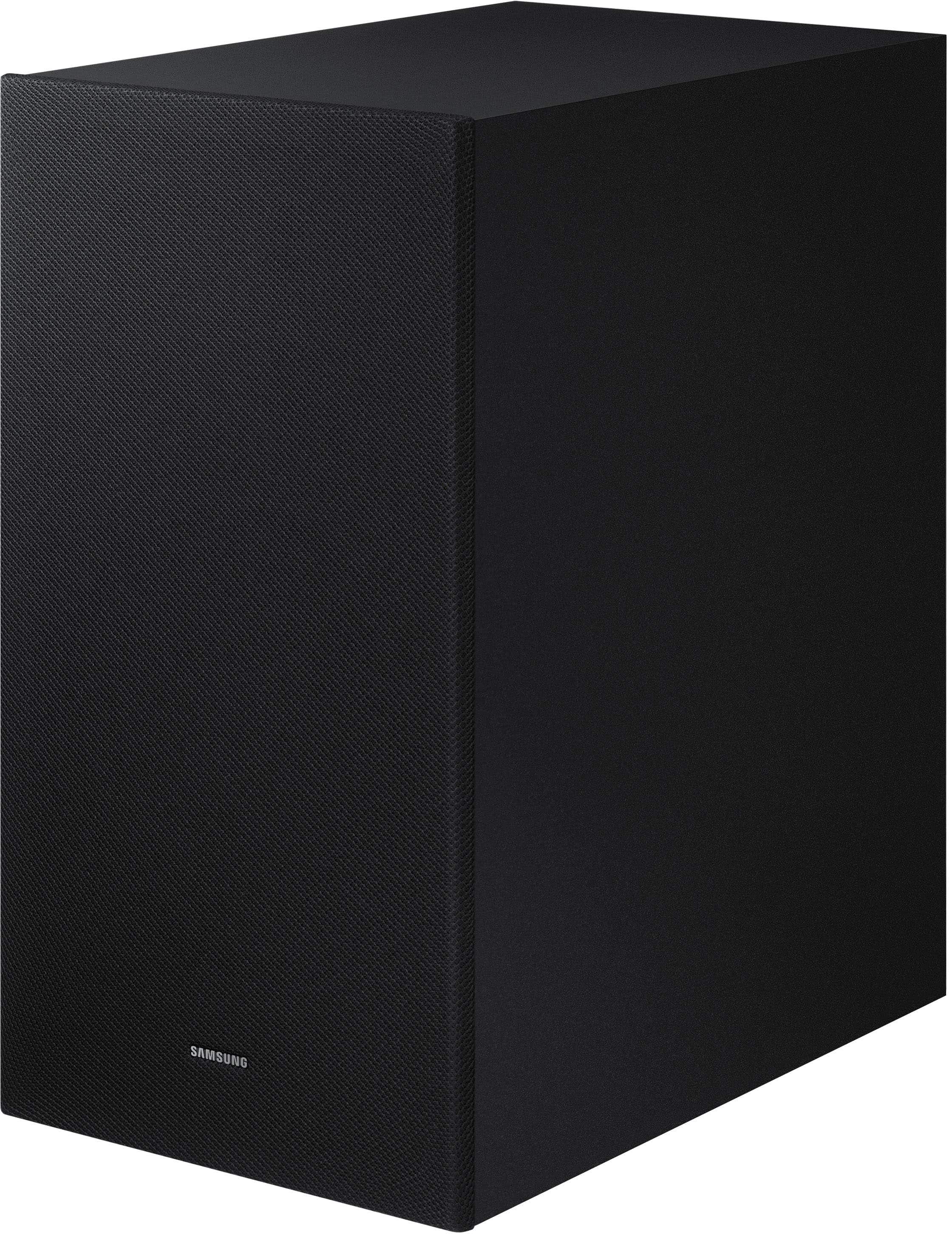


- Model:
- HW-B550D
- SKU:
- 10924891
Rating by feature
- Value
Rating 4.5 out of 5 stars
- Quality
Rating 4.6 out of 5 stars
- Ease of Use
Rating 4.5 out of 5 stars
to a friend
Speaker
||Posted . Owned for 3 weeks when reviewed.This reviewer received promo considerations or sweepstakes entry for writing a review.I like this soundbar when we watch movies we love sound
I would recommend this to a friendcool system
||Posted . Owned for 3 weeks when reviewed.This reviewer received promo considerations or sweepstakes entry for writing a review.much more compact than previous speaker system... less wires!!!
I would recommend this to a friendThank you
||Posted . Owned for 1 month when reviewed.This reviewer received promo considerations or sweepstakes entry for writing a review.The customer service rep found for me exactly what i needed so that i did not have to. Thank you.
I would recommend this to a friendGreat soundbar
||Posted . Owned for 3 weeks when reviewed.This reviewer received promo considerations or sweepstakes entry for writing a review.Great outdoor sound bar for the patio television..
I would recommend this to a friendSpeaker
||Posted . Owned for 3 weeks when reviewed.This reviewer received promo considerations or sweepstakes entry for writing a review.Pretty good sound so far, lets see how it lasts for now
I would recommend this to a friendLeaves a bit to be desired
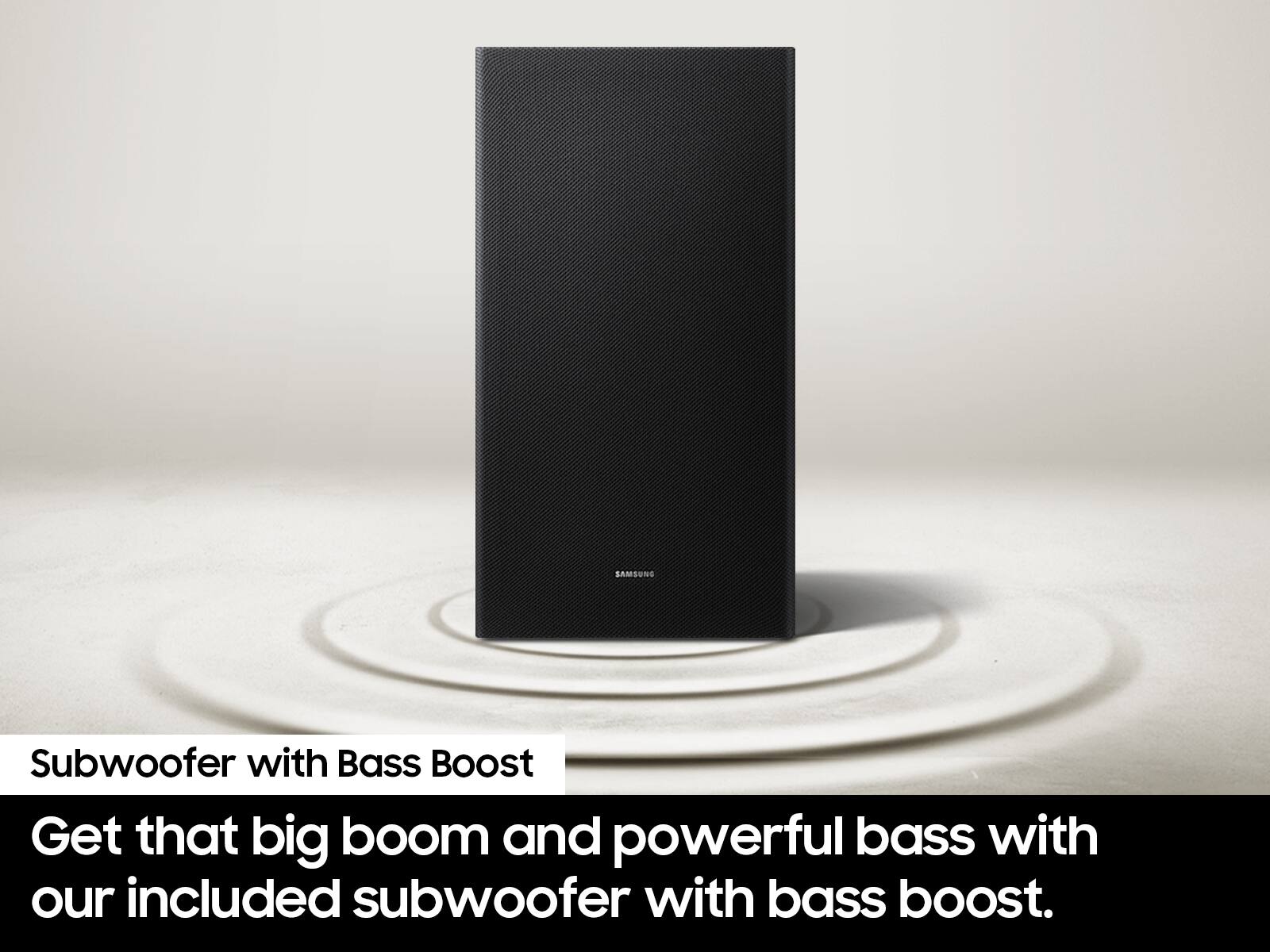
||Posted . Owned for 3 weeks when reviewed.This reviewer received promo considerations or sweepstakes entry for writing a review.Adequate sound bar but nothing special. Does not seem to connect with HDMI Arc with my Samsung TV as well as a previously owned Vizio Sound bar but it works. Appears to be no way to adjust the various sound frequency levels to preference since the Samsung TV equalizer does not work with this soundbar and there is no soundbar equalizer that I can find. . The wireless subwoofer functions but is basically inaudible. Better than the TV speaker but really not what I expected.
No, I would not recommend this to a friendBrand response from Samsung
Posted .Hello Woody,
We appreciate you taking a moment to review the HW-B550D Soundbar.
Here are a few things you can check to resolve the ARC issue:
1) Make sure the TV has the latest software version
2) Try setting the digital audio output setting on the TV to PCM
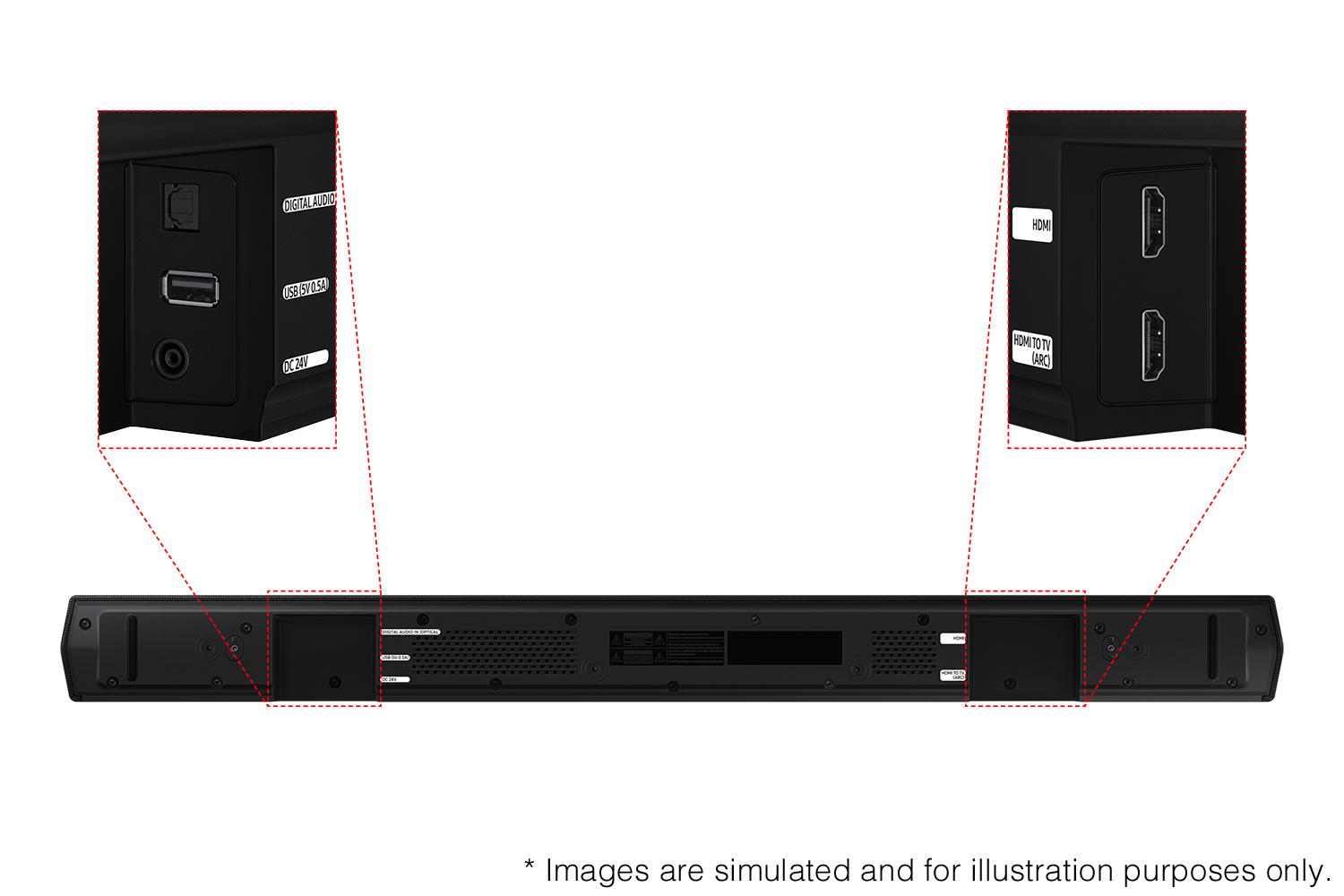
3) Try a different HDMI cable. The cable should be a high-speed HDMI cable capable of 4K/30Hz
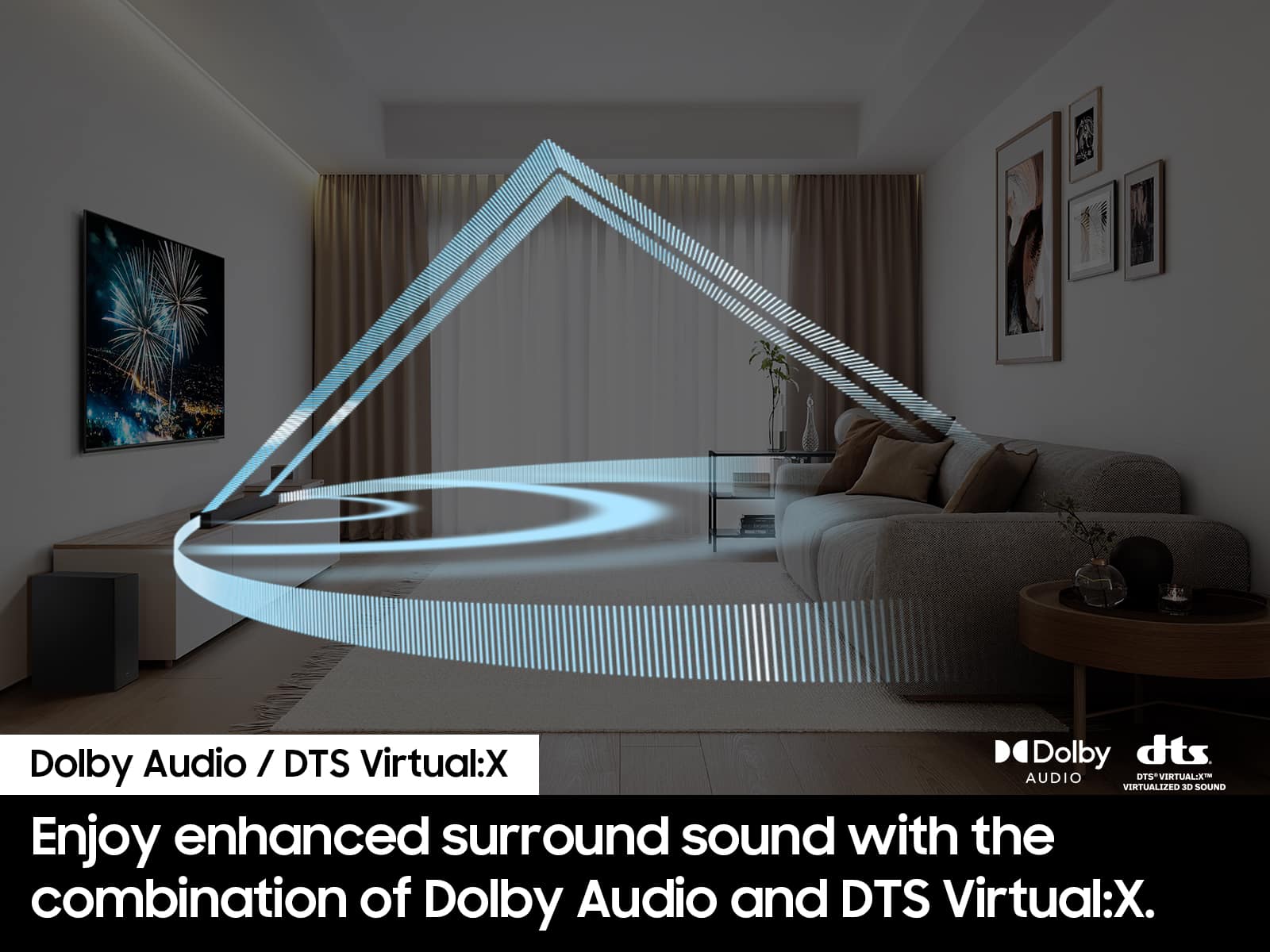
You can optimize your audio performance to your liking by pressing the SOUND MODE button on your soundbar remote, and then selecting the desired sound effect by choosing SURROUND SOUND, BASS BOOST, GAME, ADAPTIVE, DTS VIRTUAL:X, STANDARD.
By pressing the TONE CONTROL button, you can adjust the volume of the treble or bass sound. Press the button to select TREBLE or BASS and then adjust the volume between -6~+6 by using the Up/Down buttons.
Press and hold the SOUND CONTROL button for about 5 seconds to adjust the sound for each frequency band. 150Hz, 300Hz, 600Hz, 1.2kHz, 2.5kHz, 5kHz, and 10kHz are selectable using the Left/Right buttons and each can be adjusted to a setting between -6 to +6 using the Up/Down buttons. (Make sure the Sound mode is set to “STANDARD”.
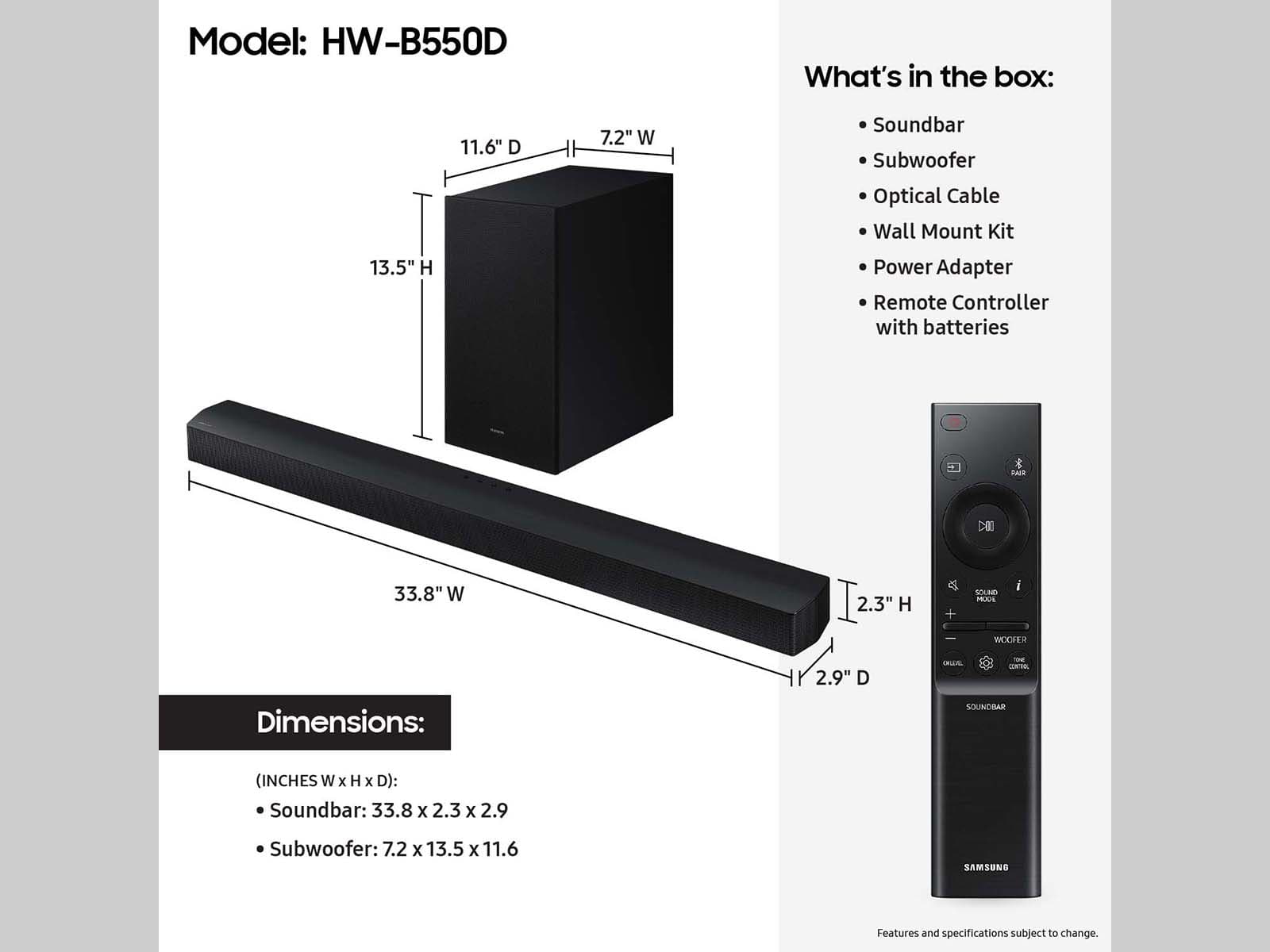
Additionally, using the WOOFER button on the remote, you can adjust the subwoofer’s volume between -6 to +6 by toggling the button up or down. To set the subwoofer volume level to 0, press the button down.
I hope these tips help you enjoy your new product.
You can always contact us for further help at 1-800-SAMSUNG (Ask for Soundbars), 8 AM – 12 AM EST, 7 days a week. Our Live Chat agents are also available by clicking on the ‘Support’ link on our website.
~ Samsung Solutions
not as good as I thought it would be
||Posted . Owned for 1 month when reviewed.This reviewer received promo considerations or sweepstakes entry for writing a review.Sound is not as loud as the older sound bar that I had. Plus, the remote is awkward in the way you turn up or down the volume....many times it will mute the sound when not push correctly.
No, I would not recommend this to a friendBrand response from Samsung
Posted .tonyg9596,
I am sorry to hear that you are not completely satisfied with the overall volume of the soundbar. If you don't have a surround system, you will probably want to select PCM audio on your TV. You'll get much louder volume that way, and potentially better sound quality.
If your Digital Output Audio Format isn't set to PCM, for instance if you have a Dolby option selected, then you will likely notice decreased maximum volume. Dolby options are designed for surround systems (like 3.1.2 or 7.1), whereas PCM provides great sound quality for stereo speakers.
On a Samsung TV this can be found at Home > Settings > Sound > Expert Settings. (It can also be found in the Quick Settings.)
If your soundbar is connected to your TV with either an optical cable or HDMI via ARC, you can control the volume and mute the soundbar using your Samsung TV's remote. The soundbar should also turn on and off with the TV.
1) Use the TV remote to navigate to Settings, select Sound, and then select Sound Output on your Samsung TV.
2) Select your Samsung soundbar, and then select Close. Now you can use your TV remote to adjust volume and mute the soundbar. The soundbar should also turn on and off with the TV.
Other manufacturer’s remotes may have to be enabled on your soundbar. First, turn Off the Soundbar. Once powered off, push up and hold the WOOFER button for 5 seconds. Each time you push the WOOFER button up and hold it for 5 seconds, the mode switches in the following order: “OFF-TV REMOTE” (Default mode), “SAMSUNG-TV REMOTE”, “ALL-TV REMOTE”. Please also make sure your speaker settings on the TV are set to External Speaker.
I hope this helps. For further assistance with settings, features, or functions, please contact Samsung Customer Support. Just give us a call at 1-800-SAMSUNG (Ask for Soundbars), 8AM - 12AM EST, 7 days a week. Our Live Chat agents are also available by clicking on the ‘Support’ link on our website.
~ Samsung Solutions
owner
||Posted . Owned for 3 weeks when reviewed.This reviewer received promo considerations or sweepstakes entry for writing a review.the salesman was really good! he knew the products; told us his recommendation which saved us some money, and got us the sound bar that serves us well
I would recommend this to a friendWifi system
||Posted . Owned for 3 weeks when reviewed.This reviewer received promo considerations or sweepstakes entry for writing a review.Excellent product, hope to add rear speakers to upgrade my system.
I would recommend this to a friendSound Bar
||Posted . Owned for 3 weeks when reviewed.This reviewer received promo considerations or sweepstakes entry for writing a review.I am not overly pleased with the product yet. I am still working on getting it set up correctly to produce the best sound.
I would recommend this to a friendBrand response from Samsung
Posted .Hi DuaneC,
We appreciate you taking a few moments to review the Samsung HW-B550D Soundbar.
You can optimize your audio performance to your liking by pressing the SOUND MODE button on your soundbar remote, and then selecting the desired sound effect by choosing SURROUND SOUND, BASS BOOST, GAME, ADAPTIVE, DTS VIRTUAL:X, STANDARD.
By pressing the TONE CONTROL button, you can adjust the volume of the treble or bass sound. Press the button to select TREBLE or BASS and then adjust the volume between -6~+6 by using the Up/Down buttons.
Press and hold the SOUND CONTROL button for about 5 seconds to adjust the sound for each frequency band. 150Hz, 300Hz, 600Hz, 1.2kHz, 2.5kHz, 5kHz, and 10kHz are selectable using the Left/Right buttons and each can be adjusted to a setting between -6 to +6 using the Up/Down buttons. (Make sure the Sound mode is set to “STANDARD”.
Additionally, using the WOOFER button on the remote, you can adjust the subwoofer’s volume between -6 to +6 by toggling the button up or down. To set the subwoofer volume level to 0, press the button down.
With the optional SWA-9200S Wireless Rear Speaker Kit connected you can adjust the volume by using the provided Soundbar remote. Press CH LEVEL and select REAR LEVEL, then use the Up/Down buttons to adjust the volume within a -6 to +6 range.
If you need more help, Samsung is here for you. Please call us at 1-800-SAMSUNG, 8AM - 12AM EST (Ask for Soundbars), 7 days a week. Our Live Chat agents are also available by clicking on the ‘Support’ link on our website.
~ Samsung Solutions
Best buy
||Posted . Owned for 2 months when reviewed.This reviewer received promo considerations or sweepstakes entry for writing a review.Samsung has the best electrical items around you can always depend on them
I would recommend this to a friendGood quality with less price
||Posted . Owned for 7 months when reviewed.This reviewer received promo considerations or sweepstakes entry for writing a review.I bought it with a sale price. Samsung is a renowned company as well as products too. I like Samsung products.
I would recommend this to a friendA very good purchase experience and a very good so
||Posted . Owned for 3 weeks when reviewed.This reviewer received promo considerations or sweepstakes entry for writing a review.This is a very good soundbar and the salesperson. At the Auburn Hills Best Buy location. Did a great job and explaining why it was a good match for our equipment
I would recommend this to a friendGood
||Posted . Owned for 1 month when reviewed.This reviewer received promo considerations or sweepstakes entry for writing a review.Very good service and the customer service very good
I would recommend this to a friendSound bar
||Posted . Owned for 1 month when reviewed.This reviewer received promo considerations or sweepstakes entry for writing a review.Set up was kinda easy but figuring how to set up woofer seems like I don’t hear anything from that item.
No, I would not recommend this to a friendBrand response from Samsung
Posted .Hi MaryannM,
We appreciate you taking a moment to review the HW-B550D Soundbar.
When powered on for the first time, the subwoofer should automatically connect to the soundbar wirelessly. If the auto-connection process fails, you can try manually connecting the sub to the soundbar.
Before performing the manual connection procedure, check whether the power cables for the Soundbar and subwoofer are connected properly and make sure that the Soundbar is turned off.
Press and hold ID SET on the rear of the subwoofer for at least 5 seconds. The red indicator on the rear of the subwoofer turns off and the blue indicator blinks. Press and hold the Up button on the remote control for at least 5 seconds. The ID SET message appears on the display of the Soundbar for a moment, and then it disappears. The Soundbar will automatically power on when ID SET is complete. The LINK LED indicator stops blinking and glows a solid blue when a connection is established between the Soundbar and the Wireless Subwoofer.
If you need more help, Samsung is here for you. Please call us at 1-800-SAMSUNG, 8AM - 12AM EST (Ask for Soundbars), 7 days a week. Our Live Chat agents are also available by clicking on the ‘Support’ link on our website.
~ Samsung Solutions
Living room
||Posted . Owned for 1 month when reviewed.This reviewer received promo considerations or sweepstakes entry for writing a review.We purchased this for our living room and we love it
I would recommend this to a friendGreat for small spaces
||Posted . Owned for 3 weeks when reviewed.This reviewer received promo considerations or sweepstakes entry for writing a review.Great for a bedroom or a sound bar for a gaming computer.
I would recommend this to a friendClean set-up
||Posted . Owned for 1 week when reviewed.This reviewer received promo considerations or sweepstakes entry for writing a review.So far it has been an amazing addition o my entertainment!
I would recommend this to a friendBought an open box with "excellent". Remote gone
||Posted .This reviewer received promo considerations or sweepstakes entry for writing a review.Bought a returned but "excellent" labeled soundbar from outlet store. Remote missing. Returned it. No idea how good the sound quality was.
No, I would not recommend this to a friendBrand response from Samsung
Posted .CarlS,
Please know you are leaving a review and 2-star rating for the HW-B550D, but we are sorry to hear of your Best Buy experience, nonetheless. You may want to consider providing feedback directly to the Best Buy store where you made your purchase.
Should you have questions on the HW-B550D itself, Samsung is here for you. You can reach us at 1-800-SAMSUNG, 8AM - 12AM EST, 7 days a week. Our LiveChat agents are also available by clicking on the ‘Support’ link on our website.
~ Samsung Solutions
Wonderful sound system
||Posted . Owned for 3 weeks when reviewed.This reviewer received promo considerations or sweepstakes entry for writing a review.This soundbar is very good. It is what I expected it to be and more.
I would recommend this to a friend