Customer Ratings & Reviews
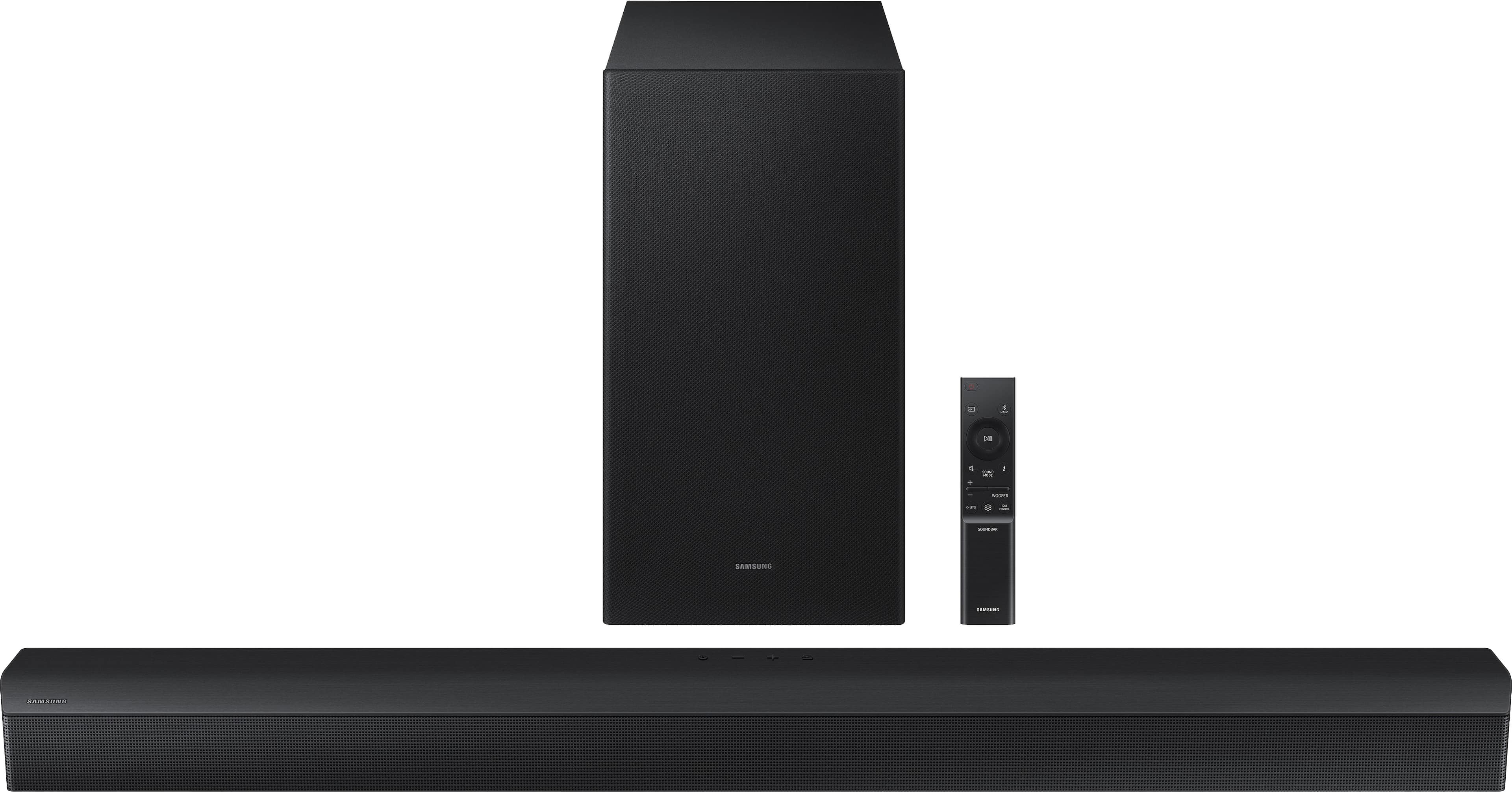
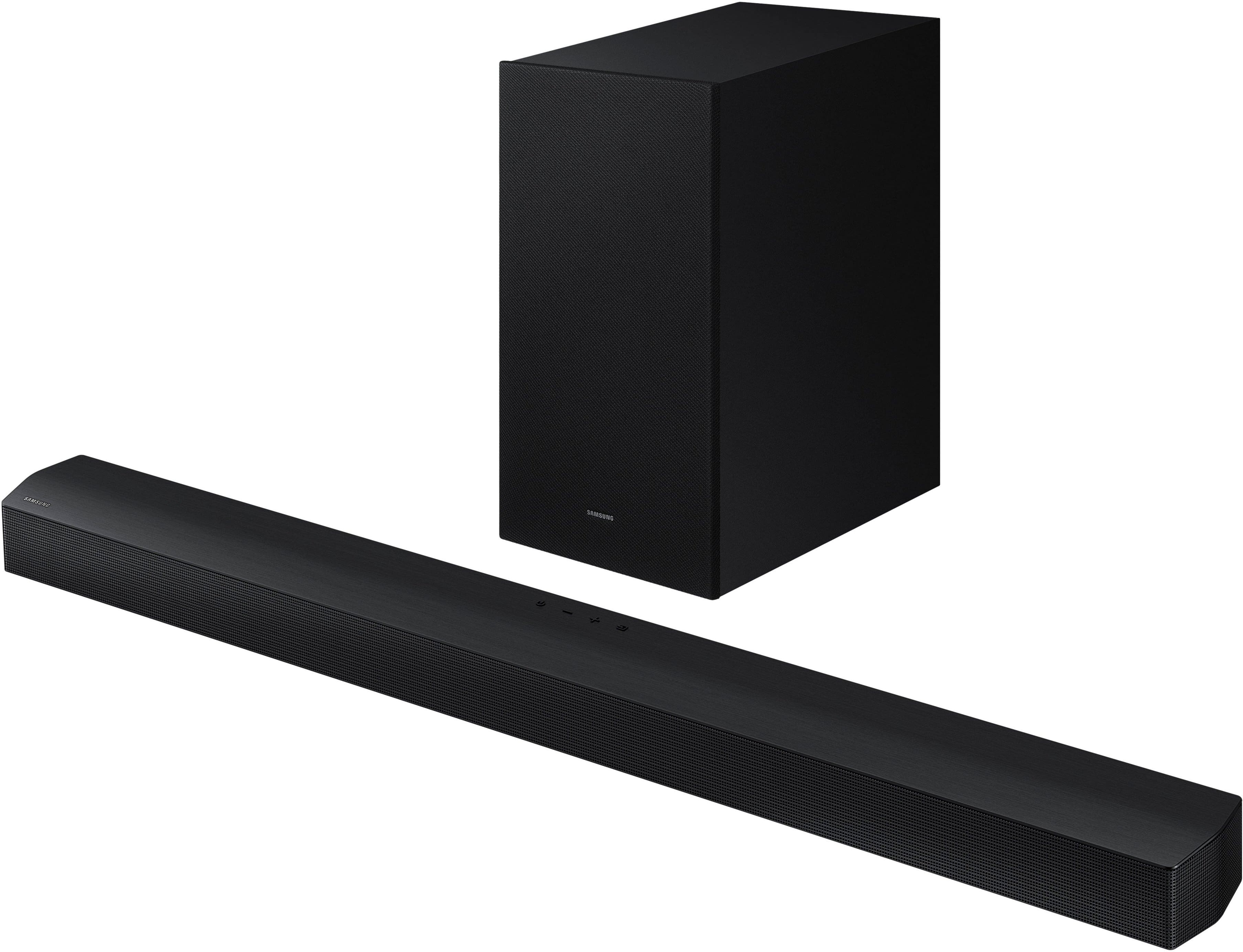

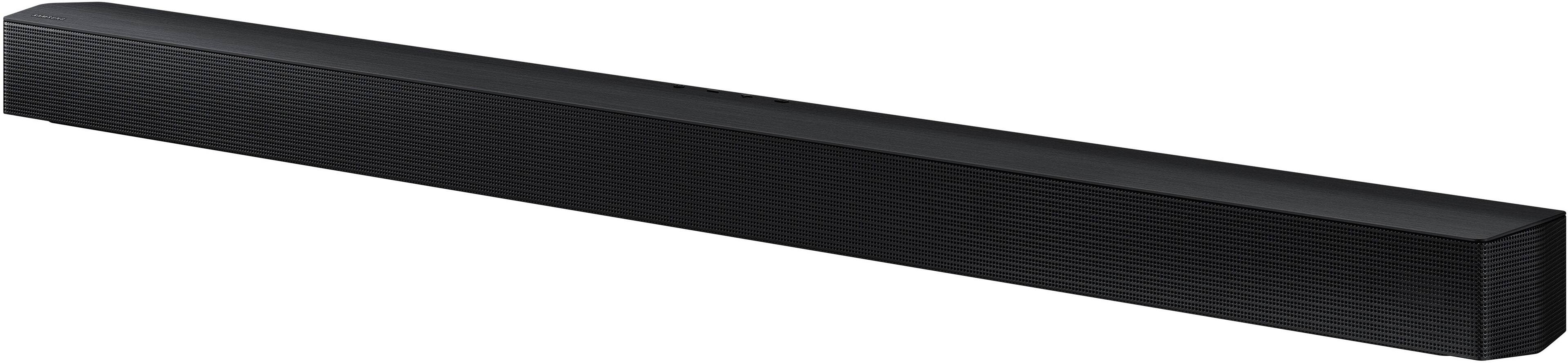
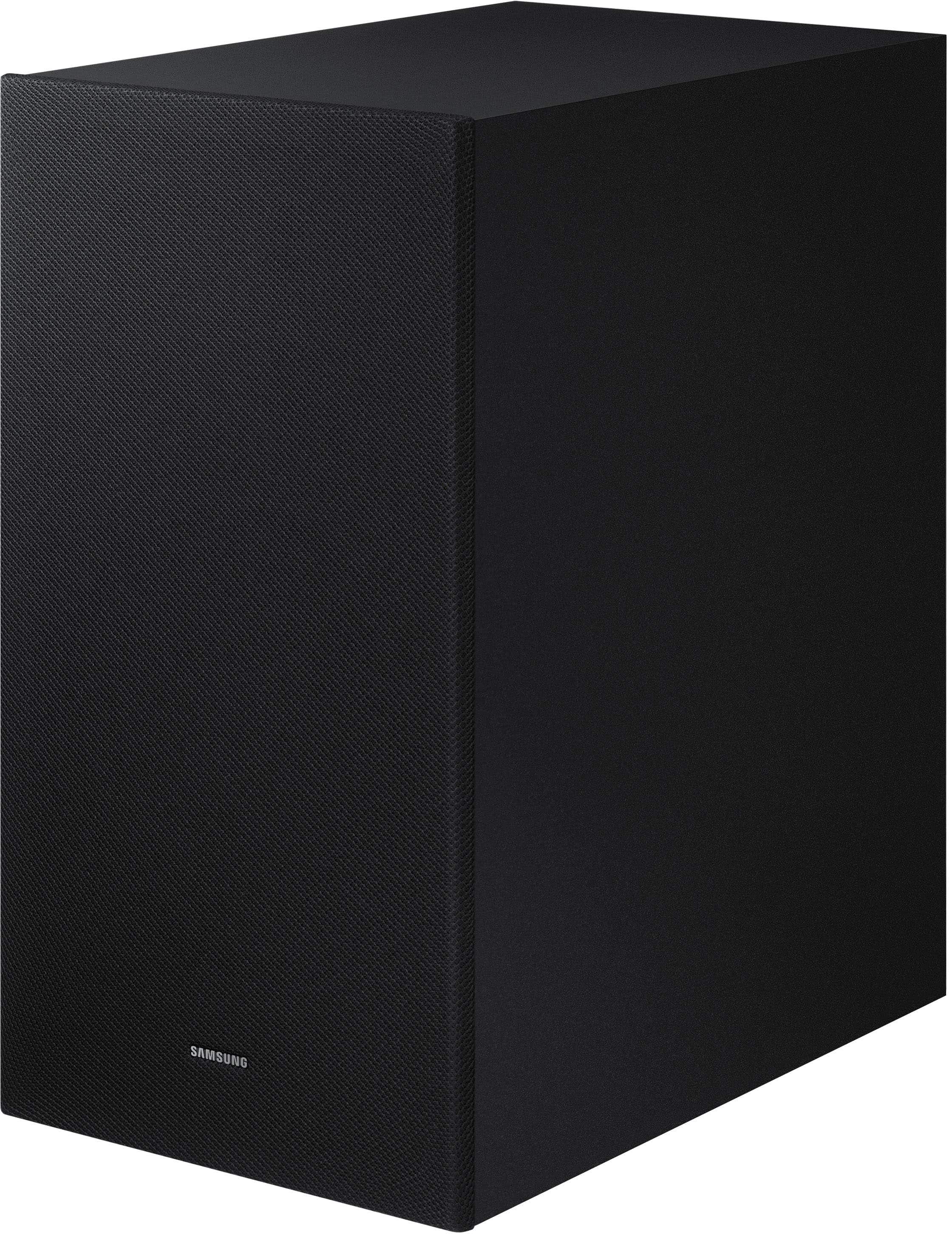
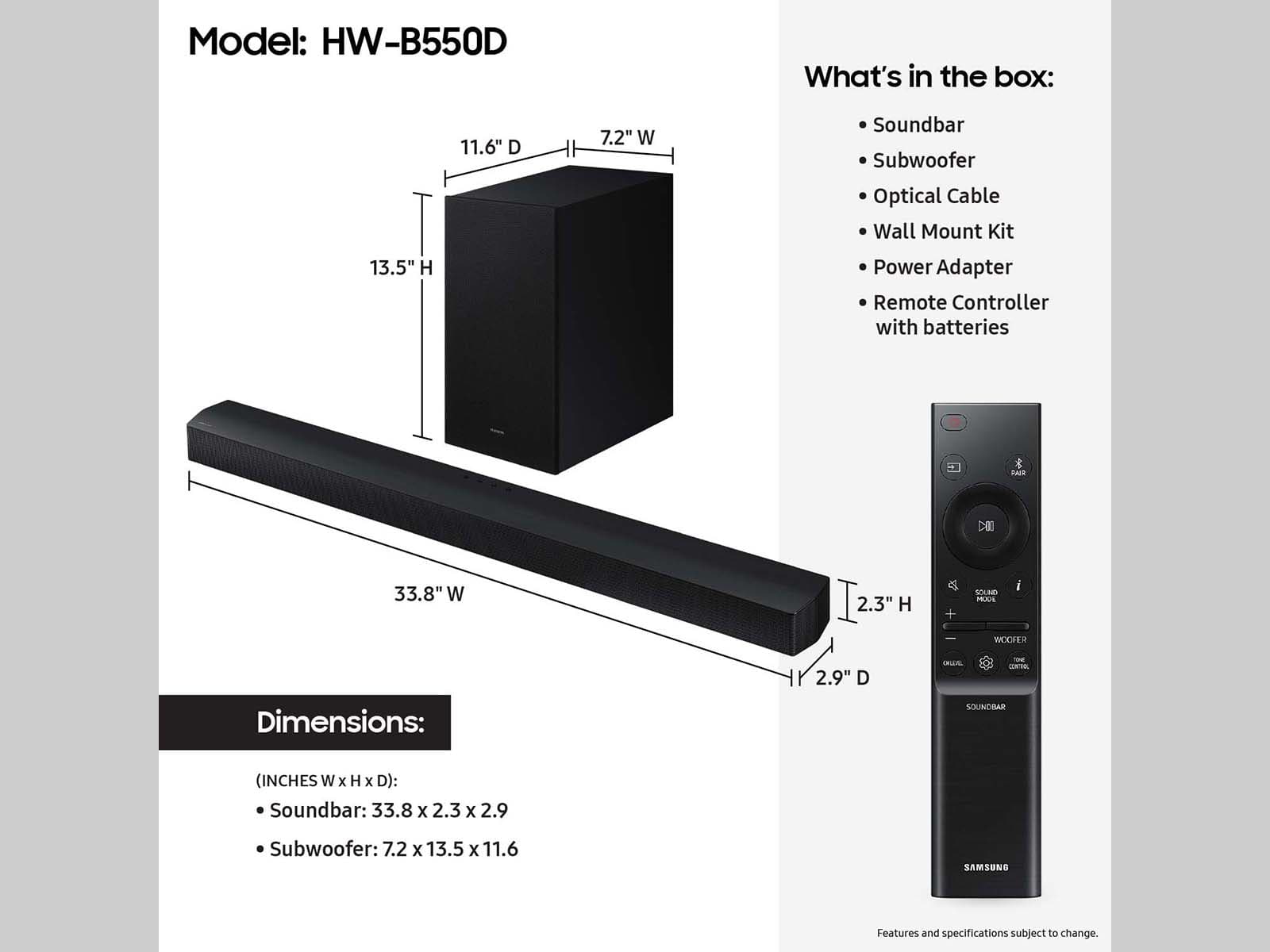
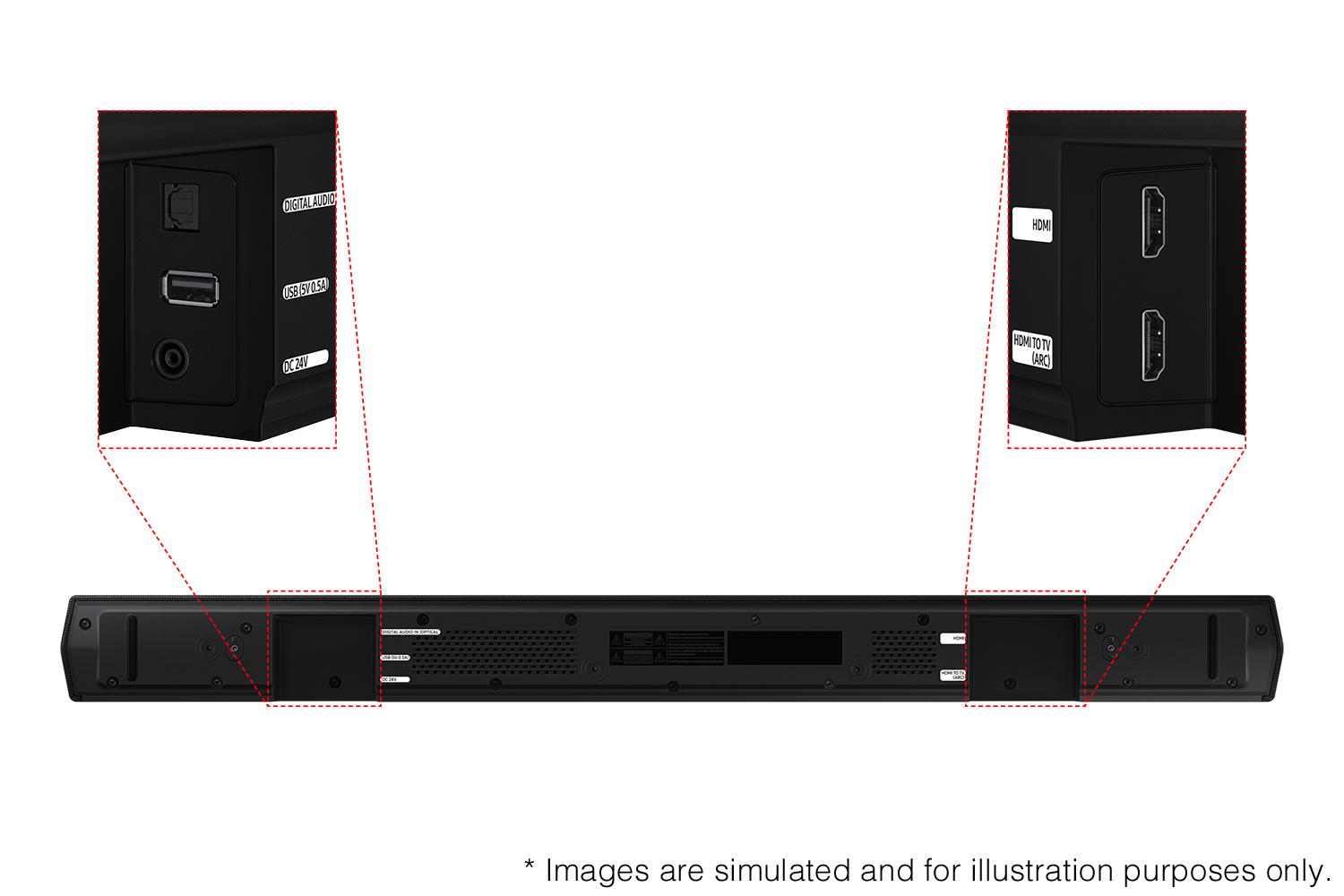
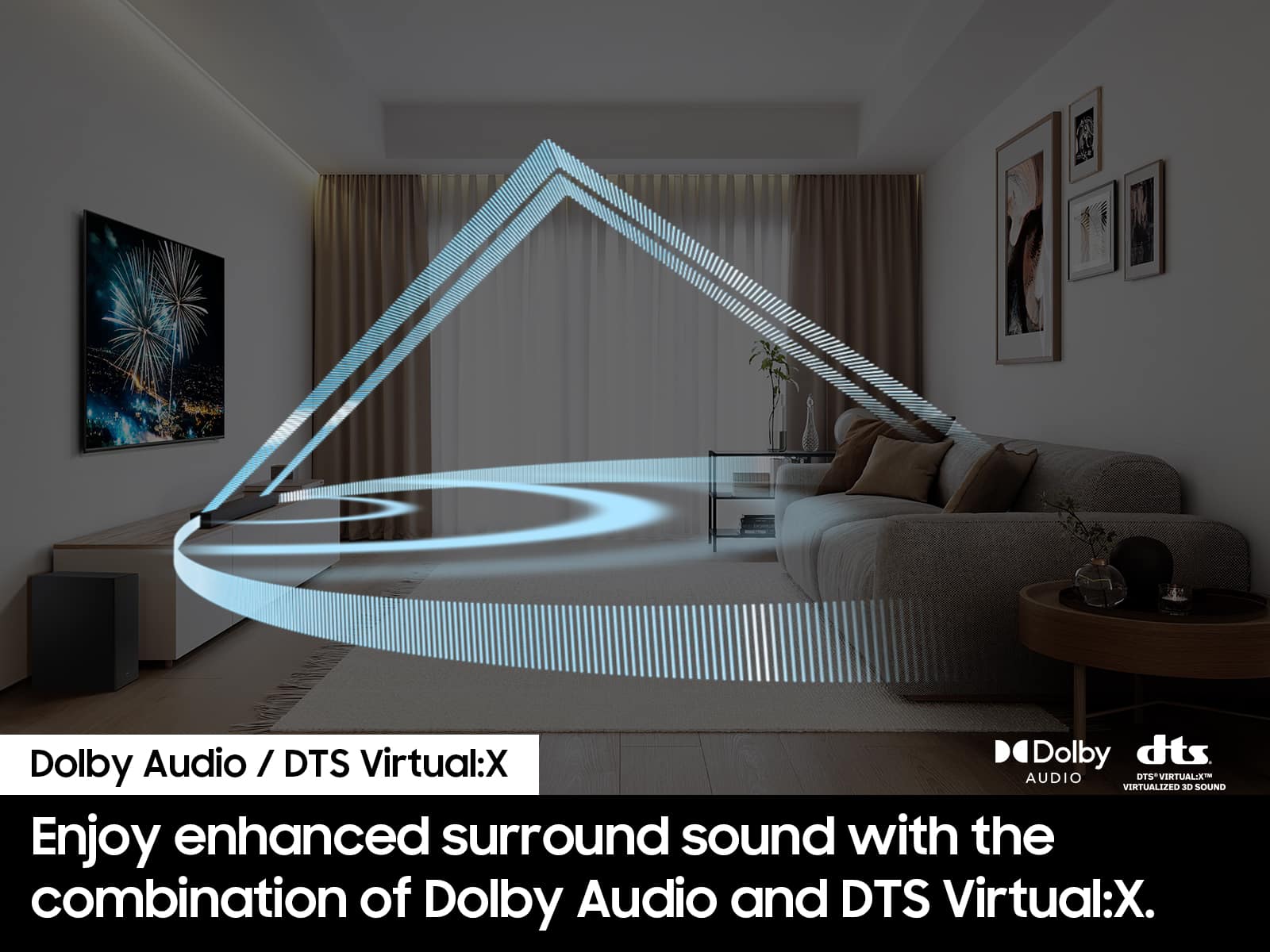
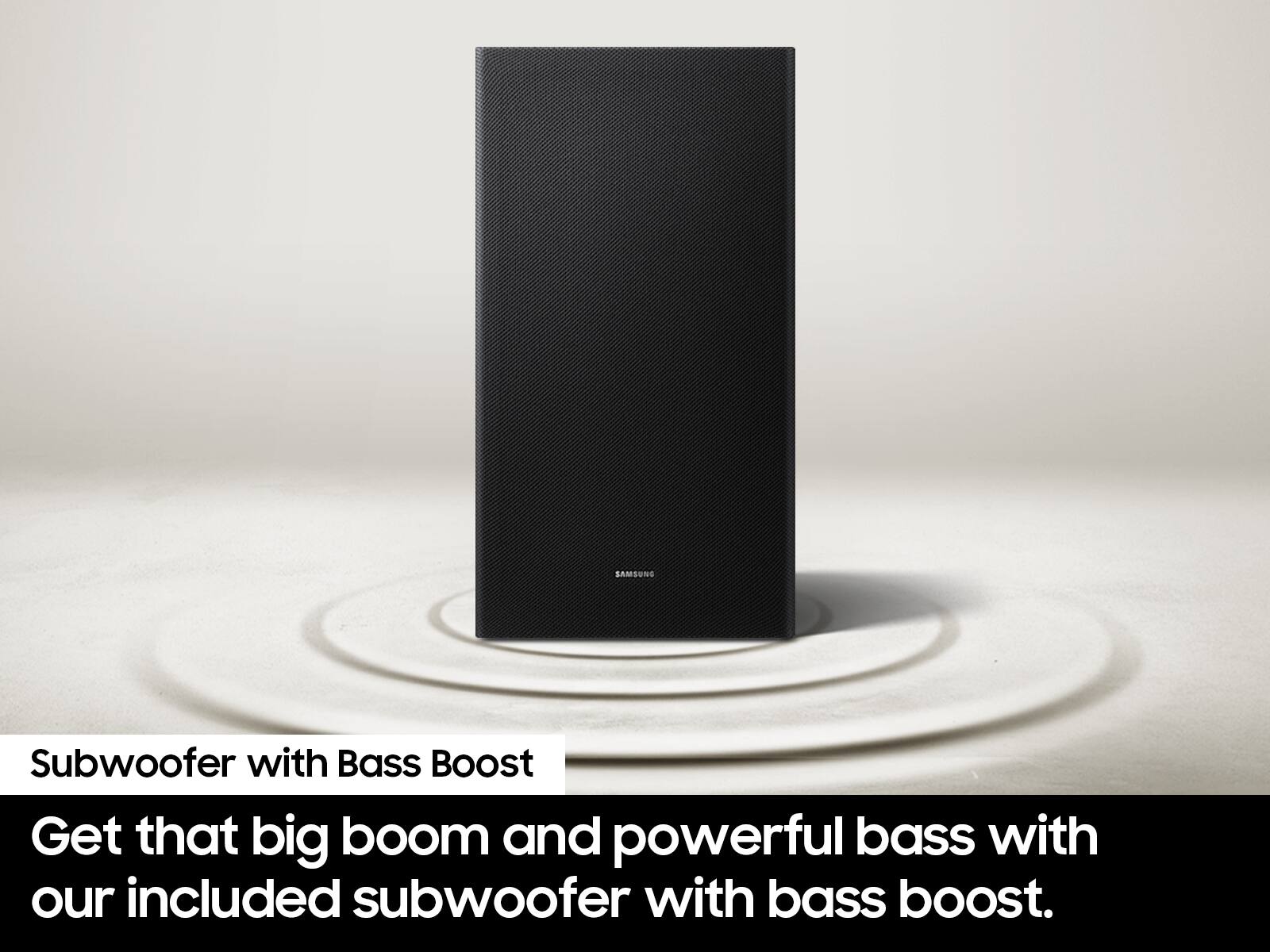

- Model:
- HW-B550D
- SKU:
- 11894012
Rating by feature
- Value
Rating 4.5 out of 5 stars
- Quality
Rating 4.6 out of 5 stars
- Ease of Use
Rating 4.5 out of 5 stars
to a friend
Don’t buy
Posted .This reviewer received promo considerations or sweepstakes entry for writing a review.Bought this in May 2024. Stopped working and won’t turn on at all by November 2024. It was hard to get customer support.
No, I would not recommend this to a friendBrand response from Samsung
Posted .AlainaB,
Thank you for your purchase of the Samsung HW-B550D Soundbar, I am sorry that you have experienced this issue with your soundbar.
There are a few steps you can take to troubleshoot your Soundbar.
First, you will want to download the latest software for your Soundbar. You can download the firmware directly from Samsung’s website by clicking “Support” in the top right corner. Then go to “Manuals & Software” > “TVs & Home Audio” > “Home Audio” > “Sound Bars”. From there, you can select the HW-B550D under Standard Series.
Download the update and install it via USB thumb stick to your soundbar. If you need additional help, there are how-to instructions on this page. Please know that Samsung Customer Service is here to assist as well.
Please verify that you are running the latest firmware on your TV. You can check to see what software version your TV is using and if there is an available update through the settings on your TV. Go to: Menu > Settings > Support > Software Update.
First, try doing a soft reset, unplug the soundbar from the outlet for roughly 30 seconds and then plug it back in.
If this still does not correct your issue, then do a hard reset. With the Soundbar on, press the + & - Volume buttons on the body of the soundbar at the same time for at least 5 seconds. INIT OK” appears on the display and then the Soundbar is reset.
Samsung is committed to providing the best possible product experience, quality, and value, and we back this soundbar with a 1-year limited manufacturer's warranty.
So that we can better assist you, please reach out to Samsung Support at
1) 1-800-SAMSUNG (ask for Soundbars), 8 AM - 12 AM EST, 7 days a week.
2) LiveChat with an agent by clicking the ‘Support’ link on the Samsung website homepage.
We hope to hear from you so we can work together to find a solution.
~Samsung Solutions