Customer Ratings & Reviews
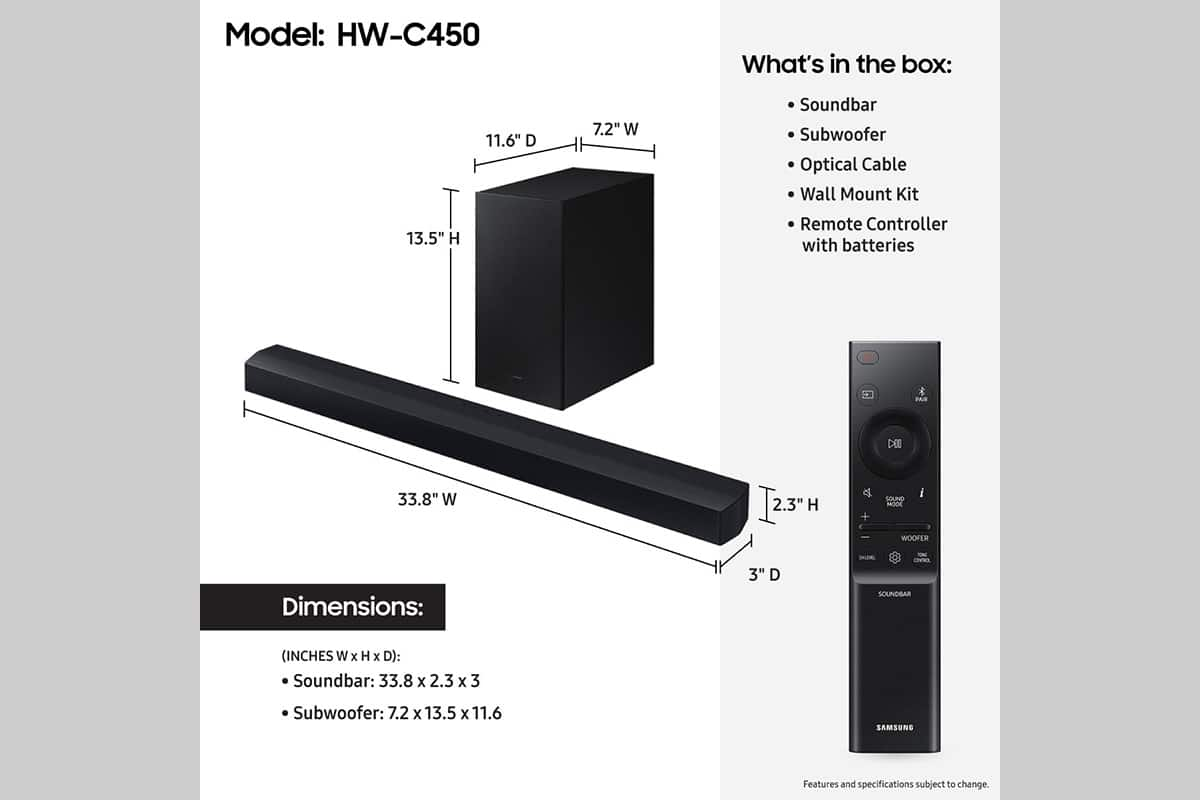

- Model:
- HW-C450
- SKU:
- 10362512
Rating by feature
- Value
Rating 4.7 out of 5 stars
- Quality
Rating 4.6 out of 5 stars
- Ease of Use
Rating 4.7 out of 5 stars
to a friend
Should of got it sooner
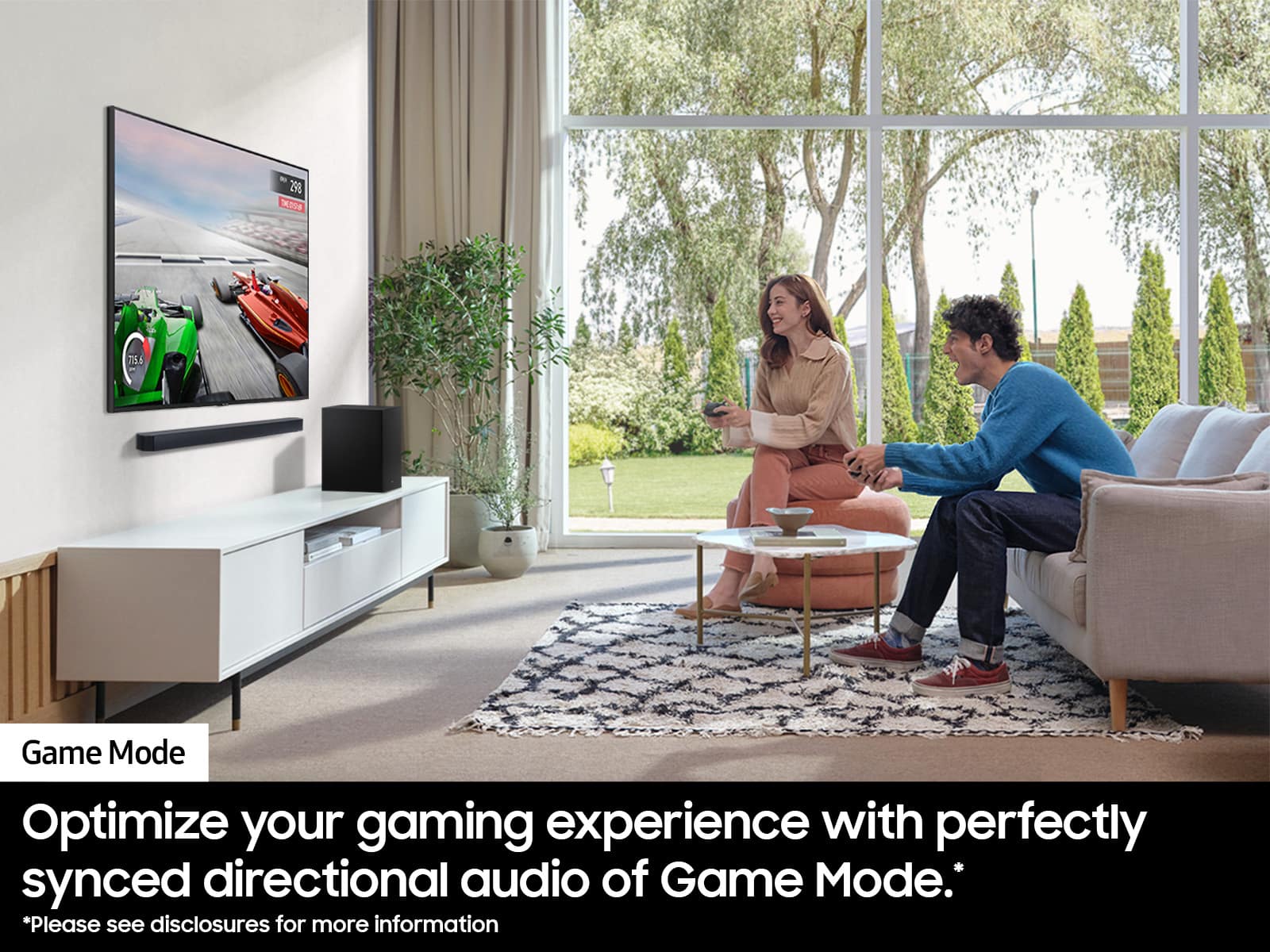
||Posted . Owned for 2 months when reviewed.This reviewer received promo considerations or sweepstakes entry for writing a review.Never thought a system like this would make me feel alive and in the zone
I would recommend this to a friendRemote out of order
||Posted . Owned for 1 month when reviewed.This reviewer received promo considerations or sweepstakes entry for writing a review.Got for my aunt whose tv sound went out and the remote did not work and my aunt has not received replacement remote
No, I would not recommend this to a friendBrand response from Samsung
Posted .Hi AlexanderC,
We appreciate you taking a moment to review the Samsung HW-C450 Soundbar.
If your soundbar is connected to your TV with an optical cable, you can control the volume and mute the soundbar using your Samsung TV's remote.
1) Use the TV remote to navigate to Settings, select Sound, and then select Sound Output on your Samsung TV.
2) Select your Samsung soundbar, and then select Close. Now you can use your TV remote to adjust volume and mute the soundbar. The soundbar should also turn on and off with the TV.
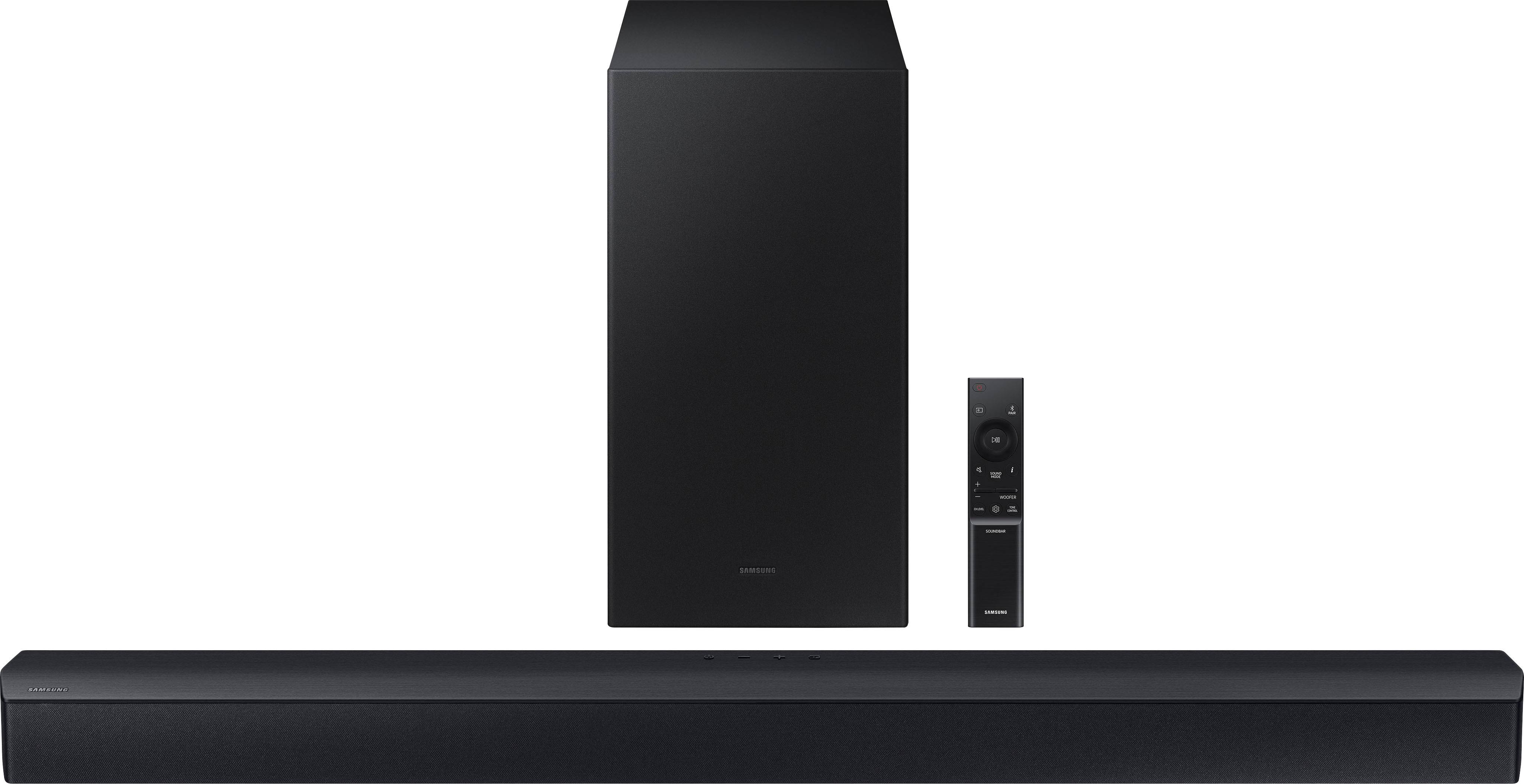
Other manufacturers’ remotes may have to be enabled on your soundbar. First, turn Off the Soundbar. Once powered off, push up and hold the WOOFER button for 5 seconds. Each time you push the WOOFER button up and hold it for 5 seconds, the mode switches in the following order: “OFF-TV REMOTE” (Default mode), “SAMSUNG-TV REMOTE”, “ALL-TV REMOTE”. Please also make sure your speaker settings on the TV are set to External Speaker.
If you need more help, Samsung is here for you. Please call us at 1-800-SAMSUNG, 8AM - 12AM EST (Ask for Soundbars), 7 days a week. Our Live Chat agents are also available by clicking on the ‘Support’ link on our website.
~ Samsung Solutions
Electronic
||Posted . Owned for 1 week when reviewed.This reviewer received promo considerations or sweepstakes entry for writing a review.Good product from Best Buy it operating perfectly well
I would recommend this to a friendThis item is awesome
||Posted . Owned for 2 months when reviewed.This reviewer received promo considerations or sweepstakes entry for writing a review.I got a great deal on this item. it's worth every penny
I would recommend this to a friendSamsung sound bar
||Posted . Owned for 1 month when reviewed.This reviewer received promo considerations or sweepstakes entry for writing a review.Bought for my son & daughter in law for Christmas … they love it
I would recommend this to a friendSound speakers
||Posted . Owned for 6 months when reviewed.This reviewer received promo considerations or sweepstakes entry for writing a review.Fantastic purchase! I really love it! Great product
I would recommend this to a friendNot bad
||Posted . Owned for 1 year when reviewed.This reviewer received promo considerations or sweepstakes entry for writing a review.Good sound bar for movies, but the sub woofer has a weird sound when listening to sports
I would recommend this to a friendBrand response from Samsung
Posted .Hi Sstefanko82,
Thank you for taking a moment to review the Samsung HW-C450 Soundbar.
First, try doing a soft reset, unplug the soundbar from the outlet for roughly 30 seconds and then plug it back in.
If this still does not correct your issue, then do a hard reset. With the Soundbar on, press the + & - Volume buttons on the body of the soundbar at the same time for at least 5 seconds. INIT OK” appears on the display and then the Soundbar is reset.
If you need more help, Samsung is here for you. Please call us at 1-800-SAMSUNG, 8AM - 12AM EST (Ask for Soundbars), 7 days a week. Our Live Chat agents are also available by clicking on the ‘Support’ link on our website.
~ Samsung Solutions
Decent sound bar
||Posted . Owned for 3 weeks when reviewed.This reviewer received promo considerations or sweepstakes entry for writing a review.We enjoy this sound bar with movies, but have noticed that when watching a tv show with mostly talking there is an echo. I have messed with the settings and tried to correct it but it doesnt change.
I would recommend this to a friendSpeaker
||Posted . Owned for 1 month when reviewed.This reviewer received promo considerations or sweepstakes entry for writing a review.This Product Is Definitely A Must Buy Thank God I Waited
I would recommend this to a friendGreat product
||Posted . Owned for 3 weeks when reviewed.This reviewer received promo considerations or sweepstakes entry for writing a review.Great product. ...................................
I would recommend this to a friendTelevision
||Posted . Owned for 3 weeks when reviewed.This reviewer received promo considerations or sweepstakes entry for writing a review.The sales representative was very knowledgeable and spent time getting me exactly what I needed.
I would recommend this to a friendSound bar
||Posted . Owned for 5 months when reviewed.This reviewer received promo considerations or sweepstakes entry for writing a review.Sounded gret till untill the sub went out. . Luckily i bought the warranty which i never do.
No, I would not recommend this to a friendBrand response from Samsung
Posted .Hi GermanC,
Thank you for taking a moment to review the HW-C400 Soundbar.
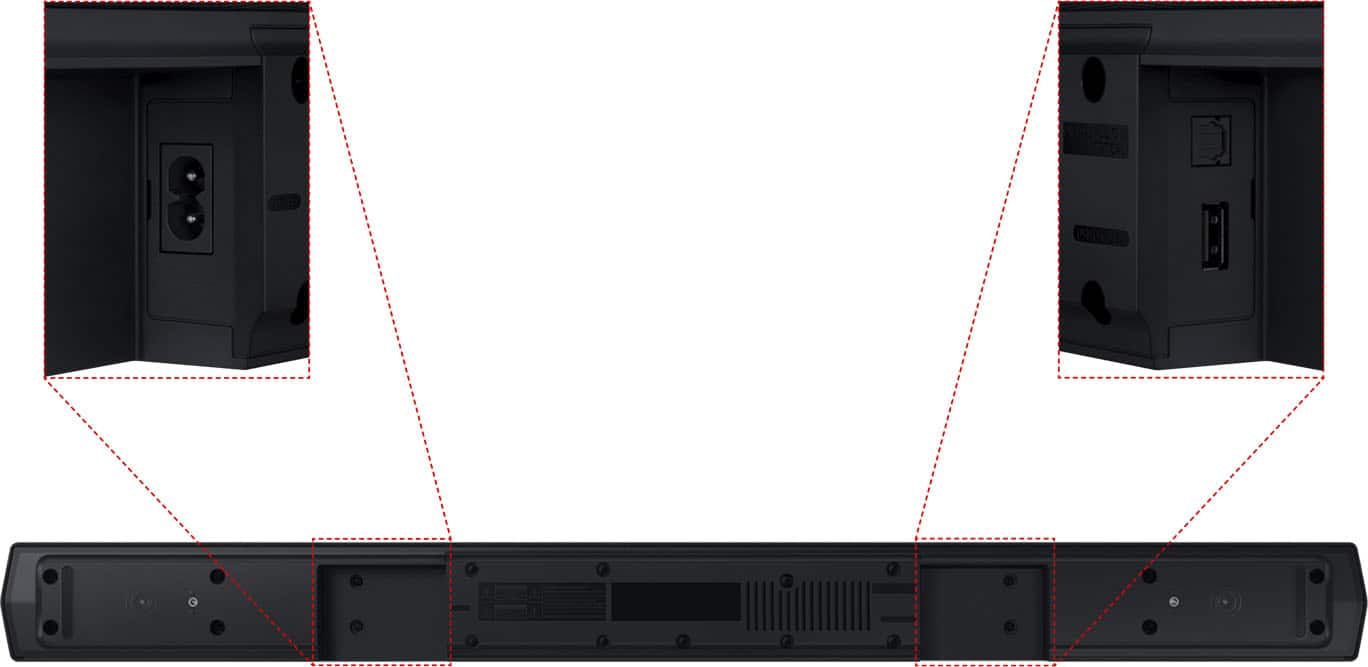
When you turn the power on after connecting the power cables to the Soundbar and subwoofer, the subwoofer is automatically connected to the Soundbar. When auto pairing is complete, the blue indicators at the rear of the subwoofer turn on.
If autoconnection fails, you can manually connect the subwoofer.
Before performing the manual connection procedure below:
• Check whether the power cables for the Soundbar and subwoofer are connected properly.
• Make sure that the Soundbar is turned off.
1. Press and hold ID SET on the rear of the subwoofer for at least 5 seconds.
• The red indicator on the rear of the subwoofer turns off and the blue indicator blinks.
2. Press and hold the Up button on the remote control for at least 5 seconds.
• The ID SET message appears on the display of the Soundbar for a moment, and then it disappears.
• The Soundbar will automatically power on when ID SET is complete.
3. Check if the LINK LED is solid blue (connection complete). The LINK LED indicator stops blinking and glows a solid blue when a connection is established between the Soundbar and the Wireless Subwoofer.
Samsung is committed to providing the best possible product experience, quality, and value. We back this Samsung Soundbar with a 1-year limited manufacturer's warranty, including authorized repair for manufacturer defect, if purchased brand-new directly from an authorized seller.
If you need more help, Samsung is here for you. Please call us at 1-800-SAMSUNG, 8AM - 12AM EST (Ask for Soundbars), 7 days a week. Our Live Chat agents are also available by clicking on the ‘Support’ link on our website.
~ Samsung Solutions
Overall good, not great for PS5
||Posted . Owned for 1 month when reviewed.This reviewer received promo considerations or sweepstakes entry for writing a review.Overall its pretty good. Great for movies/TV. Always has a delay I cant fix when I use with PS5 which is super annoying. Quality and price are good though.
I would recommend this to a friendBrand response from Samsung
Posted .Hi JackM,
We appreciate your review of the C450 Soundbar. Your feedback is important to us and will be shared with our internal teams. Please try the below to fix any issues with sound delays you are experiencing.
To synchronize your soundbar audio and TV, press the SOUND CONTROL button to select AUDIO SYNC and then set the audio delay between 0~300 milliseconds by using the Up/Down buttons. (Not available in “USB” or “BT” mode.)
Please also make sure that you have the latest firmware update. You can update your firmware by connecting a USB device with the firmware update stored on it to the USB1 or USB2 port on your Sound Tower. You can find the firmware file by going to the Samsung Electronics website and clicking on the “Support” option in the upper left corner.
If you continue to have issues, please call us at 1-800-SAMSUNG, 8 AM - 12 AM EST, seven days a week. LiveChat with an agent, as well as manuals, software, and warranty info, can be found at the ‘Support’ link on our Samsung website.
~ Samsung Advisor
Sounds great but no remote
||Posted .This reviewer received promo considerations or sweepstakes entry for writing a review.It was a returned item but there was no mention of it not having a remote and it also was locked in a demo mode that could only be unlocked with a remote
I would recommend this to a friendBrand response from Samsung
Posted .Hello WilliamW,
Please know you are leaving a review and 3-star rating for the HW-C450, but we are sorry to hear of your Best Buy experience, nonetheless. You may want to consider providing feedback directly to the Best Buy store where you made your purchase.
Should you have questions on the HW-C450 itself, Samsung is here for you. You can reach us at 1-800-SAMSUNG, 8AM - 12AM EST, 7 days a week. Our LiveChat agents are also available by clicking on the ‘Support’ link on our website.
~ Samsung Solutions
Easy installation
||Posted . Owned for 3 weeks when reviewed.This reviewer received promo considerations or sweepstakes entry for writing a review.I have a Samsung TV so It was super easy to connect
I would recommend this to a friendGood deal $
||Posted . Owned for 3 weeks when reviewed.This reviewer received promo considerations or sweepstakes entry for writing a review.Good product for the price I paid. The only thing I didn’t like is it had to be delivered so I waited a couple of days.
I would recommend this to a friendBest decision
||Posted . Owned for 3 weeks when reviewed.This reviewer received promo considerations or sweepstakes entry for writing a review.So very happy with this item. I’m thinking about getting a second one from my TV in my bedroom.
I would recommend this to a friendGood for the price
||Posted . Owned for 1 month when reviewed.This reviewer received promo considerations or sweepstakes entry for writing a review.Needed something for my downstairs office. Wasn’t looking for anything fancy, for the money it does the job just fine.
I would recommend this to a friendHAPPY
||Posted . Owned for 1 month when reviewed.This reviewer received promo considerations or sweepstakes entry for writing a review.Awesome product love it would recommend to family and friends
I would recommend this to a friendBetter sound
||Posted . Owned for 2 weeks when reviewed.This reviewer received promo considerations or sweepstakes entry for writing a review.For the price it is amazing! Would recommend in a min
I would recommend this to a friend