Customer Ratings & Reviews
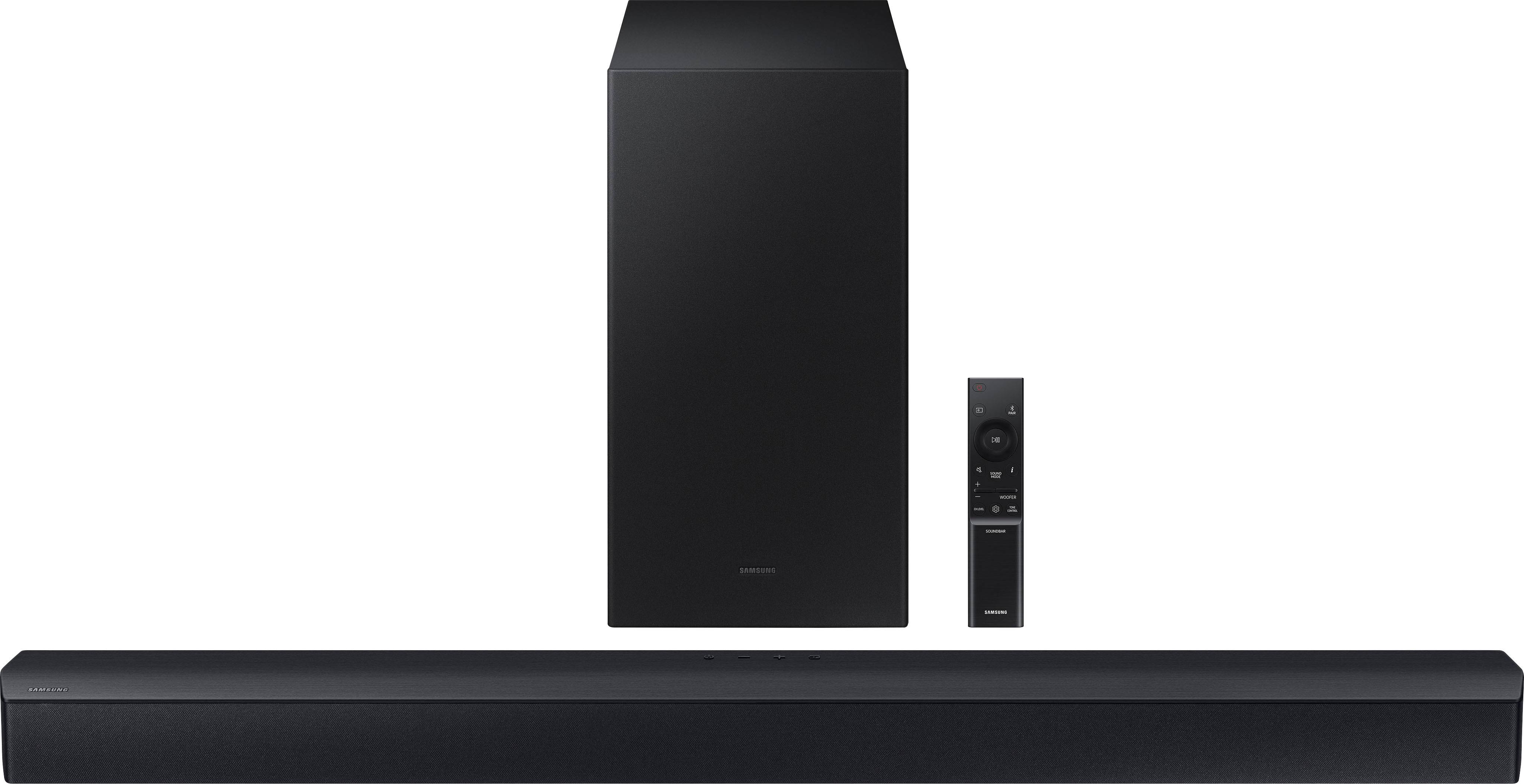
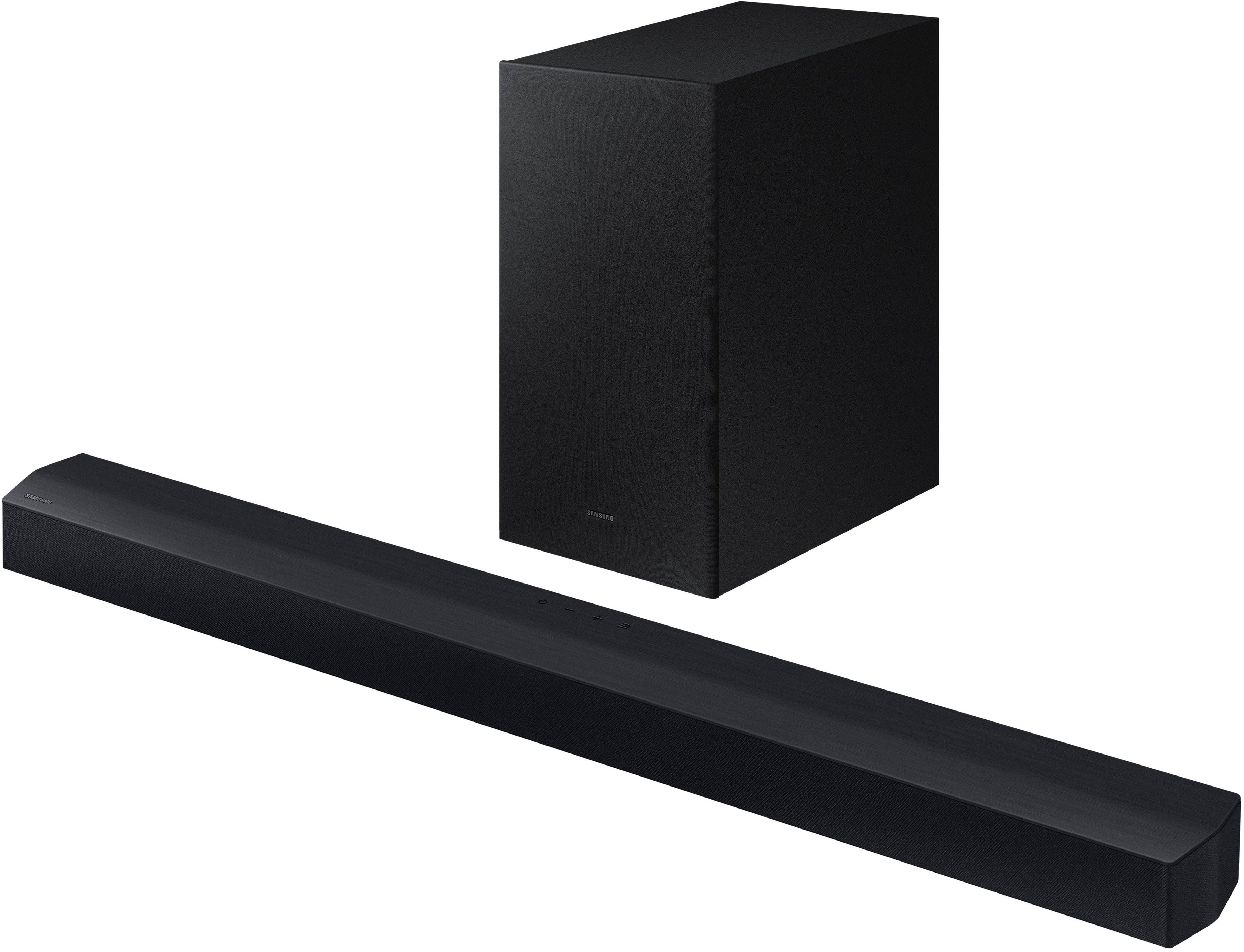
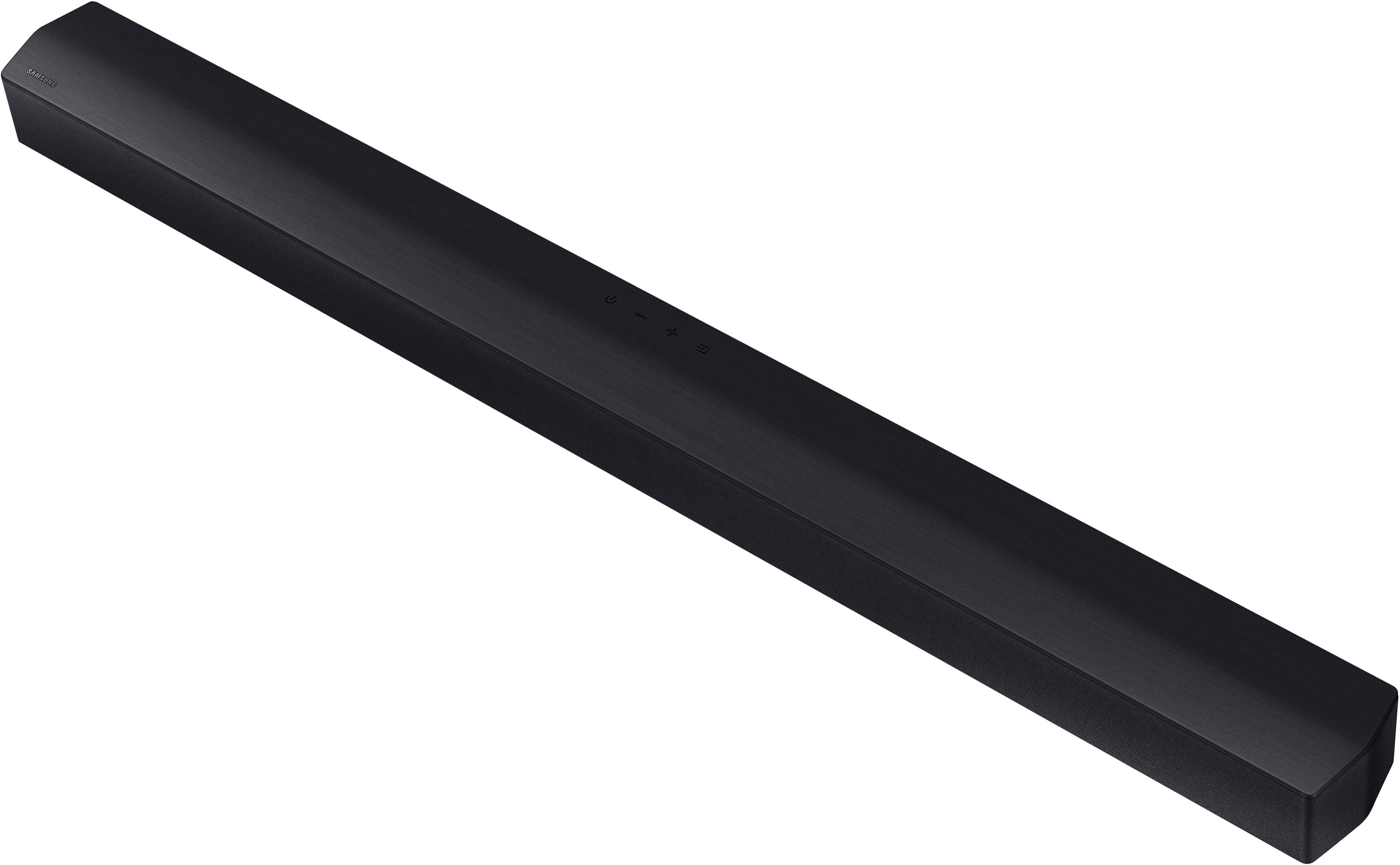
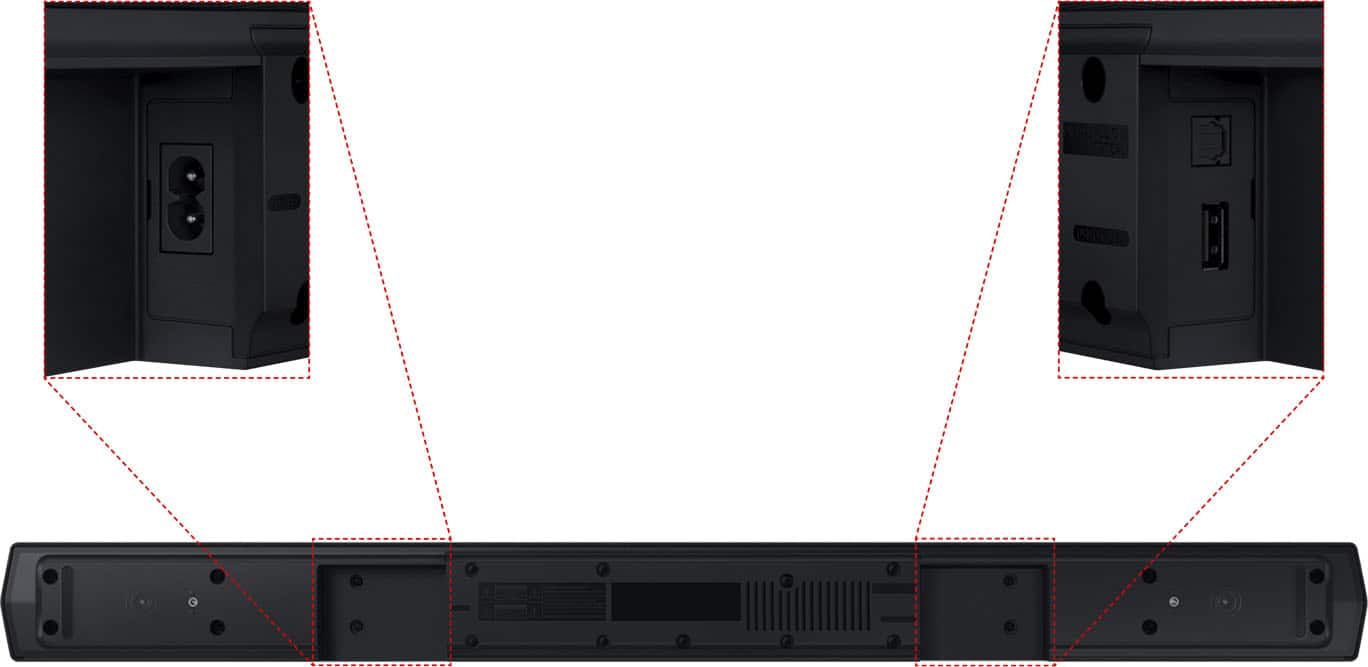
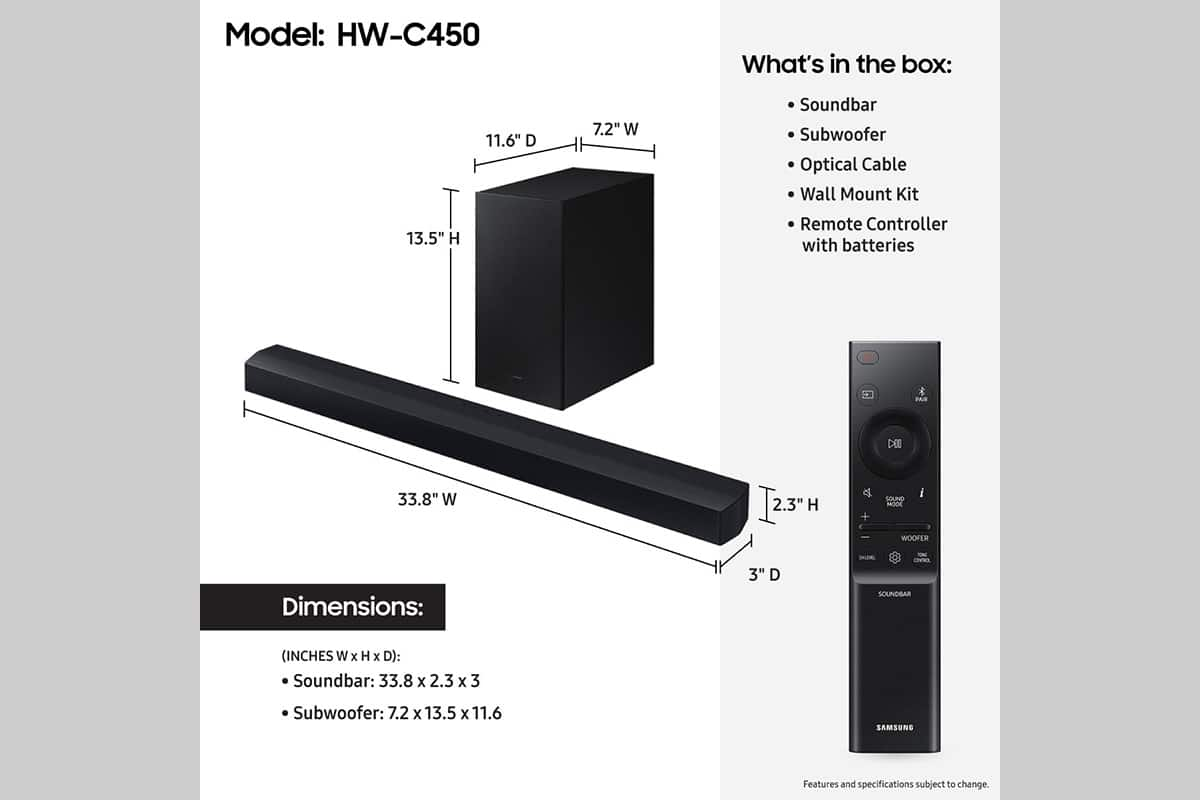

- Model:
- HW-C450
- SKU:
- 10362512
Rating by feature
- Value
Rating 4.7 out of 5 stars
- Quality
Rating 4.6 out of 5 stars
- Ease of Use
Rating 4.7 out of 5 stars
to a friend
Staticky
||Posted . Owned for 2 months when reviewed.This reviewer received promo considerations or sweepstakes entry for writing a review.Subwoofer sound’s staticky & busted when you turn it up.
No, I would not recommend this to a friendBrand response from Samsung
Posted .Hi DGrand1,
Thank you for taking a few moments to review the Samsung HW-C450 Soundbar.
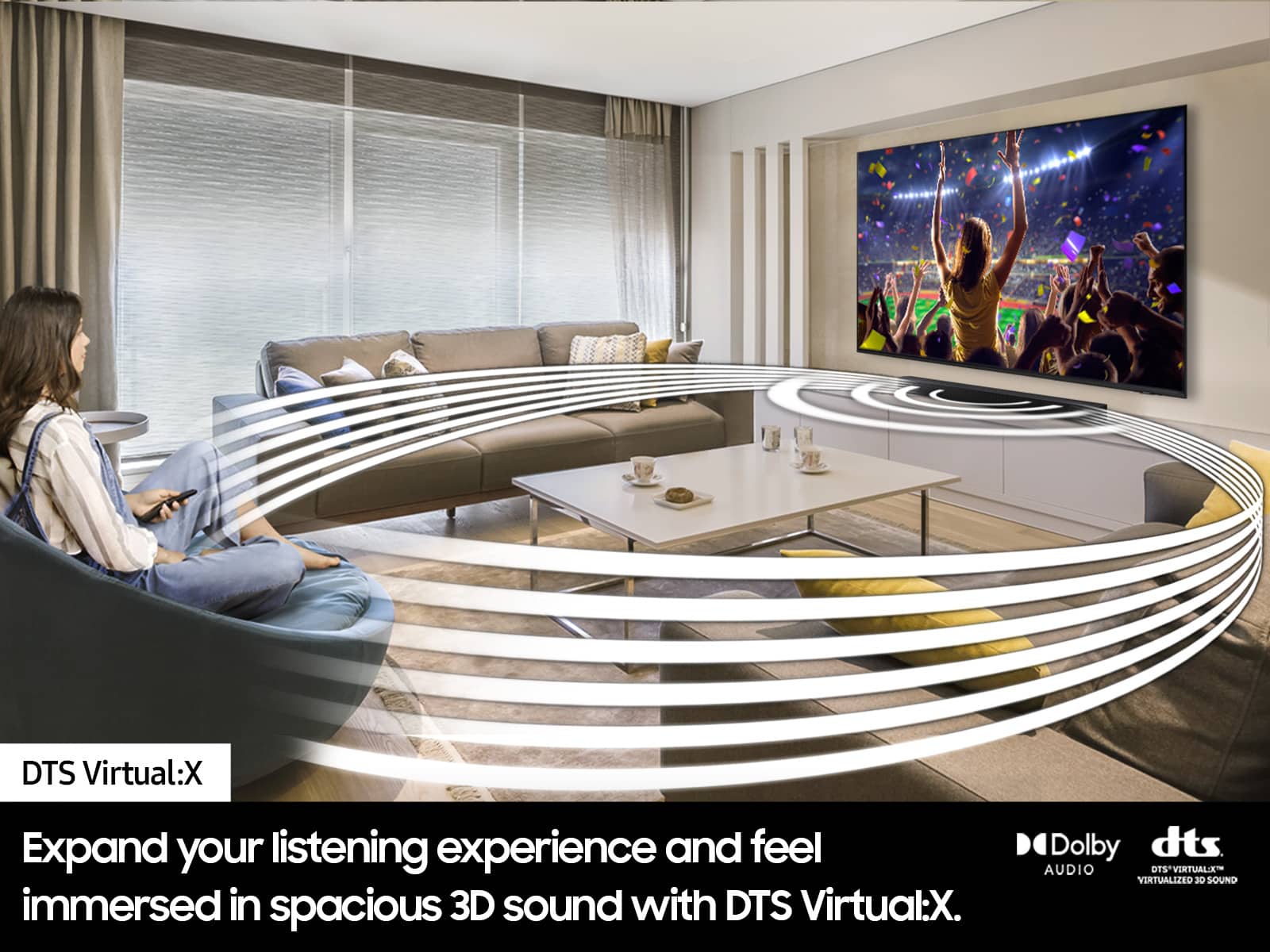
You can manually optimize your Soundbar by pressing the SOUND MODE button on your remote, and then selecting the desired sound effect by choosing SURROUND SOUND – GAME – ADAPTIVE – DTS VIRTUAL:X – BASS BOOST – STANDARD.
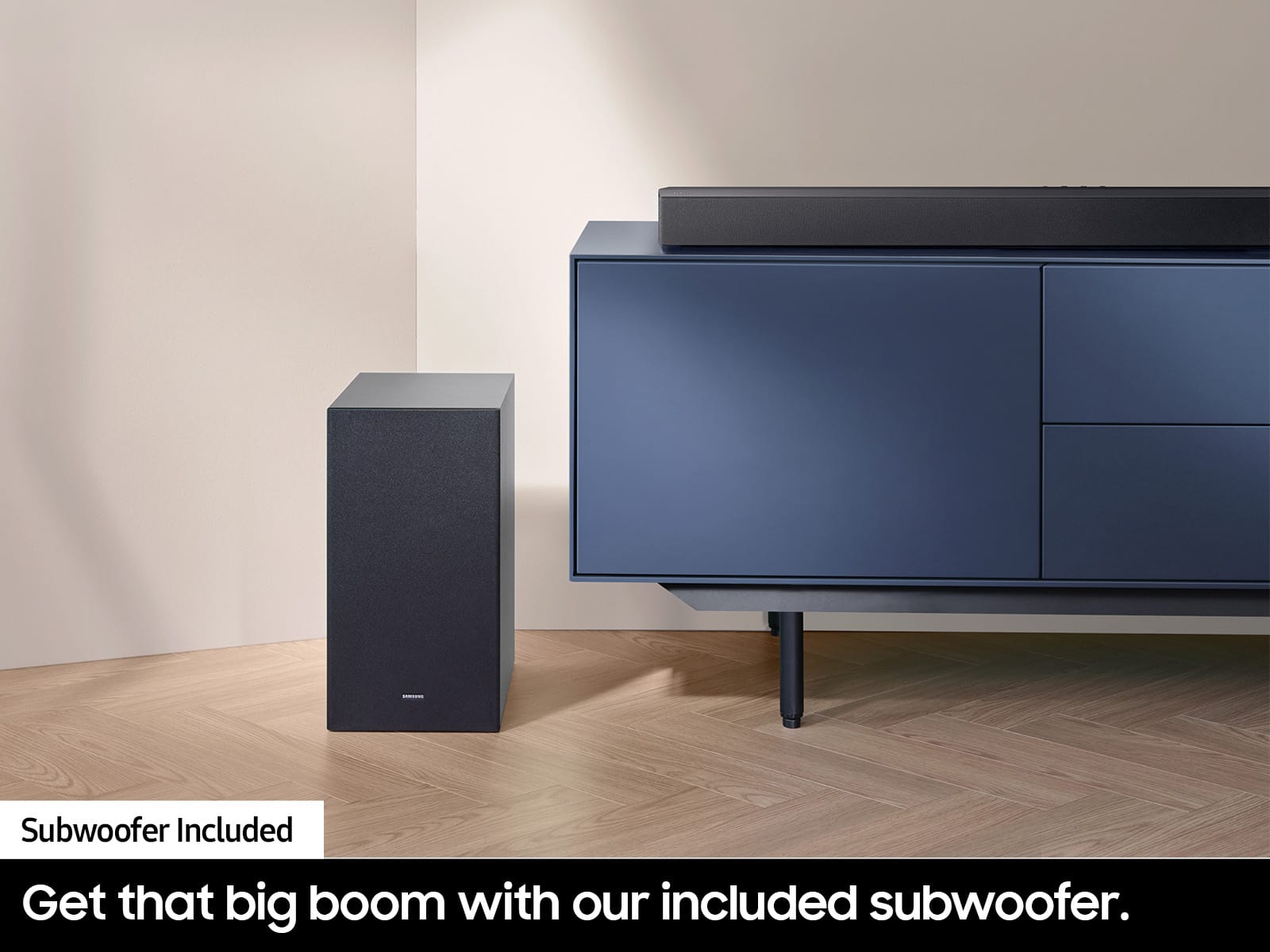
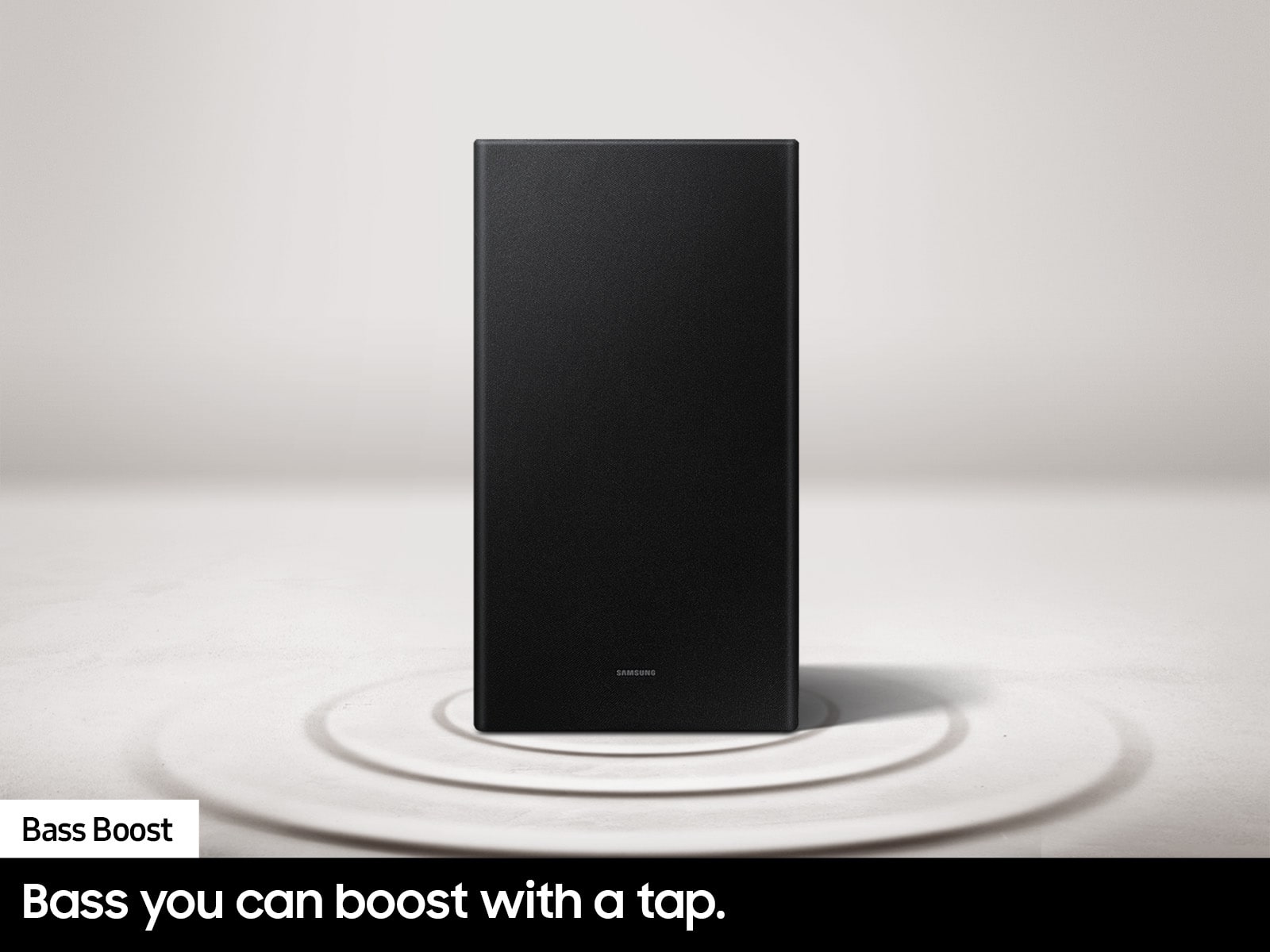
If you would like louder (or softer) bass from your subwoofer, you can adjust the level by rocking the WOOFER button on the soundbar remote, and then adjusting the level from -6 to +6. To set the subwoofer volume level to 0, press the button in.
You can adjust the Treble and Bass by pressing the TONE CONTROL button then use the UP/DOWN buttons to change the levels between -6 to +6.
For precise audio adjustments, you can use the 7-band frequency equalizer to optimize the sound for your room acoustics by pressing and holding the SOUND CONTROL button for about 5 seconds, make sure you also set the SOUND MODE to STANDARD.
If you need more help, Samsung is here for you. Please call us at 1-800-SAMSUNG, 8AM - 12AM EST (Ask for Soundbars), 7 days a week. Our Live Chat agents are also available by clicking on the ‘Support’ link on our website.
~ Samsung Solutions
HONEST opinion
||Posted . Owned for 3 weeks when reviewed.This reviewer received promo considerations or sweepstakes entry for writing a review.I think this a decent soundbar for the price, but to me its either to much bass or to much treble, no matter which sound mode i chose it just isnt to my liking ,, it might be to yours ,
No, I would not recommend this to a friendBrand response from Samsung
Posted .Hi RobertC,
Thank you for taking a moment to review the Samsung HW-C450 soundbar.
Please try a few troubleshooting steps, as this may improve your sound quality.
You can manually optimize your HW-C450 Soundbar by pressing the SOUND MODE button on your remote, and then selecting the desired sound effect by choosing SURROUND SOUND – GAME – ADAPTIVE – DTS VIRTUAL:X – BASS BOOST – STANDARD.
If you would like louder (or softer) bass from your subwoofer, you can adjust the level by rocking the WOOFER button on the soundbar remote, and then adjusting the level from -6 to +6. To set the subwoofer volume level to 0, press the button in.
You can adjust the Treble and Bass by pressing the TONE CONTROL button then use the UP/DOWN buttons to change the levels between -6 to +6.
For precise audio adjustments, you can use the 7-band frequency equalizer to optimize the sound for your room acoustics by pressing and holding the SOUND CONTROL button for about 5 seconds, make sure you also set the SOUND MODE to STANDARD.
If you need further assistance, please know Samsung Customer Support is here to help. Please call us at 1-800-SAMSUNG, 8AM - 12AM EST (Ask for Soundbars), 7 days a week. Our LiveChat agents are also available by clicking on the ‘Support’ link on our website.
~ Samsung Solutions
Kinda great item
||Posted . Owned for 1 month when reviewed.This reviewer received promo considerations or sweepstakes entry for writing a review.It was alright and a great use for my work station
I would recommend this to a friendBrand response from Samsung
Posted .RezaM,
We appreciate you taking a few moments to review the HW-C450 Soundbar.
You can manually optimize your Soundbar by pressing the SOUND MODE button on your remote, and then selecting the desired sound effect by choosing SURROUND SOUND – GAME – ADAPTIVE – DTS VIRTUAL:X – BASS BOOST – STANDARD.
If you would like louder (or softer) bass from your subwoofer, you can adjust the level by rocking the WOOFER button on the soundbar remote, and then adjusting the level from -6 to +6. To set the subwoofer volume level to 0, press the button in.
You can adjust the Treble and Bass by pressing the TONE CONTROL button then use the UP/DOWN buttons to change the levels between -6 to +6.
For precise audio adjustments, you can use the 7-band frequency equalizer to optimize the sound for your room acoustics by pressing and holding the SOUND CONTROL button for about 5 seconds, make sure you also set the SOUND MODE to STANDARD.
If you need more help, Samsung is here for you. Please call us at 1-800-SAMSUNG, 8AM - 12AM EST (Ask for Soundbars), 7 days a week. Our Live Chat agents are also available by clicking on the ‘Support’ link on our website.
~ Samsung Solutions
WOOFER IS USELESS
||Posted . Owned for 1 month when reviewed.This reviewer received promo considerations or sweepstakes entry for writing a review.THE SOUND BAR IS FINE - THE SUB WOOFER ABSOLUTELY USELESS - DOES NOTHING WHATSOEVER
No, I would not recommend this to a friendBrand response from Samsung
Posted .Frustrated2NoEnd,
We appreciate you taking a moment to review the HW-C450 Soundbar.
Your soundbar and subwoofer should connect automatically when they are turned on, but you can also connect manually just as easily.
When both soundbar and subwoofer are plugged in, they should begin to connect automatically. When the subwoofer is completely connected, the blue LED LINK indicator on the subwoofer stops blinking and glows continuously. If the blue LED does not stop blinking, the process has failed.
For manual connection, after both soundbar and subwoofer are plugged in to a wall outlet, press and hold the ID SET button on the back of the subwoofer for at least 5 seconds. The red indicator on the rear of the subwoofer turns off and the blue indicator blinks.
Press and hold the Up button on the remote control for at least 5 seconds. The ID SET message appears on the display of the Soundbar for a moment, and then it disappears. The Soundbar will automatically power on when ID SET is complete.
Check if the LINK LED is solid blue (connection complete). The LINK LED indicator stops blinking and glows a solid blue when a connection is established between the Soundbar and the Wireless Subwoofer.
I hope this helps with connecting your soundbar and subwoofer. For additional assistance, please contact Samsung Customer Support. Just give us a call at 1-800-SAMSUNG (Ask for Soundbars), 8AM - 12AM EST, 7 days a week. Our Live Chat agents are also available by clicking on the ‘Support’ link on our website.
~ Samsung Solutions
Sound bar
||Posted . Owned for 1 month when reviewed.This reviewer received promo considerations or sweepstakes entry for writing a review.Disappointed cause the bass box does not seam to put out any sound the bar its self does good
No, I would not recommend this to a friendBrand response from Samsung
Posted .Hello MarlaniaR,
Thank you for sharing your experiences with the HW-C450 Samsung Soundbar. I am sorry to see that your initial time with the Soundbar has not been ideal.
You can manually optimize your Soundbar by pressing the SOUND MODE button on your remote, and then selecting the desired sound effect by choosing SURROUND SOUND – GAME – ADAPTIVE – DTS VIRTUAL:X – BASS BOOST – STANDARD.
If you would like louder (or softer) bass from your subwoofer, you can adjust the level by rocking the WOOFER button on the soundbar remote, and then adjusting the level from -6 to +6. To set the subwoofer volume level to 0, press the button in.
You can adjust the Treble and Bass by pressing the TONE CONTROL button then use the UP/DOWN buttons to change the levels between -6 to +6.
For precise audio adjustments, you can use the 7-band frequency equalizer to optimize the sound for your room acoustics by pressing and holding the SOUND CONTROL button for about 5 seconds, make sure you also set the SOUND MODE to STANDARD.
Should you ever have questions or need help, please call us at 1-800-SAMSUNG (ask for Soundbars), available 8 AM – 12 AM EST, 7 days a week.
For additional support resources such as downloading a full manual, visit us on the Samsung website and click on the ‘Support’ link in the upper right corner of the homepage.
~Samsung Solutions
It’s just okay
||Posted . Owned for 1 month when reviewed.This reviewer received promo considerations or sweepstakes entry for writing a review.Wasn’t easy to get running. Probably operator error but had to get help from a pro and he had troubles also.
No, I would not recommend this to a friendBrand response from Samsung
Posted .Hi WolfgangKipton66,
Thank you for your feedback on the setup of your Samsung Soundbar. Please know your feedback is important to us and will be shared with our internal teams. If you ever have questions or need help, please do not hesitate to reach out to us at -800-SAMSUNG, 8 AM - 12 AM EST, seven days a week. Our LiveChat agents are also available by clicking on the ‘Support’ link on our website.
~ Samsung Advisor
Good Not Great!
||Posted . Owned for 3 months when reviewed.This reviewer received promo considerations or sweepstakes entry for writing a review.It’s not a bad sound bar but the one in the store was great got home and installed it and not the same.
No, I would not recommend this to a friendBrand response from Samsung
Posted .Hello JamesG,
We appreciate you taking a moment to review the HW-C450 Soundbar.
Here are some tips to optimize you Soundbar.
If you would like louder (or softer) bass from your subwoofer, you can adjust the level by rocking the WOOFER button on the soundbar remote, and then adjusting the level from -6 to +6. To set the subwoofer volume level to 0, press the button in.
You can adjust the Treble and Bass by pressing the TONE CONTROL button then use the UP/DOWN buttons to change the levels between -6 to +6.
For precise audio adjustments, you can use the 7-band frequency equalizer to optimize the sound for your room acoustics by pressing and holding the SOUND CONTROL button for about 5 seconds, make sure you also set the SOUND MODE to STANDARD.
I hope these tips help you enjoy your new product.
You can always contact us for further help at 1-800-SAMSUNG (Ask for Soundbars), 8 AM – 12 AM EST, 7 days a week. Our Live Chat agents are also available by clicking on the ‘Support’ link on our website.
~ Samsung Solutions
It’s ok for the kids room
||Posted . Owned for 1 month when reviewed.This reviewer received promo considerations or sweepstakes entry for writing a review.I guess you get what you pay for.The next I purchase I would definitely get something higher quality.
No, I would not recommend this to a friendBrand response from Samsung
Posted .LuvertE,
Thank you for taking a moment to review the Samsung HW-C450 soundbar.
Did you know you can manually optimize your Soundbar by pressing the SOUND MODE button on your remote, and then selecting the desired sound effect by choosing SURROUND SOUND – GAME – ADAPTIVE – DTS VIRTUAL:X – BASS BOOST – STANDARD.
If you would like louder (or softer) bass from your subwoofer, you can adjust the level by rocking the WOOFER button on the soundbar remote, and then adjusting the level from -6 to +6. To set the subwoofer volume level to 0, press the button in.
You can adjust the Treble and Bass by pressing the TONE CONTROL button then use the UP/DOWN buttons to change the levels between -6 to +6.
For precise audio adjustments, you can use the 7-band frequency equalizer to optimize the sound for your room acoustics by pressing and holding the SOUND CONTROL button for about 5 seconds, make sure you also set the SOUND MODE to STANDARD.
If you need more help, Samsung is here for you. Please call us at 1-800-SAMSUNG, 8AM - 12AM EST (Ask for Soundbars), 7 days a week. Our Live Chat agents are also available by clicking on the ‘Support’ link on our website.
~ Samsung Solutions
BEST BUY DISAPPOINTMENT
||Posted . Owned for 1 week when reviewed.This reviewer received promo considerations or sweepstakes entry for writing a review.Horrible Experience....Item arrived & was missing power cord to sound bar. Contacted Customer Service 2x & on both occasions was advised to go to nearest store & obtain cord went to 2 different stores & neither store had the cord. I contacted Customer Service from the store and all they could do was tell me I could return for a refund. Lots of wasted time. Out of Frustration & necessity I purchased the same system at one of the stores....but I will be returning both units within the next week, Best buy has left me with a bad feeling. Will look to purchase a better Samsung system, with less hassle from Amazon.
No, I would not recommend this to a friendBrand response from Samsung
Posted .Hello Edgar,
We understand your frustrations and I am sorry to see that your experience was not ideal.
Please follow up directly with Best Buy as you are leaving a review for the HW-C450 Soundbar itself.
Should you ever have questions or need help related to Samsung Soundbars, please call us at 1-800-SAMSUNG (ask for Soundbars), available 8 AM – 12 AM EST, 7 days a week.
For additional support resources such as downloading a full manual, visit us on the Samsung website and click on the ‘Support’ link in the upper right corner of the homepage.
~Samsung Solutions
Faulty subwoofer
||Posted . Owned for 3 weeks when reviewed.This reviewer received promo considerations or sweepstakes entry for writing a review.The sound was amazing during the one time it worked. The subwoofer worked once, very next time used it the signal consistently cuts in and out not staying online. Overall if it worked properly, I think it would be a great system, I like the sound quality.
I would recommend this to a friendBrand response from Samsung
Posted .Hello RodneyS,
We appreciate you taking a moment to review the HW-C450 Soundbar.
Here are some tips to troubleshoot the issue you are having with your subwoofer cutting in and out.
If autoconnection fails, you can manually connect the subwoofer.
Before performing the manual connection procedure below:
• Check whether the power cables for the Soundbar and subwoofer are connected properly.
• Make sure that the Soundbar is turned off.
1. Press and hold ID SET on the rear of the subwoofer for at least 5 seconds.
• The red indicator on the rear of the subwoofer turns off and the blue indicator blinks.
2. Press and hold the Up button on the remote control for at least 5 seconds.
• The ID SET message appears on the display of the Soundbar for a moment, and then it disappears.
• The Soundbar will automatically power on when ID SET is complete.
3. Check if the LINK LED is solid blue (connection complete). The LINK LED indicator stops blinking and glows a solid blue when a connection is established between the Soundbar and the Wireless Subwoofer.
Please note:
• Do not connect the power cord of this product or your TV to a wall outlet until all connections between components are complete.
• Before moving or installing this product, be sure to turn off the power and disconnect the power cord.
• If the main unit is powered off, the wireless subwoofer will go into stand-by mode and the STANDBY LED on the rear of the sub-woofer will turn red after blinking in blue several times.
• If you use a device that uses the same frequency (5.8GHz) as the Soundbar near the Soundbar, interference may cause some sound interruption.
• The maximum transmission distance of the main unit’s wireless signal is about 32.8 ft but may vary depending on your operating environment. If a steel-concrete or metallic wall is between the main unit and the wireless subwoofer, the system may not operate at all because the wireless signal cannot penetrate metal.
• Wireless receiving antennas are built into the wireless subwoofer. Keep the unit away from water and moisture.
• For optimal listening performance, make sure that the area around the wireless subwoofer is clear of any obstructions.
If you need more help, Samsung is here for you. Please call us at 1-800-SAMSUNG, 8AM - 12AM EST (Ask for Soundbars), 7 days a week. Our Live Chat agents are also available by clicking on the ‘Support’ link on our website.
~ Samsung Solutions
Low surround sound
||Posted . Owned for 1 month when reviewed.This reviewer received promo considerations or sweepstakes entry for writing a review.Its not great for a large living room, better suitable for a regular room. I have to consistently adjust the settings and volume to hear the surround sound! I wouldnt recommend this item to anyone. Just buy a more expensive soundbar to get the job done!
No, I would not recommend this to a friendBrand response from Samsung
Posted .Dolfo,
Thank you for taking a moment to review the Samsung HW-C450 Soundbar.
You can manually optimize your Soundbar by pressing the SOUND MODE button on your remote, and then selecting the desired sound effect by choosing SURROUND SOUND – GAME – ADAPTIVE – DTS VIRTUAL:X – BASS BOOST – STANDARD.
If you would like louder (or softer) bass from your subwoofer, you can adjust the level by rocking the WOOFER button on the soundbar remote, and then adjusting the level from -6 to +6. To set the subwoofer volume level to 0, press the button in.
You can adjust the Treble and Bass by pressing the TONE CONTROL button then use the UP/DOWN buttons to change the levels between -6 to +6.
For precise audio adjustments, you can use the 7-band frequency equalizer to optimize the sound for your room acoustics by pressing and holding the SOUND CONTROL button for about 5 seconds, make sure you also set the SOUND MODE to STANDARD.
If you need further assistance, please know Samsung Customer Support is here to help. . Just give us a call at 1-800-SAMSUNG (Ask for Soundbars), 8AM - 12AM EST, 7 days a week. Our Live Chat agents are also available by clicking on the ‘Support’ link on our website.
~ Samsung Solutions
Descent soundbar
||Posted . Owned for 3 weeks when reviewed.This reviewer received promo considerations or sweepstakes entry for writing a review.Descent soundbar to replace my old one. I expected better performance.
I would recommend this to a friendBrand response from Samsung
Posted .Hello Benabmo,
We appreciate you taking a moment to review for the HW-C450 Soundbar.
Here are a few tips to manually adjust your Soundbar.
If you would like louder (or softer) bass from your subwoofer, you can adjust the level by rocking the WOOFER button on the soundbar remote, and then adjusting the level from -6 to +6. To set the subwoofer volume level to 0, press the button in.
You can adjust the Treble and Bass by pressing the TONE CONTROL button then use the UP/DOWN buttons to change the levels between -6 to +6.
For precise audio adjustments, you can use the 7-band frequency equalizer to optimize the sound for your room acoustics by pressing and holding the SOUND CONTROL button for about 5 seconds, make sure you also set the SOUND MODE to STANDARD.
If you need further assistance, please know Samsung Customer Support is here to help. Just give us a call at 1-800-SAMSUNG (Ask for Soundbars), 8AM - 12AM EST, 7 days a week. Our Live Chat agents are also available by clicking on the ‘Support’ link on our website.
~ Samsung Solutions
So dispointed
||Posted . Owned for 1 month when reviewed.This reviewer received promo considerations or sweepstakes entry for writing a review.Drove all the way to Des Moines to pick it up. Four and a half hour drive just to realize they did not provide the remote control. Customer service will not even respond to me
No, I would not recommend this to a friendBrand response from Samsung
Posted .Hello VikingQ,
Please know you are leaving a review and a 1-star rating for the HW-C450, but we are sorry to hear of your Best Buy experience, nonetheless. You may want to consider providing feedback directly to the Best Buy store where you made your purchase.
Should you have questions on the HW-C450 itself, Samsung is here for you. You can reach us at 1-800-SAMSUNG, 8AM - 12AM EST, 7 days a week. Our LiveChat agents are also available by clicking on the ‘Support’ link on our website.
~ Samsung Solutions
Budget but gets the job done
||Posted . Owned for 1 month when reviewed.This reviewer received promo considerations or sweepstakes entry for writing a review.Not a bad set up but for the lack of an HDMI ARC connection I must lower it’s rating.
No, I would not recommend this to a friendBrand response from Samsung
Posted .Hello JohnathanR,
Thank you for sharing your thoughts regarding the HW-C450 Samsung Soundbar.
Your review is very important to us and it will be shared among our internal teams.
Should you ever have questions or need help, please call us at 1-800-SAMSUNG (ask for Soundbars), available 8 AM – 12 AM EST, 7 days a week.
For additional support resources such as downloading a full manual, visit us on the Samsung website and click on the ‘Support’ link in the upper right corner of the homepage.
~Samsung Solutions
Did not work for me.
||Posted .This reviewer received promo considerations or sweepstakes entry for writing a review.Bought this as a "Good" condition Open-Box item. It was missing one of the power cables and remote and was also stuck in Shop7 Display Mode. Ended up returning it back to the store.
No, I would not recommend this to a friendBrand response from Samsung
Posted .Hi WorkerfromHome,
Please know you are leaving a review and 1-star rating for the HW-C450, but we are sorry to hear of your Best Buy experience, nonetheless. You may want to consider providing feedback directly to the Best Buy store where you made your purchase.
Should you have questions or need assistance with settings, setup, or features with your new Samsung soundbar, please know we are always here to help. You can reach us at 1-800-SAMSUNG, 8AM - 12AM EST, 7 days a week. Our LiveChat agents are also available by clicking on the ‘Support’ link on our website.
~ Samsung Solutions
??
||Posted . Owned for 1 month when reviewed.This reviewer received promo considerations or sweepstakes entry for writing a review.COULD NOT UNDERSTAND HOW TO CONNECT TO TV. LOOKING FOR SOMEONE THAT COULD DO IT.
I would recommend this to a friendBrand response from Samsung
Posted .Hello WarrenM,
Thank you for purchasing the new HW-C450 Soundbar, I am sorry to see that you are struggling with the initial setup of your Soundbar.
Please know that we are here and happy to help you, please call us at 1-800-SAMSUNG (ask for Soundbars), available 8 AM – 12 AM EST, 7 days a week.
LiveChat with an agent by clicking the ‘Support’ link on the Samsung website.
~Samsung Solutions
Not fully working
||Posted . Owned for 3 weeks when reviewed.This reviewer received promo considerations or sweepstakes entry for writing a review.The woofer won’t connect to my WiFi. I had help with it and still it didn’t work
No, I would not recommend this to a friendBrand response from Samsung
Posted .Hi there,
Thank you for reaching out and letting us know you are experiencing issues connecting your Subwoofer. Please reach out to us so we can better assist you. You can call us at 1-800-SAMSUNG, 8 AM - 12 AM EST, seven days a week. Our LiveChat agents are also available by clicking on the ‘Support’ link on our website.
~ Samsung Advisor
Sound
||Posted . Owned for 3 weeks when reviewed.This reviewer received promo considerations or sweepstakes entry for writing a review.Does not have the overall sound or volume I expected. Just ok.
No, I would not recommend this to a friendBrand response from Samsung
Posted .Hello ChesterM,
Thank you for sharing your experiences with the HW-C450 Samsung Soundbar.
You can manually optimize your Soundbar by pressing the SOUND MODE button on your remote, and then selecting the desired sound effect by choosing SURROUND SOUND – GAME – ADAPTIVE – DTS VIRTUAL:X – BASS BOOST – STANDARD.
If you would like louder (or softer) bass from your subwoofer, you can adjust the level by rocking the WOOFER button on the soundbar remote, and then adjusting the level from -6 to +6. To set the subwoofer volume level to 0, press the button in.
You can adjust the Treble and Bass by pressing the TONE CONTROL button then use the UP/DOWN buttons to change the levels between -6 to +6.
For precise audio adjustments, you can use the 7-band frequency equalizer to optimize the sound for your room acoustics by pressing and holding the SOUND CONTROL button for about 5 seconds, make sure you also set the SOUND MODE to STANDARD.
If we can further help with any other issues, please know we are here for you. Just call us at 1-800-SAMSUNG (Ask for Soundbars), 8 AM – 12 AM EST, 7 days a week. Or visit us on the Samsung website and click on the ‘Support’ link for:
• LiveChat with an agent
• Manuals, Software, & Warranty Info
~ Samsung Solutions
Audio Lag Makes Viewing Impossible - Cannot Adjust
||Posted . Owned for 10 months when reviewed.This reviewer received promo considerations or sweepstakes entry for writing a review.Creates a noticeable audio lag if connected to a Samsung Frame TV, which makes watching shows impossible. Will not connect to smart things app to update firmware nor will read and update firmware via USB. Samsung support site is poorly designed. Samsung said it was under warranty but would charge me for diagnostics. Avoid this one for sure.
No, I would not recommend this to a friendBrand response from Samsung
Posted .Hello RMos,
Thank you for taking a moment to review the Samsung HW-C450 Soundbar.
The HW-C450 Soundbar does not feature WiFi connectivity and is not able to connect to SmartThings to update.
When an update is available, you can update the Soundbar by connecting the USB drive that contains the update firmware to the SERVICE port of the Soundbar.
1.Go to the Samsung Electronics website (www.samsung.com) → click on the “Support” option in the upper right corner.
2.Click on “Manuals & Software” from the pop-up list > TVs & Home Theater > Home Theater > Select your model
2. Download the firmware file (USB type).
3. Unzip the file to create a folder with the file name.
4. Store the created folder in a USB and then connect it to the Soundbar.
5. A sequence of “UPDATE” > “BYE” > “ON” will appear on the display 3 times. This will take around 6 minutes.
- During update, do not turn it off or remove the USB.
- If “UPDATE” does not appear on the display window, remove the power cord from the Soundbar and then reconnect it.
- When the latest Version is installed, no update is performed.
- Depending on the USB type, update may not be supported.
6. After the 3 cycles are complete, the Soundbar will restart and last source used will appear on the display for about 20 seconds and then it will go off (“UPDATE” > “BYE” > “ON”) 3 times “D.IN” > off
If you need more help, Samsung is here for you. Please call us at 1-800-SAMSUNG, 8AM - 12AM EST (Ask for Soundbars), 7 days a week. Our Live Chat agents are also available by clicking on the ‘Support’ link on our website.
~ Samsung Solutions
Great Value
||Posted . Owned for 2 weeks when reviewed.This reviewer received promo considerations or sweepstakes entry for writing a review.It's okay for the price, still having some issues with dialogue.
I would recommend this to a friendBrand response from Samsung
Posted .Hello GenZod,
Thank you for taking a moment to review the HW-C450 soundbar.
To improve your experience, press the Sound Mode button on your remote control and select Adaptive Sound. In Adaptive Sound mode, the soundbar analyzes the content and volume to optimize the audio rendering resulting in clearer dialogue.
I hope this tip helps improve your enjoyment. For more help, please call us at 1-800-SAMSUNG (Ask for Soundbars), 8 AM – 12 AM EST, 7 days a week. LiveChat with an agent as well as manuals, software, and warranty info can be found at the ‘Support’ link on our Samsung website.
~ Samsung Solutions