Skip to contentGo to Product SearchGo to Footer
Main Content

Customer Ratings & Reviews
Loading...

Customer reviews

Rating 4.6 out of 5 stars with 1015 reviews

Rating Filter

Rating by feature

  • Value

    Rating 4.7 out of 5 stars

  • Quality

    Rating 4.6 out of 5 stars

  • Ease of Use

    Rating 4.7 out of 5 stars

Pros mentioned filter

Cons mentioned filter

93%would recommend to a friend

Customers are saying

Customers are satisfied with the HW-C450 2.1 Channel B-Series Soundbar, particularly its sound quality and bass. Users find it easy to use and set up, with simple and fast connectivity. The main drawbacks mentioned are the lack of an HDMI port and some inconvenience with using multiple remotes.

This summary was generated by AI based on customer reviews.

The vast majority of our reviews come from verified purchases. Reviews from customers may include My Best Buy members, employees, and Tech Insider Network members (as tagged). Select reviewers may receive discounted products, promotional considerations or entries into drawings for honest, helpful reviews.
Page 45 Showing 881-900 of 1,015 reviews
  • Rated 5 out of 5 stars

    Like

    |
    |
    Posted . Owned for 3 weeks when reviewed.
    This reviewer received promo considerations or sweepstakes entry for writing a review.

    Bought it for the livingroom.So don't blow out the tv speakers.

    I would recommend this to a friend
  • Rated 5 out of 5 stars

    .

    |
    |
    Posted . Owned for 1 month when reviewed.
    This reviewer received promo considerations or sweepstakes entry for writing a review.

    very good staff very good staff very good staff ..

    I would recommend this to a friend
  • Pros mentioned:
    Bass

    Rated 2 out of 5 stars

    Ehh theres better

    |
    |
    Posted . Owned for 1 week when reviewed.
    This reviewer received promo considerations or sweepstakes entry for writing a review.

    It was just blah, the subwoofer is really powerful but the sound was lackluster. Also the settings are a bit difficult to navigate

    No, I would not recommend this to a friend
    • Brand response from Samsung
      Posted .

      Hi Veracious,

      Thank you for taking a moment to review the Samsung HW-C450 Soundbar.

      You can manually optimize your Soundbar by pressing the SOUND MODE button on your remote, and then selecting the desired sound effect by choosing SURROUND SOUND – GAME – ADAPTIVE – DTS VIRTUAL:X – BASS BOOST – STANDARD.

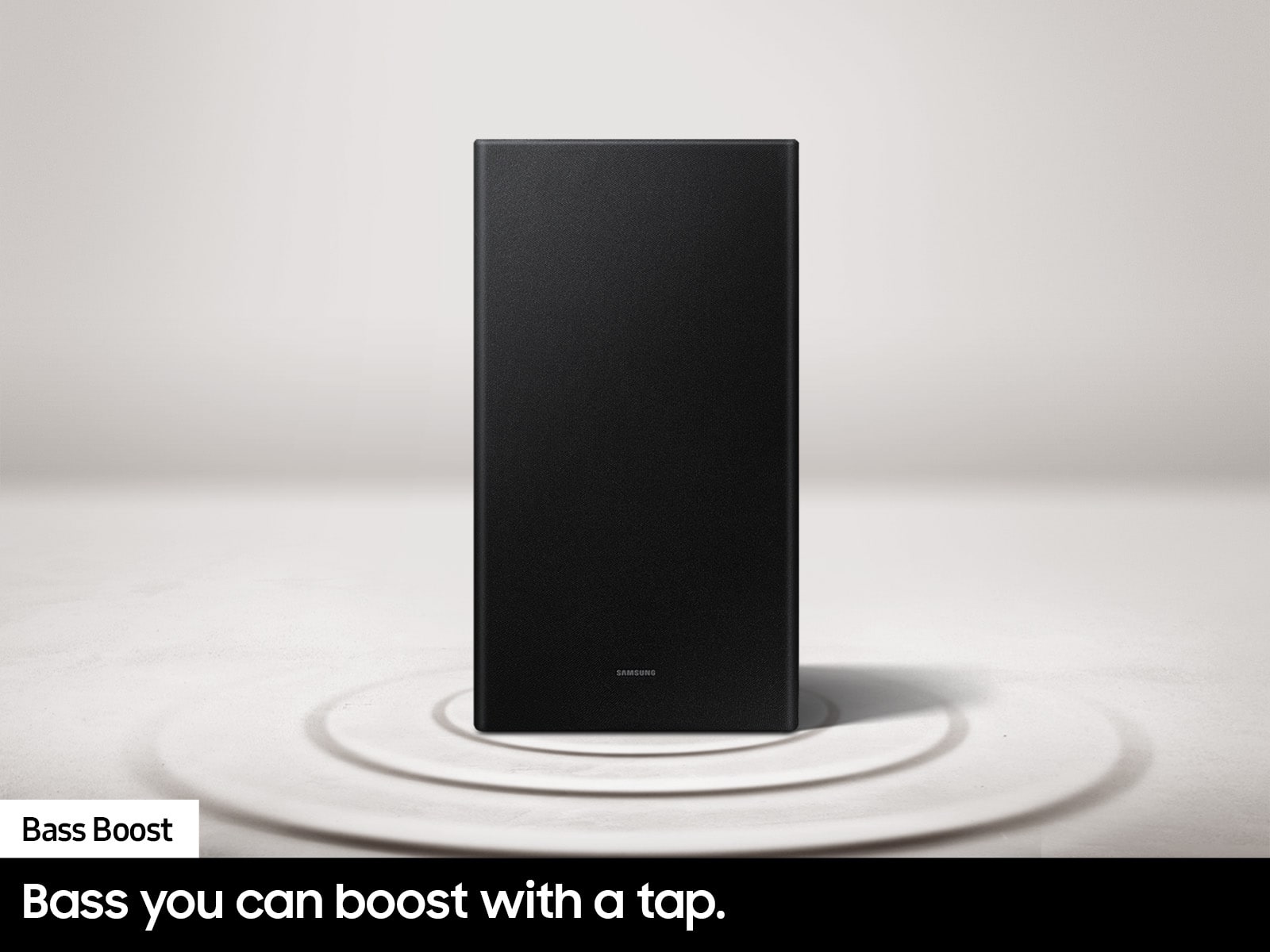
      If you would like louder (or softer) bass from your subwoofer, you can adjust the level by rocking the WOOFER button on the soundbar remote, and then adjusting the level from -6 to +6. To set the subwoofer volume level to 0, press the button in.

      You can adjust the Treble and Bass by pressing the TONE CONTROL button then use the UP/DOWN buttons to change the levels between -6 to +6.

      For precise audio adjustments, you can use the 7-band frequency equalizer to optimize the sound for your room acoustics by pressing and holding the SOUND CONTROL button for about 5 seconds, make sure you also set the SOUND MODE to STANDARD.

      I hope this tip helps improve your enjoyment. For more help, please call us at 1-800-SAMSUNG (Ask for Soundbars), 8 AM – 12 AM EST, 7 days a week. Live Chat with an agent as well as manuals, software, and warranty info can be found at the ‘Support’ link on our Samsung website.

      ~ Samsung Solutions Samsung

  • Rated 5 out of 5 stars

    Loved the item n is working well

    |
    |
    Posted . Owned for 3 weeks when reviewed.
    This reviewer received promo considerations or sweepstakes entry for writing a review.

    The staff was very accommodating n helpful. Highly recommend then!

    I would recommend this to a friend
  • Rated 5 out of 5 stars

    Great

    |
    |
    Posted . Owned for 1 month when reviewed.
    This reviewer received promo considerations or sweepstakes entry for writing a review.

    It only gets so loud but its good enough. Music feels less loud than movies.

    I would recommend this to a friend
  • Rated 5 out of 5 stars

    so good

    |
    |
    Posted . Owned for 3 weeks when reviewed.
    This reviewer received promo considerations or sweepstakes entry for writing a review.

    My little brother love his gift and I’m so happy that he like it

    I would recommend this to a friend
  • Rated 4 out of 5 stars

    It works as intended.

    |
    |
    Posted . Owned for 3 weeks when reviewed.
    This reviewer received promo considerations or sweepstakes entry for writing a review.

    It has worked very well. The fact that I can use my tv remote to control its volume is very nice.

    I would recommend this to a friend
  • Rated 2 out of 5 stars

    Shafted

    |
    |
    Posted .
    This reviewer received promo considerations or sweepstakes entry for writing a review.

    Have not installed this yet. It was supposed to come with a remote it was missing. I tried to install this product 31 days after I bought it, as I was waiting for our new TV to arrive. I called, and they said I would have to purchase a new remote from the manufacturer. I called Samsung cost me $65.oo including sgipping on back order

    No, I would not recommend this to a friend
    • Brand response from Samsung
      Posted .

      alby,

      Please know you are leaving a review and 2-star rating for the HW-C450, but we are sorry to hear of your Best Buy experience, nonetheless. You may want to consider providing feedback directly to the Best Buy store where you made your purchase.

      Should you have questions on the HW-C450 itself, Samsung is here for you. You can reach us at 1-800-SAMSUNG, 8AM - 12AM EST, 7 days a week. Our LiveChat agents are also available by clicking on the ‘Support’ link on our website.

      ~ Samsung Solutions Samsung

  • Rated 5 out of 5 stars

    a good buy

    |
    |
    Posted . Owned for 3 weeks when reviewed.
    This reviewer received promo considerations or sweepstakes entry for writing a review.

    excellent product happy to have it happy to use it

    I would recommend this to a friend
  • Rated 5 out of 5 stars

    Speaker

    |
    |
    Posted . Owned for 1 month when reviewed.
    This reviewer received promo considerations or sweepstakes entry for writing a review.

    Well it’s a good product. I like it. I recommend to everybody

    I would recommend this to a friend
  • Rated 4 out of 5 stars

    great sound for me

    |
    |
    Posted . Owned for 1 month when reviewed.
    This reviewer received promo considerations or sweepstakes entry for writing a review.

    I am enjoying but still having trouble working it with my TV

    I would recommend this to a friend
  • Rated 5 out of 5 stars

    Perfection

    |
    |
    Posted . Owned for 3 weeks when reviewed.
    This reviewer received promo considerations or sweepstakes entry for writing a review.

    Perfect access and always looking shopping with best buy

    I would recommend this to a friend
  • Rated 5 out of 5 stars

    Gift

    |
    |
    Posted . Owned for 3 weeks when reviewed.
    This reviewer received promo considerations or sweepstakes entry for writing a review.

    Bought it for my father. He used it for thier bedroom and he loves it!

    I would recommend this to a friend
  • Rated 4 out of 5 stars

    Good value

    |
    |
    Posted . Owned for 3 weeks when reviewed.
    This reviewer received promo considerations or sweepstakes entry for writing a review.

    Very good overall. Works as expected and teams with my tv remote

    I would recommend this to a friend
  • Rated 4 out of 5 stars

    Retired LEO

    |
    |
    Posted . Owned for 3 weeks when reviewed.
    This reviewer received promo considerations or sweepstakes entry for writing a review.

    Work well. A little hard to connect to the Bluetooth.

    I would recommend this to a friend
  • Rated 4 out of 5 stars

    William's Samsung C-Series 2.1 soundbar

    |
    |
    Posted . Owned for 3 weeks when reviewed.
    This reviewer received promo considerations or sweepstakes entry for writing a review.

    Samsung C-Series 2.1 soundbar is very functional and works well with my LG television.

    I would recommend this to a friend
  • Rated 3 out of 5 stars

    Connection issues

    |
    |
    Posted . Owned for 3 weeks when reviewed.
    This reviewer received promo considerations or sweepstakes entry for writing a review.

    The sound bar has connectivity issues. I tried using youtube to connect but it just doesnt work- it was open box so I see why it was returned

    No, I would not recommend this to a friend
    • Brand response from Samsung
      Posted .

      Hi Lees,

      I’m very sorry for the difficulties you’ve experienced with your HW-C450 Soundbar’s setup. We completely understand your frustrations, and we are here to help.

      The HW-C450 features two ways to connect to a TV; digital optical audio and Bluetooth wireless audio technology. If your TV is compatible with one of these two audio connections, you should have no issue connecting the soundbar to your TV. Follow the steps below to connect the soundbar to your TV via one of the two available connections:

      An optical cable is a great way to connect your soundbar to your TV and the method we recommend using for the HW-C450. With optical, you can also connect your devices (cable boxes, video game systems, and Blu-ray players) to the TV, and have the sound output from the TV to the soundbar.
      1. With the TV and soundbar turned on, connect one end of a digital optical cable to the OPTICAL OUT port on the TV.
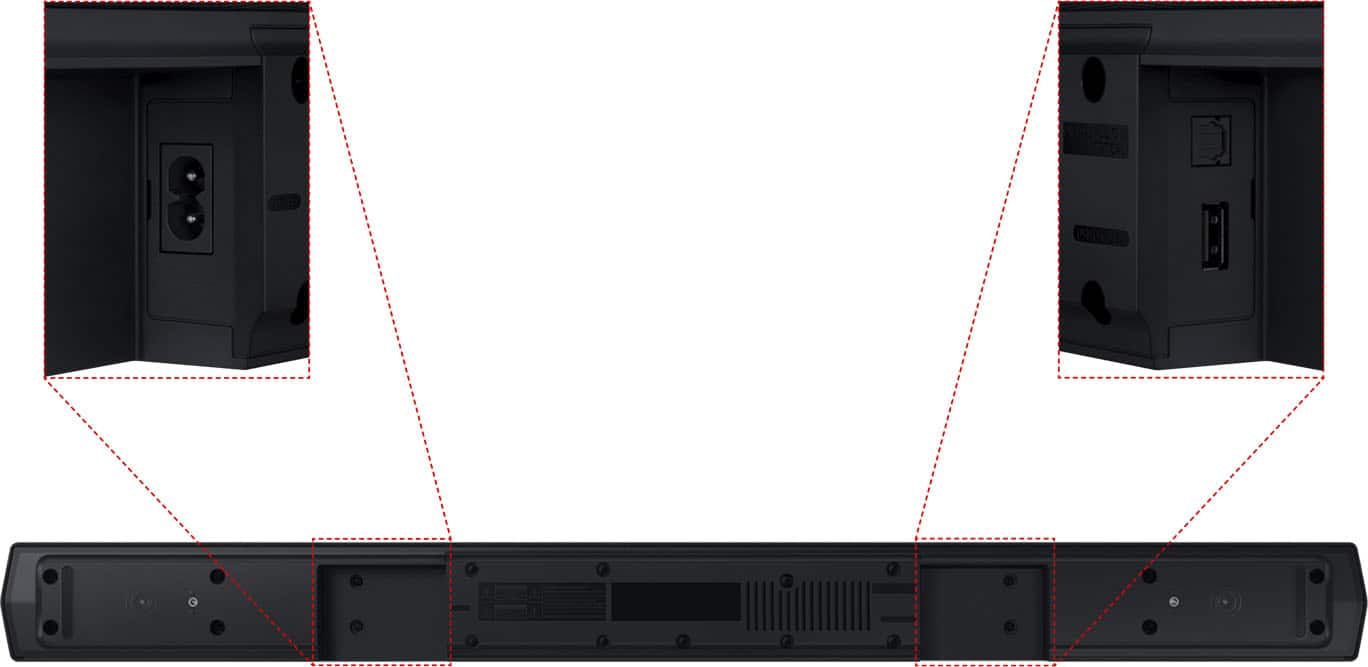
      2. Then, connect the other end to the DIGITAL AUDIO IN (OPTICAL) port on the soundbar.
      3. Press Source on the remote or soundbar, and then set the soundbar to the D.IN. setting.
      4. Finally, on the TV, you need to set the speaker output to external speakers.

      The TV's sound will now play from the soundbar.

      Your soundbar is also compatible with a Bluetooth connection to the TV. To connect the soundbar wirelessly, follow the steps below:

      1) Press the PAIR button on the remote to enter BT PAIRING mode. You can also press the SOURCE button on the top panel and then select BT. “BT” changes to “BT PAIRING” in a few seconds automatically or changes to “BT READY” if there is a connect record. If BT READY appears, press and hold the SOURCE button on the top panel of the Soundbar for more than 5 seconds to display BT PAIRING.
      2) Select the Bluetooth sound mode on your TV (See your TV's user manual for assistance)
      3) Select “[AV] Samsung Soundbar A470 Series” from the list on the TV’s screen. An available Soundbar is indicated with “Need Pairing” or “Paired” on the TV’s Bluetooth device list. To connect the TV to the Soundbar, select the message, and then establish a connection.
      When the TV is connected, [TV Name] → “BT” appears on the Soundbar’s front display.

      You should now hear TV sound from the Soundbar. Once you have connected your soundbar for the first time, use the “BT READY” mode to reconnect.

      If we can help with anything else, please call us at 1-800-SAMSUNG (Ask for Soundbars), 8 AM – 12 AM EST, 7 days a week. Live Chat with an agent as well as manuals, software, and warranty info can be found at the ‘Support’ link on our Samsung website.

      ~ Samsung Solutions Samsung

  • Rated 5 out of 5 stars

    Excellent

    |
    |
    Posted . Owned for 3 weeks when reviewed.
    This reviewer received promo considerations or sweepstakes entry for writing a review.

    Excellent Excellent Excellent Excellent Excellent Excellent

    I would recommend this to a friend
  • Rated 5 out of 5 stars

    perfect

    |
    |
    Posted . Owned for 1 month when reviewed.
    This reviewer received promo considerations or sweepstakes entry for writing a review.

    perfect and fast service, and good attending for employees

    I would recommend this to a friend
  • Rated 1 out of 5 stars

    Never trust open box and you or need customer supp

    |
    |
    Posted . Owned for 1 month when reviewed.
    This reviewer received promo considerations or sweepstakes entry for writing a review.

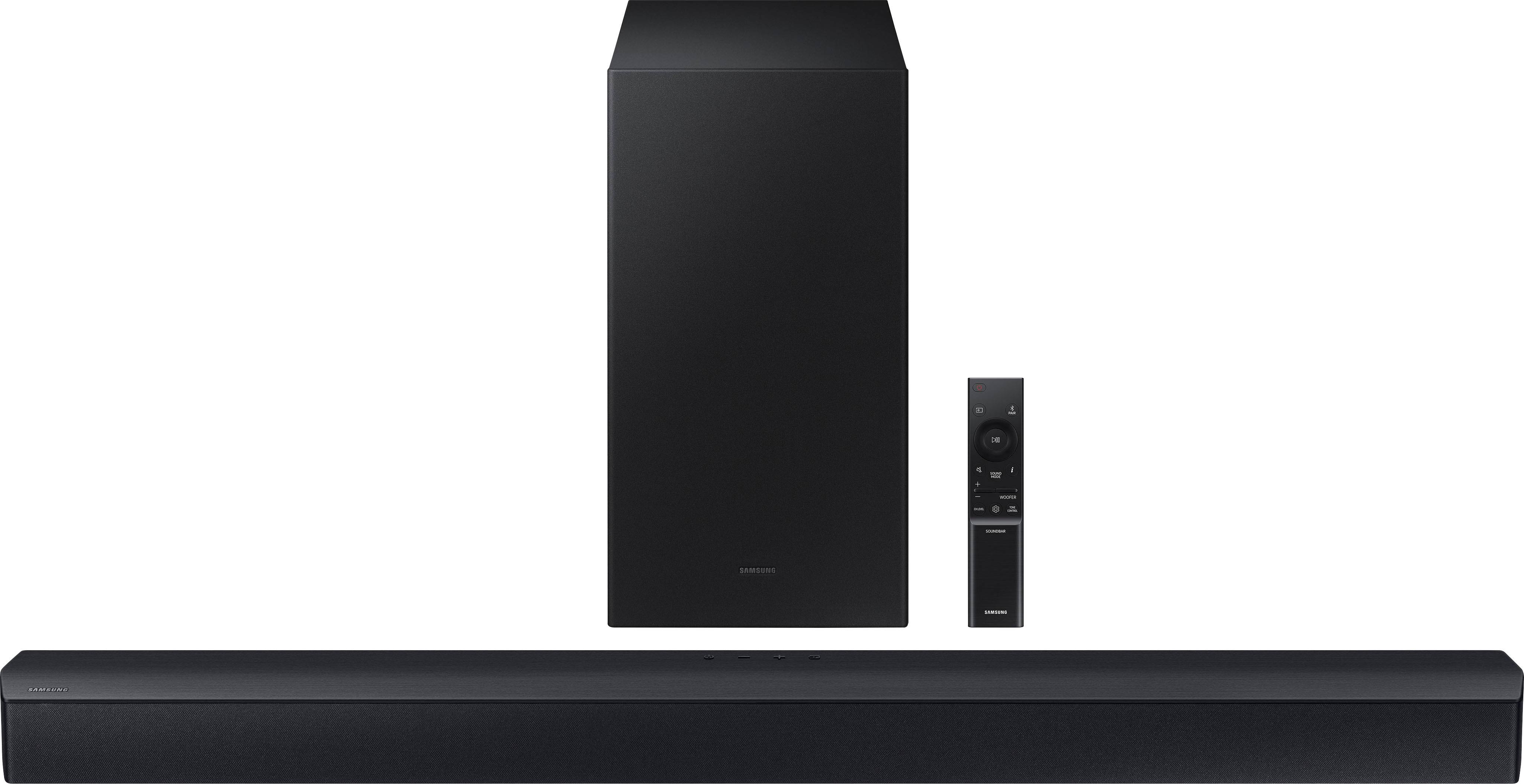
    Arrived with nothing except the soundbar and sub speaker. Advertised as excellent and complete. Tried contacting support immediately and couldn't even understand the lady. I am partially hearing impaired however it was not the volume factor so much as the language barrier. I asked if I could speak to someone else in hopes of improved communication and was told "NO" this was my only option. She instructed me to return the item to the store. I explained it would be a long distance over 200 miles round trip on icy roads. She was not acting like she understood what I was trying to tell her and I'm not even close to being able to understand her and became very frustrated. I tried to reach the Billings store in hopes of finding the missing parts and could never get anyone to answer the phone! Long story short the next day we all started getting sick right before Christmas break and priorities changed. Unfortunately I was the last to get hit and instead of trying to take care of everyone else I was down for the count and my return window closed. In all fairness I did continue to try and contact the store and never could get anyone to answer the darn phone. I have since tried to assemble enough parts online to make it functional and have exceeded the DOD new pricing. The sub won't connect and I can't find support for the exact model so without the instruction booklet I've spent far too much time and money trying to get the worthless thing to work. I think it was probably a dud from the start because despite all the quality assurance stickers on the box no one bothered to even make sure it was complete much less functional. I have been a loyal best buy customer for over 20 years but that is about to change.

    No, I would not recommend this to a friend
    • Brand response from Samsung
      Posted .

      Hello technogrannie,

      I am sorry to hear about your experience with your purchase from Best Buy. You may want to try the following tips below:

      Your soundbar and subwoofer should connect automatically when they are turned on, but you can also connect manually just as easily.

      When both soundbar and subwoofer are plugged in, they should begin to connect automatically. When the subwoofer is completely connected, the blue LED LINK indicator on the subwoofer stops blinking and glows continuously. If the blue LED does not stop blinking, the process has failed.

      For manual connection, after both soundbar and subwoofer are plugged in to a wall outlet, press and hold the ID SET button on the back of the subwoofer for at least 5 seconds. The red indicator on the rear of the subwoofer turns off and the blue indicator blinks.

      Press and hold the Up button on the remote control for at least 5 seconds. The ID SET message appears on the display of the Soundbar for a moment, and then it disappears. The Soundbar will automatically power on when ID SET is complete.

      Check if the LINK LED is solid blue (connection complete). The LINK LED indicator stops blinking and glows a solid blue when a connection is established between the Soundbar and the Wireless Subwoofer.

      Here is the link for the user manual for your C450 soundbar.
      https://downloadcenter.samsung.com/content/UM/202305/20230515115707122/HW-C450_ZA_FullManual_X10_ENG_221205.0.pdf

      If you continue to have trouble connecting, please reach out to us, we are here to help at 1-800-SAMSUNG (Ask for Soundbars), 8 AM – 12 AM EST, 7 days a week. Or visit us on the Samsung website and click on the ‘Support’ link for:
      • LiveChat with an agent
      • Manuals, Software, & Warranty Info
      ~ Samsung Solutions Samsung