Customer Ratings & Reviews
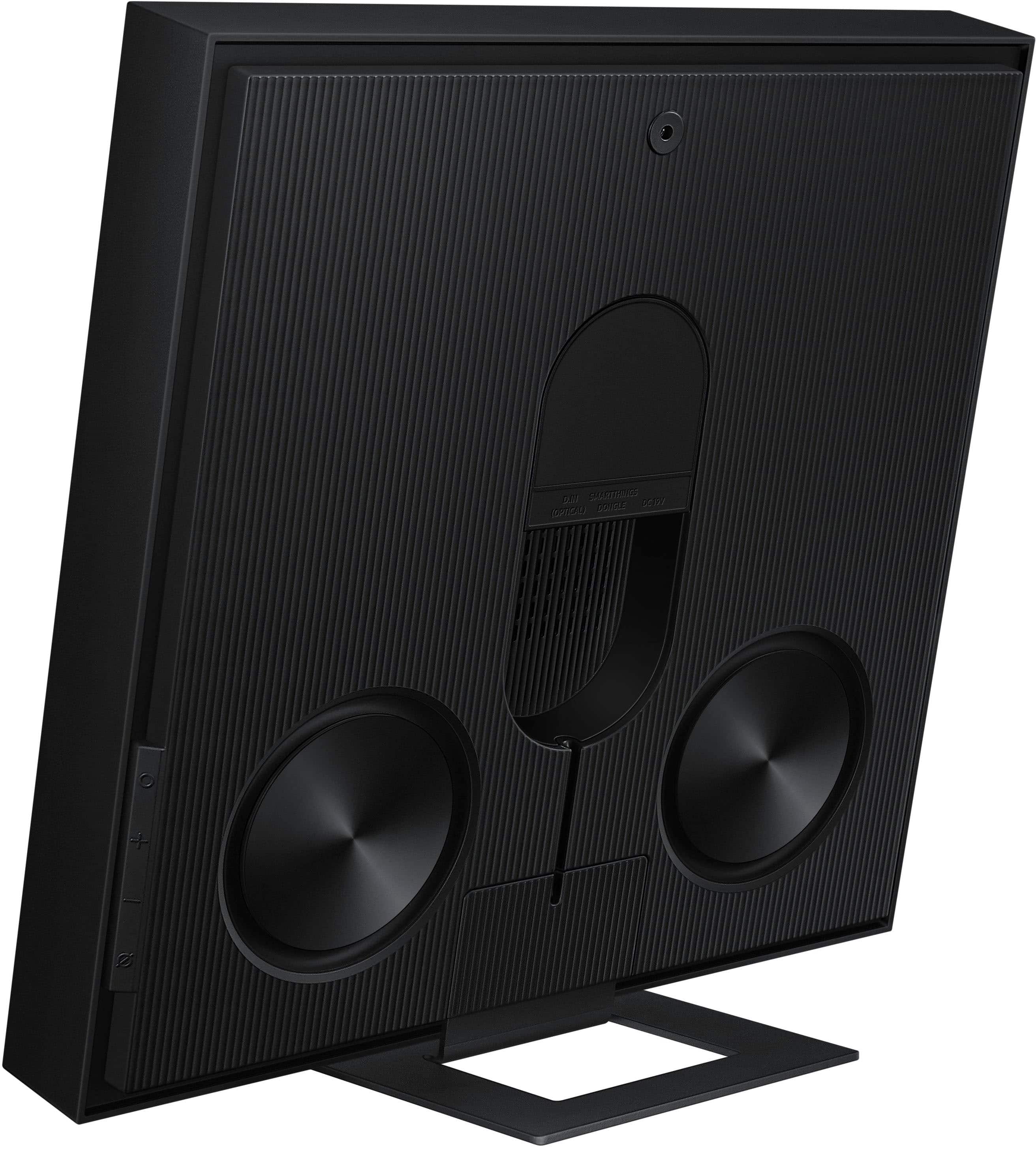
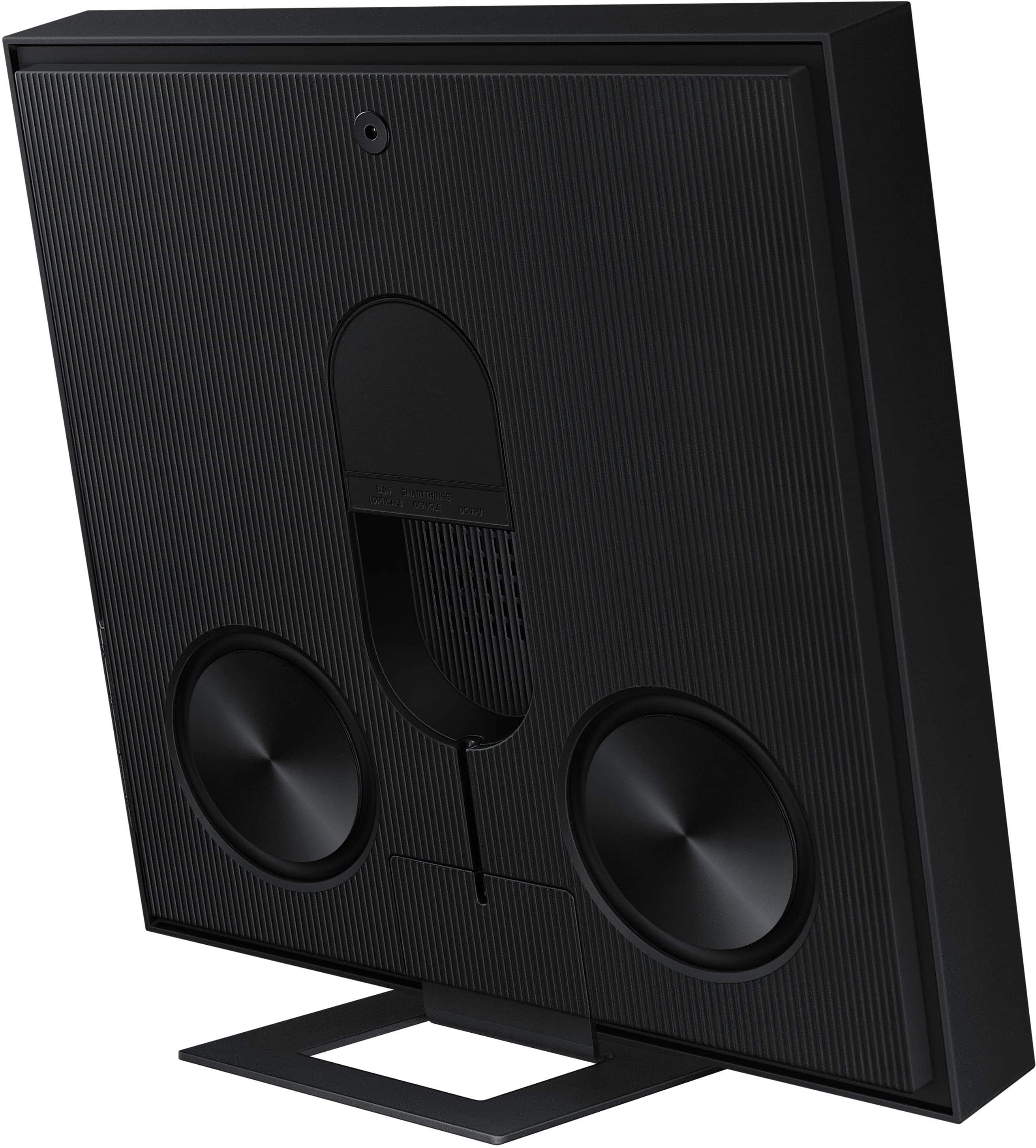
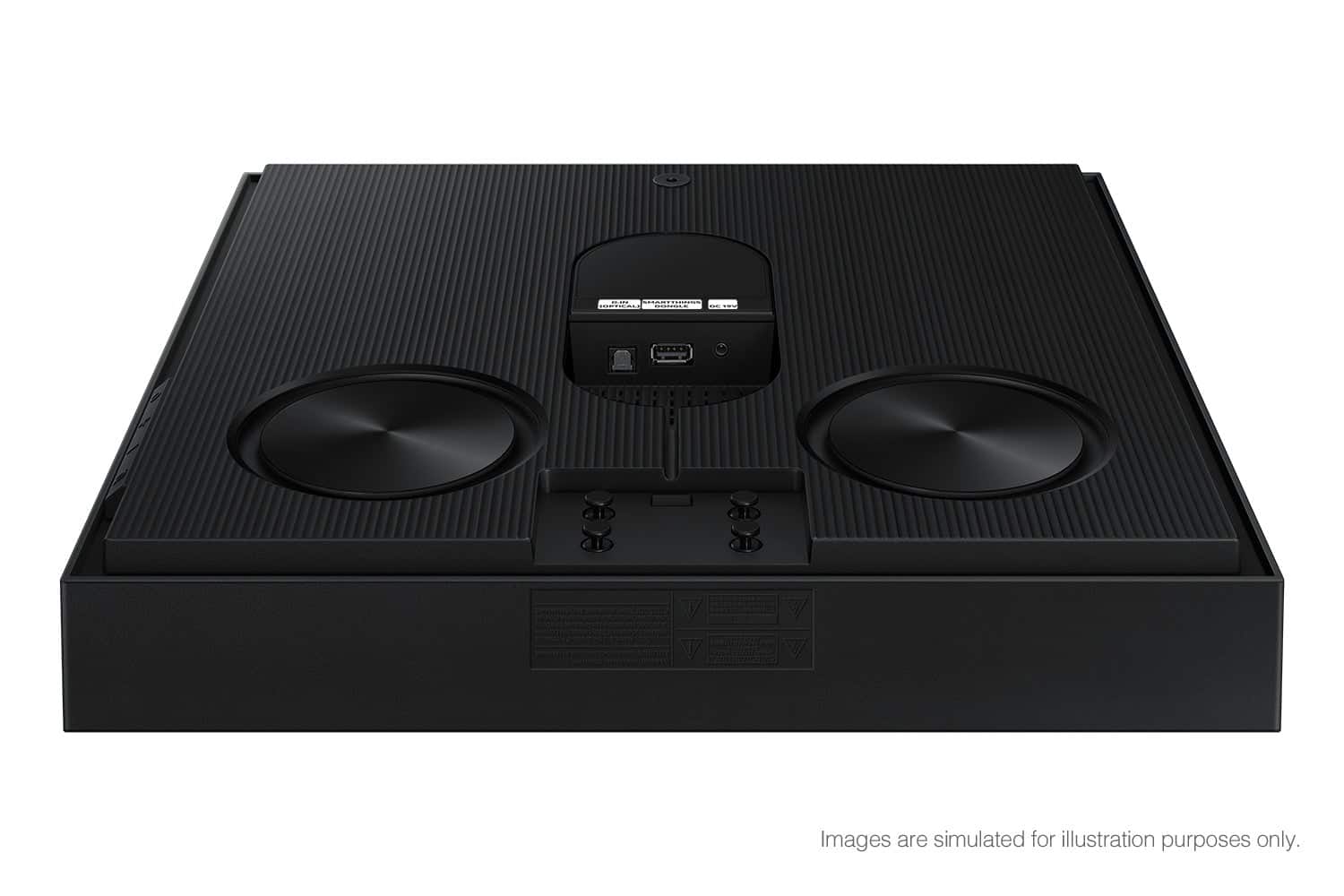
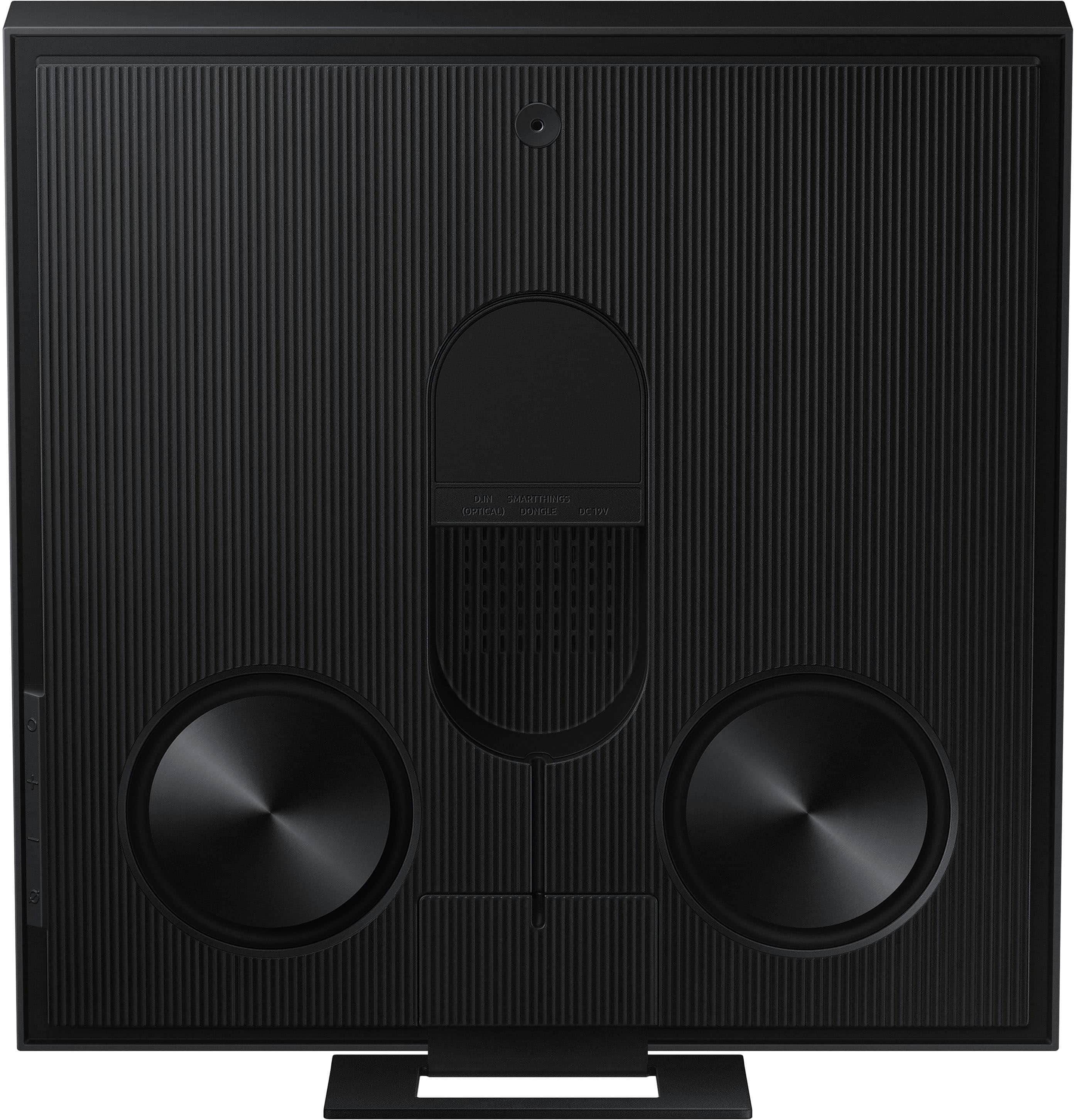

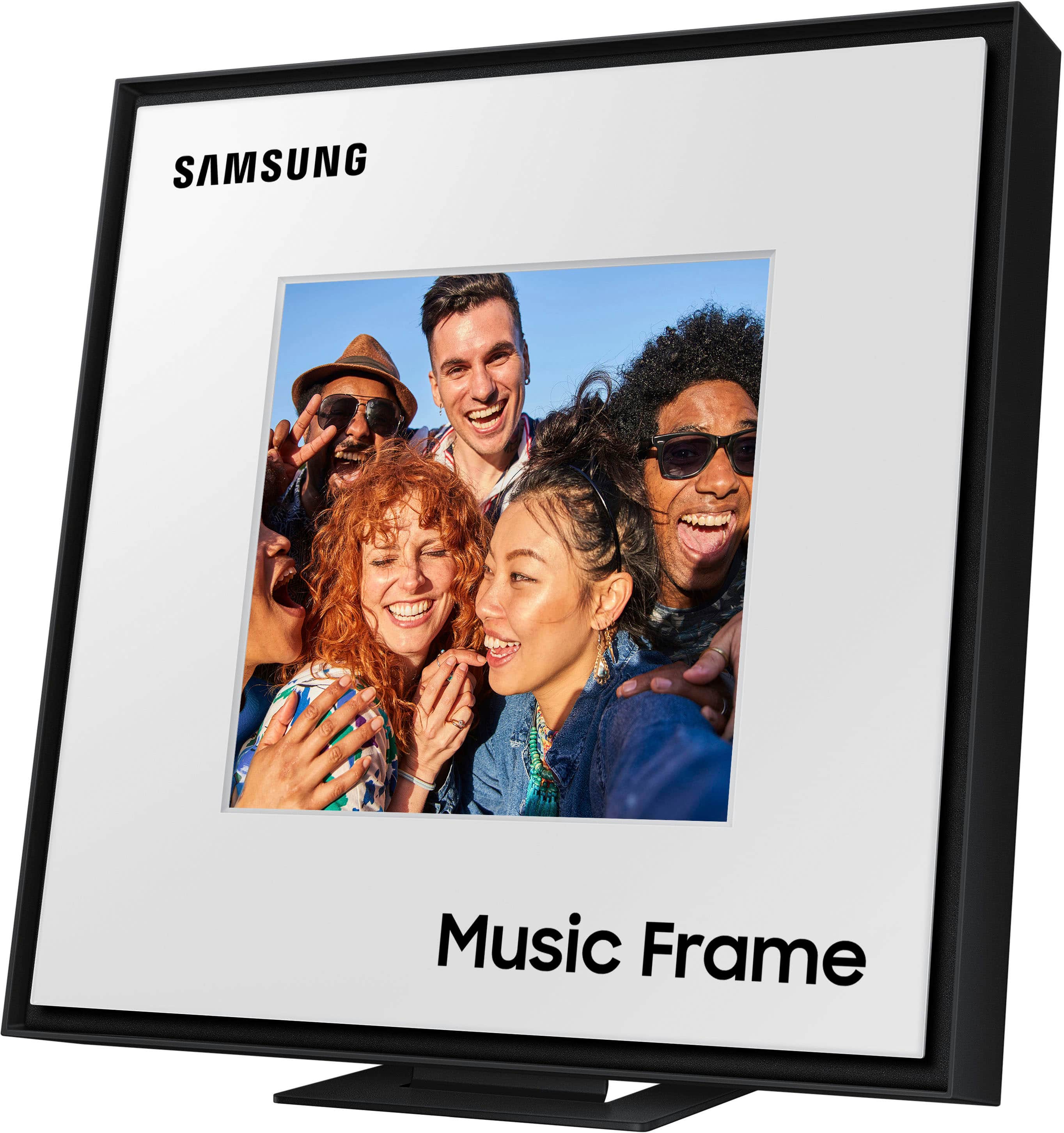
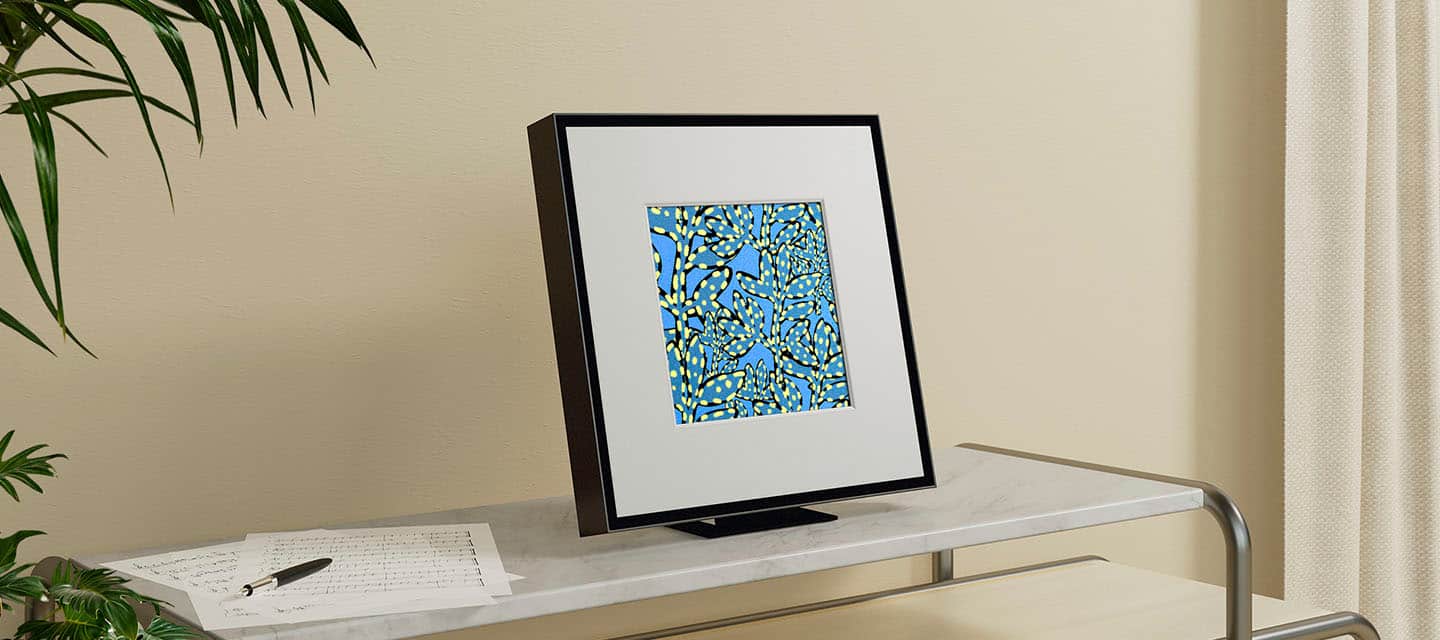








- Model:
- HW-LS60D/ZA
- SKU:
- 6577560
Rating by feature
- Value
Rating 4.3 out of 5 stars
- Quality
Rating 4.6 out of 5 stars
- Ease of Use
Rating 4.4 out of 5 stars
Customers are saying
Customers praise the superior sound quality, sleek design, and flawless, fast Bluetooth connectivity. They also appreciate its ease of use, impressive bass for its size, and ability to get incredibly loud. However, some customers found the product to be larger and heavier than anticipated, and wished it included a digital picture display.
This summary was generated by AI based on customer reviews.
- Pros mentioned:Sound quality
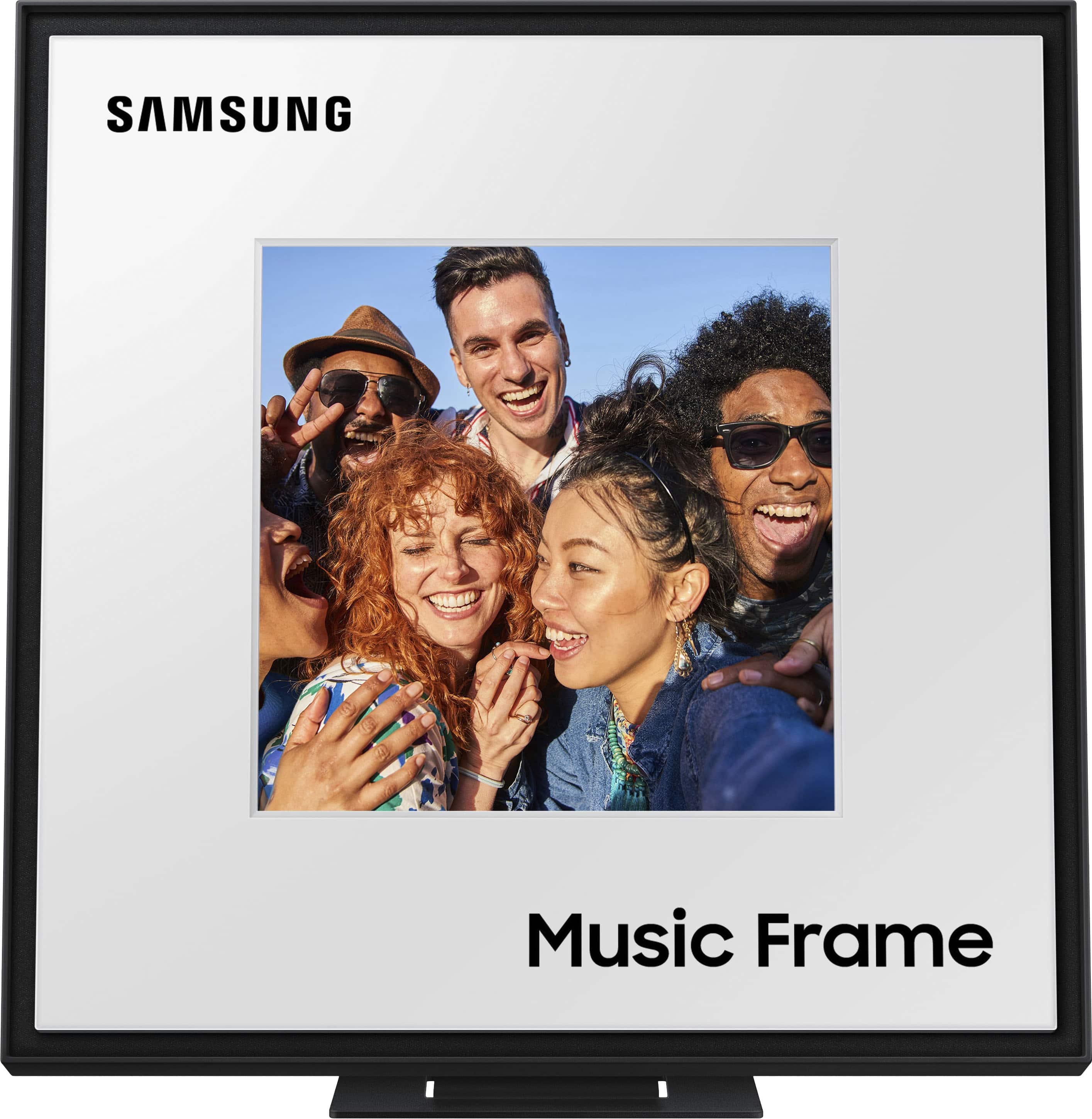
Music Frame
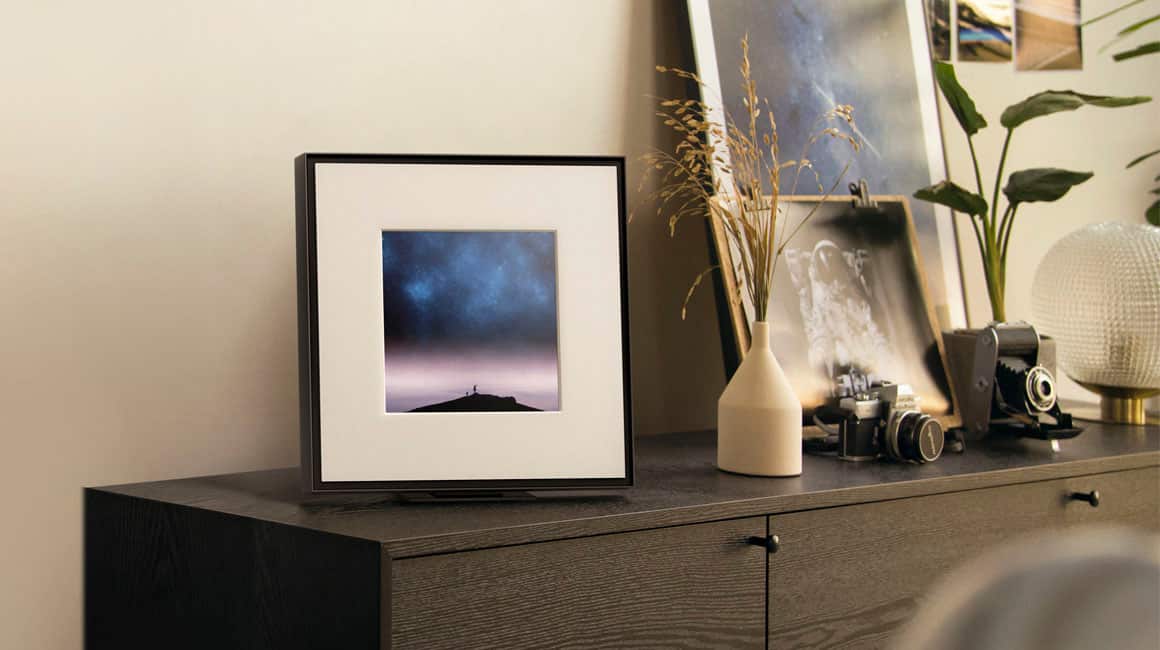
||Posted . Owned for 3 weeks when reviewed.This reviewer received promo considerations or sweepstakes entry for writing a review.Sounds great! I like the idea of not seeing a speaker so this is perfect!
I would recommend this to a friend - Pros mentioned:Sound quality
Samsung frame
||Posted . Owned for 2 months when reviewed.This reviewer received promo considerations or sweepstakes entry for writing a review.Best sound and very cute frame for my room exelent
I would recommend this to a friend Surprising
||Posted .This reviewer received promo considerations or sweepstakes entry for writing a review.Cool little frame I got for free, sounds amazing for what it is.
I would recommend this to a friend- Pros mentioned:Sound quality
LOVE IT
||Posted . Owned for less than 1 week when reviewed.This reviewer received promo considerations or sweepstakes entry for writing a review.I absolutely love it .. The sound is just amazing .
I would recommend this to a friend - Pros mentioned:Sound quality
Frame Speaker
||Posted . Owned for 3 weeks when reviewed.This reviewer received promo considerations or sweepstakes entry for writing a review.Nice looking, good sound. We did have some difficulty getting two to work together though.
I would recommend this to a friend Geek Squad 5 star
||Posted . Owned for 3 weeks when reviewed.This reviewer received promo considerations or sweepstakes entry for writing a review.Kick squad was amazing. Came in very professional on time. Completed the job. Very happy with the TV. The other two items I was over sold on as I mentioned in the other reviews but geek squad is a five star.
No, I would not recommend this to a friend- Pros mentioned:Sound quality
Office space
||Posted . Owned for 1 week when reviewed.This reviewer received promo considerations or sweepstakes entry for writing a review.Perfect sound to use in me office space in the house.
I would recommend this to a friend - Pros mentioned:Sound quality
A unique audio device
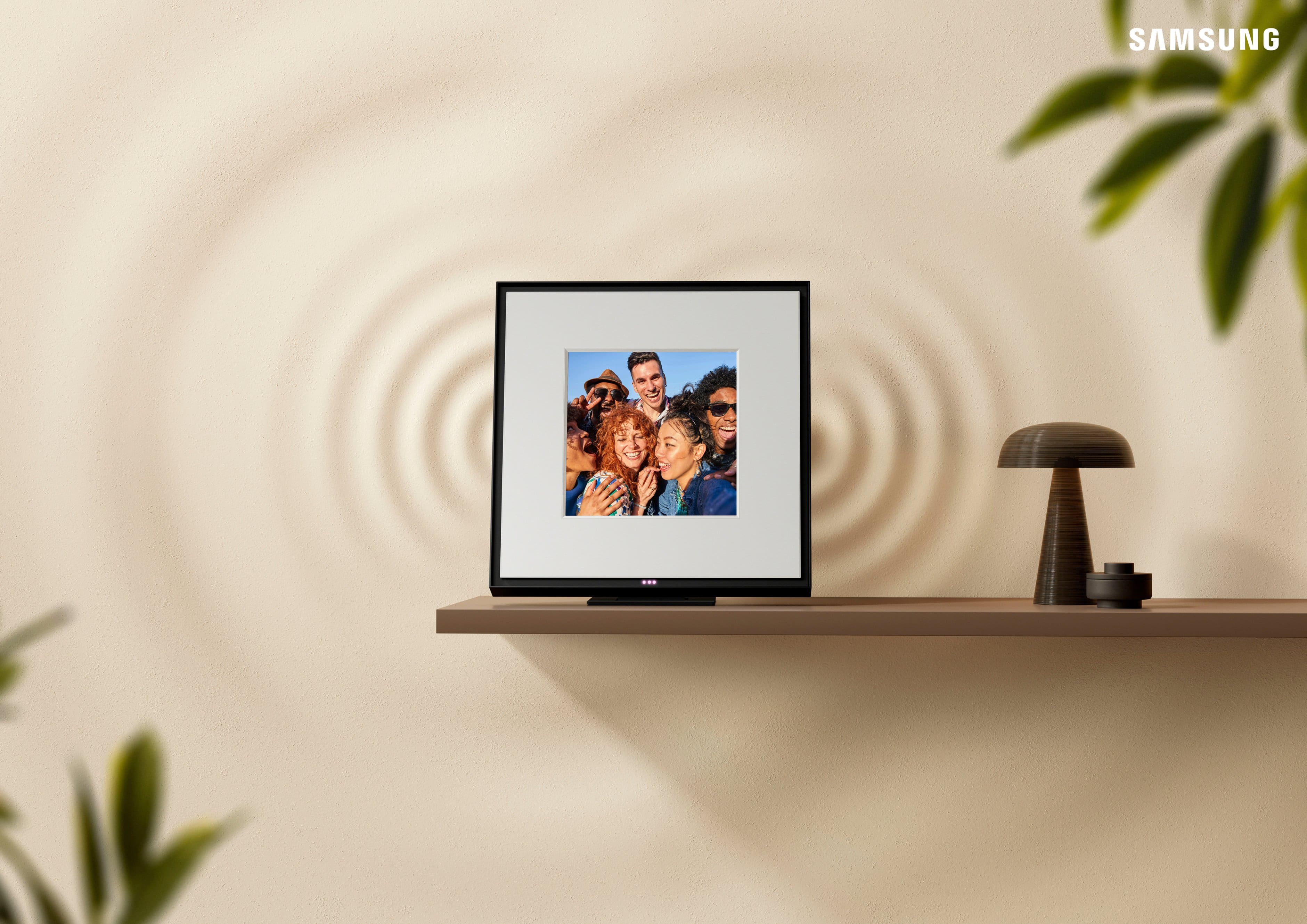
||Posted . Owned for 3 weeks when reviewed.This reviewer received promo considerations or sweepstakes entry for writing a review.Great sound quality and love that you can customize with your own photo
I would recommend this to a friend Recommended
||Posted .This reviewer received promo considerations or sweepstakes entry for writing a review.Always good products from Best Buy. I recommend this product and vendor!
I would recommend this to a friend- Pros mentioned:Sound quality

Great product
|Posted . Owned for 2 weeks when reviewed.This reviewer received promo considerations or sweepstakes entry for writing a review.[Employee of bestbuy] Sounds good. Fills a room, and easily customizable.
I would recommend this to a friend ambient speakers
||Posted .This reviewer received promo considerations or sweepstakes entry for writing a review.Neat little fun gadget for someone that enjoys music.
I would recommend this to a friendGreat product!
||Posted .This reviewer received promo considerations or sweepstakes entry for writing a review.This is a great product! Can play music in my bedroom now!
I would recommend this to a friendMusic Frame
||Posted . Owned for 1 week when reviewed.This reviewer received promo considerations or sweepstakes entry for writing a review.I would not recommend or buy these speakers. They have awful connection issues with the TV. Even once you take a lot of time to set them up and get them running they disconnect on their own. They are a lot more work to set up again after the initial set up. You have to set up dedicated WiFi connections and other things to get them to work. This is especially true if you plan to use multiple ones or even a single one in “Q Symphony” mode. They are probably fine if you will only use them in Bluetooth mode. Do not but unless you are prepared to tackle these connection issues frequently. Not to mention they are extremely expensive for Bluetooth speakers. Save yourself the hassle and money, get a sound bar.
No, I would not recommend this to a friendBrand response from Samsung
Posted .Hello TENNCust,
Thank you for taking a moment to review the Samsung Music Frame.
Here are some tips to help you connect your Music Frames to your TV.
First please make sure that all the devices are connected to the same WiFi network and signal.
On your 2024 or updated 2023 Samsung TV go to all settings and select → Sound Output → Q--Symphony, from here you select how your Music Frames are positioned and play the optimized sound according to their position.
If you are still having difficulty setting up both Musi Frames at the same time, just give us a call at 1-800-SAMSUNG (Ask for Soundbars), 8AM - 12AM EST, 7 days a week. Our Live Chat agents are also available by clicking on the ‘Support’ link on our website.
~ Samsung Solutions
Love this product
||Posted . Owned for 2 weeks when reviewed.This reviewer received promo considerations or sweepstakes entry for writing a review.Exactly as described! Love this product. I would recommend to anyone who has a Samsung
I would recommend this to a friendSpeaker frame
||Posted .This reviewer received promo considerations or sweepstakes entry for writing a review.This was a great gift at a really great price. It was available in stock for pick up in 1 hour.
I would recommend this to a friend- Cons mentioned:Size
Sounds alright
||Posted . Owned for 2 weeks when reviewed.This reviewer received promo considerations or sweepstakes entry for writing a review.This is a great option if you have samsung tv to go along with it. If not, it’s alright sound, but small picture for big frame. And i guess i was expecting a bit more for the huge price point.
No, I would not recommend this to a friendBrand response from Samsung
Posted .AntonEgo,
Thank you for sharing your review of Samsung’s Music Frame. We apologize that your experience didn’t meet your expectations. Your feedback is valuable to us and will be shared with our product teams.
The new Samsung Music Frame is not brand-restricted and features an optical port as well as Bluetooth connectivity. If your TV supports Bluetooth connectivity or an optical port, you can connect the Music Frame to your TV via either of these connections.
Please know that with the SmartThings App, you can easily control and adjust the sound settings for the Music Frame. You will be able to select your desired sound modes the Music Frame offers such as Adaptive Sound, Music, or Standard. You may also activate SpaceFit Sound, Active Voice Amplifier, Voice Enhancement, and Night Mode audio functions.
If you need more help, Samsung is here for you. Please call us at 1-800-SAMSUNG, 8AM - 12AM EST (Ask for Soundbars), 7 days a week. Our Live Chat agents are also available by clicking on the ‘Support’ link on our website.
~ Samsung Solutions
- Pros mentioned:Sound quality
REQUIRES Q-SYMPHONY FOR SURROUND
|Posted . Owned for 2 weeks when reviewed.This reviewer received promo considerations or sweepstakes entry for writing a review.[Employee of bestbuy] Paired with a 55 S90D and Q-800D and they require Q-Symphony (uses tv speakers, soundbar, and frame) to be on. TV speakers ruin the whole effect due to an incurable delay (spent hours tinkering with settings). If i could just use my soundbar with my one frame, they would be pretty sick. The sound is NICE. But this forced usage of settings to make it work will force me to put a one star review until this is fixed.
No, I would not recommend this to a friendBrand response from Samsung
Posted .Hi LFMP,
Thank you for sharing your review of the Samsung Music Frame. We value your feedback and will share it with our teams.
If the video on the TV and audio from the Soundbar are not synchronized, select SYNC in Sound Control, and then set the audio delay between 0~300 milliseconds by using the Up/Down buttons.
If you need more help, Samsung is here for you. Please call us at 1-800-SAMSUNG, 8AM - 12AM EST (Ask for Soundbars), 7 days a week. Our Live Chat agents are also available by clicking on the ‘Support’ link on our website.
~ Samsung Solutions
Great potential, but drops connection after 2 min
||Posted . Owned for 2 weeks when reviewed.This reviewer received promo considerations or sweepstakes entry for writing a review.I really wanted to love this product. When it connects to my TV, it works fantastically and shows a lot of potential. Unfortunately, it is completely unreliable. After exactly 2 minutes of use, it loses the connection entirely. I did some research and read that it might be a network band issue, so I even went out of my way to buy a dedicated 2.4GHz router just to make this work. Even with the specific router, the disconnection issue persists. It is incredibly frustrating to deal with. Until they fix this severe connectivity flaw, I cannot recommend it.
No, I would not recommend this to a friendBrand response from Samsung
Posted .Hi Cadu,
We appreciate you taking a few moments to review the Samsung Music Frame.
To troubleshoot this issue please try the following.
First make sure the Music Frame is up to date with the latest updates by using the SmartThings app, selecting the Music Frame, then tapping the 3 dots in the upper right and selecting Information. From here, you can select to update the software. Also make sure your TV is updated with the latest software update.
Second make sure both your TV and Music Frame are connected to the same Wi-Fi channel.
If you need more help, Samsung is here for you. Please call us at 1-800-SAMSUNG, Mon – Fri 8 AM – 9 PM EST, Sat & Sun 8 AM – 6 PM EST. Live Chat with an agent as well as manuals, software, creating a service ticket, and warranty info can be found at the ‘Support’ link on our Samsung website.
~ Samsung Solutions
- Cons mentioned:Picture display
Not good
||Posted . Owned for 3 weeks when reviewed.This reviewer received promo considerations or sweepstakes entry for writing a review.Flickering and cracking sound. I’ve connected it on my samsung frame symphony mode
No, I would not recommend this to a friendBrand response from Samsung
Posted .Hello RioP,
We appreciate you taking a moment to review the Samsung Music Frame.
The latest Music Frame software will improve the sound quality. The easiest way to update is by using the SmartThings app, selecting the Music Frame, then tapping the 3 dots in the upper right and selecting Information. From here, you can select to update the software.
If you need more help, Samsung is here for you. Please call us at 1-800-SAMSUNG, Mon – Fri 8 AM – 9 PM EST, Sat & Sun 8 AM – 6 PM EST. Live Chat with an agent as well as manuals, software, creating a service ticket, and warranty info can be found at the ‘Support’ link on our Samsung website.
~ Samsung Solutions
sound quality is great
||Posted . Owned for 3 weeks when reviewed.This reviewer received promo considerations or sweepstakes entry for writing a review.I like everything about it but it would be nice if it was digital
I would recommend this to a friend