Customer Ratings & Reviews
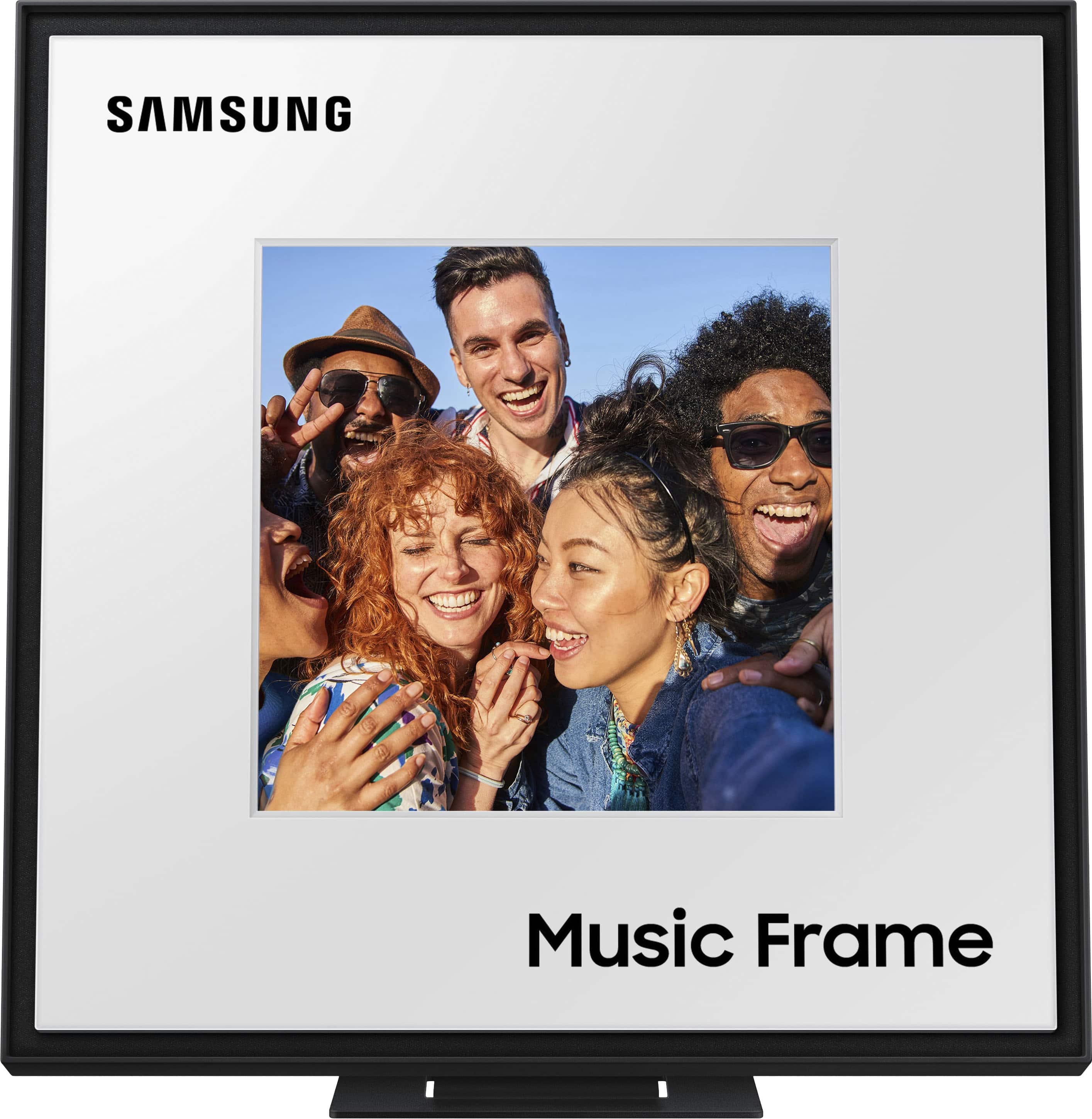
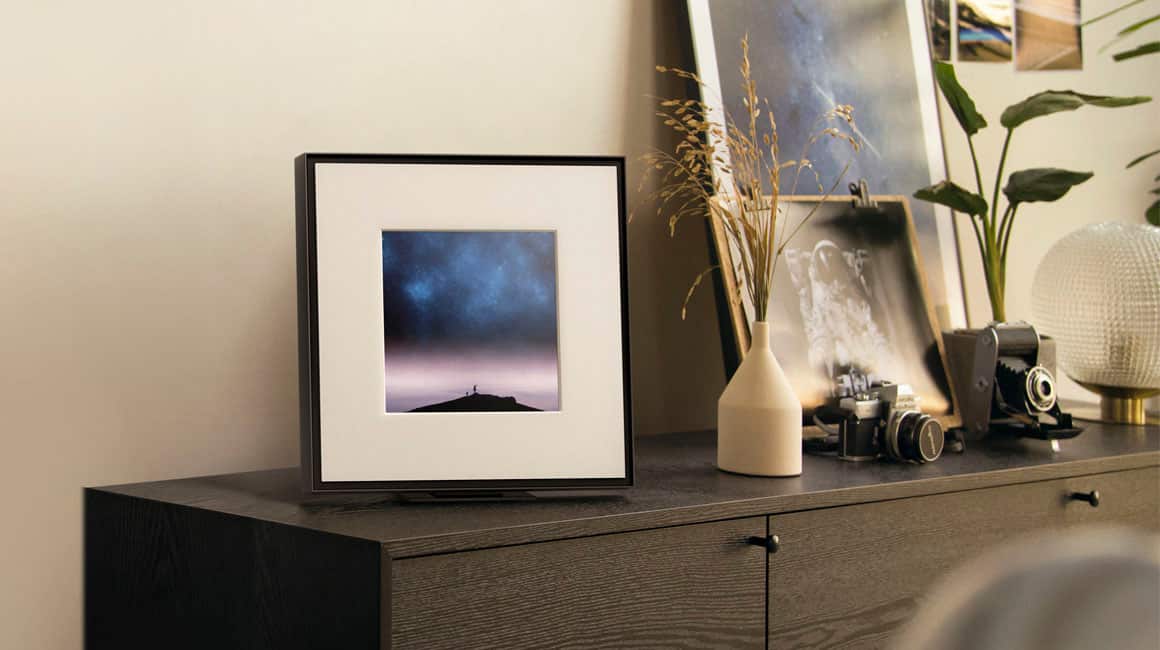
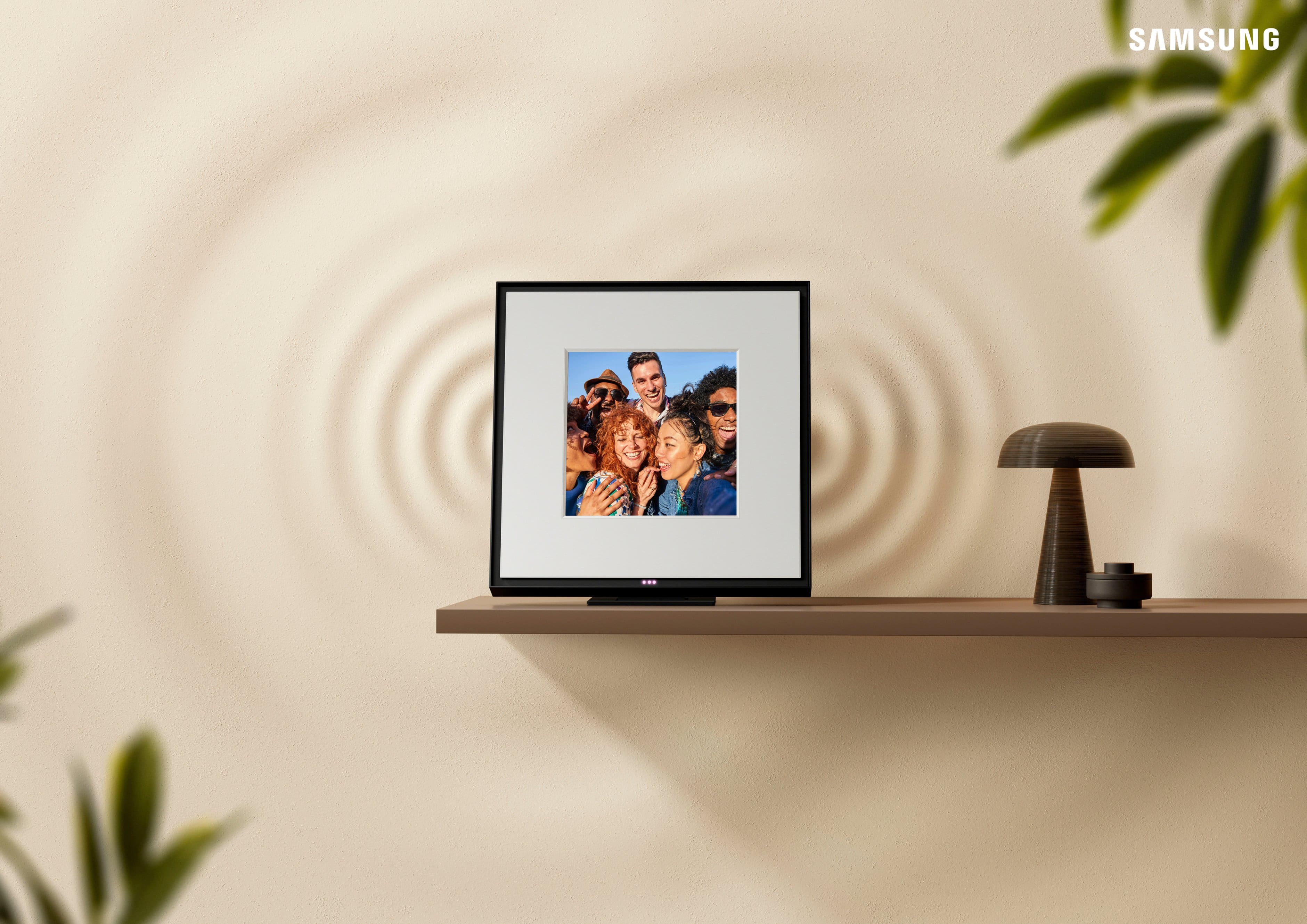
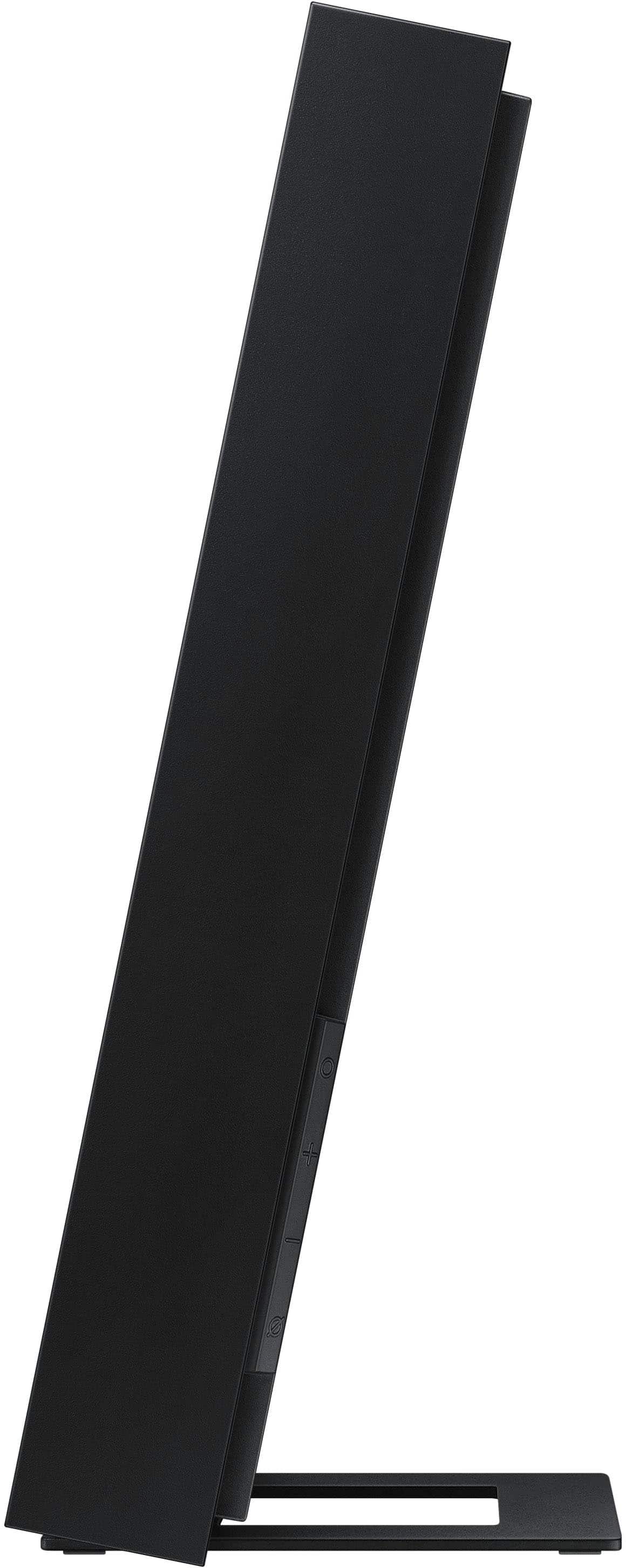
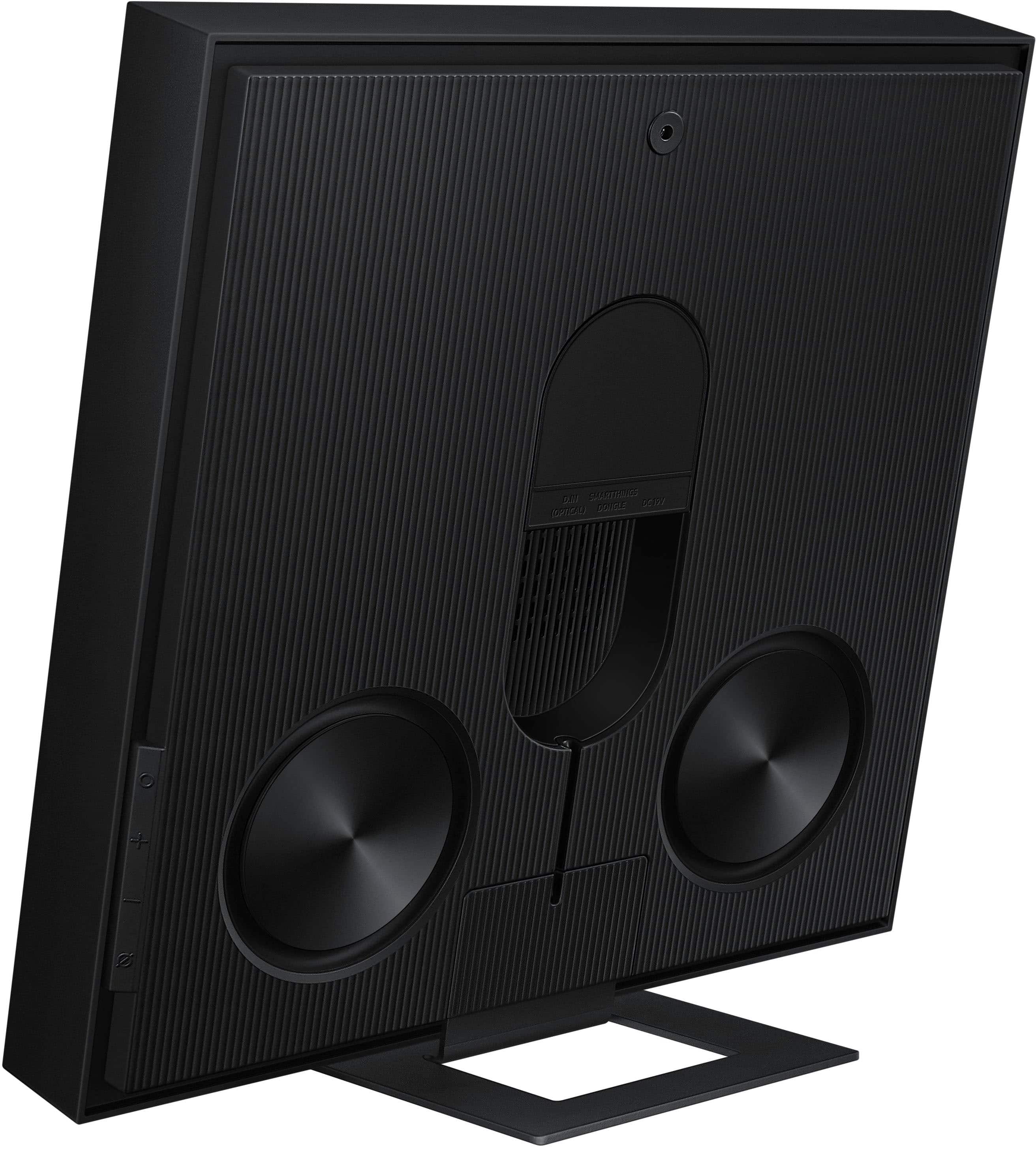
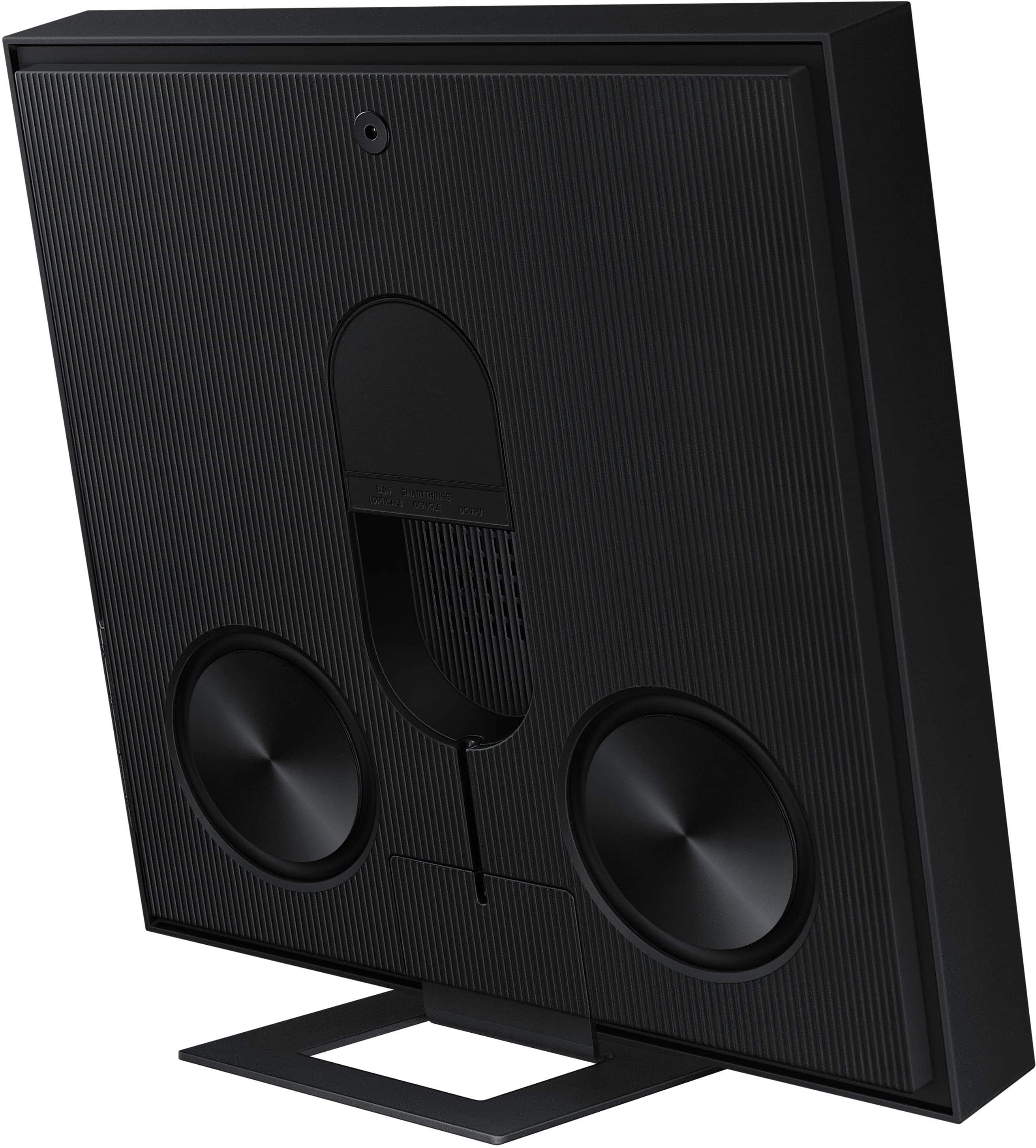
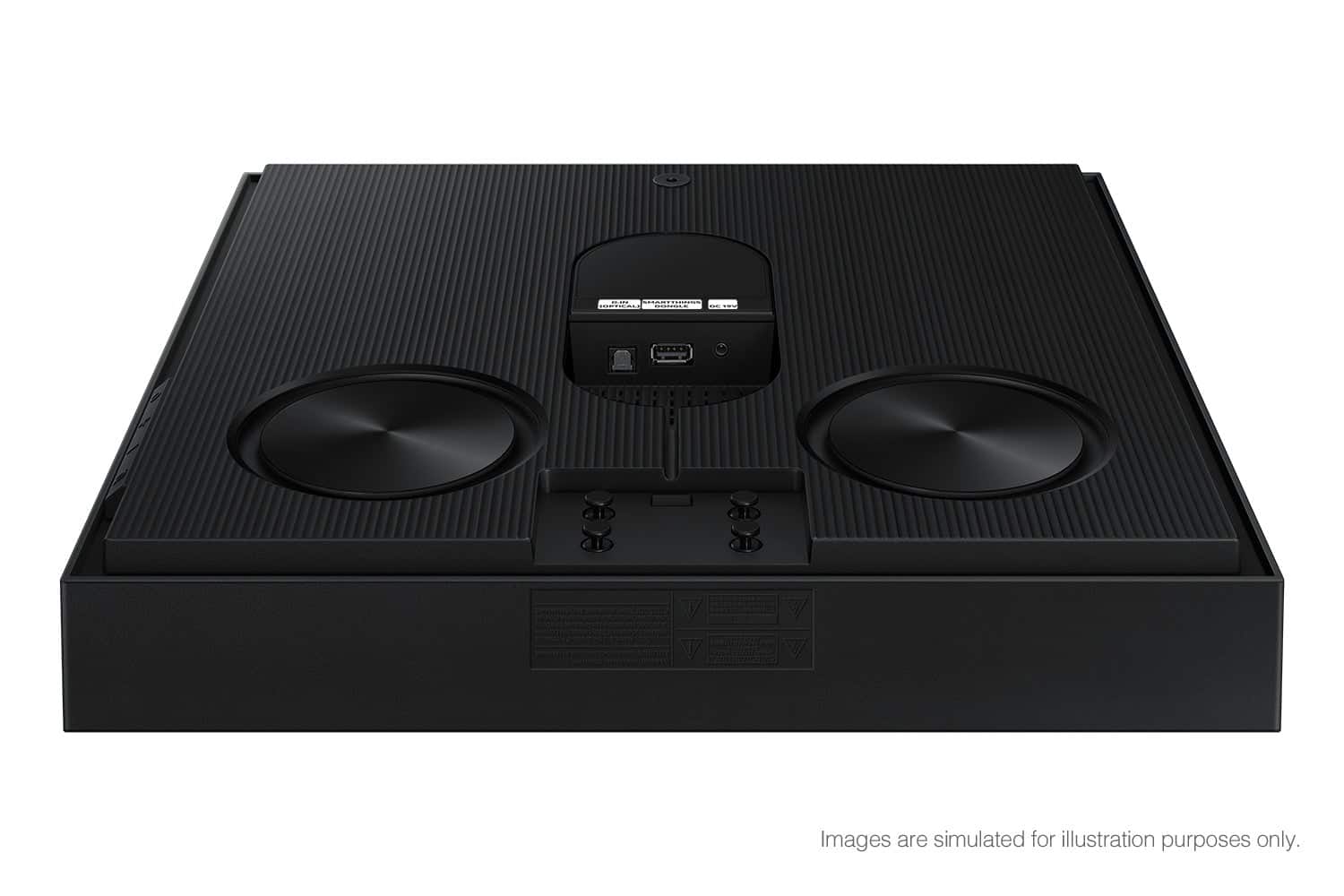
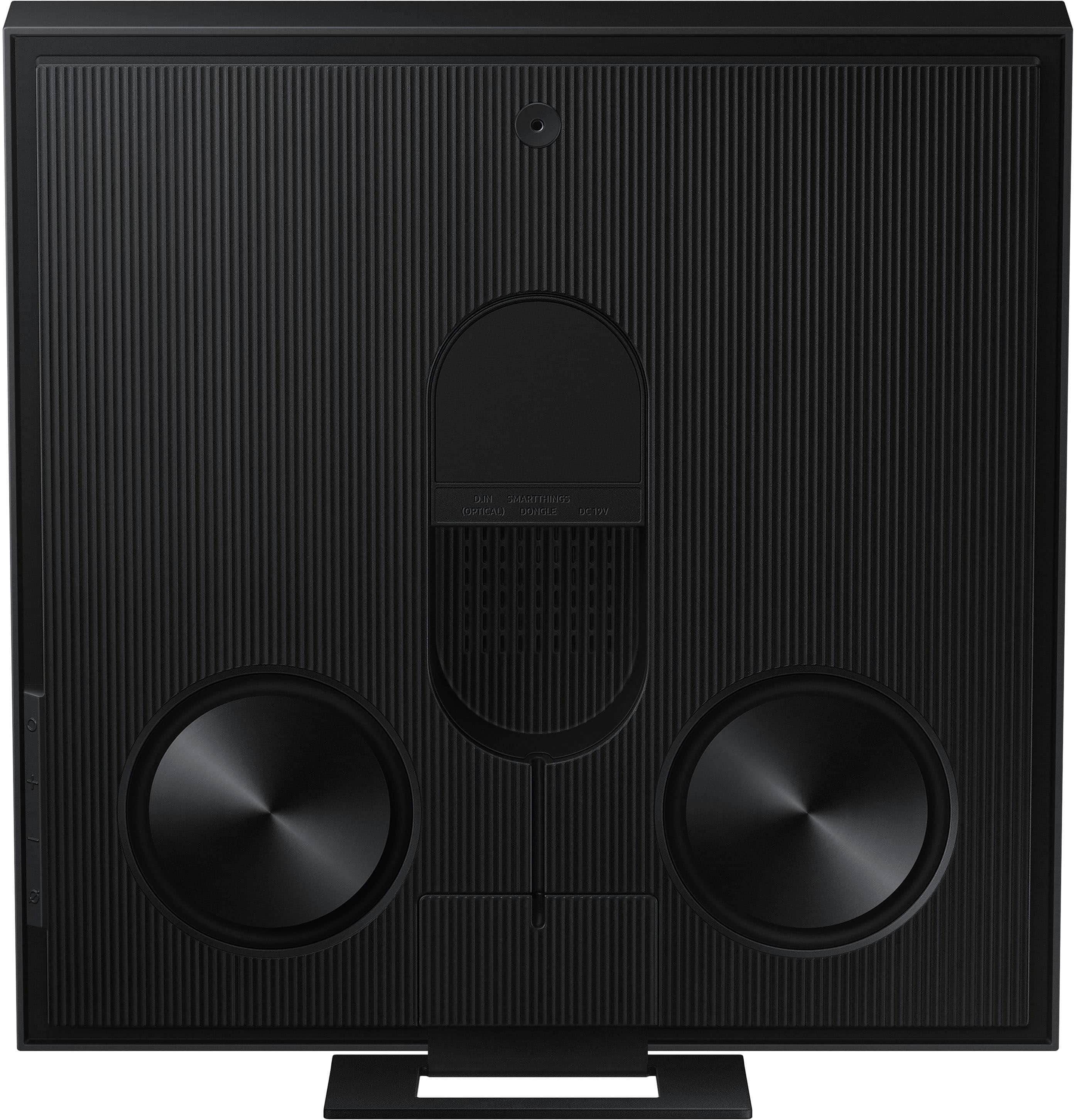

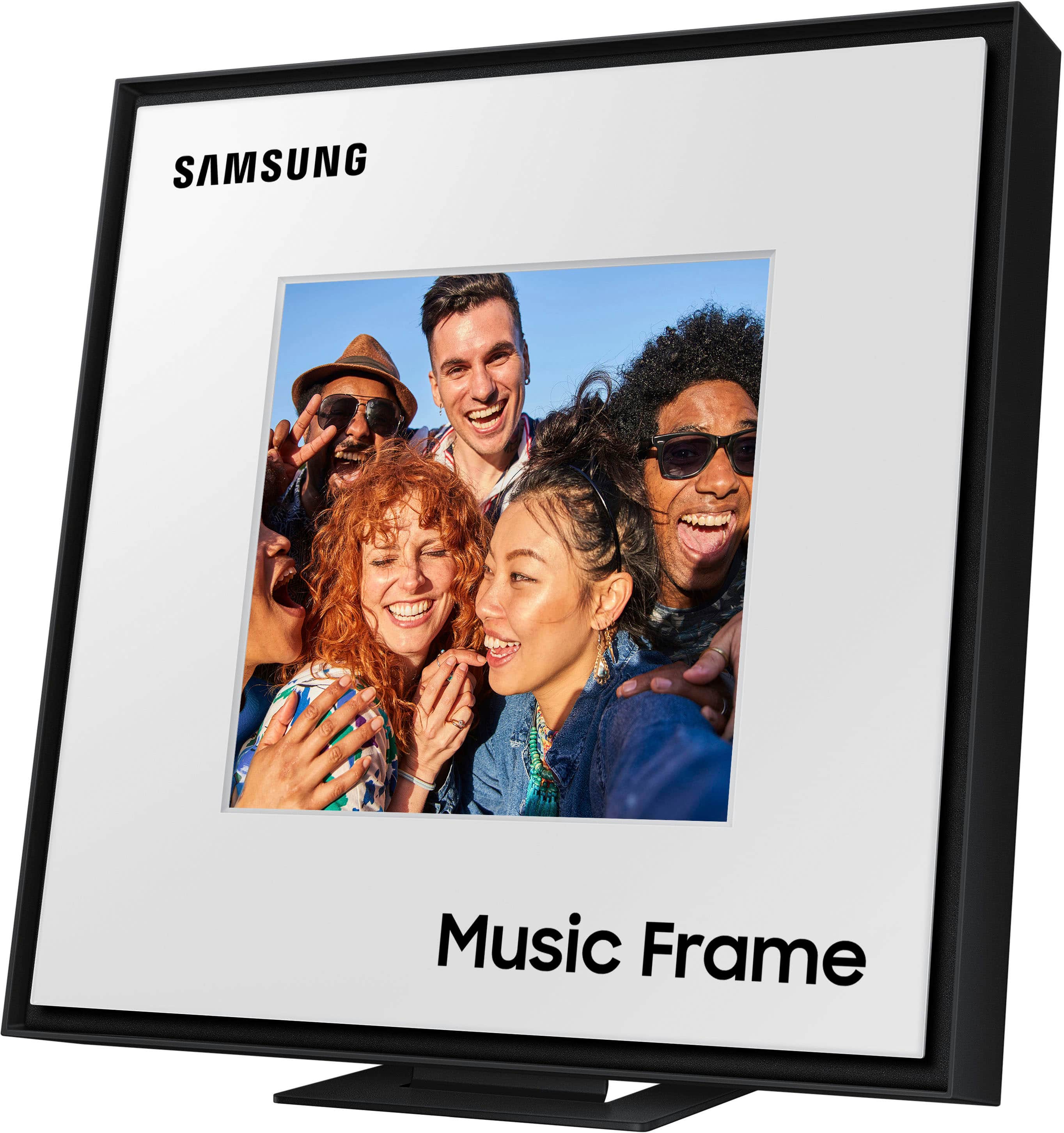
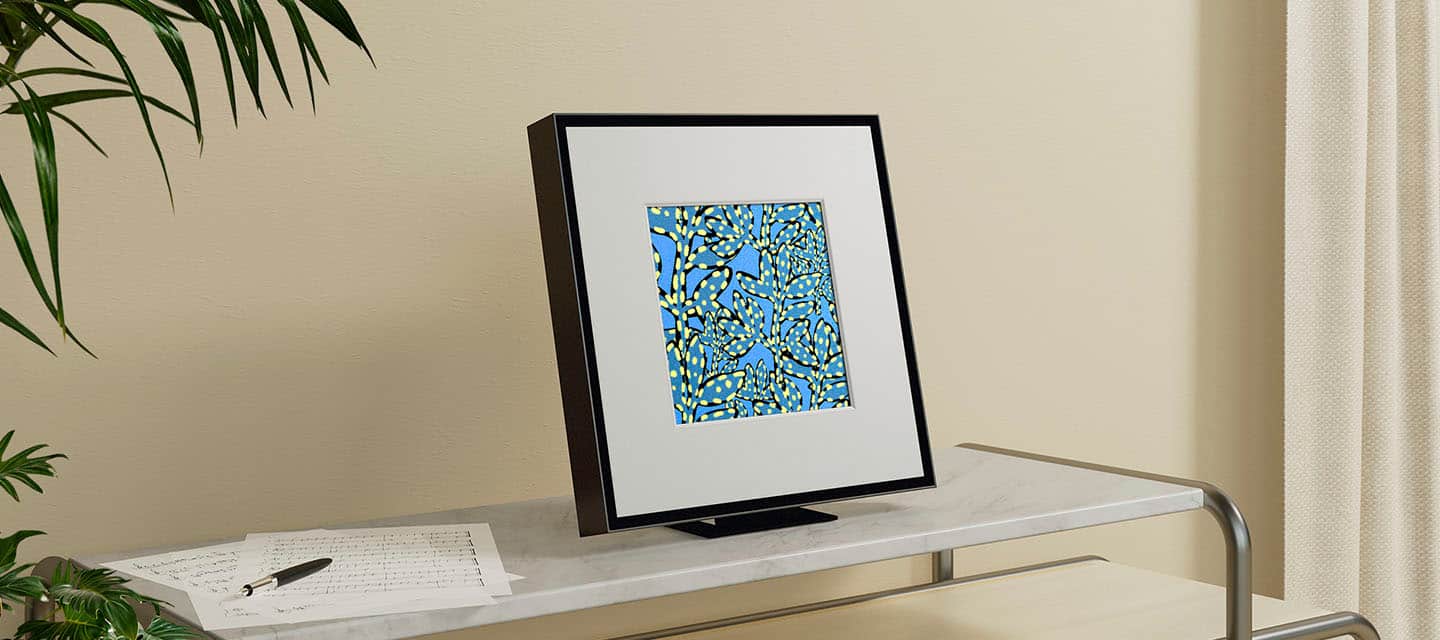








- Model:
- HW-LS60D/ZA
- SKU:
- 6577560
Rating by feature
- Value
Rating 4.3 out of 5 stars
- Quality
Rating 4.6 out of 5 stars
- Ease of Use
Rating 4.4 out of 5 stars
Customers are saying
Customers praise the superior sound quality, sleek design, and flawless, fast Bluetooth connectivity. They also appreciate its ease of use, impressive bass for its size, and ability to get incredibly loud. However, some customers found the product to be larger and heavier than anticipated, and wished it included a digital picture display.
This summary was generated by AI based on customer reviews.
Frame Speaker
||Posted . Owned for 2 weeks when reviewed.This reviewer received promo considerations or sweepstakes entry for writing a review.Easy setup but ultimately returned. Sound out of TV alone was better than spending this much money on the Frame.
I would recommend this to a friendMusic frame
||Posted . Owned for 1 week when reviewed.This reviewer received promo considerations or sweepstakes entry for writing a review.Got this product with the purchase of my new 85 inch tv they are both awesome.
I would recommend this to a friendSamsung music frame
||Posted . Owned for 4 months when reviewed.This reviewer received promo considerations or sweepstakes entry for writing a review.my Samsung music frame, got it as a Christmas gift and love it.
I would recommend this to a friendCouldn't ask for anything better.
||Posted .This reviewer received promo considerations or sweepstakes entry for writing a review.Works great and love it even more working with the frame TV.
I would recommend this to a friendNice
||Posted .This reviewer received promo considerations or sweepstakes entry for writing a review.Very nice good quality. Like it very useful too nice
I would recommend this to a friendMusic Frame
||Posted . Owned for 2 weeks when reviewed.This reviewer received promo considerations or sweepstakes entry for writing a review.amazing if you want to match aesthetic with frame or even if you just want to use as a soundbar but don’t want a ugly big bar in the way
I would recommend this to a friend.
||Posted . Owned for 1 month when reviewed.This reviewer received promo considerations or sweepstakes entry for writing a review.Amazing product. I highly recommend especially if you do buy
I would recommend this to a friendGreat speaker
||Posted . Owned for 1 week when reviewed.This reviewer received promo considerations or sweepstakes entry for writing a review.Easy installation. Works as expected. Great product
I would recommend this to a friendPicture frame
||Posted . Owned for 1 month when reviewed.This reviewer received promo considerations or sweepstakes entry for writing a review.Fantastic speaker Samsung does it again!!!!!!!!!!!!
I would recommend this to a friend- Cons mentioned:Size
A shoot and a miss
||Posted . Owned for 1 month when reviewed.This reviewer received promo considerations or sweepstakes entry for writing a review.Too big. Weak sauce. Better of with Q990D rear speakers
No, I would not recommend this to a friendBrand response from Samsung
Posted .Hi RegisteredUser,
We appreciate you taking a few moments to review the Samsung Music Frame.
First, update the software. The latest Music Frame software will improve the sound quality. The latest version. The easiest way to update is by using the SmartThings app, selecting the Music Frame, then tapping the 3 dots in the upper right and selecting Information. From here, you can select to update the software.
Second, try using Adaptive sound mode setting. It will automatically adjust the sound based on the content, which makes it “set and forget”. However, if you are only using the Music Frame for music, I suggest Music sound mode for its clarity and faithful reproduction. If using it for listening to vocals (like podcasts, news, etc.,) I like Voice Enhancement mode.
Finally, you can modify your sound settings to tailor the sound to your liking. First, turn on SpaceFit sound so your Music Frame can adjust to your room acoustics, next go to the Equalizer, and adjust the lows/high/mids to your satisfaction.
If you need more help, Samsung is here for you. Please call us at 1-800-SAMSUNG, 8AM - 12AM EST (Ask for Soundbars), 7 days a week. Our Live Chat agents are also available by clicking on the ‘Support’ link on our website.
~ Samsung Solutions
Disappointed with the music frame speakers
||Posted .This reviewer received promo considerations or sweepstakes entry for writing a review.Very disappointed with the speaker. Bought two of them to provide a stereo sound experience but the TV only works with one of them at a time. The sound is also not that great - far cheaper speakers put out much better sound. Perhaps it's not the speakers but the way in which the Frame TV drives them.
No, I would not recommend this to a friendBrand response from Samsung
Posted .Hello Andy,
We appreciate you taking a few moments to review the Samsung Music Frame.
Here are a few more troubleshooting steps to try:
Make sure that both Music Frames are connected to the same Wi-Fi network that your Frame TV is on using the SmartThings app.
Open your TV settings and select "Sound → Sound Output"
Then select "Q-Symphony" → Enter "Q-Symphony Setup"
From here you have the option to choose the Music Frame's position and play the optimized sound according to its position.
Please do reach out to us again if these steps do not resolve your issues, so we can provide further troubleshooting assistance specific to your setup scenario. Just give us a call at 1-800-SAMSUNG (Ask for Soundbars), 8AM - 12AM EST, 7 days a week. Our Live Chat agents are also available by clicking on the ‘Support’ link on our website.
~ Samsung Solutions
LIMMITED MULTI CONNECTIVITY
||Posted . Owned for 1 month when reviewed.This reviewer received promo considerations or sweepstakes entry for writing a review.LIMMITED CONNECTIVITY CANT LINK SOUNNDBAR AND 2 DEVICES
No, I would not recommend this to a friendBrand response from Samsung
Posted .Hi GregS,
Thank you for sharing your review of the Samsung Music Frame Soundbar. We value your feedback and will share it with our teams.
If there is anything we can do to improve your enjoyment such as helping to optimize settings for your specific sound scenario, please contact Samsung Customer Support. Just give us a call at 1-800-SAMSUNG (Ask for Soundbars), 8AM - 12AM EST, 7 days a week. Our Live Chat agents are also available by clicking on the ‘Support’ link on our website.
~ Samsung Solutions
Total crap
||Posted .This reviewer received promo considerations or sweepstakes entry for writing a review.Mine was apparently just junk. If you're planning on using with Amazon music it stops constantly. I've trouble shooted it until I'm blue in the face. Out of best buy's crappy 14 day return policy so here I am. It's going in the trash.
No, I would not recommend this to a friendBrand response from Samsung
Posted .Hello SusanV,
Thank you for taking a moment to review the Samsung Music Frame.
Try updating the software. The latest Music Frame software will improve the sound quality. The easiest way to update is by using the SmartThings app, selecting the Music Frame, then tapping the 3 dots in the upper right and selecting Information. From here, you can select to update the software.
If you need more help, Samsung is here for you. Please call us at 1-800-SAMSUNG, 8AM - 12AM EST (Ask for Soundbars), 7 days a week. Live Chat with an agent as well as manuals, software, creating a service ticket, and warranty info can be found at the ‘Support’ link on our Samsung website.
~ Samsung Solutions
by other external speakers
||Posted . Owned for 3 weeks when reviewed.This reviewer received promo considerations or sweepstakes entry for writing a review.didn't like it. could not hear sound and it didn't want to recognize our sound bar
No, I would not recommend this to a friendBrand response from Samsung
Posted .Hello EdwardH,
We appreciate you sharing the issues you’re experiencing with your Music Frame, and that initial troubleshooting with Samsung Support was unable to resolve this. Your issue may not be with the Music Frame but with other variables.
Here are a few more troubleshooting steps to try:
Make sure that both Music Frames are connected to the same Wi-Fi network that your 2024 Frame TV is on using the SmartThings app.
Open your TV settings and select "Sound → Sound Output"
Then select "Q-Symphony" → Enter "Q-Symphony Setup"
From here you have the option to choose the Music Frame's position and play the optimized sound according to it's position.
Please do reach out to us again if these steps do not resolve your issues so we can provide further troubleshooting assistance specific to your setup scenario. Just give us a call at 1-800-SAMSUNG (Ask for Soundbars), 8AM - 12AM EST, 7 days a week. Our Live Chat agents are also available by clicking on the ‘Support’ link on our website.
~ Samsung Solutions
Returned, not needed
||Posted . Owned for 2 weeks when reviewed.This reviewer received promo considerations or sweepstakes entry for writing a review.I did not care for these speakers. We tried two, then one. They did not improve our sound on the frame tv. The sound of the frame tv is just fine alone. The speakers were returned.
No, I would not recommend this to a friendBrand response from Samsung
Posted .Hello RuthieW,
We appreciate you taking a moment to review Samsung's Music Frame. It's possible that your unit needed minor troubleshooting, a firmware update, or adjustments in settings.
There are many ways that you can optimize your Music Frame's audio experience. Such as updating the software. The latest Music Frame software will improve the sound quality. The easiest way to update is by using the SmartThings app, selecting the Music Frame, then tapping the 3 dots in the upper right and selecting Information. From here, you can select to update the software.
Second, try using Adaptive sound mode setting. It will automatically adjust the sound based on the content, which makes it “set and forget”. However, if you are only using the Music Frame for music, I suggest Music sound mode for its clarity and faithful reproduction. If using it for listening to vocals (like podcasts, news, etc.,) I like Voice Enhancement mode.
Finally, you can modify your sound settings to tailor the sound to your liking. First, turn on SpaceFit sound so your Music Frame can adjust to your room acoustics, next go to the Equalizer, and adjust the lows/high/mids to your satisfaction.
Should you ever decide to give Samsung Soundbars another try and have questions or need assistance with settings, setup, or features, please know we are always here to help.
Call us at 1-800-SAMSUNG (ask for Soundbars), available 8 AM – 12 AM EST, 7 days a week.
~ Samsung Solutions
Waste of money
||Posted . Owned for 2 weeks when reviewed.This reviewer received promo considerations or sweepstakes entry for writing a review.Do not buy believing you can successfully hook up more than one of these to your tv at a time to achieve a surround sound system, because you CANNOT! I’ve made that happen once or twice despite trying nonstop and you’re screwed if you think you can turn the tv/speakers off and then turn them back on and have everything still synced-nope. HomePods are massively superior. Save your money and buy those, they play nicer.
No, I would not recommend this to a friendBrand response from Samsung
Posted .Hi Disappointed,
Thank you for taking a moment to review the Samsung Music Frame.
Here are some tips to help you with connecting both Music Frames to your TV at same time.
First please make sure that all the devices are connected to the same WiFi network and signal.
On your 2024 or updated 2023 Samsung TV go to all settings and select → Sound Output → Q--Symphony, from here you select how your Music Frames are positioned and play the optimized sound according to their position.
If you are still having difficulty setting up both Musi Frames at the same time, just give us a call at 1-800-SAMSUNG (Ask for Soundbars), 8AM - 12AM EST, 7 days a week. Our Live Chat agents are also available by clicking on the ‘Support’ link on our website.
~ Samsung Solutions
Paper weight
||Posted . Owned for 8 months when reviewed.This reviewer received promo considerations or sweepstakes entry for writing a review.Would not recommend item broke within less than a year and the only thing they offered was to ship them both yes both because I bought two,to repair and Samsung offered nothing else so now I’m out two speakers and I have to spend the time to ship it myself
No, I would not recommend this to a friendBrand response from Samsung
Posted .Hi TroyMills,
We appreciate you taking a few moments to review the Samsung Music Frame.
First, try doing a soft reset, unplug the soundbar from the outlet for roughly 30 seconds and then plug it back in.
If this still does not correct your issue, then do a hard reset. With the Soundbar on, press the + & - Volume buttons on the body of the Music Frame at the same time for at least 5 seconds.
If you need more help, Samsung is here for you. Please call us at 1-800-SAMSUNG, 8AM - 12AM EST (Ask for Soundbars), 7 days a week. Our Live Chat agents are also available by clicking on the ‘Support’ link on our website.
~ Samsung Solutions
OFF after just 3 months
||Posted .This reviewer received promo considerations or sweepstakes entry for writing a review.Worst speaker ever!! It turn it off after 3 months of the purchase. And the customer service is horrible. They hang up the calls and don’t give me any solution. Don’t waste almost 500 dollars on this. Look for at her brands
No, I would not recommend this to a friendBrand response from Samsung
Posted .Hi CarlosN,
Thank you for taking a few moments to review the Samsung Music Frame.
Try factory resetting your Samsung Music Frame (model HW-LS60D), follow these steps.
Power On the Device: Ensure your Music Frame is turned on.
Press Volume Buttons: Simultaneously press and hold both the Volume Up (+) and Volume Down (–) buttons for at least 5 seconds.
Observe LED Indicators: The white LED indicator will move left and right, then blink cyan three times, followed by red three times.
Completion: After these LED sequences, the Music Frame will reset to its factory settings.
Please note that performing a factory reset will erase all customized settings and preferences. Use this function only when necessary.
Samsung is committed to providing the best possible product experience, quality, and value. We back this Samsung Soundbar with a 1-year limited manufacturer's warranty, including authorized repair for manufacturer defect, if purchased brand-new directly from an authorized seller.
If you need more help, Samsung is here for you. Please call us at 1-800-SAMSUNG, 8AM - 12AM EST (Ask for Soundbars), 7 days a week. Our Live Chat agents are also available by clicking on the ‘Support’ link on our website.
~ Samsung Solutions
Research and think twice before purchasing
||Posted . Owned for 1 week when reviewed.This reviewer received promo considerations or sweepstakes entry for writing a review.Way overpriced for what they can do with the Frame TV. Tech spent hours trying to connect them to find the sound with the TV was not good at all. We purchased and took them back as soon as the tech left. He agreed we should return them.
No, I would not recommend this to a friendBrand response from Samsung
Posted .Hello DavidJ,
I’m sorry to hear that you were dissatisfied with the performance of the Samsung Music Frame. We are always here to help and would have been happy to assist in providing settings adjustments to resolve any issues you were experiencing.
With the Adaptive sound mode setting. It will automatically adjust the sound based on the content, which makes it “set and forget”. However, if you are only using the Music Frame for music, I suggest Music sound mode for its clarity and faithful reproduction. If using it for listening to vocals (like podcasts, news, etc.,) I like Voice Enhancement mode.
You can modify your sound settings to tailor the sound to your liking. First, turn on SpaceFit sound so your Music Frame can adjust to your room acoustics, next go to the Equalizer, and adjust the lows/high/mids to your satisfaction.
Should you ever decide to give Samsung audio products another try and have questions or need or need help with settings, setup, or features, please know we’re here to help. Call us at 1-800-SAMSUNG, 8AM - 12AM EST, 7 days a week. Our Live Chat with an agent, as well as manuals, software, and warranty information, can be found at the “Support” link on our website. Again, thank you for taking the time to share your experience. We hope to regain you as a customer in the future.
~ Samsung Solutions
- Pros mentioned:Ease of use, Sound qualityCons mentioned:Weight

Great in many ways, just missed the mark in a few
|Posted .This reviewer received promo considerations or sweepstakes entry for writing a review.So was excited at the possibilities for this frame. And in many ways it was really good, but it just missed a few things, that I think would have made this a must have for any music lover. First with the Good: AMAZING.. just AMAZING sound out of this unit. It surpasses several really good bluetooth speaker systems I have. Deep sounding base. Clear and crisp. And has really good volume for some this "relatively" small. If you don't have an audio system in a room, this speaker will make for a really good source of audio. From Bon Jovi, to Greatest Showman, to some great soundtracks on other movies... just amazing. I used mine with the stand, as I wanted it on a table. Super easy to just snap in the stand, no screws, just slide and snap and is solid. Loved that added care was put to make the power cord a silver color, helps it look better and blend in then a flat black cord. Very long.. should easily be able hide and blend on tables. On a wall installation, if you don't want to hid the wire in the wall (it is long enough too, but you will have to picture holes and fish it (so use caution). you will be able to flush mount, since they did put the connector in a way that it doesn't stick out. Relatively easy to add to my existing SmartThings app, I had to refresh a couple times, but was able to get it added. now swinging towards the downs on the unit. Alexa integration.. I am still not sure what is actually integrated. I set it up, but in my Alexa app, doesn't show the normal settings. Especially the keyword change, as I have several in the room. Heavy... this is a lot heavier than I expected it to be. So while the helps on the table, won't get knocked over easily, but on the wall I fear that this is really going to be a risk of it coming down, if you are not very diligent in your mounting and use what is provided, use care/caution when you are mounting. Uses a special adapter and plug. While I gave praise to the silver cable, I am still surprised this wasn't a usb-c cable connection, so you can have an endless amount of options. So those added up to about a .5 deduction. A full .5 deduction: When I first saw this, I thought it would be PERFECT to display an album and record itself, as the "framed" item. Such as some of the awesome collectable records from Mondo and other places. Or if you had a special album that you wanted to highlight in your collection. While you can play the music, I can't find a way to mount an album in the frame easily without possibly gluing to the album itself, and that would damage it. I hope someone can come out with an easy kit to do it, or maybe a 3D print. For me that was a big miss. Lastly a full 1 star deduction. You have to play audio from another device and control it via another device. It is just a bluetooth speaker (or connect to Optical or other source). With WiFi connectivity and smart device integration, I really thought that this unit could get playback from other source, and play with a push of a button. Again going with my above "feature album" thought, would be awesome for it to just be able to play, without having to keep a phone, tablet ,or other device close enough for the song source. Even maybe an SD card slot, so I can load up a playlist... Unless the instructions are not clear, or there is a way, I can't find it. So to recap: ABSOLUTELY Amazing Sound quality Easy to setup, and multiple options Could use better smart device integration. Just missed the mark to use as a show piece for your favorite and prized albums.
No, I would not recommend this to a friendBrand response from Samsung
Posted .Hi Ebonvic,
We appreciate you taking a moment to review Samsung’s Music Frame. Your feedback is valuable to us and will be shared with our product teams.
When making changes to the Music Frame’s settings, we recommend using the SmartThings app. Through SmartThings, you will also be able to select your preferred Voice assistant like Alexa. You will be able to use voice commands like “Alexa, play my favorite playlist”, or “Alexa, increase the volume”.
Did you know when the Music Frame is connected to Wi-Fi, you will gain access to streaming platforms like Spotify Connect and Tidal (Hi-Fi) Connect? You open their apps and connect to the Music Frame to enjoy your favorite music or podcasts, controlling them all from 1 device.
While Bluetooth has limitations due to its specifications, Wi-Fi offers more flexibility. With Wi-Fi, you can enjoy simultaneous streaming and control, making it a convenient choice for the Music Frame
If we can further help with any issues or settings, please know Samsung is here for you. Just call us at 1-800-SAMSUNG (Ask for Soundbars), 8 AM – 12 AM EST, 7 days a week. Our Live Chat agents are also available by clicking on the ‘Support’ link on our website.
~ Samsung Solutions