Deals Worth GiftingShop now

Skip to content
Gift Ideas
Main Content

Customer Ratings & Reviews
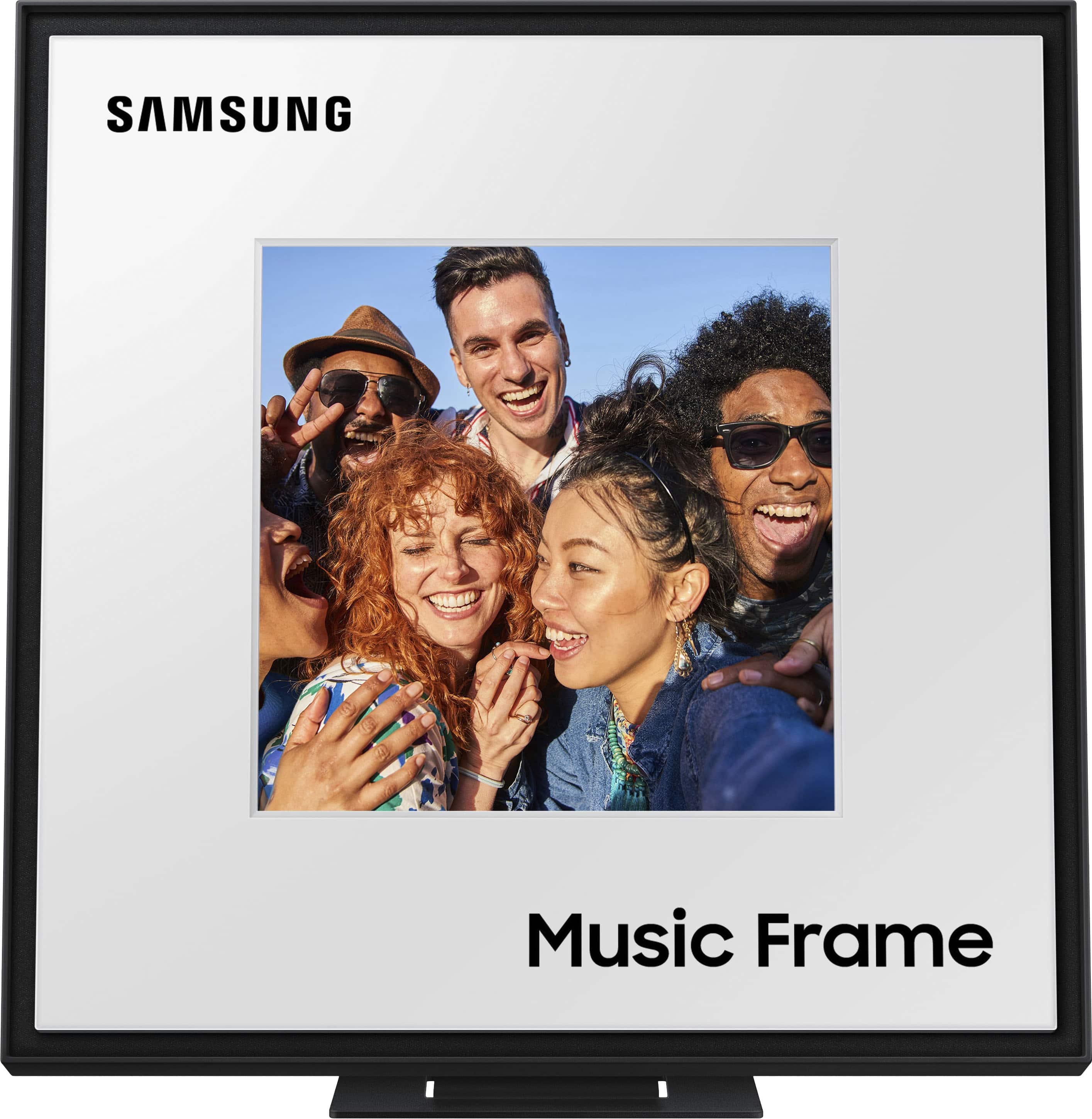
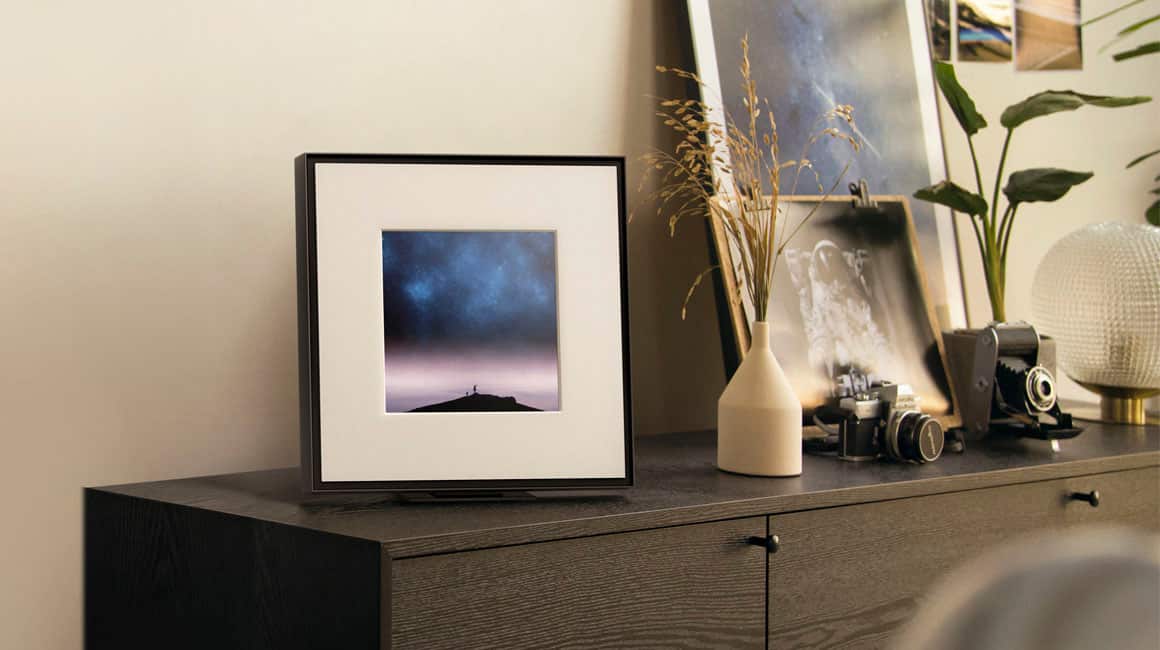
Your price for this item is $329.99
The comparable value price is $399.99

Customer reviews

Rating 4.4 out of 5 stars with 175 reviews

Rating Filter

Rating by feature

  • Value

    Rating 4.2 out of 5 stars

  • Quality

    Rating 4.6 out of 5 stars

  • Ease of Use

    Rating 4.3 out of 5 stars

Pros mentioned filter

Cons mentioned filter

85%would recommend to a friend

Customers are saying

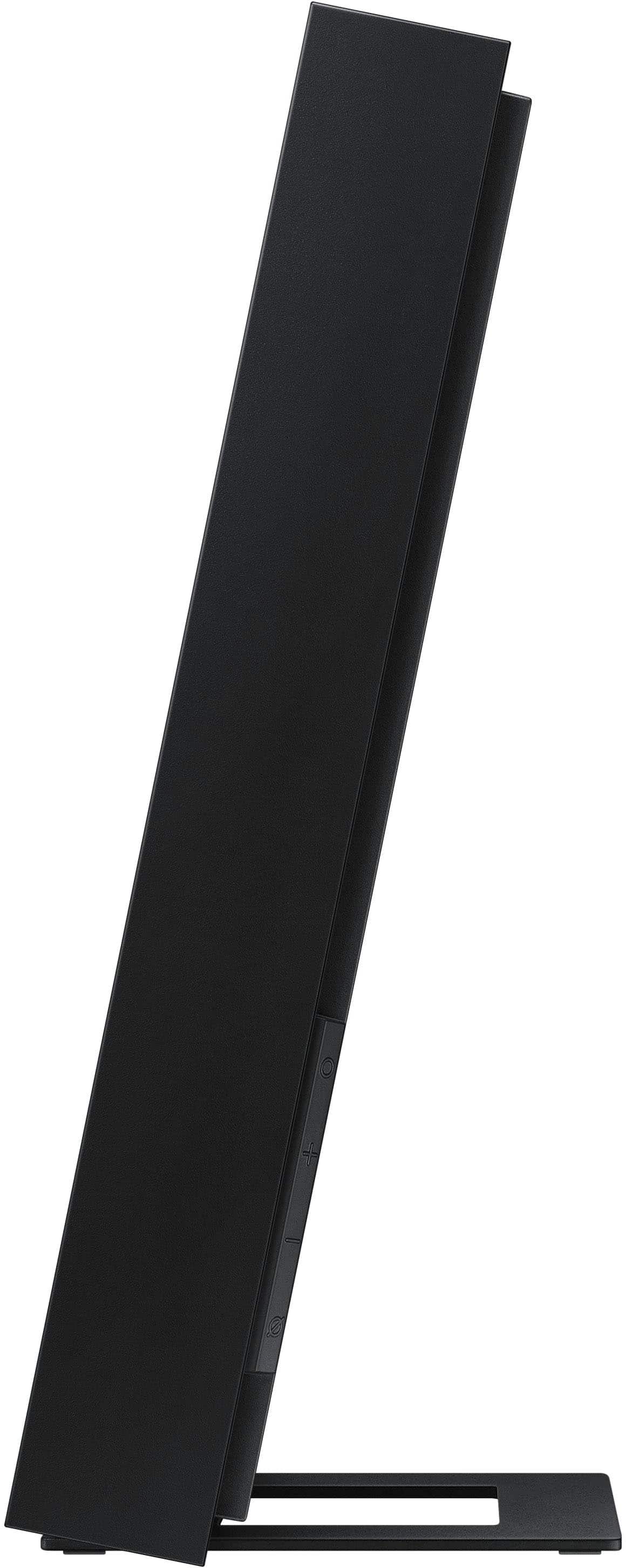
Customers recognize the HW-LS60D Music Frame Smart Speaker/Picture Frame, Dolby Atmos for its superior sound quality and sleek design. Users also appreciate its ease of use and impressive bass and volume capabilities. However, some customers have noted issues with Bluetooth connectivity, and have commented on the product's larger size and heavier weight than expected.

This summary was generated by AI based on customer reviews.

The vast majority of our reviews come from verified purchases. Reviews from customers may include My Best Buy members, employees, and Tech Insider Network members (as tagged). Select reviewers may receive discounted products, promotional considerations or entries into drawings for honest, helpful reviews.
Page 8 Showing 141-160 of 175 reviews
  • Pros mentioned:
    Sound quality
    Best Buy Employee

    Rated 5 out of 5 stars

    Great product

    |
    Best Buy Employee
    Posted . Owned for 2 weeks when reviewed.
    This reviewer received promo considerations or sweepstakes entry for writing a review.

    Sounds good. Fills a room, and easily customizable.

    I would recommend this to a friend
  • Rated 3 out of 5 stars

    Sounds alright

    |
    |
    Posted . Owned for 2 weeks when reviewed.
    This reviewer received promo considerations or sweepstakes entry for writing a review.

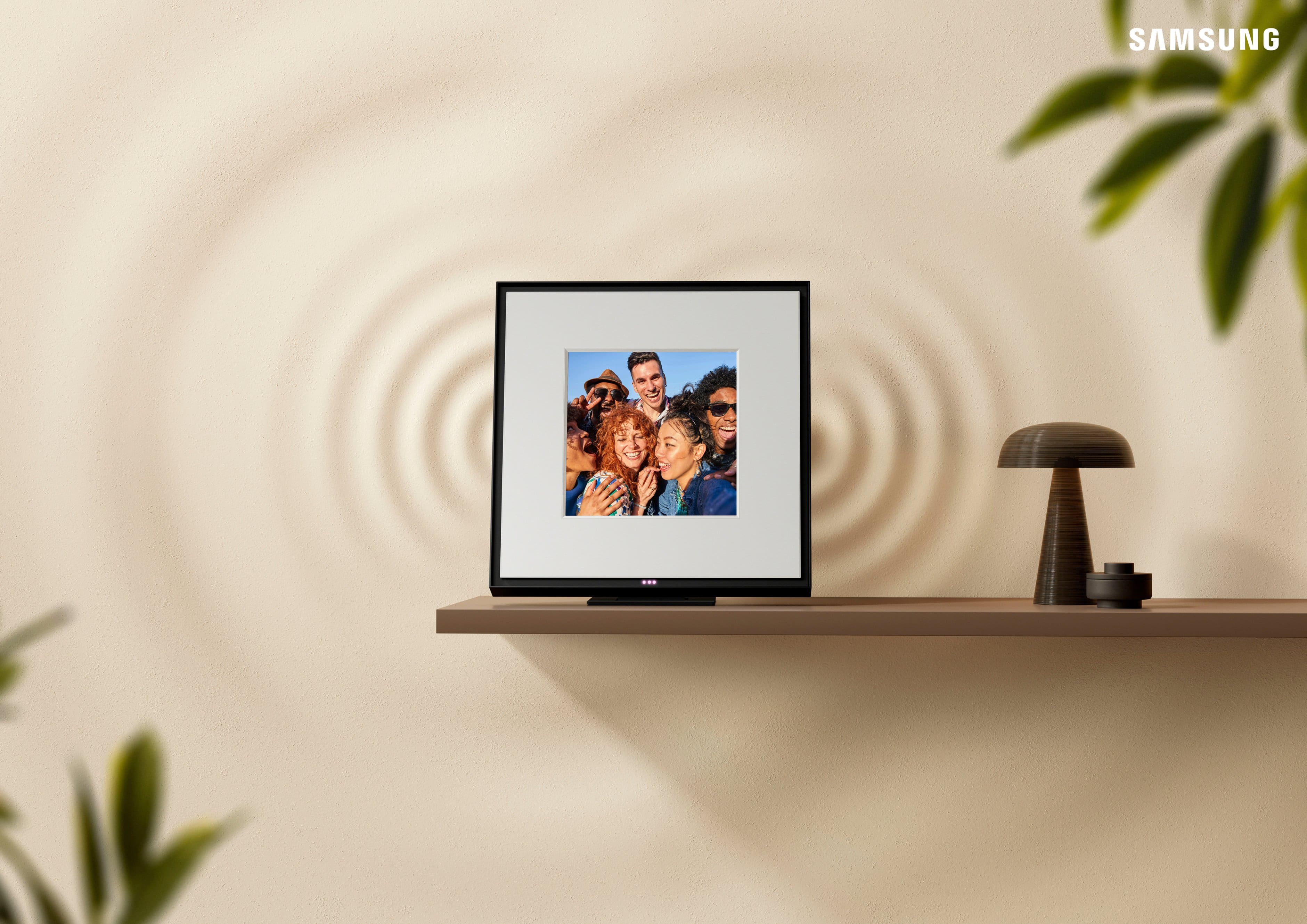
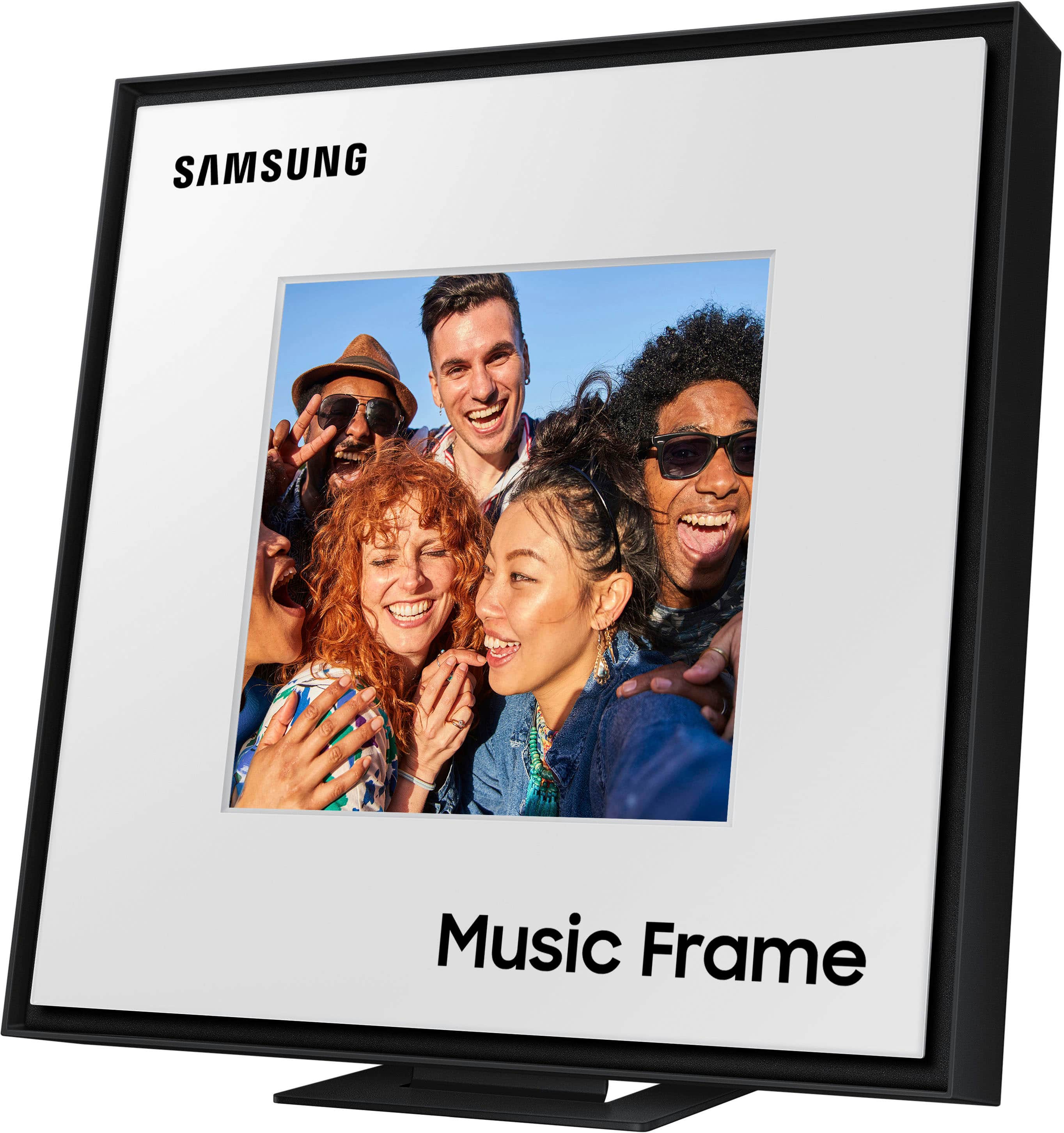
    This is a great option if you have samsung tv to go along with it. If not, it’s alright sound, but small picture for big frame. And i guess i was expecting a bit more for the huge price point.

    No, I would not recommend this to a friend
    • Brand response from Samsung
      Posted .

      AntonEgo,

      Thank you for sharing your review of Samsung’s Music Frame. We apologize that your experience didn’t meet your expectations. Your feedback is valuable to us and will be shared with our product teams.

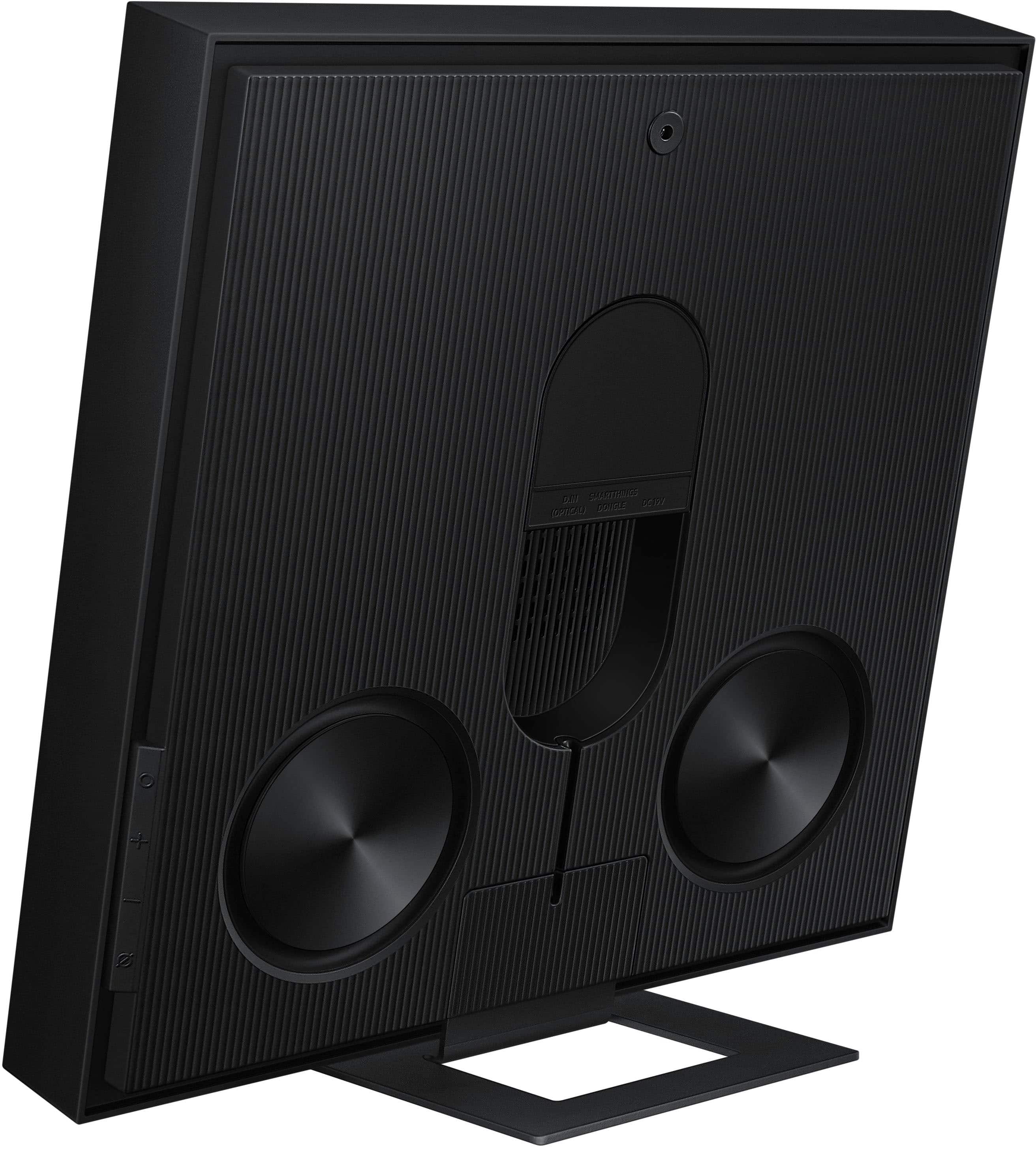
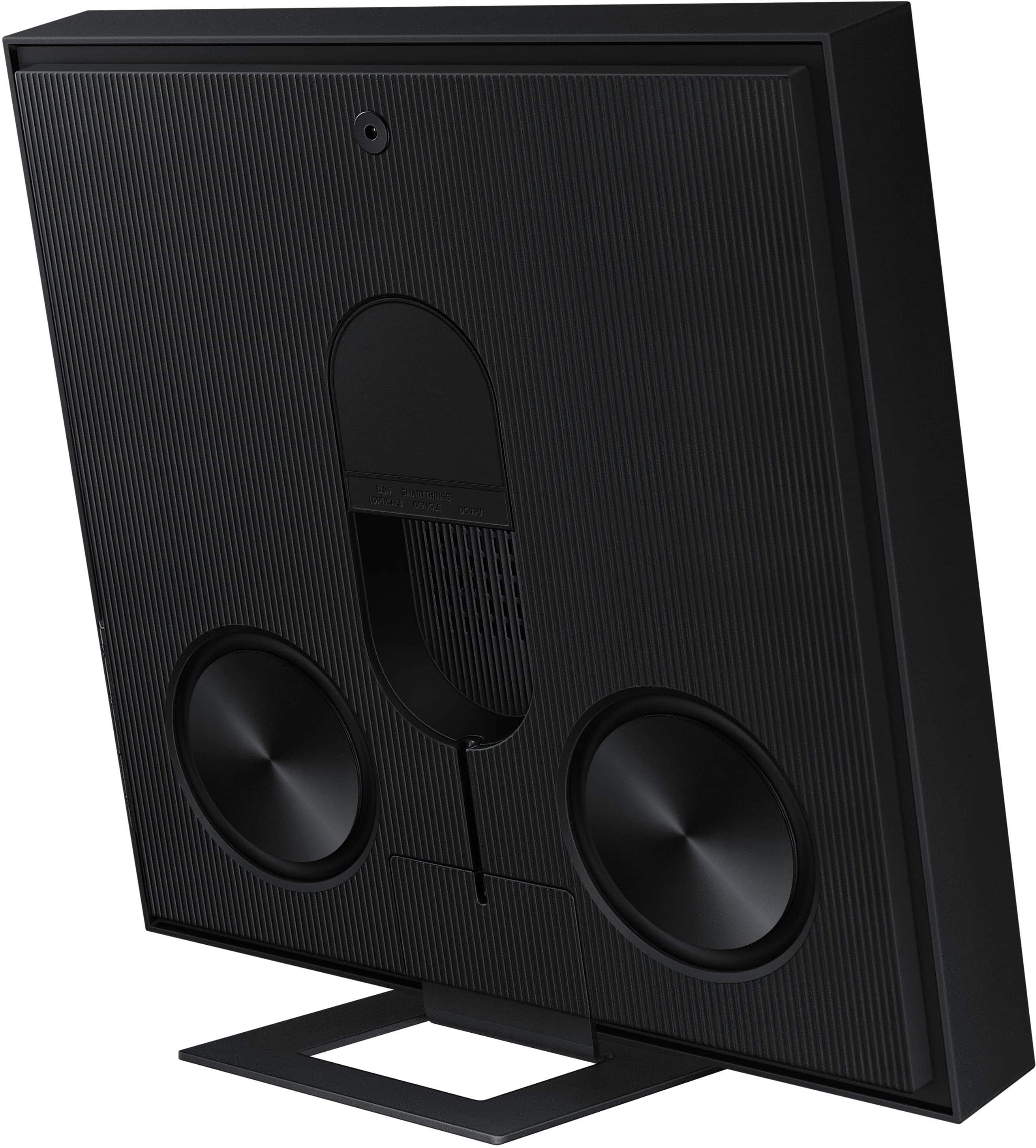
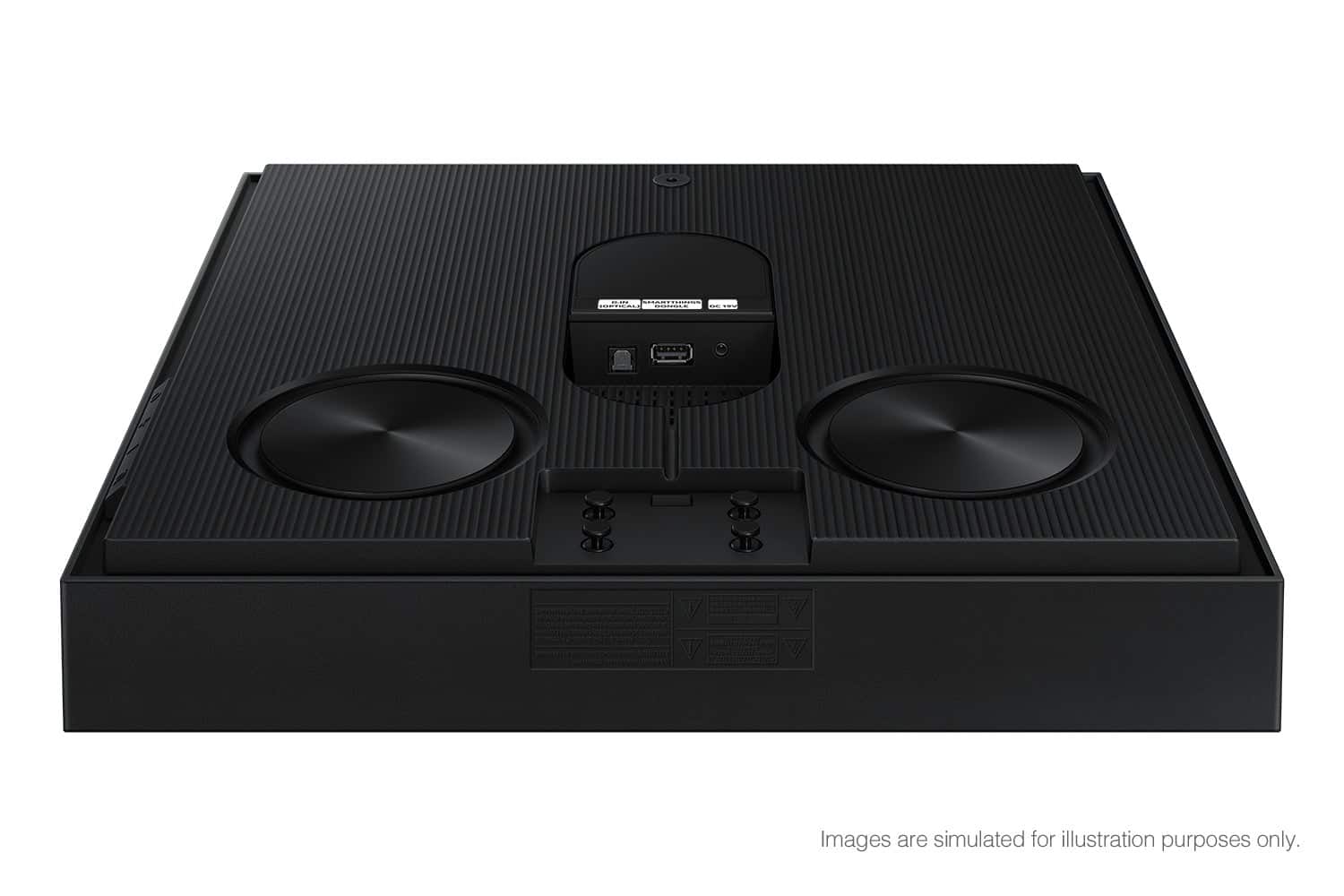
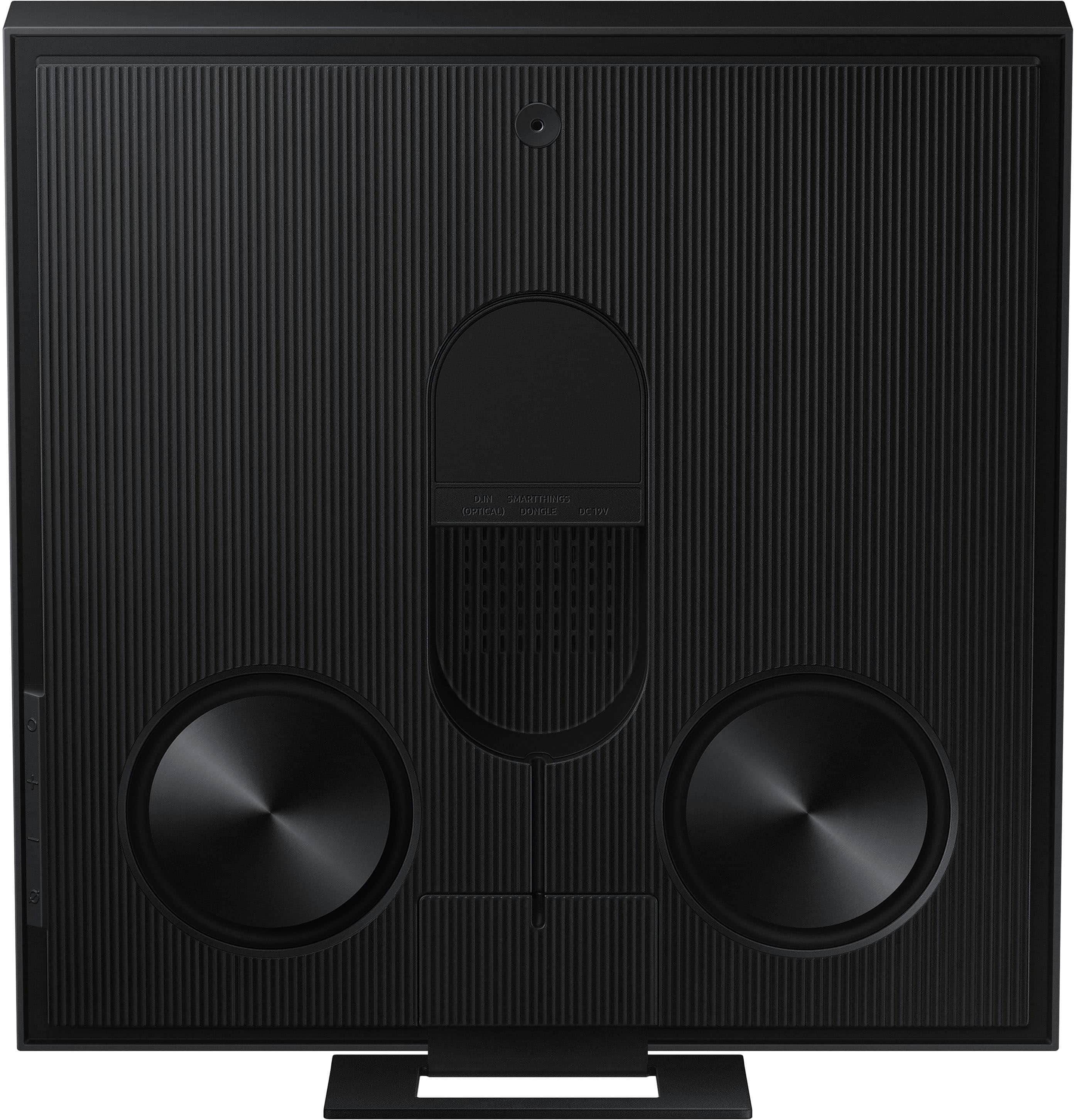
      The new Samsung Music Frame is not brand-restricted and features an optical port as well as Bluetooth connectivity. If your TV supports Bluetooth connectivity or an optical port, you can connect the Music Frame to your TV via either of these connections.

      Please know that with the SmartThings App, you can easily control and adjust the sound settings for the Music Frame. You will be able to select your desired sound modes the Music Frame offers such as Adaptive Sound, Music, or Standard. You may also activate SpaceFit Sound, Active Voice Amplifier, Voice Enhancement, and Night Mode audio functions.

      If you need more help, Samsung is here for you. Please call us at 1-800-SAMSUNG, 8AM - 12AM EST (Ask for Soundbars), 7 days a week. Our Live Chat agents are also available by clicking on the ‘Support’ link on our website.

      ~ Samsung Solutions Samsung

  • Best Buy Employee

    Rated 1 out of 5 stars

    REQUIRES Q-SYMPHONY FOR SURROUND

    |
    Best Buy Employee
    Posted . Owned for 2 weeks when reviewed.
    This reviewer received promo considerations or sweepstakes entry for writing a review.

    Paired with a 55 S90D and Q-800D and they require Q-Symphony (uses tv speakers, soundbar, and frame) to be on. TV speakers ruin the whole effect due to an incurable delay (spent hours tinkering with settings). If i could just use my soundbar with my one frame, they would be pretty sick. The sound is NICE. But this forced usage of settings to make it work will force me to put a one star review until this is fixed.

    No, I would not recommend this to a friend
    • Brand response from Samsung
      Posted .

      Hi LFMP,

      Thank you for sharing your review of the Samsung Music Frame. We value your feedback and will share it with our teams.

      If the video on the TV and audio from the Soundbar are not synchronized, select SYNC in Sound Control, and then set the audio delay between 0~300 milliseconds by using the Up/Down buttons.

      If you need more help, Samsung is here for you. Please call us at 1-800-SAMSUNG, 8AM - 12AM EST (Ask for Soundbars), 7 days a week. Our Live Chat agents are also available by clicking on the ‘Support’ link on our website.

      ~ Samsung Solutions Samsung

  • Rated 5 out of 5 stars

    Music frame

    |
    |
    Posted . Owned for 1 week when reviewed.
    This reviewer received promo considerations or sweepstakes entry for writing a review.

    Got this product with the purchase of my new 85 inch tv they are both awesome.

    I would recommend this to a friend
  • Rated 5 out of 5 stars

    Samsung music frame

    |
    |
    Posted . Owned for 4 months when reviewed.
    This reviewer received promo considerations or sweepstakes entry for writing a review.

    my Samsung music frame, got it as a Christmas gift and love it.

    I would recommend this to a friend
  • Rated 5 out of 5 stars

    Couldn't ask for anything better.

    |
    |
    Posted .
    This reviewer received promo considerations or sweepstakes entry for writing a review.

    Works great and love it even more working with the frame TV.

    I would recommend this to a friend
  • Rated 5 out of 5 stars

    Nice

    |
    |
    Posted .
    This reviewer received promo considerations or sweepstakes entry for writing a review.

    Very nice good quality. Like it very useful too nice

    I would recommend this to a friend
  • Rated 4 out of 5 stars

    Frame Speaker

    |
    |
    Posted . Owned for 2 weeks when reviewed.
    This reviewer received promo considerations or sweepstakes entry for writing a review.

    Easy setup but ultimately returned. Sound out of TV alone was better than spending this much money on the Frame.

    I would recommend this to a friend
  • Rated 3 out of 5 stars

    Sound frame

    |
    |
    Posted .
    This reviewer received promo considerations or sweepstakes entry for writing a review.

    Too bulky. Havent ussd it yet. Frame should be digital pictures not real pics.

    No, I would not recommend this to a friend
    • Brand response from Samsung
      Posted .

      Hi LashonM,

      Thank you for sharing your review of the Samsung Music Frame. We value your feedback and will share it with our teams.

      If there is anything we can do to improve your enjoyment such as helping to optimize settings for your specific sound scenario, please contact Samsung Customer Support. Just give us a call at 1-800-SAMSUNG (Ask for Soundbars), 8AM - 12AM EST, 7 days a week. Our Live Chat agents are also available by clicking on the ‘Support’ link on our website.

      ~ Samsung Solutions Samsung

  • Rated 5 out of 5 stars

    .

    |
    |
    Posted . Owned for 1 month when reviewed.
    This reviewer received promo considerations or sweepstakes entry for writing a review.

    Amazing product. I highly recommend especially if you do buy

    I would recommend this to a friend
  • Rated 5 out of 5 stars

    Music Frame

    |
    |
    Posted . Owned for 2 weeks when reviewed.
    This reviewer received promo considerations or sweepstakes entry for writing a review.

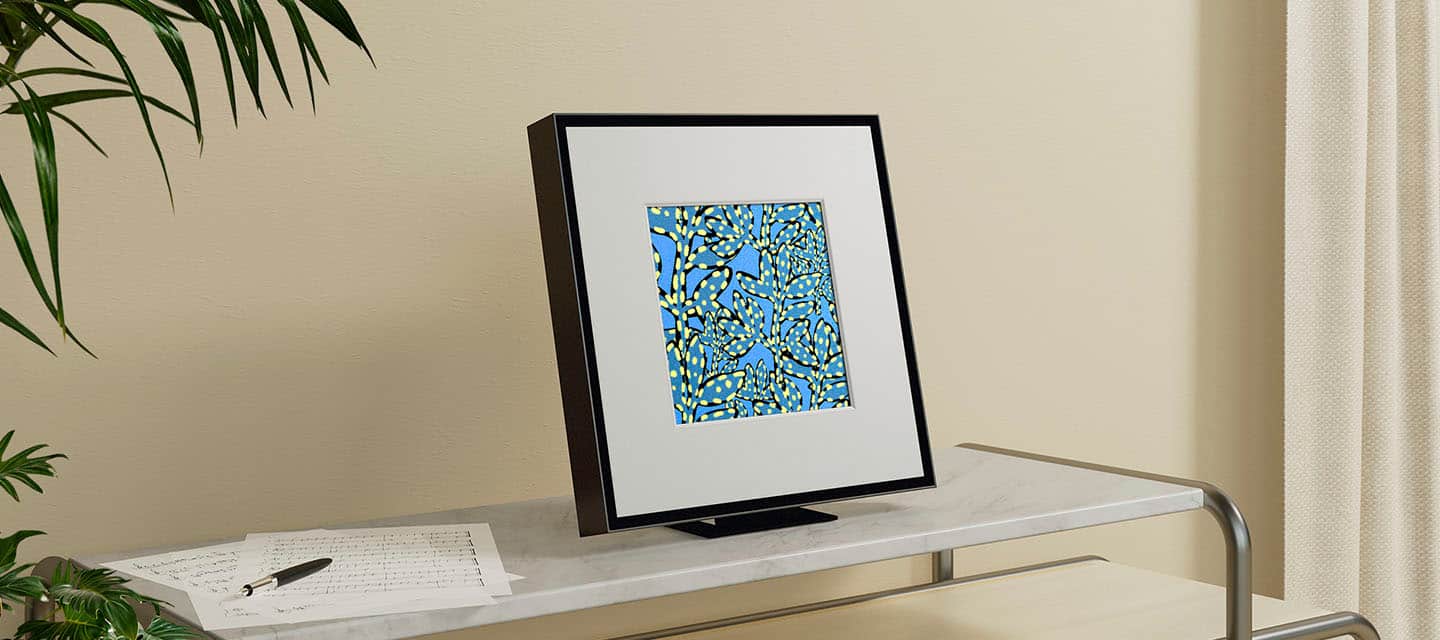
    amazing if you want to match aesthetic with frame or even if you just want to use as a soundbar but don’t want a ugly big bar in the way

    I would recommend this to a friend
  • Rated 5 out of 5 stars

    Great speaker

    |
    |
    Posted . Owned for 1 week when reviewed.
    This reviewer received promo considerations or sweepstakes entry for writing a review.

    Easy installation. Works as expected. Great product

    I would recommend this to a friend
  • Rated 2 out of 5 stars

    Disappointed with the music frame speakers

    |
    |
    Posted .
    This reviewer received promo considerations or sweepstakes entry for writing a review.

    Very disappointed with the speaker. Bought two of them to provide a stereo sound experience but the TV only works with one of them at a time. The sound is also not that great - far cheaper speakers put out much better sound. Perhaps it's not the speakers but the way in which the Frame TV drives them.

    No, I would not recommend this to a friend
    • Brand response from Samsung
      Posted .

      Hello Andy,

      We appreciate you taking a few moments to review the Samsung Music Frame.

      Here are a few more troubleshooting steps to try:

      Make sure that both Music Frames are connected to the same Wi-Fi network that your Frame TV is on using the SmartThings app.

      Open your TV settings and select "Sound → Sound Output"

      Then select "Q-Symphony" → Enter "Q-Symphony Setup"

      From here you have the option to choose the Music Frame's position and play the optimized sound according to its position.

      Please do reach out to us again if these steps do not resolve your issues, so we can provide further troubleshooting assistance specific to your setup scenario. Just give us a call at 1-800-SAMSUNG (Ask for Soundbars), 8AM - 12AM EST, 7 days a week. Our Live Chat agents are also available by clicking on the ‘Support’ link on our website.

      ~ Samsung Solutions Samsung

  • Cons mentioned:
    Size

    Rated 2 out of 5 stars

    A shoot and a miss

    |
    |
    Posted . Owned for 1 month when reviewed.
    This reviewer received promo considerations or sweepstakes entry for writing a review.

    Too big. Weak sauce. Better of with Q990D rear speakers

    No, I would not recommend this to a friend
    • Brand response from Samsung
      Posted .

      Hi RegisteredUser,

      We appreciate you taking a few moments to review the Samsung Music Frame.

      First, update the software. The latest Music Frame software will improve the sound quality. The latest version. The easiest way to update is by using the SmartThings app, selecting the Music Frame, then tapping the 3 dots in the upper right and selecting Information. From here, you can select to update the software.

      Second, try using Adaptive sound mode setting. It will automatically adjust the sound based on the content, which makes it “set and forget”. However, if you are only using the Music Frame for music, I suggest Music sound mode for its clarity and faithful reproduction. If using it for listening to vocals (like podcasts, news, etc.,) I like Voice Enhancement mode.

      Finally, you can modify your sound settings to tailor the sound to your liking. First, turn on SpaceFit sound so your Music Frame can adjust to your room acoustics, next go to the Equalizer, and adjust the lows/high/mids to your satisfaction.

      If you need more help, Samsung is here for you. Please call us at 1-800-SAMSUNG, 8AM - 12AM EST (Ask for Soundbars), 7 days a week. Our Live Chat agents are also available by clicking on the ‘Support’ link on our website.

      ~ Samsung Solutions Samsung

  • Cons mentioned:
    Connectivity

    Rated 1 out of 5 stars

    LIMMITED MULTI CONNECTIVITY

    |
    |
    Posted . Owned for 1 month when reviewed.
    This reviewer received promo considerations or sweepstakes entry for writing a review.

    LIMMITED CONNECTIVITY CANT LINK SOUNNDBAR AND 2 DEVICES

    No, I would not recommend this to a friend
    • Brand response from Samsung
      Posted .

      Hi GregS,

      Thank you for sharing your review of the Samsung Music Frame Soundbar. We value your feedback and will share it with our teams.

      If there is anything we can do to improve your enjoyment such as helping to optimize settings for your specific sound scenario, please contact Samsung Customer Support. Just give us a call at 1-800-SAMSUNG (Ask for Soundbars), 8AM - 12AM EST, 7 days a week. Our Live Chat agents are also available by clicking on the ‘Support’ link on our website.

      ~ Samsung Solutions Samsung

  • Rated 5 out of 5 stars

    Picture frame

    |
    |
    Posted . Owned for 1 month when reviewed.
    This reviewer received promo considerations or sweepstakes entry for writing a review.

    Fantastic speaker Samsung does it again!!!!!!!!!!!!

    I would recommend this to a friend
  • Rated 2 out of 5 stars

    by other external speakers

    |
    |
    Posted . Owned for 3 weeks when reviewed.
    This reviewer received promo considerations or sweepstakes entry for writing a review.

    didn't like it. could not hear sound and it didn't want to recognize our sound bar

    No, I would not recommend this to a friend
    • Brand response from Samsung
      Posted .

      Hello EdwardH,

      We appreciate you sharing the issues you’re experiencing with your Music Frame, and that initial troubleshooting with Samsung Support was unable to resolve this. Your issue may not be with the Music Frame but with other variables.

      Here are a few more troubleshooting steps to try:
      Make sure that both Music Frames are connected to the same Wi-Fi network that your 2024 Frame TV is on using the SmartThings app.
      Open your TV settings and select "Sound → Sound Output"
      Then select "Q-Symphony" → Enter "Q-Symphony Setup"
      From here you have the option to choose the Music Frame's position and play the optimized sound according to it's position.

      Please do reach out to us again if these steps do not resolve your issues so we can provide further troubleshooting assistance specific to your setup scenario. Just give us a call at 1-800-SAMSUNG (Ask for Soundbars), 8AM - 12AM EST, 7 days a week. Our Live Chat agents are also available by clicking on the ‘Support’ link on our website.

      ~ Samsung Solutions Samsung

  • Rated 1 out of 5 stars

    Waste of money

    |
    |
    Posted . Owned for 2 weeks when reviewed.
    This reviewer received promo considerations or sweepstakes entry for writing a review.

    Do not buy believing you can successfully hook up more than one of these to your tv at a time to achieve a surround sound system, because you CANNOT! I’ve made that happen once or twice despite trying nonstop and you’re screwed if you think you can turn the tv/speakers off and then turn them back on and have everything still synced-nope. HomePods are massively superior. Save your money and buy those, they play nicer.

    No, I would not recommend this to a friend
    • Brand response from Samsung
      Posted .

      Hi Disappointed,

      Thank you for taking a moment to review the Samsung Music Frame.

      Here are some tips to help you with connecting both Music Frames to your TV at same time.

      First please make sure that all the devices are connected to the same WiFi network and signal.

      On your 2024 or updated 2023 Samsung TV go to all settings and select → Sound Output → Q--Symphony, from here you select how your Music Frames are positioned and play the optimized sound according to their position.

      If you are still having difficulty setting up both Musi Frames at the same time, just give us a call at 1-800-SAMSUNG (Ask for Soundbars), 8AM - 12AM EST, 7 days a week. Our Live Chat agents are also available by clicking on the ‘Support’ link on our website.

      ~ Samsung Solutions Samsung

  • Rated 1 out of 5 stars

    OFF after just 3 months

    |
    |
    Posted .
    This reviewer received promo considerations or sweepstakes entry for writing a review.

    Worst speaker ever!! It turn it off after 3 months of the purchase. And the customer service is horrible. They hang up the calls and don’t give me any solution. Don’t waste almost 500 dollars on this. Look for at her brands

    No, I would not recommend this to a friend
    • Brand response from Samsung
      Posted .

      Hi CarlosN,

      Thank you for taking a few moments to review the Samsung Music Frame.

      Try factory resetting your Samsung Music Frame (model HW-LS60D), follow these steps.

      Power On the Device: Ensure your Music Frame is turned on.

      Press Volume Buttons: Simultaneously press and hold both the Volume Up (+) and Volume Down (–) buttons for at least 5 seconds.

      Observe LED Indicators: The white LED indicator will move left and right, then blink cyan three times, followed by red three times.

      Completion: After these LED sequences, the Music Frame will reset to its factory settings.

      Please note that performing a factory reset will erase all customized settings and preferences. Use this function only when necessary.

      Samsung is committed to providing the best possible product experience, quality, and value. We back this Samsung Soundbar with a 1-year limited manufacturer's warranty, including authorized repair for manufacturer defect, if purchased brand-new directly from an authorized seller.

      If you need more help, Samsung is here for you. Please call us at 1-800-SAMSUNG, 8AM - 12AM EST (Ask for Soundbars), 7 days a week. Our Live Chat agents are also available by clicking on the ‘Support’ link on our website.

      ~ Samsung Solutions Samsung

  • Rated 2 out of 5 stars

    Returned, not needed

    |
    |
    Posted . Owned for 2 weeks when reviewed.
    This reviewer received promo considerations or sweepstakes entry for writing a review.

    I did not care for these speakers. We tried two, then one. They did not improve our sound on the frame tv. The sound of the frame tv is just fine alone. The speakers were returned.

    No, I would not recommend this to a friend
    • Brand response from Samsung
      Posted .

      Hello RuthieW,

      We appreciate you taking a moment to review Samsung's Music Frame. It's possible that your unit needed minor troubleshooting, a firmware update, or adjustments in settings.

      There are many ways that you can optimize your Music Frame's audio experience. Such as updating the software. The latest Music Frame software will improve the sound quality. The easiest way to update is by using the SmartThings app, selecting the Music Frame, then tapping the 3 dots in the upper right and selecting Information. From here, you can select to update the software.

      Second, try using Adaptive sound mode setting. It will automatically adjust the sound based on the content, which makes it “set and forget”. However, if you are only using the Music Frame for music, I suggest Music sound mode for its clarity and faithful reproduction. If using it for listening to vocals (like podcasts, news, etc.,) I like Voice Enhancement mode.

      Finally, you can modify your sound settings to tailor the sound to your liking. First, turn on SpaceFit sound so your Music Frame can adjust to your room acoustics, next go to the Equalizer, and adjust the lows/high/mids to your satisfaction.

      Should you ever decide to give Samsung Soundbars another try and have questions or need assistance with settings, setup, or features, please know we are always here to help.

      Call us at 1-800-SAMSUNG (ask for Soundbars), available 8 AM – 12 AM EST, 7 days a week.

      ~ Samsung Solutions Samsung