Customer Ratings & Reviews
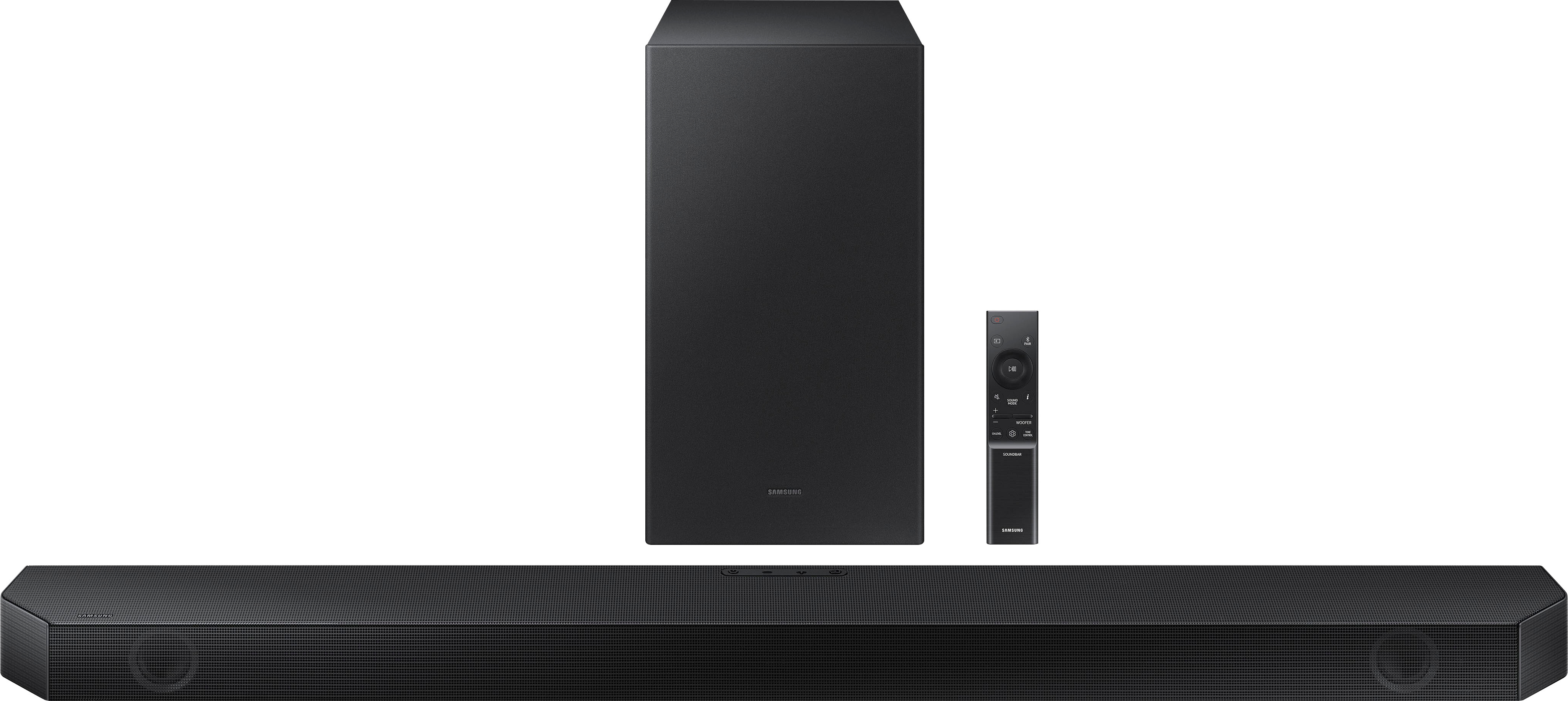
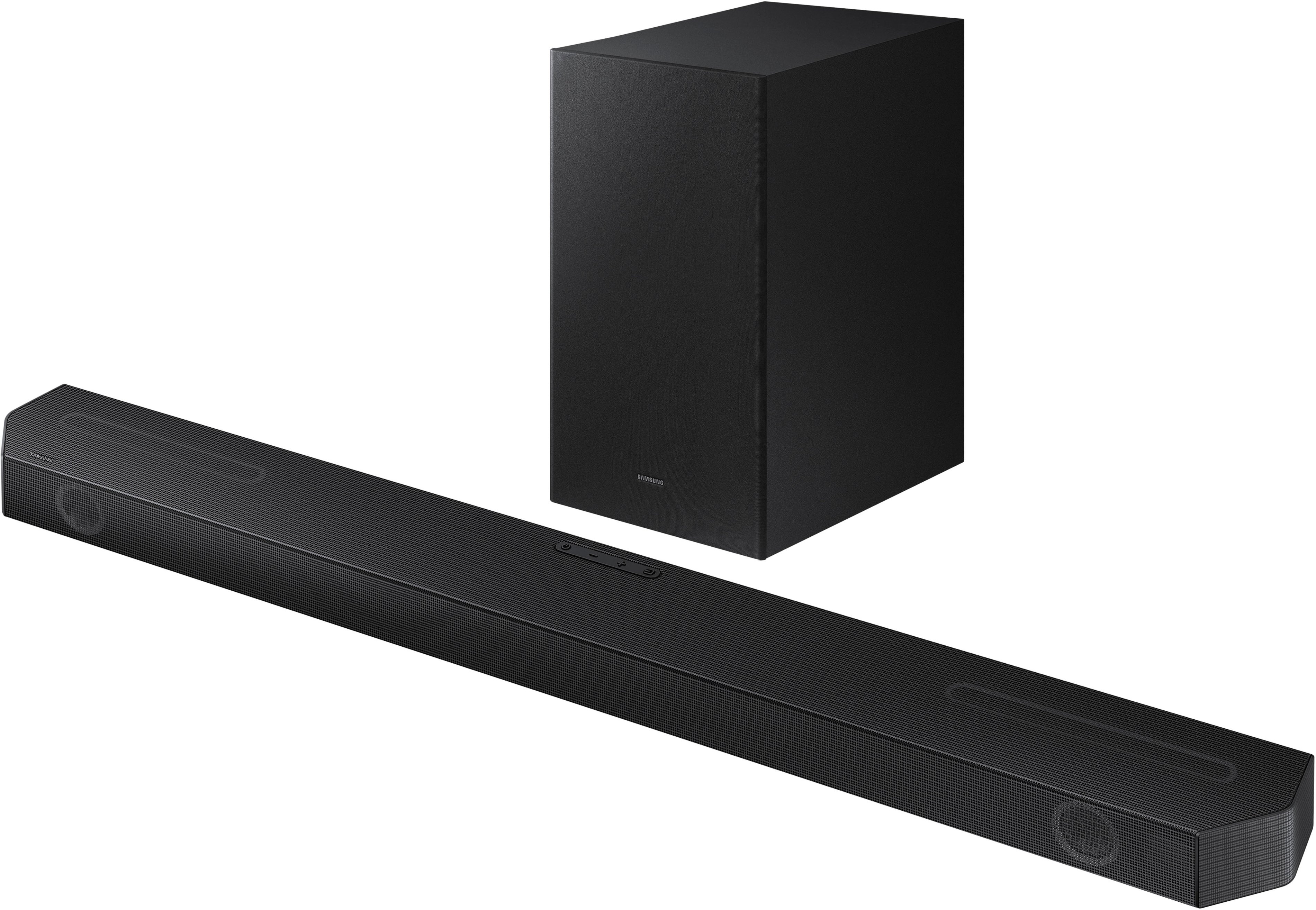
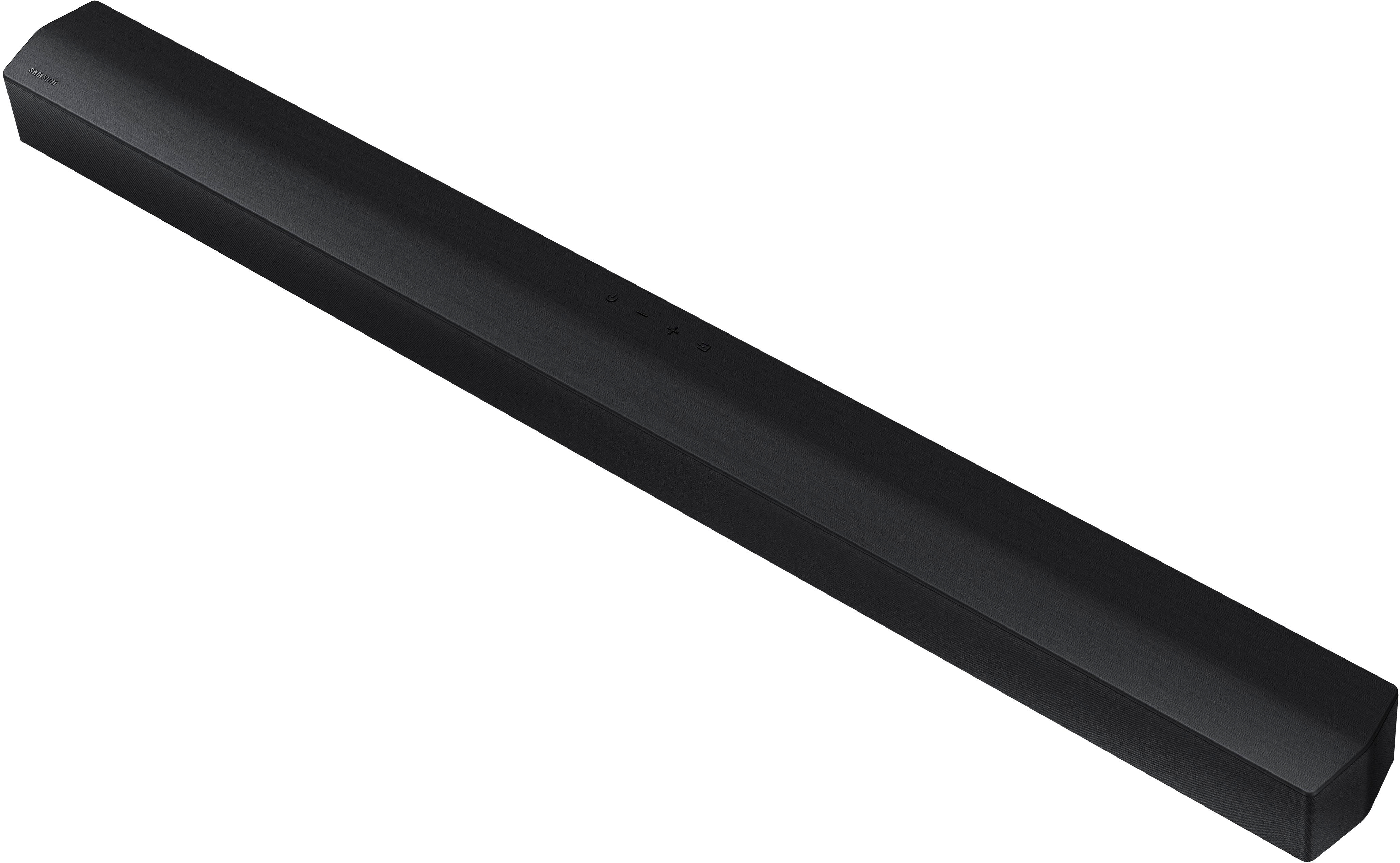
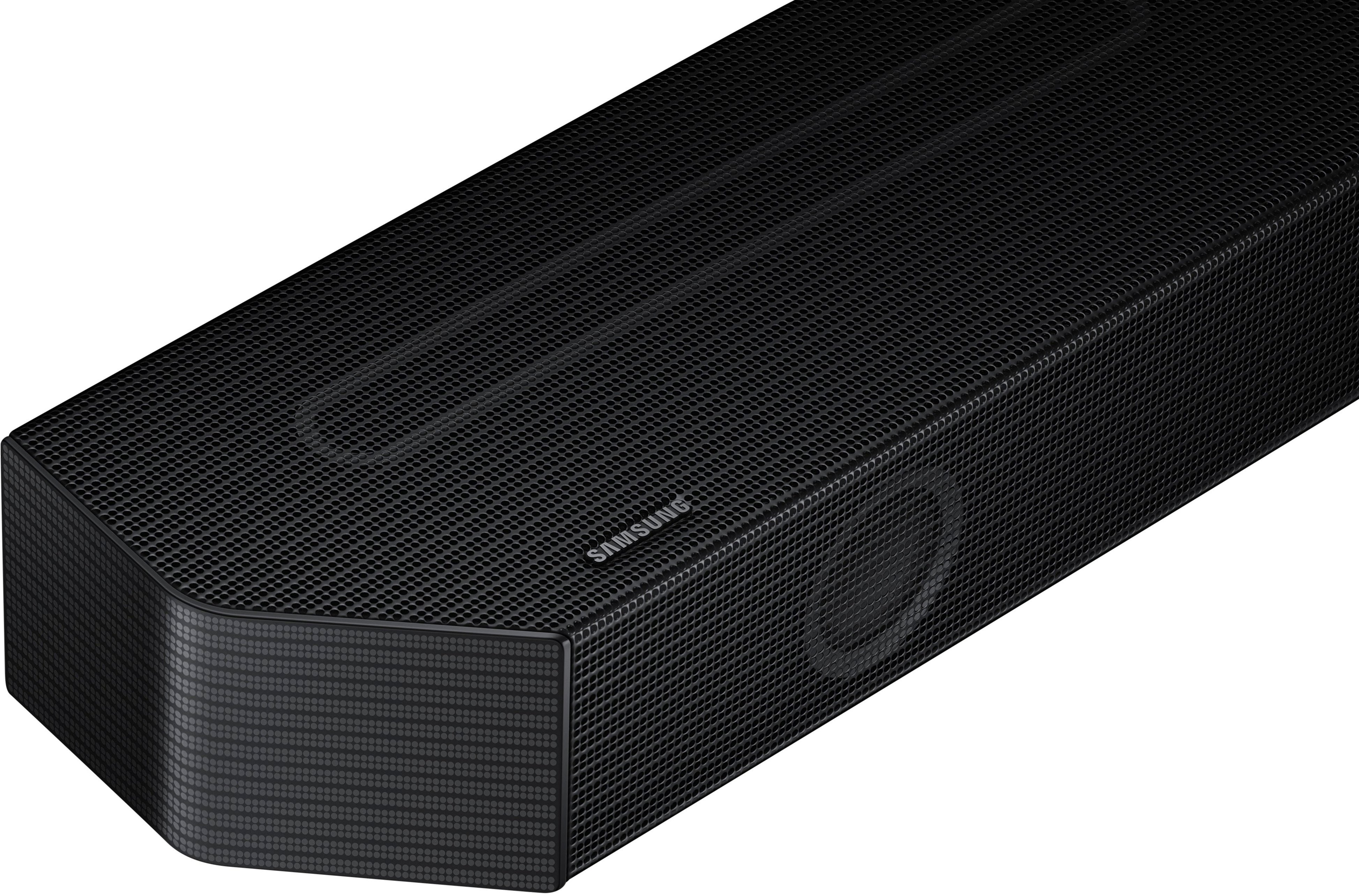






- Model:
- HW-Q600B/ZA
- SKU:
- 10362496
Rating by feature
- Value
Rating 4.1 out of 5 stars
- Quality
Rating 4.1 out of 5 stars
- Ease of Use
Rating 4.2 out of 5 stars
to a friend
Sounds like a theatre
||Posted . Owned for 3 weeks when reviewed.This reviewer received promo considerations or sweepstakes entry for writing a review.Amazing sound and pairs greatly with a Samsung 4K 75” TV feels like a movie theatre experience
I would recommend this to a friendBad Arc
||Posted . Owned for 3 weeks when reviewed.This reviewer received promo considerations or sweepstakes entry for writing a review.I liked the sound bar when I brought it home on Thursday evening, and through the weekend. On Sunday night, the arc stopped working. I played with it, went through all the on line remedies, to no avail, lost patience. I returned Tuesday.
No, I would not recommend this to a friendBrand response from Samsung
Posted .Hi there,
Thank you for your review of the Samsung HW-Q600B Soundbar and for sharing the issues that have caused you to return your unit. Your experience is very important to us and will be shared with our product team.
It is possible that your unit needed minor troubleshooting, a firmware update, or adjustments in settings.
Should you ever decide to give Samsung Soundbars another try and have questions or need assistance with settings, setup, or features, please know we are always here to help.
Call us at 1-800-SAMSUNG (ask for Soundbars), available 8 AM – 12 AM EST, 7 days a week.
For additional support resources, visit us on the Samsung website and click on the ‘Support’ link in the upper right corner of the homepage for:
1) Chat with Us/Product Help: To begin a chat or find solutions, choose ‘TVs & Home Theater’ and select your model & topic.
2) Manuals & Software
3) Warranty Info
4) Register a Product: For access to easy warranty support, convenient opt-in to special promos and offers, faster troubleshooting and service, and quick notification of system updates
5) Contact Us
~ Samsung Solutions
Sounds great
||Posted . Owned for 6 months when reviewed.This reviewer received promo considerations or sweepstakes entry for writing a review.Excellent product, but little expensive and subwoofer design is very basic compared to new s800b. So I switched to modern design.
I would recommend this to a friendSub isn't great
||Posted . Owned for 9 months when reviewed.This reviewer received promo considerations or sweepstakes entry for writing a review.Need to adjust the bass levels from the sub or regularly adjust the volume on a scene-by-scene basis.
No, I would not recommend this to a friendA little tight
||Posted . Owned for 2 months when reviewed.This reviewer received promo considerations or sweepstakes entry for writing a review.Great sound bar but I recommend getting a 90 degree hdmi conector for it because the available space to plug in is very limited.
I would recommend this to a friendSoundbar
||Posted . Owned for 1 month when reviewed.This reviewer received promo considerations or sweepstakes entry for writing a review.Unit has good sound, sometimes, the unit doesn’t power on automatically or there is a delay before it kicks on
I would recommend this to a friendFun
||Posted . Owned for 1 month when reviewed.This reviewer received promo considerations or sweepstakes entry for writing a review.Sounds great easy to adjust. Looks good and fits in were it doesn’t look out of place.
I would recommend this to a friendFantastic service
||Posted . Owned for 1 month when reviewed.This reviewer received promo considerations or sweepstakes entry for writing a review.Sound bar is perfect! The Geek Squad did an amazing job installing g both my sound bars and explaining things to me. They are the best!
I would recommend this to a friendShuts off and won't turn back on
||Posted . Owned for 9 months when reviewed.This reviewer received promo considerations or sweepstakes entry for writing a review.Got this for X-mas. It kept shutting off and wouldn't turn back on. Was told by Best buy to send it to Samsung for a fix. I got it back, Samsung said its fixed but it still won't turn on. Best buy wouldn't take it back or exchange it so now I'm stuck with an expensive paperweight
No, I would not recommend this to a friend3 stars
||Posted . Owned for 1 month when reviewed.This reviewer received promo considerations or sweepstakes entry for writing a review.Not as good as my old one. Easy to setup other than that ok product Not overly impressed
No, I would not recommend this to a friendBrand response from Samsung
Posted .Hello ScottW,
Thank you for sharing your thoughts regarding the HW-Q600B Soundbar. We appreciate your experiences and they will be shared with our internal teams.
You can manually optimize your audio experience by pressing the SOUND MODE button to select the desired pre-equalized sound setting. The choices are SURROUND SOUND – GAME – ADAPTIVE SOUND – DTS VIRTUAL:X – STANDARD.
To control the volume of the treble or bass sound, press the TONE CONTROL button and then adjust the volume between -6 to +6 by using the Up/Down buttons.
Press and hold the SOUND CONTROL button for about 5 seconds to adjust the sound for each frequency band. 150Hz, 300Hz, 600Hz, 1.2kHz, 2.5kHz, 5kHz, and 10kHz are selectable using the Left/Right buttons and each can be adjusted to a setting between -6 to +6 using the Up/Down buttons. (Make sure the Sound mode is set to “STANDARD”.)
Also, by pressing the CH LEVEL button so you can adjust the volume of each speaker. CENTER LEVEL or TOP LEVEL can be adjusted using the UP/DOWN buttons from -6 to +6.
Should you ever have questions or need help, please call us at 1-800-SAMSUNG (ask for Soundbars), available 8 AM – 12 AM EST, 7 days a week.
For additional support resources such as downloading a full manual, visit us on the Samsung website and click on the ‘Support’ link in the upper right corner of the homepage.
~Samsung Solutions
Samsung Soundbar
||Posted . Owned for 1 month when reviewed.This reviewer received promo considerations or sweepstakes entry for writing a review.Awesome sound, very sleek, dynamic. Enhances the quality of the television.
I would recommend this to a friendLove it
||Posted . Owned for 3 weeks when reviewed.This reviewer received promo considerations or sweepstakes entry for writing a review.I love it. The set up was easy except for the lack of instructions since it was a open box item.
I would recommend this to a friendEasy set up
||Posted . Owned for 1 month when reviewed.This reviewer received promo considerations or sweepstakes entry for writing a review.Hooked up easily to tv and works perfect. Great value for money
I would recommend this to a friendSound bar
||Posted . Owned for 2 weeks when reviewed.This reviewer received promo considerations or sweepstakes entry for writing a review.Sound is awesome and the bass is also good. Good for samsung tv
I would recommend this to a friendSound bar
||Posted . Owned for 3 weeks when reviewed.This reviewer received promo considerations or sweepstakes entry for writing a review.Really happy with this purchase! Great sound! Very easy to set up and use.
I would recommend this to a friendBrand response from Samsung
Posted .Hi Kanefam,
I'm glad to hear that the HW-Q600B has exceeded your expectations!
This soundbar features a powerful wireless subwoofer, as well as Game Pro Mode, Dolby Digital Plus, and DTS Digital Surround for deep bass, rich sound, and clear tones.
You can optimize audio performance for your specific content by pressing the SOUND MODE button on your remote, and then selecting the desired sound effect by choosing STANDARD, SURROUND SOUND, GAME PRO, or ADAPTIVE SOUND.
You can further adjust TREBLE and BASS via the SOUND CONTROL button (which looks like a gear symbol).
Should you ever have questions or need help, please call us at 1-800-SAMSUNG (ask for Soundbars), available 8 AM – 12 AM EST, 7 days a week.
For additional support resources, visit us on the Samsung website and click on the ‘Support’ link in the upper right corner of the homepage for:
1) Chat with Us/Product Help: To begin a chat or find solutions, choose ‘TVs & Home Theater’ and select your model & topic.
2) Manuals & Software
3) Warranty Info
4) Register a Product: For access to easy warranty support, convenient opt-in to special promos and offers, faster troubleshooting and service, and quick notification of system updates
5) Contact Us
~ Samsung Solutions
Soundbar is just on
||Posted . Owned for 1 month when reviewed.This reviewer received promo considerations or sweepstakes entry for writing a review.There is good sound coverage in the bedroom I put this in, but the subwoofer is completely underwhelming for me.
No, I would not recommend this to a friendBrand response from Samsung
Posted .Hello ChrisY,
Thank you for sharing your thoughts regarding the subwoofer of the HW-Q600B Soundbar. Your experiences are important to us and will be shared with our internal teams!
You can manually optimize your audio experience by pressing the SOUND MODE button to select the desired pre-equalized sound setting. The choices are SURROUND SOUND – GAME – ADAPTIVE SOUND – DTS VIRTUAL:X – STANDARD.
To control the volume of the treble or bass sound, press the TONE CONTROL button and then adjust the volume between -6 to +6 by using the Up/Down buttons.
Press and hold the SOUND CONTROL button for about 5 seconds to adjust the sound for each frequency band. 150Hz, 300Hz, 600Hz, 1.2kHz, 2.5kHz, 5kHz, and 10kHz are selectable using the Left/Right buttons and each can be adjusted to a setting between -6 to +6 using the Up/Down buttons. (Make sure the Sound mode is set to “STANDARD”.)
If we can help with anything else, please call us at 1-800-SAMSUNG (Ask for Soundbars), 8 AM – 12 AM EST, 7 days a week. LiveChat with an agent as well as manuals, software, and warranty info can be found at the ‘Support’ link on our Samsung website.
~ Samsung Solutions
ok
||Posted . Owned for 1 month when reviewed.This reviewer received promo considerations or sweepstakes entry for writing a review.good sound but woffer is disturbing and we had to tone it downso the house did oot vibrate
No, I would not recommend this to a friendWorth the money with a protection plan
||Posted .This reviewer received promo considerations or sweepstakes entry for writing a review.Great sound, but something went out on it but did have the protection so it's being fixed!!
I would recommend this to a friendGreat sound bar
||Posted . Owned for 3 weeks when reviewed.This reviewer received promo considerations or sweepstakes entry for writing a review.Great sound bar. Fills the entire room. Has great bass and sound.
I would recommend this to a friendE
||Posted . Owned for 10 months when reviewed.This reviewer received promo considerations or sweepstakes entry for writing a review.Meant for indoor it’s being out door without any sign of wear great product
I would recommend this to a friend