Customer Ratings & Reviews
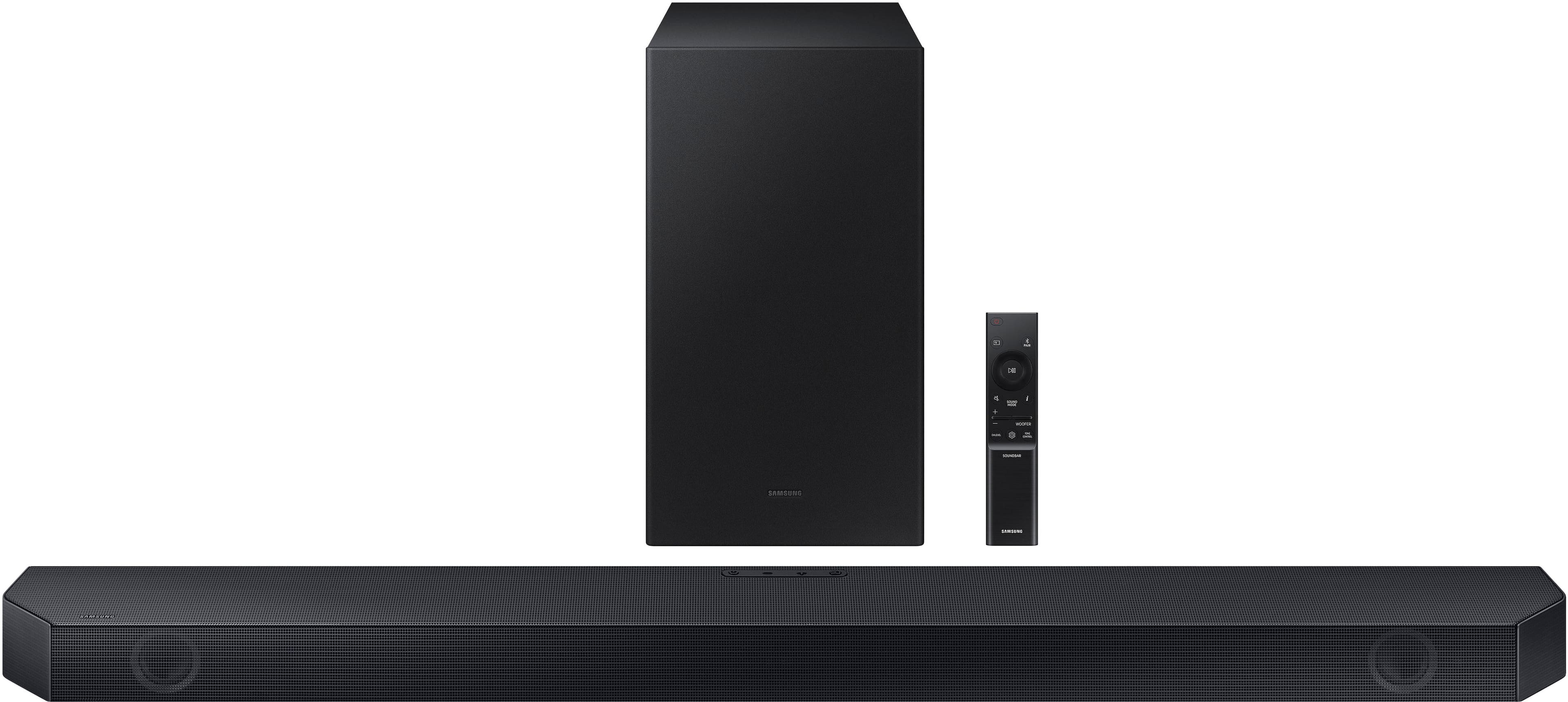
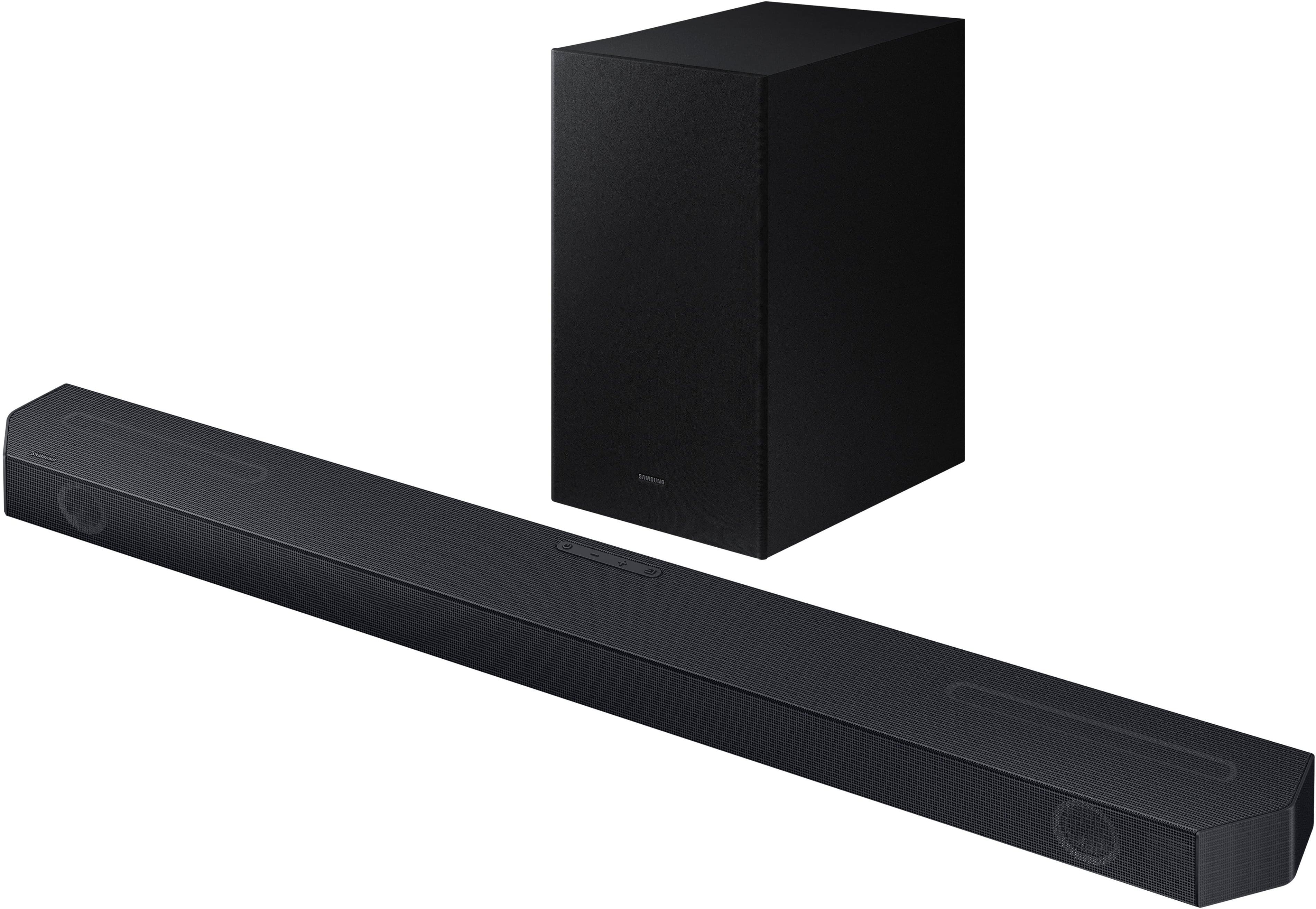
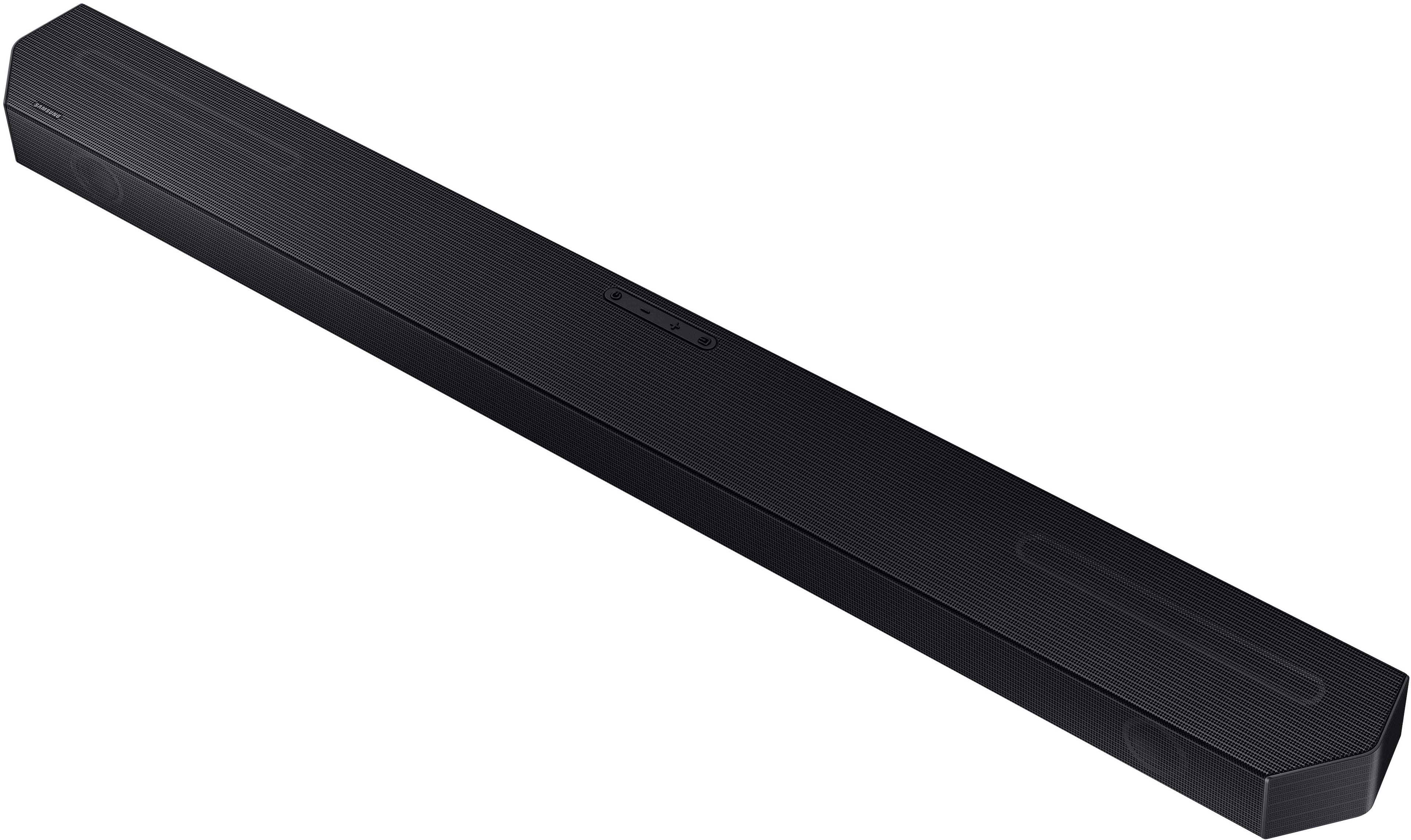
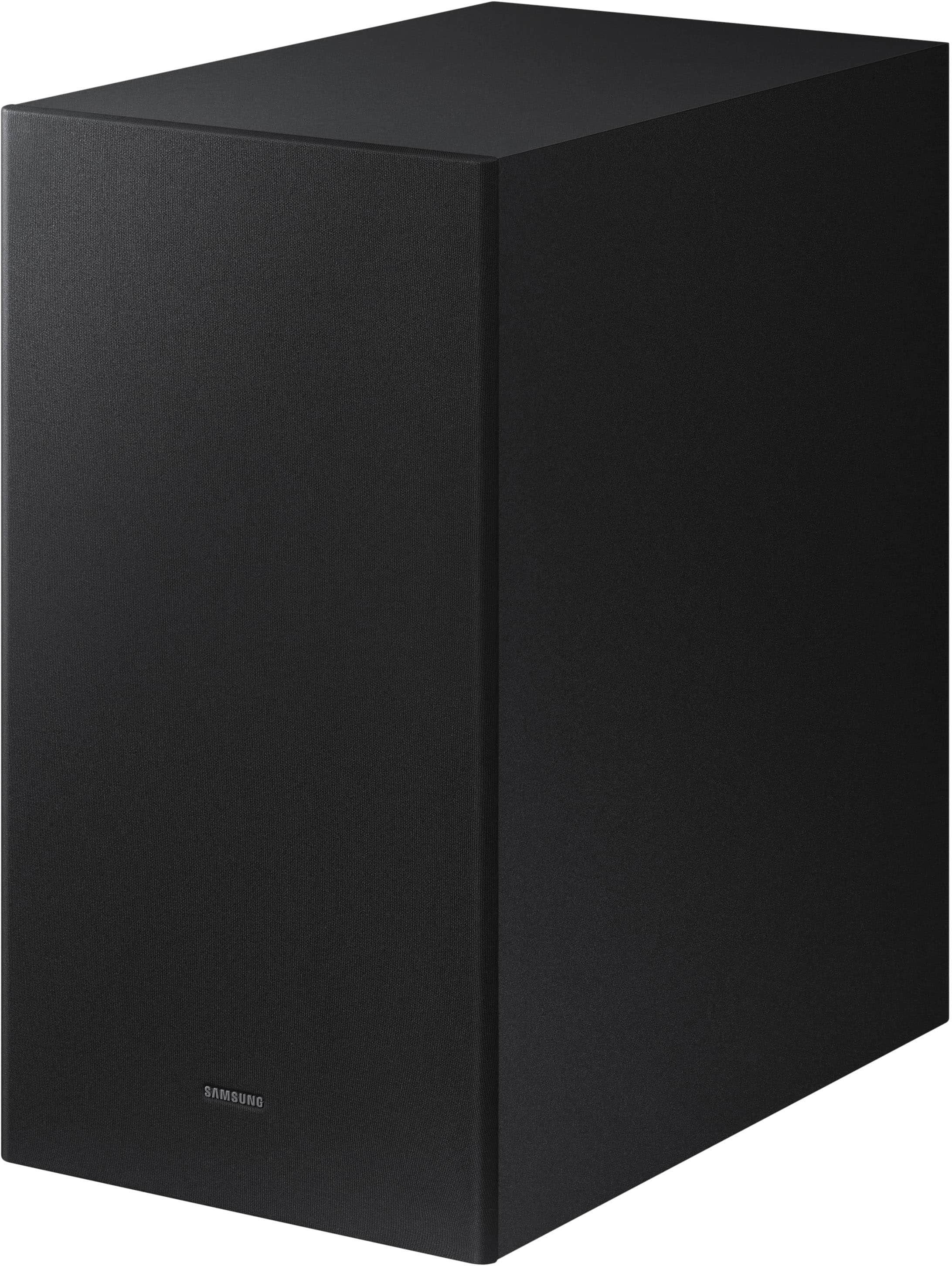
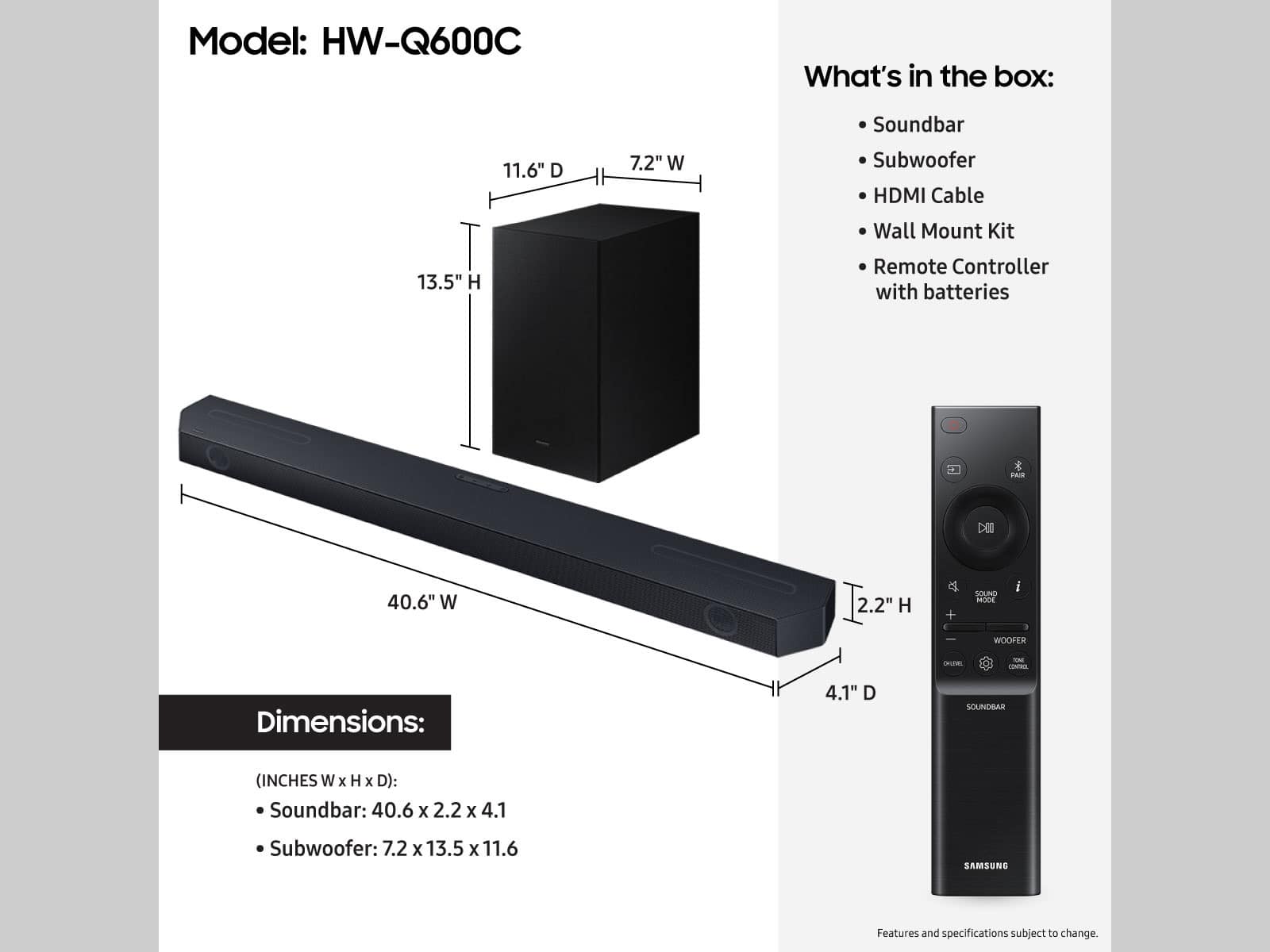
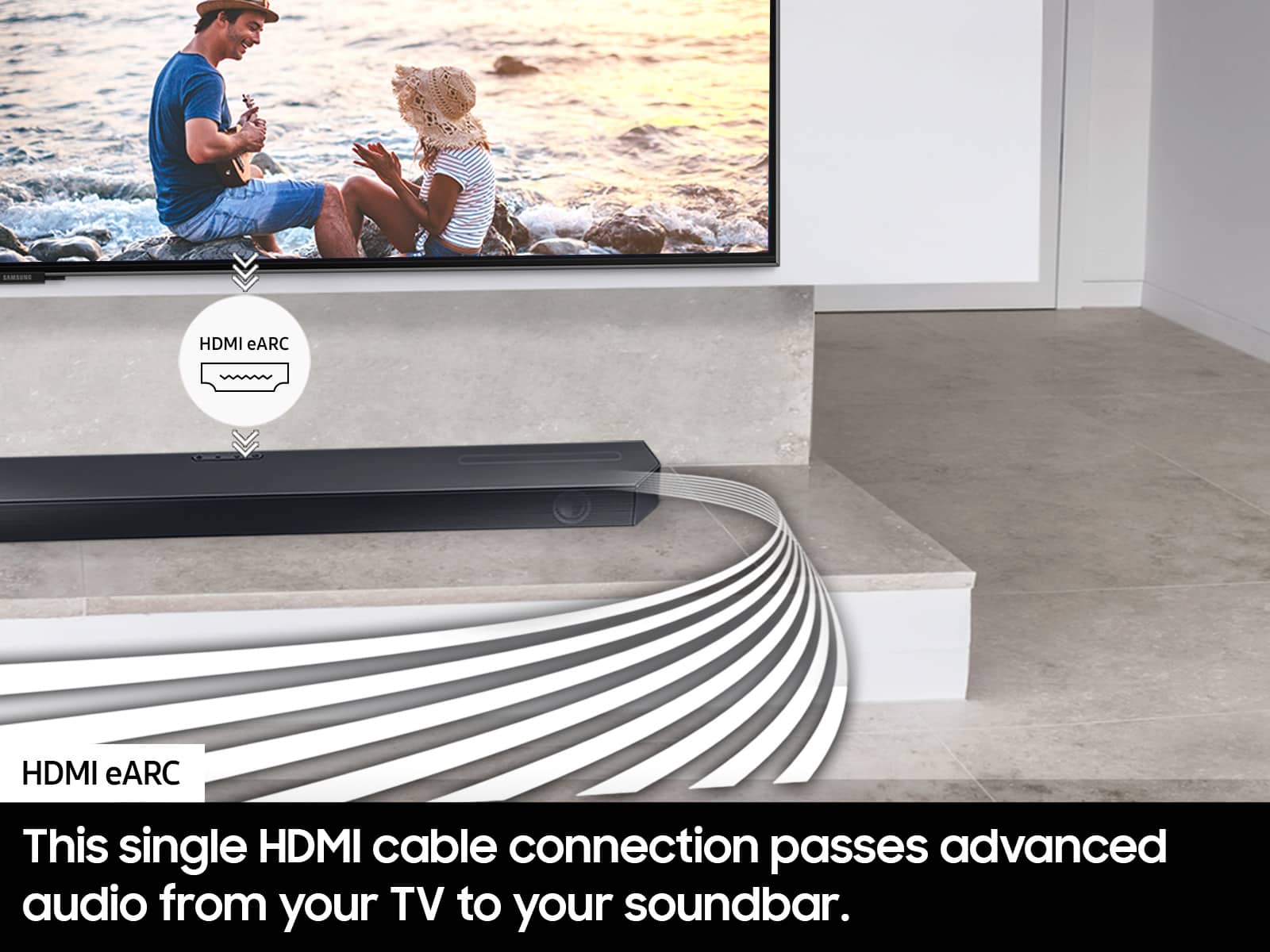
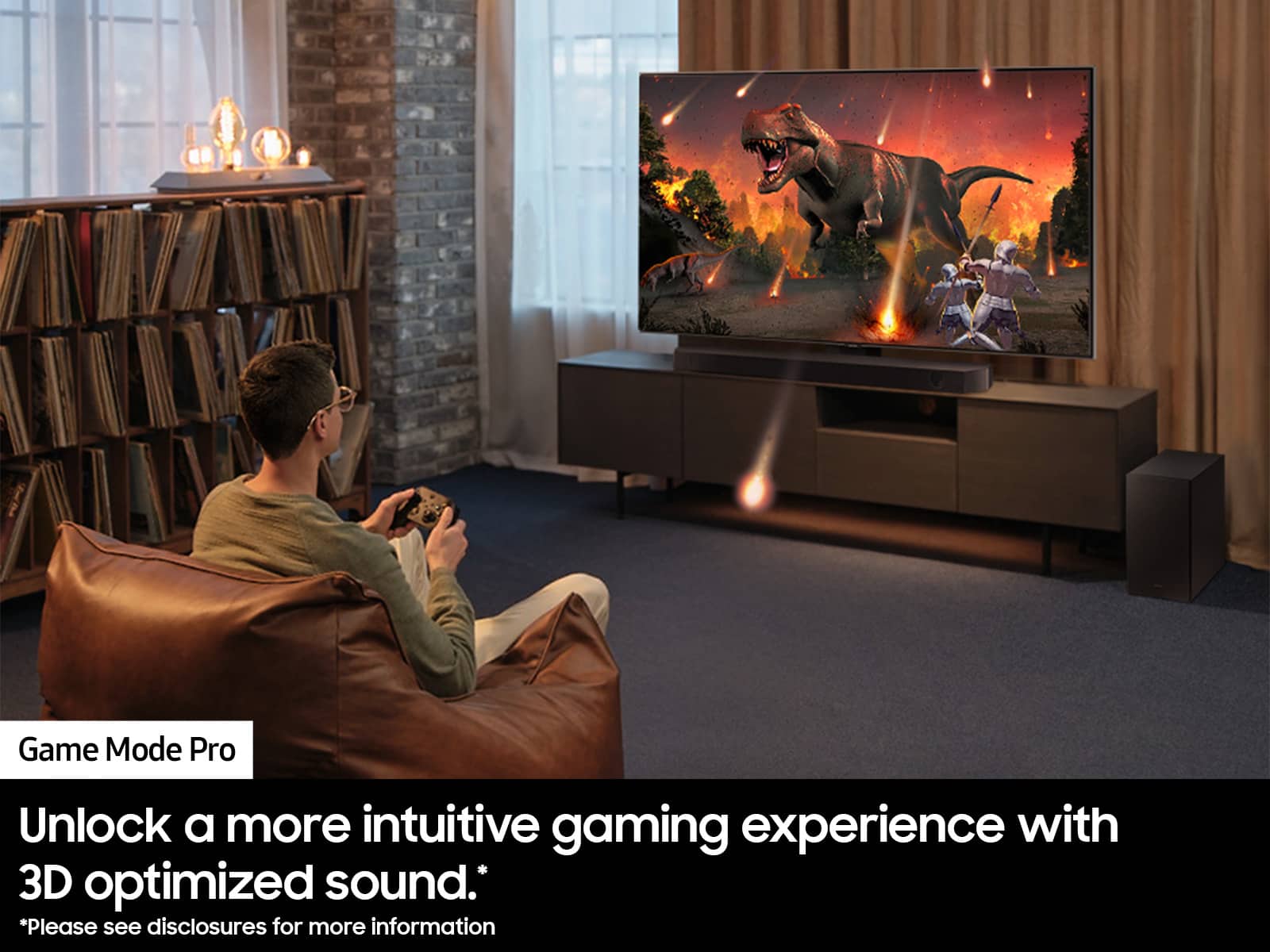
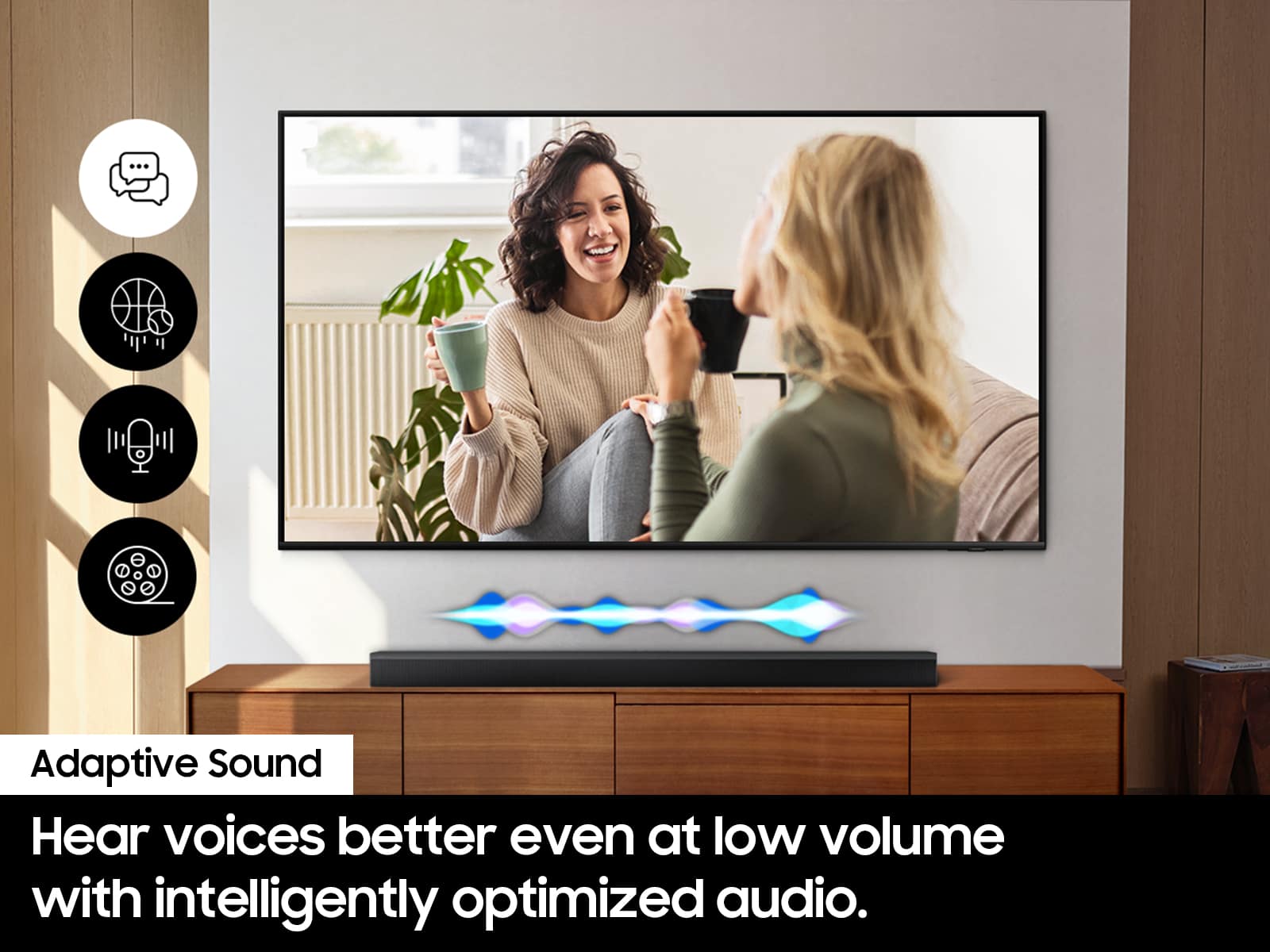


- Model:
- HW-Q600C
- SKU:
- 10103767
Rating by feature
- Value
Rating 4.6 out of 5 stars
- Quality
Rating 4.6 out of 5 stars
- Ease of Use
Rating 4.6 out of 5 stars
Customers are saying
Customers commend the HW-Q600C 3.1.2 Channel Q-series Soundbar for its excellent sound quality, rich bass, and user-friendly Bluetooth connectivity. Many also appreciate its easy setup and impressive volume for movies. However, some customers have reported issues with Bluetooth connection stability, remote control functionality, a small display, and the soundbar's bulky size.
This summary was generated by AI based on customer reviews.
Good value speakers. Got it for only $349!
||Posted . Owned for 2 weeks when reviewed.This reviewer received promo considerations or sweepstakes entry for writing a review.These speakers are pretty good. Except the woofers have too much bass. I’m often adjusting the setting. I think it most likely has to do with what I am watching.
I would recommend this to a friend- Pros mentioned:Ease of use
Samsung sound bar
||Posted . Owned for 1 month when reviewed.This reviewer received promo considerations or sweepstakes entry for writing a review.Sounds great and easy to set up with my Samsung tv.
I would recommend this to a friend - Pros mentioned:Sound quality
Perfect sound
||Posted . Owned for 1 week when reviewed.This reviewer received promo considerations or sweepstakes entry for writing a review.Soundbar sounds great with my Q80 tv atmos is amazing
I would recommend this to a friend Samsung sound bar
||Posted . Owned for 3 weeks when reviewed.This reviewer received promo considerations or sweepstakes entry for writing a review.Confusing setup and it doesn't provide mounting screws. Once it's linked to yours tv you have to constantly restart your tv in order for it to work
No, I would not recommend this to a friend- Pros mentioned:Sound quality
Sound Bar
||Posted . Owned for 3 weeks when reviewed.This reviewer received promo considerations or sweepstakes entry for writing a review.Quality sound bar. Clarity was my priority. Bass control not that good though
I would recommend this to a friendBrand response from Samsung
Posted .Hello JimC,
Thank you for sharing your experiences with the HW-Q600C Soundbar. We appreciate you taking the time to leave a review.
There are a few different ways you can control the bass levels of your Soundbar. To change the TREBLE or BASS, press the TONE CONTROL button and then adjust the volume between -6 to +6 by using the Up/Down buttons.
When you push forward or pull back the WOOFER button you will adjust the bass levels as well. You can make adjustments between -12, -6 to +6. If you want it to be the default setting, press in the woofer button to set it to 0.
You can adjust the 7-band EQ within your Soundbar as well. Press and hold the SOUND CONTROL button for about 5 seconds to adjust the sound for each frequency band. 150Hz, 300Hz, 600Hz, 1.2kHz, 2.5kHz, 5kHz, and 10kHz are selectable using the Left/Right buttons and each can be adjusted to a setting between -6 to +6 using the Up/Down buttons. (Make sure the Sound mode is set to “STANDARD”.)
I hope these tips help you enjoy your new product.
You can always contact us for further help at 1-800-SAMSUNG (Ask for Soundbars), 8 AM – 12 AM EST, 7 days a week. Our LiveChat agents are also available by clicking on the ‘Support’ link on our website.
~ Samsung Solutions
- Pros mentioned:Sound quality
Great product
||Posted . Owned for 2 months when reviewed.This reviewer received promo considerations or sweepstakes entry for writing a review.Excellent. The sound is amazing. 100% recommended.
I would recommend this to a friendBrand response from Samsung
Posted .Hello JenniferA,
Thank you for sharing your review of the HW-Q600C Soundbar. I am glad to see that you are loving the audio quality of your new purchase!
If you ever want to increase your overall experience, upgrade to surround sound by adding SWA-9200S Wireless Rear Speaker Kit to your soundbar. Our wireless surround package delivers 360° audio without the need to route wires around your living room. More cinematic and has fewer messy wires.
Should you ever have questions or need help, Samsung is here for you. Just give us a call at 1-800-SAMSUNG (Ask for Soundbars), 8AM - 12AM EST, 7 days a week. Our LiveChat agents are also available by clicking on the ‘Support’ link on our website.
~ Samsung Solutions
Great sound without breaking the bank
||Posted . Owned for 3 weeks when reviewed.This reviewer received promo considerations or sweepstakes entry for writing a review.Absolutely love the voice enhancement. Paired it with Samsung 75 inch Q symphony television
I would recommend this to a friendPerfect
||Posted . Owned for 1 month when reviewed.This reviewer received promo considerations or sweepstakes entry for writing a review.Perfect for our television and arrived ahead of projected delivery date…a bonus!!!
I would recommend this to a friendGreat product.
||Posted . Owned for 1 month when reviewed.This reviewer received promo considerations or sweepstakes entry for writing a review.Great product. Everything as I expected. Add much to the viewing experience.
No, I would not recommend this to a friend- Pros mentioned:Ease of use
Soundbar
||Posted . Owned for 2 weeks when reviewed.This reviewer received promo considerations or sweepstakes entry for writing a review.Reliable and easy to use. Integrate with my LG TV without any issues.
I would recommend this to a friend - Pros mentioned:Sound quality
Hwq60c
||Posted . Owned for 1 month when reviewed.This reviewer received promo considerations or sweepstakes entry for writing a review.Good for movie theater. Not good for listening music .
I would recommend this to a friend This One Is Fyre!!!!!!!!!!
||Posted . Owned for 1 week when reviewed.This reviewer received promo considerations or sweepstakes entry for writing a review.I've never had a sound bar before but I would recommend buying another one once I get my other TV!!!!!
I would recommend this to a friendSound bar
||Posted .This reviewer received promo considerations or sweepstakes entry for writing a review.Works most of the time. Has to be unplugged and reset, not sure what's wrong with it.
No, I would not recommend this to a friendPerfectly matched !!!!
||Posted . Owned for 1 month when reviewed.This reviewer received promo considerations or sweepstakes entry for writing a review.Flawlessly/seamlessly installs with any Samsung television. I’m sure Other Brands will work also, but the reason I paired the Samsung sound bar with the Samsung television was for this exact reason fitz like a glove!
I would recommend this to a friendGreat sound
||Posted .This reviewer received promo considerations or sweepstakes entry for writing a review.totally integrated with my Samsung TV by just plugging in.
I would recommend this to a friendSound System
||Posted . Owned for 2 weeks when reviewed.This reviewer received promo considerations or sweepstakes entry for writing a review.Love the voice enhancement feature as I have a slight hearing problem. This feature makes speech more intelligible.
I would recommend this to a friendSound bar purchase
||Posted . Owned for 3 weeks when reviewed.This reviewer received promo considerations or sweepstakes entry for writing a review.Open box item in very good condition. Easy to use.
I would recommend this to a friend- Cons mentioned:Connectivity
too much buck with no bang.
||Posted . Owned for 1 month when reviewed.This reviewer received promo considerations or sweepstakes entry for writing a review.I purchased this sound bar based on the salesperson's recommendation and had the Geek Squad install it. It’s an OK sound bar that I feel is overpriced. It does not connect and turn on right away all the time. You have to change TV channels for it to pick up sound, and then it works. I should have done some additional research before taking the recommendation. I'm not really happy.
No, I would not recommend this to a friendBrand response from Samsung
Posted .Hi Professional,
Thank you for taking a moment to review the Samsung HW-Q600C Soundbar.
Updating the firmware on your soundbar gives you all the benefits of the latest improvements. When an update is available, you can update the Soundbar by connecting the USB drive that contains the update firmware to the SERVICE port of the Soundbar.
1.Go to the Samsung Electronics website (www.samsung.com) → click on the “Support” option in the upper right corner.
2.Click on “Manuals & Software” from the pop-up list > TVs & Home Theater > Home Theater > Select your model
2. Download the firmware file (USB type).
3. Unzip the file to create a folder with the file name.
4. Store the created folder in a USB and then connect it to the Soundbar.
5. A sequence of “UPDATE” > “BYE” > “ON” will appear on the display 3 times. This will take around 6 minutes.
- During update, do not turn it off or remove the USB.
- If “UPDATE” does not appear on the display window, remove the power cord from the Soundbar and then reconnect it.
- When the latest Version is installed, no update is performed.
- Depending on the USB type, update may not be supported.
6. After the 3 cycles are complete, the Soundbar will restart and last source used will appear on the display for about 20 seconds and then it will go off (“UPDATE” > “BYE” > “ON”) 3 times “D.IN” > off
You can manually optimize your audio experience by pressing the SOUND MODE button to select the desired pre-equalized sound setting. The choices are SURROUND SOUND – GAME – ADAPTIVE SOUND – DTS VIRTUAL:X – STANDARD.
To control the volume of the treble or bass sound, press the TONE CONTROL button and then adjust the volume between -6 to +6 by using the Up/Down buttons.
Press and hold the SOUND CONTROL button for about 5 seconds to adjust the sound for each frequency band. 150Hz, 300Hz, 600Hz, 1.2kHz, 2.5kHz, 5kHz, and 10kHz are selectable using the Left/Right buttons and each can be adjusted to a setting between -6 to +6 using the Up/Down buttons. (Make sure the Sound mode is set to “STANDARD”.)
Press the CH LEVEL button so you can adjust the volume of each speaker. CENTER LEVEL or TOP LEVEL can be adjusted using the UP/DOWN buttons from -6 to +6.
With the optional SWA-9200S Wireless Rear Speaker Kit connected you can adjust the volume by using the provided Soundbar remote. Press CH LEVEL and select REAR LEVEL, then use the Up/Down buttons to adjust the volume within a -6 to +6 range.
If you need more help, Samsung is here for you. Please call us at 1-800-SAMSUNG, 8AM - 12AM EST (Ask for Soundbars), 7 days a week. Our Live Chat agents are also available by clicking on the ‘Support’ link on our website.
~ Samsung Solutions
Samsung soundbar
||Posted . Owned for 1 year when reviewed.This reviewer received promo considerations or sweepstakes entry for writing a review.I bought this soundbar for my daughters Samsung TV 14 months ago, it's still going strong and the sound clarity is still very good
I would recommend this to a friend- Pros mentioned:Sound quality
Rattler
||Posted . Owned for 1 month when reviewed.This reviewer received promo considerations or sweepstakes entry for writing a review.It sounds fantastic but the woofer rattles even when volume is low in the high 20's when a movie is newer and it becomes UHD HDR. I enjoy it though.
I would recommend this to a friendBrand response from Samsung
Posted .RaulB,
We appreciate you taking the time to review the Samsung HW-Q600C Soundbar.
Here are some tips to adjust the settings of your soundbar to help your enjoyment.
Press and hold the SOUND CONTROL button for about 5 seconds to adjust the sound for each frequency band. 150Hz, 300Hz, 600Hz, 1.2kHz, 2.5kHz, 5kHz, and 10kHz are selectable using the Left/Right buttons and each can be adjusted to a setting between -6 to +6 using the Up/Down buttons. (Make sure the Sound mode is set to “STANDARD”.)
Press the CH LEVEL button so you can adjust the volume of each speaker. CENTER LEVEL or TOP LEVEL can be adjusted using the UP/DOWN buttons from -6 to +6.
With the optional SWA-9200S Wireless Rear Speaker Kit connected you can adjust the volume by using the provided Soundbar remote. Press CH LEVEL and select REAR LEVEL, then use the Up/Down buttons to adjust the volume within a -6 to +6 range.
If you need further assistance, please know we are here to help. You can reach Samsung Customer Support at:
To control the volume of the treble or bass sound, press the TONE CONTROL button and then adjust the volume between -6 to +6 by using the Up/Down buttons.
Press and hold the SOUND CONTROL button for about 5 seconds to adjust the sound for each frequency band. 150Hz, 300Hz, 600Hz, 1.2kHz, 2.5kHz, 5kHz, and 10kHz are selectable using the Left/Right buttons and each can be adjusted to a setting between -6 to +6 using the Up/Down buttons. (Make sure the Sound mode is set to “STANDARD”.)
Press the CH LEVEL button so you can adjust the volume of each speaker. CENTER LEVEL or TOP LEVEL can be adjusted using the UP/DOWN buttons from -6 to +6.
With the optional SWA-9200S Wireless Rear Speaker Kit connected you can adjust the volume by using the provided Soundbar remote. Press CH LEVEL and select REAR LEVEL, then use the Up/Down buttons to adjust the volume within a -6 to +6 range.
If you need further assistance, please know we are here to help. You can reach Samsung Customer Support at: 1-800-SAMSUNG (Ask for Soundbars), 8 AM – 12 AM EST, 7 days a week. Live Chat with an agent as well as manuals, software, and warranty info can be found at the ‘Support’ link on our Samsung website.
~ Samsung Solutions