Customer Ratings & Reviews
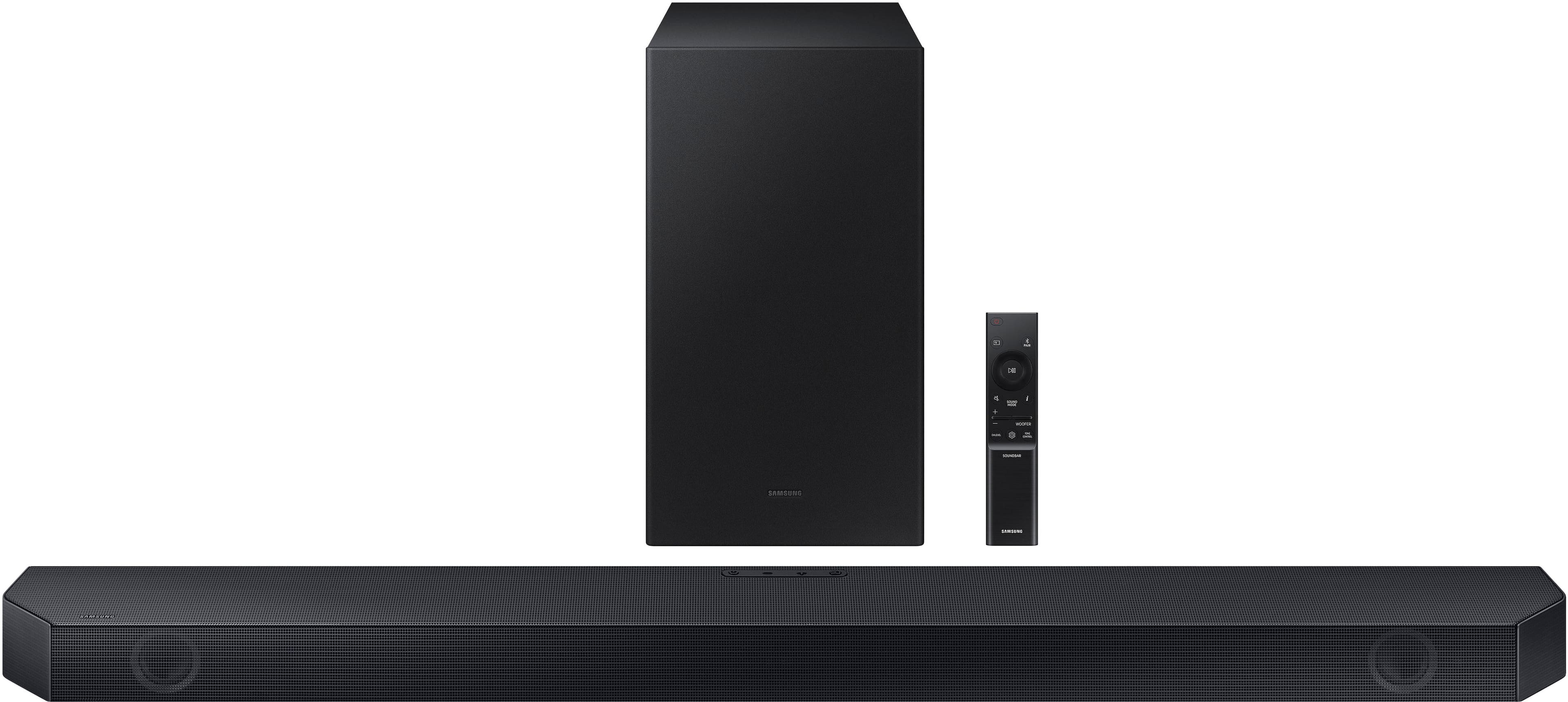
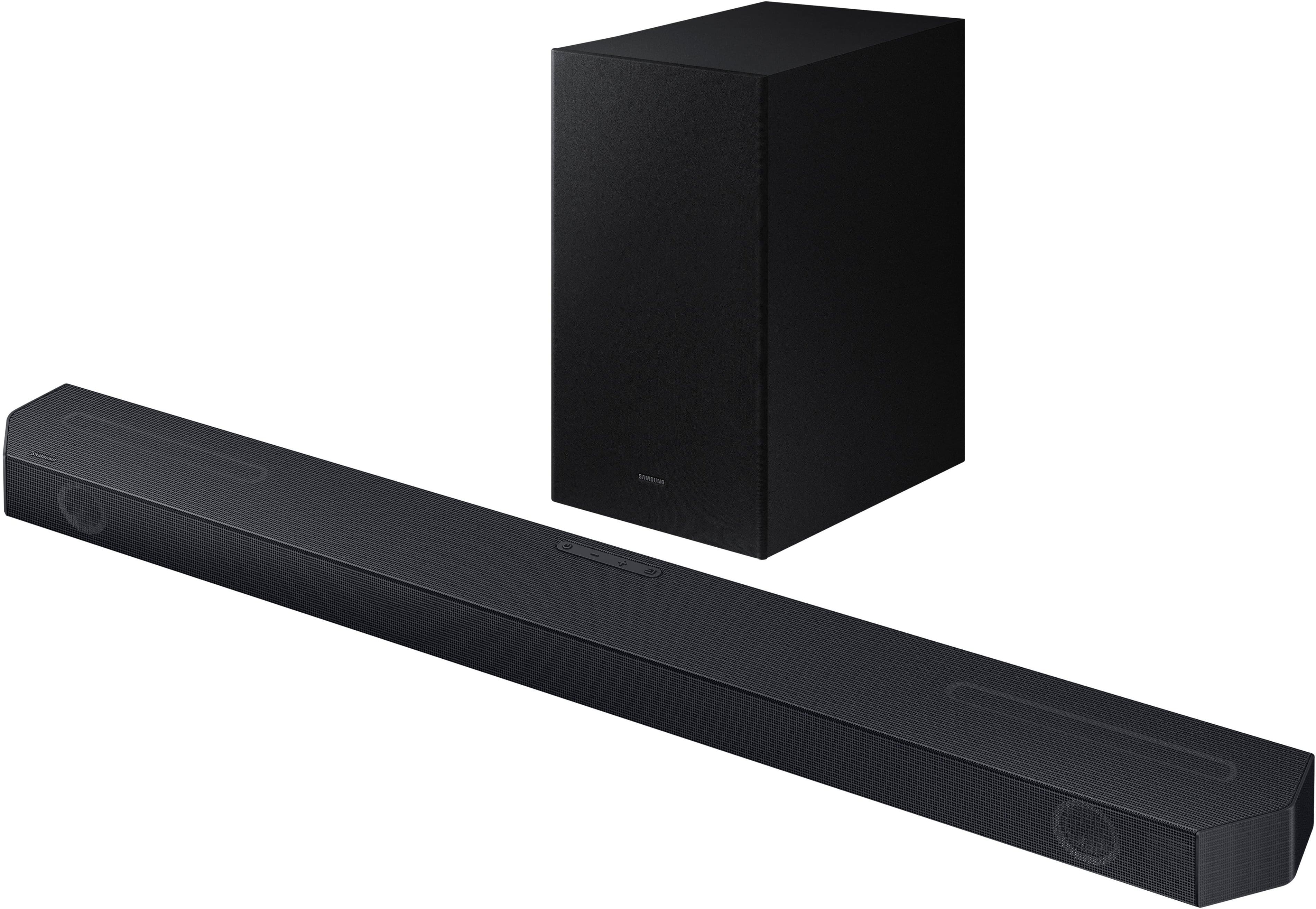
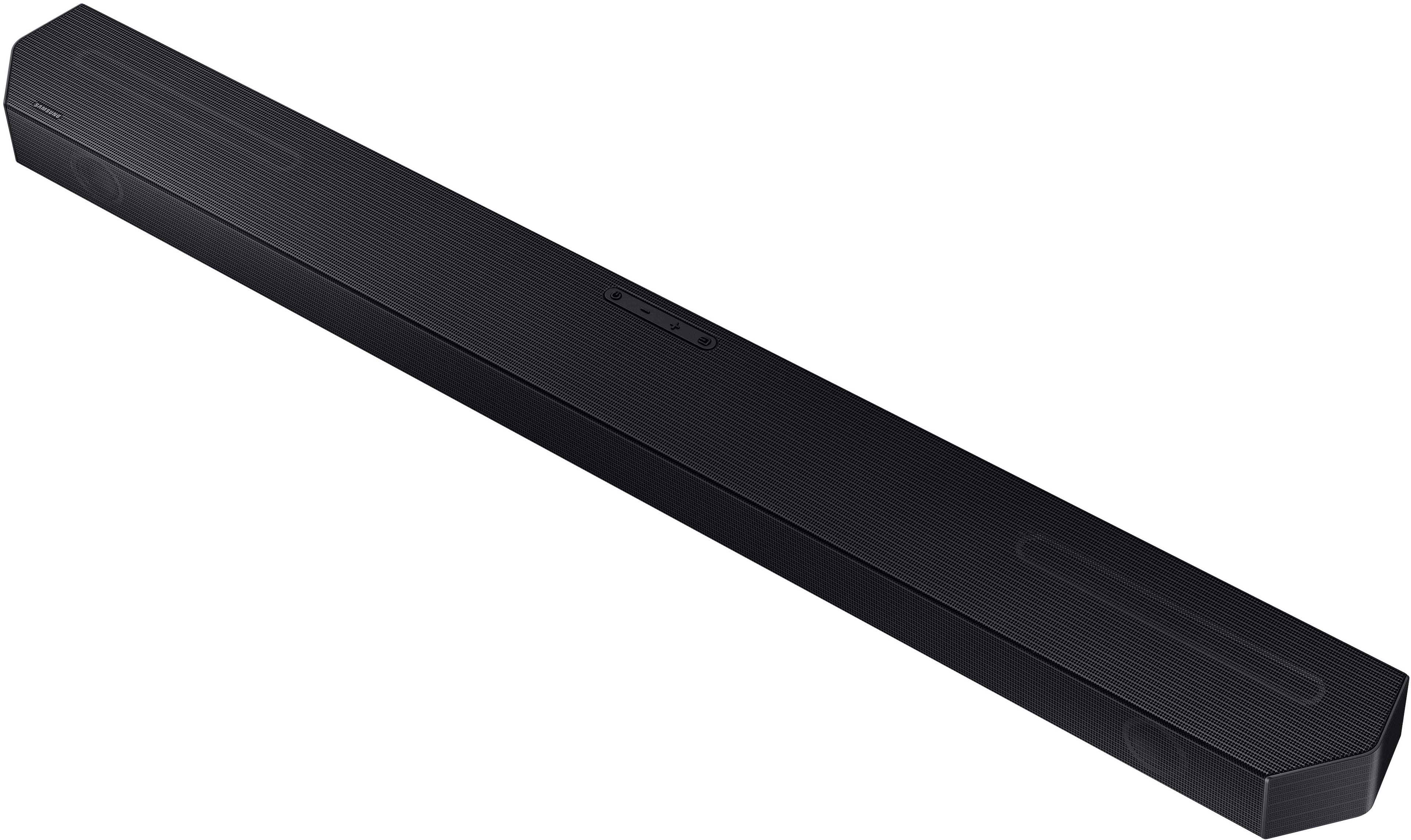
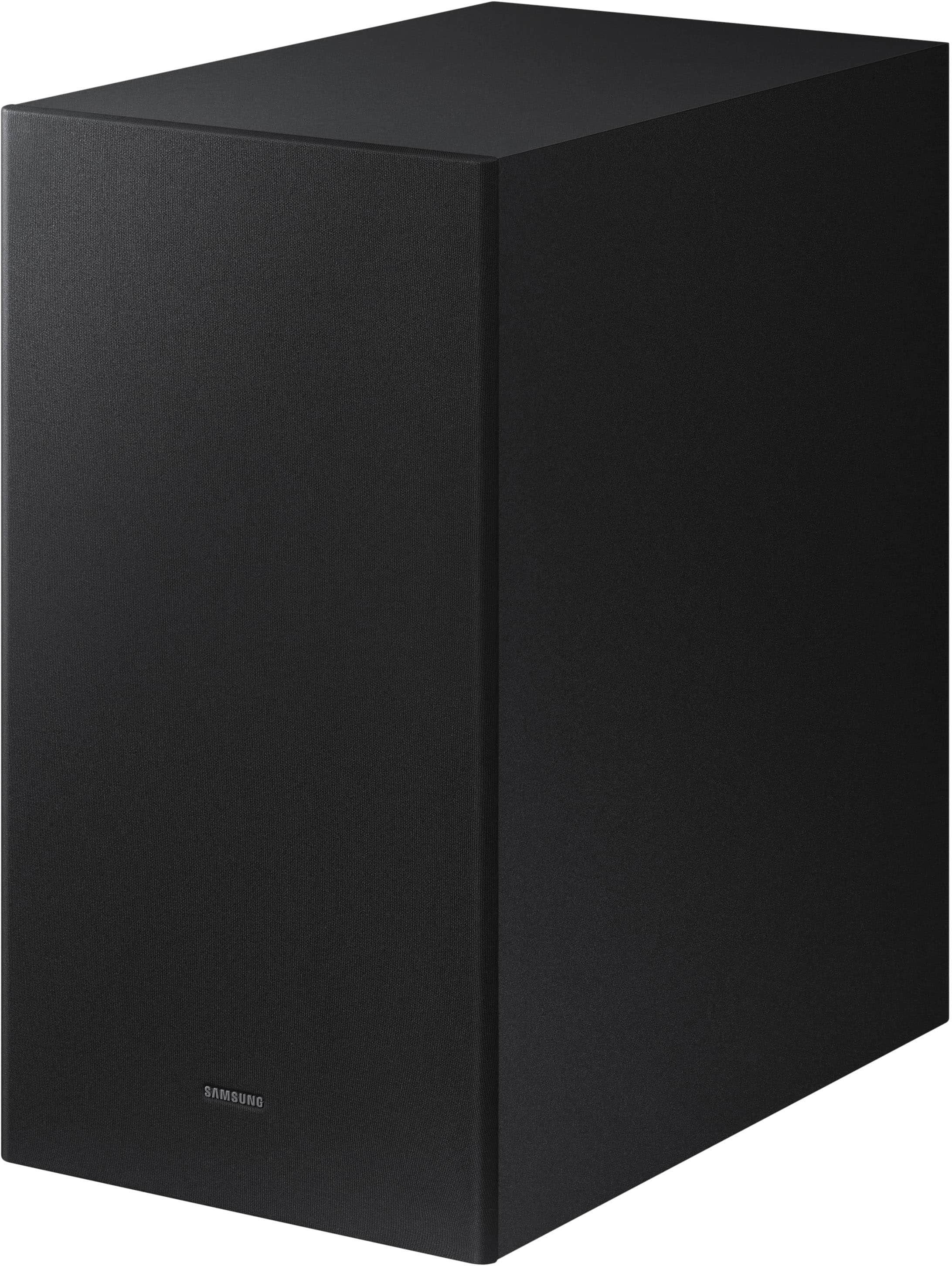
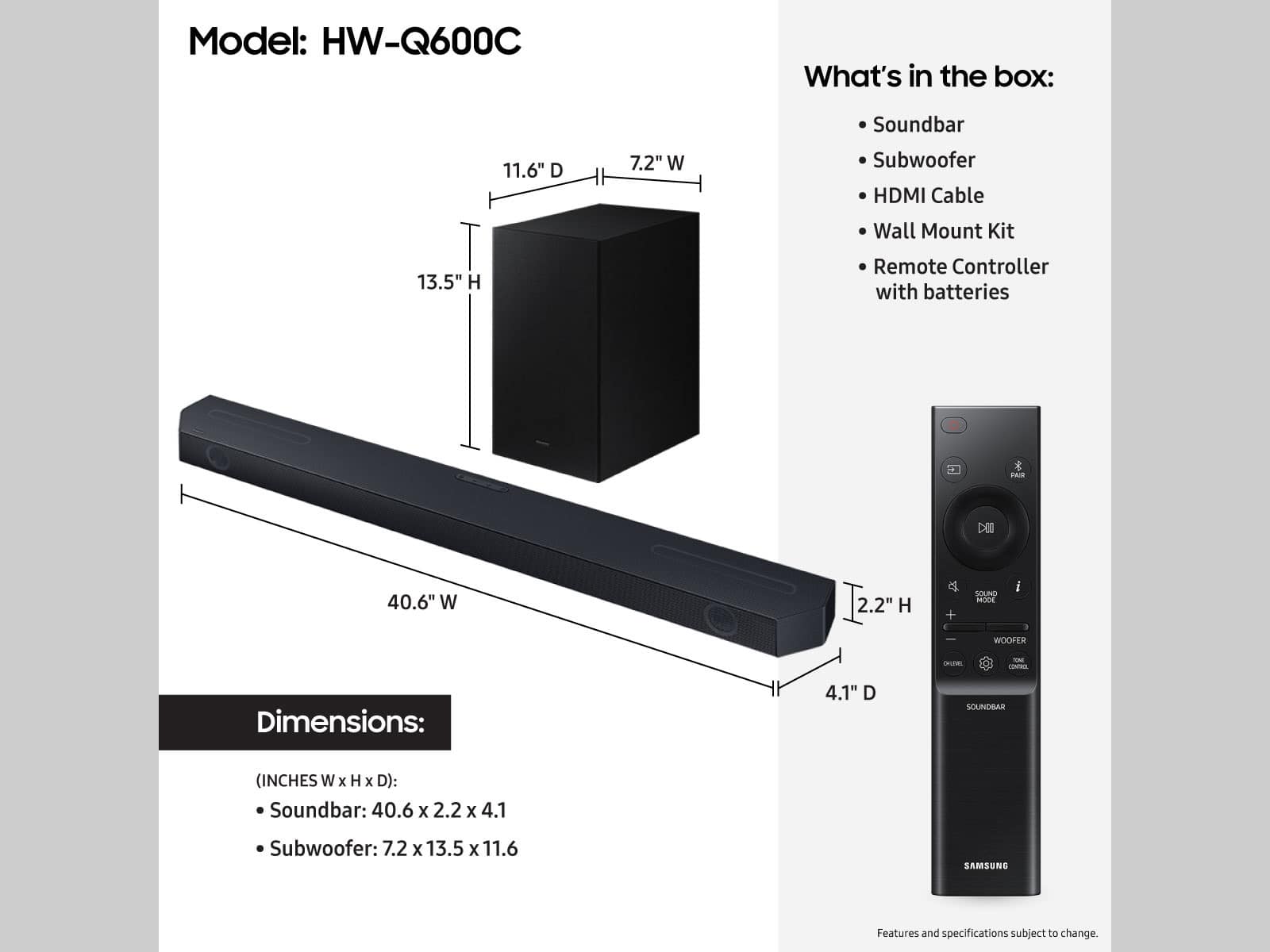


- Model:
- HW-Q600C
- SKU:
- 10103767
Rating by feature
- Value
Rating 4.6 out of 5 stars
- Quality
Rating 4.6 out of 5 stars
- Ease of Use
Rating 4.6 out of 5 stars
Customers are saying
Customers commend the HW-Q600C 3.1.2 Channel Q-series Soundbar for its excellent sound quality, rich bass, and user-friendly Bluetooth connectivity. Many also appreciate its easy setup and impressive volume for movies. However, some customers have reported issues with Bluetooth connection stability, remote control functionality, a small display, and the soundbar's bulky size.
This summary was generated by AI based on customer reviews.
Barryp
||Posted . Owned for 1 week when reviewed.This reviewer received promo considerations or sweepstakes entry for writing a review.Had difficulty installing. Instructions totally inadequate. I still have to work around turning tv on and loading channels. Once it’s on it’s good.
I would recommend this to a friend- Cons mentioned:Connectivity
It's not great
||Posted . Owned for 1 month when reviewed.This reviewer received promo considerations or sweepstakes entry for writing a review.The sound is fine, there is a definite issue with synchronization with the tv when connected over arc. Everytime I switch the tv on, the speaker turns on but keeps oscillating between mute and unmute. The tv audio output keeps oscillating as well. The subwoofer keeps disconnecting... There is no option to connect with a wire. The Bluetooth connection keeps dropping. More or less the sub woofer is always off
No, I would not recommend this to a friendBrand response from Samsung
Posted .Dhadham,
I am sorry to hear about the issues you are having with the HW-Q600C soundbar. We appreciate your feedback regarding the issues you are experiencing with your unit. Please give us the opportunity to assist you by contacting Samsung Customer Support at 1-800-SAMSUNG (Ask for Soundbars), 8 AM – 12 AM EST, 7 days a week. Or visit us on the Samsung website and click on the ‘Support’ link for:
• LiveChat with an agent
• Manuals, Software, & Warranty Info
~ Samsung Solutions
Amazing!!!!
||Posted . Owned for 3 weeks when reviewed.This reviewer received promo considerations or sweepstakes entry for writing a review.Amazing!!! Would buy it again!!!!!!!!!!!!!!!!!!!!!!
I would recommend this to a friendMy products
||Posted . Owned for 3 weeks when reviewed.This reviewer received promo considerations or sweepstakes entry for writing a review.My products are very Good, I am very happy with this
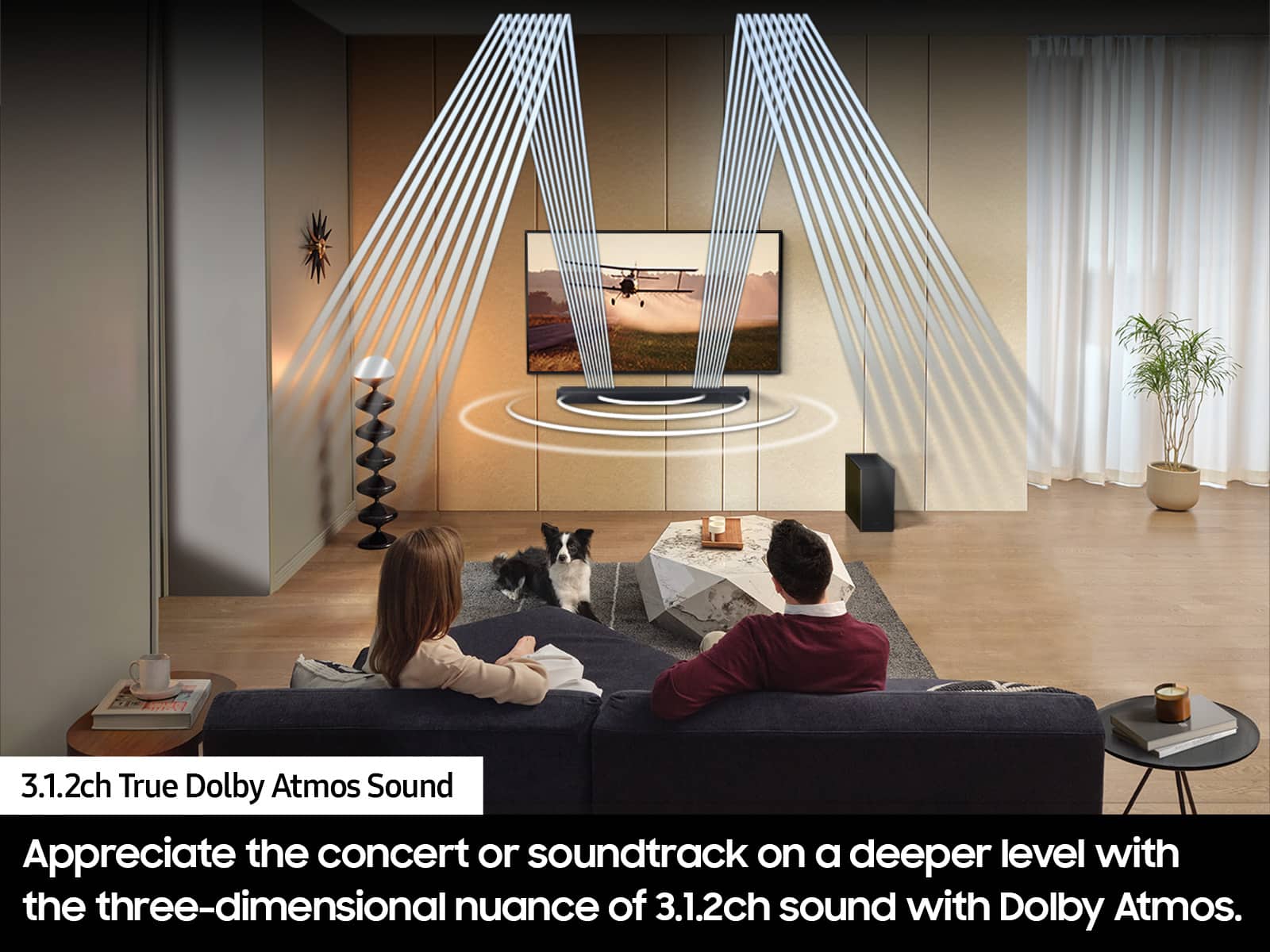
I would recommend this to a friendNot a True Dolby Atmos Speaker Configuration
||Posted . Owned for 2 weeks when reviewed.This reviewer received promo considerations or sweepstakes entry for writing a review.When the Samsung Q600C series arrived a week later, when I was promised a next day delivery from BestBuy I rejected it. I ordered another unit directly from Samsung. They offered an incentive that appeared promising. However, when there unit arrived, it was defective from the shipping box to the center channel not working. This delay had given enough time to really go through the specs of this system. Upon my review, I hardly consider this sound bar to be a true Dolby Atmos Home Theater system. It is more of a Dolby Digital 5.1 surround system. A true Dolby Atmos system consists of Left Channel, Center Channel, Right Channel, Three Top Channels, Left Side Surround, Right Side Surround, and of course Left and Right Rear Channel Surrounds with a upper channel in addition to the standard channel location (front). This system doesn't come anywhere close to those specifications. Like most Samsung sound bars, this unit is underpowered. While competitor are offering 420 watts. Samsung offers 340 watts. Verifying with Samsung website, the total 340 watts. not 360 watts as documented on BestBuy's website. The construction of the subwoofer was disappointing. In stead of making the edges of the particle board look smooth, it was rough to the touch. In short, it looked cheap. The surround speakers to be matched to this sound bar, yet again incomplete. A true Dolby Atmos Rear Channel speaker consists of two drivers per speaker. The recommended surround speakers only have one midrange speaker. The complete idea behind Dolby Atmos is height. This means placing a speaker above (usually on the ceiling) each floor standing speaker. I agree, that is a whole lot of speaker. Personally, I haven't experienced a sound bar yet that can challenge a True Home Theater System.
No, I would not recommend this to a friendBrand response from Samsung
Posted .Hello,
Thank you for your review of the Samsung HW-Q600C Soundbar and for sharing the experience that has caused you to return your unit. Your feedback is very important to us and will be shared with our product team.
Should you ever decide to give Samsung Soundbars another try and have questions or need assistance with settings, setup, or features, please know we are always here to help.
Call us at 1-800-SAMSUNG (ask for Soundbars), available 8 AM – 12 AM EST, 7 days a week.
~ Samsung Solutions
Soundbar
||Posted . Owned for 1 month when reviewed.This reviewer received promo considerations or sweepstakes entry for writing a review.Highly recommend. This works great with action movies
I would recommend this to a friendGreat little sound bar
||Posted . Owned for 3 weeks when reviewed.This reviewer received promo considerations or sweepstakes entry for writing a review.I have it with a 55" Samsung Qled it is perfect for. my room size
I would recommend this to a friendSoundbar
||Posted . Owned for 3 weeks when reviewed.This reviewer received promo considerations or sweepstakes entry for writing a review.Pretty good soundbar for the price. First time owning one.
I would recommend this to a friendLeaves something to be desired
||Posted . Owned for 3 months when reviewed.This reviewer received promo considerations or sweepstakes entry for writing a review.Can be a bit bass heavy, wish there was a little better dialogue recreation. Overall a decent purchase, but doesn’t compare as well to the 930b I have in other room
I would recommend this to a friendCan’t synch sound
||Posted . Owned for 1 month when reviewed.This reviewer received promo considerations or sweepstakes entry for writing a review.Sound is ok but I’m frustrated that I can’t get the sound to synch with the video, using a new Samsung tv with the new sound system.
No, I would not recommend this to a friendBrand response from Samsung
Posted .Hello BobS,
Thank you for sharing your experiences with the HW-Q600C Samsung Soundbar. I am sorry to see that you are not completely happy with your purchase.
If your Samsung TV is from 2020, 2021, 2022, or 2023 then it will have a feature called Audio Pass-Through. You can utilize this feature on your Samsung TV to correct your audio-sync issue.
On your TV go to: Settings > Audio > Expert Settings > Digital Audio Output Format > Pass-Through.
This will help correct any lip sync issues that your Soundbar is experiencing. You also have the ability to adjust the sync levels by pressing the SOUND CONTROL button until you see SYNC scroll across the LED display. Using the UP/DOWN buttons you can change the sync between 0 to 300 milliseconds.
If we can further help with any other issues, please know we are here for you. Just call us at 1-800-SAMSUNG (Ask for Soundbars), 8 AM – 12 AM EST, 7 days a week. Or visit us on the Samsung website and click on the ‘Support’ link for:
• LiveChat with an agent
• Manuals, Software, & Warranty Info
~ Samsung Solutions
Sound bar
||Posted . Owned for 3 weeks when reviewed.This reviewer received promo considerations or sweepstakes entry for writing a review.It works ok . But it is quite like I thought it would be. You have to set it each you want to change the sound. It’s hard to read the settings on the counter of the sound bar.
No, I would not recommend this to a friend- Pros mentioned:Sound quality
Alright
||Posted . Owned for 4 months when reviewed.This reviewer received promo considerations or sweepstakes entry for writing a review.Better than the tv speaker good for small rooms needs a second set of rear speakers
I would recommend this to a friendBrand response from Samsung
Posted .MrHowardB,
Thank you for taking a moment to review the HW-Q600C Soundbar.
Here are some tips to optimize your soundbar's audio performance.
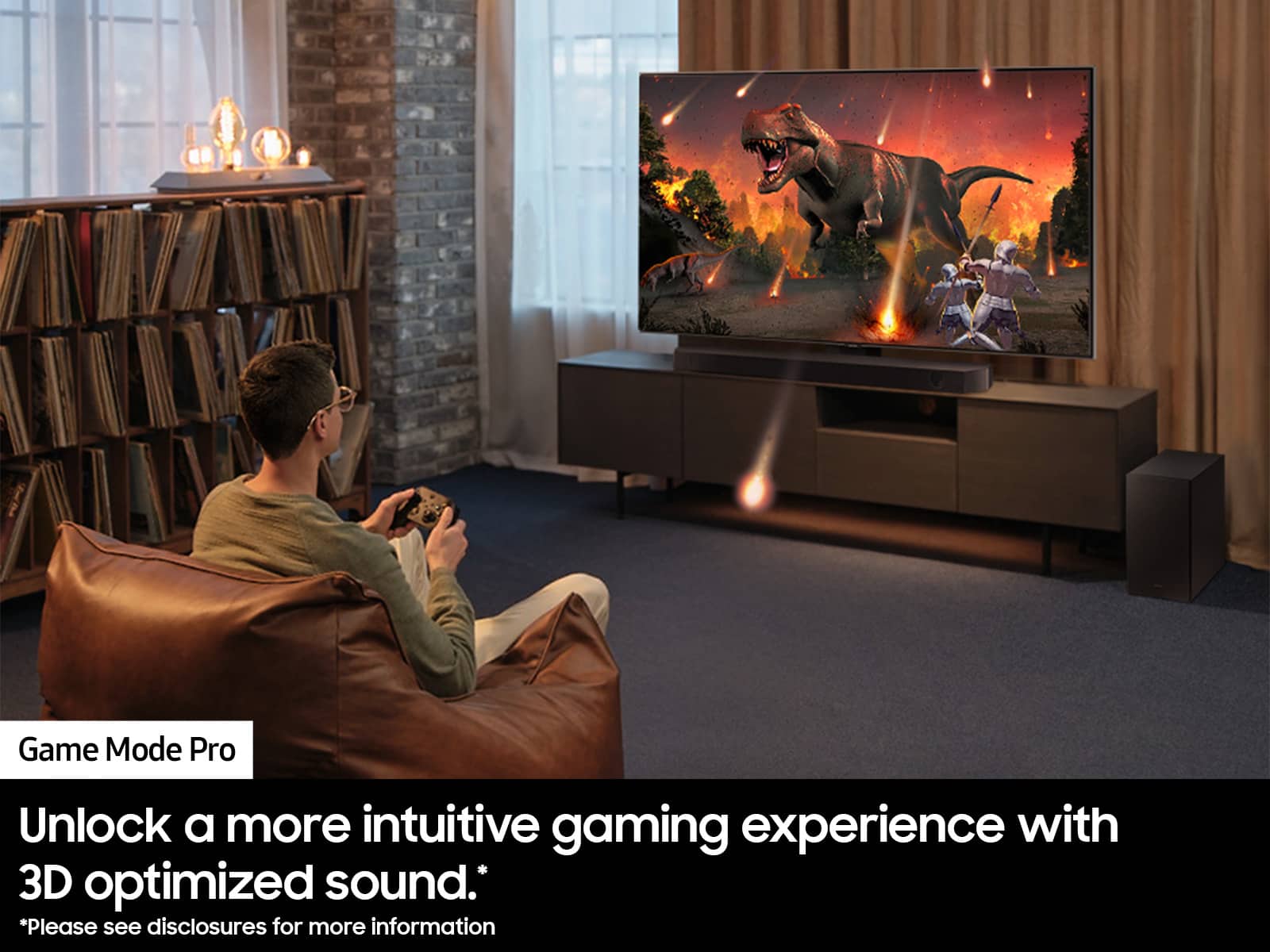
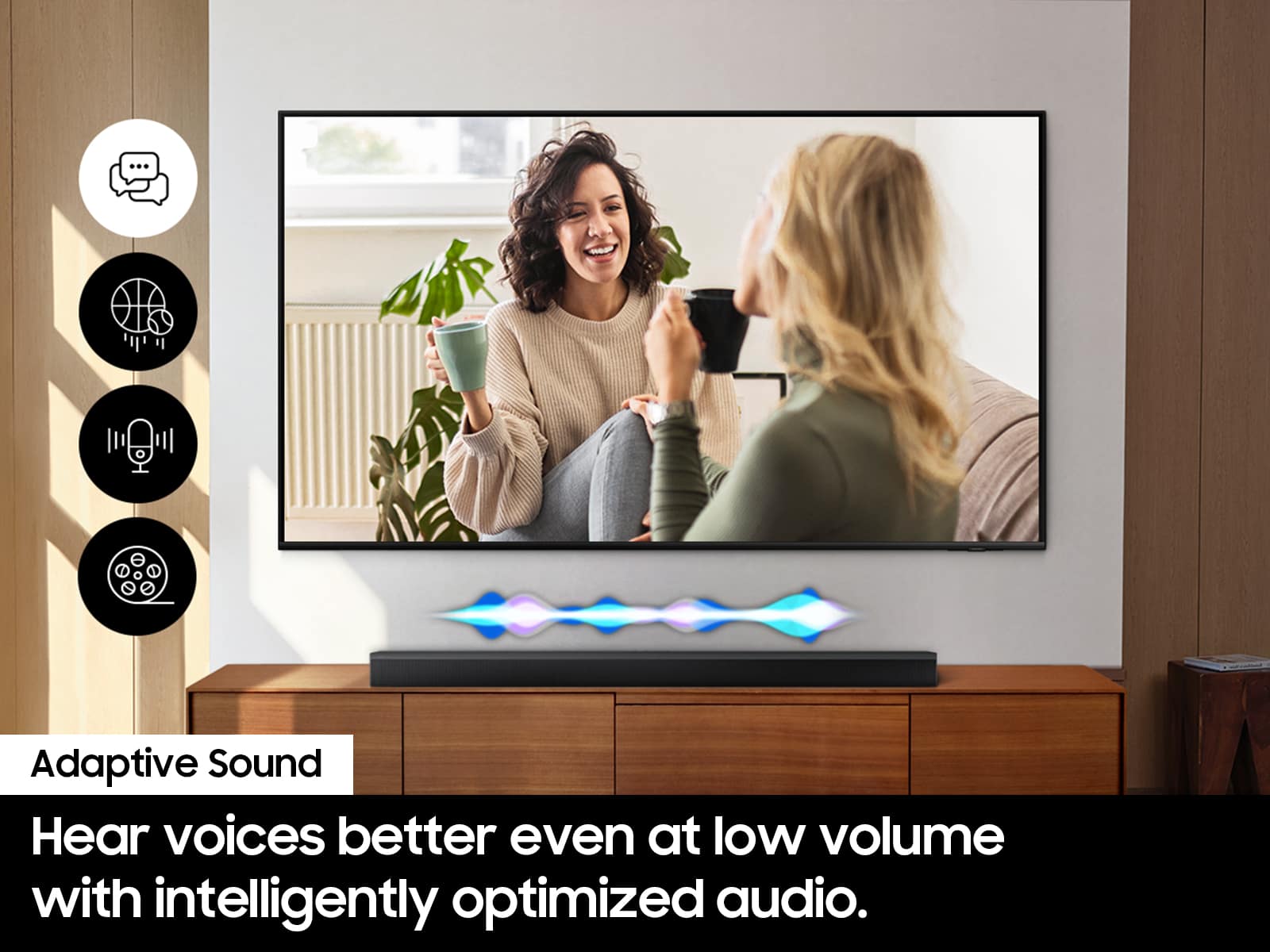
You can manually optimize your audio experience by pressing the SOUND MODE button to select the desired pre-equalized sound setting. The choices are SURROUND SOUND – GAME – ADAPTIVE SOUND – DTS VIRTUAL:X – STANDARD.
To control the volume of the treble or bass sound, press the TONE CONTROL button and then adjust the volume between -6 to +6 by using the Up/Down buttons.
Press and hold the SOUND CONTROL button for about 5 seconds to adjust the sound for each frequency band. 150Hz, 300Hz, 600Hz, 1.2kHz, 2.5kHz, 5kHz, and 10kHz are selectable using the Left/Right buttons and each can be adjusted to a setting between -6 to +6 using the Up/Down buttons. (Make sure the Sound mode is set to “STANDARD”.)
Press the CH LEVEL button so you can adjust the volume of each speaker. CENTER LEVEL or TOP LEVEL can be adjusted using the UP/DOWN buttons from -6 to +6.
With the optional SWA-9200S Wireless Rear Speaker Kit connected you can adjust the volume by using the provided Soundbar remote. Press CH LEVEL and select REAR LEVEL, then use the Up/Down buttons to adjust the volume within a -6 to +6 range.
If you need any more help, please know we are here to help. You can reach Samsung Customer Support at: 1-800-SAMSUNG, 8AM - 12AM EST (Ask for Soundbars), 7 days a week. Our Live Chat agents are also available by clicking on the ‘Support’ link on our website.
~ Samsung Solutions
Great product!
||Posted . Owned for 1 month when reviewed.This reviewer received promo considerations or sweepstakes entry for writing a review.Great product! It allows the wife, kids, and myself to enjoy TV.
I would recommend this to a friend- Pros mentioned:Sound quality
Sounds good but came missing parts
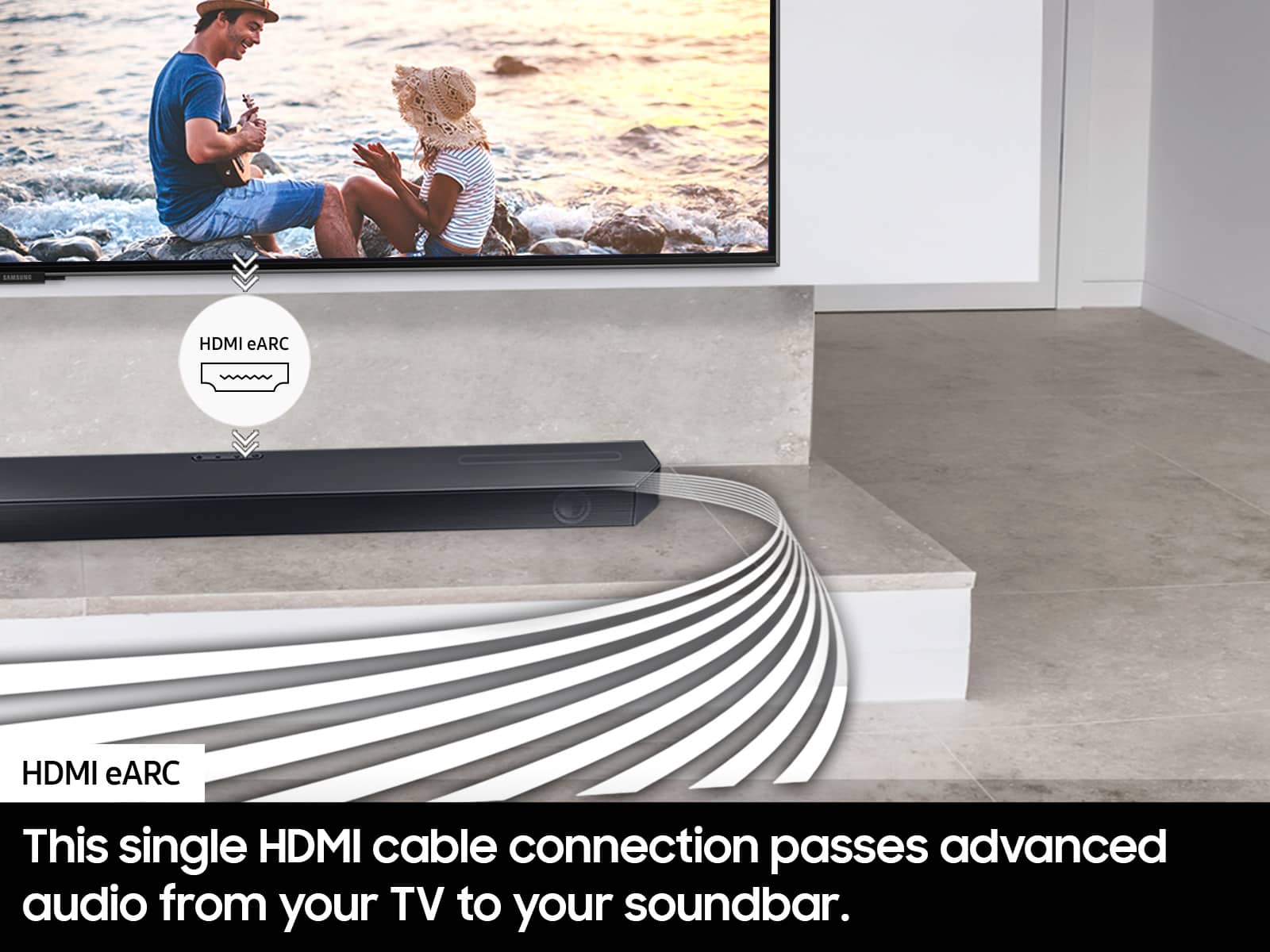
||Posted . Owned for less than 1 week when reviewed.This reviewer received promo considerations or sweepstakes entry for writing a review.I bought an open box deal that was supposed to include all accessories. It didn’t and was missing the manual and some parts. Most importantly the mounting brackets. Soundbar sounds fine and my Samsung tv detected it and controls everything through hdmi e-arc just great. Aside from the missing parts, I’m pretty happy.
I would recommend this to a friendBrand response from Samsung
Posted .Phil,
Please know you are leaving a review and 2-star rating for the HW-Q600C, but we are sorry to hear of your Best Buy experience, nonetheless. You may want to consider providing feedback directly to the Best Buy store where you made your purchase.
Should you have questions on the xxx itself, Samsung is here for you. You can reach us at 1-800-SAMSUNG, 8AM - 12AM EST, 7 days a week. Our LiveChat agents are also available by clicking on the ‘Support’ link on our website.
~ Samsung Solutions
Nice but,
||Posted . Owned for 3 weeks when reviewed.This reviewer received promo considerations or sweepstakes entry for writing a review.It's nice but doesn't sound as good as I was hoping for based on reading about it and the new TV we got with it.. Doesn't have much adjustability in it with the mode settings and Treble/Bass..
No, I would not recommend this to a friendBrand response from Samsung
Posted .Hi KimW,
Thank you for taking a few moments to review the Samsung HW-Q600C Soundbar.
You can manually optimize your audio experience by pressing the SOUND MODE button to select the desired pre-equalized sound setting. The choices are SURROUND SOUND – GAME – ADAPTIVE SOUND – DTS VIRTUAL:X – STANDARD.
To control the volume of the treble or bass sound, press the TONE CONTROL button and then adjust the volume between -6 to +6 by using the Up/Down buttons.
Press and hold the SOUND CONTROL button for about 5 seconds to adjust the sound for each frequency band. 150Hz, 300Hz, 600Hz, 1.2kHz, 2.5kHz, 5kHz, and 10kHz are selectable using the Left/Right buttons and each can be adjusted to a setting between -6 to +6 using the Up/Down buttons. (Make sure the Sound mode is set to “STANDARD”.)
Press the CH LEVEL button so you can adjust the volume of each speaker. CENTER LEVEL or TOP LEVEL can be adjusted using the UP/DOWN buttons from -6 to +6.
With the optional SWA-9200S Wireless Rear Speaker Kit connected you can adjust the volume by using the provided Soundbar remote. Press CH LEVEL and select REAR LEVEL, then use the Up/Down buttons to adjust the volume within a -6 to +6 range.
If you need more help, Samsung is here for you. Please call us at 1-800-SAMSUNG, 8AM - 12AM EST (Ask for Soundbars), 7 days a week. Our Live Chat agents are also available by clicking on the ‘Support’ link on our website.
~ Samsung Solutions
- Pros mentioned:Setup
Average
||Posted . Owned for 1 month when reviewed.This reviewer received promo considerations or sweepstakes entry for writing a review.For the price, I was expecting more bass. However, set-up was extremely easy
I would recommend this to a friendBrand response from Samsung
Posted .JordanG,
Thank you for taking a moment to review the HW-Q600C Soundbar.
There are two adjustments that can be made to maximize bass from the soundbar and subwoofer:
1. Using the WOOFER button on the remote, you can adjust the level between -6 to +6. To set the subwoofer volume level to 0, press the button in.
2. Adjust the bass control by pressing the TONE CONTROL button on the remote control, then select BASS to increase the level. You can adjust the volume between -6 to +6 by using the Up/Down buttons.
For precise audio adjustments, you can use the 7-band frequency equalizer to optimize the sound for your room acoustics.
I hope this helps. For further assistance with features, settings, adjustments, or functions please contact Samsung Customer Support. . Just give us a call at 1-800-SAMSUNG (Ask for Soundbars), 8AM - 12AM EST, 7 days a week. Our Live Chat agents are also available by clicking on the ‘Support’ link on our website.
~ Samsung Solutions
Okay soundbar
||Posted . Owned for 11 months when reviewed.This reviewer received promo considerations or sweepstakes entry for writing a review.Good soundbar, not great. Could use a little more oomph from the bass.
I would recommend this to a friendGreat Soundbar
||Posted . Owned for 1 month when reviewed.This reviewer received promo considerations or sweepstakes entry for writing a review.Movie theatre level experience. Words great, looks great. A tad bit too much bass, but it's something that can be lowered.
I would recommend this to a friendSamsung Q series 3.1.2
||Posted . Owned for 3 weeks when reviewed.This reviewer received promo considerations or sweepstakes entry for writing a review.It’s a nice unit for the size. The subwoofer is adequate- not to strong if you like to hear more mid range tones.
I would recommend this to a friendSoundbar
||Posted . Owned for 1 month when reviewed.This reviewer received promo considerations or sweepstakes entry for writing a review.I exchanged my 1st soundbar because i didnt feel like it put much sound out, and there is not much of a difference with the new one
I would recommend this to a friendBrand response from Samsung
Posted .Hi BuffiB,
Thank you for sharing your review of the HW-Q600C Soundbar. We value your feedback and will share it with our teams.
If there is anything we can do to improve your enjoyment such as helping to optimize settings for your specific sound scenario, please contact Samsung Customer Support. Just give us a call at 1-800-SAMSUNG (Ask for Soundbars), 8AM - 12AM EST, 7 days a week. Our Live Chat agents are also available by clicking on the ‘Support’ link on our website.
~ Samsung Solutions