Customer Ratings & Reviews
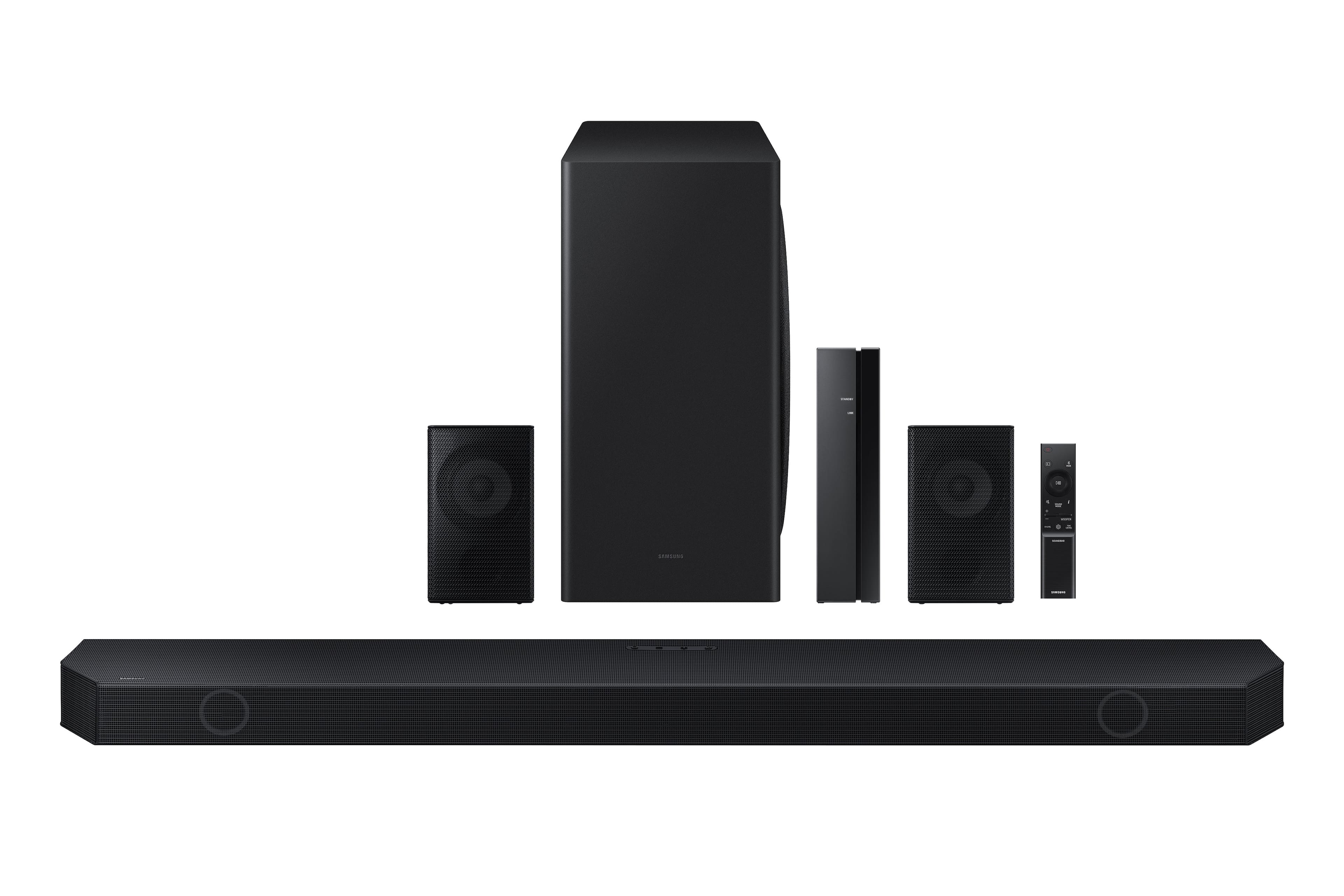
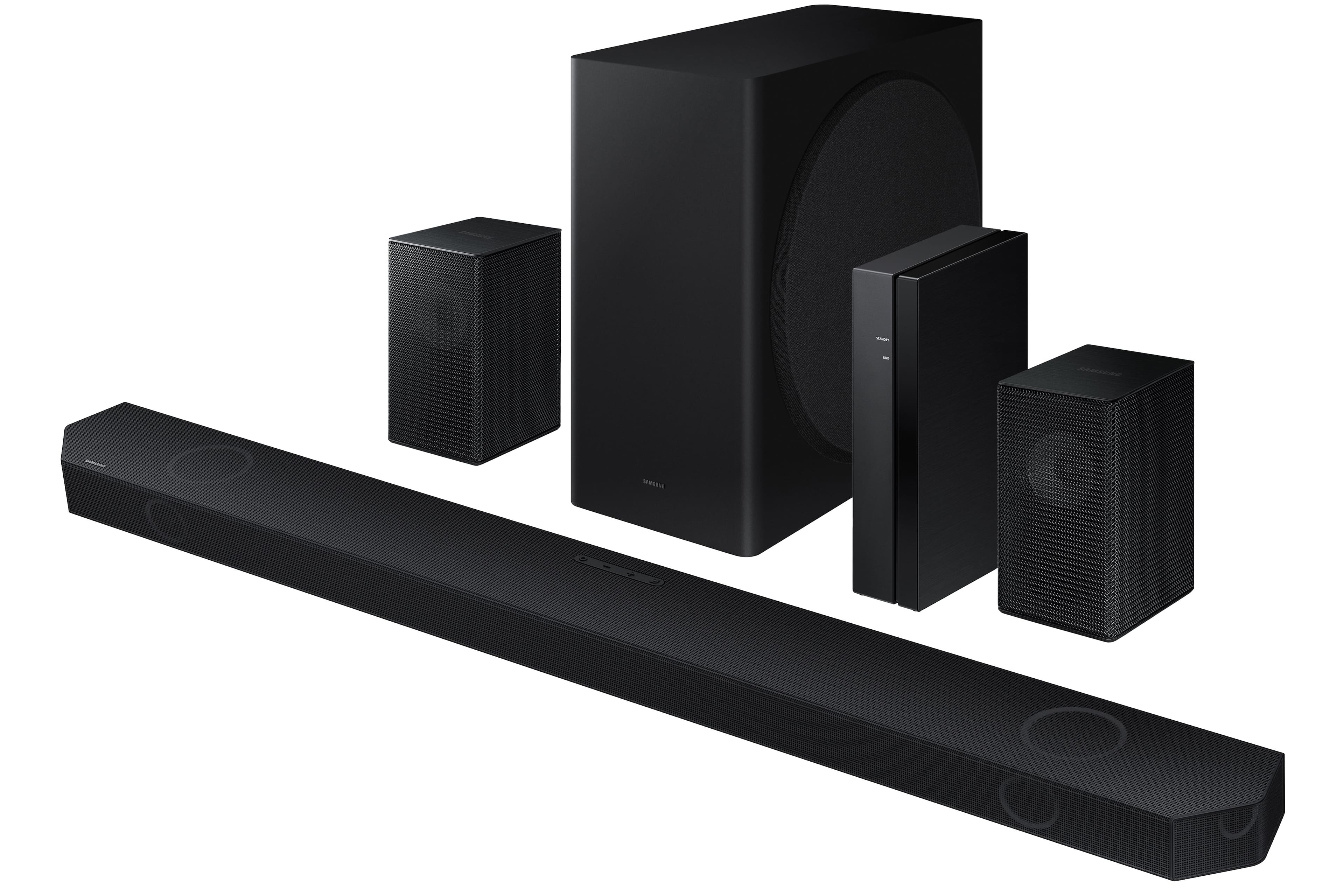
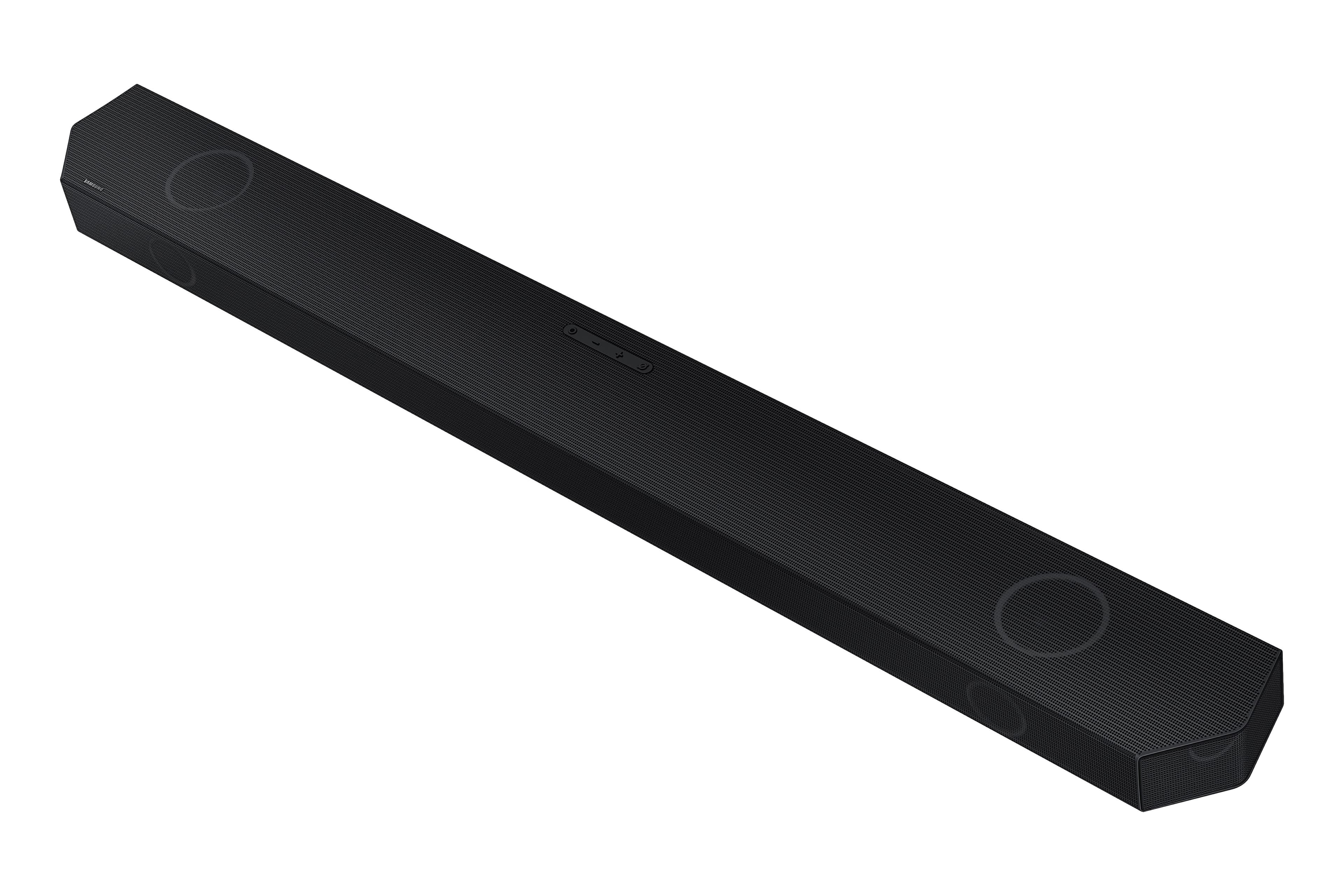
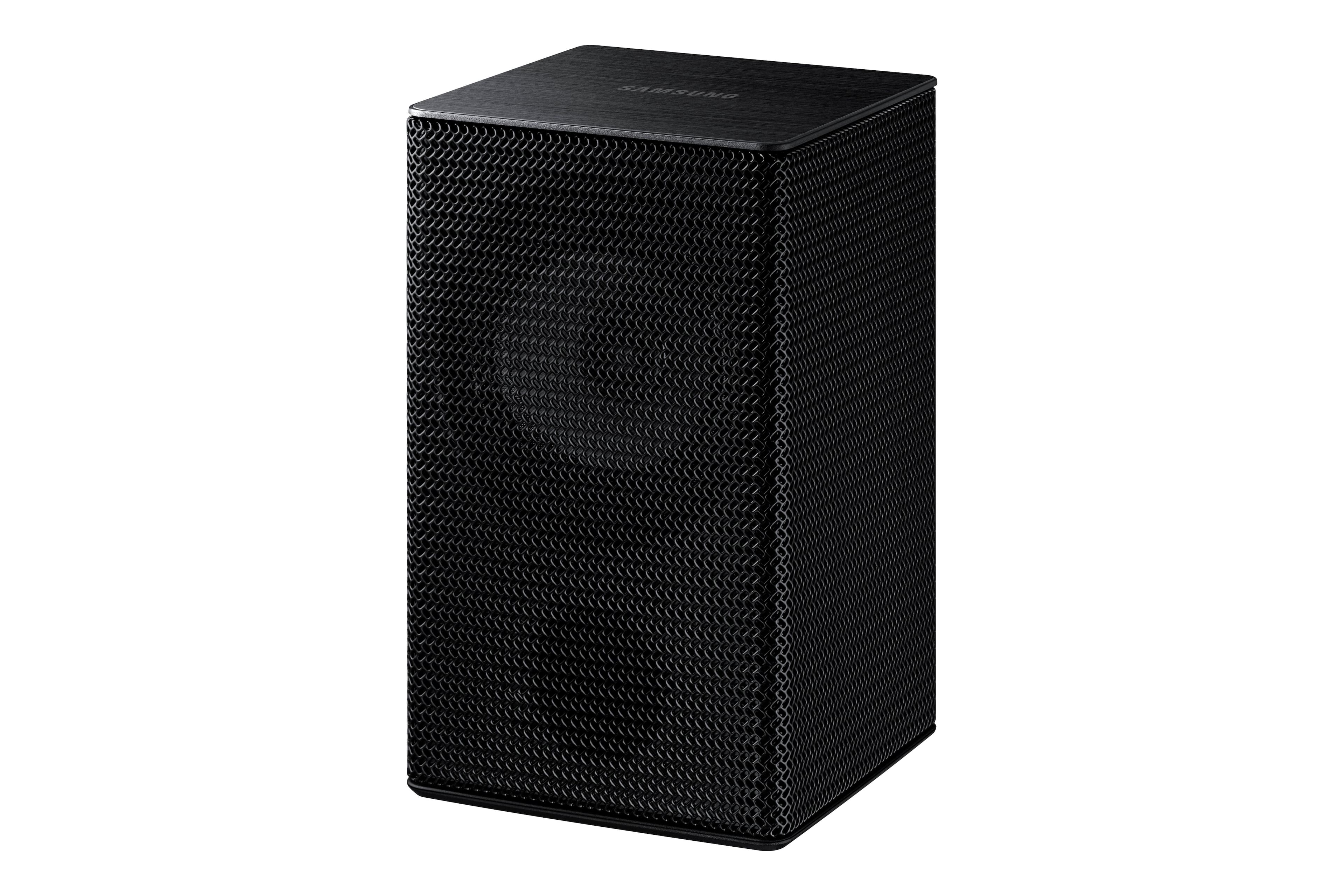
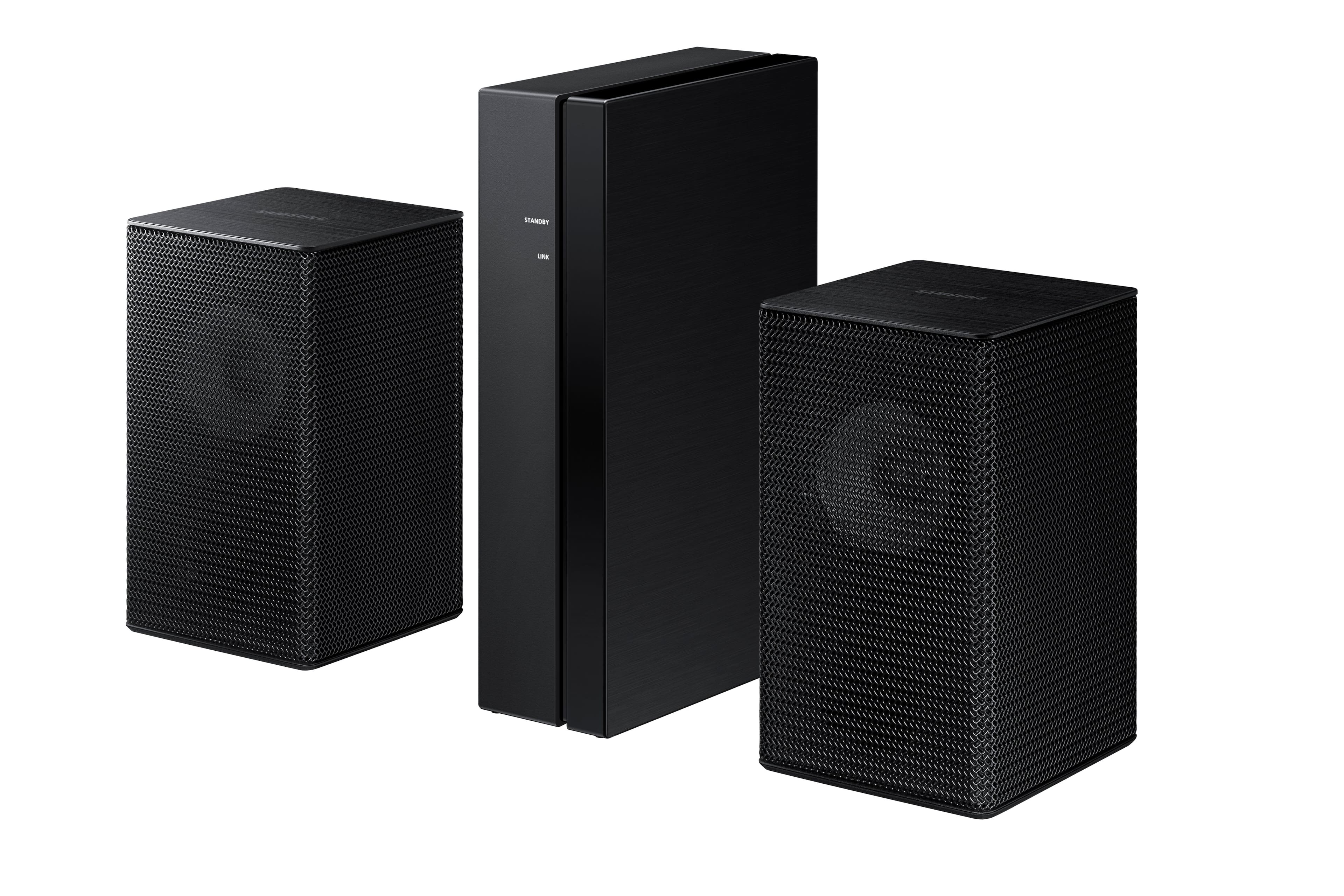
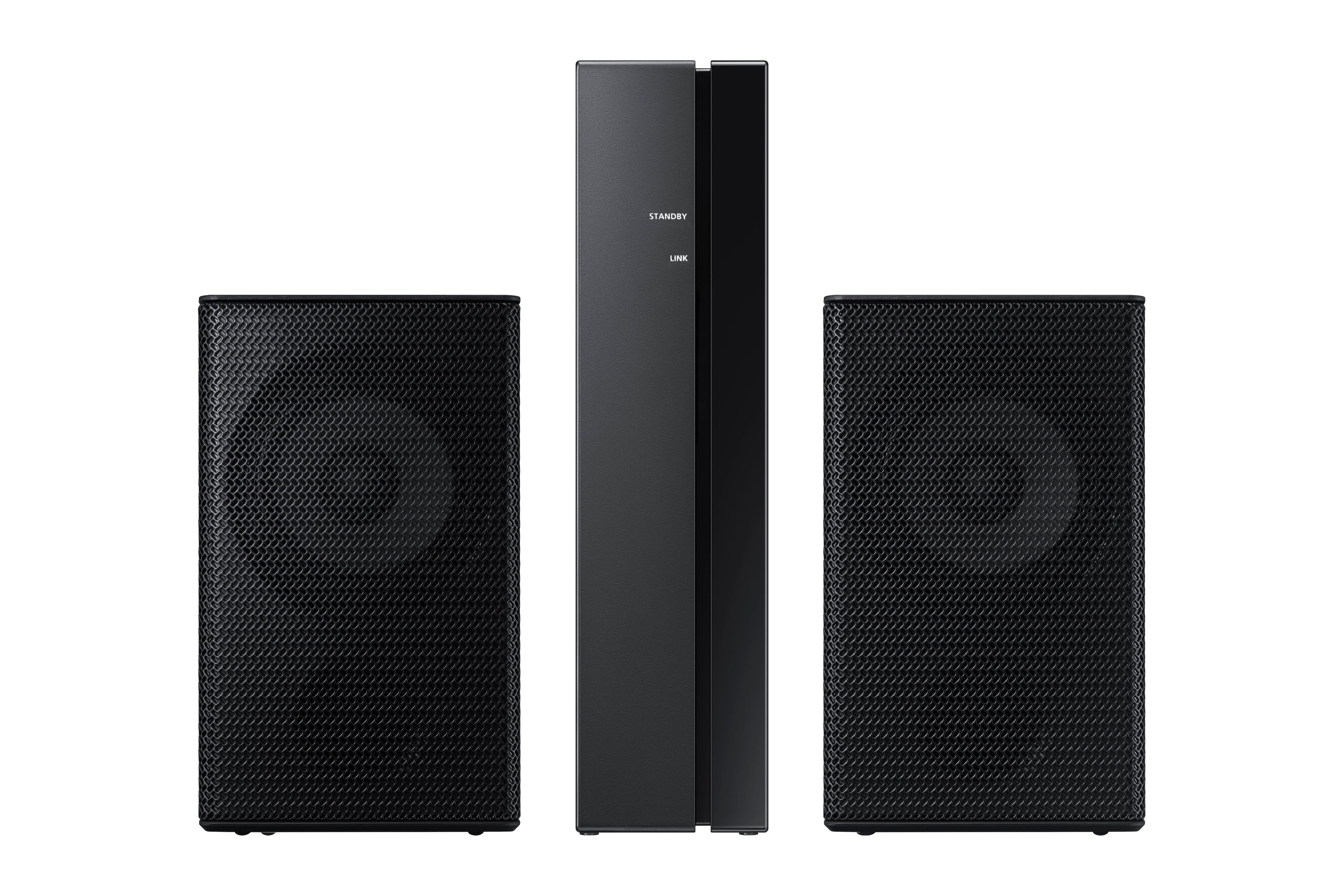
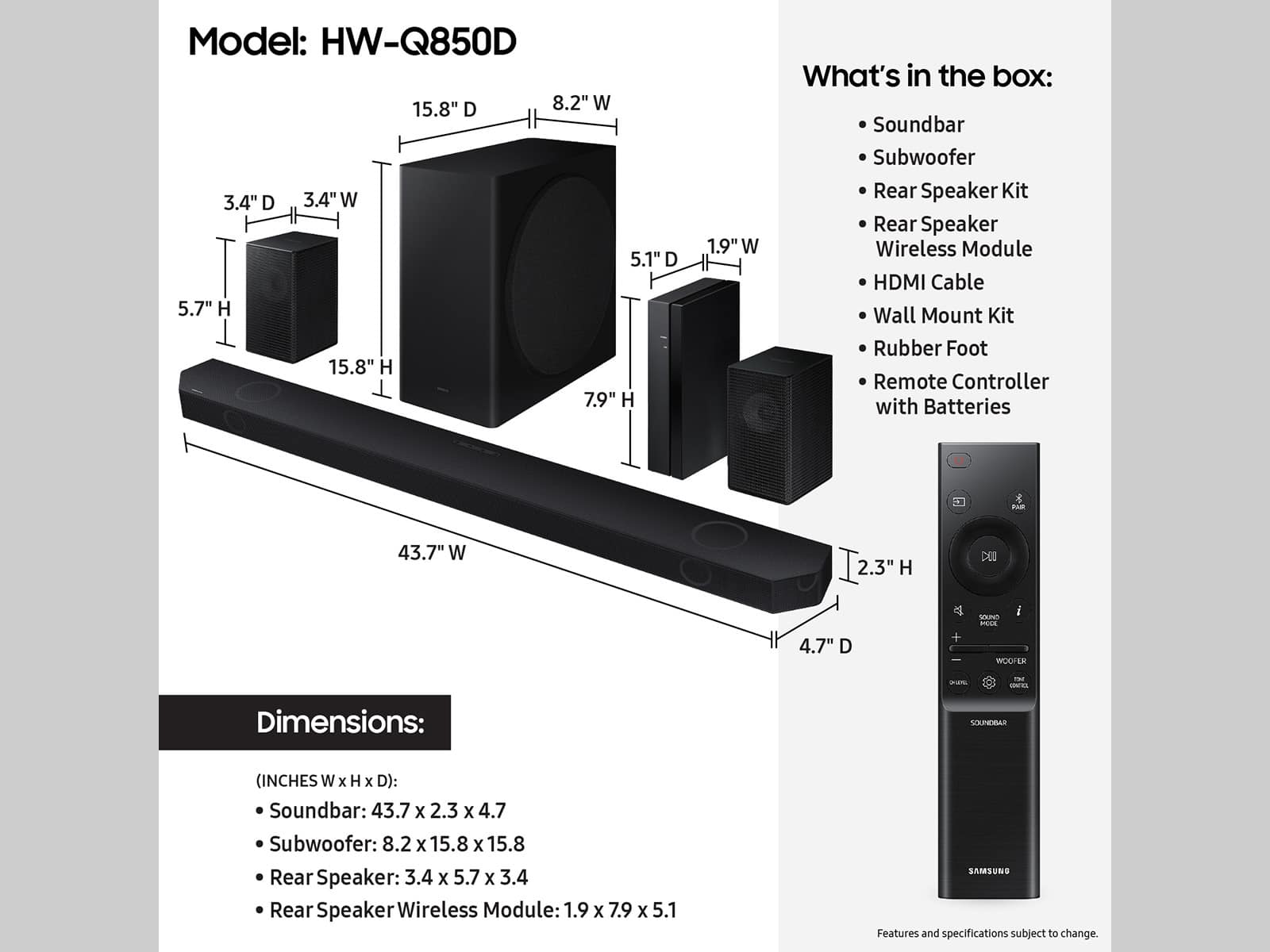


- Model:
- HW-Q850D
- SKU:
- 6577563
Rating by feature
- Value
Rating 4.4 out of 5 stars
- Quality
Rating 4.5 out of 5 stars
- Ease of Use
Rating 4.4 out of 5 stars
Customers are saying
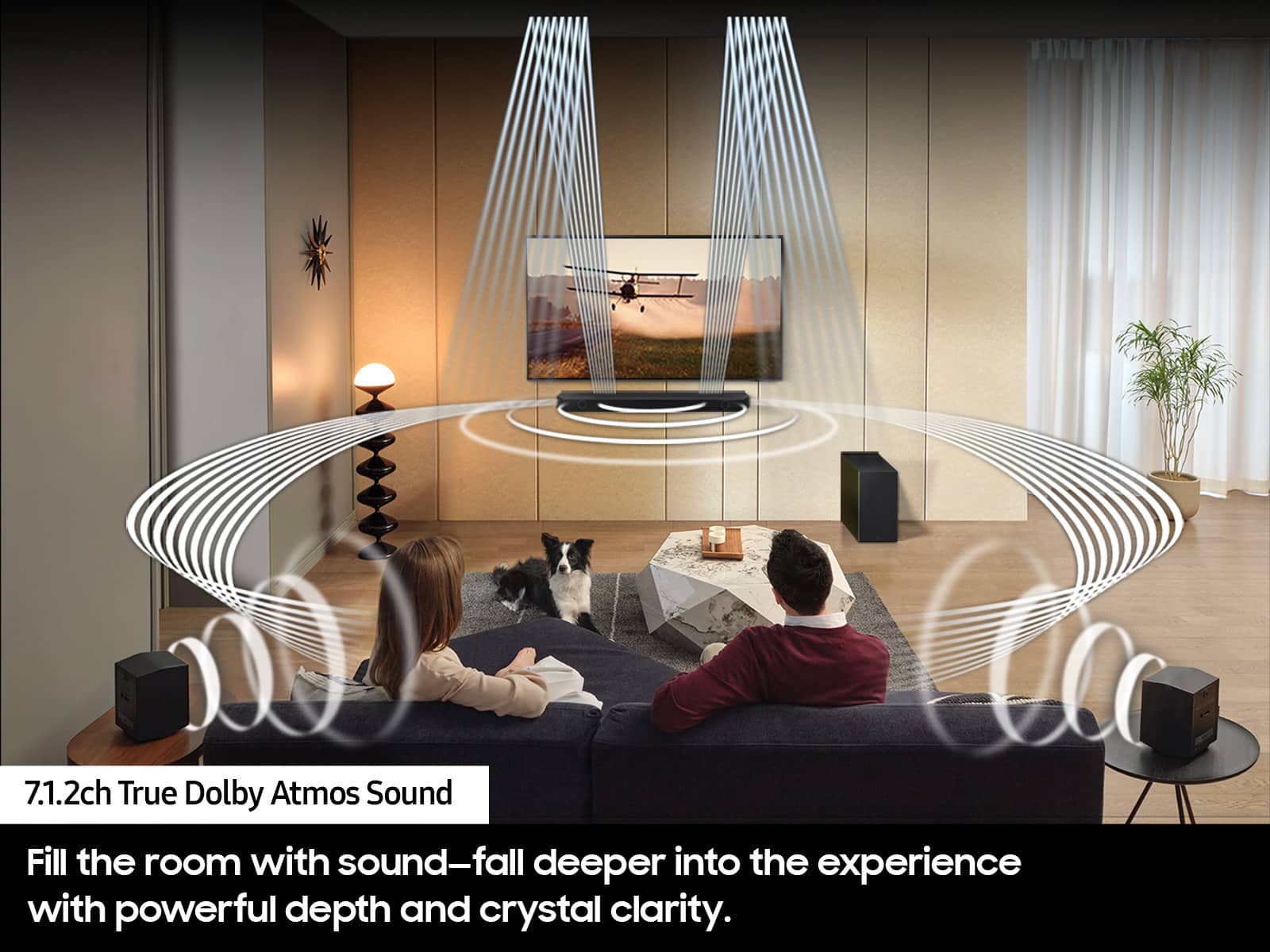
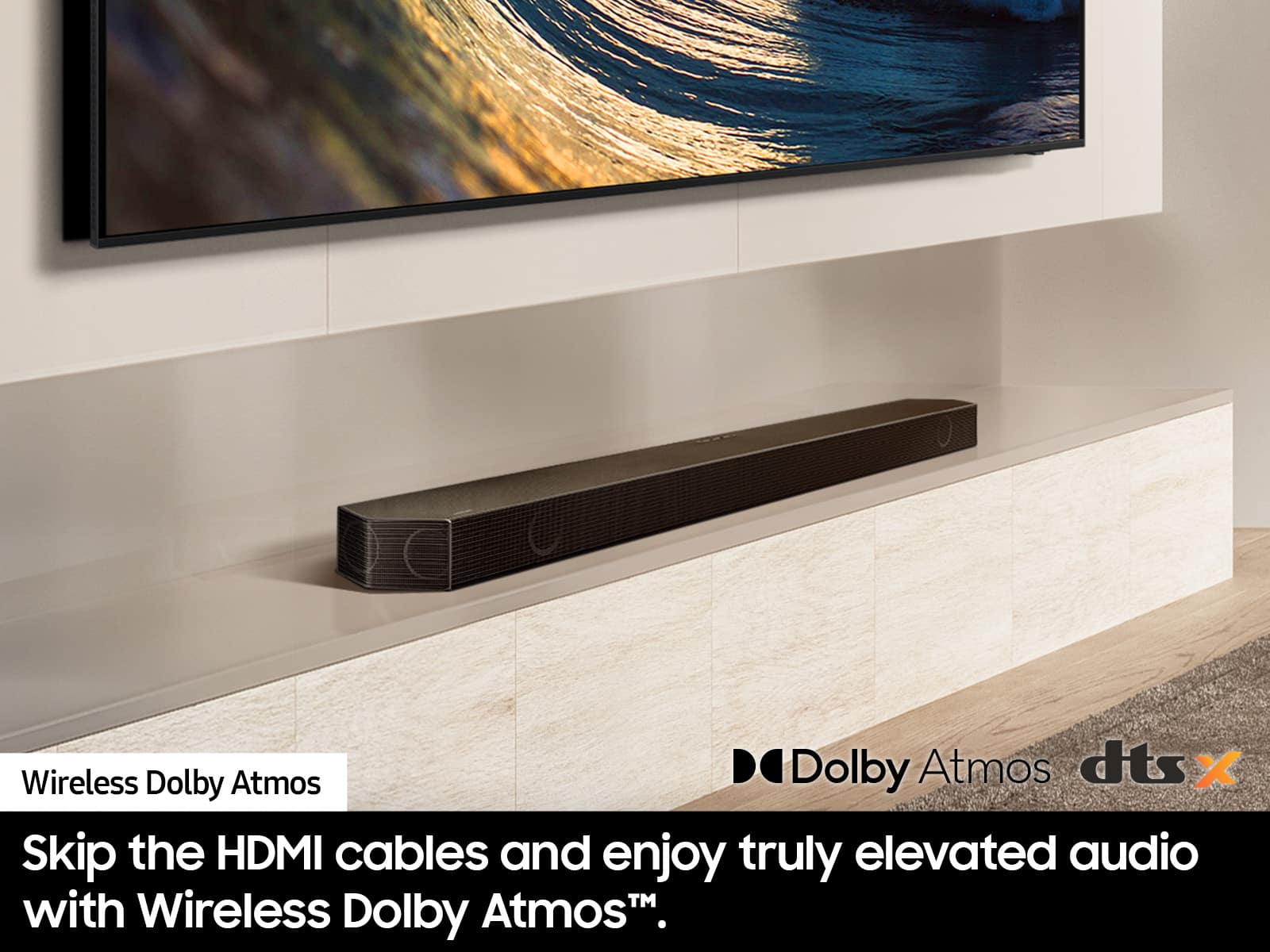
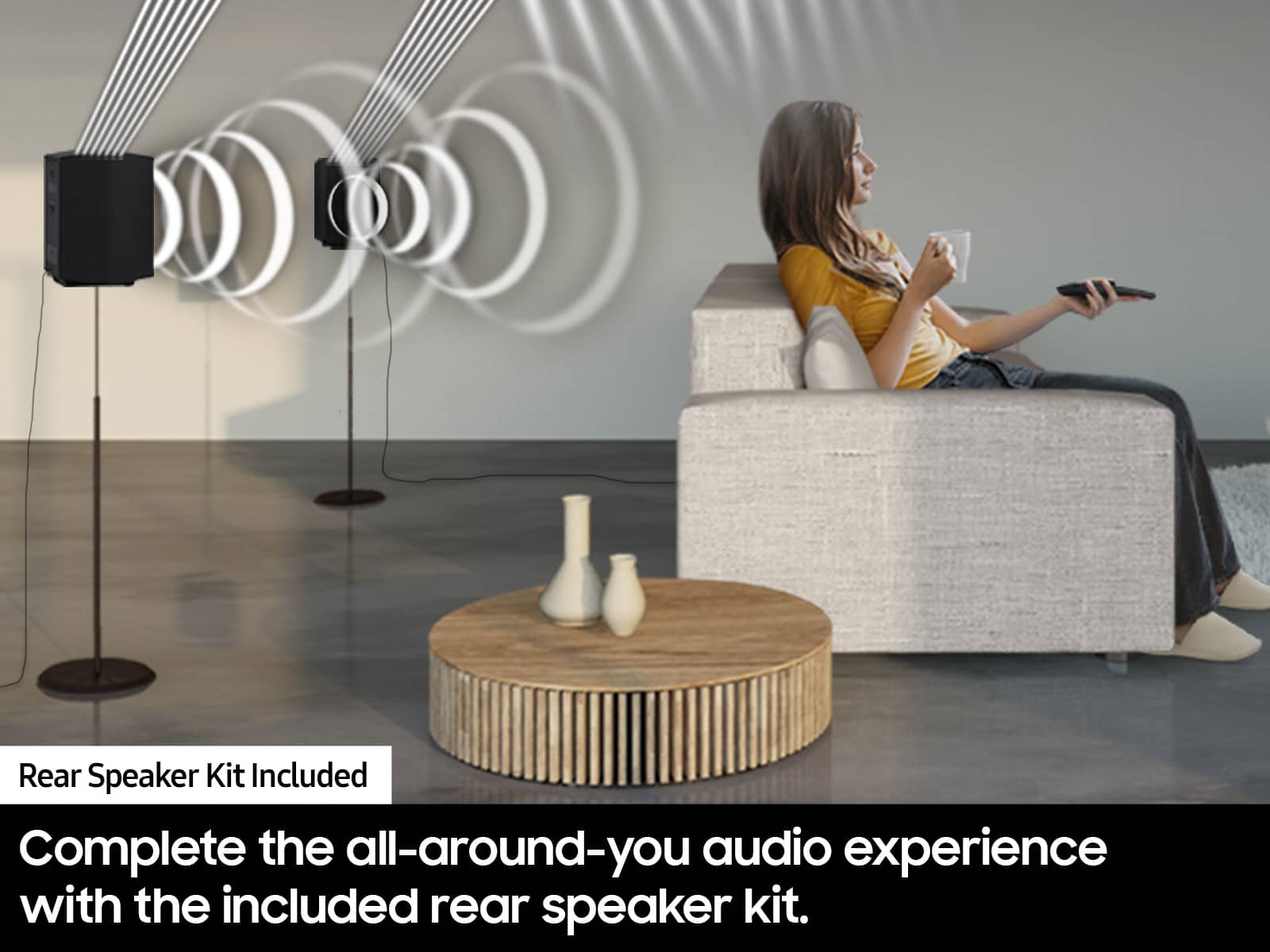
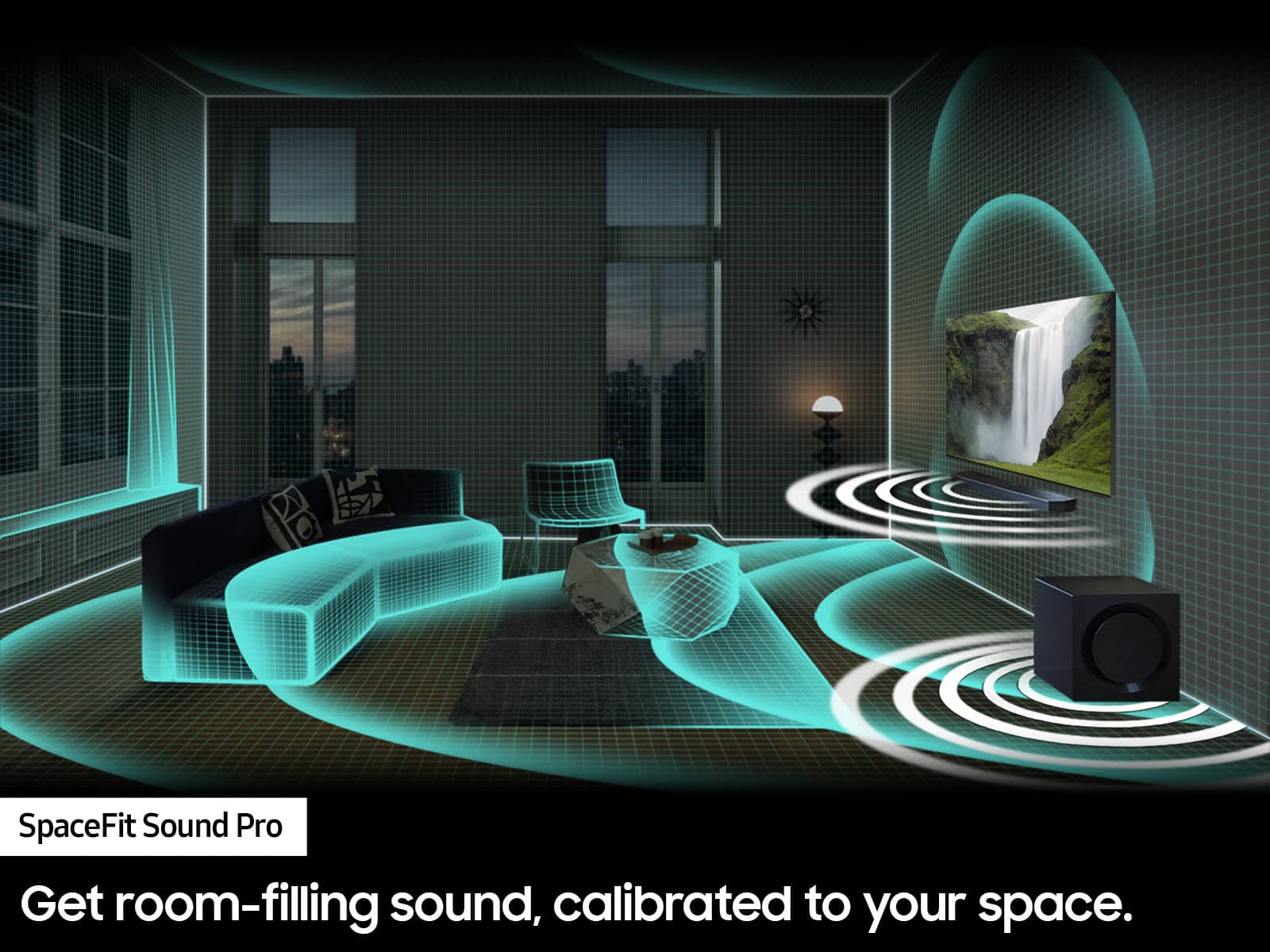
Customers frequently mention the amazing sound quality of the HW-Q850D/ZA 7.1.2 Channel Wireless Dolby ATMOS Soundbar, along with the nice bass and easy setup. However, some customers have reported issues with connectivity, particularly with the rear speakers, and a few have noted missing components upon delivery. Overall, the soundbar is praised for its ease of use and ample volume.
This summary was generated by AI based on customer reviews.
Great buy from Best Buy!!!
||Posted . Owned for 1 month when reviewed.This reviewer received promo considerations or sweepstakes entry for writing a review.Absolutely everything I was expecting, paired with my Samsung tv, the sound is quality definitely an excellent purchase!!!
I would recommend this to a friendThe sound of tomorrow today
||Posted . Owned for 1 month when reviewed.This reviewer received promo considerations or sweepstakes entry for writing a review.The Samsung HW-Q850D/ZA 7.1.2 wireless Dolby ATMOST soundbar is truly the sound that is expected from Samsung.
I would recommend this to a friend- Pros mentioned:Sound quality
Speakers
||Posted . Owned for 1 month when reviewed.This reviewer received promo considerations or sweepstakes entry for writing a review.The speakers work well and setup work was easy once the installation team was able to actually show up.
I would recommend this to a friendBrand response from Samsung
Posted .Hi David,
It's unfortunate to hear of your installation experience. We recommend you contact Best Buy directly for assistance. You also may want to consider providing feedback to the Best Buy store where you made your purchase. We hope your issue is resolved quickly.
Should you ever need help or have questions on The HW-Q850D Soundbar, please reach Samsung Support at 1-800-SAMSUNG, 8AM - 12AM EST, 7 days a week. Our LiveChat agents are also available by clicking on the ‘Support’ link on our website.
~ Samsung Solutions
- Cons mentioned:Missing components
Very poor buying experience
||Posted .This reviewer received promo considerations or sweepstakes entry for writing a review.This review is not for the product but the buying experience with BestBuy. They listed this product as OpenBox fair and when I picked up the order it was missing both the rear speakers, they didn't mention this anywhere in the listing. It's been almost 4 weeks and I haven't received back my reward certificates.
No, I would not recommend this to a friendBrand response from Samsung
Posted .Hello Nirti,
Please know you are leaving a review and a 1-star rating for the HW-Q850D, but we are sorry to hear of your Best Buy experience, nonetheless. You may want to consider providing feedback directly to the Best Buy store where you made your purchase.
Should you have questions on the HW-Q850D itself, Samsung is here for you. You can reach us at 1-800-SAMSUNG, 8AM - 12AM EST, 7 days a week. Our LiveChat agents are also available by clicking on the ‘Support’ link on our website.
~ Samsung Solutions
What a match
||Posted . Owned for less than 1 week when reviewed.This reviewer received promo considerations or sweepstakes entry for writing a review.Purchased this soundbar to match my samsung 55" NEO QLED TV What a great set up.
I would recommend this to a friendAwesome good
||Posted . Owned for 1 month when reviewed.This reviewer received promo considerations or sweepstakes entry for writing a review.Awesome good good good good good good good good good
I would recommend this to a friend- Cons mentioned:Rear speaker
What was I thinking.
||Posted . Owned for 1 week when reviewed.This reviewer received promo considerations or sweepstakes entry for writing a review.Not happy with the wireless small speakers. Only getting sound ou of one of them. No way to turn them up.
No, I would not recommend this to a friendBrand response from Samsung
Posted .DeanD,
Thank you for taking a moment to review the Samsung HW-Q850D Soundbar.
By pressing the CH LEVEL button, you can adjust the volume of the available channels. Each time you press the CH LEVEL button it will switch to a different channel such as Center, Front Top, or Rear Level. After selecting the channel you wish to adjust, use the UP/DOWN buttons on the provided Soundbar remote to adjust the volume between -6 to +6.
You may want to check the speaker wire connection from the rear speaker that is not producing sound.
If you need more help, Samsung is here for you. Please call us at 1-800-SAMSUNG, 8AM - 12AM EST (Ask for Soundbars), 7 days a week. Our Live Chat agents are also available by clicking on the ‘Support’ link on our website.
~ Samsung Solutions
Good system
||Posted . Owned for 1 month when reviewed.This reviewer received promo considerations or sweepstakes entry for writing a review.We like this soundbar and extra speakers. Works great in our living room.
I would recommend this to a friend- Pros mentioned:Sound quality
NO BASS
||Posted .This reviewer received promo considerations or sweepstakes entry for writing a review.Sound is good, but there is literally zero base. I have base turned all the way up on both the equalizer and the woofer settings.
No, I would not recommend this to a friendBrand response from Samsung
Posted .Hi ClarkD,
Thank you for taking a moment to review the Samsung HW-Q850D Soundbar.
You can adjust the Treble and Bass by pressing the TONE CONTROL button then use the UP/DOWN buttons to change the levels between -6 to +6.
By pressing the CH LEVEL button, you can adjust the volume of the available channels. Each time you press the CH LEVEL button it will switch to a different channel such as Center, Front Top, or Rear Level. After selecting the channel you wish to adjust, use the UP/DOWN buttons on the provided Soundbar remote to adjust the volume between -6 to +6.
If you would like louder (or softer) bass from your subwoofer, you can adjust the level by rocking the WOOFER button on the soundbar remote, and then adjusting the level from -6 to +6. To set the subwoofer volume level to 0, press the button in.
With the sound mode set to Standard, press and hold the Sound Control button for about 5 seconds to adjust the sound for each frequency band for precise audio adjustments. 150Hz, 300Hz, 600Hz, 1.2kHz, 2.5kHz, 5kHz, and 10kHz are selectable using the Left/Right buttons and each can be adjusted to a setting between -6 to +6 using the Up/Down buttons.
If you’d like more help with settings, please know we’re here to help! Call us at 1-800-SAMSUNG (Ask for Soundbars), 8AM - 12AM EST, 7 days a week. Or visit us on the Samsung website and click on the ‘Support’ link for:
• Live Chat
• Manuals, Software, & Warranty Info
• Creating a service ticket
~ Samsung Solutions
Good soundbar
||Posted . Owned for 2 weeks when reviewed.This reviewer received promo considerations or sweepstakes entry for writing a review.Great soundbar. “Breaking in” the sub is necessary, though. Bass is really weak before resetting and fiddling with it.
I would recommend this to a friendSamsung OLED Television
||Posted . Owned for 3 weeks when reviewed.This reviewer received promo considerations or sweepstakes entry for writing a review.The salesperson was very knowledgeable and super helpful Great television!
I would recommend this to a friendSurround sound system
||Posted . Owned for 1 month when reviewed.This reviewer received promo considerations or sweepstakes entry for writing a review.This was for my boyfriend’s birthday and he loves it!! So happy with the product.
I would recommend this to a friendReview
||Posted . Owned for 3 weeks when reviewed.This reviewer received promo considerations or sweepstakes entry for writing a review.Needed assistance getting it set up bu once that was done works great.
I would recommend this to a friend- Pros mentioned:Sound quality
Defective
||Posted . Owned for 1 week when reviewed.This reviewer received promo considerations or sweepstakes entry for writing a review.I purchased the Samsung HW-Q850D soundbar with high hopes, but unfortunately, it turned out to be a major disappointment. From the start, I noticed static and distorted noise when the volume was set under level 12. At first, I thought it might be a setup issue, but after troubleshooting with Samsung support and trying all their recommended solutions (including updating firmware and checking connections), the problem persisted. It became clear that the soundbar was defective. For the price, I expected better quality and a functional product. Very frustrating experience overall. I returned this soundbar and upgraded to the HW-Q910D and it works perfect and the sound is absolutely amazing, but I would not recommend the HW-Q850D soundbar.
No, I would not recommend this to a friendBrand response from Samsung
Posted .Hi Ron1983,
Thank you for sharing your review of the Samsung HW-Q850D and for sharing your experience with this soundbar, detailing the reasons you have decided to replace it with a different model. Thank you for being a loyal Samsung customer.
Your feedback regarding this model is important to us and will be shared with our internal teams.
Should you have questions or need assistance with settings, setup, or features, with your new Samsung HW-Q910D Soundbar, please know we are always here to help. Call us at 1-800-SAMSUNG (ask for Soundbars), available 8 AM – 12 AM EST, 7 days a week.
~ Samsung Solutions
Satisfied
||Posted . Owned for 1 month when reviewed.This reviewer received promo considerations or sweepstakes entry for writing a review.I am happy with this product. I got it on sale about a month ago.
I would recommend this to a friend- Pros mentioned:Sound quality
Wireless always cutes out
||Posted . Owned for 2 weeks when reviewed.This reviewer received promo considerations or sweepstakes entry for writing a review.Sound cutes out once in awhile, but when its working its great
No, I would not recommend this to a friendBrand response from Samsung
Posted .LordDuctape,
I am sorry to hear that you are experiencing issues with the sound occasionally dropping from your HW-Q850D Soundbar. You may first want to check the cable connection of the soundbar to the TV or external device to ensure it is secure, and properly connected to the correct port.
In addition to checking the connections of the soundbar, please make sure your soundbar is using the latest firmware Version. Updating the firmware on your soundbar gives you all the benefits of the latest improvements. You can update your firmware by using a USB device.
You may also want to initialize your soundbar by pressing the - and + (volume) buttons on the top of the soundbar at the same time for at least 5 seconds. “INIT OK” appears on the display and then the Soundbar is reset. Please know, this will reset all settings on the soundbar back to default; any sound adjustments will need to be performed again.
Should you continue to experience audio dropouts, and are connected wirelessly, please use the included cable to connect the soundbar to the TV. Using a wired connection instead of wireless often eliminates the issue entirely and improves the user experience.
I hope these tips help resolve your issues.
If you need more help, Samsung is here for you. Please call us at 1-800-SAMSUNG, 8AM - 12AM EST (Ask for Soundbars), 7 days a week. Our Live Chat agents are also available by clicking on the ‘Support’ link on our website.
~ Samsung Solutions
Samsung
||Posted . Owned for 1 month when reviewed.This reviewer received promo considerations or sweepstakes entry for writing a review.Good product. Works well. Good quality. Good transaction
I would recommend this to a friendThe Best
||Posted . Owned for 3 weeks when reviewed.This reviewer received promo considerations or sweepstakes entry for writing a review.Excellent A+10 Excellent A+10 Excellent A+10 Excellent A+10
I would recommend this to a friendGreat
||Posted . Owned for 3 weeks when reviewed.This reviewer received promo considerations or sweepstakes entry for writing a review.Outstanding, seamless pairing to my samsung qled tv
I would recommend this to a friendSoundbar
||Posted . Owned for 3 weeks when reviewed.This reviewer received promo considerations or sweepstakes entry for writing a review.This is a great system strongly recommend you buy this for your TV.
I would recommend this to a friend