Customer Ratings & Reviews
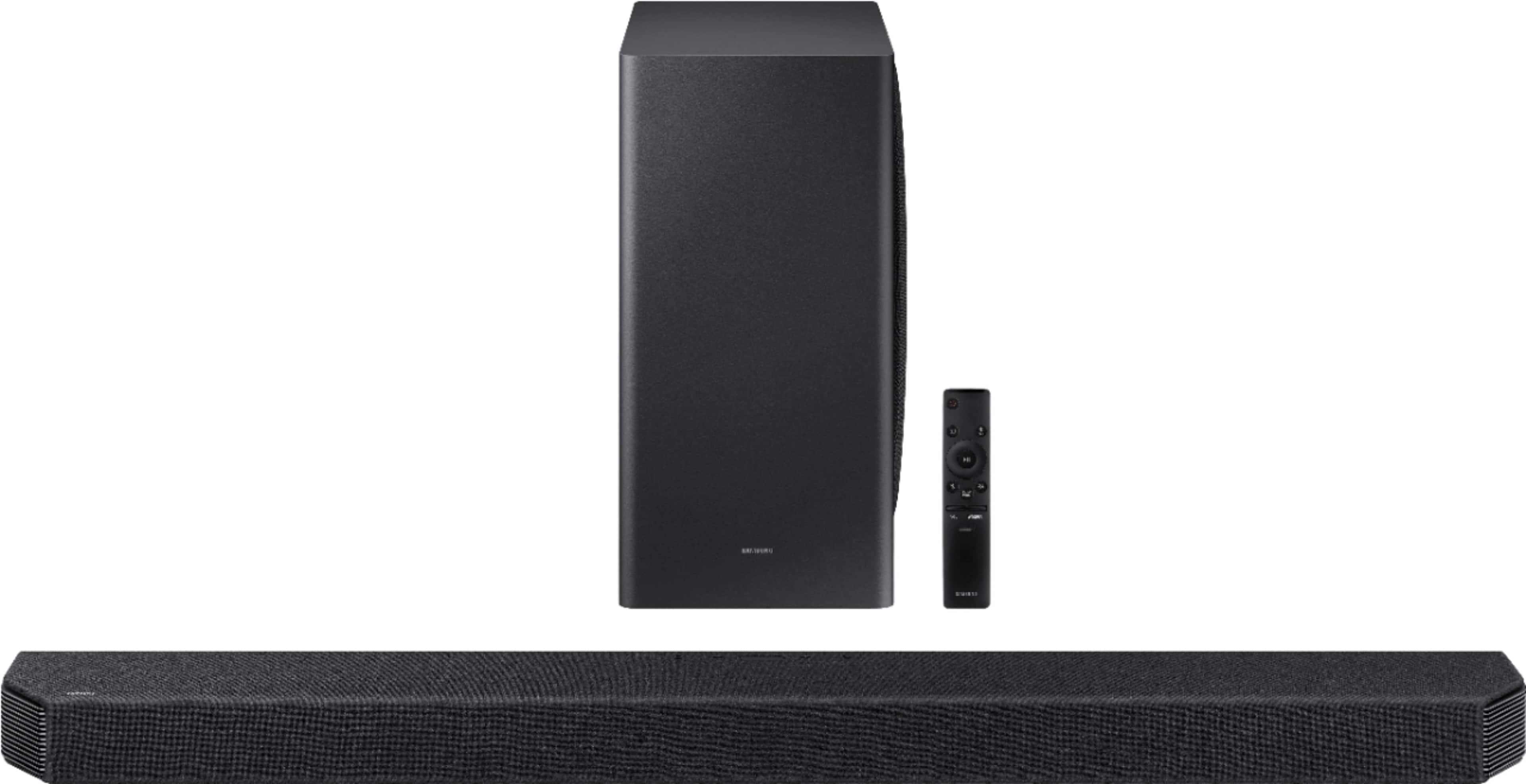
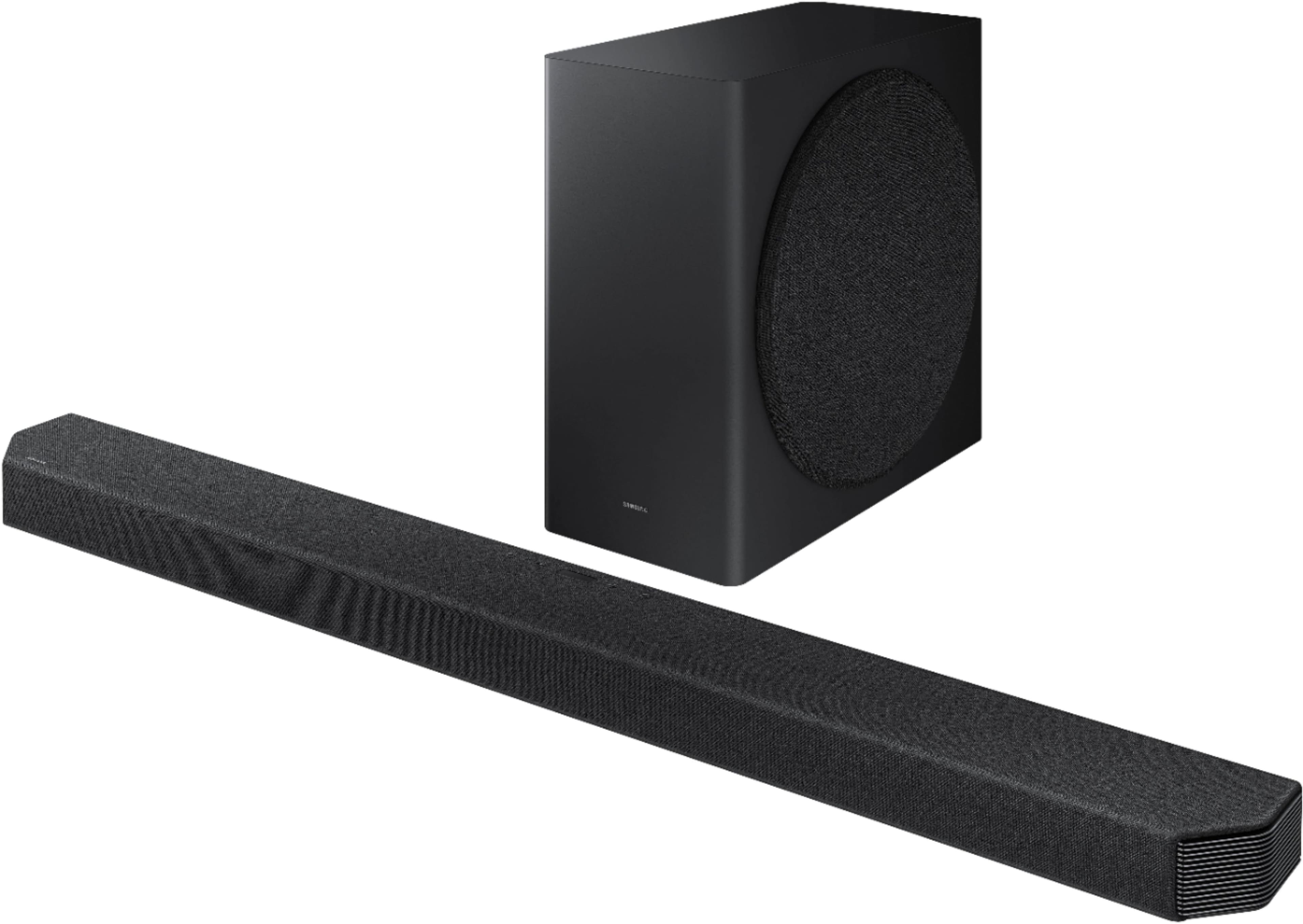


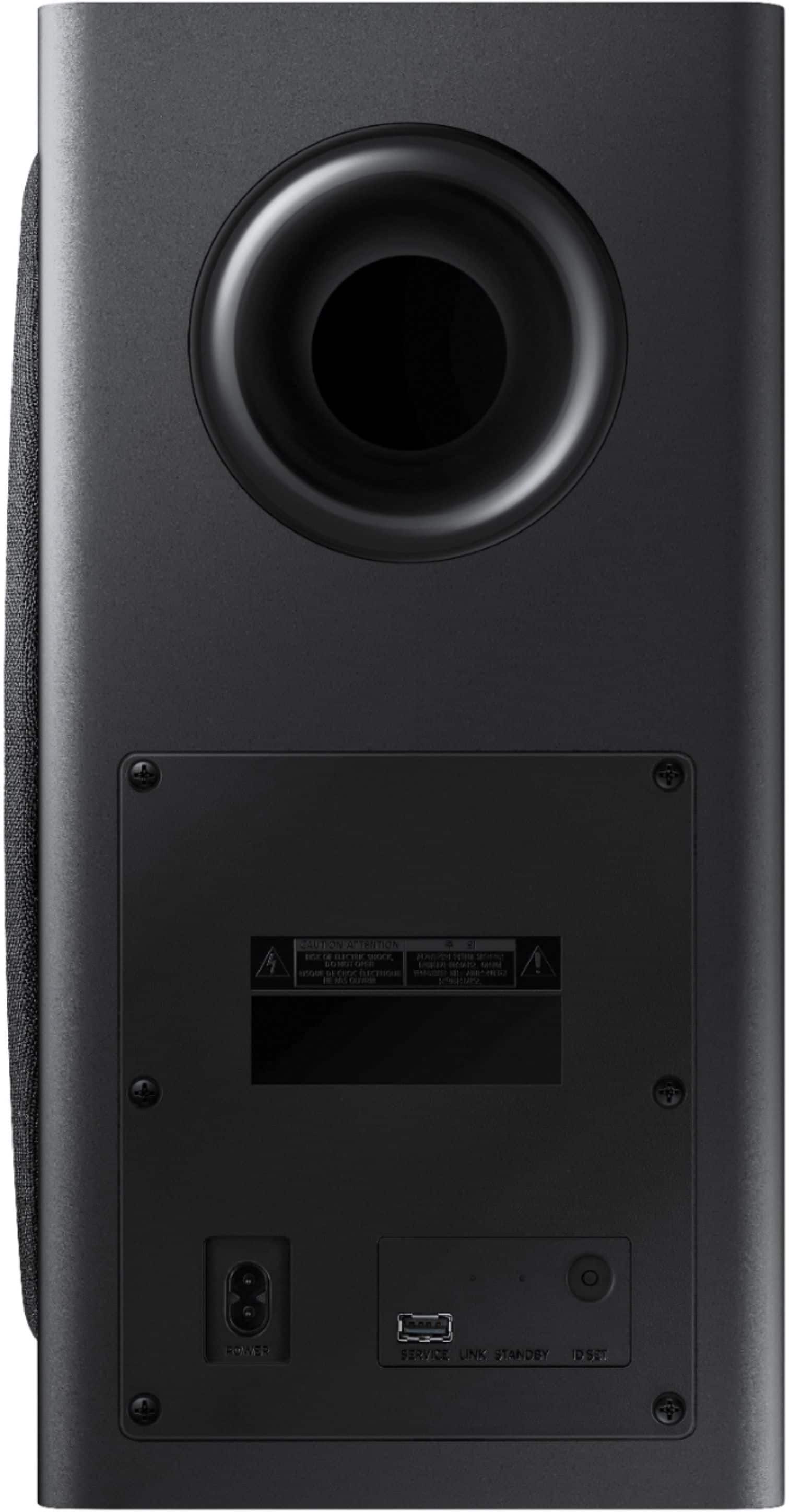





- Model:
- HW-Q900A/ZA
- SKU:
- 6454214
Rating by feature
- Value
Rating 4.5 out of 5 stars
- Quality
Rating 4.8 out of 5 stars
- Ease of Use
Rating 4.6 out of 5 stars
Customers are saying
Customers express satisfaction with the HW-Q900A soundbar's incredible and immersive sound quality, describing it as surround sound without the hassle of complex setups. The easy setup process is also widely appreciated. While some customers have concerns about the display's placement and missing parts, the overall positive feedback on sound quality and user-friendly features makes the HW-Q900A a well-received product.
This summary was generated by AI based on customer reviews.
Sound bar
||Posted . Owned for 3 weeks when reviewed.This reviewer received promo considerations or sweepstakes entry for writing a review.I don’t like the fact that the bar pauses from time to time I wish I could find out the problem.
No, I would not recommend this to a friendBrand response from Samsung
Posted .Hi Wisdom!
Thank you for purchasing the Samsung Q900A Soundbar. We appreciate your feedback regarding the issues you are experiencing with your unit. Please give us the opportunity to assist you by contacting Samsung Customer Support at:
1-800-SAMSUNG (ask for Soundbars), available 8AM -12AM EST (Mon-Fri), 9AM – 6PM EST (Sat). Or text HELP to 62913.
For additional support resources, visit us on the Samsung website and click on the ‘Support’ link in the upper right corner of the homepage for:
1) More ‘Contact Us’ options – LiveChat, Facebook, Twitter, Samsung Community, Samsung Members app
2) Manuals & Software
3) Warranty Info
4) Product Registration: For access to easy warranty support, convenient opt-in to special promos and offers, faster troubleshooting and service, and quick notification of system updates.
~ Samsung Solutions
Meh
||Posted . Owned for 2 months when reviewed.This reviewer received promo considerations or sweepstakes entry for writing a review.Too bass heavy for me. Honestly, the Sonos Arc was a better buy. To reach their own.
I would recommend this to a friendBrand response from Samsung
Posted .Hi Sasuke619675
Thank you for sharing your review of the Samsung HW-900A Soundbar. We value your feedback regarding the sound performance. You can try manually optimizing your audio experience by pressing the SOUND CONTROL button (which looks like a gear) to access the setting items such as AUTO EQ, AVA, TREBLE, BASS, SYNC, CENTER LEVEL, SIDE LEVEL, FRONT TOP LEVEL, and VIRTUAL ON/OFF. The selected item can be adjusted using the Up/Down buttons.
– To control the volume of the treble or bass sound, select TREBLE or BASS in Sound Settings, and then adjust the volume between -6 to +6 by using the Up/Down buttons.
– Press and hold the SOUND CONTROL button for about 5 seconds to adjust the sound for each frequency band. 150Hz, 300Hz, 600Hz, 1.2kHz, 2.5kHz, 5kHz, and 10kHz are selectable using the Left/Right buttons and each can be adjusted to a setting between -6 to +6 using the Up/Down buttons. (Make sure the Sound mode is set to “STANDARD”.)
Should you ever have questions or need help, please call us at 1-800-SAMSUNG (ask for Soundbars), available 8AM - 12AM EST, 7 days a week.
For additional support resources, visit us on the Samsung website and click on the ‘Support’ link in the upper right corner of the homepage for:
1) Chat with Us/Product Help: To begin a chat or find solutions, choose ‘TVs & Home Theater’ and select your model & topic.
2) Manuals & Software
3) Warranty Info
4) Register a Product: For access to easy warranty support, convenient opt-in to special promos and offers, faster troubleshooting and service, and quick notification of system updates
5) Contact Us
~ Samsung Solutions
but the q700a
||Posted . Owned for 2 weeks when reviewed.This reviewer received promo considerations or sweepstakes entry for writing a review.Bass is not as good as the q700a. not worth the side audio to sacrifice bass
No, I would not recommend this to a friendBrand response from Samsung
Posted .Hi kmak907,
We appreciate you sharing your feedback regarding the Bass performance of the HW-Q900A when compared to the HW-Q700A. Please know, the Q900A soundbar features a number of enhancements and settings available for this Bass. You may want to try the Auto EQ feature, exclusive to the HW-Q900A and HW-Q950A soundbars.
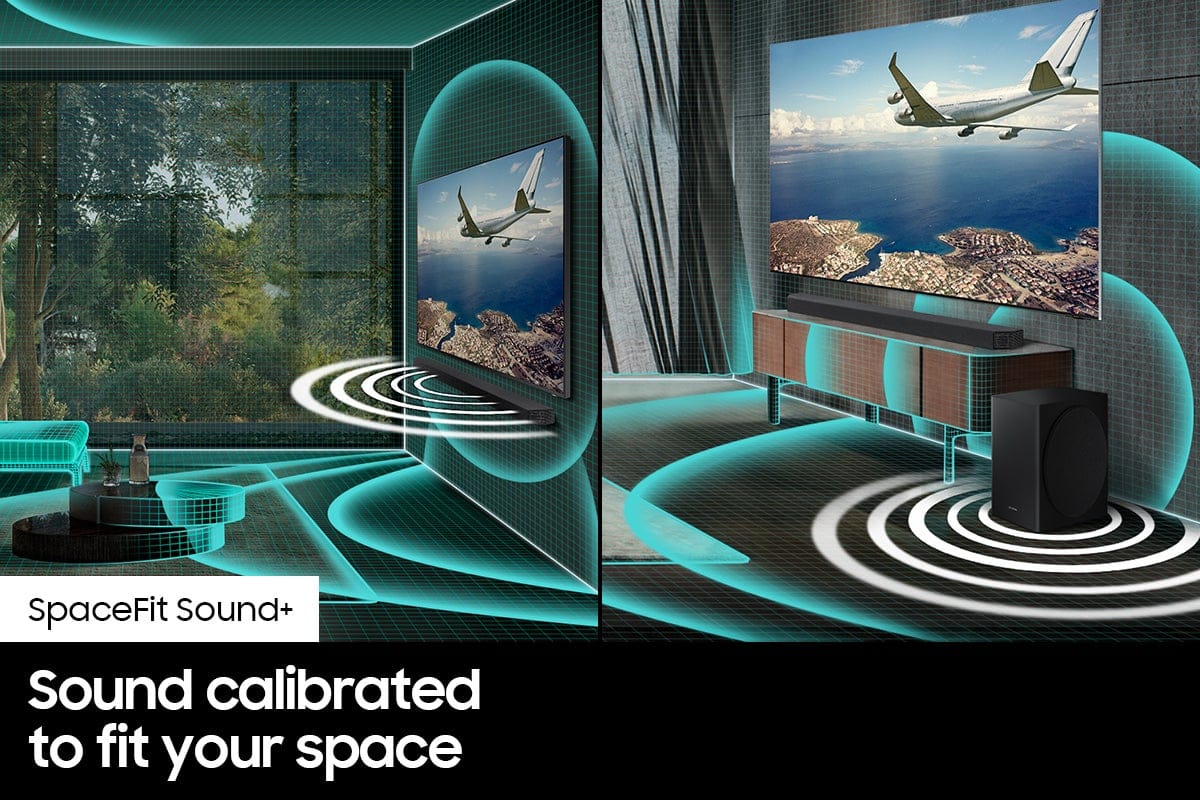
Samsung’s Auto EQ Technology uses a microphone mounted in the subwoofer to detect and correct low-frequency response peaks caused by the room dimensions and the subwoofer location. The result will be a more neutral overall low-frequency response.
Before using the Auto EQ feature, please note the following details:
• The Subwoofer should be placed with a minimum of 3” clearance from each side to the nearest boundary.
• You must keep the room as quiet as possible while operating the Auto EQ tuning.
• Do not use any buttons until the Auto EQ tuning is complete.
• Auto EQ tuning takes about 2 minutes.
• During Auto EQ tuning, there is no sound from the Soundbar’s main unit and rear speakers.
To setup Auto EQ for the first time, follow the steps below:
1) Press the (Sound Control) button until Auto EQ is selected.
2) Press the Up/Down buttons to select Tuning, and then press the button.
3) Tuning will start, and the progress appears in percentage.
‒ To cancel tuning, press the Up, Down, Left, Right or button, and then press the button to confirm.
‒ If the tuning is failed, LED blinks in red.
‒ If the tuning is successful, LED blinks in blue.
In addition to the Auto EQ settings, there are two adjustments that can be made to maximize bass from the soundbar and subwoofer:
1. Using the WOOFER button on the remote, you can adjust the level between -6 to +6. To set the subwoofer volume level to 0, press the button in.
2. Adjust the bass control by pressing the SOUND CONTROL button (gear icon) on the remote control, then select BASS to increase the level. You can adjust the volume between -6 to +6 by using the Up/Down buttons.
I hope this helps. For further assistance with features, settings, adjustments, or functions please contact Samsung Customer Support at 1-800-SAMSUNG (ask for Soundbars), available 8AM - 12AM EST, 7 days a week.
For additional support resources, visit us on the Samsung website and click on the ‘Support’ link in the upper right corner of the homepage for:
1) Chat with Us/Product Help: To begin a chat or find solutions, choose ‘TVs & Home Theater’ and select your model & topic.
2) Manuals & Software
3) Warranty Info
4) Register a Product: For access to easy warranty support, convenient opt-in to special promos and offers, faster troubleshooting and service, and quick notification of system updates
5) Contact Us
~ Samsung Solutions
Mrs Luz
||Posted . Owned for 2 months when reviewed.This reviewer received promo considerations or sweepstakes entry for writing a review.To expensive for the Quality. :( :( :( :( :( I returned
No, I would not recommend this to a friendBrand response from Samsung
Posted .Hi,
Thank you for your review of the Samsung HW-Q900A Soundbar System. We appreciate you sharing your experience with us.
It is our customers’ concerns and opinions that drive our continuous efforts towards delivering world-class service and products. Your feedback is very important to us and will be shared with our product team.
Please know that should you ever need assistance with settings or adjustments with a future Samsung purchase to optimize your sound experience, Samsung Customer Support is here to help. Call us at 1-800-SAMSUNG (ask for Soundbars), available 8AM - 12AM EST, 7 days a week.
For additional support resources, visit us on the Samsung website and click on the ‘Support’ link in the upper right corner of the homepage for:
1) Contact Us: For additional Chat & Text options, choose ‘TVs & Home Theater’ and select your model & topic.
2) Manuals, Software, & Warranty Info
We hope to regain you as a customer in the future.
~ Samsung Solutions
- Pros mentioned:Bass, Sound quality
Food fpr your Ears
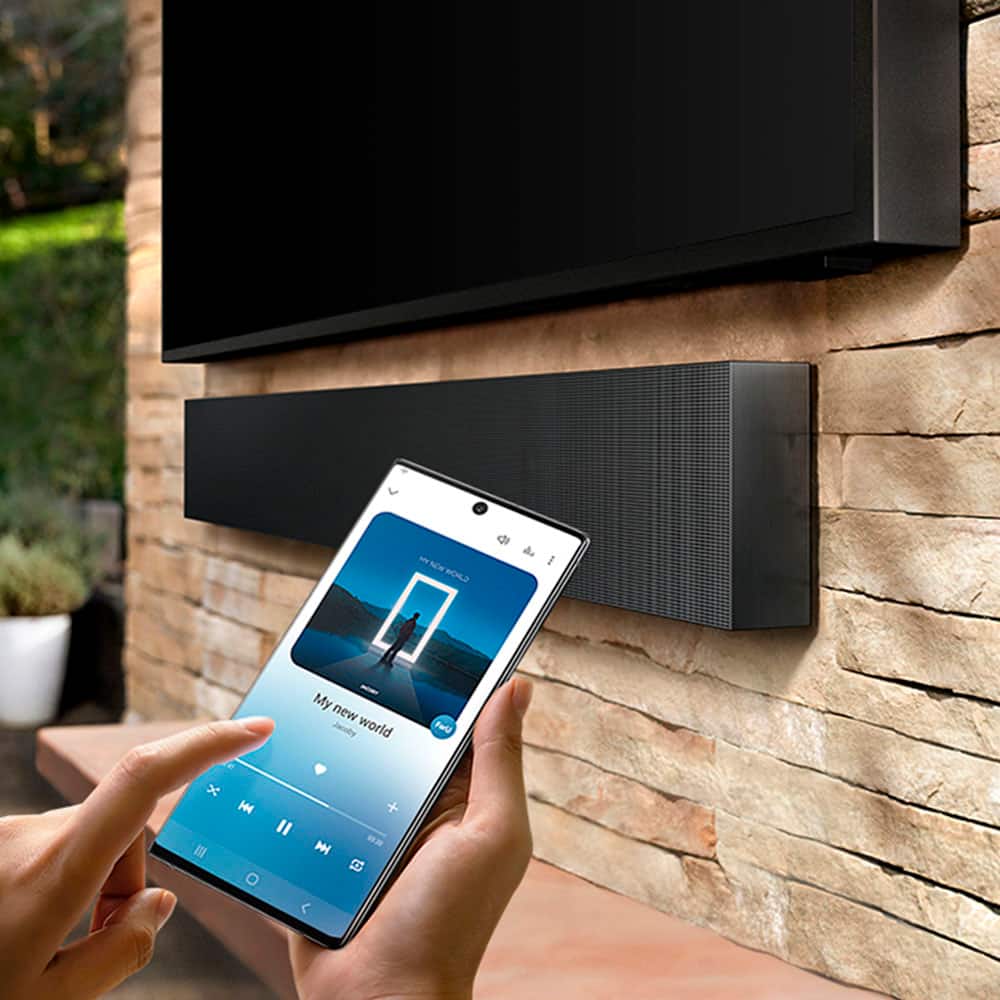
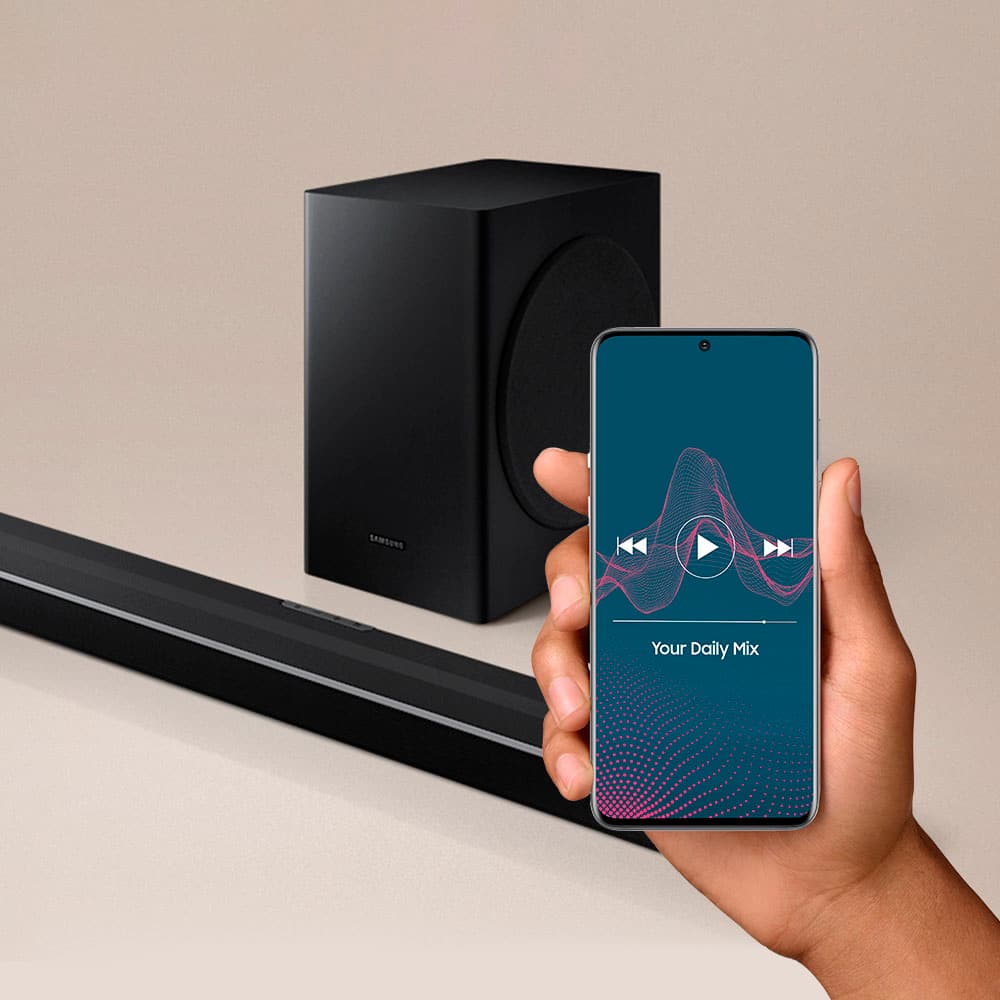
Posted .This reviewer received promo considerations or sweepstakes entry for writing a review.Let's just say I am no means a ¨Techie¨ or computer savvy person. I hesitated to order this product because I was worried about countless wires and hooking the product up to my TV entertainment system. Let's just say, mission successful! I was able to connect the soundbar with complete ease and was able to mount it! The product has a sleek design and with very minimal effort, you can make the product appear more sleek by channeling the cords and mounting the product. Should we talk about the quality of sound? I simply have no words how impressed I am with the product. The HW-Q900A 7.1 soundbar makes the IMAX movie experience dwarf in comparison. In my opinion, the sound has an immersive quality and convinces the illusion of surround sound. I have had this product for less than 3 days and I have received compliments on how sleek the product design appears and how great the quality of the sound is. Within the 10 days of owning this product, I find myself rewatching all my favorite sci-fi & super hero movies just to experience the cinematic experience at the comfort of my own home. This product has completely changed the way Il watch movies going forward. Even my friends say they would prefer to come over to watch movies instead of going out to the movie theaters. I can definitely recommend this product based on the life-long quality Samsung has to offer, the discreet/sleek design of the product and the impeccable sound quality of the surround sound/heavy bass immersion. I am loving the benefit of Apple Airplay and versatility that comes with that benefit. A lot of my friends can use their Android phones to play music off my speakers seamlessly without any hassle. I can control the volume, bass and overall sound quality right from my phone. Even if I don't have my phone next to me, I can ask Alexa to play my favorite music all hands-free. This is a huge benefit since I work out in the comfort of my own home and cook often! 10/10 would recommend this product & enjoy rewatching all your favorite movies!
I would recommend this to a friend baddd
||Posted . Owned for 1 month when reviewed.This reviewer received promo considerations or sweepstakes entry for writing a review.this speaker is pure trash for the price. i've had cheaper samsung soundbar and it sounded much better than this. sorry not sorry
No, I would not recommend this to a friendNot worth price
||Posted . Owned for less than 1 week when reviewed.This reviewer received promo considerations or sweepstakes entry for writing a review.Purchased to use with my new Samsun Neo QLED Television. Product was very easy to setup but sound performance was mediocre.
No, I would not recommend this to a friendBrand response from Samsung
Posted .Hi fotis305!
Thank you for sharing your review of the Samsung HW-900A Soundbar. We value your feedback regarding the sound performance of your soundbar.
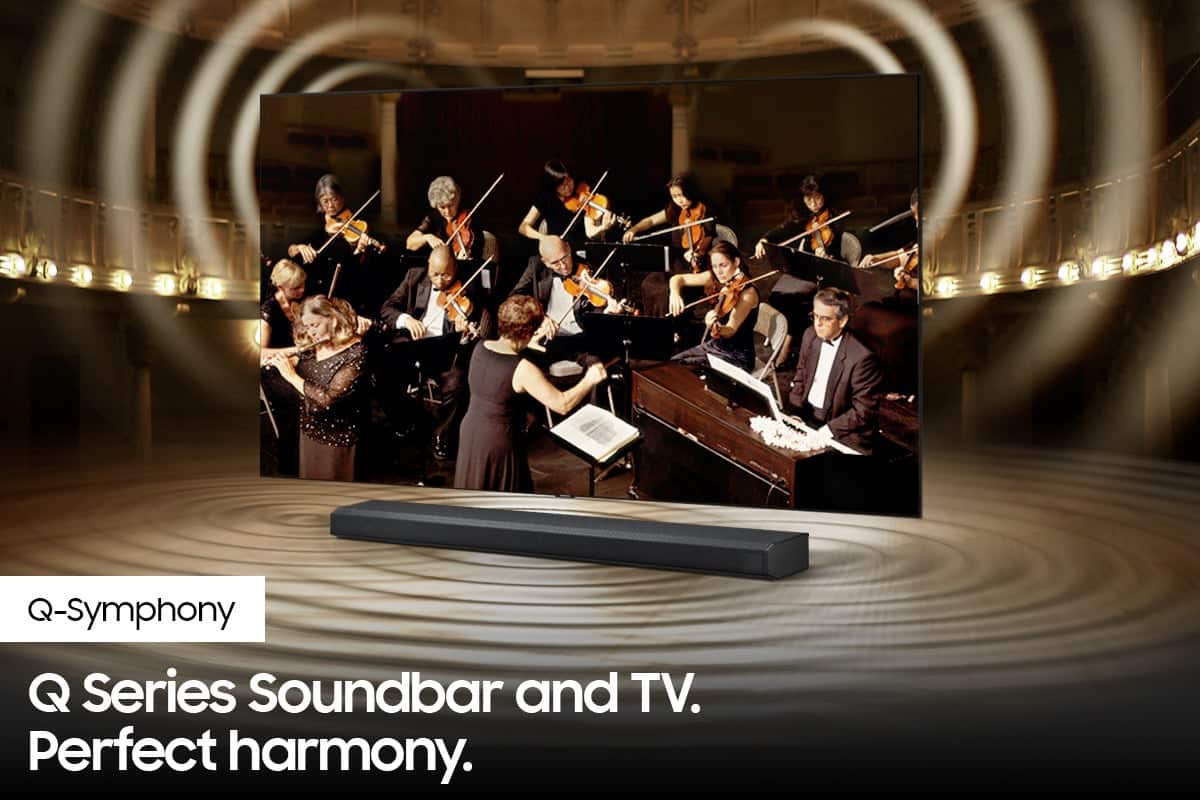
To get the most out of your new Samsung Q900A soundbar and Neo QLED TV, enable the Q Symphony feature allowing the TV and soundbar to work together giving you our most immersive experience yet.
Please know, Q-Symphony is only available when you connect the soundbar to the TV using an HDMI cable or an optical cable. You will also need to change the source on your soundbar to D.IN. To do this, press Source on the soundbar’s remote until “D.IN” appears.
Once the soundbar has been connected and D.IN is set, “TV+Soundbar” will appear under the Sound Output menu of the TV. Select the corresponding option. Now Q-Symphony will activate, and you’ll hear amazing surround sound.
You can also try manually optimizing your audio experience by pressing the SOUND CONTROL button (looks like a gear) to access the setting items such as AUTO EQ, AVA, TREBLE, BASS, SYNC, CENTER LEVEL, SIDE LEVEL, FRONT TOP LEVEL, and VIRTUAL ON/OFF. The selected item can be adjusted using the Up/Down buttons.
– To control the volume of the treble or bass sound, select TREBLE or BASS in Sound Settings, and then adjust the volume between -6 to +6 by using the Up/Down buttons.
– Press and hold the SOUND CONTROL button for about 5 seconds to adjust the sound for each frequency band. 150Hz, 300Hz, 600Hz, 1.2kHz, 2.5kHz, 5kHz, and 10kHz are selectable using the Left/Right buttons and each can be adjusted to a setting between -6 to +6 using the Up/Down buttons. (Make sure the Sound mode is set to “STANDARD”.)
– To control the volume of each speaker, select CENTER LEVEL, SIDE LEVEL, or FRONT TOP LEVEL in Sound Settings, and then adjust the volume between -6 to +6 by using the Up/Down buttons.
–You can use the AUTO EQ function if a subwoofer is connected.
If you need further assistance, please know we are here to help. You can reach Samsung Customer Support at:
1-800-SAMSUNG (ask for Soundbars), available 8AM -12AM EST (Mon-Fri), 9AM – 6PM EST (Sat). Or text HELP to 62913.
For additional support resources, visit us on the Samsung website and click on the ‘Support’ link in the upper right corner of the homepage for:
1. More ‘Contact Us’ options – LiveChat, Facebook, Twitter, Samsung Community, Samsung Members app
2. Manuals & Software
3. Warranty Info
4. Product Registration: For access to easy warranty support, convenient opt-in to special promos and offers, faster troubleshooting and service, and quick notification of system updates.
~ Samsung Solutions
Bad audio.
||Posted . Owned for 1 month when reviewed.This reviewer received promo considerations or sweepstakes entry for writing a review.Not happy with the audio. Audio doesn't sync with the speach!
No, I would not recommend this to a friendBrand response from Samsung
Posted .Hi Lonnie,
Thank you for purchasing the Samsung HW-Q900A and for sharing your review. We appreciate your feedback regarding an audio sync issue and will share your details with our product teams.
If the video on the TV and audio from the soundbar are not synchronized, press the SOUND CONTROL button on the soundbar remote, until you see AUDIO SYNC on the display. You can then set the audio delay between 0~300 milliseconds by using the Up/Down buttons.
Additionally, please make sure your soundbar is using the latest firmware version (v.1010.1). You can update the firmware version of your soundbar by using the SmartThings App or a USB device. If available, you may also want to update the firmware version of your TV which may feature audio delay improvements.
If you continue to experience audio delay, and are connected wirelessly, please use the included HDMI cable to connect the soundbar to the TV. Using a wired connection instead of wireless often eliminates the audio delay entirely and improves the user experience.
Should you ever have questions or need help, please call us at 1-800-SAMSUNG (ask for Soundbars), available 8AM - 12AM EST, 7 days a week.
For additional support resources, visit us on the Samsung website and click on the ‘Support’ link in the upper right corner of the homepage for:
1) Chat with Us/Product Help: To begin a chat or find solutions, choose ‘TVs & Home Theater’ and select your model & topic.
2) Manuals & Software
3) Warranty Info
4) Register a Product: For access to easy warranty support, convenient opt-in to special promos and offers, faster troubleshooting and service, and quick notification of system updates
5) Contact Us
~ Samsung Solutions
Bad item
||Posted .This reviewer received promo considerations or sweepstakes entry for writing a review.Just bought this item used and it saids in excellent condition. That’s a lie, subwoofer and sound looks beat up and on top of that it doesn’t bring the remote and power cables for both devices. Unbelievable.
No, I would not recommend this to a friendDont buy open box items
||Posted . Owned for less than 1 week when reviewed.This reviewer received promo considerations or sweepstakes entry for writing a review.I bought it took it home to hook it up didnt work probably why the other person brought it back too it also said all the parts are included an missing the remote brackets an screws it dodnt want to stay on hdmi kept switching to tv speakwers on the sound bar
No, I would not recommend this to a friendBrand response from Samsung
Posted .Hi Moviegeek,
Thank you for purchasing the Samsung HW-Q900A and for sharing your review. We appreciate your feedback regarding the quality of the unit you received and the missing accessories from your open box purchase. I would recommend you contact Best Buy directly for assistance. We hope your issue is resolved in a timely manner.
If you ever need help with product features, specs, or operation, please contact Samsung Soundbar Support at 1-800-SAMSUNG (ask for Soundbars), available 8AM - 12AM EST, 7 days a week.
For additional support resources, visit us on the Samsung website and click on the ‘Support’ link in the upper right corner of the homepage for:
1) Chat with Us/Product Help: To begin a chat or find solutions, choose ‘TVs & Home Theater’ and select your model & topic.
2) Manuals & Software
3) Warranty Info
4) Register a Product: For access to easy warranty support, convenient opt-in to special promos and offers, faster troubleshooting and service, and quick notification of system updates
5) Contact Us
~ Samsung Solutions
Buy it new
||Posted . Owned for less than 1 week when reviewed.This reviewer received promo considerations or sweepstakes entry for writing a review.Don't trust the open box rating. Buy it brand new if you can. Bought an open box excellent and the wall mounting set was missing. Talked to customer service through chat to and it was the worst experience, total waste of time.
No, I would not recommend this to a friendBrand response from Samsung
Posted .Hi Dave,
Thank you for purchasing the Samsung Q900A Soundbar. We appreciate you sharing your feedback regarding parts missing from your recent purchase. If purchased brand-new and unopened, please contact Samsung Customer Support and a representative will gladly help you. If purchased in open-box condition, we recommend contacting Best Buy directly for assistance.
1-800-SAMSUNG (ask for Soundbars), available 8AM -12AM EST (Mon-Fri), 9AM – 6PM EST (Sat). Or text HELP to 62913.
For additional support resources, visit us on the Samsung website and click on the ‘Support’ link in the upper right corner of the homepage for:
1. More ‘Contact Us’ options – LiveChat, Facebook, Twitter, Samsung Community, Samsung Members app
2. Manuals & Software
3. Warranty Info
4. Product Registration: For access to easy warranty support, convenient opt-in to special promos and offers, faster troubleshooting and service, and quick notification of system updates.
We hope your issue is resolved in a timely manner.
~ Samsung Solutions
- Pros mentioned:Bass, Setup, Sound quality
Amazing Sound !
Posted .This reviewer received promo considerations or sweepstakes entry for writing a review.Excellent sound bar ...dialogue is crystal clear without enhancement..no more “what did they say “ moments.. I connect streaming device and Blu-ray player direct to soundbar inputs . Easy to setup and SmartThings app works great..Sub has auto tune feature … placed about 10’ to right of bar aimed to middle of listening area and room is filled with immersive clean sound…Crossover between sub and bar is perfect..add the wireless rear speaker kit and better than being in theatre. Amazing Atmos effects ! Rivals 5.1 systems.. Better than systems costing hundreds more…
I would recommend this to a friend Open Excellent Condition My A
||Posted . Owned for 3 weeks when reviewed.This reviewer received promo considerations or sweepstakes entry for writing a review.Open box excellent condition is not what I expected. The product arrived missing parts, directions, scratched, and most importantly the subwoofer was cracked.
No, I would not recommend this to a friendBrand response from Samsung
Posted .Hi Wakesetter247lsv,
Thank you for purchasing the Samsung HW-Q900A Soundbar. We appreciate your feedback regarding the damaged unit you received. I would recommend you contact Best Buy directly for assistance. We hope your issue is resolved in a timely manner.
If you ever need help with product features, specs, or operation, please contact Samsung Soundbar Support at: 1-800-SAMSUNG (ask for Soundbars), available 8AM - 12AM EST, 7 days a week.
For additional support resources, visit us on the Samsung website and click on the ‘Support’ link in the upper right corner of the homepage for:
1) Contact Us: For additional Chat & Text options, choose ‘TVs & Home Theater’ and select your model & topic.
2) Manuals & Software
3) Warranty Info
4) Register a Product: For access to easy warranty support, convenient opt-in to special promos and offers, faster troubleshooting and service, and quick notification of system updates
~ Samsung Solutions
- Pros mentioned:Bass, Setup, Sound quality
great product
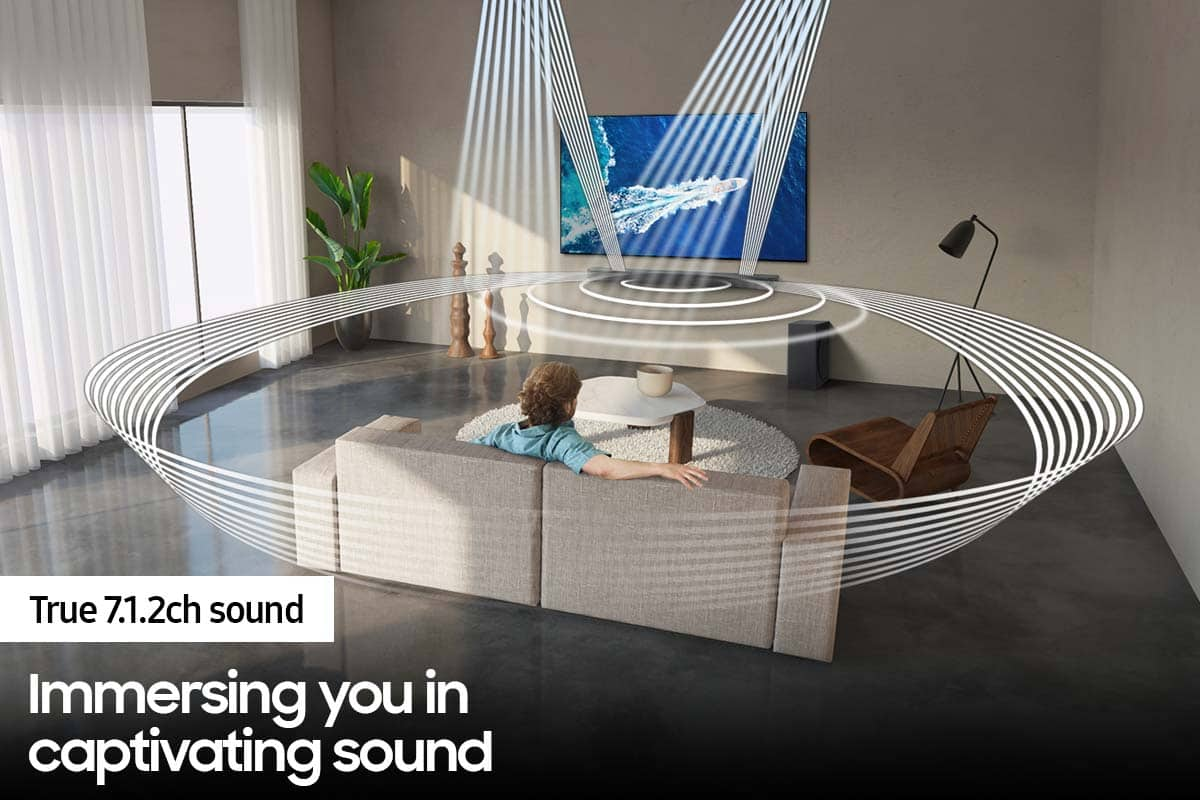
Posted .This reviewer received promo considerations or sweepstakes entry for writing a review.The HW-Q900 7.1.2 ch Soundbar with Dolby Atmos / DTS:X is amazing. The sound quality is off the charts and it is crystal clear. Setup was super simple and I love that there are no cords running everywhere. The subwoofer makes it feel like you have a movie theater right in your home. I can even manage the devices right from my phone. I highly recommend this product to anyone wanting to upgrade their home theater experience.
I would recommend this to a friend - Pros mentioned:Bass, Sound quality
Great build and sound
Posted .This reviewer received promo considerations or sweepstakes entry for writing a review.This is my first time owning a soundbar and when I say I'm in love with the quality and clarity of the sound! It's built like a tank. Solid material and beautiful to the eye. I connected mine via bluetooth but It also has hdmi connection as well. The sound quality is superb. So crisp and clear. Subwoofer sounds like you're in a movie theater. I never knew what the hype was about with soundbars, but now I understand. I definitely don't see myself going back to not using one in the future. I highly recommend this product if you're a tv/movie watcher! Disclaimer: I got this product on discount for an honest review.
I would recommend this to a friend - Pros mentioned:Compatibility, Sound quality
Perfect sound system 7 speaker 1 subwoofer
Posted .This reviewer received promo considerations or sweepstakes entry for writing a review.The speakers are awesome,compatible with my Q series samsung tv, it is connected through HMDI cable, amazing sound, dialogues are crystal clear and the music... just amazing
I would recommend this to a friend - Pros mentioned:Sound quality
Great sound bar with some minor bugs
Posted .This reviewer received promo considerations or sweepstakes entry for writing a review.I bought this sound bar and the setup took a little bit. I cannot hook my xbox up and pass it through to my vizio tv, samsung they may not be compatible. The soundbar is amazing performance wise and exceeds my expectations but i can use Dolby atmos with my xbox since it wont pass through. On my tv is recognizes the soundbar but says “no signal” and i have to use an optical audio cable for my xbox. If i use just a smart app of the tv i can stream dolby through disney plus or other apps but will not work with ARC for my xbox and TV. I hope there will be an update or some fix because im forced to return the bar or have to buy a samsung tv for it to work. Would still recommend 10/10!
I would recommend this to a friend - Pros mentioned:Sound quality
no good
Posted .This reviewer received promo considerations or sweepstakes entry for writing a review.sound is not good at all A Walmart brand onn. 42" 5.1. 2. Dolby Atmos Sound bar with Wireless Subwoofer is so much better sound bar then this Samsung HW-Q900A/ZA 7.1.2ch Soundbar w/Dolby Atmos DTS:X 2021 - HWQ900AZA I added the rear speaker kit hope it would help but was no help at all that was 300.00 and sound no better I changed the hdmi cable I bought a new blu-ray 4K dvd player no better I'm so unhappy with this product
No, I would not recommend this to a friendBrand response from Samsung
Posted .Hi vickie!
Thank you for sharing your review of the Samsung HW-Q900A Soundbar. We value your feedback regarding the sound performance of your soundbar. You can try manually optimizing your audio experience by pressing the SOUND CONTROL button (looks like a gear) to access the setting items such as AUTO EQ, AVA, TREBLE, BASS, SYNC, CENTER LEVEL, SIDE LEVEL, FRONT TOP LEVEL, and VIRTUAL ON/OFF. The selected item can be adjusted using the Up/Down buttons.
– To control the volume of the treble or bass sound, select TREBLE or BASS in Sound Settings, and then adjust the volume between -6 to +6 by using the Up/Down buttons.
– Press and hold the SOUND CONTROL button for about 5 seconds to adjust the sound for each frequency band. 150Hz, 300Hz, 600Hz, 1.2kHz, 2.5kHz, 5kHz, and 10kHz are selectable using the Left/Right buttons and each can be adjusted to a setting between -6 to +6 using the Up/Down buttons. (Make sure the Sound mode is set to “STANDARD”.)
– To control the volume of each speaker, select CENTER LEVEL, SIDE LEVEL, or FRONT TOP LEVEL in Sound Settings, and then adjust the volume between -6 to +6 by using the Up/Down buttons.
– The VIRTUAL Speaker function can be turned ON/OFF by using the Up/Down buttons.
–You can use the AUTO EQ function if a subwoofer is connected.
If you need further assistance, please know we are here to help. You can reach Samsung Customer Support at:
1-800-SAMSUNG (ask for Soundbars), available 8AM -12AM EST (Mon-Fri), 9AM – 6PM EST (Sat). Or text HELP to 62913.
For additional support resources, visit us on the Samsung website and click on the ‘Support’ link in the upper right corner of the homepage for:
1. More ‘Contact Us’ options – LiveChat, Facebook, Twitter, Samsung Community, Samsung Members app
2. Manuals & Software
3. Warranty Info
4. Product Registration: For access to easy warranty support, convenient opt-in to special promos and offers, faster troubleshooting and service, and quick notification of system updates.
~ Samsung Solutions