Customer Ratings & Reviews









- Model:
- HW-Q930D/ZA
- SKU:
- 6570311
Rating by feature
- Value
Rating 4.6 out of 5 stars
- Quality
Rating 4.8 out of 5 stars
- Ease of Use
Rating 4.7 out of 5 stars
Customers are saying
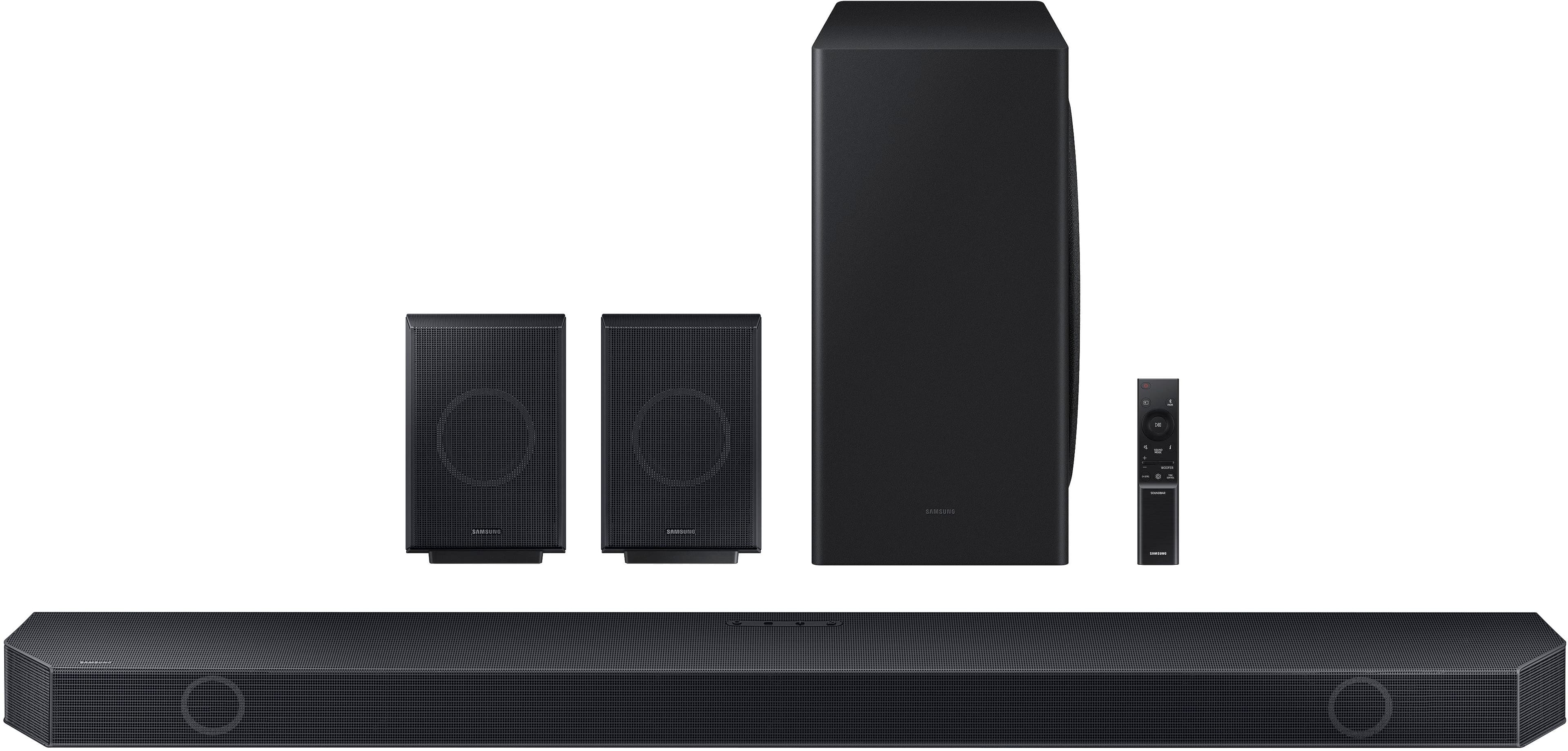
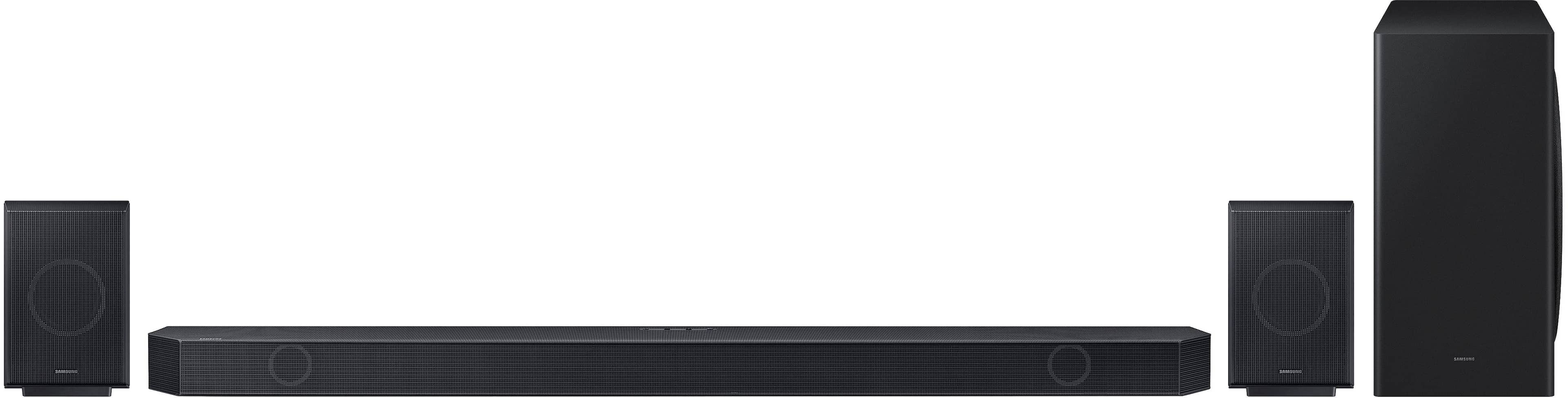
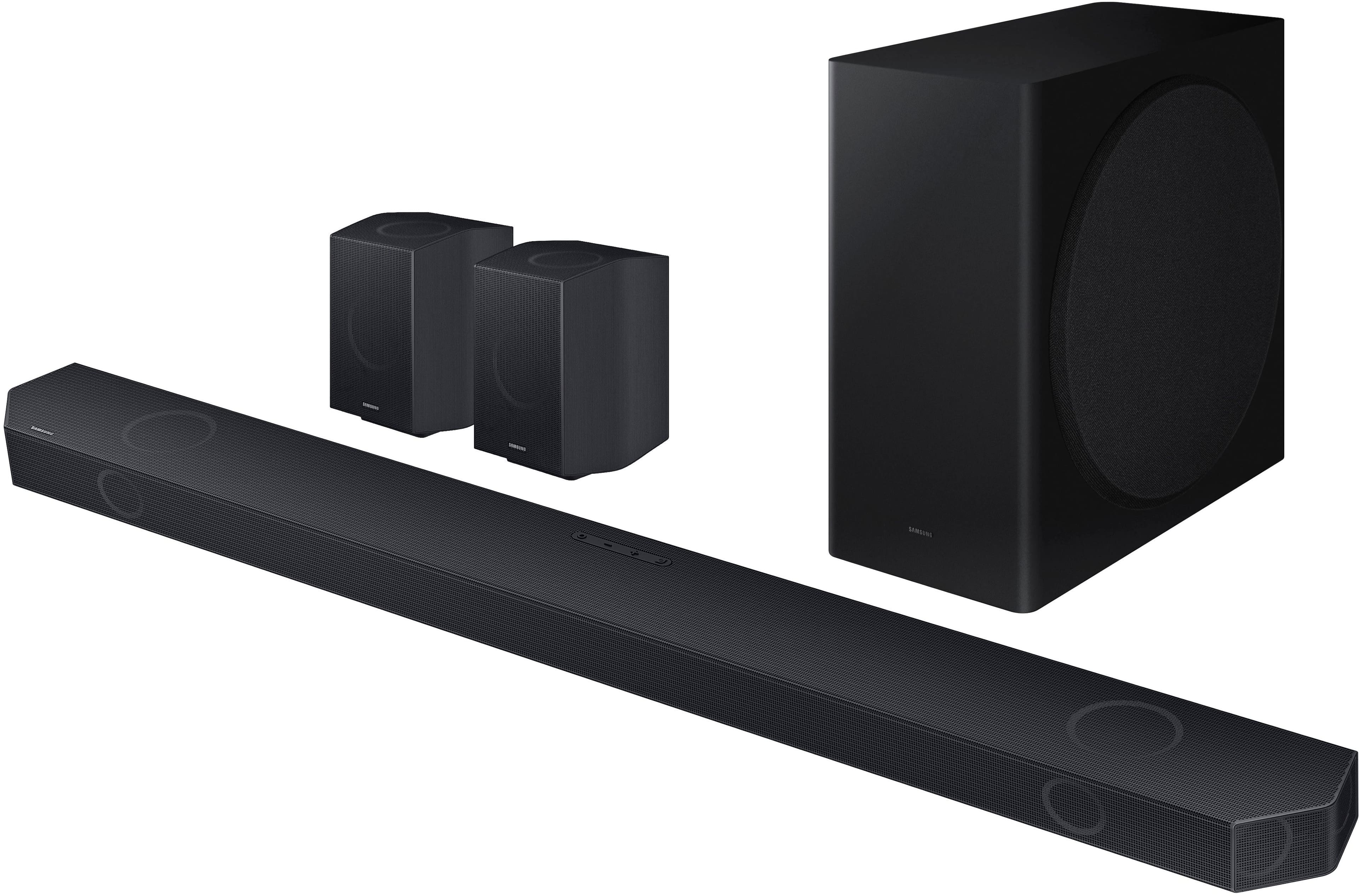
Customers are pleased with the HW-Q930D/ZA soundbar's incredible sound quality and ease of use, including its simple setup. The wireless subwoofer and rear speakers contribute to the easy setup, while the bass is consistently described as low and rich. Wireless connectivity and Apple integration are also highly valued features.
This summary was generated by AI based on customer reviews.
Wonderful Surround Sound System from Samsung
||Posted .This reviewer received promo considerations or sweepstakes entry for writing a review.Excellent combination with Samsung TV. The pairing is very easy.
I would recommend this to a friend- Pros mentioned:Sound quality
Theater sound
||Posted . Owned for 1 week when reviewed.This reviewer received promo considerations or sweepstakes entry for writing a review.It feels like you are in a movie theater watching your favorite show or movie at home
I would recommend this to a friend Great system but lacking user instructions
||Posted . Owned for 1 month when reviewed.This reviewer received promo considerations or sweepstakes entry for writing a review.The system is great, but the directions on how to actually operate it and change the sound quality are not included - you have to go online to find the different options and instructions. Installation is easy
I would recommend this to a friendGood system
||Posted . Owned for 1 week when reviewed.This reviewer received promo considerations or sweepstakes entry for writing a review.It’s a good system. The only thing was getting the tears to connect. Took several tries. If you have to call them expect to be on the phone for a while. The good news is while I waited, I finally got the two rears to
I would recommend this to a friendDisappointed
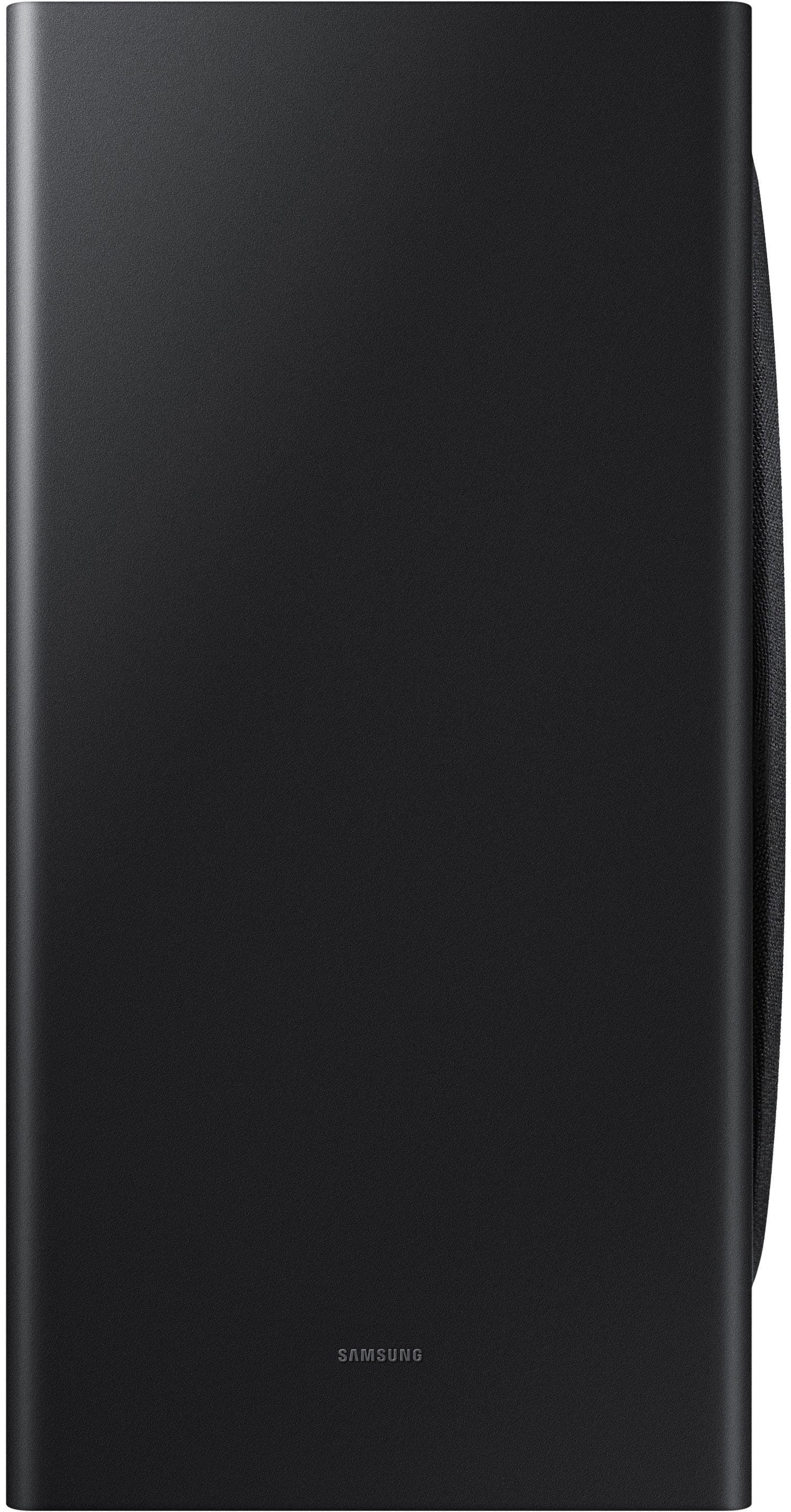
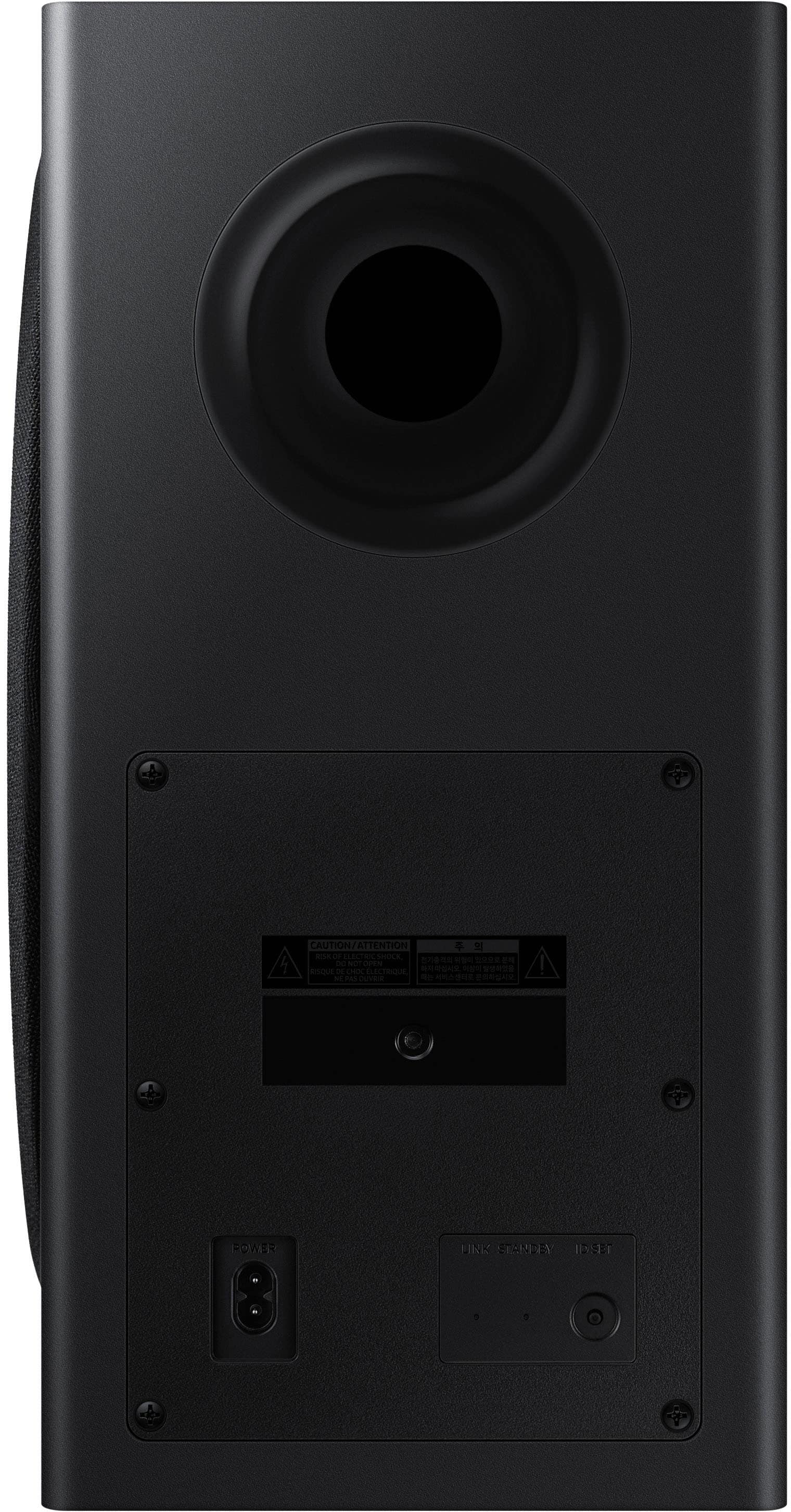
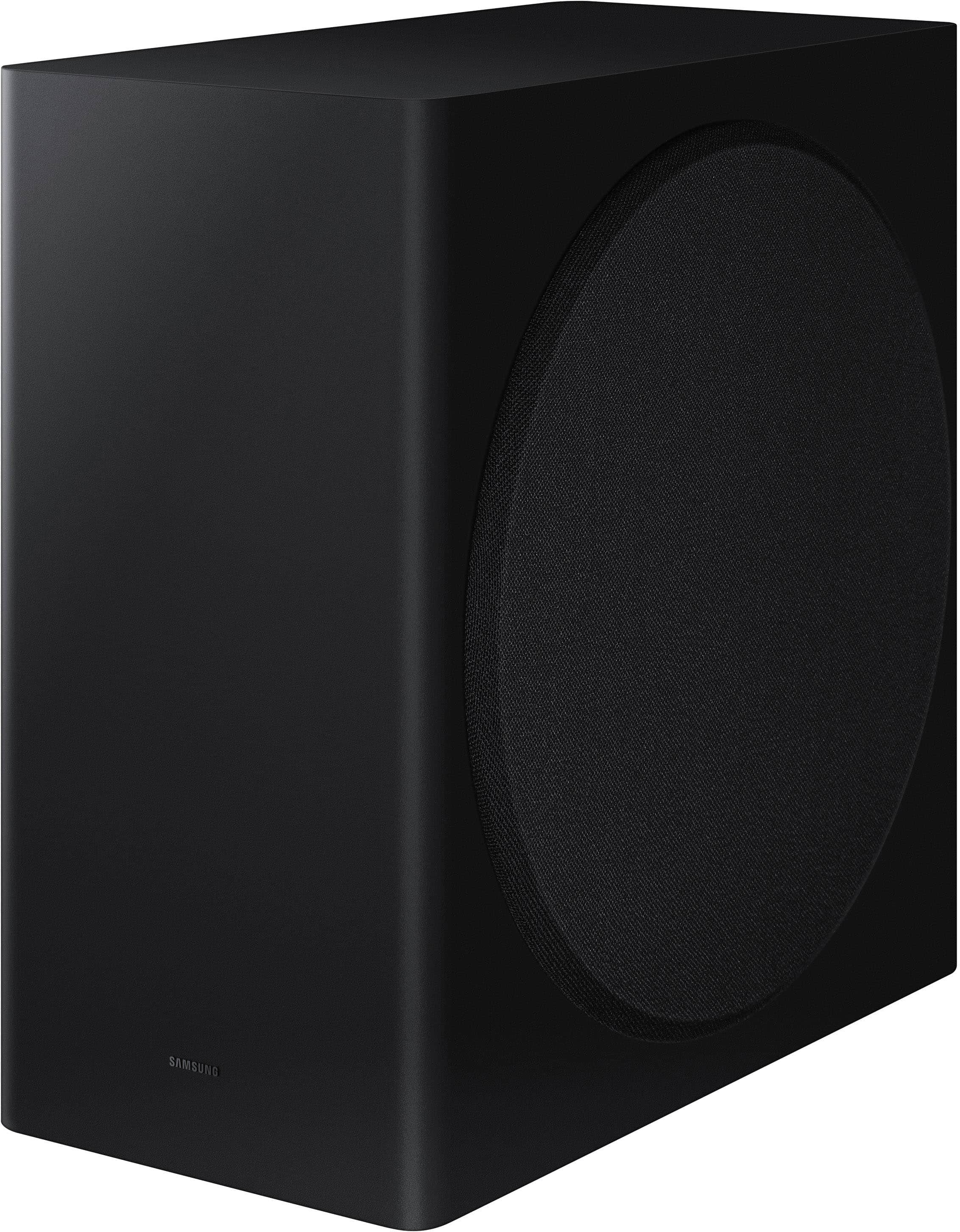
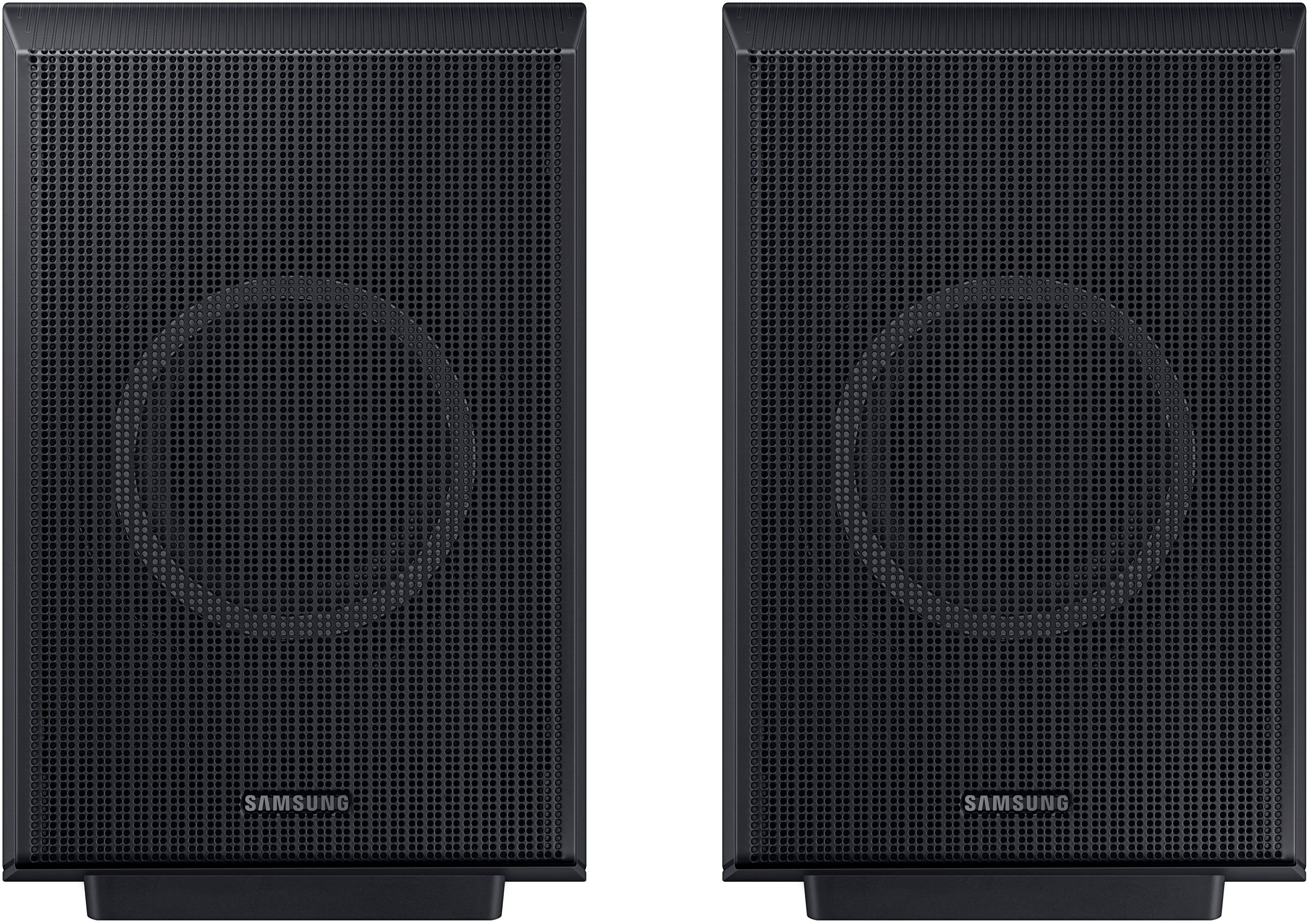
||Posted .This reviewer received promo considerations or sweepstakes entry for writing a review.I have an HW-Q750C/ZA (Samsung - Q series 5.1.2ch) sound bar connected to a Samsung TV. I decided to try this one—HW-Q930D/ZA 9.1.4ch - with another Samsung TV. Upgrading from 5.1.2 to 9.1.4 sounded great, but it was a big mistake to pay more money for the same quality. I understand that every experience is only a personal experience. Now, about my experience, I found no difference in sound quality between those two sound bars. The rear speakers are still quiet even at max volume, so there is no difference between the two models. Also, they are cumbersome. Please consider that both rear speakers must be connected to power outlets (and the power cords are short - approximately 58 inches). The subwoofer has the same level as in 5.1.2, even though it's much bigger. So, there is no difference. The main soundbar with 7.4 ch sounds like 5.2 with no difference, maybe slightly louder. At least I can't feel the big difference. So what is the point of paying more money? I would consider the HW-Q850D instead of HW-Q930D, especially now, when it's on sale, and there is a $400 difference.
No, I would not recommend this to a friendBrand response from Samsung
Posted .GVESea,
Thank you for taking a moment to review the Samsung HW-Q930D Soundbar.
You can manually optimize your audio experience by pressing the SOUND CONTROL button (which looks like a gear), you can set the audio functions such as Auto EQ, Spacefit sound, AVA, Voice Enhance mode, Night mode, Sync, Surround speaker mode, Virtual, Sound Grouping and Private Rear Sound. The desired item can be adjusted using the Up/Down buttons.
Alternatively, you can press and hold the SOUND CONTROL button for about 5 seconds to adjust the sound for each frequency band. 150Hz, 300Hz, 600Hz, 1.2kHz, 2.5kHz, 5kHz, and 10kHz are selectable using the Left/Right buttons and each can be adjusted to a setting between -6 to +6 using the Up/Down buttons.
You can try quickly optimizing the audio by pressing the SOUND MODE button on your remote, and then select the desired sound effect by choosing STANDARD, SURROUND SOUND, GAME, or ADAPTIVE SOUND.
To control the volume of each speaker, press the CH LEVEL button on the provided remote. Then select CENTER LEVEL, SIDE LEVEL, WIDE LEVEL, FRONT TOP LEVEL, REAR LEVEL, or REAR TOP LEVEL. Once you find the channel you are looking for, adjust the volume between -6 to +6 by using the Up/Down buttons.
There are multiple ways to control the bass levels for your new Soundbar.
1) Using the WOOFER button on the provided Soundbar remote. Use the woofer button by pushing forward or pulling backward on the button itself to adjust the bass levels between -12 or -6/+6. If you want to reset the bass to 0 then push the button in.
2) When you press the TONE CONTROL button, you can adjust the treble or bass levels between -6/+6.
Alternatively, you can adjust all of these same settings and more within the SmartThings app. Download the app for your iOS or Android device and then connect your Soundbar to Wi-Fi. From here, you will be able to adjust all of the same settings as the provided remote, but with the added benefit of being able to see the changes on your smart device.
By design, the surround speakers are supposed to simulate sounds happening behind the viewer. Therefore, most of the time the surround channels are only used for ambient sounds, which are naturally lower in volume.
However, there are a few settings you can change to adjust the surround effect to your preference:
1) Make sure that the source (e.g. TV output) is sending surround channels to the Soundbar. If the source is not capable of surround, then set the Surround mode to OFF on the Soundbar by pressing the Surround button on the remote.
2) If the source has surround channels, select the desired Sound Mode from the Soundbar remote.
3) Turn off Dynamic Range Control. This is done by pressing and holding the Sound Mode button while the Soundbar is in standby mode.
4) Increase the volume level of the surround speakers using the CH LEVEL button on the Soundbar remote control. Press the button on the soundbar remote, then select REAR LEVEL and use the Up/Down buttons to adjust the volume within a -6 to +6 range.
If you need more help, Samsung is here for you. Please call us at 1-800-SAMSUNG, 8AM - 12AM EST (Ask for Soundbars), 7 days a week. Our Live Chat agents are also available by clicking on the ‘Support’ link on our website.
~ Samsung Solutions
Review
||Posted . Owned for 5 months when reviewed.This reviewer received promo considerations or sweepstakes entry for writing a review.Having some technical issues with it since I’ve bought it, I’ll have to call Samsung and see if they can repair
I would recommend this to a friendGreat system….
||Posted . Owned for 1 month when reviewed.This reviewer received promo considerations or sweepstakes entry for writing a review.We are very pleased with the new sound system. We renovated our family room and the system is a welcome addition.
I would recommend this to a friendWin
||Posted . Owned for 2 months when reviewed.This reviewer received promo considerations or sweepstakes entry for writing a review.Love it feel like I'm in the movie! Got me looking around like what was that.
I would recommend this to a friendSurround sound bar system.
||Posted . Owned for 3 weeks when reviewed.This reviewer received promo considerations or sweepstakes entry for writing a review.This is a Very high quality. Works wonderfully. I love it.
I would recommend this to a friendGood quality
||Posted . Owned for 1 month when reviewed.This reviewer received promo considerations or sweepstakes entry for writing a review.Very good quality. Would recommend to anyone in the market for one
I would recommend this to a friendBestbuy top of the line
||Posted . Owned for 1 week when reviewed.This reviewer received promo considerations or sweepstakes entry for writing a review.Bestbuy is #1 option on buying top of the line electronics. With full money back warranty or exchange, there is no other place like Bestbuy to buy the best electronics with confidence.
I would recommend this to a friend- Pros mentioned:Sound quality
Soundbar
||Posted . Owned for less than 1 week when reviewed.This reviewer received promo considerations or sweepstakes entry for writing a review.Sounded great in the store, waiting for it to come in so I could hook it up very impressed with the sound
I would recommend this to a friendBrand response from Samsung
Posted .Hello MichaelM,
Thank you for purchasing the Samsung HW-930D and for your review. I am glad to hear that you are happy with the performance of your new soundbar.
If you are experiencing specific issues that caused you to give this a 3-star rating, please know Samsung Customer Support is here to help.
Call us at 1-800-SAMSUNG (ask for Soundbars), available 8 AM – 12 AM EST, 7 days a week.
LiveChat with an agent by clicking the ‘Support’ link on the Samsung website.
~Samsung Solutions
Great buy
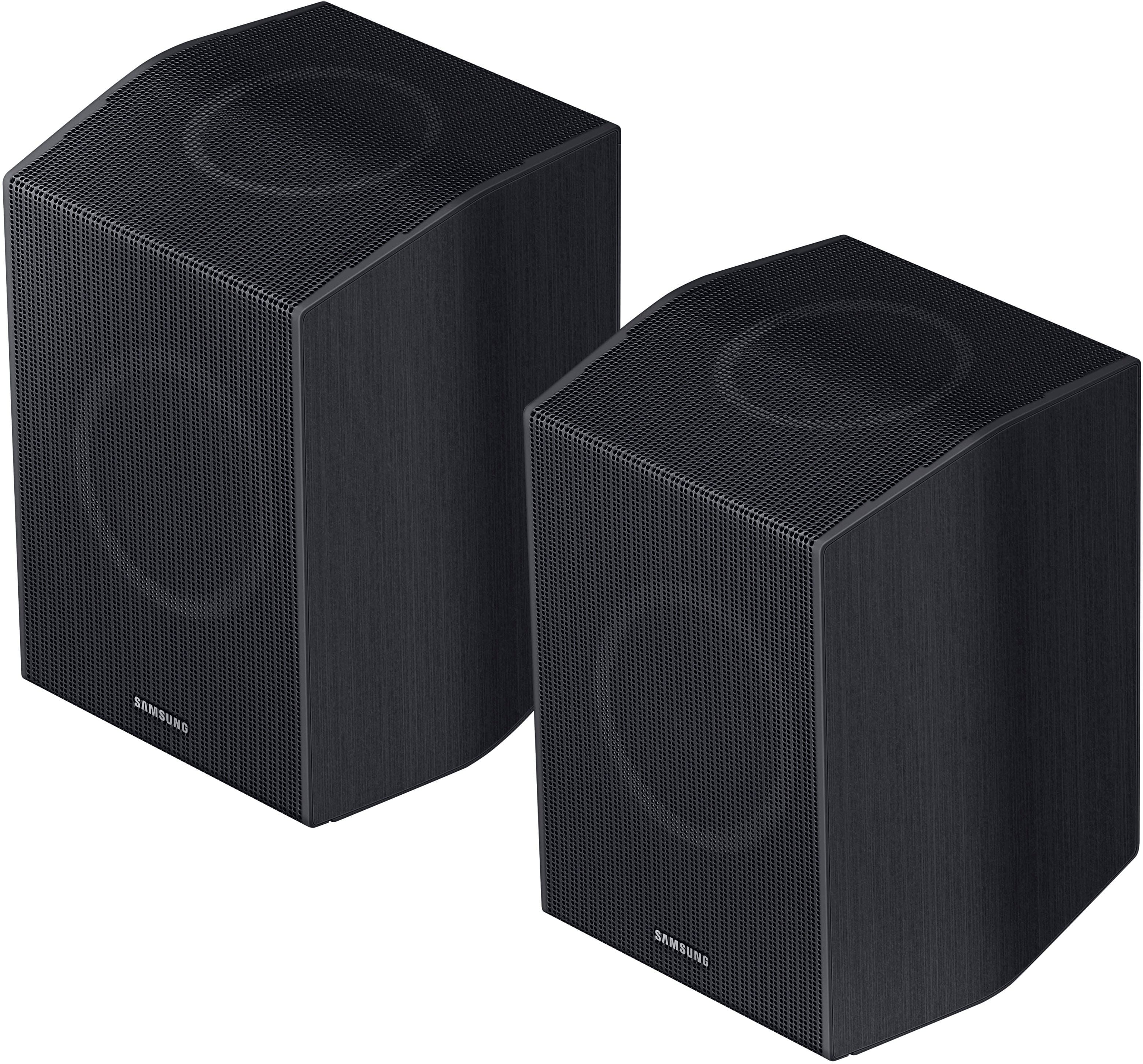
||Posted . Owned for 1 month when reviewed.This reviewer received promo considerations or sweepstakes entry for writing a review.This thing rocks! Definitely a top of the line sound system. The rear speakers are on the big side is the only con i can see.
I would recommend this to a friendSamsung sound bar
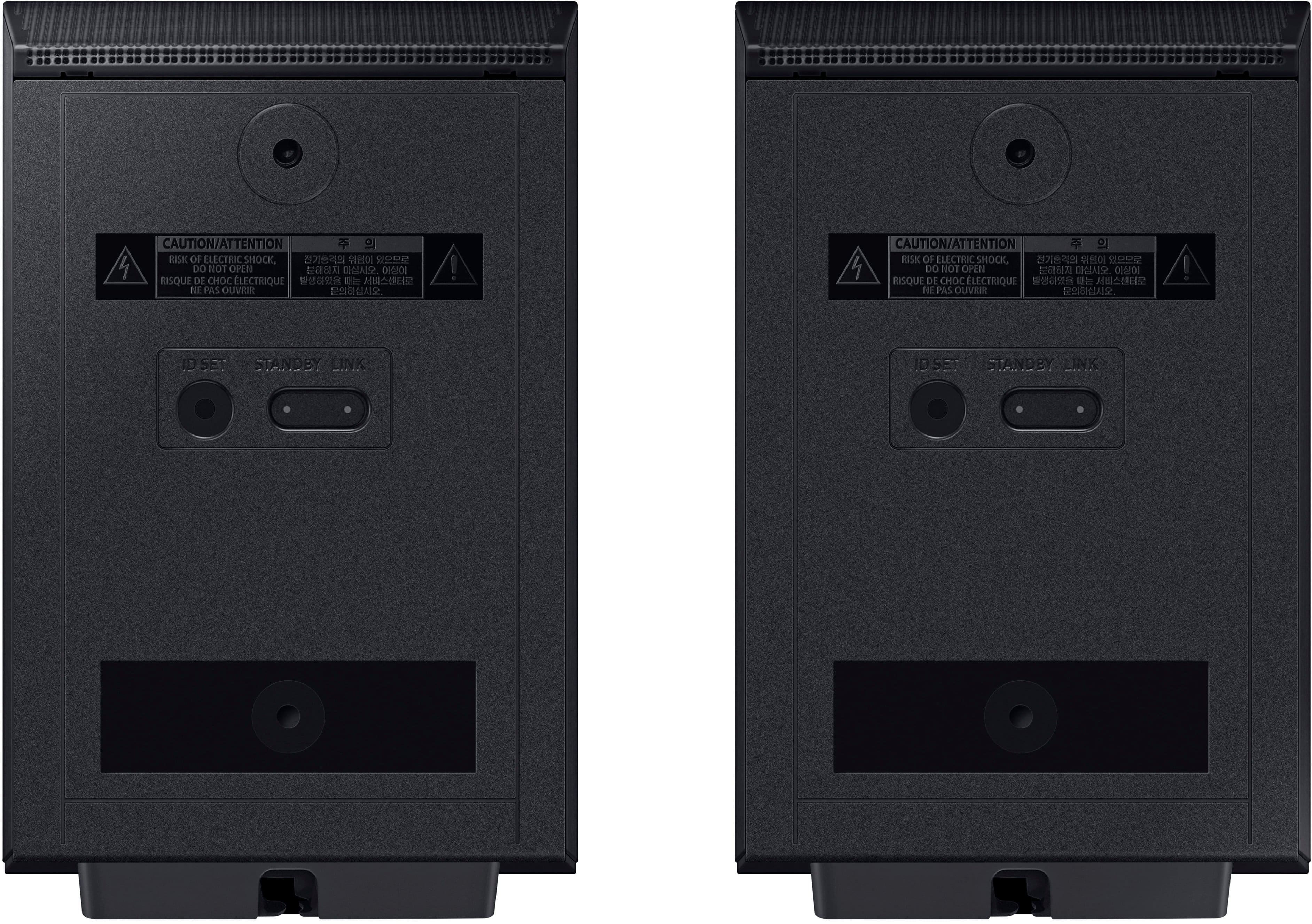
||Posted . Owned for less than 1 week when reviewed.This reviewer received promo considerations or sweepstakes entry for writing a review.Awesome sound bar has true wireless speakers and doesn’t require a little box to plug into rear speakers.
I would recommend this to a friendTV sound
||Posted . Owned for 2 weeks when reviewed.This reviewer received promo considerations or sweepstakes entry for writing a review.Very good service Very good product Excellent customer service
I would recommend this to a friendGreat soundbar
||Posted . Owned for 1 week when reviewed.This reviewer received promo considerations or sweepstakes entry for writing a review.The soundbar is great with movies but lacks while playing video games. The price is little to high my Q80R is way better than this. It’s very small compared to the Q80R. Rear speakers should put a bit more sound output to them. Gotta turn it up to even get good sound outta it. And the sub reallly lacks with bass playing games. Speakers on the sound bar are small. I wouldn’t pay over 1k for this. Like I said earlier the Q80R performs much better than this one and doesn’t need the rear surround speakers.
I would recommend this to a friendBrand response from Samsung
Posted .Hello Agent007,
Thank you for taking a moment to review the Samsung HW-Q930D Soundbar.
You can manually optimize your audio experience by pressing the SOUND CONTROL button (which looks like a gear), you can set the audio functions such as Auto EQ, Spacefit sound, AVA, Voice Enhance mode, Night mode, Sync, Surround speaker mode, Virtual. The desired item can be adjusted using the Up/Down buttons.
Alternatively, you can press and hold the SOUND CONTROL button for about 5 seconds to adjust the sound for each frequency band. 150Hz, 300Hz, 600Hz, 1.2kHz, 2.5kHz, 5kHz, and 10kHz are selectable using the Left/Right buttons and each can be adjusted to a setting between -6 to +6 using the Up/Down buttons.
You can try quickly optimizing the audio by pressing the SOUND MODE button on your remote, and then select the desired sound effect by choosing STANDARD, SURROUND SOUND, GAME, or ADAPTIVE SOUND.
To control the volume of each speaker, press the CH LEVEL button on the provided remote. Then select CENTER LEVEL, SIDE LEVEL, WIDE LEVEL, FRONT TOP LEVEL, REAR LEVEL, or REAR TOP LEVEL. Once you find the channel you are looking for, adjust the volume between -6 to +6 by using the Up/Down buttons.
There are multiple ways to control the bass levels for your new Soundbar.
1) Using the WOOFER button on the provided Soundbar remote. Use the woofer button by pushing forward or pulling backward on the button itself to adjust the bass levels between -12 or -6/+6. If you want to reset the bass to 0 then push the button in.
2) When you press the TONE CONTROL button, you can adjust the treble or bass levels between -6/+6.
Alternatively, you can adjust all of these same settings and more within the SmartThings app. Download the app for your iOS or Android device and then connect your Soundbar to Wi-Fi. From here, you will be able to adjust all of the same settings as the provided remote, but with the added benefit of being able to see the changes on your smart device.
If you need more help, Samsung is here for you. Please call us at 1-800-SAMSUNG, 8AM - 12AM EST (Ask for Soundbars), 7 days a week. Our Live Chat agents are also available by clicking on the ‘Support’ link on our website.
~ Samsung Solutions
Mr C
||Posted . Owned for 1 month when reviewed.This reviewer received promo considerations or sweepstakes entry for writing a review.I like product. Would like it better if setup process better.
I would recommend this to a friendA Better Deal Then This!!
||Posted . Owned for 1 month when reviewed.This reviewer received promo considerations or sweepstakes entry for writing a review.I ended up returning this sound bar after I ordered it, along with my new Samsung QLED 75" TV. It was supposed to be delivered with the TV but I cancelled it before it was sent. I was able to purchase the Samsung Q990D soundbar direct from Samsung for $1100 and picked it up at Best Buy, which was a WAY better deal.I'll see how this soundbar works once I mount the TV on the wall!
No, I would not recommend this to a friendBrand response from Samsung
Posted .Hi JoeM,
Thank you for sharing your review of the Samsung HW-Q930D Soundbar and for sharing your experience with this soundbar, detailing the reasons you have decided to replace it with the HW-Q990D Soundbar. Thank you for being a loyal Samsung customer.
Your feedback regarding this model is important to us and will be shared with our internal teams.
Should you have questions or need assistance with settings, setup, or features, with your new Samsung soundbar, please know we are always here to help. Just give us a call at 1-800-SAMSUNG (Ask for Soundbars), 8AM - 12AM EST, 7 days a week. Our Live Chat agents are also available by clicking on the ‘Support’ link on our website.
~ Samsung Solutions
Amazing
||Posted . Owned for 1 month when reviewed.This reviewer received promo considerations or sweepstakes entry for writing a review.Awesome picture clarity and immersive watching experience!
I would recommend this to a friendThe absolute best!
||Posted . Owned for 1 week when reviewed.This reviewer received promo considerations or sweepstakes entry for writing a review.This literally makes my whole movie watching experience 10,000 times better!!
I would recommend this to a friend