Customer Ratings & Reviews







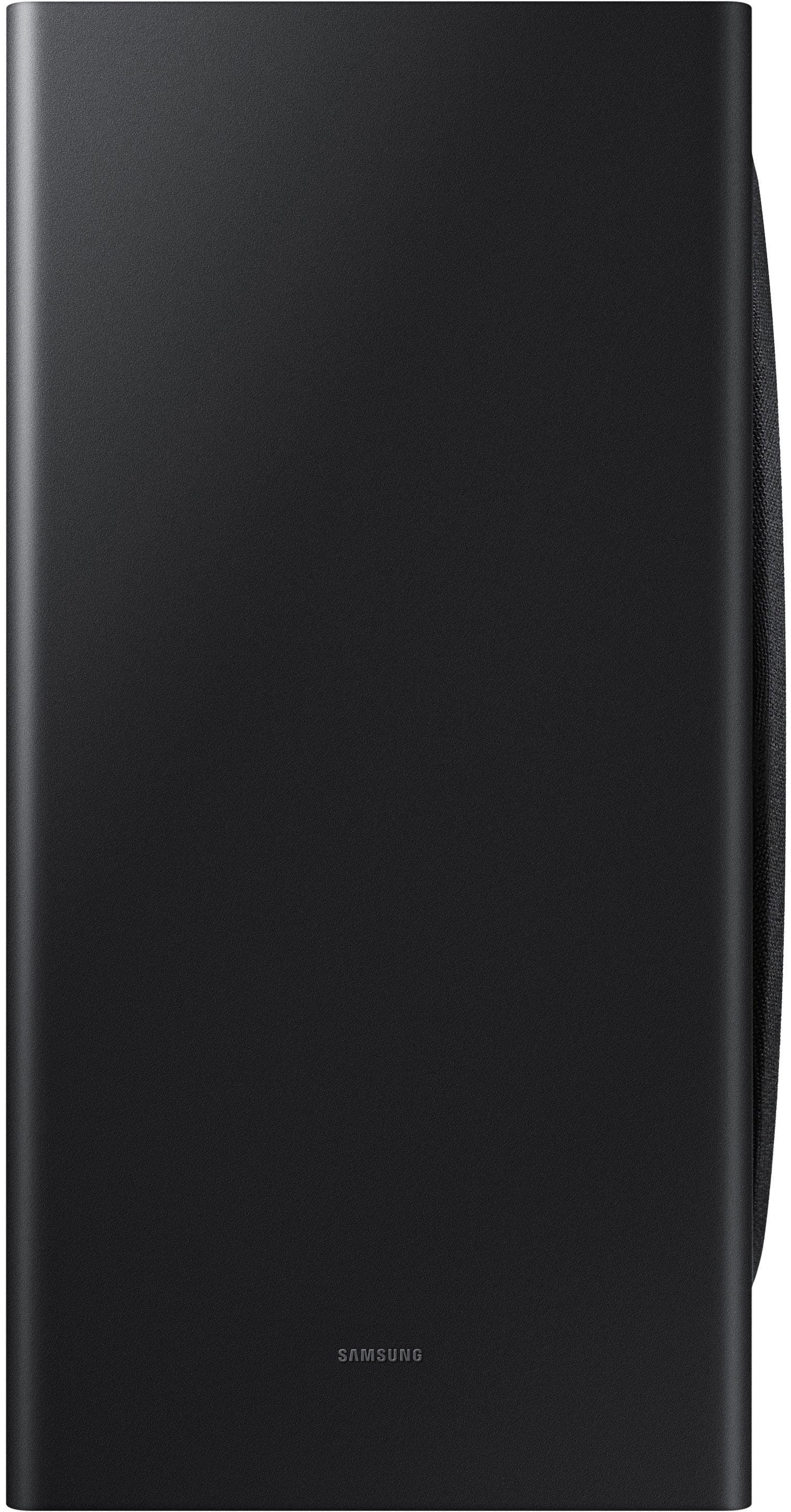
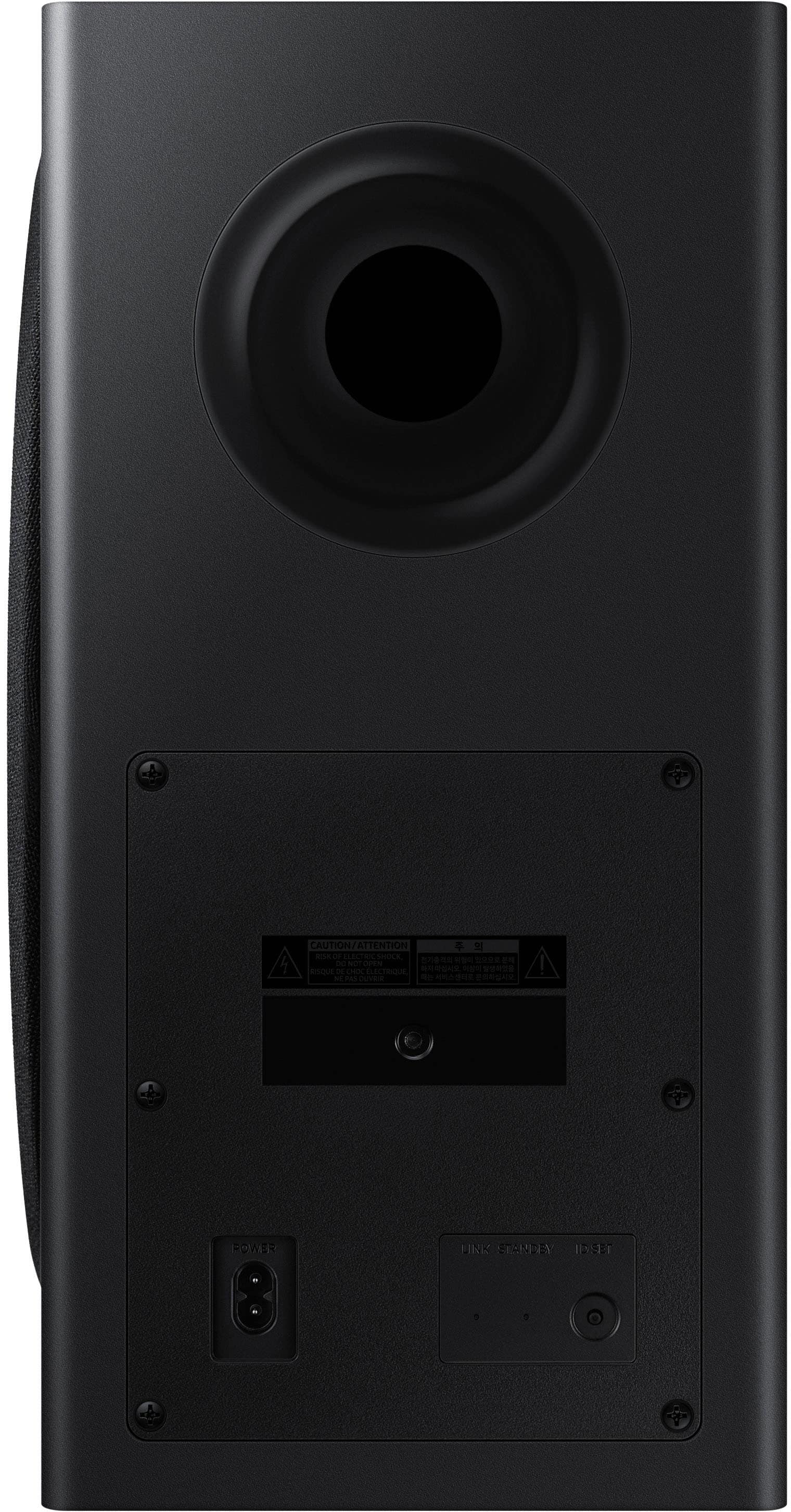
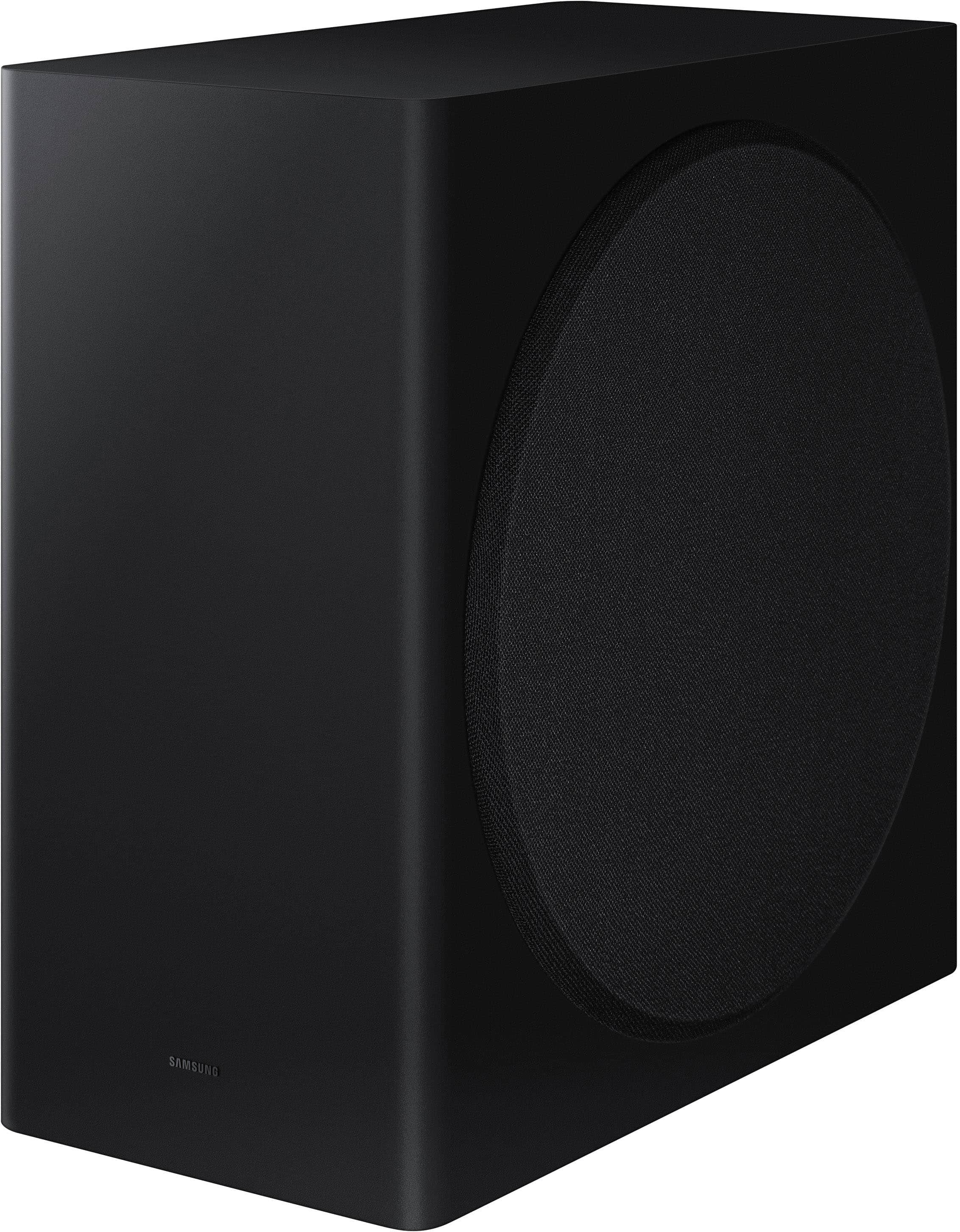
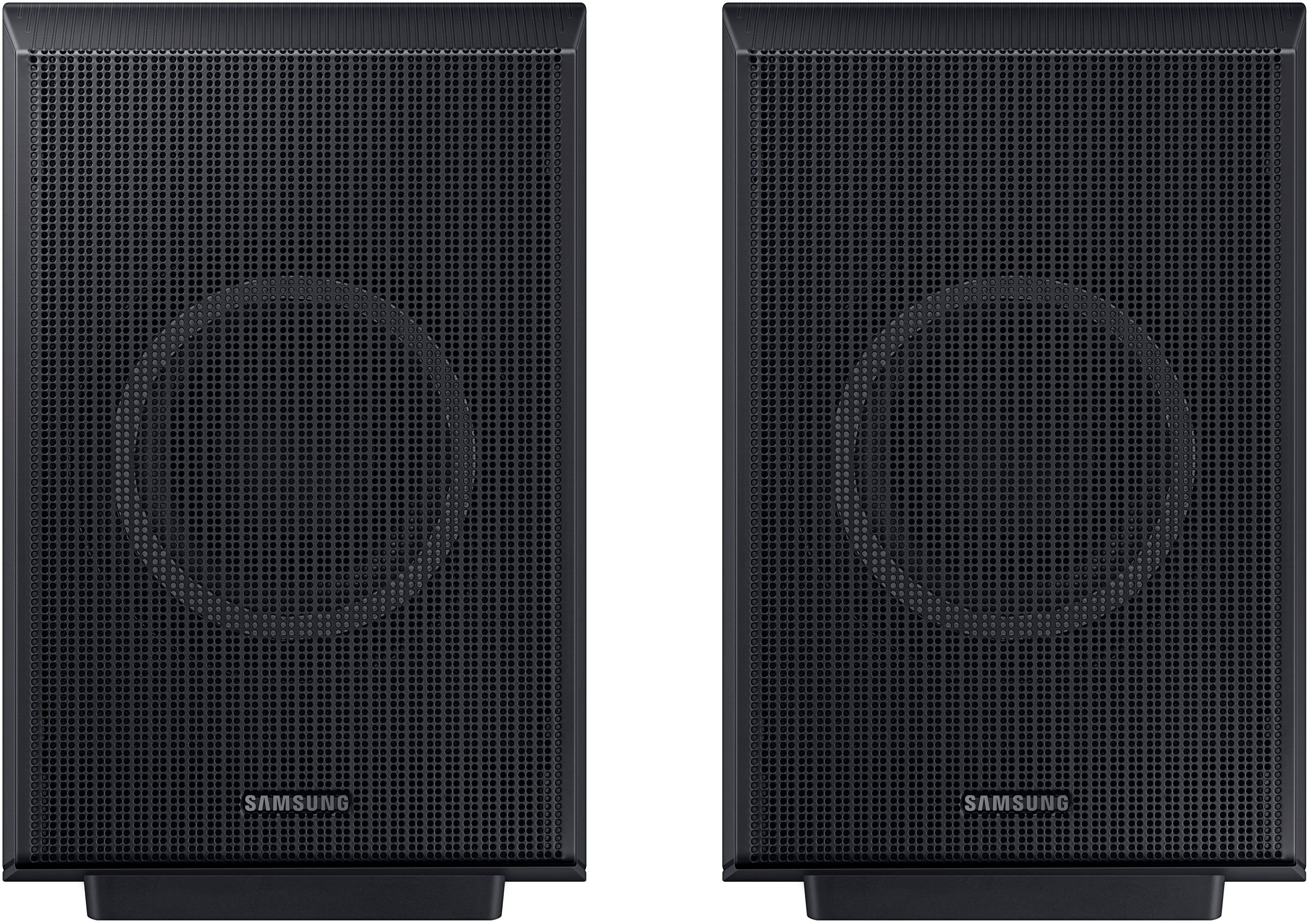


- Model:
- HW-Q930D/ZA
- SKU:
- 6570311
Rating by feature
- Value
Rating 4.6 out of 5 stars
- Quality
Rating 4.8 out of 5 stars
- Ease of Use
Rating 4.7 out of 5 stars
Customers are saying
Customers are pleased with the HW-Q930D/ZA soundbar's incredible sound quality and ease of use, including its simple setup. The wireless subwoofer and rear speakers contribute to the easy setup, while the bass is consistently described as low and rich. Wireless connectivity and Apple integration are also highly valued features.
This summary was generated by AI based on customer reviews.
Disappointed Customer Alert
||Posted . Owned for 6 months when reviewed.This reviewer received promo considerations or sweepstakes entry for writing a review.Updated review - I purchased this sound system approximately 6-months ago and out of nowhere it stopped working. The soundbar no longer produced sound and the setting was fixed on TV eARC. The soundbar no longer connected through Bluetooth and would not perform a hard reset, which was concerning. Thankfully, I purchased the extended warranty (i strongly recommended a warranty on all devices that cost more than $500); however I was redirected by Best Buy to contact Samsung as the soundbar was still in the timeframe of the factory warranty. Less than a year and Im dealing with repair tickets vs. enjoying the $1k sound system I purchased. Ugh Wish me luck - on to Samsung I go! Disappointed customer alert.
No, I would not recommend this to a friendBrand response from Samsung
Posted .Hello GuessKP,
Thank you for taking a moment to review the Samsung HW-Q930D Soundbar. Samsung is committed to providing quality products and customer support, and we recognize the importance of resolving concerns like these. If you haven’t already done so, we encourage you to contact our support team.
At your earliest convenience, please reach out to Samsung Customer Support at 1-800-SAMSUNG (Ask for Soundbars), 8 AM – 12 AM EST, 7 days a week. Our Live Chat agents are also available by clicking on the ‘Support’ link on our website.
~ Samsung Solutions
Sound bar
||Posted . Owned for 1 week when reviewed.This reviewer received promo considerations or sweepstakes entry for writing a review.Outstanding system and quality… great services from sale representative
I would recommend this to a friendSamsung Soundbar
||Posted . Owned for 2 weeks when reviewed.This reviewer received promo considerations or sweepstakes entry for writing a review.Unit works great, quality material would recommend to others!
I would recommend this to a friendSamsung sound system
||Posted . Owned for 1 week when reviewed.This reviewer received promo considerations or sweepstakes entry for writing a review.It works great. I really really really like it very much.
I would recommend this to a friend- Pros mentioned:Sound quality
Don’t hire Geek Squad
||Posted . Owned for 1 month when reviewed.This reviewer received promo considerations or sweepstakes entry for writing a review.As far as the sound system goes, it’s great quality, but I wouldn’t hire Geek Squad to assemble it. Called numerous times throughout the day, even got an attitude from a representative. They were persistent that they were going to come in sometime throughout the day and never did. Called to reschedule, and filed multiple complaints was told I was going to receive compensation but never did. Resulting in us missing the World Series. As a My Best Buy Plus Member, I was disappointed with my purchases.
I would recommend this to a friendBrand response from Samsung
Posted .RobertY,
Please know you are leaving a review and 1-star rating for the HW-Q930D Soundbar, but we are sorry to hear of your Best Buy experience, nonetheless. You may want to consider providing feedback directly to the Best Buy store where you made your purchase.
Should you have questions on the HW-Q930D itself, Samsung is here for you. You can reach us at 1-800-SAMSUNG, 8AM - 12AM EST, 7 days a week. Our LiveChat agents are also available by clicking on the ‘Support’ link on our website.
~ Samsung Solutions
Surround System
||Posted . Owned for 3 weeks when reviewed.This reviewer received promo considerations or sweepstakes entry for writing a review.Great service from Best Buy, and a fantastic sound system.
I would recommend this to a friendNew TV
||Posted . Owned for 1 week when reviewed.This reviewer received promo considerations or sweepstakes entry for writing a review.Customer service in store and setup at my home was great
I would recommend this to a friendGood Value, subpar quality
||Posted . Owned for 1 month when reviewed.This reviewer received promo considerations or sweepstakes entry for writing a review.Overall, it was a great value however, the quality just did not add up. It was tough to sync with Q symphony and when it worked the sound just honestly never packed that punch that I was used to with other sound bars.
No, I would not recommend this to a friendBrand response from Samsung
Posted .Hello DomB,
Thank you for taking a moment to review the Samsung HW-Q930D Soundbar.
You can manually optimize your audio experience by pressing the SOUND CONTROL button (which looks like a gear), you can set the audio function such as Auto EQ, Spacefit sound, AVA, Voice Enhance mode, Night mode, Sync, Surround speaker mode, Virtual. The desired item can be adjusted using the Up/Down buttons.
Alternatively, you can press and hold the SOUND CONTROL button for about 5 seconds to adjust the sound for each frequency band. 150Hz, 300Hz, 600Hz, 1.2kHz, 2.5kHz, 5kHz, and 10kHz are selectable using the Left/Right buttons and each can be adjusted to a setting between -6 to +6 using the Up/Down buttons.
You can try quickly optimizing the audio by pressing the SOUND MODE button on your remote, and then select the desired sound effect by choosing STANDARD, SURROUND SOUND, GAME, or ADAPTIVE SOUND.
To control the volume of each speaker, press the CH LEVEL button on the provided remote. Then select CENTER LEVEL, SIDE LEVEL, WIDE LEVEL, FRONT TOP LEVEL, REAR LEVEL, or REAR TOP LEVEL. Once you find the channel you are looking for, adjust the volume between -6 to +6 by using the Up/Down buttons.
There are multiple ways to control the bass levels for your new Soundbar.
1) Using the WOOFER button on the provided Soundbar remote. Use the woofer button by pushing forward or pulling backward on the button itself to adjust the bass levels between -12 or -6/+6. If you want to reset the bass to 0 then push the button in.
2) When you press the TONE CONTROL button, you can adjust the treble or bass levels between -6/+6.
Alternatively, you can adjust all of these same settings and more within the SmartThings app. Download the app for your iOS or Android device and then connect your Soundbar to Wi-Fi. From here, you will be able to adjust all of the same settings as the provided remote, but with the added benefit of being able to see the changes on your smart device.
I hope this tip helps improve your enjoyment. For more help, please call us at 1-800-SAMSUNG (Ask for Soundbars), 8 AM – 12 AM EST, 7 days a week. Live Chat with an agent as well as manuals, software, and warranty info can be found at the ‘Support’ link on our Samsung website.
~ Samsung Solutions
DO NOT BUY "Open-Box"
||Posted . Owned for 1 week when reviewed.This reviewer received promo considerations or sweepstakes entry for writing a review.DO NOT BUY OPEN BOX. I purchased this item open-box "Excellent" and it came without the remote. The remote is needed to pair the subwoofer and rear speakers, so essentially I cannot use this product. There was a note in the box saying that the remote was missing, so BestBuy knowingly shipped this item without the remote despite it being listed as "Excellent". I have tried to contact BestBuy but they tell me my only option is to go to a store (which is not close) in hopes that they have an extra remote.
No, I would not recommend this to a friendBrand response from Samsung
Posted .MiRo,
Please know you are leaving a review and 1-star rating for the HW-Q930D, but we are sorry to hear of your Best Buy experience, nonetheless. You may want to consider providing feedback directly to the Best Buy store where you made your purchase.
Should you have questions on the HW-Q930D itself, Samsung is here for you. You can reach us at 1-800-SAMSUNG, 8AM - 12AM EST, 7 days a week. Our LiveChat agents are also available by clicking on the ‘Support’ link on our website.
~ Samsung Solutions
Not working well at all.
||Posted . Owned for 2 months when reviewed.This reviewer received promo considerations or sweepstakes entry for writing a review.Doesn't work well. Doesn't put out sound when TV first turned on. Have to power off the soundbar and wait 30 to 60 minutes. Then the soundbar will work.
No, I would not recommend this to a friendBrand response from Samsung
Posted .MerylN,
Thank you for taking a moment to review the Samsung HW-Q930D Soundbar.
If your device is connected, but you are not hearing any sound, first make sure that the Mute function is off, and that the volume is not set to minimum.
You will also want to verify that your TV is set to use external speakers & that your soundbar is set to the correct source.
So we can better understand the problems you are experiencing and provide you with troubleshooting assistance or warranty service, please contact Samsung Customer Support. Call us at 1-800-SAMSUNG, 8AM - 12AM EST (Ask for Soundbars), 7 days a week. Our Live Chat agents are also available by clicking on the ‘Support’ link on our website.
~ Samsung Solutions
Its loud
||Posted . Owned for 1 month when reviewed.This reviewer received promo considerations or sweepstakes entry for writing a review.Nit really sure on the overall rating but i picked a 3 and the only reasin is i can not get 1 of the back speakers to connect...i will change to a 5 when i figure how to do it.
I would recommend this to a friendBrand response from Samsung
Posted .Scottstevens,
Thank you for taking a moment to review the HW-Q930D Soundbar.
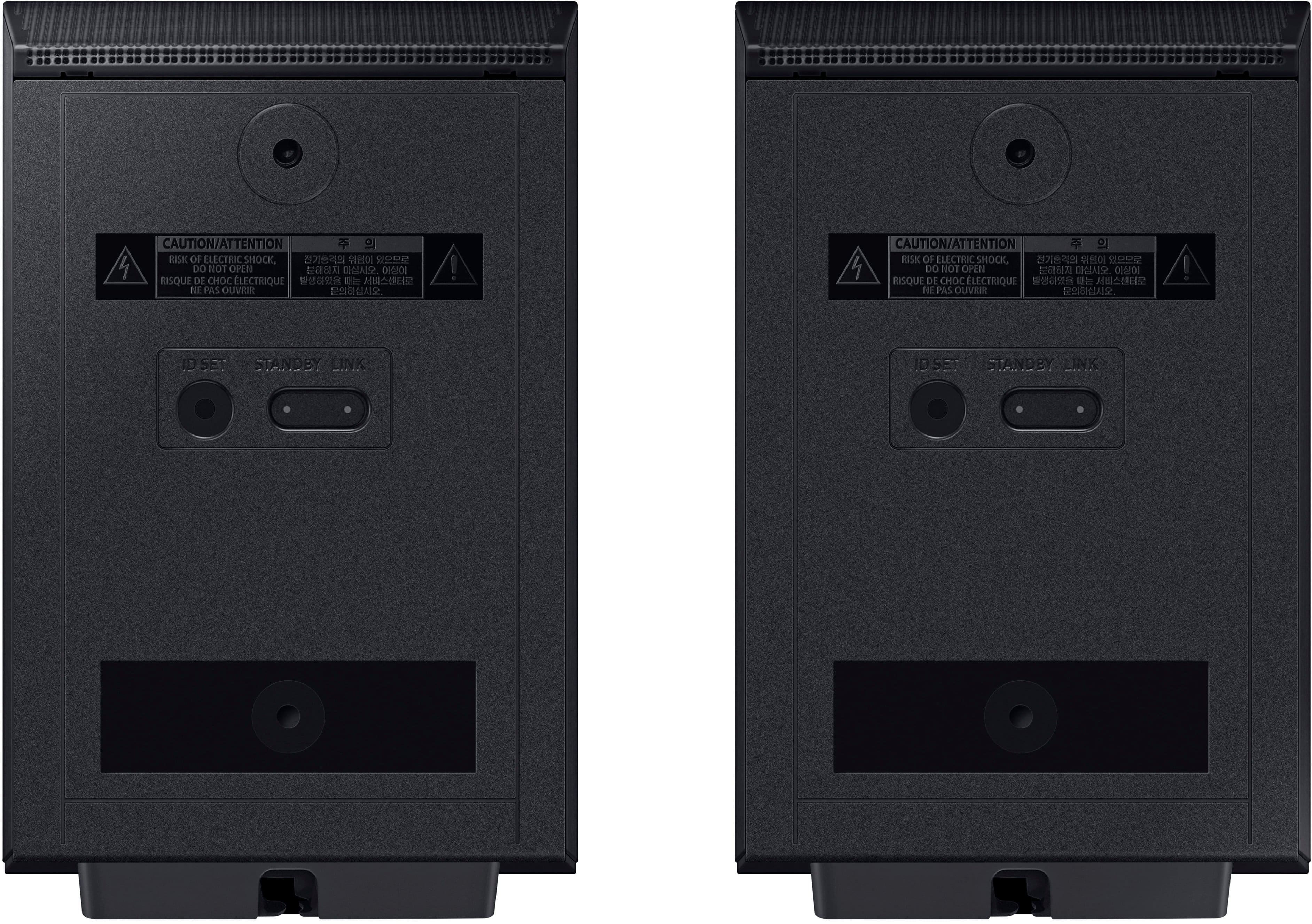
If the auto-connection process to the rear speakers was unsuccessful, you can manually pair the rear speakers to the soundbar. Press the ID SET button on the back of the Left Rear Speaker with a pen tip for 5~6 second or until the LINK LED indicator blinks fast (in Blue).
Next, with the soundbar powered OFF, press and hold the UP button on the remote control until ID SET message appears on the Soundbar’s Display. If the Soundbar does not have a display window then the LEDs will blink RED – Green – Blue (in that order) The LINK LED indicator stops blinking on the left rear speaker and glows a solid blue when a connection is established between the Soundbar and the Wireless Rear Speakers.
I hope these tips help resolve the issues you are experiencing. If you would like additional assistance with the setup of your rear speakers, please contact Samsung Customer Support at 1-800-SAMSUNG, 8AM - 12AM EST (Ask for Soundbars), 7 days a week. Our Live Chat agents are also available by clicking on the ‘Support’ link on our website.
~ Samsung Solutions
- Pros mentioned:Bass, Setup, Sound quality

Amazing Atmos Sound and Super Easy Setup!
|Posted .This reviewer received promo considerations or sweepstakes entry for writing a review.First off, setup was unbelievably easy. Just plug in the power cords for each component, plug in the HDMI cable into the ARC port, and you're off listening to fantastic sound immediately. Adding the system to the Smart Things app was simple as well (more on that app later). I have been very impressed the with Q-Symphony sound so far. The fact that is syncs with my Samsung S90C Oled TV is awesome and contributes to the sound more than I though it would. I would highly recommend using Q-Symphony if you have a compatible TV. The only downside to the Q-Symphony mode is that you cannot adjust the rear speaker levels when it is activated, and at times the surround sound from the rear speakers seems a little low. I would like to be able to adjust them in any mode. Maybe I'm missing a hidden setting in the SmartThings app. I don't know. Sound from movies, shows and especially Dolby Atmos content is incredible. Bass is low, loud, and rich, and voices are clear, even with our vaulted ceilings. I do not use the Active Voice Amplifier setting as it washes out the background too much for my liking, but I do have the Voice Enhancement setting active and it works well without affecting the rest of the sound. I also have SpaceFit Sound active and I really can't tell if it helps or not as I've had it active from the start. I suppose that since the sound is so fantastic then it must be doing something. So for the SmartThings app, it has lost connection with both my TV and the soundbar twice now and it takes a bit to remove and add the devices back. So the actual app is quite annoying. Hopefully it will stay connected to both devices now because adjusting the soundbar settings using the remote is cumbersome. Overall I'm very please with the sound, the Q-Symphony mode, Atmos content, music, and just about everything with this system. I'd highly recommend it.
I would recommend this to a friend No WOW Factor
||Posted . Owned for 3 weeks when reviewed.This reviewer received promo considerations or sweepstakes entry for writing a review.Returned the system a week later. NO WOW factor, little to no sound from the subwoofer or rear speakers. Best Buy wasn't much help, unless I spent money to have the Geek Squad come out. I don't agree with "user error" since I put my 9-year-old, Samsung HW-K950 back in and it works fine. The Q-Symphony feature was nice.
No, I would not recommend this to a friendBrand response from Samsung
Posted .Hello CLee,
We appreciate you taking a moment to provide feedback regarding the Samsung HW-Q930D Soundbar and for sharing the issues that have caused you to return your unit. Your experience is very important to us and will be shared with our product team.
It is possible that your unit needed minor troubleshooting, a firmware update, or adjustments in settings.
You can manually optimize your audio experience by pressing the SOUND CONTROL button (which looks like a gear), you can set the audio function such as Auto EQ, Spacefit sound, AVA, Voice Enhance mode, Night mode, Sync, Surround speaker mode, Virtual. The desired item can be adjusted using the Up/Down buttons.
Alternatively, you can press and hold the SOUND CONTROL button for about 5 seconds to adjust the sound for each frequency band. 150Hz, 300Hz, 600Hz, 1.2kHz, 2.5kHz, 5kHz, and 10kHz are selectable using the Left/Right buttons and each can be adjusted to a setting between -6 to +6 using the Up/Down buttons.
You can try quickly optimizing the audio by pressing the SOUND MODE button on your remote, and then select the desired sound effect by choosing STANDARD, SURROUND SOUND, GAME, or ADAPTIVE SOUND.
To control the volume of each speaker, press the CH LEVEL button on the provided remote. Then select CENTER LEVEL, SIDE LEVEL, WIDE LEVEL, FRONT TOP LEVEL, REAR LEVEL, or REAR TOP LEVEL. Once you find the channel you are looking for, adjust the volume between -6 to +6 by using the Up/Down buttons.
There are multiple ways to control the bass levels for your new Soundbar.
1) Using the WOOFER button on the provided Soundbar remote. Use the woofer button by pushing forward or pulling backward on the button itself to adjust the bass levels between -12 or -6/+6. If you want to reset the bass to 0 then push the button in.
2) When you press the TONE CONTROL button, you can adjust the treble or bass levels between -6/+6.
Alternatively, you can adjust all of these same settings and more within the SmartThings app. Download the app for your iOS or Android device and then connect your Soundbar to Wi-Fi. From here, you will be able to adjust all of the same settings as the provided remote, but with the added benefit of being able to see the changes on your smart device.
Should you ever decide to give Samsung Soundbars another try and have questions or need assistance with settings, setup, or features, please know we are always here to help.
Call us at 1-800-SAMSUNG (ask for Soundbars), available 8 AM – 12 AM EST, 7 days a week.
~ Samsung Solutions
Its ok
||Posted . Owned for 2 weeks when reviewed.This reviewer received promo considerations or sweepstakes entry for writing a review.Its good but over priced for what you get. Supports all audio formats but the sound stage is average and lacks pop for music listening.
No, I would not recommend this to a friendBrand response from Samsung
Posted .Hello Jbreeding412,
Thank you for taking a moment to review the Samsung HW-Q930D Soundbar.
You can manually optimize your audio experience by pressing the SOUND CONTROL button (which looks like a gear), you can set the audio function such as Auto EQ, Spacefit sound, AVA, Voice Enhance mode, Night mode, Sync, Surround speaker mode, Virtual. The desired item can be adjusted using the Up/Down buttons.
Alternatively, you can press and hold the SOUND CONTROL button for about 5 seconds to adjust the sound for each frequency band. 150Hz, 300Hz, 600Hz, 1.2kHz, 2.5kHz, 5kHz, and 10kHz are selectable using the Left/Right buttons and each can be adjusted to a setting between -6 to +6 using the Up/Down buttons.
You can try quickly optimizing the audio by pressing the SOUND MODE button on your remote, and then select the desired sound effect by choosing STANDARD, SURROUND SOUND, GAME, or ADAPTIVE SOUND.
To control the volume of each speaker, press the CH LEVEL button on the provided remote. Then select CENTER LEVEL, SIDE LEVEL, WIDE LEVEL, FRONT TOP LEVEL, REAR LEVEL, or REAR TOP LEVEL. Once you find the channel you are looking for, adjust the volume between -6 to +6 by using the Up/Down buttons.
There are multiple ways to control the bass levels for your new Soundbar.
1) Using the WOOFER button on the provided Soundbar remote. Use the woofer button by pushing forward or pulling backward on the button itself to adjust the bass levels between -12 or -6/+6. If you want to reset the bass to 0 then push the button in.
2) When you press the TONE CONTROL button, you can adjust the treble or bass levels between -6/+6.
Alternatively, you can adjust all of these same settings and more within the SmartThings app. Download the app for your iOS or Android device and then connect your Soundbar to Wi-Fi. From here, you will be able to adjust all of the same settings as the provided remote, but with the added benefit of being able to see the changes on your smart device.
I hope these tips help you enjoy your new product.
You can always contact us for further help at 1-800-SAMSUNG (Ask for Soundbars), 8 AM – 12 AM EST, 7 days a week. Our Live Chat agents are also available by clicking on the ‘Support’ link on our website.
~ Samsung Solutions
Never buy from best buy again !!!
||Posted . Owned for less than 1 week when reviewed.This reviewer received promo considerations or sweepstakes entry for writing a review.I chatted with a best buy rep who told me rear speaker wall brackets were included and also included was 18 foot long speaker power cords so i bought it. When i got home and got rid of old sound bar and went to connect rear speakers, there was no brackets and power cords included were 5 feet long which didnt allow for speakers to be installed and cords reach the outlet. When i called geek squad and customer service i was first told a manager would call me. After 2 days and no response i called again and was told i could return the product for a refund and no attempt to rectify the situation or even apologize for their own reps misrepresentations or lies.
No, I would not recommend this to a friendBrand response from Samsung
Posted .Hello siggy6,
Please know you are leaving a review and 1-star rating for the HW-Q930D, but we are sorry to hear of your Best Buy experience, nonetheless. You may want to consider providing feedback directly to the Best Buy store where you made your purchase.
Should you have questions on the HW-Q930D itself, Samsung is here for you. You can reach us at 1-800-SAMSUNG, 8AM - 12AM EST, 7 days a week. Our LiveChat agents are also available by clicking on the ‘Support’ link on our website.
~ Samsung Solutions
LT
||Posted . Owned for 3 weeks when reviewed.This reviewer received promo considerations or sweepstakes entry for writing a review.Nothing but a problem. Would stay working, always saying mute, not available. Called multiple times with no solution, was finally told there was a software issue. I will be returning & getting a different brand. Not a happy customer.
No, I would not recommend this to a friendBrand response from Samsung
Posted .Hi LJT4,
It’s unfortunate to hear of the issues you’re experiencing with your HW-Q930D Soundbar, and we greatly appreciate your patience while waiting for your unit to be repaired. Should you have any questions after your service is complete, Samsung is here for you. Call us at 1-800-SAMSUNG (Ask for Soundbars), 8 AM – 12 AM EST, 7 days a week. Live Chat with an agent as well as manuals, software, and warranty info can be found at the ‘Support’ link on our Samsung website.
~ Samsung Solutions
Garbage
||Posted . Owned for 7 months when reviewed.This reviewer received promo considerations or sweepstakes entry for writing a review.Crackle sound wont work with a blue ray player or dvd music. I waited to long to take it back now i am suck with a door stop
No, I would not recommend this to a friendBrand response from Samsung
Posted .Hi RandyT,
Thank you for taking a moment to review the Samsung HW-Q930D Soundbar.
You can manually optimize your audio experience by pressing the SOUND CONTROL button (which looks like a gear), you can set the audio function such as Auto EQ, Spacefit sound, AVA, Voice Enhance mode, Night mode, Sync, Surround speaker mode, Virtual. The desired item can be adjusted using the Up/Down buttons.
Alternatively, you can press and hold the SOUND CONTROL button for about 5 seconds to adjust the sound for each frequency band. 150Hz, 300Hz, 600Hz, 1.2kHz, 2.5kHz, 5kHz, and 10kHz are selectable using the Left/Right buttons and each can be adjusted to a setting between -6 to +6 using the Up/Down buttons.
You can try quickly optimizing the audio by pressing the SOUND MODE button on your remote, and then select the desired sound effect by choosing STANDARD, SURROUND SOUND, GAME, or ADAPTIVE SOUND.
To control the volume of each speaker, press the CH LEVEL button on the provided remote. Then select CENTER LEVEL, SIDE LEVEL, WIDE LEVEL, FRONT TOP LEVEL, REAR LEVEL, or REAR TOP LEVEL. Once you find the channel you are looking for, adjust the volume between -6 to +6 by using the Up/Down buttons.
There are multiple ways to control the bass levels for your new Soundbar.
1) Using the WOOFER button on the provided Soundbar remote. Use the woofer button by pushing forward or pulling backward on the button itself to adjust the bass levels between -12 or -6/+6. If you want to reset the bass to 0 then push the button in.
2) When you press the TONE CONTROL button, you can adjust the treble or bass levels between -6/+6.
Alternatively, you can adjust all of these same settings and more within the SmartThings app. Download the app for your iOS or Android device and then connect your Soundbar to Wi-Fi. From here, you will be able to adjust all of the same settings as the provided remote, but with the added benefit of being able to see the changes on your smart device.
If you need more help, Samsung is here for you. Please call us at 1-800-SAMSUNG, 8AM - 12AM EST (Ask for Soundbars), 7 days a week. Our Live Chat agents are also available by clicking on the ‘Support’ link on our website.
~ Samsung Solutions
Sound bar
||Posted . Owned for less than 1 week when reviewed.This reviewer received promo considerations or sweepstakes entry for writing a review.Wait too long to get help for what l need to buy lol stood around for ten. Minutes
No, I would not recommend this to a friendBrand response from Samsung
Posted .Hello Remy,
Please know you are leaving a review and 1-star rating for the HW-Q930D, but we are sorry to hear of your Best Buy experience, nonetheless. You may want to consider providing feedback directly to the Best Buy store where you made your purchase.
Should you have questions on the HW-Q930D itself, Samsung is here for you. You can reach us at 1-800-SAMSUNG, 8AM - 12AM EST, 7 days a week. Our LiveChat agents are also available by clicking on the ‘Support’ link on our website.
~ Samsung Solutions
xxxx
||Posted . Owned for 1 week when reviewed.This reviewer received promo considerations or sweepstakes entry for writing a review.Speaker bares doesn't work properly. Being replaced.
No, I would not recommend this to a friendBrand response from Samsung
Posted .Hi Poor,
I’m sorry to hear that your Samsung HW-Q930D Soundbar did not meet your expectations. This is not the quality we expect from our products.
Updating the firmware on your soundbar gives you all the benefits of the latest improvements. When the Soundbar is connected to the Internet, Auto Update allows software to update automatically even when the Soundbar is turned off. You can also update by using the SmartThings app.
If not connected to the internet, you can download it onto a USB device, and then upload it to your soundbar - no wireless connection required. Connect the USB drive that contains the update firmware to the SERVICE port of the Soundbar.
1.Go to the Samsung Electronics website (www.samsung.com) → click on the “Support” option in the upper left corner.
2.Click on “Manuals & Software” from the pop-up list > TVs & Home Theater > Home Theater > Select your model
2. Download the firmware file (USB type).
3. Unzip the file to create a folder with the file name.
4. Store the created folder in a USB and then connect it to the Soundbar.
5. A sequence of “UPDATE” > “BYE” > “ON” will appear on the display 3 times. This will take around 6 minutes.
- During update, do not turn it off or remove the USB.
- If “UPDATE” does not appear on the display window, remove the power cord from the Soundbar and then reconnect it.
- When the latest version is installed, no update is performed.
- Depending on the USB type, update may not be supported.
6. After the 3 cycles are complete, the Soundbar will restart and last source used will appear on the display for about 20 seconds and then it will go off (“UPDATE” > “BYE” > “ON”) 3 times “D.IN” > off
If your soundbar fails to update or is experiencing problems, please contact Samsung Customer Support at 1-800-SAMSUNG, 8AM - 12AM EST (Ask for Soundbars), 7 days a week. Our Live Chat agents are also available by clicking on the ‘Support’ link on our website.
~ Samsung Solutions
- Pros mentioned:Sound quality
Absolutely amazing soundbar
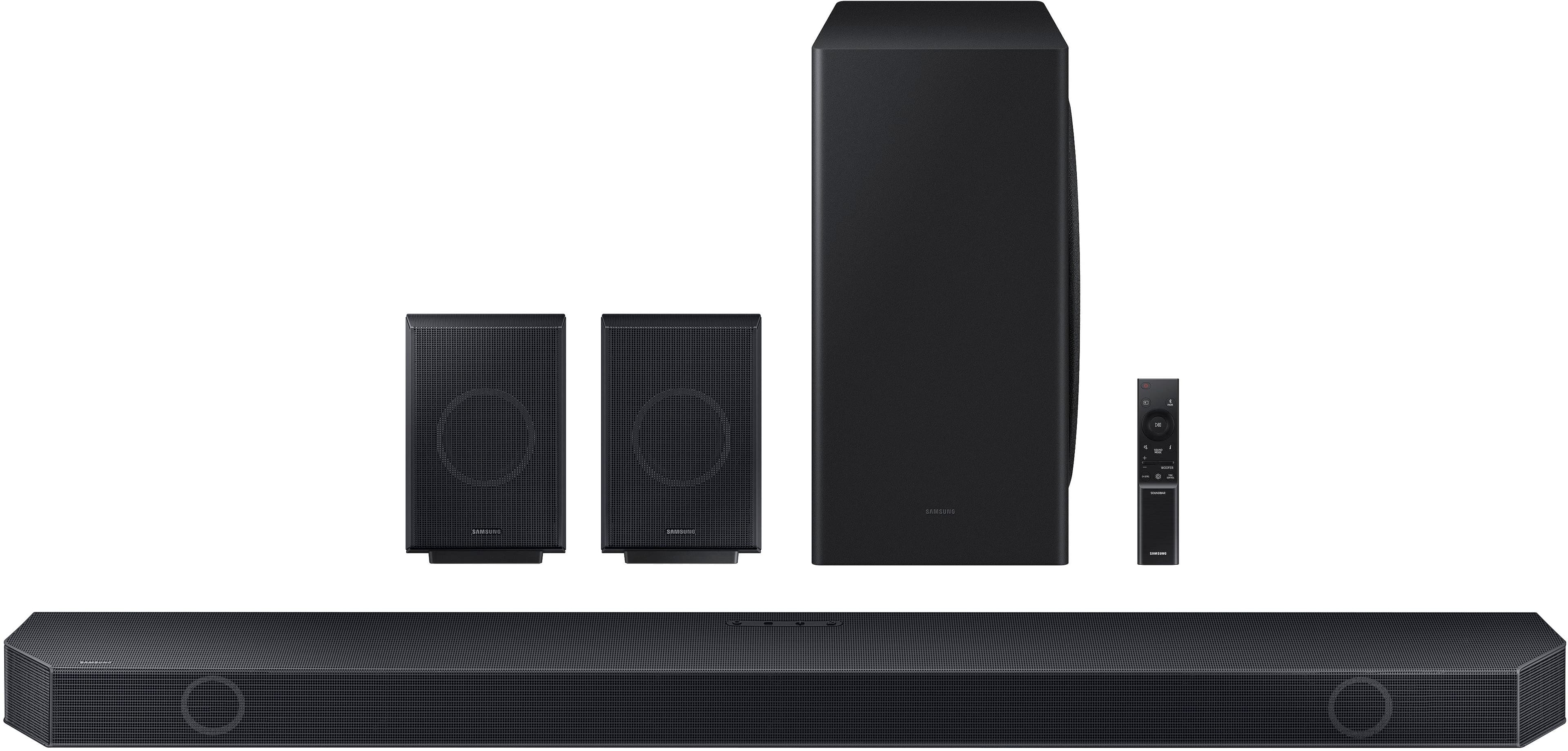
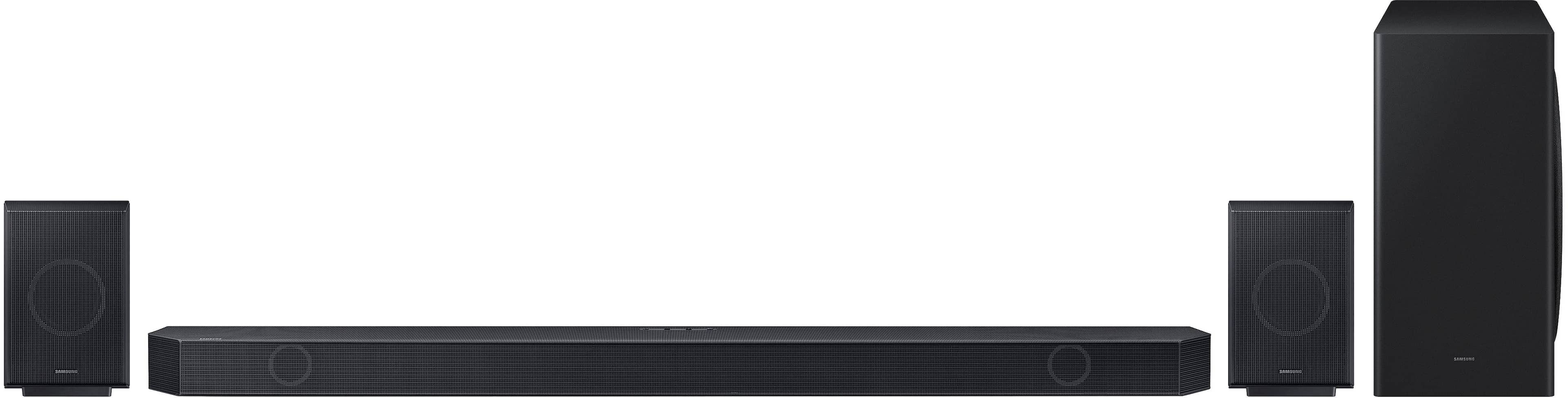
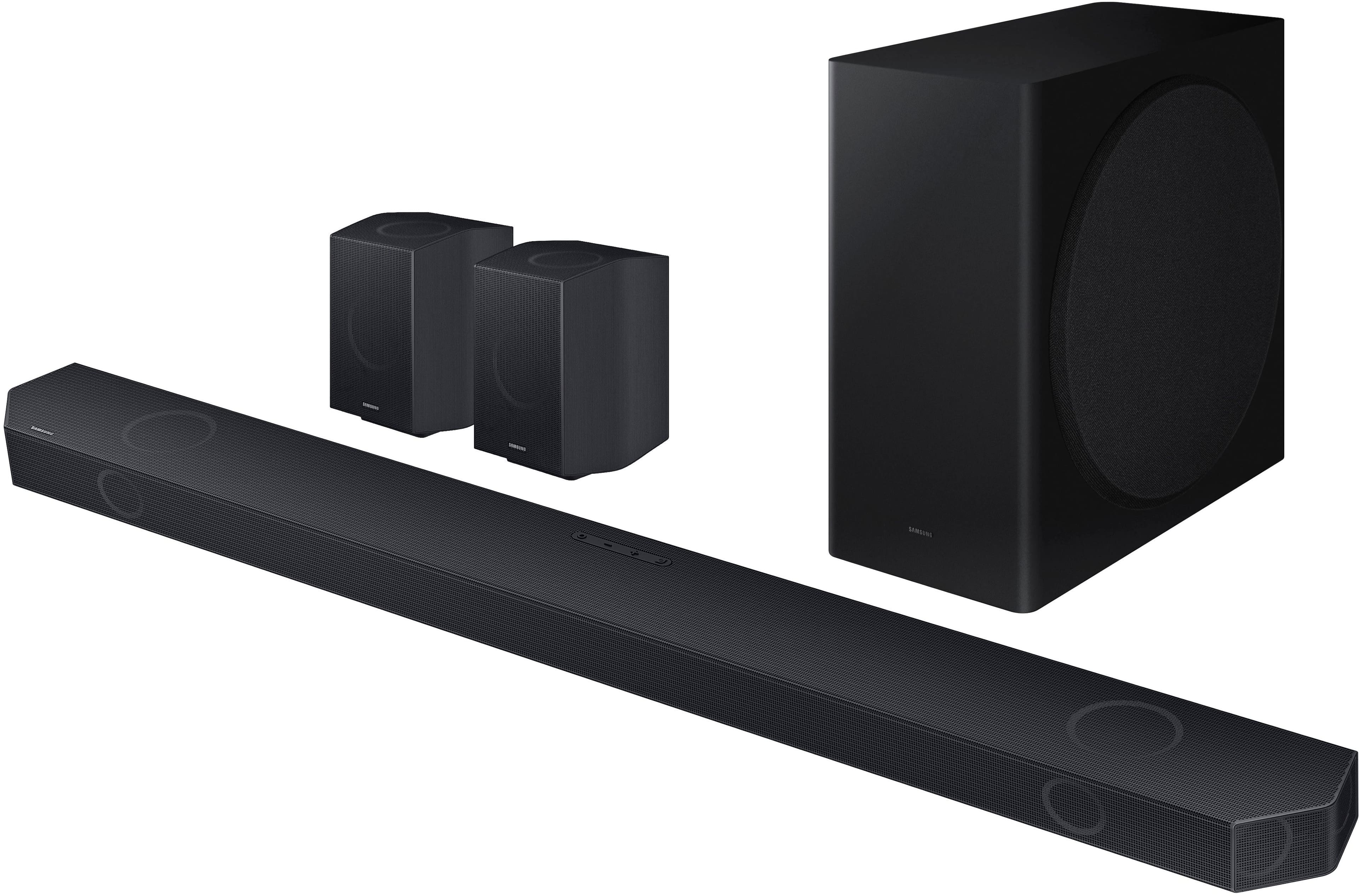
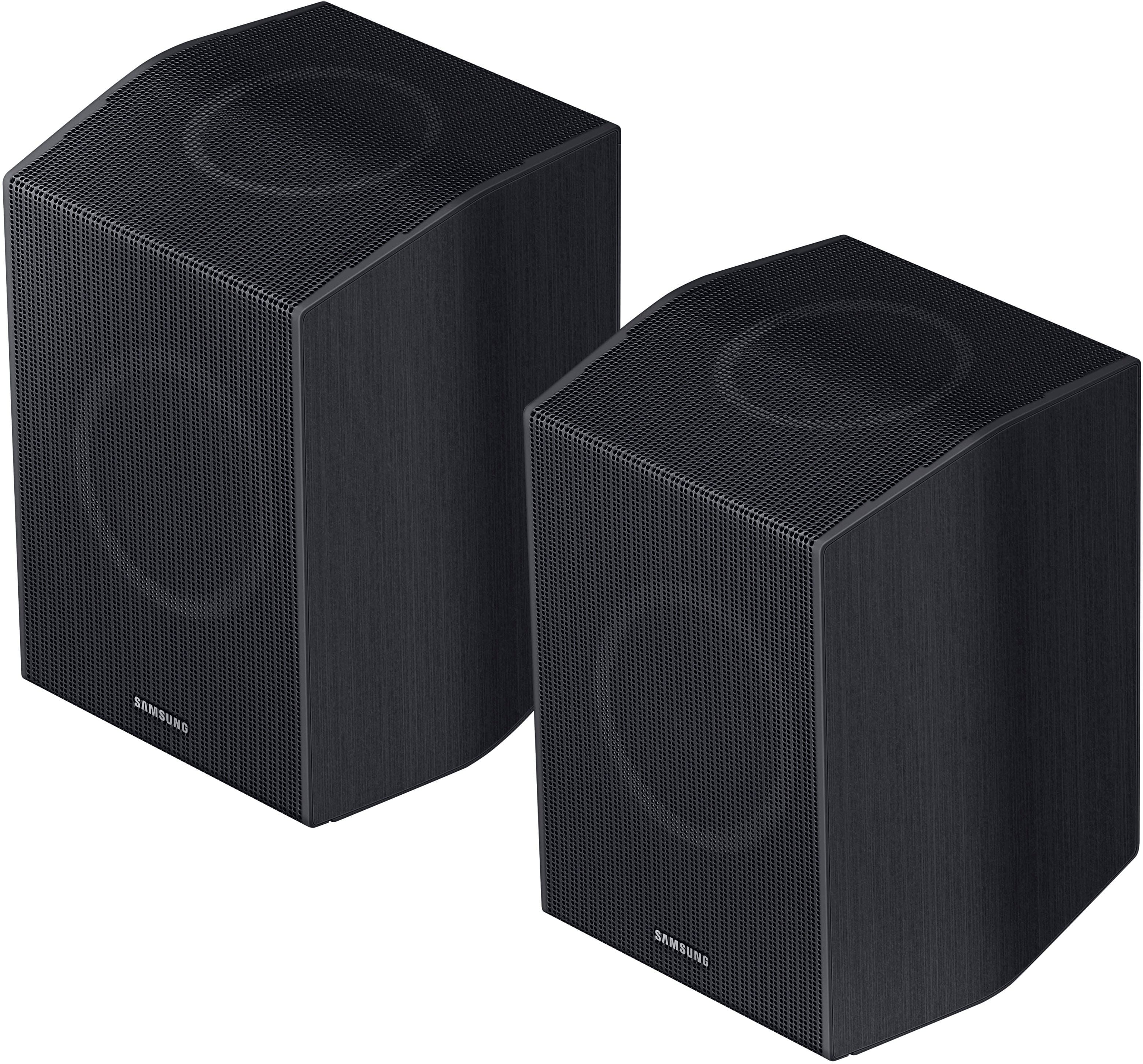
|Posted .This reviewer received promo considerations or sweepstakes entry for writing a review.First off, I’ll say that this soundbar is amazing. I recently purchased a 75” Sony X90L TV and although I have a 5.1 surround sound system set up for listening to SACD and DVD-Audio surround I wanted something that would take advantage of the Dolby Atmos capability available. The soundbar is very good looking with its industrial design of a combination of plastic and metal. It is a large soundbar at around 44” wide, 2.3” high and 4.7” deep. This turned out to be perfect for placing it on a stand below the Sony TV as it just reaches to the top of the lower trim of the TV with the TV in its lower stand position. Connecting the soundbar to the TV was easy. I simply setup the subwoofer and rear speakers and then plugged in the soundbar to eARC on the TV and everything automatically connected. The soundbar has eARC connection to the TVs eARC input in order to get Dolby Atmos and DTS-X audio. There is also an additional input for other devices such as a Blu Ray player or gaming console. Your TV will need to have CEC (Bravia Sync in the case of Sony TVs) turned on in order to be able to control the soundbar with a single remote. I am using a 4K Dolby Vision Roku stick to turn on the TV and access the streaming Apps. When I turn on the TV using the Roku remote it turns on the soundbar and can control the volume. Something interesting that I found was if I adjust the volume using the Roku remote the TV displays the volume changes but if I use the Samsung remote it does not. Once you get everything connected you need to download the Samsung Smart Things app for either IOS or Android in order to get more control of the soundbar. The app is easy to use and provides control of the sound options for standard, surround, game and adaptive mode. The app provides volume and equalization control for the front and rear channels as well as control of the subwoofer. I am using the system in adaptive mode with minor tweaks to the center, height and rear surrounds as well as the subwoofer. The system consists of the main soundbar, 8” subwoofer and 2 rear surrounds. The rear surrounds have a front firing driver and an up-firing driver. The main soundbar also has a pair of up firing drivers to provide the Atmos effect. The system has Bluetooth and voice assistance capability that can be set up in the Smart Things app. The main soundbar has a digital display window that shows that it is connected to eARC and there is a i button on the remote that allows you to toggle through to see what audio format is being played. It would be really convenient if the Smart Things app provided this information so you didn’t have to use the Samsung remote for this function. I have this system set up in my family room which is 17 X 25 feet with a vaulted ceiling. I originally set the rear speakers on a 30” tall console table behind my recliner and after some listening decided to buy adjustable speaker stands in order to raise the speakers higher and that has really improved the rear channel performance. One of the things that had been mentioned in reviews of the previous Q930B/C was the short power cables provided for the rear speakers at around 5 feet long. Samsung must have listened and now provides longer power cords for the rears which is a real plus. The subwoofer and main bar are still the shorter power cables though. As for sound this soundbar is amazing. I watched 5 Doby Vision/Atmos movies and the sound stage and height effects are incredible. The sound is full and very detailed. The bar has a dedicated center speaker so the voices are clear and detailed and the app allows you to enhance the voice level and works great. The subwoofer blends seamlessly with the bar and provides a lot of impact in the low end. The app allows you to adjust the subwoofer from -12 to +6 so there is a lot of flexibility. Samsung has a feature called SpaceFit sound that is supposed to analyze your room and set the system accordingly. I am not sure what this does exactly as I am used to room correction systems that use test tones to test the speakers and set distance and levels and this system does not do that. You either have it turned on or off. There are a number of other functions available including private rear sound for listening only to the rear speakers and sound grouping. I highly recommend going to the Samsung website and reviewing the full manual for this system as it provides very detailed information on all of the functions and options available. I have not experienced any dropouts or disconnection issues with this soundbar. If there were anything that would make the experience better would be a backlit remote and the ability to see the input/output of the sound profile in the app. The bottom line is this soundbar sounds incredible and I would not hesitate to recommend it to anyone looking for the convenience and sound quality for whatever you are watching. Obviously, this isn’t the least expensive soundbar you can buy but of the ones I have it is by far the best. For the price of a good receiver, you get the whole package.
I would recommend this to a friend