Customer Ratings & Reviews









- Model:
- HW-Q930D/ZA
- SKU:
- 6570311
Rating by feature
- Value
Rating 4.6 out of 5 stars
- Quality
Rating 4.8 out of 5 stars
- Ease of Use
Rating 4.7 out of 5 stars
Customers are saying
Customers are pleased with the HW-Q930D/ZA soundbar's incredible sound quality and ease of use, including its simple setup. The wireless subwoofer and rear speakers contribute to the easy setup, while the bass is consistently described as low and rich. Wireless connectivity and Apple integration are also highly valued features.
This summary was generated by AI based on customer reviews.
- Pros mentioned:Sound quality

Phenomenal Wireless Sound
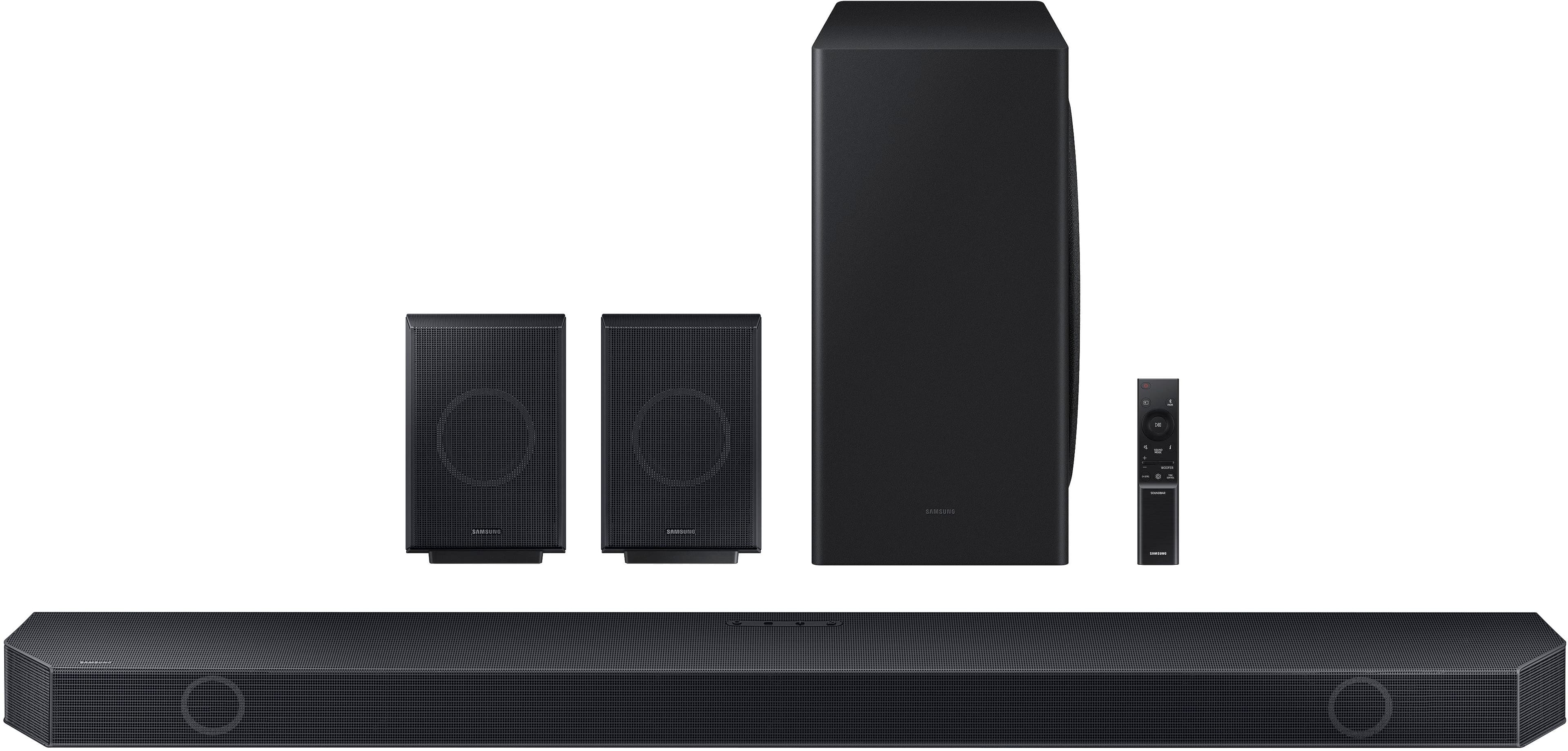
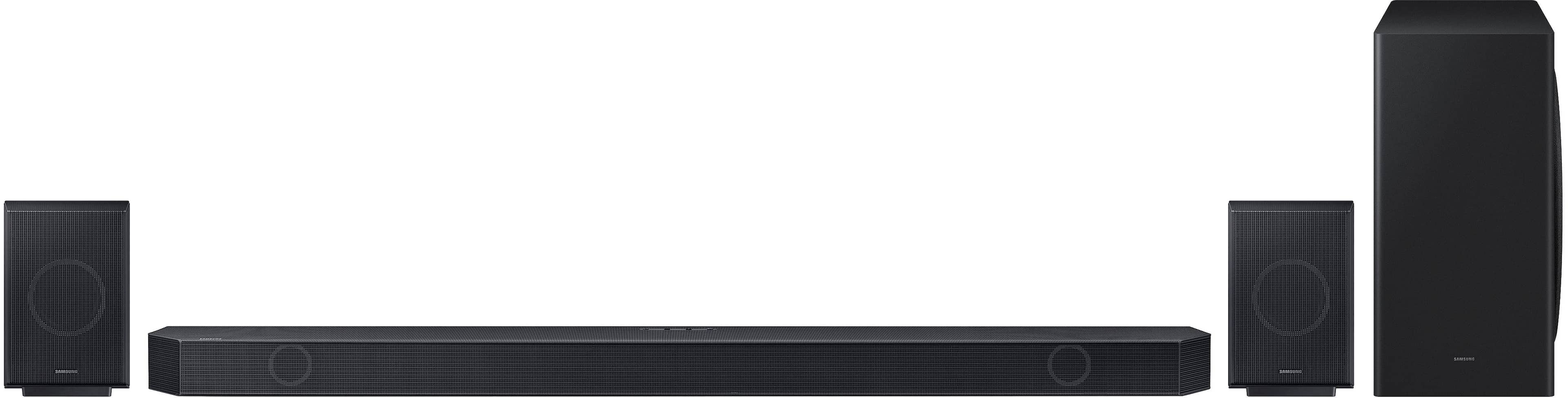
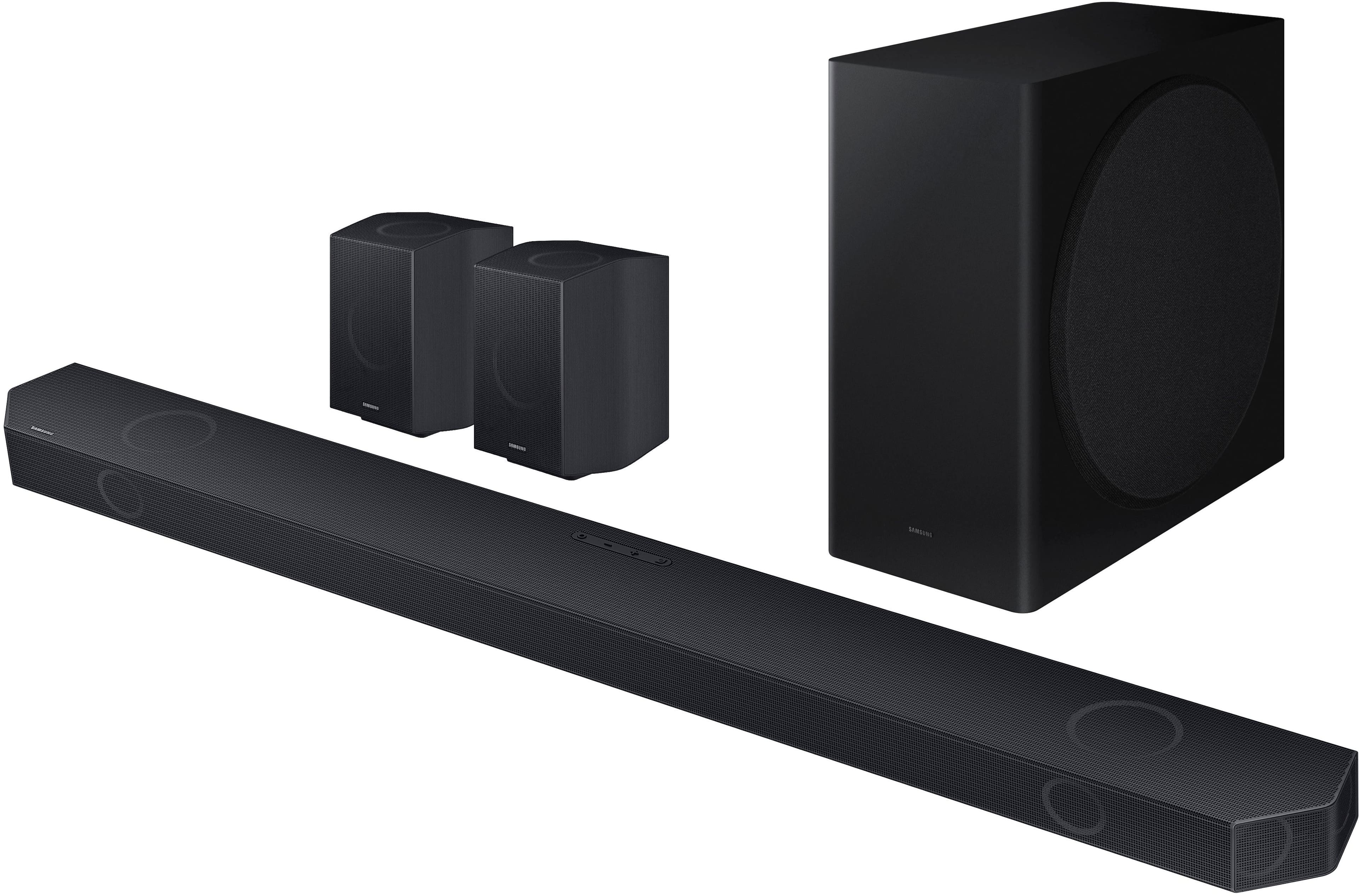
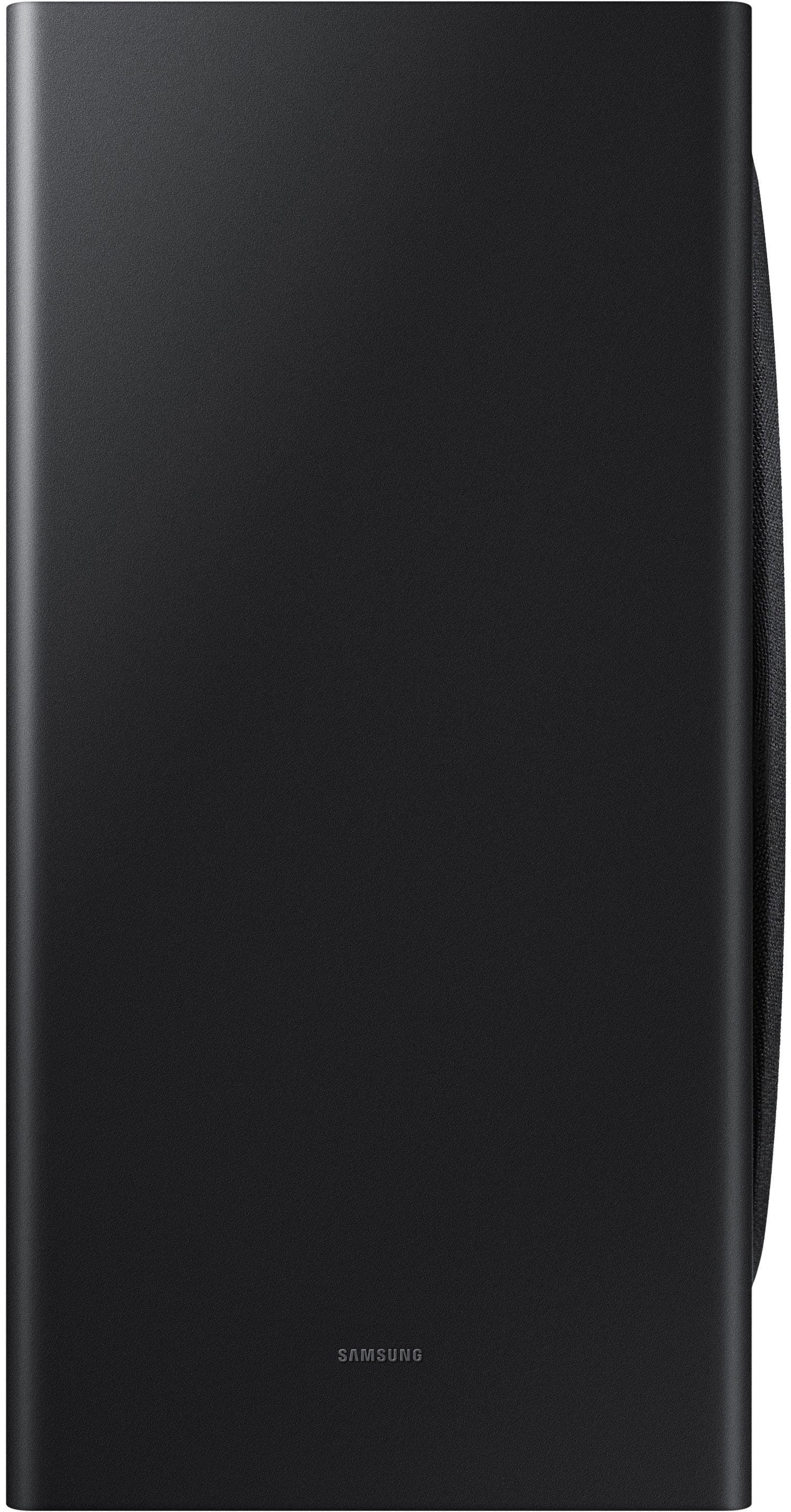
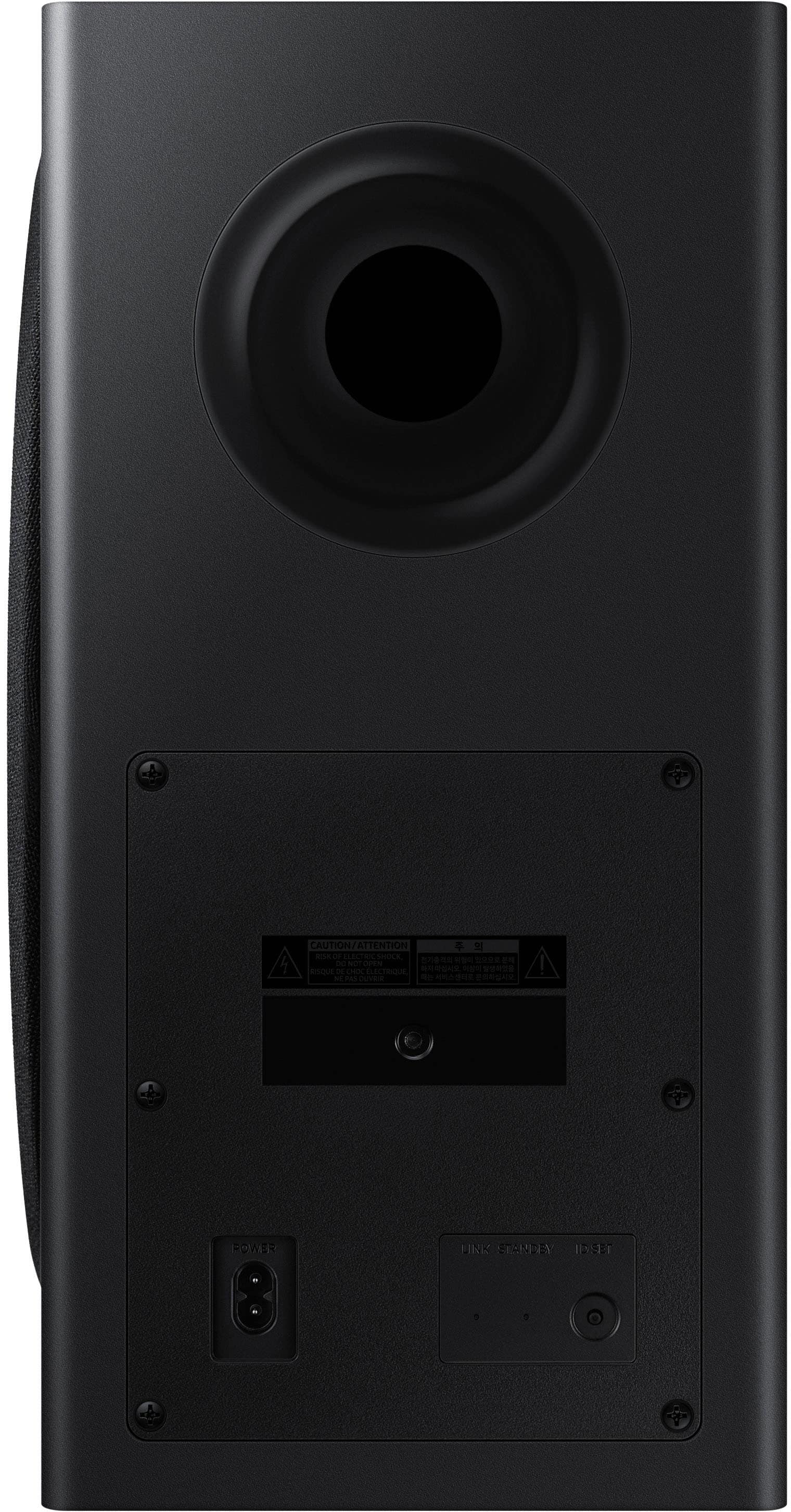
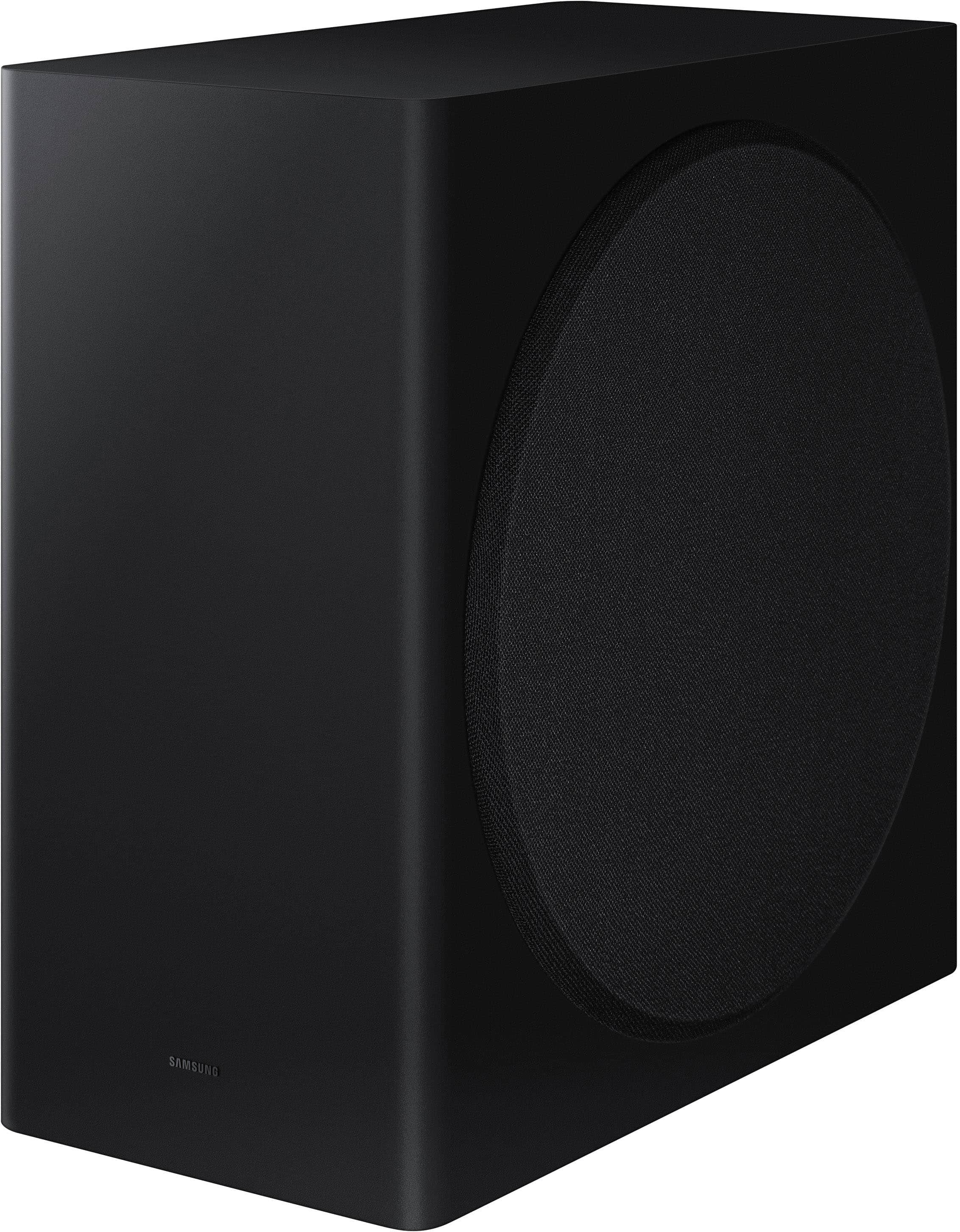
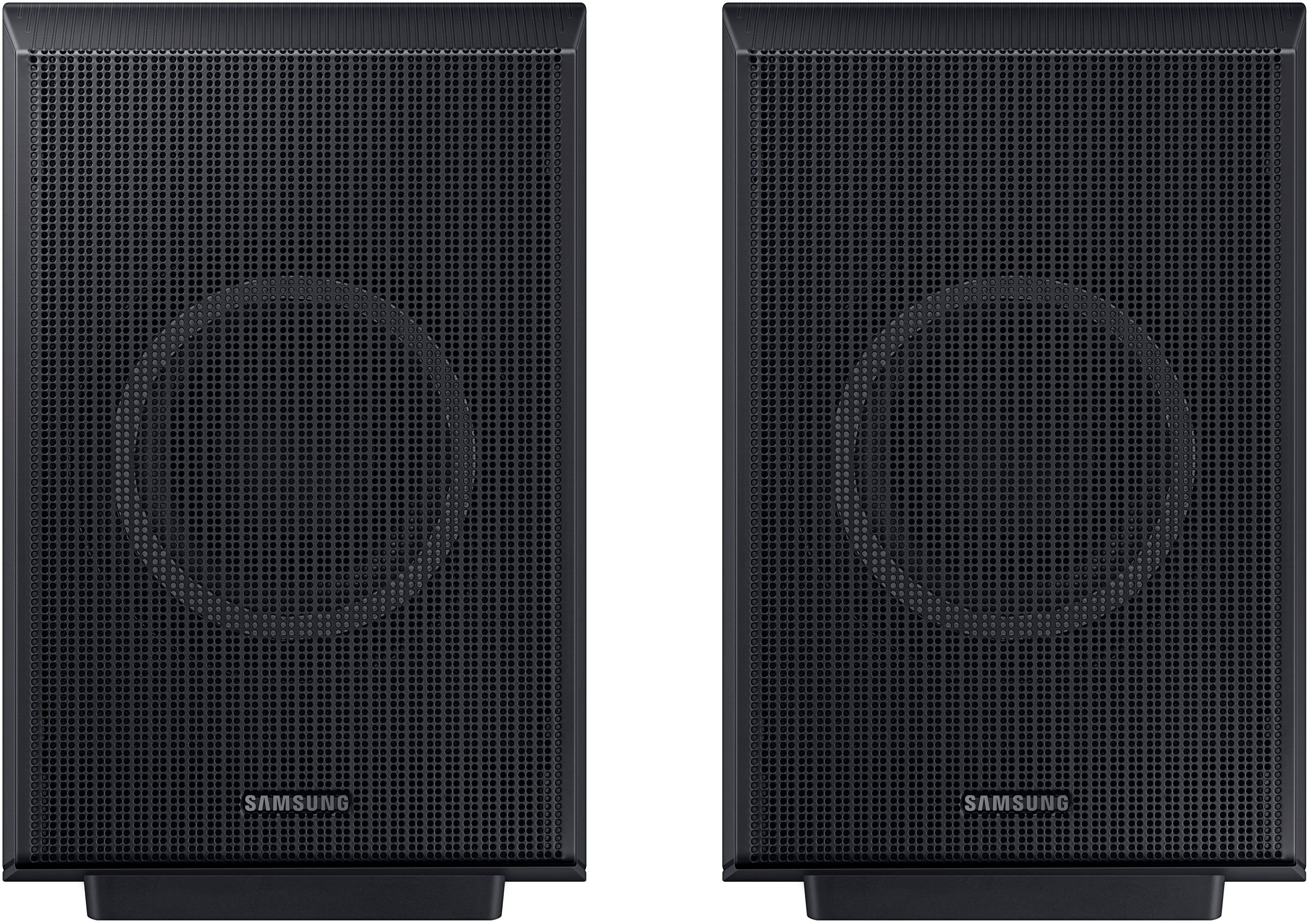
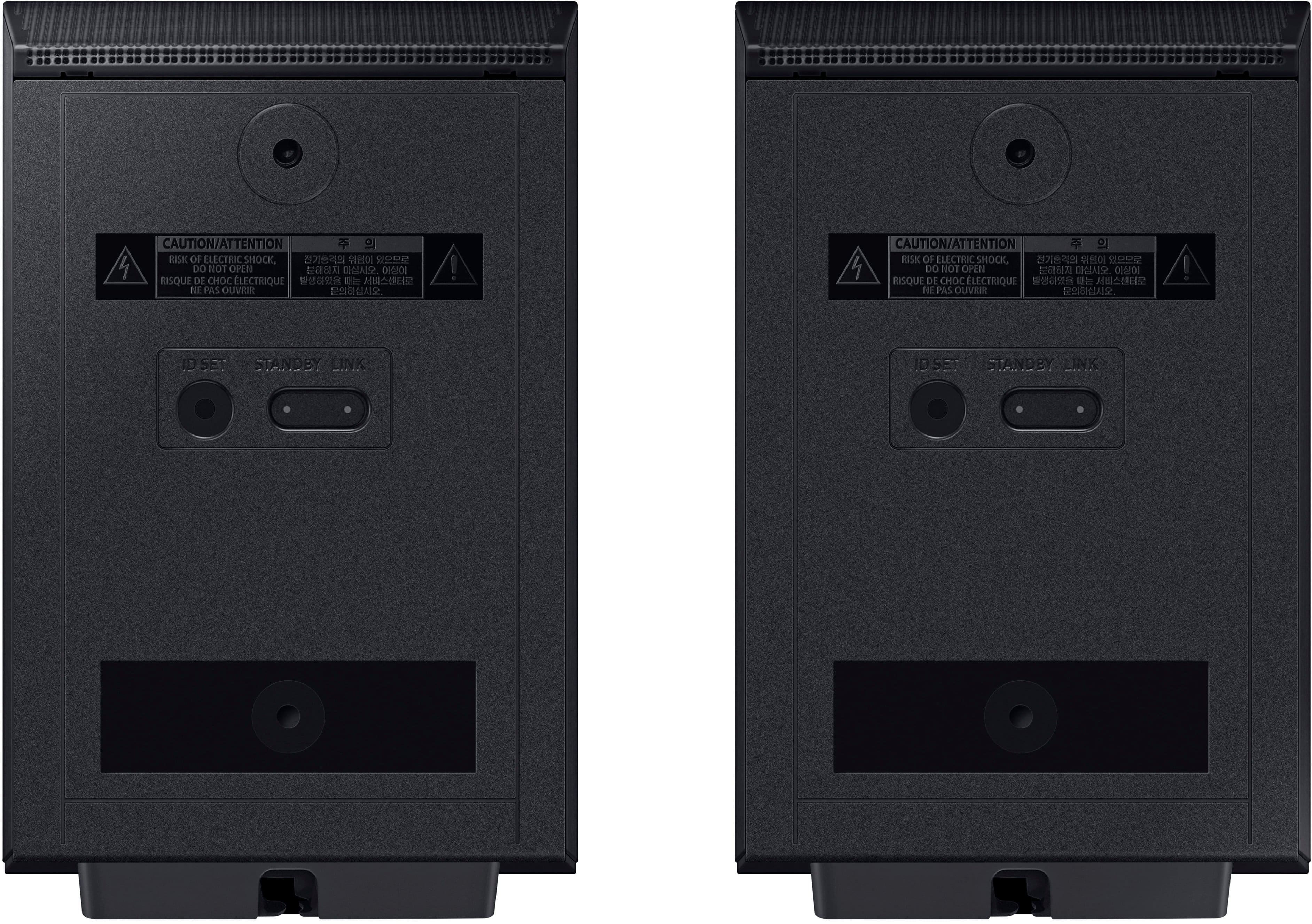
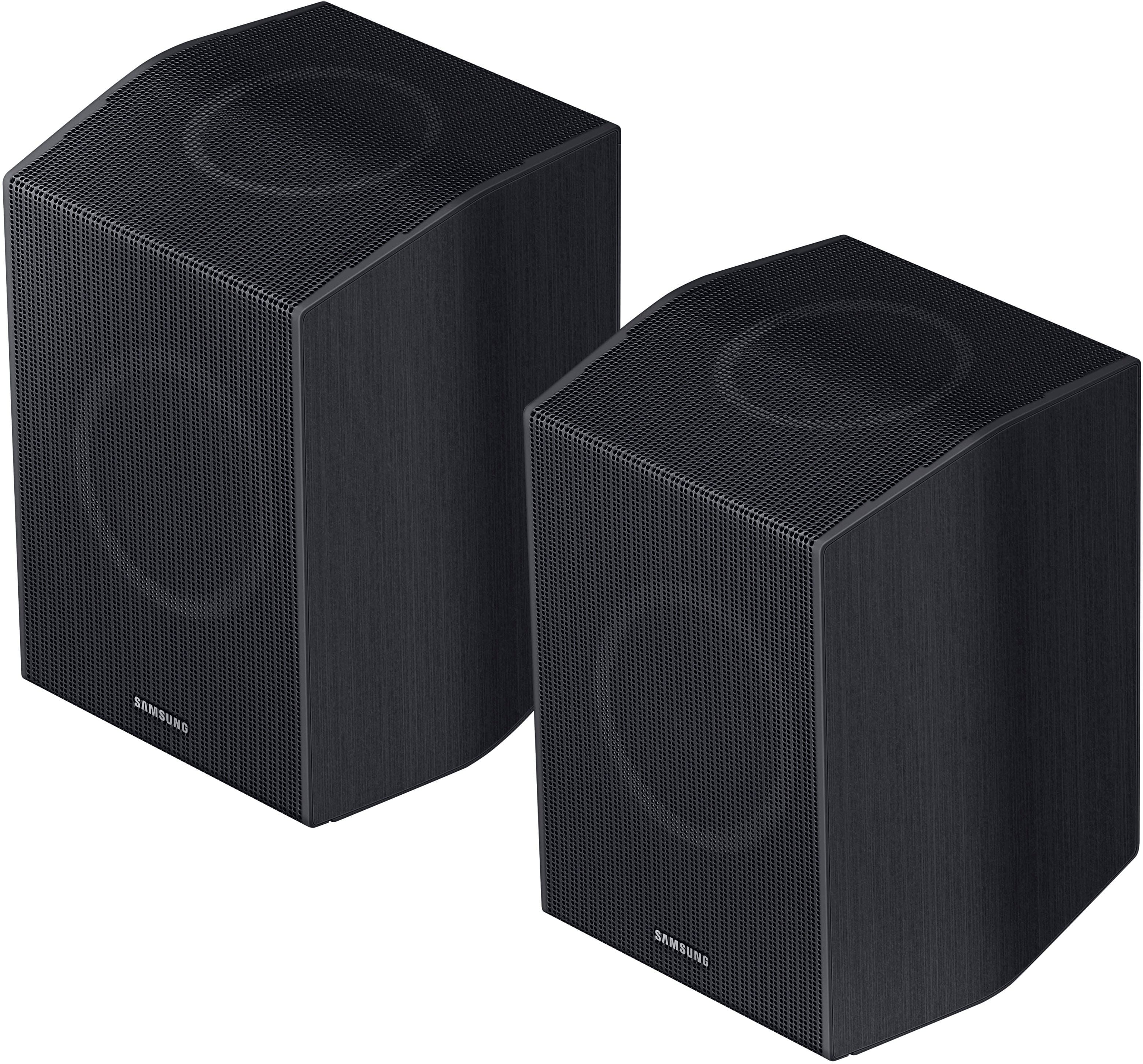
|Posted .This reviewer received promo considerations or sweepstakes entry for writing a review.I’ve used a lot of different Samsung products around the house, and they’ve made themselves a competing force not to be ignored in the sound department. There’s something to be said for actual surround sound instead of speakers systems that try to emulate the same. This is the full package. You get the sound bar and wall mounting equipment for optional wall mounting. The two stylish rear speakers that provide up firing sound, and a hefty, yet slim subwoofer that generates impressive bass. What’s great is a mostly wireless home theatre. You just plug them into a power source and for me they connected automatically. Wireless Atmos sounds fantastic. You’d think being wireless, there would be a lot of interference, or mild delay that has everything ever so slightly out of sync. That’s not the case. When I got everything placed and plugged in, wireless syncing just happened. I did have to swap the left and right rear speakers but that was just me not figuring out which one was which beforehand. There are buttons on the back which I presume is for pairing if needed but I didn’t have to mess with those. Wireless aside, you do get Dolby Atmos sound which offers crisp clear sound, the rear speakers are upward firing as well as some of the speakers in the soundbar, and there’s no substitute for a subwoofer that delivers deep, felt bass, that shakes the room at it’s highest settings. When watching movies you get sounds all around you which is really neat. It has a neat way of making sounds that are supposed to be far away sound far away and sounds up close are loud and punchy. The remote is sleek and easy to use. The sound bar has a LED screen imbedded behind the mesh which provides a read out of which input your using, volume setting, or what setting your adjusting. Using the remote to change settings or input is intuitive and easy to do. There are also 4 buttons on the sound bar itself but the remote opens more options. You can go a step further and use the SmartThings app from Samsung and get a nice app interface to even further customize. You can use SmartThings app to change modes, control volume, adjust the equalizer, turn on and off different sound enhancements, depending on your preferences. After initial setup in the app, you get the soundbar connected to your wi-fi which allows features like voice assistant, air play, and Chromecast. I’ve not been a huge fan of the SmartThings app when using for other devices, but what I will say, it works well accessing and changing the soundbar’s settings. Outside of the easy wireless setup, mounting the hardware was simple too. There are brackets that attach to the sound bar to allow them to slot into the spacers on the drywall anchors. I would have liked to have seen included wall anchors, but luckily I had some laying around. I did like the included wall diagram to help with the proper spacing of the wall screws. In conclusion, this is a fantastic soundbar and there’s not much to critique here. I would have liked wider compatibility for the Q-Symphony and the wireless Atmos. Pairing the Samsung soundbar with a Samsung TV would have unlocked all the features, but my TV was not of the same brand. While I was able to get great sound over Bluetooth, I had to direct my TV to re-establish connection when it powered on and off. These minor marks are by no means a deal breaker, as it works fantastically over HDMI eARC, which I imagine is how most people will connect these. Overall, people should pick this for it’s excellent sound, easy setup, and amazing value for premium ear candy.
I would recommend this to a friend - Pros mentioned:Bass, Sound quality
Great system.
Posted .This reviewer received promo considerations or sweepstakes entry for writing a review.Works well with all functions, TV, BT, gaming. Sound is great and bass hits perfectly.
I would recommend this to a friend - Pros mentioned:Sound quality
Amazing Sound
|Posted .This reviewer received promo considerations or sweepstakes entry for writing a review.By far the best sounding sound bar that I have ever heard - easily on par with high end home entertainment audio systems. Installation and setup was a breeze. Unbox components, position speakers, connect HDMI cable to TV HDMI ARC port, plug in power cables to each speaker component, and wait for them to connect to each other wirelessly. Unlike other soundbars, this one does not offer an Alexa or any other assistant connection - which I find just fine so you won't be connecting this soundar to your local network. Sadly, there is not much provided in printed documentation. Brackets are provided for wall mounting the center bar should that be required and the printed instructions cover that procedure but not much else. Once the private sound bar network has formed after a short time, then you are ready for a delightful sonic experience. After some experimentation, using the handy remote I settled on the adaptive sound mode rather than surround or standard modes. I had to experiment because that topic is not covered in the aforementioned rather sparse documentation. I have not needed to alter that setting. The balance between speakers is set automatically so you won't need to fiddle with that - not that I'm sure you can. The remote allows you alter bass level and select the Bluetooth pairing option, but I had no interest in that because it sounds so good as it is. I listened to a variety of televised/streamed program content and music, a variety of CD music, and some Blu-ray DVD movies. In each instance, I heard more detailed, richer, and fuller sound with clearer voices from this soundbar than I thought possible. It is quite enjoyable and highly recommended.
I would recommend this to a friend - Pros mentioned:Sound quality
Great addition to your big screen tv
|Posted .This reviewer received promo considerations or sweepstakes entry for writing a review.I recently added to my home entertainment systems this Samsung Q930D soundbar. I have last year's model, the Q930C in another room and have really like it. From what I can tell, there's really no discernable difference between the two. First off, the setup was a breeze. The instructions were straightforward, and I had it up and running in no time. Just like the previous model, the design is sleek and modern, fitting seamlessly into my living room setup without taking up too much space. Now, onto the most important aspect – the sound quality. The clarity and depth of the sound produced by this soundbar is pretty impressive. Whether I'm watching action movies or listening to music, the audio is crisp and immersive. The dialogue enhancement feature is particularly impressive, making it much easier to understand dialog. With Bluetooth and Wi-Fi capabilities, I can easily stream music from my phone or laptop without any hassle. The included subwoofer adds an extra punch to the bass, enhancing the overall audio experience. It's not overpowering, but it adds just the right amount of depth to movie soundtracks and music tracks alike. Just don't expect booming bass listening to music. For movies, thunder, explosions, etc. it's plenty adequate for a soundbar setup though. Overall, the Samsung Q930D series soundbars have exceeded my expectations in terms of sound quality, ease of use, and connectivity options. If you're looking to elevate your home entertainment setup, I highly recommend giving this soundbar a try.
I would recommend this to a friend - Pros mentioned:Sound quality
Great System, Almost Too Realistic Sounding
Posted .This reviewer received promo considerations or sweepstakes entry for writing a review.I did not buy from BestBuy but, did purchase from another vendor and it is a very nice system. I had an older Samsung 4K TV and sound bar and upgraded the TV to a 65" Samsung Q70 and decided I wanted a Q-Symphony compatible sound bar to go with it. Found the Q930D new in the box deeply discounted (half price) so I ordered it. Initial set up was very easy, just connect the 4 power cords in the order the directions give and connect the HDMI cord to the TV and soundbar. Wireless surround speakers and sub automatically sync. Fine tuning the settings is also very easy using the smart things app. The first movie my wife and I watched with it was Top Gun: Maverick and my neighbors got to listen to it as well. This is a very powerful but clear sounding system. The Dolby Atmos sounds incredible. It is almost too realistic, as I had a movie going but was not paying close attention to it and I heard a knock at my front door. I started to get up to answer the door then I realized the knocking was coming from the rear surround speaker that I have near my front door
I would recommend this to a friend - Pros mentioned:Setup, Sound quality
Samsung Sound for Samsung TV
Posted .This reviewer received promo considerations or sweepstakes entry for writing a review.Easy setup…great sound…actually works compared to other brand I first tried!!
I would recommend this to a friend - Pros mentioned:Sound quality
Game Changer
Posted .This reviewer received promo considerations or sweepstakes entry for writing a review.More than impressed with this system. True Dolby Atmos sound with a beast of a sub. Sound is crisp, clear, and deep for both tv and gaming. PS5 owners, you’ve found your sound system!
I would recommend this to a friend - Pros mentioned:Sound quality
Happy
Posted .This reviewer received promo considerations or sweepstakes entry for writing a review.Very happy with this. Should have bought it a long time ago.
I would recommend this to a friend - Pros mentioned:Sound quality
Great Sound System
Posted .This reviewer received promo considerations or sweepstakes entry for writing a review.It has an amazing sound system and is great for any room!
I would recommend this to a friend - Pros mentioned:Wireless connectivity
Good but not great
Posted .This reviewer received promo considerations or sweepstakes entry for writing a review.Great that it is wireless and can connect with Bluetooth. I expected a better voice sound with the bar vs TV.
I would recommend this to a friendBrand response from Samsung
Posted .Hello BrandiS,
We appreciate you taking a moment to review the HW-Q930D Soundbar.
To improve your experience, press the Sound Mode button on your remote control and select Adaptive Sound. In Adaptive Sound mode, the soundbar analyzes the content and volume to optimize the audio rendering resulting in clearer dialogue.
If connected to the SmartThings app, you can also enable the Voice Enhancement feature through the Advanced Sound Settings.
I hope this helps. For further assistance with features, functions, or adjustments to settings, please contact Samsung Customer Support. Just give us a call at 1-800-SAMSUNG (Ask for Soundbars), 8AM - 12AM EST, 7 days a week. Our Live Chat agents are also available by clicking on the ‘Support’ link on our website.
~ Samsung Solutions
Won’t stay con. to Samsung TV, tried tech support
Posted .This reviewer received promo considerations or sweepstakes entry for writing a review.I have tried this sound bar the Q930D and the Samsung Q650c . Love the clarity when they work but can’t get one to stay connected constantly. Not sure if it’s the TV HDMI eARC connection at the TV or a problem with the sound bars themselves. The Samsung TV I’m trying to connect to is the S90C OLED. Have tried updating the firmware on both the TV and the sound bars and talking to tech-support and changing the HDMI cable itself. Very frustrating. Going to try another company’s sound bar as my last resort, of course if it keeps losing connection and going back to TV speakers on its own then I’ll know it’s the TV and not the sound bar. But I have seen many of these in open box so it makes me wonder if others are having this problem?
No, I would not recommend this to a friendBrand response from Samsung
Posted .Hello SteveO,
We appreciate your feedback regarding the issues you are experiencing with your unit. Please give us the opportunity to assist you by contacting Samsung Customer Support.
We appreciate your feedback regarding the issues you are experiencing with your HW-Q930D Soundbar.
Please give us the opportunity to assist you by contacting Samsung Customer Support. Call us at at 1-800-SAMSUNG (Ask for Soundbars), 8 AM – 12 AM EST, 7 days a week. Our Live Chat agents are also available by clicking on the ‘Support’ link on our website.
~ Samsung Solutions
DISAPPOINTED WITH SAMSUNG
|Posted .This reviewer received promo considerations or sweepstakes entry for writing a review.We highly anticipated this new Samsung sound system because our previous sound system was an 14 year old ONKYO 7 1nd 1 system comprised of a center front speaker, a left front speaker, a right front speaker, a left middle speaker, a right middle speaker, a back left speaker, a back right speaker, and a sub woofer bass speaker. The main component head unit was over sized and the speakers way too big and unsightly and all the speakers were connected via wires to the head unit. We had 5 devices connected to our head unit (i.e. in from cable box, in from gaming unit, in from our Roku streaming unit, in from blue ray player, out to television). The new Samsung having wireless speakers would allow us to place them where we desired and never before could place them and as well the sound bar was small and sleek and promised big surround sound. Unboxing the new Samsung system was easy and straight forward, so was blue tooth pairing, but imagine our surprise when we discovered that this very expensive system only had one hdmi in port, so we could hook up our cable box and watch live local t.v. but no streaming the HBO MAX, Paramount Plus, Vudu, and Amazon we pay a monthly subscription for, no playing video games, no watching movies on our blue ray player. How ridiculous ! None the less we hooked everything up and was again very disappointed by the sound quality in both surround sound during a movie and as well during music videos. This was in our 9'high x 14'wide x 22'deep living room, which to fill that room with the equivalent audio volume of the ONKYO at 25% volume we have to have the Samsung on 75% volume. What we had thought would be new state of the art technology of great sound in a small package was actually very little sound in a cheap sounding little package for a high price tag. So for 2 completely different and unsurmountable reasons (poor sound quality and being unable to connect more than one device) we packed the Samsung system back up into its box and stuffed it into a closet which I guess is where it will sit until maybe we put a television in the garage and then we could put the Samsung audio system there. Thankfully we still had the ONKYO to put back in the living room. We just can't get it through our heads why Samsung would build such a high priced item that is supposedly such a high end item that only allows you to connect one inputted device and sounds like crap sound quality wise. Its as if Samsung built this trying to frustrate customers and thereby garner the worse possible reviews. We wouldn't recommend this audio system to our worse enemy let alone to any of our friends or family. SHAME ON YOU SAMSUNG.
No, I would not recommend this to a friendBrand response from Samsung
Posted .HeaterHenry,
Thank you for sharing your review of Samsung’s HW-Q930D soundbar. We’re sorry your experience didn’t match your expectations.
Here are a few tips to manually optimize your audio experience. By pressing the SOUND CONTROL button (which looks like a gear), you can set the audio function such as Auto EQ, Spacefit sound, AVA, Voice Enhance mode, Night mode, Sync, Surround speaker mode, , Virtual. The desired item can be adjusted using the Up/Down buttons.
Alternatively, you can press and hold the SOUND CONTROL button for about 5 seconds to adjust the sound for each frequency band. 150Hz, 300Hz, 600Hz, 1.2kHz, 2.5kHz, 5kHz, and 10kHz are selectable using the Left/Right buttons and each can be adjusted to a setting between -6 to +6 using the Up/Down buttons.
You can try quickly optimizing the audio by pressing the SOUND MODE button on your remote, and then select the desired sound effect by choosing STANDARD, SURROUND SOUND, GAME, or ADAPTIVE SOUND.
To control the volume of each speaker, press the CH LEVEL button on the provided remote. Then select CENTER LEVEL, SIDE LEVEL, WIDE LEVEL, FRONT TOP LEVEL, REAR LEVEL, or REAR TOP LEVEL. Once you find the channel you are looking for, adjust the volume between -6 to +6 by using the Up/Down buttons.
There are multiple ways to control the bass levels for your new Soundbar.
1) Using the WOOFER button on the provided Soundbar remote. Use the woofer button by pushing forward or pulling backward on the button itself to adjust the bass levels between -12 or -6/+6. If you want to reset the bass to 0 then push the button in.
2) When you press the TONE CONTROL button, you can adjust the treble or bass levels between -6/+6.
Alternatively, you can adjust all of these same settings and more within the SmartThings app. Download the app for your iOS or Android device and then connect your Soundbar to Wi-Fi. From here, you will be able to adjust all of the same settings as the provided remote, but with the added benefit of being able to see the changes on your smart device.
If you need more help, Samsung is here for you. Please call us at 1-800-SAMSUNG, 8AM - 12AM EST (Ask for Soundbars), 7 days a week. Our Live Chat agents are also available by clicking on the ‘Support’ link on our website.
~ Samsung Solutions