Customer Ratings & Reviews
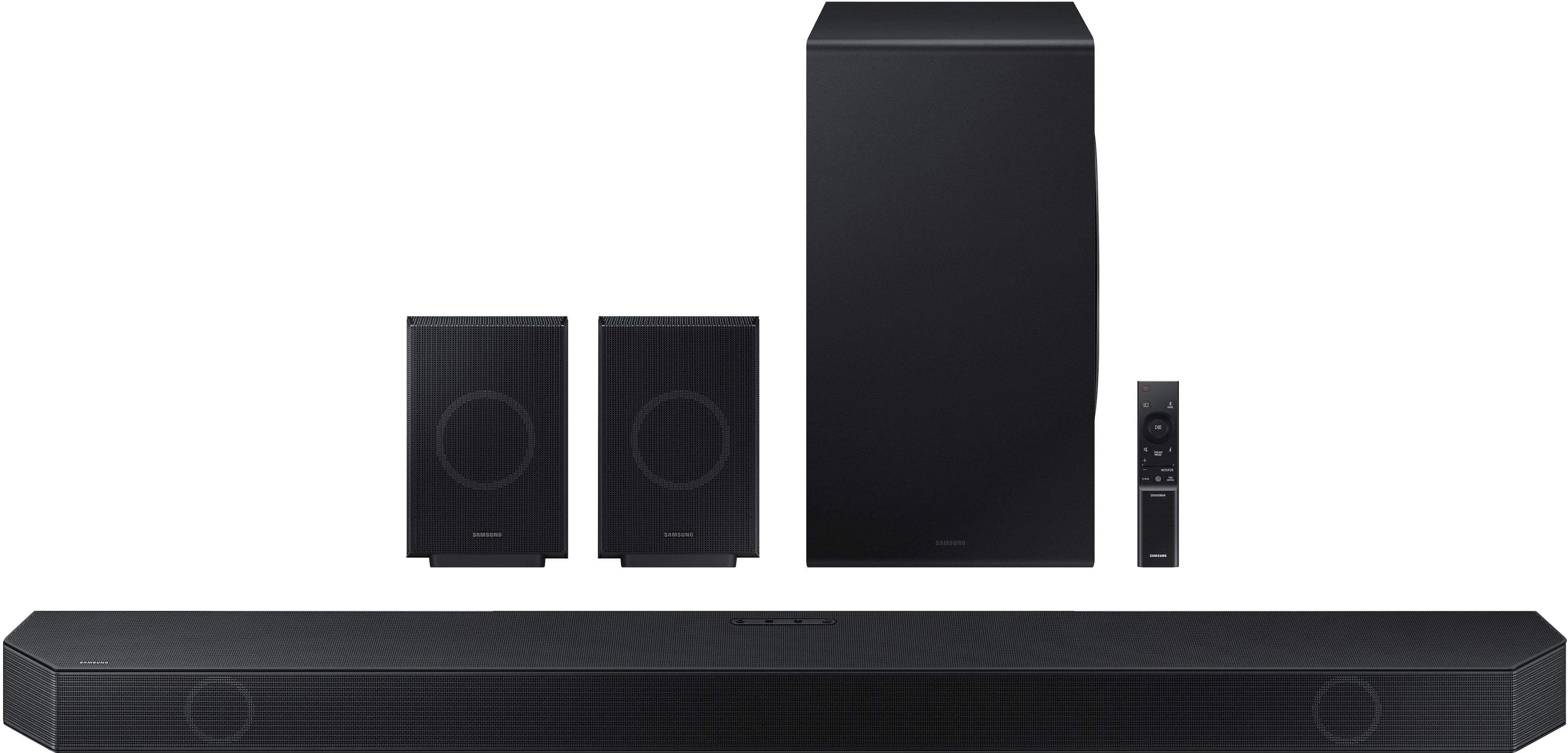
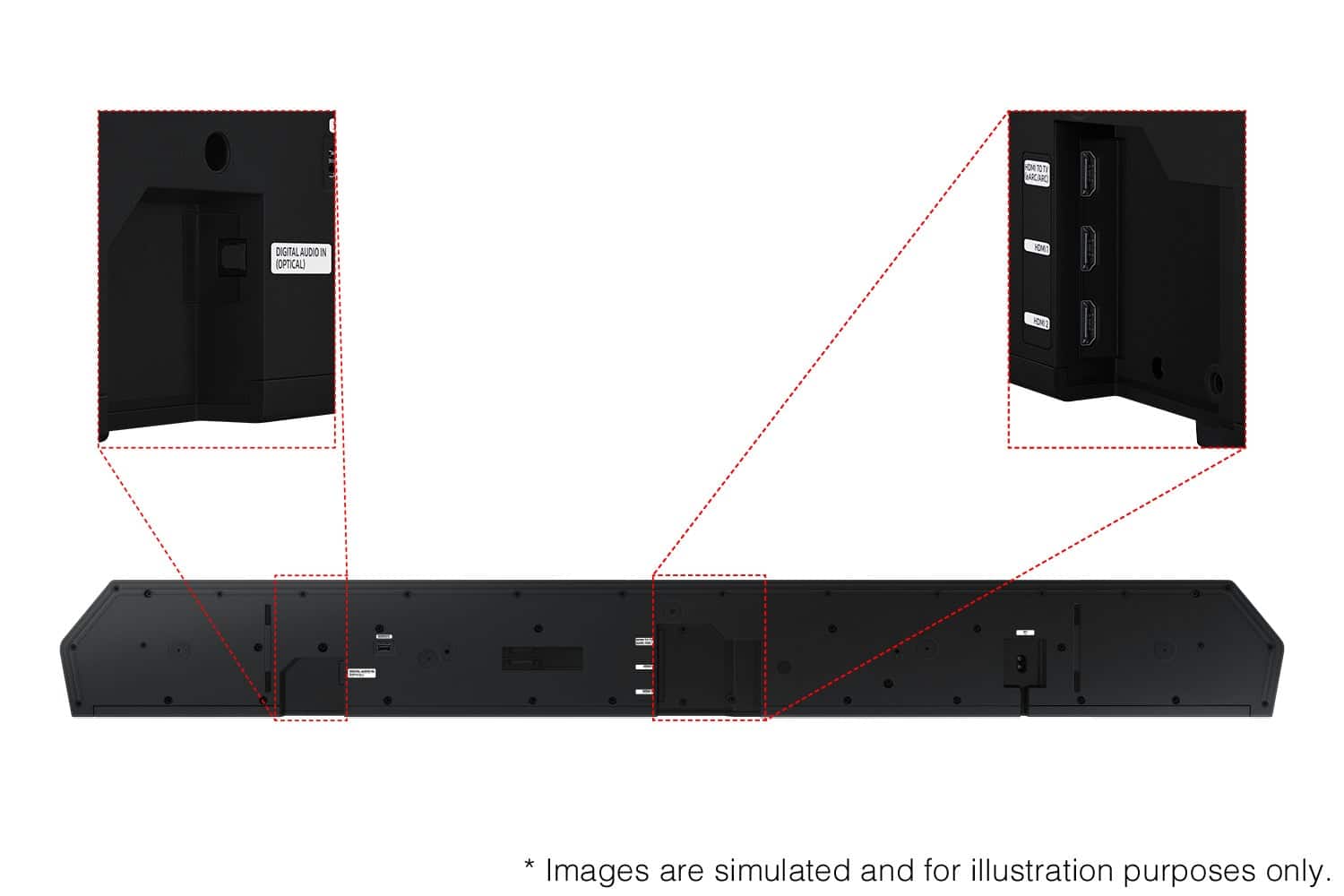
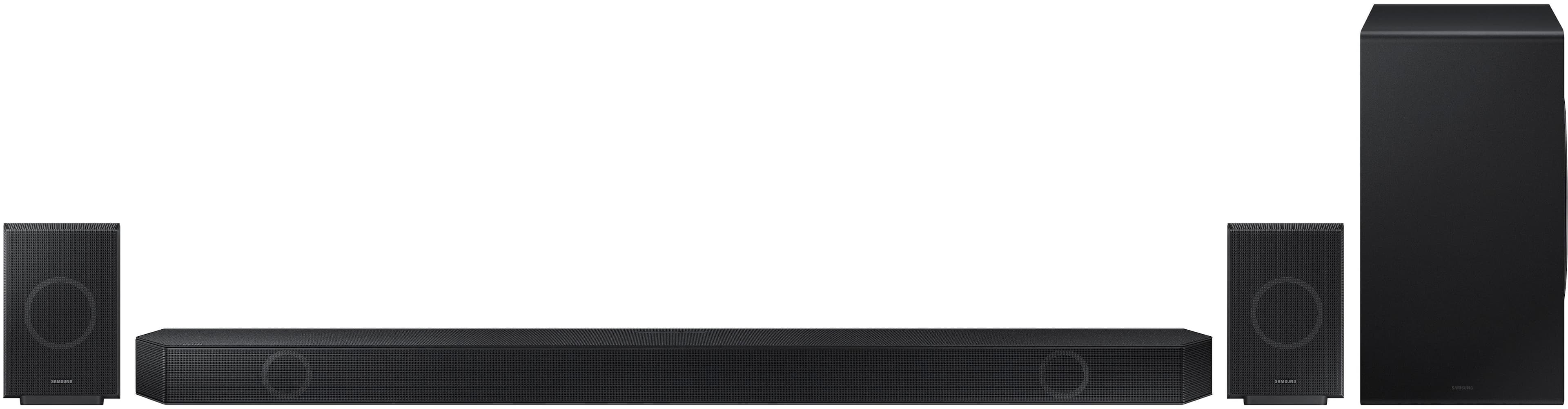
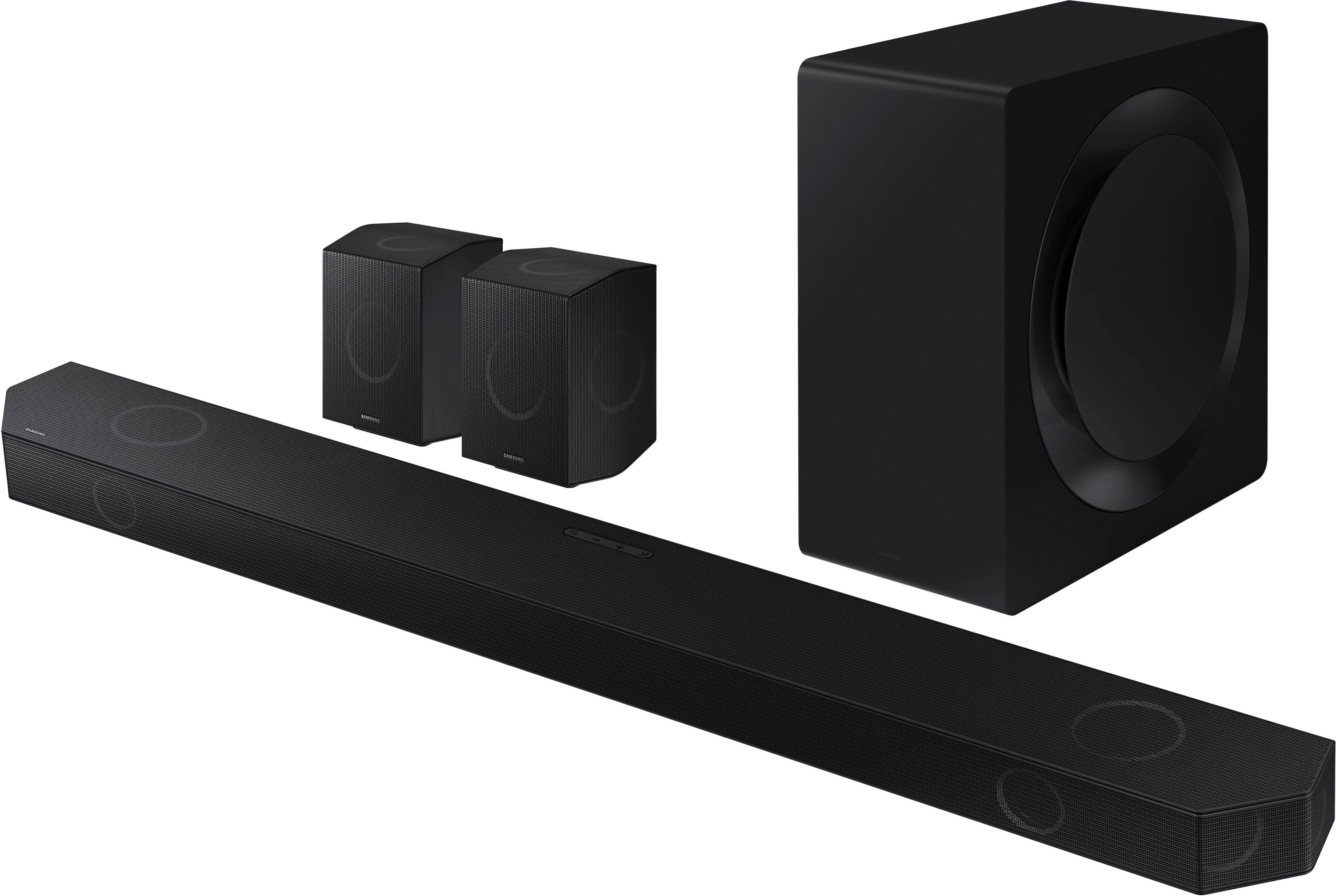




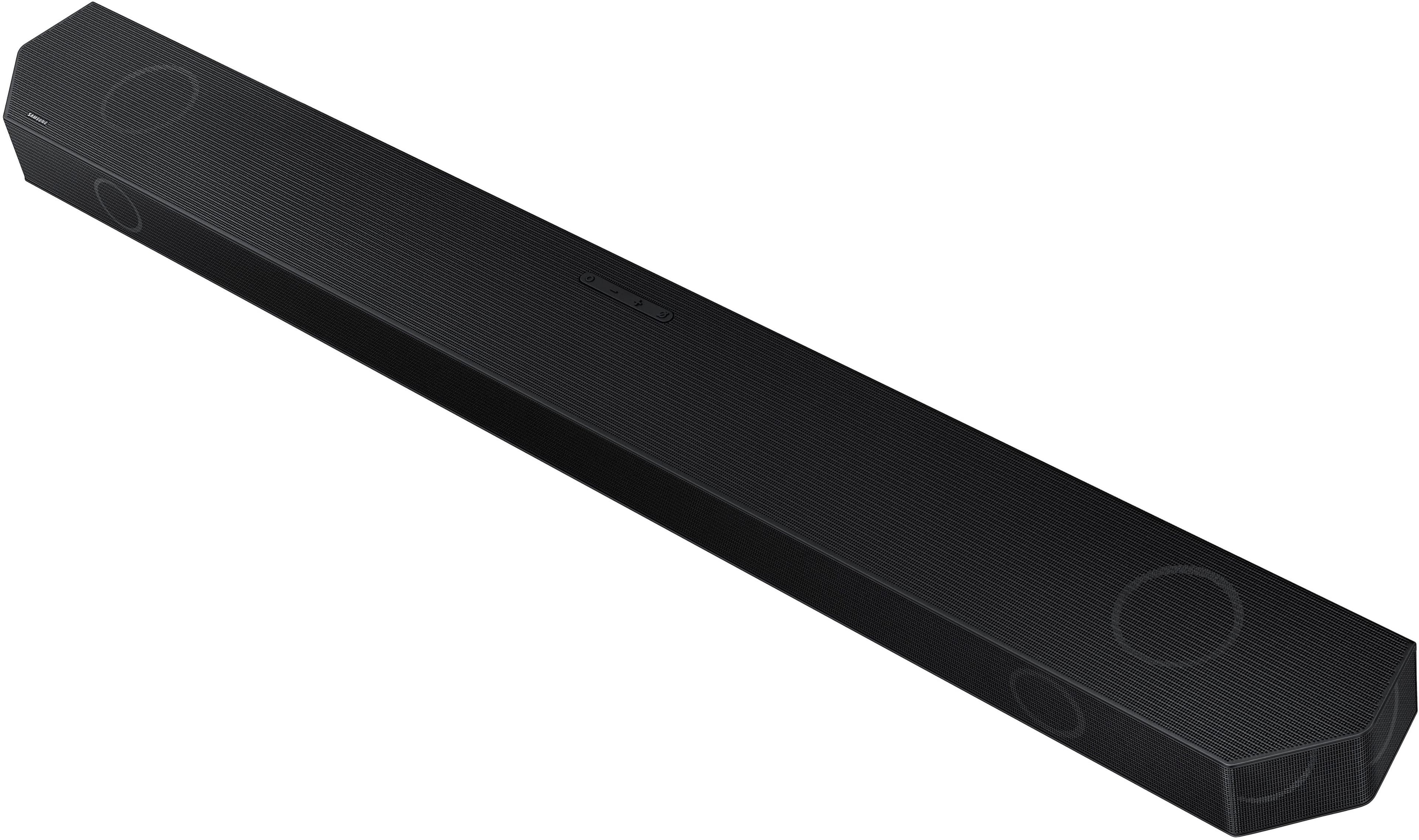

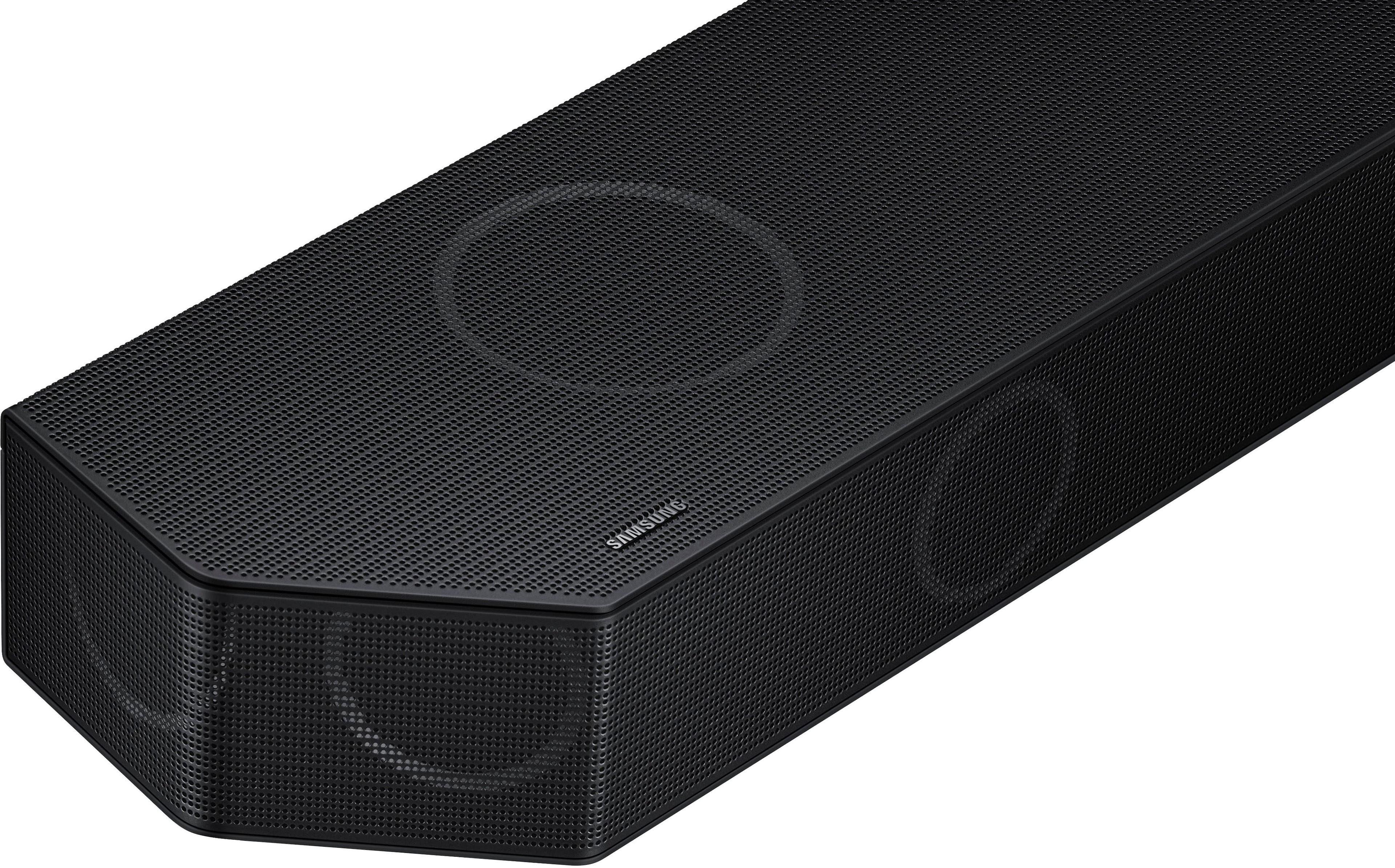

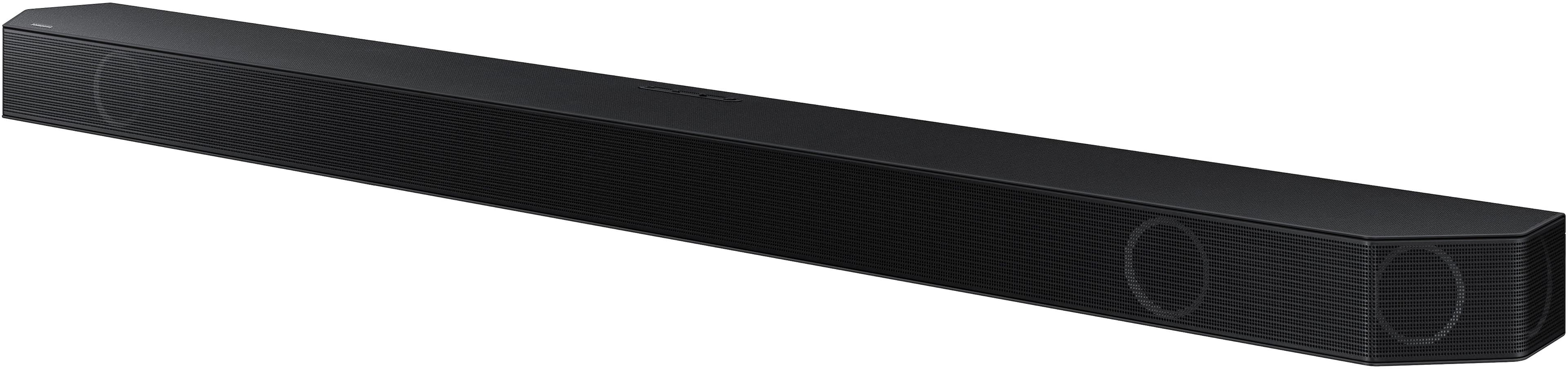
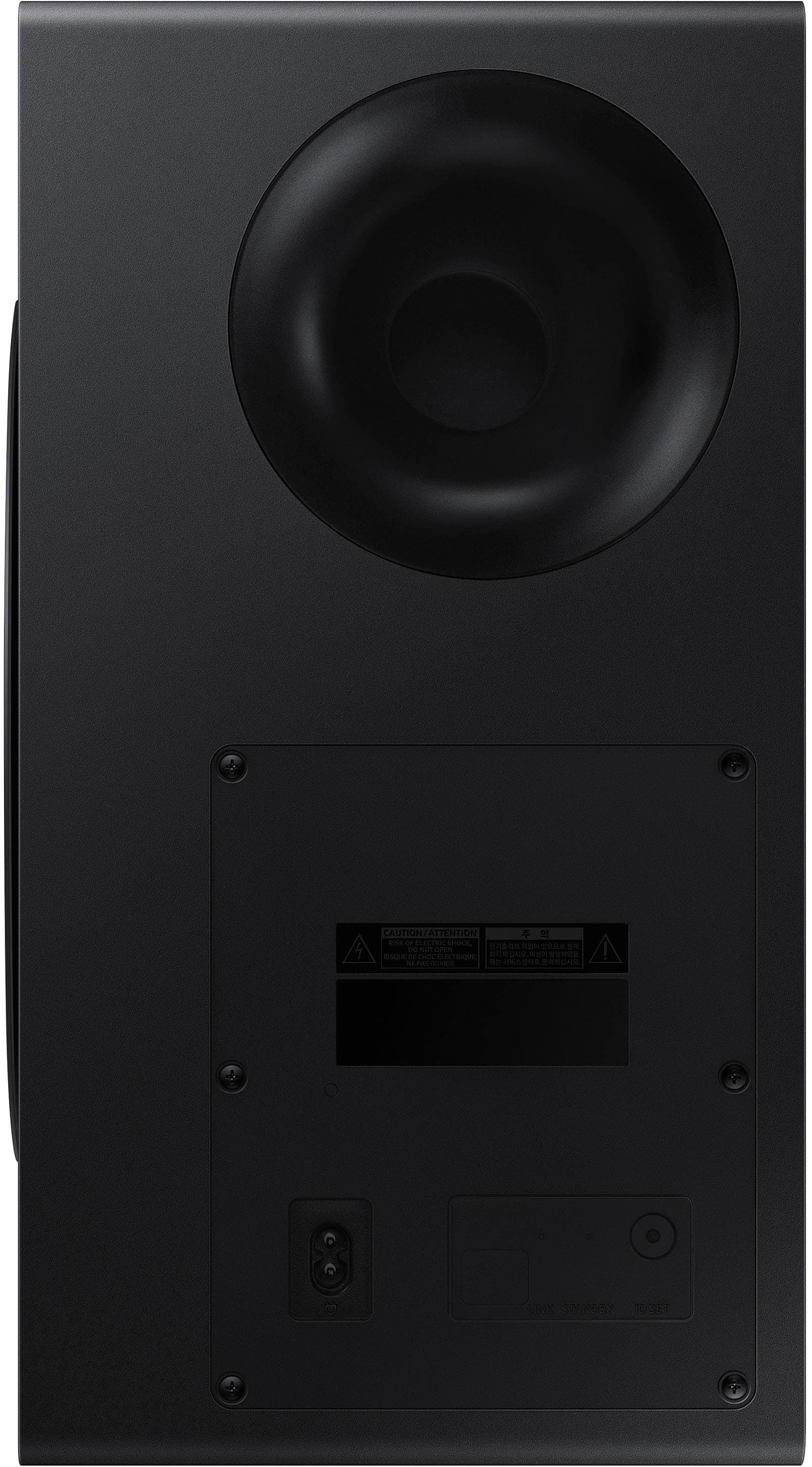
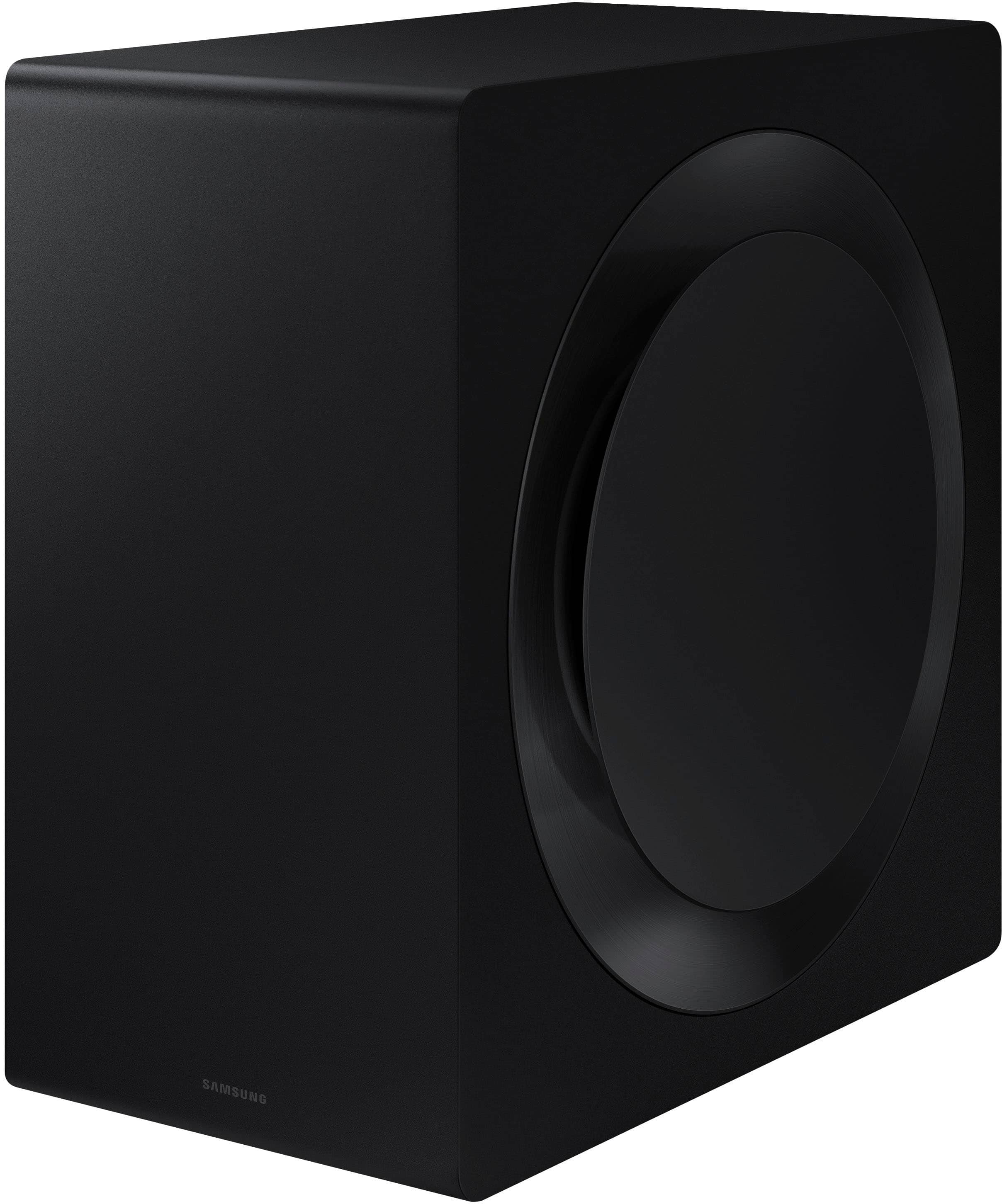
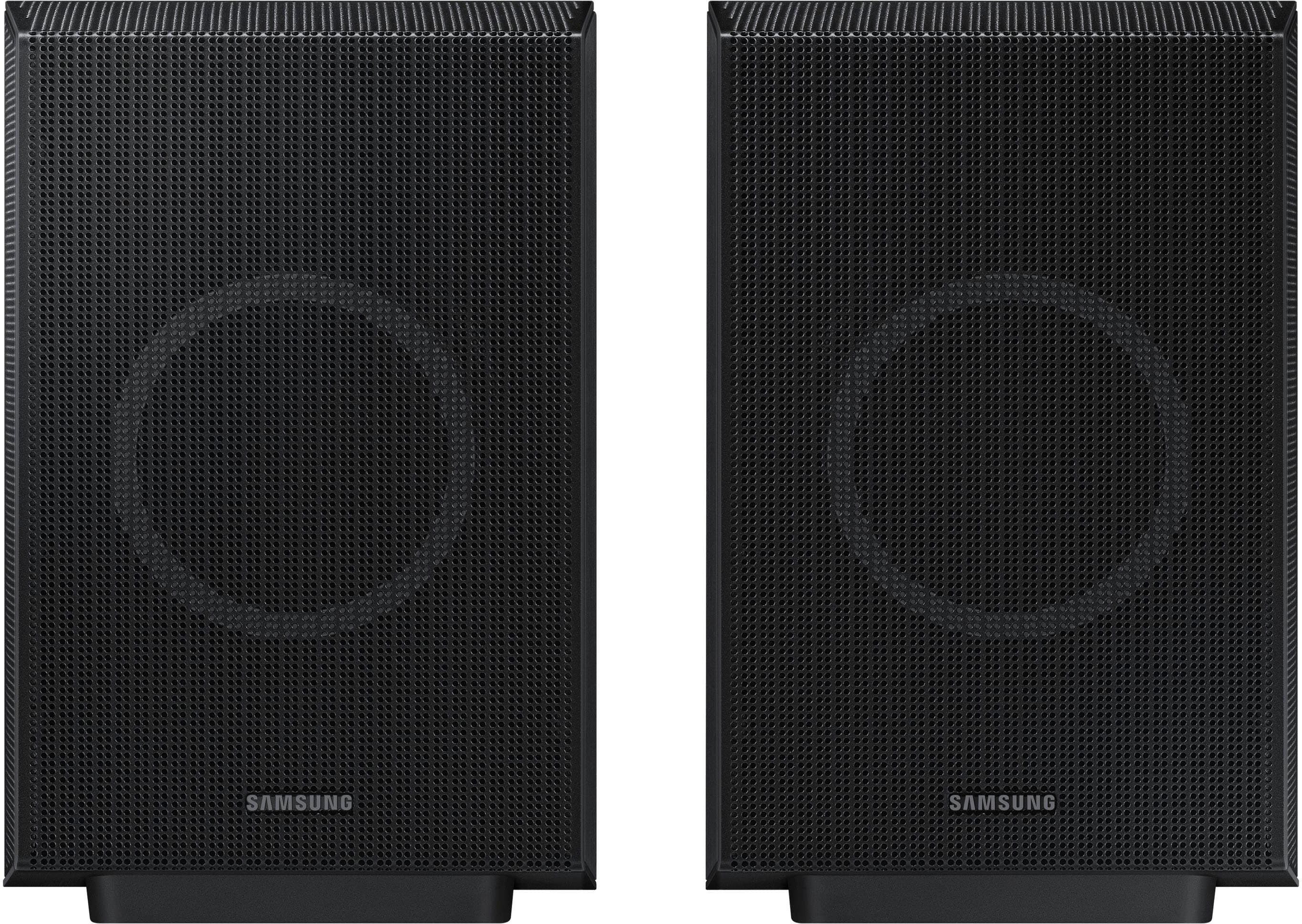
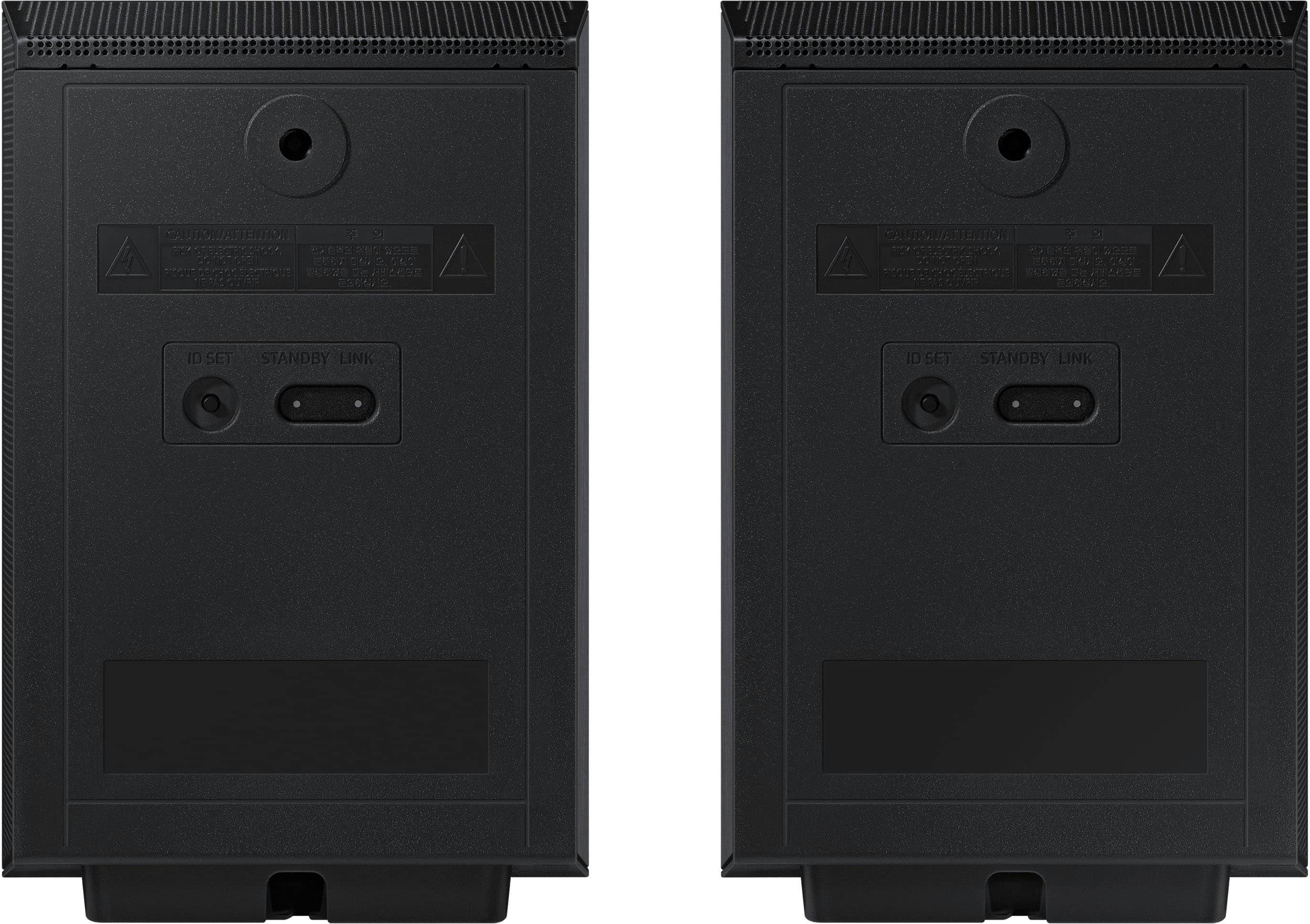





- Model:
- HW-Q990D/ZA
- SKU:
- 10187573
Rating by feature
- Value
Rating 4.6 out of 5 stars
- Quality
Rating 4.8 out of 5 stars
- Ease of Use
Rating 4.7 out of 5 stars
Sounds system
||Posted .This reviewer received promo considerations or sweepstakes entry for writing a review.We are enjoying this sound system. We would definitely recommend.
I would recommend this to a friendENJOY ENJOY ENJOY ENJOY ENJOY
||Posted . Owned for 2 weeks when reviewed.This reviewer received promo considerations or sweepstakes entry for writing a review.Highly recommend. NO REGRETS. It like being at the theater
I would recommend this to a friendSamsung
||Posted . Owned for 3 weeks when reviewed.This reviewer received promo considerations or sweepstakes entry for writing a review.We upgraded to the Samsung HW Q990D/ZA from our previous Samsung soundbar. What an amazing difference between the two systems. The Dolby Atmos really does pop the sound as expected and the voice clarity is exceptional.
I would recommend this to a friend- Pros mentioned:Sound quality
soundbar
||Posted . Owned for 1 week when reviewed.This reviewer received promo considerations or sweepstakes entry for writing a review.quality for the money is very good. we liked it so much we bought another
I would recommend this to a friend - Pros mentioned:Sound quality
Great, when it works...
||Posted . Owned for 1 month when reviewed.This reviewer received promo considerations or sweepstakes entry for writing a review.I'm going to preface this by saying that I think I was just very unlucky and received a defective unit. The sound bar sounded great when it was working, but the subwoofer would become very temperamental and drop connection (sometimes every other 10 seconds for minutes at a time) for seemingly no consistent reason. I tried updating firmware, moving it to different parts of the room, but nothing would guarantee a stable connection for me. I've read of other people having similar experiences with the subwoofer just being defective out of the box. After packing everything back up to return it to the store I wasn't willing to risk the headache on another unit.
No, I would not recommend this to a friendBrand response from Samsung
Posted .Hello Benjamin,
Thank you for your review of Samsung’s HW-Q990D Soundbar. I’m sorry to hear you had a frustrating experience with the subwoofer, but we greatly appreciate you bringing this issue to our attention.
If the audio from the wireless subwoofer is dropping out intermittently there are a few things to check before performing any troubleshooting:
1) The maximum wireless signal transmission distance is about 33 ft.
2) If there is a wall between the sound bar and the subwoofer it may cause interference or not work at all depending on the material in the wall.
3) If there is a device that uses the same wireless frequency (2.4 GHz) near the Soundbar, interference may cause some sound interruption.
4) Check all the sources on the soundbar. If the audio is dropping while watching TV it could be an issue with the broadcast.
Should you ever decide to give Samsung Soundbars another try and have questions or need assistance with settings, setup, or features, please know we are always here to help.
Call us at 1-800-SAMSUNG (ask for Soundbars), available 8 AM – 12 AM EST, 7 days a week.
~ Samsung Solutions
Amazing
||Posted . Owned for 4 months when reviewed.This reviewer received promo considerations or sweepstakes entry for writing a review.Absolutely amazing. Thinking about buying another for the bedroom.
I would recommend this to a friendSamsung Q990D soundbar
||Posted . Owned for 1 month when reviewed.This reviewer received promo considerations or sweepstakes entry for writing a review.Great except for the voice enhancement. Could use a better heads up with voice enhancement, just not kicking in. Other than that, it's an awesomeness theatrical experience!
I would recommend this to a friendBrand response from Samsung
Posted .Hi MovieMan,
Thank you for taking a moment to review the Samsung HW-Q990D Soundbar.
You can adjust all of these same settings and more within the SmartThings app. Download the app for your iOS or Android device and then connect your Soundbar to Wi-Fi. From here, you will be able to adjust all of the same settings as the provided remote, but with the added benefit of being able to see the changes on your smart device.
Using the SmartThings app check to see if Active Voice Amplifier is on, then select Advanced Sound Setting and make sure that Voice Enhance is also active.
I hope this tip helps improve your enjoyment. For more help, please call us at 1-800-SAMSUNG (Ask for Soundbars), 8 AM – 12 AM EST, 7 days a week. Live Chat with an agent as well as manuals, software, and warranty info can be found at the ‘Support’ link on our Samsung website.
~ Samsung Solutions
Excellent product!
||Posted . Owned for 1 month when reviewed.This reviewer received promo considerations or sweepstakes entry for writing a review.Very pleased. In the days of my youth I was told what it means to be a man!
I would recommend this to a friend- Pros mentioned:Sound quality
Returning
||Posted . Owned for 3 weeks when reviewed.This reviewer received promo considerations or sweepstakes entry for writing a review.Good for lo frequencies. Very bad for high frequencies. I am going back to BOSE
No, I would not recommend this to a friendBrand response from Samsung
Posted .Hi Sengo,
We appreciate you taking a few moments to review the Samsung HW-Q990D Soundbar.
The soundbar offers a wide range of audio adjustments to fine-tune the sound to your preferences. You can manually optimize your audio experience using the SOUND CONTROL button (identified by a gear icon) on the remote. This allows you to access and adjust settings like Auto EQ, SpaceFit Sound, AVA (Active Voice Amplifier), Voice Enhance Mode, Night Mode, Sync, Surround Speaker Mode, and Virtual Sound Mode. Use the Up and Down buttons to navigate and adjust each feature.
For more precise sound tuning, press and hold the SOUND CONTROL button for about five seconds. This enables you to adjust specific frequency bands, including 150Hz, 300Hz, 600Hz, 1.2kHz, 2.5kHz, 5kHz, and 10kHz. You can cycle through these frequencies using the Left and Right buttons, and adjust their levels between -6 and +6 using the Up and Down buttons.
If you’d prefer a quicker way to optimize your audio, simply press the SOUND MODE button on your remote and select from STANDARD, SURROUND SOUND, GAME, or ADAPTIVE SOUND modes based on your preference.
To fine-tune individual speaker channels, press the CH LEVEL button on your remote. This gives you control over levels for the Center, Side, Wide, Front Top, Rear, and Rear Top speakers. Once you've selected the desired channel, you can adjust its volume between -6 and +6 using the Up and Down buttons. There are also a couple of ways to adjust bass levels. The WOOFER button lets you increase or decrease bass by pushing forward or pulling back, with a range between -12 and +6. Pressing the button inward will reset the bass to 0. Alternatively, the TONE CONTROL button allows you to adjust both bass and treble levels within a -6 to +6 range.
For even greater convenience, you can manage all of these settings and more through the SmartThings app on your iOS or Android device. After connecting your soundbar to Wi-Fi, the app gives you a user-friendly interface to adjust and view settings right from your phone or tablet.
Should you ever decide to give Samsung Soundbars another try and have questions or need assistance with settings, setup, or features, please know we are always here to help. Just give us a call at 1-800-SAMSUNG (Ask for Soundbars), 8AM - 12AM EST, 7 days a week. Our Live Chat agents are also available by clicking on the ‘Support’ link on our website.
~ Samsung Solutions
Great sound
||Posted . Owned for 1 week when reviewed.This reviewer received promo considerations or sweepstakes entry for writing a review.Only been able to stream from phones so far. Works good for that. Waiting on a delayed delivery on new tv to connected to.
I would recommend this to a friendGeek squad service!
||Posted . Owned for 2 weeks when reviewed.This reviewer received promo considerations or sweepstakes entry for writing a review.Best geek squad service ever from Alejandro and young lady!
I would recommend this to a friendSamsung sound system
||Posted . Owned for 1 month when reviewed.This reviewer received promo considerations or sweepstakes entry for writing a review.Love it. Works great easy to hook up. Would recommend this sound system.
I would recommend this to a friendBest price for Best Soundbar 2024!
||Posted . Owned for 1 month when reviewed.This reviewer received promo considerations or sweepstakes entry for writing a review.Best Soundbar of 2024! It is versatile for use in both music, and games/movies.
I would recommend this to a friend- Pros mentioned:Sound qualityCons mentioned:Connectivity
Open box surprised
||Posted . Owned for 2 months when reviewed.This reviewer received promo considerations or sweepstakes entry for writing a review.Bought the open box. When I took it home and hooked it up the sound was incredible. But in a minute it kept switching to BT on its own. Had to return it. I really loved the sound too bad it was defected.
No, I would not recommend this to a friendBrand response from Samsung
Posted .Hello GabrielP,
Thank you for taking a moment to review the HW-Q990D Soundbar.
For troubleshooting the issue you are experiencing try doing a Factory Reset.
With Remote:
Power Off Soundbar
Hold the Play/Pause button on the remote for about 5 – 10 seconds
Release the button once you see INT or RESET on the soundbar’s LED panel
Power on the soundbar and repair your TV
Without remote
Turn on soundbar
Press and hold the volume up (+) and volume down (-) buttons on the soundbar at the same time for about 5 – 10 seconds
Release when you see LED say INT or RESET
Wait for the soundbar to reboot
If you need more help, Samsung is here for you. Please call us at 1-800-SAMSUNG, 8AM - 12AM EST (Ask for Soundbars), 7 days a week. Our Live Chat agents are also available by clicking on the ‘Support’ link on our website.
~ Samsung Solutions
Overrated
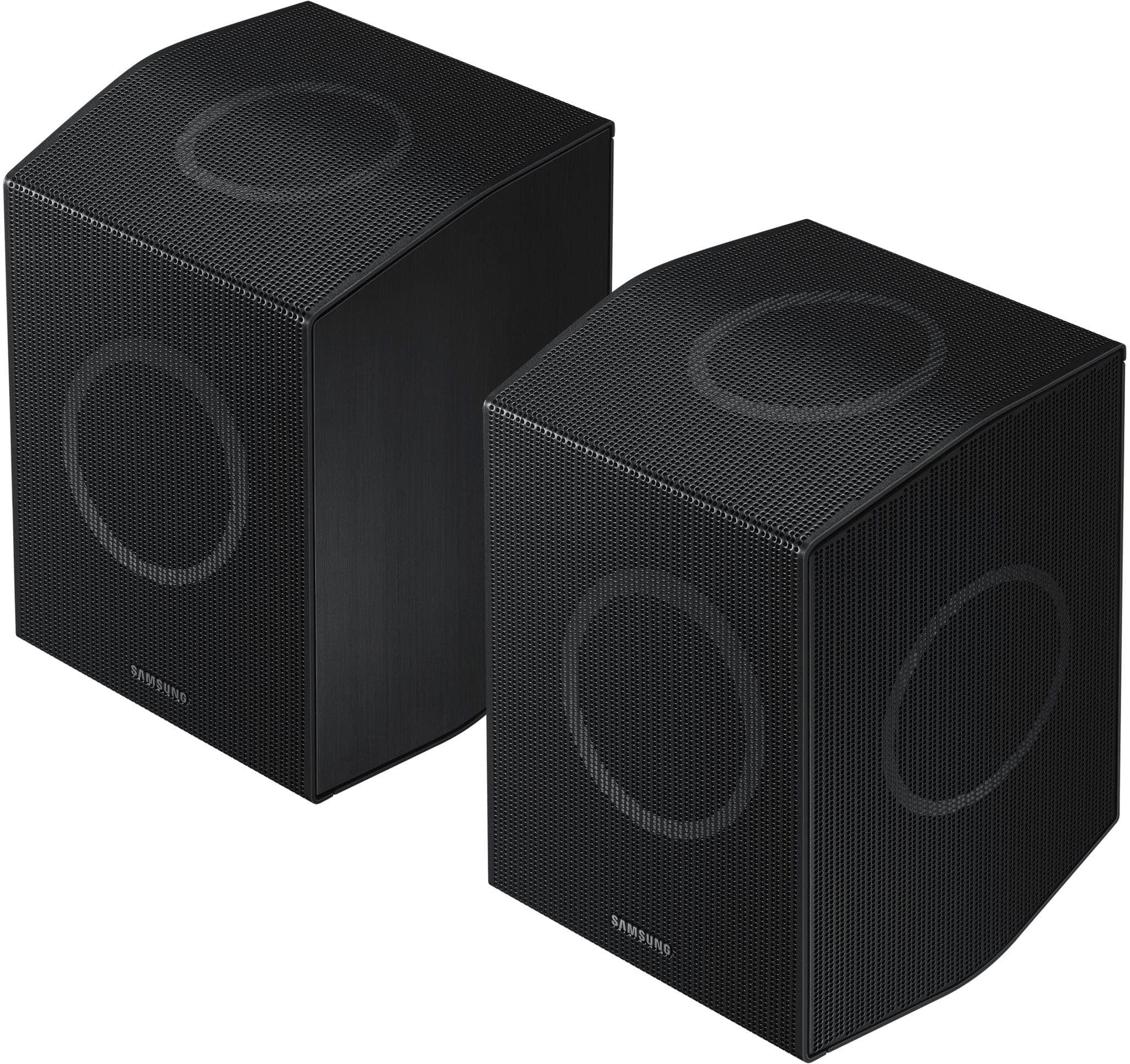
||Posted . Owned for 1 week when reviewed.This reviewer received promo considerations or sweepstakes entry for writing a review.This soundbar is not that great. Its just loud and I did not feel the Dolby Atmos effect; it really just sounds like a cheaper Samsung soundbar. I returned it and got a sennheiser. Also the rear speakers are ugly and massive.
No, I would not recommend this to a friendBrand response from Samsung
Posted .Hello AliciaM,
Thank you for taking the time to provide feedback on your HW-Q990D Soundbar. I’m sorry you were not satisfied with your experience. We are always here to help and would have been happy to assist in providing settings adjustments to resolve any issues you were experiencing.
Please know there are a wide range of audio adjustments available to tune the sound to your liking.
You can manually optimize your audio experience by pressing the SOUND CONTROL button (which looks like a gear), you can set the audio function such as Auto EQ, Spacefit sound, AVA, Voice Enhance mode, Night mode, Sync, Surround speaker mode, Virtual. The desired item can be adjusted using the Up/Down buttons.
Alternatively, you can press and hold the SOUND CONTROL button for about 5 seconds to adjust the sound for each frequency band. 150Hz, 300Hz, 600Hz, 1.2kHz, 2.5kHz, 5kHz, and 10kHz are selectable using the Left/Right buttons and each can be adjusted to a setting between -6 to +6 using the Up/Down buttons.
You can try quickly optimizing the audio by pressing the SOUND MODE button on your remote, and then select the desired sound effect by choosing STANDARD, SURROUND SOUND, GAME, or ADAPTIVE SOUND.
To control the volume of each speaker, press the CH LEVEL button on the provided remote. Then select CENTER LEVEL, SIDE LEVEL, WIDE LEVEL, FRONT TOP LEVEL, REAR LEVEL, or REAR TOP LEVEL. Once you find the channel you are looking for, adjust the volume between -6 to +6 by using the Up/Down buttons.
There are multiple ways to control the bass levels for your new Soundbar.
1) Using the WOOFER button on the provided Soundbar remote. Use the woofer button by pushing forward or pulling backward on the button itself to adjust the bass levels between -12 or -6/+6. If you want to reset the bass to 0 then push the button in.
2) When you press the TONE CONTROL button, you can adjust the treble or bass levels between -6/+6.
Alternatively, you can adjust all of these same settings and more within the SmartThings app. Download the app for your iOS or Android device and then connect your Soundbar to Wi-Fi. From here, you will be able to adjust all of the same settings as the provided remote, but with the added benefit of being able to see the changes on your smart device.
If you need more help, Samsung is here for you. Please call us at 1-800-SAMSUNG, 8AM - 12AM EST (Ask for Soundbars), 7 days a week. Our Live Chat agents are also available by clicking on the ‘Support’ link on our website.
~ Samsung Solutions
Wrong item
||Posted . Owned for 2 weeks when reviewed.This reviewer received promo considerations or sweepstakes entry for writing a review.The product is truly amazing as I ended up purchasing on another site. However, the item I got from best buy was an open box and the wrong item was sent.
I would recommend this to a friendBrand response from Samsung
Posted .Hi Drew,
Please know you are leaving a review and 3-star rating for the HW-Q990D, but we are sorry to hear of your Best Buy experience, nonetheless. You may want to consider providing feedback directly to the Best Buy store where you made your purchase.
Should you have questions on the HW-Q990D itself, Samsung is here for you. You can reach us at 1-800-SAMSUNG, 8AM - 12AM EST, 7 days a week. Our LiveChat agents are also available by clicking on the ‘Support’ link on our website.
~ Samsung Solutions
Sub Par
||Posted . Owned for 3 months when reviewed.This reviewer received promo considerations or sweepstakes entry for writing a review.The sound from the main bar is decent but has started to crackle in the last week. We never play it really loud because we have kids, not sure what happened. The back speakers almost never play any sound, we have tried all the speaker settings with no change. A lot of money for just the bar and woofer...
No, I would not recommend this to a friendBrand response from Samsung
Posted .Hi RichardM,
Thank you for taking a moment to review the Samsung HW-Q990D Soundbar.
First, try doing a soft reset, unplug the soundbar from the outlet for roughly 30 seconds and then plug it back in.
If this still does not correct your issue, then do a hard reset. With the Soundbar on, press the + & - Volume buttons on the body of the soundbar at the same time for at least 5 seconds. INIT OK” appears on the display and then the Soundbar is reset.
By design, the surround speakers are supposed to simulate sounds happening behind the viewer. Therefore, most of the time the surround channels are only used for ambient sounds, which are naturally lower in volume.
If you need more help, Samsung is here for you. Please call us at 1-800-SAMSUNG, 8AM - 12AM EST (Ask for Soundbars), 7 days a week. Our Live Chat agents are also available by clicking on the ‘Support’ link on our website.
~ Samsung Solutions
Best buy cancelled order three times
||Posted . Owned for 3 weeks when reviewed.This reviewer received promo considerations or sweepstakes entry for writing a review.Then changed the price and refused to honor original sale price, referred to email support team who will not respond
No, I would not recommend this to a friendBrand response from Samsung
Posted .Hello Ctck,
Please know you are leaving a review and 1-star rating for the HW-Q990D, but we are sorry to hear of your Best Buy experience, nonetheless. You may want to consider providing feedback directly to the Best Buy store where you made your purchase.
Should you have questions on the HW-Q990D itself, Samsung is here for you. You can reach us at 1-800-SAMSUNG, 8AM - 12AM EST, 7 days a week. Our LiveChat agents are also available by clicking on the ‘Support’ link on our website.
~ Samsung Solutions
Samsung sound bar
||Posted . Owned for 1 month when reviewed.This reviewer received promo considerations or sweepstakes entry for writing a review.Returned too many issues with sound control. Switching from shows to commercials went to full blast almost.
No, I would not recommend this to a friendBrand response from Samsung
Posted .Hi james,
Thank you for your review of the Samsung HW-Q990D Soundbar and for sharing the issues that have caused you to return your unit. Your experience is very important to us and will be shared with our product team.
It is possible that your unit needed minor troubleshooting, a firmware update, or adjustments in settings.
Should you ever decide to give Samsung Soundbars another try and have questions or need assistance with settings, setup, or features, please know we are always here to help. Call us at 1-800-SAMSUNG (Ask for Soundbars), 8AM - 12AM EST, 7 days a week. Or visit us on the Samsung website and click on the ‘Support’ link for:
• Live Chat
• Manuals, Software, & Warranty Info
• Creating a service ticket
~ Samsung Solutions
Soundbar
||Posted . Owned for 2 weeks when reviewed.This reviewer received promo considerations or sweepstakes entry for writing a review.I hate it theres no real bass and it doesn’t compare to the older model i had. Very disappointed!
No, I would not recommend this to a friendBrand response from Samsung
Posted .Hi Jimjim101,
We appreciate you providing your feedback and experience with the HW-Q990D soundbar. Please know there are a wide range of audio adjustments available to tune the sound to your liking.
You can manually optimize your audio experience by pressing the SOUND CONTROL button (which looks like a gear), you can set the audio function such as Auto EQ, Spacefit sound, AVA, Voice Enhance mode, Night mode, Sync, Surround speaker mode, Virtual. The desired item can be adjusted using the Up/Down buttons.
Alternatively, you can press and hold the SOUND CONTROL button for about 5 seconds to adjust the sound for each frequency band. 150Hz, 300Hz, 600Hz, 1.2kHz, 2.5kHz, 5kHz, and 10kHz are selectable using the Left/Right buttons and each can be adjusted to a setting between -6 to +6 using the Up/Down buttons.
You can try quickly optimizing the audio by pressing the SOUND MODE button on your remote, and then select the desired sound effect by choosing STANDARD, SURROUND SOUND, GAME, or ADAPTIVE SOUND.
To control the volume of each speaker, press the CH LEVEL button on the provided remote. Then select CENTER LEVEL, SIDE LEVEL, WIDE LEVEL, FRONT TOP LEVEL, REAR LEVEL, or REAR TOP LEVEL. Once you find the channel you are looking for, adjust the volume between -6 to +6 by using the Up/Down buttons.
There are multiple ways to control the bass levels for your new Soundbar.
1) Using the WOOFER button on the provided Soundbar remote. Use the woofer button by pushing forward or pulling backward on the button itself to adjust the bass levels between -12 or -6/+6. If you want to reset the bass to 0 then push the button in.
2) When you press the TONE CONTROL button, you can adjust the treble or bass levels between -6/+6.
Alternatively, you can adjust all of these same settings and more within the SmartThings app. Download the app for your iOS or Android device and then connect your Soundbar to Wi-Fi. From here, you will be able to adjust all of the same settings as the provided remote, but with the added benefit of being able to see the changes on your smart device.
If you need more help, Samsung is here for you. Please call us at 1-800-SAMSUNG, 8AM - 12AM EST (Ask for Soundbars), 7 days a week. Live Chat with an agent as well as manuals, software, creating a service ticket, and warranty info can be found at the ‘Support’ link on our Samsung website.
~ Samsung Solutions