Customer Ratings & Reviews






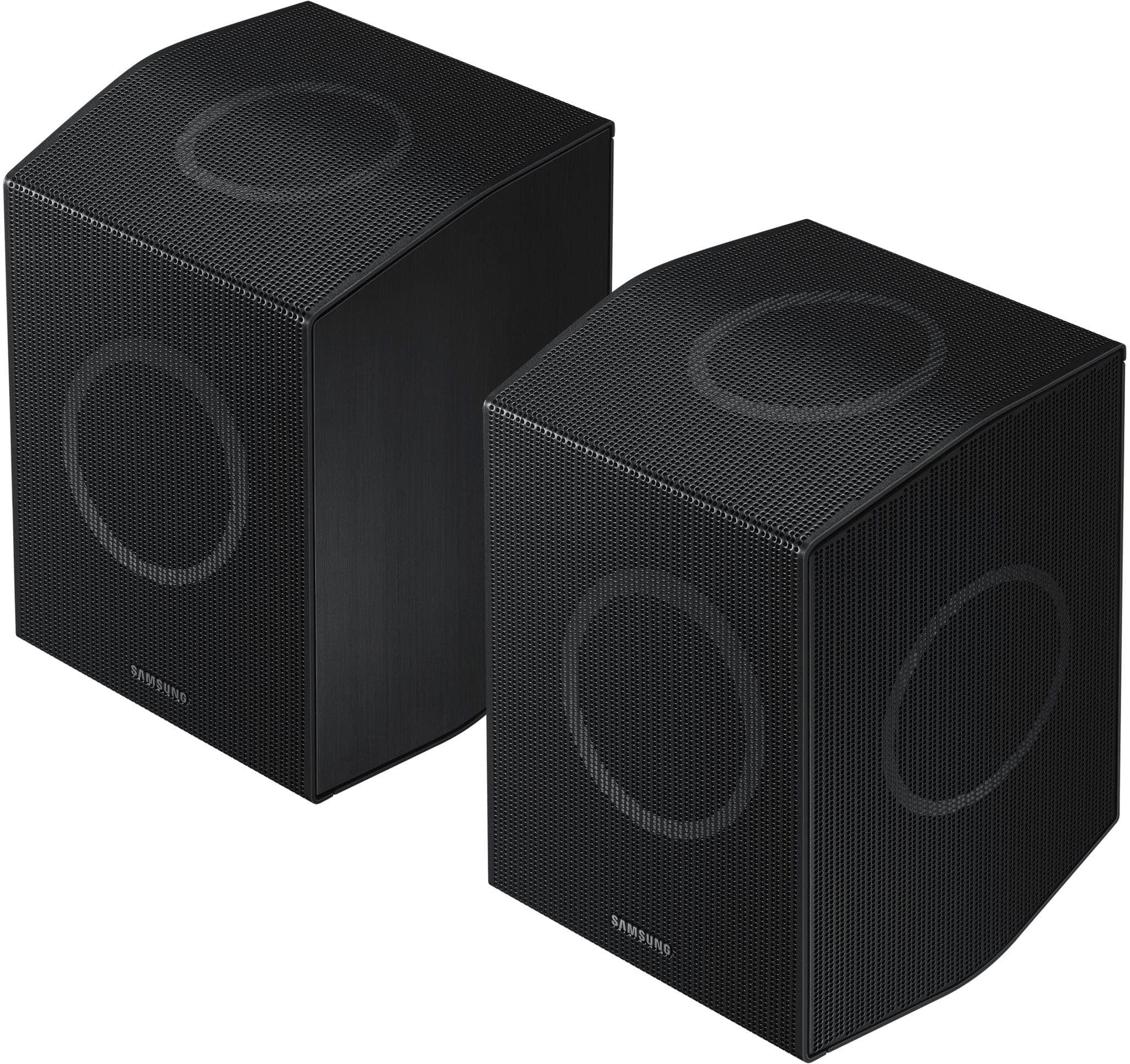





- Model:
- HW-Q990D/ZA
- |
- SKU:
- 11113026
Customer reviews
Rating 4.7 out of 5 stars with 509 reviews
(509 customer reviews)Rating by feature
- Value4.6
Rating 4.6 out of 5 stars
- Quality4.8
Rating 4.8 out of 5 stars
- Ease of Use4.7
Rating 4.7 out of 5 stars
- Pros mentioned:Sound quality
Rated 5 out of 5 stars
The best sound bar
||Posted . Owned for 2 weeks when reviewed.This reviewer received promo considerations or sweepstakes entry for writing a review.The best soundbar I've ever purchased. Im truly impressed of how amazing it sounds
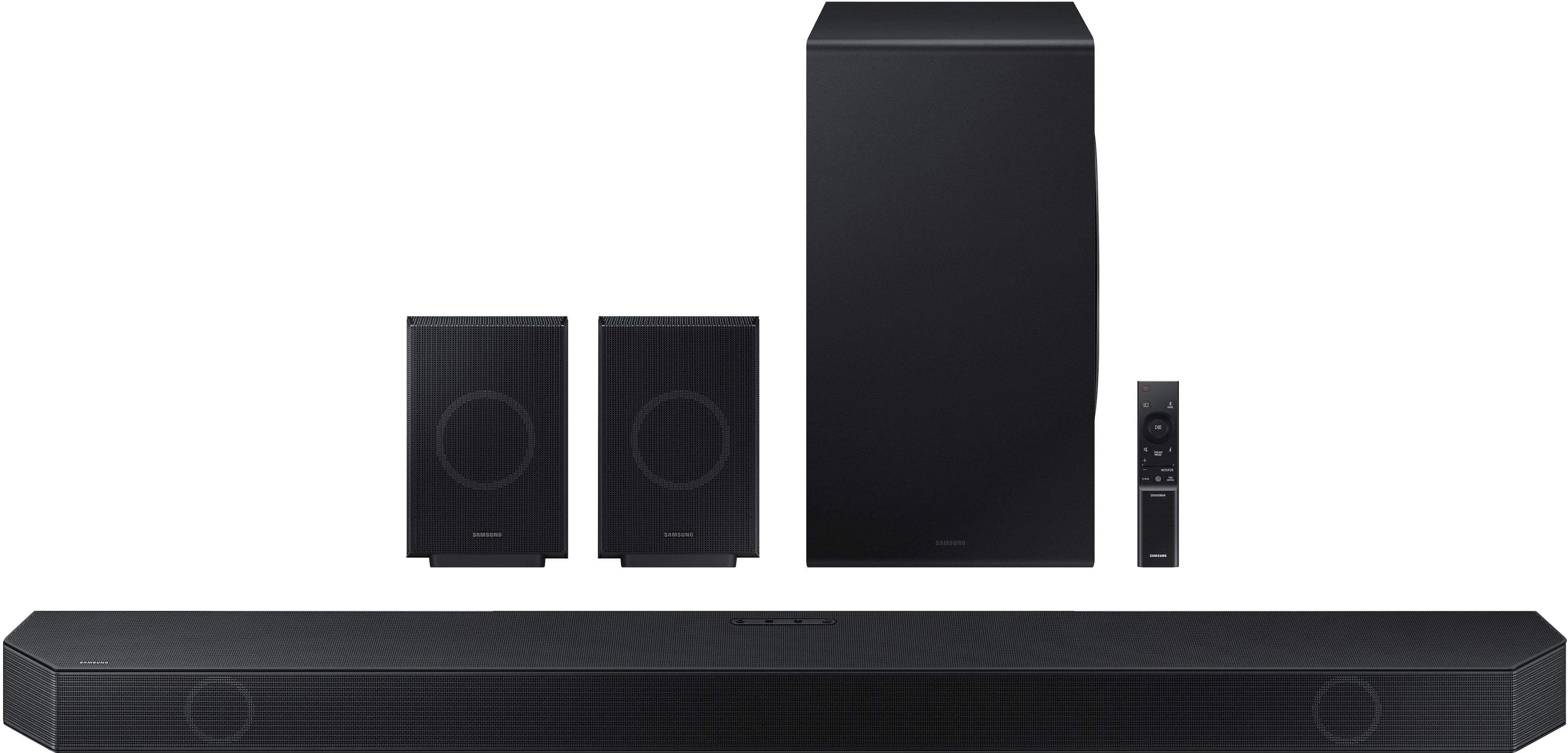
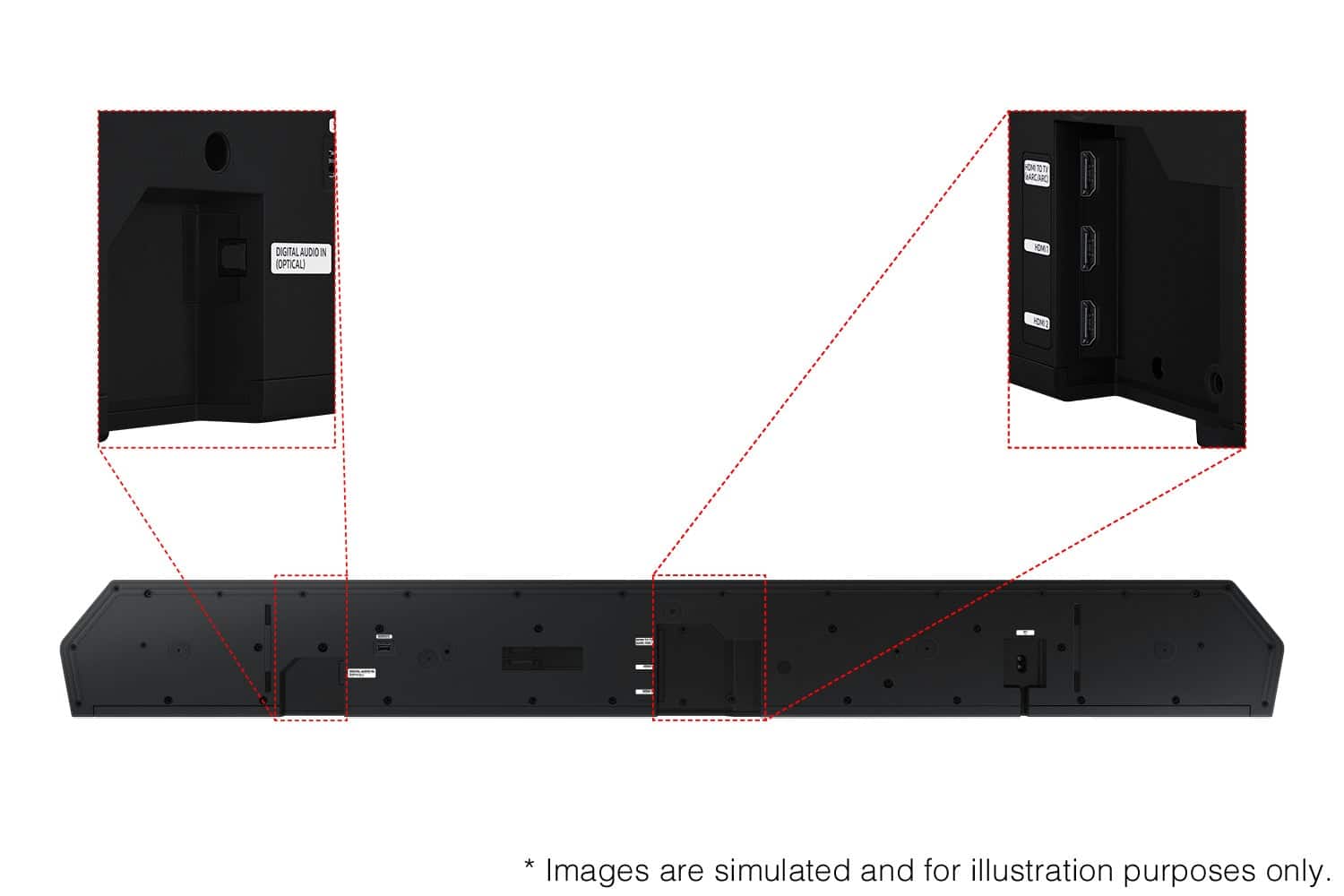
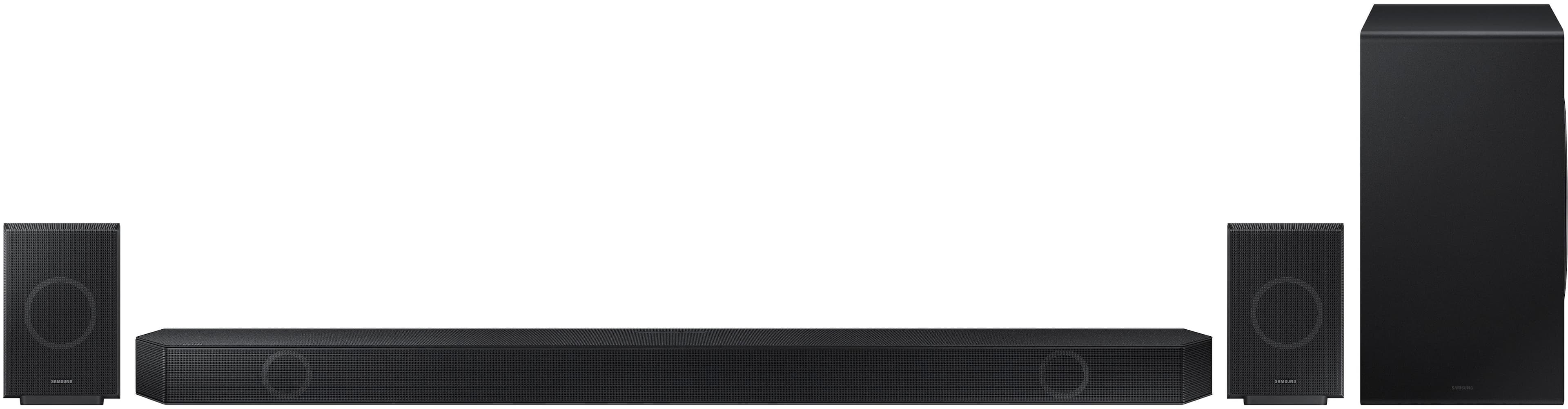
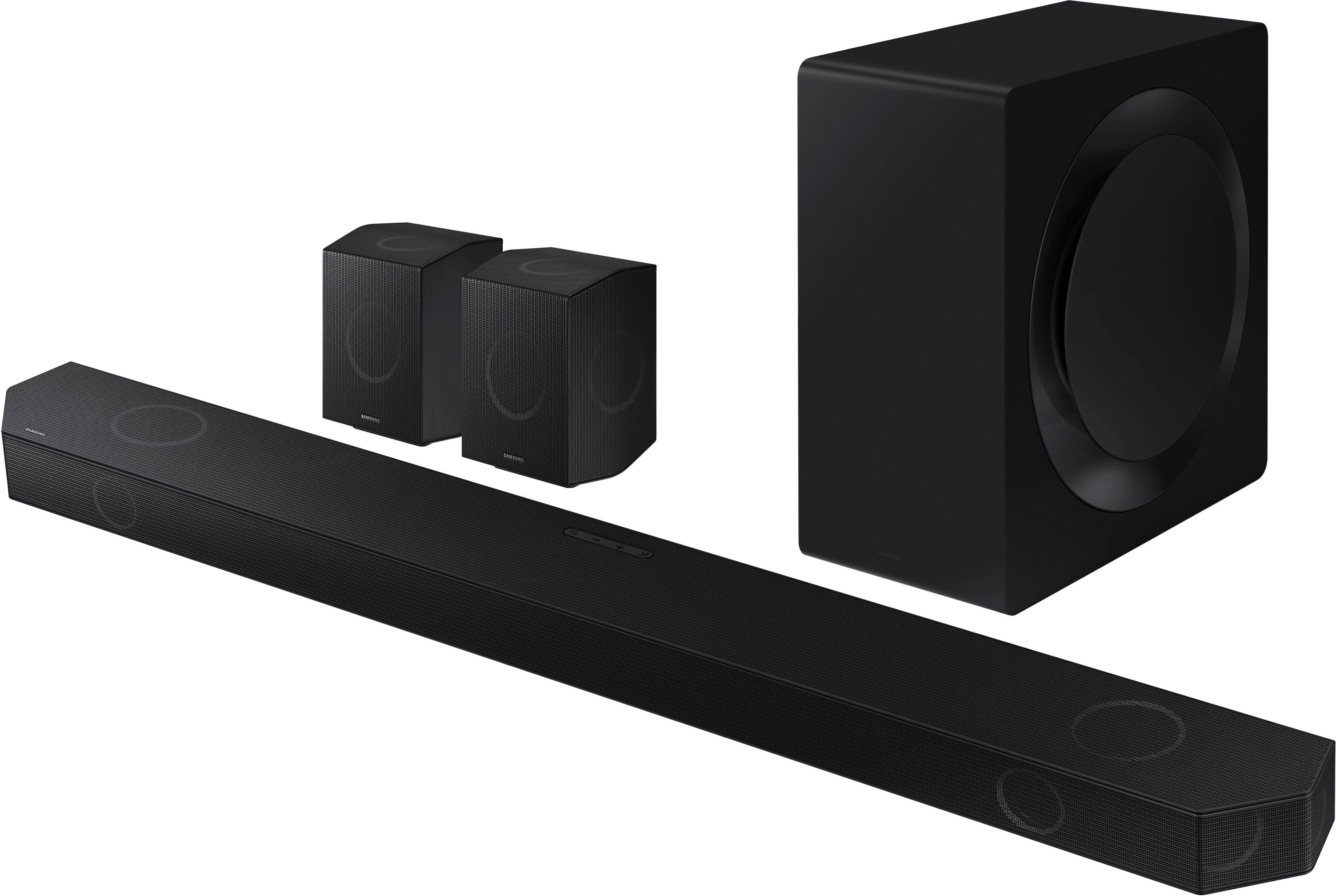
This review is from Samsung - HW-Q990D/ZA 11.1.4 Channel Q-Series Soundbar with Wireless Subwoofer and Rear Speakers, Dolby Atmos and Q-Symphony - Black
I would recommend this to a friend - Pros mentioned:Sound quality
Rated 5 out of 5 stars
Sound system
||Posted . Owned for 2 weeks when reviewed.This reviewer received promo considerations or sweepstakes entry for writing a review.Great quality and sound. Works really well alongside q symphony
This review is from Samsung - HW-Q990D/ZA 11.1.4 Channel Q-Series Soundbar with Wireless Subwoofer and Rear Speakers, Dolby Atmos and Q-Symphony - Black
I would recommend this to a friend - Pros mentioned:Sound quality
Rated 4 out of 5 stars
Overly complicated
||Posted . Owned for 1 week when reviewed.This reviewer received promo considerations or sweepstakes entry for writing a review.Sounds good but setting up is worrisome hard to connect via blue tooth
This review is from Samsung - HW-Q990D/ZA 11.1.4 Channel Q-Series Soundbar with Wireless Subwoofer and Rear Speakers, Dolby Atmos and Q-Symphony - Black
I would recommend this to a friend - Pros mentioned:Sound quality
Rated 5 out of 5 stars
Home theater
||Posted .This reviewer received promo considerations or sweepstakes entry for writing a review.Great product best home theater ever great sound and quality!
This review is from Samsung - HW-Q990D/ZA 11.1.4 Channel Q-Series Soundbar with Wireless Subwoofer and Rear Speakers, Dolby Atmos and Q-Symphony - Black
I would recommend this to a friend Rated 5 out of 5 stars
If You Love Movies, Get This!
||Posted . Owned for 1 month when reviewed.This reviewer received promo considerations or sweepstakes entry for writing a review.Best surround system I have ever had. Q-Symphony is amazingwhen pared with my new Samsung TV. It is just like being in a great movie theater. Easy to set up too.
This review is from Samsung - HW-Q990D/ZA 11.1.4 Channel Q-Series Soundbar with Wireless Subwoofer and Rear Speakers, Dolby Atmos and Q-Symphony - Black
I would recommend this to a friend- Pros mentioned:Sound quality
Rated 5 out of 5 stars
Best soundbar I've ever heard
||Posted . Owned for less than 1 week when reviewed.This reviewer received promo considerations or sweepstakes entry for writing a review.This is top-of-the-line. The Sound is incredible. I'm eager to get home and play music.
This review is from Samsung - HW-Q990D/ZA 11.1.4 Channel Q-Series Soundbar with Wireless Subwoofer and Rear Speakers, Dolby Atmos and Q-Symphony - Black
I would recommend this to a friend - Pros mentioned:Sound quality
Rated 5 out of 5 stars
Great sound system.
||Posted . Owned for 2 weeks when reviewed.This reviewer received promo considerations or sweepstakes entry for writing a review.Cant say enough good things about this system, movies sound amazing, dolby atmos is great. Highly recommend it.
This review is from Samsung - HW-Q990D/ZA 11.1.4 Channel Q-Series Soundbar with Wireless Subwoofer and Rear Speakers, Dolby Atmos and Q-Symphony - Black
I would recommend this to a friend Rated 5 out of 5 stars
Surround4me
||Posted . Owned for 3 weeks when reviewed.This reviewer received promo considerations or sweepstakes entry for writing a review.Excellent surround sound. Works perfectly for the house. Great for movie and gaming. You can hear what's coming behind you in gaming. Highly recommend this product.
This review is from Samsung - HW-Q990D/ZA 11.1.4 Channel Q-Series Soundbar with Wireless Subwoofer and Rear Speakers, Dolby Atmos and Q-Symphony - Black
I would recommend this to a friend- Pros mentioned:Sound quality
Rated 5 out of 5 stars
Superb Surround
||Posted . Owned for 1 week when reviewed.This reviewer received promo considerations or sweepstakes entry for writing a review.This sound bar surround system blows me away! Even better when synced with a Samsung TV to utilize Q Symphony!
This review is from Samsung - HW-Q990D/ZA 11.1.4 Channel Q-Series Soundbar with Wireless Subwoofer and Rear Speakers, Dolby Atmos and Q-Symphony - Black
I would recommend this to a friend - Pros mentioned:Sound quality
Rated 5 out of 5 stars
Amazing Soundbar
||Posted . Owned for 3 weeks when reviewed.This reviewer received promo considerations or sweepstakes entry for writing a review.If i could give this sound bar 10 stars I would! It has such an incredible sound array deep deep bass with the sub and i love the whole system can be controlled with your cellphone
This review is from Samsung - HW-Q990D/ZA 11.1.4 Channel Q-Series Soundbar with Wireless Subwoofer and Rear Speakers, Dolby Atmos and Q-Symphony - Black
I would recommend this to a friend - Pros mentioned:Sound quality
Rated 5 out of 5 stars
Wow!
||Posted . Owned for 1 week when reviewed.This reviewer received promo considerations or sweepstakes entry for writing a review.Wow! Just Wow! Sounds awesome. Very loud and clear. This replaced my Yamaha and Kef surround system with Kef fronts also. Honestly sounds clear and no issues hooking up. Get the good cables, big difference. Thanks to Best Buy for a good buy.
This review is from Samsung - HW-Q990D/ZA 11.1.4 Channel Q-Series Soundbar with Wireless Subwoofer and Rear Speakers, Dolby Atmos and Q-Symphony - Black
I would recommend this to a friend Rated 5 out of 5 stars
Samsung surround sound
||Posted . Owned for 3 weeks when reviewed.This reviewer received promo considerations or sweepstakes entry for writing a review.Great surround sound, great product and great price
This review is from Samsung - HW-Q990D/ZA 11.1.4 Channel Q-Series Soundbar with Wireless Subwoofer and Rear Speakers, Dolby Atmos and Q-Symphony - Black
I would recommend this to a friend- Pros mentioned:Sound quality
Rated 5 out of 5 stars
recommended
||Posted . Owned for 3 weeks when reviewed.This reviewer received promo considerations or sweepstakes entry for writing a review.Very good sound effects, even better than the cinema, recommended
This review is from Samsung - HW-Q990D/ZA 11.1.4 Channel Q-Series Soundbar with Wireless Subwoofer and Rear Speakers, Dolby Atmos and Q-Symphony - Black
I would recommend this to a friend Rated 5 out of 5 stars
Samsung Soundbar Q series
||Posted . Owned for 2 weeks when reviewed.This reviewer received promo considerations or sweepstakes entry for writing a review.The Samsung Q series soundbar is great very please
This review is from Samsung - HW-Q990D/ZA 11.1.4 Channel Q-Series Soundbar with Wireless Subwoofer and Rear Speakers, Dolby Atmos and Q-Symphony - Black
I would recommend this to a friend- Pros mentioned:Sound quality
Rated 5 out of 5 stars
Great sound bar
||Posted . Owned for 3 weeks when reviewed.This reviewer received promo considerations or sweepstakes entry for writing a review.I really enjoy the quality of sound from this device.
This review is from Samsung - HW-Q990D/ZA 11.1.4 Channel Q-Series Soundbar with Wireless Subwoofer and Rear Speakers, Dolby Atmos and Q-Symphony - Black
I would recommend this to a friend Rated 4 out of 5 stars
Upgraded to this newer soundbar
||Posted .This reviewer received promo considerations or sweepstakes entry for writing a review.I was previously using the 2019 samsung N950 soundbar. I decided to upgrade because the rear speakers went out on n950 and its almost impossible to find replacement speakers. That being said, this one does indeed come with a wow factor. Pros: Very loud, Clarity, Smart things compatible, trembling bass with *Movies Cons: Not much bass if interested in using for music. You really have to turn up the volume for the bass to actually become noticeable. *Also I have yet to go past 35 volume as it is very loud! Overall 4 stars just because it lacks the bass I am looking for.
This review is from Samsung - HW-Q990D/ZA 11.1.4 Channel Q-Series Soundbar with Wireless Subwoofer and Rear Speakers, Dolby Atmos and Q-Symphony - Black
I would recommend this to a friendRated 5 out of 5 stars
Imax quality
||Posted . Owned for 1 month when reviewed.This reviewer received promo considerations or sweepstakes entry for writing a review.So fire, dont think just get and enjoy. Its so much worth it.
This review is from Samsung - HW-Q990D/ZA 11.1.4 Channel Q-Series Soundbar with Wireless Subwoofer and Rear Speakers, Dolby Atmos and Q-Symphony - Black
I would recommend this to a friend- Pros mentioned:Sound quality
Rated 5 out of 5 stars
Great sound system
||Posted . Owned for 3 months when reviewed.This reviewer received promo considerations or sweepstakes entry for writing a review.Amazing sound quality, specific settings for gaming and watching movies make this an all-around best choice. Worth the money. Setup on the samsung app is a bit difficult but once complete it works great.
This review is from Samsung - HW-Q990D/ZA 11.1.4 Channel Q-Series Soundbar with Wireless Subwoofer and Rear Speakers, Dolby Atmos and Q-Symphony - Black
I would recommend this to a friend Rated 5 out of 5 stars
Dolby atmos soundbar
||Posted . Owned for 1 month when reviewed.This reviewer received promo considerations or sweepstakes entry for writing a review.Excellent sound compact and no big speakers around the house
This review is from Samsung - HW-Q990D/ZA 11.1.4 Channel Q-Series Soundbar with Wireless Subwoofer and Rear Speakers, Dolby Atmos and Q-Symphony - Black
I would recommend this to a friendRated 5 out of 5 stars
Samsung
||Posted . Owned for 2 weeks when reviewed.This reviewer received promo considerations or sweepstakes entry for writing a review.Amazing sound and connects easily!!!!!!!!!!!!!!!!!!
This review is from Samsung - HW-Q990D/ZA 11.1.4 Channel Q-Series Soundbar with Wireless Subwoofer and Rear Speakers, Dolby Atmos and Q-Symphony - Black
I would recommend this to a friend