Customer Ratings & Reviews


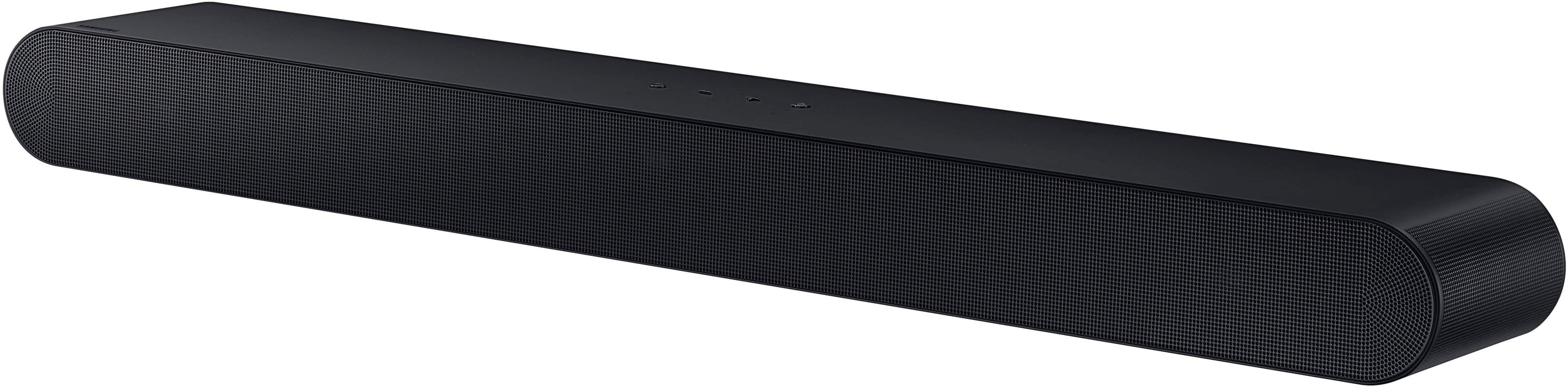
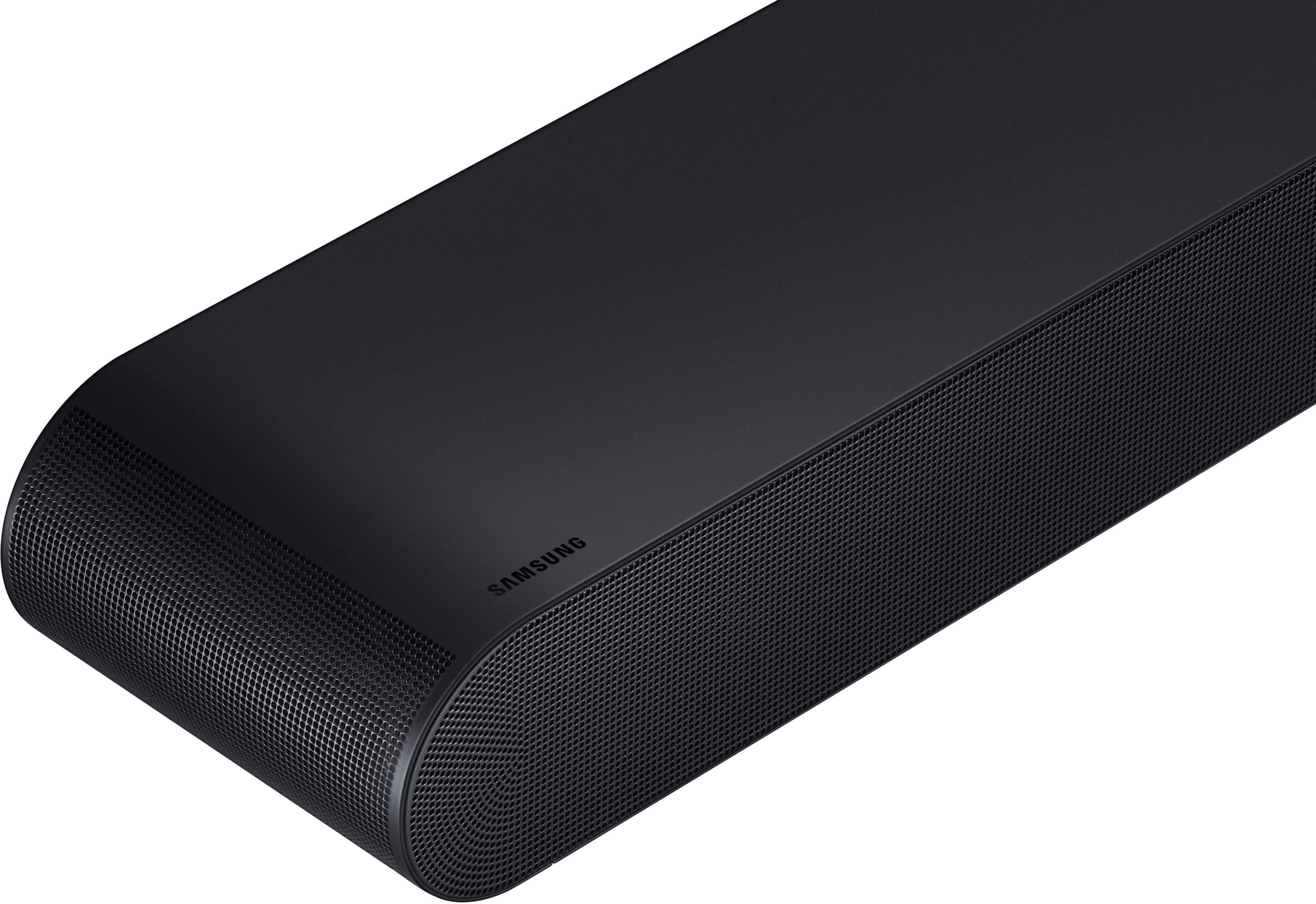
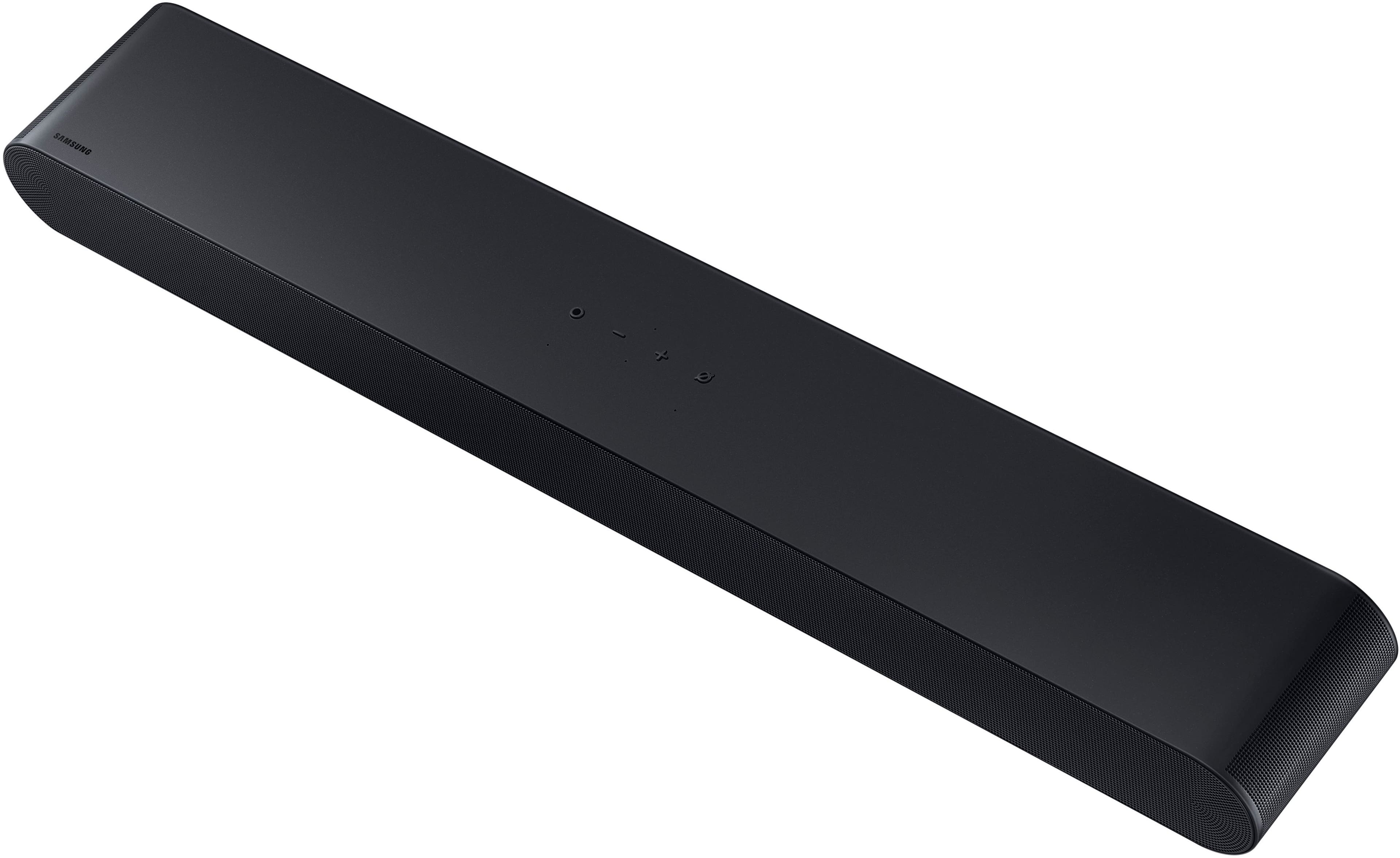


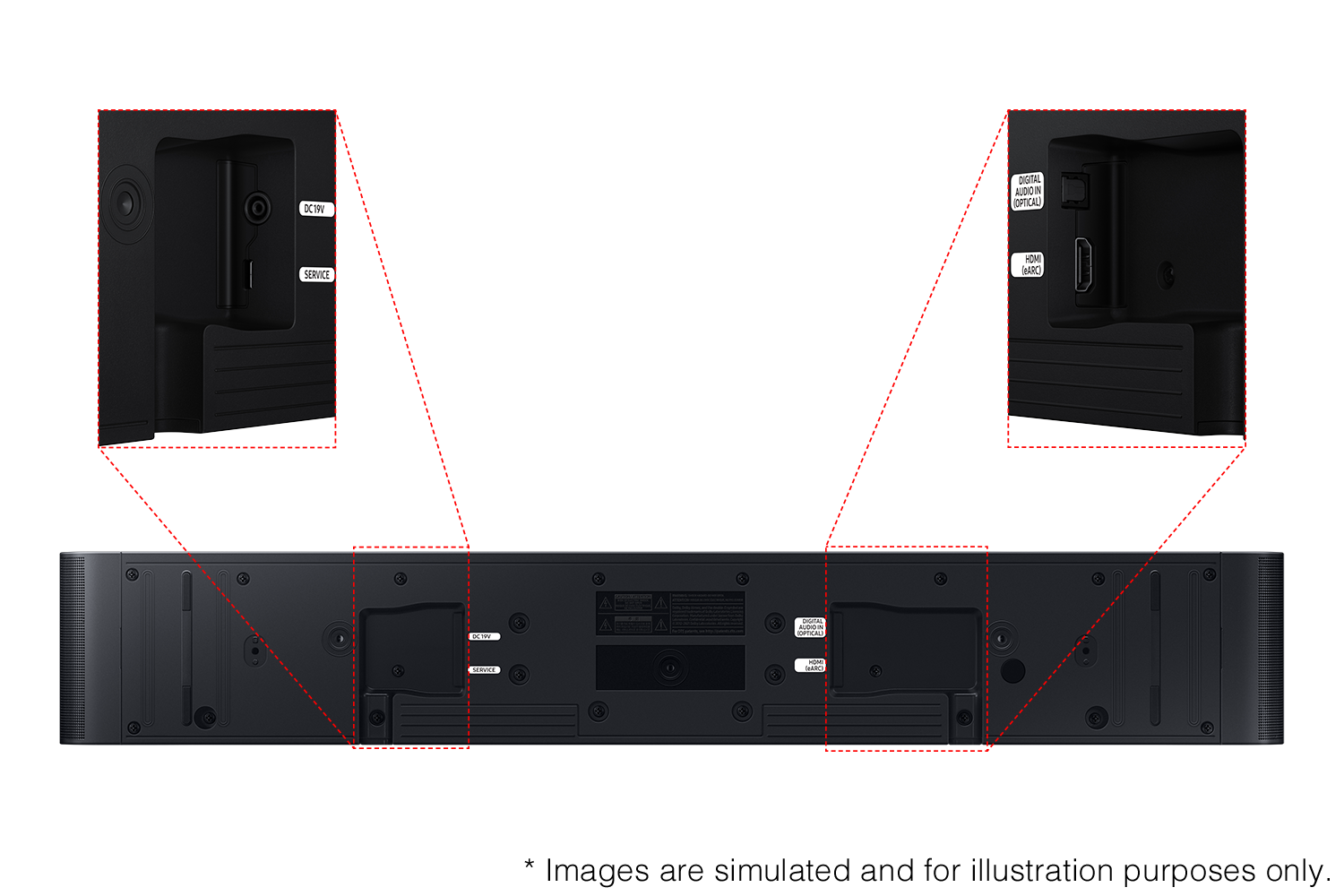
- Model:
- HW-S60D
- SKU:
- 10187553
Rating by feature
- Value
Rating 4.6 out of 5 stars
- Quality
Rating 4.7 out of 5 stars
- Ease of Use
Rating 4.6 out of 5 stars
Soundbar
Posted .This reviewer received promo considerations or sweepstakes entry for writing a review.I bought this because my TV speakers were very muffled and could not hear talking very well. Now the music and background sounds are loud which is awesome but I still can't hear the talking on any show. Super frustrating. I have a Samsung soundbar on my other TV that is probably 12 years old and it works 100 times better than my new one. It's like night and day. Very disappointed.
No, I would not recommend this to a friendBrand response from Samsung
Posted .Hello user559553,
I’m sorry to hear that you’re not fully satisfied with the performance of your HW-S60D Soundbar.
To take full advantage of your new soundbar, download the SmartThings App to your smart device. This will allow you to control your soundbar as you would with the provided remote, but with the added advantage of seeing what changes you make on your device.
To optimize your audio experience, please try the various sound modes this model offers. Press the SOUND MODE button on your remote, and then select your desired sound effect: ADAPTIVE SOUND, DTS VIRTUAL:X, MUSIC, GAME, STANDARD. When you press the SOUND MODE button it will change to the different modes in the above order.
The Adaptive Sound mode helps to hear voices better even when the soundbar is set at a low volume. To further help with voice try activating Active Voice Amplifier together with this mode to ensure the dialogue is not drowned out by room noise so that the onscreen voices are always optimized.
You can further adjust TREBLE and BASS via the TONE CONTROL button.
If you are looking for additional bass, beyond what the HW-S60D can provide, consider adding the compatible SWA-W510 Wireless Subwoofer from Samsung to take your audio experience to the next level.
I hope this tip helps improve your sound experience. Should you need further assistance with features, functions, settings, or adjustments, please contact Samsung Customer Support. Just give us a call at 1-800-SAMSUNG (Ask for Soundbars), 8AM - 12AM EST, 7 days a week. Our Live Chat agents are also available by clicking on the ‘Support’ link on our website.
~ Samsung Solutions
- Cons mentioned:Mounting
Could not mount
Posted .This reviewer received promo considerations or sweepstakes entry for writing a review.Could not mount it. Salesman was incorrect as to being able to mount it
No, I would not recommend this to a friendBrand response from Samsung
Posted .Hello JaniceK,
Thank you for taking a moment to review the HW-S60D Samsung Soundbar.
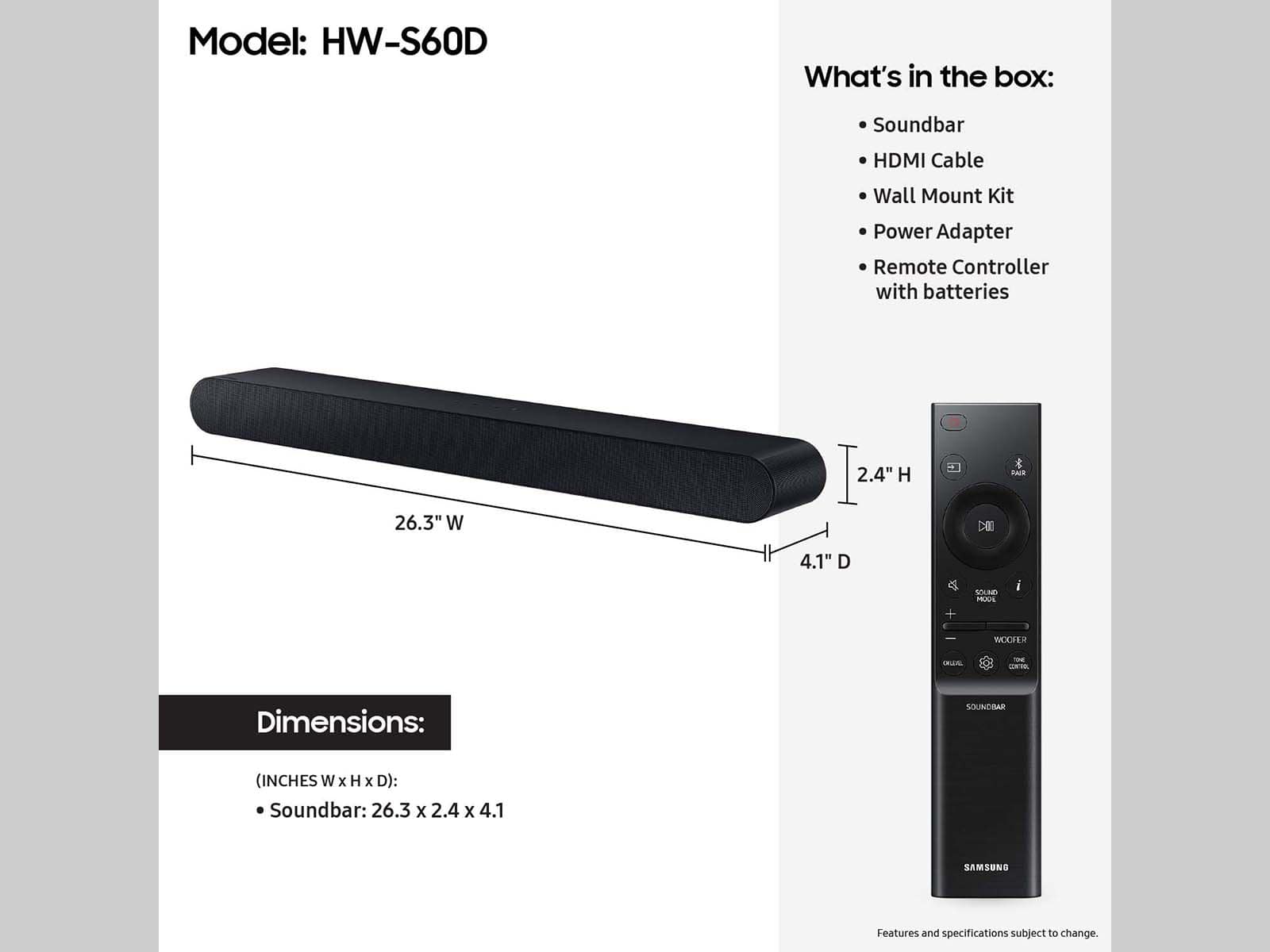
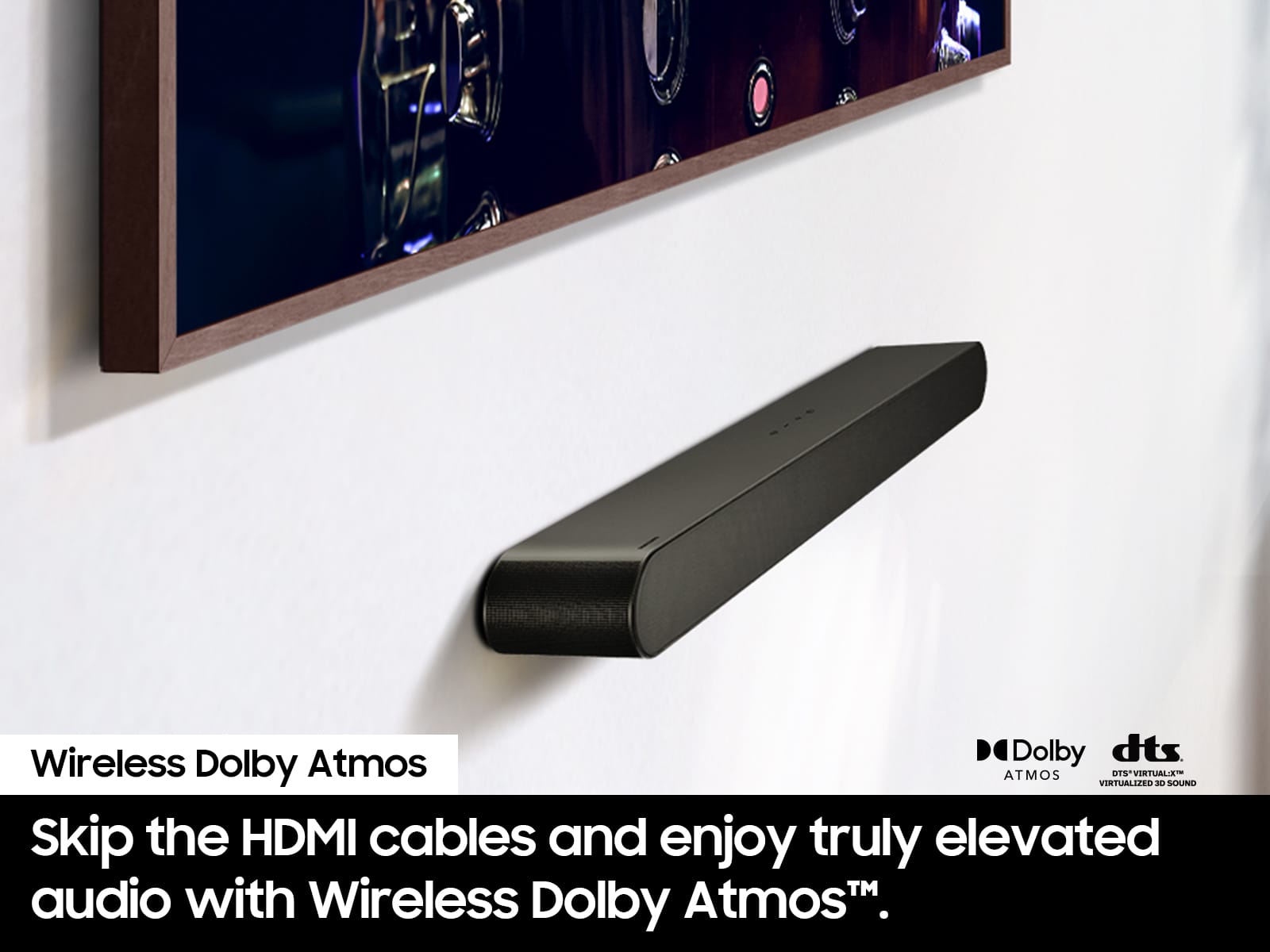
This soundbar does include a compatible wall mounting kit that can be used to mount the soundbar to the wall.
If we can further help with any other issues, please know we are here for you. Just call us at 1-800-SAMSUNG (Ask for Soundbars), 8 AM – 12 AM EST, 7 days a week. Or visit us on the Samsung website and click on the ‘Support’ link for:
• Live Chat with an agent
• Manuals, Software, & Warranty Info
• Creating a service ticket
~ Samsung Solutions
FED-X
Posted .This reviewer received promo considerations or sweepstakes entry for writing a review.Didn’t receive product because FedX lost it…and money returned.
I would recommend this to a friendBrand response from Samsung
Posted .Hi ThomasH,
Please know you are leaving a review and a 1-star rating for the HW-S60D, but we are sorry to hear of your Best Buy experience, nonetheless. You may want to consider providing feedback directly to the Best Buy store where you made your purchase.
Should you have questions on the HW-S60D itself, Samsung is here for you. You can reach us at 1-800-SAMSUNG, 8AM - 12AM EST, 7 days a week. Our LiveChat agents are also available by clicking on the ‘Support’ link on our website.
~ Samsung Solutions
Horrible soundbar
Posted .This reviewer received promo considerations or sweepstakes entry for writing a review.Horrible soundbar. Will randomly connect to Spotify and start blasting music at 5am. Search Samsung soundbar gone rogue and a reddit thread will pop up. Multiple other complaints on the Samsung and Spotify forums.
No, I would not recommend this to a friendBrand response from Samsung
Posted .Hi SkinnyP,
I’m sorry to hear that you’re dissatisfied with the performance of your HW-S60D Soundbar.
There are a few steps you can take to troubleshoot your Soundbar.
First, try doing a soft reset, unplug the soundbar from the outlet for roughly 30 seconds and then plug it back in.
Next, update the firmware on your soundbar. The easiest way to accomplish this would be to download the SmartThings app and connect your Soundbar to Wi-Fi. This will allow you to not only download any firmware updates but also control your entire soundbar on the screen of your smart device.
Please also verify that you are running the latest firmware on your TV. You can check to see what software version your TV is using and if there is an available update through the settings on your TV. Go to: Menu > Settings > Support > Software Update.
If this still does not correct your issue, then do a hard reset. With the Soundbar on, press the + & - Volume buttons on the body of the soundbar at the same time for at least 5 seconds. The LED display changes as follows: White moves from left to right and right to left, and the middle LED blinks Cyan 3 times. Then the middle LED will blink RED and turn off.
If you need more help, Samsung is here for you. Please call us at 1-800-SAMSUNG, 8AM - 12AM EST (Ask for Soundbars), 7 days a week. Our Live Chat agents are also available by clicking on the ‘Support’ link on our website.
~ Samsung Solutions