Customer Ratings & Reviews


- Model:
- HW-S800B/ZA
- SKU:
- 12520885
Rating by feature
- Value
Rating 4.3 out of 5 stars
- Quality
Rating 4.6 out of 5 stars
- Ease of Use
Rating 4.5 out of 5 stars
to a friend
Walk away!
||Posted . Owned for 1 week when reviewed.This reviewer received promo considerations or sweepstakes entry for writing a review.This soundbar is sleek and nice looking. The sound is not great at all. Sounds like echo. Needs more mid than tweeter. They should add bass enhancement like the Q series, cant really hear the bass from the dual sub. Maybe add a port and eliminate one sub. Even for a black Friday deal, its way overpriced. Will be returning. (Firmware updated, no difference) Do not recommend this product!
No, I would not recommend this to a friendBrand response from Samsung
Posted .Hello Dave,
Thank you for your review of the HW-S800B Soundbar and for sharing your experiences with the issues that have caused you to consider returning your soundbar. Your experience is very important to us and will be shared with our product team.
If you have not yet returned your unit, please give us the opportunity to troubleshoot your issue and work toward a solution.
You can reach Samsung Support at 1-800-SAMSUNG (ask for Soundbars) 8 AM – 12 AM EST, 7 days a week.
We hope to hear from you soon.
~Samsung Solutions
LIP SYNC IS THE WORST
||Posted . Owned for 1 month when reviewed.This reviewer received promo considerations or sweepstakes entry for writing a review.The sound is pretty good considering the size. The HUGE problem is this is hardwired to a Samsung OLED TV. The lip sync is RIDICULOUSLY BAD! Next step is contacting Samsung support since using this combination is like watching a poorly dubbed foreign language movie.
No, I would not recommend this to a friendBrand response from Samsung
Posted .Hi GameRoom,
Thank you for purchasing the HW-S801B Soundbar. I am sorry to see that you are experiencing this issue.
Your new Samsung TV has a feature called Audio Pass-Through. You can utilize this feature to correct your audio-sync issue.
On your TV go to: Settings > Audio > Expert Settings > Digital Audio Output Format > Pass-Through.
Using your provided Soundbar remote you can also try to correct any audio delay. By pressing the SOUND CONTROL button (which looks like a gear) until you hear the voice guide say SYNC. Then set the audio delay between 0~300 milliseconds by using the Up/Down buttons.
I hope this tip helps improve your enjoyment. For more help, please call us at 1-800-SAMSUNG (Ask for Soundbars), 8 AM – 12 AM EST, 7 days a week. LiveChat with an agent as well as manuals, software, and warranty info can be found at the ‘Support’ link on our Samsung website.
~ Samsung Solutions
Samsung. Great TVs. Crappy Soundbars.
||Posted . Owned for 2 weeks when reviewed.This reviewer received promo considerations or sweepstakes entry for writing a review.This started out to be a really nice sounding unit that showed a lot of promise but like other Samsung sound bars I’ve used, it turned out to be junk. I could never get the Arc input to work with my new Samsung QLED TV and the WiFi connection would work for a while but I’d eventually have to reset it every time I used it for it to work. I love Samsung TVs, I’ve got 4 of them, but I’ll never buy another one of their sound bars. Get a Bose or Sonos, they’re so much easier to use and actually work.
No, I would not recommend this to a friendBrand response from Samsung
Posted .Hello Poth,
Thank you for sharing your experiences with the HW-S800B Soundbar. Your feedback is critical in our pursuit of bringing you the best in audio products.
I am sorry that you have experienced these issues with your soundbar. So that we can better assist you with step-by-step troubleshooting or warranty assistance, please contact Samsung Customer Support. Please know that we are here and happy to help you. Call us at 1-800-SAMSUNG (ask for Soundbars), available 8 AM – 12 AM EST, 7 days a week.
LiveChat with an agent by clicking the ‘Support’ link on the Samsung website.
~Samsung Solutions
HOT GARBAGE
||Posted . Owned for 1 month when reviewed.This reviewer received promo considerations or sweepstakes entry for writing a review.This thing is JUNK!!!! As soon as the return period ended, dialogue and menu chimes started sounding distorted. I sent it back to Samsung under warranty. Samsung gaslit me saying it had no issues then replaced some driver and sent it back. They sent it back and it sounded okay for a day or two and then sounded distorted again. I sent it back and they said it is fine. Now they are saying it is fine but to get some hdmi adapter. The area near the mini hdmi port(poor design choise imo) is noticeably warm and the speakers in that reason sound t buzzy. Samsung insists it is both fine and needs an adapter and there is interference? Logically impossible. Using Bluetooth in produces the same issue. It’s not the hdmi cable, but probably the heat around the ports causing the speakers to distort. It was expensive and sucks. I will not buy Samsung again after this this fiasco.
No, I would not recommend this to a friendBrand response from Samsung
Posted .SmellyMob,
Thank you for your review of Samsung’s HW-S800B soundbar. I’m sorry to hear you had a frustrating experience with a distorted sound coming from your soundbar, but we greatly appreciate you bringing this issue to our attention.
There are a few steps you can take to troubleshoot your Soundbar.
First, try doing a soft reset, unplug the soundbar from the outlet for roughly 30 seconds and then plug it back in.
Next, update the firmware on your soundbar. The easiest way to accomplish this would be to download the SmartThings app and connect your Soundbar to Wi-Fi. This will allow you to not only download any firmware updates but also control your entire soundbar on the screen of your smart device.
Please also verify that you are running the latest firmware on your TV. You can check to see what software version your TV is using and if there is an available update through the settings on your TV. Go to: Menu > Settings > Support > Software Update.
If this still does not correct your issue, then do a hard reset. With the Soundbar on, press the + & - Volume buttons on the body of the soundbar at the same time for at least 5 seconds. The LED display changes as follows: White moves from left to right and right to left, and the middle LED blinks Cyan 3 times. Then the middle LED will blink RED and turn off.
If you need more help, Samsung is here for you. Please call us at 1-800-SAMSUNG, 8AM - 12AM EST (Ask for Soundbars), 7 days a week. Our Live Chat agents are also available by clicking on the ‘Support’ link on our website.
~ Samsung Solutions
Not worth the price tag
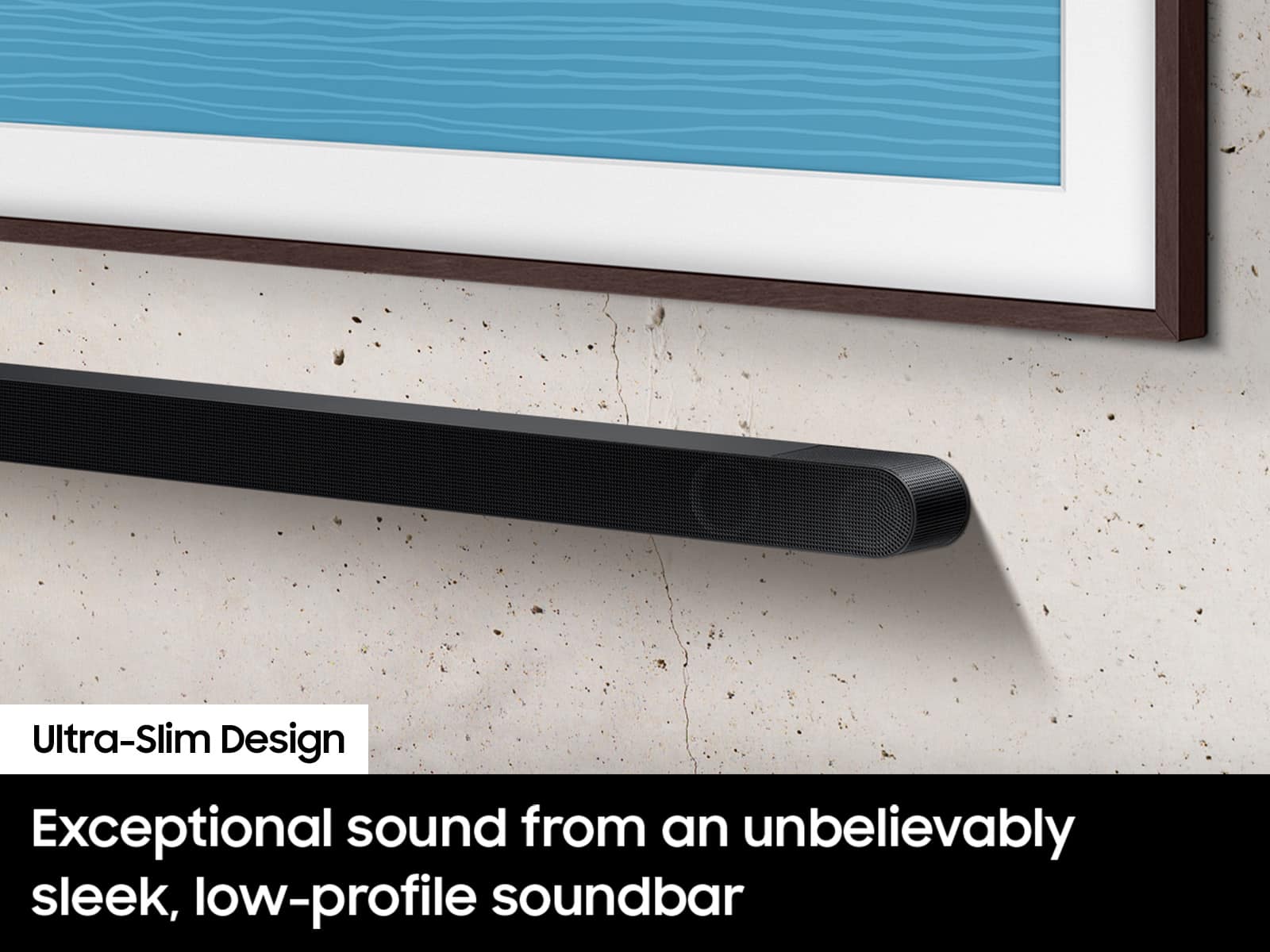
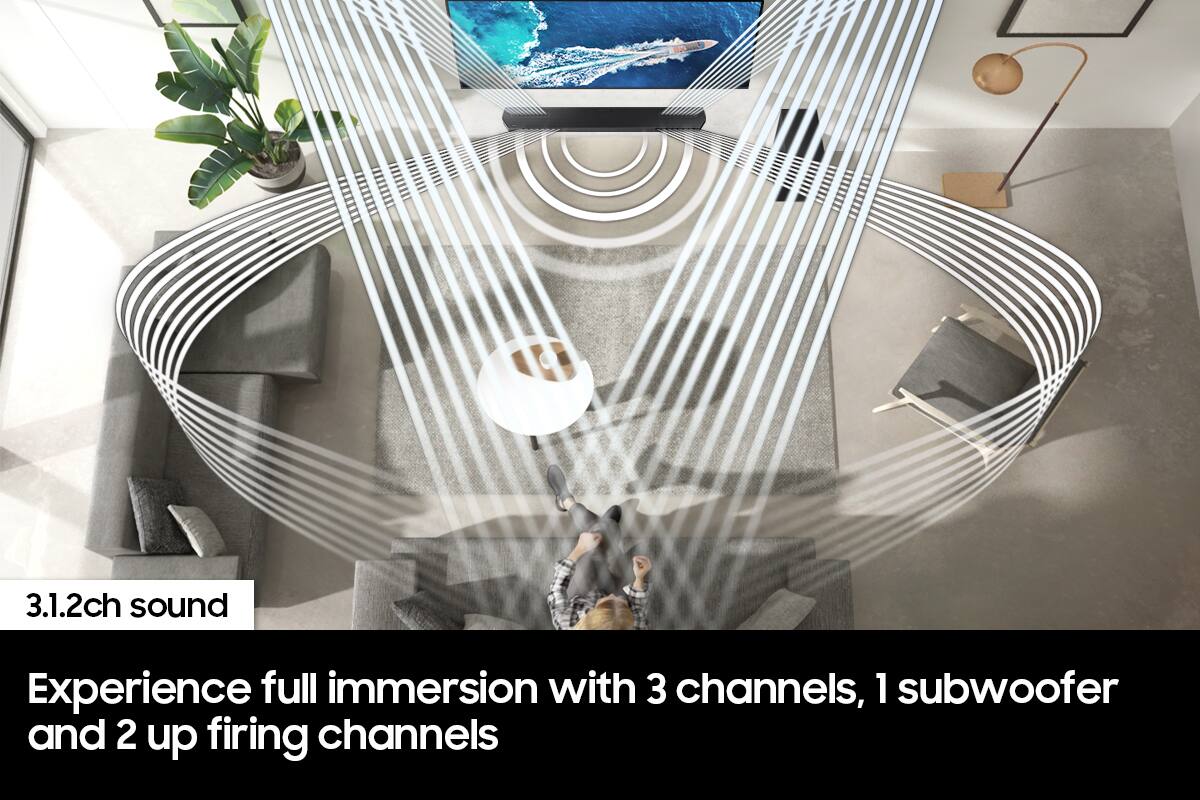
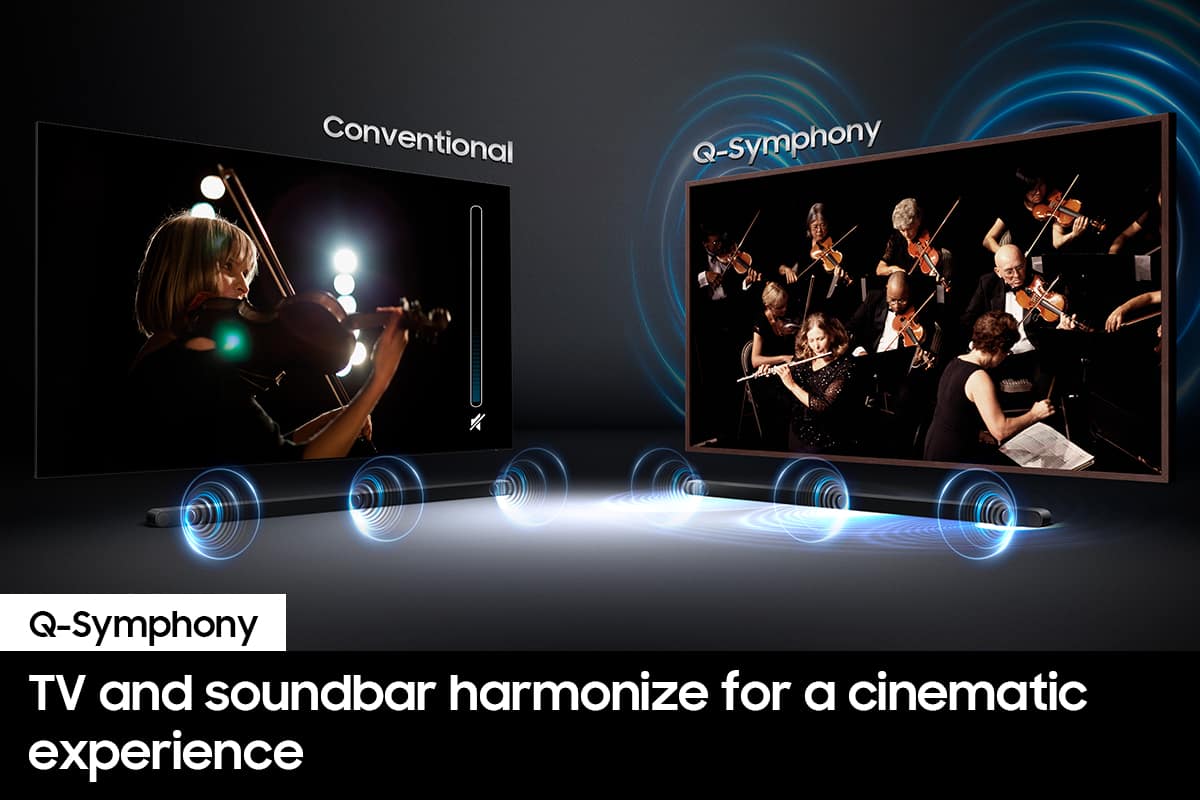
||Posted . Owned for 3 weeks when reviewed.This reviewer received promo considerations or sweepstakes entry for writing a review.The sound bar looks great as it's very thin and modern and design. But the price tag is not reflective value of this sound bar. It has one too few channels and does not fill the room with quality sound as described. I had tried it in a roughly 200 ft room which is not huge by any means so it should not have had any difficulty in filling the room with surround sound especially with the TV that I purchased which was a q900b with the ability of Q Symphony.
No, I would not recommend this to a friendBrand response from Samsung
Posted .Hello,
Thank you for sharing your thoughts regarding the HW-S800B Soundbar. I am sorry to see that your expectations have not been met.
We appreciate you sharing your feedback regarding the audio performance.
To take full advantage of your new soundbar, download the SmartThings App to your smart device. This will allow you to control your soundbar as you would with the provided remote, but with the added advantage of seeing what changes you make on your device.
To optimize your audio experience, please try the various sound modes this model offers. Press the SOUND MODE button on your remote, and then select your desired sound effect: ADAPTIVE SOUND, DTS VIRTUAL:X, GAME, STANDARD. When you press the SOUND MODE button it will change to the different modes in the above order.
You can further adjust TREBLE and BASS via the TONE CONTROL button.
To easily fill up the room with sound, consider adding on the SWA-9500S Wireless Rear Speakers. This truly wireless rear speakers will increase your overall channels by 2.0.2 in total.
If you need more help, Samsung is here for you. Please call us at 1-800-SAMSUNG, 8AM - 12AM EST (Ask for Soundbars), 7 days a week. Our LiveChat agents are also available by clicking on the ‘Support’ link on our website.
~ Samsung Solutions
Do not recommend.
||Posted . Owned for 7 months when reviewed.This reviewer received promo considerations or sweepstakes entry for writing a review.Sound is decent, but the lip synch is so bad it is well beyond any adjustment. Even being connected to a Samsung TV doesn’t matter.
No, I would not recommend this to a friendBrand response from Samsung
Posted .Hi KevinG,
We appreciate you taking a moment to leave a review for the HW-S800B Soundbar.
If the video on the TV and audio from the soundbar are not synchronized, press the SOUND CONTROL button on the soundbar remote. You can then set the audio delay between 0~300 milliseconds by using the Up/Down buttons.
Additionally, please make sure your soundbar is using the latest firmware version. You can update the firmware version of your soundbar by using the SmartThings App or a USB device. If available, you may also want to update the firmware Version of your TV which may feature audio delay improvements.
If you continue to experience audio delay, and are connected wirelessly, please use the included HDMI cable to connect the soundbar to the TV. Using a wired connection instead of wireless often eliminates the audio delay entirely and improves the user experience.
If you need more help, Samsung is here for you. Please call us at 1-800-SAMSUNG, 8AM - 12AM EST (Ask for Soundbars), 7 days a week. Our Live Chat agents are also available by clicking on the ‘Support’ link on our website.
~ Samsung Solutions
Replace remote control with one with batteries
||Posted . Owned for 1 month when reviewed.This reviewer received promo considerations or sweepstakes entry for writing a review.Sound it’s amazing, rechargeable remote not, so great, charge won’t hold much . Dies very fast it’s getting annoying . You have to plug it and charge it all day long in order to turn system on. I wish it had a regular remote control with batteries. .
I would recommend this to a friendBrand response from Samsung
Posted .Hello JoseN,
Thank you for sharing your feedback regarding the HW-S800B Soundbar.
Currently none of the Samsung Soundbar's come with a SolarCell Remote. If you have purchased a recently Samsung TV, this may be where you have received this SolarCell Remote. The TV remotes do have the ability to control the Soundbar's volume.
If you would like to control your Soundbar from your smart device you can by downloading the latest version of SmartThings for either iOS or Android. This will allow you to have full control over your Samsung Soundbar, adjusting the 7-band EQ, Sound Modes, volume, and bass/treble just to name a few settings.
Should you ever have questions or need help, please call us at 1-800-SAMSUNG (ask for Soundbars), available 8 AM – 12 AM EST, 7 days a week.
For additional support resources, visit us on the Samsung website and click on the ‘Support’ link in the upper right corner of the homepage for:
1) Chat with Us/Product Help: To begin a chat or find solutions, choose ‘TVs & Home Theater’ and select your model & topic.
2) Manuals & Software
3) Warranty Info
4) Register a Product: For access to easy warranty support, convenient opt-in to special promos and offers, faster troubleshooting and service, and quick notification of system updates
5) Contact Us
~ Samsung Solutions
Bought as an open box
||Posted . Owned for 1 month when reviewed.This reviewer received promo considerations or sweepstakes entry for writing a review.Bought as an open box, which should have all necessary components per Best Buy description. Missing the power cable and the manager saw no issue with that. There is also a specific cable for this as well that is over 350 after market that was missing. Word to wise. Do not buy an open box of this one sight unseen and save yourself the headache if the store is further from you than it would be worth in case you have to cancel it
No, I would not recommend this to a friendBad open box product
||Posted .This reviewer received promo considerations or sweepstakes entry for writing a review.Disappointed bought open box. It did not work at all. Had to waste time and return his product
No, I would not recommend this to a friendGarbage
||Posted . Owned for 1.5 years when reviewed.This reviewer received promo considerations or sweepstakes entry for writing a review.a total rip-off. Sounds worse than TV's speaker with absolutely NO BASS AT ALL despite setting it on maximum bass. Buyer beware, don't buy this garbage. Claude Fabre, Miami
No, I would not recommend this to a friendDone with Best Buy
||Posted . Owned for 3 weeks when reviewed.This reviewer received promo considerations or sweepstakes entry for writing a review.Best Buy was awful when it came to setting this up. We called with one question and had the first two reps hang up on us. We called Samsung and they helped in less than 5 minutes. Buying direct from them next time.
No, I would not recommend this to a friendBrand response from Samsung
Posted .Hi JenniferM,
Please know you are leaving a review and 1-star rating for the HW-S801B, but we are sorry to hear of your Best Buy experience, nonetheless. You may want to consider providing feedback directly to the Best Buy store where you made your purchase.
Should you have other questions on the HW-S801B itself, Samsung is here for you. You can reach us at 1-800-SAMSUNG, 8AM - 12AM EST, 7 days a week. Our LiveChat agents are also available by clicking on the ‘Support’ link on our website.
~ Samsung Solutions
missing remote
||Posted . Owned for 3 weeks when reviewed.This reviewer received promo considerations or sweepstakes entry for writing a review.Missing remote went to store and they told me they couldn’t help asked for manager and was left waiting for 20 min… will order Amazon in future
No, I would not recommend this to a friendBrand response from Samsung
Posted .Hello CodyW,
Thank you for purchasing the HW-S800B Soundbar. I am sorry to see that your experience in the store was less than ideal.
We recommend contacting Best Buy directly for assistance. We hope your issue is resolved in a timely manner.
Should you ever have questions or need help, please call us at 1-800-SAMSUNG (ask for Soundbars), available 8 AM – 12 AM EST, 7 days a week.
For additional support resources such as downloading a full manual, visit us on the Samsung website and click on the ‘Support’ link in the upper right corner of the homepage.
~Samsung Solutions
Mark
||Posted . Owned for 1 month when reviewed.This reviewer received promo considerations or sweepstakes entry for writing a review.Hasn’t ever worked need to come out and replace very dissatisfied
No, I would not recommend this to a friendBrand response from Samsung
Posted .Hello MarkM,
Thank you for sharing your review regarding the HW-S800B Soundbar. I am sorry to see that you have experienced issues with your new soundbar.
So that we can better understand your issue please reach out to Samsung Customer Service. We may be able to assist with step-by-step troubleshooting. Call us at 1-800-SAMSUNG (ask for Soundbars), available 8 AM – 12 AM EST, 7 days a week.
LiveChat with an agent by clicking the ‘Support’ link on the Samsung website.
~Samsung Solutions
Samsung sound bar
||Posted . Owned for 1 month when reviewed.This reviewer received promo considerations or sweepstakes entry for writing a review.Sounds is not great and hdmi arc, Bluetooth, and Wi-Fi disconnect often
No, I would not recommend this to a friendBrand response from Samsung
Posted .Hello Craig,
Thank you for leaving a review for us on the HW-S800B Soundbar. We appreciate you taking the time to share your experiences with the soundbar.
There are a few things you can do to help with troubleshooting your soundbar. Do a firmware update using a USB drive.
When an update is available, you can update the Soundbar by connecting the USB drive that contains the update firmware to the SERVICE port of the Soundbar.
1. Go to (www.samsung.com) → search for the model name from the customer support menu option.
• For more information about update, refer to Upgrade Guide.
2. Download the upgrade file (USB type).
3. Unzip the file to create a folder with the file name.
4. Store the created folder in a USB and then connect it to the Soundbar.
5. Turn on the Soundbar. Then the product is updated within 3 minutes.
• During update, do not turn it off or remove the USB.
• If the yellow LED is on after the software update is completed, this means that an additional update is in progress. When this happens, don’t turn off the power or remove the USB.
• If update does not proceed, reconnect the Soundbar power cord.
• When the latest version is installed, no update is performed.
• Depending on the USB type, update may not be supported.
Another thing you can try to do is a hard reset on your soundbar. With the Soundbar on, press the + & - volume buttons (UP/DOWN) at the same time for at least 5 seconds. The LED display changes, the white moves from left to right and right to left. Then the Cyan LED blinks three times, then the RED LED blinks then off. This will indicate that the soundbar has been reset.
If we can further help with any other issues, please know we are here for you. Just call us at 1-800-SAMSUNG (Ask for Soundbars), 8 AM – 12 AM EST, 7 days a week. Or visit us on the Samsung website and click on the ‘Support’ link for:
• LiveChat with an agent
• Manuals, Software, & Warranty Info
~ Samsung Solutions