Customer Ratings & Reviews
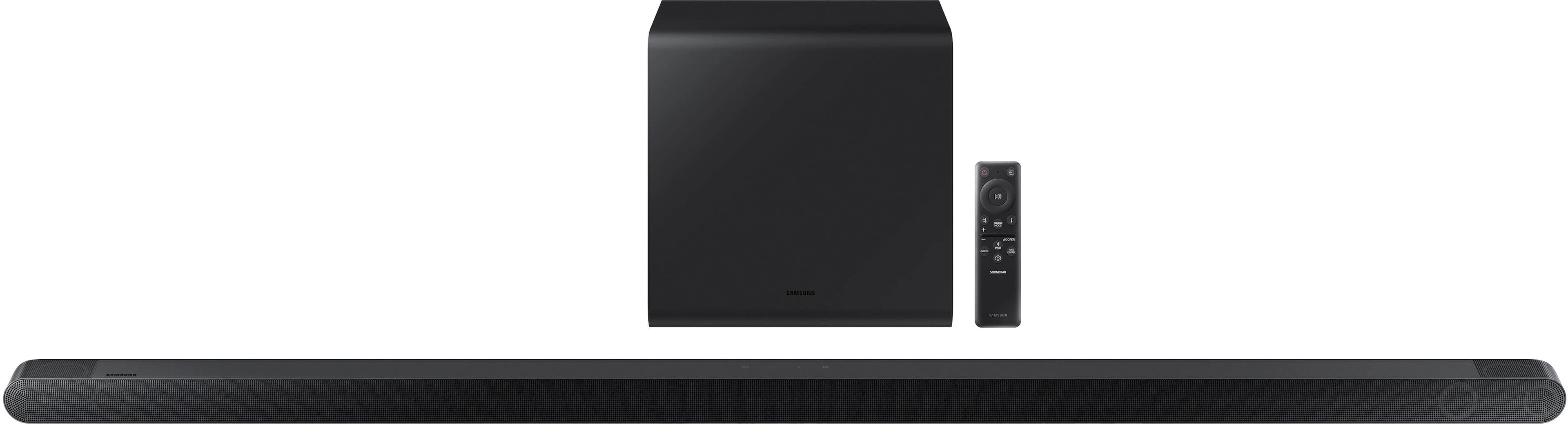
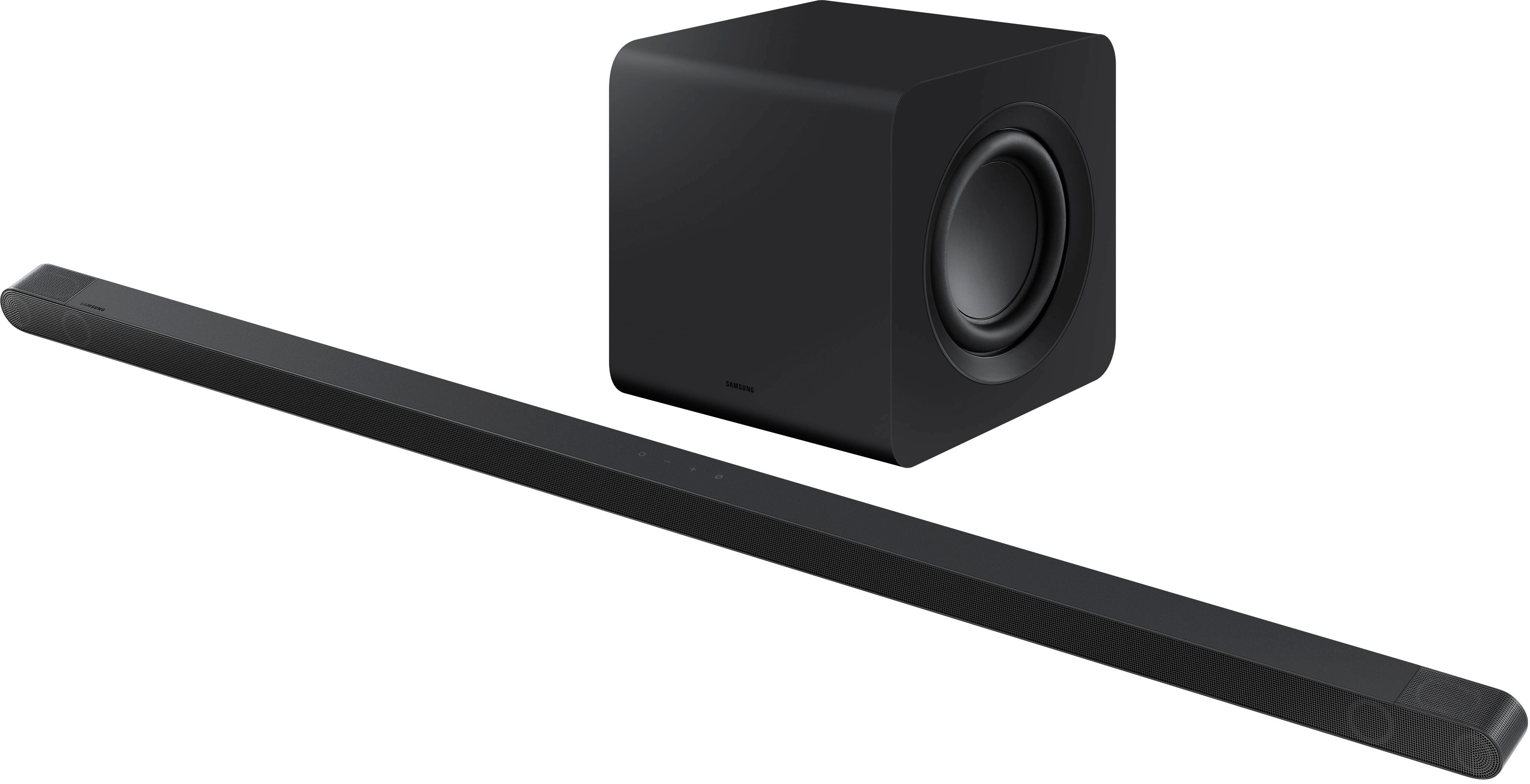
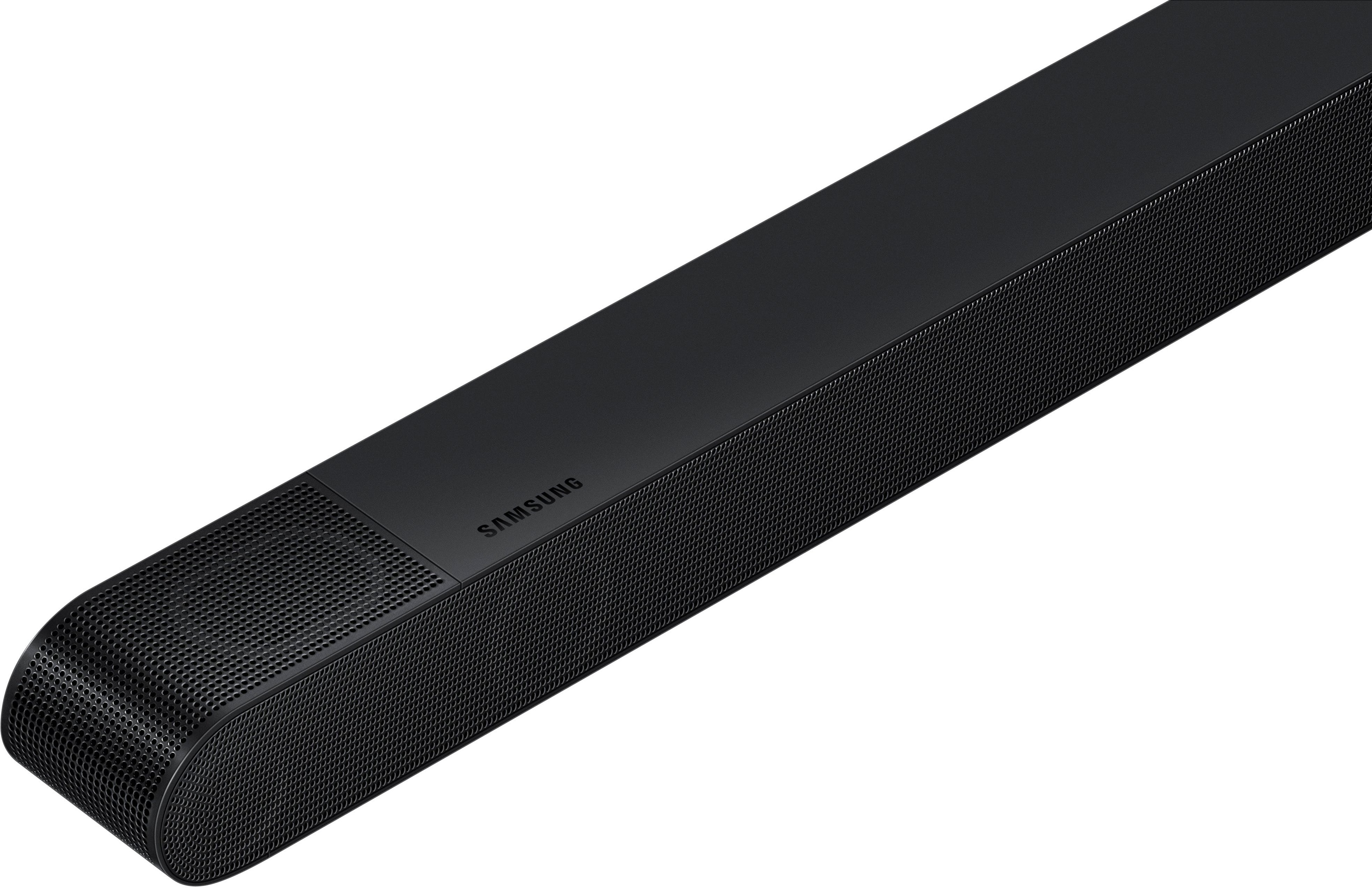
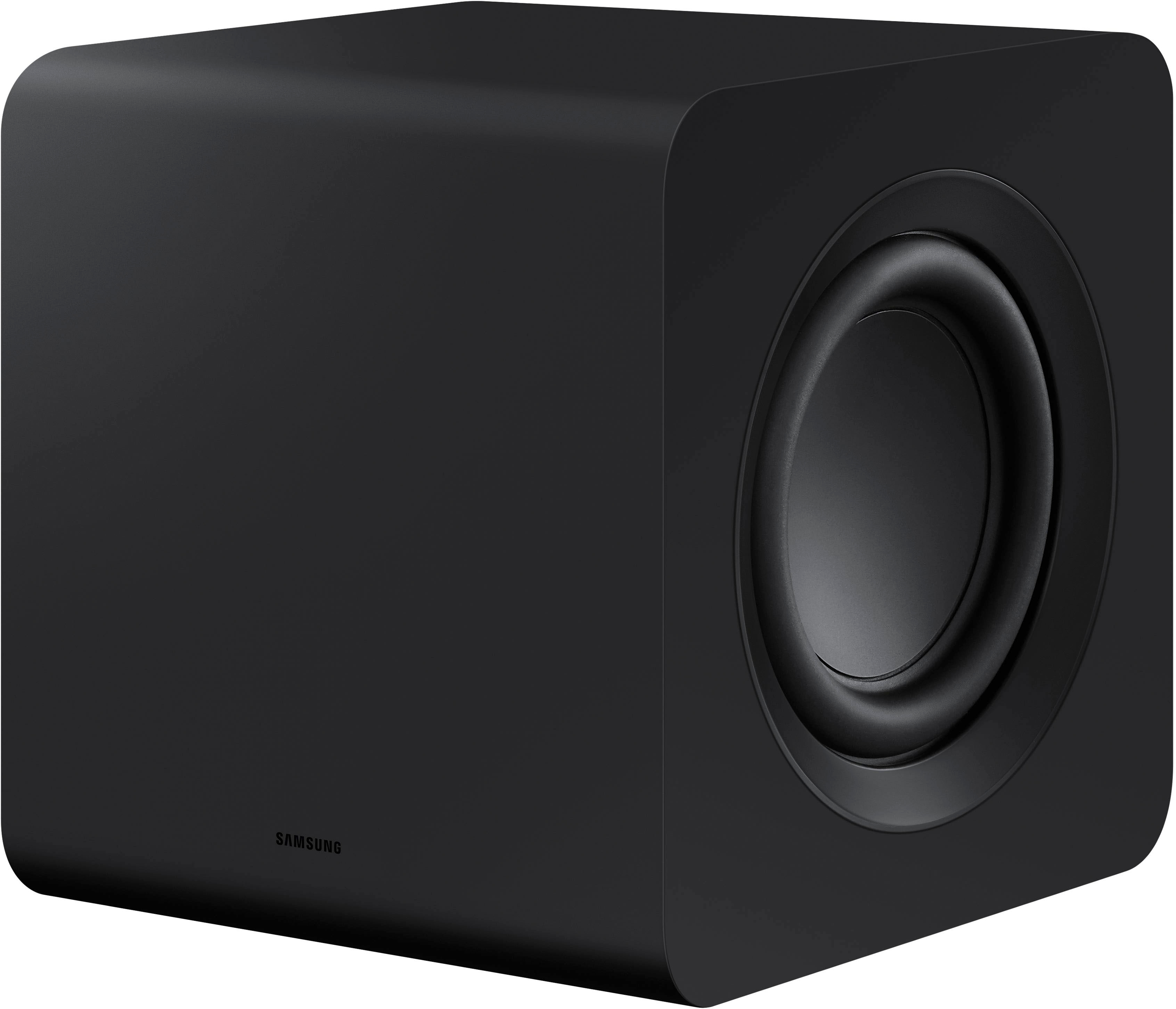


- Model:
- HW-S800B/ZA
- SKU:
- 12520885
Rating by feature
- Value
Rating 4.3 out of 5 stars
- Quality
Rating 4.6 out of 5 stars
- Ease of Use
Rating 4.5 out of 5 stars
to a friend
Sound Quality is Subpar
||Posted . Owned for 11 months when reviewed.This reviewer received promo considerations or sweepstakes entry for writing a review.It's nice that it's in such a slim form factor, but the sound quality on it isn't great. It's about the same quality as my TV's built-in speakers, but facing forward.
No, I would not recommend this to a friendBrand response from Samsung
Posted .Hello JohnJay,
We appreciate you sharing your feedback regarding the performance HW-S800B.
To take full advantage of your new soundbar, download the SmartThings App to your smart device. This will allow you to control your soundbar as you would with the provided remote, but with the added advantage of seeing what changes you make on your device.
To optimize your audio experience, please try the various sound modes this model offers. Press the SOUND MODE button on your remote, and then select your desired sound effect: ADAPTIVE SOUND, DTS VIRTUAL:X, MUSIC, GAME, STANDARD. When you press the SOUND MODE button it will change to the different modes in the above order.
You can further adjust TREBLE and BASS via the TONE CONTROL button.
I hope this tip helps improve your sound experience. Should you need further assistance with features, functions, settings, or adjustments, please contact Samsung Customer Support us at 1-800-SAMSUNG, 8AM - 12AM EST (Ask for Soundbars), 7 days a week. Our Live Chat agents are also available by clicking on the ‘Support’ link on our website.
~ Samsung Solutions
Good sound for a little sound bar.
||Posted . Owned for 3 weeks when reviewed.This reviewer received promo considerations or sweepstakes entry for writing a review.Paired this with a Samsung 70 in TV from last year. Works great with the HDMI ARC connection. Does great 3.1 surround, atmos isnt really recognizable. Sound is great for the size. Its missing some of the range frequency, but that is expected. Good overall value.
I would recommend this to a friendBrand response from Samsung
Posted .Hello jabwolf359,
Thank you for sharing your experiences regarding the HW-S800B Soundbar. I am sorry to see that you are not fully satisfied with your purchase.
If your TV does not have an eARC port, you will need to change your Dolby Digital settings to get Atmos.
Navigate to Settings, and then select Sound. Select Expert Settings, and then select Digital Output Audio Format. Next, choose your desired audio format: Dolby Digital+.
This will allow the TV to send Dolby Atmos to your soundbar and you will hear improved Dolby Atmos performance.
Should you ever have questions or need help, please call us at 1-800-SAMSUNG (ask for Soundbars), available 8 AM – 12 AM EST, 7 days a week.
For additional support resources, visit us on the Samsung website and click on the ‘Support’ link in the upper right corner of the homepage for:
1) Chat with Us/Product Help: To begin a chat or find solutions, choose ‘TVs & Home Theater’ and select your model & topic.
2) Manuals & Software
3) Warranty Info
4) Register a Product: For access to easy warranty support, convenient opt-in to special promos and offers, faster troubleshooting and service, and quick notification of system updates
5) Contact Us
~ Samsung Solutions
Works best with Samsung tv
||Posted . Owned for 1 month when reviewed.This reviewer received promo considerations or sweepstakes entry for writing a review.It is not worth the high price. It probably works better with a Samsung tv
No, I would not recommend this to a friendToo quiet
||Posted . Owned for 6 months when reviewed.This reviewer received promo considerations or sweepstakes entry for writing a review.The sound bar is way too quiet when wayching movies. My older and cheaper lg model is way better, i have to turn this one up to 30 sometimes to get a decent sound.
No, I would not recommend this to a friendBrand response from Samsung
Posted .Hello JamesO,
Thank you for sharing your experiences with the HW-S800B Soundbar. We appreciate you sharing your feedback regarding the audio performance.
To take full advantage of your new soundbar, download the SmartThings App to your smart device. This will allow you to control your soundbar as you would with the provided remote, with the added advantage of seeing what changes you make on your device.
To optimize your audio experience, please try the various sound modes this model offers. Press the SOUND MODE button on your remote, and then select your desired sound effect: SURROUND > GAME > STANDARD > ADAPTIVE > DTS VIRTUAL:X. When you press the SOUND MODE button it will change to the different modes in the above order.
By pressing the TONE CONTROL button, you can adjust the volume of the treble or bass sound. Press the button to select TREBLE or BASS and then adjust the volume between -6~+6 by using the Up/Down buttons.
Additionally, using the WOOFER button on the remote, you can adjust the subwoofer’s volume between -6 to +6 by toggling the button up or down. To set the subwoofer volume level to 0, press the button down.
Press and hold the SOUND CONTROL button for about 5 seconds to adjust the sound for each frequency band. 150Hz, 300Hz, 600Hz, 1.2kHz, 2.5kHz, 5kHz, and 10kHz are selectable using the Left/Right buttons and each can be adjusted to a setting between -6 to +6 using the Up/Down buttons. (Make sure the Sound mode is set to “STANDARD”.
If you need more help, Samsung is here for you. Please call us at 1-800-SAMSUNG, 8AM - 12AM EST (Ask for Soundbars), 7 days a week. Our LiveChat agents are also available by clicking on the ‘Support’ link on our website.
~ Samsung Solutions
..
||Posted . Owned for 3 weeks when reviewed.This reviewer received promo considerations or sweepstakes entry for writing a review.Was ok but not for the price.......................
No, I would not recommend this to a friendBrand response from Samsung
Posted .Hello WilliamD,
To optimize your audio experience, please try the various sound modes this model offers. Press the SOUND MODE button on your remote, and then select your desired sound effect: DTS VIRTUAL:X, ADAPTIVE, GAME, or STANDARD.
When you press the CH LEVEL button on the remote, you can adjust the volume of the CENTER LEVEL or FRONT TOP LEVELspeaker using the UP/DOWN buttons between -6 to +6. If the SWA-9500S Rear Speakers (sold separately) are connected, the setting Rear Level and Rear Top Level is supported.
You can further adjust TREBLE and BASS via the TONE CONTROL button using the UP/DOWN buttons on the remote between -6 to +6.
Press and hold the SOUND CONTROL button for about 5 seconds to adjust the sound for each frequency band. 150Hz, 300Hz, 600Hz, 1.2kHz, 2.5kHz, 5kHz, and 10kHz are selectable using the Left/Right buttons and each can be adjusted to a setting between -6 to +6 using the Up/Down buttons. (Make sure the Sound mode is set to "Standard".
If we can further help with any other issues, please know we are here for you. Just call us at 1-800-SAMSUNG (Ask for Soundbars), 8 AM – 12 AM EST, 7 days a week. Or visit us on the Samsung website and click on the ‘Support’ link for:
• LiveChat with an agent
• Manuals, Software, & Warranty Info
~ Samsung Solutions