Customer Ratings & Reviews

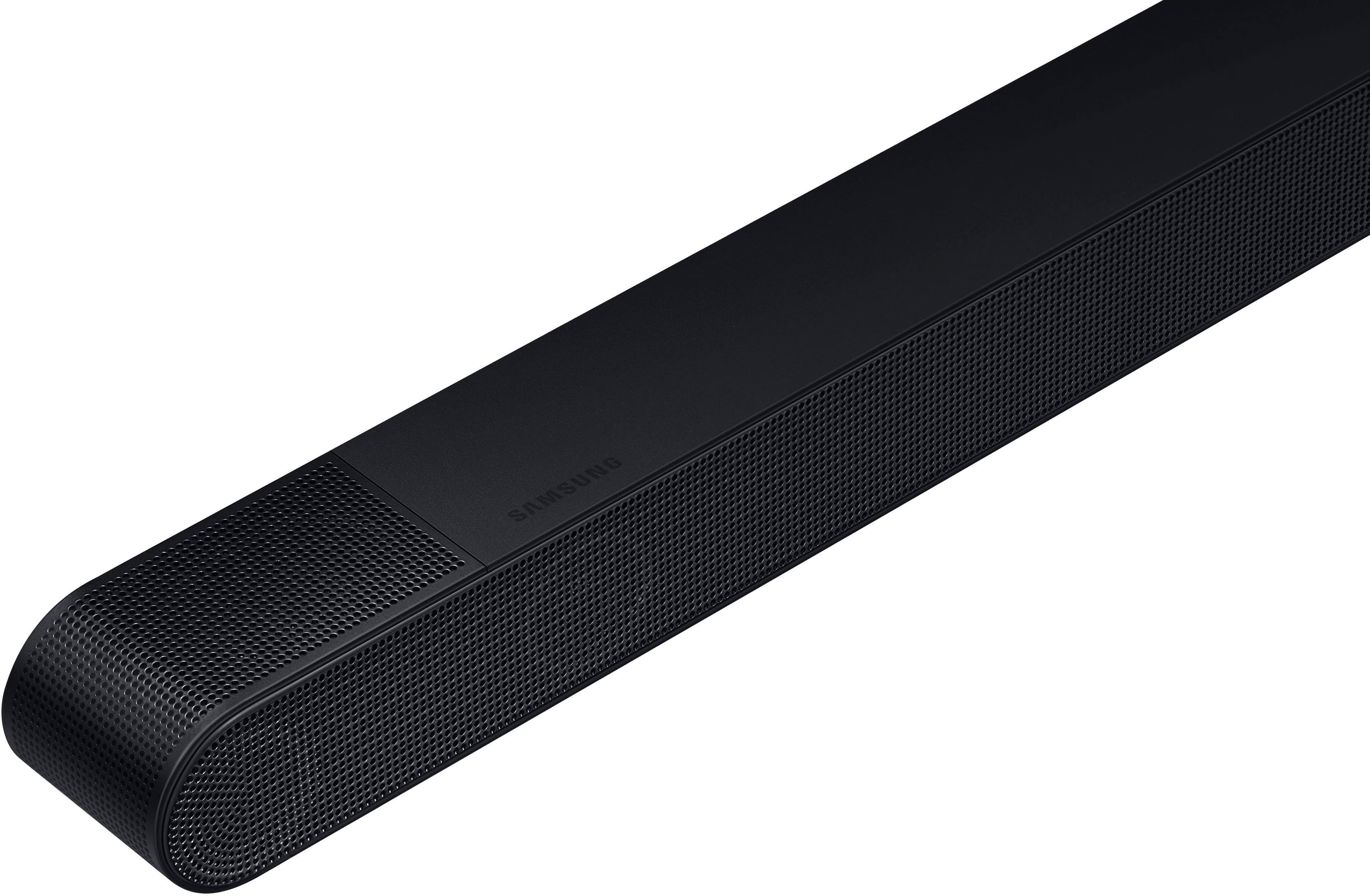
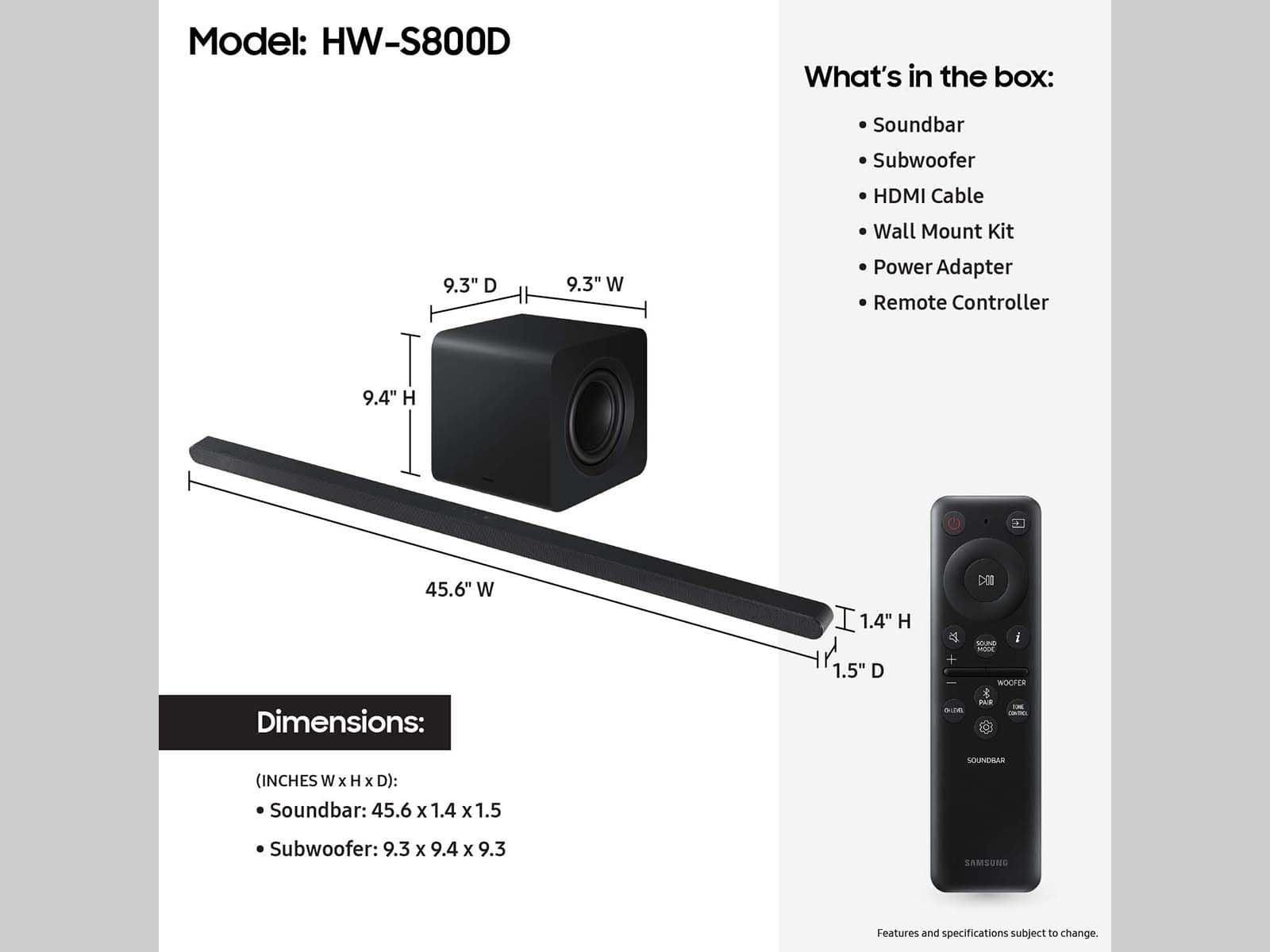
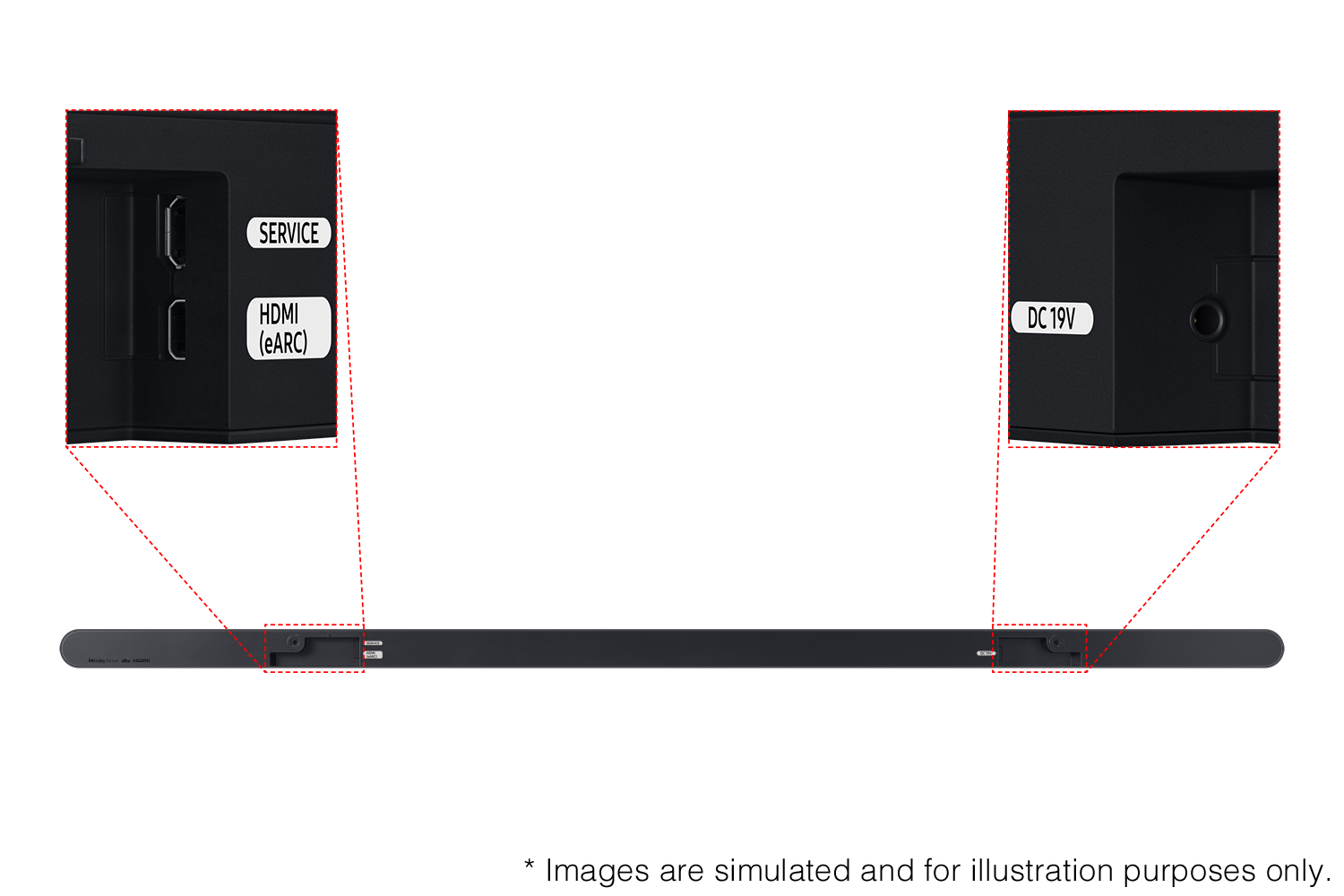





- Model:
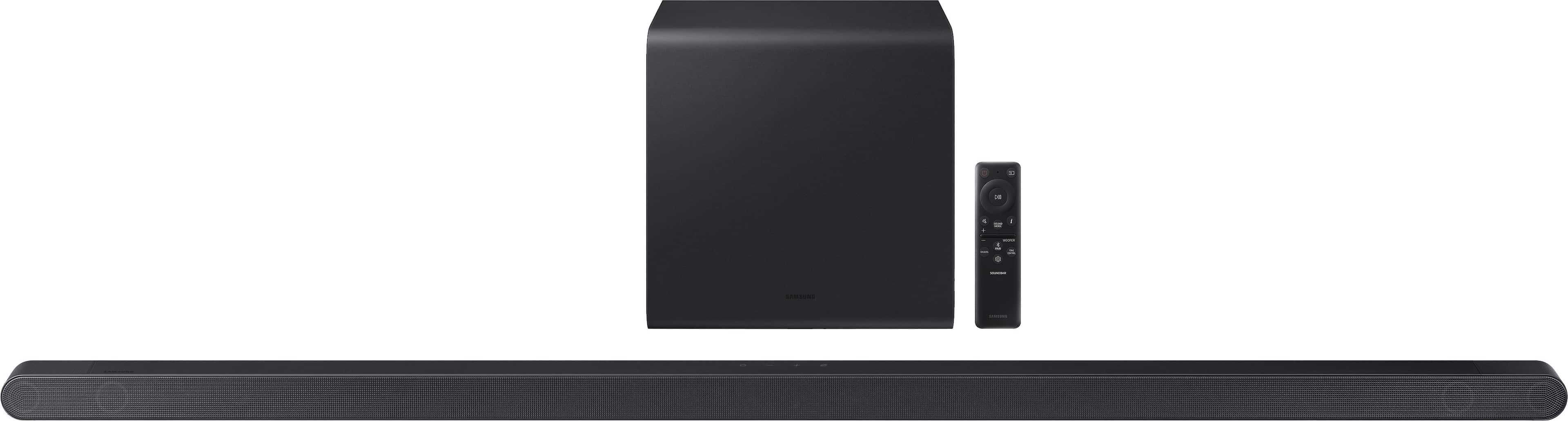
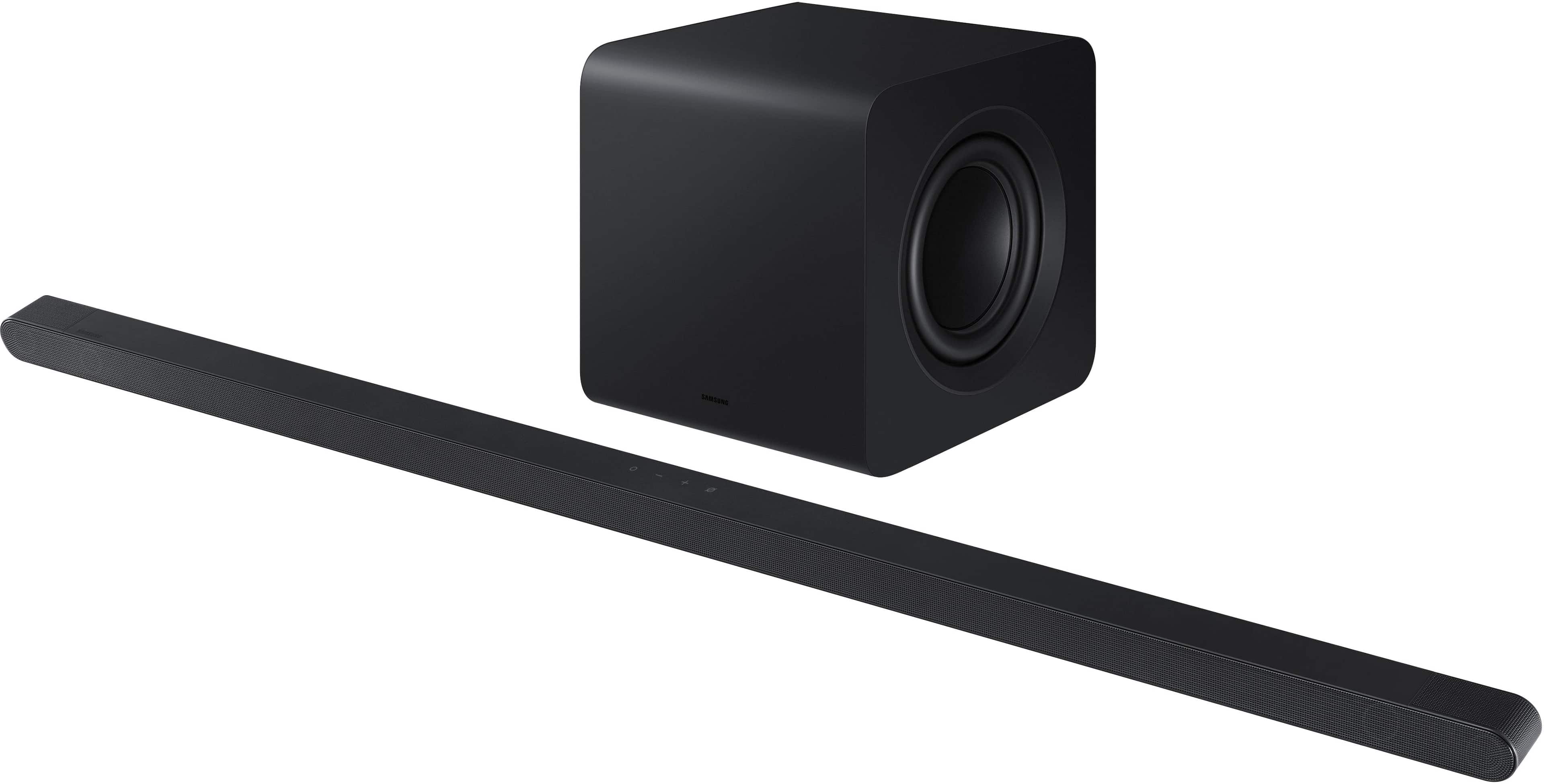
- HW-S800D
- |
- SKU:
- 10517935
Customer reviews
Rating 4.7 out of 5 stars with 195 reviews
(195 customer reviews)Rating by feature
- Value4.6
Rating 4.6 out of 5 stars
- Quality4.8
Rating 4.8 out of 5 stars
- Ease of Use4.8
Rating 4.8 out of 5 stars
to a friend
Rated 5 out of 5 stars
Samsung soundbar
||Posted . Owned for 3 weeks when reviewed.This reviewer received promo considerations or sweepstakes entry for writing a review.Recommend a soundbar It does everything it says and it’s like being in a movie theater in your house
This review is from Samsung - HW-S800D 3.1.2 Channel Q-Series Ultra Slim Soundbar with Wireless Subwoofer, Dolby Atmos and Q-Symphony - Titan Black
I would recommend this to a friendRated 5 out of 5 stars
Amazing Sound
||Posted . Owned for 2 weeks when reviewed.This reviewer received promo considerations or sweepstakes entry for writing a review.Don't be fooled by its small size. This soundbar and subwoofer combo sounds incredible. I would definitely recommend this.
This review is from Samsung - HW-S800D 3.1.2 Channel Q-Series Ultra Slim Soundbar with Wireless Subwoofer, Dolby Atmos and Q-Symphony - Titan Black
I would recommend this to a friendRated 5 out of 5 stars
Wonderful and easy
||Posted . Owned for 1 month when reviewed.This reviewer received promo considerations or sweepstakes entry for writing a review.Sounds great like I'm in a theater, very easy to set up!
This review is from Samsung - HW-S800D 3.1.2 Channel Q-Series Ultra Slim Soundbar with Wireless Subwoofer, Dolby Atmos and Q-Symphony - Titan Black
I would recommend this to a friendRated 5 out of 5 stars
Soundbar
||Posted . Owned for 1 week when reviewed.This reviewer received promo considerations or sweepstakes entry for writing a review.Great soundbar. Sound and quality of sound is excellent.
This review is from Samsung - HW-S800D 3.1.2 Channel Q-Series Ultra Slim Soundbar with Wireless Subwoofer, Dolby Atmos and Q-Symphony - Titan Black
I would recommend this to a friendRated 5 out of 5 stars
Soundbar
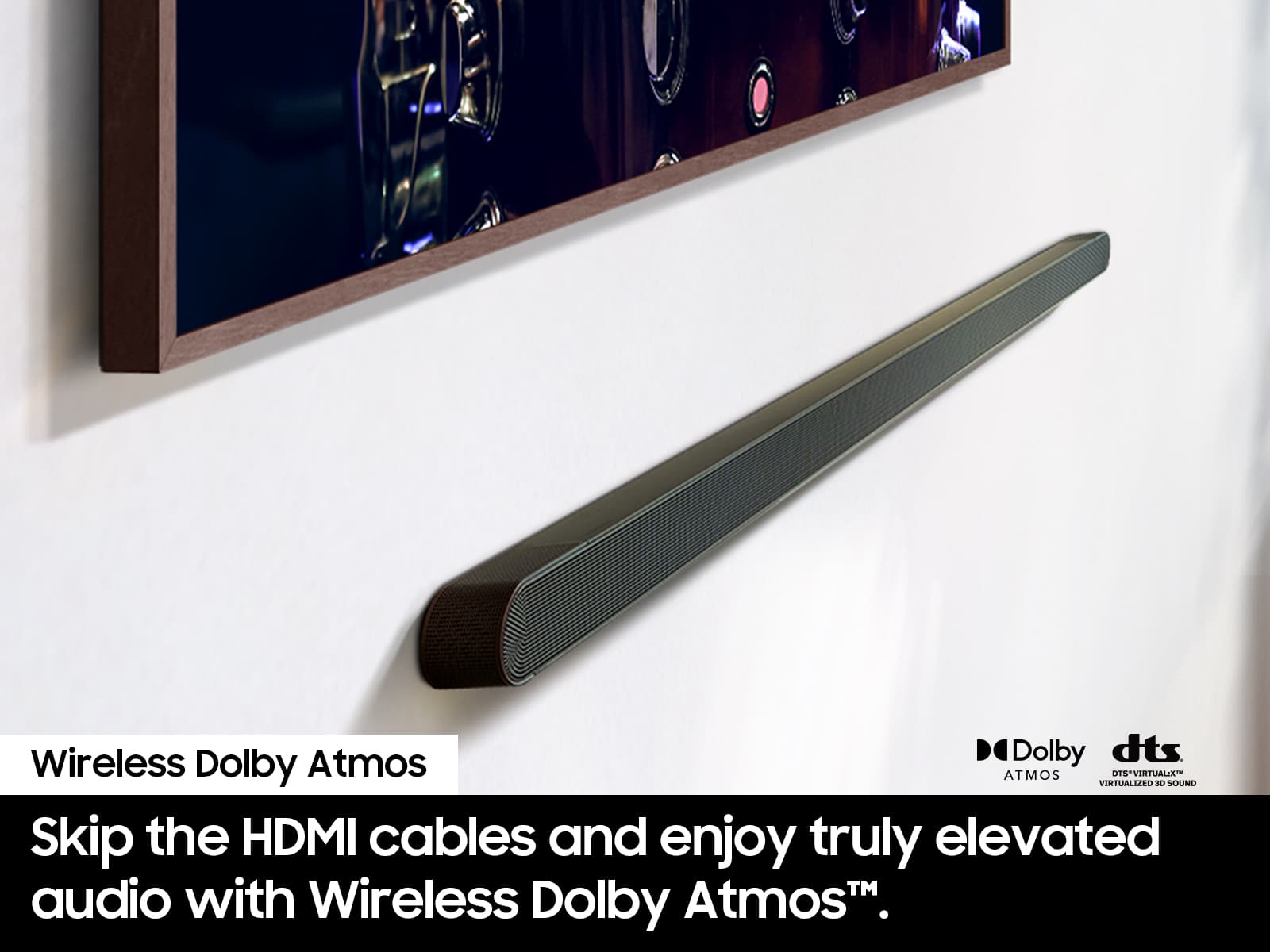
||Posted . Owned for 3 weeks when reviewed.This reviewer received promo considerations or sweepstakes entry for writing a review.Love the slickness of the soundbar blends well with the mounted TV
This review is from Samsung - HW-S800D 3.1.2 Channel Q-Series Ultra Slim Soundbar with Wireless Subwoofer, Dolby Atmos and Q-Symphony - Titan Black
I would recommend this to a friendRated 5 out of 5 stars
Samsung Sound
||Posted . Owned for 1 month when reviewed.This reviewer received promo considerations or sweepstakes entry for writing a review.The Samsung sound bar is exceptional. Fits well in many spaces and produces high quality sound.
This review is from Samsung - HW-S800D 3.1.2 Channel Q-Series Ultra Slim Soundbar with Wireless Subwoofer, Dolby Atmos and Q-Symphony - Titan Black
I would recommend this to a friendRated 5 out of 5 stars
Soundbar review
||Posted . Owned for 1 week when reviewed.This reviewer received promo considerations or sweepstakes entry for writing a review.Purchased two of these for two new TVs. Fabulous equipment with high quality performance.
This review is from Samsung - HW-S800D 3.1.2 Channel Q-Series Ultra Slim Soundbar with Wireless Subwoofer, Dolby Atmos and Q-Symphony - Titan Black
I would recommend this to a friendRated 5 out of 5 stars
Samsung Soundbar
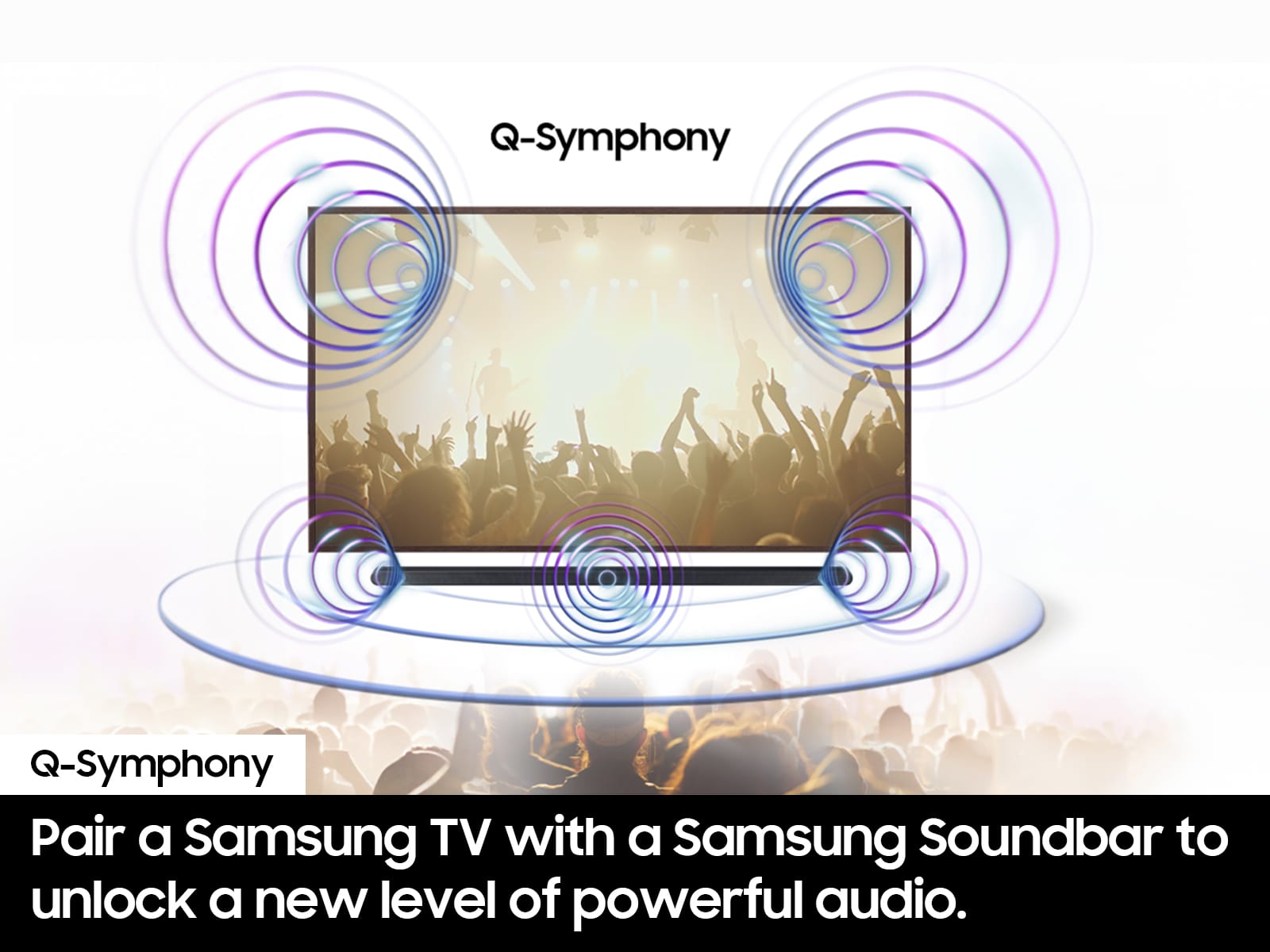
||Posted . Owned for 1 week when reviewed.This reviewer received promo considerations or sweepstakes entry for writing a review.Q-Symphony sound is awesome. Fills the room like much larger system.
This review is from Samsung - HW-S800D 3.1.2 Channel Q-Series Ultra Slim Soundbar with Wireless Subwoofer, Dolby Atmos and Q-Symphony - Titan Black
I would recommend this to a friendRated 5 out of 5 stars
Great Place to Shop
||Posted . Owned for 3 weeks when reviewed.This reviewer received promo considerations or sweepstakes entry for writing a review.Great purchasing experience and a great product. Highly recommend the soundbar and Best Buy.
This review is from Samsung - HW-S801D 3.1.2 Channel Q-Series Ultra Slim Soundbar with Wireless Subwoofer, Dolby Atmos and Q-Symphony - White
I would recommend this to a friendRated 5 out of 5 stars
Samsung Ultra Slim Sound Bar
||Posted . Owned for 1 month when reviewed.This reviewer received promo considerations or sweepstakes entry for writing a review.Great quality and super sound! Easy setup and instructions are easy to follow
This review is from Samsung - HW-S800D 3.1.2 Channel Q-Series Ultra Slim Soundbar with Wireless Subwoofer, Dolby Atmos and Q-Symphony - Titan Black
I would recommend this to a friendRated 5 out of 5 stars
Good sound
||Posted . Owned for 3 weeks when reviewed.This reviewer received promo considerations or sweepstakes entry for writing a review.Outperformed speakers on tv, connects with samsung seamlessly
This review is from Samsung - HW-S800D 3.1.2 Channel Q-Series Ultra Slim Soundbar with Wireless Subwoofer, Dolby Atmos and Q-Symphony - Titan Black
I would recommend this to a friendRated 5 out of 5 stars
Sounder
||Posted . Owned for 1 week when reviewed.This reviewer received promo considerations or sweepstakes entry for writing a review.Very happy with the sound quality. East to install.
This review is from Samsung - HW-S800D 3.1.2 Channel Q-Series Ultra Slim Soundbar with Wireless Subwoofer, Dolby Atmos and Q-Symphony - Titan Black
I would recommend this to a friendRated 5 out of 5 stars
Great sound quality
||Posted . Owned for 1 week when reviewed.This reviewer received promo considerations or sweepstakes entry for writing a review.Really amplifies the sound quality. Like the Q symphony
This review is from Samsung - HW-S800D 3.1.2 Channel Q-Series Ultra Slim Soundbar with Wireless Subwoofer, Dolby Atmos and Q-Symphony - Titan Black
I would recommend this to a friendRated 5 out of 5 stars
Samsung soundbar
||Posted . Owned for 1 week when reviewed.This reviewer received promo considerations or sweepstakes entry for writing a review.Very modern and sleek design! Matches the Frame TV beautifully.
This review is from Samsung - HW-S800D 3.1.2 Channel Q-Series Ultra Slim Soundbar with Wireless Subwoofer, Dolby Atmos and Q-Symphony - Titan Black
I would recommend this to a friendRated 5 out of 5 stars
DAH
||Posted .This reviewer received promo considerations or sweepstakes entry for writing a review.Very slim, compact design, space saver and attractive
This review is from Samsung - HW-S800D 3.1.2 Channel Q-Series Ultra Slim Soundbar with Wireless Subwoofer, Dolby Atmos and Q-Symphony - Titan Black
I would recommend this to a friendRated 5 out of 5 stars
Sound quality
||Posted . Owned for 1 week when reviewed.This reviewer received promo considerations or sweepstakes entry for writing a review.Awesome sound and watching movies on this was epic
This review is from Samsung - HW-S800D 3.1.2 Channel Q-Series Ultra Slim Soundbar with Wireless Subwoofer, Dolby Atmos and Q-Symphony - Titan Black
I would recommend this to a friendRated 5 out of 5 stars
Soundbar
||Posted . Owned for 1 week when reviewed.This reviewer received promo considerations or sweepstakes entry for writing a review.Good quality sound.. picks up every little detail!
This review is from Samsung - HW-S800D 3.1.2 Channel Q-Series Ultra Slim Soundbar with Wireless Subwoofer, Dolby Atmos and Q-Symphony - Titan Black
I would recommend this to a friendRated 5 out of 5 stars
Samsung Soundbar
||Posted . Owned for 1 week when reviewed.This reviewer received promo considerations or sweepstakes entry for writing a review.THis soundbar has awesome sound. Looks great under a new Frame TV
This review is from Samsung - HW-S800D 3.1.2 Channel Q-Series Ultra Slim Soundbar with Wireless Subwoofer, Dolby Atmos and Q-Symphony - Titan Black
I would recommend this to a friendRated 5 out of 5 stars
easy peasy installation
||Posted . Owned for 1 week when reviewed.This reviewer received promo considerations or sweepstakes entry for writing a review.So easy to plug in and make it work and it looks perfectly great on the mahogany furniture
This review is from Samsung - HW-S800D 3.1.2 Channel Q-Series Ultra Slim Soundbar with Wireless Subwoofer, Dolby Atmos and Q-Symphony - Titan Black
I would recommend this to a friendRated 5 out of 5 stars
Music to my ears!
||Posted . Owned for 1 week when reviewed.This reviewer received promo considerations or sweepstakes entry for writing a review.Sounds great. Perfect quality and crisp clean finish.
This review is from Samsung - HW-S800D 3.1.2 Channel Q-Series Ultra Slim Soundbar with Wireless Subwoofer, Dolby Atmos and Q-Symphony - Titan Black
I would recommend this to a friend