Customer Ratings & Reviews
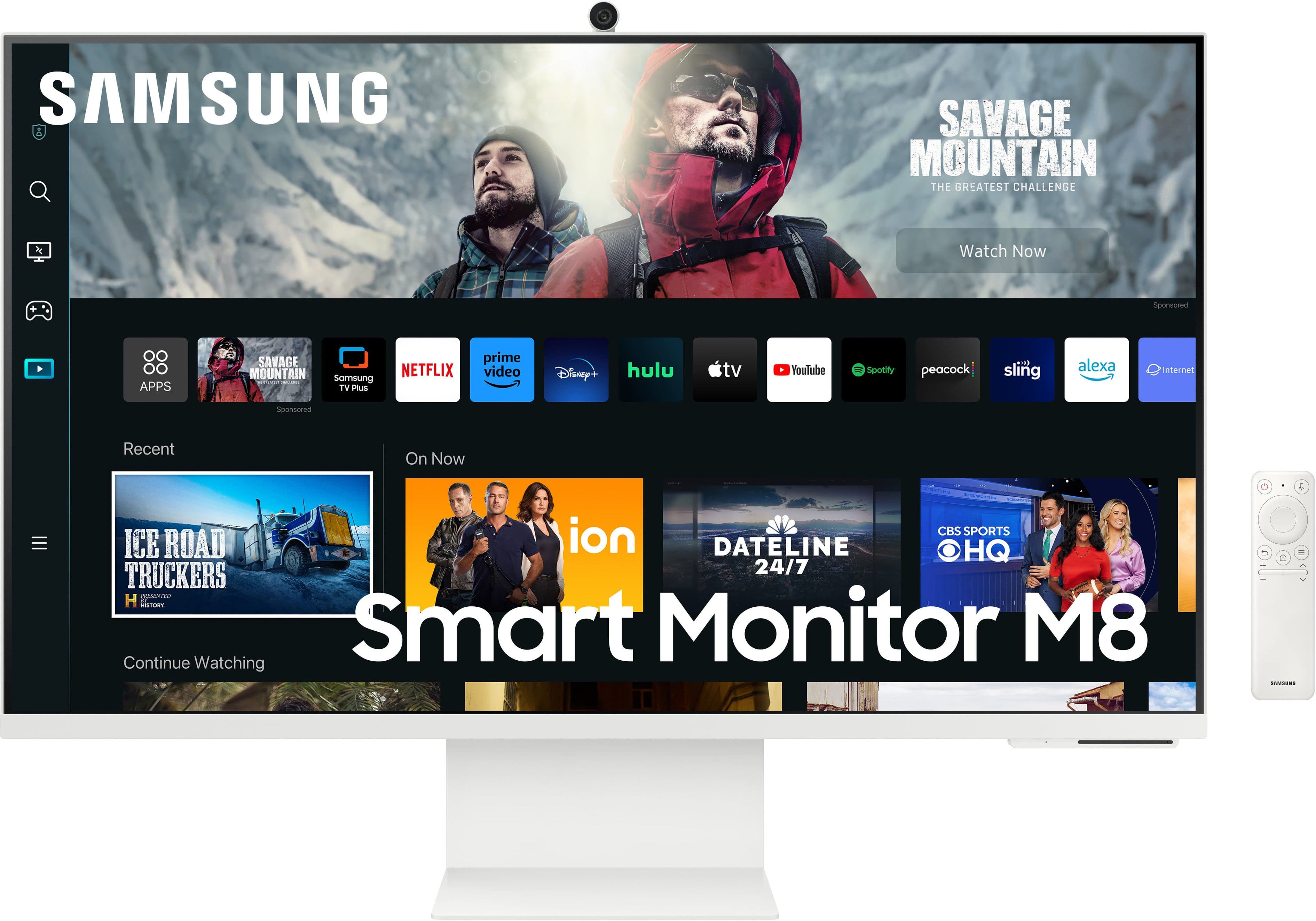
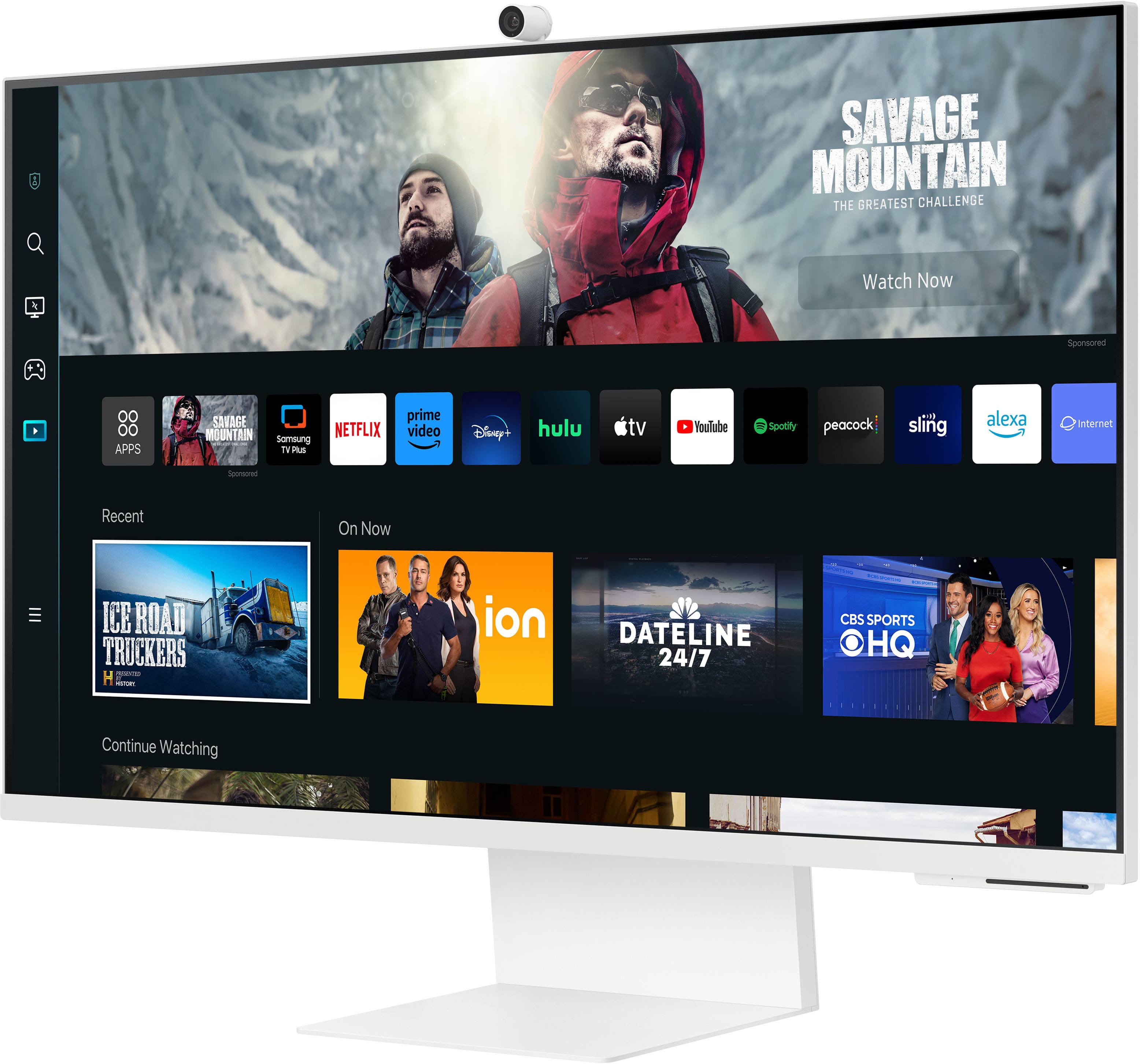
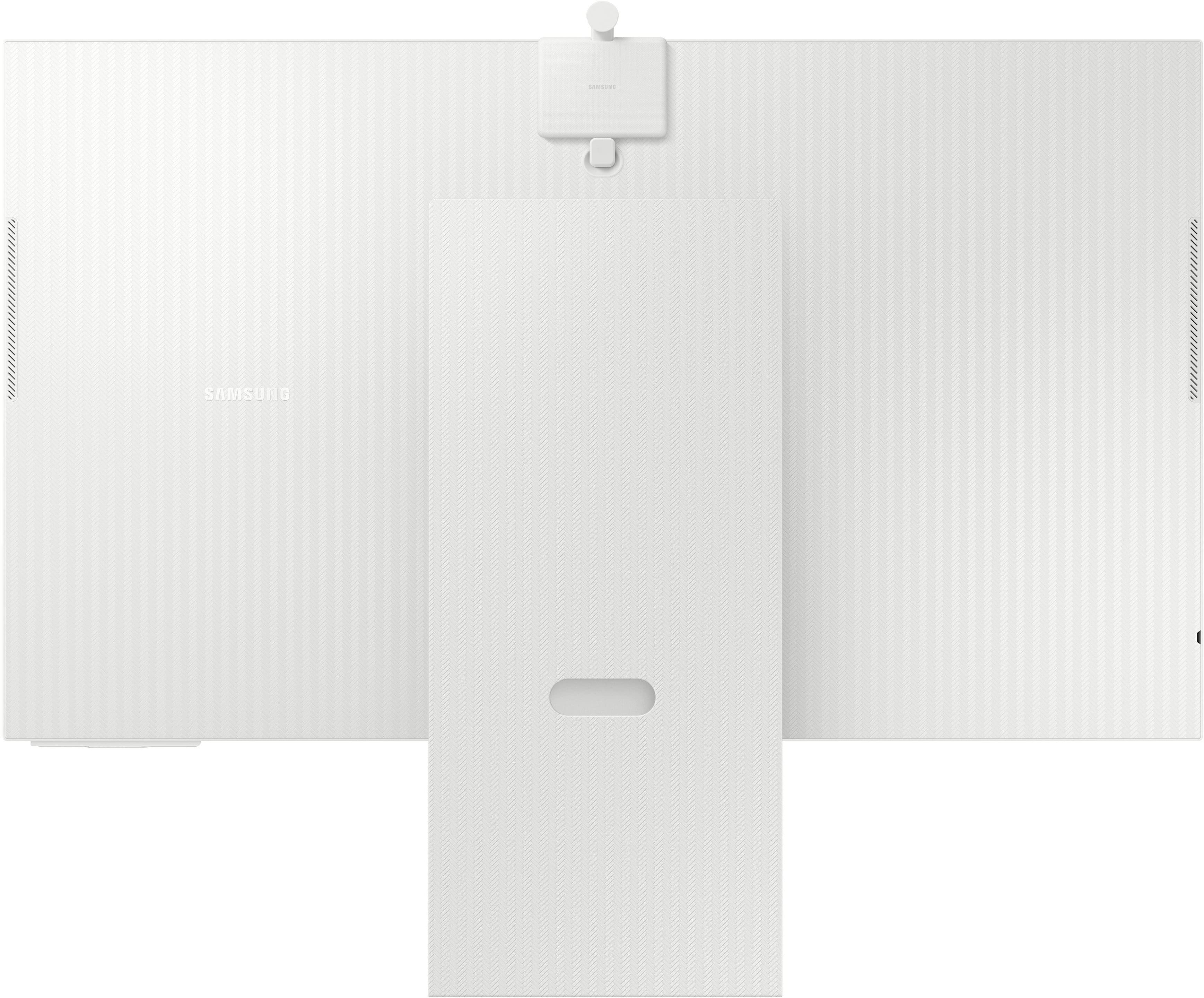
- Model:
- LS32CM801UNXZA
- SKU:
- 6544148
Rating by feature
- Display Quality
Rating 4.6 out of 5 stars
- Ease of Use
Rating 4.4 out of 5 stars
- Features
Rating 4.6 out of 5 stars
Customers are saying
Customers love the M80C monitor's picture quality, ease of use, and sleek design. Many appreciate the convenient features like the built-in camera and USB-C connectivity for charging laptops. However, some users find the speakers underwhelming and wish for a higher refresh rate. The brightness and occasional screen flickering were also noted as potential drawbacks by a few customers.
This summary was generated by AI based on customer reviews.
Overloaded monitor
||Posted . Owned for 1 month when reviewed.This reviewer received promo considerations or sweepstakes entry for writing a review.A lot of functional and complicated manual, though this item out of main deal - Monitor
No, I would not recommend this to a friend- Cons mentioned:Brightness
Too many niggling faults to recommend
||Posted . Owned for 3 months when reviewed.This reviewer received promo considerations or sweepstakes entry for writing a review.Monitor suffers from random screen flickering at the bottom left of the screen and drops the USB-C connection so that the only way to reconnect is to unplug and reconnect the cable at the back of the monitor
No, I would not recommend this to a friend Can't be the proper way
||Posted . Owned for 8 months when reviewed.This reviewer received promo considerations or sweepstakes entry for writing a review.Didn't come with the power cable :( also my fault tho cause it was just sitting there open box but when the power cable is super specific and you can't just buy it or even a generic version thenwhyevensellthemonitor
No, I would not recommend this to a friendlow quality
||Posted . Owned for 1 week when reviewed.This reviewer received promo considerations or sweepstakes entry for writing a review.I got it on sale 200 $ cheaper and I returned. All the smart thing is pretty nice but the quality is not good enought, the different level of shades, contrast and colour does not match the price. It is 300$ monitor maximun but if you want average picture quality, not for gaming or graphing design and with smart thing this is your monitor
No, I would not recommend this to a friend- Pros mentioned:Design, Picture quality, Usb-c

Immersive Display for Design Work, with Some Limit
|Posted .This reviewer received promo considerations or sweepstakes entry for writing a review.As a designer who recently upgraded from a 27-inch monitor, the Samsung M80C has become an integral part of my workflow. Its immersive display and sleek design have greatly enhanced my design work. However, there are a few limitations worth noting. First and foremost, the display quality of the M80C is exceptional. The 4K resolution and HDR support bring my design projects to life with stunning clarity and vibrant colors. The increased screen size to 32 inches has improved my productivity with its ample space and a more engaging viewing experience. Design-wise, the M80C is very sleek and modern-looking with slim bezels and a thin profile. I can hardly believe how good looking this monitor is. The M80C can hold on its own in terms of designs and functionality compared to higher-end screens for half the cost. I also liked that Alexa and Bixby was intergrated into the monitor and can be easily accessed. I haven’t played many games on it yet but with the usb-c cable it’s pretty simple to use, plug and play. On the downside, I did encounter a cosmetic issue. The screw holding the monitor arm scratched my table's surface when I was moving it into place. While this didn't affect the monitor's functionality, it was disappointing to see a cosmetic flaw caused by the installation process - something that could have easily been fixed if they had added more padding around the single screw to prevent it from touching the surface in the first place. I may just end up investing in a monitor arm to avoid another mishap in the future. Although the removable camera is a pretty cool feature, the camera performance on the M80C is average at best. While it serves its purpose for video conferencing or casual use, angle limitations are noticeable. The camera's fixed position makes it challenging to capture more than just my head, so I may have to invest in another camera or use my laptop unless I'm standing during calls. I also wished that there was an option to download other streaming apps. While I do use Netflix often, it would have been nice to have the ability to install additional streaming services of my choice. The speakers are okay, don’t expect an immersive experience but it’s still an upgrade from my previous monitor that didn’t even have any speakers which I paid around the same price for. Another minor inconvenience is the lack of a physical button to turn the monitor on and off. I have to rely on the remote control or my phone to power it on or off. A physical button would be more convenient, especially when the remote is misplaced, or my phone is inaccessible. Despite some downfalls, I love having the Samsung M80C when designing - especially the 4k display quality and immersive viewing experience. I'm pretty content for a work/entertainment monitor combo and wouldn't hesitate to recommend it.
Not a good monitor
||Posted . Owned for 1 week when reviewed.This reviewer received promo considerations or sweepstakes entry for writing a review.I got this after having the apple studio and I was incredibly disappointed. Being a 2-1 monitor and tv the thing doesn’t know which one it is supposed to be. It tends to flip between tv mode and monitor mode whenever it feels like it and it has terrible UI to try and fix it. So many more issues that I can’t even fit in the review. Would not recommend
No, I would not recommend this to a friendBrand response from Samsung
Posted .Thank you for bringing this issue to our attention as Samsung is committed to providing the best possible product experience, quality, and value. Samsung greatly values our customers’ feedback and we utilize your concerns and opinions in our relentless efforts towards delivering world-class products. We are very sorry to hear this product didn't meet your expectations and hope to have you back as a customer again.
If you ever need assistance in the future, please contact Samsung Customer Support and a rep will be happy to assist you:
1-800-SAMSUNG, available 8AM - 12AM EST (Mon-Fri) / 9AM - 11PM EST (Sat-Sun)
Was not too impressed
||Posted . Owned for 1 week when reviewed.This reviewer received promo considerations or sweepstakes entry for writing a review.The image quality on this monitor was not too impress, the motion handling for games was terrible
No, I would not recommend this to a friend- Pros mentioned:Camera, Picture quality
This Samsung 32" monitor does it all!
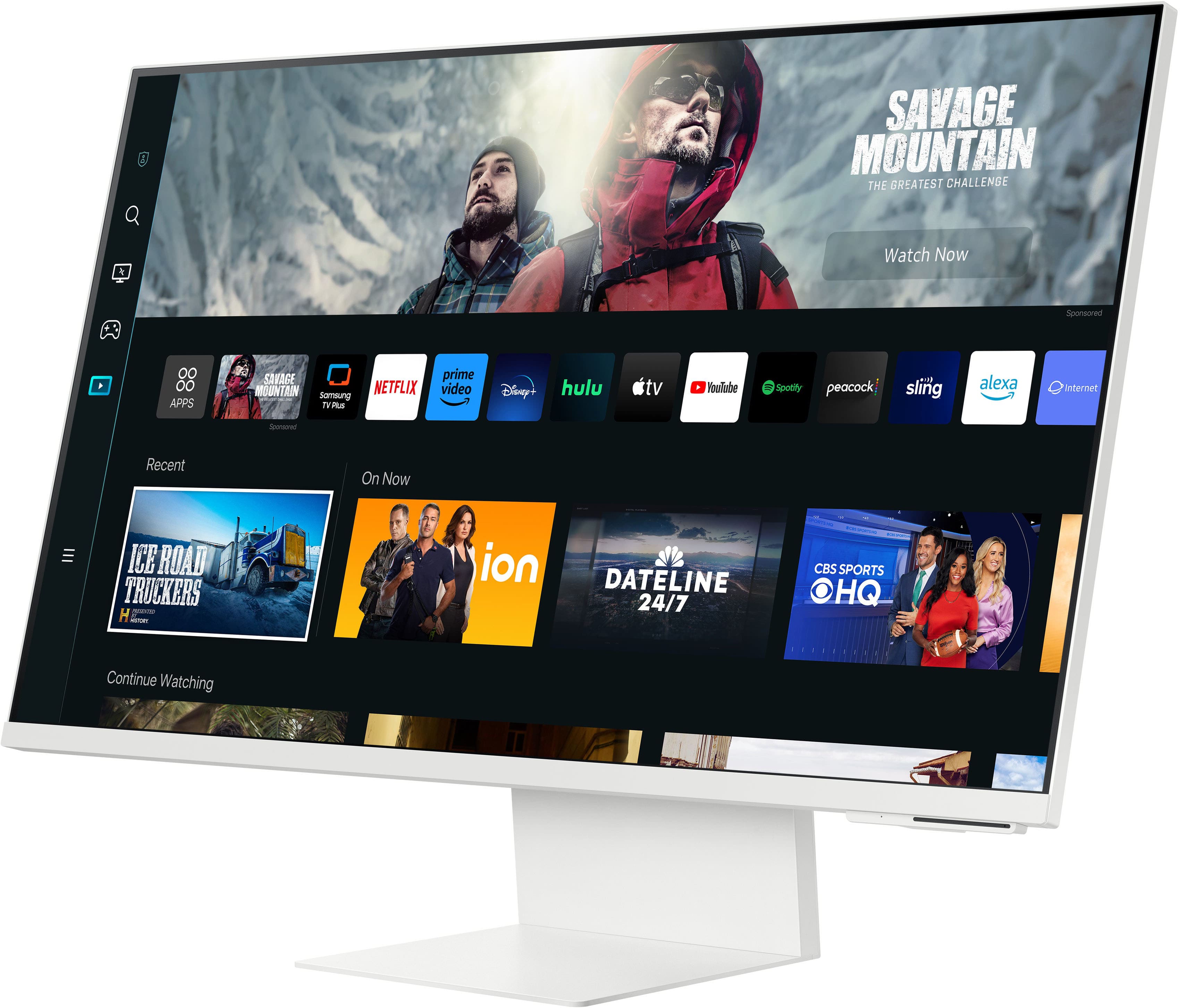
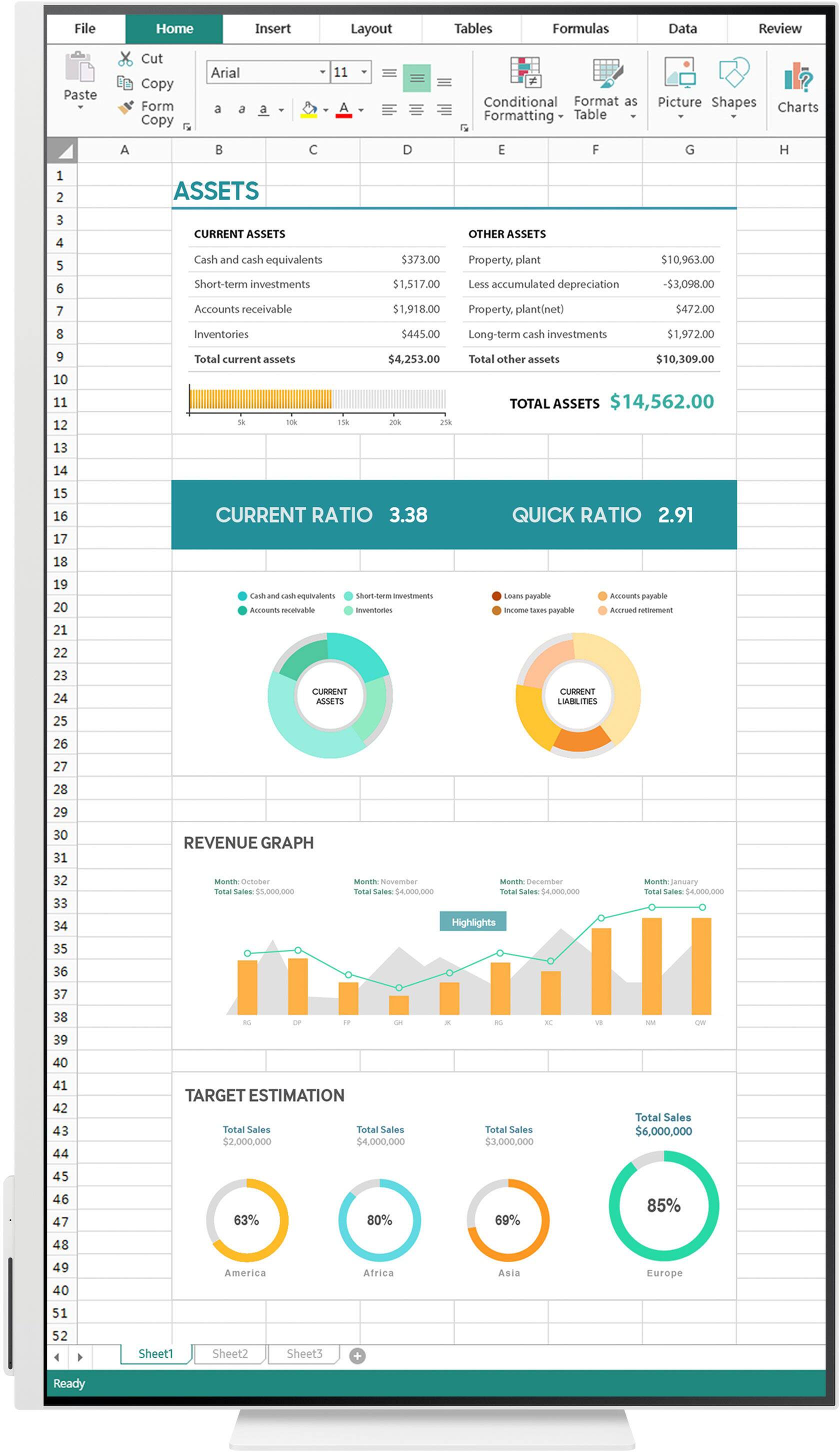
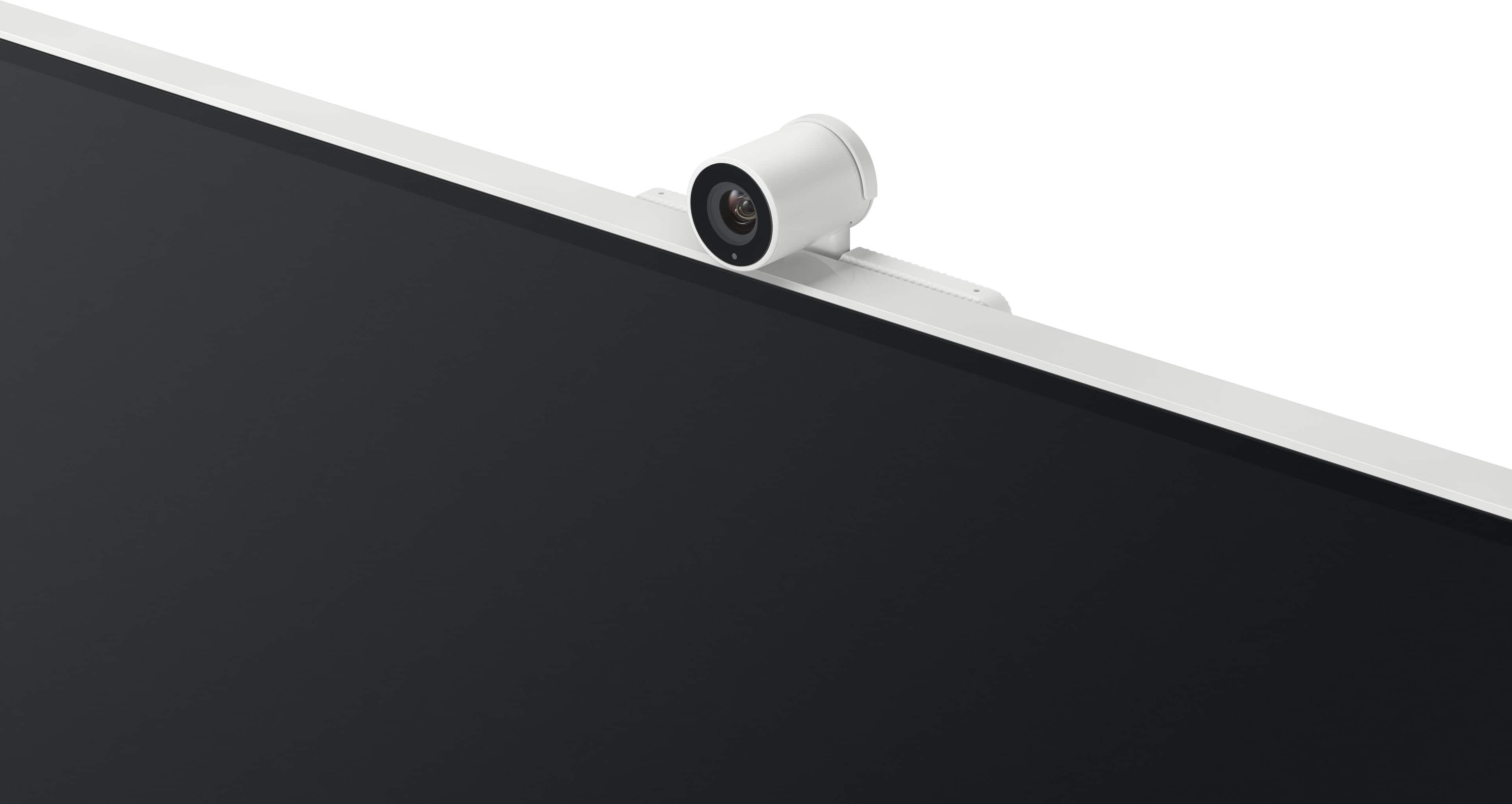
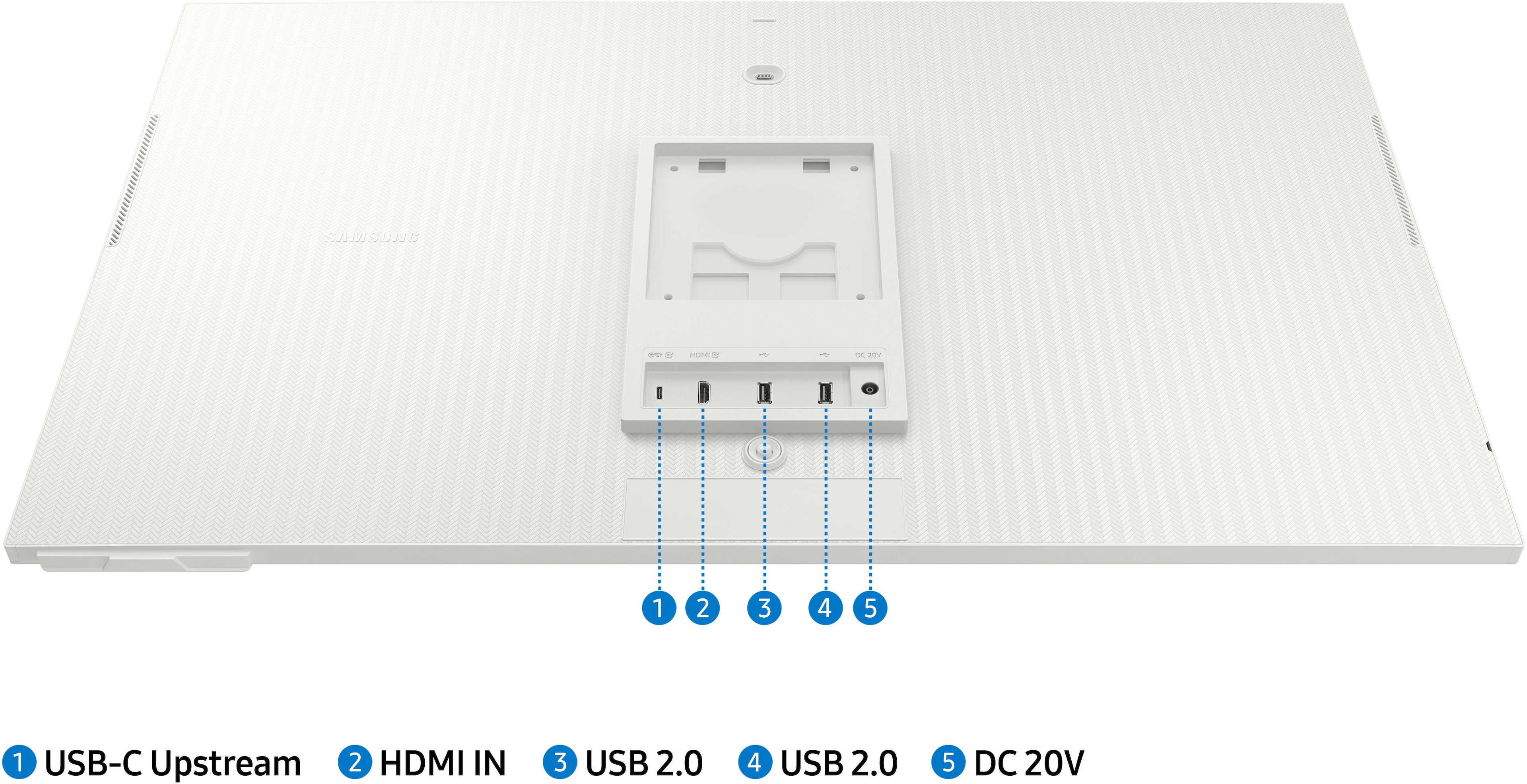
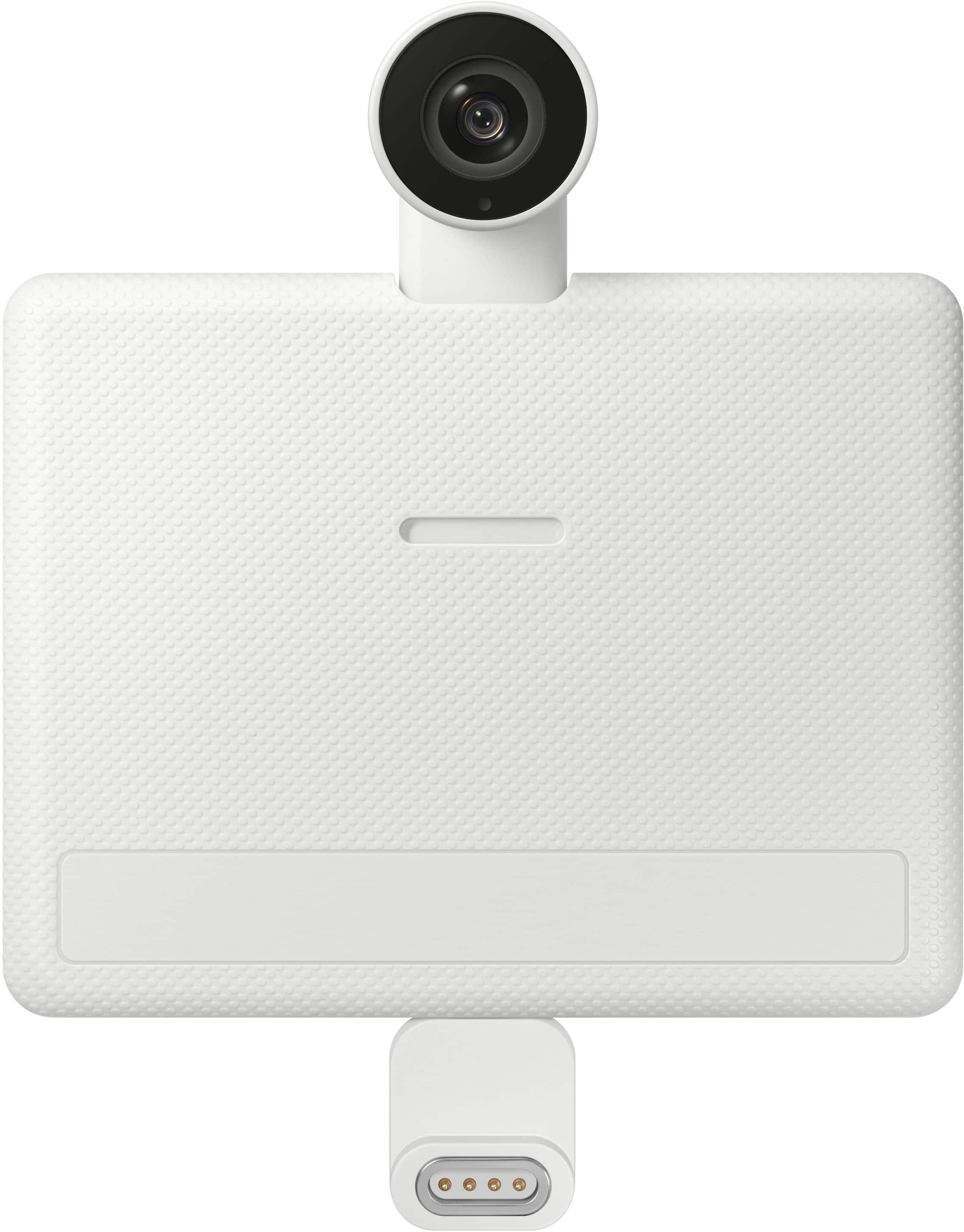
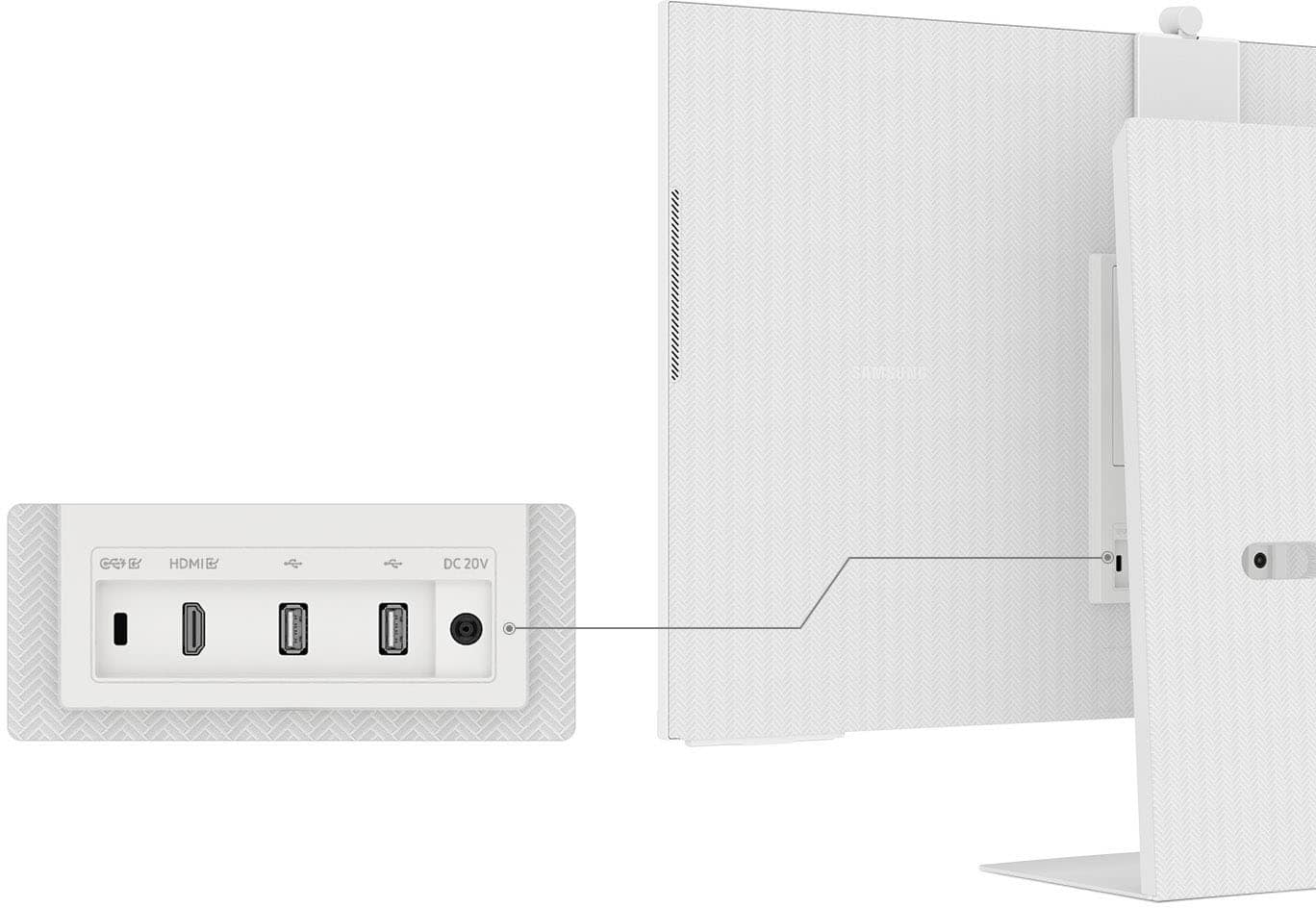
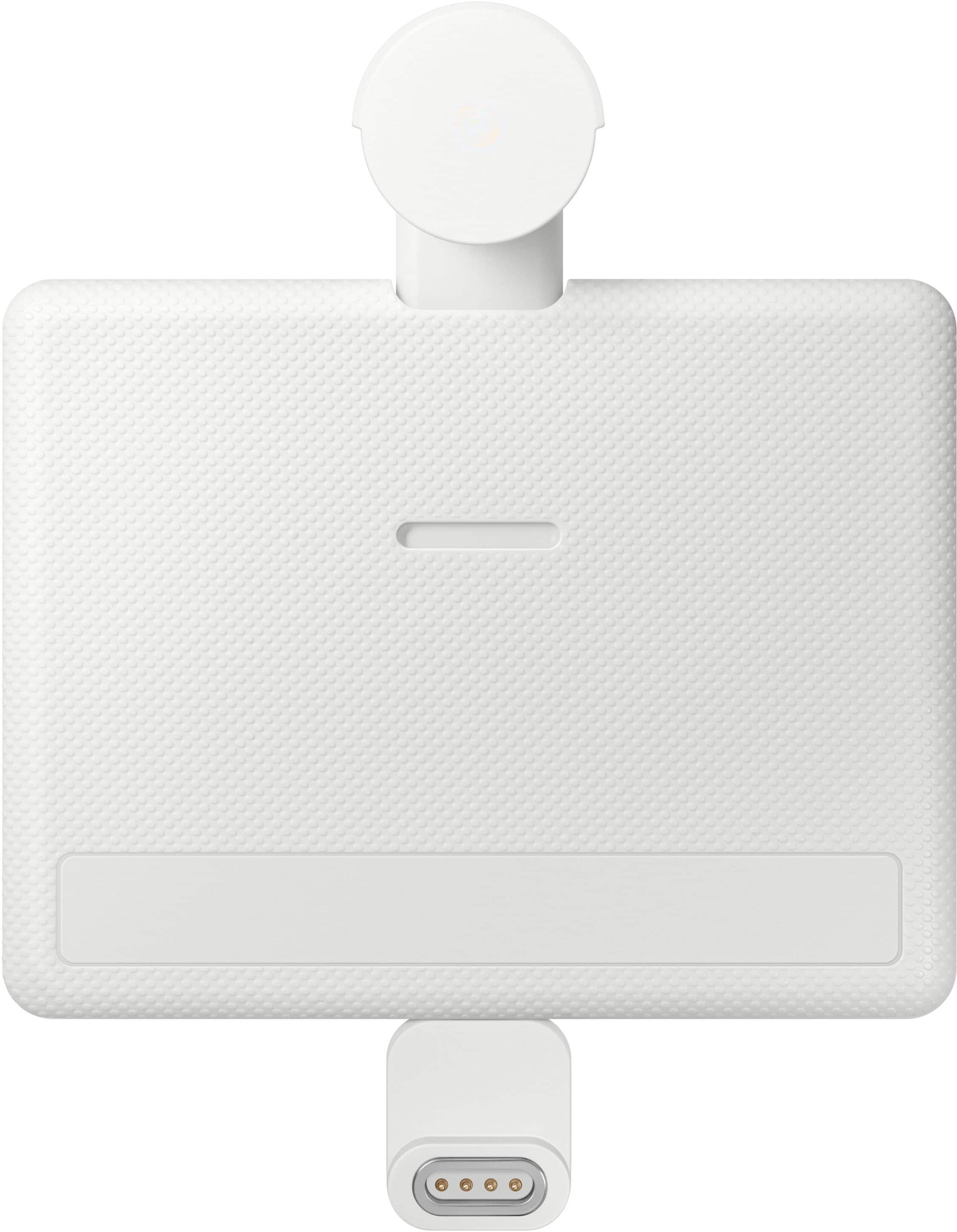
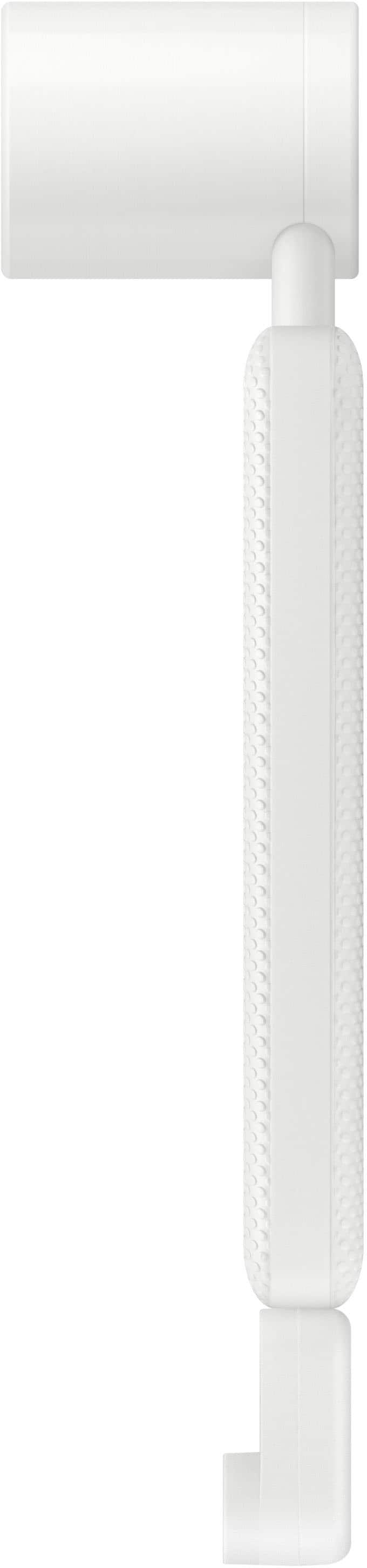
|Posted .This reviewer received promo considerations or sweepstakes entry for writing a review.The Samsung - 32" M80C 4K UHD Smart Monitor is quite something! At first I thought it was just like having a smart TV… but in actuality, it is so much more. The stand is very sturdy, there is an ultra thin bezel and the monitor is extremely thin. With this, you are able to stream shows with the built-in Samsung TV Plus feature. I scrolled through that finding several shows of interest. Some shows lacked quality, likely being low definition, but others were high quality. I found the Samsung app to be a useful addition. Also included are several mainstream apps - including many already installed such as Hulu, Netflix, Apple TV, and much more. They have a bunch more apps ready to use and you just need to install them. I know there is limited storage space, but I wasn’t able to find the total anywhere. I have installed quite a few, and this has not been an issue. The picture quality on most of the streaming apps is really nice - crystal clear. Of course, if this is sitting on a desk, I think it is too large to sit close to it to watch. I had to scoot back about 3 feet. There is a really nice, small remote and it has Netflix, Samsung TV, Prime Video and Disney+ right there at your fingertips! I would be lost without this remote. With the push of a small button, I can get where I want to go within the menus. It has Alexa built in, built into the remote. “Alexa open Hulu” and it did. Boom! When I set up the monitor initially, the remote showed about 1/4 full. I wondered what type of battery do I need to buy now? None actually. You can charge the remote with supplied USB-C to USB-C cable. That is good. There is so much I can do with this monitor. If I’m using my Mac and want to see something on a larger screen, all I have to do is mirror the screen wirelessly to the Samsung monitor. Often I’m checking out videos (maybe cat videos) and I want to share a good one. I can just mirror my screen (either my iPhone or my Mac) and boom! It’s on the bigger screen. And I can split the screen on this monitor so I can watch something on one side and do my work on the other. This comes with Microsoft 365. Log in and the world is your oyster (if you use Microsoft 365). I can search the internet. It too is built in. I plugged a USB plug from my mouse into one of the 2 USB-A ports and I was able to use my mouse with the monitor. That is definitely convenient when doing work! It also comes with an adjustable camera that attaches magnetically (via USB-C) at the back of the monitor to mount at the top. The camera plugs into a small USB-C adapter that then attaches magnetically. The resolution on the camera is pretty good. I wasn’t able to figure out how to add Zoom, or any apps that aren’t built-in. But they do provide Google Meet which I haven’t used yet, but it looks like you have to log-in via your mobile device then move it to the monitor. What can’t I do with this monitor? Well, there is no TV tuner built-in, so you can’t tune to TV directly, but there are so many other options. There are more than enough ports on this for me: 2 USB-A, 1 USB-C and an HDMI as well. I am having so much fun figuring everything out and discovering new things to do everyday. If you’re in the market for a large monitor, why more get one that can do almost everything?? I highly recommend this Samsung - 32" M80C 4K UHD Smart Monitor.
I would recommend this to a friend - Pros mentioned:Picture qualityCons mentioned:Speakers
Everything you need in one spot for your office.
|Posted .This reviewer received promo considerations or sweepstakes entry for writing a review.Okay this is one that I was kinda worried about, but it turns out the cons do not outweigh the pros. Here goes. First the cons: The camera is HORRIBLE, it is a little too wide in view, and is super grainy at best. It will or might only be good for a quick video call, and that is it. Nothing more. You can however, add your own camera and this issue is solved. The web browser is SUPER SLOW, I mean bad. But it does work, when it works. Input is just too slow. But you probably are not buying this for web use 24/7, so it's okay if you need it for a quick search. Last is the speakers, they are loud...but only if you are in a very quiet area. I suggest you grab your own, I did. Again, they are not too bad, they just have no tone. That's it for the cons, the rest of this machine is all that you want and need it to me. I like that I can just plug up my macbook pro, and close the lid. BOOM you are good to go, and I must say it is so worth in when it comes to being a monitor. The screen is very clear, and has great viewing angles. When using it as a smart TV, you will be very happy I feel. It has everything my actually larger TV has, and little more. Bixby or Alexa is the voice assistant, and it works well when tested. The build quality on this monitor is top notch, and stands toe to toe with others that cost nearly double the price in my experience. It's nice and thin, and well put together. The price is for sure worth it you need an all in one for your office like I wanted, and it's great at that. You can watch TV on one side of the screen, and work on the other half. This is a nice touch, and worked without a hiccup when I used it. There is a gaming tab, and it has live TV. All of which make this monitor the smart purchase for most I'd think. Aside from the 3 cons I pointed out, I still say this is a great purchase. You might get it, look into the things I do not like...and feel differently. We are all different. In the end, I say buy it.
I would recommend this to a friend Not Very Good Monitor or TV
||Posted . Owned for 1 month when reviewed.This reviewer received promo considerations or sweepstakes entry for writing a review.Samsung makes great products, but they also make cheap products. Unfortunately, this is one of there cheap products. I don't understand why this product is even made
No, I would not recommend this to a friendNot easy
||Posted . Owned for 1 week when reviewed.This reviewer received promo considerations or sweepstakes entry for writing a review.Had a hard time hooking up to my MacBook. After I got that distortion in the screen. Maybe it was a bad monitor. Maybe it was user error, but took it back immediately.
No, I would not recommend this to a friendMonitor
||Posted . Owned for less than 1 week when reviewed.This reviewer received promo considerations or sweepstakes entry for writing a review.Very laggy and mainly operate as mini tv……………………..
No, I would not recommend this to a friendinvesting in different option
||Posted . Owned for 3 weeks when reviewed.This reviewer received promo considerations or sweepstakes entry for writing a review.I actually need to return it. not happy with it. and part of it flickers
No, I would not recommend this to a friendThey try and try
||Posted . Owned for 2 weeks when reviewed.This reviewer received promo considerations or sweepstakes entry for writing a review.But jobody does it better than apple, this thing is clumsy and flimsy
No, I would not recommend this to a friend- Cons mentioned:Refresh rate, Speakers
Jack of all trades - master of none
|Posted .This reviewer received promo considerations or sweepstakes entry for writing a review.Let me get this out of the way - in typical Samsung fashion, the display is fabulous! It's bright, the colors are rich, everything is well saturated. As a monitor is where it shines, with the exception of the refresh rates. It only goes to 60hz. For everyday tasks (home office, email, spreadsheets, etc etc), that's fine, but then trying it for gaming, when setting everything up for 60hz you're limiting your framerate significantly, and if you're not, then you're seeing a bit of motion blur and/or tearing. If you don't mind a frame rate capped at 60hz, you should be fine. The speakers - meh... Sure, they're clear and clean, but suffer in the volume department. Very small, tinny-sounding speakers that are fine in a perfectly quiet room, but if the A/C unit is near you or a fan is on, the white noise may drown out something you wanted to hear. I've opted to go with an external sound bar, but the built-in speakers may be sufficient for you! The Smart-Monitor functionality is nice - I admit it, I use it more than I thought I would . It has apps available for pretty much every streaming service available (I haven't found one yet that I wanted that there wasn't one out there for), and we've always wanted to be able to watch TV in the computer room, so having a nice-sized 32" screen is a definite bonus. Again, back to the speakers - the TV part was an afterthought I believe, because again, the speakers are a little weak. Adding the sound bar that I did really helped round out the experience. In typical Samsung fashion though, it's definitely a keeper and a nice compliment to our suite of Samsung products in our household.
I would recommend this to a friend - Pros mentioned:Picture quality
Well Designed Hybrid Monitor / Smart TV
|Posted .This reviewer received promo considerations or sweepstakes entry for writing a review.This is an extremely versatile hybrid monitor/smart TV. Its very thin in size and has a very thin bezel. The original purpose was to have a 4K monitor for daily use with my desktop PC with text and graphics but the monitor is much more than that. You have read the specs so here are my observations. The monitor is supplied with a quick start guide. The setup process begins and walks you through the setup. It finds your home wifi network and you connect to it. You agree to legal stuff. It did a software update and you setup a Samsung account. Quick and easy just follow the prompts. I connected via an HDMI cable and the resolution was set for the recommended value of 3840x2160. I allowed it to scan my network for compatible devices. It found Alexa no problem and it allows me to talk to the monitor just like an Alexa device. I then logged into Amazon and registered Amazon Prime,Samsung TV plus, and Sling for use on the monitor. YouTube in 4K is outstanding. There are also many native APPS for streaming services. I used the Search for Smart Devices and it found my Wyze cameras. There is a Alexa skill for that so I just ask her for the camera by name and it comes up onscreen. There is a game hub feature that lets you play XBOX and Luna games natively without a console, just add a controller. There are many games to choose from with a subscription. You can add additional gaming platforms. I connected a Bluetooth keyboard and mouse to the monitor and had the use of native Microsoft 365 without having to use a PC. For videoconferencing Google Meet is native but Zoom and Microsoft Team are not available from the APP store. A very small OK quality video camera is supplied and attaches magnetically to the back of the monitor. If using your PC for Zoom, the PC will not see this camera unless you connect it via a USB port on the back of the monitor. If using the native Google Meet APP the camera does not need to to use thatUSB port. Audio from the internal speakers is just OK. I was able to pair a Bluetooth speaker to the monitor but the lip sync was off making it unwatchable. I haven't yet found a setting to fix that. A small remote is included that provides the functions you need to switch between inputs, settings, and streaming services. It is charged via USB C connection. There are many settings to explore to setup the monitor to your liking. I continue to tweek some settings but the default values are more than fine. So as a hybrid smart TV, smart monitor with some productivity apps, and a gaming platform it does all well but has a few loose ends. Dont get rid of that laptop quite yet.
I would recommend this to a friend - Pros mentioned:Ease of use, Picture quality
Love It!
Posted .This reviewer received promo considerations or sweepstakes entry for writing a review.This works great for everything I use it for. Gaming, school, and tv/media. I love how thing and aesthetically pleasing the frame is and that the screen takes up the majority. I do think the sound quality could be a little better - definitely recommend other speakers if you want better sound! Also turning it to be a vertical frame is not the best - but it does not get used like that very often. Other than that this has worked perfectly for me. Easy to set up and was the perfect addition to my setup!
I would recommend this to a friend - Pros mentioned:Usb-c
Good Screen, but Smart Features are Limited
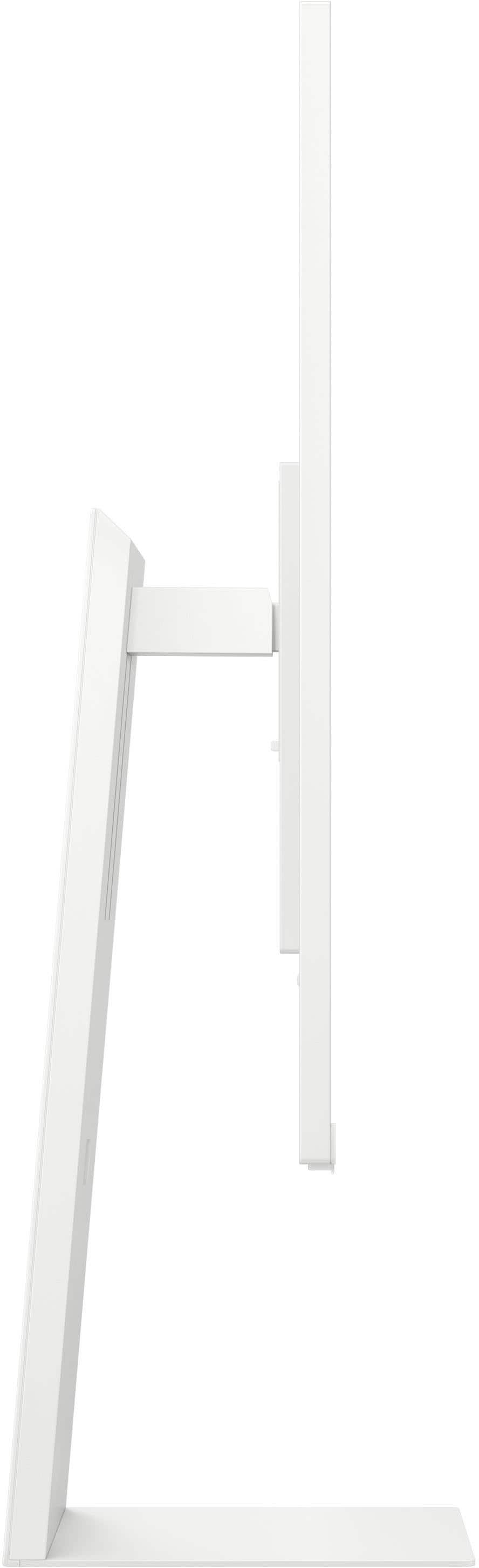
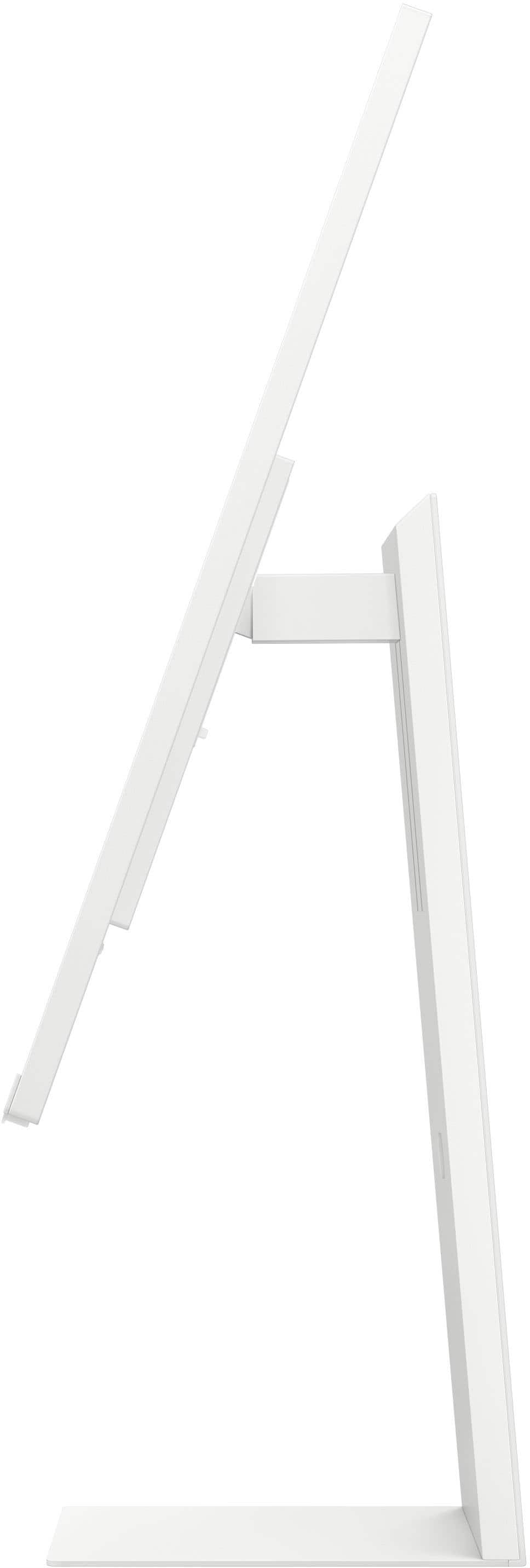
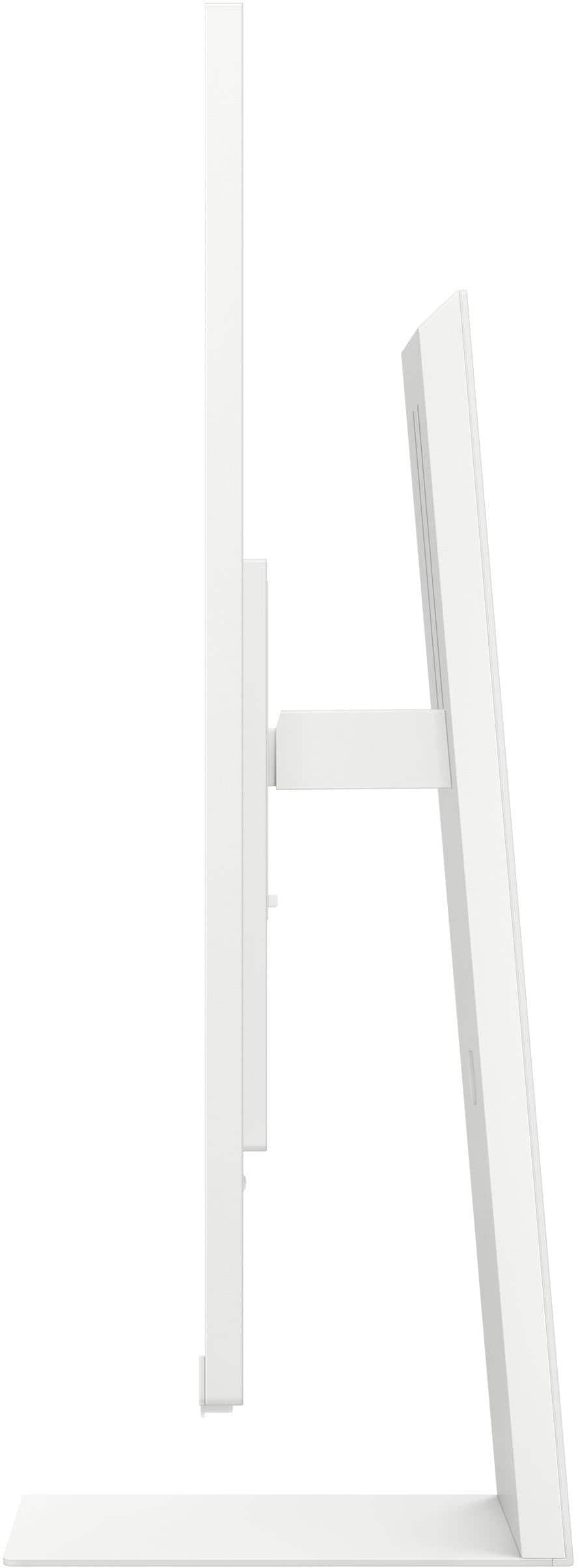
|Posted .This reviewer received promo considerations or sweepstakes entry for writing a review.I have mixed opinions about this screen. There are some nice positives and some significant negatives. The resolution, both as a monitor and as a TV is excellent. Images are sharp and colors are vivid. Motion blur is minimal when watching a 4k video. I love how easy it is to connect a laptop via USB-C. One cable handles video and audio to the screen along with the mouse, keyboard, camera, microphone, and power to the laptop (as long as the laptop accepts power delivery via USB-C). There is also HDMI, screencasting, and supposedly Samsung’s proprietary connection software if USB-C is not an option. Casting works identically to the USB-C cable, except the laptop is not being charged by the screen and there is a small amount of latency with the mouse and keyboard commands. The wired connection has no latency. Samsung TV is impressive. Straight out of the box with no subscriptions, other than registering the TV to Samsung, there is a massive amount of free content. I got distracted for hours just flipping through the free channels. This is my first exposure to their content, and I am really impressed with it. Cord cutters would love it! Other streaming apps are available, as expected with any smart TV. Best of all, there is an option to split the screen where one input, such as TV/streaming content, can be on one side, and another input, such as the computer screen, can be on the other side. The sizes of the two sides can be increased or decreased, and the audio can easily be toggled between inputs with the remote. With Bluetooth built-in, I am able to quickly connect wireless headphones and a keyboard to the screen. The audio output is also simple to toggle between the speakers and Bluetooth headphones. Physically, the monitor is aesthetically pleasing. I really like the modern appearance with a thin bezel. Assembly is simple with one screw on the base. The monitor snaps on and off with a spring-loaded clip. The mount permits up and down along with tilting forward and back. It also allows for rotation, but it is not a straightforward move because the corner of the screen hits the base of the mount as it is being rotated. This means either bending everything just right to try to avoid it, or taking the screen off the mount, turning it, and reattaching it. It would be much nicer if it easily rotated without those extra steps. Sadly, this screen has some other issues. Despite the software saying it is up to date, I am running into some significant challenges. Samsung’s proprietary screencasting software is to be downloaded via a link shown on the screen. That link was blocked by my security software. I overrode the warnings thinking it must be a mistake, but it was not. The website they say to go to does not exist. Instead, the link leads to a random site, apparently known to cause problems. I triple-checked the address and confirmed it was not a mistake. When I tried searching for the app on the internet, Samsung’s own website says to refer to the onscreen link to download the app (which is the bad link). I was not able to find a different download link on the Samsung website, so I cannot test that option. My guess is that they forgot to renew that website or update their software. Under productivity, they promote Google Meet and Microsoft 365. No matter what I did, it was impossible to sign into Google Meet. Based on the error message, the software is out of date, but there is no option to force an update. Microsoft 365 loads to allow people to work on various documents. However, it literally takes over one minute for a document to load and be ready to be edited. When working on it, a person must type slowly and confirm that the screen is keeping up. If I click on a menu, it takes 10-30 seconds to open. To me, there is either a bug in the software or these features are not worth the effort. With that said, these tasks can easily run on a computer, if connected. Thankfully, the camera signal passes through to the connected computer, so I was able to start a meeting on my computer and use the camera on the screen without a problem. The camera resolution is typical for a higher-quality webcam. I am happy with it. My hope was that the microphone on the camera would work at a distance, such as if the screen is hanging on a wall in a conference room, but the microphone only seems to pick up my voice if I am at a distance of about six feet away or less. The person on the other end said I was quiet and muffled beyond that. One other nice camera feature is that it is held in place with a magnet, so it is simple to attach and detach as needed. There is no question of privacy when the camera and microphone can be physically disconnected from the screen. Ultimately, this screen is useful for someone who wants Samsung TV content and a large, high-resolution computer monitor. It is a very clean setup with one cord and no docking station required for a modern laptop. However, I would not recommend it to someone hoping to use it as a standalone unit for the Google and Microsoft apps. Maybe those features will improve with software updates, but they are not currently ready for use. Due to the hefty price with limitations in smart functionality, I am only giving three stars.
I would recommend this to a friend Fantastic monitor + Smart TV for streaming
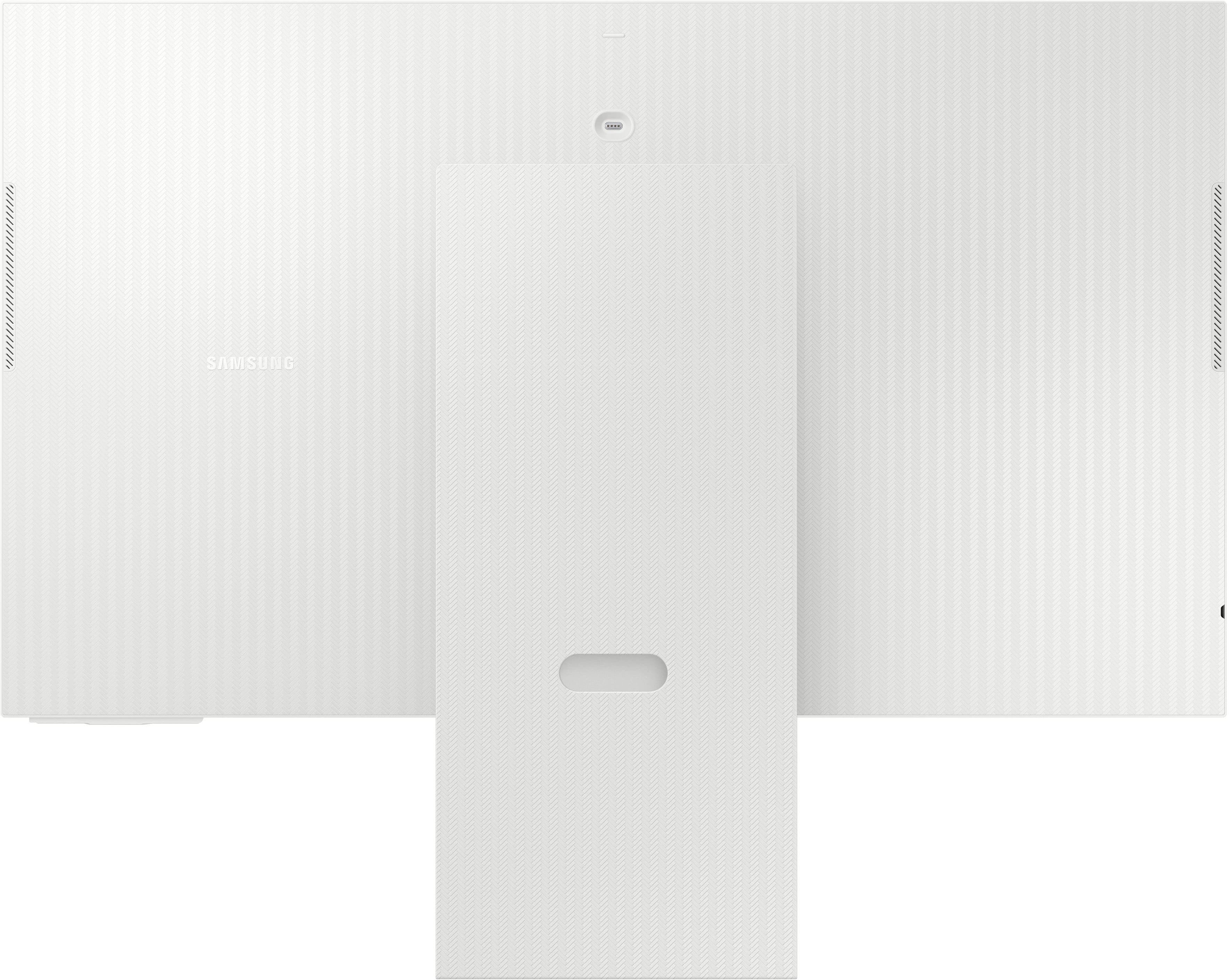
|Posted .This reviewer received promo considerations or sweepstakes entry for writing a review.I got this monitor mostly for my daughter since I saw she was hunched over her laptop screen at her desk. I own a couple 32" Samsung monitors for my work and they are gems. We have her desk set up in our spare room so I wanted the option of a Smart TV in case we have a guest that wants to watch some streaming content. I am a big fan of Samsung products, owning many computer components, TVs, phones and more recently a new electric range. Over the years Samsung has built its products to the point where I seek out the Samsung brand for the products I'm interested in. In my opinion, when you're dealing with monitors in the 32" range, you should go with 4K resolution. Anything less and it seems like it's comically large. But it does come with a disadvantage I didn't think about until much later. When sharing my screen with co-workers, everything becomes tiny for them because of the relative resolution. Installation of this monitor onto its included stand is really straightforward. There is a single Philips screw for the base. The monitor mount clips into place. I was able to clip the monitor by myself, but having an extra pair of hands is preferred. Please do not try to lay the monitor on the floor and clip the stand on. The stand is too heavy and may punch through the electronics. The monitor also has 100x100 VESA mount, and I'll be quite interested in mounting it to a wall arm to get it out of my daughter's way. The stand has a herringbone pattern on the back, which made me feel a little fancy. It's a quality stand that allows raising and lowering the monitor as well as changing the vertical angle. You can also rotate the monitor 90 degrees in order to view long documents. You'll need to raise the monitor to the highest height, and change the vertical angle (bottom of monitor towards you) before you rotate it though. Upon power up, I was surprised how long it took to setup. You have the ability to set up the monitor using a phone or with the included remote. I chose to use the remote. There are several licensing/use agreements, Wi-Fi connection, software updates, input configurations and service provider configurations that need to be configured. Most of this relates to the Smart TV aspect of this monitor. I was slightly amused that while setup was taking place, there was light music being played for most of the process. The included remote does a decent job navigating through the menus. Once the initial setup was complete, I was able to add my appropriate streaming apps similar to how I do it on my normal Samsung TV. Samsung's app library has dozens if not hundreds of different streaming providers. I did stream a few TV episodes just to verify things worked and it went very well. The volume of the monitor speakers were decent. Obviously they can't compare to a soundbar's higher fidelity, but they are more than enough for casual watching. After connecting it to my work laptop, it took me several seconds of menu hopping to find where to access the laptop display input. Once it's established, it's easy to access. For connectivity, it has 1 HDMI port and you can use the USB-C port as another way to connect. It also has some wireless options, but in my previous, wireless display over the Samsung Easy Connection only provides 1920 x 1080 resolution and it only functions to mirror your screen you cannot extend your display. For those reasons, I will likely stick with an HDMI connection with my laptops. One of my nit-picks though is that when connecting PCs through the USB-C and HDMI connections, there is nothing to discern which PC you are connecting to in the Workspace menu. They all show up as "PC" and there is a bit of trial and error which device you are connecting to. The monitor comes with a Slim-Fit camera. That just means that it's got a slim profile that keeps it close to the back of the monitor. Installation was super easy as it just magnetically sticks to the back of the monitor when it's in the right place. It has a small metallic cover that is magnetized to the front and rear of the camera so you have a place to keep it whether or not you're using it. Unfortunately, I think I'm likely to lose the cover quickly. The monitor itself has a couple of camera apps. It connects to Google Duo or its own video chat service. But I was slightly disappointed to learn that it is only accessible via USB-C connection. It's not available when you connect via HDMI. The USB-C cable is able to provide up to 65 Watts of charging. This makes the monitor a decent mini docking station that charges most PCs and provides 2 more USB-A ports on the back of the monitor for things like a keyboard and a mouse. Surprising to me, this monitor has Alexa built in. There is a built in Alexa light bar on the bottom right corner to indicate Alexa is responding. One more thing to note is that this monitor was plenty bright for my needs right out of the box. My previous Samsung monitors were a little dim out of the box, but after several hours of presumed 'warm-up' time, they came to the correct brightness. I've noticed this with other Samsung products like a soundbar that initially sounded a little weak with the bass. After some time though that bass filled in. So if it seems a little dim, give it some time. But again, this M80C was great with brightness right out of the box. I think the size of this monitor is right for my needs. I also think 4K is the way to go on the resolution for a monitor this size. Hopefully it works as intended to get my daughter from hunching over her laptop screen.
I would recommend this to a friend- Pros mentioned:Camera
Worth the cost
Posted .This reviewer received promo considerations or sweepstakes entry for writing a review.Great monitor for the price. Vertical and horizontal mode helps accommodate my different needs. The built in camera does the job and also provides a privacy option.
I would recommend this to a friend