Customer Ratings & Reviews
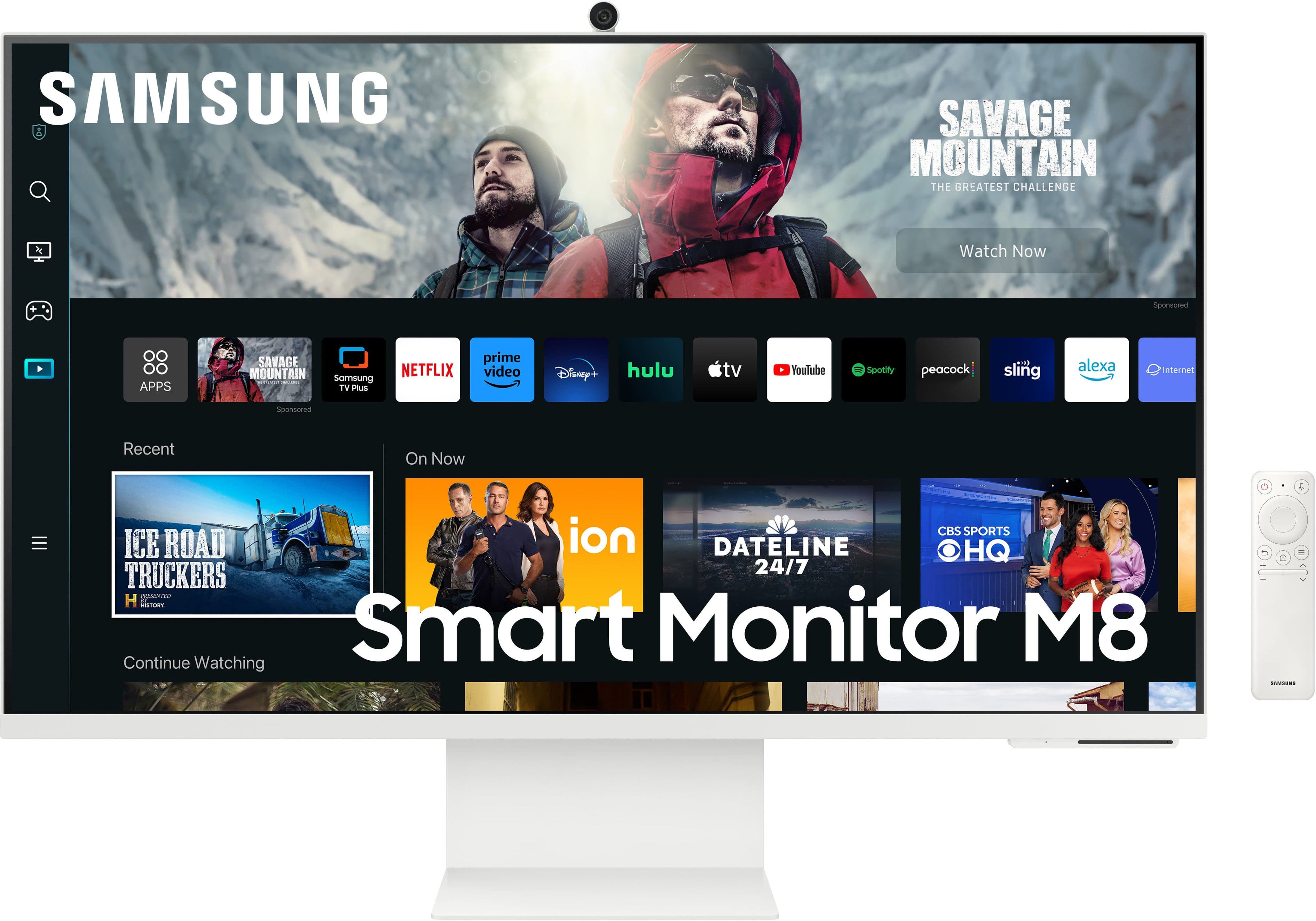
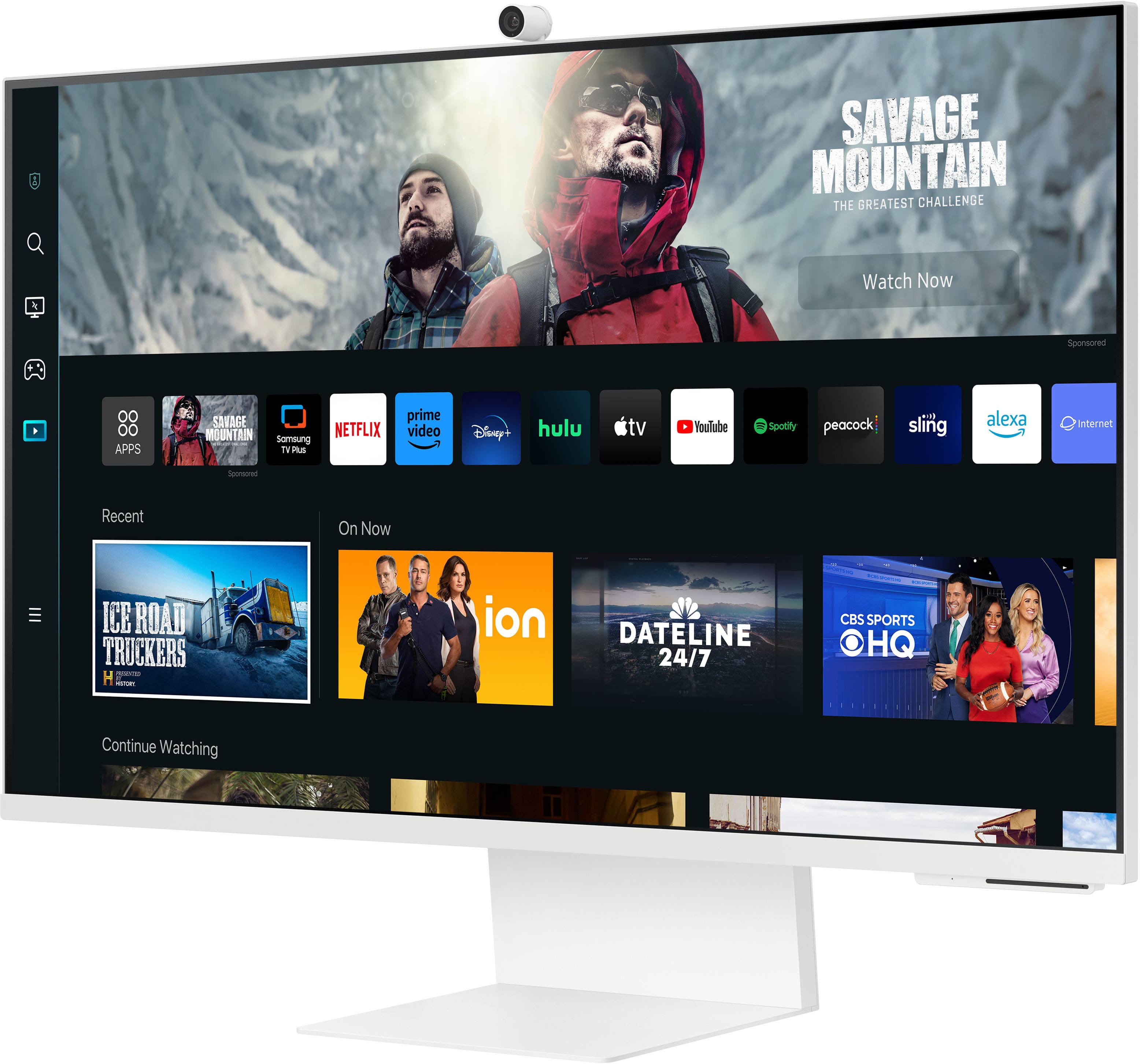
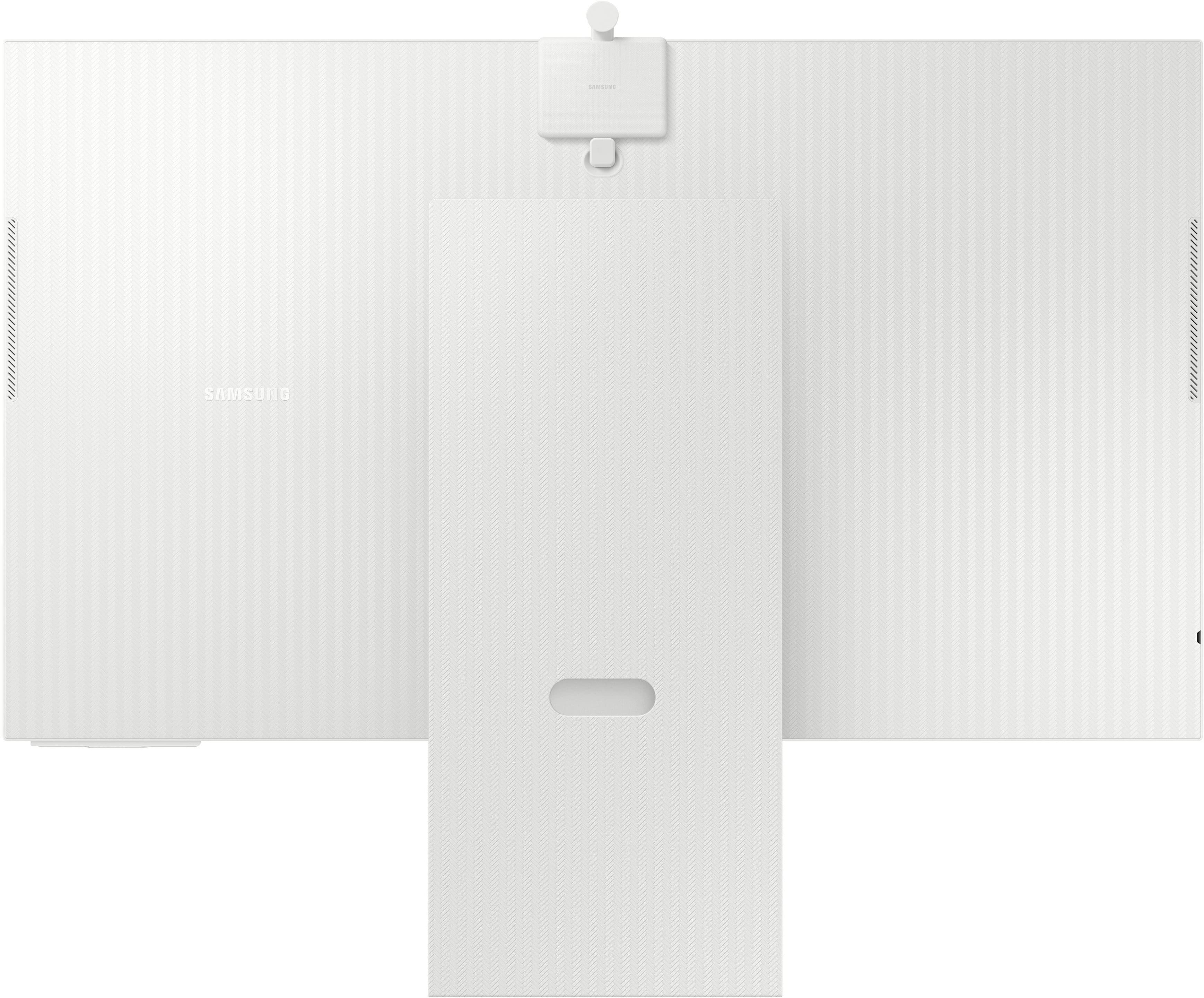
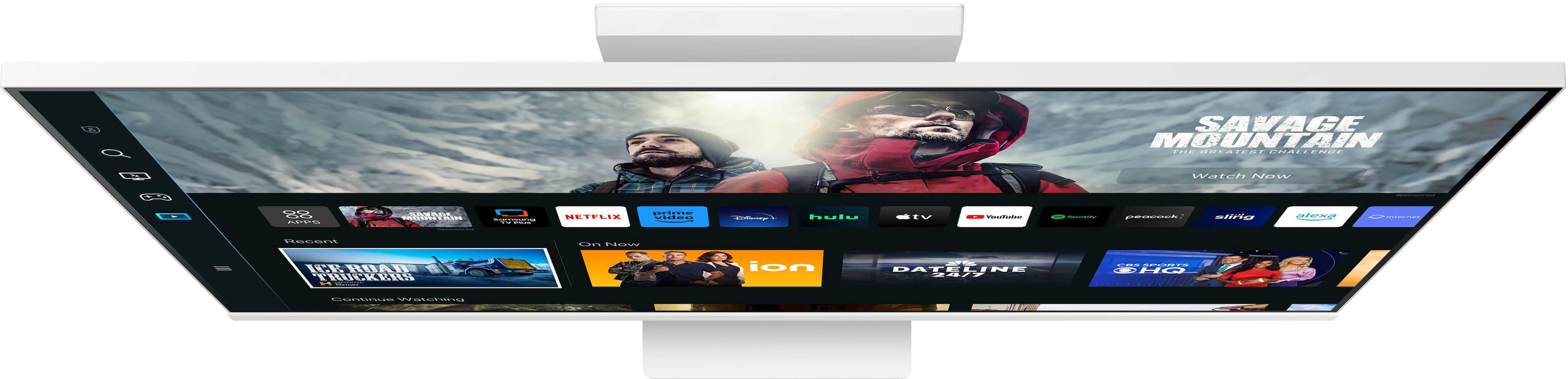
- Model:
- LS32CM801UNXZA
- SKU:
- 6544148
Rating by feature
- Display Quality
Rating 4.6 out of 5 stars
- Ease of Use
Rating 4.4 out of 5 stars
- Features
Rating 4.6 out of 5 stars
Customers are saying
Customers love the M80C monitor's picture quality, ease of use, and sleek design. Many appreciate the convenient features like the built-in camera and USB-C connectivity for charging laptops. However, some users find the speakers underwhelming and wish for a higher refresh rate. The brightness and occasional screen flickering were also noted as potential drawbacks by a few customers.
This summary was generated by AI based on customer reviews.
M8monitor
||Posted . Owned for 3 weeks when reviewed.This reviewer received promo considerations or sweepstakes entry for writing a review.Great monitor the 4k display Is one the main reason the monitor highly impact on users . Having monitor that’s also a smart tv is major , usually monitor are 27 inch but with the 32 inch display it enough to enjoy gaming / workspace / Tv .
I would recommend this to a friendGreat 4k smart monitor.
||Posted . Owned for 6 months when reviewed.This reviewer received promo considerations or sweepstakes entry for writing a review.Very nice monitor. Acts as a monitor and smart tv. I just wish it had streamless wireless airplay with my mac. But othrr than that, great 4k monitor. It just looks so aesthetic
I would recommend this to a friendExcellent picture quality
||Posted . Owned for less than 1 week when reviewed.This reviewer received promo considerations or sweepstakes entry for writing a review.Absolutely The best monitor, Love the fact i could watch live streaming without turning the computer on, I am glad got it while it was on sale
I would recommend this to a friendGood Monitor but needs improvement
||Posted . Owned for 1 month when reviewed.This reviewer received promo considerations or sweepstakes entry for writing a review.Decent monitor with good quality video. Web cam is pretty useless for me due to lack of adjustments.
I would recommend this to a friendSamsung-M80C 32" Smart Tizen 4K UHD Monitor.
||Posted . Owned for 3 weeks when reviewed.This reviewer received promo considerations or sweepstakes entry for writing a review.This Samsung -M80C 32 Smart Tizen 4K UHD Monitor has been great. The video looks very good to. The Speakers has a good sound to. I would by it again. Thanks.
I would recommend this to a friendjust do it
||Posted . Owned for 1 week when reviewed.This reviewer received promo considerations or sweepstakes entry for writing a review.stop thinking about it. do i rlly need 32”? do i need a tv that’s also a monitor ? yes and yes. actually just buy 2 of them.
I would recommend this to a friendI love it!
||Posted . Owned for 1 week when reviewed.This reviewer received promo considerations or sweepstakes entry for writing a review.I love this monitor. I use it for work and my kids use it to watch tv. It resembles a IMac but way more affordable.
I would recommend this to a friendlove this
||Posted . Owned for 1 month when reviewed.This reviewer received promo considerations or sweepstakes entry for writing a review.sending one i bought. i love how it can be used as a monitor or a television
I would recommend this to a friendSamsung
||Posted . Owned for 2 weeks when reviewed.This reviewer received promo considerations or sweepstakes entry for writing a review.Its a beautiful monitor. I would definitely recommend.
I would recommend this to a friendOpen Box monitor in Excellent condition
||Posted . Owned for 3 weeks when reviewed.This reviewer received promo considerations or sweepstakes entry for writing a review.Open box excellent condition item. All the cables, remote and the slim fit camera should be packed with the monitor. I confirmed with the curb side team if any item is missing? I would like ensure before departing since I drove one hour one way. I returned home and found remote and the camera were not in the box. I called Fairfield Outlet's customer service and notified them. The best solution they could offer was to return it any at any best Buy store. The purchase another unit . When I asked for even exchange and they simply refused to do?
No, I would not recommend this to a friend- Pros mentioned:Camera, Picture quality, Usb-cCons mentioned:Refresh rate
Pretty good all-around, except the speakers...
||Posted .This reviewer received promo considerations or sweepstakes entry for writing a review.I had been eyeing the Samsung M8 series since it first launched at CES a few years ago. Now in its 3rd iteration, I finally pulled the trigger and got it on sale. The first thing that struck me was the sheer size. I have a 34" Ultrawide QHD gaming curved monitor I use daily at home, and I thought that was great for multitasking. Boy was I wrong. This screen is enormous, and yet the 4K resolution makes it super usable! Add in the fact that it is also a Smart TV, has a decent webcam, AND has USB-C, pretty good! Using the apps are fairly responsive, and the image quality is good enough. Samsung has a unique calibration method using the SmartThings app and your phone. It also has AirPlay functionality as well as wireless casting through windows. Currently I am using it with my 14" M2 MacBook Pro and it was able to recognize and get started right away. That being said, one important tip I would say is that in the menu under connections and external devices is "Input Signal Plus". Make sure this is enabled, this will ensure that at 4K, it will run at 60Hz, instead of 30Hz. Overall, a good buy, especially considering that an equivalent Apple Studio Display will run you *three* times the cost. Of course they are not exactly the same, but the price is definitely more affordable.
I would recommend this to a friend - Pros mentioned:Usb-cCons mentioned:Speakers

Samsung's Smart Monitor Hub for IoT Devices
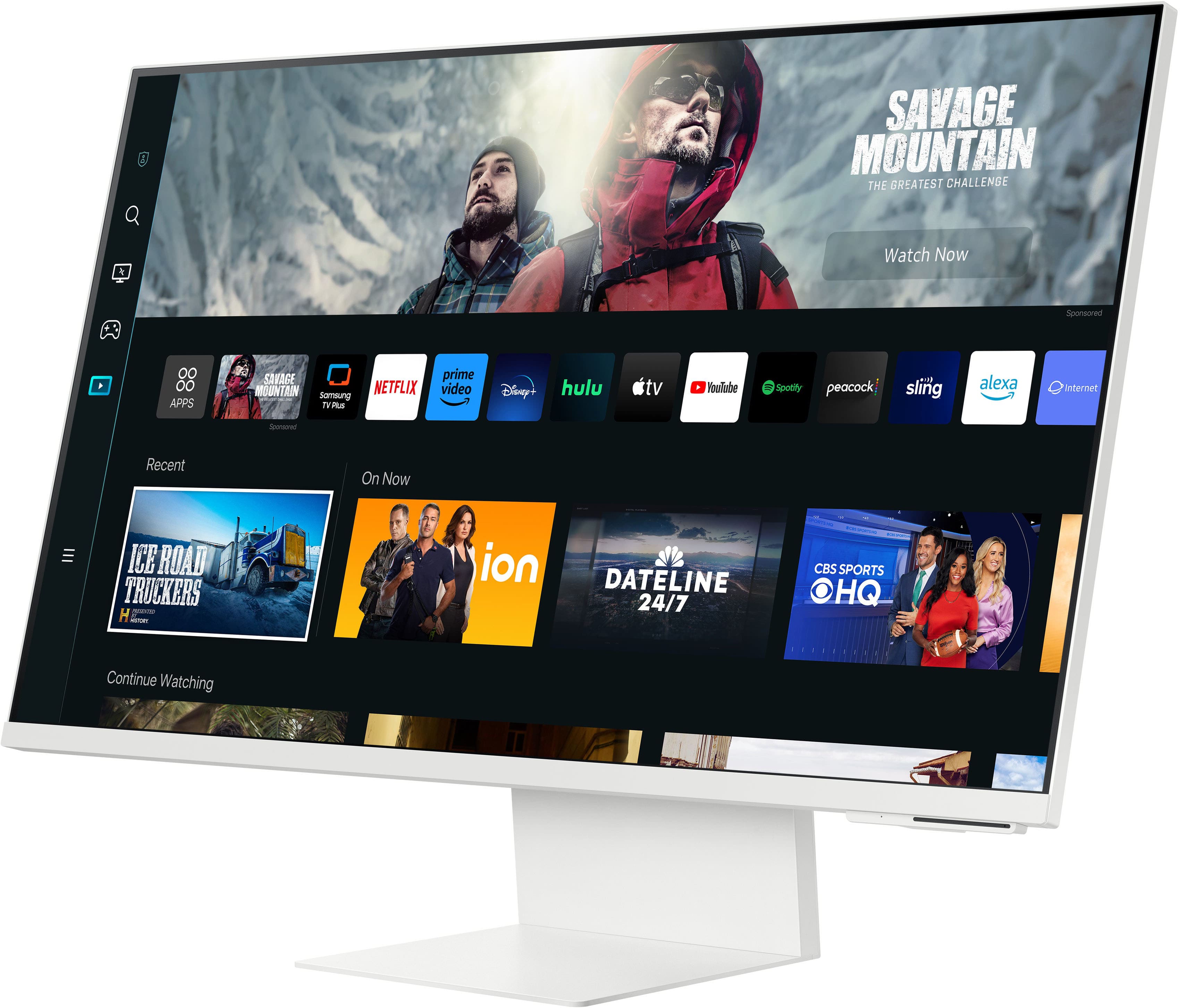
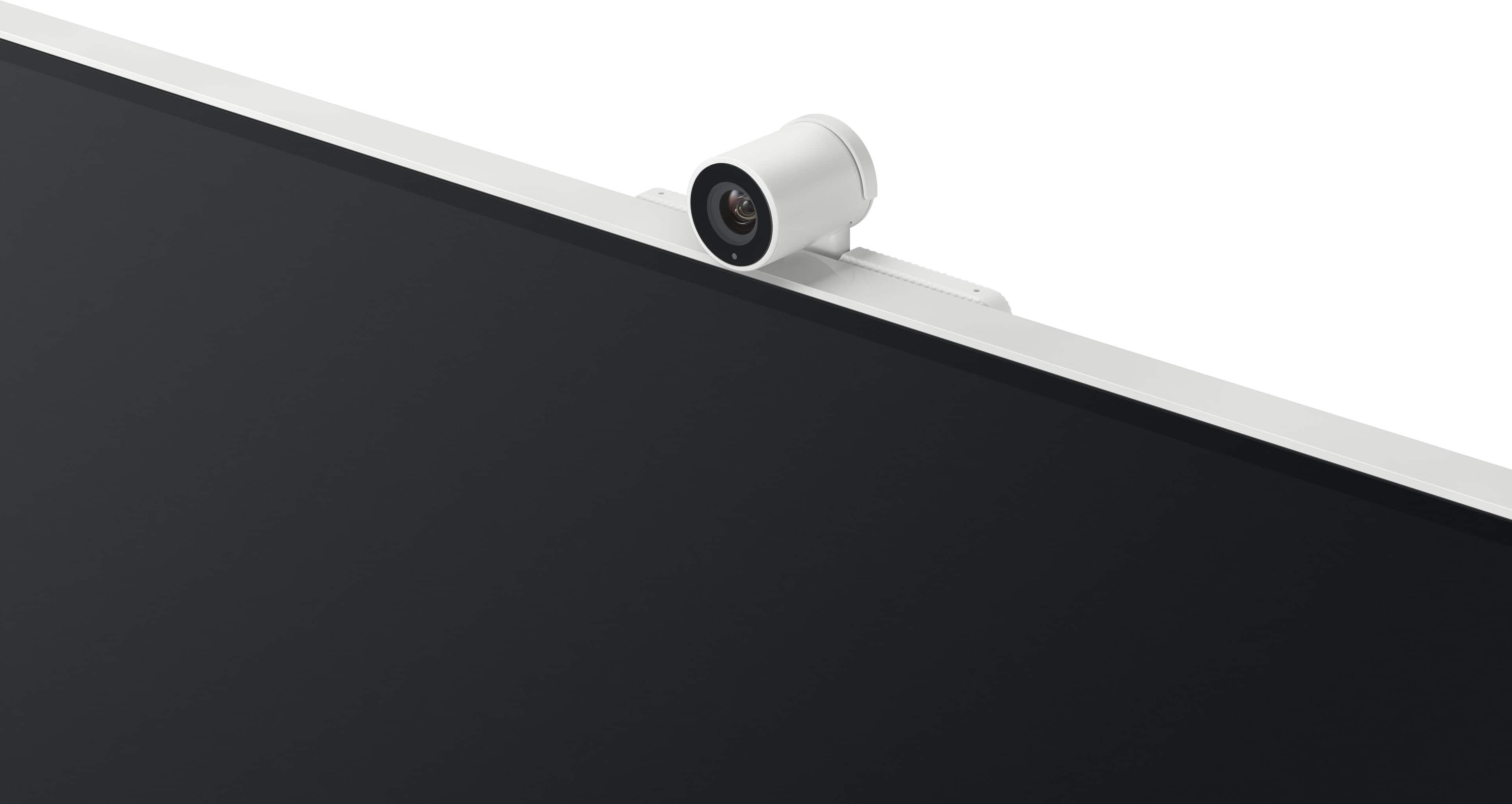
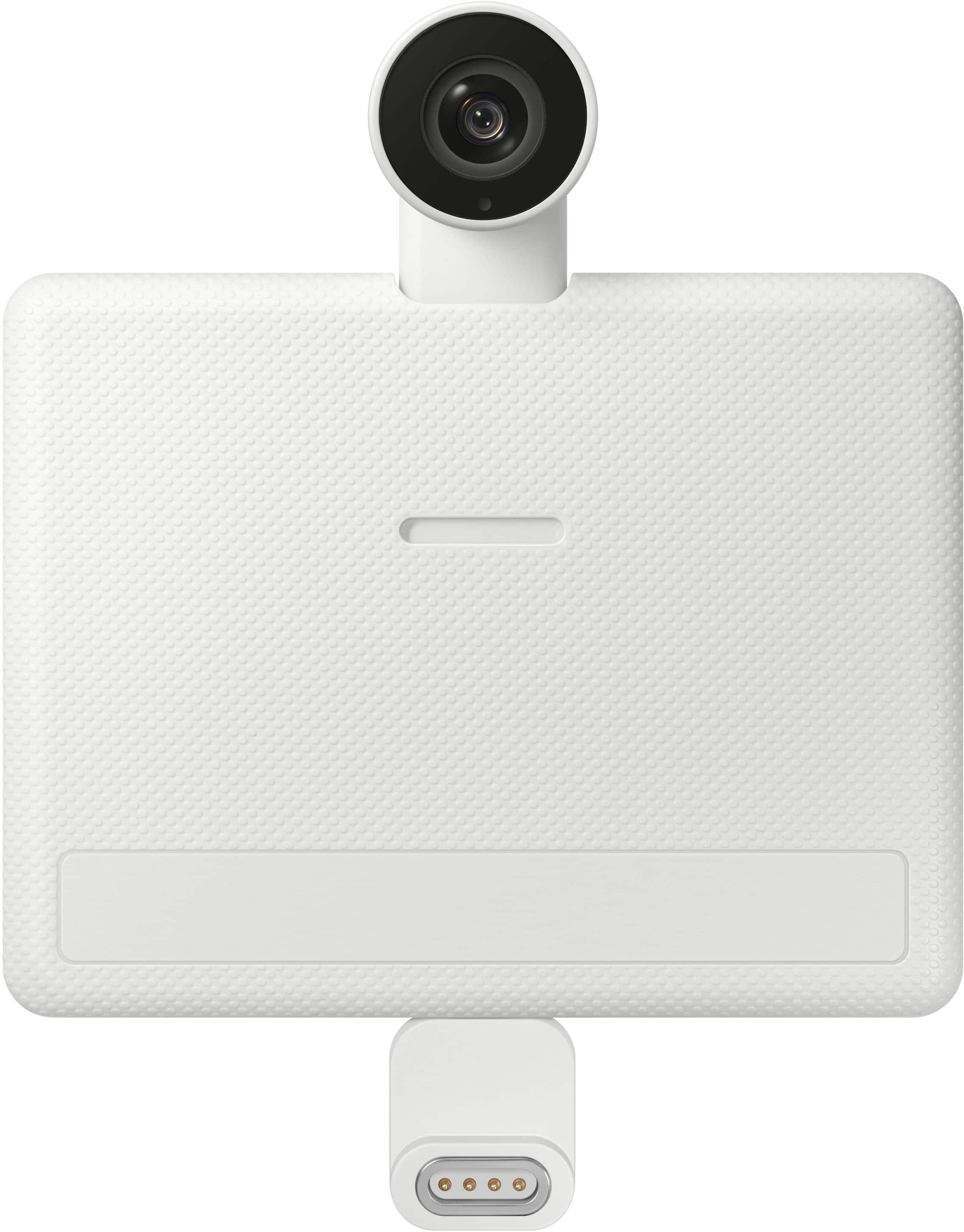
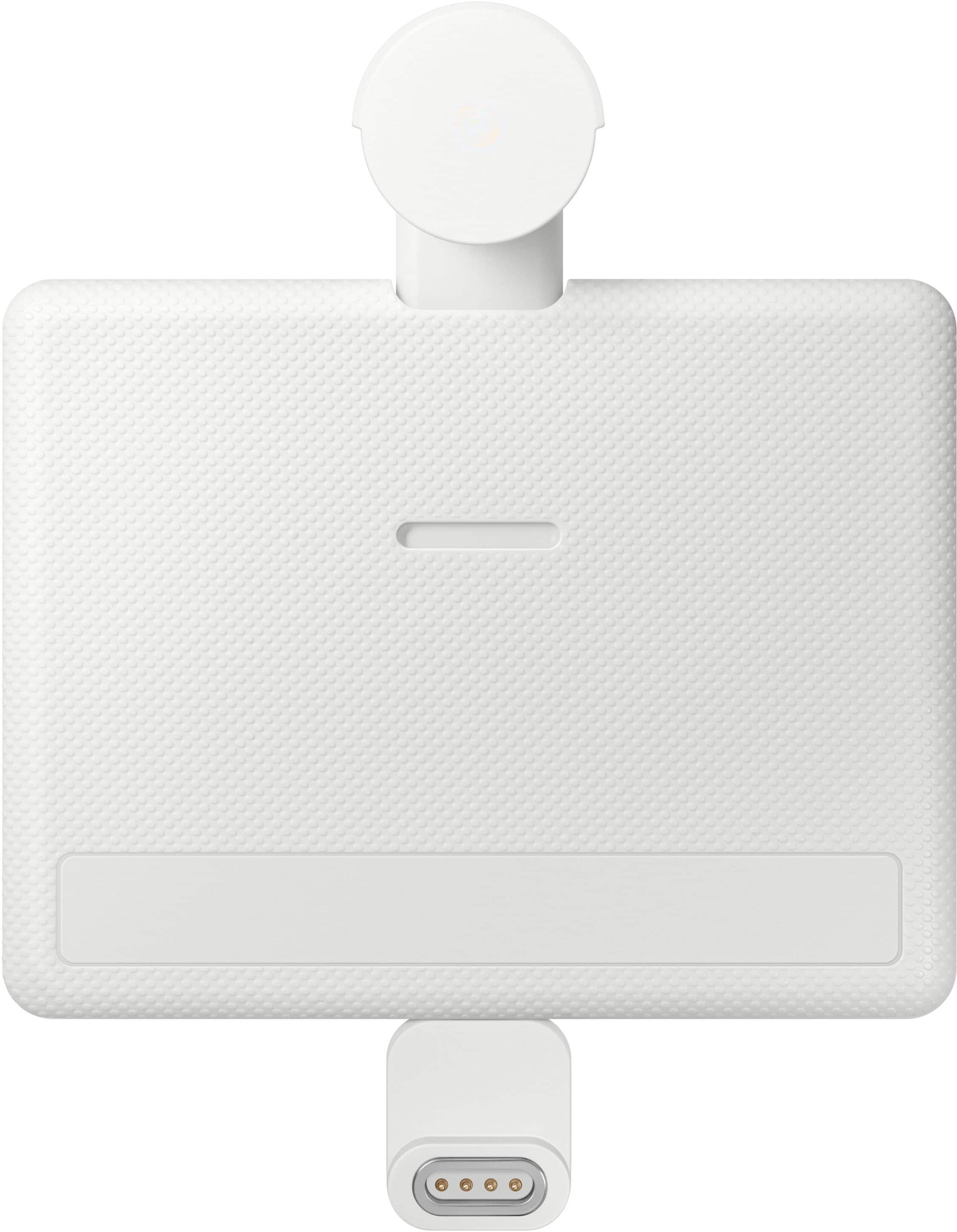
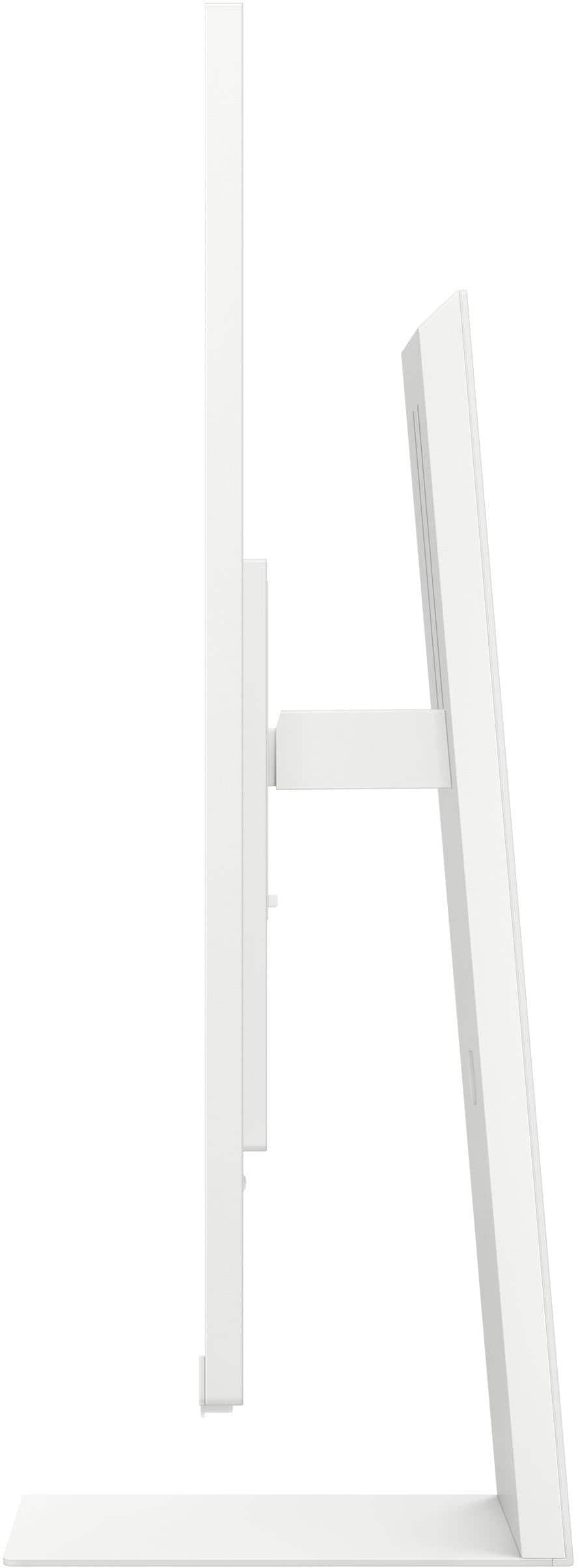
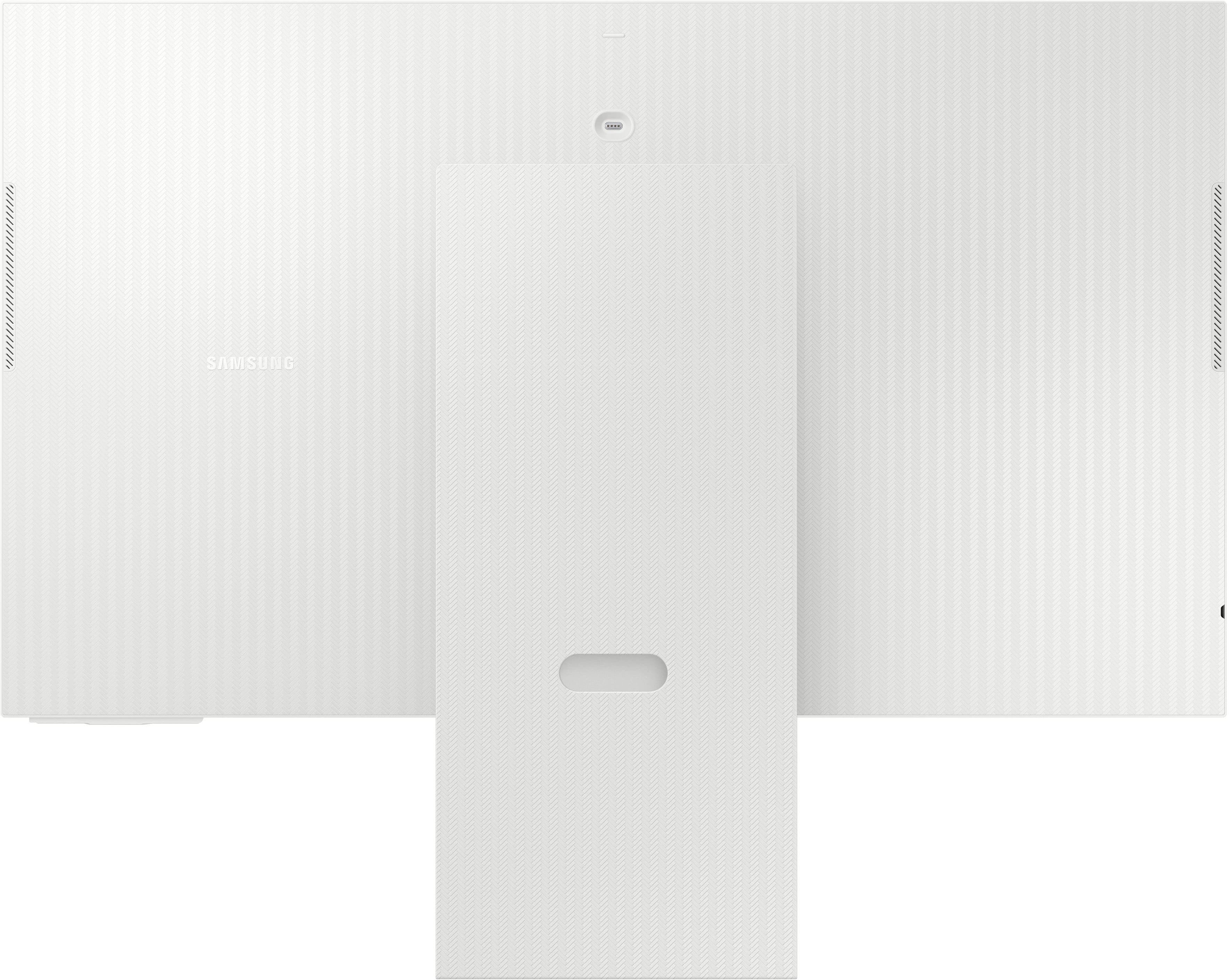
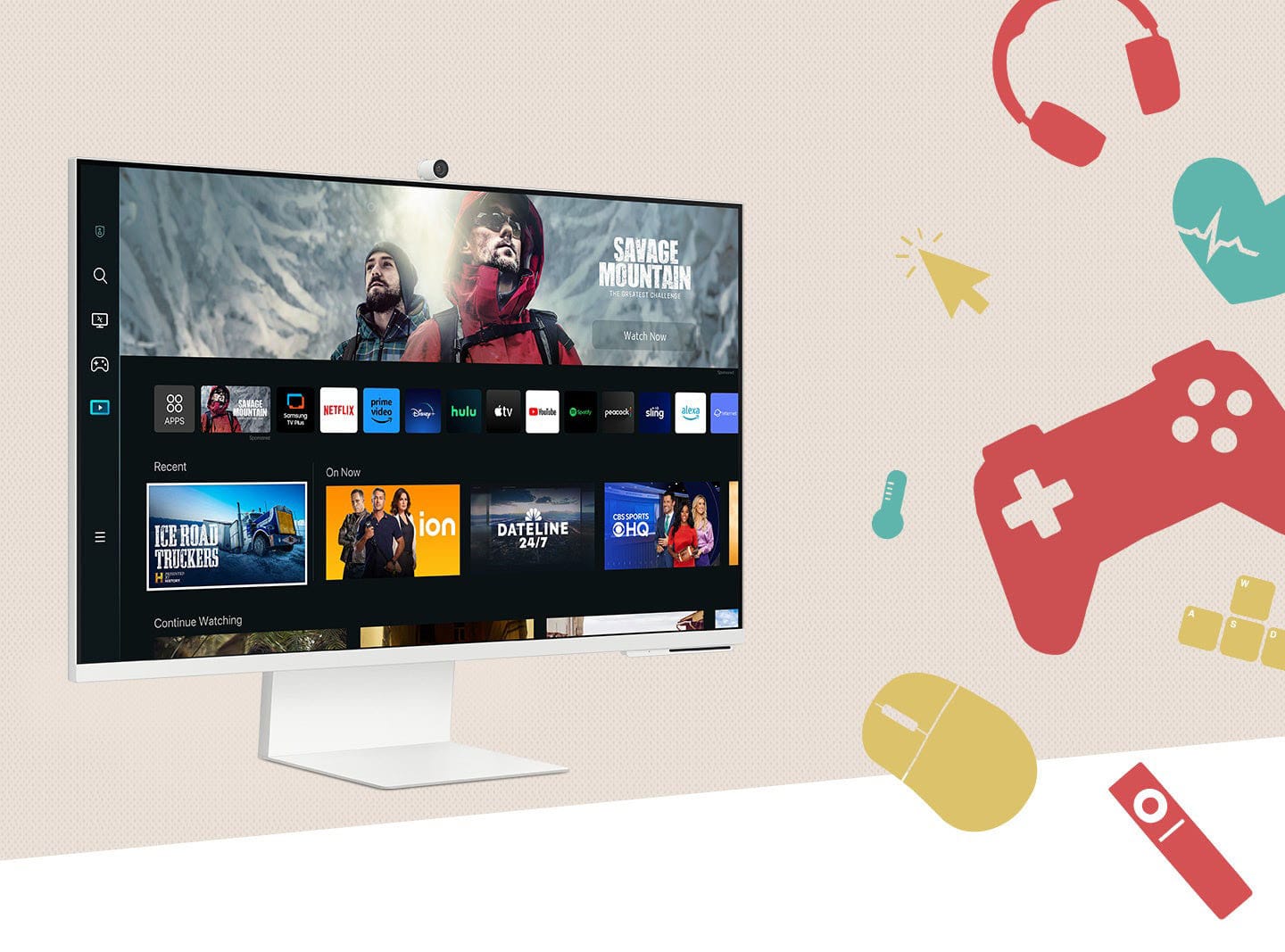
|Posted .This reviewer received promo considerations or sweepstakes entry for writing a review.I use both Mac and Windows machines for work and entertainment, so I was looking forward to trying the new Samsung 32” M80C 4K UHD Smart Monitor with Streaming TV and SlimFit Camera. This is Samsung’s latest “mid-sized” 4K UHD monitor and streaming TV hub unit. Initially my interest focused around the larger HUHD monitor but that quickly changed due to all the streaming options on this display. What’s in the box: 32” 4K UHD panel, adjustable stand, USB-C to USB-C cable, USB-A cable, power cable and charging block, HDMI cable, remote control, SlimFIt Camera and warranty paperwork. First Impressions: My initial thought was, “this thing is huge!” when thinking about a computer monitor. I use a 15” Windows laptop and a 13” MacBook, so the 32” is a big jump up in size. The build quality is top-notch as I’ve come to expect from Samsung. There’s a herringbone type pattern on the backside of the display and the stand. Speaking of the stand, it’s build with both form and function in mind with adjustability-galore and easy-to-use snap together construction with just 1 small screw to tighten everything into place. The display itself snaps on/off the arm with a single lever. There’s very little bezel other than on the bottom edge where the speakers and controls are mounted. Usage & Performance: As mentioned, my initial want for this display was a larger HD/UHD monitor to run my laptops through. Once the stand was built and connected to the display it’s ready to get started. After powering on the user is walked through the process of connecting to WiFi and setup. There was a software update available and that took a few minutes to process. The “Home” screen is the area I find to use most, with a menu for Search, Workspace, Game, Media, Connect Devices and Settings is displayed down the left edge of the screen. As I’m not much of a gamer, I tend to spend most of the time in the Workspace and Media areas. Workspace provides connectivity to devices, bookmarks and work & communications apps. There are a few options for connecting to an existing computer using the supplied HDMI or USB-C cables and there are apps available to provide additional connectivity options. As it turns out, the Media area has become my prefered area. The popular streaming providers are supported, the display ships with Neflix, Disney+, Prime installed and a list of the more popular sites available for install. Samsung TV Plus is the other option, and being a Samsung user, with channels and channels of entertainment and Live TV. I don’t even have access to these live channels with my current provider. It's very easy to move around the different menu options with the included remote control. It’s a slim but powerful remote with quick start buttons for Netflix, Prime, Disney+ and Samsung TV Plus. There’s also a voice button for using Bixby or Alexa. Other Features: The included SlimFit Camera provides a great option for video conferencing, etc. and is easy to install with a magnetic plug. There is a camera cover included, but for additional security for those who prefer it, the camera can be easily removed and reattached as needed. There are integrated speakers which is nice for a display, but they are not going to knock your socks off with performance. There is an option for “Amplified” mode in the settings which seems to provide a bit more punch. The display is super customizable in the Settings area. One of my other favorites is the Multi View feature that allows for a split screen feature for multi-tasking. Pros: - Very well built and modern design that looks great on a desk or TV stand - Easy to set up and begin using quickly - Tons of free content with Samsung TV Plus including live TV, even local channels - Works well as a hub for all IoT devices - SlimFit Camera performs well - Sleek yet powerful Remote Control - AirPlay Support for Apple products - USB-C cable charges laptops while connected to monitor Cons: - Although integrated speakers are included, they are acceptable at best - As a “hub” unit, another HDMI port would be nice Overall, the Samsung M80C 4K UHD Smart Monitor with Streaming TV and SlimFit Camera is a very well-made system which excels in a work or play environment. I literally keep finding new features every time I turn it on! I would certainly recommend this unit to anyone looking for a UHD display or a smaller smart TV for streaming and gaming.
I would recommend this to a friend - Pros mentioned:Camera
Outstanding Hub Monitor/TV!
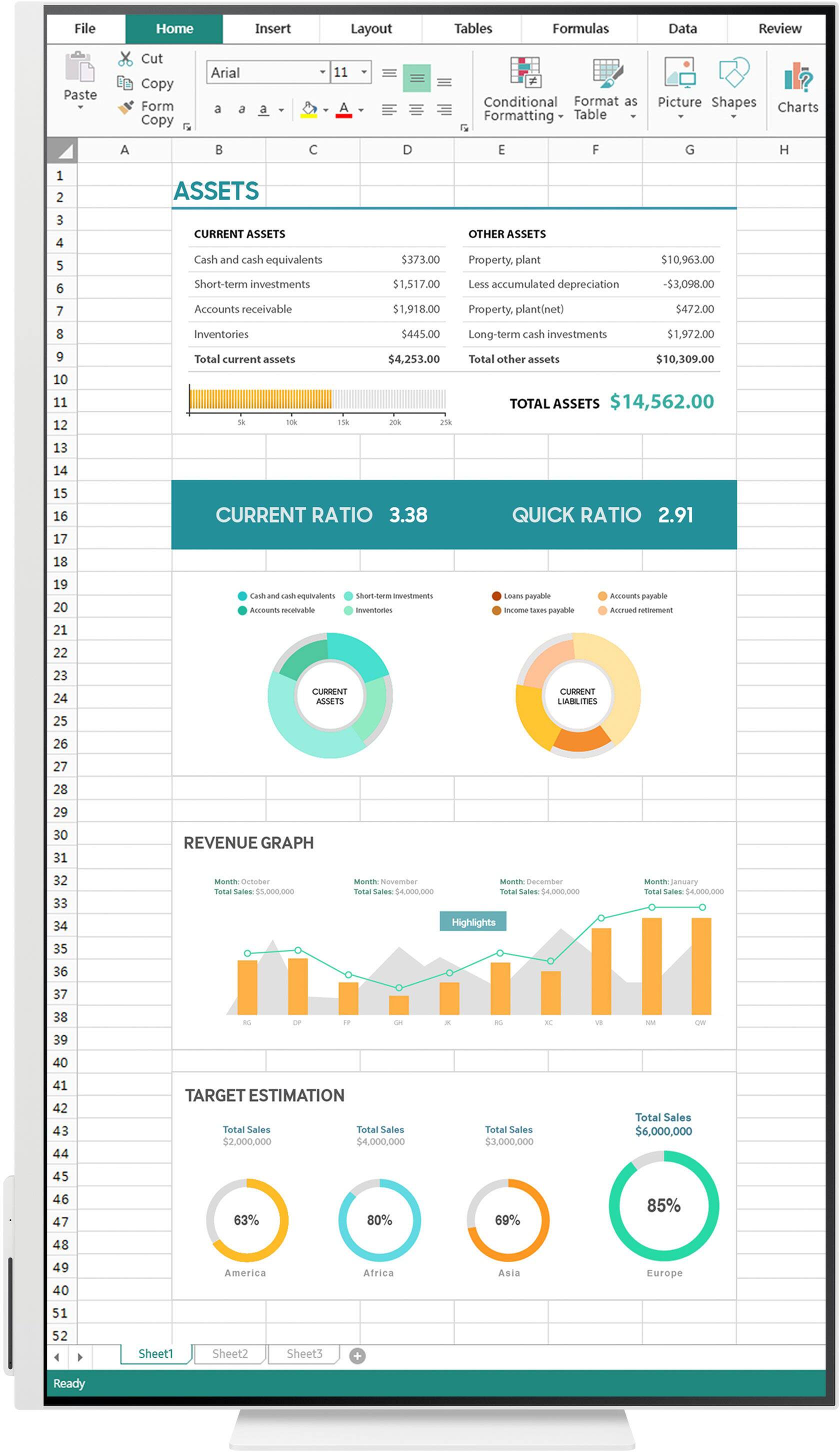
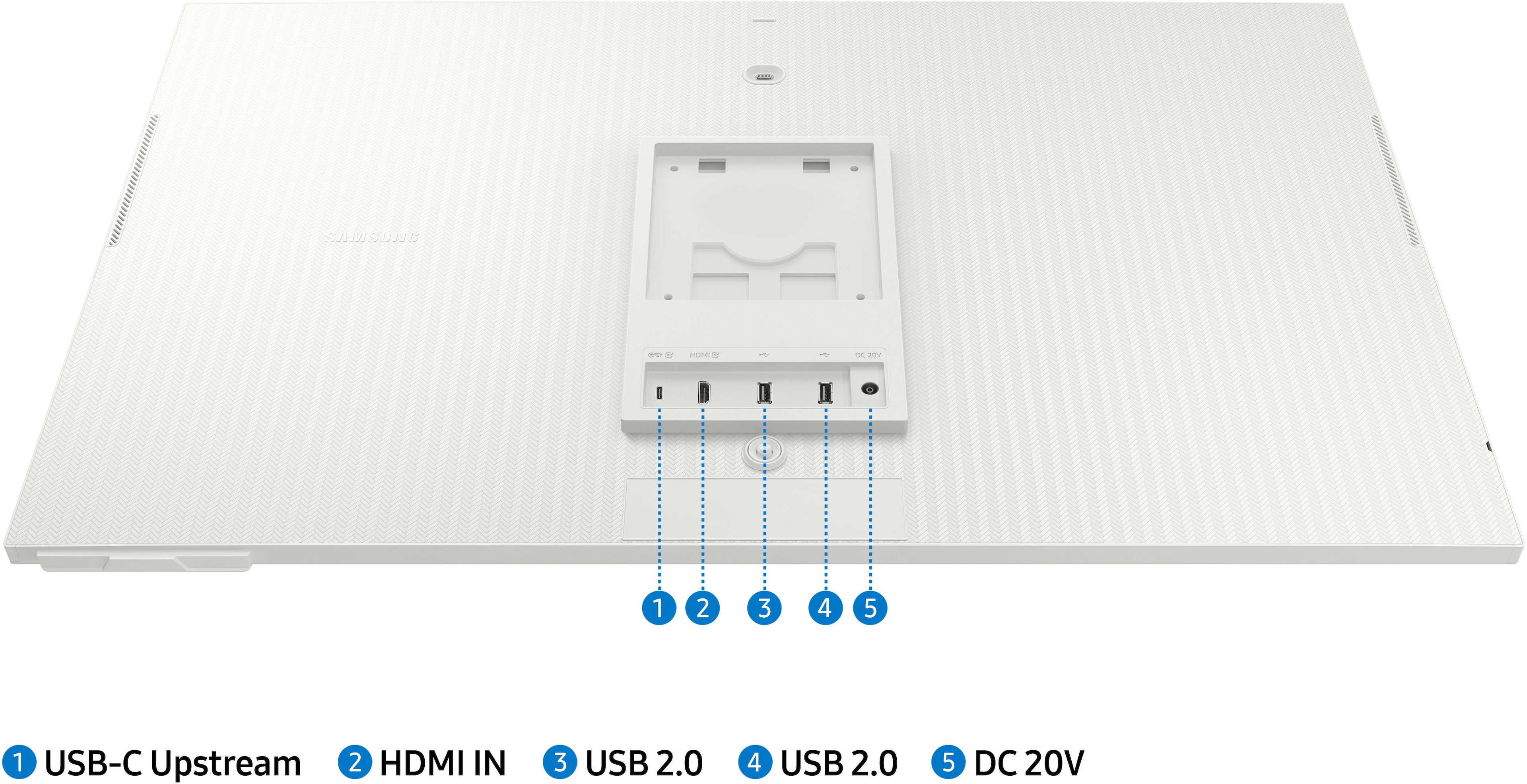
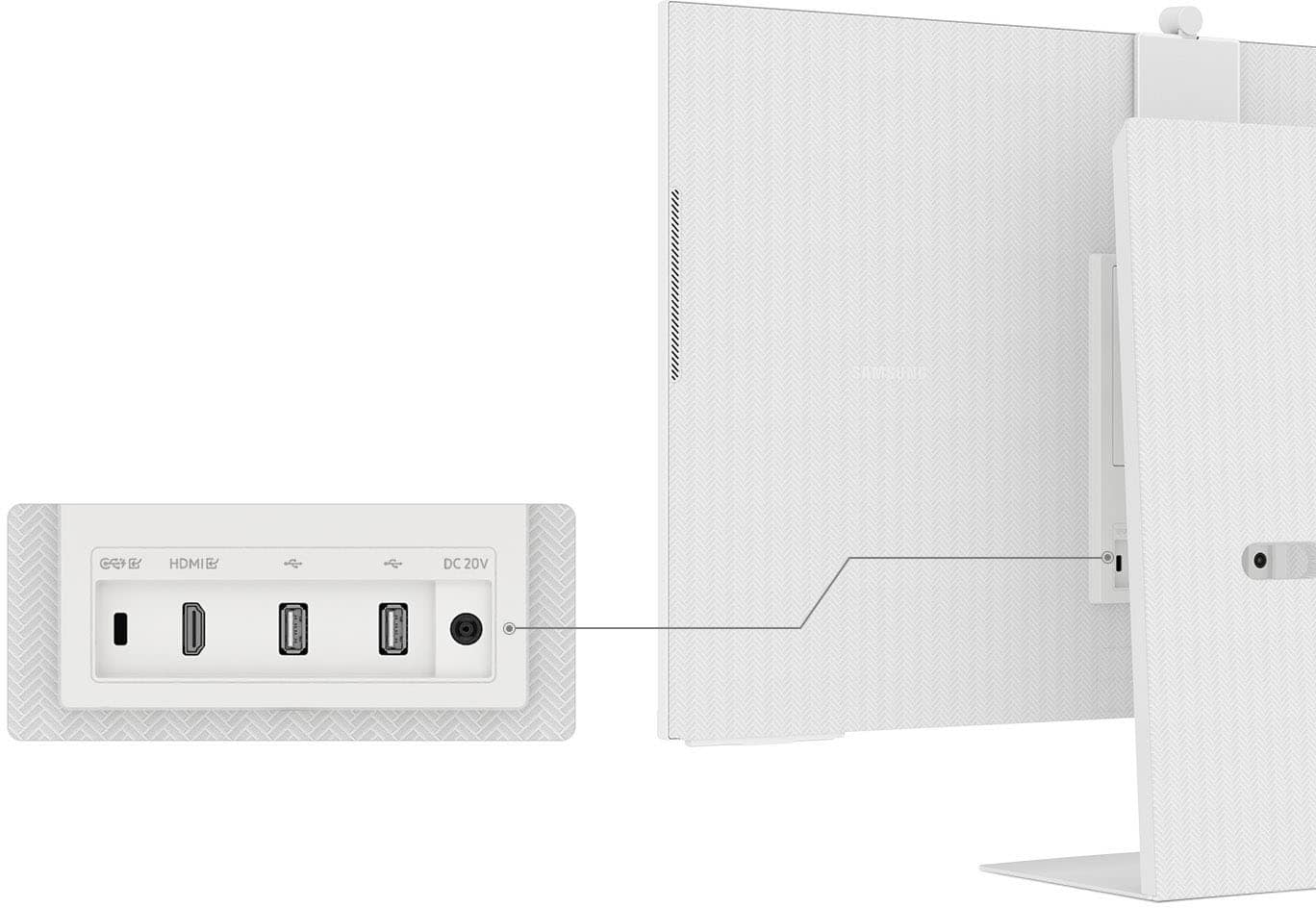
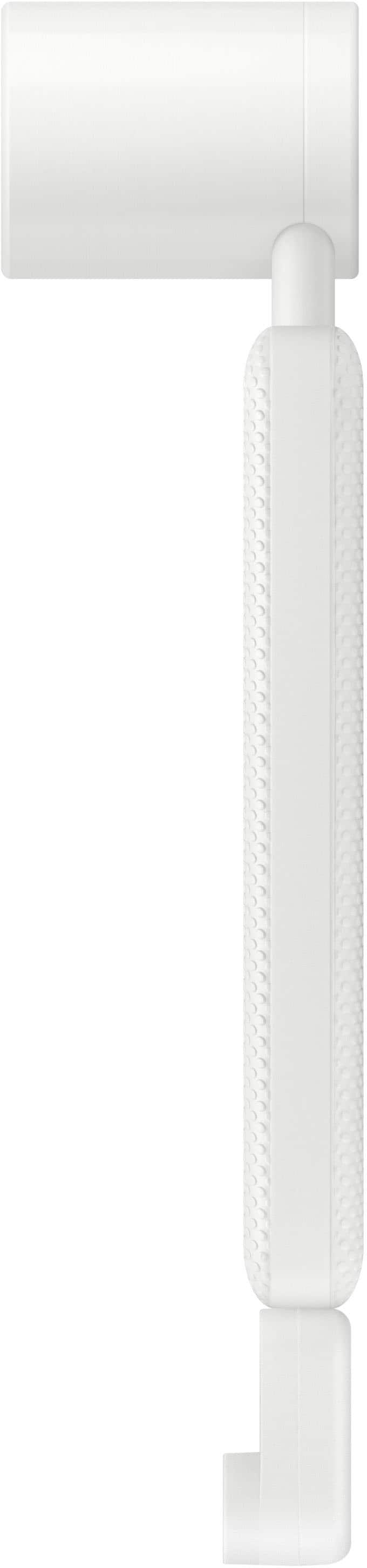
|Posted .This reviewer received promo considerations or sweepstakes entry for writing a review.If you have a small home/apartment and are trying decide on a TV/Monitor that can handle work-from-home, TV, and regular computing (whether it is Mac or Windows), quit reading this review and just go get the Samsung M80C. The M80, does A LOT, and while it perhaps isn't the best at a few things (gaming), it does everything so well, you won't care. This review is going to be a bit of a love-fest because after using it now for almost a week, there isn't anything that I really don't like. A few quibbles here and there, sure, but find me a piece of electronics that doesn't have those and I'll eat my shoe. So what are the high points of the Samsung M80C? 1. Looks Phenomenal: Would fit in nicely with any decor. Both the monitor itself and the base are a nice cream color and have a subtle herringbone pattern. The whole thing just exudes class. 2. Versatile Mounting/Viewing: The included stand gives you a great range of motion, angles, landscape/portrait modes, but the monitor can also do a VESA mount if desk/counter space is at a premium. 3. Bright, Sharp, and Vivid Screen: If anything the M80 is a little TOO bright and you will want to make sure you take the time to tweak the settings (which is very easy to do), and set it to your preferences and environment. The 4K resolution gives you a ton of workspace in the monitor realm, and really sharp visuals in the TV/Gaming realm. 4. Great as both a TV and as a Monitor: Watching Star Trek: Strange New Worlds was just as enjoyable as writing this review (OK, watching Star Trek was better). The software makes it easy to switch between inputs and modes and the included remote helps you do all of that from the couch! 5. Slim-Fit Camera Module: This thing is really slick. This flat, magnetic module with the camera mounted to it connects to the monitor via magnets and it holds on very nicely. If you are using this as 'just' a TV, you can still use the camera for video calls but it really shines when connected to a computer via USB-C (which is the only way to connect this thing to a computer in my humble opinion). There is a metal magnetic cover that mounts to the back of the camera module when not in use, but completely covers everything if need be. One of my few quibbles is that the plug to connect to the interface on the back of the computer is easy to lose. Not exactly sure why Samsung didn't build that all in together unless it is so you can upgrade it later? Be sure to take care when unpacking the M80 so that you don't lose this critical piece! All that being said, the camera is better than the one on my MacBook (at least to my eyes), and when plugged in via USB-C it is really easy to change from using the Mac or Monitor camera. My PC doesn't have USB-C out for video so I couldn't test the camera with that because I was plugged in via HDMI. Ports: Another of my quibbles here. I would have liked an additional HDMI port on the back instead of the two USB-A ports. If I had the USB-C and two HDMI, this could be the hub to rule them all because then I could have the MacBook, Windows Tower, and my Xbox all plugged in. I do like that the USB-C in addition to sharing video data, also keeps my MacBook charged as well. Helps cut down on clutter. Ok, so what don't I like about the Samsung M80? That list is short, like one entry short, and it is... 1. Sound: While it is great that the M80 has built in speakers, they are not going to blow anyone away. They will do in a pinch, and they have some settings that can help with dialogue on TV, but you probably will want a better set-up if you want to watch Jurassic Park or something like that. Final Thoughts: While the Samsung M80 is pricey compared to a lot of TVs that are bigger, you get phenomenal flexibility and power in a great sized monitor. It is a Jack-Of-All-Trades, and a master at most. Like I said at the beginning of the review, if space is a big consideration or you just want to have everything all-in-one, you cannot go wrong with the Samsung M80C.
I would recommend this to a friend Open box item. Missing part(the SlimFit Camera)
||Posted .This reviewer received promo considerations or sweepstakes entry for writing a review.Open box item. Excellent condition, but missing part (the SlimFit Camera) Customer service not helping to replace the p missing part.
No, I would not recommend this to a friend- Cons mentioned:Speakers
Smart and simple
|Posted .This reviewer received promo considerations or sweepstakes entry for writing a review.Right off, I went straight to the Smart TV experience. It’s plug and play pretty much. Of course, you have to set everything up and it was very simple and straightforward! After the setup you’re greeted with signing into your Samsung account. You don’t have to, but with your account signed in, it’s definitely a quicker flow. With the Smart TV functions, you forget it’s a monitor. So many options. I was able to connect one of my streaming services and it matched well. You can then use the Samsung remote as well. The display is very clear and seamless. No borders. The 4K is clear and the colors are right out the box. No adjusting needed, but the resolution. It was defaulted at 1080p. Speakers would be my low point of this monitor. It’s just not loud. Not expecting sound bar quality but maybe more bass. It’s less in the tone sound, however, it’s good for the small bedroom or a quiet room. Using it as a smart TV, it is just so immersive. A lot of apps, gaming, etc. There is a Xbox gaming hub, so have your controller ready.
I would recommend this to a friend - Pros mentioned:Camera, Picture quality
4K Monitor with HDR for Streaming!
|Posted .This reviewer received promo considerations or sweepstakes entry for writing a review.Why does Samsung call this a 32” Smart Monitor with Streaming TV? Maybe that term is the most descriptive. You don’t see many monitors with a remote control like this one has. How about a Smart TV? It is smart, but it does not have an over the air tuner. Does your Smart TV have Apps like Microsoft 365 like this one does? I have a 4K monitor which I use at work, and not for media consumption. If you have shopped for 4K monitors that do well with media consumption and can also reproduce 4K HDR sources from the likes of Netflix, Amazon Prime, and Apple TV, you will find that such monitors either do not exist, or if they claim to handle HDR streaming sources, they rate pretty poorly at that task in the eyes of the reviewers. My media consumption at home has been handled so far by large screen smart TVs, but I have searched in vain for a monitor for my desktop or laptop which could also handle my streaming needs. This Smart Monitor more than meets those needs. Out of the box, the monitor makes a beautiful presentation on my desk. The stand is attractive and useful, and there is a matching web cam that snaps into place on the back of the screen. I had this out of the box and ready to start up in minutes. Everything fit together and there was literally one screw to tighten with a Phillips screwdriver. The set up was not so smooth. When you boot the monitor, you must go through the process of connecting to the internet and establishing a Samsung account. This is a Smart TV, so it has to be set up just like the big boys on the wall. This is one of the reasons that having the furnished remote is so convenient. You can optionally use a keyboard and mouse with the Monitor, but you’ll need either a separate keyboard and mouse for the computer, or in my case, a Bluetooth keyboard and mouse that you can pair with several devices and switch between them. Once I had everything set up, I never used the keyboard with the Monitor again. When I did connect my desktop computer, and was able to view the picture, I was in for an unpleasant surprise. My desktop could only supply a 1920 x 1080 output into the monitor which looked OK, but has a noticeable lack of contrast.. Even though my Dell Windows 11 desktop had the HDR settings in the “on” position, the contrast was poor, creating a washed-out effect that could not be overcome with any screen adjustment that I could find. This was surprising and disappointing. The Dell had always produced a clear, crisp, contrasty picture with the HD monitor I had been using which had a top resolution of 1920 x 1080 which was noticeably better than the Samsung. After reviewing the specs for my desktop computer, I was surprised to find that its resolution was limited to HD, 1920 x 1080, and that it was also limited to HDMI 1.4, not the HDMI 2 or higher spec that could support 4K via HDMI. Not to be outdone, I took my M1Mac Mini from another room and brought it to my desk. Without worrying about HDMI specs, I used the supplied USB-C cable and connected the Mac Mini to the monitor and the difference was night and day. The poor contrast problem exhibited with the Dell desktop at the 1920 x 1080 resolution was gone. I was nonetheless frustrated that the default resolution on the Mac was still 1920 x 1080 when this monitor was capable of 4K resolution of up to 3,840 x 2,160. On big screen 4Ks that I have used, the computer always automatically selected the highest resolution available, but I had to go into the MacOS advanced display options and opt for having the computer list available resolutions. The list went all the way up to 3,840 x 2,160, and I selected that one. <BOOM>! What a wonderful 4K picture! I had edited together a 4K video several weeks ago that had been viewed on one of my large screen TVs, but I had never enjoyed the detail that I saw with this monitor. I also tried out this Smart Monitor with an Intel NUC mini PC that sported 4K HDR specs, and the picture was also excellent. The NUC running Windows 11 automatically selected the Samsung’s maximum resolution of 3,840 x 2,160. The “issue” that I found with this Smart Monitor was that standard definition video sources tended to look muddy. High definition sources were better, but 4K HDR content was spectacular. I guess this complaint is like saying your brand new Porshe seems wasted when you have to slow down to amble through a school zone. I had never noticed this effect with SD sources on my large screen TV’s, but then I am not watching those screens from two feet away! This “issue” became most apparent was when I tuned local TV stations with my HD Homerun tuner. Full HD programming looked fine, but the compressed subchannels showed blocky artifacts and were sometimes blurry and not pleasing to watch. The reason I put issue in quotes is because I can’t imagine that anyone would buy this monitor to look at SD content on a regular basis. This Smart Monitor has its own apps. I installed Netflix, Hulu, Disney, HBO Max,Amazon Prime, Apple TV, Plex, YouTube, YouTubeTV and ESPN. All worked swimmingly. I note that on the major streaming services offering 4K HDR content like Netflix, Max, Disney and Apple TV, each showed in the program description whether the content was in 4K HDR, a shortcoming with some hardware and software I have used in other situations which the Samsung Smart Monitor overcomes. The Samsung TV plus App provided a plethora of free content that I would have had to pay for with a cable subscription, both in terms of the live content from CNN, CBS, Ion and the like, as well as a nice selection of movies on a direct view basis. I now have my Mac Mini set up to never sleep. Most of my time with this Smart Monitor is spent using the computer. When I am finished working, I simply cut the monitor off with the remote, and when I need the computer again, I use the smart remote to cut the monitor back on. The Mac screen I left when I cut the monitor off is available to be logged into. If I decide to stream for entertainment, I use the remote to go to the homepage and navigate to the source I want to view. The remote is my sole means of control when I use the Smart TV apps and switch between sources. This 32” Smart Monitor has been a pleasure to use, and I highly recommend it. There is no way this thing’s coming off my desk any time soon. I did have a learning curve to master it, but I am fully hooked. If you want 4K HDR viewing on your desktop, go grab one of these. You won’t be disappointed.
I would recommend this to a friend - Pros mentioned:Camera, Design, Picture quality
A Blend of Size, Style, and Functionality
||Posted . Owned for 1 month when reviewed.This reviewer received promo considerations or sweepstakes entry for writing a review.Title: Samsung M80C 32" Smart Monitor: A Blend of Size, Style, and Functionality I recently purchased the Samsung M80C 32" Smart Monitor from Best Buy, and it has completely transformed my workspace. The expansive size of this monitor is its biggest selling point, allowing me to have multiple windows open simultaneously without any compromise on size. This has significantly boosted my productivity, as I can work on various tasks at once without constantly switching back and forth between tabs. The aesthetics of the M80C are another highlight. Its sleek design and minimalistic approach make it not just a monitor but a piece of decor that enhances the overall look of my workspace. Samsung has done an excellent job in merging functionality with style, making this monitor a great addition to any setup. However, it wasn't all smooth sailing from the get-go. Connecting the monitor to my Mac Mini using the enclosed HDMI cable from Samsung led to some unexpected challenges. I encountered an issue where the monitor's resolution would inexplicably change about twice a day, requiring me to unplug it, plug it back in, and turn off the monitor to reset it. This was quite frustrating and disrupted my workflow. After some troubleshooting, I decided to switch from the HDMI connection to a USB-C to USB-C cable, and to my relief, the problem disappeared. This switch not only resolved the resolution issue but also provided a more stable connection for my setup. It's a minor caveat, but one that potential buyers using similar setups should be aware of. The inclusion of a webcam is a thoughtful bonus, adding value to the monitor. In an era where video conferencing has become a staple in both professional and personal communication, having a built-in webcam is incredibly convenient. It saves space and USB ports, integrating seamlessly with the monitor's design. In conclusion, the Samsung M80C 32" Smart Monitor offers an excellent combination of size, style, and functionality, making it a fantastic choice for anyone looking to upgrade their workspace. Despite the initial hiccup with the HDMI connection, the monitor has proven to be a reliable and high-performing device. Its ability to facilitate multitasking, coupled with its appealing design and useful features like the included webcam, make it a purchase I would recommend to others, especially from Best Buy, where the buying process was smooth and hassle-free.
I would recommend this to a friend - Pros mentioned:Camera
Truly Amazing!
|Posted .This reviewer received promo considerations or sweepstakes entry for writing a review.The Samsung M80C is an incredibly versatile and high quality display. From the software to the quality to the innovative camera design – a truly great addition to my home office. The panel is clear with deep blacks and a crisp image. A 32” VA panel, with HDR10+, delivers a fantastic 4k image at 60Hz. I’m not a Smart Things user but the integration allows for an interest way to manage smart home devices. Not surprisingly, the build quality is excellent. It has a slim design and ergonomic stand allowing for height and tilt adjustment. The most interesting design element is the magnetically attached camera. Attaching the camera allows for video conferencing using the integrated Samsung smart TV software integrated apps like Google Meet. Overall, the Samsung M80C smart monitor is an excellent choice for those looking for a high-quality monitor that can cater to both work and play. It offers an array of features that cater to various needs, has excellent build quality, and delivers good performance.
I would recommend this to a friend - Pros mentioned:Design, Picture quality, Usb-c
Great 4K Monitor
||Posted . Owned for 1 week when reviewed.This reviewer received promo considerations or sweepstakes entry for writing a review.I bought this monitor for $399. It's great for that price. I used the Smart Things app to perform initial setup, which had multiple glitches in the process, but I eventually got it to work. The monitor has a sleek design and hdmi and usbc as options for connecting your computer. The smart features are also nice. For example, I have a smart Samsung range and get notification popups when my food is done in the oven. Samsung makes great screens and this is no exception, but I'm not the biggest fan of their smart OS. Overall, this is a solid 32" 4K monitor. The smart features are an added bonus.
I would recommend this to a friend - Pros mentioned:Ease of use, Picture quality
Value for money, best monitor you can have
||Posted . Owned for 2 weeks when reviewed.This reviewer received promo considerations or sweepstakes entry for writing a review.Its really the best, its smart tv and monitor both and you can toggle between them so easy and smooth. I use it for work and in between hear news or stream anything, it really makes your work so lively and fun, you are not getting bored, it connects with your phone through Bluetooth and you can play songs on monitor(it has speakers too) i recommend this monitor fully, this is what we need to make our office complete.
I would recommend this to a friend