Customer Ratings & Reviews
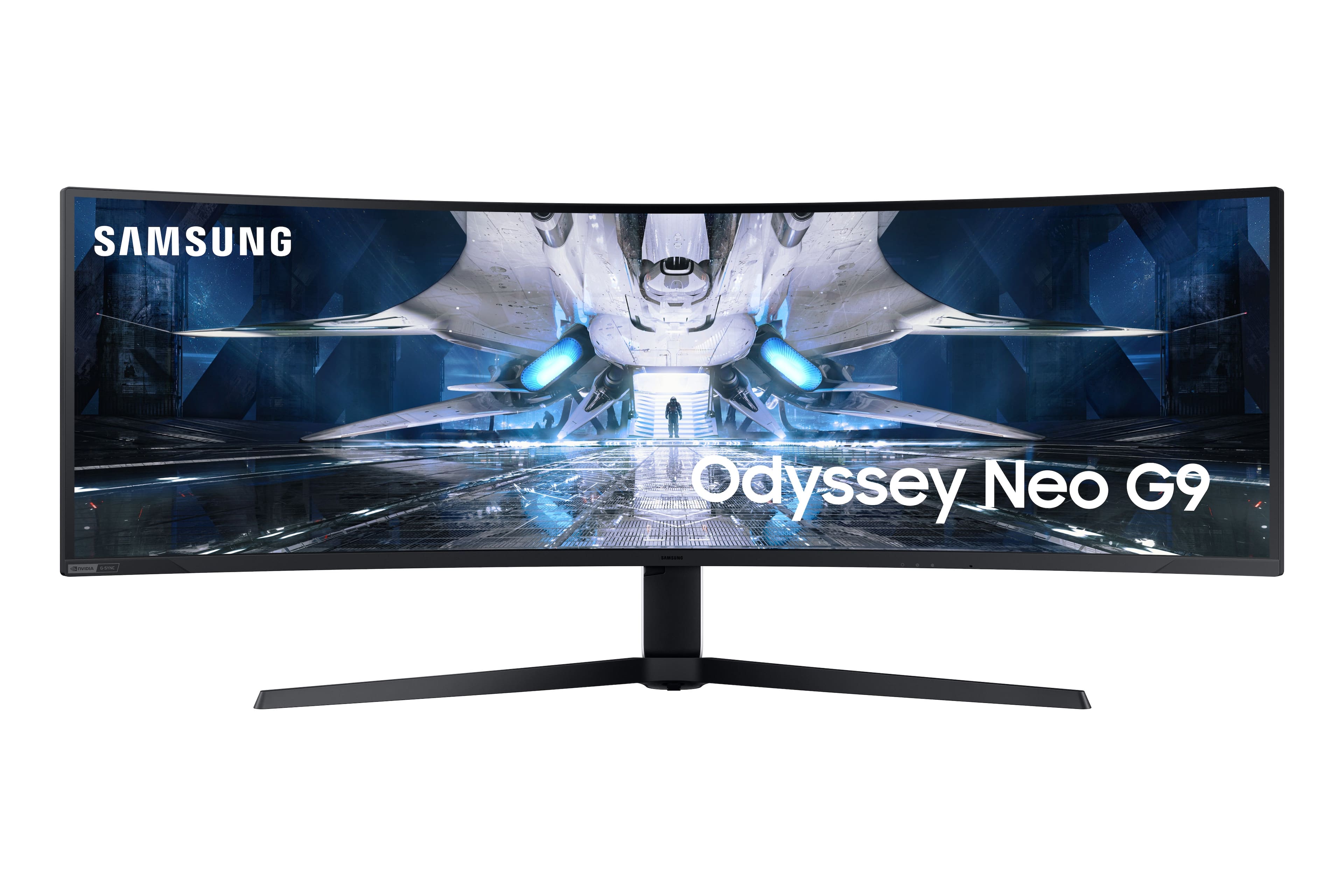
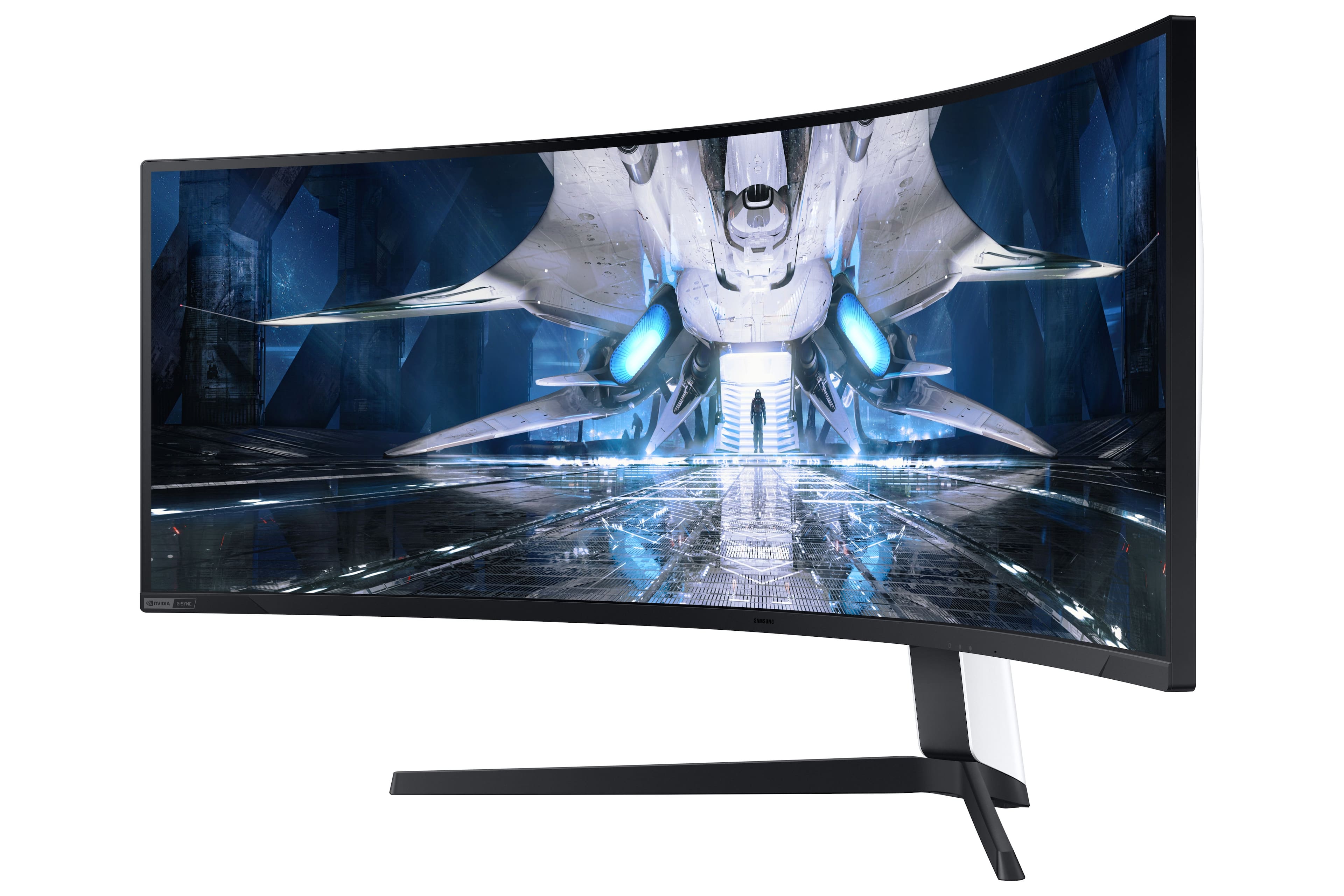
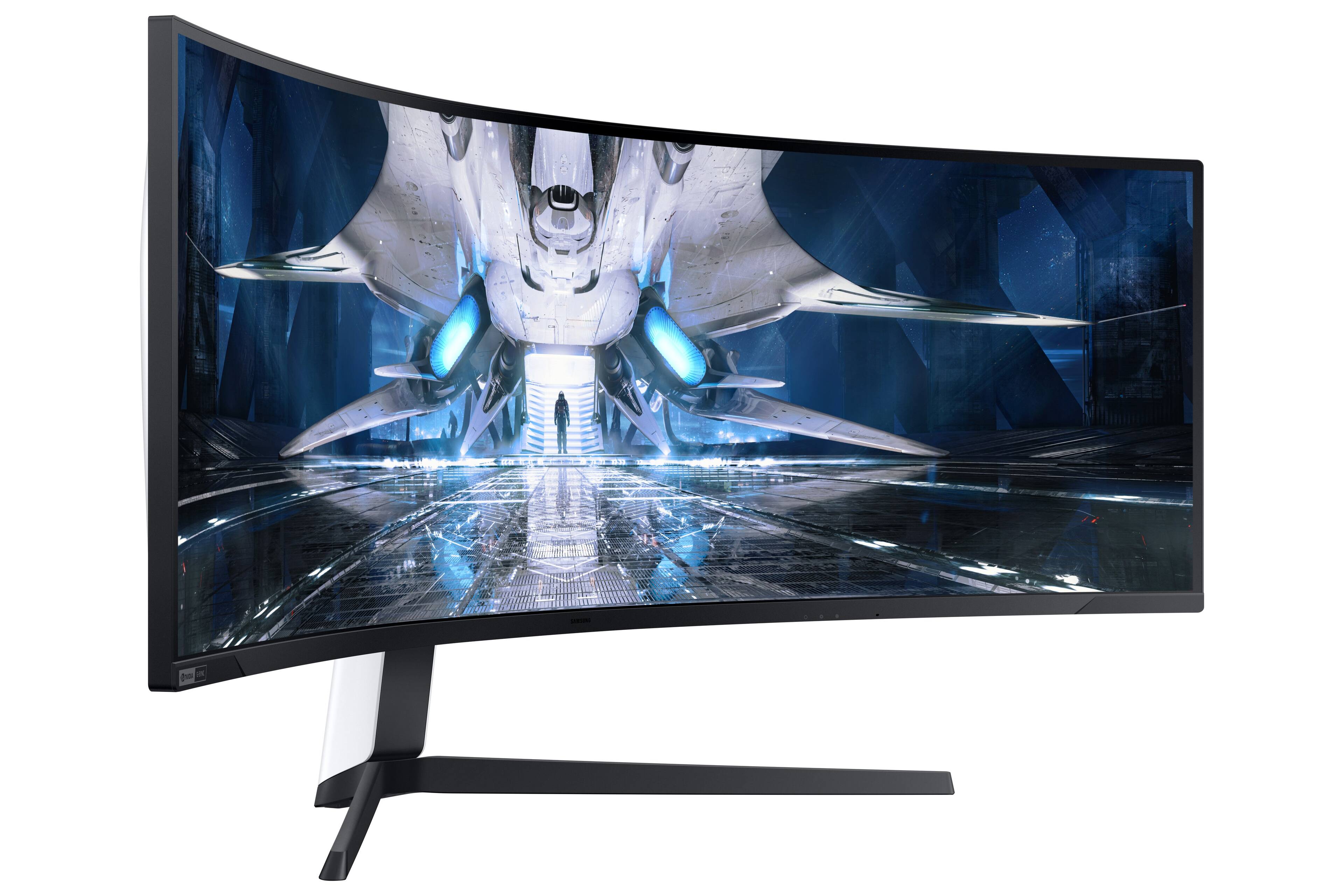
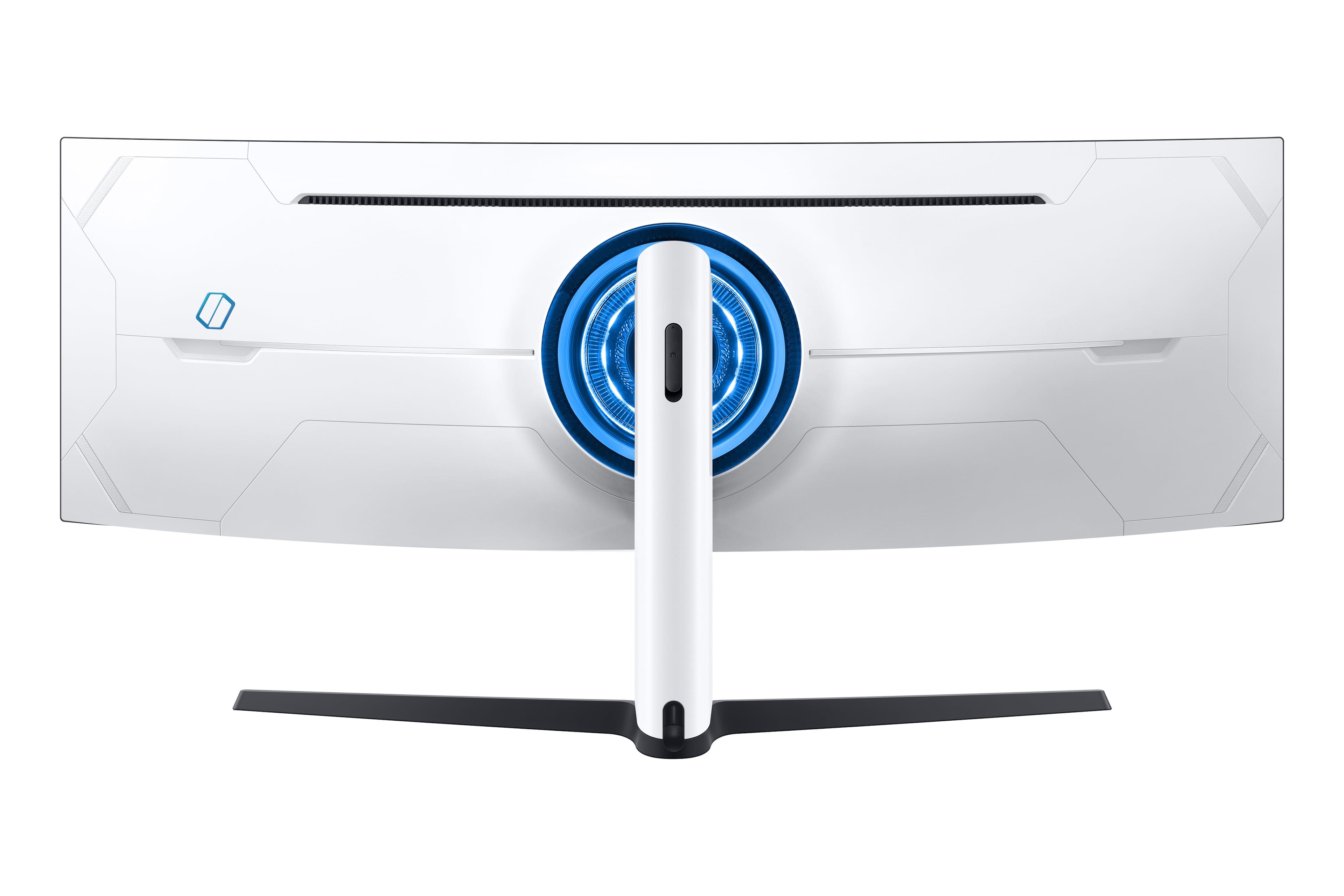
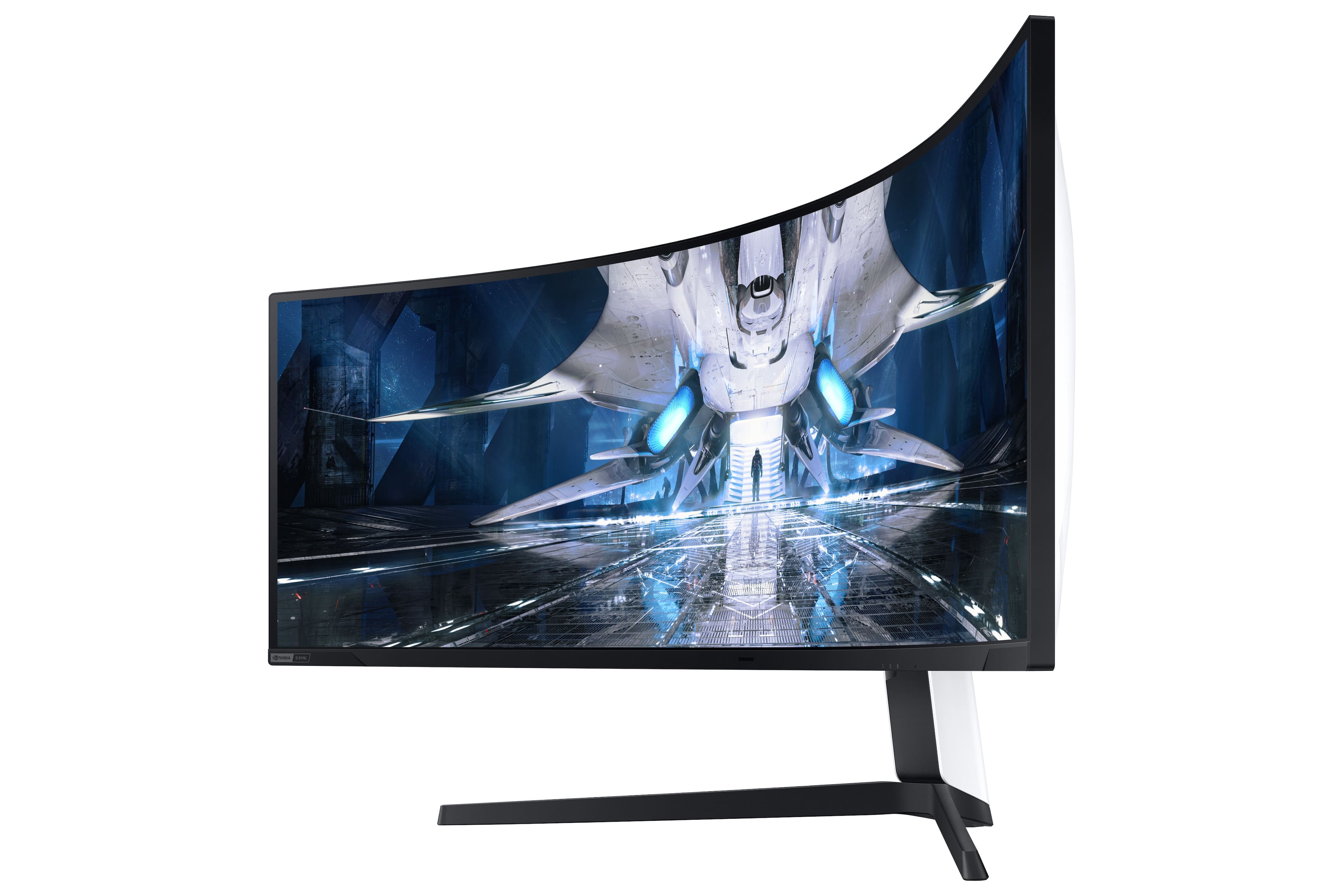
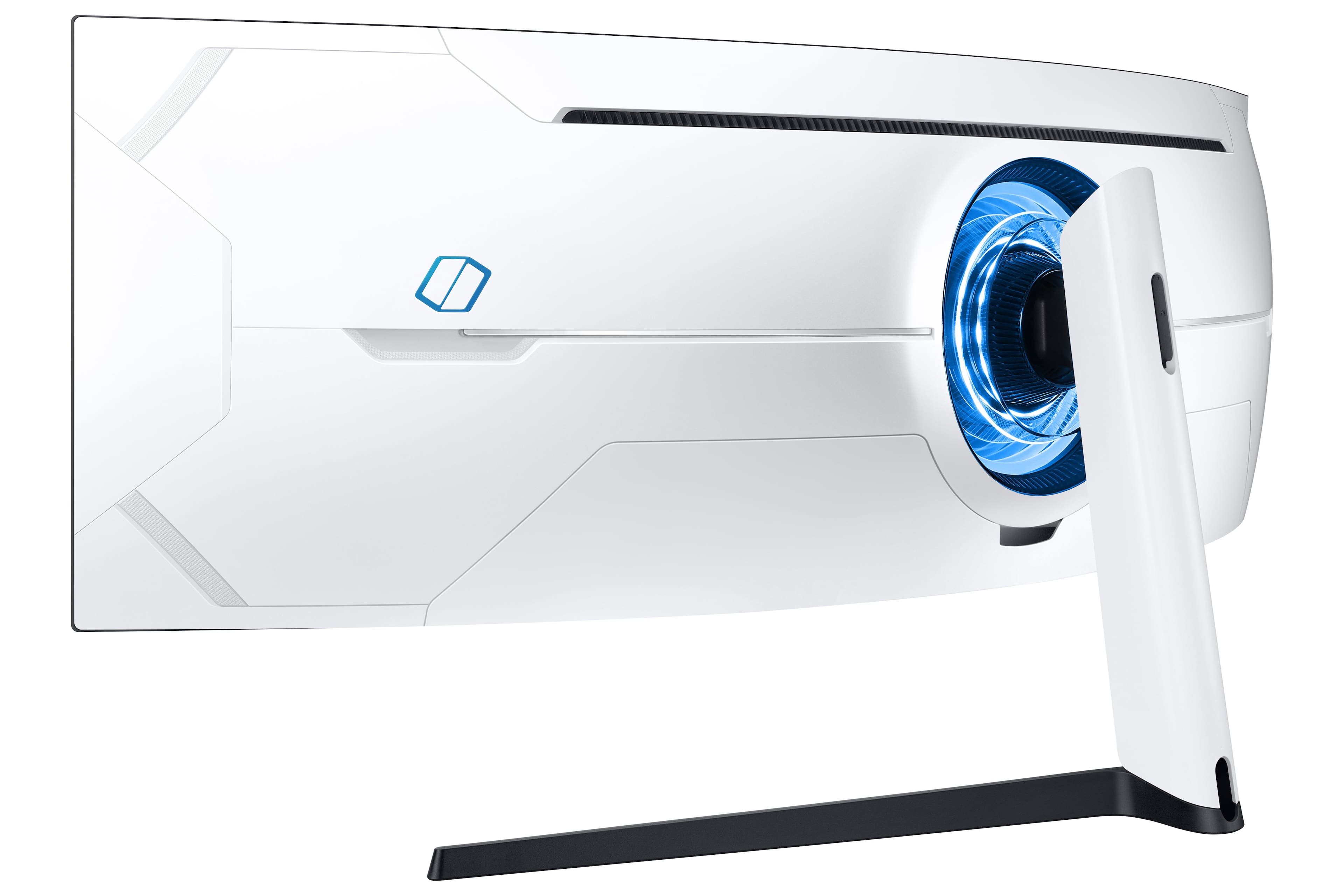
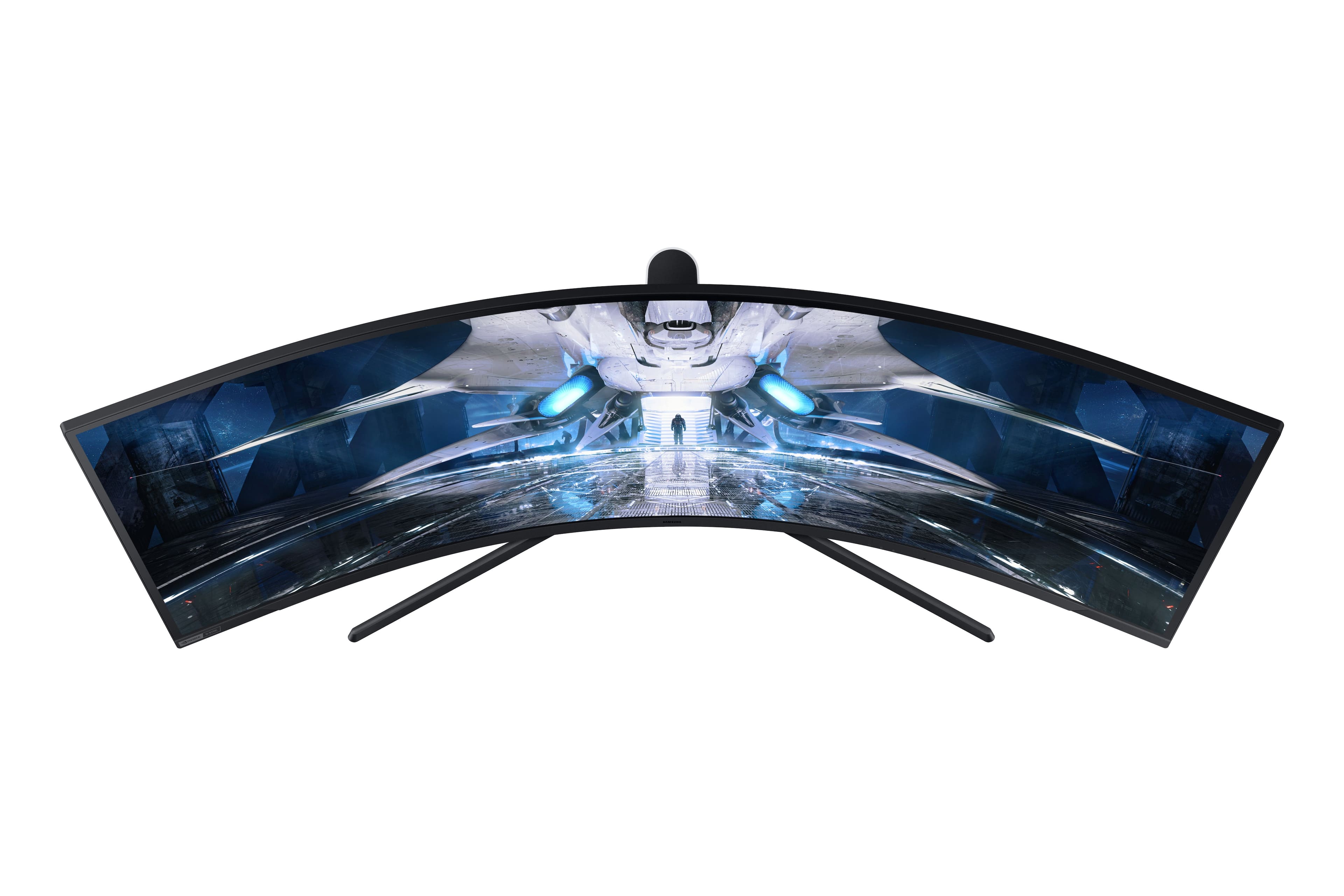
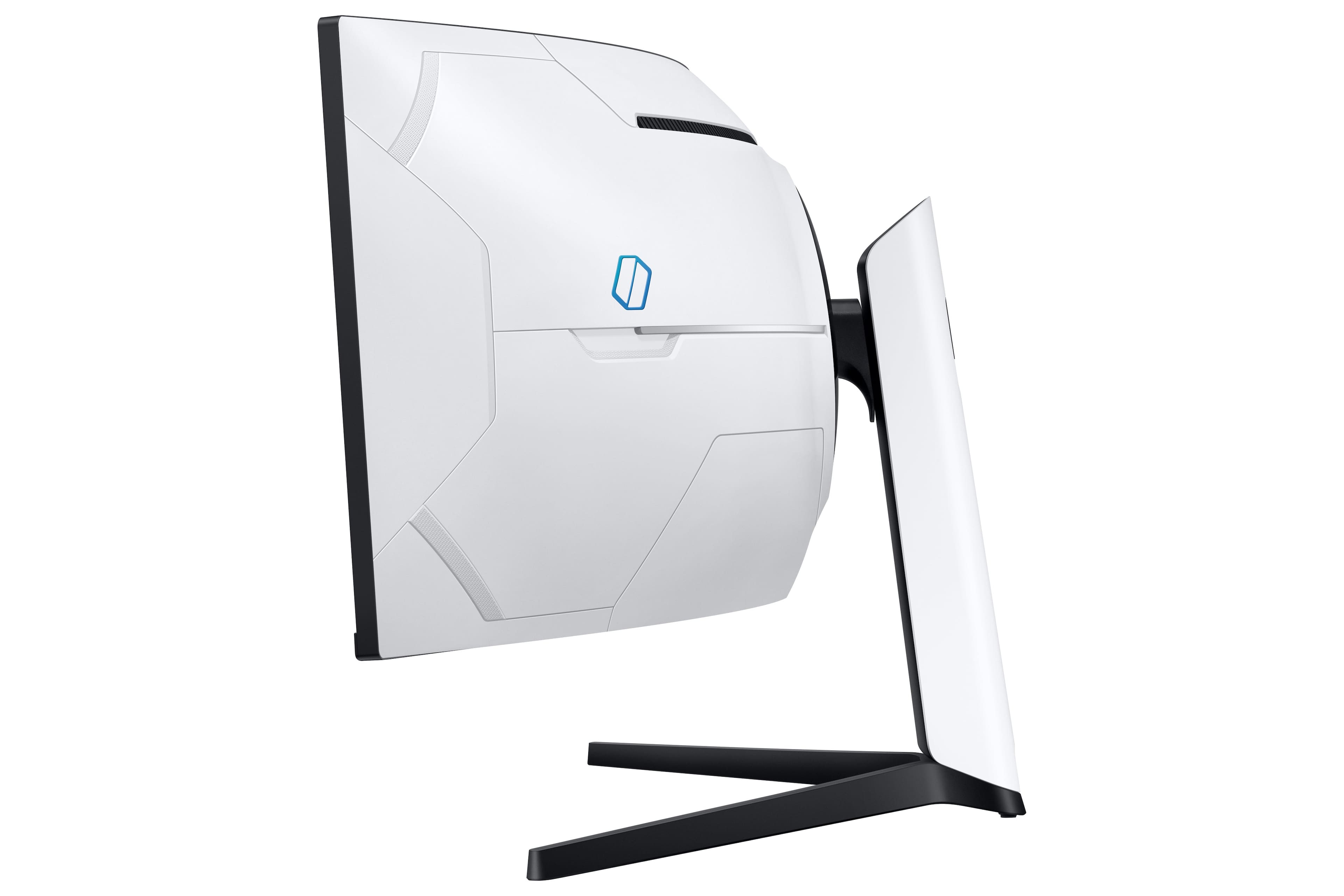
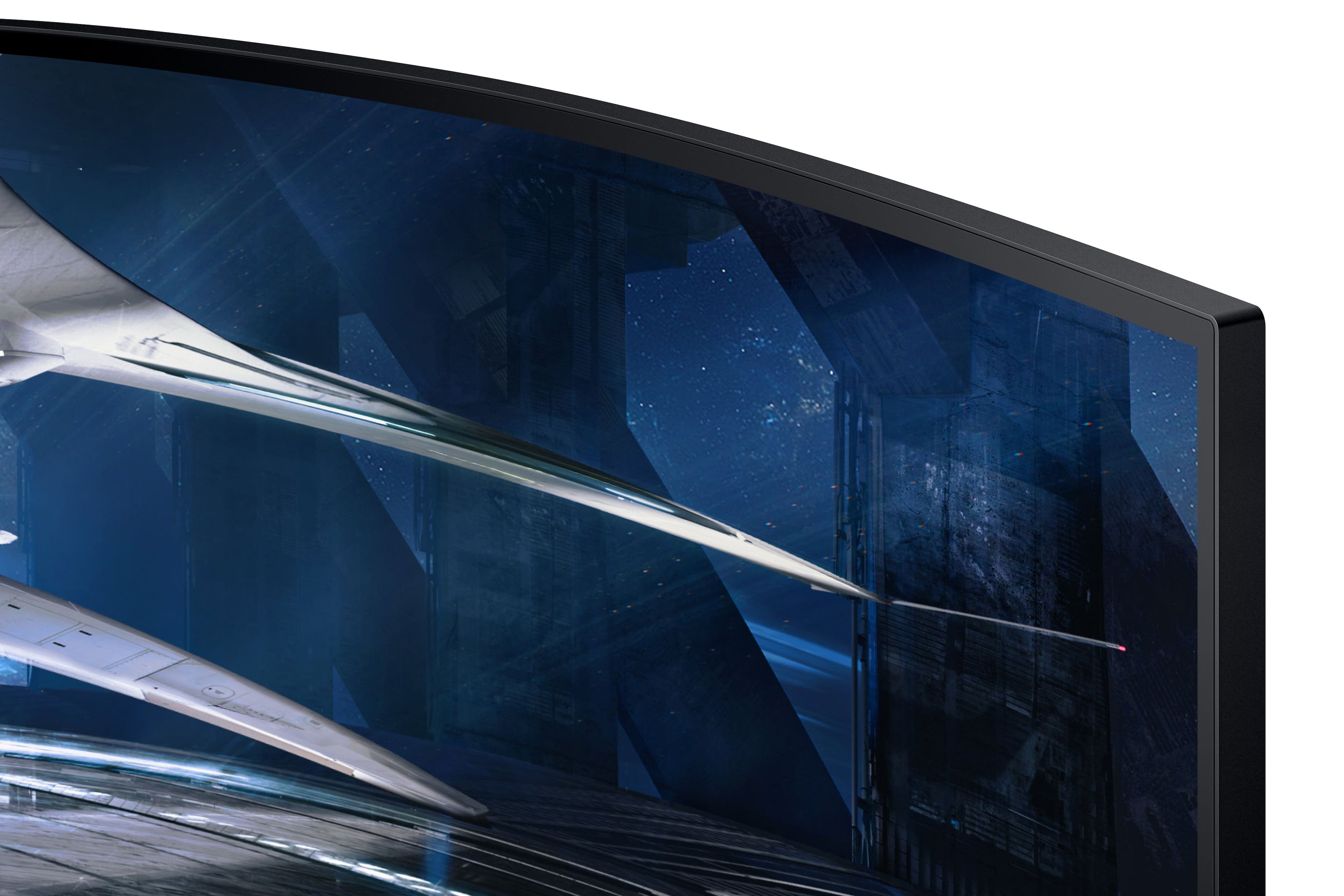
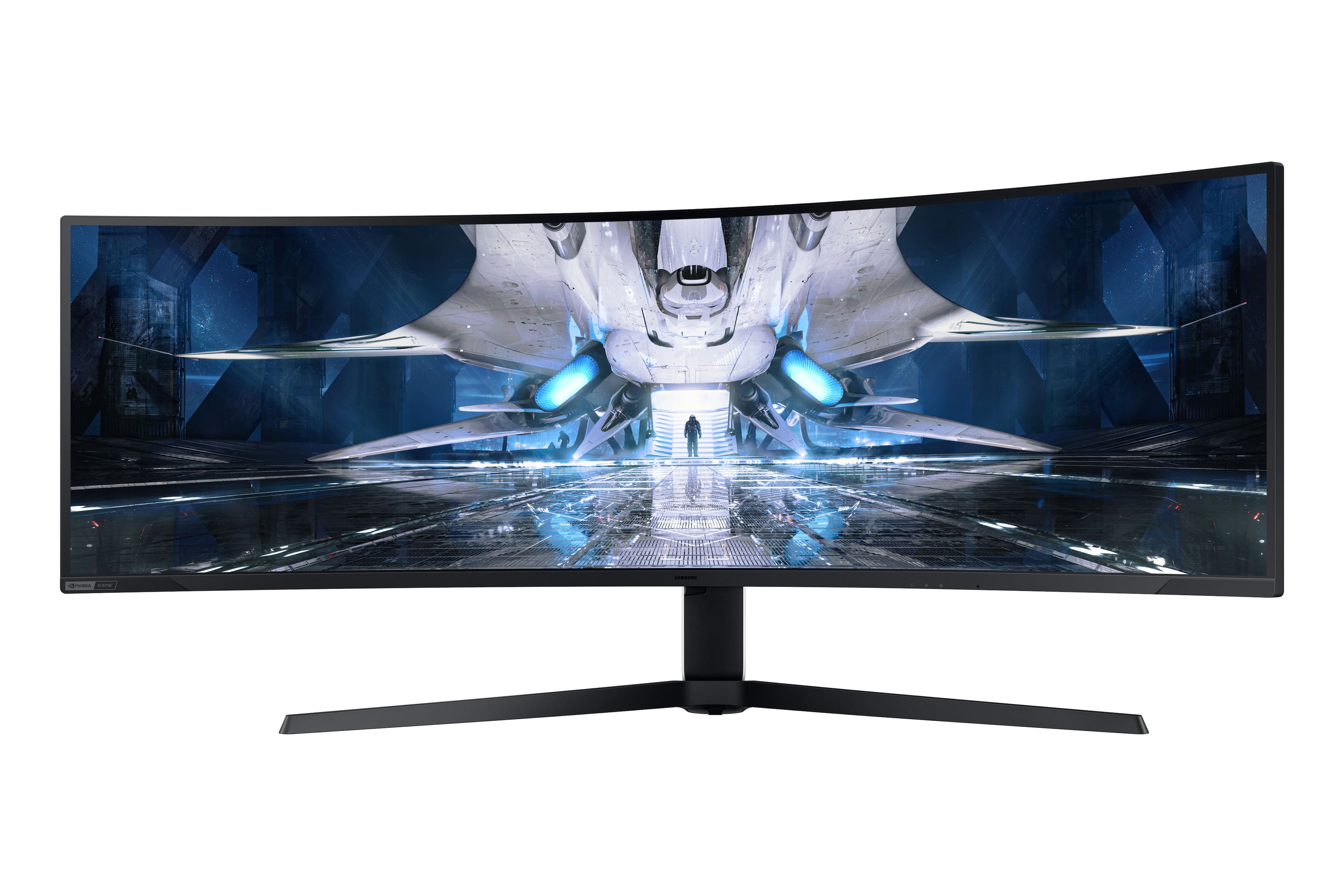
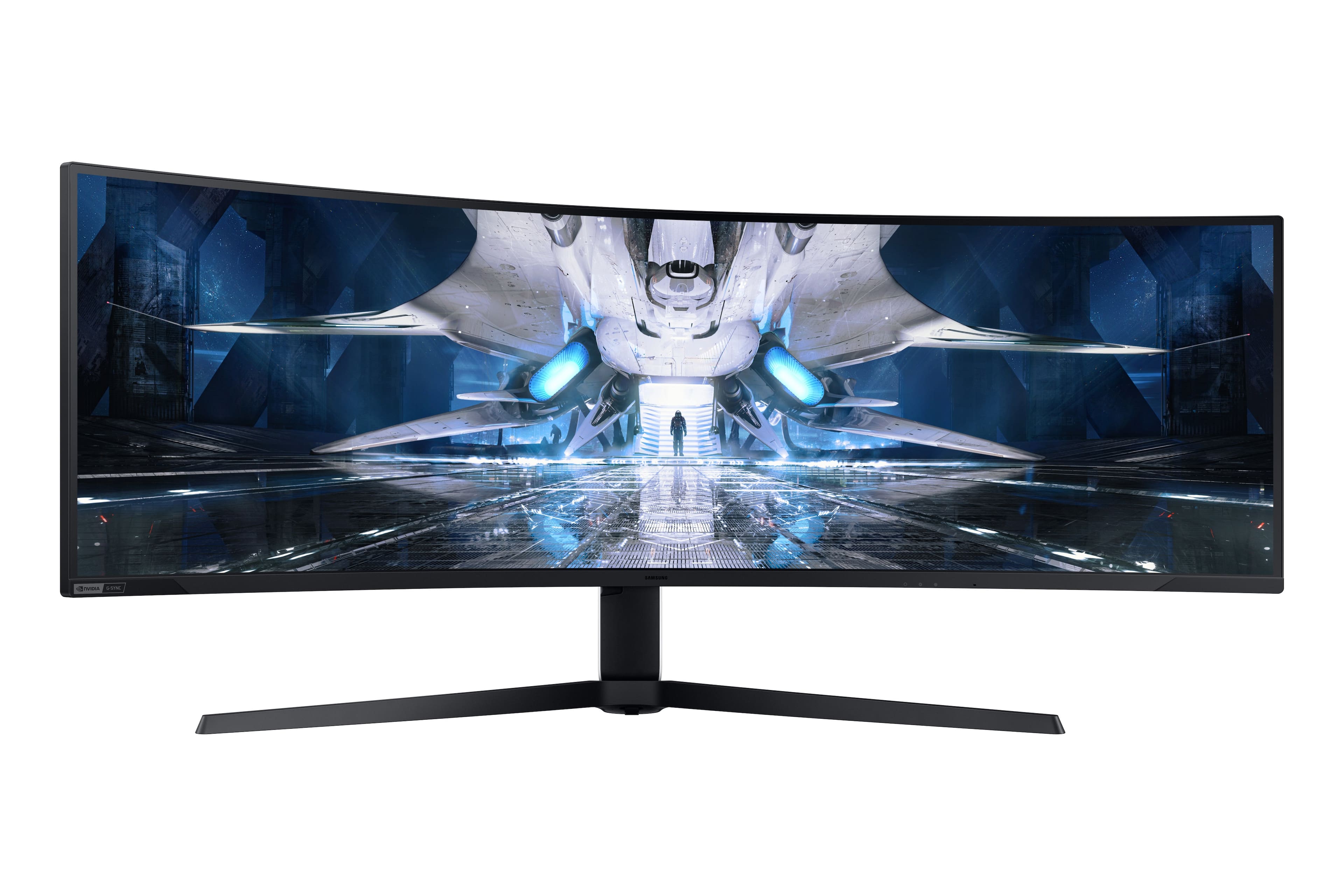

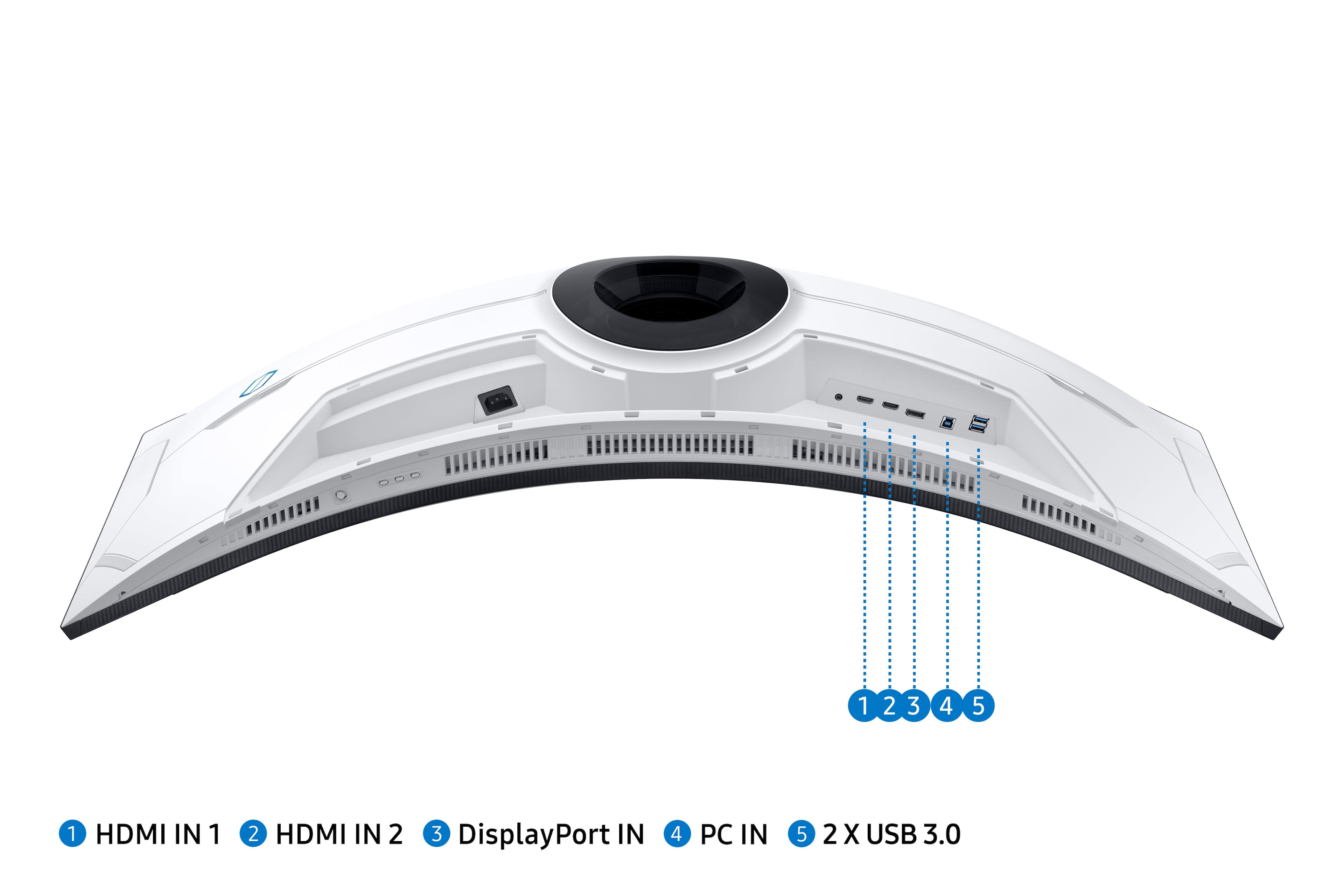

- Model:
- LS49AG952NNXZA
- SKU:
- 6468857
Rating by feature
- Display Quality
Rating 4.7 out of 5 stars
- Ease of Use
Rating 4.4 out of 5 stars
- Features
Rating 4.7 out of 5 stars
Customers are saying
Customers express satisfaction with the Odyssey 49” monitor's large screen size, high refresh rate, and HDR capabilities, frequently citing vibrant images and immersive gaming experiences. However, some users reported issues with dead pixels and found the stand to be bulky and somewhat inconvenient. The limited DisplayPort options also drew criticism from some buyers. Despite these drawbacks, many praised the monitor's overall quality and curved display.
This summary was generated by AI based on customer reviews.
its ok
||Posted . Owned for 2 months when reviewed.This reviewer received promo considerations or sweepstakes entry for writing a review.There are pros and cons to the ultra ultra wide life, I do enjoy this monitor and use it more than my 4k.
I would recommend this to a friendTons of problems
||Posted . Owned for 2 weeks when reviewed.This reviewer received promo considerations or sweepstakes entry for writing a review.Plagued with scanlines and flickering backlights. Avoid until it is fixed.
No, I would not recommend this to a friendBrand response from Samsung
Posted .Update:
We are sorry to hear about the issues you have been experiencing. Please update your Neo G9 monitor with the latest firmware here:
https://www.samsung.com/us/support/downloads/?model=N0054571.
This update improves HDR performance and SDR brightness. For the best Neo G9 experience, make sure your monitor software is always updated with the latest version.
If there is anything we can do to assist you and improve your product experience, please contact Samsung Customer Support via:
1-800-SAMSUNG, available 8AM - 12AM EST (Mon-Fri) / 9AM - 11PM EST (Sat-Sun).
Again, I am very sorry for the inconveniences you have had and hope that we will hear from you soon.
I am very sorry for the image quality issues you have encountered with your Samsung - AG900 Series Odyssey Neo G9 49" LED Curved QHD G-SYNC Gaming Monitor. Please contact Samsung Customer Support so that we can better understand your issue and assist with a solution. You can reach us via any of the below options: If you need further assistance, we are here to help. You can reach Samsung Support at 1-800-SAMSUNG, available 8AM - 12AM EST (Mon-Fri) / 9AM - 11PM EST (Sat-Sun). Or visit our Samsung website and click on the SUPPORT link in the upper right corner for: • Contact Us Options (LiveChat, Remote Support, Facebook, Twitter) • Product Support • Manuals and Downloads • Warranty Info • Product Registration: Registering your product gives you access to easy warranty support, convenient opt-in to special promos and offers, faster troubleshooting and service, and quick notification of system updates • Samsung Community: A great resource for getting help from Samsung moderators and customers • …and more Registering your product gives you access to easy warranty support, convenient opt-in to special promos and offers, faster troubleshooting and service, and quick notification of system updates. Samsung stands behind the quality and performance of every product we manufacture, and we back this model with a 1-year manufacturer's limited warranty, if purchased brand-new directly from an authorized seller. Again, I am very sorry for the inconveniences you have had and hope that we will hear from you soon. -Samsung Monitors
Great Monitor
||Posted . Owned for 1 month when reviewed.This reviewer received promo considerations or sweepstakes entry for writing a review.…………………………………………………………………………………………………………………………………:::..:…….::.::::..::::::::::::………..
I would recommend this to a friendTerrible
||Posted . Owned for 1 week when reviewed.This reviewer received promo considerations or sweepstakes entry for writing a review.I'm on my 4th unit and still having issues. I have no idea what would be a good equivalent but this is the most atrocious quality control I have ever witnessed.
No, I would not recommend this to a friendBrand response from Samsung
Posted .Thank you for your Neo G9 purchase! We are sorry to hear about the issues you have been experiencing. Please ensure your unit is up to date with the latest firmware:
https://www.samsung.com/us/support/downloads/?model=N0054571.
If there is anything we can do to assist you and improve your product experience, please contact Samsung Customer Support via:
1-800-SAMSUNG, available 8AM - 12AM EST (Mon-Fri) / 9AM - 11PM EST (Sat-Sun).
Again, I am very sorry for the inconveniences you have had and hope that we will hear from you soon.
Pricey but nice
||Posted . Owned for 3 weeks when reviewed.This reviewer received promo considerations or sweepstakes entry for writing a review.Clean picture and smooth display, can make you sick if you play correctly
I would recommend this to a friendAwesome gaming and work monitor
||Posted . Owned for 1 month when reviewed.This reviewer received promo considerations or sweepstakes entry for writing a review.Awesome gaming and work monitor. Takes a little getting used to put its a must
I would recommend this to a friendLove my curved monitor
||Posted . Owned for 3 weeks when reviewed.This reviewer received promo considerations or sweepstakes entry for writing a review.Easy to put together and get setup. Love the curve of this monitor. It works great!
I would recommend this to a friendGreat screen
||Posted . Owned for 3 weeks when reviewed.This reviewer received promo considerations or sweepstakes entry for writing a review.It has great resolution and very convenient having just one screen
I would recommend this to a friendGreat
||Posted . Owned for 2 weeks when reviewed.This reviewer received promo considerations or sweepstakes entry for writing a review.Great monitor. Already seeing the difference from my previous one.
I would recommend this to a friendGift
||Posted . Owned for 3 weeks when reviewed.This reviewer received promo considerations or sweepstakes entry for writing a review.Bought as a gift for my husband who works from home with multiple monitors.
I would recommend this to a friendKool
||Posted . Owned for 3 weeks when reviewed.This reviewer received promo considerations or sweepstakes entry for writing a review.Awesome just way to expensive would def reccomend this
I would recommend this to a friendSamsung NEO G9 Odyssey
||Posted . Owned for 1 week when reviewed.This reviewer received promo considerations or sweepstakes entry for writing a review.Samsung NEO G9 Odyssey is the best monitor i have tried!
I would recommend this to a friendCool monitor
||Posted . Owned for 3 weeks when reviewed.This reviewer received promo considerations or sweepstakes entry for writing a review.Don't think i can go back to normal monitors now..
I would recommend this to a friendQuality control
||Posted . Owned for 1 month when reviewed.This reviewer received promo considerations or sweepstakes entry for writing a review.Drove over 2 hours to pick up the monitor and it was flickering when everything was hooked up
No, I would not recommend this to a friendGreat Monitor
||Posted . Owned for 1 month when reviewed.This reviewer received promo considerations or sweepstakes entry for writing a review.Great monitor. Would recommend to friends and family.
I would recommend this to a friend
Great picture, specs. Large. Immersive. Caveats?
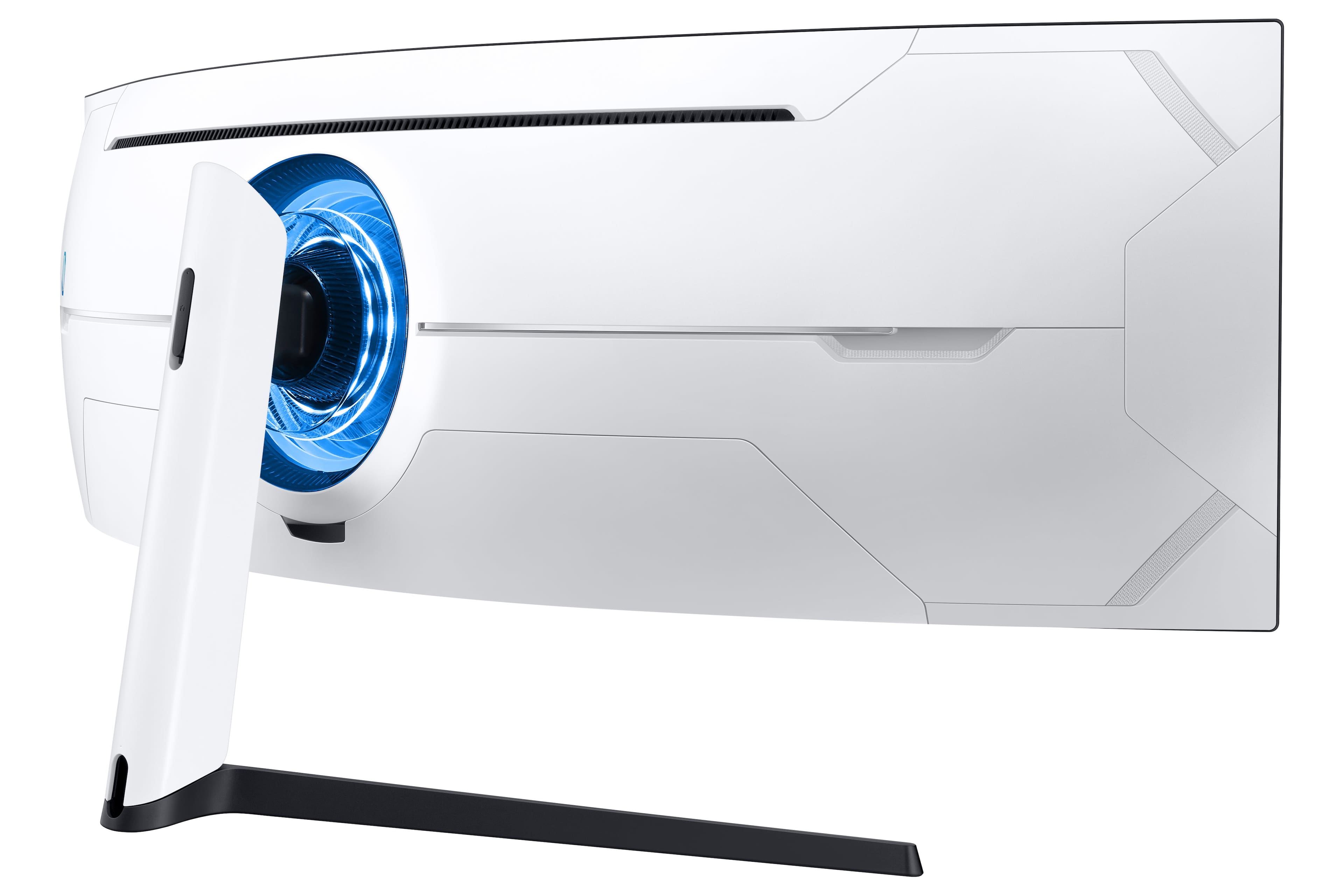
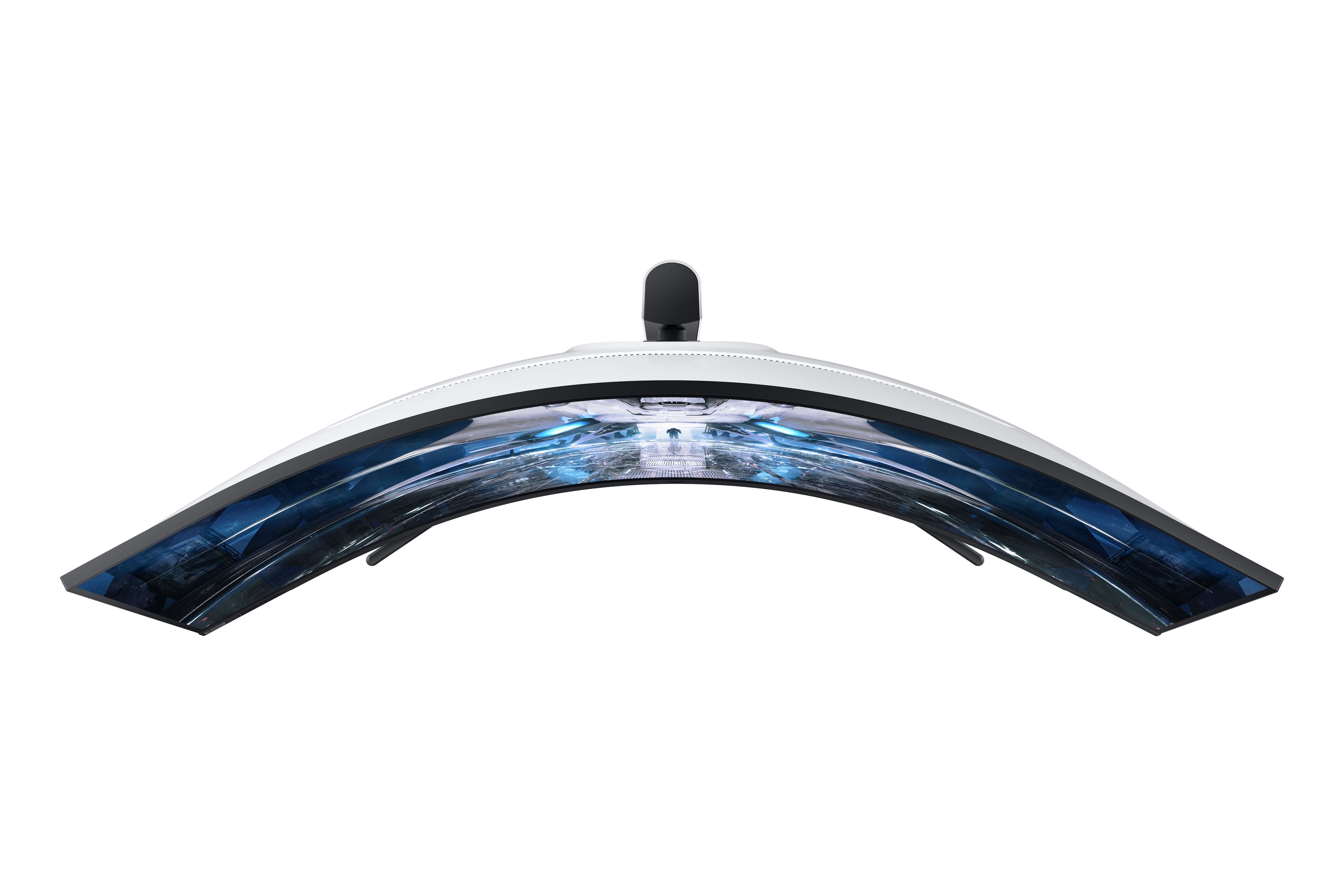
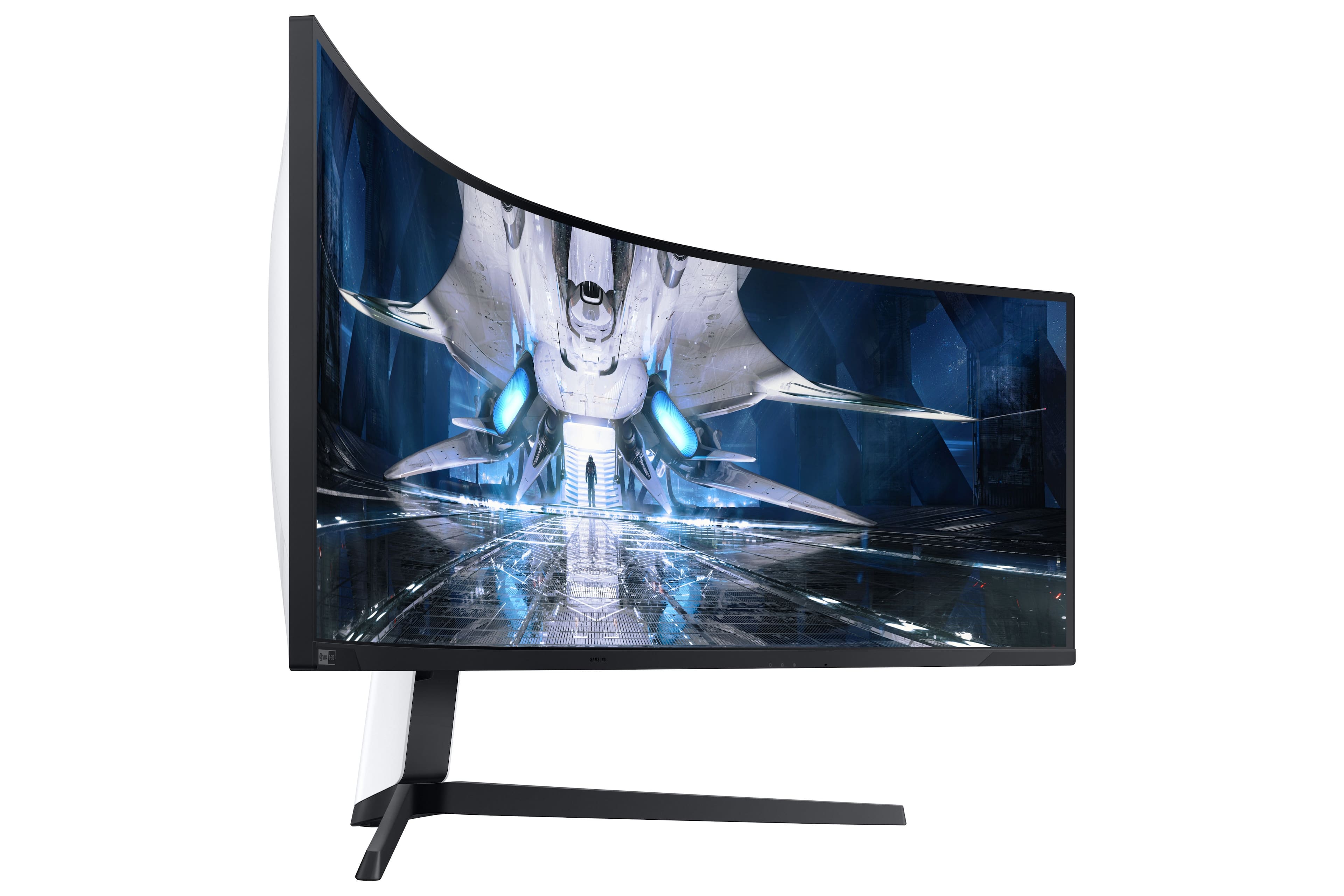
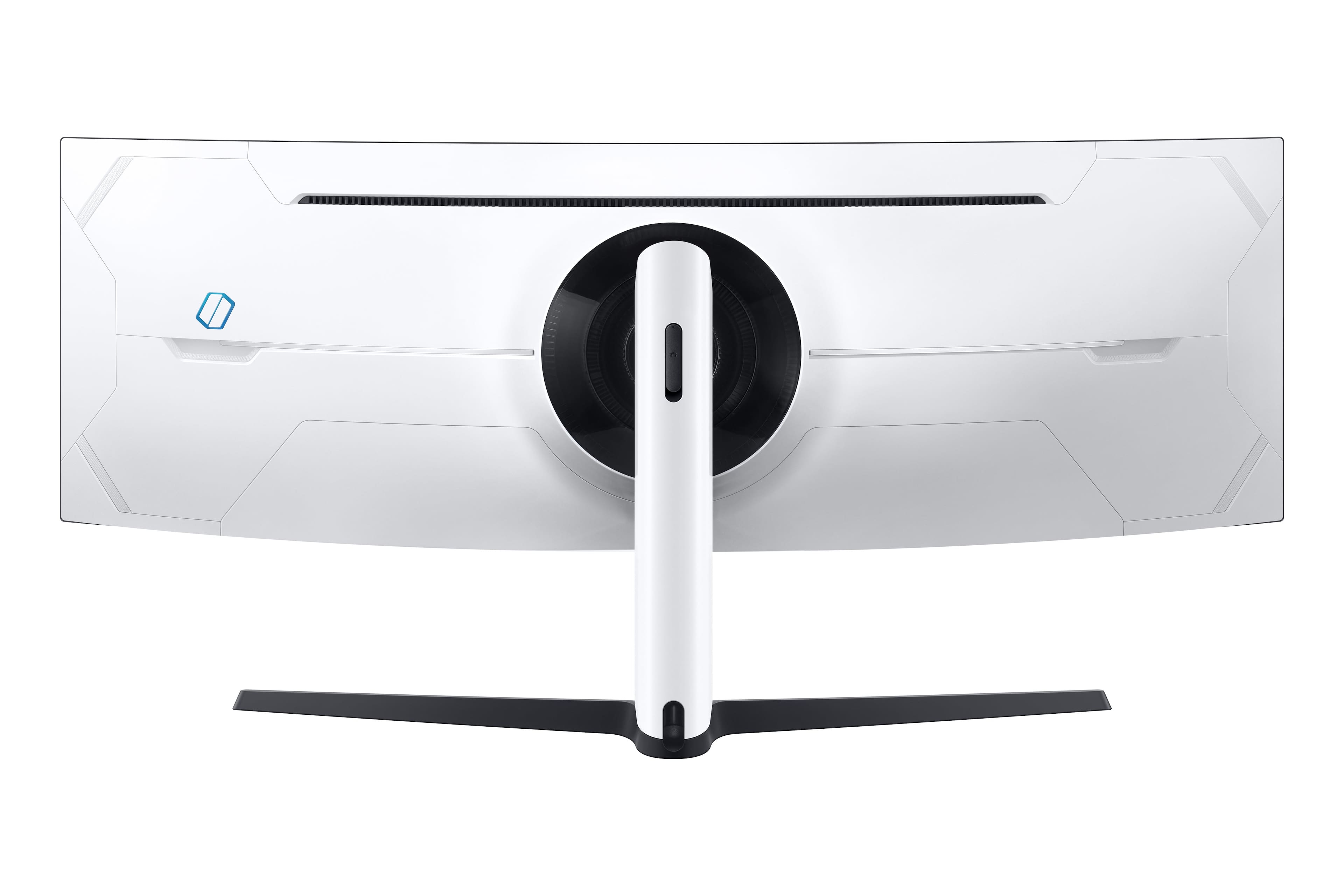
|Posted .This reviewer received promo considerations or sweepstakes entry for writing a review.This thing is, for lack of a better word, wild. It is big (very big), with a fairly severe curve, and in some ways looks like it came straight out of science fiction movie. It is something that will certainly get some attention. The front is fairly muted, with clean, black edges, but the back is white, futuristic looking, and with a ring of a LED light. While many are probably looking for this, I really would have just preferred everything black, plain, and without the light. The stand is also black, pretty minimal, and definitely very wide in order to support the monitor. I really don’t love the wide-winged approach, but I suppose options are limited with something this large and wide. Just keep in mind all of this (size, stand, etc…) eats up desk space. I am pondering wall mounting but am not sure yet (it is VESA capable). There is some height and rotational adjustment available, but it is somewhat limited. Connectivity is about what you would expect, all the common connections are there, as are provided cables. As for the picture. Frankly, I just really like it. Colors are bright (the dimming is good), vivid, and quite accurate (there could be improvement here). While the blacks still can not compete with an OLED panel, they are fairly deep and inky, and I am pleased. All in all, I think it looks great. Beyond that, it also performs very well in game play. Response times are good, although probably lagging from what is suggested, but I had no issues in games and I think most won’t either. The sheer size, combined with the somewhat extreme curve is also very immersive. I had expected this going in but didn’t really understand it until I sat in front of it and experienced it. I think when taken as a whole, it is a good experience. Looks good. Performs well. Now, all of that said, it did take a bit of work. You need to dial your settings in and perhaps make some choices for what you want. I think that is the one “issue” I may have with this monitor. It is spec’d very well and promises to give you a lot. While I think it more or less delivers on those promises, in some ways you have to choose. Choosing 120 hz or 240 hz effects quality, frame rates, brightness, and HDR performance. You see gains in some areas and losses in others. I suppose this is the case with nearly all hardware, but with such a premium device I really wish there was less of this give and take. Again, I think it gives a great picture, and delivers performance, it is just something to keep in mind. Surely, most people buying this are looking at it for gaming, as they should, but I also like to do a lot of productivity work of all sorts on my system. In that regard, I think it is “bit” of a mixed bag for me. Text is clear and looks quite good. The size provides more than enough space to have loads of windows open (I REALLY like the extra real estate). I love those aspects, BUT, the extreme curve makes the ends of the screen, well, very curved. It makes the windows on the ends of the screen the same. I understand this a very personal thing, but it drives me somewhat crazy. A total niche complaint, but maybe some of you know what I am saying. In the end, I really do like this monitor. I (mostly) like the look, the picture is fantastic, and it performs very well. It does everything I want it to do. That said, there are choices in this space/price range. You can look at dual 4k, single 4k, etc. If you know what you want from this monitor, and know how you will use it, I think most would be happy with this as their choice.
I would recommend this to a friendEpic Gaming Monitor
|Posted .This reviewer received promo considerations or sweepstakes entry for writing a review.The Samsung Odyssey Neo G9 is massive. There’s so much real estate that I often have two other apps running on the sides while gaming. The Neo G9 has a rather unique display format of 32:9 (5120 x 1440, roughly equivalent to two 27” 1440p monitors side by side) and I find that a lot of games do not support this format, whether it be the menu systems or full game, which results in having two large black bars on the sides of the screen…but when you are able to take advantage of the whole screen, you just end up feeling so immersed in the game. Racing games like Forza and Assetto Corsa look fantastic, while Halo Infinite and Cyberpunk are just stunning. I’ve seen a lot of complaints in regards to the HDR of this monitor, and right out of the box I was definitely underwhelmed by the performance as everything looked so dark. But I was able to find the Windows HD Color setting to adjust the HDR Brightness and after cranking that up the HDR has been working wonderfully. Everything is sharp and having so many local dimming zones is an absolute godsend. I like having the option to have 3 presets to customize depending upon my needs and access them with just a click of a button. This monitor is packed with power, up to 240hz with 1ms response time, AMD Freesync Premium Pro and G-SYNC right out of the gate, two HDMI 2.1 inputs and a DisplayPort 1.4, and one of the coolest features is being able to run dual inputs, whether it be side by side or picture in picture, so I can have my PlayStation running on half the screen while using my pc on the other half. And everything runs buttery smooth. This monitor is the ultimate productivity and gaming monitor.
I would recommend this to a friendSo good!
|Posted .This reviewer received promo considerations or sweepstakes entry for writing a review.This monitor is beautiful. I’ve been playing Halo Infinite, both campaign and multi player, and I must say I am impressed. The true immersion this monitor provides is really amazing. I game on PC and haven’t had any issues with this monitor at all. It does take some getting used to, fiddling with settings and maybe checking out a YouTube video if you’re having issues but it’s worth it. Once you get the settings the way you want you won’t look back. Just be sure to check your console or PC to make sure you have HDR on. Also, check inside the game menu to further adjust HDR settings. Halo Infinite, for example, has separate HDR settings where you can adjust the HDR level and the brightness. This monitor is very versatile as well. With the Picture in Picture options you can have two inputs going at once and at different resolutions. Makes workflow very smooth. Setting this beast up will take some time. Everything needs to be assembled with the monitor in the box. Including plugging in all your inputs and installing the cabling shrouds. You don’t want to have to go in after the fact and rout cables and try to get the shrouds back on. I plugged in the wrong cable and had to do this. It wasn’t fun. Just follow the guide that’s in the box. As I said earlier, the image quality is beautiful. I had ZERO dead pixels, flickering or banding. If you’re in the market for a monitor that provides an amazing picture and true immersion, pick this up. It’s definitely worth it!
I would recommend this to a friendWOW what a monitor
|Posted .This reviewer received promo considerations or sweepstakes entry for writing a review.WOW, was my first impression when I saw this monitor. Then it changed a bit as I started to use the monitor. But as I used the monitor more and more, I just kept loving it more and more. A few things I will start with though. First, the cables are all fairly short, and only 1 HDMI cable. especially when the cables are ran using the cable management. Especially the power cable. Second was that no matter how I connected, I could not seem to use all the futures when you hit the menu button. I used a couple computers, connecting both HDMI and the display port. As well as a PS5. Third, it has a built-in crosshair which is pretty cool, but would be nice to have a bit more for it. Like more options. Fourth, the back light just felt dim. and not as much customization that I thought it would have had. would love to have been able to set the brightness levels more. Lastly, I was really hoping that it would have a much better way to customize the resolution. I would love to be able to select 1920x1080 and then select maybe a screen size. like let's say 27 in. and then no matter what I do, games or anything, that it would all be within that range, and be equal to a 27 in. at the moment I can select to be 1920x1080 and it will act like about a 27 inch. with black bars on the sides. great. however, when I open up a game, like cod4 (old school) it opens it up full screen. and even if I select in game to be 1920x1080 it makes that the whole screen. Maybe just a way to first select monitor size and then go from there for resolution and once monitor is selected it will be that size. But gaming at full screen was fun, but first-person shooters was not. It just felt off. not only is it ultra-wide, but that means it shrinks it a bit from top to bottom. So, playing a First-person shooter game you get the stretched feeling from side to side but also a shrunk feeling from the top to bottom. That said, racing games, flight simulator, sports games all looked great. movies seem to play well too. although HBOmax for instance, would play movies at about half (half is about a 27 inch). When playing those types of games or watching movies it feels more immersive. I love that you can have 2 inputs and you have a few options how you would like to do so. rather you want both equal side by side. one a bit more than the other side by side. you can set one to be a small square in the corner etc. this opens up a lot of options. split screen with a friend but you both are using your own consoles. if you stream, and have 2 computers like I do, and you only use 1 monitor to game on and 1 for your stream, well now you can just use the 1 monitor and have both pcs plugged into it. especially if maybe, you use a console and want to stream and see what your stream is doing. If on a pc, you can also download a free software from Microsoft, Microsoft power toys, and set zones up. I like to have 3 zones, 1 bigger one in the middle, and then 2 smaller on the sides. and you can then drag pages to each zone. even games if in windowed mode to a zone. then let's say have your stream in one zone, and maybe discord in another zone and your game in the middle etc. and with a big monitor like this, it works well and big enough. Overall, I am impressed and like I said, the more I use it, the more I am liking it. especially finding out about the tool so I can set zones up. there are things I wished it had but those would just make it far more superior then what it already is. I would though like maybe a program so you can set things up from that program instead of thru the menu. I have a HP monitor that I can set thru software that is nice.
I would recommend this to a friendA lot of AWESOME in a true gaming monitor
|Posted .This reviewer received promo considerations or sweepstakes entry for writing a review.The AG952 Odyssey Neo G9 49" mini-LED Curved QHD G-SYNC/FreeSync Gaming Monitor has a very wide 49” 1000R Quantum Matrix HDR2000 curved screen with a super-fast 1ms response rate and a 240hz refresh rate, G-Sync and Premium Pro support, and customizable Odyssey Infinity Core lighting for RGB type effects. It was easy to set up by following the included paper instructions (full installation instructions are available on the web) and required about 10 minutes for assembly. It is W I D E and deep. It wraps well to my peripheral vision. The stand allows for ample swivel, tilt, and height adjustment. The large number of mini-LEDs grouped in zones adds great control over blacks and also brightness levels. I have experienced no dead pixels. It allows for easy connection to computers, with 2 HDMI, 1 DisplayPort, 2 USB-A and 1 USB-B ports. The built-in control interface is intuitive and allows for great flexibility in configuration. It looks very massive and cool. It is easy to work or play on all day long. I have experienced no eye or neck fatigue. This is an awesome display. fyi - I am running it on a maxed out desktop gaming PC. I love this display!
I would recommend this to a friend