Customer Ratings & Reviews



- Model:
- LS55BG970NNXGO
- SKU:
- 6510927
Rating by feature
- Display Quality
Rating 4.8 out of 5 stars
- Ease of Use
Rating 4.2 out of 5 stars
- Features
Rating 4.2 out of 5 stars
Customers are saying
Customers have good things to say about the Odyssey Ark's large screen size, impressive picture quality, and immersive curved display, highlighting its excellent sound quality and high refresh rate for smooth gaming. However, some users point to limitations in HDMI connectivity, the monitor's substantial weight, and challenges with the stand's design and functionality as drawbacks. The multi-view feature also received mixed reviews, with some finding it less useful than expected.
This summary was generated by AI based on customer reviews.

Samsung's Next Level Gaming Theater
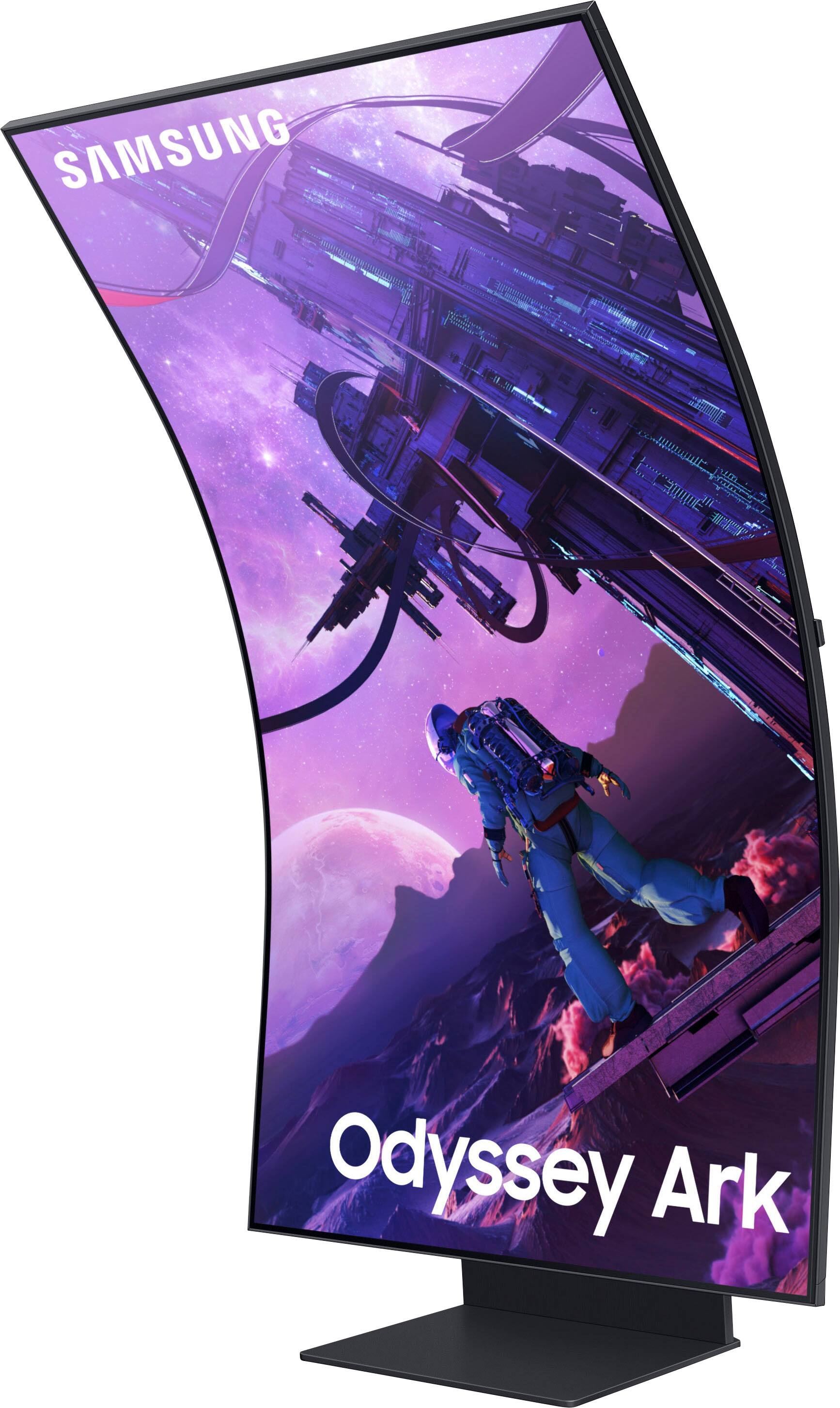
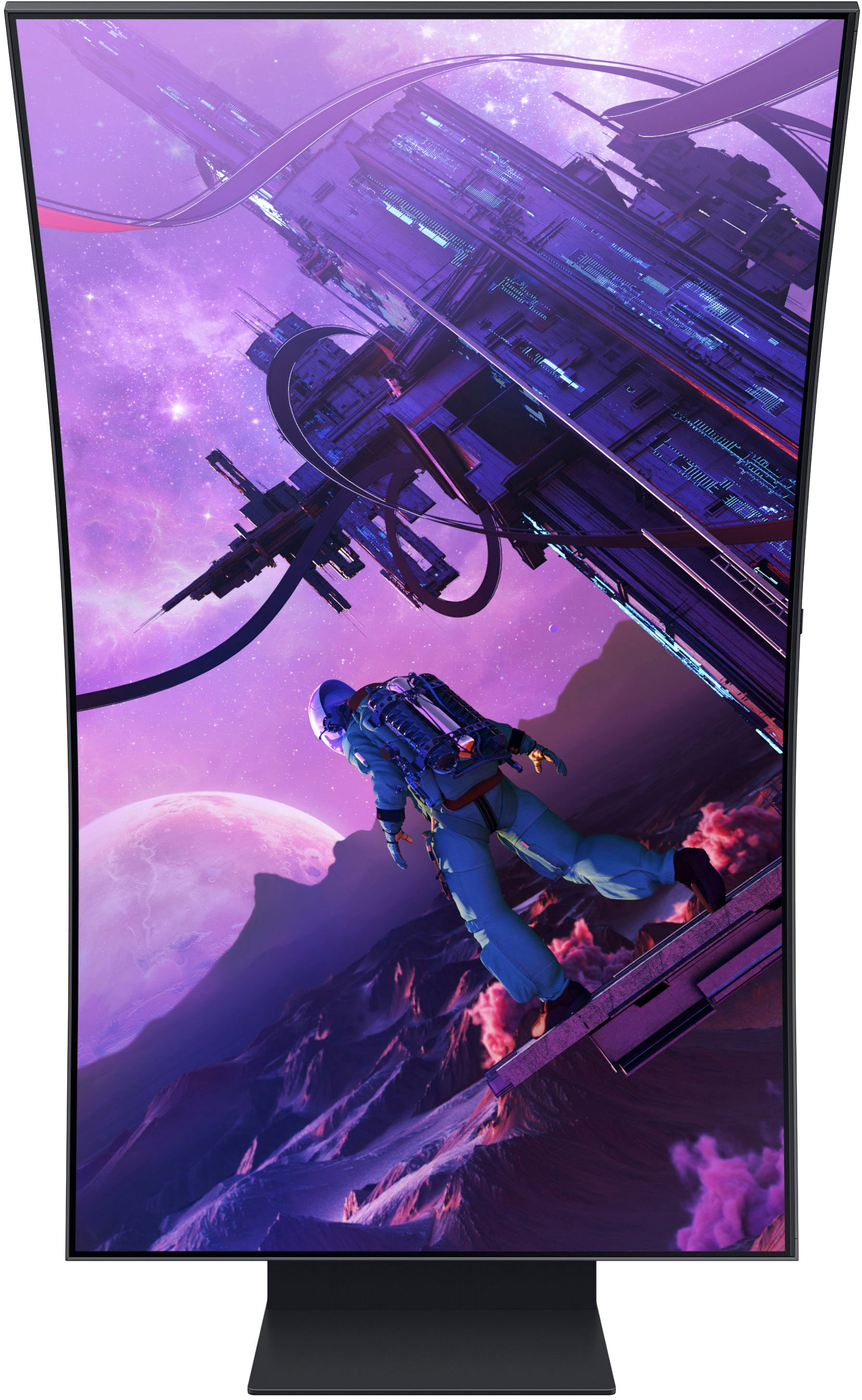
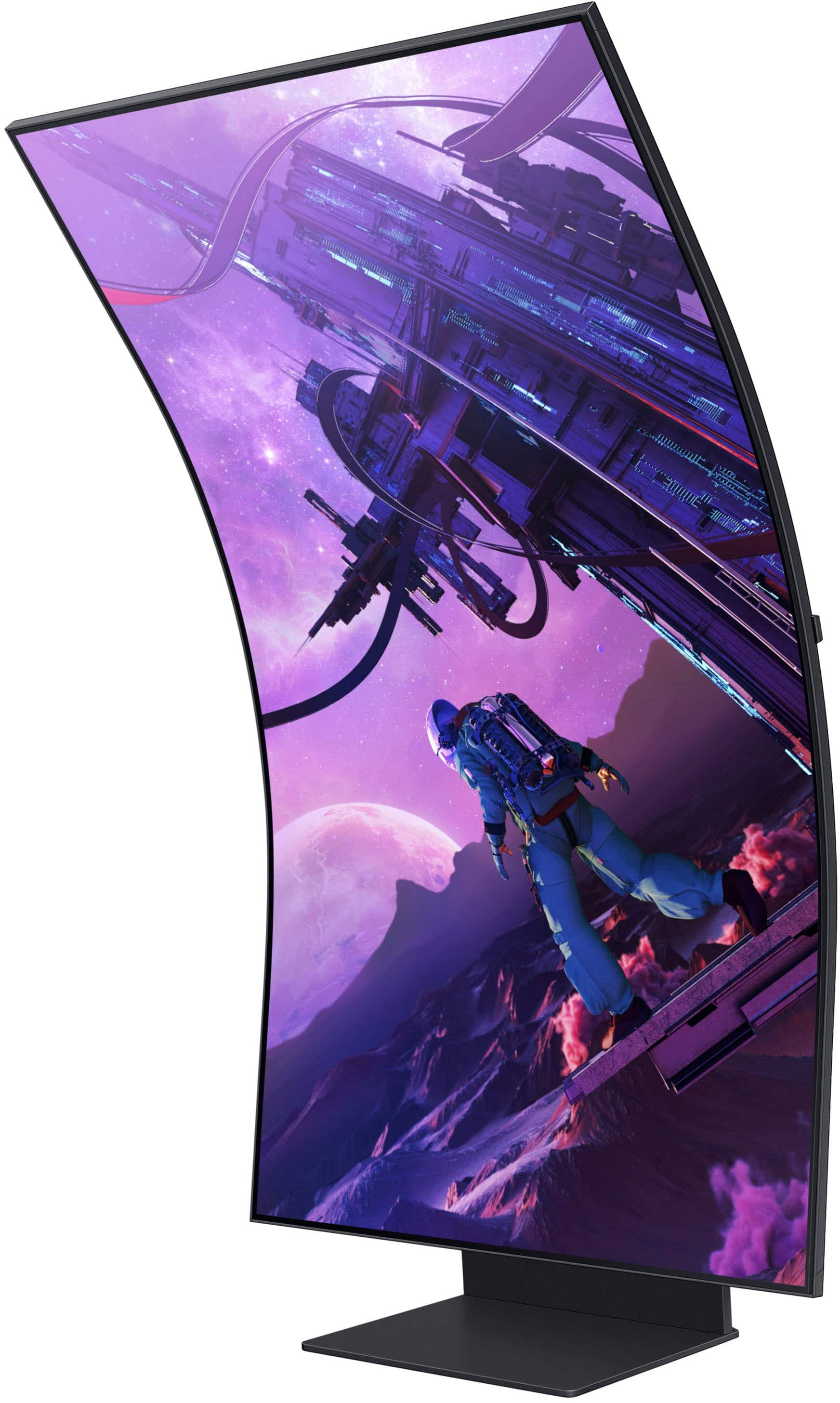
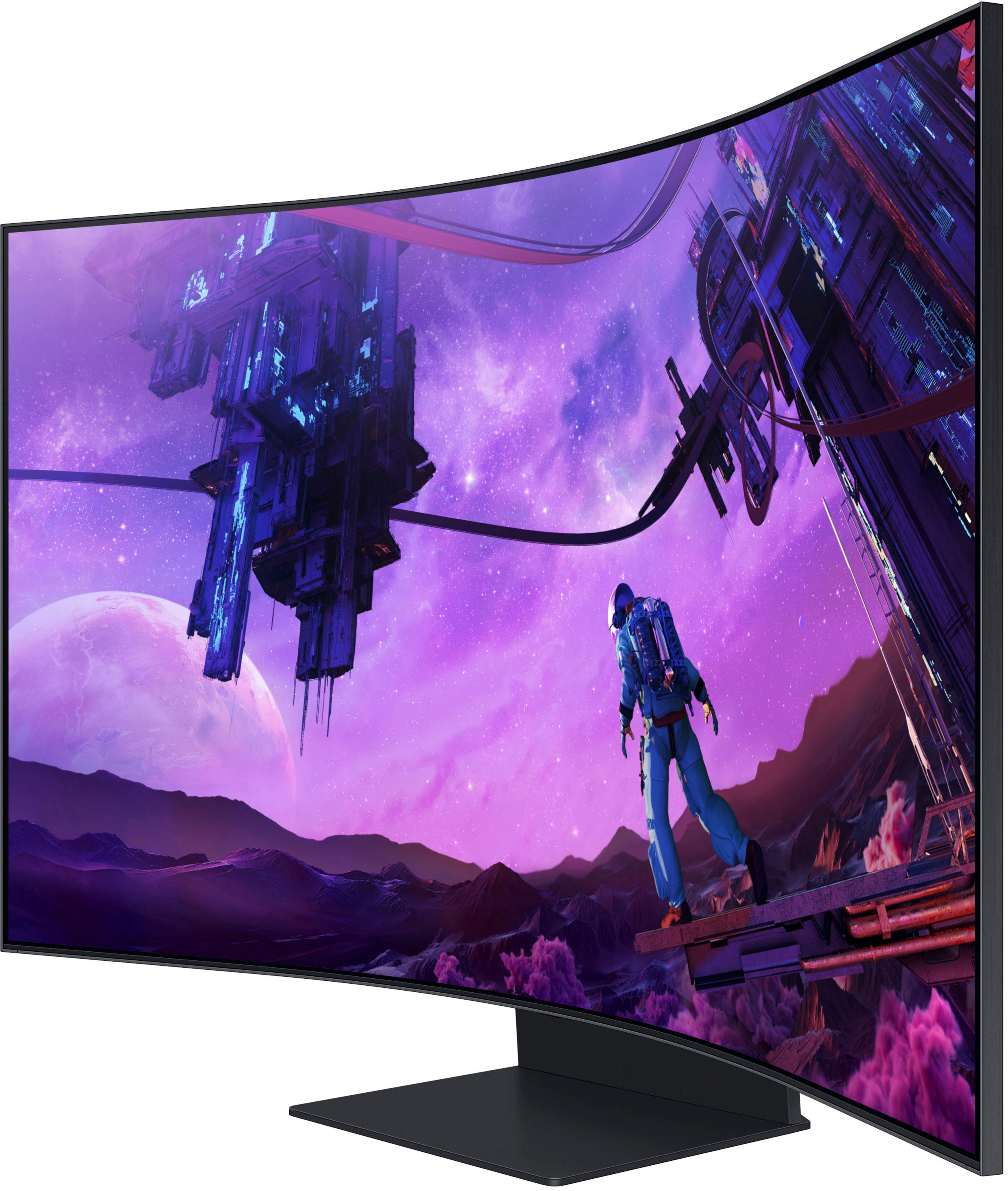
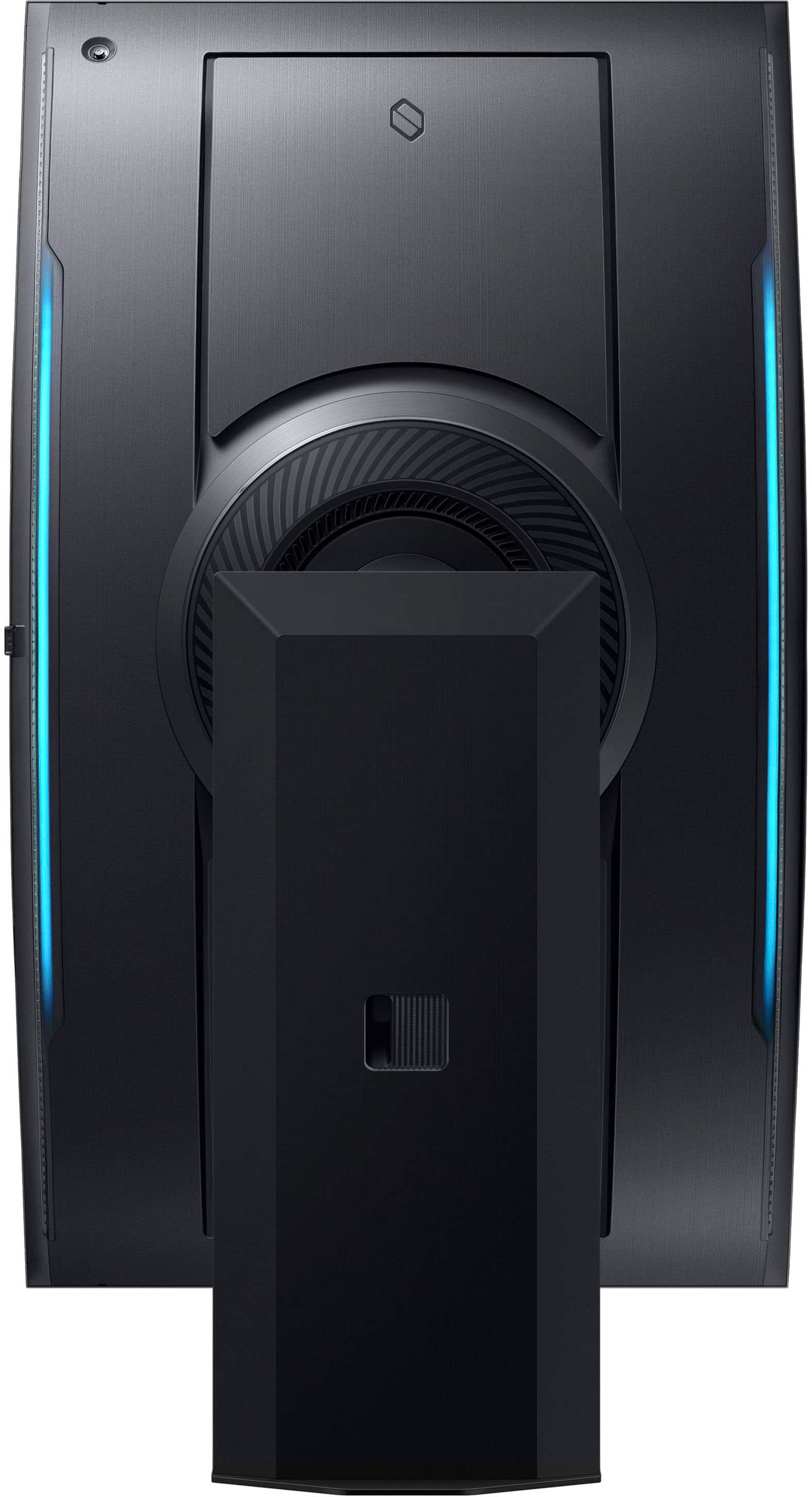
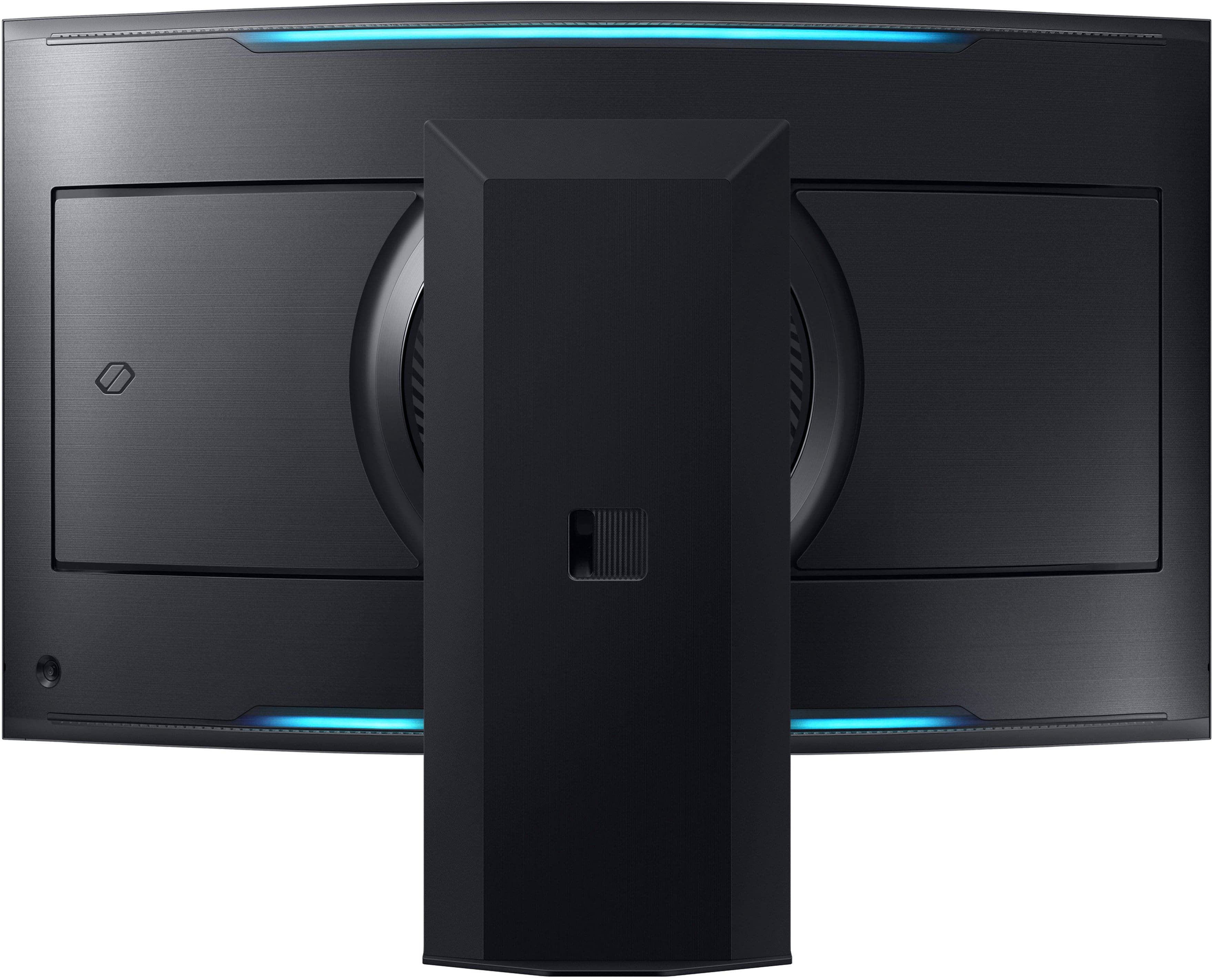
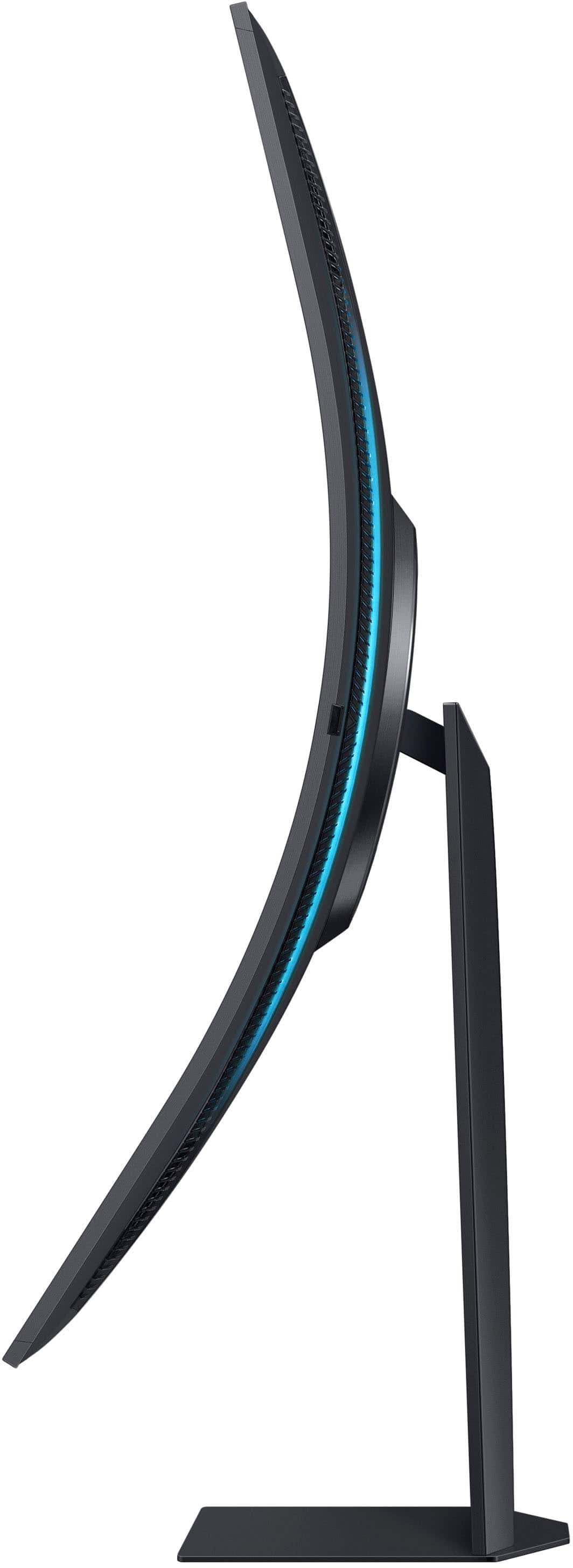
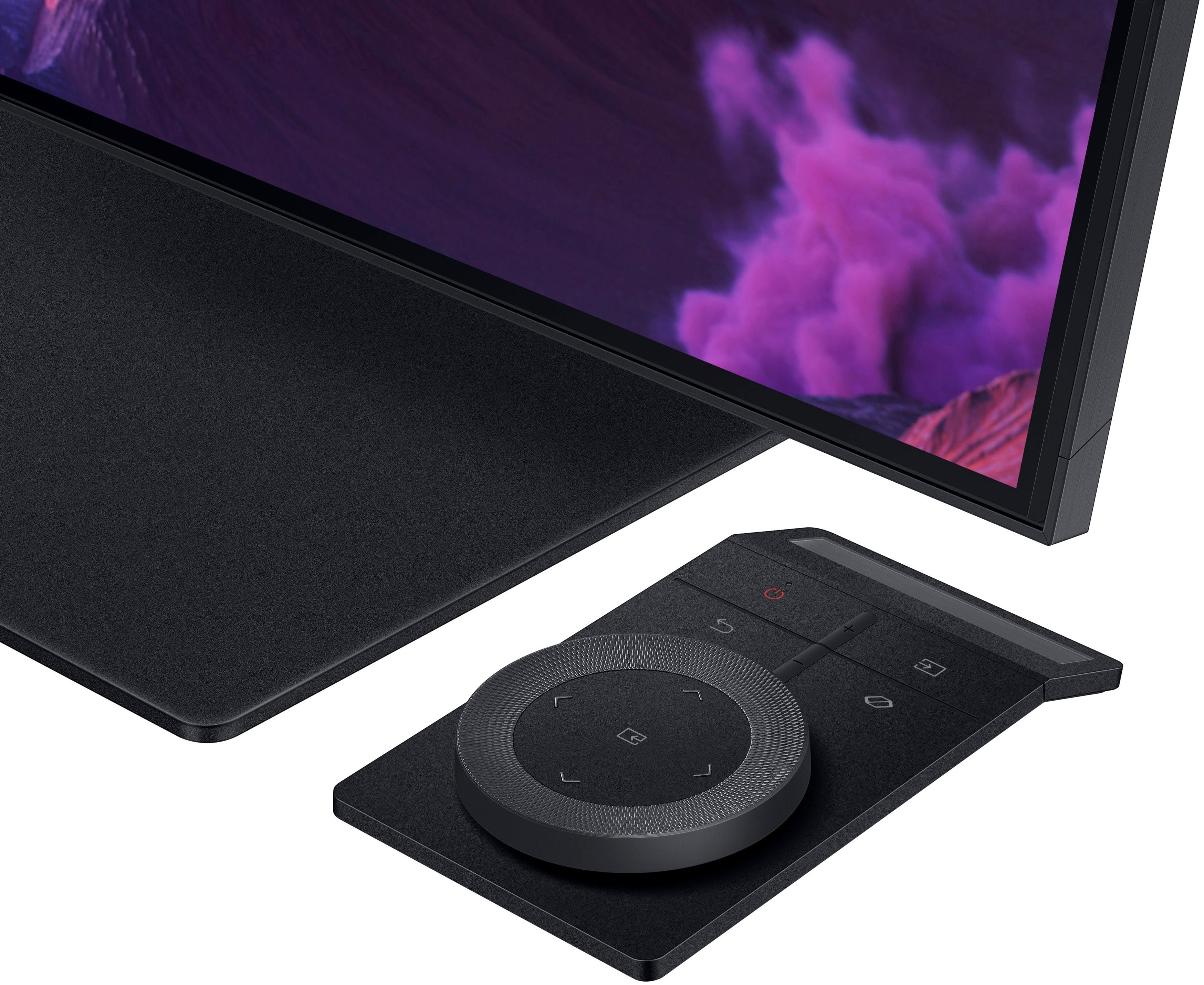
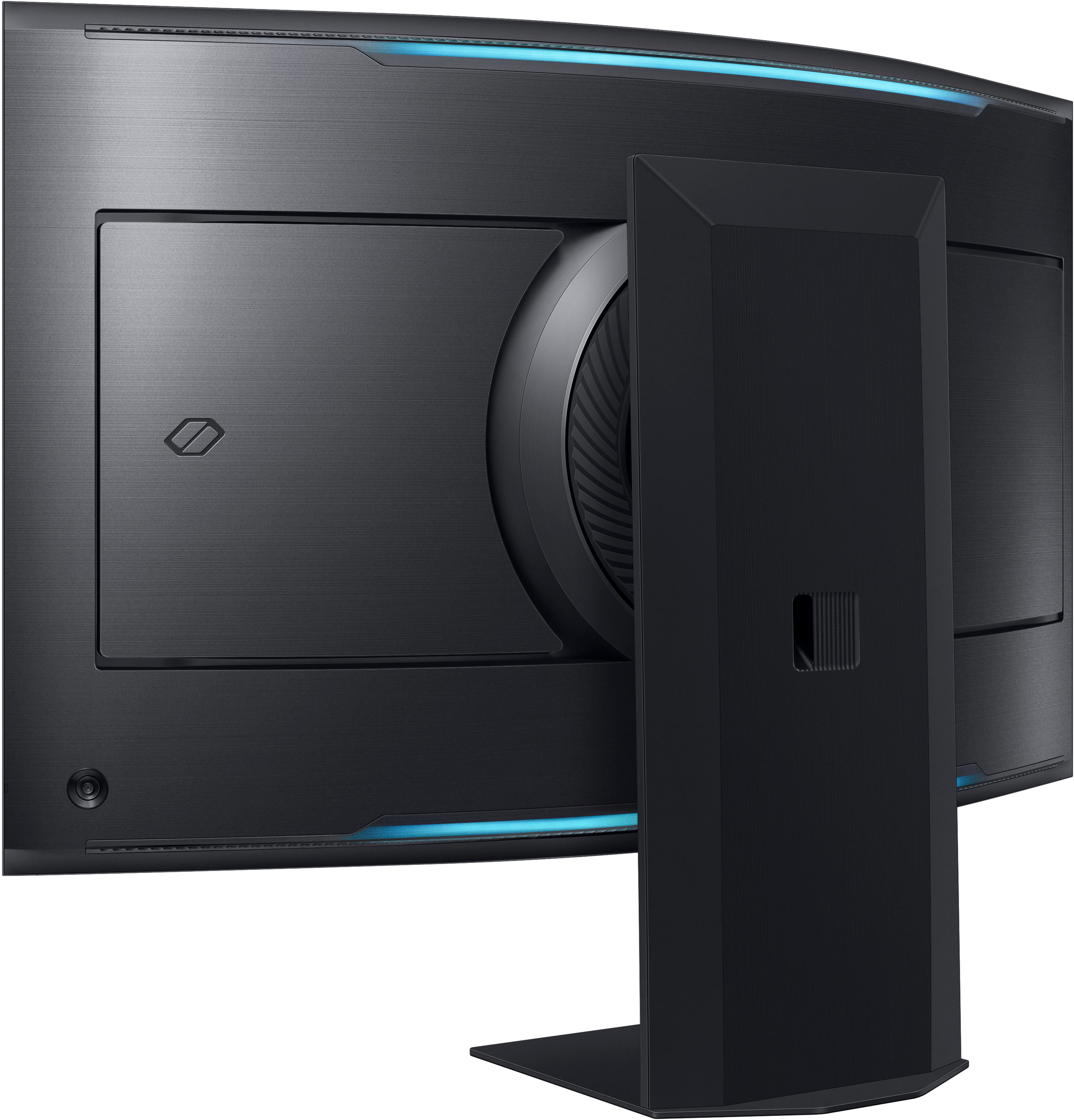
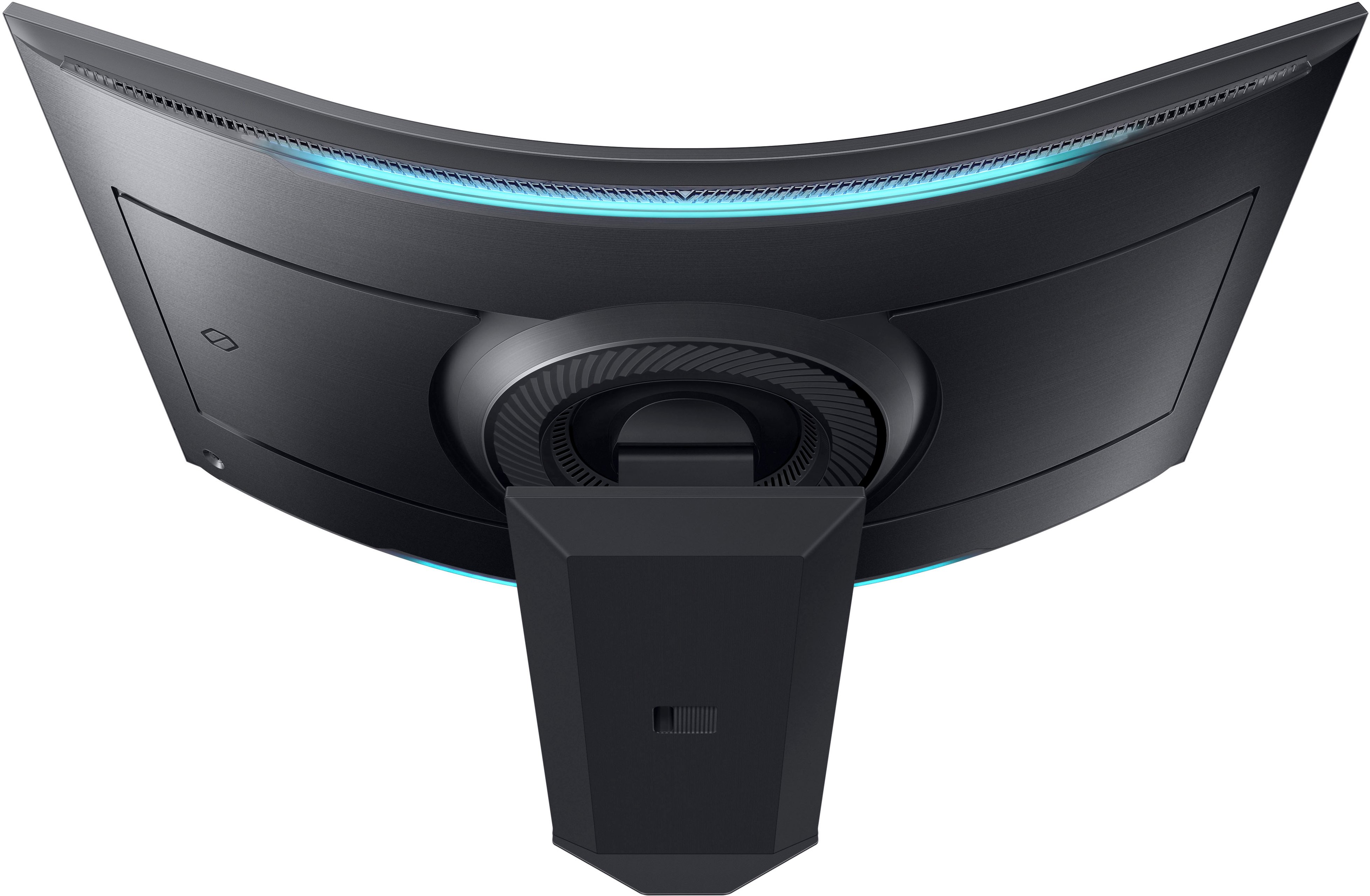
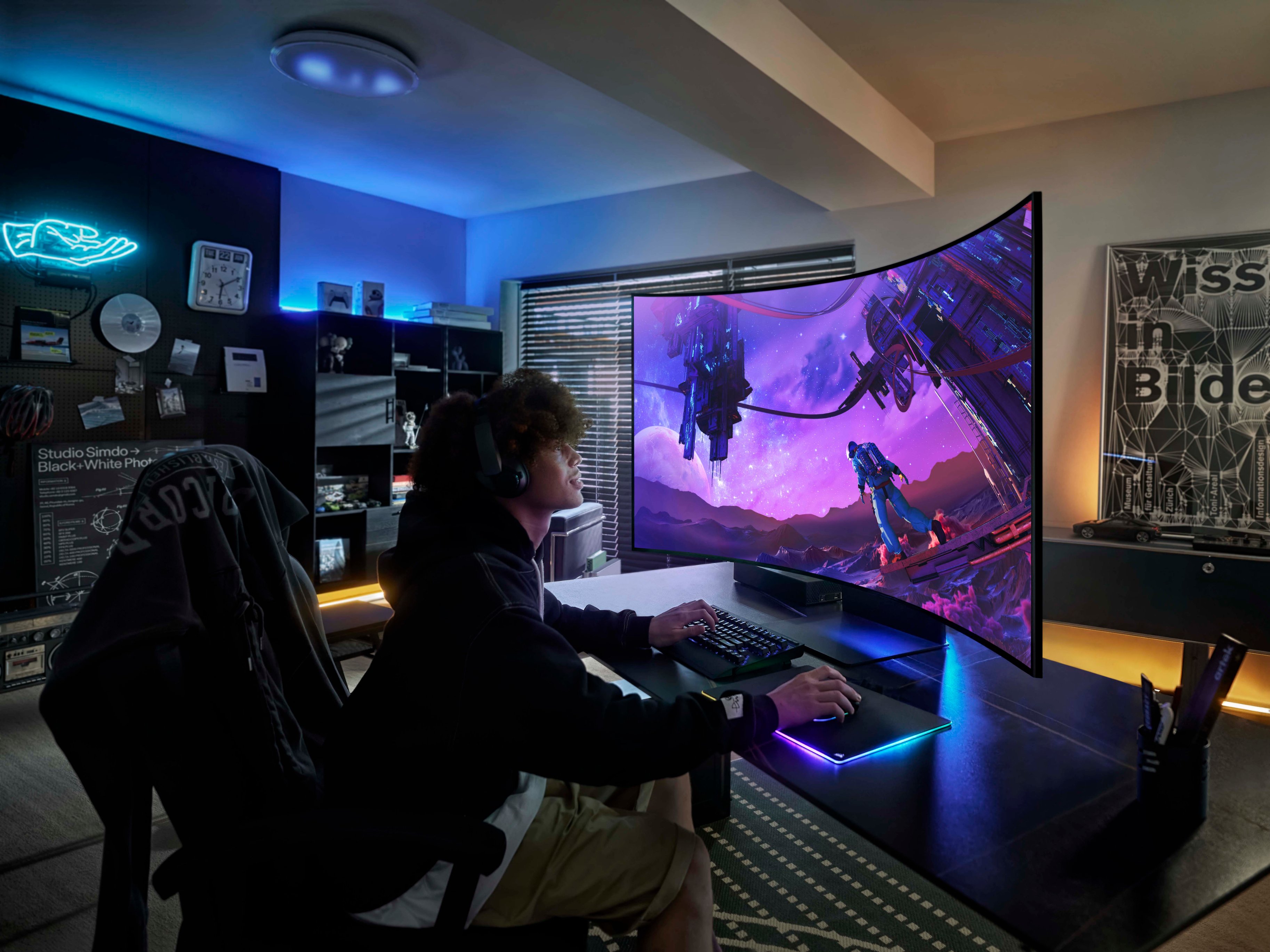
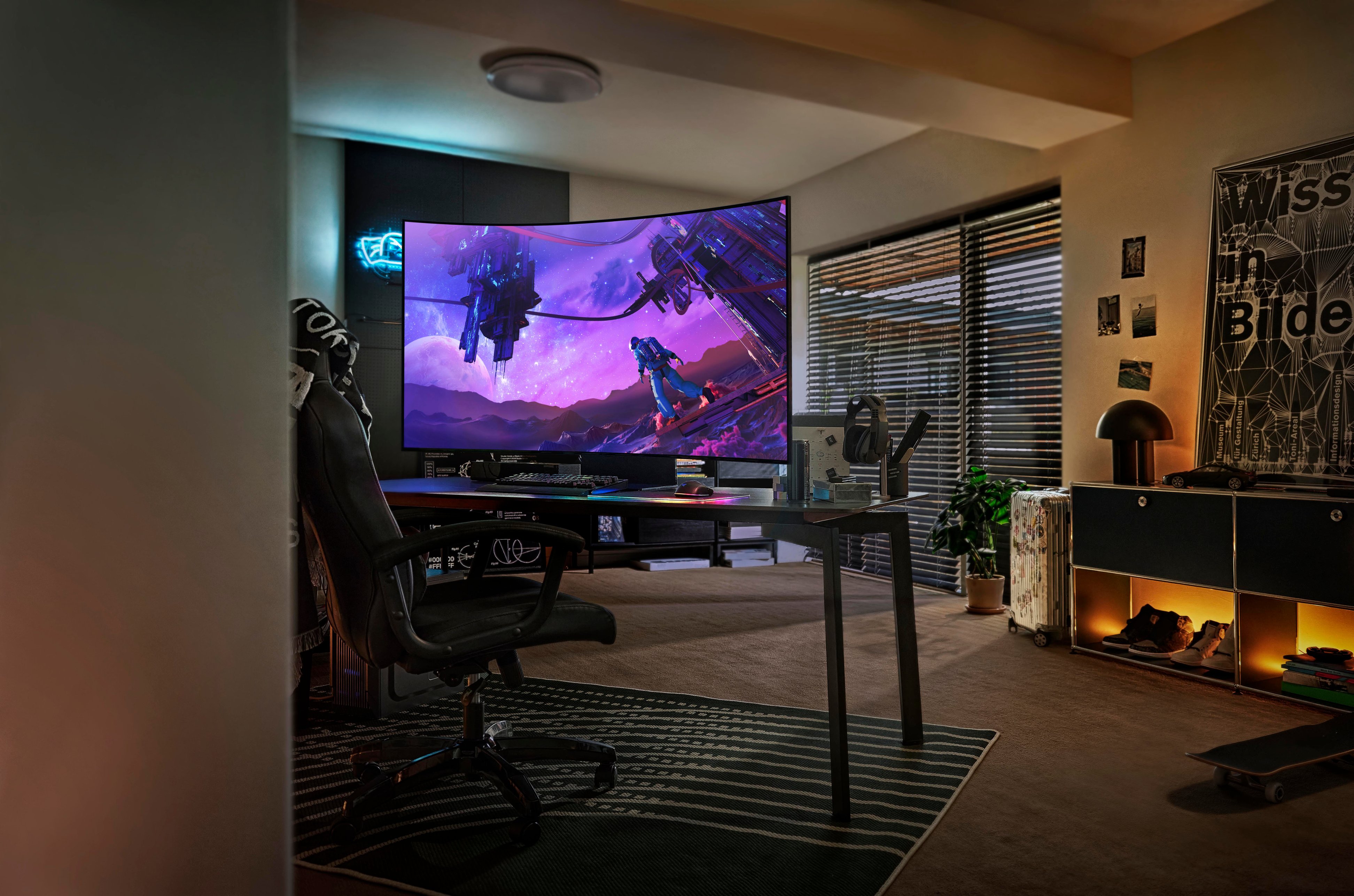
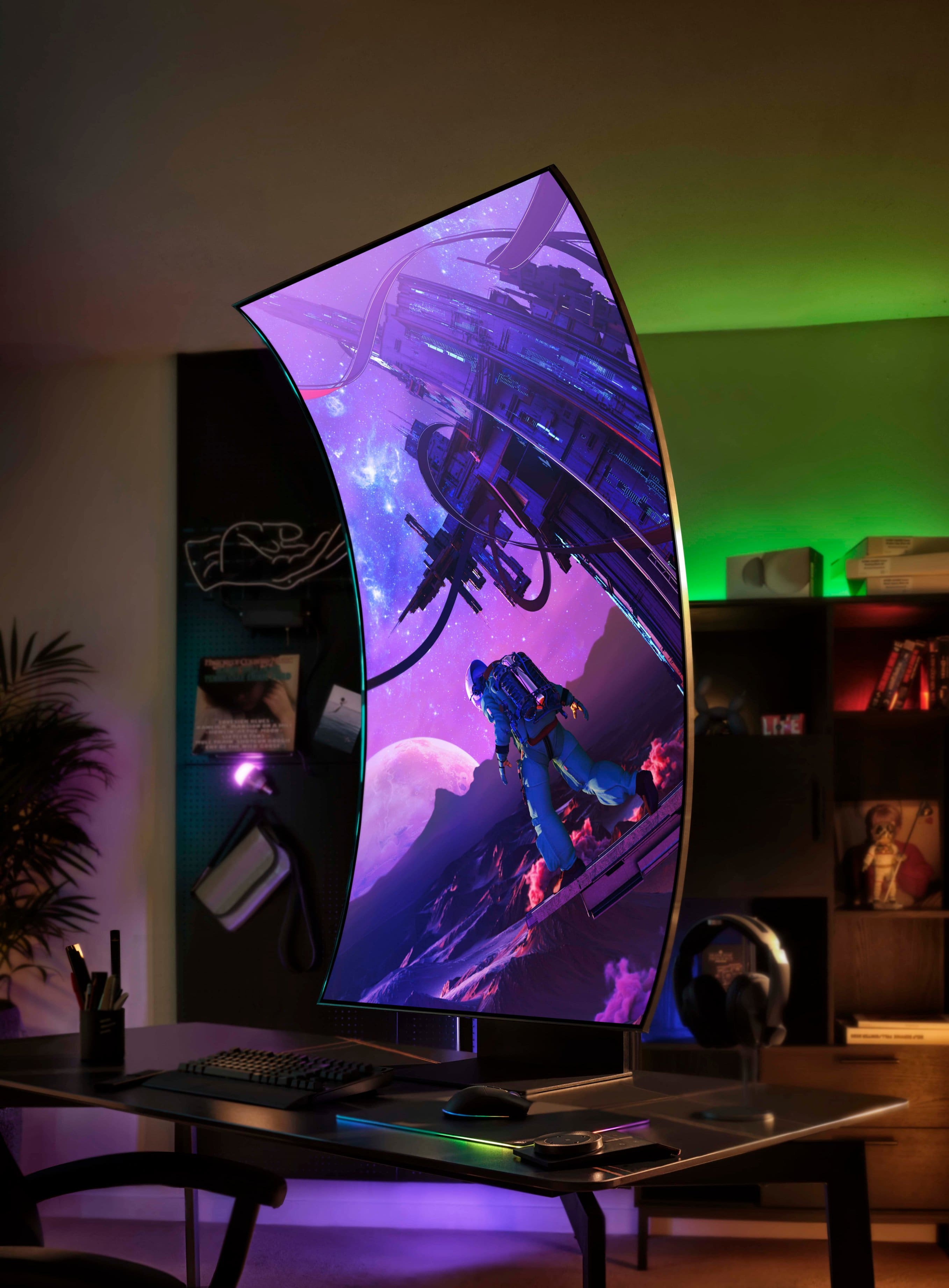
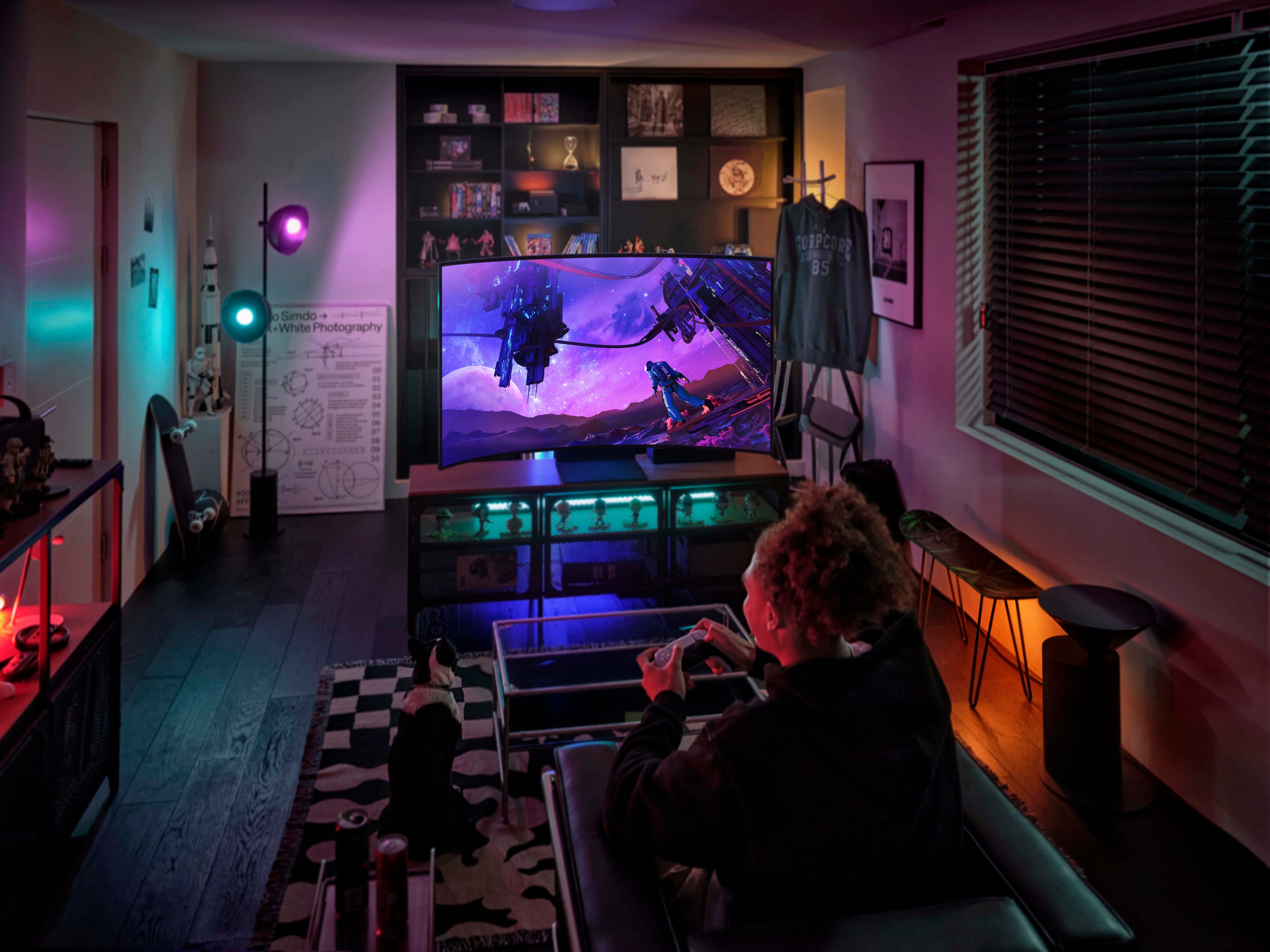
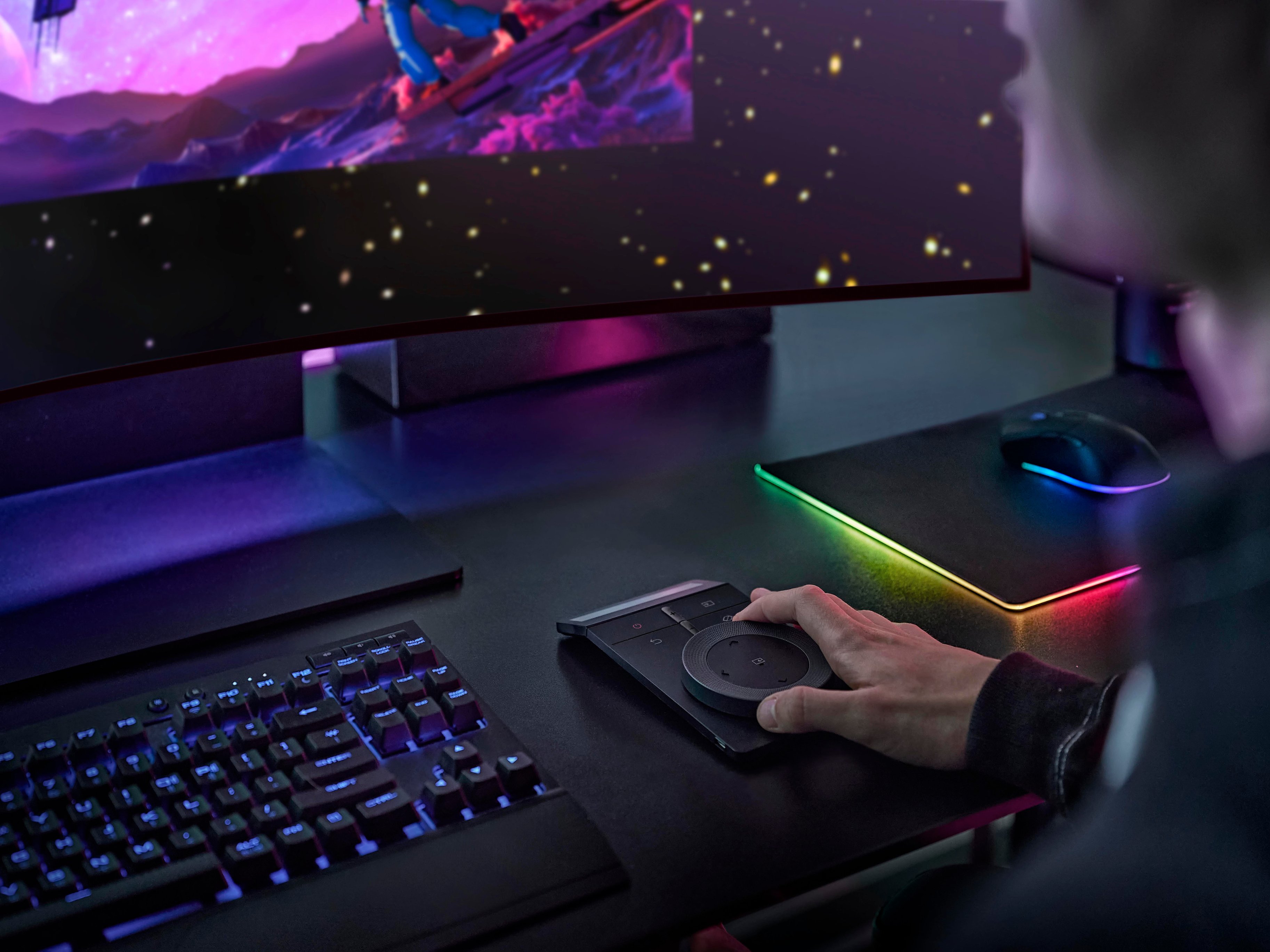
|Posted .This reviewer received promo considerations or sweepstakes entry for writing a review.Let's start with the unboxing. Not really complicated, just make sure to follow the directions since the base is quite heavy and would make it difficult to attach. It comes with mounting plates as well if you would rather have it mounted. Overall, it was very simple to set up. Seeing previews of this monitor back in January from Samsung, I couldn't wait to see this beauty in person. It has a very futuristic look, with it's cool integrated lighting strips on the back and it's extreme 1000R curve, which by the way, sets the bar for curved gaming monitors. It also has a matte finish screen to eliminate glare when gaming. I am currently running a GEFORCE RTX 3080 graphics card which accommodated the HDMI input and very high 165hz refresh rate the Odyssey Ark puts out. In turn giving me some very smooth graphics while gaming on such a large monitor. This monitor has so many features to it. First off the size is a massive 55 inches, that can be adjusted to the size of your liking as well as the option to view multiple screens at once. What makes this even more impressive, is the ability to turn the monitor vertically, what they would call cockpit mode. I can put up 3 screens at once. Whether I want to surf the web, stream on twitch, watch a movie, and game all at the same time. This mode really takes away the need for multiple monitors. Another cool feature is the ark dial, which helps me easily navigate between screens, change the size and quantity of screens, adjust the settings, volume, navigate in multiple multi tasking menus and so much more. It is extremely easy to use and realistically eliminates the need for a TV remote which also comes with the monitor. But wait.... there's more! This thing has two base speakers in the center as well as 4 speakers on every corner giving this thing true Dolby Atmos which to be honest I have never seen built into any monitor before. Best sound quality of any monitor I have ever heard. So no need for the side desk top speakers. Let's talk about my experience with the Samsung Odyssey Ark. I would say that first you might have to invest in a wider desk since this thing is right in your face. At first it was like "this is big!".. as I played a few rounds of PUBG in the horizontal screen mode. But as I continued to play, I became so emerged into the game and could see so much more than I ever could before. The cool thing about this monitor is that I didn't experience any latency and the picture was surprisingly super smooth. I was absolutely impressed! It was as simple as setting it to game mode and away I went, emersed into my new gaming theater. I had played multiple FPS games to test it out, coming up with the same results...absolutely impressive!! Next, I wanted to also use this in cockpit mode (vertical). I literally was playing COD, while streaming, and watching a movie, all in one screen. I've never seen anything like it before. While gaming I usually use my Corsair Dolby Atmos gaming headset, but wanted to test out the speakers in the monitor. So I turned the monitor with ease, horizontally, and put on a movie from Netflix to test the picture and sound on the 55" screen. To be honest, I couldn't believe how much sound was coming out of the monitor, and with quality to boot. I have to say well done Samsung for thinking outside the box and creating the next generation of gaming monitors. There are so many quality features to this monitor and without a doubt, I would highly recommend this product if you are looking to up your game. Take the jump to next level gaming!
DO NOT BUY
||Posted . Owned for 3 weeks when reviewed.This reviewer received promo considerations or sweepstakes entry for writing a review.The very important two screws are too short to fit in, I worried it would fall off. Also a weird dot on the surface of the screen. BestBuy only gives 15 days and Samsung said no guarantee in California. Very bad experience.
No, I would not recommend this to a friendBrand response from Samsung
Posted .Thank you for purchasing the Samsung 55" Odyssey Ark Gaming Monitor. We are sorry for the inconveniences you had.
Your review was brought to the attention of our Customer Care Center. If you ever need assistance again or have further questions, please reach out to Samsung via any of the below options:
1-800-SAMSUNG, available 8AM - 12AM EST (Mon-Fri) / 9AM - 11PM EST (Sat-Sun).
Again, thank you for taking the time to share your experience and provide us with information that helps improve our service.
What a waste
||Posted .This reviewer received promo considerations or sweepstakes entry for writing a review.Never worked for me. Never detected either of my PCs. Menu also kept freezing. I saw after the fact there were forums as well as video reviews from content creators mentioning this.
No, I would not recommend this to a friendBrand response from Samsung
Posted .We are very sorry to see that you have encountered issues with the Samsung Ark Monitor. We understand your disappointment and hope that you will give us a chance to assist with troubleshooting or warranty service.
Samsung products are engineered to the highest standards of performance and quality and we back this model with a 1-year limited manufacturer's warranty, if purchased brand-new from an authorized dealer.
For further assistance or to begin warranty service, please contact Samsung Customer Support via:
1-800-SAMSUNG, available 8AM - 12AM EST (Mon-Fri) / 9AM - 11PM EST (Sat-Sun)
Samsung is committed to providing the best possible product experience, quality, and value, and we are always here to help with any of your questions or concerns.
Useless overpriced gaming monitor
||Posted . Owned for 1 year when reviewed.This reviewer received promo considerations or sweepstakes entry for writing a review.This is the biggest piece of garbage I have ever purchased. You can only use a single HDMI port at a time. I wish I could return it but alas, it’s too long.
No, I would not recommend this to a friendGaming
||Posted . Owned for 1 month when reviewed.This reviewer received promo considerations or sweepstakes entry for writing a review.Loved it! Helps him because his eyesight is poor but this allows him to play
I would recommend this to a friendTrash
||Posted . Owned for 10 months when reviewed.This reviewer received promo considerations or sweepstakes entry for writing a review.Trash especially from Best Buy. Don’t buy anything from Best Buy
No, I would not recommend this to a friendAbsolutely massive 4K gaming monitor!
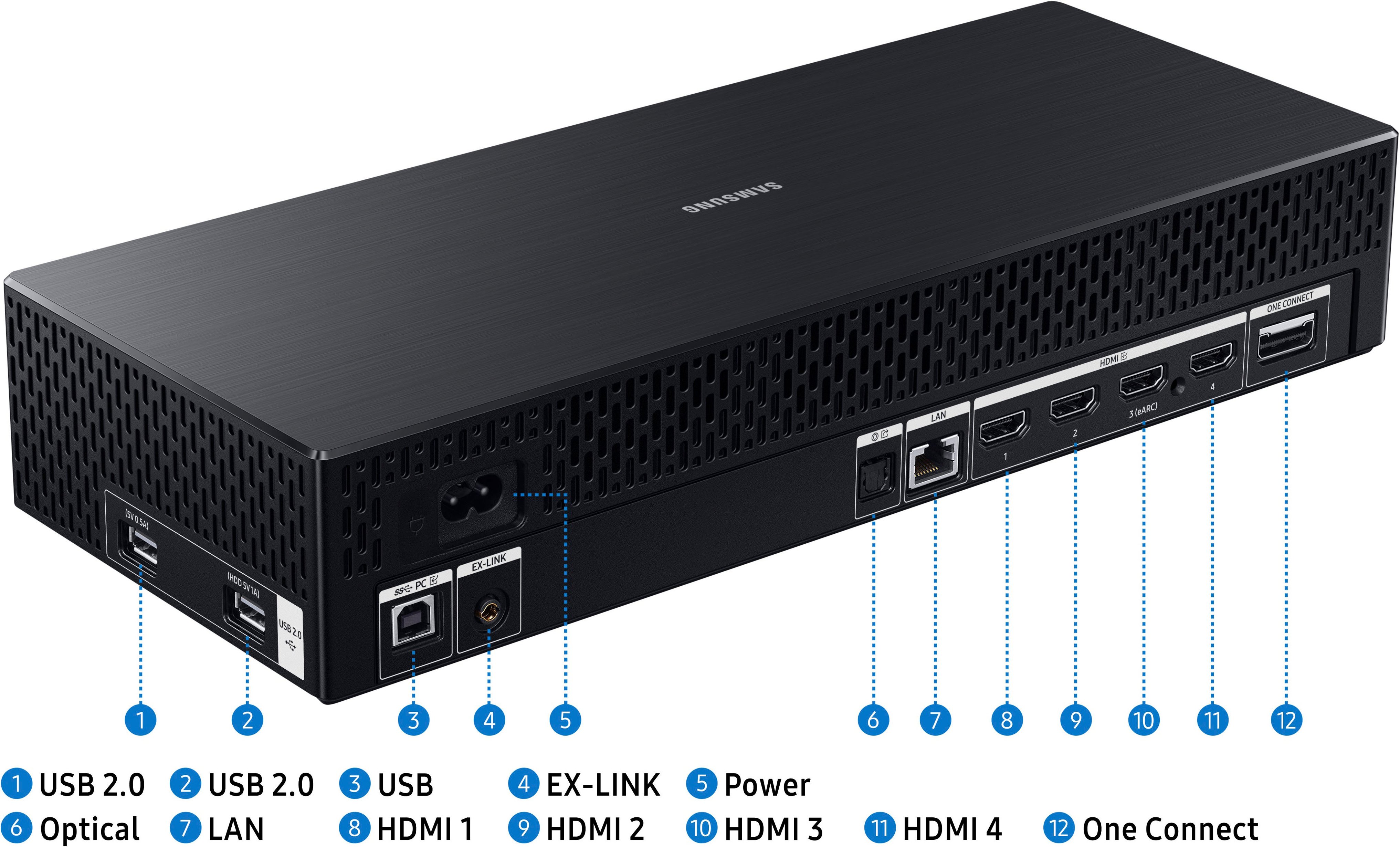
|Posted .This reviewer received promo considerations or sweepstakes entry for writing a review.The Samsung 55" Odyssey Ark is a beast of a monitor and it looks and works incredibly. I am absolutely blown away by the quality and the usefulness of this display and if you are looking for something like this, then I can absolutely recommend this to you. The picture quality and the amount of built in features make this a solid win in my book and the aggressive curve really cuts down on the issues that are common on most widescreen monitors. The ability to have multiple items on screen at once is great, up to 4 separate screens all at once, the one drawback here is that only one of those screens can be from the HDMI ports, it does not support the ability to have multiple HDMI inputs displayed at the same time. You can however have one screen using the HDMI, screen cast from a separate device (phone, computer, etc.), as well as 2 additional apps or a webpage. Note that 4 screens is only supported in landscape mode, in portrait it can have up to 3 screens at once. This is a great choice in my opinion for anyone who has ever thought about using a TV for a monitor but was hesitant due to some of the drawbacks that entails, this is a monitor that happens to have TV features. With several smart apps already installed and more available you can watch your favorite streaming services when your not using this as a monitor, or you can use multi-view and use your computer and watch movies on a second screen. One of the coolest features in my opinion is all of the game streaming options that are built straight into the monitor, no need to have a console, just stream the games right to your monitor and hook up a controller and you are up and gaming in no time. I absolutely love all the features that are built into this monitor and it works great for gaming and when you are done gaming the built in apps allow you to relax and watch some shows with a great quality picture. There are a few caveats that I will add, that may save you some heartache if this is what you are looking for but if you have any of these issues, you may need to look at something else or make some adjustments to your current setup. First of all and most importantly, this monitor is absolutely massive and it has the weight to go along with it's massive size, the monitor with stand weighs around 90 pounds, so you need to be absolutely sure that wherever you intend to house this thing it can support the weight. This monitor is dangerously heavy if you put it on a desk that cannot support it, it requires 2 people to setup and to safely move and I would make sure that you can meet this requirement because it is not at all recommended to work on this monitor on your own. The second thing to keep in mind is that the one connect box, the external input for all your HDMI and peripherals for the monitor, only has HDMI inputs, so if your gaming computer only has DisplayPort outputs you may need to look at a GPU or computer that has HDMI 2.1 outputs otherwise you won't be able to get the full benefits of this monitor. Lastly, and something I've seen others complain about, is the fact that when you are using multi-view to have multiple different screens, game mode is not supported and you will notice that the screen gets much darker, the brightness is adjustable in the settings, but without game mode you are limited to only 120Hz (still plenty) on your HDMI input. For me none of these are deal breakers, but they are something to be aware of.
I would recommend this to a friendSpectacularly Immersive
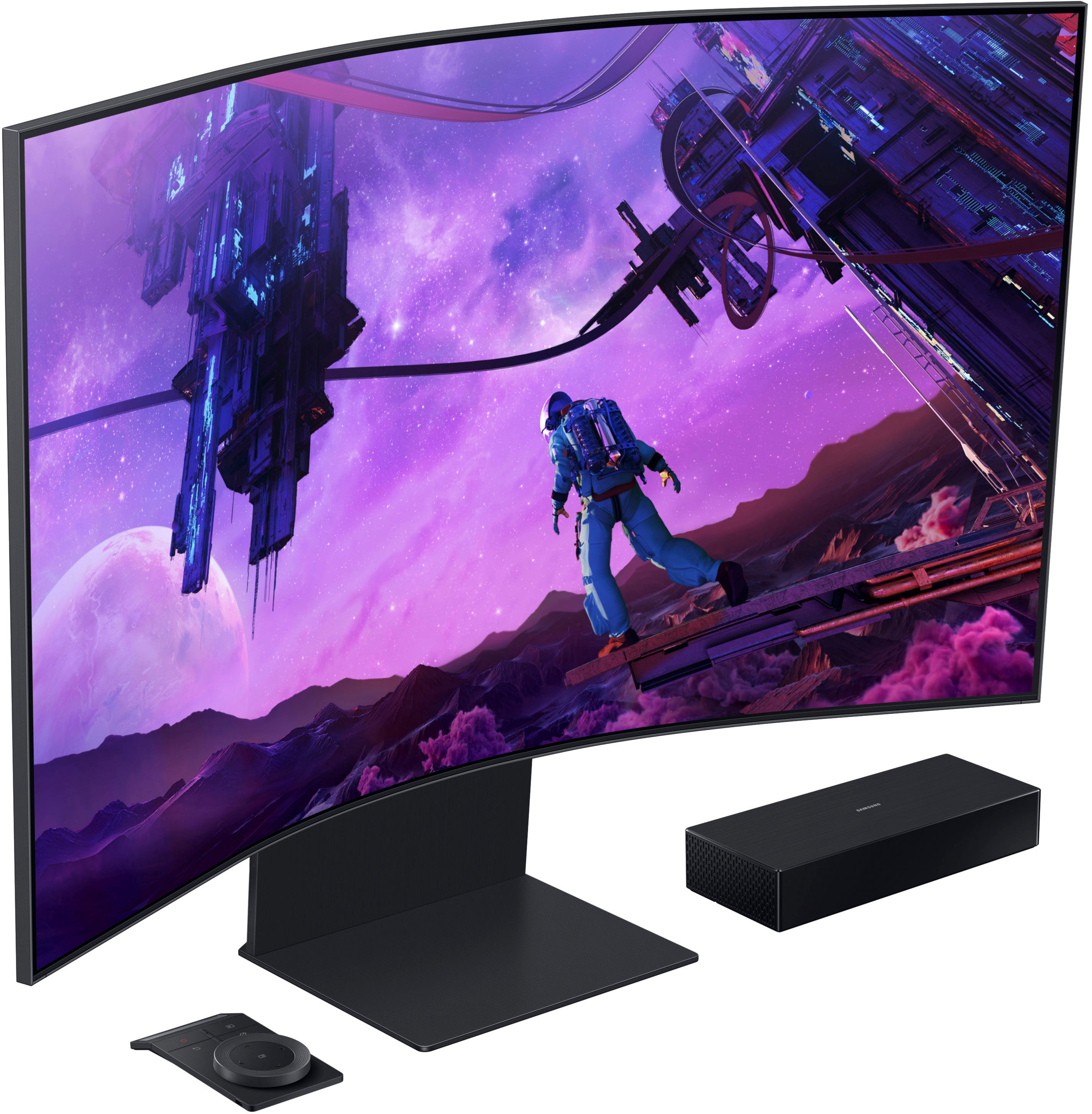
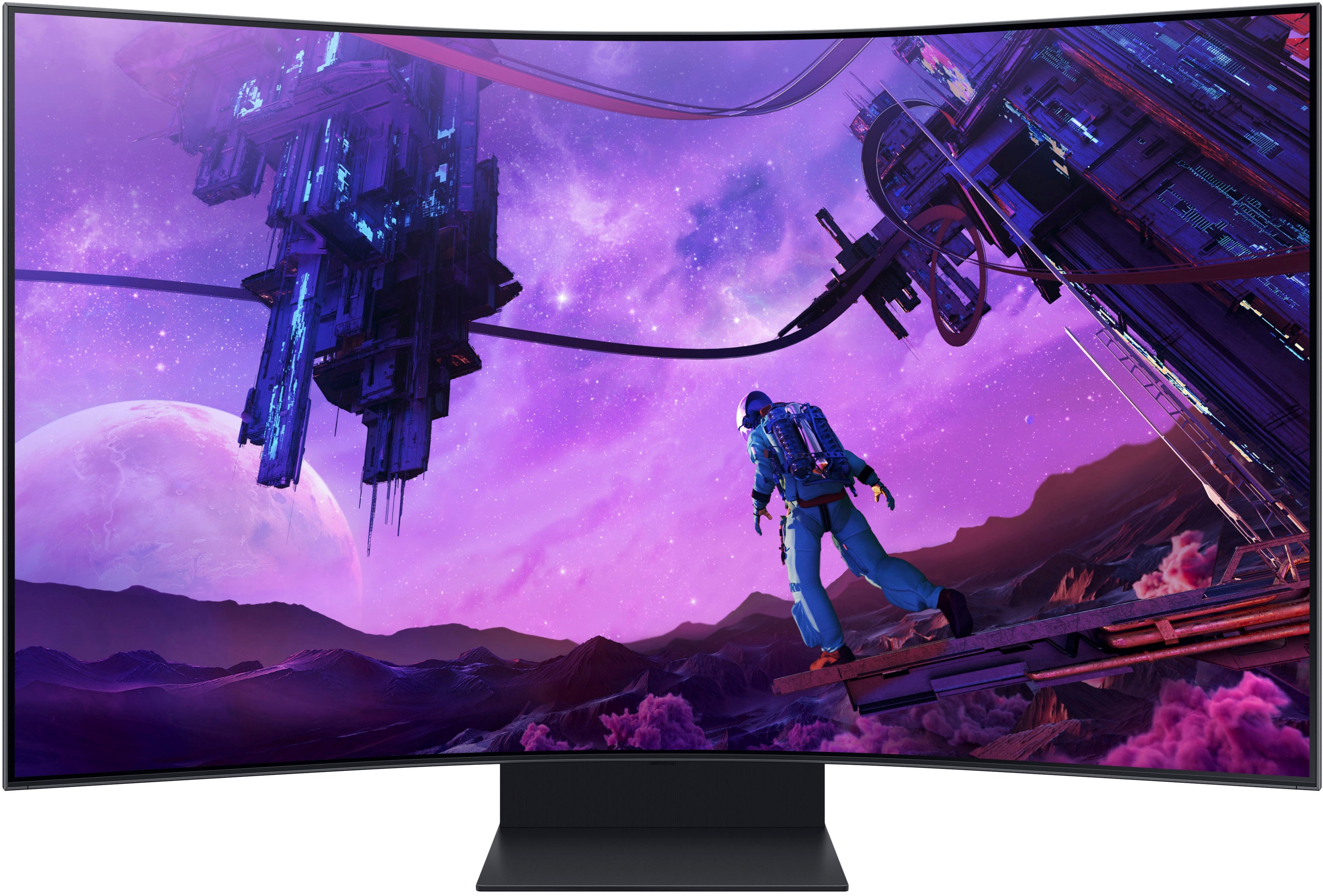
|Posted .This reviewer received promo considerations or sweepstakes entry for writing a review.The Samsung Odyssey Ark is, unequivocally, the largest, most powerful, and utterly impressive display I have ever had the joy of using. Boasting an enormous 55” 1000R curved screen capable of displaying HDR 4K inputs at a blistering 165hz refresh rate with a lightning-quick 1ms (GTG) response time via HDMI 2.1, this display is unmatched for gaming performance and image quality. Samsung’s next-gen Quantum Mini-LED display technology provides the backbone for the Ark’s incredible image performance and, paired with the anti-glare matte finish of the screen, delivers the most exceptional contrast and low-light detail I have ever seen in gaming. In addition to the high-performance screen, the Ark is capable of delivering outstanding sound performance as well. With multiple speakers, two dedicated subwoofers, and internal Dolby Atmos/Sound Dome sound processing software driving the whole array, the audio from this display rivals or eclipses several consumer Bluetooth speakers I’ve used in the past. Even in gaming, where accurate directionality of sounds is paramount, Dolby Atmos paired with the sheer size of the screen provides headphone-like performance. Such a large panel necessitates an unquestionably sturdy construction, and Samsung delivers in both brawn and elegance. With two hefty chunks of finely finished metal comprising the stand and a premium brushed plastic backing the display itself, the Ark exudes quality. It is abundantly clear that Samsung has spared absolutely no expense in designing each aspect of the Ark. The only downside to such a sturdy build is that it requires two people to move it. Weighing 97 pounds after assembly, I had to wait for my son to get home to help me lift it up onto my desk. You may be tempted to lift it yourself, but I promise it is not worth risking damage to such a fine piece of technology (as is referenced in the quick setup guide included with the packaging). One of the most impressive physical and technological attributes of the Ark comes with the versatility of the stand. With silky-smooth ergonomic height, tilt, and rotation adjustments, you will find it is incredibly easy to adjust the Ark to your viewing preference, despite its size and weight. Additionally, the stand also allows for a full 90-degree rotation into what Samsung has called, “Cockpit Mode.” Cockpit Mode provides the same fully-specced 4k display in a portrait mode which is simply perfect for viewing content made for mobile platforms (i.e., IG Reels, YT Shorts, TikToks, etc.). Cockpit Mode can also be paired with the powerful multi-screen viewing capabilities the Ark provides to satisfy your wildest productivity and entertainment dreams. Want to work on a spreadsheet while watching market analysis on YouTube and monitoring your stock portfolio at the same time? The Ark has you covered. Want to play Halo while watching Amazon Prime content and keeping an eye on the local doppler radar at the same time? The Ark has you covered. The cornucopia of sleek features requires an equally sleek control method (you wouldn’t want to fiddle with a rocker button on the back of a 55” panel every time you want to change a setting), and Samsung delivers spectacularly. With two external control methods, a traditional wireless remote control and Samsung’s proprietary wireless Ark Dial, this display is the easiest to interface with that I have ever used. While the remote control provides a conventional approach to controlling the display, the Ark Dial cranks the intuitiveness to 11. It’s so easy to use, I didn’t even bother reading the guide provided in the packaging. In addition to being able to control every setting of the display from the Ark Dial, the presence of the free spinning dial allows for some clever features exclusive to the Ark Dial. Case in point: The Flex Move Screen feature, allowing you to make on-the-fly adjustments to your screen size if you find that 55” is just too much for a particular application. Additionally, the Ark Dial makes switching to multiscreen viewing modes easier than ever before. Whether you prefer to stick with the tried and true conventional remote or you’re interested in taking the Ark Dial for a spin, you will find that interfacing with this display is an exercise in simplicity. The icing on the cake for both devices is that you will never have to worry about replacing batteries; both the remote and the Ark Dial have solar panels similar to those found on calculators, as well as backup USB-C charging ports if they are used for a prolonged period in an exceedingly dark area. On top of everything mentioned so far, this display also doubles as a Smart TV. Sporting a dashboard similar to those found on Samsung’s most recent crop of Smart TVs, you will find that you can seamlessly switch between PC gaming and experiencing your home entertainment system with zero performance impact to the display. The latest generation of Samsung processor provides a strikingly snappy response that never suffers from the lag issues commonly associated with Smart TV operating systems. As you might expect, the aforementioned Dolby Atmos sound system makes for a captivating movie viewing experience as well. This makes a very compelling case for using the Ark as the centerpiece of a bedroom entertainment system; you can game with the most powerful and versatile PC gaming monitor on the market during the day and then switch over to exceptional Smart TV functionality for settling in with all your favorite shows in the evening… and if you would like to do both at the same time, no problem! You can do just that with the versatile suite of multi-screen features the Ark provides. Overall, this is unquestionably the most stunning and powerful display device that I have ever experienced. I hesitate to even refer to it as a monitor because that heavily undersells what the Ark has to offer. The Ark is not only a maximum-performance PC gaming monitor, but a Smart TV, a top-of-the-line mobile-media viewing platform, a productivity wonderland, a compelling all-in-one entertainment system, and, above all else, an utterly impressive piece of technology. I cannot recommend this product enough if you are looking for the best no-holds-barred maximalist display device on the market. The Ark will likely be with me for years to come, and I could not be happier with its performance.
I would recommend this to a friendHigh quality 55" gaming curved monitor
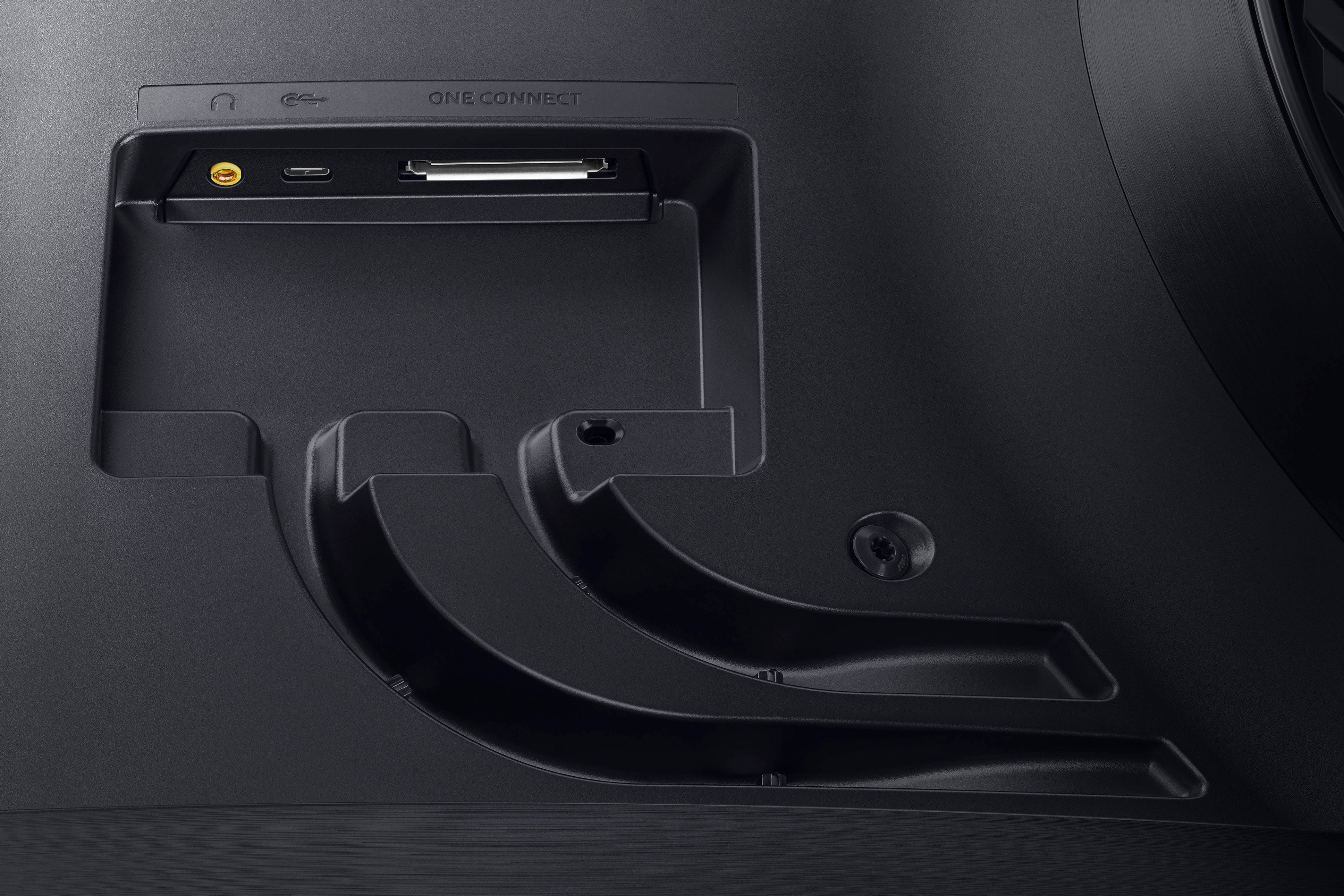
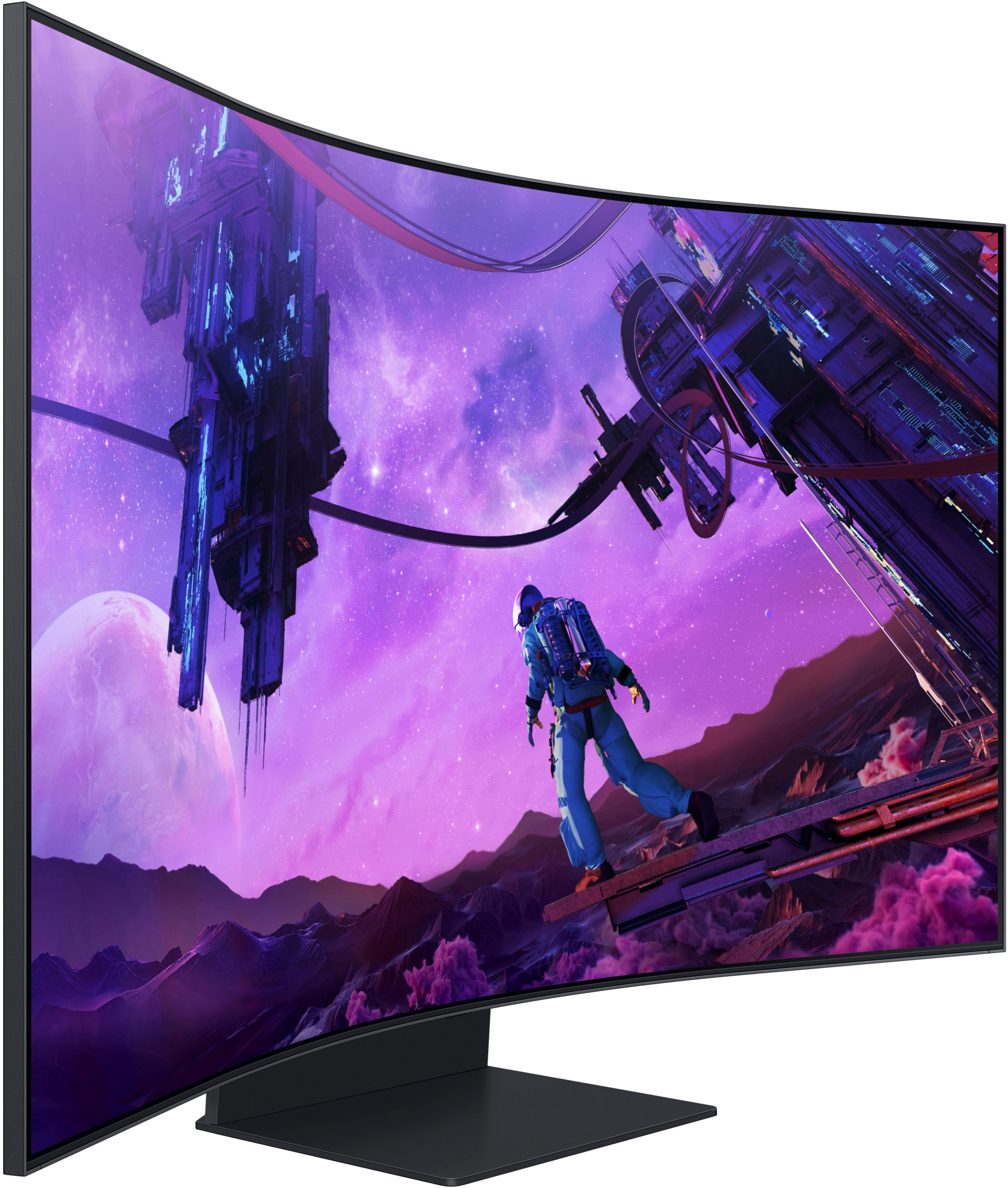
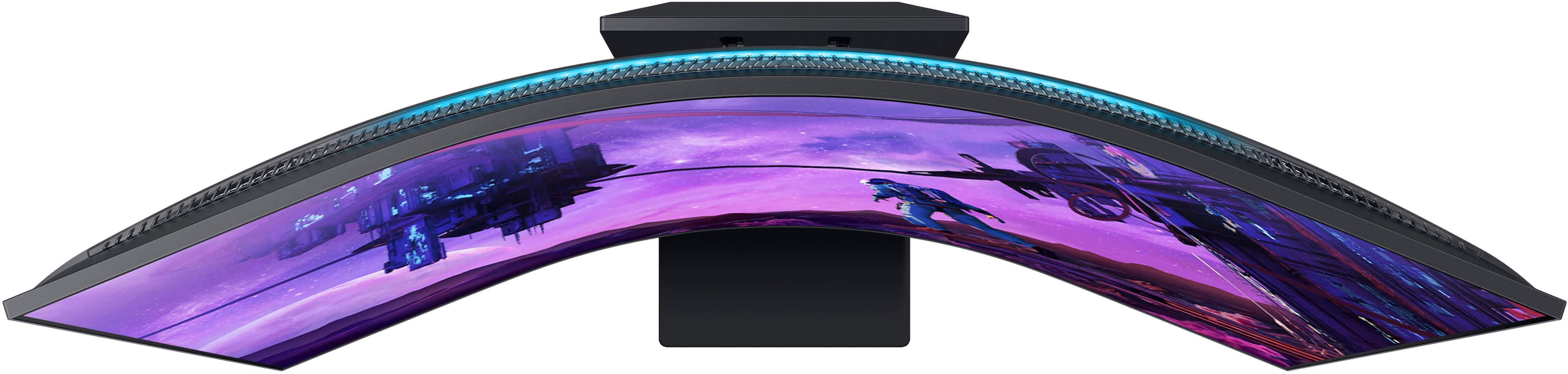
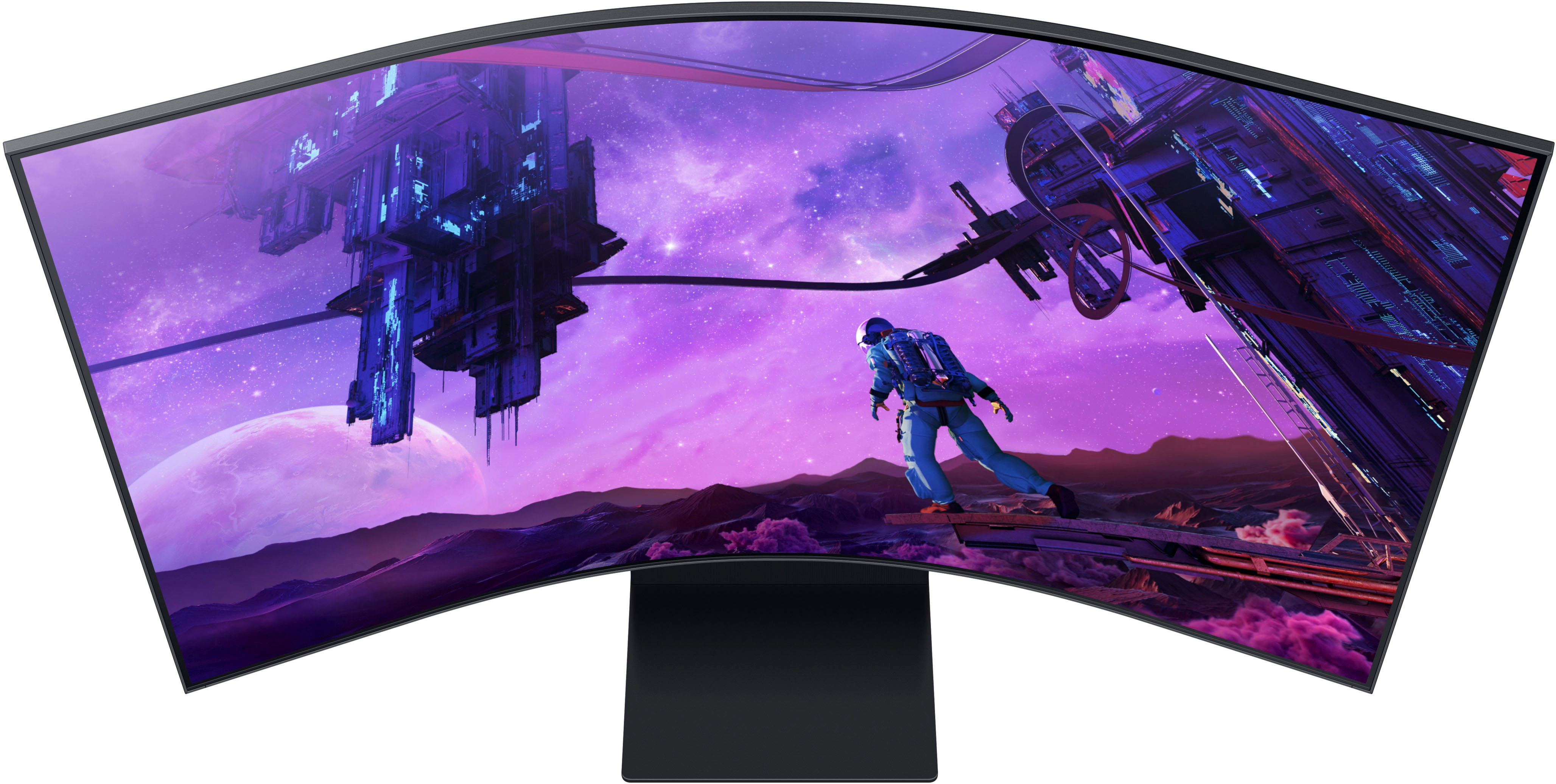
|Posted .This reviewer received promo considerations or sweepstakes entry for writing a review.Samsung - 55" Odyssey Ark 4K UHD 165Hz 1ms Quantum Mini-LED Multiview Curved Gaming Monitor - Black Model:LS55BG970NNXGO SKU:6510927 Release Date:09/12/2022 Manual: https://www.samsung.com/us/computing/monitors/gaming/55-odyssey-ark-4k-uhd-165hz-1ms-quantum-mini-led-curved-gaming-screen-ls55bg970nnxgo/#support HIGH Quality monitor with a few minor issues: Headphone jack is hidden behind TV. If you leave an extension cord plugged in with headphones connected or not connected it will shut down all other sound options Manual has no detailed list of specifications (ex: AX for Wi-Fi which is the standard for 6e implementation). Monitor shows 5GHZ and not AX. No instructions on what the USB-B connection on the one connect is to be used for. Other models say connect to a computer????????????? If so, how does that work? No DP but HDMI is sufficient Set weighs at least 92# with a very heavy solid stand and is a bear to do anything with except leave on the floor. Which is what I did. My TV stand was not rated for this weight. The metal stand is needed as when you flip the monitor it does not budge. Do not use a non 4K USB-C cable to connect to a laptop. Power cables without 4K are not designed to do this action. Setup: Follow the directions exactly on initial setup. The assembly instructions are clear. Little to no information on the wall mount that was included in the box. I assume once you use the floor mount this option will be a challenge to reconfigure. Wal- mount is nice but they need to tell you in step one that this is an option and how to assemble it properly. You will need to connect all your cables in the back of the TV in vertical mode so you can see them. I inserted an extension USB-C cable so you can access this in the front of the monitor. On the floor it is perfect in horizontal mode. If you connect an HDMI device it will bug you forever on startup that it is not turned on. You must respond to the warning to ignore the device on start up. Gamming hub may lag a little since it is cloud based (works fine) Curious if email works or search internet???? Yes, it does as well as surfing the net for sites. However, this is risky as you do not have the built-in protections of Edge. Warnings pop up and say you are at risk. Final thoughts: This is a very high-end quality monitor that can do just about everything. Gamming hub/ works perfect with XBOX Ultimate XBOX X/S both work over HDMI with no issues You can link your XBOX X/S controller and USB devices with no problem. Keyboard and mouse work off a USB-C hub The space ship (ARK dial) hand held large remote works well Both remotes are rechargeable with a USB-C cord and have built-in solar panel. Apps for most video and music sites are pre-installed You can play music and video on a USB stick or SSD since it has a USB-C jack ((however some formats are not supported (WMA lossless)). The USB-B jack may be able to access your computer but I did not connect it until I get clear instructions on why and how. If this works it would be handy to snag files off your M.2 on your desktop or laptop. This could replace your TV and game machine with an all-in-one device. Overview Description Kickstart your immersive journey with the Samsung Odyssey Ark – a new frontier in gaming and so much more. Spanning a grand 55” and curved to the shape of the human eye, the Ark screen can be rotated into landscape or Cockpit Mode for your optimal display setup. Your keys to victory over lag are a 165Hz refresh rate and 1ms (GTG) response time, while variable refresh rate with AMD FreeSync Premium Pro is the team-up you need to tear up the racetrack, not your screen. Whether you’re exploring new lands in your favorite dungeon crawler, tossing Bits at your favorite streamer, or watching your 10th episode on Netflix, our Quantum Mini-LED and Sound Dome technology with Dolby Atmos produce a perfect viewing experience with stellar picture quality and immersive surround sound. Enjoy multiple content sources all on one screen – it’s all possible with one touch on the model-exclusive Ark Dial. Features A new frontier in gaming See more on the Samsung Odyssey Ark’s 55”, 1000R curved screen. Prepare for victory and minimize game disruptions with a 165hz refresh rate, 1ms (GTG) response time and variable refresh rate support with AMD FreeSync Premium Pro. Quantum Mini-LED achieves next-generation depth to deliver exceptional picture quality, enhanced by Dolby Atmos and Sound Dome technology for immersive surround sound. Find your perfect display by rotating the screen to Cockpit Mode. With one touch of our model-exclusive Ark Dial, adjust screen size and ratio to enjoy multiple content sources at once. Overwhelm your senses The massive 55” screen delivers a display that overwhelms your senses, creating an adrenaline-fueled experience superior to anything seen before. The 1000R curvature to wrap around your field of vision for maximum immersion. There’s no better monitor to upgrade your gaming setup than Odyssey Ark. Incredible 4k gaming refresh rates Conquer every enemy, even at extreme speeds. Ark’s 165Hz refresh rate virtually eliminates lag for exhilarating gameplay with ultra-smooth action. Identify enemies with elite precision with the help of a 1ms response time, precise mouse movements, and blur-free frames, with minimized ghosting. Swing into groundbreaking views Take control of your personal gaming cockpit. Rotate the screen to Cockpit Mode with HAS, tilt and pivot functionality for an optimal screen environment. This customizable positioning creates a new sense of world-blending immersion, further enhanced by ambient Eclipse Lighting. Engulf yourself in sound Lose yourself in a world that sounds as good as it looks. Four corner speakers and two central woofers produce a 60W 2.2.2 channel with the lowest 45Hz notes of any gaming screen or sound bar. AI Sound Booster and Dolby Atmos take it to the next level, surrounding you in a three-dimensional soundscape that teleports you inside the gaming world. More possibilities on a single screen No more getting distracted by multi-screen setups. Multi View feature allows users to play up to 4 screens at once, all on a 55” wide screen. Plus, built-in apps such as YouTube and Samsung TV Plus offer a Smart TV experience so gamers can now play, stream and browse all on one screen. Odyssey Ark really has it all. Where gaming comes together The ultimate home for gaming all in one place. Gaming Hub allows instant access to top streaming services, as well as your favorite console and PC games. Smooth visuals and responsive gameplay are powered by Samsung’s advanced game streaming technology without downloads or storage limits – just turn on Ark and play. In-depth detail for a competitive edge See every detail in all its glory. From gloomy shadows to sun-scorched scenes, the 1,000,000:1 contrast ratio enables enhanced color expression and depth. Get a competitive edge with HDR 10+, which automatically adapts games in real-time to show you every detail that could lead to victory. AI-enhanced 4K cinematic experience By combining 20 multi-layer neural networks, the AI-Powered processor cleverly analyzes images to restore every detail, pixel by pixel. Automatic brightness adjustment, contrast amplification and enhancements optimize the resolution of whatever you're watching. Exclusive controller at your command Ark Dial puts the player in full control of their screen, allowing quick and simple access to a variety of functions – including Flex Move Screen, Multi View, Quick Settings and Game Bar. The solar-powered controller is an innovative exclusive that allows the user to command the Ark freely and push forward. Focus without ever breaking flow Hyper action made seamless. Support of Variable refresh rate (VRR) with AMD FreeSync Premium Pro keeps the GPU and panel synced up to virtually eliminate choppiness, screen-lag, and image tears. Fast-action and complex game scenes are stable and stutter-free for maximum competitive edge. Shape the screen for optimal setup Six layouts mean you’ll always have the ideal winning position. Flex Move Screen enables users to change screen size from 55 to 27 inches, move the screen position and adjust ratio (16:9 > 21:9 > 32:9) quickly and easily with Ark Dial. Experience the freedom to flex while playing any game. Key Specs Voice Assistant Built-in Amazon Alexa Refresh Rate 165Hz Maximum Resolution 3840 x 2160 Response Time 1 milliseconds Panel Type VA Synchronization Technology FreeSync Premium Pro (AMD Adaptive Sync) Screen Size 55 inches Number of HDMI Inputs (Total) 4 Compatibility Voice Assistant Built-in Amazon Alexa Wall Mountable Yes VESA Wall Mount Standard 200mm x 200mm General Product Name 55" Odyssey Ark 4K UHD 165Hz 1ms Quantum Mini-LED Multiview Curved Gaming Monitor Brand Samsung Operating System Compatibility Not Applicable Model Number LS55BG970NNXGO Color Black Color Category Black Display Refresh Rate 165Hz Maximum Resolution 3840 x 2160 Contrast Ratio 1,000,000:1 Response Time 1 milliseconds Display Type LED Panel Type VA Synchronization Technology FreeSync Premium Pro (AMD Adaptive Sync) Aspect Ratio 16:9 Curved Screen Yes Brightness 1000 candela per square meter Screen Size 55 inches High Dynamic Range (HDR) Yes High Dynamic Range Format HDR 10+ Horizontal Viewing Angle 178 degrees Vertical Viewing Angle 178 degrees Touch Screen No Connectivity Number of HDMI Inputs (Total) 4 Number of USB Ports (Total) 2 Feature Adjustable Stand Height Yes Built-In Webcam No Integrated Speaker(s) Yes Smart Capable Yes Dimension Product Height With Stand 43.4 inches Product Height Without Stand 27.7 inches Product Width 46.3 inches Product Depth (With Stand) 15 inches Product Depth Without Stand 9.9 inches Product Weight 91.5 pounds Stand Included Yes Certifications & Listings ENERGY STAR Certified No EPEAT Qualified No Warranty Manufacturer's Warranty - Parts 1 year Manufacturer's Warranty
No, I would not recommend this to a friendUnlike any other gaming monitor
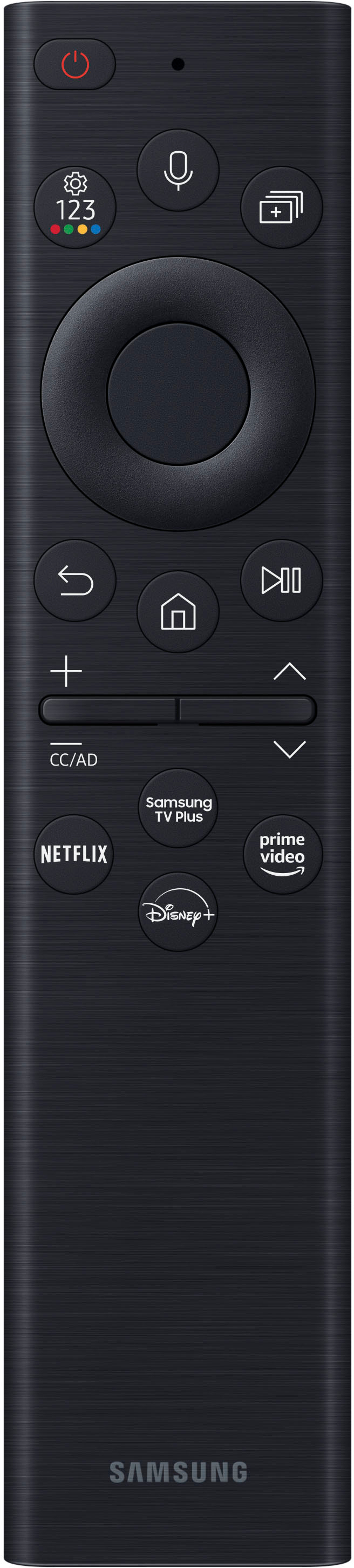
|Posted .This reviewer received promo considerations or sweepstakes entry for writing a review.It's almost difficult to know where to begin when describing this top-of-the-line Samsung gaming monitor. I've been using it for a week now, and I still feel like there may be features and tips/tricks that I'm missing. First, it's not just a gaming monitor--it's also a smart TV. With the base, it's definitely the most massive monitor I've used, but it also has the ability to easily rotate into a vertical position and back to horizontal when needed. It's not really like any other monitor I've ever used. The built-in speakers are just fantastic, so it makes a great home theater setup as well. The monitor itself has only a single cable that you plug in and connect to the separate "One Connect" box that has all the other connections like power, Ethernet/Wifi and multiple HDMI inputs. This is kind of nice, because you never have to mess with connecting anything else to the back of this very large, heavy monitor. Everything can be done on the One Connect box. It also comes with two remotes. One is more of a standard "smart remote" that has a mic button to accept voice commands, the usual buttons for pause/play/back, and volume up/down. It also has a "smart hub" button that takes you to the smart TV screen where you can run and install apps, select inputs, etc. It also has the quick buttons that directly open apps like Samsung TV Plus (of course), Netflix, Prime Video, and Disney+. The second remote is called the Ark Dial, and it's quite different from the usual remotes. It's 3 or 4 times larger than the smart remote and has a large dial--the Ark Dial. Within the dial there are four directional buttons and an "enter" button in the middle. Other than that, it only has a few other buttons: Power, source, volume +/-, return, and the Ark Dial Menu button. Neither remote has replaceable batteries, but they can be charged via a USB-C port or kept charged by the built-in solar panels on each. I thought this was a nice touch and hopefully they'll stay charged this way indefinitely. One thing that tripped me up a little with Ark dial at first was realizing which was the top and bottom of the remote. (Turns out the solar panel is on the top.) I had it upside down at first and it was a little baffling why the controls seemed "backwards." Go ahead and laugh, but I have a feeling I won't be the only one this happens to. The Ark menu is where you can select quick settings, move screens around in the multi-screen views or resize the screen views, go to the home screen, set up new multi-screen views, or bring up the Game Bar. The Game Bar lets you quickly adjust frames per second, resolution, the back lighting on the monitor (Eclipse Lighting), and other monitor settings for gaming. It looks like when the monitor is rotated vertically (I believe they're calling this "cockpit mode") you can have three different screens displayed. For example, I can have my PS4 or PC screen displayed on the bottom third, maybe a web browser in the middle, and then YouTube playing up in the top third. You use the Ark Dial to select focus to interact with whichever screen you want, or even change what order the screens are displayed on the monitor. In horizontal mode, it looks like you can have one source full screen, or have 2, 3, or 4 different screens displayed together. One major caveat, however, is it appears you can only have ONE HDMI input active at a time. So, if you wanted to have both your PC via HDMI and your PlayStation displayed, that will NOT work. You can run games via the built-in Smart Hub, though, and I even had my phone displayed via Samsung DeX, but you can only have one HDMI input active at a time. For me personally, I don't think I'll use the screen in the vertical cockpit mode but will keep it horizontal. I have it on my normal desk and it's so large that even in the horizontal position I find myself looking up quite a bit. In cockpit mode, I'm tilting my head back even further and it gets uncomfortable pretty quickly. If I had a way to sit the monitor on a surface a couple feet lower then it might be great. Or, if I had a chair with a headrest that I could lean back in that would help, too, for longer gaming sessions. Still, even just using it in the normal horizontal position, it's an incredible monitor. I've played some FPS games on the PlayStation and noticed no blur or any other distractions from the display. And speaking of blur, the matte finish on the screen is a really nice feature that prevents any reflections from the room behind me. I even used it in a fairly sunny office room and I could see every part of the screen perfectly. My ultimate test for the monitor, though, was running Microsoft Flight Simulator 2020 on it via an HDMI 2.0 connection from my gaming PC. It worked beautifully! I also have the Samsung Odyssey Neo G9 which is a great monitor. It doesn't have all the bells and whistles and is just a great, horizontal gaming monitor for quite a bit less money. The Ark is a really expensive monitor. But if you can afford it and you're looking for the latest state-of-the-art in monitor/smart TV/home theater technology, then I don't think you can find anything better on the market today.
I would recommend this to a friendMassive Gaming Monitor with awesome features
|Posted .This reviewer received promo considerations or sweepstakes entry for writing a review.The Samsung Odyssey ARK is different than any gaming monitor I have ever seen. Everything about it is just shocking. It definitely has the potential to be a game changer. The first thing I would like to talk about is the Design. This monitor is MASSIVE. It takes at least two people to even set it up. Most of the weight is in the stand which I believe weights around 80 pounds alone. This is needed to make it feel sturdy, which it does very well. I had it on two different desks and it did not feel like it would fall over. It also comes with a bracket if you prefer to mount it on the wall. One of the most stand out features is the 55 in curved screen that also has a portrait mode. When in portrait mode it feels like the top of the screen is towering over the top of your head and it is awesome. It is connected to a HUB which allows you to plug in multiple inputs via HDMI. It is a little disappointing that it only has HDMI ports so you cannot connect anything via USB-C or VGA unless you use an adapter. The stand and hinge are genuinely nice and it is easy to rotate the screen. I love that it has both a remote and dial which easily allow you to configure the screen however you would like. The next thing I would like to discuss is using the screen and unfortunately this is where I feel it falls short. I was looking forward to being able to have multiple screens for working and gaming on. What I found is that you can only have one directly connected screen and one more wirelessly connected screen. When connecting my work computer to it I was not able to connect a wireless display since it is locked by my company. So, I was not able to replace my multiple monitors set up for work. For personal use I was able to get two screens but then you are limited to the built-in apps for the third screen which in my opinion are pretty limited. They are limited to a built-in internet browser, YouTube, Samsung TV just to name a few. I am hoping the in the future and update would allow you to either have multiple screens through one connection or hook up multiple inputs and use them all at once. It does allow you to wireless share your phone to the screen and watching Tik-Toks in portrait mode was pretty awesome. Overall, the screen is huge, bright, has great colors and games look amazing on it. It took a while to put it all together and set it up, but it is not extremely hard if you follow all the directions. This monitor is definitely not for everyone. If you are a hardcore gamer than I believe this could be a good fit. Also, if you are someone who just wants a huge interactive screen for your computer than it works. But for the average person I do not think this would be worth it at this point in time. I am hoping they are able to update the software to allow for 3 actual monitors in one which I believe would make it much more appealing.
I would recommend this to a friendWarranty confusion.
Posted .This reviewer received promo considerations or sweepstakes entry for writing a review.love the monitor. Its an investment with the cost. But there seems to be lot of confusion on warranty. Samsung seems to have responded here with Generic response to warranty on their monitors. I have it registered and it says my warranty expires 2025. Then I click details it says 3 years parts and labor. But has generic 1 year write up on the bottom. I think the monitor is 3 years but samsung monitors so far has been only 1 year. That is the confusion. Register with samsugn during setup and log in to your online account after to confirm. Mine on main page clearly says warranty until sept 30 2025. Samsung announced this recently india and did mention 3 year warranty. Don't be oversold on warranty. I wanted to get extended 4 year but it already has 3 years. So I am skipping.
I would recommend this to a friendOdyssey Ark 55
Posted .This reviewer received promo considerations or sweepstakes entry for writing a review.Going on my first week owning Ark. Heavy, sturdy, quality build. I read all the reviews I could before making the purchase. I understand some of the limitations when it comes to viewing more than one HDMI at a time and at original price I would have never done it but on sale for $1999 I found a way to justify the purchase. All in all it's a serious gaming monitor with amazing picture. I use it for both work and gaming at night once I log off. take a little getting use to navigating both remotes and fixing the specs to my liking but in the end I am completely satisfied with this purchase.
I would recommend this to a friendFantastic product
Posted .This reviewer received promo considerations or sweepstakes entry for writing a review.Great product. Every game feels immersive. 10/10 will buy again.
I would recommend this to a friendAbsolute beast
Posted .This reviewer received promo considerations or sweepstakes entry for writing a review.This Manager is an absolute Beast. Samsung has outdid themself once again. If you have an opportunity to get this Ark, get it. It will knock you out, you will be playing. Or watching TV all day and all night and you won't be able to get any work done or any sleep. That's how much of a beast this is
I would recommend this to a friendExtremely buggy mess
Posted .This reviewer received promo considerations or sweepstakes entry for writing a review.This monitor on paper is perfect. As a monitor, it has eARC which is unheard of. It has 165hz refresh rate and G-Sync/Freesync support, VRR, HDMI 2.1 inputs, and smart TV features. It's basically a smart TV with high DPI and great color. The bad - I bought it at full MSRP and its a huge regret. In spite of having 4 HDMI 2.1 inputs, it only allows 1 HDMI source at a time. Even though it's based on samsung TVs which allow this. The firmware update in December broke HDR for many, requiring tricks to get proper color/brightness without being washed out. (Such as toggling Gsync on and off or other workarounds). Dolby Atmos, in spite of being listed as a main feature and bullet point, does not function. Period. If you use Windows you will get NO AUDIO WHATSOEVER if you enable Dolby Atmos for Home Theater. This means even though the settings say "Enable Dolby Atmos" you will hear nothing. It doesn't work through eARC passthrough either. It can only play 5.1 sound on the monitors speakers, and it can only output 5.1 via eARC, it will not allow you to transmit 7.1 or atmos to a receiver. When using an Apple TV or Xbox Series X, dolby atmos appears to work, but the Xbox reports it as a Stereo speakers or Atmos, no alternatives. No surround option. HDR10+ looks great, however when I watched Netflix or other items there is really bad ghosting on moving objects, like a wall of pixels follows the motion. It's less noticable at a distance, but this is a monitor... WHEN THIS MONITOR WORKS - it works well. If you want to use 165hz gaming at 4k HDR with 5.1 sound, it's fine. I'd advise most people to just buy a 55" TV instead of this until the firmware issues are addressed. Bonus Section: This monitor has 2 remotes neither of which are complete and require you to use both. The giant remote can't access the menu, the small remote can't change inputs. Why give us a giant remote with giant buttons if its missing the essentials? Overall horrible design choice. Firmware can't fix this
No, I would not recommend this to a friendBrand response from Samsung
Posted .Thank you for your purchase and review of the Odyssey Ark Gaming Monitor!
We are sorry to hear about the issues you have been experiencing. Your overall feedback is important to us and we will document your concerns.
If there is anything we else can do to assist you and improve your product experience, please contact Samsung Customer Support via: 1-800-SAMSUNG, available 8AM - 12AM EST (Mon-Fri) / 9AM - 11PM EST (Sat-Sun)
Samsung is committed to providing the best possible product experience, quality, and value, and we are always here to help with any of your questions or concerns.
Great monitor with HUGE DOWNFALL!
Posted .This reviewer received promo considerations or sweepstakes entry for writing a review.Overall great monitor, BUT! Be aware! - THIS IS NOT A GAMING monitor! It's a smart tv with refresh rate 165hz! Also no basic function of splitscreen!!! They show it as it has one, but it's just for TV apps, which it absurd! You have a whole box of HDMI inputs that you can't even use at the same time, like it was in other ultrawide Odyssey monitors.
No, I would not recommend this to a friendBrand response from Samsung
Posted .Thank you for bringing this issue to our attention as Samsung is committed to providing the best possible product experience, quality, and value. Samsung greatly values our customers’ feedback and we utilize your concerns and opinions in our relentless efforts towards delivering world-class products. We are very sorry to hear this product didn't meet your expectations and hope to have you back as a customer again.
If there is anything we can do to assist you and improve your product experience, please don't hesitate to contact Samsung Customer Support via: 1-800-SAMSUNG, available 8AM - 12AM EST (Mon-Fri) / 9AM - 11PM EST (Sat-Sun)
Too big and confusing to use.
Posted .This reviewer received promo considerations or sweepstakes entry for writing a review.Way too big for almost all use cases. The vertical mode is very ridiculous. Confusing to use with two remotes. Not a great computer, not a great TV - returned.
No, I would not recommend this to a friendBrand response from Samsung
Posted .Thank you for bringing this issue to our attention as Samsung is committed to providing the best possible product experience, quality, and value. Samsung greatly values our customers’ feedback and we utilize your concerns and opinions in our relentless efforts towards delivering world-class products. We are very sorry to hear that you returned this product and hope to have you back as a customer again.
If you ever need assistance in the future, please contact Samsung Customer Support and a rep will be happy to assist you:
1-800-SAMSUNG, available 8AM - 12AM EST (Mon-Fri) / 9AM - 11PM EST (Sat-Sun)
Odyssey Arc
Posted .This reviewer received promo considerations or sweepstakes entry for writing a review.Great product gojng to buy 2 more. Using this as my main monitor.
I would recommend this to a friendMax refresh 120 at 4k
Posted .This reviewer received promo considerations or sweepstakes entry for writing a review.Apologies if this has been mentioned but at 4k over HDMI 2.1 connection is limited to 120hz. This is a big miss to not have any display ports on something that is targeted to be a monitor. This is a curved screen TV IMHO. Sure you can drop resolution to get a higher refresh capability but why sacrifice like that especially at that price?
No, I would not recommend this to a friendBrand response from Samsung
Posted .Thank you for your purchase and review of the Odyssey Ark Gaming Monitor!
We are sorry to hear about the issues you have been experiencing. Your overall feedback is important to us and we will document your concerns.
If there is anything we else can do to assist you and improve your product experience, please contact Samsung Customer Support via: 1-800-SAMSUNG, available 8AM - 12AM EST (Mon-Fri) / 9AM - 11PM EST (Sat-Sun)
Samsung is committed to providing the best possible product experience, quality, and value, and we are always here to help with any of your questions or concerns.