Customer Ratings & Reviews
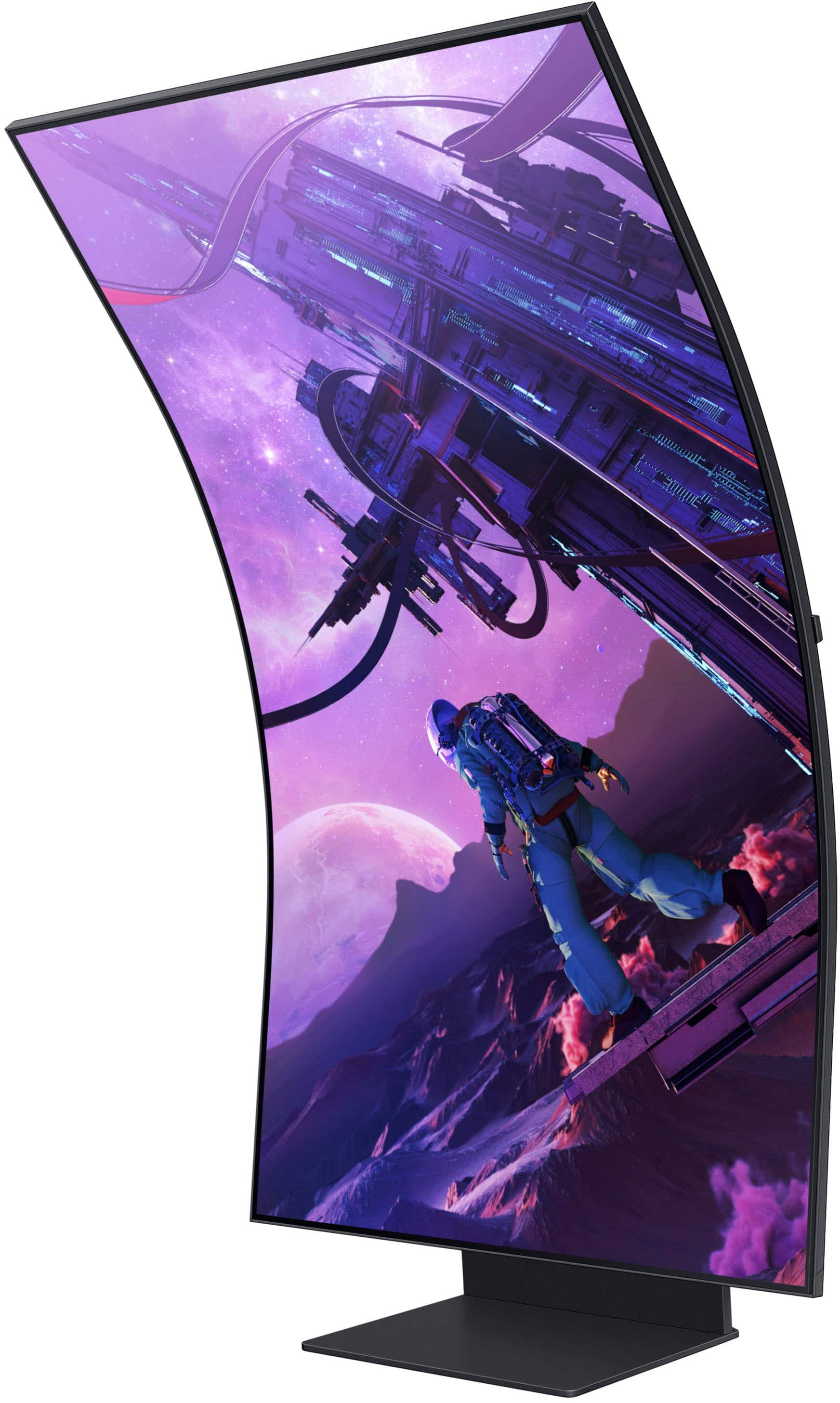
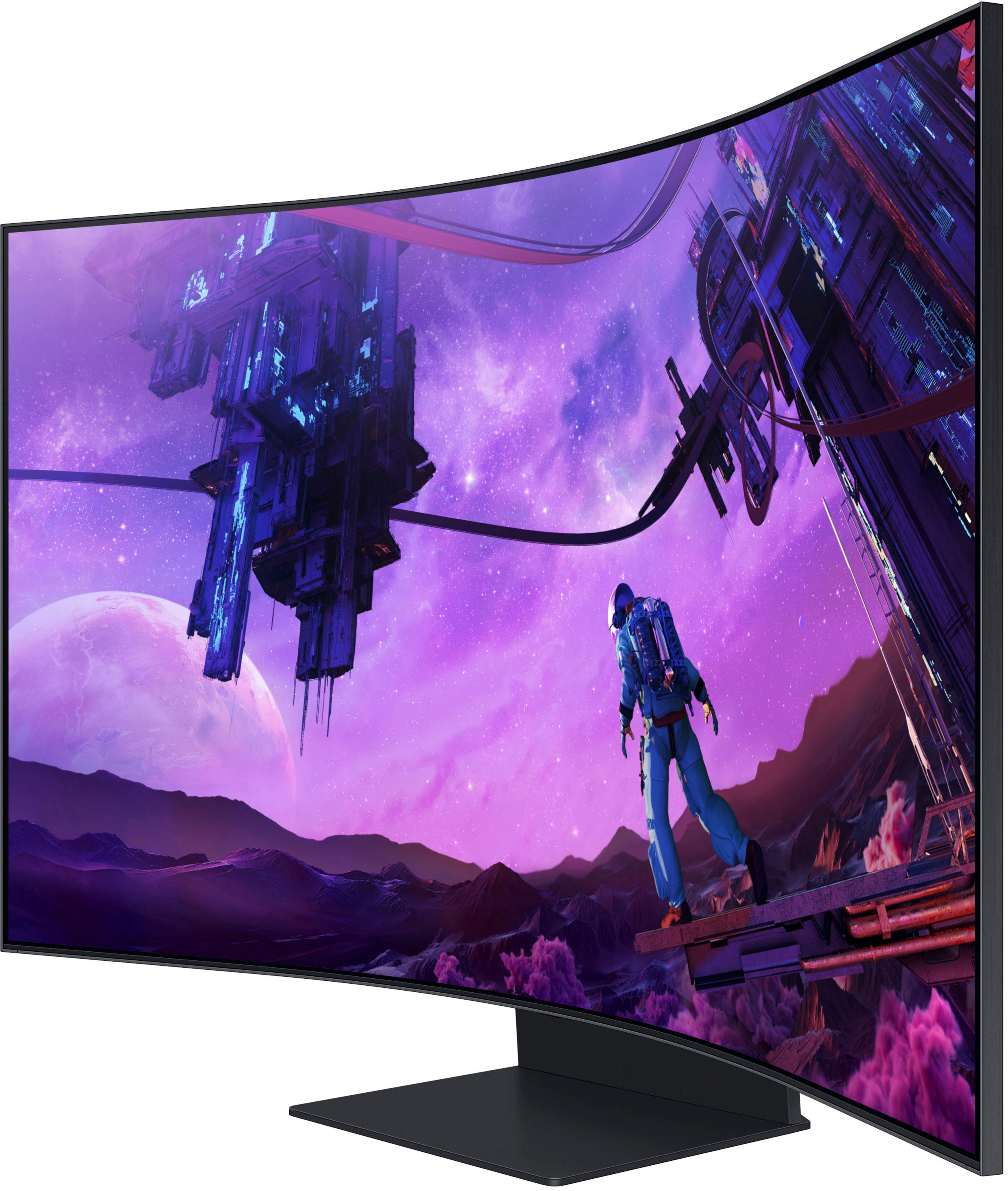
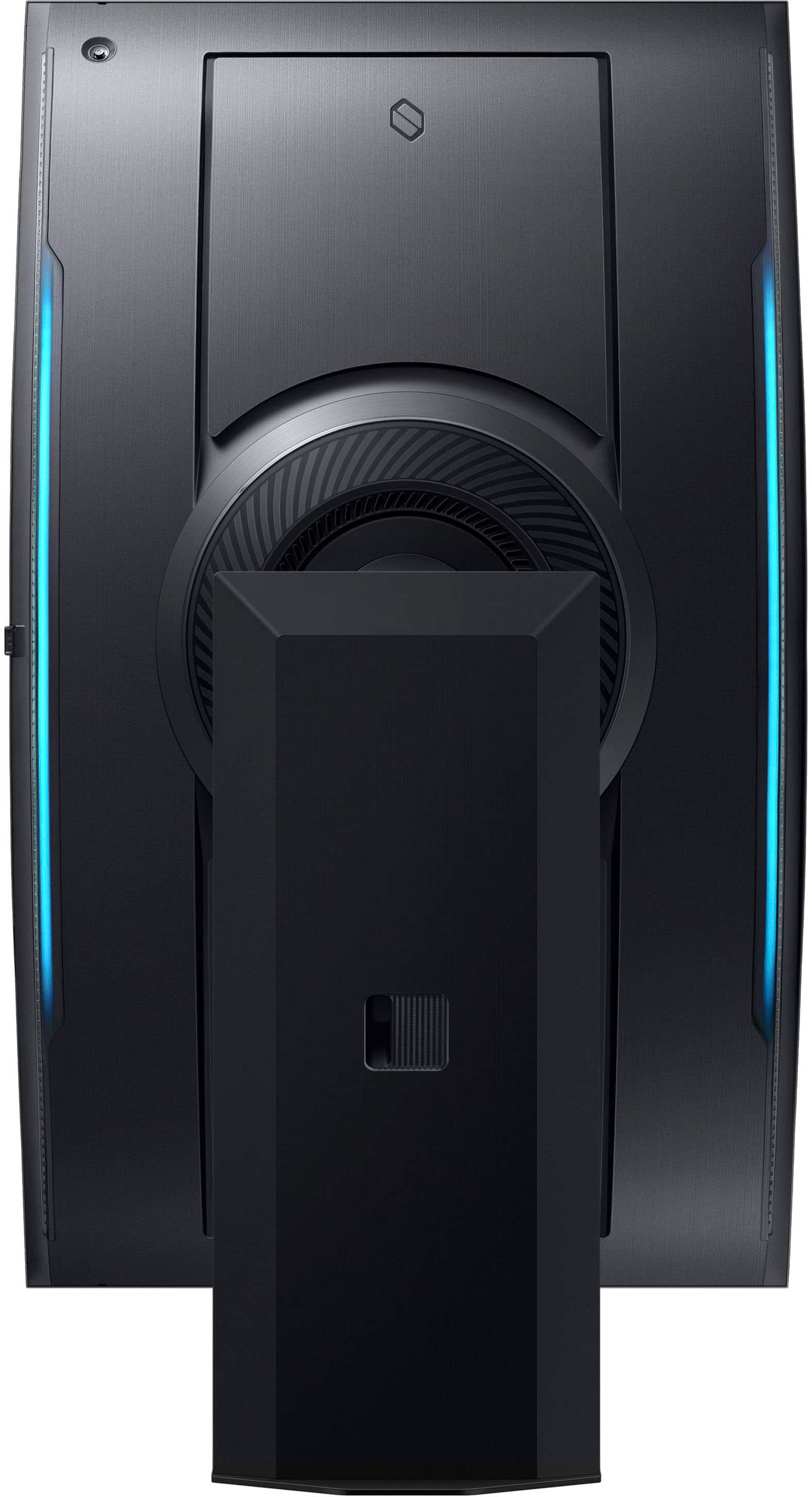
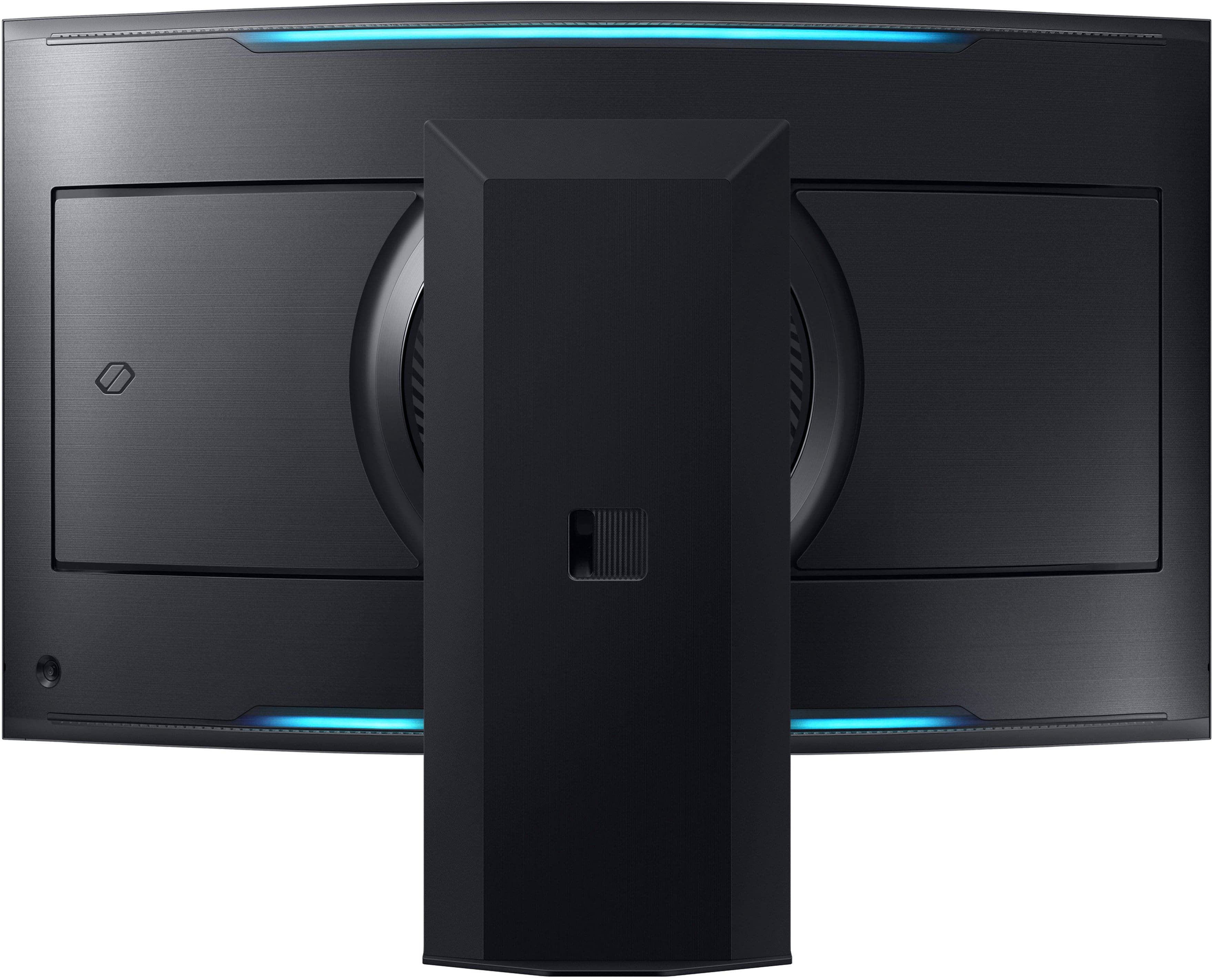
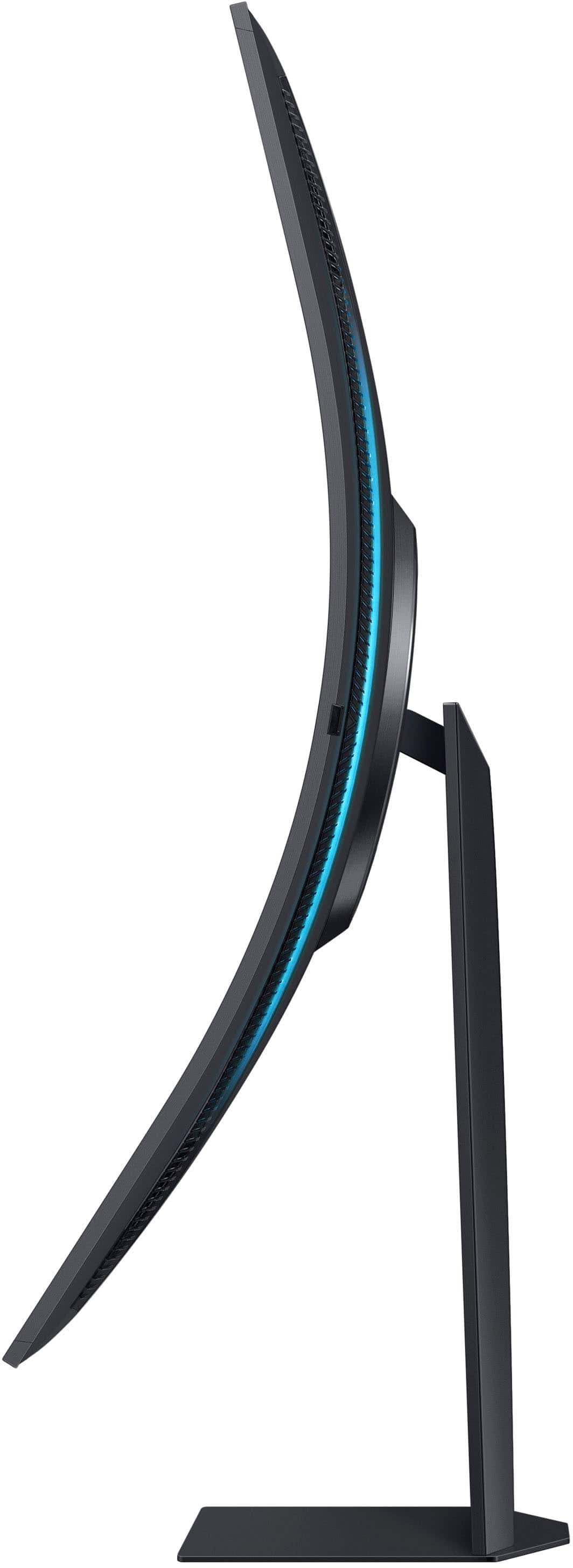
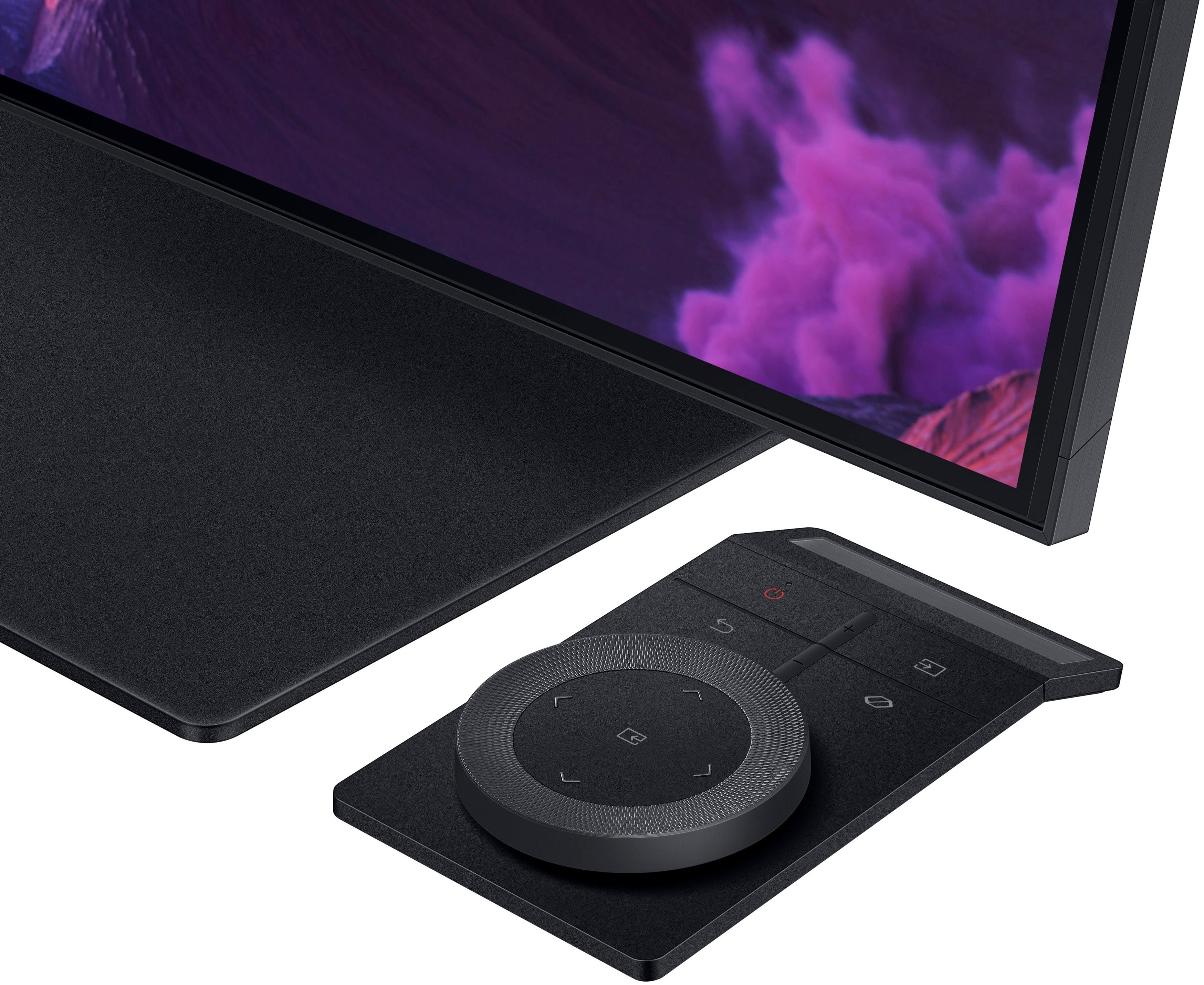
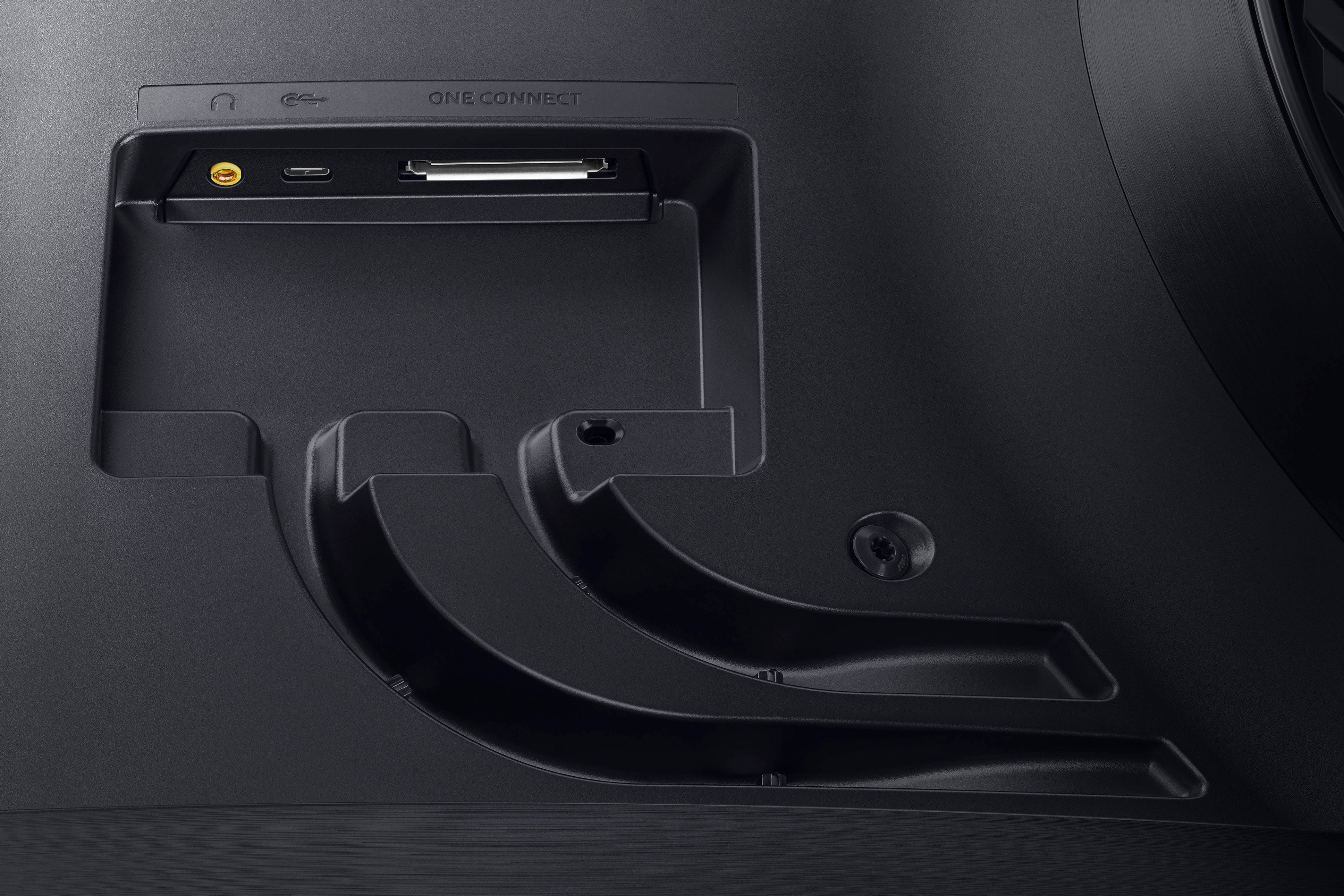
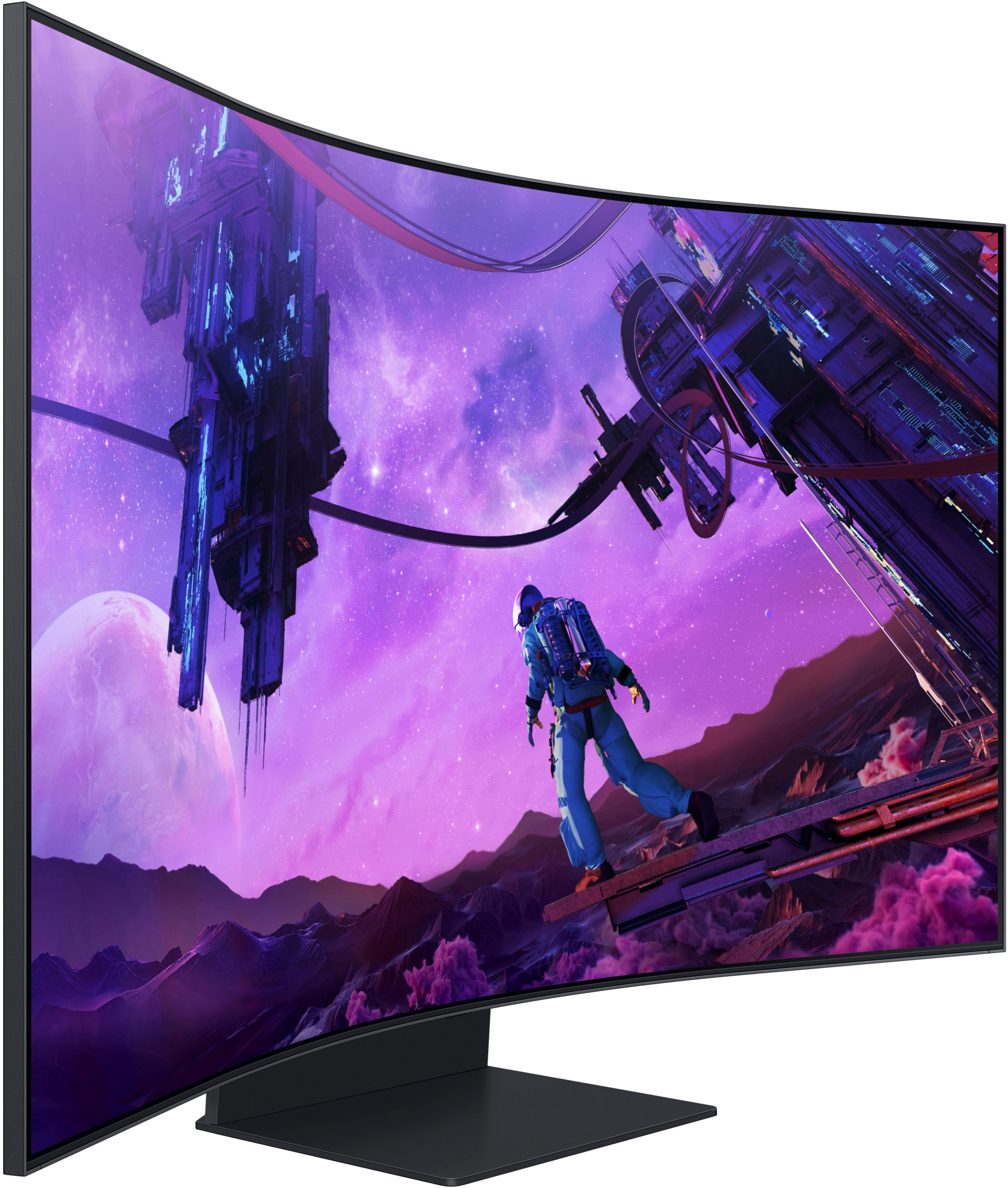
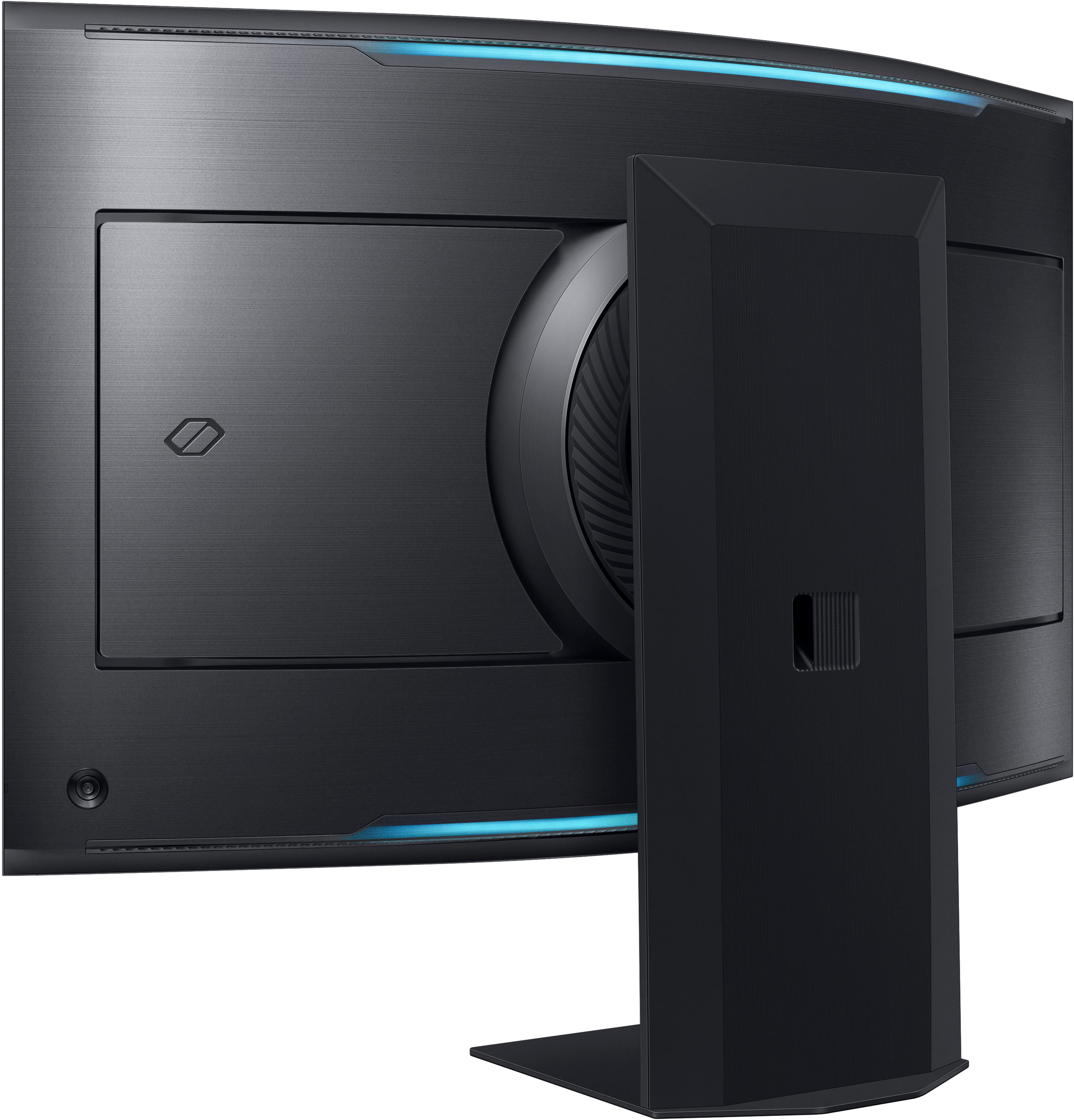
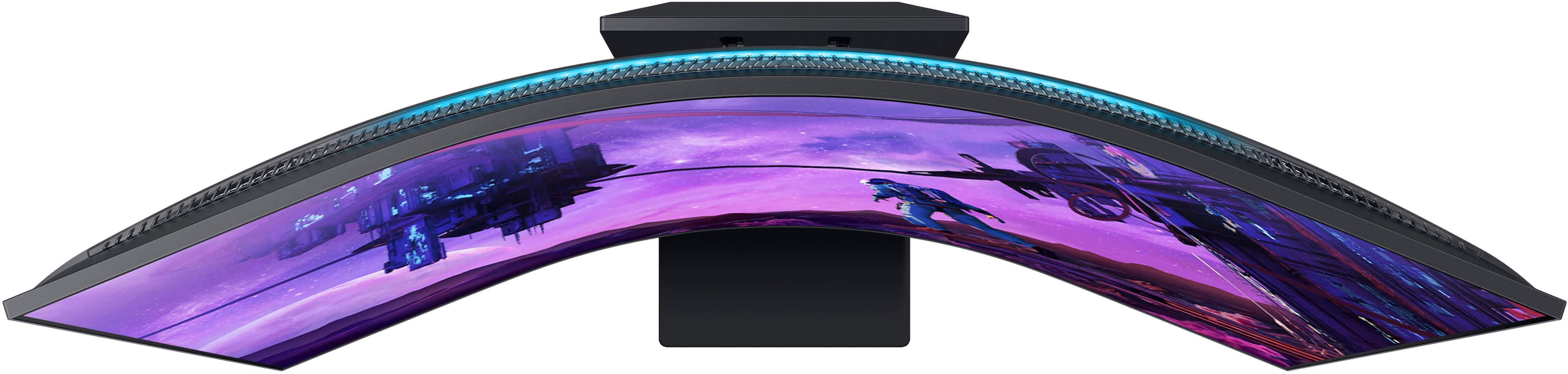
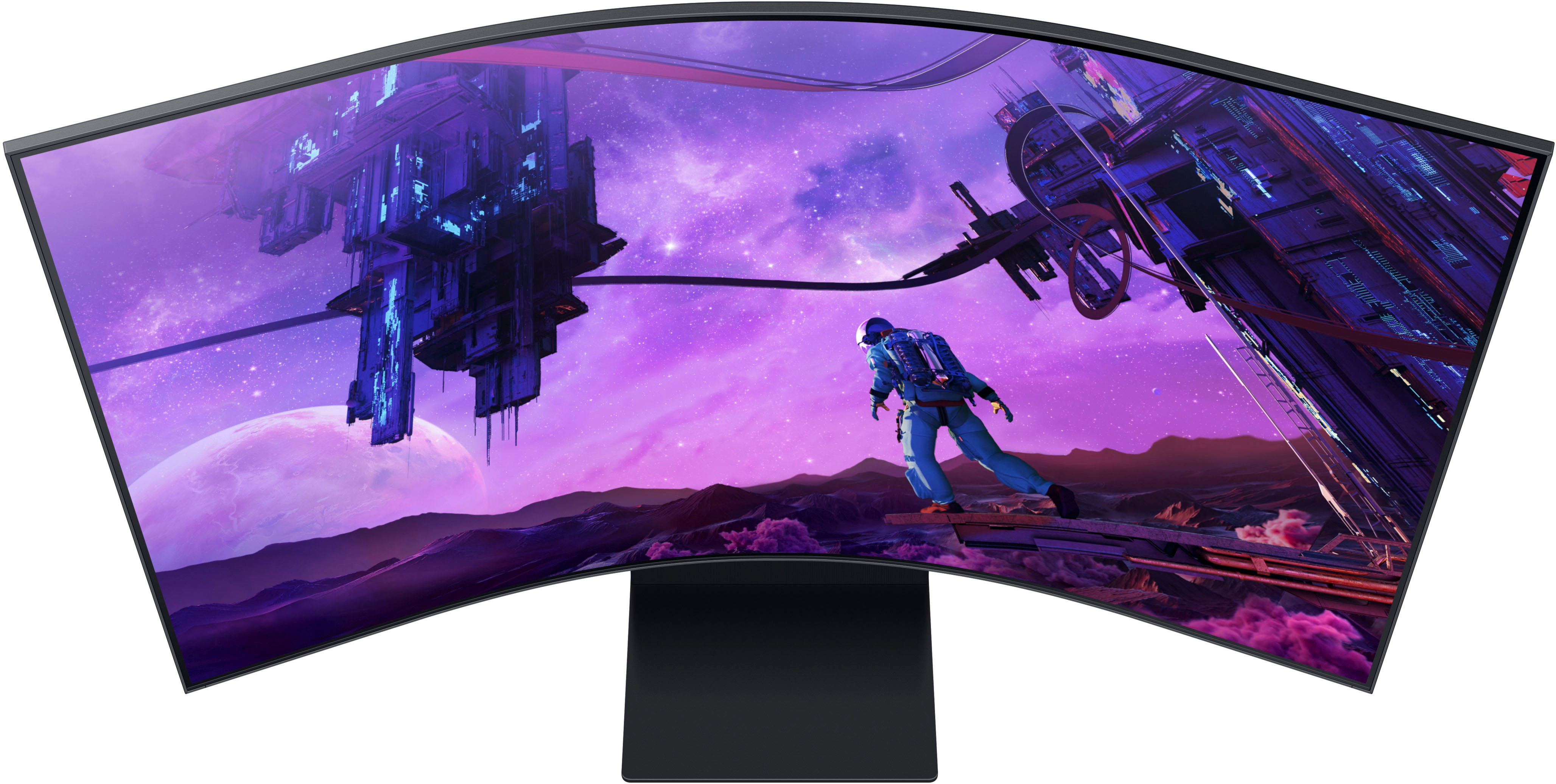

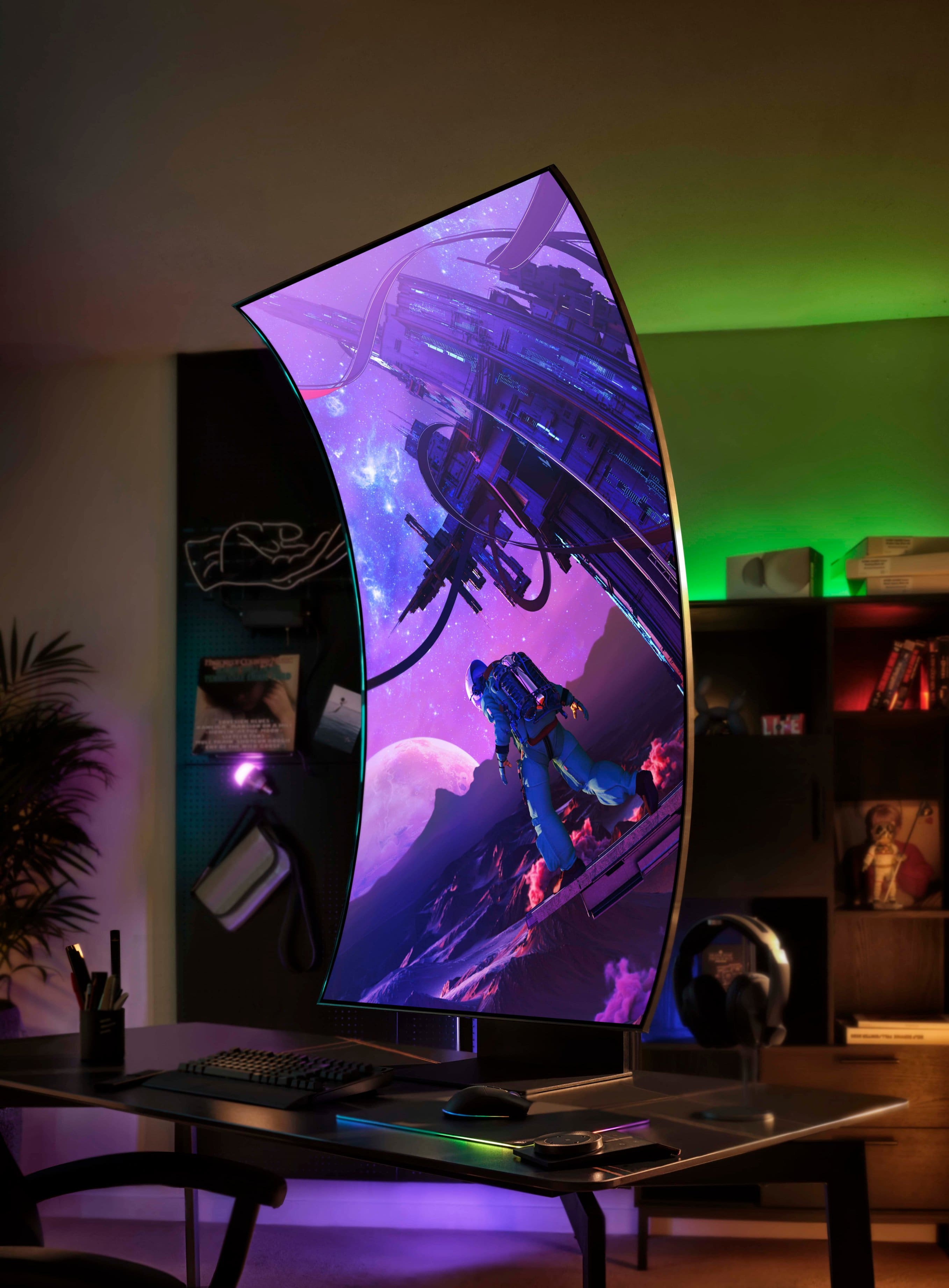
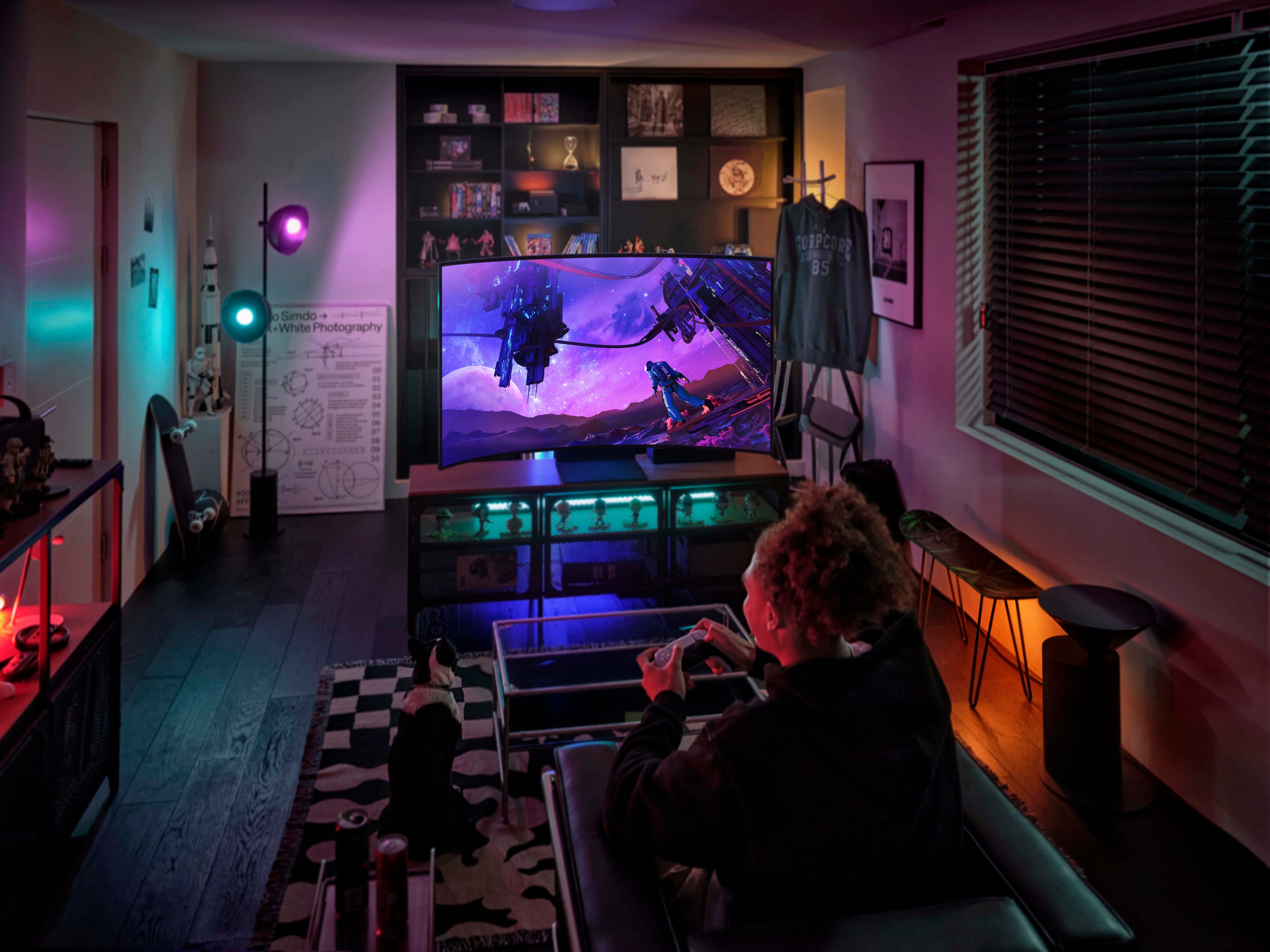
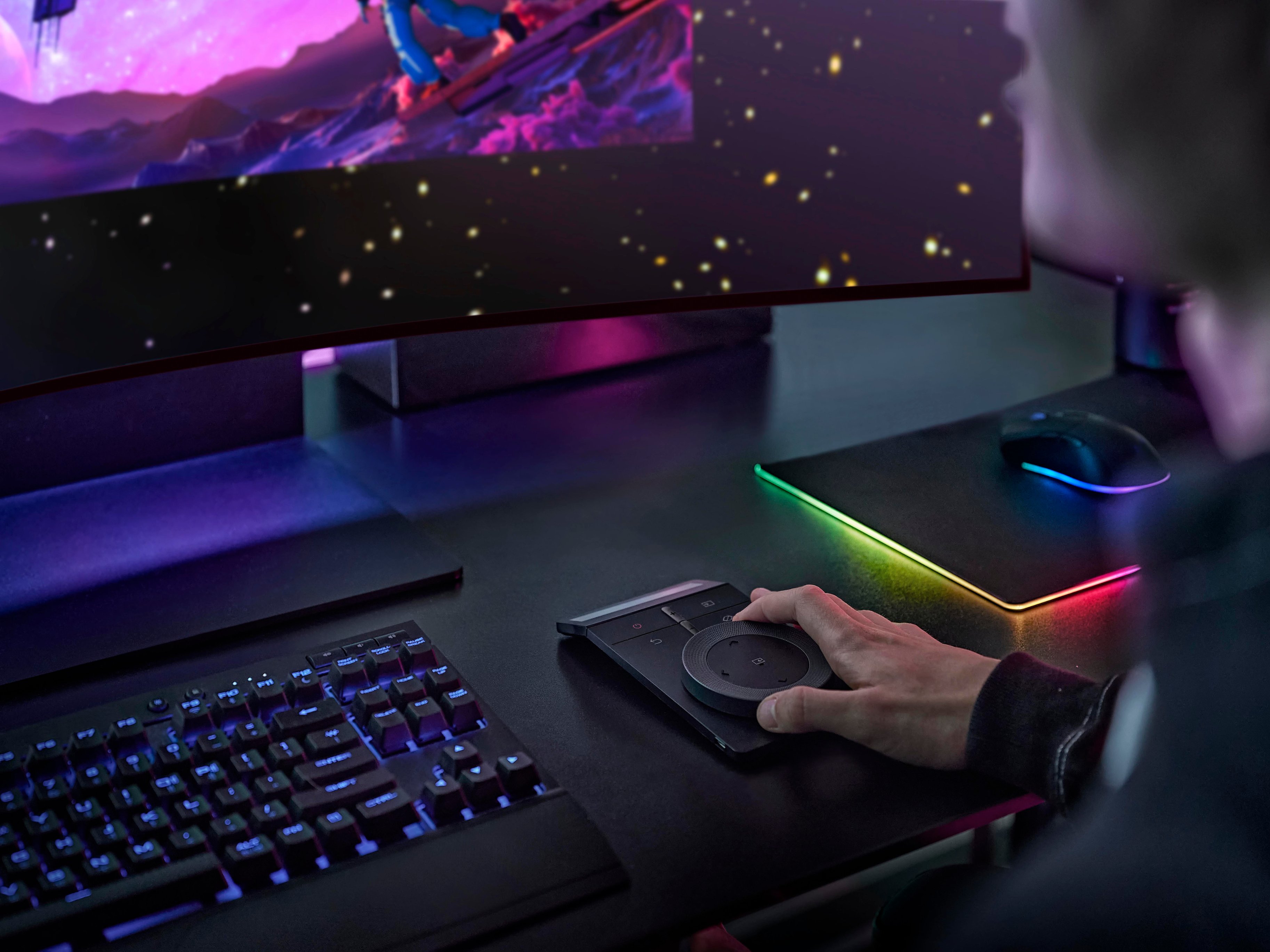


- Model:
- LS55BG970NNXGO
- SKU:
- 6510927
Rating by feature
- Display Quality
Rating 4.8 out of 5 stars
- Ease of Use
Rating 4.2 out of 5 stars
- Features
Rating 4.2 out of 5 stars
Customers are saying
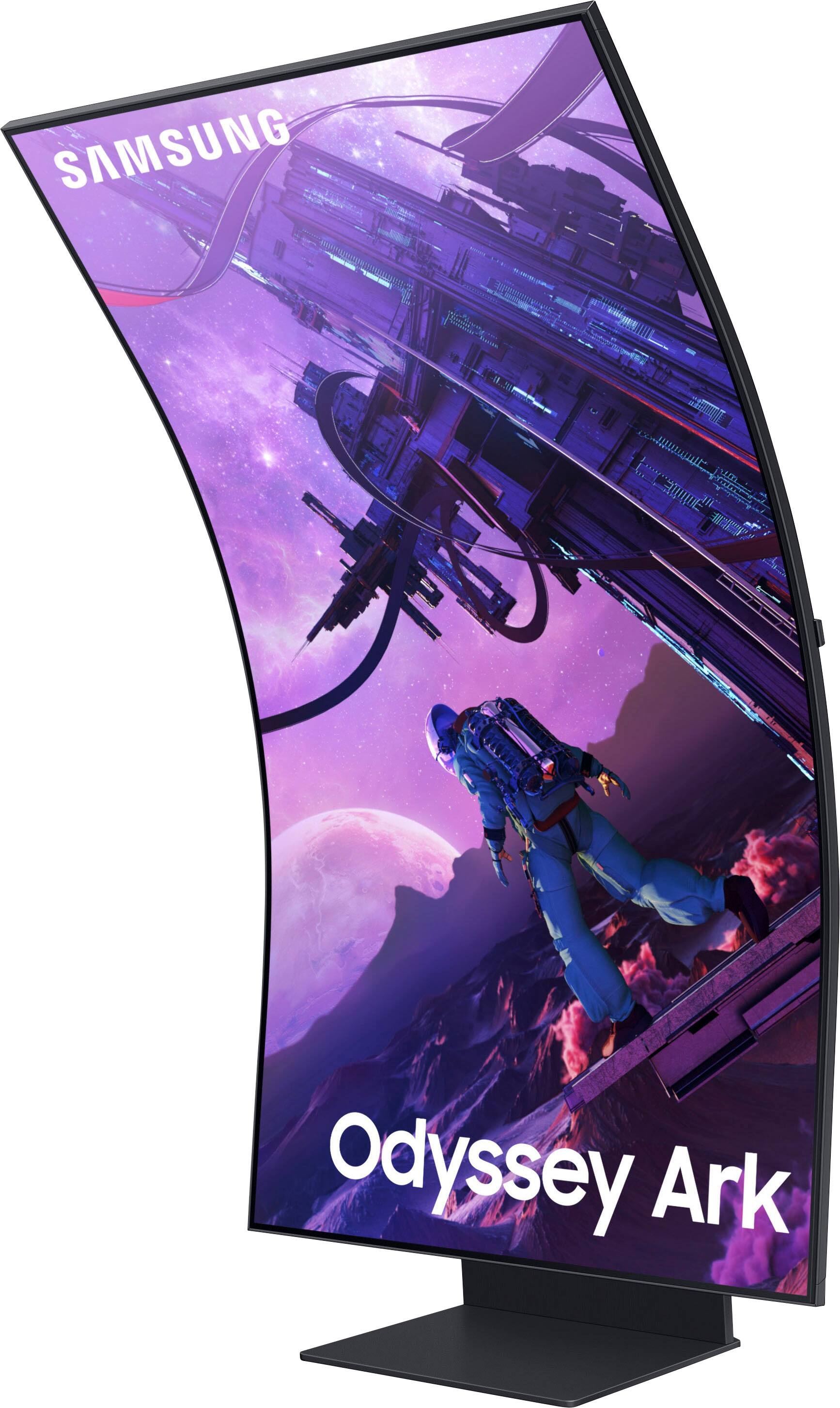
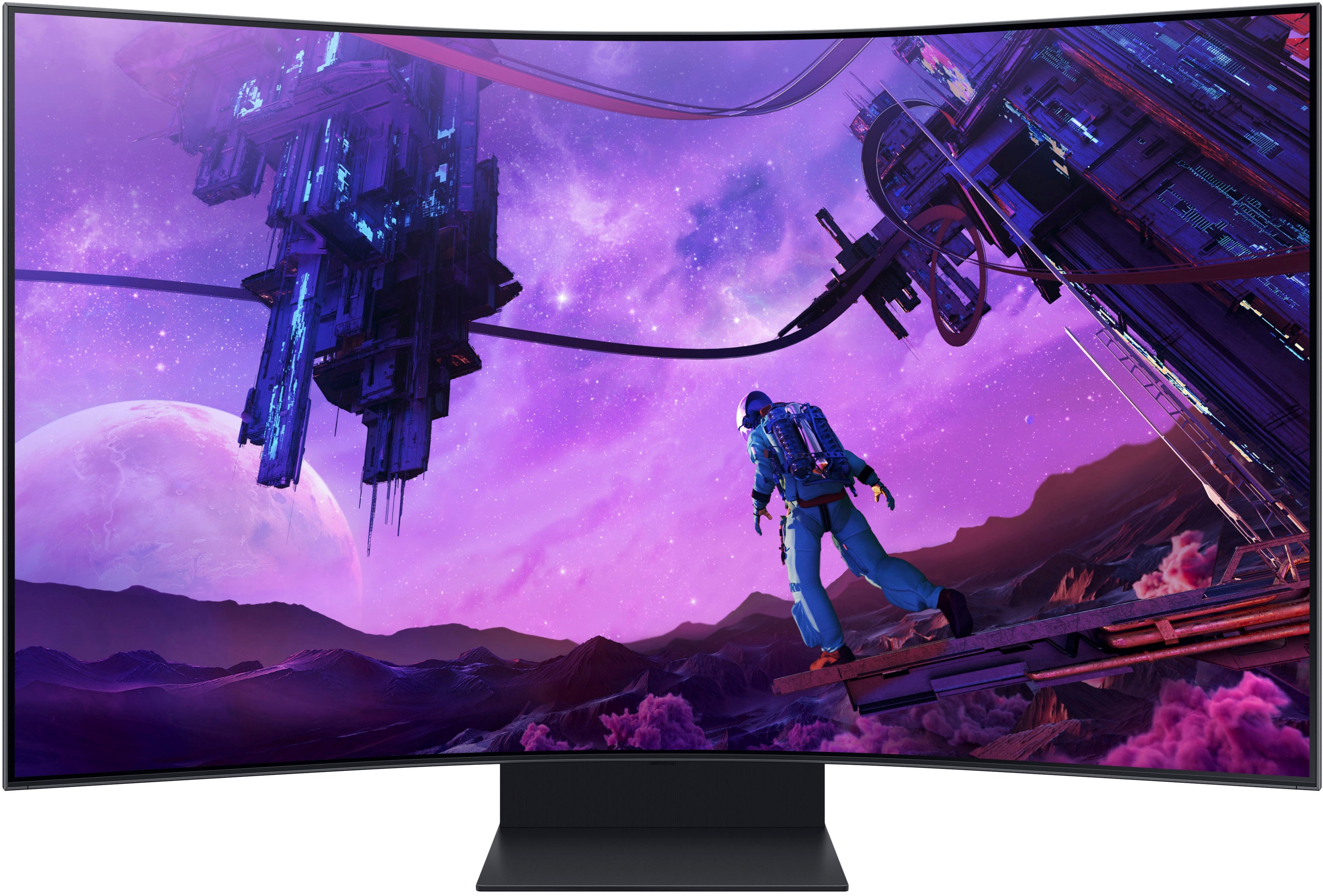
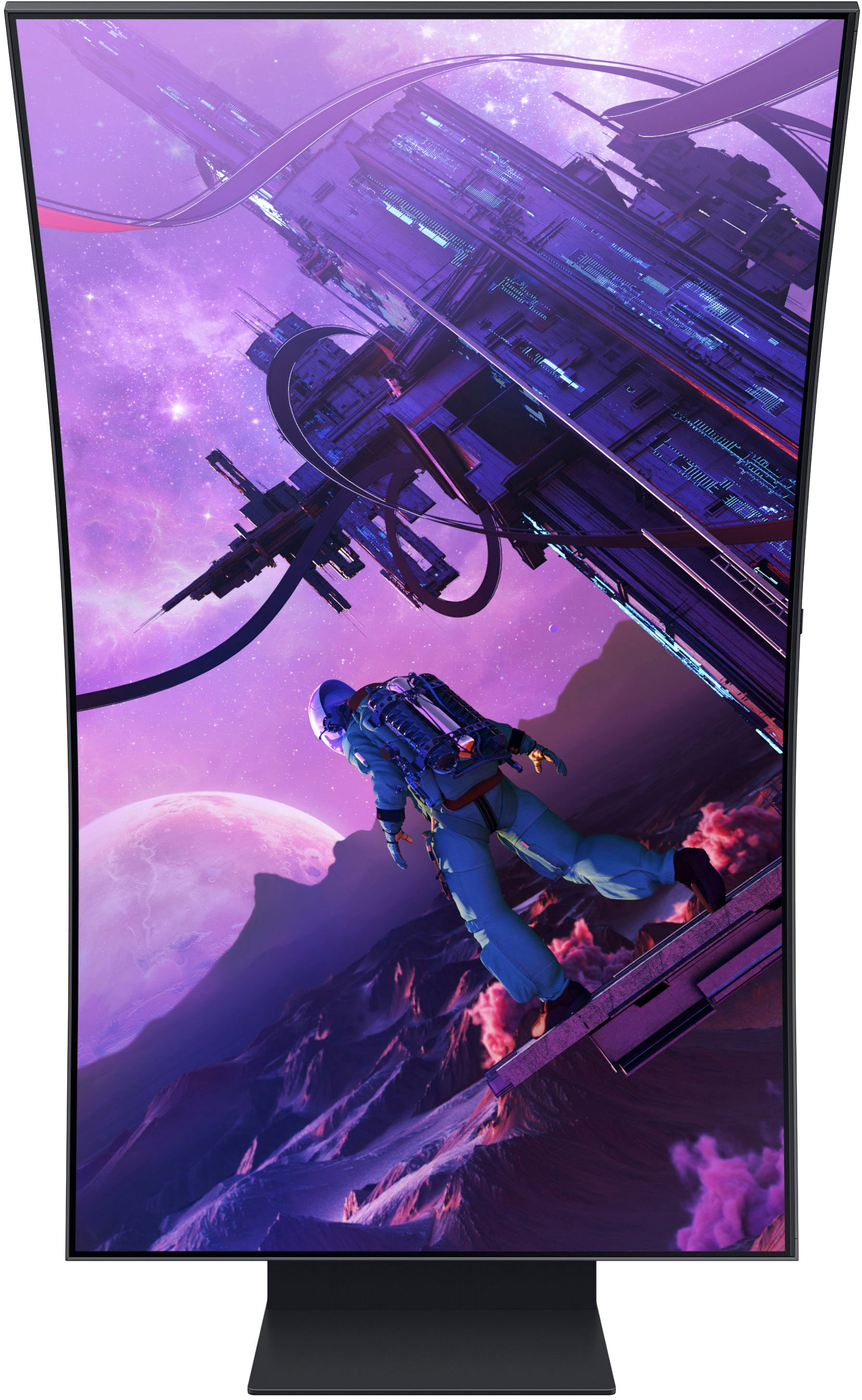
Customers have good things to say about the Odyssey Ark's large screen size, impressive picture quality, and immersive curved display, highlighting its excellent sound quality and high refresh rate for smooth gaming. However, some users point to limitations in HDMI connectivity, the monitor's substantial weight, and challenges with the stand's design and functionality as drawbacks. The multi-view feature also received mixed reviews, with some finding it less useful than expected.
This summary was generated by AI based on customer reviews.
Hope they can fix this...
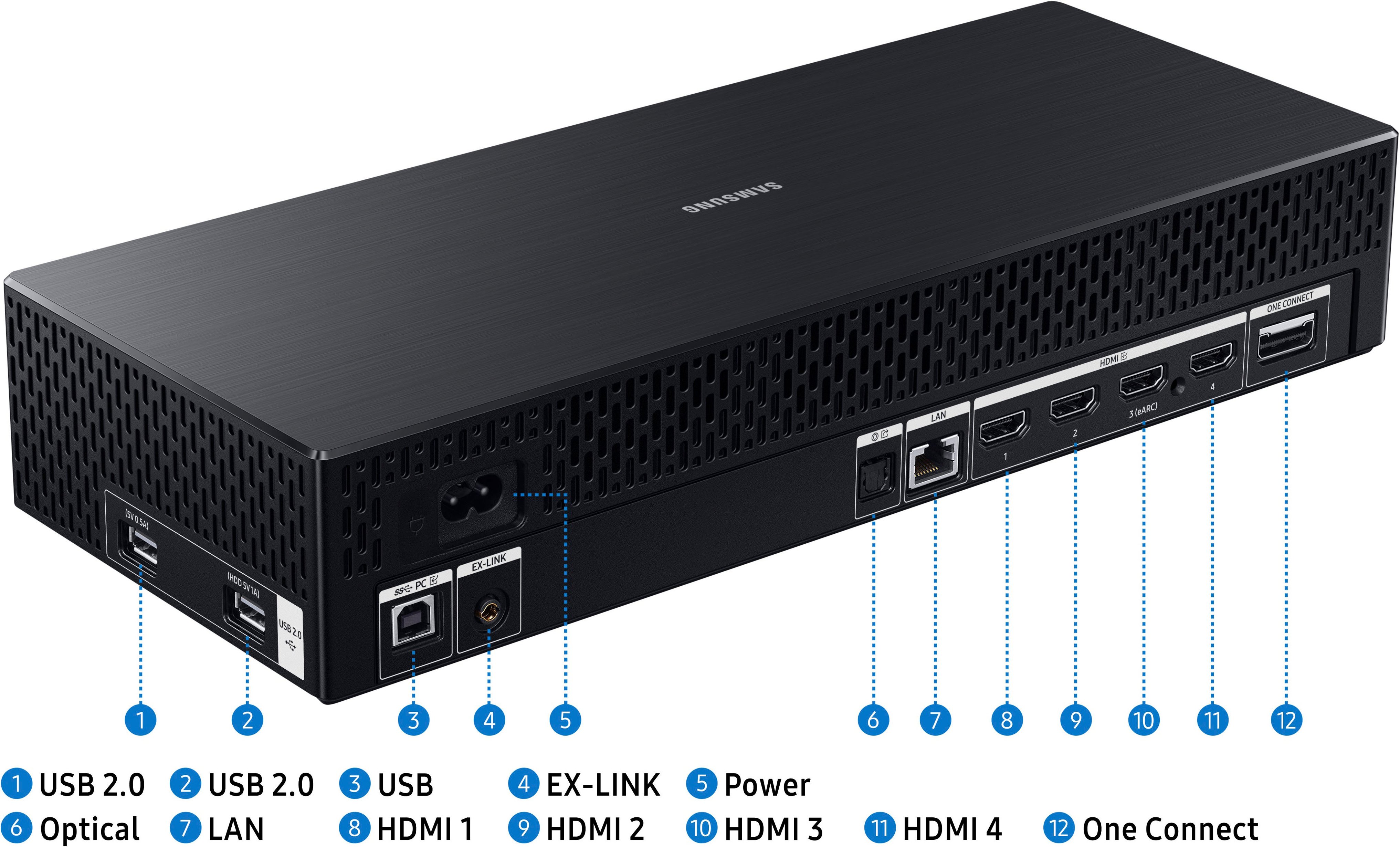
Posted .This reviewer received promo considerations or sweepstakes entry for writing a review.4 HDMI inputs but you can only use 1 at a time?! And then they limit you on the apps, so no netflix, hulu, etc.. Fix those issues Samsung and I'm all in.
No, I would not recommend this to a friendBrand response from Samsung
Posted .Thank you for your purchase and review of the Odyssey Ark Gaming Monitor! We are sorry to hear about the issues you have been experiencing with the Multi View feature.
First, at this time, the following can be used in a Multi View Window:
Sources : HDMI (1), Screen Mirroring (Android, Airplay, NotePC)
Apps : YouTube, YouTube TV, Web browser, TV Plus, Melon, Barre3, SmartThings Cam, USB Cam
Samsung is continually working with Content Providers and Application Developers to expand the list of compatible applications.
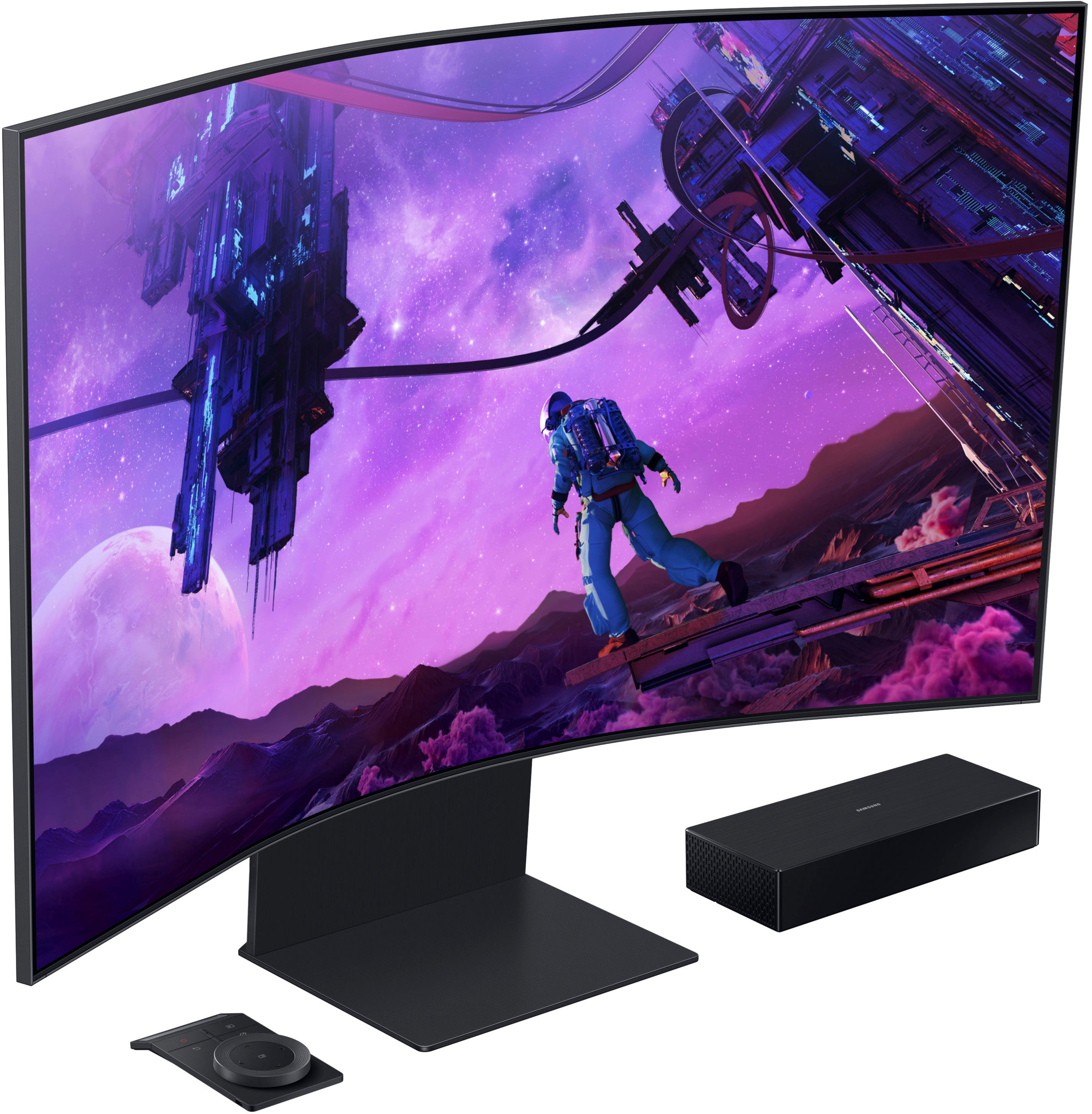
The Ark’s One connect box is designed with four (4) HDMI 2.1 ports to give ultimate connectivity to devices with HDMI outputs which include, but are not limited to, PCs and Macs, Gaming Consoles, Media Players and Streaming Sticks, cable or Satellite boxes, legacy DVD Players and more. While up to 4 inputs can be connected simultaneously for cable management, only 1 HDMI Input can be displayed on the Ark display at a time, whether in full-screen or in Multi View mode.
We’ve received feedback that it would be desirable to be able to use multiple HDMI inputs simultaneously, and we’re exploring this as a future feature on this or other Odyssey Gaming Monitors.
By using the Windows “Connect to a Wireless Display” feature, you may be able to work-around the single-HDMI port limitation and connect to compatible Laptop or notebook PC in addition to another HDMI device in a separate multi-view window.
NOTE: Wireless display connectivity is not intended for high-performance gaming due to latency issues, but could be ideal for running programs like Netflix, Prime Video, Twitch, and more.
Additionally, in some instances, while an actual application cannot be used in a Multi View window, it may be possible to run a browser-based session of that application or web site in the Web Browser, provided all required codecs and plug-ins are available and setup in the browser.
While this is not an all-inclusive bypass (ex. Netflix requires a Microsoft Silverlight plug-in, which doesn’t exist for the Web Browser), we encourage you to experiment with your favorite sites and apps to get the most of out of your Ark Multi View experience.
Your overall feedback is important to us and we will document your concerns.
If there is anything else we can do to assist you and improve your product experience, please contact Samsung Customer Support via: 1-800-SAMSUNG, available 8AM - 12AM EST (Mon-Fri) / 9AM - 11PM EST (Sat-Sun)
Samsung is committed to providing the best possible product experience, quality, and value, and we are always here to help with any of your questions or concerns.
Price per Value
Posted .This reviewer received promo considerations or sweepstakes entry for writing a review.This is hogwash to expect people to even pay half the price with the competition these days...
No, I would not recommend this to a friend