Customer Ratings & Reviews
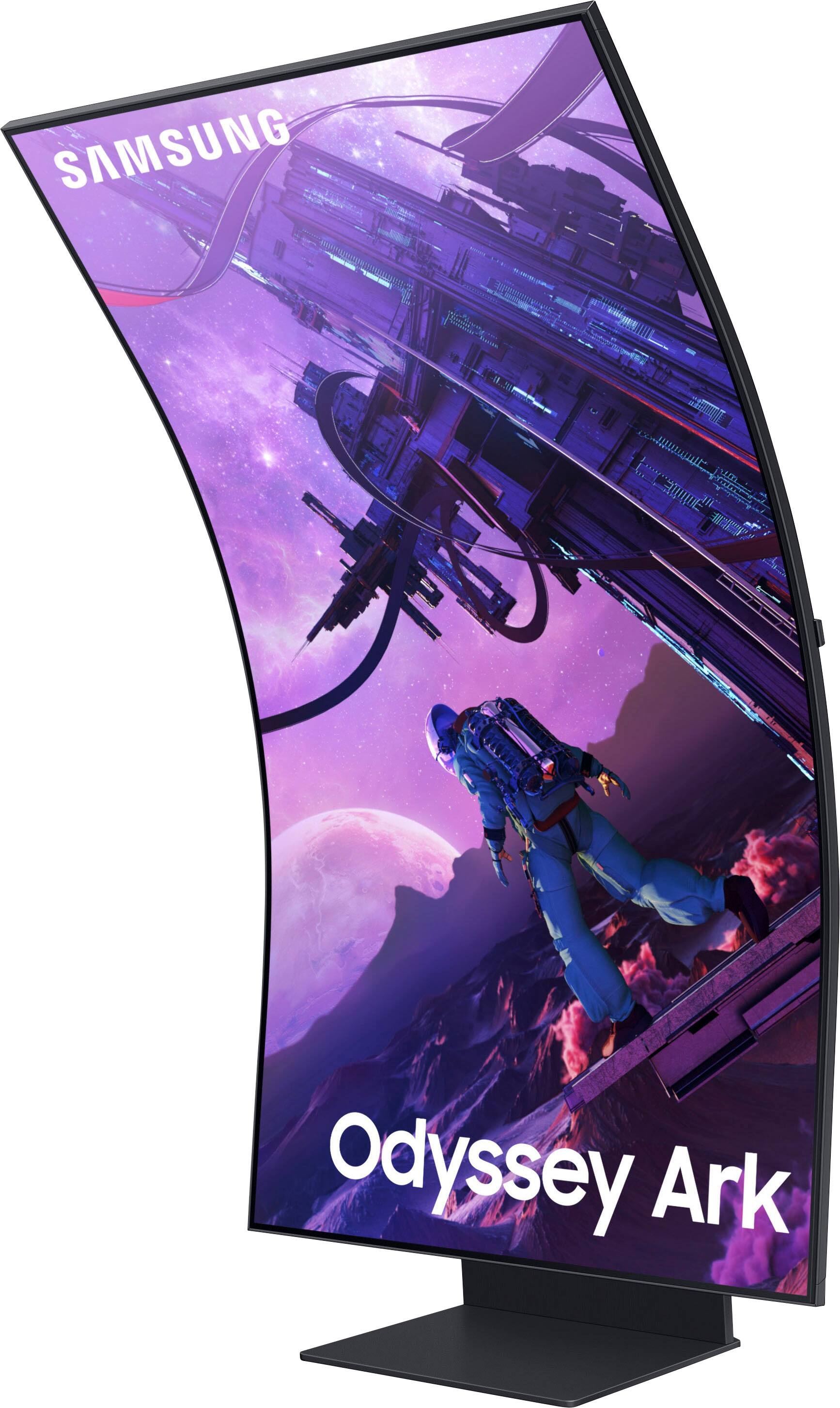
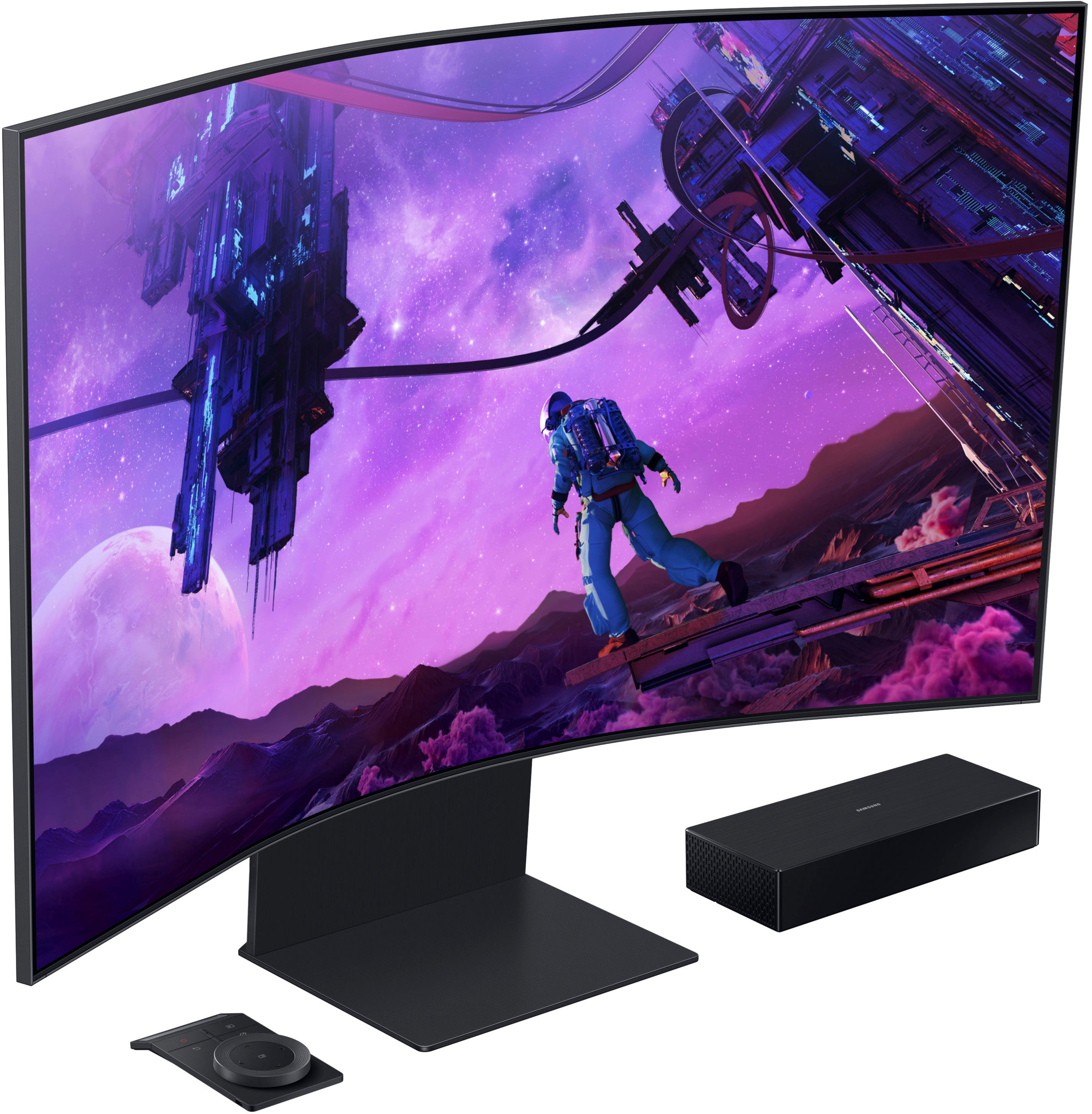
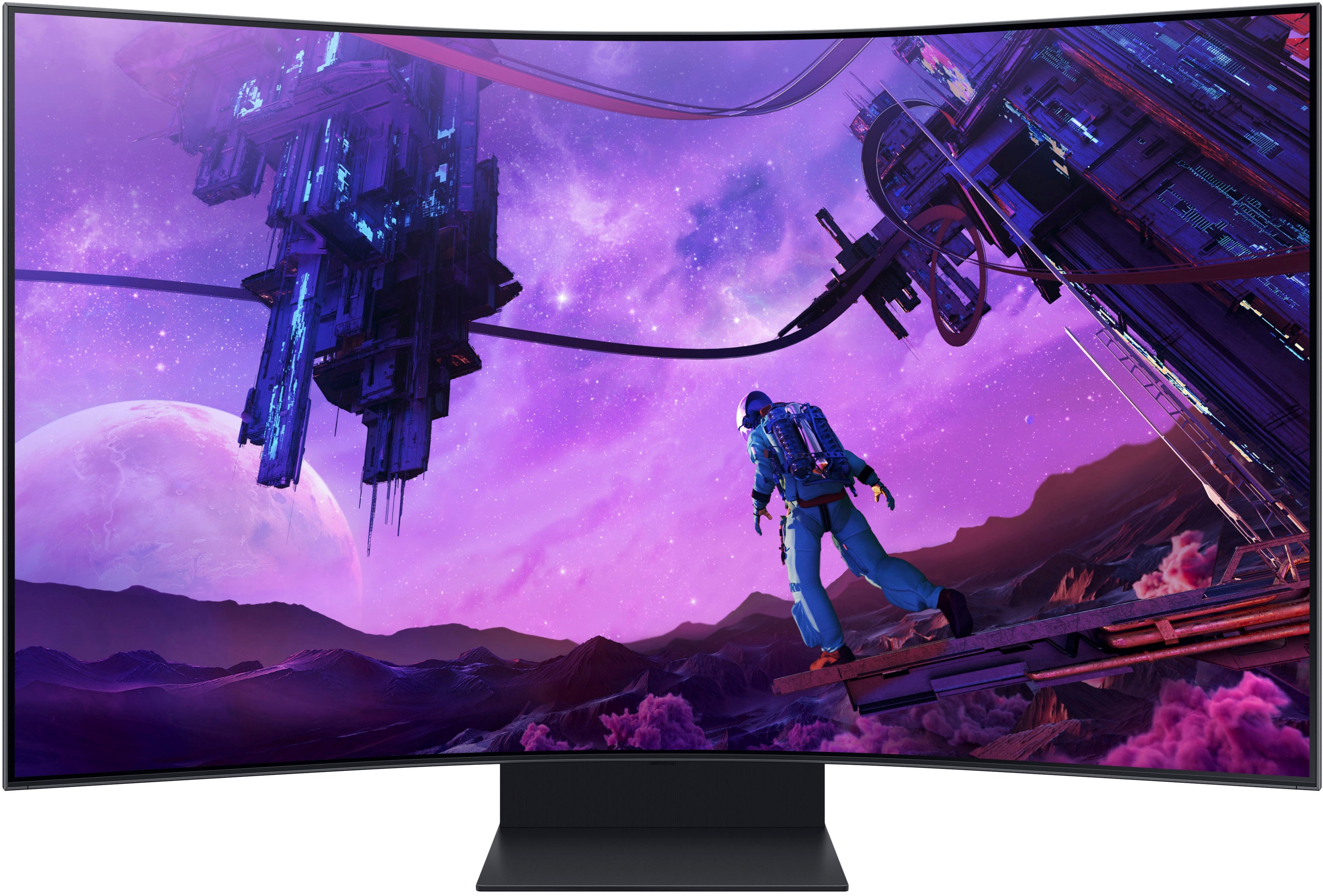
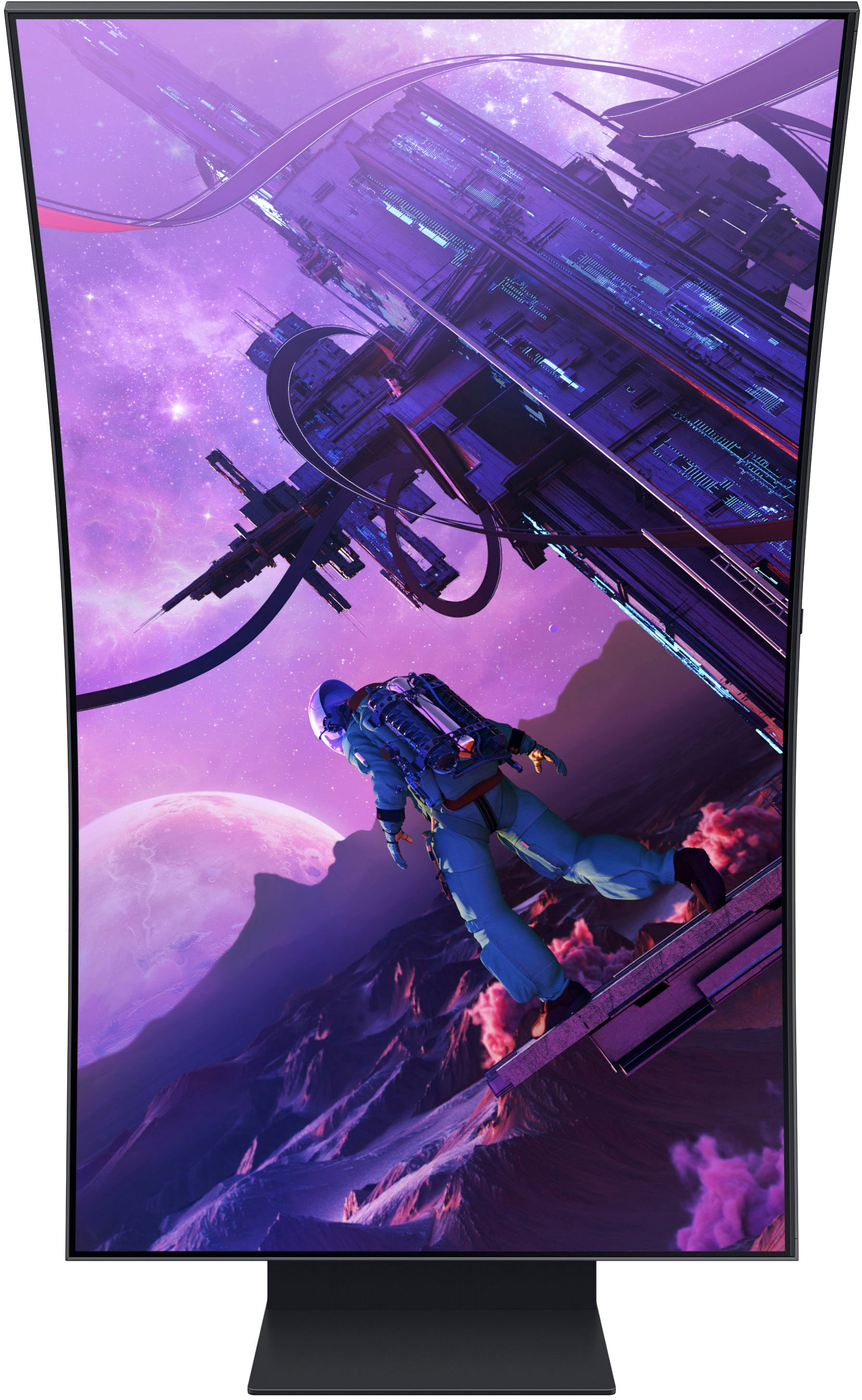
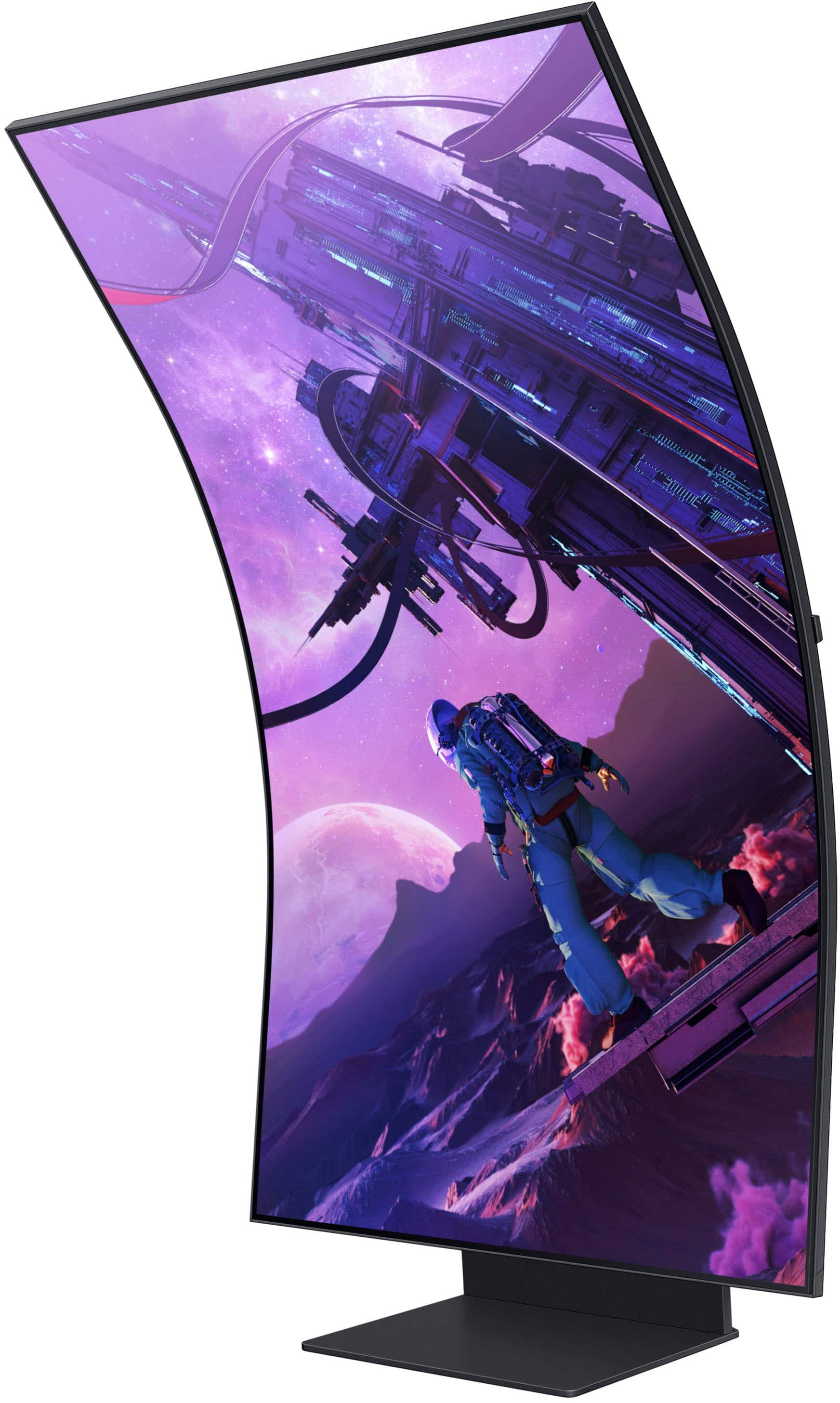
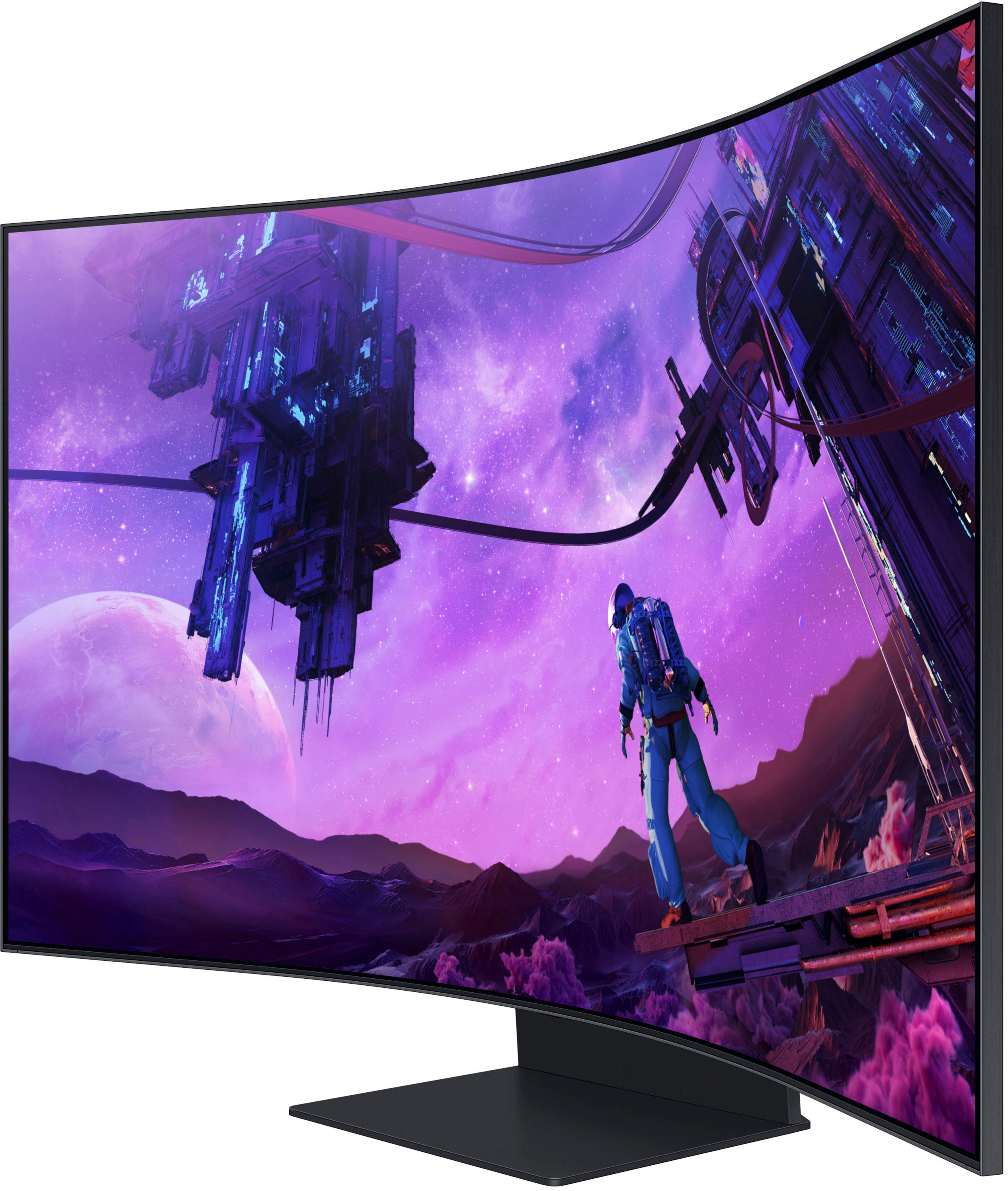
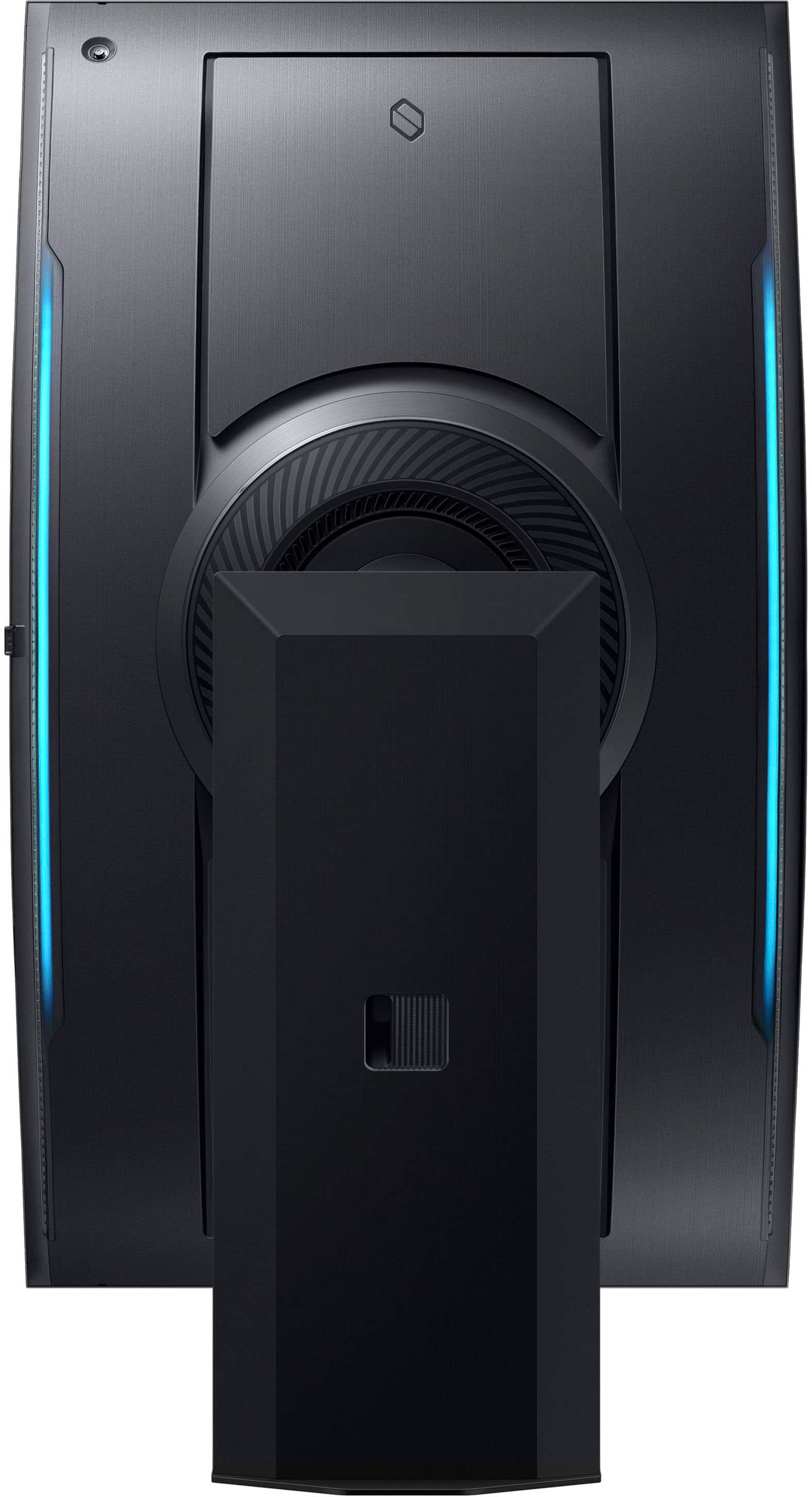
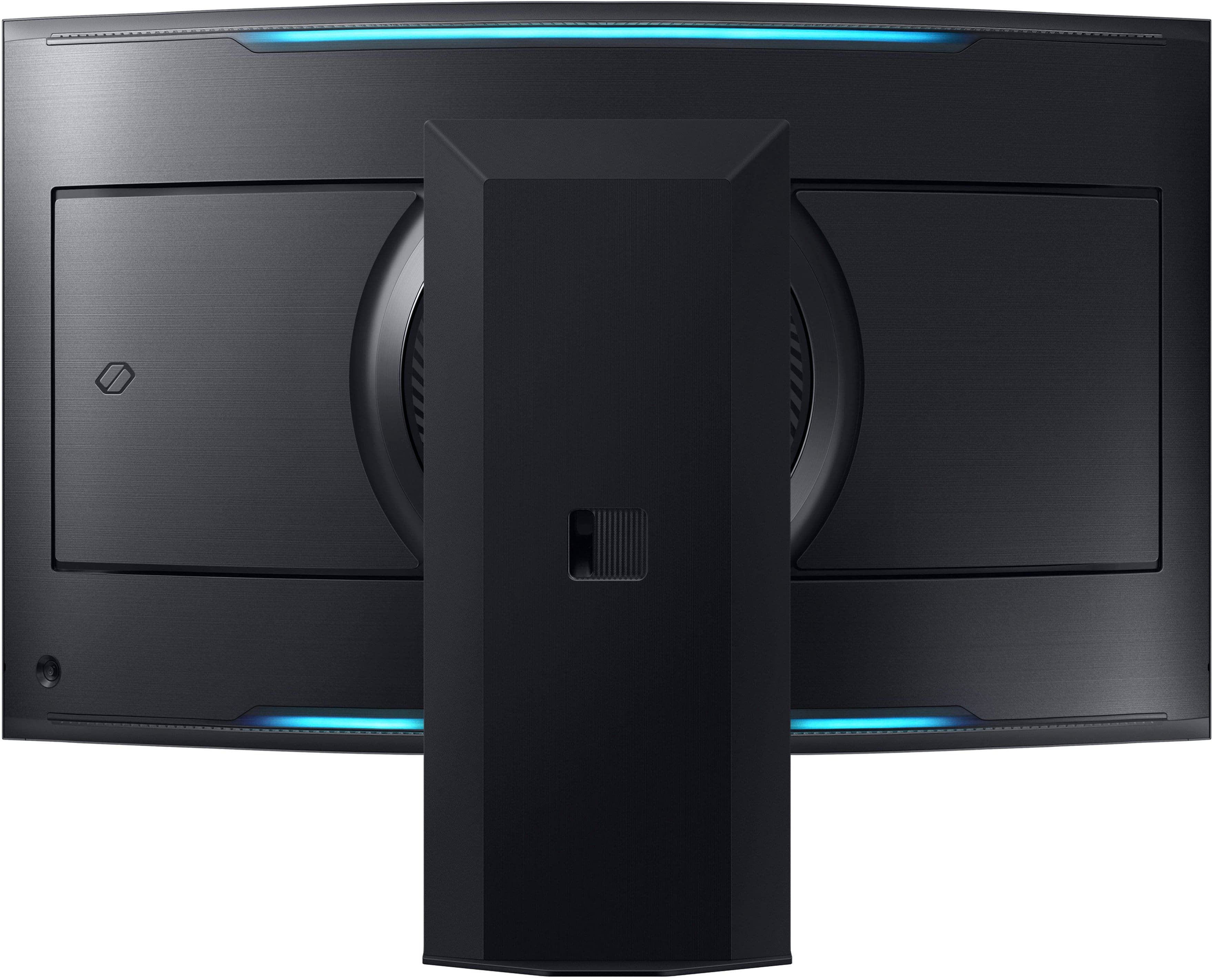
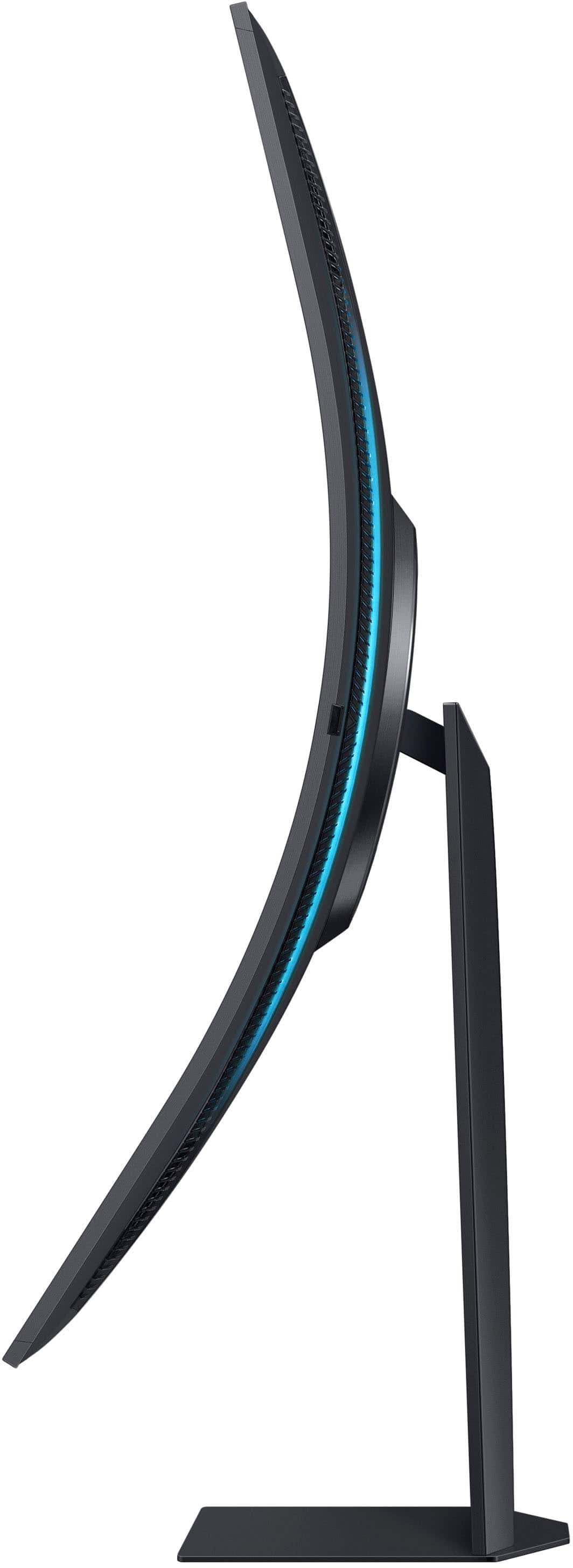
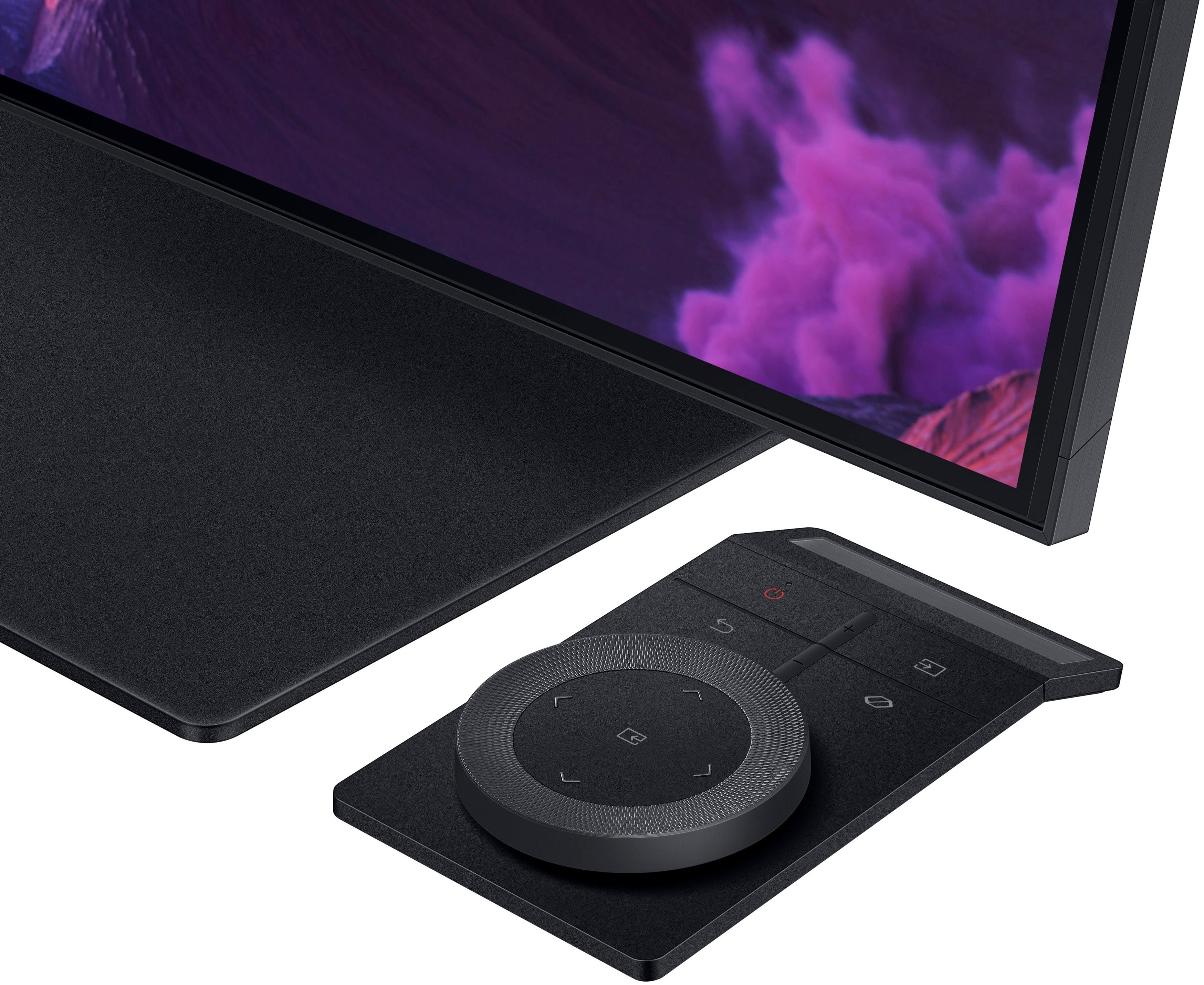
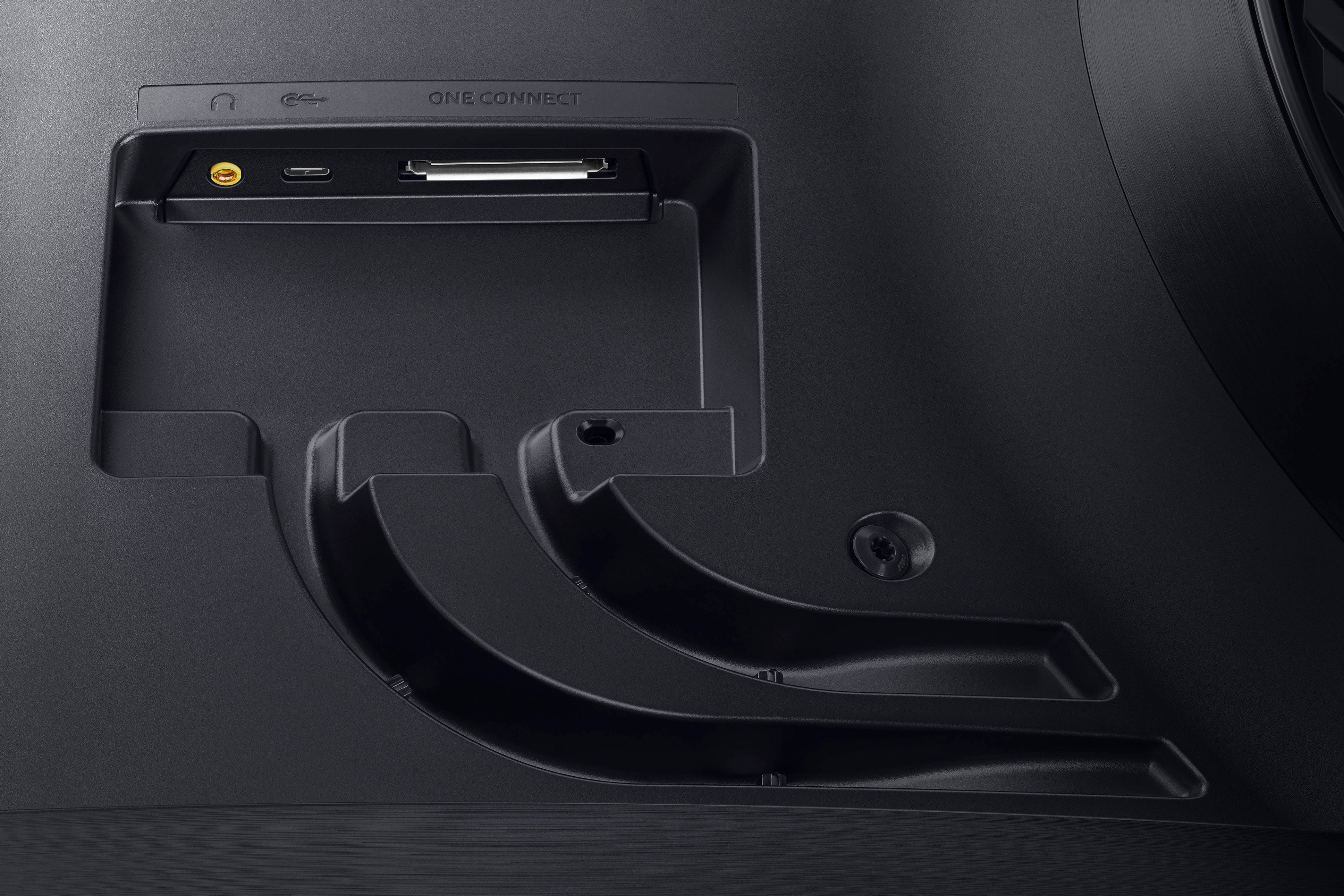
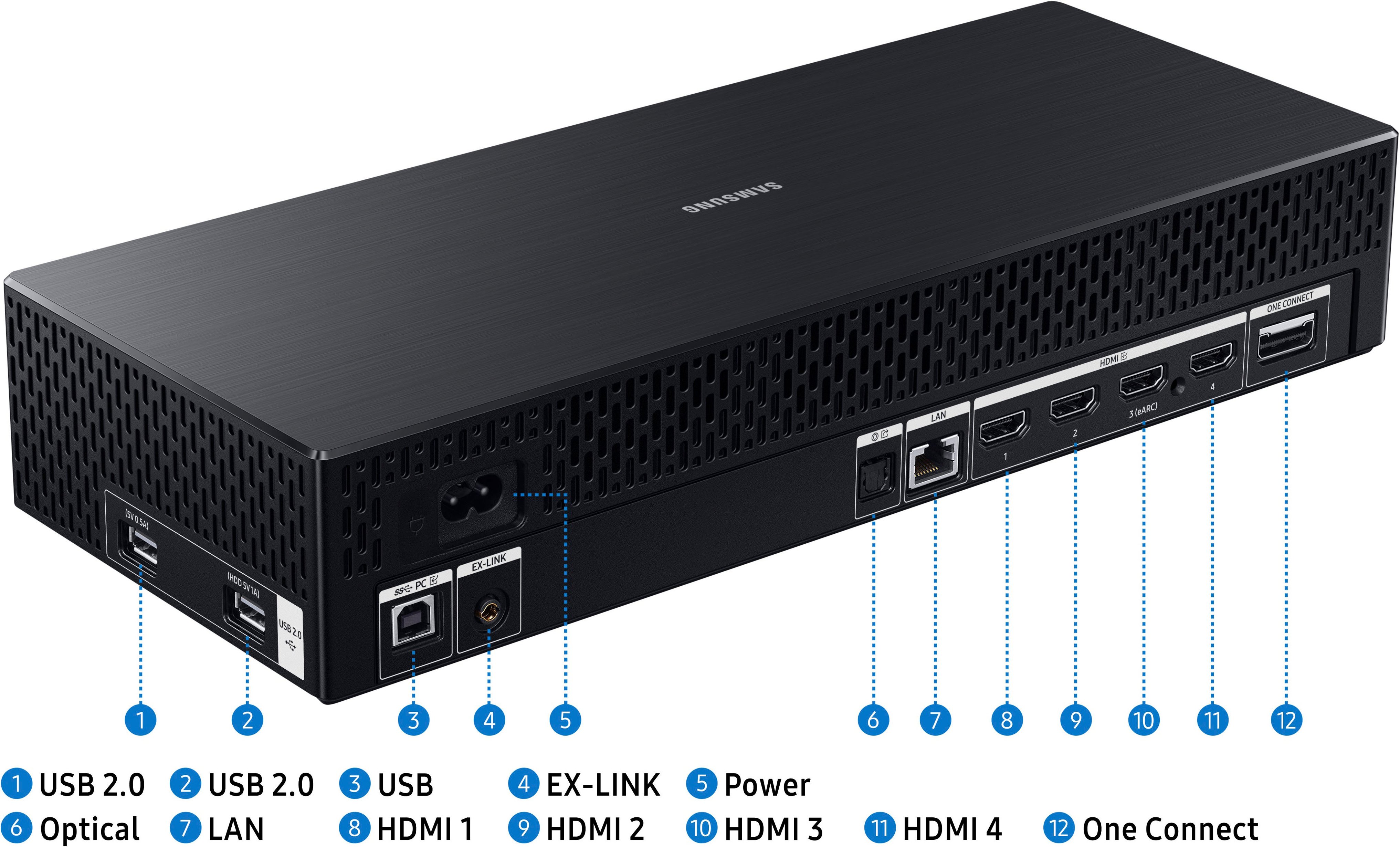
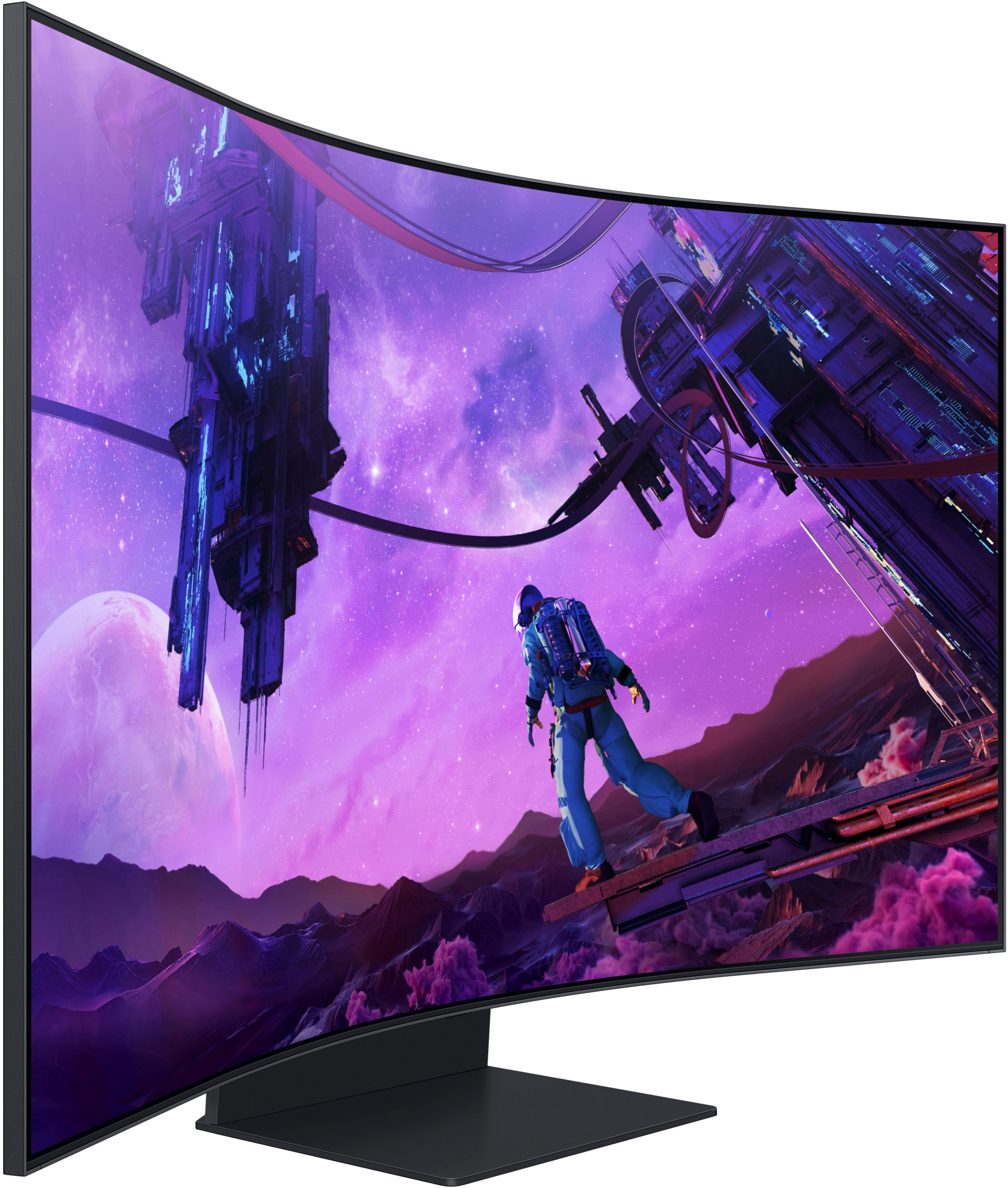
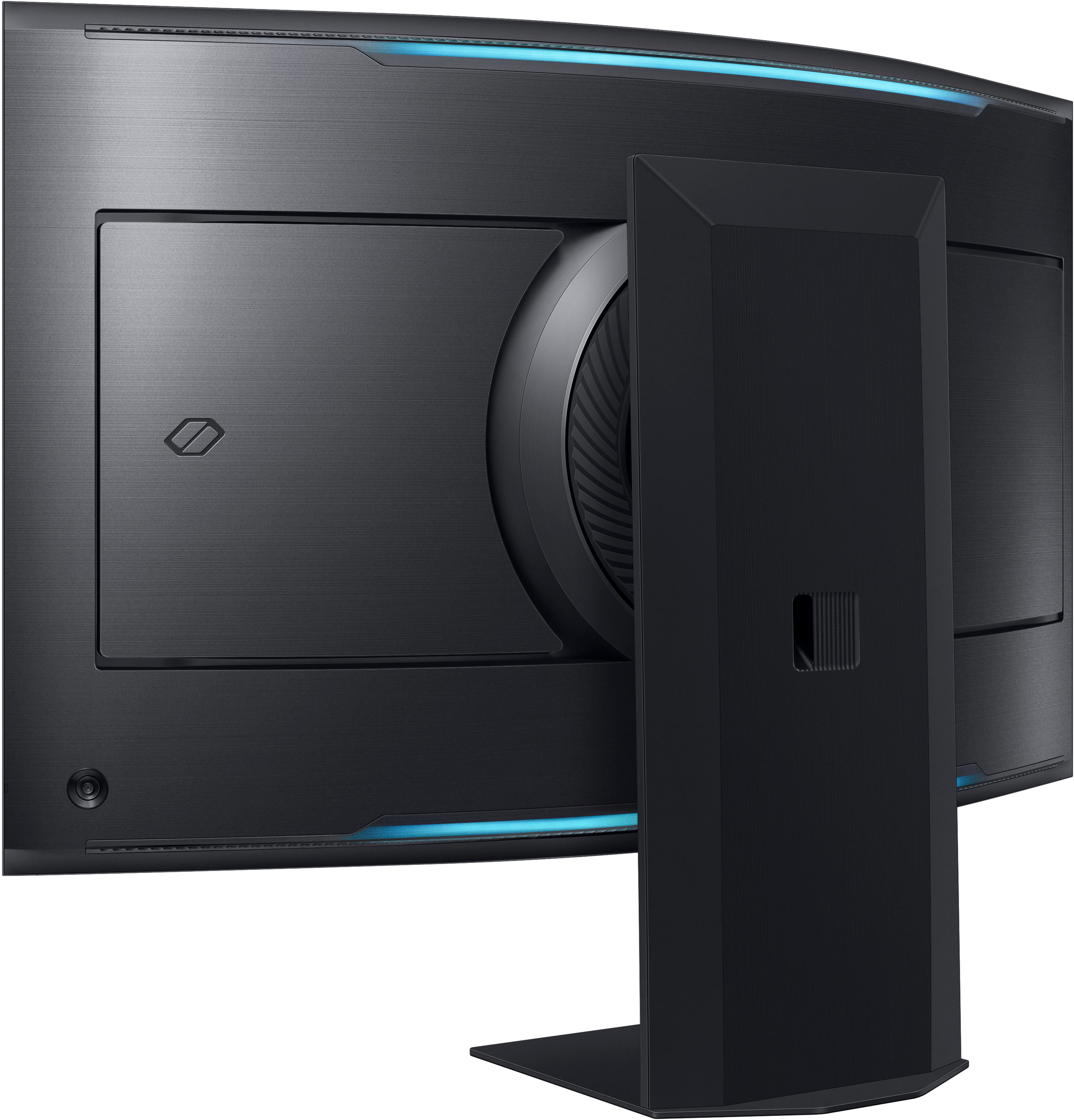
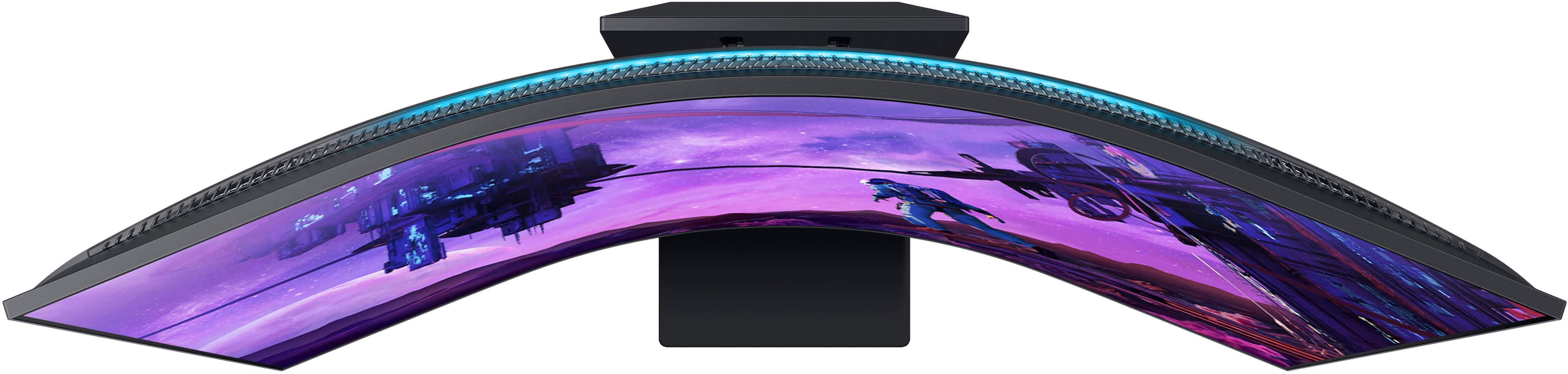
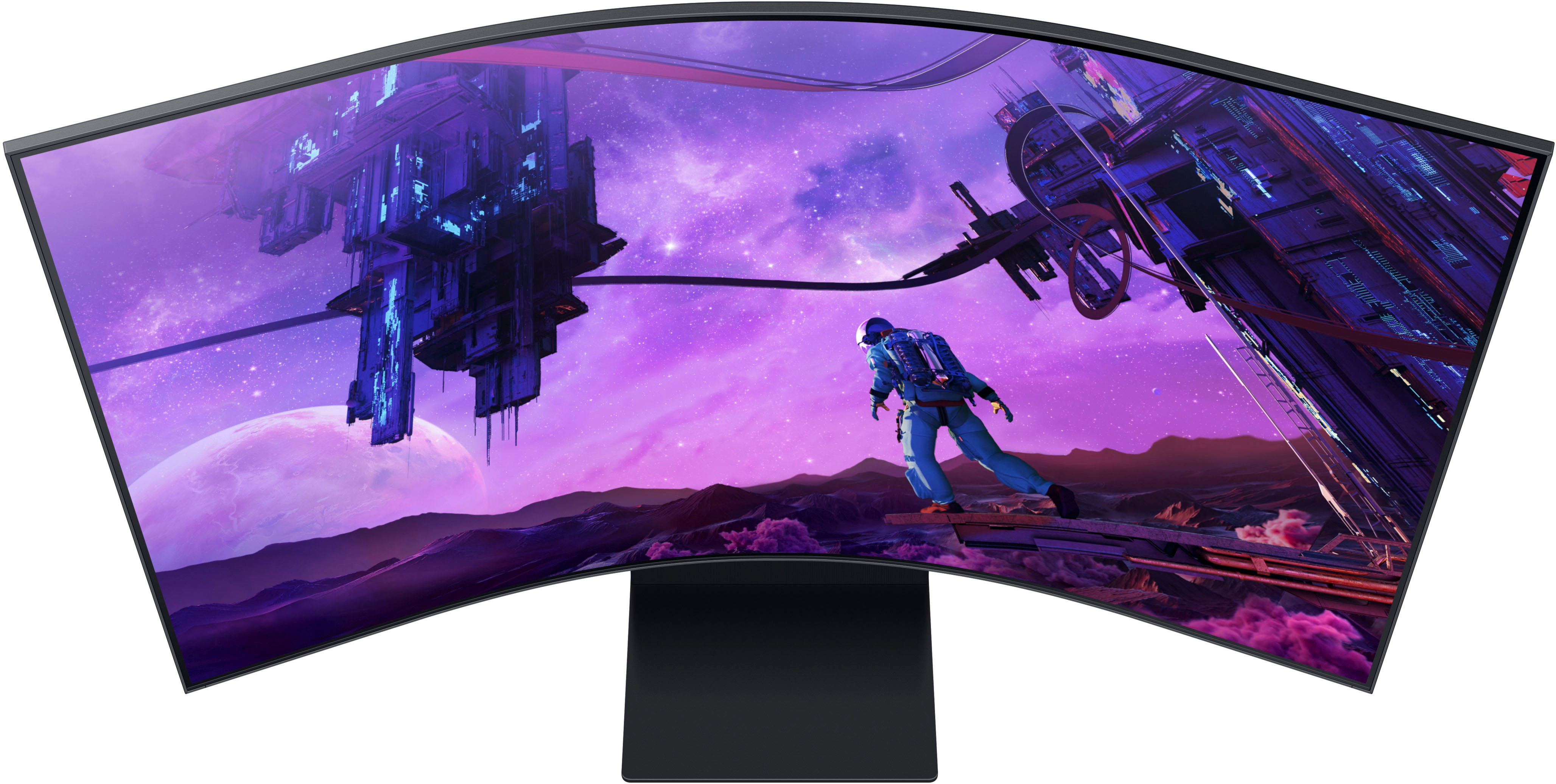



- Model:
- LS55BG970NNXGO
- SKU:
- 6510927
Rating by feature
- Display Quality
Rating 4.8 out of 5 stars
- Ease of Use
Rating 4.2 out of 5 stars
- Features
Rating 4.2 out of 5 stars
Customers are saying
Customers have good things to say about the Odyssey Ark's large screen size, impressive picture quality, and immersive curved display, highlighting its excellent sound quality and high refresh rate for smooth gaming. However, some users point to limitations in HDMI connectivity, the monitor's substantial weight, and challenges with the stand's design and functionality as drawbacks. The multi-view feature also received mixed reviews, with some finding it less useful than expected.
This summary was generated by AI based on customer reviews.
Ark assessment after 30 days
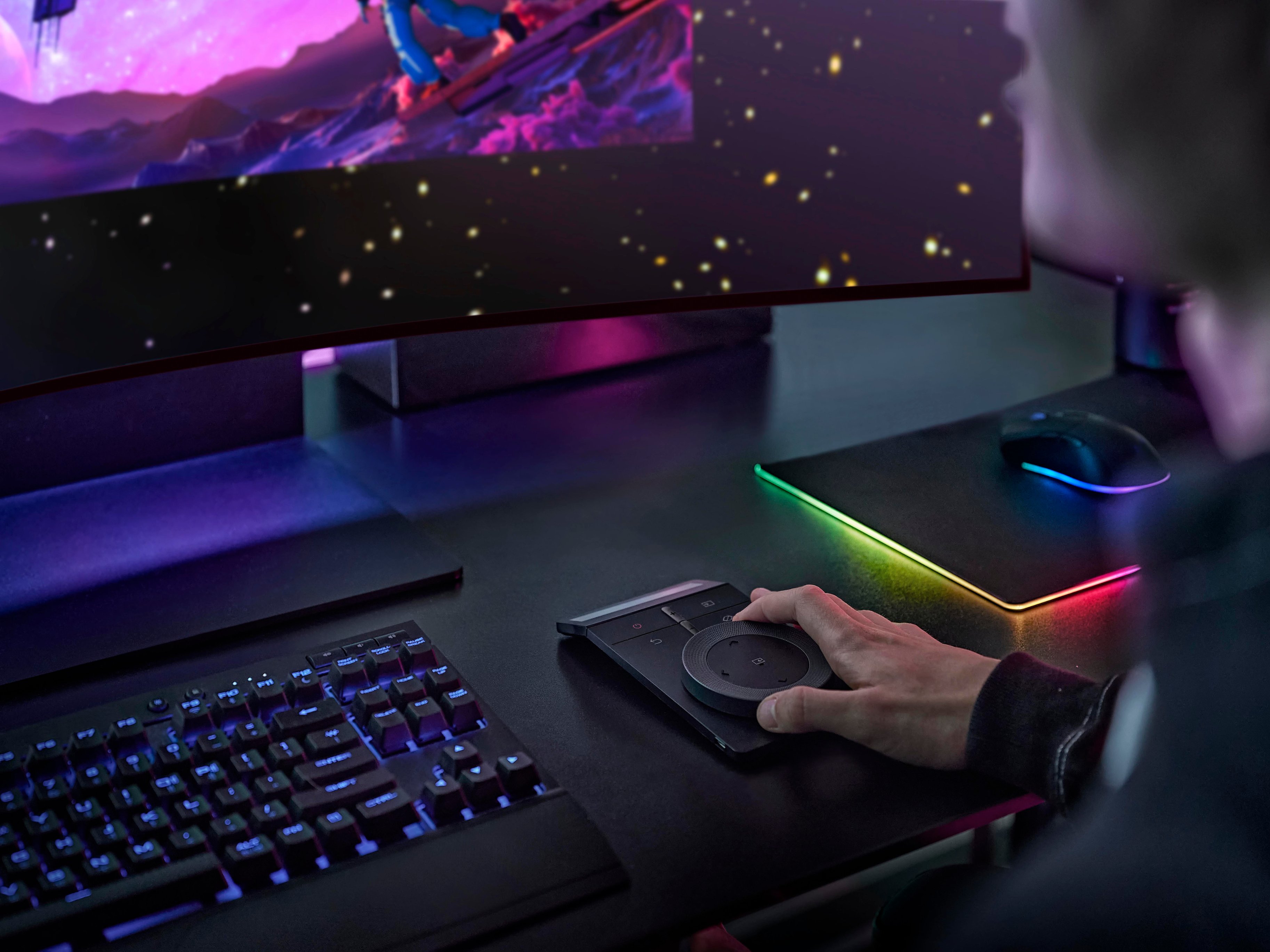
||Posted . Owned for 1 week when reviewed.This reviewer received promo considerations or sweepstakes entry for writing a review.After having this for ~ 1 month, here is my personal assessment of the Samsung Odyssey Ark Gen1: 1. I would not have purchased this monitor @ MSRP, because it lacks multiple HDMI ports with multi view, you can only utilize one HDMI input at a time. The Gen2* adds KVM capabilities which allow multi view for more than one HDMI input. 2. The OneConnect is huge, but I understand due to Cockpit mode. I find Cockpit mode more of a gimmick (you need a chair that reclines in this mode), however I have only used it twice. 3. The colors, brightness, and size of this monitor (VA panel) are awesome. 4. Weight: This thing is HEAVY, it weighs ~90lbs (including the stand), so ensure you have a desk that can support it. I have a Versa Desk which I can still elevate, if I wish to stand up. Also ensure you have assistance, because it's logistically awkward. 5. Samsung's software is lacking to say the least, there was a firmware update in September 2023 (ver 1520), which helped. However if I use my MacBook Pro (M1) sometimes the screen switches to my PC, minor nusiance. 6. This 55" curved monitor replaced, my two 34" curved monitors and it's truly an immersive experience. I throughly enjoy watching movies on this monitor. That's right it's also a Smart TV. 7. Speakers: Two subwoofers (upper and lower middle part of the screen), 4 speakers (located in the 4 corners). I don't require additional speakers, which helps with desk space. However, the speakers do require some break-in. 8. Remotes: The roller wheel pad is nice once you get use to it. There is a smaller remote (tv), but I rarely use it. Neither remote has an input function, which I find odd. 9. High refresh rate, 4K resolution. Works well with both XboxX and PS5. Now that I have this monitor, I really like it, however, this monitor requires a certain level of tech experience. I would give this monitor 4.25 stars. * I contacted Samsung Customer Support, to inquire whether I could purchase the Gen2 KVM one connect box separately, which would allow multiple HDMI inputs, but CS said it was not available at this time. Your comments and inquiries are welcome. Peace and blessings, Azeke
I would recommend this to a friendAmazing monitor. Get it now while it’s on sale!
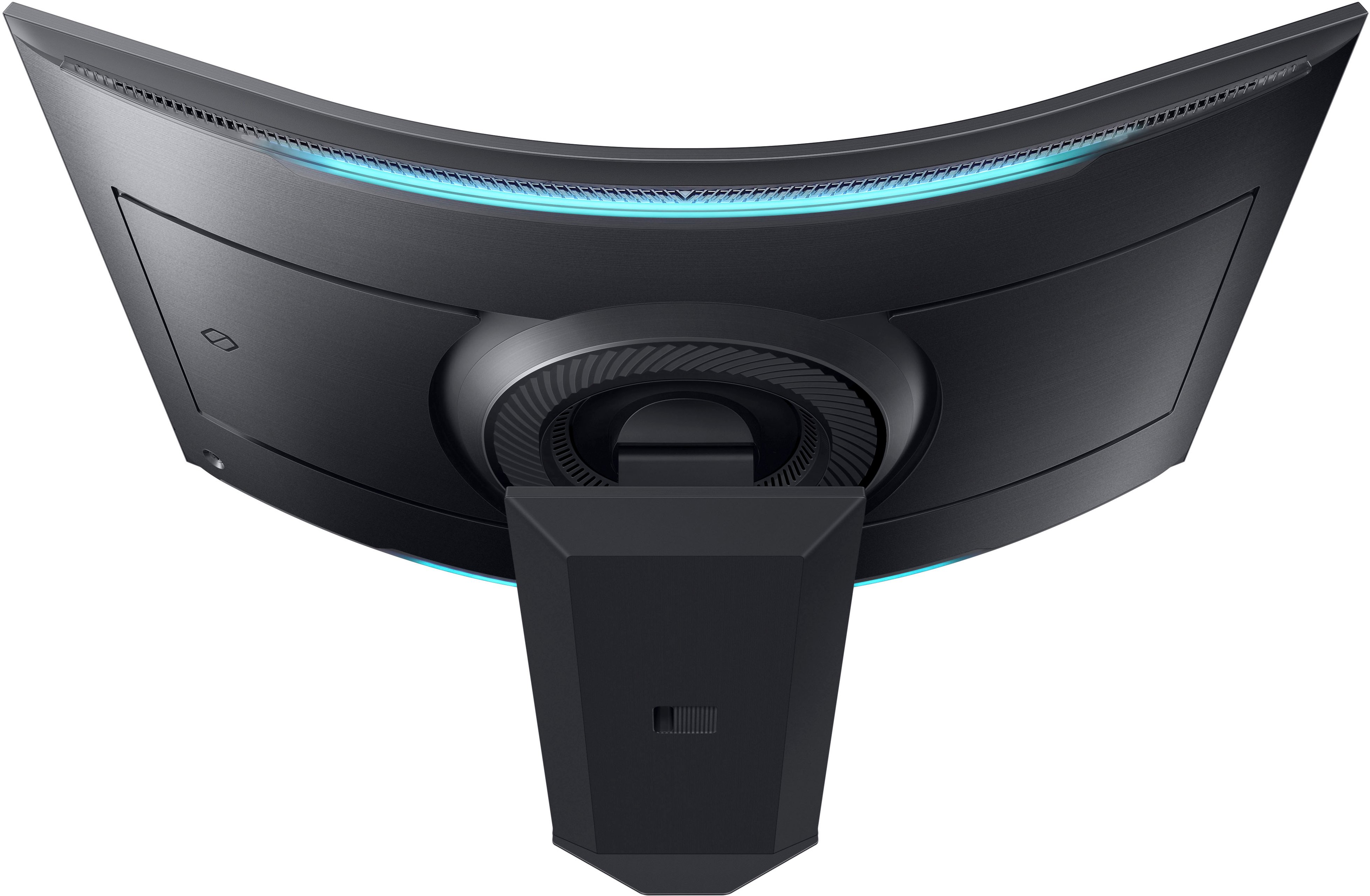
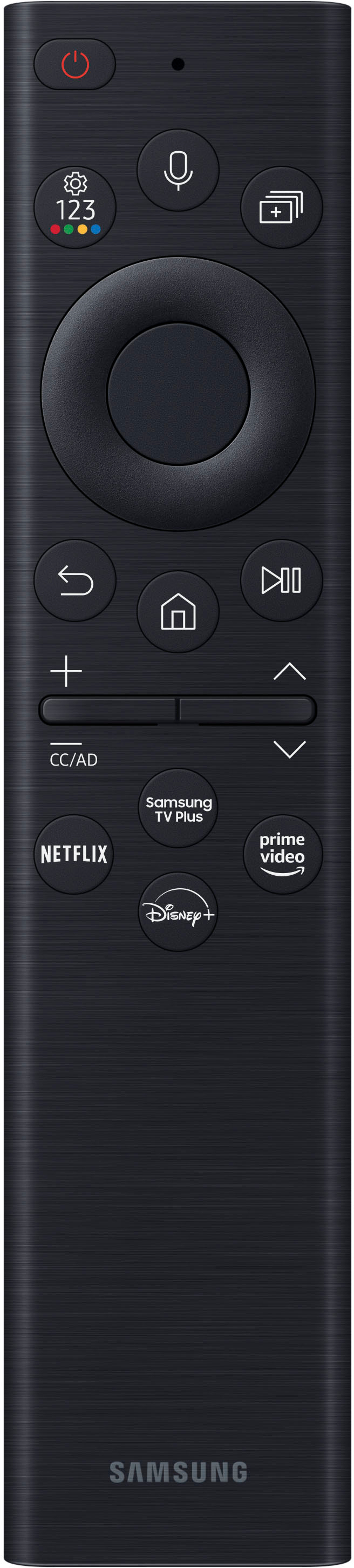
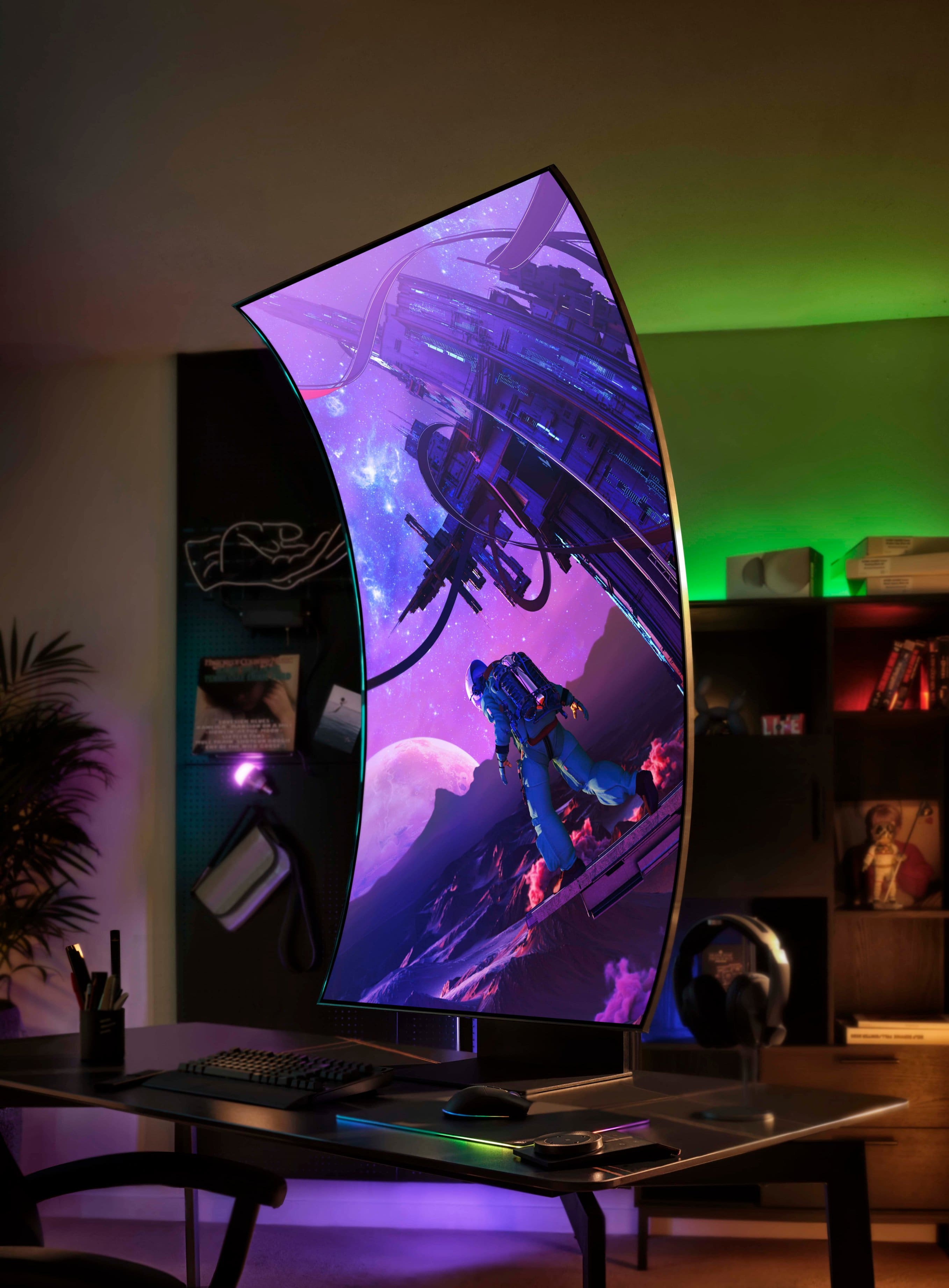
||Posted . Owned for 1 month when reviewed.This reviewer received promo considerations or sweepstakes entry for writing a review.I’ve followed the status of this monitor since it first came on the market and even with the mixed reviews, I’m glad I pulled the trigger. Especially when I paid only $1,799 instead of the full $3,400. I will try to be as detailed in this review as possible. -Setup The box that Amazon dropped off was massive and was heavy. I got this thing 28 hours after I ordered it so kudos to Amazon for the quick delivery. I also own a G9 which I moved to my second computer with this one as its replacement. It is HIGHLY recommended as with the G9 to have two people lift this thing, but I’m stubborn and did it myself. The box slides up revealing the monitor neatly packed in styrofoam. With the accessories packed neatly on top. After taking the accessories out, you have to lay the monitor face forward (still in the styrofoam of course) to attach the massive heavy stand. After everything is together, set it on your desk holding the base only. This thing weighs 91 pounds assembled so make sure you have a good desk and again…two people…I did it by myself and immediately took an IBUPROFEN after. The one connect connects to the back and acts as a hub for everything to be plugged into that. The rest is straight forward. -Using this beast! I’m a huge techie so it took me no time to figure out the ark dial which is solar powered and the amount of light this thing kicks off will keep it charged. It also comes with a second remote that is a basic Samsung smart remote….also solar charged and both have a usb-c plug if you want to manually charge it. It automatically picked up my PC when I turned it on and I felt like I was staring into the sun! This thing is bright!!! After fidgeting around with settings, I got it how I wanted it and connecting it to my 3090, I am able to get the full 165hz (even though my G9 was pushing 240…I didn’t notice the difference.) I love the back light that responds to the games and paired with my Corsair light towers, you are fully immersed. I’m a big flight sim guy and usually play in vr…with this….I don’t have to. The 1000r curve is natural to the curve of your eye and it’s literally double the height of the G9 so it’s like being in the game. Turning the monitor vertical (cockpit mode) is surprisingly really easy and is amazing for my music setup. Just lift the monitor to full height and turn. You do have to manually change the settings in windows from landscape to portrait but that’s it. The screen towers over you and it’s insane leaning back with the screen curving over you. I tested the speakers which sound amazing by the way, but I use the optical port to my 5.1 surround system and it shakes the room. The home button takes you to Samsungs hub which reminds me of my TVs…all Samsung….and is pretty easy to navigate. The only big con is that this doesn’t read multiple inputs in the HDMI, but I can apply play from my IPad while gaming, or use DEX from my phone. All in all this is a great monitor and would highly recommend for hardcore gaming and multitasking. +Pros The size Clarity and brightness Easy to turn from landscape to portrait Decent sound if you don’t have external speakers It’s a Samsung product so customer service is great -Cons The price….it’s on sale for $1,000….get it now No display port input 165hz instead of it’s 240 from the G9
I would recommend this to a friend- Pros mentioned:Resolution
Awesome gaming and productivity monitor!
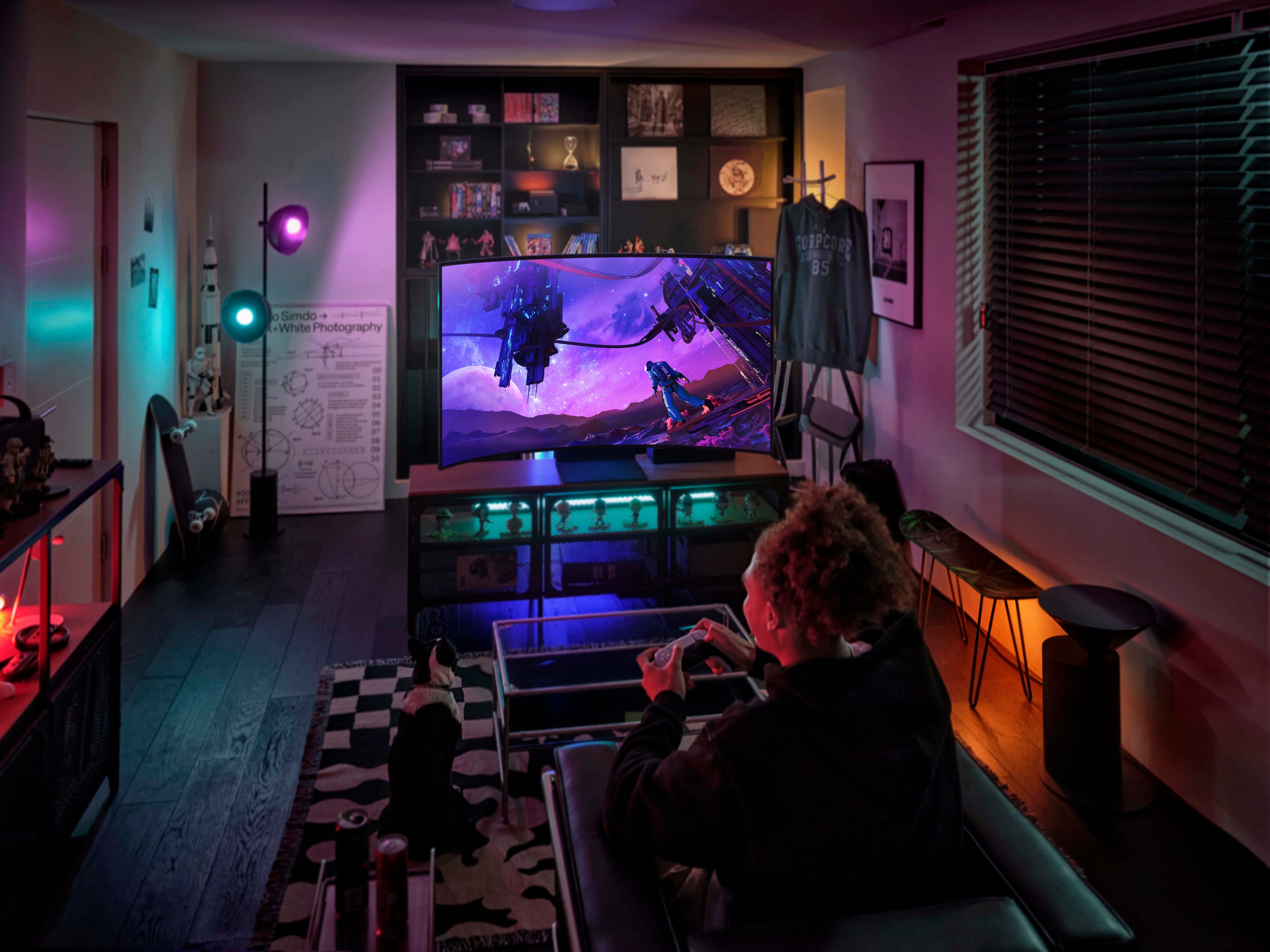
||Posted . Owned for less than 1 week when reviewed.This reviewer received promo considerations or sweepstakes entry for writing a review.This is a giant, heavy, and glorious display. I highly recommend it (especially at a sale price). I purchased it because I wanted something that I could play higher FPS Xbox series X games on, was bright enough to have in a room with unshaded windows, and be able to use it as a work monitor all day. There are some much cheaper and slightly smaller OLED displays that were appealing, but their low brightness and potential burn in were concerns for me. This 1000nit mini-led display addresses both of those. With my previous display (a 30" 4k display), I used slightly magnified reader glasses to reduce eye fatigue when working all day on that 30" monitor. With the glasses I'd still get a slight headache by the end of the day and it would make my near sighted focusing harder afterwards. Now with this 55" display pushed to the back of my desk, I can work all day without glasses. And after work...this is the best screen I've ever played a console system on. Tip: If your text is blurry for standard monitor usage, adjust the settings on the Samsung. I was ready to return it as not usable for work/productivity, but was able to fix the blurry text in the display settings. It's possible to get the text as clear as other 4k monitors for the same relative size of characters. What I mean by that is if the Ark is far enough away from your eyes that the field of view is the same as a 4k display that you are happy with, the text will be as clear. If you sit inches from this 55" display and compare it to a smaller 4k display, it will look blurry in comparison. Don't do that, and you'll be happy. :-)
I would recommend this to a friend 
The Ultimate Immersive Gaming Monitor!
|Posted .This reviewer received promo considerations or sweepstakes entry for writing a review.The Samsung Odyssey Ark 4K UHD Gaming Monitor is a mind-blowing experience in a 55" 1000R curvature, 1ms display, with an earth-shaking, six-speaker, Dolby Atmos sound dome. I might not ever leave my man-cave again! Unboxing and setup The first indication that this monitor is a beast was the massive 125lb box and the out-of-breath delivery man. After cutting two braided straps, the entire box top lifts off to reveal the tightly packed components and monitor. The illustrated instructions show two people installing the mounting back and base. This required leaving the display in the Styrofoam packing, laying it face down on my desk, and inserting the vertical mount into the back of the monitor. It clipped in easily, and a few Phillips screws locked it into place. Then we attached the base, removed the Styrofoam, and lifted the monitor into position. I unwrapped the Ark hub, remotes, and cables. The power and computer connections are attached to the One Connect Box, and a single One Connect cable attaches the box to the back of the monitor. A cover plate goes over the cable connection on the back. After powering up the monitor, I stepped through the Samsung account, Wi-Fi connection, Software updates, and enabling of the Ark dial controller and the TV remote controller. The entire unboxing, installation, and setup took around two hours. The illustrated instructions are self-explanatory and intuitive. Aside from the need for two people, the installation is actually relatively easy. For configuration, I stepped through the monitor settings to adjust the defaults for Picture, Sound, and Gaming. Game Mode is On as a default; Response Time is "Faster," AI Sound Booster is On, Dynamic Black Equalizer set to 2, HDR Tone Mapping Gaming I set to Advanced, and Game HDR is On. Another cool effect is the Eclipse Lighting for two LED bands on the back of the monitor. In landscape, they are at the top and bottom. I chose a friendly Green with a Breathing effect. Controls and Apps Two solar-powered remotes are included. A thin TV remote controls volume, channels, multi-views, Alexa voice commands, and streaming apps quick selects (Disney, Netflix, etc.). The Ark Dial remote has a large dial and buttons for controlling various displays and setting the size of the displays. A mouse and keyboard can be attached to the One Connect Box for direct input to the monitor. A Bluetooth gaming controller can also be attached. The Gaming Hub provides a wealth of streaming services (Apple TV, Netflix, Hulu, Amazon Prime, etc.), PC games, and console games. Samsung TV Plus provides many channels of programs and movies. One of my favorite configurations is to have one display for my PC and another for watching the news. In landscape mode, I can configure up to six different displays. I could have my PC display and Screen Mirror my MacBook Pro for doing work. Display and Gaming The beautiful 4K UHD display is crisp, bright, and clear. The 1000R radius curvature of this monitor makes it clear the intended purpose is for single-person gaming - though it can be used for group TV viewing. The curvature is perfect for keeping the same distance to eyes from left to right. Since my primary games are Microsoft Flight Simulator 2020 (MSFS) and No Man's Sky (NMS), this curvature provides a very immersive experience. My Alienware computer with RTX NVIDIA GeForce 3080 provides high-quality gaming video. Both MSFS and NMS are configured for maximum performance at high resolution. In MSFS, the flying experience is incredible! The view of ground textures, buildings, moving objects, weather, and aircraft controls are realistic. No ghosting, tearing, or lagging could be perceived. And with the HDR10 setting, the view of details and cockpit instruments are clear and crisp. NMS is also very immersive with this monitor. Flying in space or roaming around on an exotic planet, along with the Dolby Atmos Sound Dome, totally takes me away. Watching movies on this monitor is very enjoyable. Even with the 55" size, there is no pixelation, ghosting, or blurring. The colors are bright and clear without being overbearing. That being said, when I watched movies, they were being streamed from my computer. When I streamed a movie from any of the built-in apps in full-screen, I did see some blurring. I get the sense that the built-in streaming apps are intended for viewing in added-on displays. When the source comes in via HDMI, there is no problem. Performance I used the VESA DisplayHDR Test app to test the true performance of this monitor. Here are the results: • HDR PQ Max: 765 (970 nits) • HDR PQ Min: 9 (.002 nits) • HDR Connection Colorspace: 12 • Max peak luminance: 1015 • Min luminance: .0006 • Gamut % sRGB: 100.00 • Gamut % AdobeRGB: 92.92 • Gamut % DCI-P3: 97.20 • Gamut % BT.2100: 76.21 • Gamut Human eye: 43.7 • Max Brightness: 10000 nits The EIZO Monitor Test Results: • No defective pixels in white, black, red, blue, green • Greyscale is uniform • Distinct visual color difference at distance of 1 • No font shadowing • Gamma of 1.2 Features • 3840 x 2160 resolution via Quantum Mini-LED • 1,000,000:1 contrast ratio • HDR10+ with 14-bit backlight automatically adapts to gaming contrasts for highlighting all details • Peak brightness of 1000 cd/m2 • Eco Light Sensor • 55" and 1000R curvature • sAGAR (Super Anti-Glare, Anti-Reflection) film absorbs artificial and natural light to reduce glare • 165Hz refresh rate with AMD FreeSync Premium Pro and Variable refresh rate • 1ms GTG • 1056 Gaming Zones for the best blacks • Adjustable ratios and screen size • Rotatable to vertical Cockpit Mode or landscape • HAS, tilt, and pivot mounting for the best viewing angles • Neural Quantum Processor Ultra with 20 multi-layer neural networks AI-Powered video processor • Built-in speakers on all four corners and two sub-woofers, enhanced by Dolby Atmos and Sound Dome, at 60W 2.2.2 channel and floor shaking 45Hz low notes • Up to 3 screens in vertical and more in landscape • Support for one external input and one mirrored (airplay) at the same time • Samsung TV Plus with apps for streaming movies and shows • External One Connect HUB with ○ 4 HDMI ports 2.1 ○ One Connect port ○ Ethernet port ○ Optical audio ○ 2 USB ports ○ 2 USB Hub 2.0 • Solar-powered TV/Monitor remote control • Solar-powered Arc Dial display remote control • Bluetooth 5.2 • Alexa • SmartThings App Support • Gaming Hub with streaming services and video games Summary This gaming monitor is absolutely the ultimate in a high-performance gaming theater. I am thrilled with the performance of the display and the built-in sound system for total immersion into my games. My only slight disappointment is in only being able to source in from a single One Connect HUB port at a time, even though there are multiple HDMI ports on the device. I expect Samsung might improve this with a future firmware update. That aside, I highly recommend the Samsung Odyssey Ark 4K UHD Gaming Monitor for anyone serious about their gaming.
I would recommend this to a friend- Pros mentioned:Resolution
Samsung Arc
||Posted . Owned for 1 month when reviewed.This reviewer received promo considerations or sweepstakes entry for writing a review.The Samsung Arc 55 inch is a 4K UHD TV with a resolution of 3840 x 2160 pixels, which provides clear and sharp images. It has a refresh rate of 120Hz, which is great for watching fast-moving action scenes, sports, and gaming. The TV is equipped with Samsung's Quantum Dot technology, which delivers a wide color gamut and enhances color accuracy. One of the most significant features of the Samsung Arc is its built-in soundbar. The soundbar is located at the bottom of the TV and delivers an immersive audio experience with its 4.2 channel speakers. The TV also supports Dolby Digital Plus, which enhances the audio quality even further. The Samsung Arc 55 inch runs on Samsung's Tizen operating system, which is known for its user-friendly interface and wide range of apps. You can access popular streaming services like Netflix, Hulu, and Amazon Prime Video directly from the TV. Another great feature of the Samsung Arc is its compatibility with voice assistants like Amazon Alexa and Google Assistant. You can use voice commands to control the TV, search for content, and adjust the volume. In terms of design, the Samsung Arc has a sleek and modern look with a thin bezel and a minimalist stand. It also has a Ambient Mode feature that allows you to display art, photos, or other visual content when the TV is not in use. Overall, the Samsung Arc 55 inch is a great choice if you're looking for a high-quality 4K TV with a built-in soundbar and smart features. It's an excellent option for watching movies, sports, or playing games, and its sleek design makes it a great addition to any living room.
I would recommend this to a friend Almost Perfect - But I Still Love It!
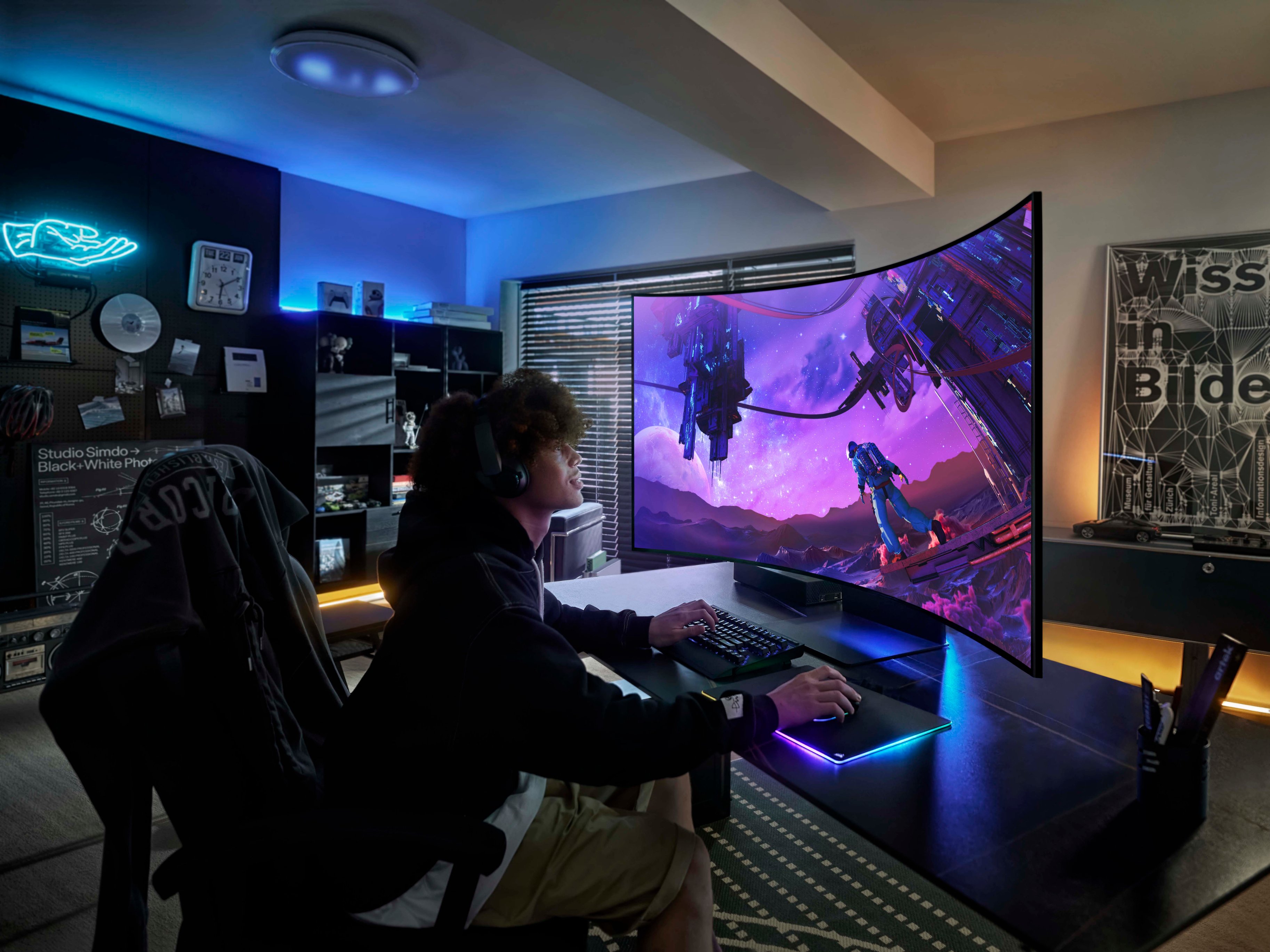
Posted .This reviewer received promo considerations or sweepstakes entry for writing a review.Here goes: It's the most excessive thing I've ever used, and ultimately I love it. It is obviously not for everyone, but since my goal was to build the most over the top gaming setup I could, it fits the bill 100%. Here are the things that annoy me: The Portrait mode function is silly. I can't imagine anyone ever does anything other than show their friends "hey, look what this can do". Because of the Portrait mode feature, the stand weighs a zillion pounds, and doesn't get low enough for normal desktop use. This is a major design flaw, and if I hadn't engineered my way around it the thing would be on its way back. The usual Samsung software glitchiness in early release products. Hoping a firmware update takes care of that. No official G-Sync support, although I expect NVIDIA will add at least G-Sync compatibility in a future driver update. Other than those things, which are far from dealbreakers, using the Ark is an absolute joy. I don't know how they got 165hz out of HDMI, but it's amazing. The picture quality is super close to OLED (Samsung really does Mini-LED right), and man does the thing get bright. I dig the backlights that match the onscreen and they work especially well with the window shade I have behind mine. As for the big question: is 55" too big for a desktop? Sort of, but that depends more on your desk. As long as you can sit about 2 ft away from it (and you have decent posture), the aggressive curve brings the whole picture right to your eyes. It's no more awkward to use than the 48" it replaced in my experience. It really is like having a private gaming "place" to go, and that's what I've wanted since the Commodore 64. It also makes me want to play more First Person games because they're just that good on this kind of display. I'm a happy camper.
I would recommend this to a friendHUGE!
||Posted . Owned for 3 weeks when reviewed.This reviewer received promo considerations or sweepstakes entry for writing a review.I think this monitor is actually better than my TV. Gaming on this monitor requires you to be a minimum of 80 CM the screen. The 1000R curve makes is not noticeable when you are in the middle of screen, you have optimal viewing angle every time you turn your head. The sound is actually really good, I got rid of my computer speakers because of the good sound quality. You also get all the apps your smart TV has. My one gripe, you can only have 1 input . I was hoping to have my work laptop and desktop plugged in so I can use the monitor in the vertical orientation. Be sure you have someone strong enough to help you carry is this beast.
I would recommend this to a friendBeautiful display, not always consistent
||Posted . Owned for 1 month when reviewed.This reviewer received promo considerations or sweepstakes entry for writing a review.First, I bought the display to work with PS5 and PC. Sim racing on Gran Tourismo is gorgeous and immersive. I have the bottom of the monitor about 3 inches behind the middle of my TGT-2. The response is unbelievable, and is a substantial increase from the Sony 85” X90K. It also sounds very deep if using the tv speakers. The bad news is that the TV does go black for about 1 second every now and then. It also has a separate box to connect your wires. Some people may like that, but it is an inconvenience when trying to mount it on a rig. Overall a very good tv if you are looking for immersion over 100% function and ease of use.
I would recommend this to a friendEverything I wanted in a gaming and work display
|Posted .This reviewer received promo considerations or sweepstakes entry for writing a review.Adjustment from landscape to cockpit was smooth, you do have to make sure that you are 'all the way up' on the mount before you turn, but was easy to do and rotation was smooth. I use it in landscape most of the time, but when I want cockpit mode for gaming, it is only a 10 second switch. the separate box for the input pugs is key here - with only one cable feeding into the display. turning the monitor doesn't result in a snakes nest of cables rubbing on the wall or potentially coming loose. Gameplay with online RPG and FPS games was awesome, particularly in team modes with a separate input area we used with a video chat client. This was nice in standard orientation (landscape. In cockpit mode, I was also able to bring up and monitor the computer performance metrics. in a nice linear format - look up for stats, middle for game, bottom for chat. With the handy dial, switching layouts and location of the screens was easy, althoughj it took awhile to get used to doing it without looking. Refresh rate at 165Hz was fine, I did note that adjusting screen size made a difference in clarity although that may have been due to my setting selection. Office applications were also nice. When working from home, I usually have to bounce netween two monitors and at least four screens. This display allowed me to simply use two display inputs and then split/arrange the windows. Now everything is right there for my job. Resizing and moving screens was also very nice when switching between mettings and creative applications. refresh speed was nice for some grpahics work and all in all this is a welcome change for the office as well. Audio is very nice, with some decent presets. I also set up a paired set of bluetooth speakers with the unit and got a nice surround and could then apply some third party audio mixer and equalization. Super nice either way. I also used the setup with a pair of wireless headphones nad it was probably thecoolest thing - particularly when using a flight sim. Pros: Audio, simple connection, easy orientation change, configurability, refresh, number of available inputs, separate port hookup, the list goes on. Con: The only thing is the weight and that was only upon initial setup and placement. You really want to have two fit/strong people team lifting this.
I would recommend this to a friendAbsolutely the worst monitor experience ever.
Posted .This reviewer received promo considerations or sweepstakes entry for writing a review.When you first see this display, you are blown away by how massive it is and how beautiful it looks. However, that is the best experience you're ever going to have with this display. If you manage to avoid getting a hernia with the heaviest 97 lbs I've ever lifted (somebody needs to make sure that Samsung gets their scales calibrated), you'll get to experience disappointment for days! The HDMI box loses track of your devices if you have more than 2 plugged in and it never remembers the names of the devices once you edit them. The Built-In RDP Client works great but is completely absent from the multiview mode. Multiview only allows for a single connection from HDMI at a time, and that would be fine if you could have the RDP client as one of the other Multiview options. Nope, you're reserved to using Tizen smart apps, and Wireless Display Protocols (Intel WiDi, and Apple Airplay 2) which neither are impressive with this screen. The hardware is largely a very solid build quality, but the Tizen Smart OS and limited connectivity really destroy the whole experience. Another confusing thing, the Ark Dial can actually be used to control every aspect of the display, even if it is very clunky, so why would they not fix that instead of throwing in another $140 remote? Also, why are they solar-powered? My remote batteries always last more than a year before I need to replace them. To me, the whole display looks nice but it is a giant kludge of bad ideas and broken dreams. If my grandkids ever recommend a Samsung Smart Display to me, I'm writing them out of the will and banning them from my house! Avoid this thing like a celebrity avoids taxes, it will save you a lot of grief!
No, I would not recommend this to a friendBrand response from Samsung
Posted .Thank you for your purchase and review of the Odyssey Ark Gaming Monitor! We are sorry to hear about the issues you have been experiencing with the Multi View feature.
First, at this time, the following can be used in a Multi View Window:
§ Sources : HDMI (1), Screen Mirroring (Android, Airplay, NotePC)
§ Apps : YouTube, YouTube TV, Web browser, TV Plus, Melon, Barre3, SmartThings Cam, USB Cam
Samsung is continually working with Content Providers and Application Developers to expand the list of compatible applications.
The Ark’s One connect box is designed with four (4) HDMI 2.1 ports to give ultimate connectivity to devices with HDMI outputs which include, but are not limited to, PCs and Macs, Gaming Consoles, Media Players and Streaming Sticks, cable or Satellite boxes, legacy DVD Players and more. While up to 4 inputs can be connected simultaneously for cable management, only 1 HDMI Input can be displayed on the Ark display at a time, whether in full-screen or in Multi View mode.
We’ve received feedback that it would be desirable to be able to use multiple HDMI inputs simultaneously, and we’re exploring this as a future feature on this or other Odyssey Gaming Monitors.
By using the Windows “Connect to a Wireless Display” feature, you may be able to work-around the single-HDMI port limitation and connect to compatible Laptop or notebook PC in addition to another HDMI device in a separate multi-view window.
NOTE: Wireless display connectivity is not intended for high-performance gaming due to latency issues, but could be ideal for running programs like Netflix, Prime Video, Twitch, and more.
Additionally, in some instances, while an actual application cannot be used in a Multi View window, it may be possible to run a browser-based session of that application or web site in the Web Browser, provided all required codecs and plug-ins are available and setup in the browser.
While this is not an all-inclusive bypass (ex. Netflix requires a Microsoft Silverlight plug-in, which doesn’t exist for the Web Browser), we encourage you to experiment with your favorite sites and apps to get the most of out of your Ark Multi View experience.
Your overall feedback is important to us and we will document your concerns.
If there is anything else we can do to assist you and improve your product experience, please contact Samsung Customer Support via: 1-800-SAMSUNG, available 8AM - 12AM EST (Mon-Fri) / 9AM - 11PM EST (Sat-Sun)
Samsung is committed to providing the best possible product experience, quality, and value, and we are always here to help with any of your questions or concerns.
M1/2 Mac Users Stay away!
||Posted . Owned for 1 month when reviewed.This reviewer received promo considerations or sweepstakes entry for writing a review.If you are using this for your PC the display will look good. Macbook or Macbook Pro users on the other hand is terrible! Really cool design but it has its problems. I returned it due to have 5-6 dead pixels in less than a month of usage. Luckily having the Total Tech membership it extended my return period and I had no issue returning after 3 weeks. They even came and picked it up. It is big and heavy! Pros 1. The screen is massive and feels so immersive in the games 2. Rotation is cool and having 3 apps up at the same time is neat 3. Audio is fantastic imo for a tv speaker Cons 1. Poor PPI less than 100 2. No DisplayPort 3. Not compatible with Macbooks unless you like blurry text. No software can fix how terrible fonts looks dont even bother trying to fix it. Thanks to Apple being anti-consumer and have removed font smoothing from their OS. I think they purposely did this to push you to their own Displays that costs an arm and a leg. Shame on you Apple.
I would recommend this to a friendBrand response from Samsung
Posted .Thank you for bringing this issue to our attention as Samsung is committed to providing the best possible product experience, quality, and value. Samsung greatly values our customers’ feedback and we utilize your concerns and opinions in our relentless efforts towards delivering world-class products. We are very sorry to hear that you returned this product and hope to have you back as a customer again.
If you ever need assistance in the future, please contact Samsung Customer Support and a rep will be happy to assist you:
1-800-SAMSUNG, available 8AM - 12AM EST (Mon-Fri) / 9AM - 11PM EST (Sat-Sun)
Amazing must have it.
||Posted . Owned for 2 months when reviewed.This reviewer received promo considerations or sweepstakes entry for writing a review.Its an amazing monitor, i think that the perfect size would be it little thiner but not as thinner as the 49" they make, I'm guessing like the LG one, but is beautiful, so far so good, not any issues, it came clean, pretty heavy tho. but I can split the screen in multiple size windows, ai keep my whatsapp now open, along with Discord, youtube playing video and music on the top corner, and my main 2 screen on the bottom that I would say comes to be about 30" worth of landscape. plus a smaller one on the left, for multi tasking.
I would recommend this to a friendIts solid
||Posted .This reviewer received promo considerations or sweepstakes entry for writing a review.Had some issues with it out of the box. I use it as an extended display for my ROG Strix g15 laptop. The first impressions out of the box were " thats a pretty aggressive curve," and "everything in here is heavy." I will say it definitely feels like samsung put quality as a priority in terms of hardware. The stand is solid and the monitor feels solid and well built. Getting the desired quality took some work but i guess samsung realizes that technologically incapable people probably wont be getting this monitor. It definitely is heavy, over 120 pounds. I believe the stand itself is heavier than the actual monitor, took me some little engineering and muscle to get it up by myself. Once set up, the display looks good, has the same picture quality as my other samsung tvs, which is good. Had to manually change the settings from 60hrz to 120 which sould be standard. I was having issues getting games to push beyond 50 fps. I managed to get them up to 80/90 by decresing screen resolution and it was fine. I thought the stand was broken, just had to really push down on it to get to to move the first time, now it moves just fine. I cant quite give it 5 stars, but i do think its a good monitor. I'm repalcing it with a hp 32 inch monitor and the amount of real-estate I have to work is worth it.
I would recommend this to a friendGreat Monitor but KNOW WHAT YOU ARE BUYING
||Posted . Owned for 1 week when reviewed.This reviewer received promo considerations or sweepstakes entry for writing a review.I was skeptical about getting a monitor this large but after I played some games on it, I was sold. Here is my two cents. IF your eyes will be closer than 5 ft away from this monitor, get a smaller monitor or plan on having neck pain. If you are buying this thing to flip in the vertical position, don't, its pointless. I do not, nor do I see anyone else using the vertical position. THIS IS NOT OLED. Although it is curved and the price is almost to the point where it should be oled, it is led. The local dimming does really good but still can not beat an OLED. THIS THING IS HEAVY, The base on this tv weighs about 50 lbs, or it feels like it weighs that much. Maybe more. The TV doesn't weigh as much but that base..... If you plan to mount this monitor, the spinning portion does not work, or did not work for when I tried. Doesnt matter for me as I hate the vertical position. There are LED lights on the back of this unit. You can set it up with ambient light coming from the back. Not something that will make you want to buy it, but its something I did not know it did until I hooked it up. (Yes you can turn it off) The monitor is HUGE. Again, if you are closer than 5 feet away, plan on having neck pain from looking all around you for your curser. On a table that is 30 inches tall, The monitor still stands high. If your like me, you want the center of the monitor level with your eyes. Simply can not do that with a monitor this large, on a base that tall, on a table. Unless you have a booster seat. One last thing, This can be used as a TV. Not sure if you have any HDR features or anything but it can be used as a tv. The monitor has smart features that rival, if not beat the OS of their top tier TVs. Even includes free Samsung TV. Overall, I love my new monitor. There are some negatives, but nothing that can not be overlooked. Almost forgot, if you buy an Open Box version, make sure the tv is factory reset. When I got my TV, My tv kept telling me my laundry was done. I do not have a smart washing machine, it was picking up the previous owner's washing machine.
I would recommend this to a friendExceptional monitor if you find it on sale.
||Posted . Owned for 11 months when reviewed.This reviewer received promo considerations or sweepstakes entry for writing a review.Big and beautiful, a lot of people I have talked to since I got this feel like its too much to look at, and if you are all up on your monitor like a pixel peeking csgo player, it probably is. But in general gaming and/or productivity environment...its perfect. The aggressive curvature folds the edges of the screen into your field of view beautifully, has a great response time, great refresh rate and contrast rations and color depth that can only be beat by oled thanks to its plethora of micro led backlights. Unlike most reviewers, I was aware that it wasnt capable of doing PIP for multiple hdmi sources prior to purchasing it, and I am fine with not having that functionality due to logistics of controlling multiple systems using one set of peripherals anyways.
I would recommend this to a friendMassive
||Posted . Owned for 1 week when reviewed.This reviewer received promo considerations or sweepstakes entry for writing a review.The Ark is huge, no way around that. I absolutely love it though. It creates an immersive gaming experience only bested by VR. The 1000r curve is really something to behold at this size. That being said, I am not taking advantage of what it fully offers. I don't use cockpit mode and I don't use any of the multi view modes either. Strictly landscape mode at 4k, pushing 165 fps, or thats the goal at least. Colors and HDR are wonderful on this display. The local diming allows for rich, deep blacks, bested only by the OLEDs. Response time is great, no visible ghosting in my experience. I am really happy with the picture quality. All that being said, I picked this up on sale, and had some reward zone points to burn. To me this isn't worth $3500, perhaps $2600-$3000, as there really isnt anything else out there like it. If you are looking for the largest 4k high refresh rate PC gaming monitor, this should be top on your list of considerations.
I would recommend this to a friendGreat for gaming, but severely under-delivers
||Posted . Owned for 3 months when reviewed.This reviewer received promo considerations or sweepstakes entry for writing a review.As far as an amazing immersive monitor, this one really hits like nothing I've ever owned before. Full-screen gaming is amazing, and the colors are beautiful. So my biggest complaint is the advertisement towards this monitor. It was supposed to replace multi-monitor setups. I replaced two Odyssey G7 28" monitors with this under the impression that I could have two screens, as well additional "windows" using multi-view. In this aspect, it severely disappoints. For $3,500, I expected so much more. To be limited to the Samsung TV app, YouTube, and either another windows share from another computer or a phone screen share, is not remotely close to the expectations. Especially because none of those additional windows can be controlled with my PC's keyboard and mouse. Why the heck do I want additional windows on my PC monitor that cannot be controlled by my PC!?!? This is a PC monitor! A monitor that has options that can't be used or managed by the PC is ridiculous. This monitor severely needs an update and upgrade to make it worth the price of admission. Otherwise, buy this with the intention of using as an immersive screen for either a racing rig, or just a huge screen while sacrificing desk space for an additional monitor to the side for additional PC windows to do all your browsing & streaming. Samsung, time to update this monitor to allow multiple HDMI inputs simultaneously, and the ability for a PC to recognize those inputs for a TRUE multi-monitor setup. You claimed that was the intention of this monitor, and you have not delivered.
No, I would not recommend this to a friendBrand response from Samsung
Posted .Thank you for your purchase and review of the Odyssey Ark Gaming Monitor! We are sorry to hear about the issues you have been experiencing with the Multi View feature.
First, at this time, the following can be used in a Multi View Window:
§ Sources : HDMI (1), Screen Mirroring (Android, Airplay, NotePC)
§ Apps : YouTube, YouTube TV, Web browser, TV Plus, Melon, Barre3, SmartThings Cam, USB Cam
Samsung is continually working with Content Providers and Application Developers to expand the list of compatible applications.
The Ark’s One connect box is designed with four (4) HDMI 2.1 ports to give ultimate connectivity to devices with HDMI outputs which include, but are not limited to, PCs and Macs, Gaming Consoles, Media Players and Streaming Sticks, cable or Satellite boxes, legacy DVD Players and more. While up to 4 inputs can be connected simultaneously for cable management, only 1 HDMI Input can be displayed on the Ark display at a time, whether in full-screen or in Multi View mode.
We’ve received feedback that it would be desirable to be able to use multiple HDMI inputs simultaneously, and we’re exploring this as a future feature on this or other Odyssey Gaming Monitors.
By using the Windows “Connect to a Wireless Display” feature, you may be able to work-around the single-HDMI port limitation and connect to compatible Laptop or notebook PC in addition to another HDMI device in a separate multi-view window.
NOTE: Wireless display connectivity is not intended for high-performance gaming due to latency issues, but could be ideal for running programs like Netflix, Prime Video, Twitch, and more.
Additionally, in some instances, while an actual application cannot be used in a Multi View window, it may be possible to run a browser-based session of that application or web site in the Web Browser, provided all required codecs and plug-ins are available and setup in the browser.
While this is not an all-inclusive bypass (ex. Netflix requires a Microsoft Silverlight plug-in, which doesn’t exist for the Web Browser), we encourage you to experiment with your favorite sites and apps to get the most of out of your Ark Multi View experience.
Your overall feedback is important to us and we will document your concerns.
If there is anything else we can do to assist you and improve your product experience, please contact Samsung Customer Support via: 1-800-SAMSUNG, available 8AM - 12AM EST (Mon-Fri) / 9AM - 11PM EST (Sat-Sun)
Samsung is committed to providing the best possible product experience, quality, and value, and we are always here to help with any of your questions or concerns.
Amazing monitor
||Posted . Owned for less than 1 week when reviewed.This reviewer received promo considerations or sweepstakes entry for writing a review.I dont know where the bad reviews are coming from. I have had 0 issues with this monitor is a beast. Has smart apps and all like a tv. The only thing is i would physically would not use this monitor as a desktop monitor for gaming or work. You need to keep your distance because of its sheer size. I use a wireless mouse and keyboard. My only gripe would be that it doesnt have a source button to switch quickly between hdmi. Also thr 165hz is a beast super smooth. My 3090 handles games beautifully and look amazing on this monitor. The reason why i deducted 1 star is because the back plate cover is useless. It pops off lile nothing if you try to rotate the monitor. Big time design flaw. Over all i recommend if you are fine with not using it as a desktop monitor but more of a tv on steroids with monitor capabilities.
I would recommend this to a friendGreat monitor
||Posted . Owned for 1 month when reviewed.This reviewer received promo considerations or sweepstakes entry for writing a review.I really love this monitor. Great for multitasking and gaming. It has a large footprint but i was also able to ditch my computer speakers. The dial took me about 20 minutes to master but it is awesome. The height ajustment is really nice as is the matte screen to reduce reflections. Im very happy with my purchase.
I would recommend this to a friend
Almost perfect. Almost.
|Posted . Owned for 9 months when reviewed.This reviewer received promo considerations or sweepstakes entry for writing a review.[Employee of bestbuy] It's a great monitor and lived up to most of the hype. The remotes took a few days to get used to, but ultimately, without the ability to view more than (1) one input at a time, it fell short.
I would recommend this to a friend