Customer Ratings & Reviews
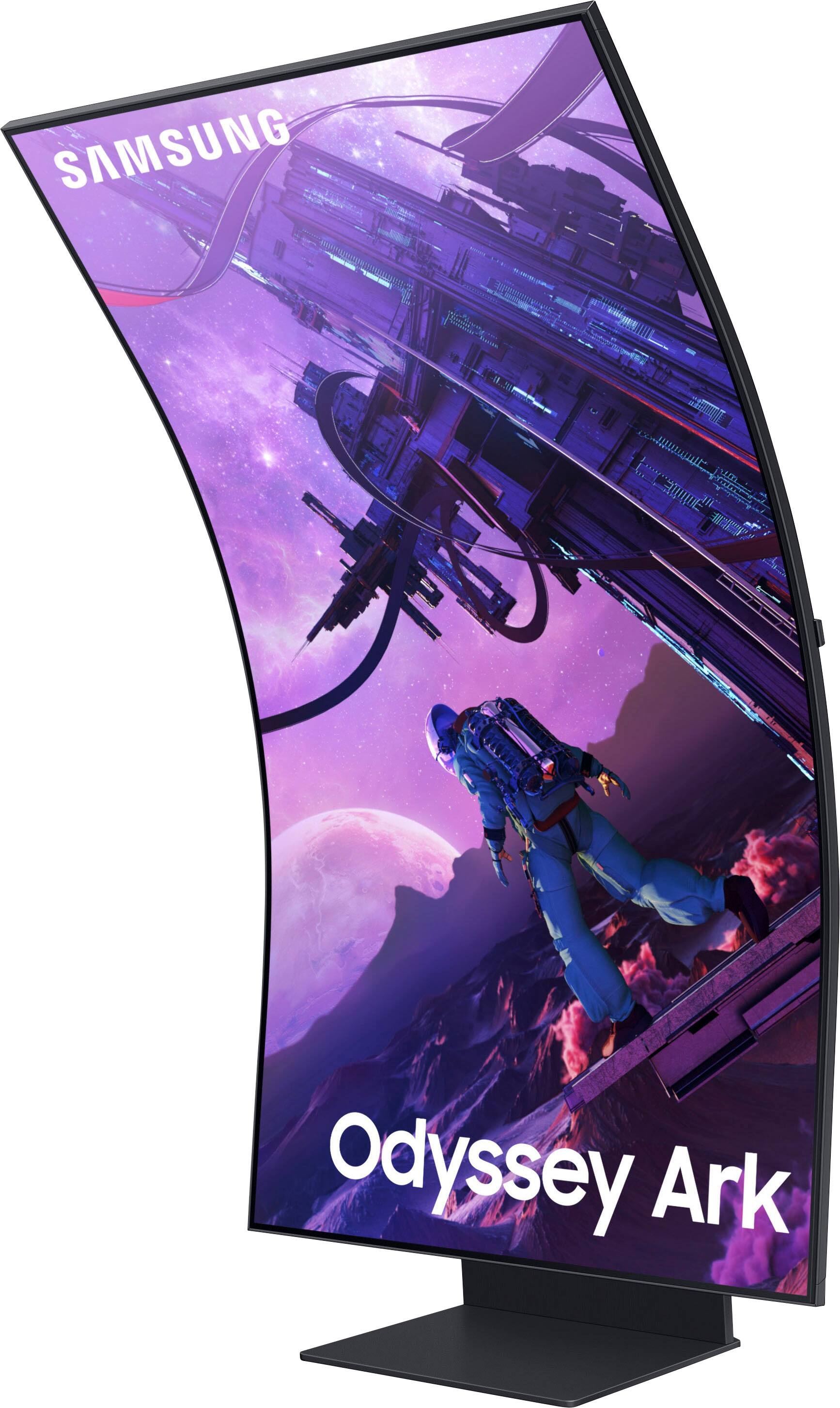
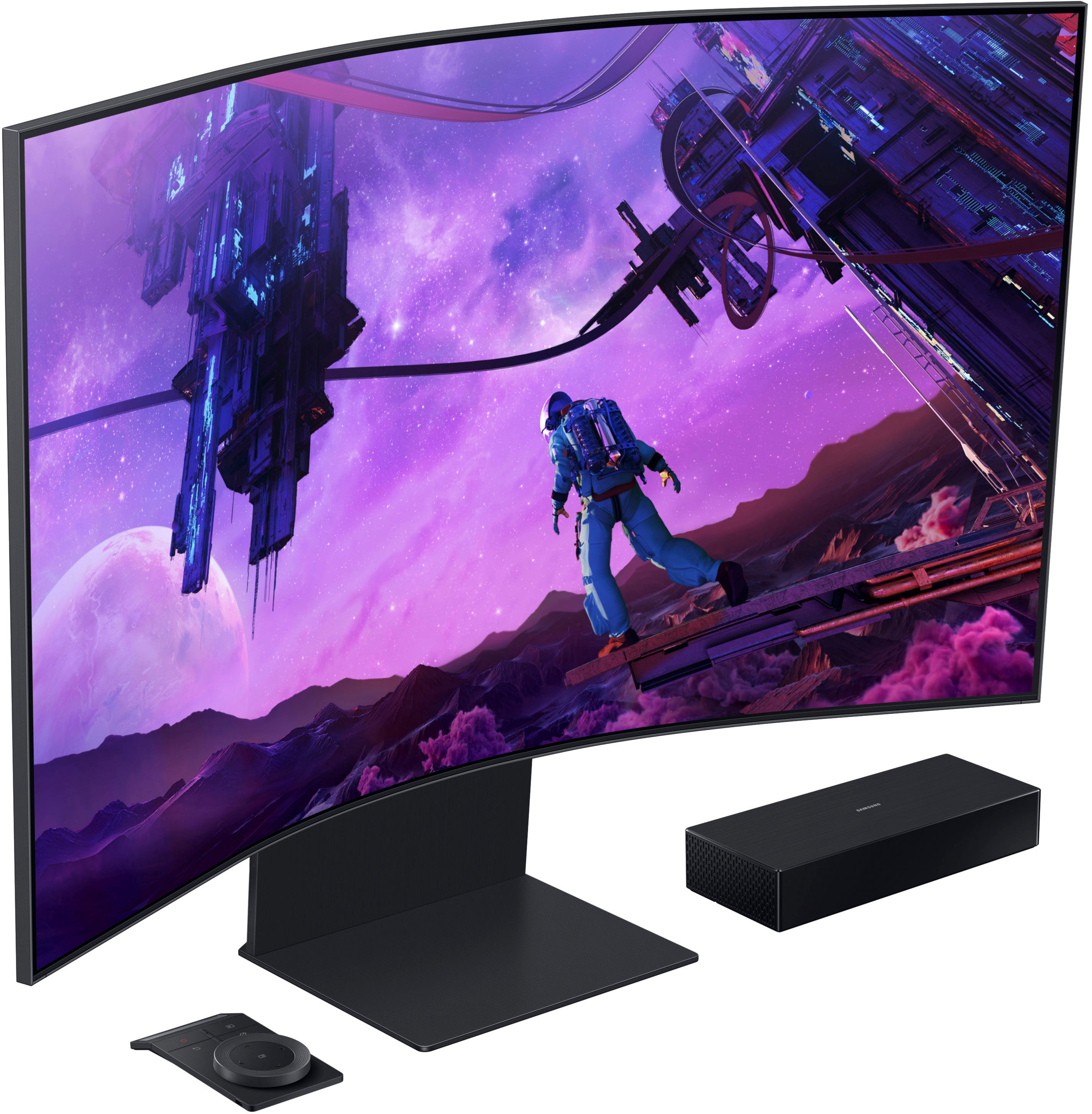
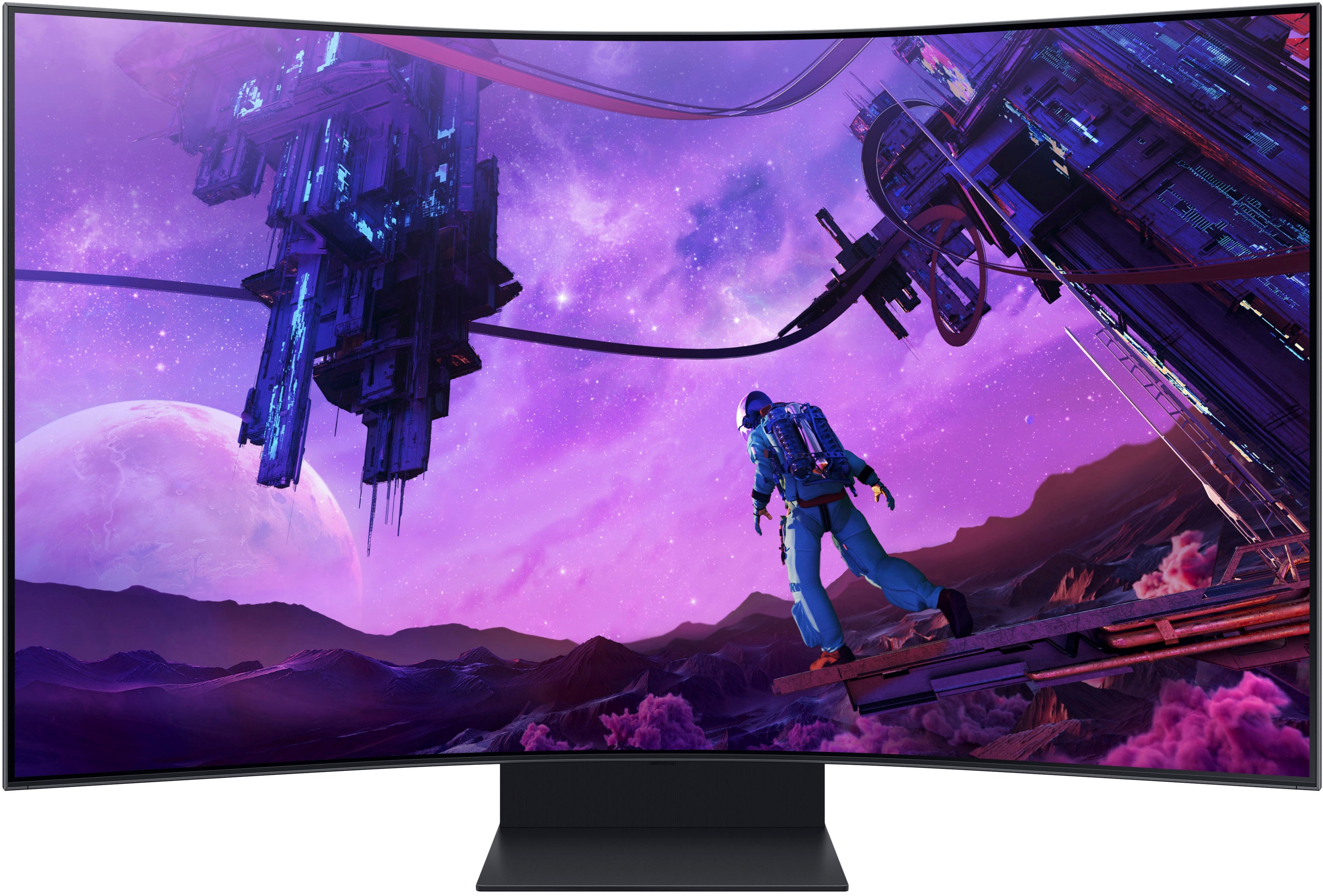
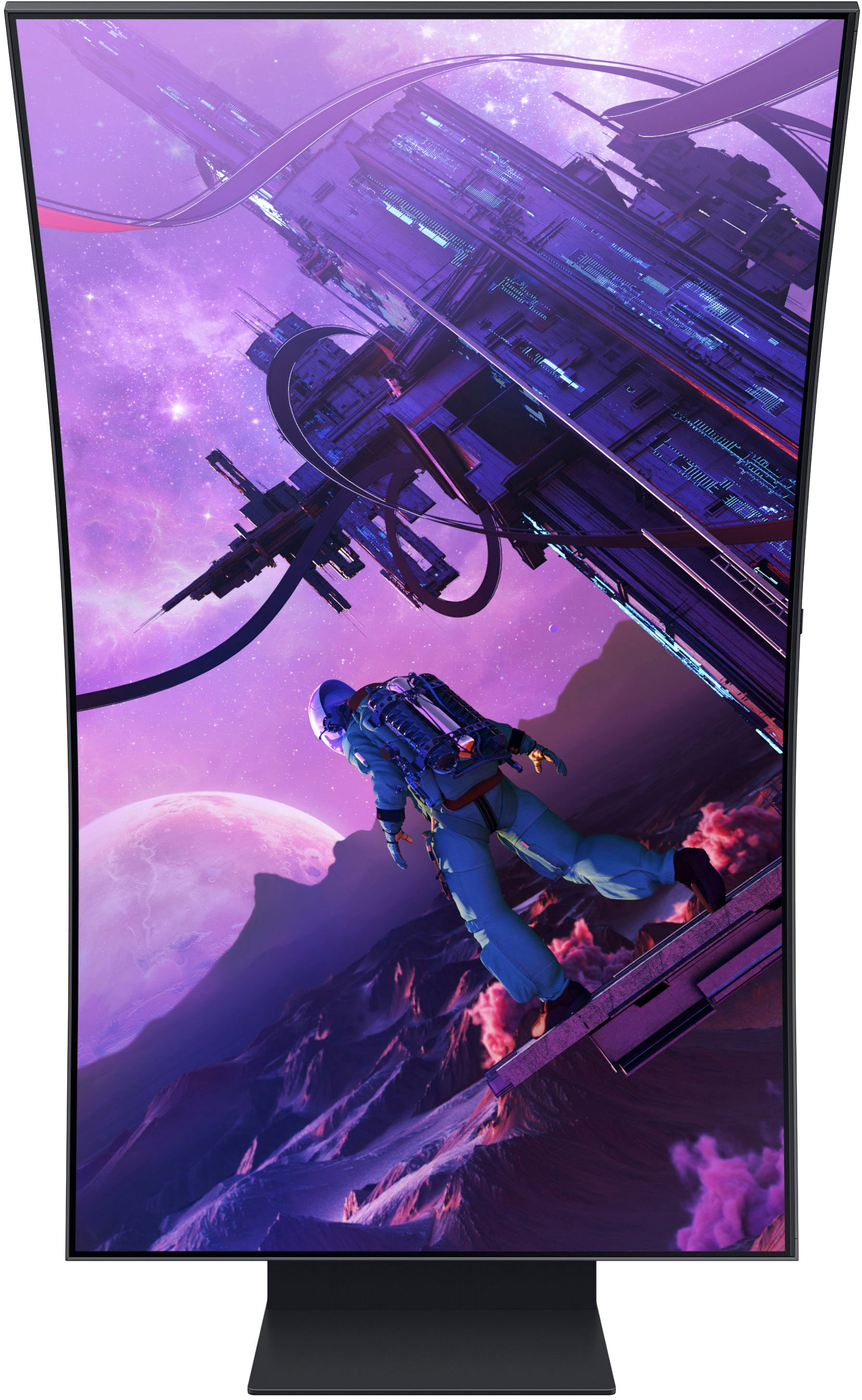
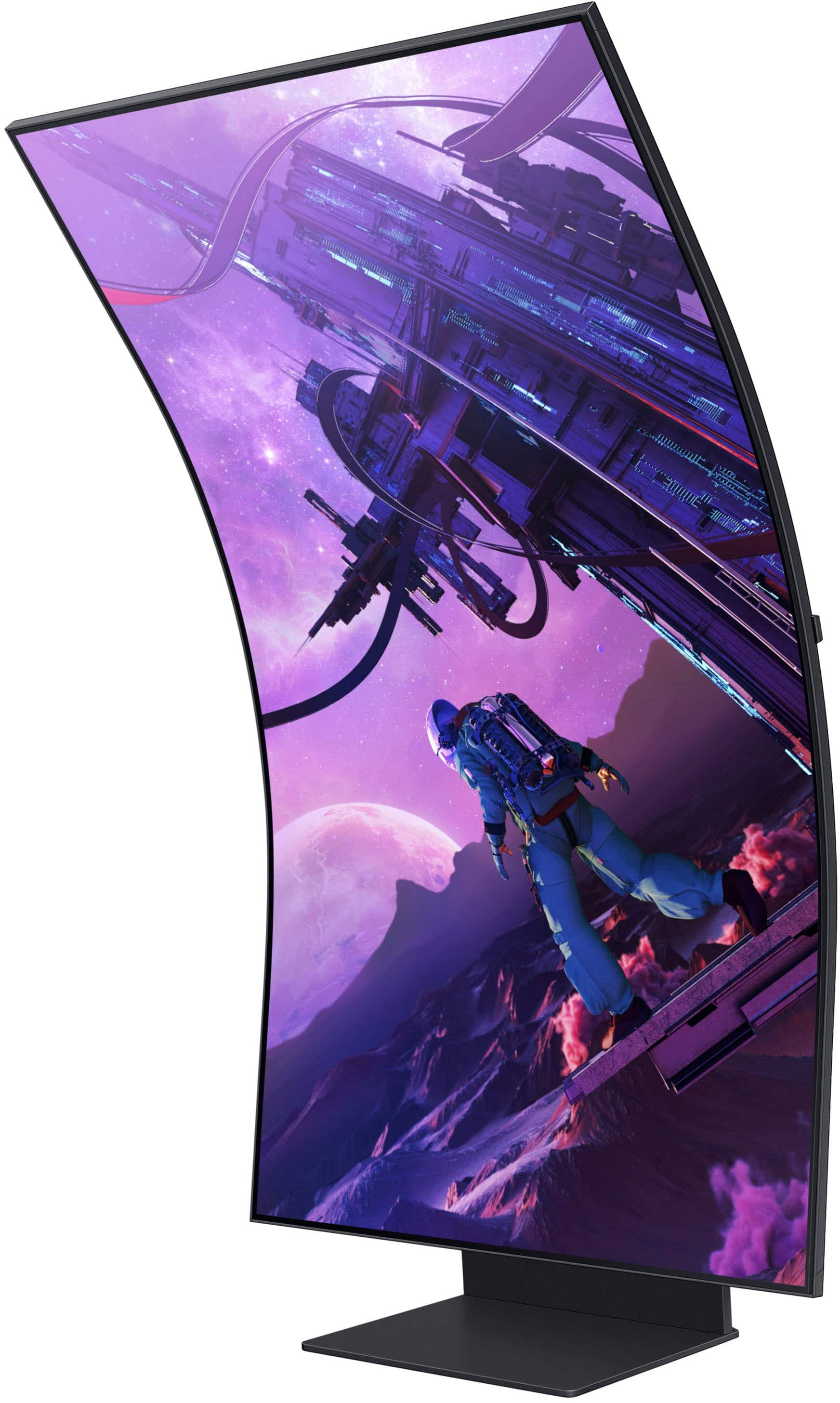
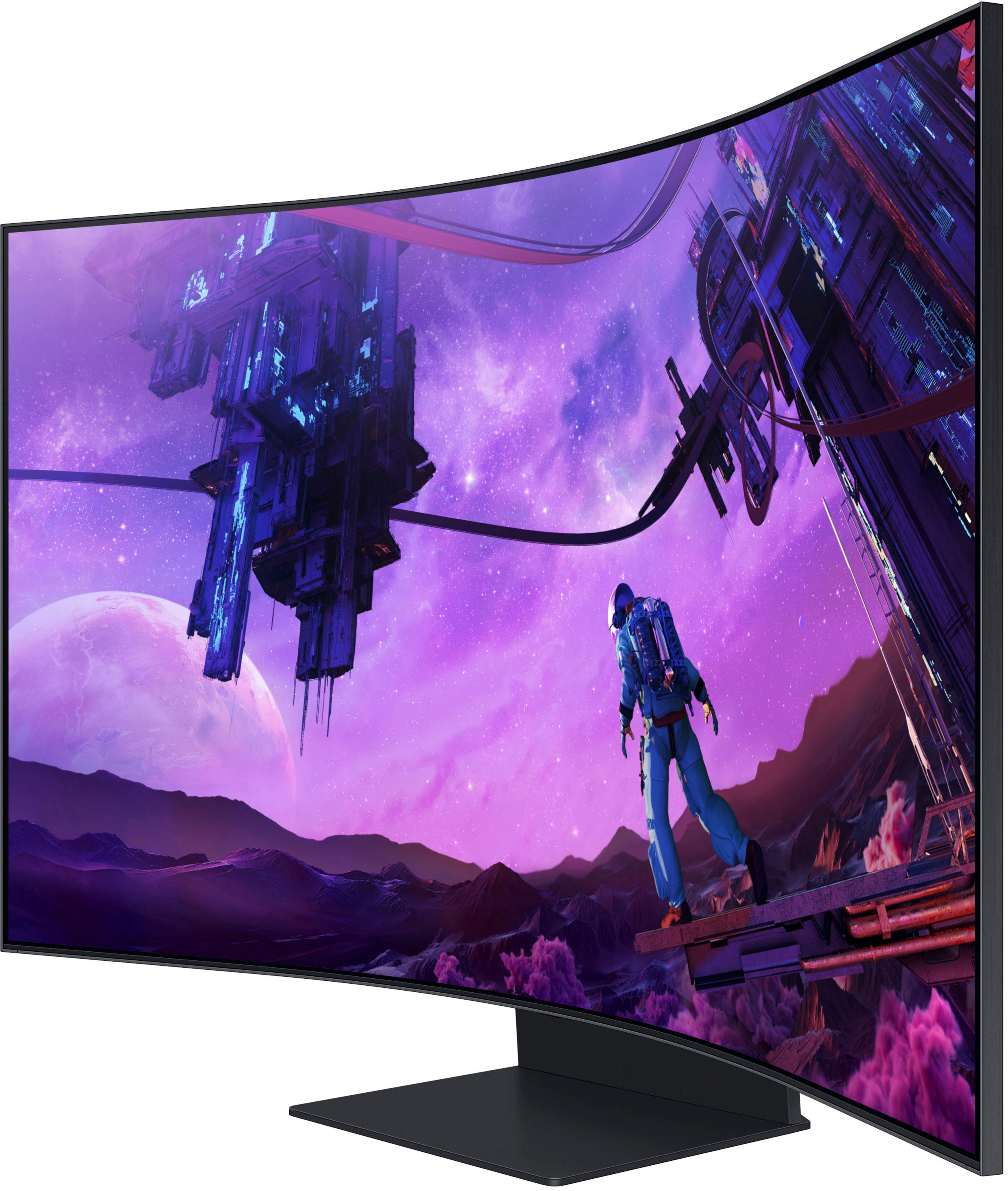
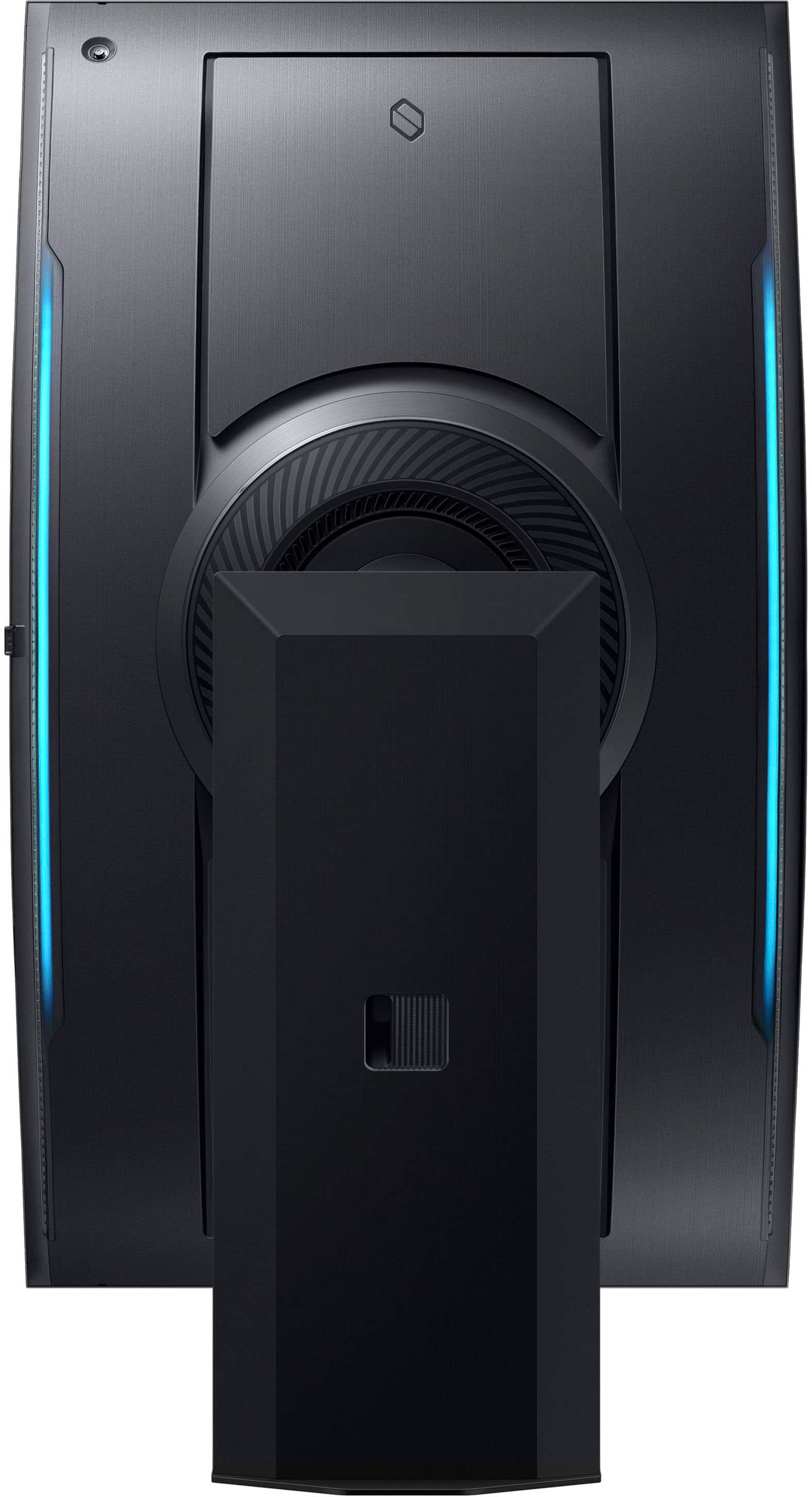
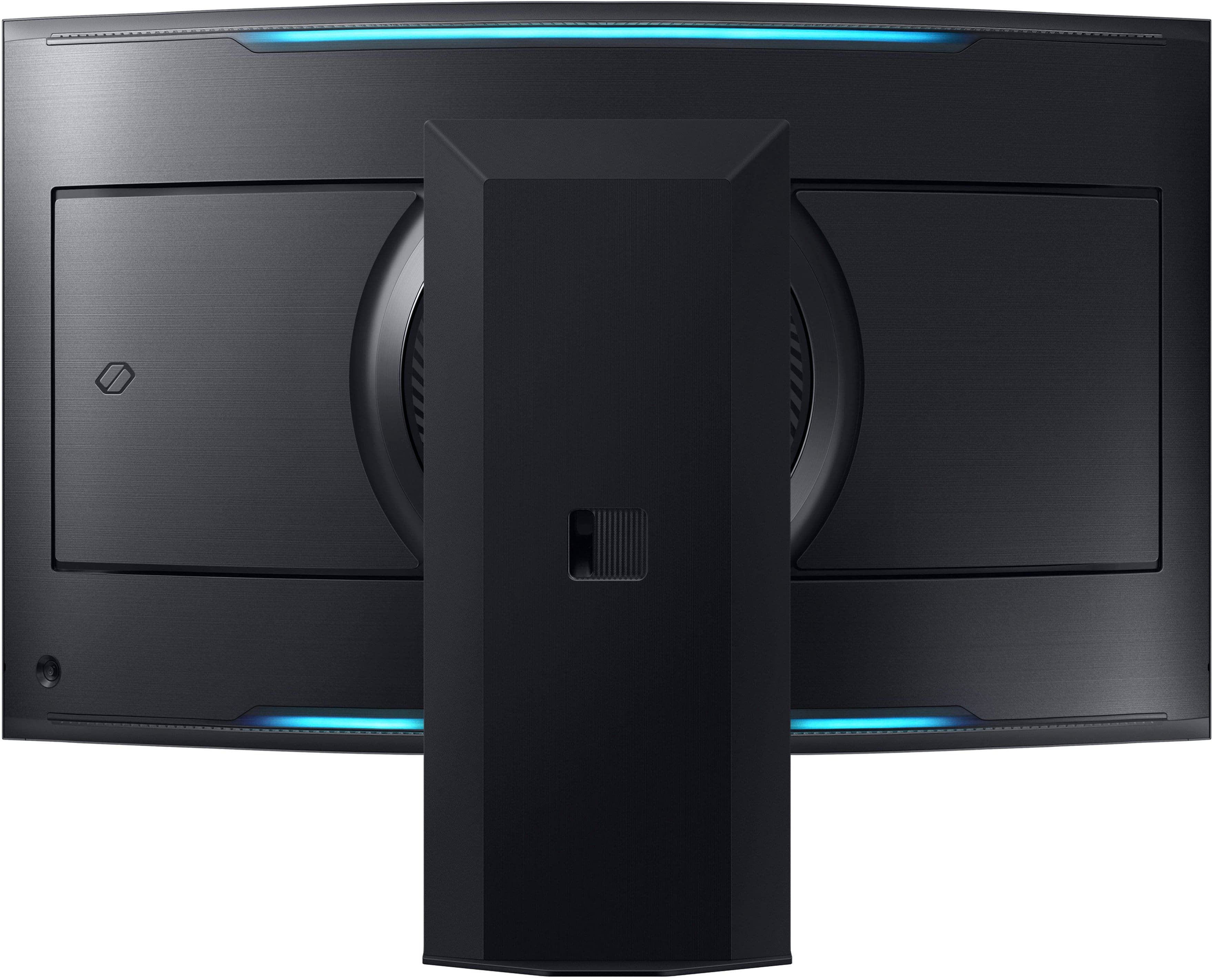
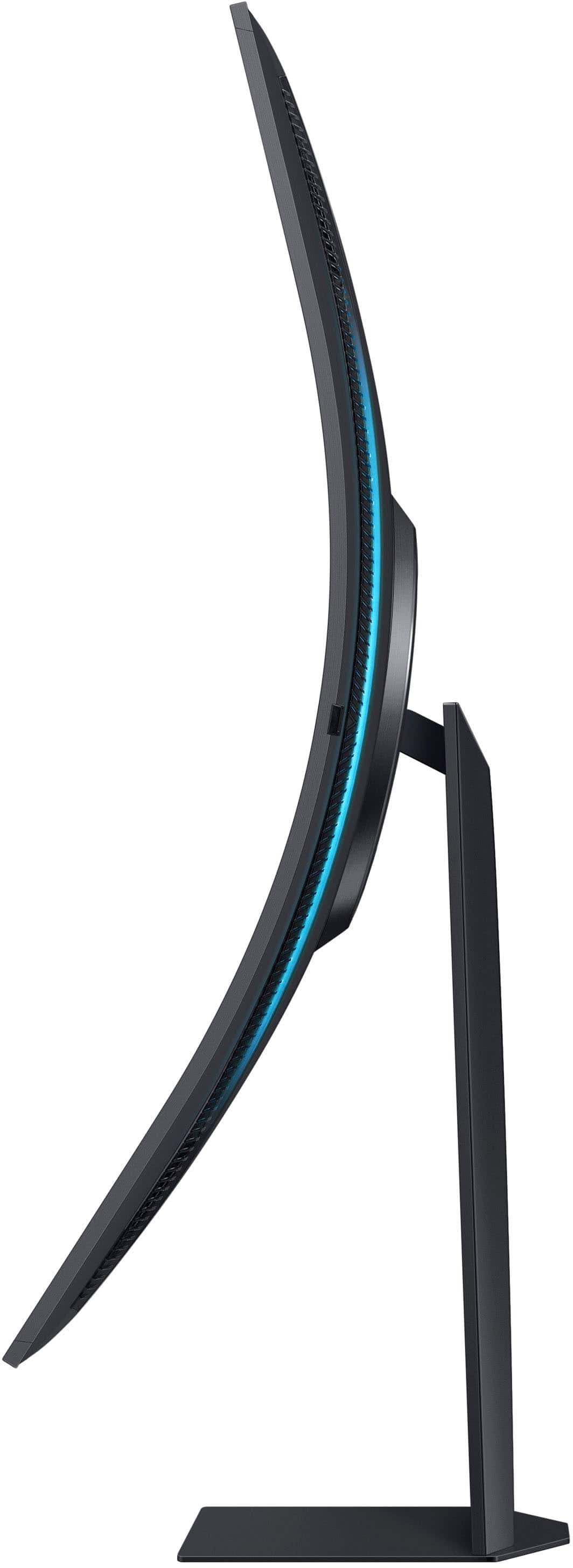
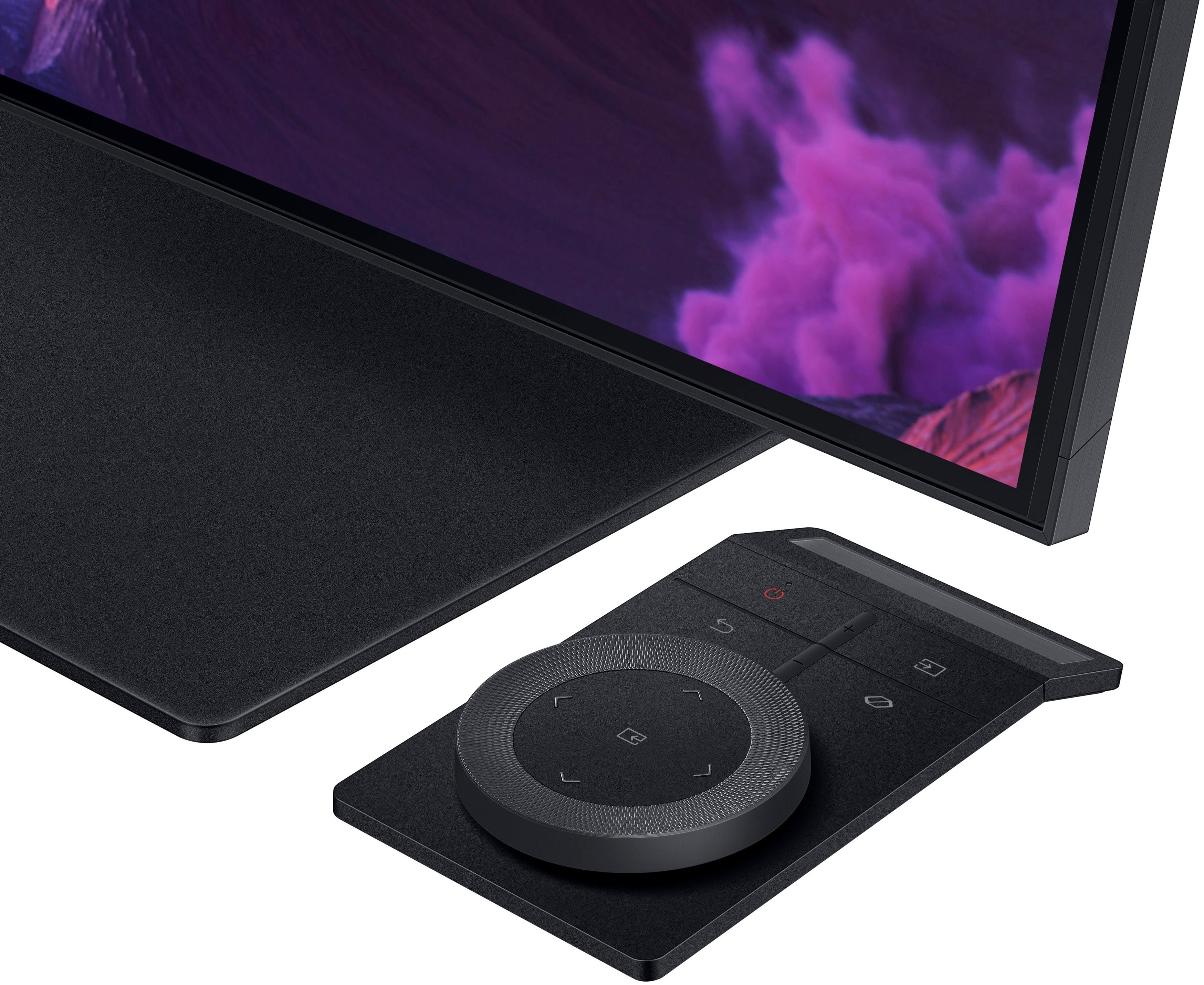
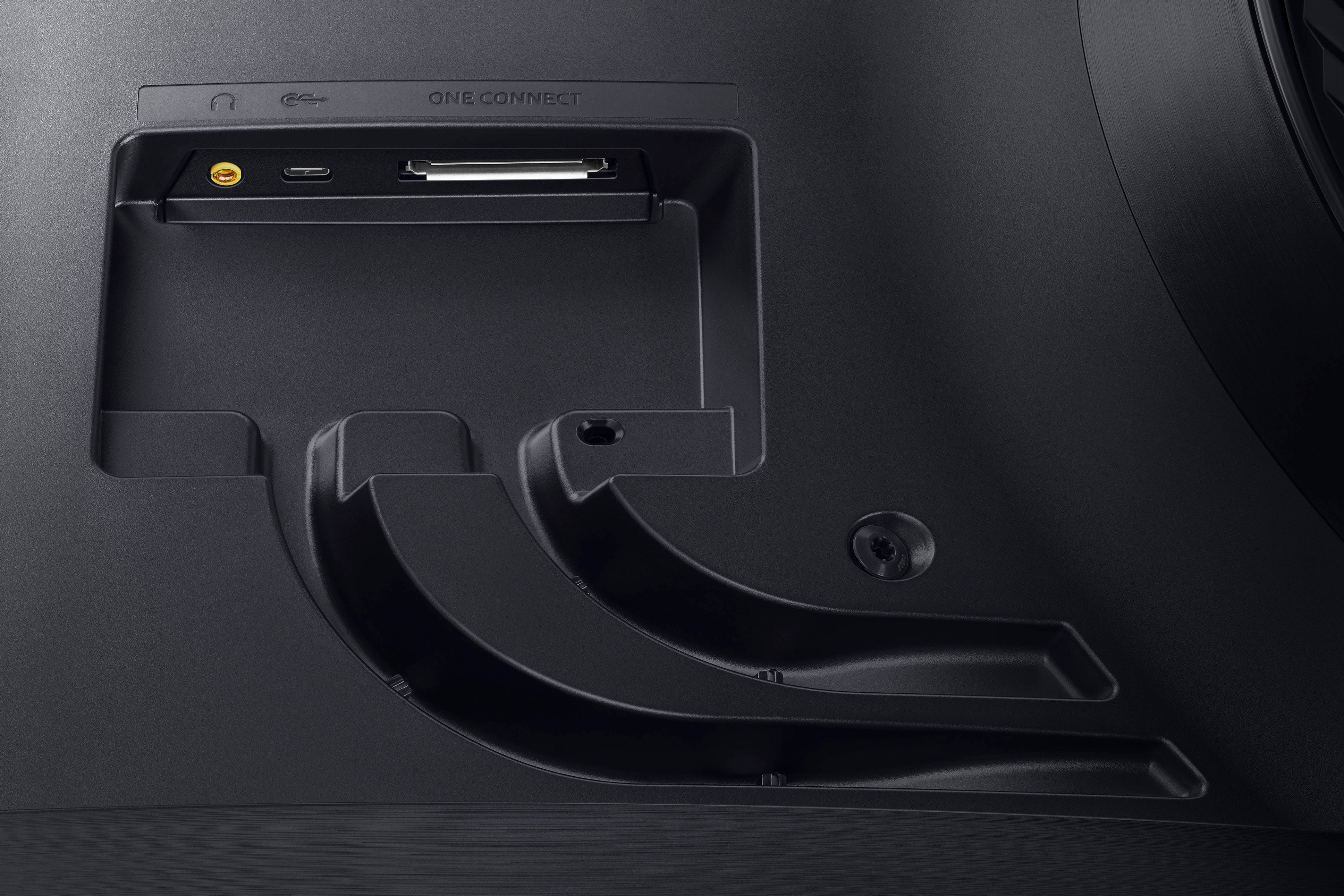
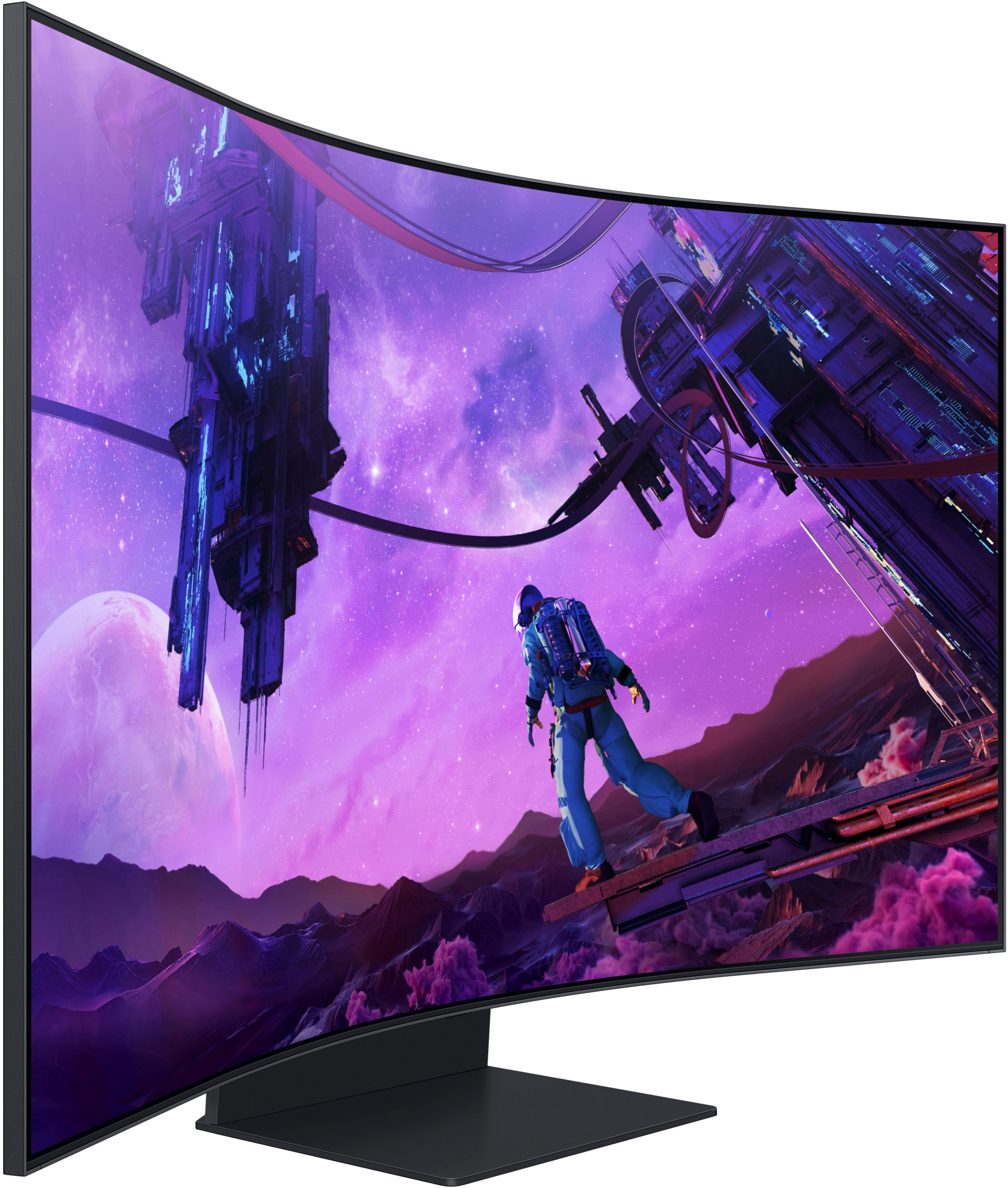
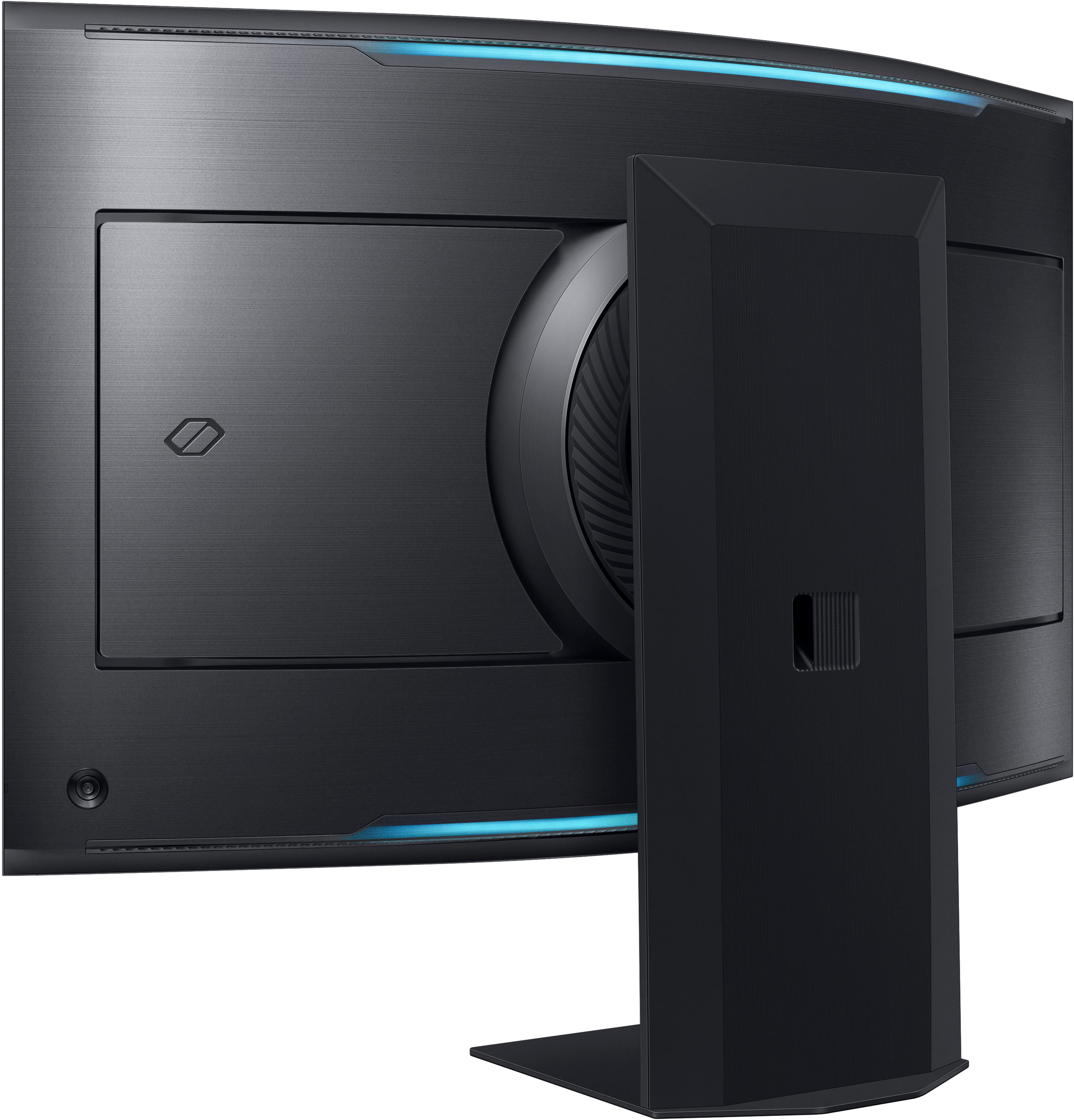
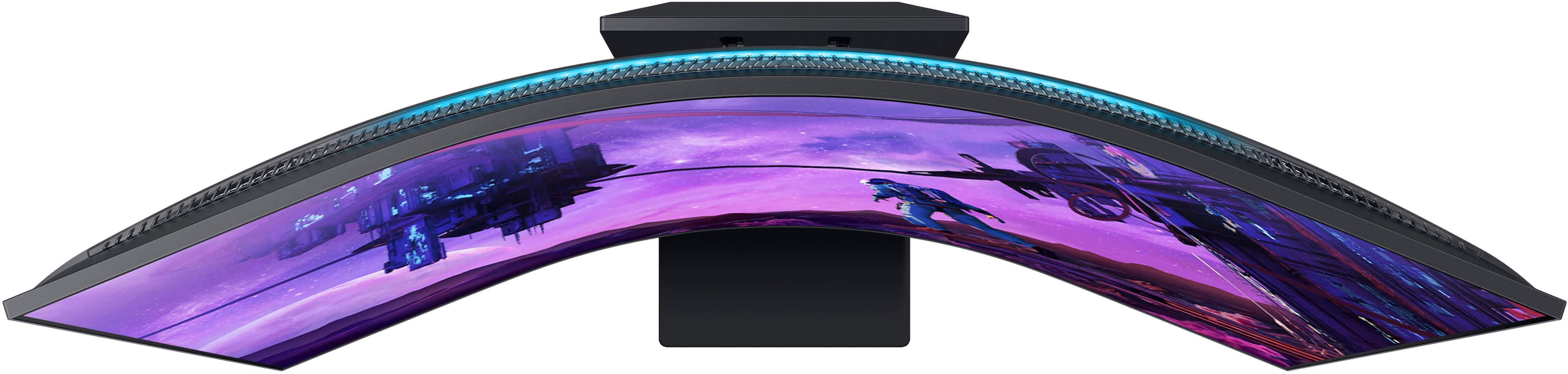
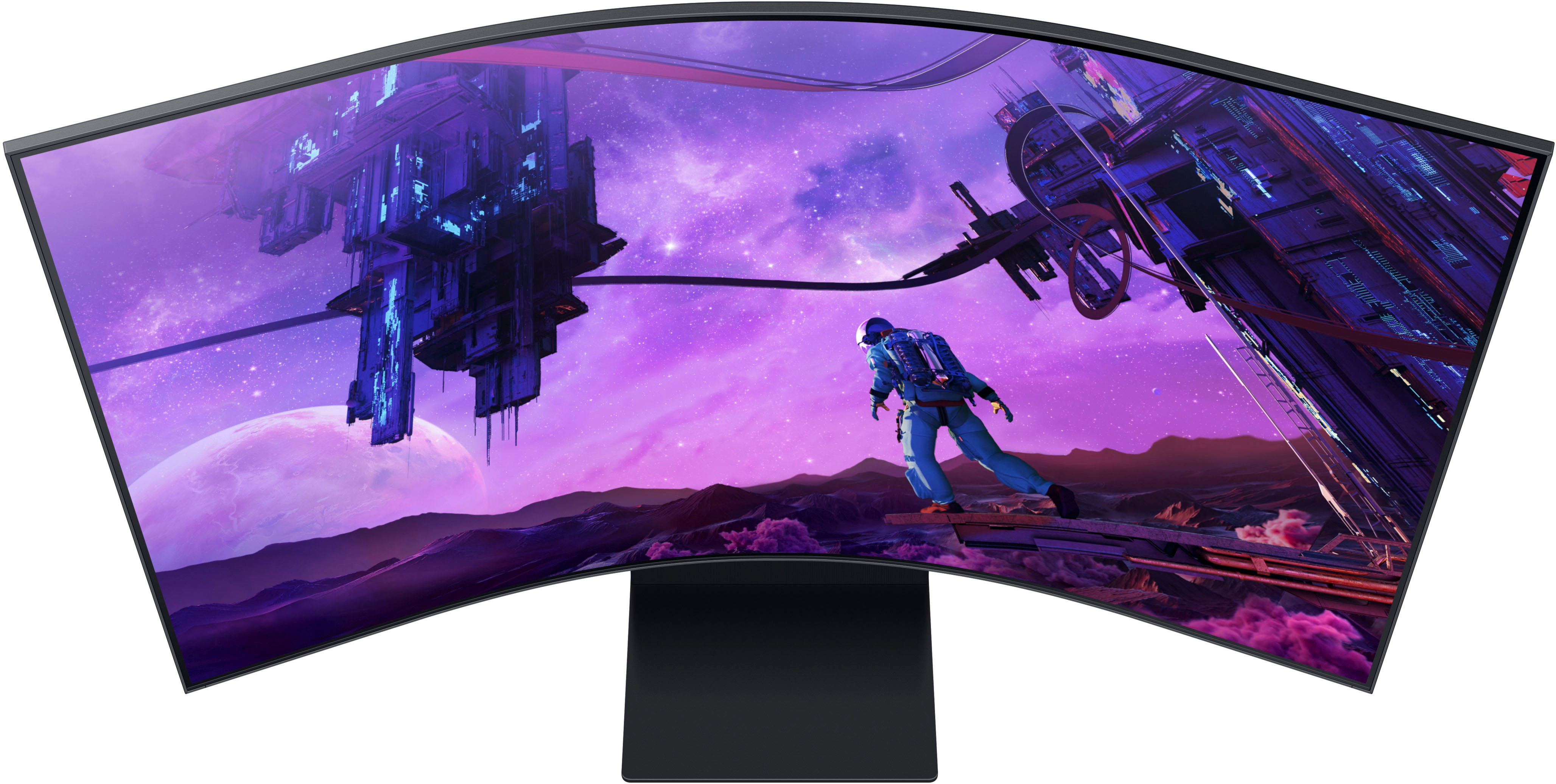



- Model:
- LS55BG970NNXGO
- SKU:
- 6510927
Rating by feature
- Display Quality
Rating 4.8 out of 5 stars
- Ease of Use
Rating 4.2 out of 5 stars
- Features
Rating 4.2 out of 5 stars
Customers are saying
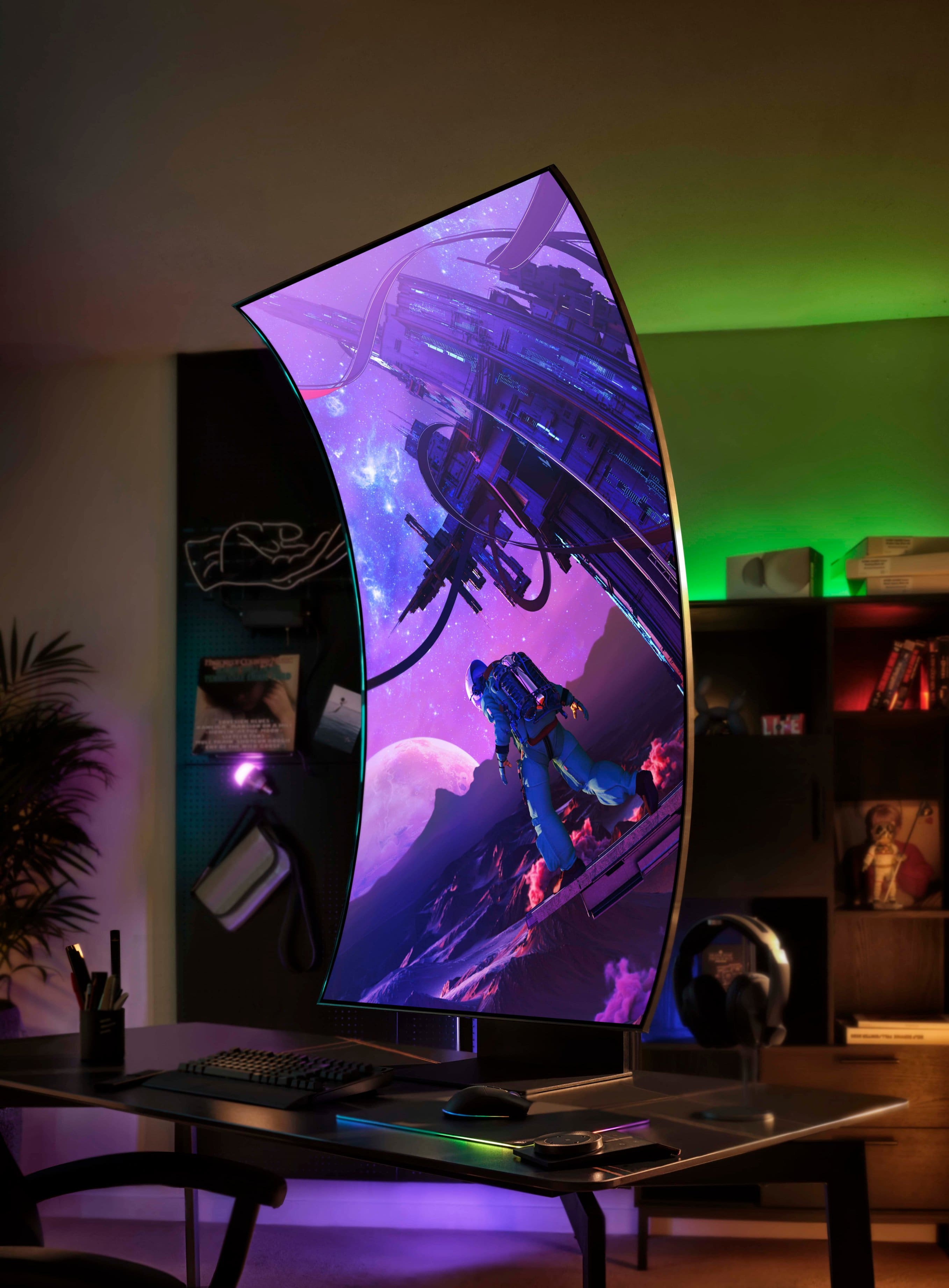
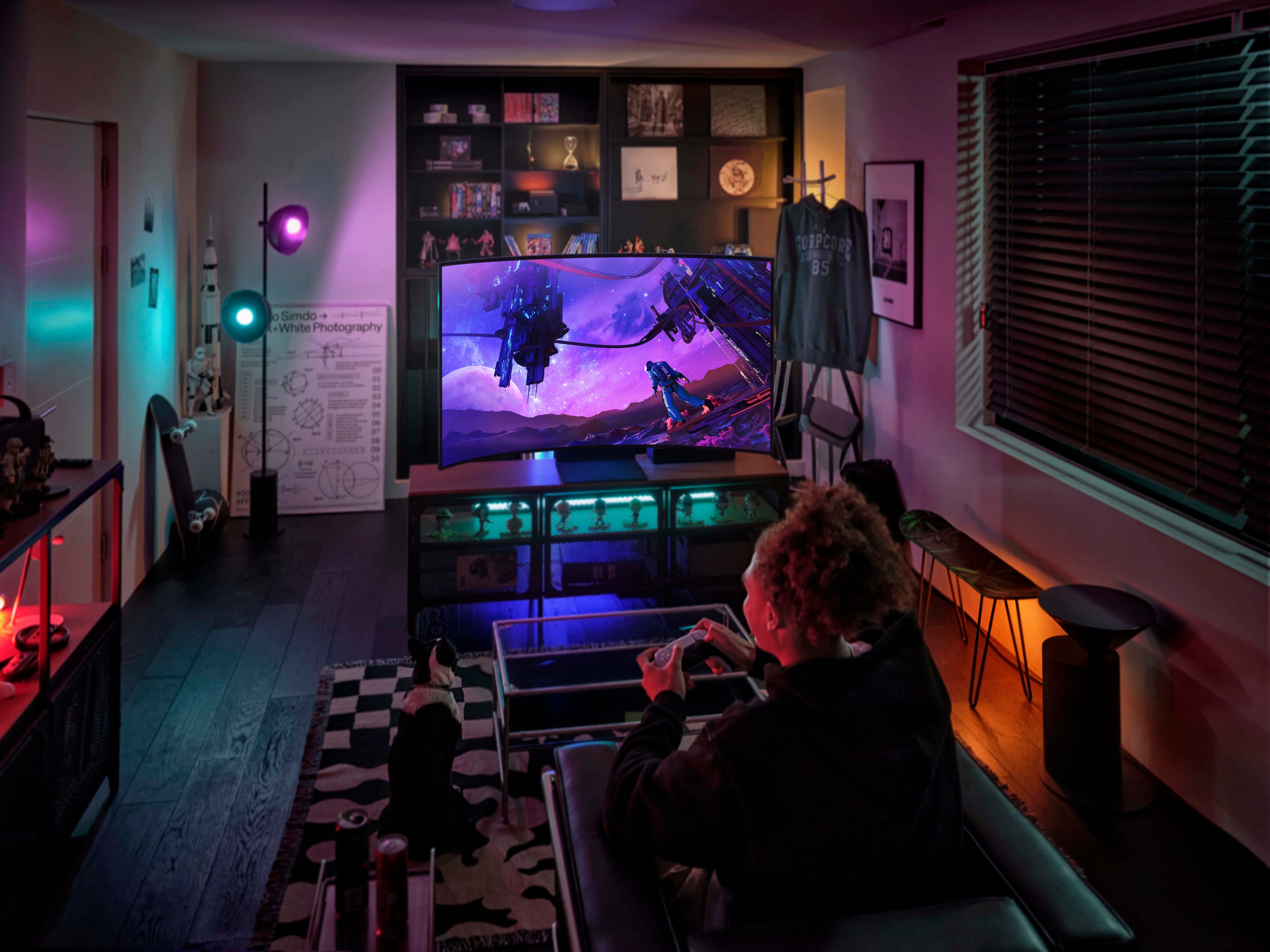
Customers have good things to say about the Odyssey Ark's large screen size, impressive picture quality, and immersive curved display, highlighting its excellent sound quality and high refresh rate for smooth gaming. However, some users point to limitations in HDMI connectivity, the monitor's substantial weight, and challenges with the stand's design and functionality as drawbacks. The multi-view feature also received mixed reviews, with some finding it less useful than expected.
This summary was generated by AI based on customer reviews.
- Cons mentioned:Multiview
Only took 6 hours to regret this purchase.
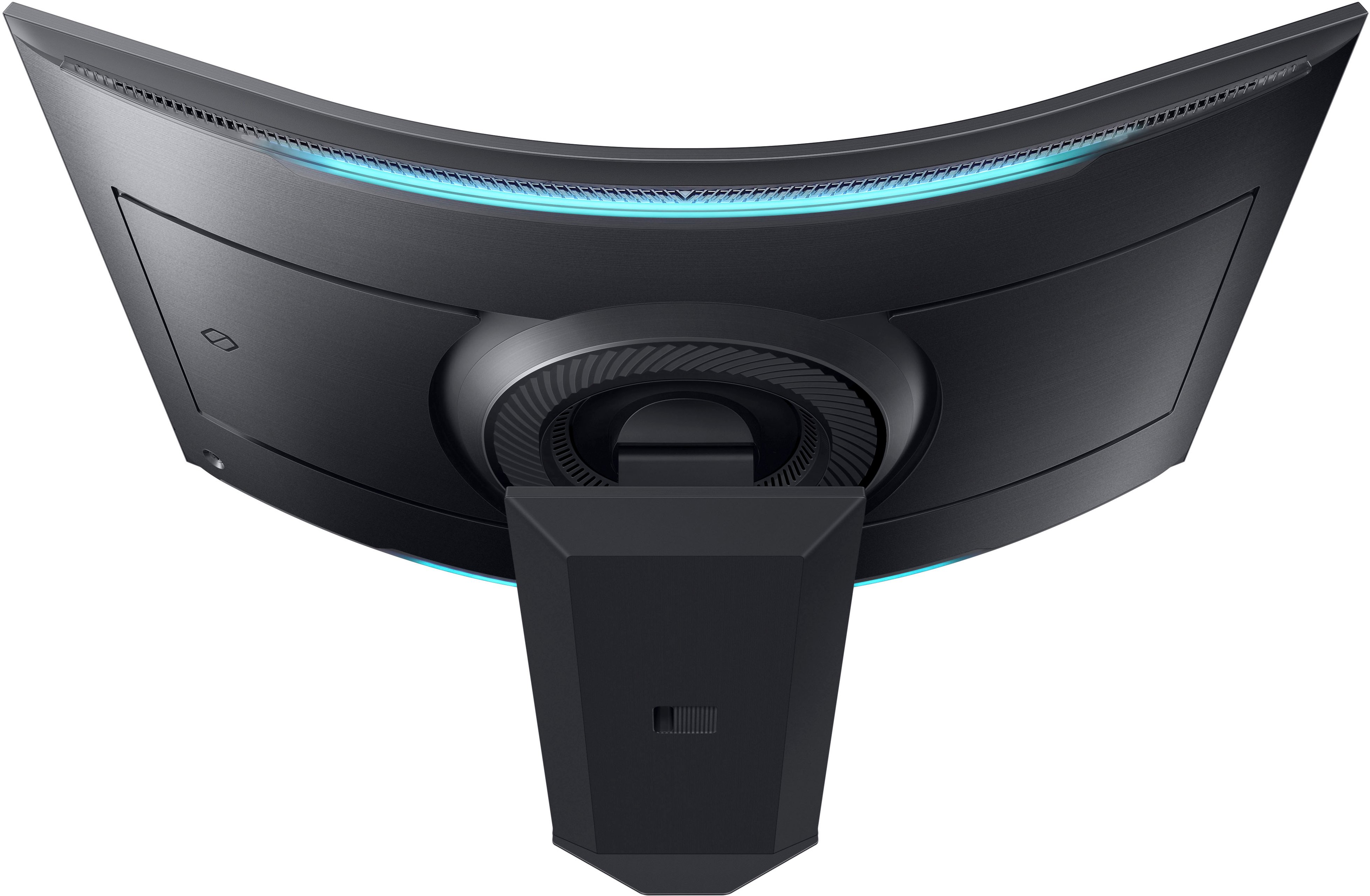
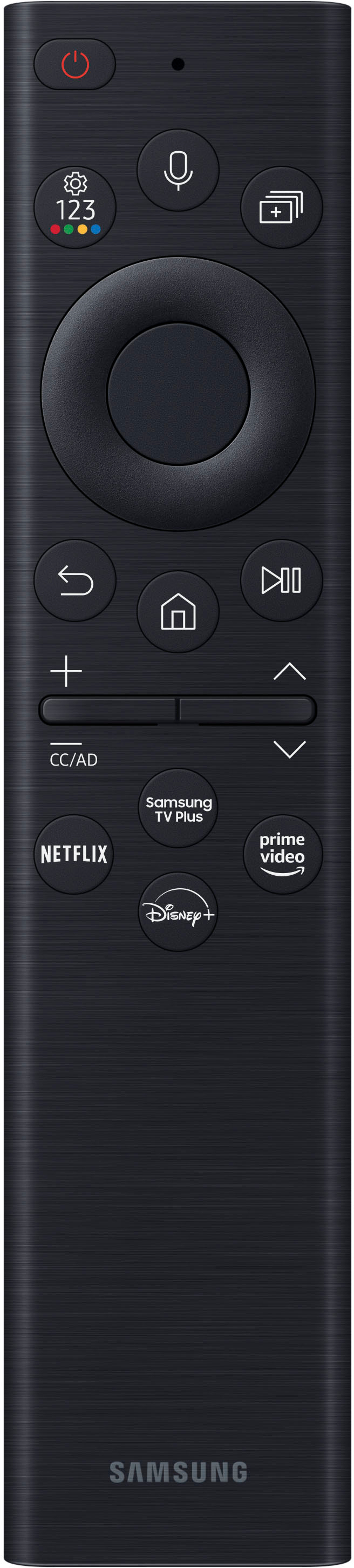
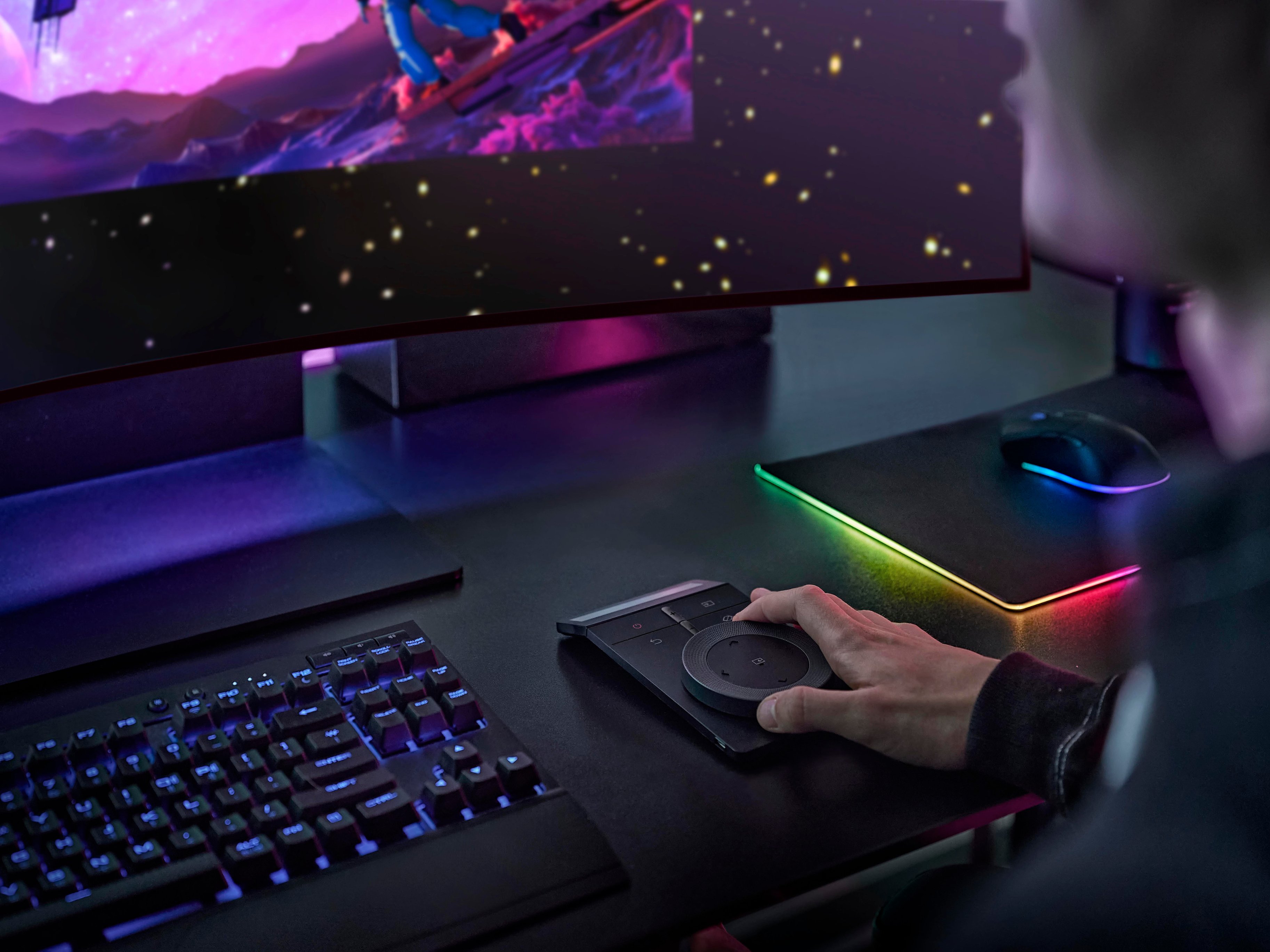
||Posted .This reviewer received promo considerations or sweepstakes entry for writing a review.When you're charging this much for a screen it better be PERFECT and this is far from that. As usual, Samsung is all about the fancy features, usually at the expense of quality. The ARK is a quality build, and the features are impressive IF they actually worked as advertised. Multiview: Worthless since you cannot have any of the streaming apps running in a window. Must be full screen, so no binging Netflix while you're doing work in another view. ALSO - the moment you activate Multiview the Game mode is disabled dropping brightness to about 20% normal levels. Rotating Screen: Cool marking ploy but unless you are watching TikTok and YouTube shorts exclusively this is worthless, since the only reason to go vertical is Multiview (see above issues) Weird Glitches: First time I tried using PlayStation I got weird flicker then screen went totally green. Had to cold reset console, reboot in safe mode and rebuild database. No issues with Xbox and is fantastic as PC monitor. Flipping to vertical the video seldom scales correctly and everything is scrunched to the left edge with big black bar down the right side. And this is the menu/UI stuff. NFT Store built-in: They actually have the nerve to put an NFT Wallpaper store into the monitor. I wondered why they asked me for a credit card number during setup. Shady Marketing: I read/watched over 30 reviews, and nobody mentioned you couldn't watch streaming apps in a view port. I even called Samsung support and the rep ASSURED me I could. It's bad enough you can't use multiple HDMI sources. Remotes: Love the solar recharging but these really need to light up. Even the glow from the TV isn't enough to figure out what I'm pressing. Ark Dial is genius but could have been half the size. Setup: Have a friend (or two) to get this out of box, assembled, and onto a desk - a big deep desk. The stand weighs as much as the screen. The back panel does NOT firmly snap into place so every time you rotate is pops off. Poor design. Just don't put the panel on, I guess. Dynamic LED: The rear lighting strips are awesome with plenty of presets but the only one I wanted was the one that paints your wall with the same colors on the screen. It doesn't work. Took about two hours to assemble, and sign into all my streaming apps (only to find out I can't use them as intended). Hopefully, a full factory reset, disassemble, and trip back to store doesn't take that long. Yes, I am returning this tomorrow. Samsung might fix some of these issues with future updates but not likely withing my 15-day return window, and I've got other things I can spend $3500 on that will actually do what I want/need. Will be interested to see the second generation of this concept. To end on a positive note: This is my first curved screen ever and as a computer monitor the R1000 arc is perfect. Over the past 8 hours of use my eyes haven't got fatigued or strained. Everywhere I turn my head, the screen is at the same distance and angle, crisp and clear. So much better than the 49" Sony I'll be returning to. But there are much better and cheaper curved screens out there.
No, I would not recommend this to a friendBrand response from Samsung
Posted .I am very sorry to see that you have encountered issues with the Samsung Odyssey Ark Monitor. I understand your disappointment and hope that you will give us a chance to assist with troubleshooting or warranty service.
Samsung products are engineered to the highest standards of performance and quality and we back this model with a 1-year limited manufacturer's warranty, if purchased brand-new from an authorized dealer.
Multiview can support three views vertically and four views horizontally. Each view consists of one input (either embedded app or one HDMI Input). Only way to further divide within a view is by connecting a PC.
The brightness dropping in Multiview is due to standard setting. The Brightness can be easily increased from that setting.
For further assistance or to begin warranty service, please contact Samsung Customer Support via:
1-800-SAMSUNG, available 8AM - 12AM EST (Mon-Fri) / 9AM - 11PM EST (Sat-Sun)
Samsung is committed to providing the best possible product experience, quality, and value, and we are always here to help with any of your questions or concerns.
It's just a really big monitor.
||Posted . Owned for 1 month when reviewed.This reviewer received promo considerations or sweepstakes entry for writing a review.Great monitor but I fail to see the need for it now unless we are able to get multiple I outs from different sources. Can't do it currently and it's a bummer. I mainly use it for work and it feels cool having a big screen as I feel like I don't need any more space than what the monitor provides. One thing I really dislike it's that it very often goes to sleep while I'm using the monitor or when the computer goes to sleep and I wake it back up, the monitor won't recognize it and I'll have to disconnect and reconnect. Super annoying. Also... Super heavy... Close to 100 lbs with stand so you really need a dedicated space for it. I don't use it vertically... Don't really see the need for it.
No, I would not recommend this to a friendBrand response from Samsung
Posted .Thank you for your purchase and review of the Odyssey Ark Gaming Monitor! We are sorry to hear about the issues you have been experiencing with the Multi View feature.
First, at this time, the following can be used in a Multi View Window:
Sources : HDMI (1), Screen Mirroring (Android, Airplay, NotePC)
Apps : YouTube, YouTube TV, Web browser, TV Plus, Melon, Barre3, SmartThings Cam, USB Cam
Samsung is continually working with Content Providers and Application Developers to expand the list of compatible applications.
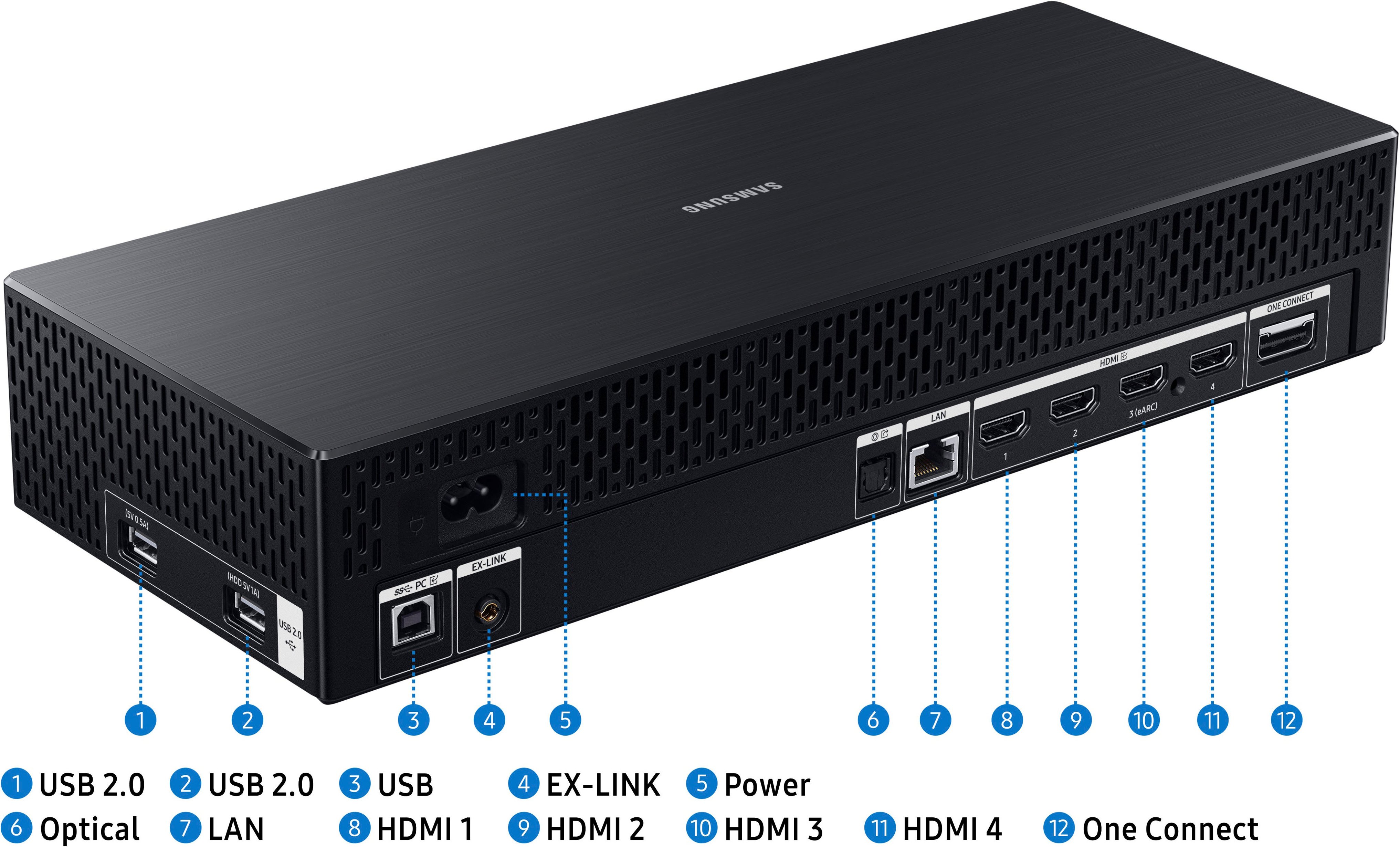
The Ark’s One connect box is designed with four (4) HDMI 2.1 ports to give ultimate connectivity to devices with HDMI outputs which include, but are not limited to, PCs and Macs, Gaming Consoles, Media Players and Streaming Sticks, cable or Satellite boxes, legacy DVD Players and more. While up to 4 inputs can be connected simultaneously for cable management, only 1 HDMI Input can be displayed on the Ark display at a time, whether in full-screen or in Multi View mode.
We’ve received feedback that it would be desirable to be able to use multiple HDMI inputs simultaneously, and we’re exploring this as a future feature on this or other Odyssey Gaming Monitors.
By using the Windows “Connect to a Wireless Display” feature, you may be able to work-around the single-HDMI port limitation and connect to compatible Laptop or notebook PC in addition to another HDMI device in a separate multi-view window.
NOTE: Wireless display connectivity is not intended for high-performance gaming due to latency issues, but could be ideal for running programs like Netflix, Prime Video, Twitch, and more.
Additionally, in some instances, while an actual application cannot be used in a Multi View window, it may be possible to run a browser-based session of that application or web site in the Web Browser, provided all required codecs and plug-ins are available and setup in the browser.
While this is not an all-inclusive bypass (ex. Netflix requires a Microsoft Silverlight plug-in, which doesn’t exist for the Web Browser), we encourage you to experiment with your favorite sites and apps to get the most of out of your Ark Multi View experience.
Your overall feedback is important to us and we will document your concerns.
If there is anything else we can do to assist you and improve your product experience, please contact Samsung Customer Support via: 1-800-SAMSUNG, available 8AM - 12AM EST (Mon-Fri) / 9AM - 11PM EST (Sat-Sun)
Samsung is committed to providing the best possible product experience, quality, and value, and we are always here to help with any of your questions or concerns.
Large and immersive with some unfortunate flaws
||Posted . Owned for 2 weeks when reviewed.This reviewer received promo considerations or sweepstakes entry for writing a review.Pros: The monitor is large, and as others have said probably larger than you're thinking and produces an absolutely amazing picture. The mini-led backlighting works very well and the picture is easily the best I've seen short of OLED. Gaming on the monitor is absolutely engrossing both due to the size and the great HDR performance. The sound and smart tv features were also great but not my main focus with the monitor. The build quality was also great (short of the back plate which simply would not stay on for me) and it looks amazing. All that build quality comes at a weight cost though and its not enjoyable to move around on your own. Cons: As many people have discussed the PIP/PBP functionality is very lacking as only one HDMI source can be used at a time. Additionally many of the apps can't be used either likely do to content projection issues. This personally didn't bother me as I can't see myself ever turning the monitor vertically or needing to use multiple sources and this was bought knowing that when I went in, and wanting just a giant monitor with great picture. My guess is the multiple HDMI issue probably can't be fixed with firmware and is a limitation of the bandwidth of their single cable solution from the one connect box. That leads to my biggest complaint, in order to allow the screen to turn vertically they not only went with the single cable solution which kills the PBP/PIP functionality but they also had to allow the stand to raise the monitor to a near ridiculous degree. Unfortunately as another reviewer here mentioned (although Im surprised its not mentioned much more) the side effect is that it does not go anywhere near low enough for my setup. For gaming I could usually just ignore the top section of the screen and recline, but this became a big problem with productivity work as I found myself always looking up. I understand that at this size there will be some head movement required, but the ability to lower the stand a few more inches would have made a drastic difference to usability in this regard. Ultimately all of the negatives appear to be around allowing the vertical mode which is a shame as I see it as nothing more than a marketing gimmick that has ultimately taken away from its core functionality. It's especially frustrating when this was otherwise one of the best monitors Ive used and I was truly sorry to see it go back. Id still recommend this monitor to people primarily gaming or wanting to have a dual use gaming/streaming display, but Id strongly recommend checking it out first now that some stores have display units out to see if its positioning will work for you, especially if you intend on productivity work.
I would recommend this to a friendHuge productivity and gaming monitor
||Posted . Owned for 1 month when reviewed.This reviewer received promo considerations or sweepstakes entry for writing a review.Pros: If you're working with spreadsheets or across many applications at once, this monitor offers great screen real estate without having to enable scaling for it to be usable. If on Windows, would recommend using MS PowerToys FancyZones to help you better make use of the space. Cons: The autodimming when darker content is on the screen is the biggest knock against it. Notes: It is usable on a 30" deep desk, but sits a little close due to the stand. Would recommend using VESA mount for desks under 36" deep.
I would recommend this to a friend- Cons mentioned:Multiview
It's a massive disappointment of potential
||Posted . Owned for 1 week when reviewed.This reviewer received promo considerations or sweepstakes entry for writing a review.I love this screen. I love the brightness, size, and color saturation. It's missing a key feature: being able to use all of the HDMI ports it offers, in multiview. Instead, you're only allowed to use one HDMI at a time, and if you're lucky to have a computer that can, wirelessly cast it's output to it for a second multiview window. Outside of that? You're stuck using their 'apps' in multiview mode for things like Disney+, Hulu, etc ... I don't mind having the OneConnect giant brick as a middleman, but it is massive. (Google this if you're curious) Gen 2 adds KVM and Multiview for more than one HDMI. Samsung refuses to answer if you can just upgrade to a new OneConnect to get these same features, because clearly this version was a test run to see if there was a market for this.
No, I would not recommend this to a friendBrand response from Samsung
Posted .Thank you for bringing this issue to our attention as Samsung is committed to providing the best possible product experience, quality, and value. Samsung greatly values our customers’ feedback and we utilize your concerns and opinions in our relentless efforts towards delivering world-class products. We are very sorry to hear this product didn't meet your expectations and hope to have you back as a customer again.
If there is anything we can do to assist you and improve your product experience, please don't hesitate to contact Samsung Customer Support via: 1-800-SAMSUNG, available 8AM - 12AM EST (Mon-Fri) / 9AM - 11PM EST (Sat-Sun)
Great first gen. monitor
||Posted . Owned for 11 months when reviewed.This reviewer received promo considerations or sweepstakes entry for writing a review.I purchased this monitor as an open box which is the first gen. model. The monitor came with everything but the box it shipped in and was in like new condition. I got this for a really good price $500.00 and couldn't pass it up for that much for a 55" 4k HDR curved monitor. The monitor has been rock solid and haven't had any issues with it at all the colors are great and works well with my PC MSI Z790 Godlike i9 13900k, 64GB ram and RTX4090. I also have used it to stream Netflix, Prime and Peacock which are all native apps on the monitor and it has worked great for that as well. I did purchase an extra One-Connect box from EBay since Samsung doesn't have any stock of them new or refurb. which from what I've read have been known to go out.
I would recommend this to a friendMonster Mash
||Posted . Owned for 2 months when reviewed.This reviewer received promo considerations or sweepstakes entry for writing a review.Absolute beast. Over achieves whether multitasking or playing a game in 4K. No regerts lolol
I would recommend this to a friendGreat Unbelievable Monitor!!!
||Posted . Owned for 1 week when reviewed.This reviewer received promo considerations or sweepstakes entry for writing a review.So I’ve owned this since November 20th, it’s a great monitor really. There are a couple of things that annoy me with it but it it more personal than a problem. For instance the screen size display changes when I resize a screen to full, idk why this happens but it will automatically change the display from 100% to 350% and I am always resizing it back to 100% I’m sure there is a setting to keep it from doing this but I have not located it yet. I have not used it in cockpit mode hardly at all. No need with all the real-estate that you have to use. Don’t mind the only one input at a time because it’s my PC which is the main reason I purchased the monitor in the first place. I also have a Samsung 49” curved monitor that I hardly use anymore. It’s there if I need it but again so much real-estate and the ability to have a full page of the internet on the screen side by side another one makes wfh so much better. Tempted to purchase another one to get that side by side cockpit look for both work and gaming but idk yet!! Definitely glad I got it.
I would recommend this to a friendGreat Value
||Posted .This reviewer received promo considerations or sweepstakes entry for writing a review.This monitor is ridiculous. It's like those big slot machines you see when you go to Vegas. I went in for a mouse and saw that this was on sale. Had to grab it. The interface is a bit much. There's a lot of options and customization and it doesn't seem centralized. I'll be using it for work and gaming so at the price I think it was a good value.
I would recommend this to a friendIts amazing
Posted .This reviewer received promo considerations or sweepstakes entry for writing a review.I love it all only downside is the resolution quality when using cockpit and small windows when adjusted but i dont use it for that it is perfect for my use
I would recommend this to a friendExcellent Monitor with some Opportunity
||Posted . Owned for 1 month when reviewed.This reviewer received promo considerations or sweepstakes entry for writing a review.Excellent monitor, allows for multitasking and excellent for gaming. This would be a 5-star review if the hub would allow for multi-HDMI viewing on the monitor. Unfortunately, you can only view 1 single HDMI connection as once, even with the capability to split the screen into 4 or more.
I would recommend this to a friendA creative monitor for creative users
||Posted . Owned for 1 month when reviewed.This reviewer received promo considerations or sweepstakes entry for writing a review.While it does have limitations, I definitely enjoy it’s size and curve. I’d be happier if Samsung was actively supporting it. Overall, if you want to have a large screen and you have plenty of desk space, this is a nice monitor.
I would recommend this to a friendSamsung odyssey Ark
||Posted . Owned for 1 month when reviewed.This reviewer received promo considerations or sweepstakes entry for writing a review.Loved it, excellent for multitasking, gaming and work.
I would recommend this to a friendAmazing Monitor
||Posted . Owned for 7 months when reviewed.This reviewer received promo considerations or sweepstakes entry for writing a review.This monitor has been amazing. Was not sure how well gaming would be on this due to the size, especially on MMORPG, cant see playing on anything else now.
I would recommend this to a friendA Beautiful monitor for any task!
||Posted . Owned for 3 weeks when reviewed.This reviewer received promo considerations or sweepstakes entry for writing a review.A beautiful monitor! The colors are vivid/true and the lines and edges are crisp. I purchased it for doing CAD work and I am very happy with the visual properties. I wish that i could use more than one HDMI Port at the same time. I am just getting familiar with the switching controls, I will update Later.
I would recommend this to a friendIt's ok. Kinda pricey.. not for everyone
||Posted . Owned for 1 year when reviewed.This reviewer received promo considerations or sweepstakes entry for writing a review.Its a great single screen or a decent set of 3 vertical. Can only have one HDMI input showing at one time in regular mode. Thats my only gripe about it
No, I would not recommend this to a friendWOW!... Then awww...
||Posted .This reviewer received promo considerations or sweepstakes entry for writing a review.I was wowed by it's large stature... but found the tech driving it is bad. I didn't even open it and returned it within 24 hours. Cons: No displayport (hdmi only) No multi-source at once The G9 Odyssey has both of the above, and is precious gen flagship. Not sure what Samsung was thinking here... but i'll pass.
No, I would not recommend this to a friendBrand response from Samsung
Posted .Thank you for your purchase and review of the Odyssey Ark Gaming Monitor! We are sorry to hear about the dissatisfaction you have related to using multiple HDMI ports simultaneously.
The Ark’s One connect box is designed with four (4) HDMI 2.1 ports to give ultimate connectivity to devices with HDMI outputs which include, but are not limited to, PCs and Macs, Gaming Consoles, Media Players and Streaming Sticks, cable or Satellite boxes, legacy DVD Players and more. While up to 4 inputs can be connected simultaneously for cable management, only 1 HDMI Input can be displayed on the Ark display at a time, whether in full-screen or in Multi View mode.
We’ve received feedback that it would be desirable to be able to use multiple HDMI inputs simultaneously, and we’re exploring this as a future feature on this or other Odyssey Gaming Monitors.
Your overall feedback is important to us and we will document your concerns.
If there is anything else we can do to assist you and improve your product experience, please contact Samsung Customer Support via: 1-800-SAMSUNG, available 8AM - 12AM EST (Mon-Fri) / 9AM - 11PM EST (Sat-Sun)
Samsung is committed to providing the best possible product experience, quality, and value, and we are always here to help with any of your questions or concerns.
ARK
||Posted . Owned for 9 months when reviewed.This reviewer received promo considerations or sweepstakes entry for writing a review.Absolutely love this monitor love the refresh rate good for gaming and productivity on the pricier side but totally worth it !
I would recommend this to a friend- Pros mentioned:Sound quality
Excellent
||Posted . Owned for more than 2 years when reviewed.This reviewer received promo considerations or sweepstakes entry for writing a review.Best viewing ever the color and quality and sound magnificent
I would recommend this to a friend Awesome TV/Monitor
||Posted . Owned for 3 months when reviewed.This reviewer received promo considerations or sweepstakes entry for writing a review.I have owned this Gaming Tv/Monitor for over 3 months now. I have enjoyed many games and movies on this tv/monitor. The only two downsides I have is that it's heavy (because of the stand) and second the 55 degree is only for a front viewing.
I would recommend this to a friend