Customer Ratings & Reviews
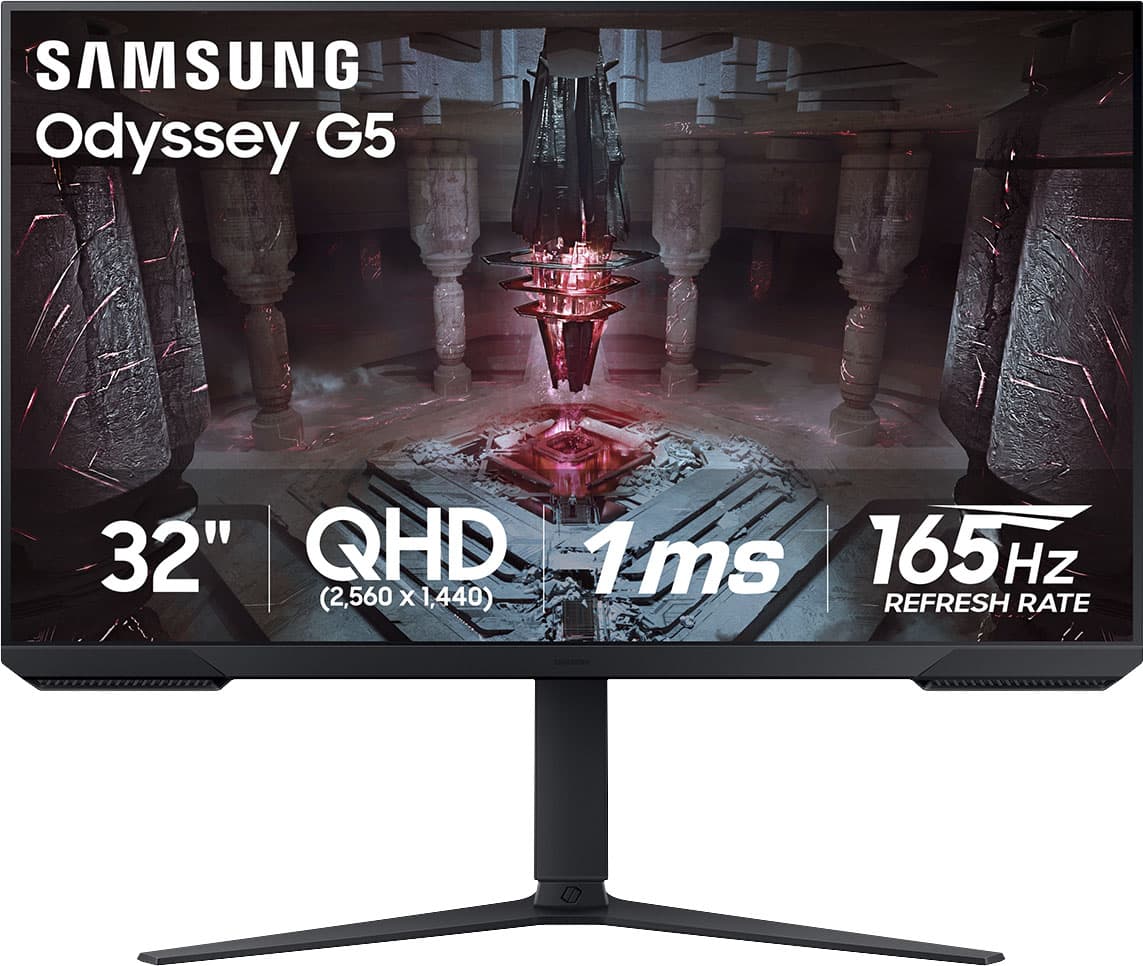
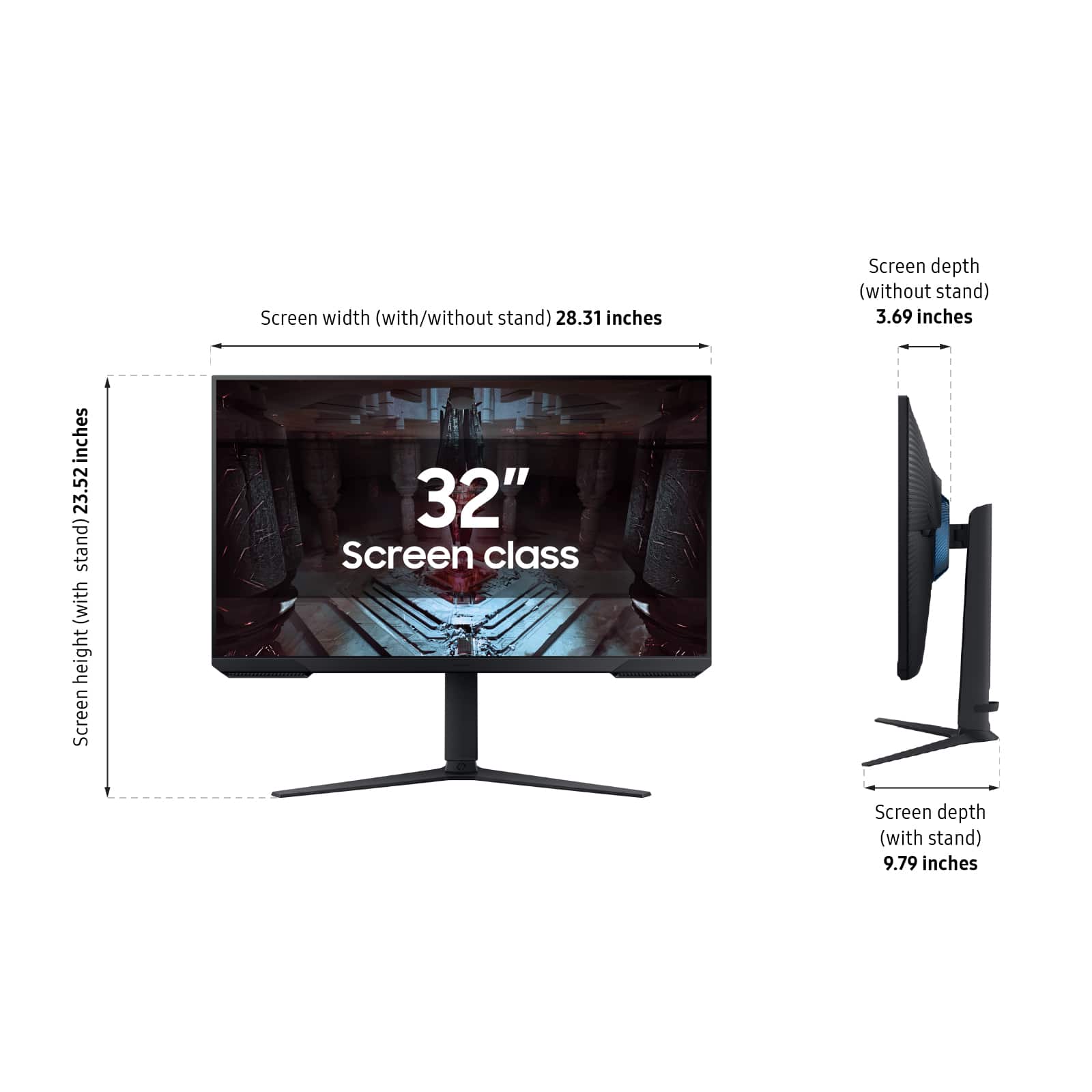
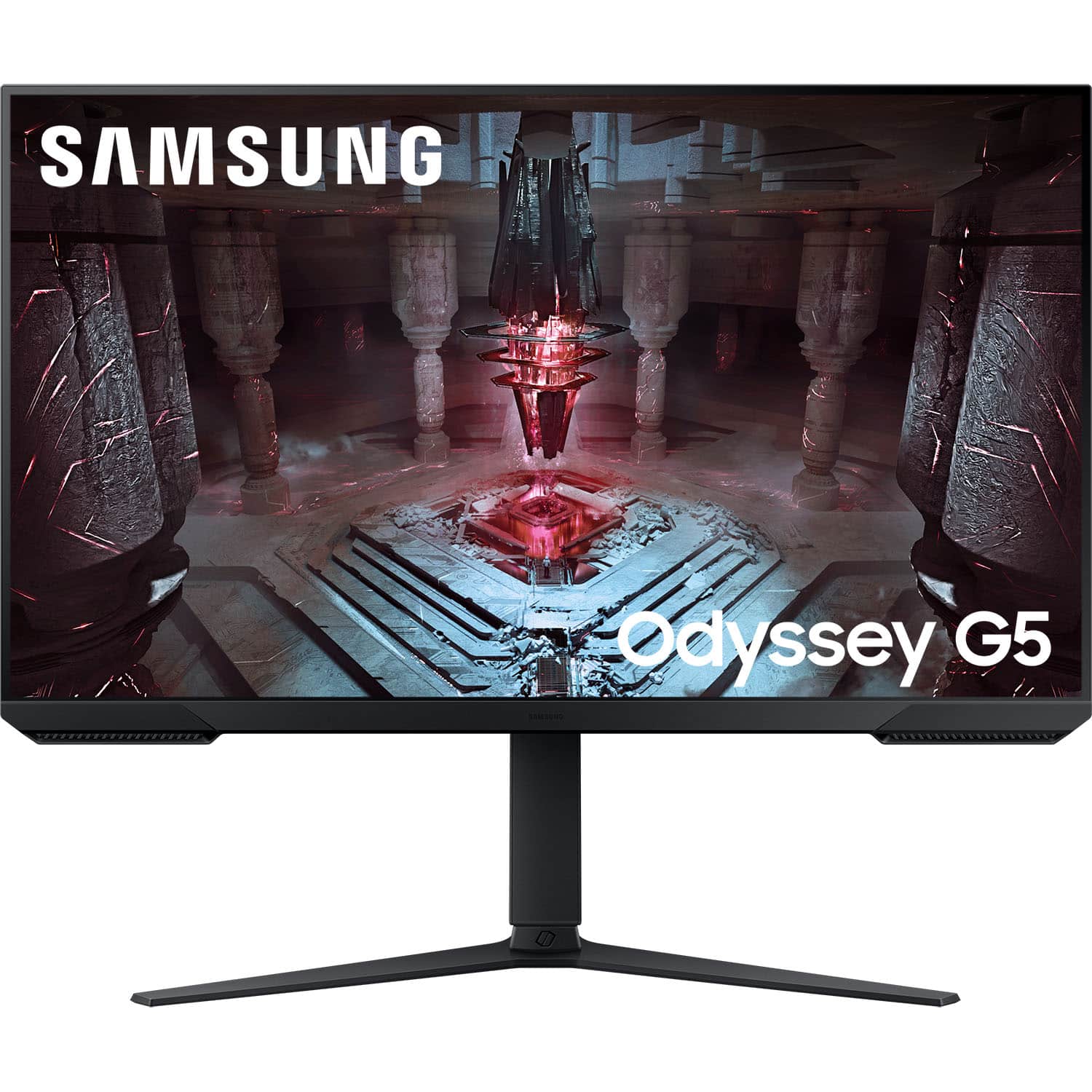
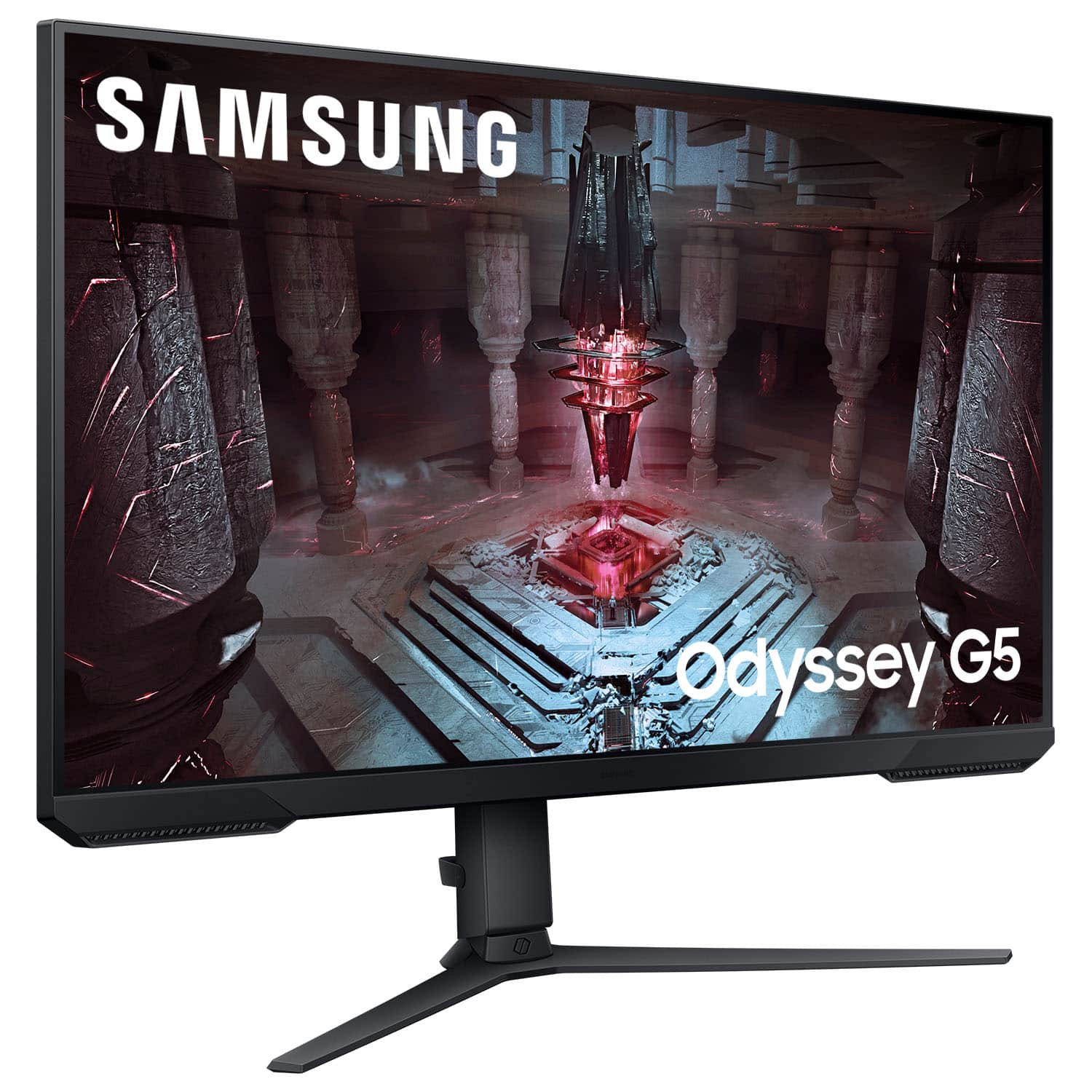
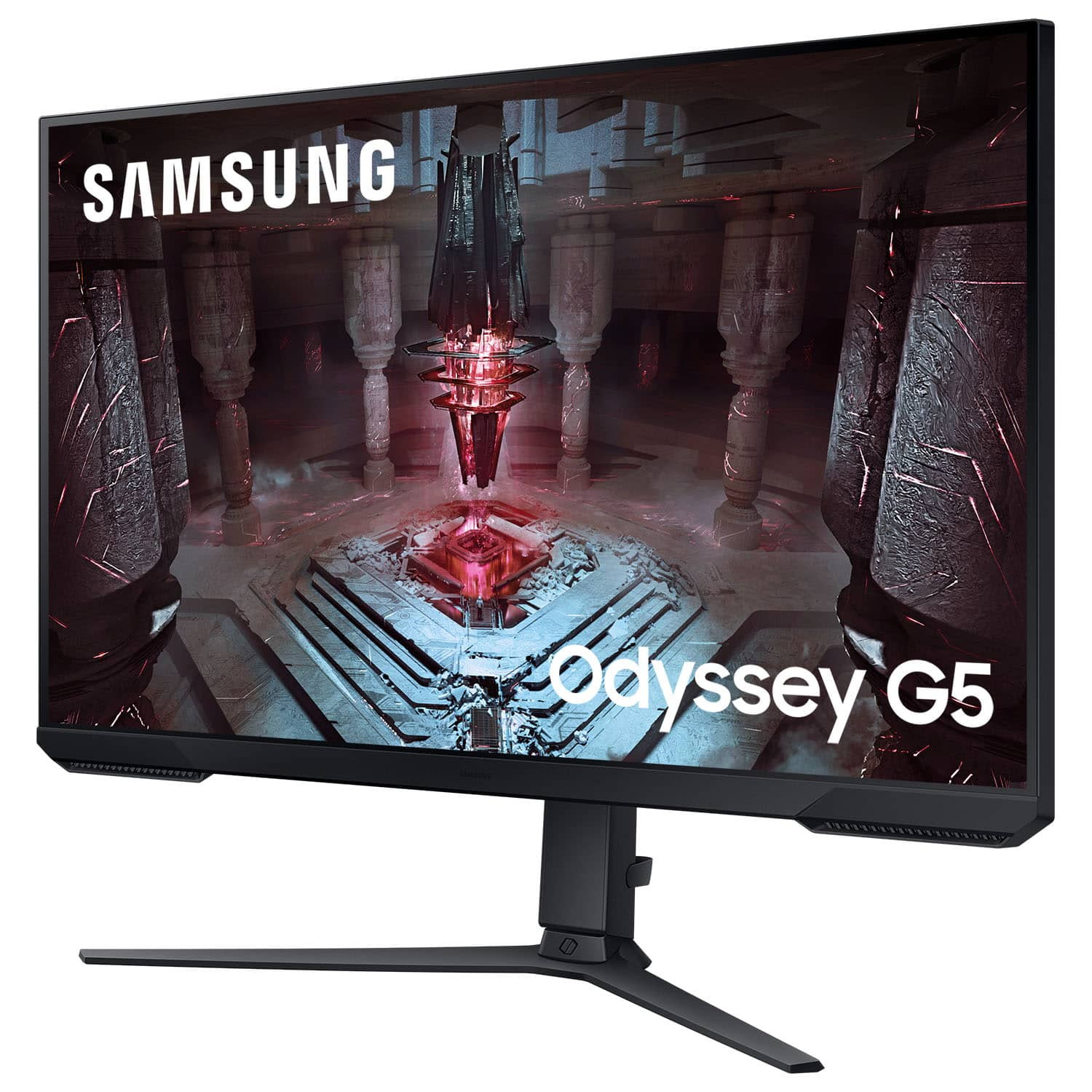
- Model:
- LS32CG512ENXZA
- SKU:
- 6532282
Rating by feature
- Display Quality
Rating 4.7 out of 5 stars
- Ease of Use
Rating 4.8 out of 5 stars
- Features
Rating 4.6 out of 5 stars
Customers are saying
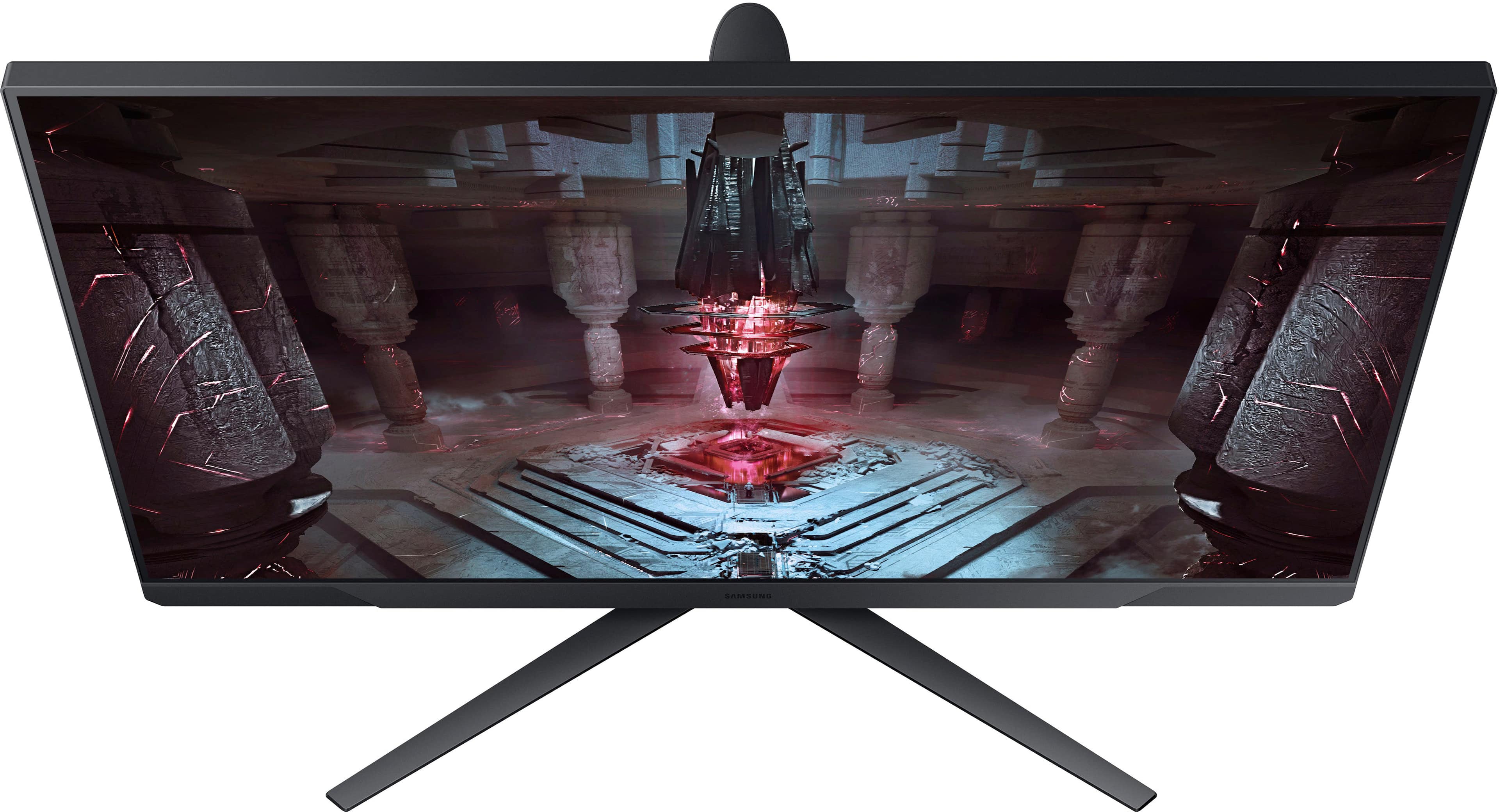
Customers express satisfaction with the Odyssey G51C 32" QHD monitor's picture quality, refresh rate, and overall performance, with some appreciating its size and ease of setup. For the price, many feel this monitor is a great deal. However, some users have noted that the brightness could be improved, and there are no built-in speakers. A few users have also reported concerns about ghosting and limitations with HDR, while others mention the stand design could be improved.
This summary was generated by AI based on customer reviews.
- Pros mentioned:Picture quality, Refresh rateCons mentioned:Brightness, Stand

Made me a large monitor believer again!
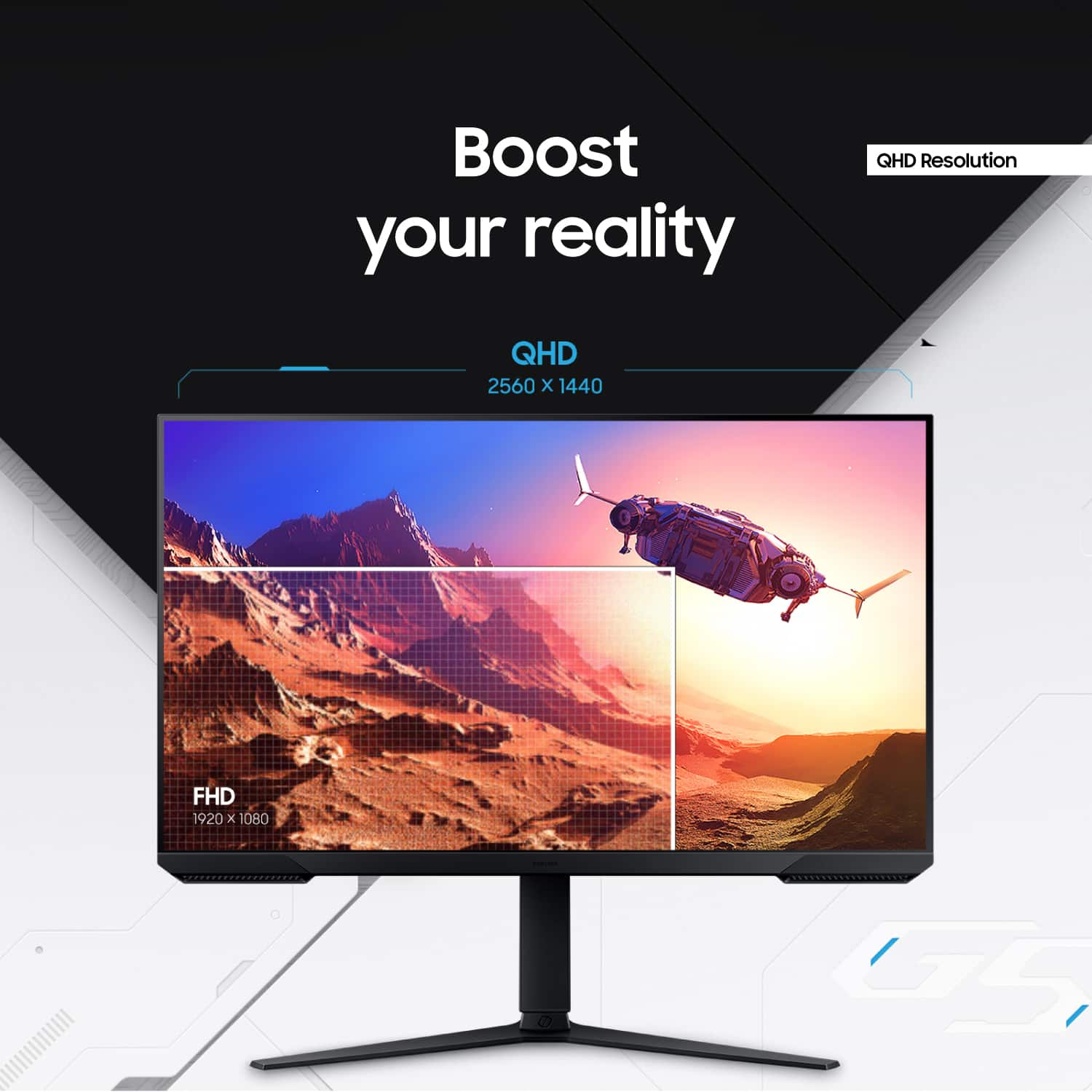
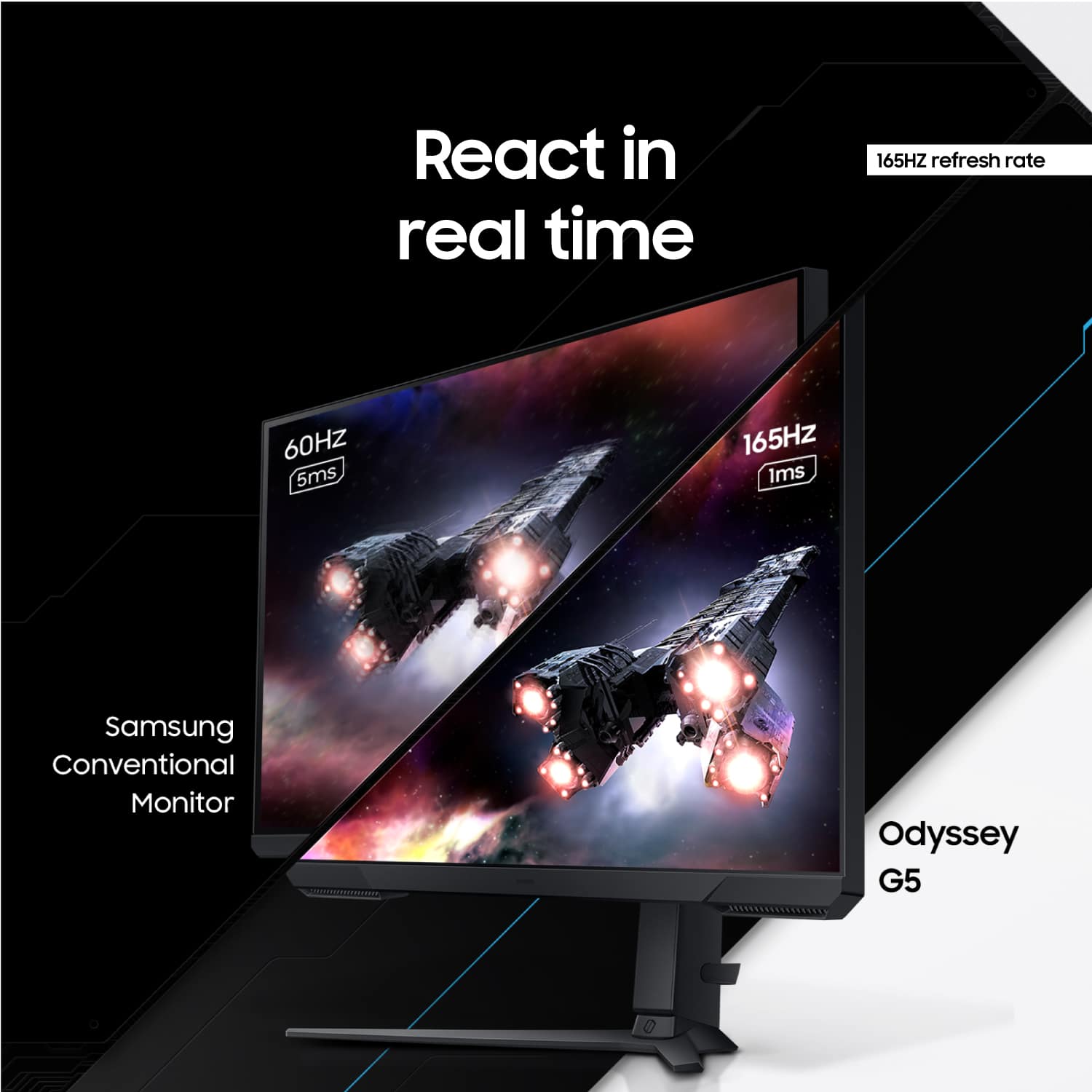
|Posted .This reviewer received promo considerations or sweepstakes entry for writing a review.I absolutely love this monitor! I always thought that 32" would be too large for a monitor, but as a person who power-uses three screens daily, I can confidently say adding this Samsung monitor to my setup has been amazing! This monitor is a powerhouse, with not only a 165hz refresh rate, but Freesync for better picture quality while gaming, HDR capabilities, and best of all, a QHD 32" screen which really makes this monitor awesome! These specs definitely help deliver a fantastic experience when using the monitor, and make it extremely easy to recommend. Whether you are working, gaming, or streaming content, this monitor delivers - being big enough to be both a TV and monitor makes all content look really great! The monitor has a few ports on the back for HDMI and Display Port cables, but nothing more noteworthy than that (no Thunderbolt for daisy chaining monitors). It also comes with a nice adjustable stand that, while is sturdy, tends to make the display wiggle a bit if you, say, bump the monitor or surface the monitor is on gently (personally doesn't bother me). In terms of settings and controls of the display, there are a large variety of features and settings made for gamers, such as framerate controls, adding an FPS dot virtually on the screen, Freesync controls and more, but also just controls to control HDR, sharpness, color, really any standard control you may want. I did have to adjust the settings right out of the box because for some reason the colors (white specifically) were slightly shifted/tinted red, but a simple change to the "cool" color mode fixed this, and I increased the sharpness a little, because even though the monitor is QHD, because of the size of the monitor you can still peek pixels at times when looking at things like text (really not an issue at all though!). Turning on HDR also dramatically decreases the brightness of the screen too, so I suggest disabling it in bright rooms. I do wish the screen had a higher maximum brightness, but it's still perfectly visible in high-light rooms! This monitor very quickly became the main monitor in my setup, and is a great monitor to check out if you are looking for a larger monitor!
I would recommend this to a friend Not working
||Posted . Owned for 10 months when reviewed.This reviewer received promo considerations or sweepstakes entry for writing a review.Not responding to my tower. Since it or my cpu updated itself with out my agreement it does not work with my cou
No, I would not recommend this to a friendAwesome monitor
||Posted . Owned for 1 month when reviewed.This reviewer received promo considerations or sweepstakes entry for writing a review.This monitor has Great graphics is easy to set up for sure a great buy
I would recommend this to a friendPretty decent
||Posted . Owned for 1 week when reviewed.This reviewer received promo considerations or sweepstakes entry for writing a review.Nice monitor but wasn't crazy impressed. I upgraded from a 1080p monitor and maybe had my expectations a little high. Still a solid monitor for a good price.
I would recommend this to a friendDecent Monitor
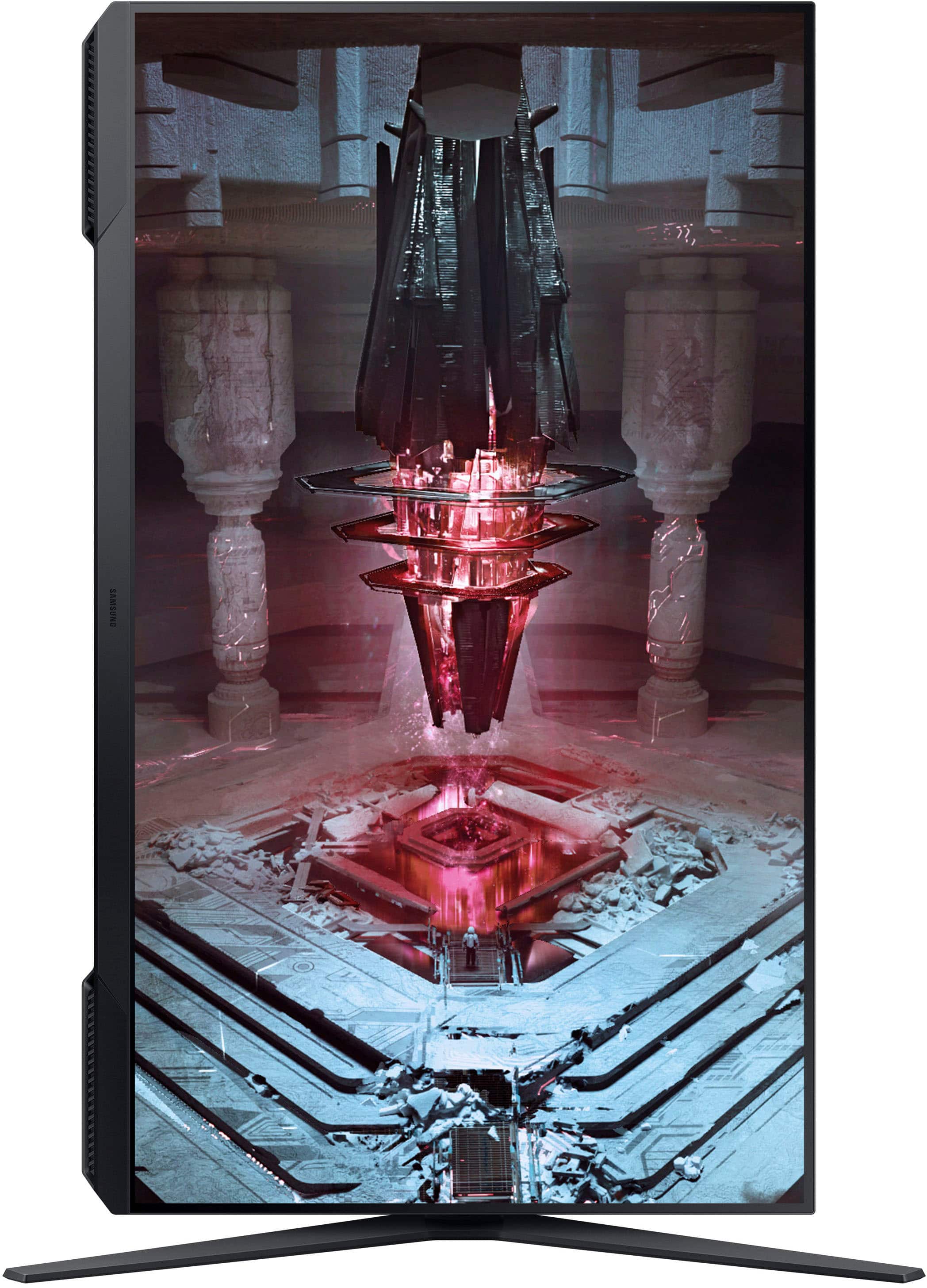
||Posted . Owned for 3 weeks when reviewed.This reviewer received promo considerations or sweepstakes entry for writing a review.I am loving the monitor especially because of its vertical tilt option.
I would recommend this to a friendSamsung Odyssey Monitor
||Posted .This reviewer received promo considerations or sweepstakes entry for writing a review.My son is enjoying his new Samsung Odyssey monitor
I would recommend this to a friendSolid monitor
||Posted . Owned for 1 month when reviewed.This reviewer received promo considerations or sweepstakes entry for writing a review.Huge upgrade from my old monitor really good monitor
I would recommend this to a friendGreat
||Posted . Owned for 3 weeks when reviewed.This reviewer received promo considerations or sweepstakes entry for writing a review.It met all my expectations and I recommend them 100%.
I would recommend this to a friendBang for your buck
||Posted . Owned for 1 month when reviewed.This reviewer received promo considerations or sweepstakes entry for writing a review.My only complaint is, it’s a little bit too big other than that it is an excellent monitor
I would recommend this to a friendGreat
||Posted . Owned for 1 week when reviewed.This reviewer received promo considerations or sweepstakes entry for writing a review.A great product overall, fantastic contrast! Slightly too big for certain games however
I would recommend this to a friend- Pros mentioned:Picture quality, Refresh rate
Good Versatile Monitor for Gaming & Streaming
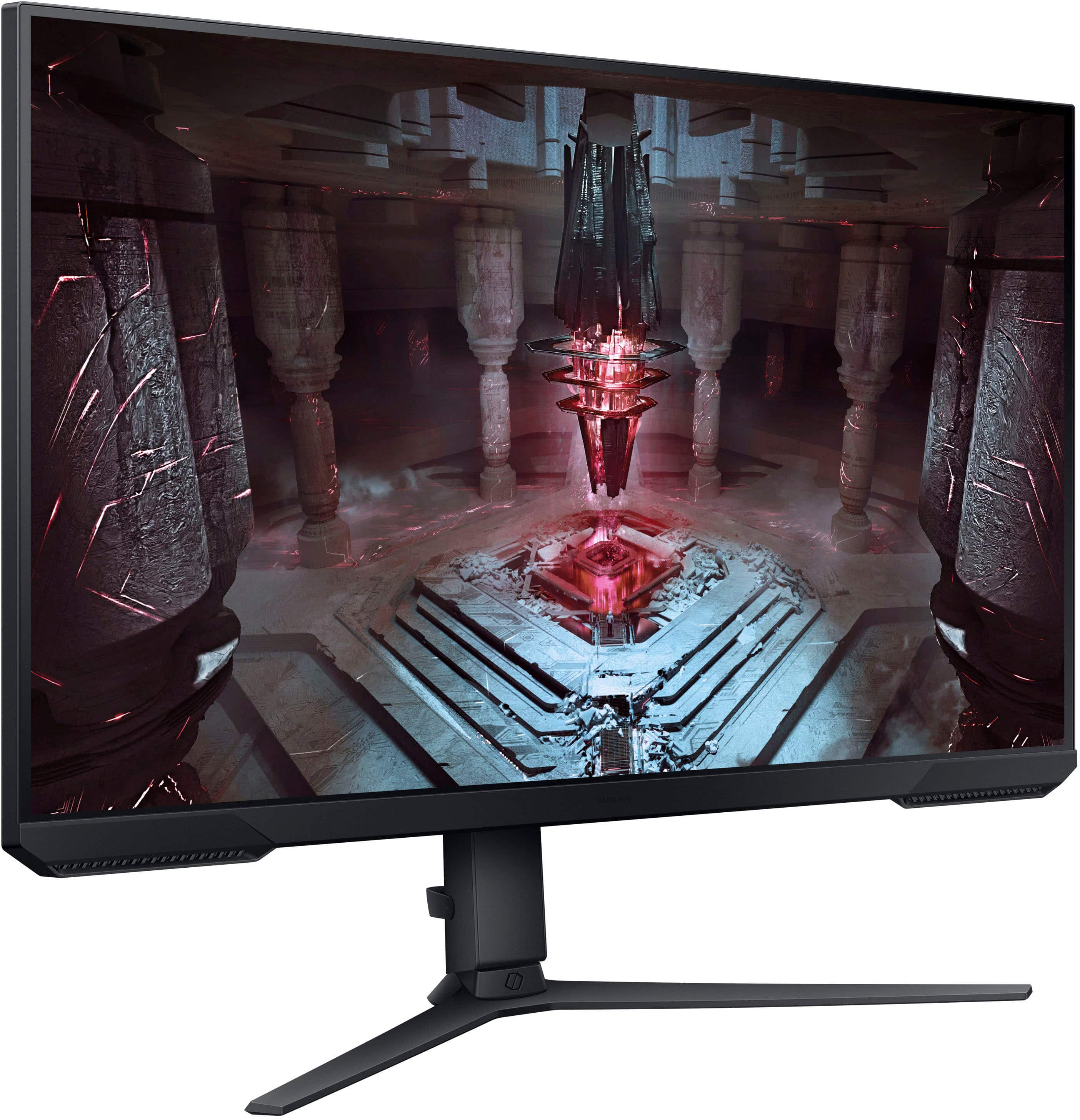
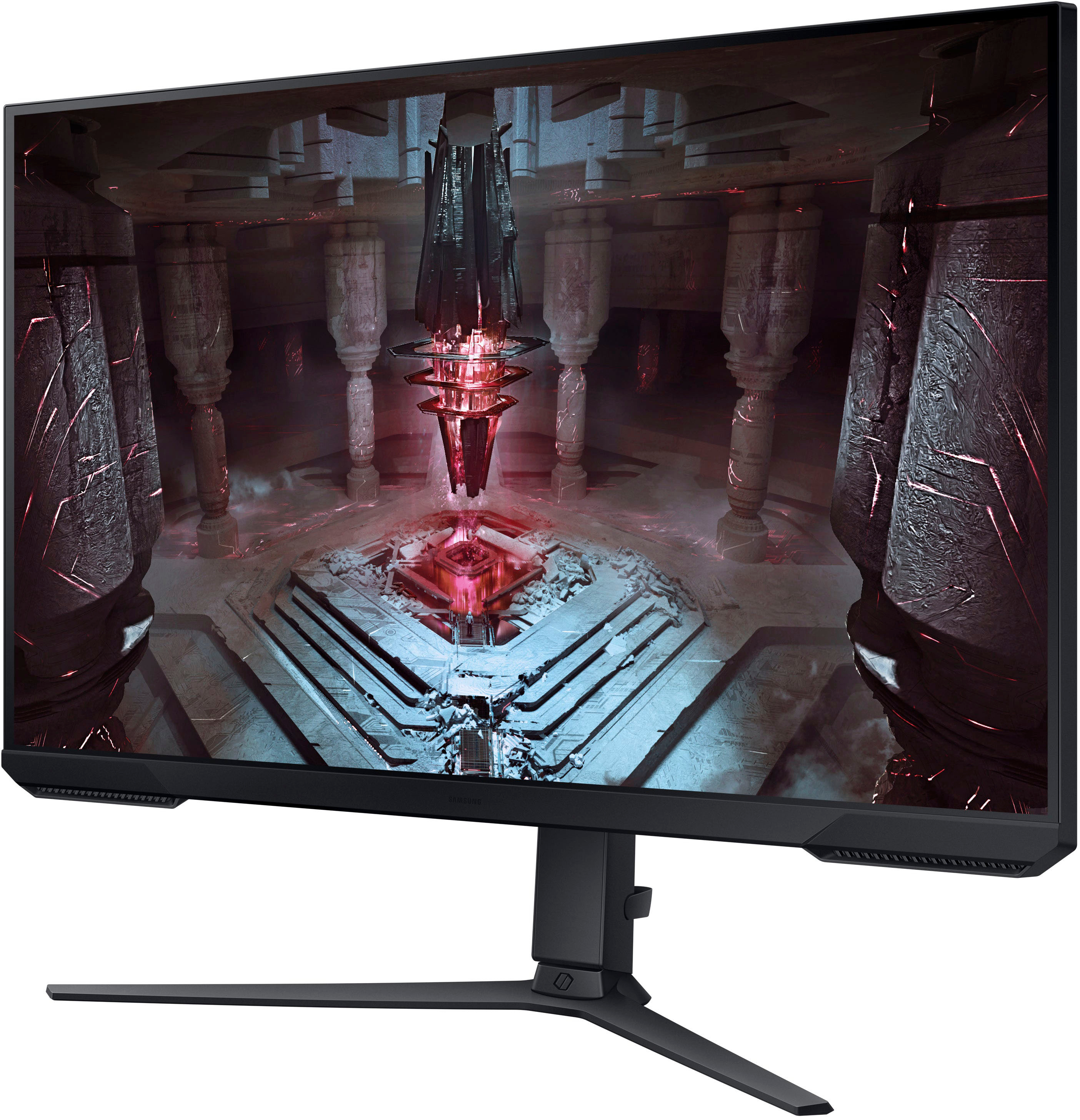
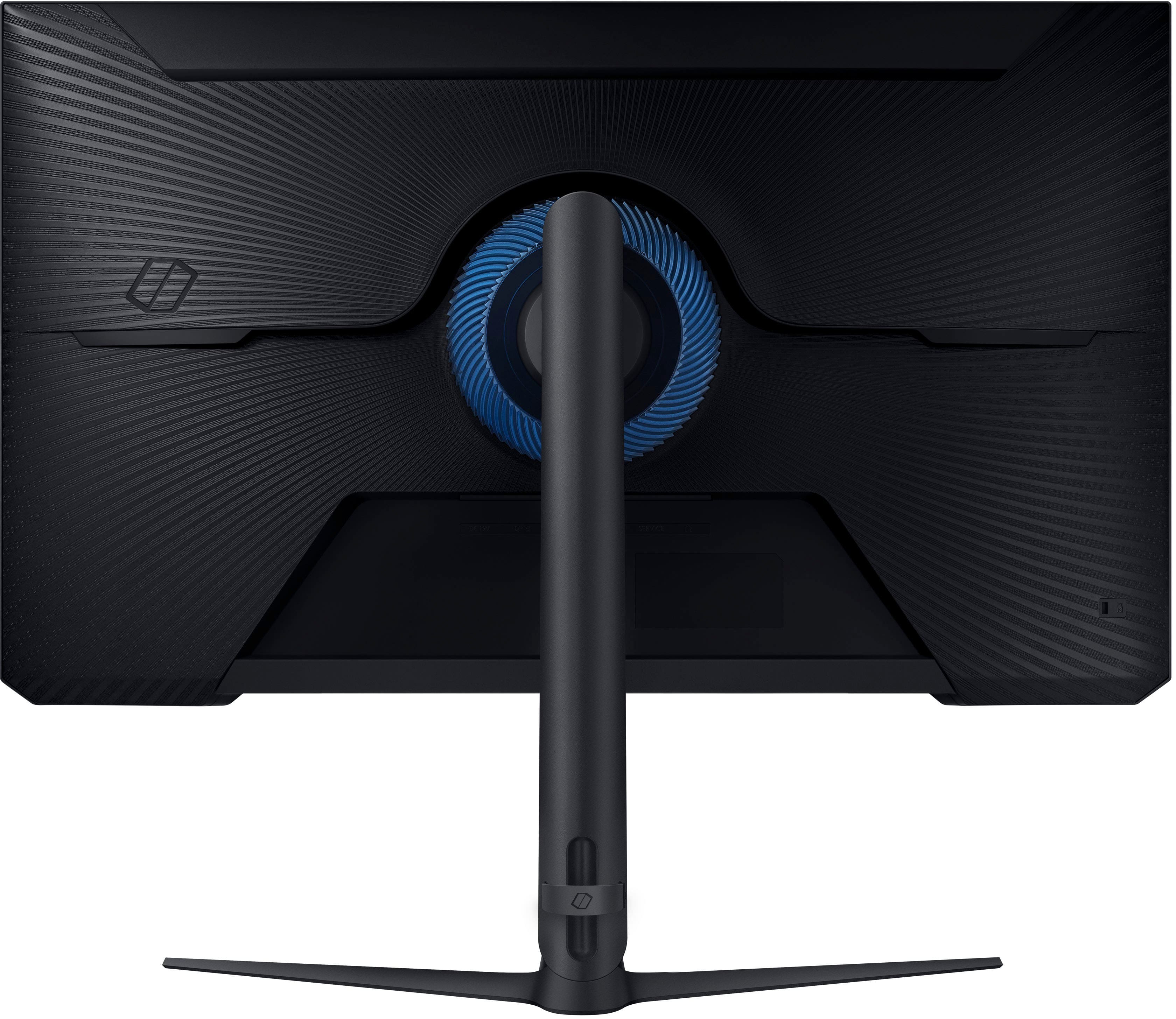
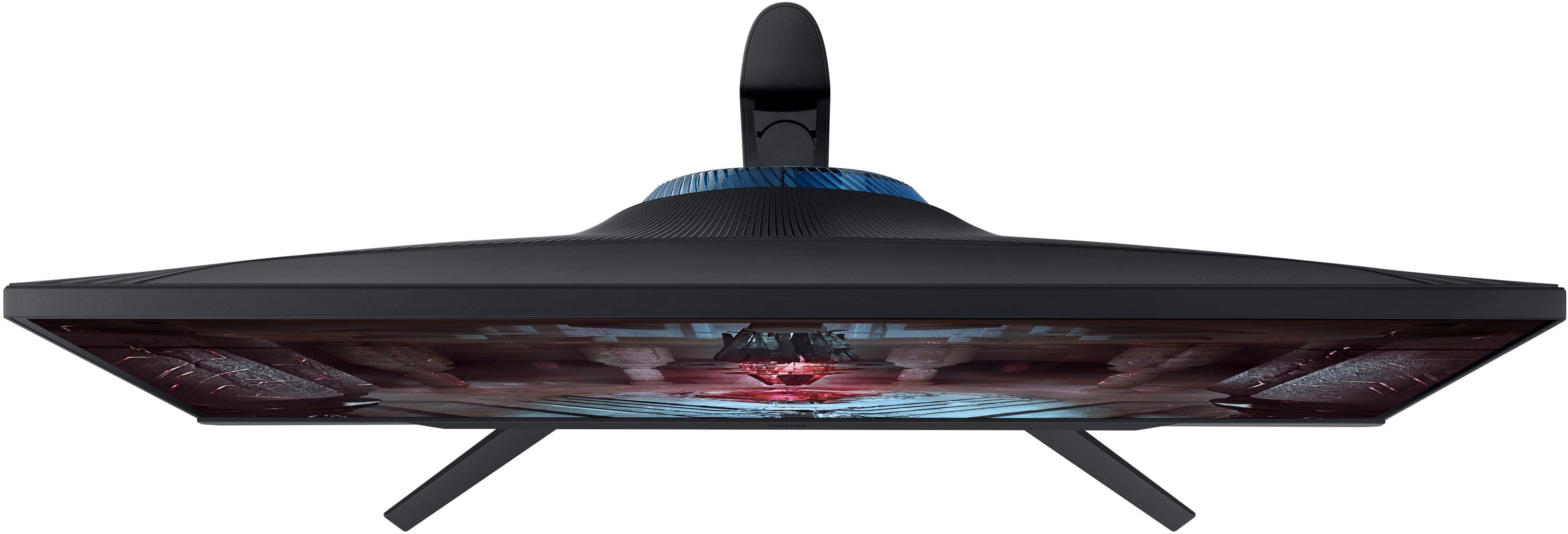
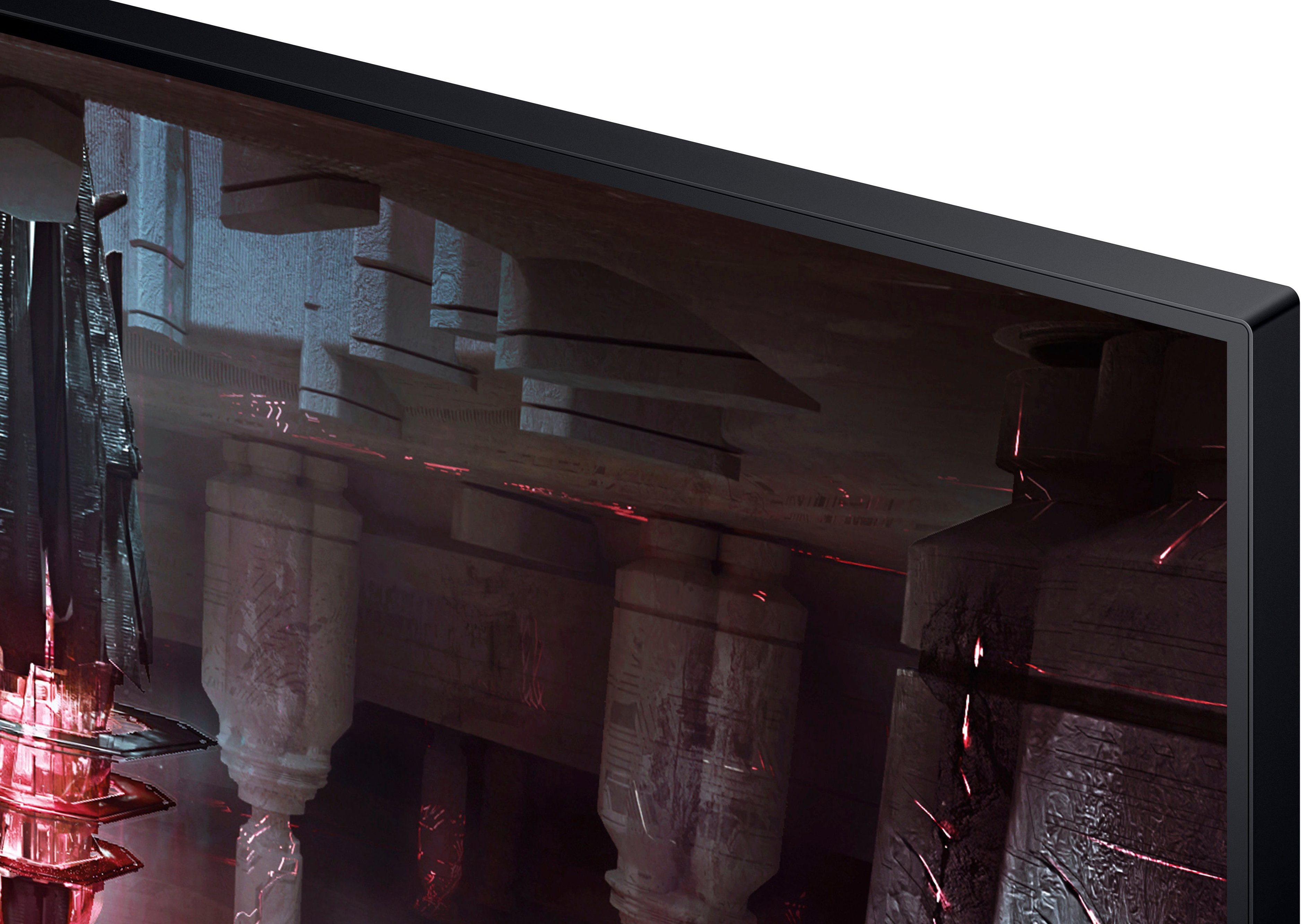
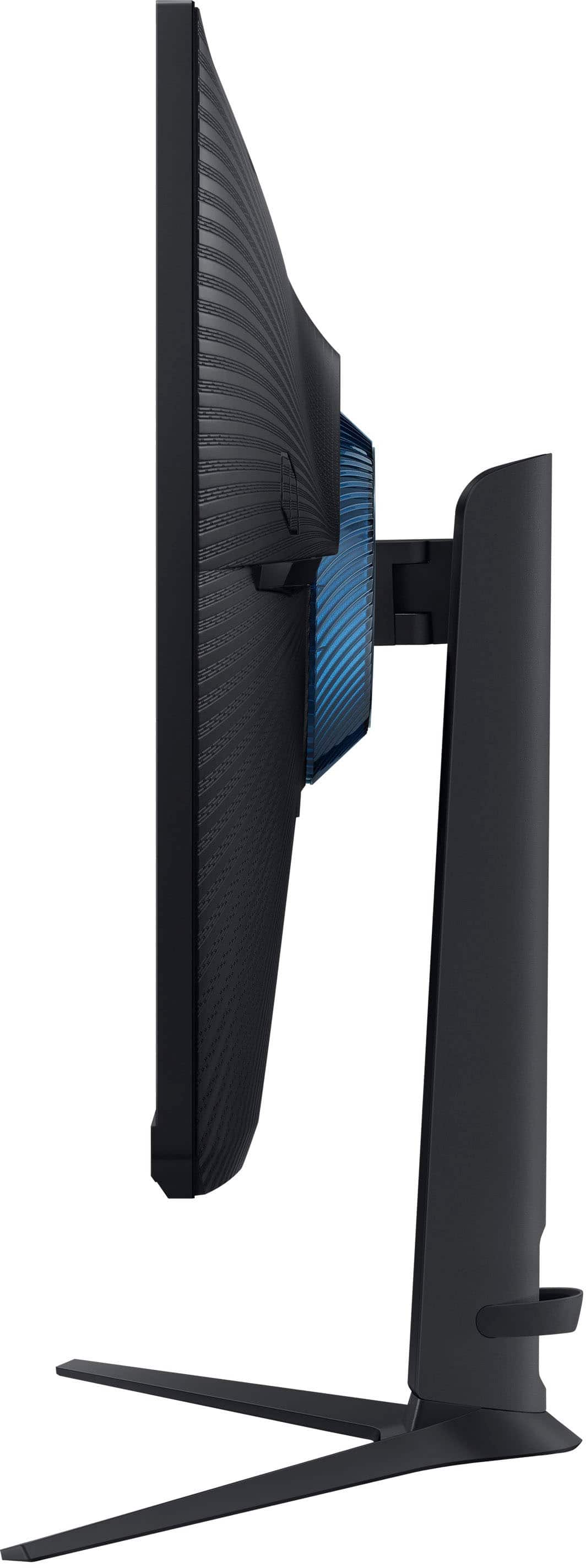
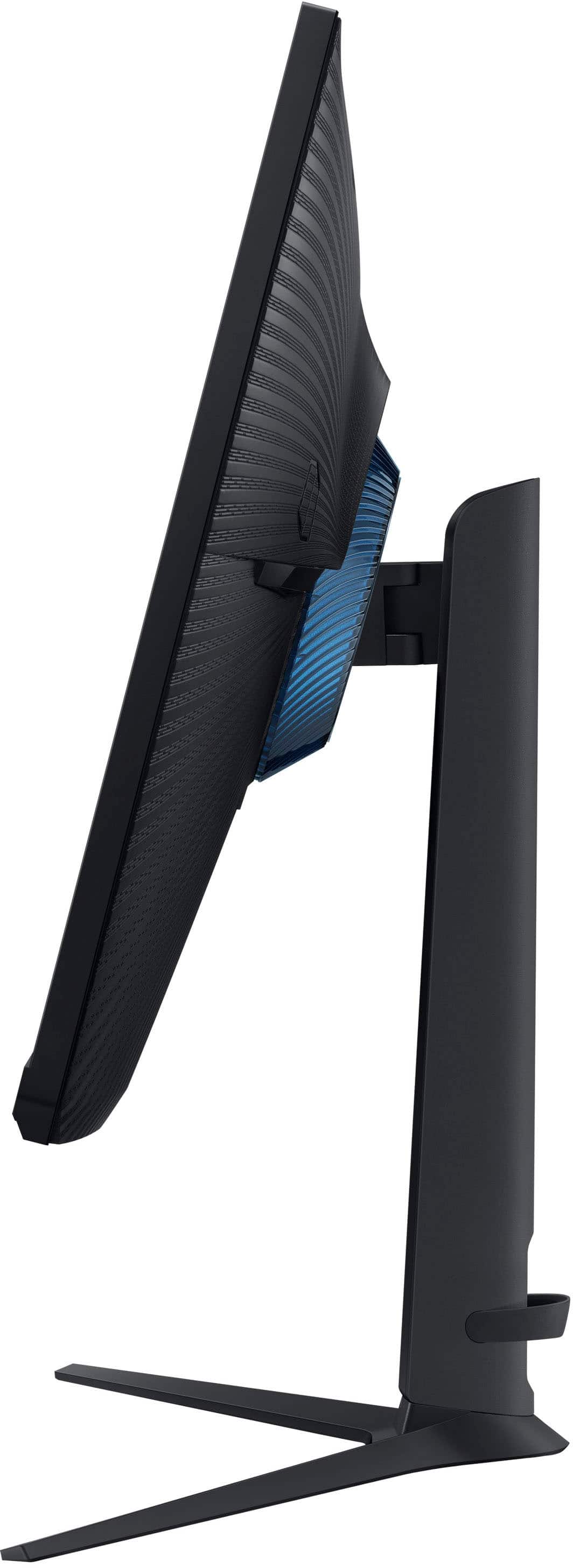
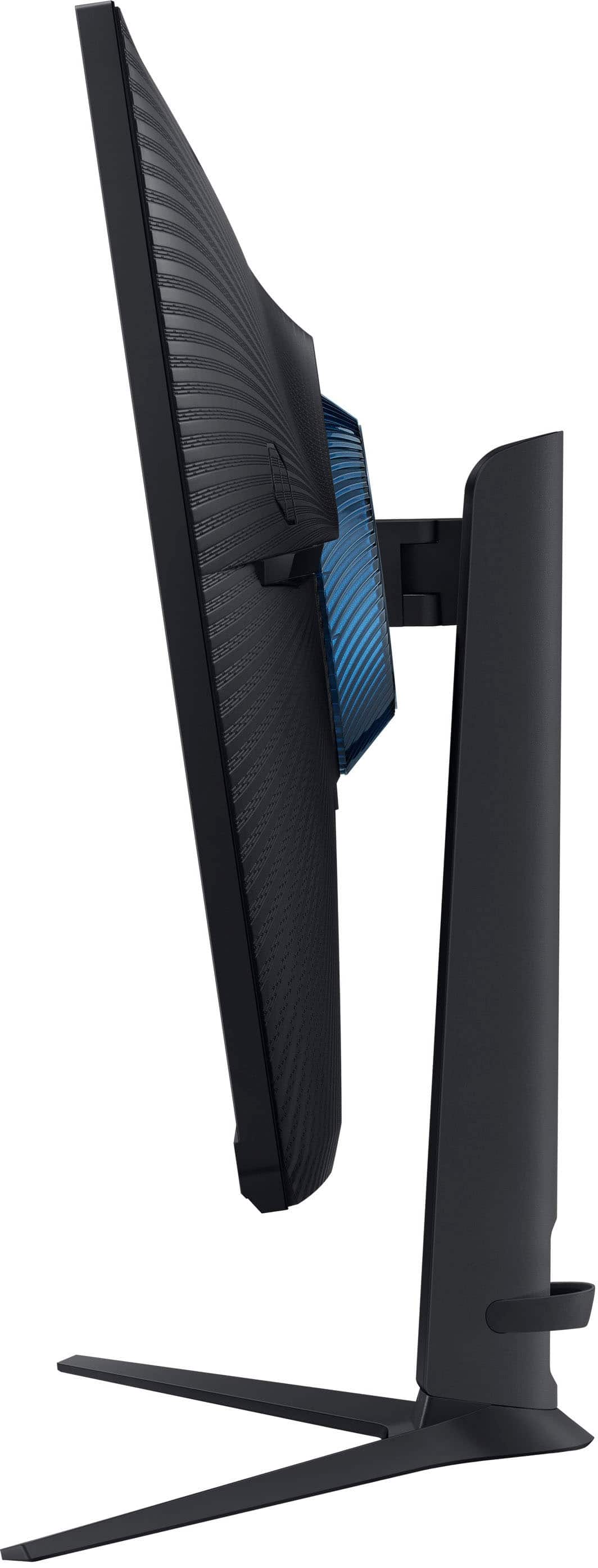
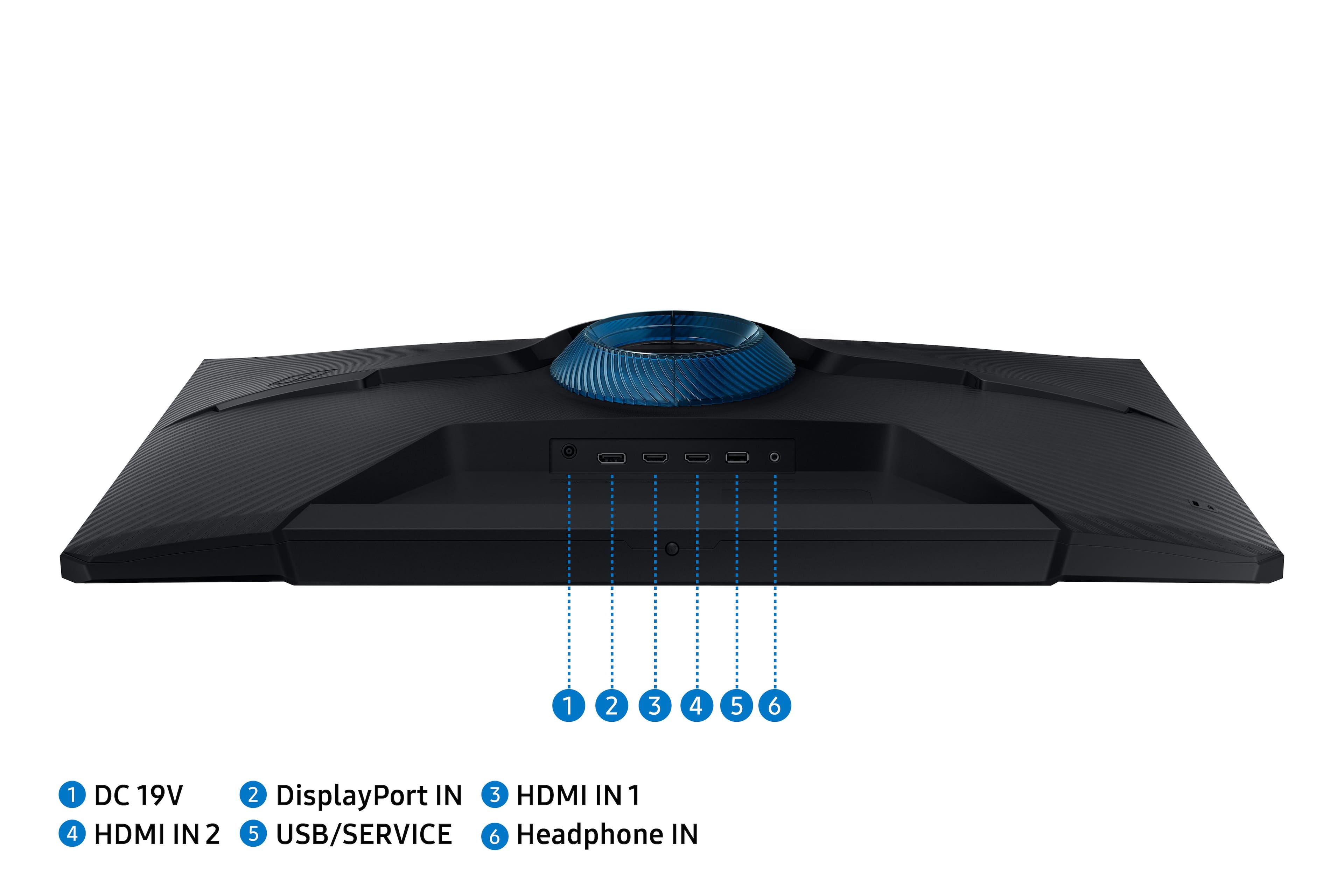
|Posted .This reviewer received promo considerations or sweepstakes entry for writing a review.Samsung has released their new 32" Odyssey G51C LED QHD Freesync gaming monitor, and it doesn't disappoint. The box includes the monitor, base, stand (connects base to monitor), HDMI cable, DP cable, 2 snap-on plastic decor pieces, power cable with transformer (split), and quick user guide/paperwork. The monitor comes with a manufacturer's 1-year warranty. PROS: ----------- * The monitor was extremely easy to put together. The bolt on the bottom of the base simply screws into the bottom of the stand. Tighten with a flat-head or Phillips screwdriver. The top of the stand easily clicks onto the monitor itself and locks into place. It can be removed by pressing a button on the underside of the connection point. * Great to see a monitor with all movements accounted for. Tilt forwards/backwards ~20-degrees, can be raised up and down ~4.5 inches along a track on the stand (see picture), swivels left and right about 15-degrees each way, and can also rotate 90-degrees to the vertical position. It's a lot of movement for a 32" monitor. In addition, the base offers plenty of support regardless of position. * 2 HDMI/1 DP ports are enough for most people. Though I don't use the headphones jack on the back of the monitor, that could come in handy if you have a desktop speaker system. * It has a basic cable management rubber holder on the back/bottom of the stand. If you run your cables over the connection point of where the stand meets the monitor, you can then run the cables down the back side of the stand and through the holder. It's simple, and there is plenty of room in the cable management holder. * In playing some racing games, the 165Hz refresh rate didn't disappoint. I don't run complex SW on my gaming desktop, but all movement is smooth with very little ghosting. * The picture is extremely clear and crisp. The blacks could probably be a little better, but overall, I'm extremely pleased with the overall picture, brightness, contrast, etc. * The on-screen menu is easy to navigate, and the joystick control is easy to access, being on the front bottom of the monitor screen. * There is ample "grip" area on the bottom of the screen itself to move it without getting your fingers on the screen itself. * When streaming Netflix, HBOmax, and others, the picture was crystal clear with great color/contrast. It was as good as most regular TVs out there. * The 5 rubber feet on the bottom of the base provide ample stickiness to keep it stable. * This monitor can be mounted if you don't want to use the stand. It uses VESA screw hole specs of 100mmx100mm using M4 screws (not provided). CONS: ----------- * This monitor is a bit "wonky" in getting it set at the right angle/positioning. It's a little flimsy at the connection point; having said that, it is the point in which all the angles happen. Once set, it stays in place just fine, but fine adjustments may not be as quick as some other monitors. This is nit-picking though, and not a product detractor by any means. OTHER OBSERVATIONS: ----------- * Samsung kept the look & features of this monitor simple. It's not fancy, and it keeps the cost down. * This monitor can take firmware updates; however, after entering in the serial # and/or model number, it does not yet appear on the Samsung website for support. I imagine it may be available soon though. * The usable screen goes all the way to approximately 1/4-inch from the edge as I've seen with most other monitors. The remaining space is black. CONCLUSION: ===================== Overall, I really love this monitor. It doesn't have a ton of bells and whistles like a webcam, integrated speakers, or gaming lighting; but for some people like myself that want a good gaming monitor where the tech is in the actual pixels and refresh rate, and keeping the price point low, this is a great option. Most gamers don't need monitor speakers because we use headsets anyway. I did include in my review a picture of the monitor on my desk to give a good idea of how much room it might take up in your setup. Front-to-back, it doesn't take up a ton of room, and it just gives a ton of real estate to play on. I own at least 30+ products from Samsung currently, and this one is as rock-solid as the rest of them. Great job Samsung!
I would recommend this to a friendBrand response from Samsung
Posted .We are delighted to hear you've had a positive experience with your Odyssey G51C Monitor.
If there is anything we can do to assist you and improve your product experience, please don't hesitate to contact Samsung Customer Support via:
1-800-SAMSUNG, available 8AM - 12AM EST (Mon-Fri) / 9AM - 11PM EST (Sat-Sun).
Your thoughts and opinions are very important to Samsung.
Awesome Monitor
||Posted . Owned for 5 months when reviewed.This reviewer received promo considerations or sweepstakes entry for writing a review.Monitor works great! Good clear gaming experience.
I would recommend this to a friendSamsung Odyssey G5 g51c 2023 model
||Posted . Owned for 1 month when reviewed.This reviewer received promo considerations or sweepstakes entry for writing a review.I bought my Samsung Odyssey G5 g51c for my PS5 it works great with the PS5
I would recommend this to a friendDisappointed
||Posted . Owned for 3 weeks when reviewed.This reviewer received promo considerations or sweepstakes entry for writing a review.I ordered an open box item. The open box items had 3 levels of quality. I opted for the highest. The way the item was packaged the monitor was NOT in the condition I paid for. There were several scratches.
I would recommend this to a friendQuality
||Posted . Owned for 3 months when reviewed.This reviewer received promo considerations or sweepstakes entry for writing a review.Very good monitor no problems so far. I had the monitor about 4 months now.
I would recommend this to a friendGo with another version of this monitor, or brand.
||Posted . Owned for 3 months when reviewed.This reviewer received promo considerations or sweepstakes entry for writing a review.This monitor has no updates from Samsung, and they act as if they never heard of this monitor. For context, I have a 6950XT, with the MicroCenter 7 7700X Bundle in a H9 Flow. With this monitor my VRAM is always on max. I've tried several different things to try and fix this issue and when if finally decides to stop using max vram on idle, it just randomly starts up again a couple of days later. After a month of changing settings, and checking different programs, I finally came past a reddit post that mentions a program called CRU, and this is my last hope to stop my VRAM from running on max on idle. Hopefully this works, but the point of this post to inform potential buyers that this monitor will keep your VRAM running on max even on idle and there are 0 driver updates from Samsung. My sister has the same computer as me, but her monitor is a 144hz Gigabyte monitor and her VRAM undervolts when she is on idle. With CRU (Custom Resolution Utility) I put the blanking on 105 lines, and so far the VRAM has been low.
No, I would not recommend this to a friendBrand response from Samsung
Posted .We are very sorry to see that you have encountered issues with the Samsung Odyssey G51C Monitor. We understand your disappointment and hope that you will give us a chance to assist with troubleshooting or warranty service.
Samsung products are engineered to the highest standards of performance and quality and we back this model with a 1-year limited manufacturer's warranty, if purchased brand-new from an authorized dealer.
For further assistance or to begin warranty service, please contact Samsung Customer Support via:
1-800-SAMSUNG, available 8AM - 12AM EST (Mon-Fri) / 9AM - 11PM EST (Sat-Sun)
Samsung is committed to providing the best possible product experience, quality, and value, and we are always here to help with any of your questions or concerns.
- Pros mentioned:Picture quality, Refresh rate, SizeCons mentioned:Brightness
Retired
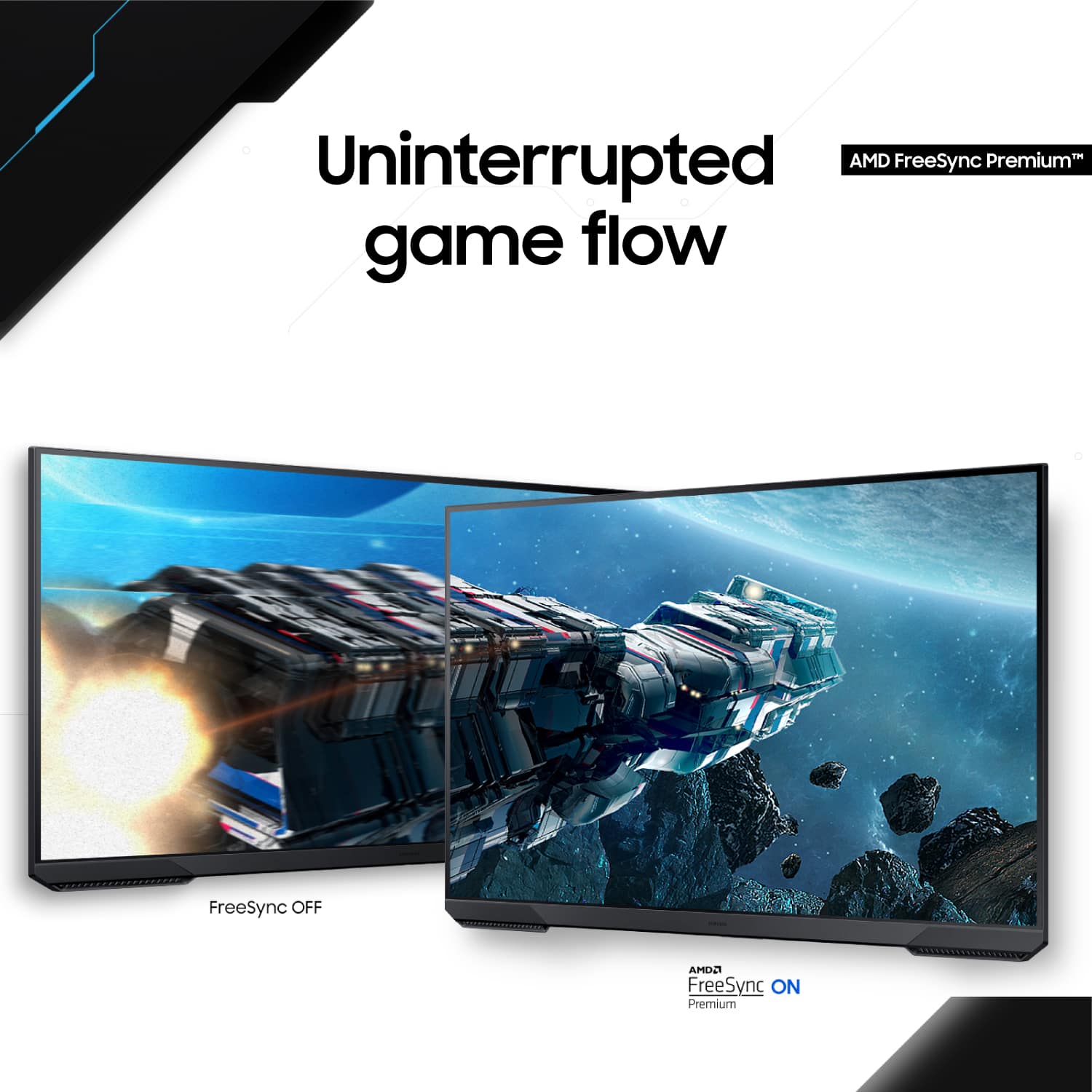
||Posted .This reviewer received promo considerations or sweepstakes entry for writing a review.I've been using the Samsung Odyssey G51C (LS32CG512ENXZA) for a couple of weeks now, and it's easily one of the best value 32-inch gaming monitors I've owned. The QHD (2560x1440) resolution on a 32" VA panel looks incredibly sharp, colors are rich and punchy thanks to solid contrast (around 3000:1) and HDR10 support that actually makes a noticeable difference in supported games. Blacks are deep and inky – way better than most IPS panels at this price. 165Hz refresh rate + FreeSync Premium feels buttery smooth; no tearing or stuttering in fast-paced titles like Apex, Cyberpunk 2077, or Black Myth: Wukong. 1ms MPRT response time keeps motion blur minimal – ghosting is practically nonexistent once you tweak the response time setting to "Fast". The stand is simple but sturdy, with good height/tilt adjustment, and the aggressive 1000R curve really pulls you into the game without distorting the desktop experience too much. Build quality feels premium for the price, and the minimal bezels look clean in multi-monitor setup. Only minor nitpick: it's not the brightest (rated 300 nits, real-world closer to 280-290), so it's best in controlled lighting, but that's expected from a VA panel in this range.
I would recommend this to a friend - Pros mentioned:Performance, Picture quality, Refresh rate
I love this monitor for gaming and work!
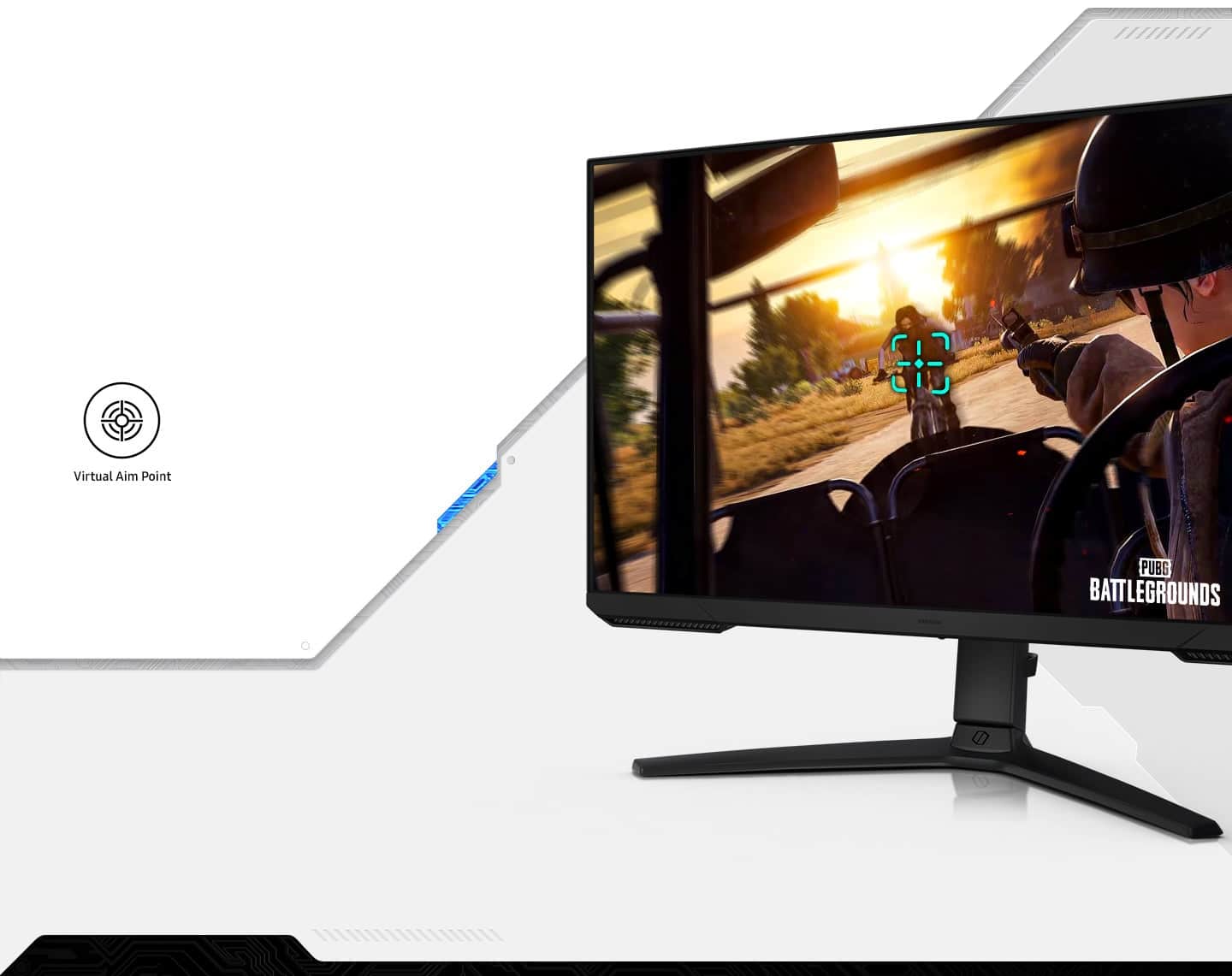
|Posted .This reviewer received promo considerations or sweepstakes entry for writing a review.I really like this large, vibrant monitor, it's a bit of an all around powerhouse, without the price tag! In the box is the monitor, stand, power, HDMI, and DisplayPort cables as well as the normal paperwork. To install the monitor on the stand requires a flat head screw driver for the base. The stand attaches to the monitor by inserting the top tabs of the stand plate into the slots and the bottom tabs on the plate firmly lock into place. There is then a split ring cover that locks into place over the plate, not sure if this is purely for aesthetics or if this helps keep the stand stable while rotating. As for the build, the monitor and base combo feels sturdy. When I rotate I do not worry that the stand will tip or that the monitor will fall, everything moves smoothly and stays as positioned. The monitor weighs about 14 lbs, so while its large, its easy for me to move around my desk as needed. The stand allows for tilt, swivel, height adjustment, and a full 90 degree rotation to vertical. A minor quirk is that this amount of movement means that it takes a bit of tweaking to get the monitor level in relation to another monitor or the desk. The stand has enough friction to stay where you place it, so to keep the monitor level across from my primary monitor, I created a stand (let's be honest, I used a few books stacked up) for where I wanted the bottom of the monitor to rest to keep everything level. I didn't take off a star because I'd much rather have a monitor with this much height adjustment and rotation. For comparison, at the lowest height the top of the monitor is 19.5" from the desk, and at the top of the height adjustment its 24.25", so just under 5" of height adjustment. Setup is easy, the monitor has options for both HDMI (2 inputs), headphone port, USB-C, and DisplayPort (single input). Plug in power cable, display cable, and it's ready to go. There is a small strap at the bottom of the base to help with cable management, and a cable lock slot on the left hand side of the back. To adjust settings, the monitor has a physical toggle style menu button at the bottom center of the monitor. The functions are eye saver (high/low), input control, power button, and the options menu. The options menu displays the black equalizer, response time, refresh rate, FreeSync, and eye saver status across the top. Down the side are features for game, picture, onscreen display, system, and support. The game tab allows options to turn on/off FreeSync, adjust black equalizer, and turn on/off the virtual aim point. The monitor boasts a 165Hz refresh rate, HDR10, and 1ms response to provide crisp gameplay with minimal blur. This, in combination with FreeSync, gives smooth visual transition during game play, while keeping latency low. The virtual aim point feature is ok, it's not my preference, but is available, which puts an aim point on the screen, in theory it helps with aiming precision. The most impressive aspect for me is the QHD (2560 x 1440) resolution. Between this and a 1080 monitor (without FreeSync) there was a noticeable resolution improvement of details during game play. Overall I highly recommend, especially for gaming if you have the GPU to drive it. The eye strain feature means I can use this monitor for work all day, I'm amazed with how many of my Excel columns I can fit on the screen and still read! If Excel doesn't excite you, this is also a great QHD streaming / gaming monitor. I love the black equalizer and how crisp the gameplay is.
I would recommend this to a friendBrand response from Samsung
Posted .Thank you for bringing this issue to our attention as Samsung is committed to providing the best possible product experience, quality, and value. Samsung greatly values our customers’ feedback and we utilize your concerns and opinions in our relentless efforts towards delivering world-class products. We are very sorry to hear this product didn't meet your expectations and hope to have you as a customer again.
If you ever need assistance in the future, please contact Samsung Customer Support and a rep will be happy to assist you: 1-800-SAMSUNG, available 8AM - 12AM EST (Mon-Fri) / 9AM - 11PM EST (Sat-Sun)
- Pros mentioned:Picture quality, Refresh rateCons mentioned:Speakers
Great for high-end gaming and work.
|Posted .This reviewer received promo considerations or sweepstakes entry for writing a review.Having an easy unboxing experience, the monitor was easy to assemble, needing only a screwdriver for the base. The monitor is quite light compared to other monitors I have, so I had no issues placing it on my medium size stand. Although the feet stick out a bit, the monitor is well balanced, and I do not worry it will tip over. The monitor has decent swivel, tilt, and height adjustment, and is easy to adjust with just one hand. I did not detect any wobbling in my unit. There are plenty of ports, 2 HDMI 2.0, a 1 DisplayPort 1.4 (DP), and 1 3.5mm audio jack. I do wish there was one more DP and at last one USB port. Also, internal speakers would’ve been nice. I connected my PC, a console, and a retro console and they all came up fine. Now, the screen is what you’d expect from a VA panel. On default settings, it’s bright and the colors display clearly with good contrast. Unfortunately, the black needs a bit more depth. Having it next to an IPS panel, there was little difference between them. If anything, the viewing angle is not that great, so one must be in front of the screen for the best visuals. The picture can be adjusted via menu that is navigated with a knob underneath the monitor. There are presets to choose from, but I was glad that the monitor responded well to changes. By the way, HDR10 is not very good on Windows, which is to be expected, but it worked greatly on the console. Having a high-end PC and latest gen console, I was able to take advantage of the high refresh rate. 165Hz is not too shabby. While I cannot take full advantage of the AMD FreeSync feature, and this monitor is not listed on NVidia’s monitor support website, it seemed to respond well in minimizing tearing and latency, which helped greatly when playing competitive FPS games. By the way, the virtual aim point is pointless in my experience, but it is there for those who like a little extra aiming assistance. Speaking of the menu, again it is fairly easy to navigate with the mini joystick. It’s easily accessible as well. There, you can also control volume (for the jack), sleeping, and other options. All things considered; while it’s not perfect, I am quite pleased with the experience with this monitor so far. It’s a great size for gaming and offers ample real state for work applications. The high refresh rate and response time is totally worth it if you have the PC or console to handle it.
I would recommend this to a friend - Pros mentioned:Refresh rate, Size
Excellent Gaming Monitor
|Posted .This reviewer received promo considerations or sweepstakes entry for writing a review.My son and I have been looking for a gaming monitor for a while for pc gaming and for his PS5. This monitor should get the job done. Pros 32in screen size (for gaming or work) Gaming performance Adjustable (height, tilt, rotate 90 degrees) Cons No speakers (not an issue, just an FYI if you didn't know already) Unboxing and assembly was simple. I only needed a screwdriver to install the stand to the base and the rest just clicks into place. The manual was easy to read and understand. This monitor offers many adjustments to meet your needs. You can adjust the height, tilt back and forth, and even rotate 90 degrees to vertical. The one downside to rotating 90 degrees is that the stand isn't quite tall enough to rotate 90 degrees without having to tilt the monitor. That should be an issue unless you are limited on space, but if you are gaming with it, you'll probably have it horizontal anyways. Using the joystick to manage settings on the monitor is very easy and intuitive. It's much better than the older 4 buttons aligned horizontally most monitors have. You don't get speakers on this monitor, which is fine because monitor speakers aren't usually great anyway, or you use headphones. There is a headphone jack on the back of the monitor. That's not a great place for it as my headphone cable was a bit tight, but it could be closer to you than a PC. The cable management strap is nice to have since I like to keep my cables tidy. The stand is stable and feels sturdy so I'm not concerned about the monitor tipping over. The feet stick out beyond the monitor, which may not be desirable, but that's how they keep it from tipping over. Although the monitor won't tip over, it does wobble a bit when using the joystick to adjust settings. Gaming looks amazing on this monitor. I'm very happy with the 32in for gaming. The 165Hz refresh rate with HDR10 don't disappoint. I played Halo Infinite for quite a while and the gaming performance is great. My son play Fortnite on the PS5 and appreciates the 120Hz refresh rate. I connected my work laptop to the monitor and that QHD resolution give you a ton on desktop space to work with. I did notice that the black isn't as good as the monitors I use for work. Not a big deal since it's my gaming monitor. I am very happy with the performance of this monitor. It's gaming performance is great, which is what I'm using it for. I would definitely recommend this monitor.
I would recommend this to a friend