Customer Ratings & Reviews
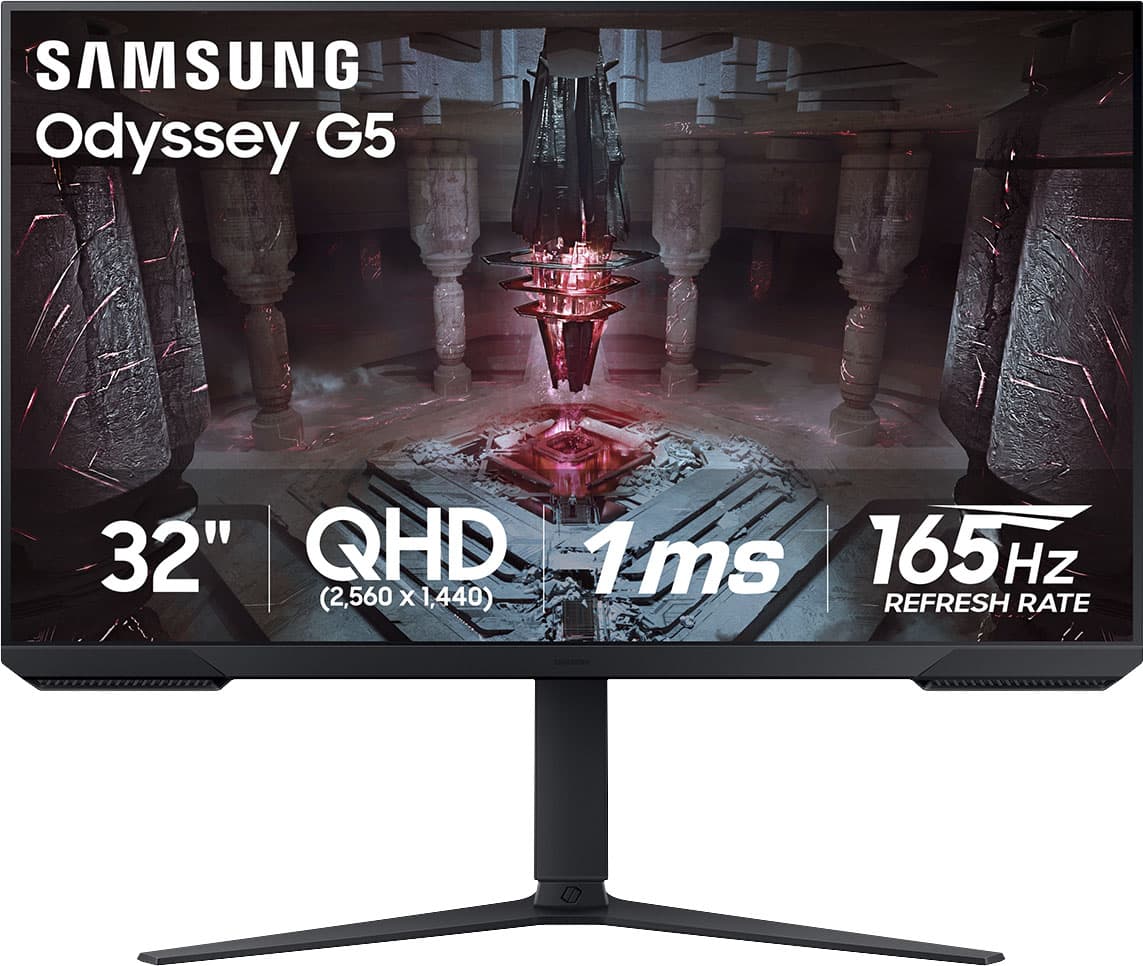
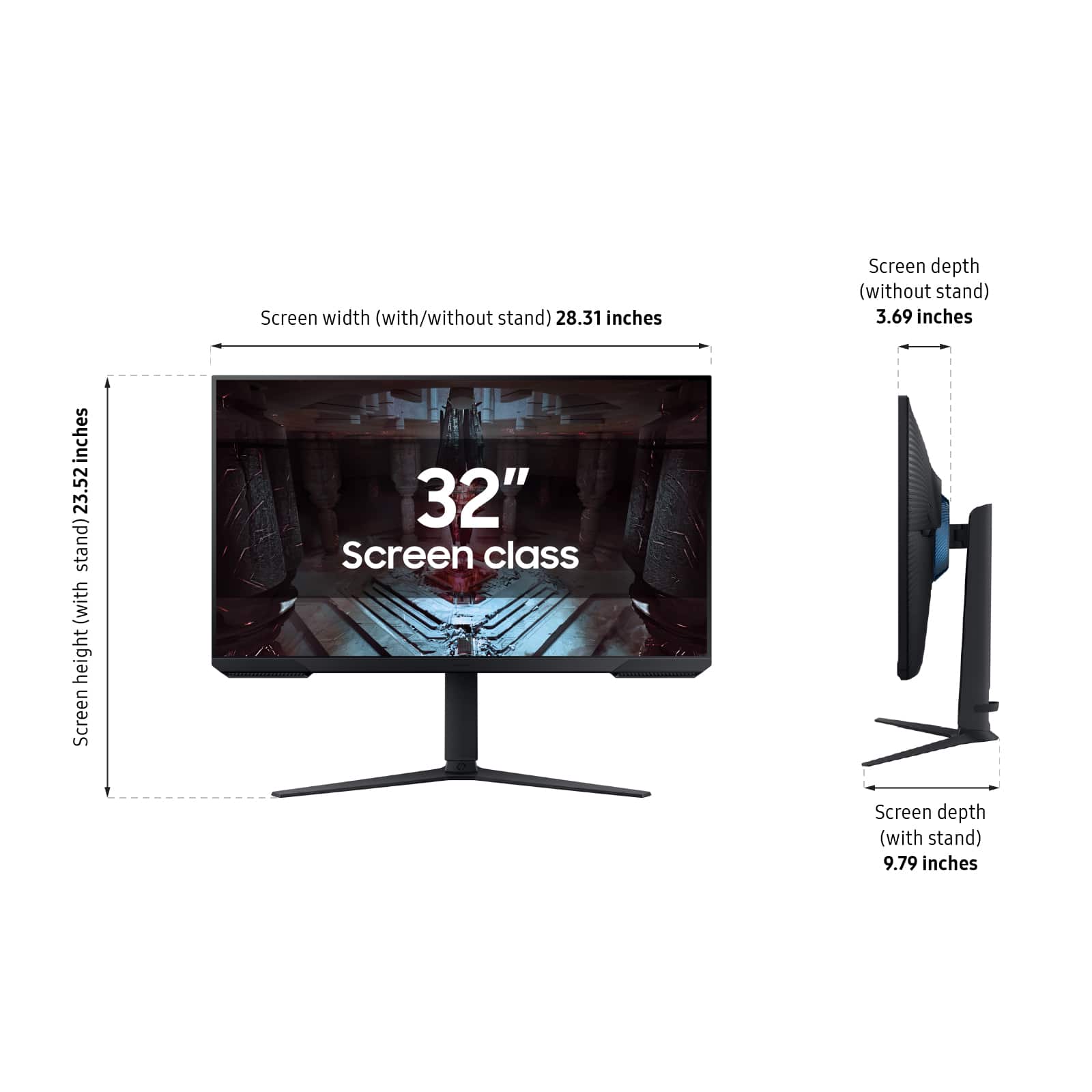
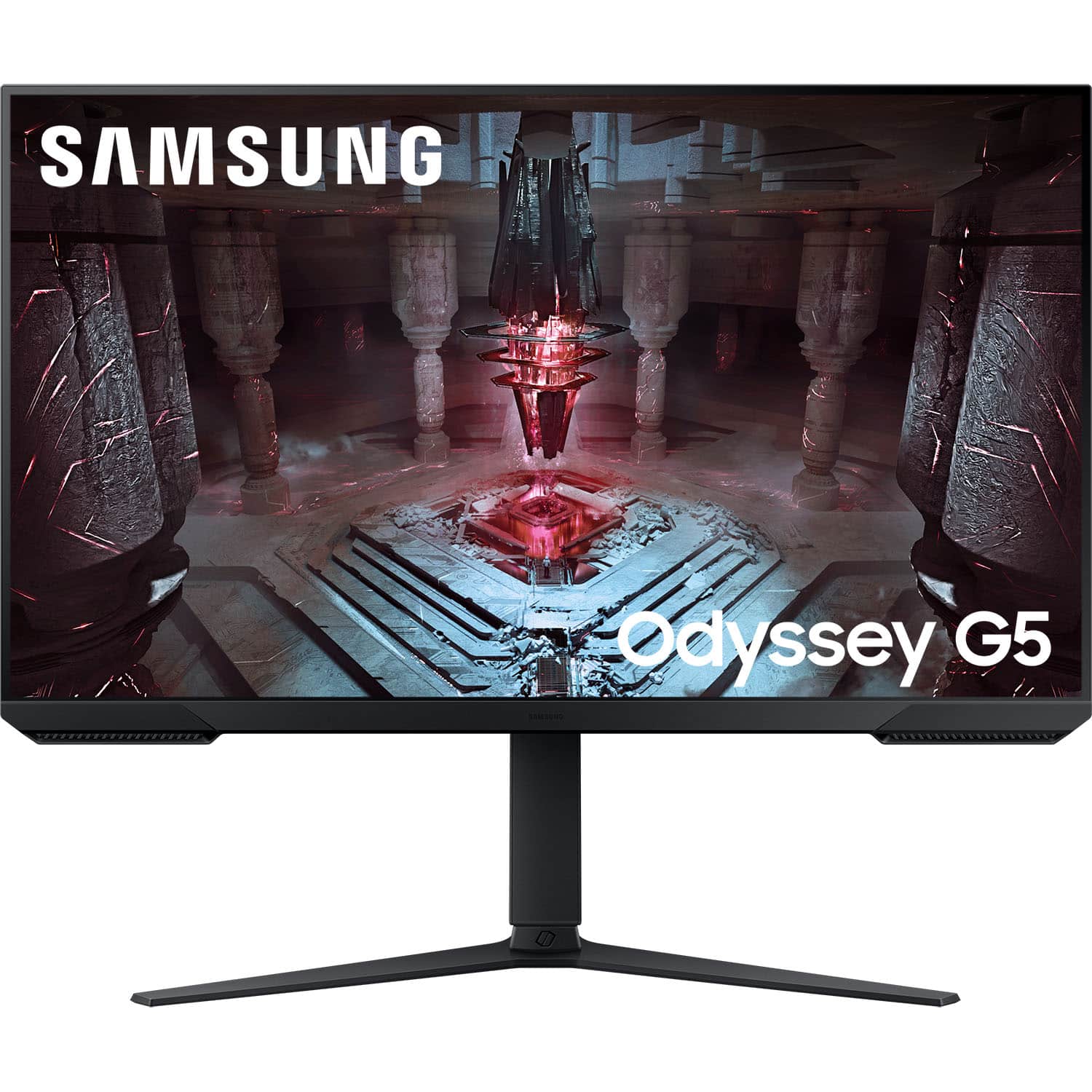
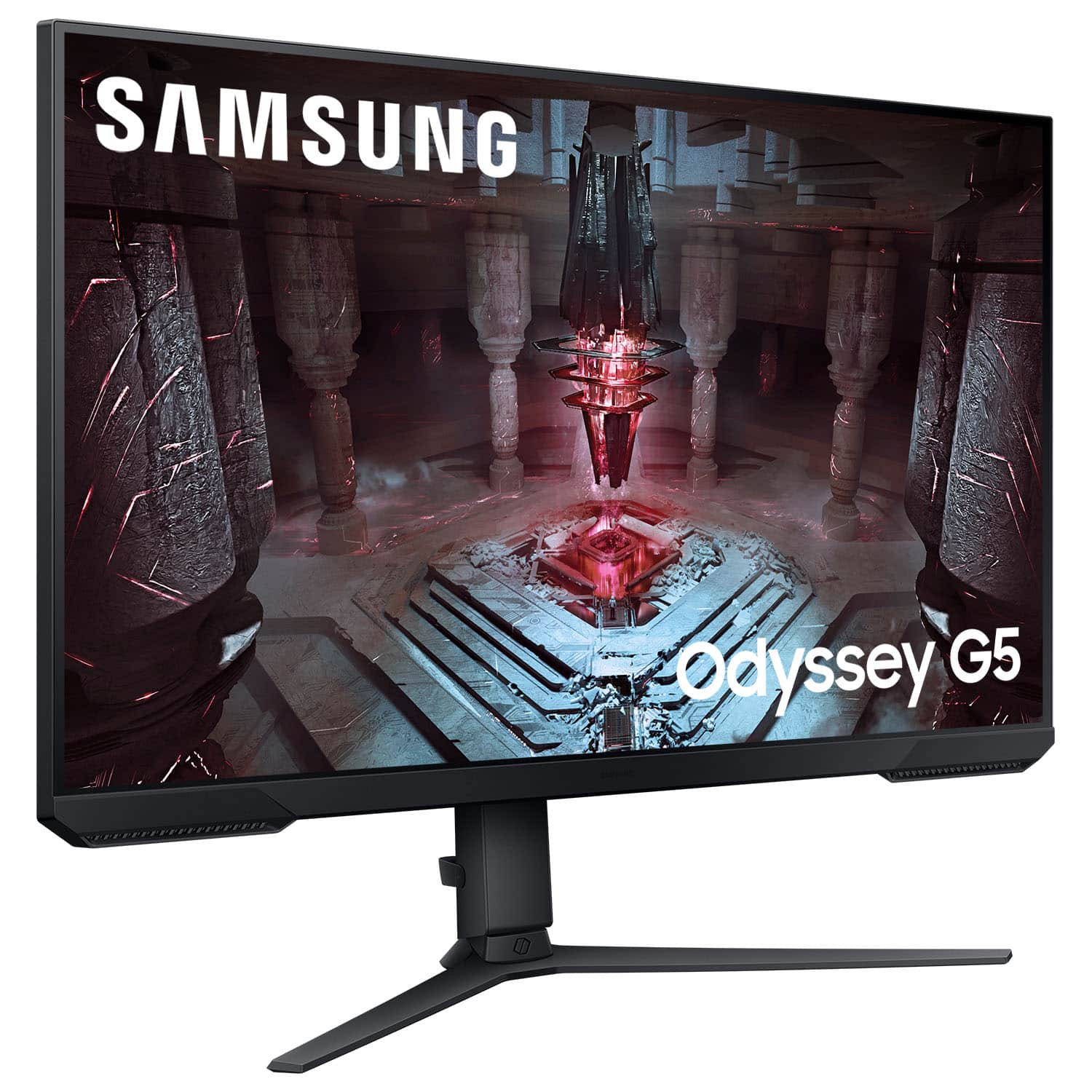
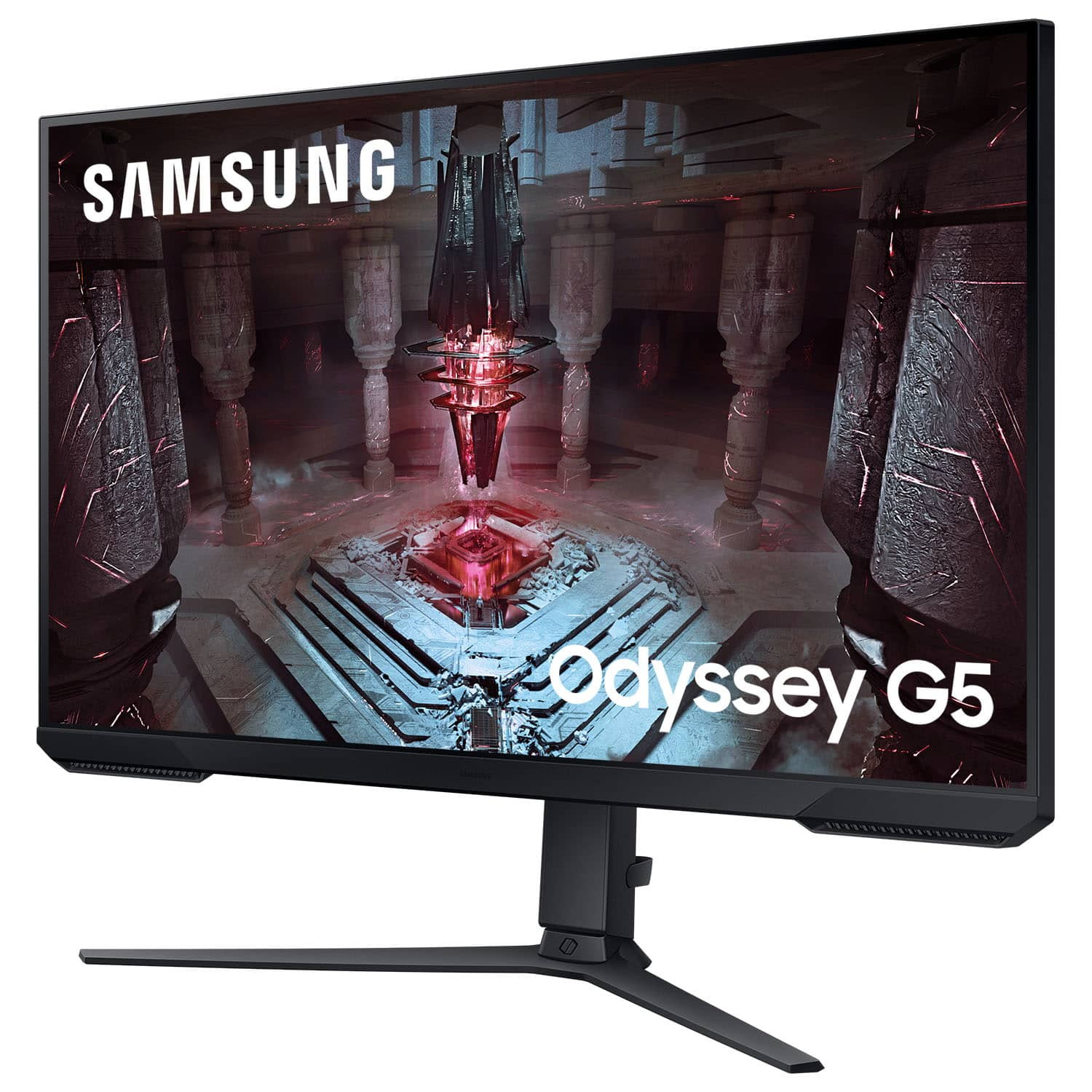
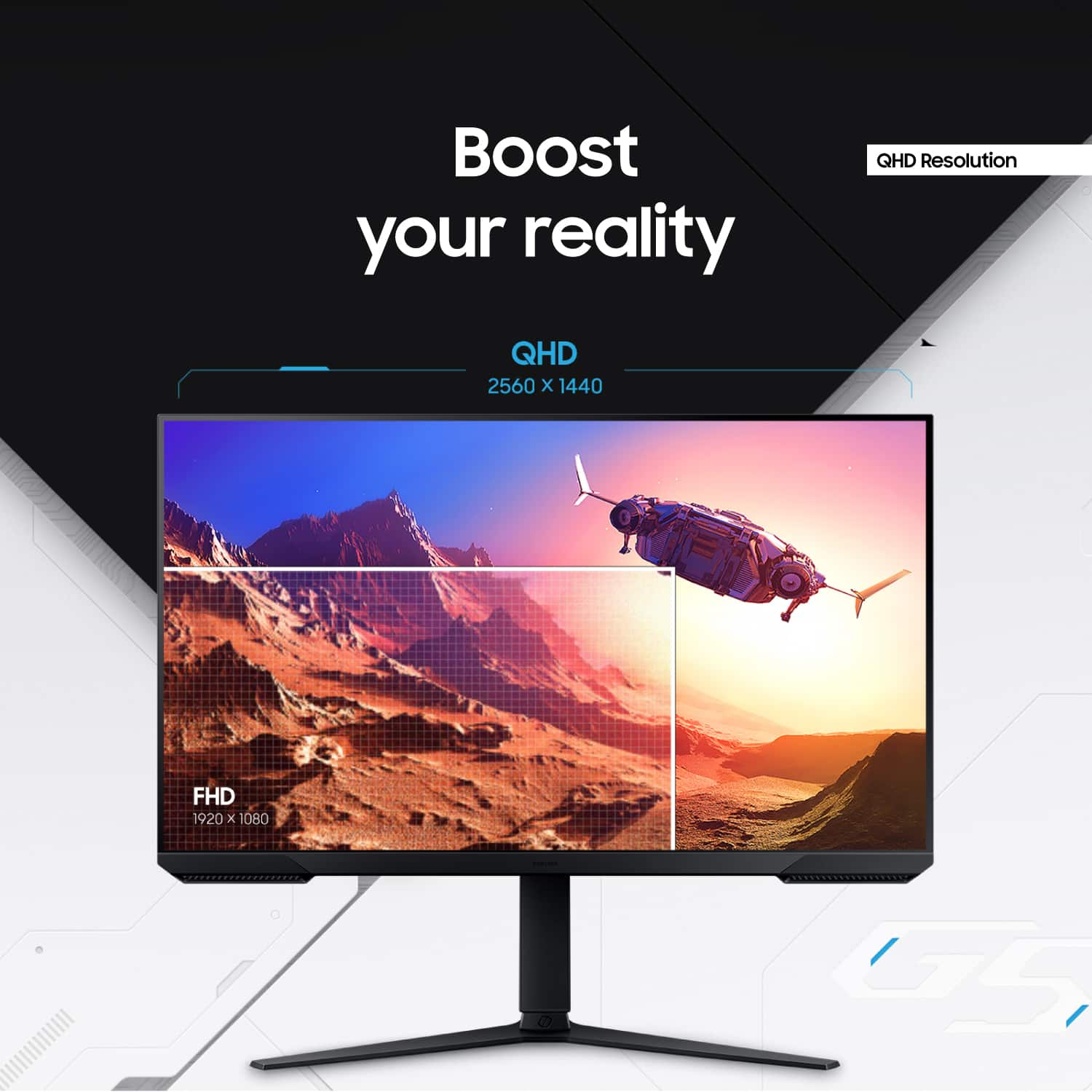
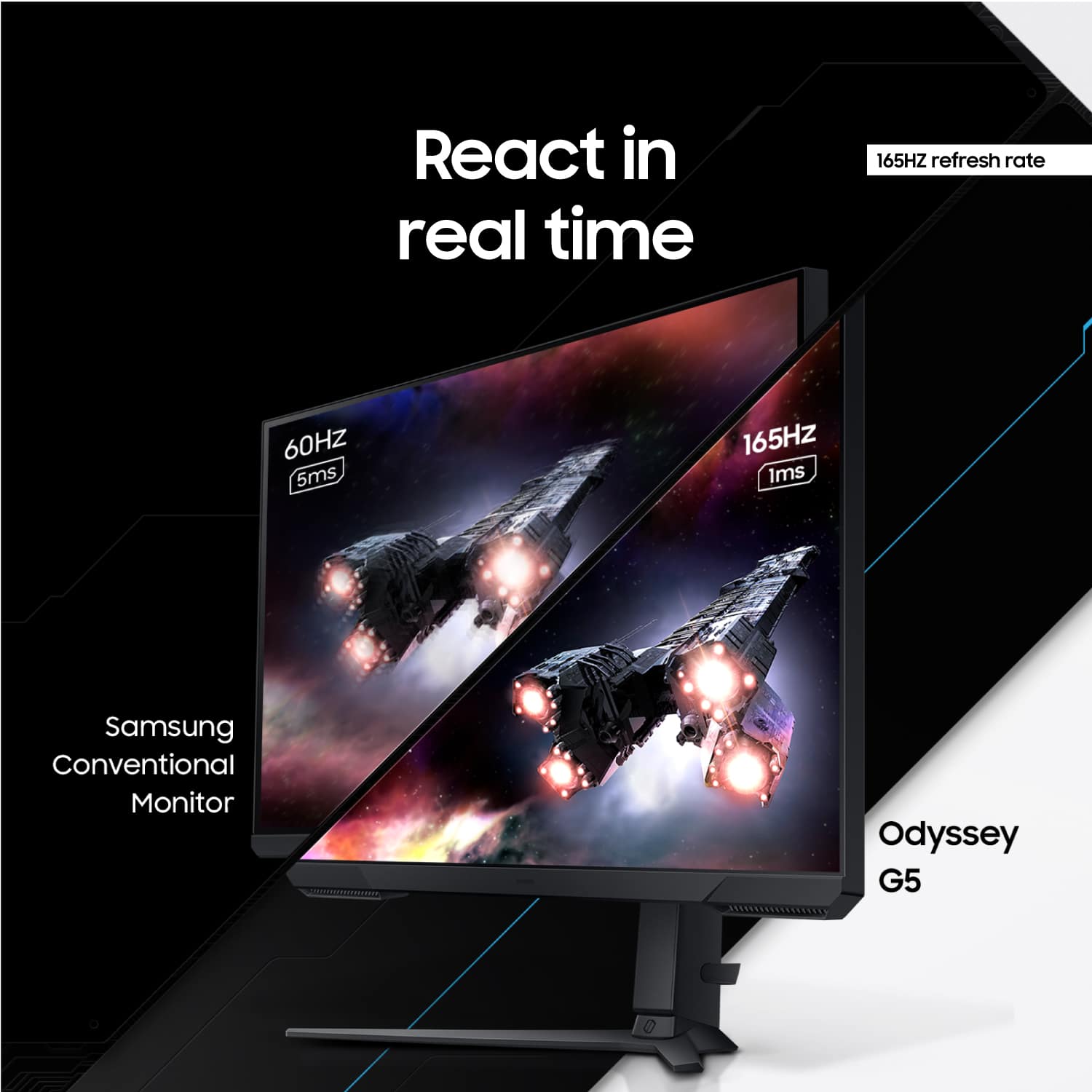
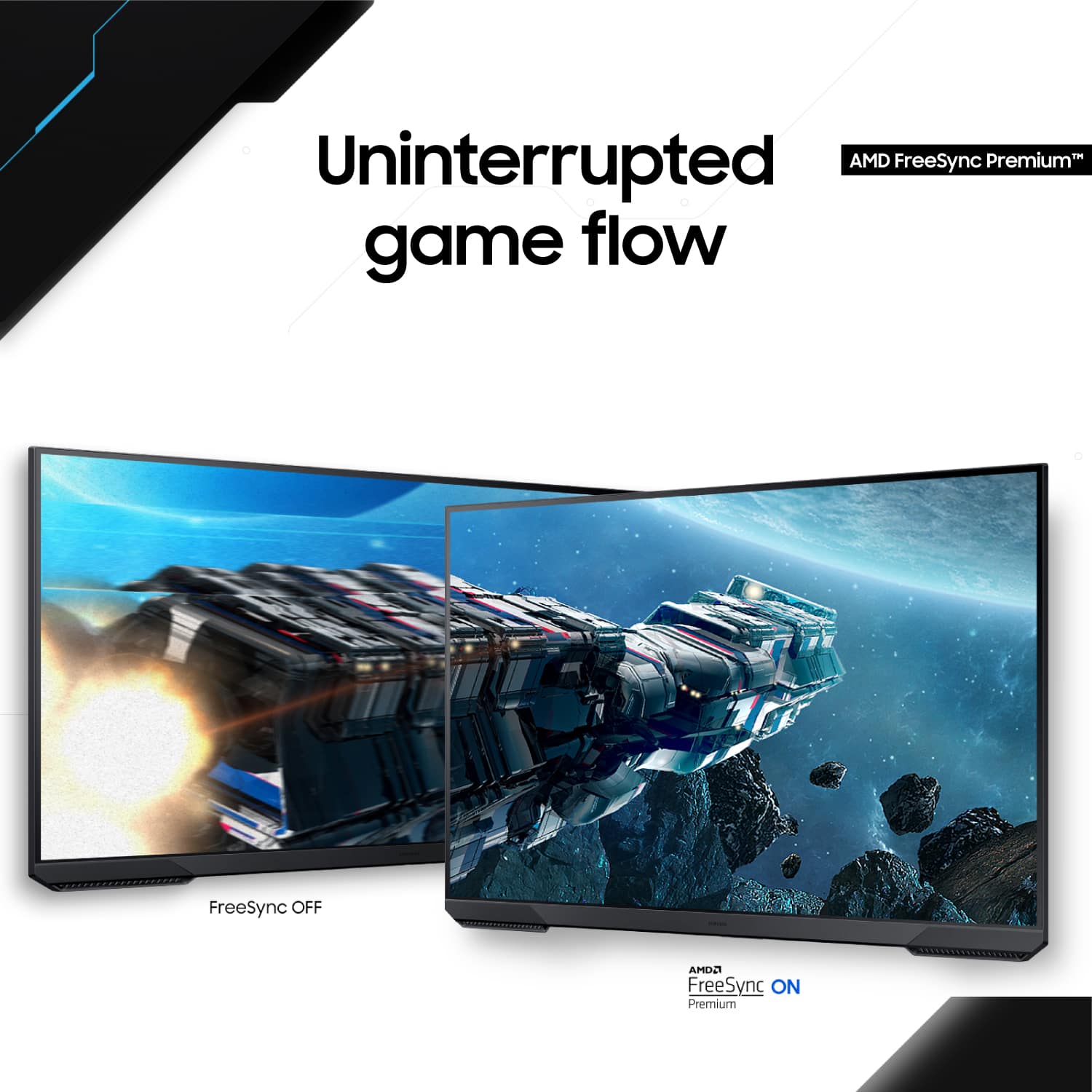
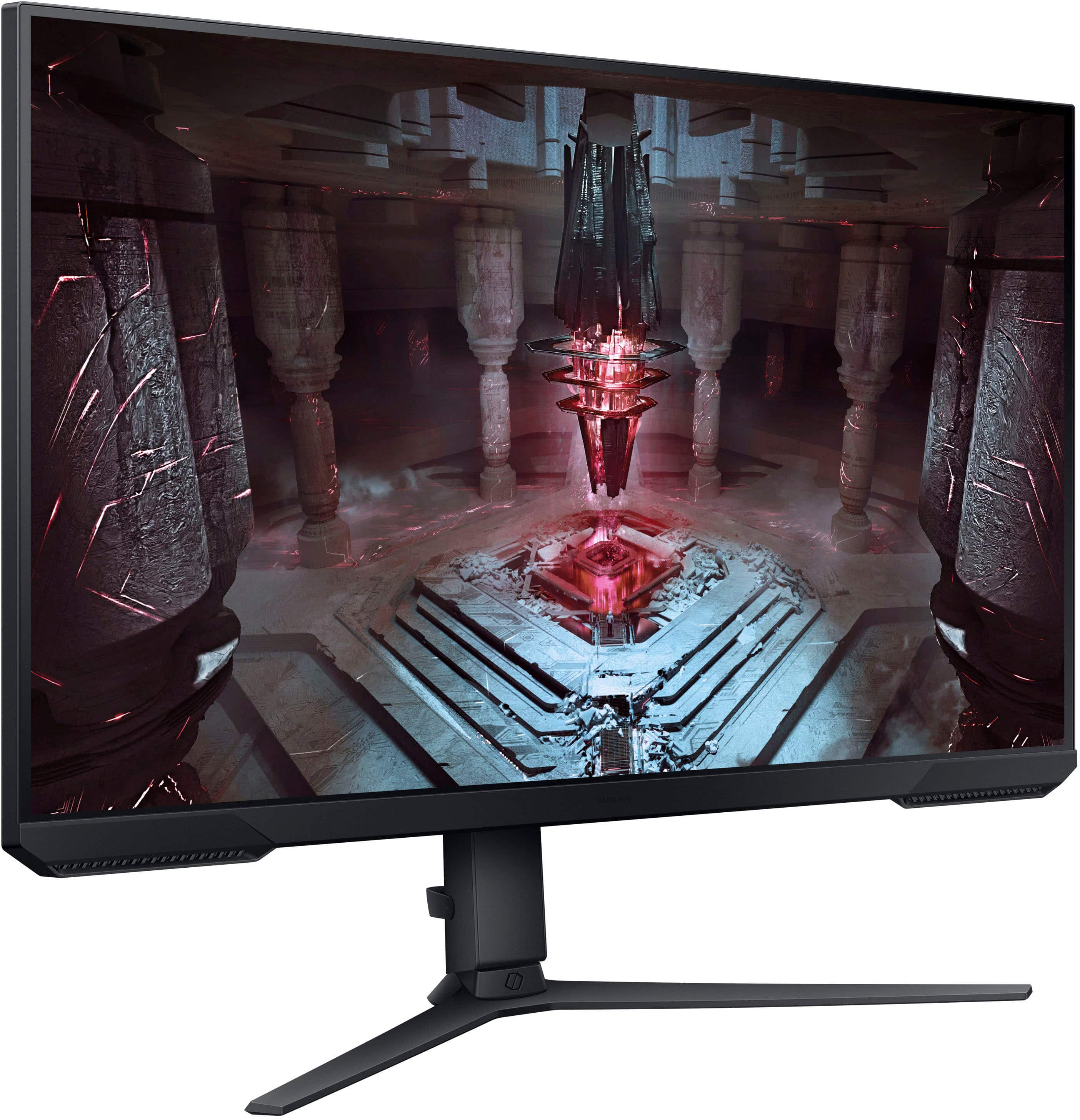
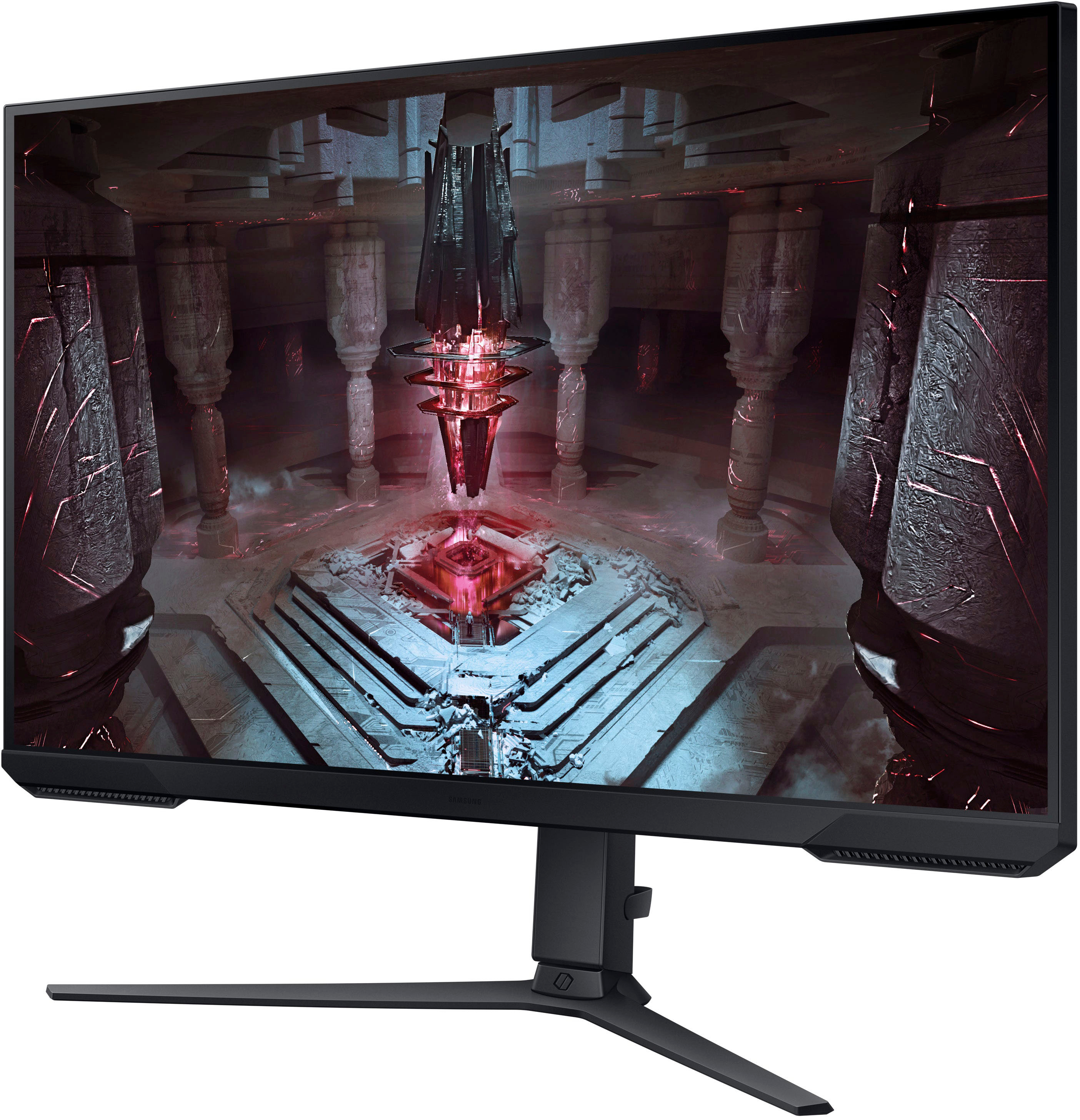
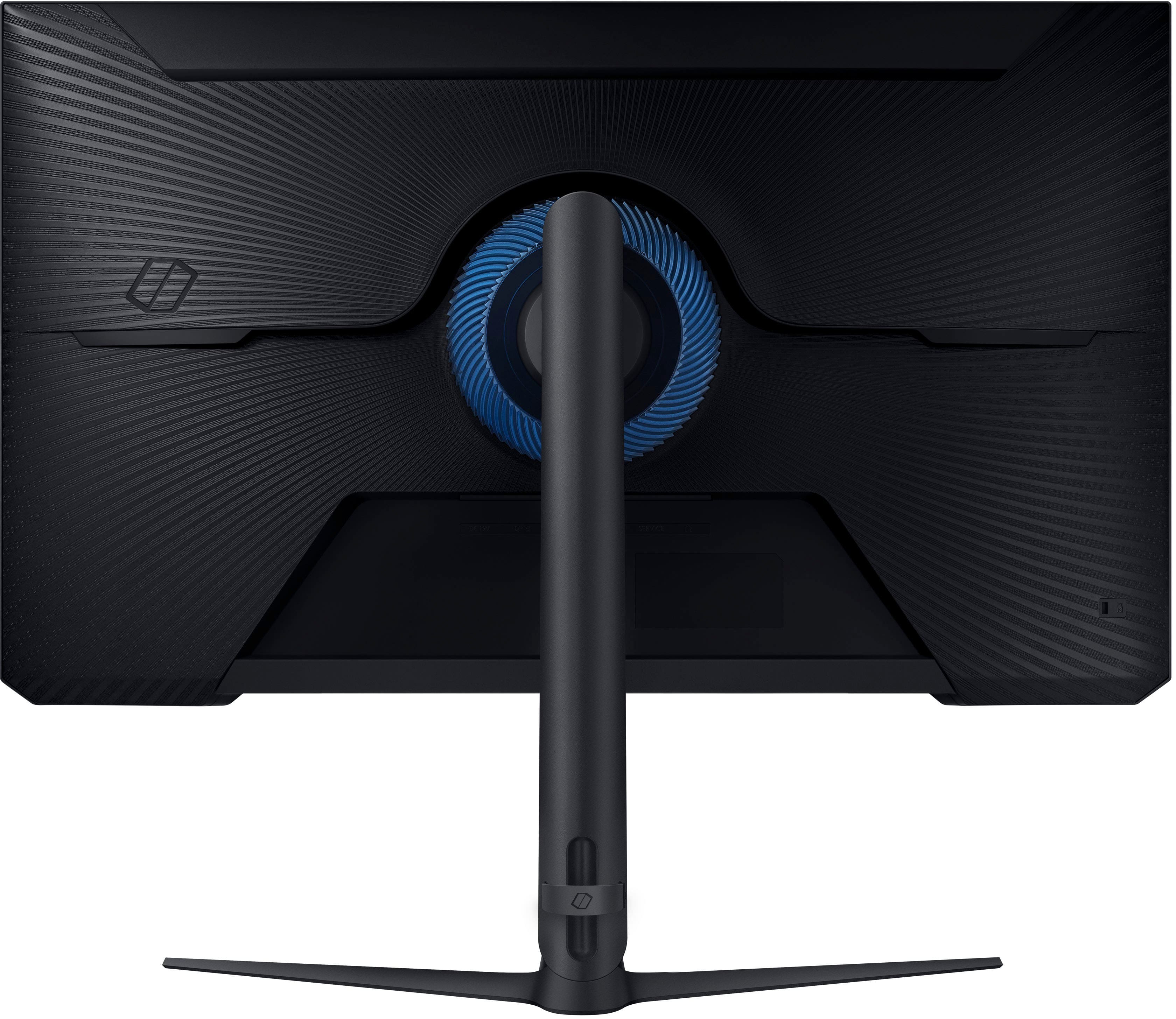
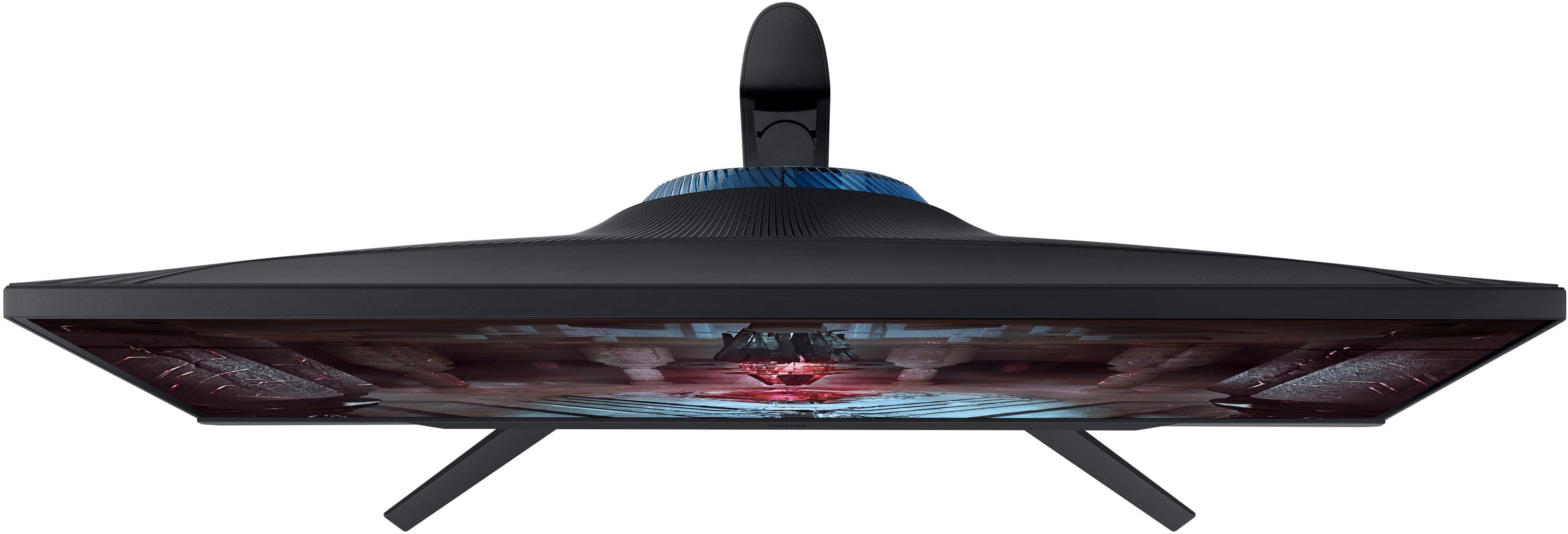
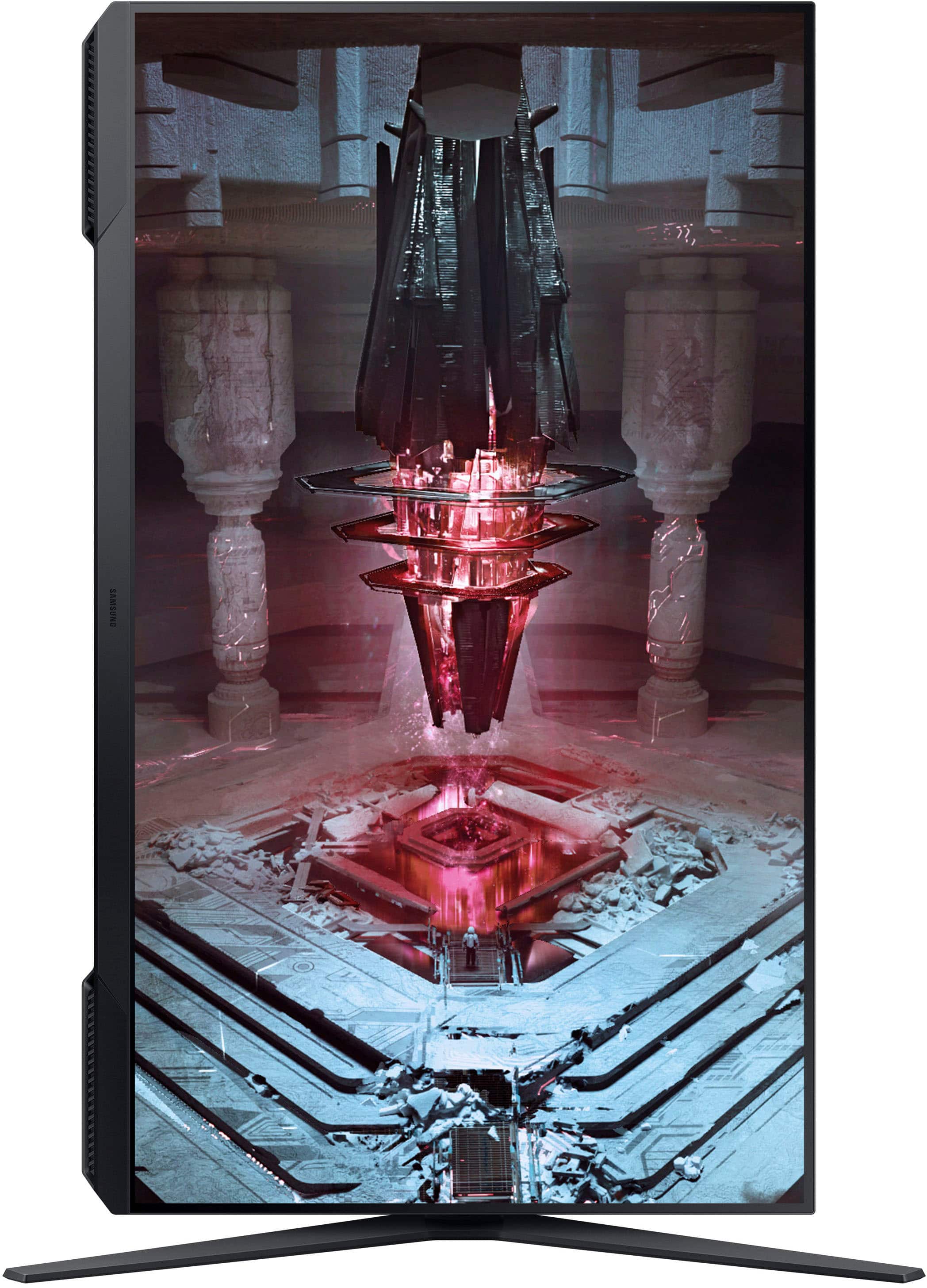
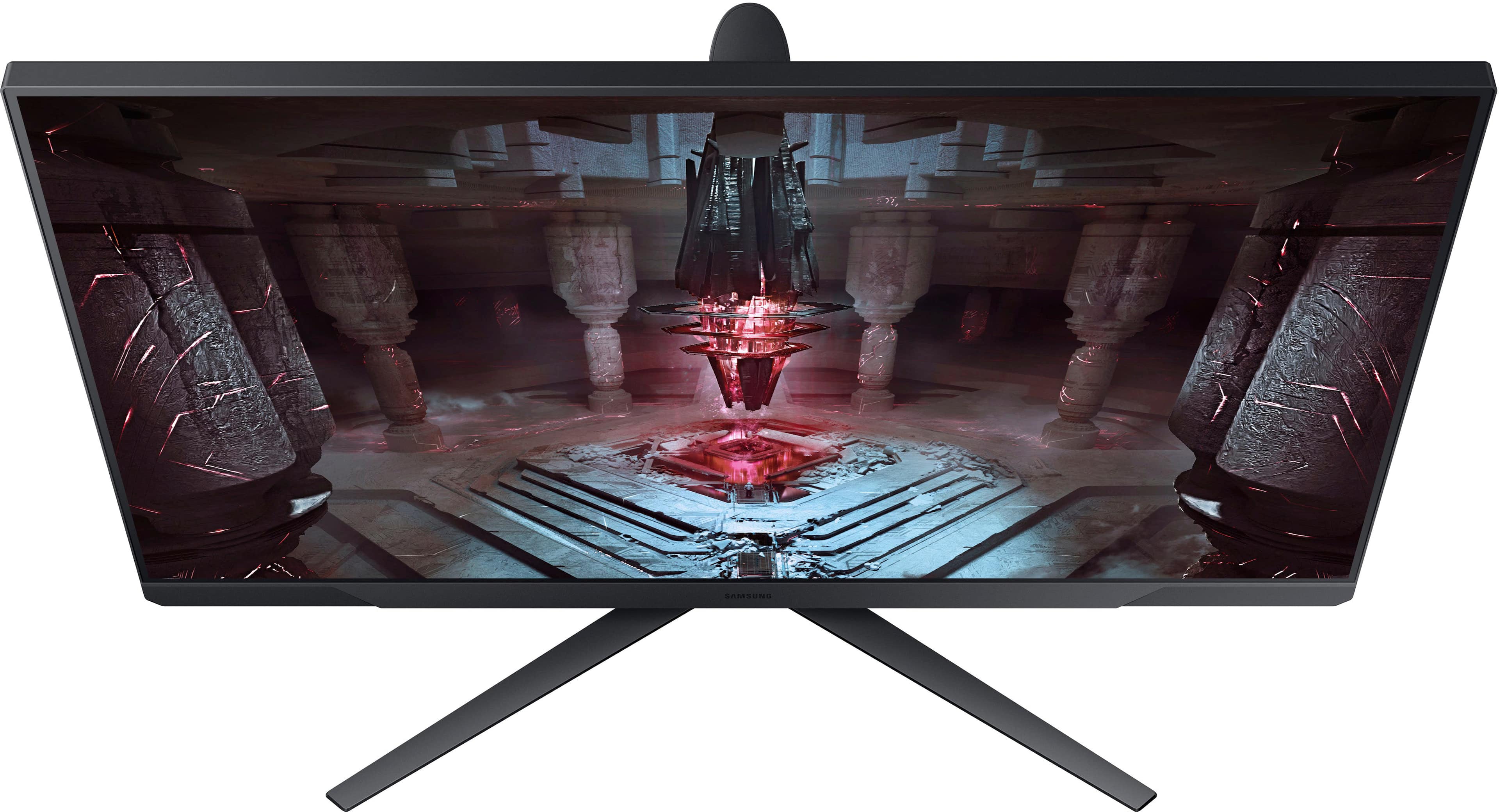
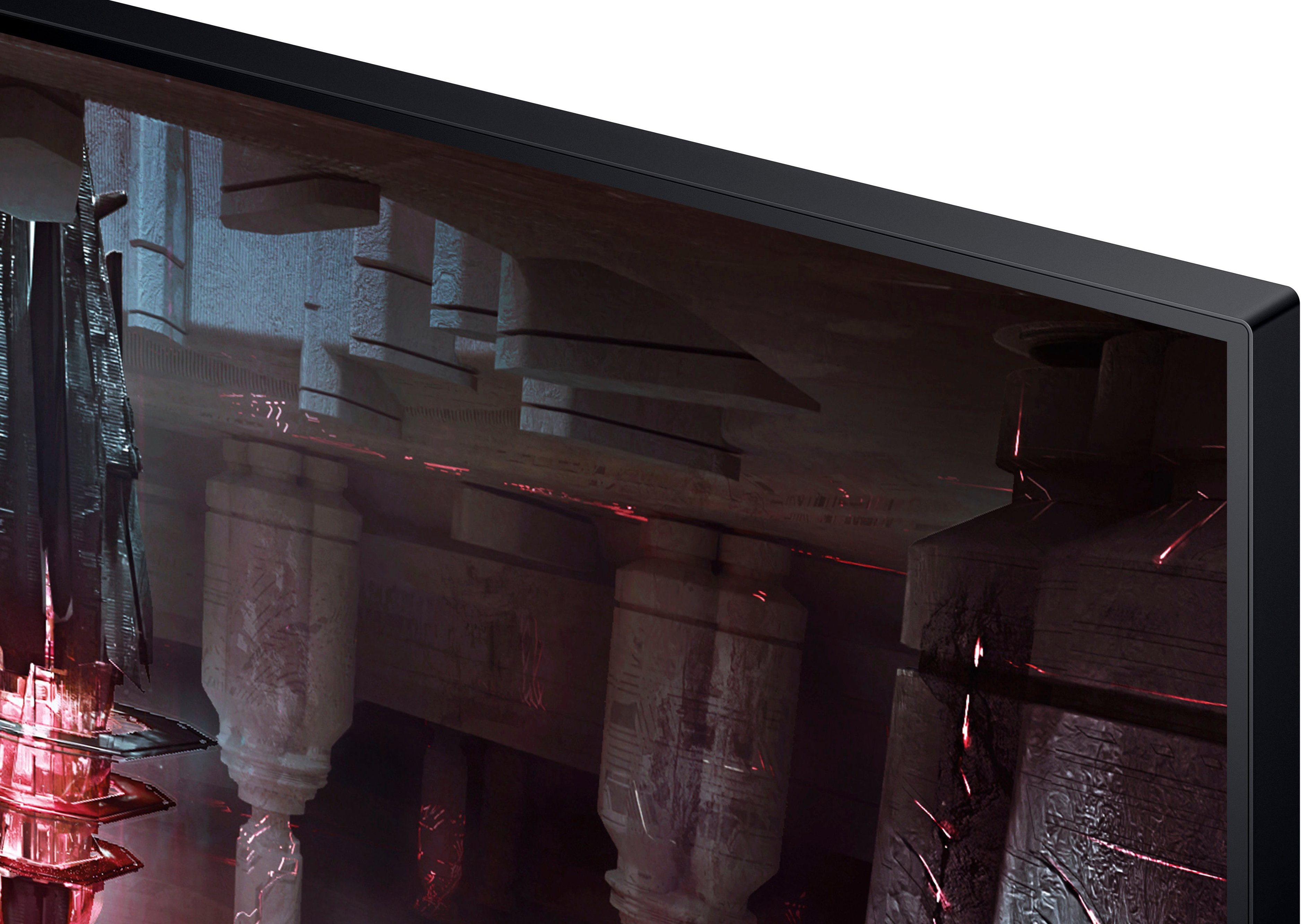
- Model:
- LS32CG512ENXZA
- SKU:
- 6532282
Rating by feature
- Display Quality
Rating 4.7 out of 5 stars
- Ease of Use
Rating 4.8 out of 5 stars
- Features
Rating 4.6 out of 5 stars
Customers are saying
Customers express satisfaction with the Odyssey G51C 32" QHD monitor's picture quality, refresh rate, and overall performance, with some appreciating its size and ease of setup. For the price, many feel this monitor is a great deal. However, some users have noted that the brightness could be improved, and there are no built-in speakers. A few users have also reported concerns about ghosting and limitations with HDR, while others mention the stand design could be improved.
This summary was generated by AI based on customer reviews.
- Pros mentioned:Refresh rate, SizeCons mentioned:Speakers

Great 2K monitor for work and play.
|Posted .This reviewer received promo considerations or sweepstakes entry for writing a review.This Samsung Odyssey G51C 32" on sale is the best money can buy for a monitor that is both very versatile and capable of being productive and keeping up with gaming demands. With specifications like 2K resolutions, 165hz refresh rate with 1ms response time, AMD Free Sync Premium ability, HDR10, Black Equalizer and an ergonomic design, what's not to like? Upon the unpacking, you'll immediately notice how lightweight the monitor is compared to yesteryears monitors. Slim bezel design, but I'll knock on the pointless chin design que on the bottom part of the monitor which makes stacking the monitors a mess. I was never a fan of it since the reason for a lightweight profile is due to it not having a built-in speaker. One of the main selling points for me was the ergonomic design stand which allows me to have the monitor horizontal or vertical without the purchasing of a separate mount. However, this is VESA compatible if you still want to use a desk mount instead. I found the mount it comes with was more than enough for what I intended it to be used for. Swivels and tilting abilities included with the mount. Excellent. Overall, while I don't game as much as before. I found this monitor to be highly useful in my work productivities with the fast refresh rate, smooth scrolling and huge digital real estate to work with. There's also a curved model if that's too your liking, but this one just works for me as it's a third monitor that's vertical in my triple monitor setup... Thanks.
I would recommend this to a friend Good performance, bad quality.
||Posted . Owned for 3 months when reviewed.This reviewer received promo considerations or sweepstakes entry for writing a review.Overall had been a great monitor but 3 months in and I have a blue line 1pixel wide spanning the height of the monitor now that popped up out of nowhere on both inputs, even before there is a source sync, so I know it’s a row of pixels going out. Didn’t last very long
No, I would not recommend this to a friend- Pros mentioned:Picture quality, Refresh rate
A very promising gaming monitor
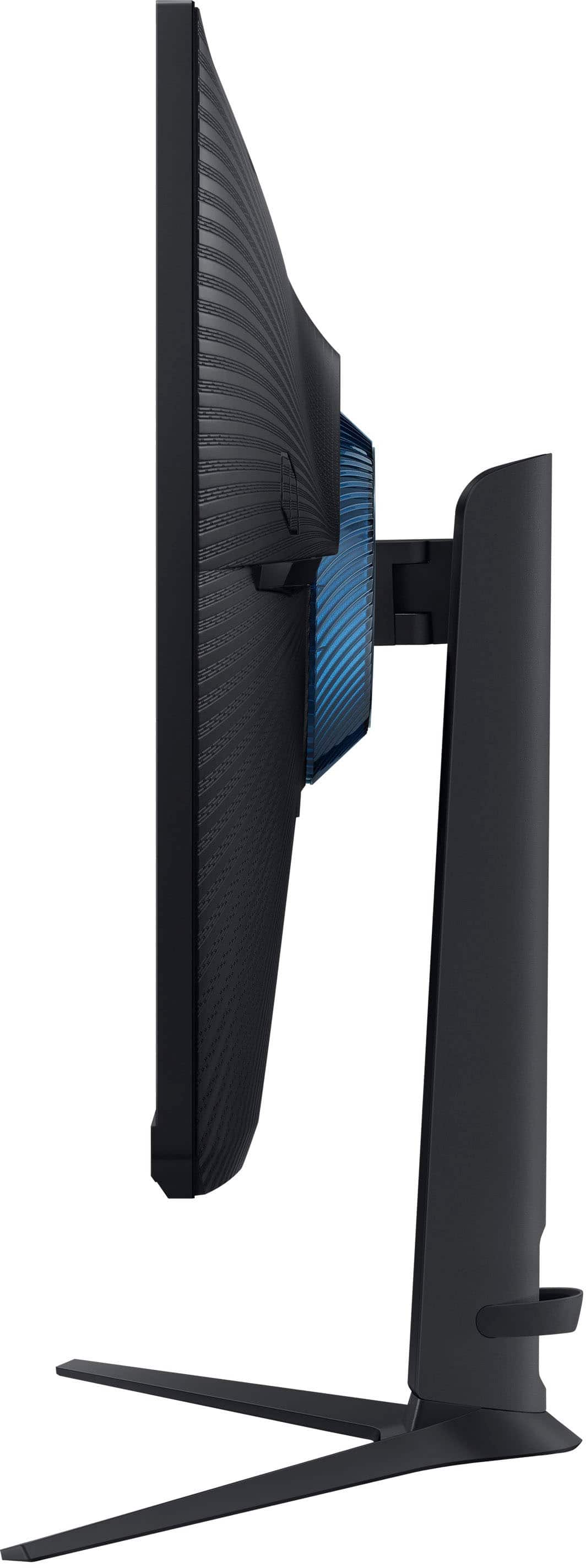
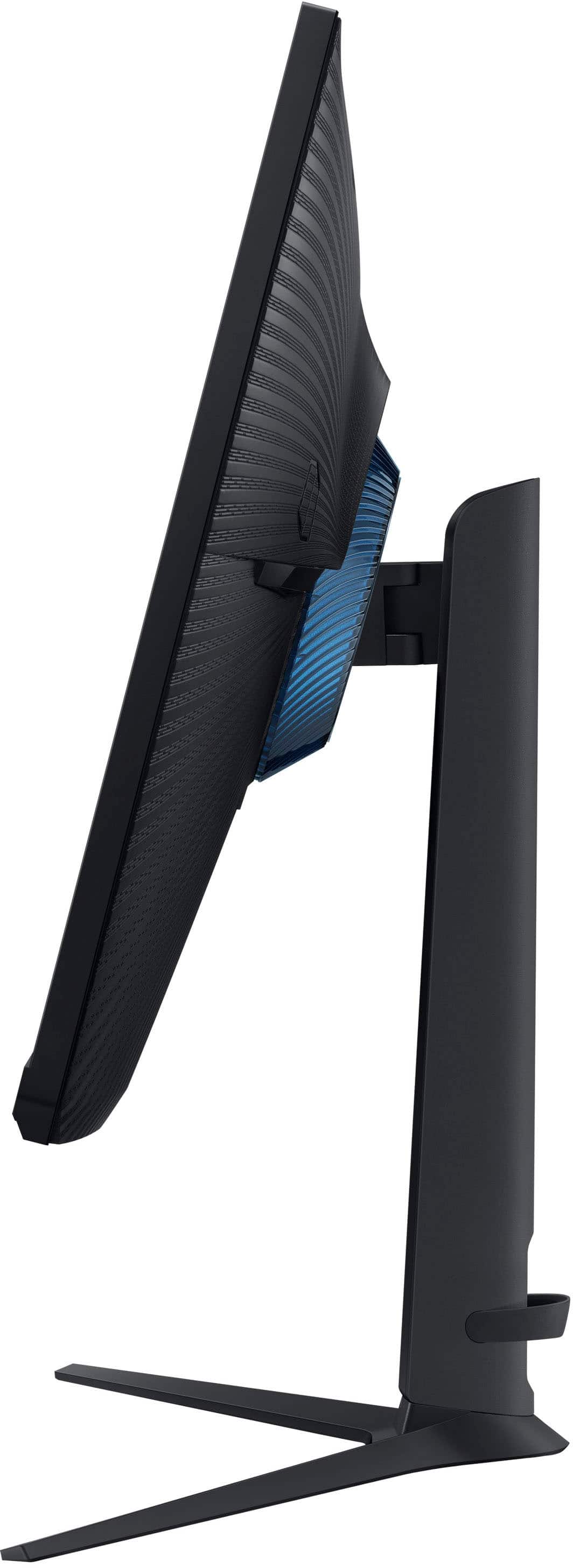
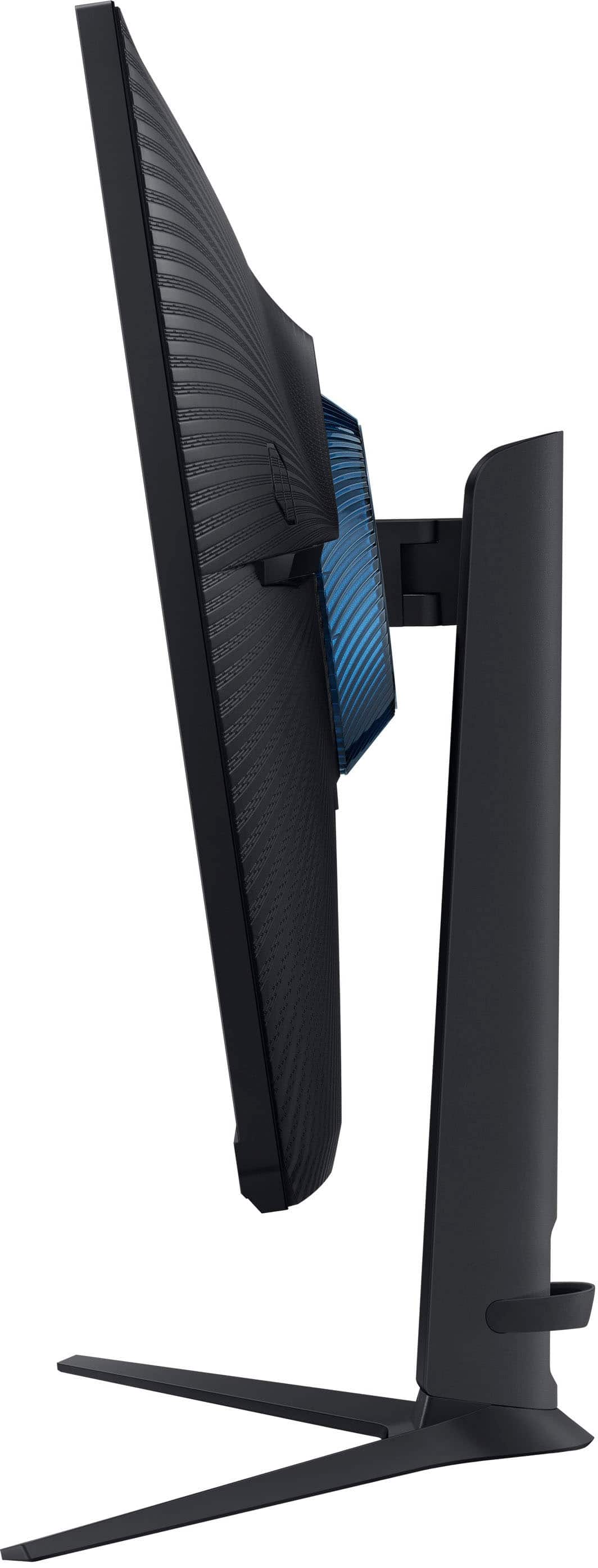
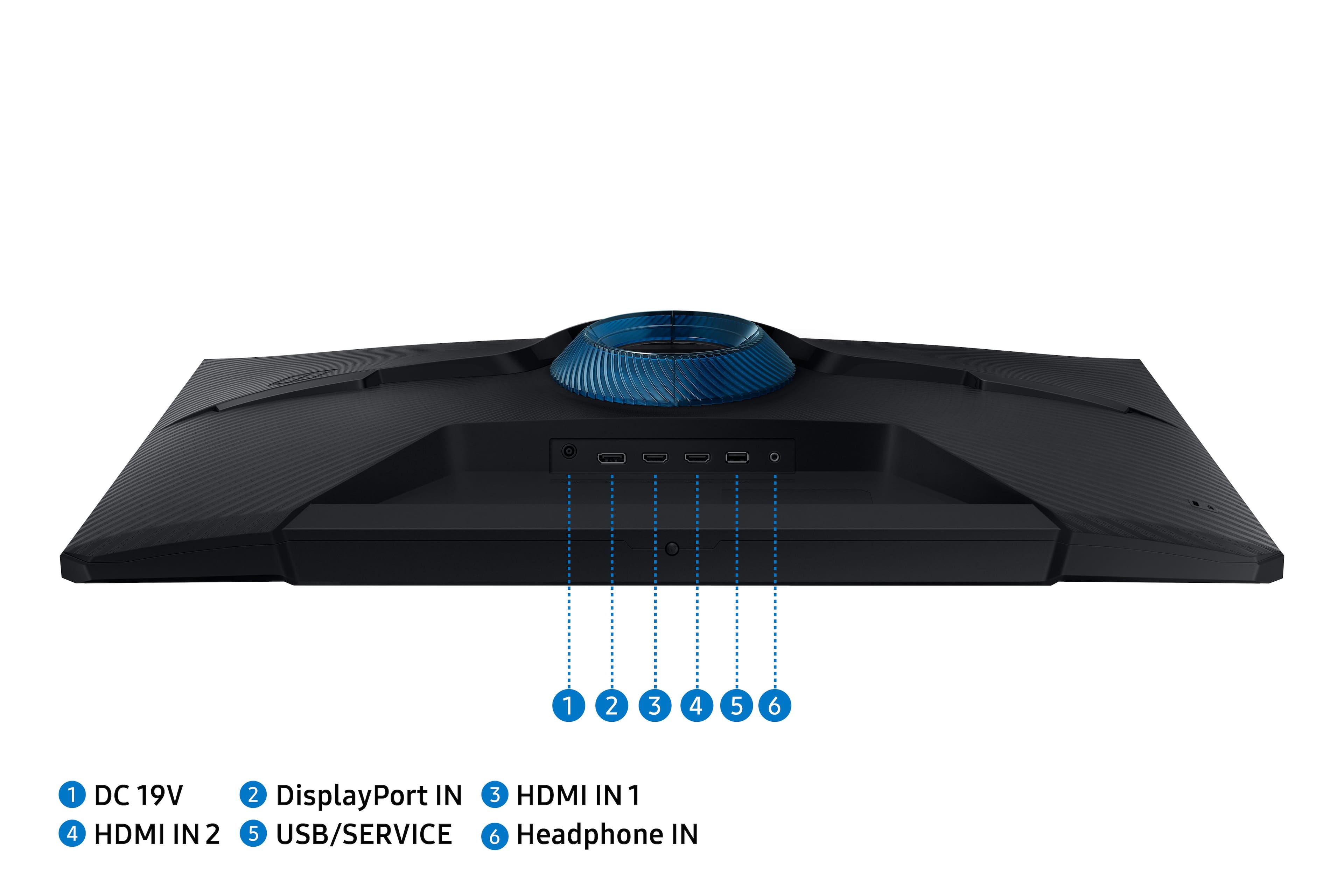
|Posted .This reviewer received promo considerations or sweepstakes entry for writing a review.The Samsung Odyssey 32” G51C is one of Samsung’s latest offerings aimed at casual to the “getting to be more serious” gamers at an affordable price level. It’s primary selling point obviously is it’s size at 32 inches. In this space, obviously one would prefer the biggest monitor one can afford both in budget and in actual physical space where to setup the monitor. And nowadays, it seems 32 inches is the norm whereas back in the day 24 inches is already huge. (And of course, there are even bigger monitors out there.) The styling of this monitor seems to be current with the times wherein there is a thin bezel surrounding the screen area which makes it sleek to look at. Assembly of the monitor is very easy in the sense that you don’t even need the manual nor tools to set it up. Stand itself is the “V” shaped one and has and adjustable “pole” to connect your monitor. A plastic ring is provided as a decorative piece to hid where the monitor actually” connects to the stand. A cable management system is also included in the stand. At the back of the monitor are your connection ports namely one display port, two HDMI ports and an audio out port. Personally, I do not prefer to use audio ports in the monitor as a direct connection to the PC itself provides better audio. But it there in case you have a need for it. Below the monitor is a toggle switch to power on or off, and select which input you which to use. This design is very typical of Samsung monitors. (I have a Samsung M8 monitor and the toggle controls are similar.) Features of the monitor screen itself includes a 165hz refresh rate which is generally good for most PC games unless you are a real hardcore gamer. The Samsung G51C’s resolution is QHD level meaning it is between 1080p and Full HD. Again, this is good for most gaming needs. It also supports Freesync. Unfortunately, the gaming rig at home has an Intel processor with an NVIDIA GTX1650 GPU. Freesync being owned by AMD is supported by Radeon GPUs or Ryzen APUs both being AMD technologies. I have read somewhere that NVIDIA cards are now support even either in use with an AMD chip or through a display port. Unfortunately, our HP Pavilion does not does not have a display port. So there is no way for me to actually test. But if there is one feature we can appreciate is the inclusion of HDR. I have tested this monitor with my Samsung laptop with an intel integrated GPU and compared it to our HP Pavilion. And though my Samsung has an i7 whereas my HP Pavilion has only an i5, colors and sharpness seem to be better when using the HP. Overall, this is a very decent gaming monitor selling at a decent price point meaning it is not exactly very cheap nor it is very expensive. It’s just fair value to what it promises to deliver. That said, I would recommend this monitor for gaming or general use.
I would recommend this to a friendBrand response from Samsung
Posted .We are delighted to hear you've had a positive experience with your Odyssey G51C Monitor.
If there is anything we can do to assist you and improve your product experience, please don't hesitate to contact Samsung Customer Support via:
1-800-SAMSUNG, available 8AM - 12AM EST (Mon-Fri) / 9AM - 11PM EST (Sat-Sun).
Your thoughts and opinions are very important to Samsung.
- Pros mentioned:Picture quality, Refresh rateCons mentioned:Stand
Fantastic monitor. Be aware of stock mounting hard
Posted .This reviewer received promo considerations or sweepstakes entry for writing a review.Bought this to upgrade from a 1080p 140hrtz monitor and i cannot stress how good of an upgrade it is for the price. The colors are beautiful, it's smooth, and the size is about as big as you'd want a flat panel. The built-in menu/controls, while awkwardly placed, is easy to navigate and very simple. It sits perfectly on my compact desk and is adjustable enough to line up with my smaller monitor perfectly. If i could fit 2 of them on this desk, i would. If you plan on moving them around, maybe look into a replacement stand or a desk mount because the stock one does wobble a little when you start to raise it. That's the only thing stopping me giving it 5 stars. Samsung knows what's up with displays and I'll probably be using this for the next few years
I would recommend this to a friend - Pros mentioned:Picture quality, Refresh rate
Excellent monitor for price
|Posted .This reviewer received promo considerations or sweepstakes entry for writing a review.Very pleased with this gaming monitor. Easy to assemble (just need a standard screwdriver for 1 screw) and up and running in minutes. It also came with an HDMI cable and a DP cable. It is really nice when manufacturers include cables. It also comes with 2 blue plastic ring pieces which are placed on the back side of the monitor and then snapped together. They really have no function and no one can see the back side of my monitor on my desk. It really doesn’t add anything aesthetically. Who really cares what the back side of a monitor looks like? These will probably break. There are no speakers or camera in this monitor, which is fine with me. It tilts, rotates and goes up and down to adjust for your ultimate viewing. It took a few days to find my perfect adjustment. Glare is minimal and you can adjust for brightness (it ships a little more dimmed) and also use warmer colors to block blue light. I prefer to wear filtering glasses. Resolution goes up to 3840 x 2160 although 2560 x 1440 is the recommended setting and works fine. The picture is crisp and the colors vibrant. 2 HDMI ports, audio jack and a DP port are included. The 165Hz refresh rate was excellent for gaming and streaming. The 32” size was also perfect; any bigger and it would have required too much head movement. I really like this monitor. For this price point it is an excellent choice.
I would recommend this to a friend - Pros mentioned:Picture quality, Price, Refresh rateCons mentioned:Brightness
Amazing budget option!
||Posted . Owned for 1 month when reviewed.This reviewer received promo considerations or sweepstakes entry for writing a review.Really happy with this display. Colors pop while playing games and the experience at 165hz really does make a difference when face paced situations occur. My only real complaint is that there's a noticeable blur that does happen. The monitor does have a setting to combat this but does require the brightness to be lower. I'm coming from having a 2K 60hz display and I'd say this was well worth the jump. There are a lot of other options in this display class but this budget friendly option is well worth the money. If you're not already at 165hz, this is your pick!
I would recommend this to a friend - Pros mentioned:Picture quality, Refresh rate
Director
||Posted . Owned for 2 weeks when reviewed.This reviewer received promo considerations or sweepstakes entry for writing a review.### Samsung Gaming Monitor Review Samsung offers a range of gaming monitors that cater to various gaming needs, from casual gamers to competitive esports players. In this review, we’ll focus on one of their popular models, the **Samsung Odyssey G7**, which has garnered attention for its impressive specifications and performance. #### Design and Build Quality The Samsung Odyssey G7 features a striking design with a futuristic aesthetic. The monitor has a curved screen (1000R curvature) that immerses you in the gaming experience, wrapping around your field of vision. The build quality is robust, with a sturdy stand that allows for height, tilt, and swivel adjustments, ensuring ergonomic comfort during long gaming sessions. The monitor also features RGB lighting on the back, which adds a stylish touch to your gaming setup. #### Display Quality The Odyssey G7 boasts a 27-inch QHD (2560 x 1440) resolution, providing sharp and detailed visuals. The VA panel delivers deep blacks and vibrant colors, making games look stunning. With a refresh rate of 240Hz and a response time of 1ms, this monitor is designed for high-speed gaming, minimizing motion blur and ghosting. The monitor also supports NVIDIA G-SYNC and AMD FreeSync Premium Pro, which helps eliminate screen tearing and stuttering for a smoother gaming experience. #### Performance In terms of performance, the Odyssey G7 excels in fast-paced games. The high refresh rate and low response time ensure that even the most action-packed scenes are rendered smoothly. The monitor's HDR600 support enhances the dynamic range, providing brighter highlights and deeper shadows, which is particularly noticeable in games that utilize HDR. #### Connectivity The monitor offers a good selection of connectivity options, including two DisplayPort 1.4 ports, one HDMI 2.0 port, and a USB hub with two USB 3.0 ports. This variety allows for easy connection to multiple devices, such as gaming consoles and PCs. #### Gaming Features Samsung has included several gaming features that enhance the overall experience. The **Game Mode** settings allow users to optimize the display for different genres, such as FPS, RTS, or RPG. The **Black Equalizer** feature helps improve visibility in dark areas of games, giving players an edge in competitive scenarios. Additionally, the **crosshair overlay** can be helpful for precision aiming in shooting games. #### Value for Money While the Samsung Odyssey G7 is priced higher than some other gaming monitors, its performance and features justify the cost for serious gamers. The combination of high resolution, fast refresh rates, and excellent color accuracy makes it a worthwhile investment for those looking to elevate their gaming experience. #### Conclusion The Samsung Odyssey G7 is an outstanding gaming monitor that delivers on multiple fronts, including design, performance, and features. Its immersive curved display, high refresh rate, and vibrant colors make it an excellent choice for gamers who demand the best. Whether you’re playing competitively or just enjoying your favorite titles, the Odyssey G7 is sure to enhance your gaming experience. ### Pros: - Stunning QHD resolution with excellent color accuracy - 240Hz refresh rate and 1ms response time for smooth gameplay - Immersive 1000R curved display - G-SYNC and FreeSync support for tear-free gaming - Ergonomic design with adjustable stand ### Cons: - Higher price point compared to some competitors - Some users may find the curve less appealing for non-gaming tasks ### Rating: 4.7/5 If you’re in the market for a high-performance gaming monitor, the Samsung Odyssey G7 is a top contender that will meet the needs of both casual and competitive gamers alike.
I would recommend this to a friend - Pros mentioned:Refresh rate
Feature Packed, Budget Friendly
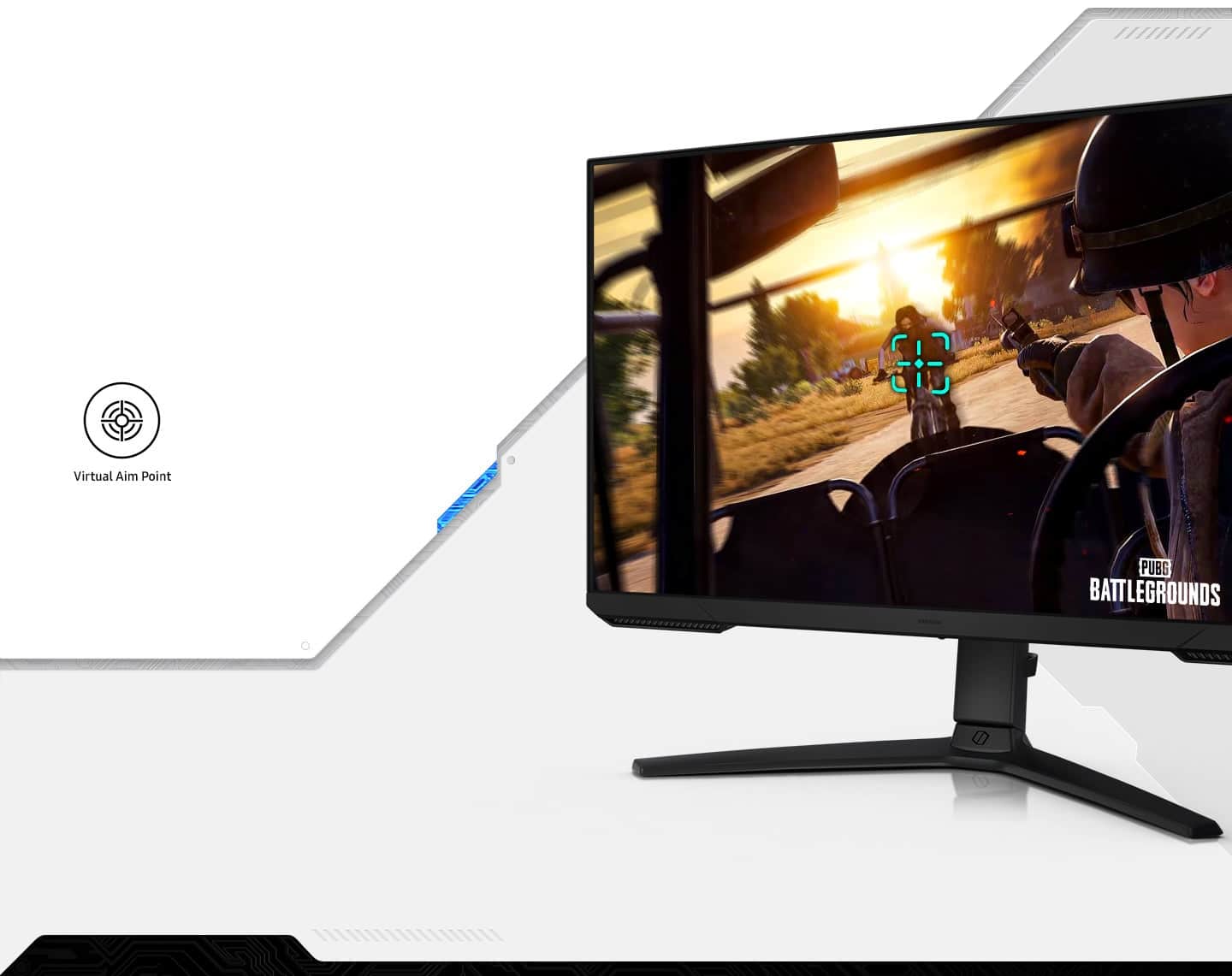
|Posted .This reviewer received promo considerations or sweepstakes entry for writing a review.Current (pre-Odyssey G5) setup: Competitor brand laptop with a Ryzen 9 5900HS and an RTX 3070 running two monitors: a competitor brand 32” QHD 165Hz monitor and a 27” G4 Odyssey FHD 240Hz monitor from Samsung. I do a mix of both production and gaming with a vast majority of my game time spent on Destiny 2 and Warzone. The G5 Odyssey is packed with the features you’d expect even at this somewhat more budget friendly price. It offers HDR10, FreeSync (No G-Sync compatibility for me to take advantage of unfortunately), customization of almost everything, modes for different types of gaming, color customization, eye strain mitigation, virtual crosshairs, and even more technical features like the ability to switch between DisplayPort 1.1 and 1.2. All of this and more is accessed easily by the very intuitive menu control. The picture quality is very, very good out of the box. QHD resolution is really the sweet spot in my opinion for gaming at the moment. At the size of your typical PC monitor, QHD looks very comparable to 4K on a larger monitor or TV. It’s the perfect balance between fidelity and performance in my opinion. It took about 30 minutes for me to adjust color, brightness, contrast, etc. to meet my preferences but I am EXTREMELY picky about color accuracy. I found the FPS mode to be the most accurate out of box. This being a VA panel, black levels are very good and allow for a depth that IPS and TN panels just can’t reproduce. Gaming performance is buttery smooth with the 165Hz refresh rate and 1ms response time. Games look incredible and even on games like D2 that have high color/high contrast environments, there is very little ghosting or overshoot. This is an often overlooked aspect of gaming monitors, refresh rate and response time are perhaps the MOST critical factors of a good gaming experience. Colors are extremely good with good saturation and no noticeable banding. In fact, I’ve never owned a monitor that performed as well as this one as far as color banding is concerned. If it’s there, I can’t see it at all. The HDR experience is very good for a monitor at this price and really boosts the gaming experience. I know those who enjoy HDR gaming is still somewhat of a niche group, but it’s truly a remarkable experience that I honestly can’t do without at this point. The built in speakers are what you’d expect; nothing to write home about but they will absolutely get the job done. Whether I’m gaming or working and listening to music, I use a headset 100% of the time so speaker performance is not a real concern for me. Overall, this monitor is extremely impressive in so many ways. I am extremely impressed at how far monitors have come in the last several years and this serves as a shining example of the technology pouring down to “budget” monitors.
I would recommend this to a friendBrand response from Samsung
Posted .We are delighted to hear you've had a positive experience with your Odyssey G51C Monitor.
If there is anything we can do to assist you and improve your product experience, please don't hesitate to contact Samsung Customer Support via:
1-800-SAMSUNG, available 8AM - 12AM EST (Mon-Fri) / 9AM - 11PM EST (Sat-Sun).
Your thoughts and opinions are very important to Samsung.
- Pros mentioned:Performance, Picture quality, Price
Great affordable 1440p monitor
||Posted . Owned for 2 weeks when reviewed.This reviewer received promo considerations or sweepstakes entry for writing a review.Great monitor for 1440p gaming at high refresh rate. I bought 2 so both monitors can be the same brand and quality and I like them a lot. All my games run so smoothly on it and for such an affordable price I would highly recommend it
I would recommend this to a friend - Pros mentioned:Picture quality, Refresh rateCons mentioned:Brightness
Good Mid-Level Game Monitor
||Posted . Owned for 3 weeks when reviewed.This reviewer received promo considerations or sweepstakes entry for writing a review.The good is in the description: A 32" QHD monitor with HDR10 dynamic range, 165 Hz refresh and 1 ms response time. It is a very good entry/mid-level gaming monitor! With a good gaming setup to back it up, it looks and plays great! The bad: While this IS a gaming monitor and that is what it should be used for, it does kind of stand out to me how limited it is in a general use situation. The brightness is not great for an office or well lit or glary environment. The color space looks bright and poppy in games, but is not very accurate. Video and streaming playback can look odd. The Middle: I don't know why it looks like it has speakers. Just re-used the mold or something? For the price and volume coming some Samsung it just seems off. This doesn't effect the actual function of the thing, so okay... I guess. The stand is solid and it has a VESA attachment. The tilt and angle adjustment is sturdy and stable... I just wish it had a couple of inches more range in the vertical range for monitor of this size... Again, not a horrible thing, but "it would be nice." The conclusion: This is priced in a really competitive range. Taking in account the above, I'm pleased with my purchase but only because I bought on sale and my use case (games only in my little dark mancave) is ideal.
I would recommend this to a friend - Pros mentioned:Performance, Picture quality, Refresh rate
Best monitor iv owned
||Posted . Owned for 7 months when reviewed.This reviewer received promo considerations or sweepstakes entry for writing a review.Amazing monitor, supports 1080p, 1440p, and 2160p. Colors great, everything is smooth. Rotates to any angle you need. Iv ran my PC, series x, and ps5 and have had no issues whatsoever. 144hz is also a huge plus
I would recommend this to a friend - Pros mentioned:Picture quality, Refresh rateCons mentioned:Hdr
Odyssey G5 QHD Review
||Posted . Owned for 3 weeks when reviewed.This reviewer received promo considerations or sweepstakes entry for writing a review.The Odyssey G5 is a fantastic gaming monitor that offers impressive performance at an affordable price. Its 27-inch screen size and 1440p resolution provide sharp and vibrant visuals, perfect for immersive gaming experiences. The monitor's 144Hz refresh rate and 1ms response time ensure smooth motion and minimal input lag, delivering a competitive edge in fast-paced games. The G5 also features AMD FreeSync Premium technology, which eliminates screen tearing and stuttering for buttery-smooth gameplay. Its curved display enhances the overall viewing experience, making it easier to focus on the action. The thin bezels allow for a more seamless multi-monitor setup. Additionally, the monitor is designed with user convenience in mind. Its adjustable stand allows for easy positioning to find the most comfortable viewing angle. It is also compatible with VESA mounts, giving users even more flexibility in setup options. One minor drawback is the lack of HDR support, which would have further enhanced the visual quality. However, considering its competitive price point, this omission is understandable. Overall, the Odyssey G5 offers exceptional value for its performance and features. It's a reliable and high-quality gaming monitor that won't break the bank, making it a solid choice for both casual and competitive gamers.
I would recommend this to a friend - Pros mentioned:Size
Excellent basic gaming 32" display
|Posted .This reviewer received promo considerations or sweepstakes entry for writing a review.Our secondary system has recently become a gaming system running a 12100f and a 3080 10GB video card. The downside is it was equipped with a 13 year old HP ZR30W 30" 2560x1600 10-bit display that was clearly not designed for gaming. The Samsung Odyssey G51C was a logical upgrade as it has a 32" display, G-sync compatible and runs a more wide screen resolution (2560x1440). Arriving in a compact box, assembly is straight forward and easy and compared to the tank like weight of the HP, the G51C is incredibly thin, light weight and doesn't heat up a room. It has a nice, lean bezel. I especially like the ability to adjust the screen up/down, pivot side to side and even some mild tilt forward and backward action. The power is supplied with an external brick. While this adds a bit of cable/adapter heft I like not having to worry about if the power delivery system gives out. We opted to hook it up via HDMI and it powered up and on immediately. The display quality is good but not top notch. Coming from a true 10-bit color corrected professional display, the banding and dithering in some images can not be ignored. The panel is VA in nature so you don't get the ultra-wide viewing capacity without some mild shifting. What I do like is the more overall natural colors without over saturation or needing to switch between modes depending on if you're using Adobe or sRGB. As for gaming, gone are those terrible tears and sky high latency. Playing action based first person games or even World of Warcraft, you can immediately see and feel the difference in response time and action. This is the primary reason we upgraded to a gaming display and it does not disappoint. It is easily worth all the other tradeoffs to get this silky smooth performance when gaming. But while it shines in pure gaming, the poor color reproduction and viewing angles cost it one star. I would not feel comfortable editing professional photographs on this display
I would recommend this to a friendBrand response from Samsung
Posted .We are delighted to hear you've had a positive experience with your Odyssery Monitor.
If there is anything we can do to assist you and improve your product experience, please don't hesitate to contact Samsung Customer Support via:
1-800-SAMSUNG, available 8AM - 12AM EST (Mon-Fri) / 9AM - 11PM EST (Sat-Sun).
Your thoughts and opinions are very important to Samsung.
- Pros mentioned:Picture quality, Refresh rateCons mentioned:Speakers
Great monitor
||Posted . Owned for 2 weeks when reviewed.This reviewer received promo considerations or sweepstakes entry for writing a review.A really good 32 inch 165hz monitor (g51c). No ghosting or bleed problems. Found no flaws except there's no built in speakers(which is no problem). I prefer the flat version than the curved one.
I would recommend this to a friend - Pros mentioned:Picture quality, Refresh rate, Size
Great Montior 8/10
||Posted . Owned for 6 months when reviewed.This reviewer received promo considerations or sweepstakes entry for writing a review.Love this monitor, 120fps using my Xbox Series S, lots of settings, good size, good picture quality all expected for the price
I would recommend this to a friend - Pros mentioned:Performance, Picture quality, Refresh rate
Great Monitor
||Posted . Owned for 1.5 years when reviewed.This reviewer received promo considerations or sweepstakes entry for writing a review.Best monitor ever. Crisp colors and fast refresh rate. Has not had a problem with any games or videos i play on it.
I would recommend this to a friend - Pros mentioned:Refresh rate
Exceeds expectations for the price!
|Posted .This reviewer received promo considerations or sweepstakes entry for writing a review.The most surprising feature of this monitor is the light weight. The stated weight is 13.7 pounds but it feels much lighter than that! The monitor controls are accessed via a multi-function toggle on the bottom of the display frame which also functions as the power button. The color/brightness and saturation were fine out of the box for most gaming, but I did make adjustments for business applications. There is a noticeable difference when using the monitor with a computer using a AMD FreeSync featured graphics card and one that is not, but it’s not major. The frame rate is smoother with less tearing, but that’s how it’s supposed to work. Couple that with a max refresh rate of 165Hz and a 1 millisecond response time and you end up with a gaming monitor that doesn’t disappoint. The monitor is also HDR compatible, so you don’t lose any quality if steaming 4K video or using a HD Blue-ray player. While the description states that it’s not wall mountable, the VESA mounts do line up with my existing TV mount. There are no integrated speakers, but there is an audio line out on the back of the monitor along with 1 DisplayPort and 2 HDMI inputs. The stand is fully adjustable up/down, side/side, tilt and rotate.
I would recommend this to a friend - Pros mentioned:Picture quality, Refresh rate
Fantastic Gaming Monitor – Worth Every Penny
||Posted .This reviewer received promo considerations or sweepstakes entry for writing a review.I’ve been using the Samsung Odyssey G51C 32" for a few weeks now, and I couldn’t be happier with my purchase. The QHD resolution is stunning—sharp, vibrant, and perfect for both gaming and productivity. The 165Hz refresh rate combined with FreeSync Premium makes gameplay incredibly smooth, with no screen tearing or stutter. HDR10 support really enhances the visuals, especially in darker games and cinematic scenes. The colors are rich and the contrast is excellent. I also appreciate the variety of input options—having both DisplayPort and HDMI makes it super versatile for connecting multiple devices. The 32-inch curved screen offers an immersive experience, and the sleek black design fits perfectly with my setup. Whether you're into fast-paced shooters or story-driven games, this monitor delivers top-notch performance. Highly recommend it to anyone looking to upgrade their gaming experience!
I would recommend this to a friend - Pros mentioned:Picture quality, Refresh rate
great buy
||Posted . Owned for 3 months when reviewed.This reviewer received promo considerations or sweepstakes entry for writing a review.Product Name: Samsung Odyssey G51C 32" QHD FreeSync Premium Gaming Monitor with HDR10 Design and Build Quality: The Samsung Odyssey G51C is well-designed with a sleek and modern aesthetic. The 32" display size provides an immersive gaming experience, and the monitor's build quality appears sturdy and reliable. Display Quality: The QHD resolution ensures sharp and detailed visuals, which are essential for gaming and content consumption. The use of HDR10 enhances the color and contrast, delivering vibrant and dynamic imagery. The display's performance in terms of brightness, color accuracy, and refresh rate is crucial for gamers, so consider how well it performs in these areas. Gaming Performance: As a gaming monitor, the Odyssey G51C should excel in terms of response time, input lag, and refresh rate. The FreeSync technology helps reduce screen tearing and stuttering, offering a smoother gaming experience. Gamers will appreciate high refresh rates and low input lag, so check whether this monitor meets those expectations. Connectivity: Review the available connectivity options, such as DisplayPort and HDMI. Make sure it supports the devices you plan to connect to it. Ergonomics and Adjustability: The monitor's ergonomics and adjustability features, such as tilt, swivel, and height adjustment, are essential for comfort during extended gaming sessions. Additional Features: Look for any extra features like built-in speakers, USB ports, or software enhancements that enhance the overall user experience. Price and Value: Assess the monitor's price in comparison to other monitors with similar specifications and features. Consider whether the features it offers align with your gaming and entertainment needs, and whether the price represents a good value. Pros: High-Quality Display: The QHD resolution and HDR10 support provide a visually stunning experience with vibrant colors and sharp details. Gaming Features: FreeSync Premium, high refresh rate, and low input lag make this monitor a strong choice for gamers. Stylish Design: The sleek design complements modern gaming setups. Cons: Price: Depending on the cost, it may not be the most budget-friendly option, especially for those who don't require advanced gaming features. Limited Connectivity: If it lacks the necessary ports or connectivity options for your devices, it can be a drawback. Overall Verdict: The Samsung Odyssey G51C 32" QHD FreeSync Premium Gaming Monitor with HDR10 is an attractive option for gamers and those seeking a high-quality display for content consumption. Its QHD resolution, HDR10 support, and gaming-specific features make it well-suited for gaming and multimedia entertainment. However, the price and limited connectivity options may be considerations for potential buyers. Be sure to evaluate your specific needs and preferences before making a decision.
I would recommend this to a friend - Pros mentioned:Performance, Picture quality, Size
Excellent Monitor
||Posted . Owned for 1.5 years when reviewed.This reviewer received promo considerations or sweepstakes entry for writing a review.Great monitor! I have two of them and they're excellent! Another fun tech toy from Best Buy! large, clear, sharp, and the color is great!
I would recommend this to a friend