Customer Ratings & Reviews
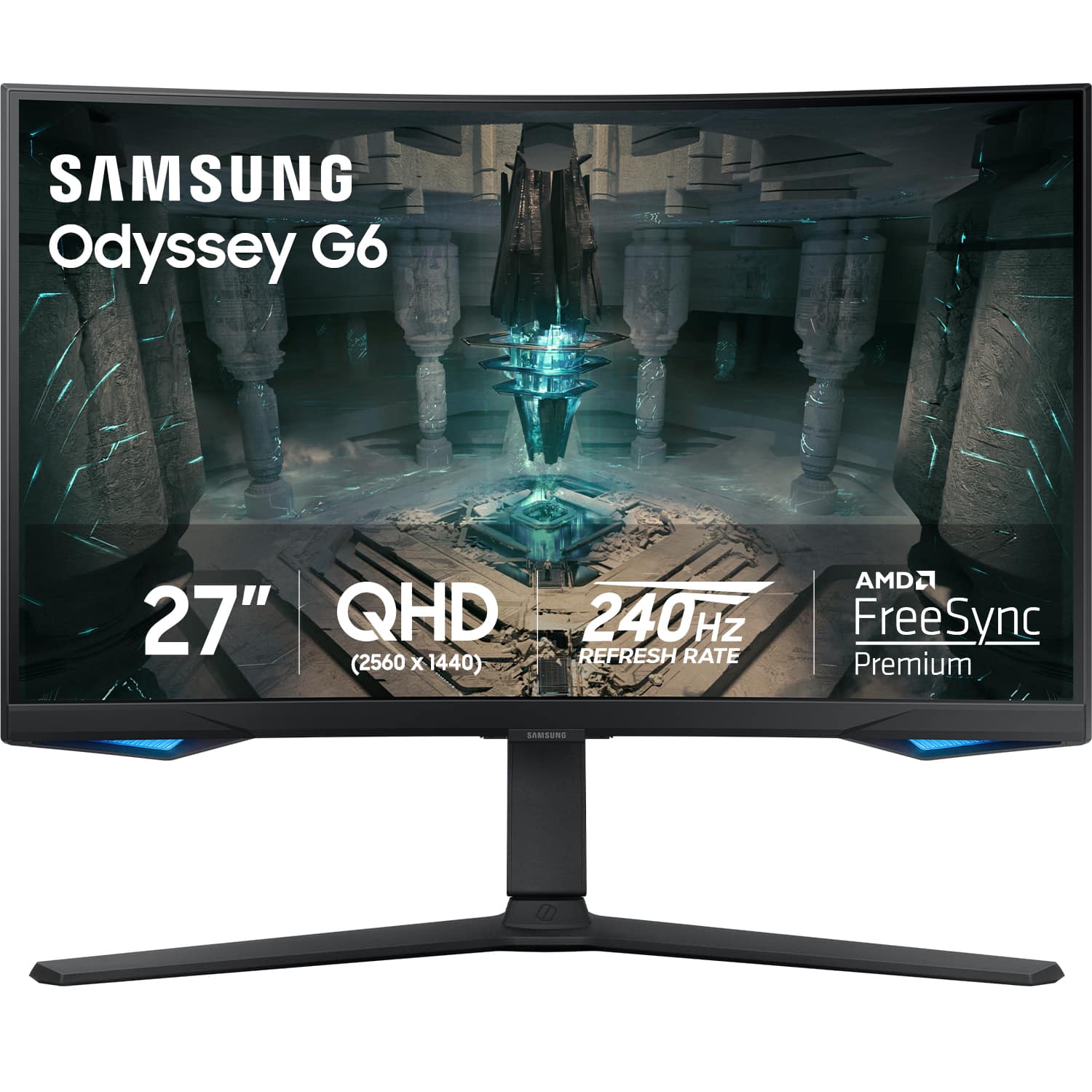
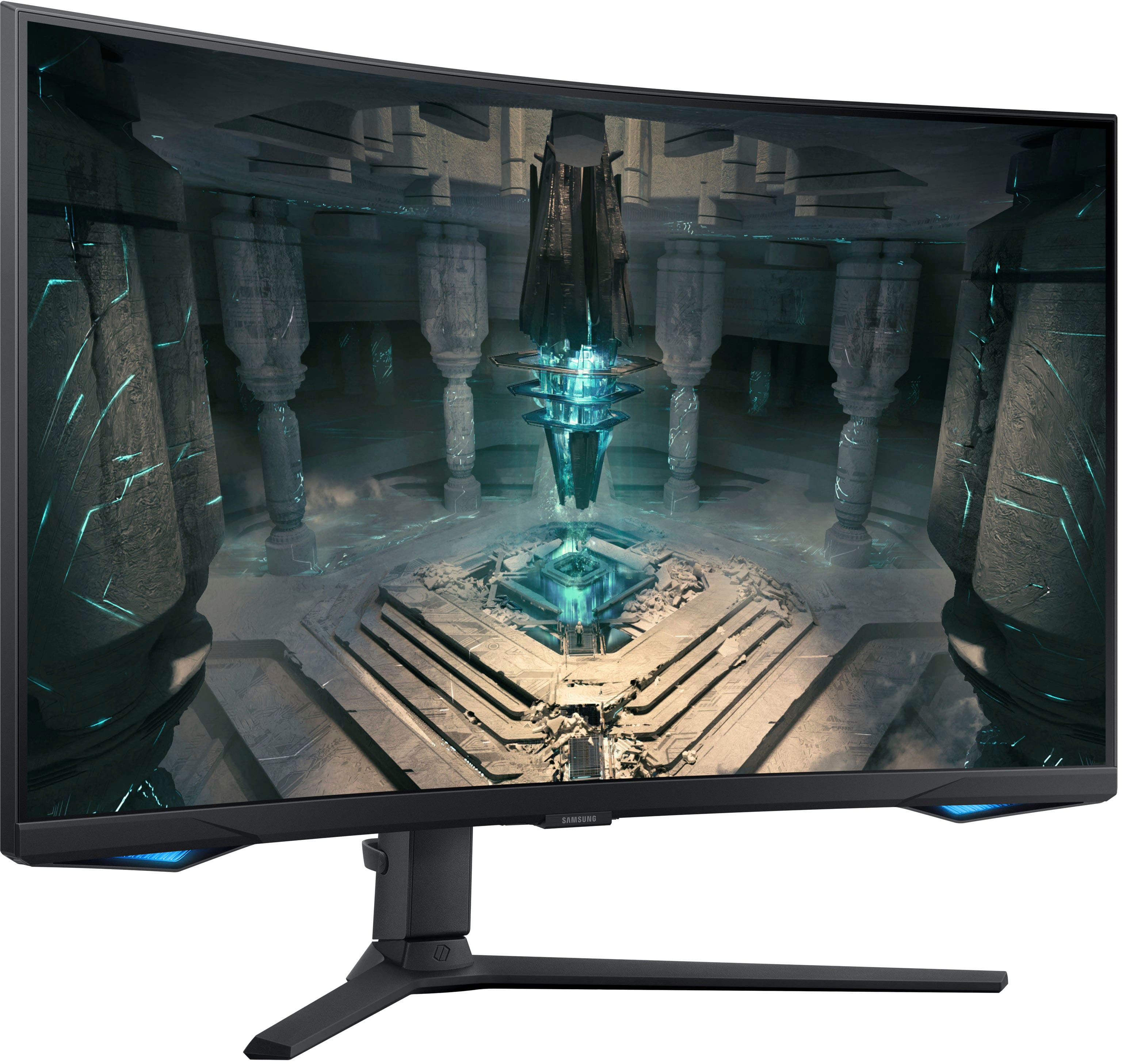
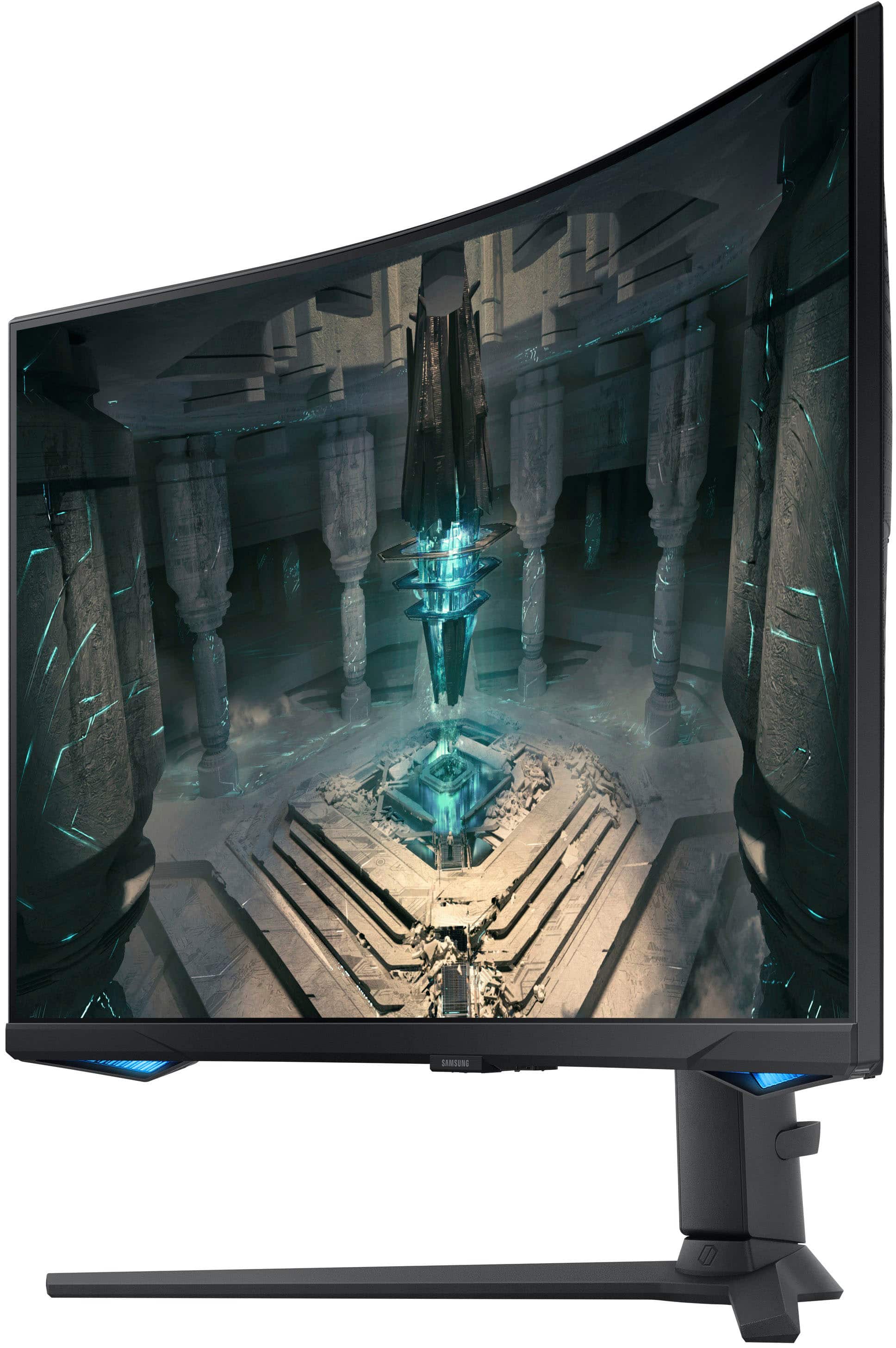
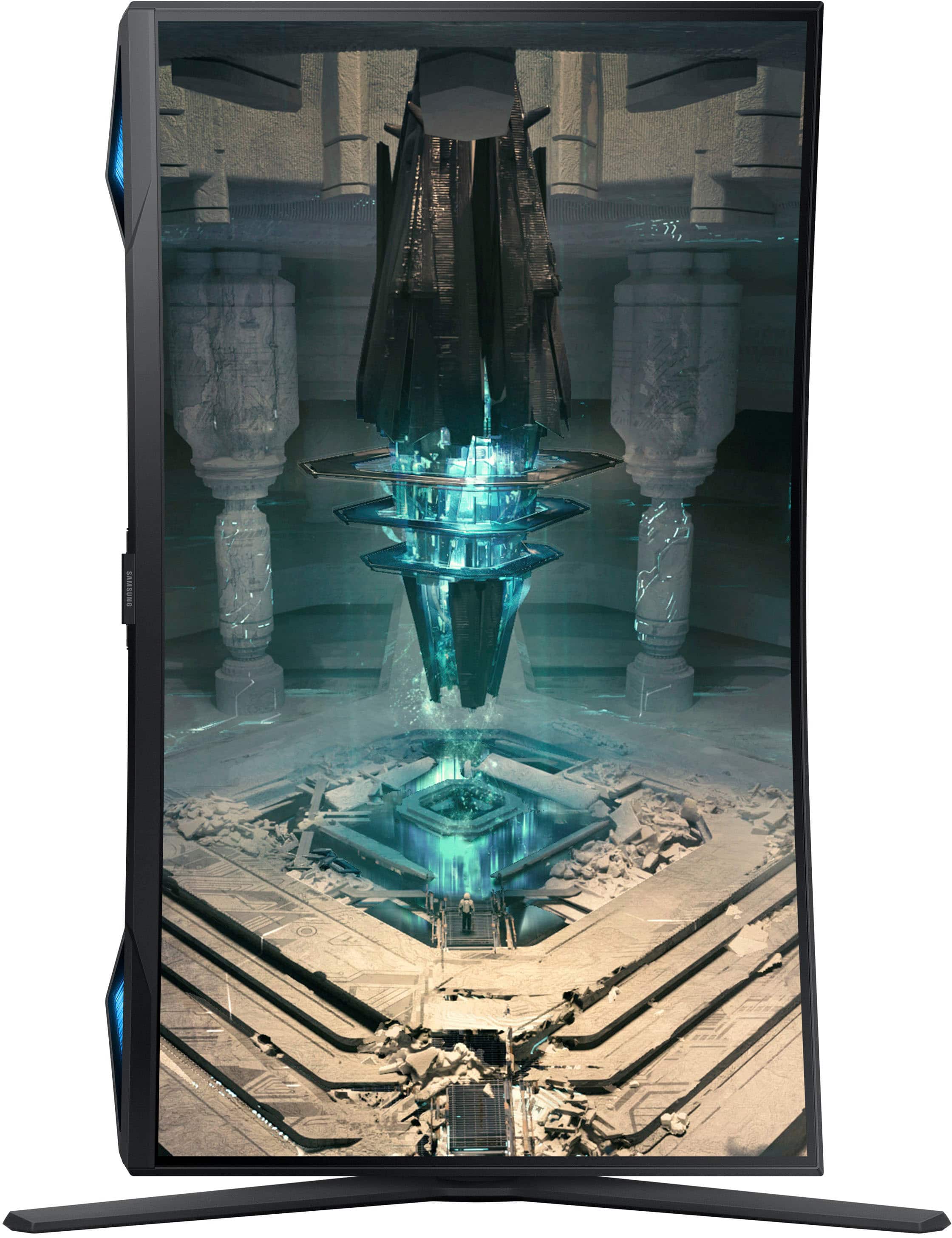

- Model:
- LS27BG652ENXGO
- SKU:
- 10735926
Rating by feature
- Display Quality
Rating 4.8 out of 5 stars
- Ease of Use
Rating 4.4 out of 5 stars
- Features
Rating 4.7 out of 5 stars
to a friend
Great Monitor
||Posted . Owned for 5 months when reviewed.This reviewer received promo considerations or sweepstakes entry for writing a review.I had a G7 before, and I don't see the difference other than that this one actually has speakers and its own operating system. Will definitely recommend
I would recommend this to a friendWorth it
||Posted . Owned for 1 month when reviewed.This reviewer received promo considerations or sweepstakes entry for writing a review.Honestly im not huge on curved monitors but this one is amazing ! You will not regret buying it .. gamjng on it is super smooth and the tv features are actually relatively convenient . Id say its one of the best monitors i used
I would recommend this to a friend
"Game Mode" is okay at best.
|Posted . Owned for 5 months when reviewed.This reviewer received promo considerations or sweepstakes entry for writing a review.[Employee of bestbuy] The monitor itself is very nice. The smart features are "Ok" at best. Everytime I turn on my PC the monitor does not recognize the input. I had to go into "game mode" settings on the monitor and turn game mode on, then off again before it would recognize the input. Once it turns on it works great, however it is very annoying having to do these steps every time I turn on my computer. Every now and then ( I guess depending on the game) the monitor would flicker, for months I thought my PC was dying. I swapped the monitor out and it ended up being the Samsung unfortunately.
No, I would not recommend this to a friendGreat clarity! Weird OS…
||Posted . Owned for 3 weeks when reviewed.This reviewer received promo considerations or sweepstakes entry for writing a review.This monitor is amazing, but if youre loojing for a simple “plug and play” gaming monitor this may not be the right option. Samsung released this “smart monitor” and it acts more like a TV than a computer monitor. The setup required conneftion to the smart things app and wifi and the default screen is the samsung smart hub. Thankfully when you connect it to a PC it recognizes it and will automatically switch to that input. Overall GREAT monitor, just a weird experience with all the extra features. If you’re looking for the best of both worlds PC gaming and a small screen TV for a home office this is the perfect choice.
I would recommend this to a friendover two years later and still going strong.
||Posted .This reviewer received promo considerations or sweepstakes entry for writing a review.GREAT monitor. I've had 0 issues in the more than 2 years that I've had it. Only con is that it takes a second to switch over to pc mode after I start up, but that's a very minimal complaint.
I would recommend this to a friendGreat monitor Easy Setup
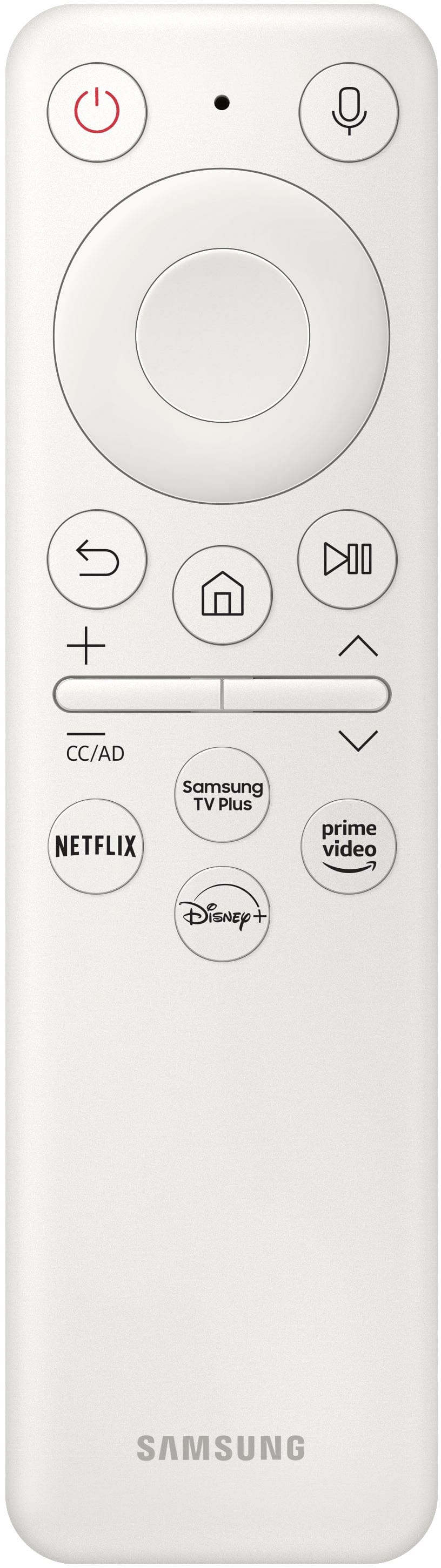
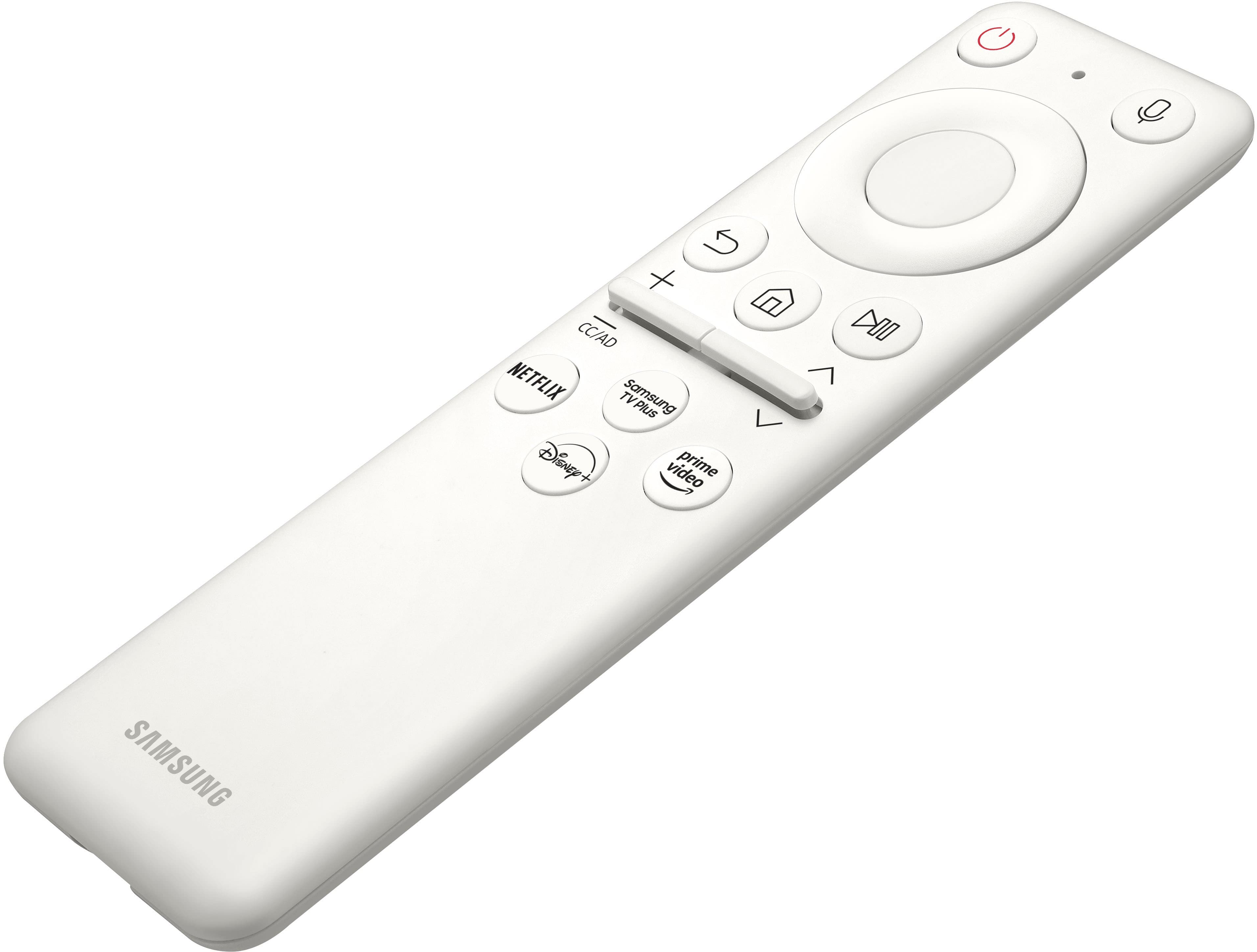
||Posted . Owned for less than 1 week when reviewed.This reviewer received promo considerations or sweepstakes entry for writing a review.Great monitor. Easy to set up and directions were very easy and straight to the point. Monitor looks great and good quality. Came with a remote that had netflix and disney plus at a touch of a buttton
I would recommend this to a friendGreat Gaming Monitor
||Posted . Owned for 9 months when reviewed.This reviewer received promo considerations or sweepstakes entry for writing a review.This monitor is great for gaming. Has the ability to add a permanent reticle on screen which is valuable for games like CoD or Fortnite when you want to hip fire. However, my only complaint about the monitor is for non-gaming purposes as the curve can cause some shows or videos to look odd.
I would recommend this to a friendG6
||Posted . Owned for 2 weeks when reviewed.This reviewer received promo considerations or sweepstakes entry for writing a review.Great monitor but has a dead pixel. Going to have to exchange it.
I would recommend this to a friendBrand response from Samsung
Posted .We are very sorry to see that you have encountered issues with the Samsung Odyssey G6 Monitor. We understand your disappointment and hope that you will give us a chance to assist with troubleshooting or warranty service.
Samsung products are engineered to the highest standards of performance and quality and we back this model with a 1-year limited manufacturer's warranty, if purchased brand-new from an authorized dealer.
For further assistance or to begin warranty service, please contact Samsung Customer Support via:
1-800-SAMSUNG, available 8AM - 12AM EST (Mon-Fri) / 9AM - 11PM EST (Sat-Sun)
Samsung is committed to providing the best possible product experience, quality, and value, and we are always here to help with any of your questions or concerns.
Nice visuals
||Posted . Owned for 1.5 years when reviewed.This reviewer received promo considerations or sweepstakes entry for writing a review.Good product can use as streaming device or monitor with Wi-Fi. Just make sure your pc can handle the resolution but good frames on low end pc
I would recommend this to a friendReview
||Posted . Owned for 5 months when reviewed.This reviewer received promo considerations or sweepstakes entry for writing a review.Awesome monitor great quality! Easy to set up, great for gaming
I would recommend this to a friendAwesome!
||Posted . Owned for 1 year when reviewed.This reviewer received promo considerations or sweepstakes entry for writing a review.Don'tpass it up if you get a chance. Great upgrade and love the curve. Just hits different.
I would recommend this to a friendBrightness, and screen issues!!!
||Posted . Owned for 3 months when reviewed.This reviewer received promo considerations or sweepstakes entry for writing a review.Hello Everyone, I dont write a lot of reviews only with items which I either beyond enjoy or really dislike... well this one is a dislike obviously with my one star. I bought this monitor back in December right before Christmas. At first, I was so happy about it and was going to leave 5 stars however, wanted to see how it will be going in 6 months... Here we are two months later, Ive been having issues with brightness and also when Im gaming it shows these white dots and kind of lags at the same time. No its not my graphics card cause it only does it to this monitor and not my other one. Ive been playing on my other monitor because you can notice some flickering of brightness on games even basic games like Minecraft. This is a big issue and very annoying.... going to Geek squad this week to see if there is anything they can find thats maybe an easy fix. If you are really thinking about buying this do it at your own risk but I recommend getting an MSI or something more reliable....
No, I would not recommend this to a friendBrand response from Samsung
Posted .We are very sorry for the brightness & screen issues you have encountered with your 27" Odyssey G6 Smart Gaming Monitor.
Please contact Samsung Customer Support so that we can better understand your issue and assist with a solution.
You can reach us via any of the below options:
If you need further assistance, we are here to help. You can reach Samsung Support at 1-800-SAMSUNG, available 8AM - 12AM EST (Mon-Fri) / 9AM - 11PM EST (Sat-Sun).
Or visit our Samsung website and click on the SUPPORT link in the upper right corner for:
• Contact Us Options (LiveChat, Remote Support, Facebook, Twitter)
• Product Support
• Manuals and Downloads
• Warranty Info
• Product Registration: Registering your product gives you access to easy warranty support, convenient opt-in to special promos and offers, faster troubleshooting and service, and quick notification of system updates
• Samsung Community: A great resource for getting help from Samsung moderators and customers
• …and more
Registering your product gives you access to easy warranty support, convenient opt-in to special promos and offers, faster troubleshooting and service, and quick notification of system updates.
Samsung stands behind the quality and performance of every product we manufacture, and we back this model with a 1-year manufacturer's limited warranty, if purchased brand-new directly from an authorized seller.
Again, we are very sorry for the inconveniences you have had and hope that we will hear from you soon.
I am very sorry to see that you have encountered issues with the Samsung [SERIES/MODEL] Monitor. I understand your disappointment and hope that you will give us a chance to assist with troubleshooting or warranty service.
Samsung products are engineered to the highest standards of performance and quality and we back this model with a 1-year limited manufacturer's warranty, if purchased brand-new from an authorized dealer.
For further assistance or to begin warranty service, please contact Samsung Customer Support via:
1-800-SAMSUNG, available 8AM - 12AM EST (Mon-Fri) / 9AM - 11PM EST (Sat-Sun)
Samsung is committed to providing the best possible product experience, quality, and value, and we are always here to help with any of your questions or concerns.
Excellent Monitor
||Posted . Owned for more than 2 years when reviewed.This reviewer received promo considerations or sweepstakes entry for writing a review.Excellent monitor. Great colors and curve is so much easier to view.
I would recommend this to a friendAmazing Monitor
||Posted . Owned for 1 week when reviewed.This reviewer received promo considerations or sweepstakes entry for writing a review.This monitor is a beast. It's an all-around great monitor it everything you can think of. In the beginning, I thought the curved of the monitor was going to be too much but it's perfect.
I would recommend this to a friendMr soto
||Posted . Owned for 1 month when reviewed.This reviewer received promo considerations or sweepstakes entry for writing a review.Same as computer excellent screen I really don.t have more to sayove best buy,love the employees and love your products
I would recommend this to a friend. Samsung Odyssey
||Posted . Owned for 1 month when reviewed.This reviewer received promo considerations or sweepstakes entry for writing a review.Great product It was challenging upgrade my monitor but Samsung customer service was a great help. Great customer service.
I would recommend this to a friendGreat monitor
||Posted . Owned for 3 weeks when reviewed.This reviewer received promo considerations or sweepstakes entry for writing a review.Great monitor to run with my series X. Refresh rate and response time make a world of difference from playing on a tv.
I would recommend this to a friendNice
||Posted . Owned for 2 weeks when reviewed.This reviewer received promo considerations or sweepstakes entry for writing a review.Great monitor, came with one dead pixel, price to pay for getting it open box, but for the price and everything it comes with, i happily put up with it.
I would recommend this to a friendVery good
||Posted . Owned for 1 year when reviewed.This reviewer received promo considerations or sweepstakes entry for writing a review.Love it it has very good specs and just looks very visually pleasing
I would recommend this to a friendGreat buy
||Posted . Owned for 3 weeks when reviewed.This reviewer received promo considerations or sweepstakes entry for writing a review.Great monitor. Like yhe resolution and sizing of it and its abiltiy to be adjusted.
I would recommend this to a friend