Customer Ratings & Reviews
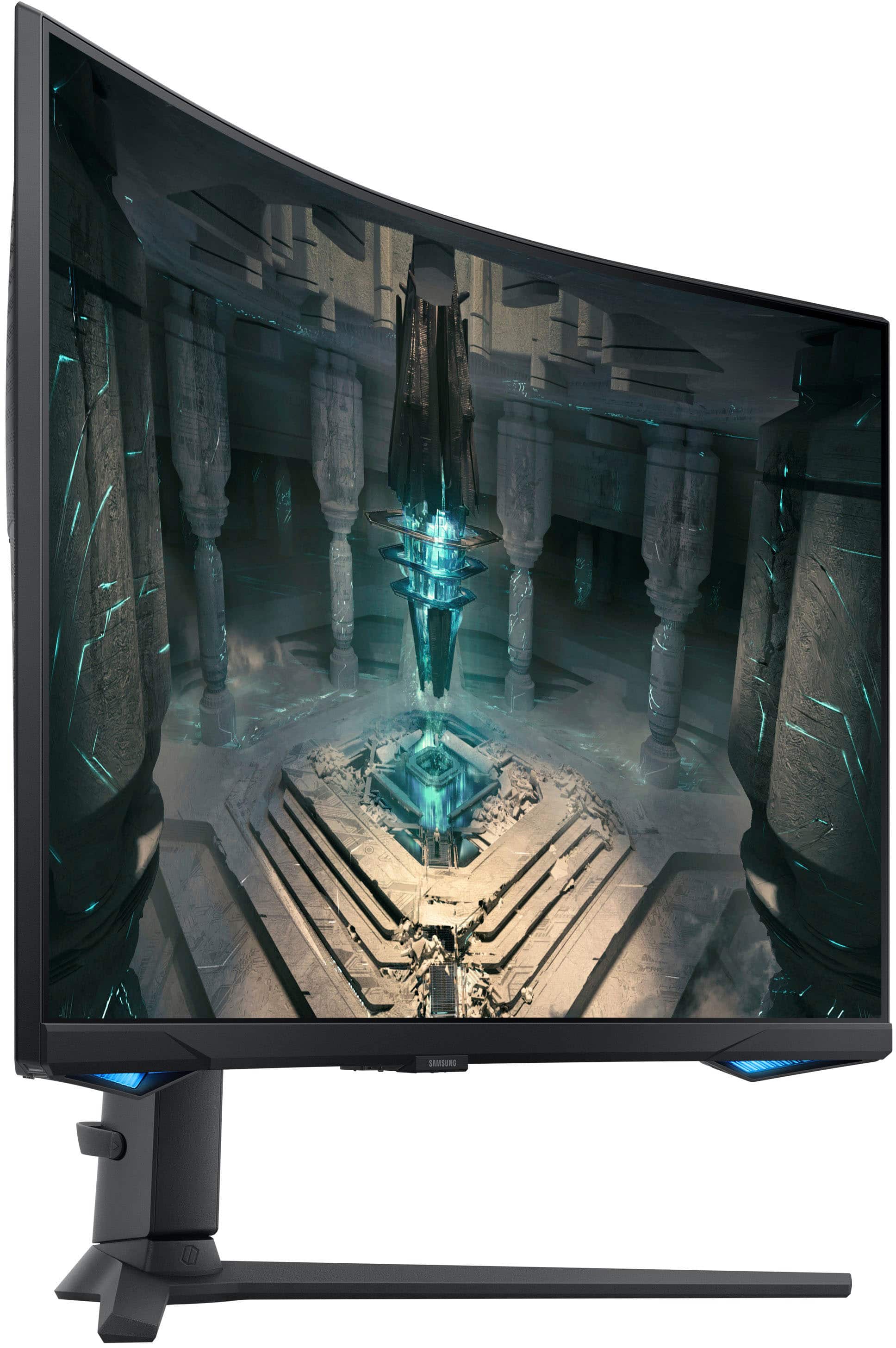
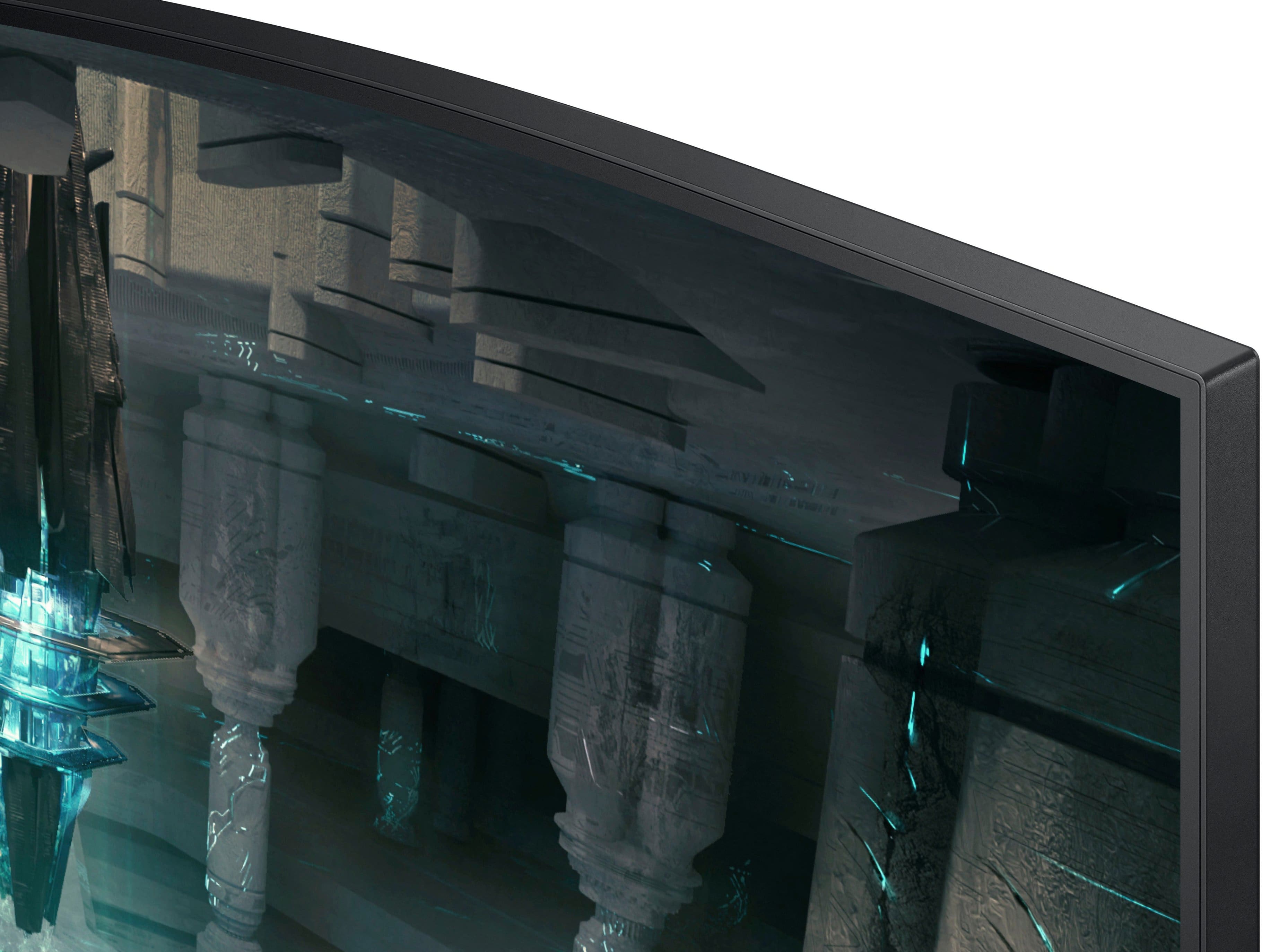
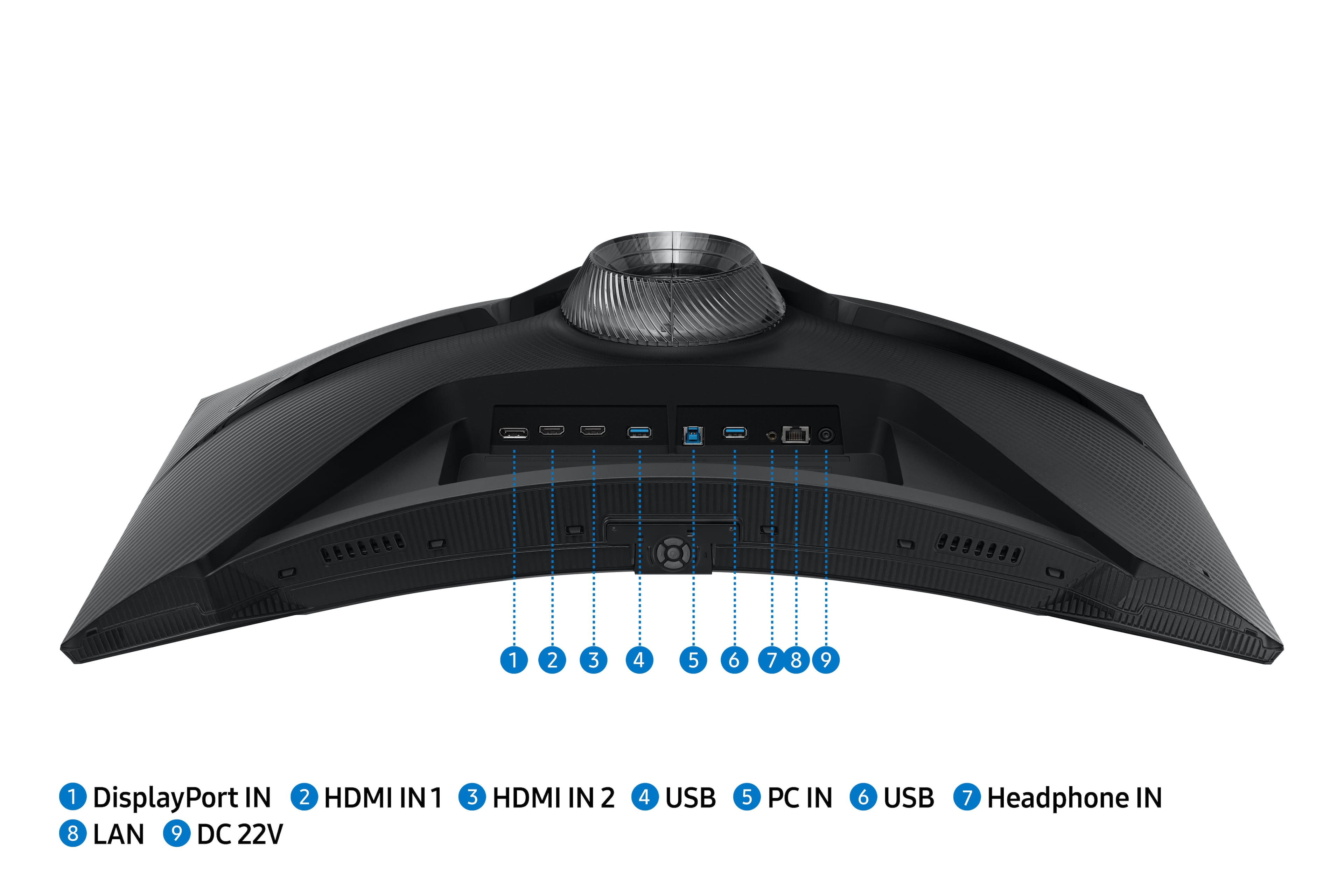
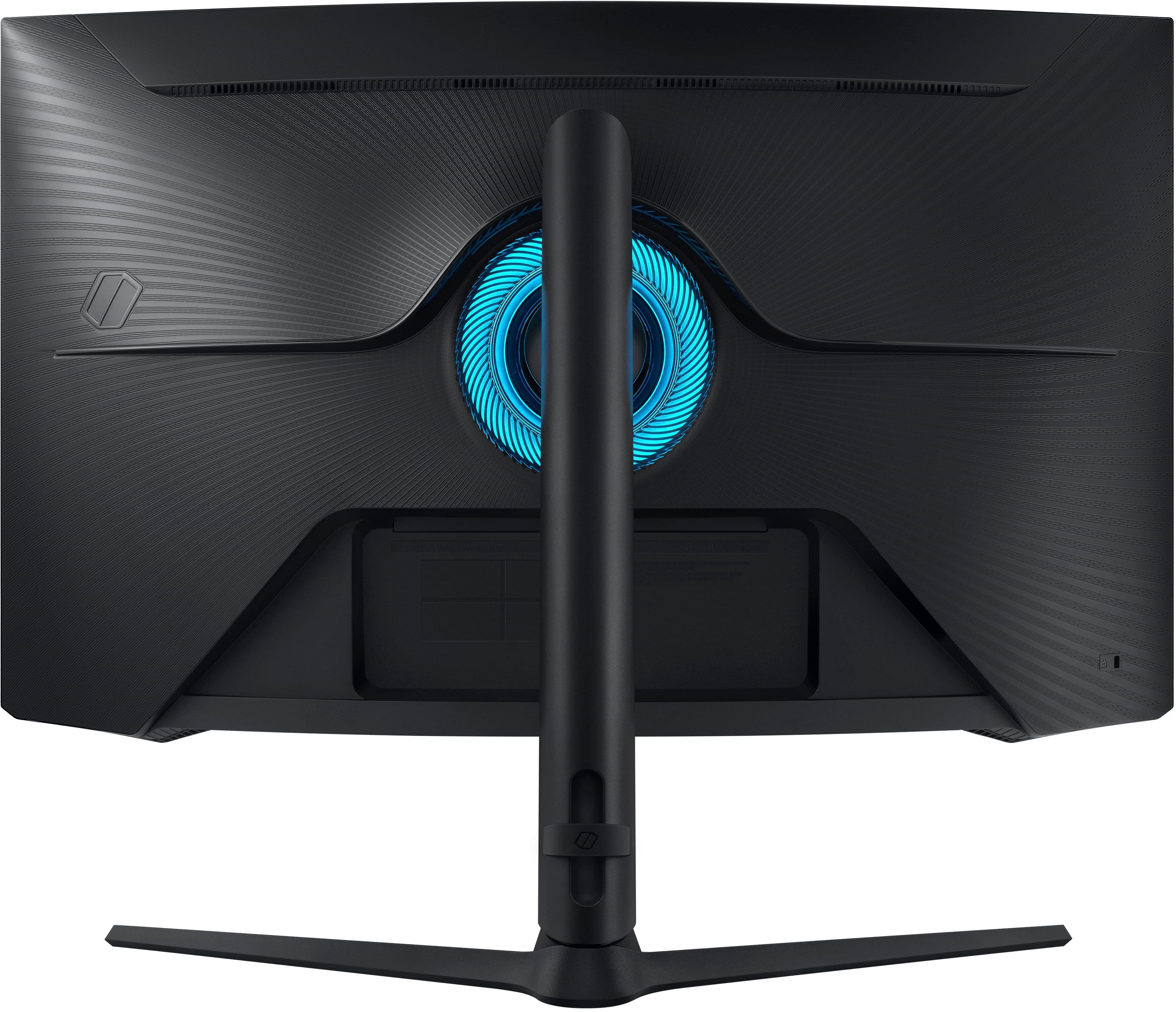

- Model:
- LS27BG652ENXGO
- SKU:
- 10735926
Rating by feature
- Display Quality
Rating 4.8 out of 5 stars
- Ease of Use
Rating 4.4 out of 5 stars
- Features
Rating 4.7 out of 5 stars
to a friend
Great monitos
||Posted . Owned for 2 months when reviewed.This reviewer received promo considerations or sweepstakes entry for writing a review.Bought this looking for a 240hz 2K monitor at a discount. Was worth every penny. Games look amazing as well as movies.
I would recommend this to a friendAwesome monitor
||Posted . Owned for 1.5 years when reviewed.This reviewer received promo considerations or sweepstakes entry for writing a review.Very awesome monitor! Great picture and great price!
I would recommend this to a friendNot as expected
||Posted . Owned for 1 month when reviewed.This reviewer received promo considerations or sweepstakes entry for writing a review.Not thrilled. I was expecting to be blown away but I haven't really seen it yet. Now I notice I have a horizontal floating pixilation that flows down the screen about once every couple minutes. Of course I notice now that it is past the time to return it. Wonderful.
No, I would not recommend this to a friendGreat for Gaming
||Posted . Owned for 3 weeks when reviewed.This reviewer received promo considerations or sweepstakes entry for writing a review.Wonderful!! Our son wanted this for gaming. He says it is wonderful!
I would recommend this to a friendWorth the upgrade
||Posted . Owned for 3 weeks when reviewed.This reviewer received promo considerations or sweepstakes entry for writing a review.Finally upgraded from 1080p and well worth it. Backlighting is perfect for my room and refresh rate is noticeable on AAA titles. The curve is just right from my setup distance but is definitely for a desktop use. Setup is a bit annoying but once you’ve jumped through the hoops, it’s great monitor.
I would recommend this to a friendMy odyssey g6
||Posted . Owned for 1.5 years when reviewed.This reviewer received promo considerations or sweepstakes entry for writing a review.I bought this monitor almost 2 years ago. 2k resolution at 120 frames a second pairs with my x5800 processor and my Radeon 6950 cat graphics card and it’s absolutely amazing. If you have the money to get I’d highly recommend
I would recommend this to a friendEast 2k efficient gaming upgrade
||Posted . Owned for 1 month when reviewed.This reviewer received promo considerations or sweepstakes entry for writing a review.Great upgraded monitor for great and smooth visuals
I would recommend this to a friendThe crisp graphic. Amazing curve action
||Posted . Owned for 1 month when reviewed.This reviewer received promo considerations or sweepstakes entry for writing a review.Was very impressed with the purchase. But only thing im still skeptical about its the stand. It kinda wobbles not very steady .
I would recommend this to a friendDecent Gaming Monitor
||Posted . Owned for 1 year when reviewed.This reviewer received promo considerations or sweepstakes entry for writing a review.It's one of the better 27" curved computer monitors around, wish the menu's were simpler to navigate.
I would recommend this to a friendBrand response from Samsung
Posted .We are delighted to hear you've had an overall, positive experience with your Odyssey G60D monitor.
Thank you for your feedback to help us improve our products and services. If there is anything we can do to assist you and improve your product experience, please don't hesitate to contact Samsung Customer Support via:
1-800-SAMSUNG, available 8AM - 12AM EST (Mon-Fri) / 9AM - 11PM EST (Sat-Sun).
Your thoughts and opinions are very important to Samsung.
Incredible Monitor!
||Posted .This reviewer received promo considerations or sweepstakes entry for writing a review.Incredible monitor for the price. Would recommend to anyone looking for one!
I would recommend this to a friendMissing hardware. The support over the phone horri
||Posted . Owned for 2 weeks when reviewed.This reviewer received promo considerations or sweepstakes entry for writing a review.Missing the screws to mount the monitor to the stand it self. It’s something super easy to just go to the hardware to get. But it’s the fact it’s a 500$ monitor and it doesn’t come with the necessary components.
No, I would not recommend this to a friendGreat Monitor!
||Posted . Owned for 1 month when reviewed.This reviewer received promo considerations or sweepstakes entry for writing a review.Great products ! Super fast refresh rate ! Great price if you catch it on sale!
I would recommend this to a friendGreat Monitor
||Posted . Owned for 2 weeks when reviewed.This reviewer received promo considerations or sweepstakes entry for writing a review.Great quality at 1440p. Excellent blacks, crisp lines, I love it so far.
I would recommend this to a friendGreat monitor
||Posted . Owned for 3 weeks when reviewed.This reviewer received promo considerations or sweepstakes entry for writing a review.Great products horrible customer service. Especially for appliances
I would recommend this to a friendSmart monitor is so CUTE !
||Posted . Owned for 1 month when reviewed.This reviewer received promo considerations or sweepstakes entry for writing a review.I LOVE this monitor, i didnt realize it was a smart monitor, so i dont use that function so much BUT if you dont have tv in your room this is honestly a really good way to have both.
I would recommend this to a friendExcellent
||Posted . Owned for 2 weeks when reviewed.This reviewer received promo considerations or sweepstakes entry for writing a review.Amazing quality best 240hx momitor on the market for the price.
I would recommend this to a friendHidden Gem
||Posted . Owned for 1 month when reviewed.This reviewer received promo considerations or sweepstakes entry for writing a review.Honestly a solid screen, didn't realize it came with a smart TV option, so able to use it as a normal TV as well. There's also a widescreen option so you can use it with the 240hz and 1080p.
No, I would not recommend this to a friend
Ok Samsung, I’m sold….
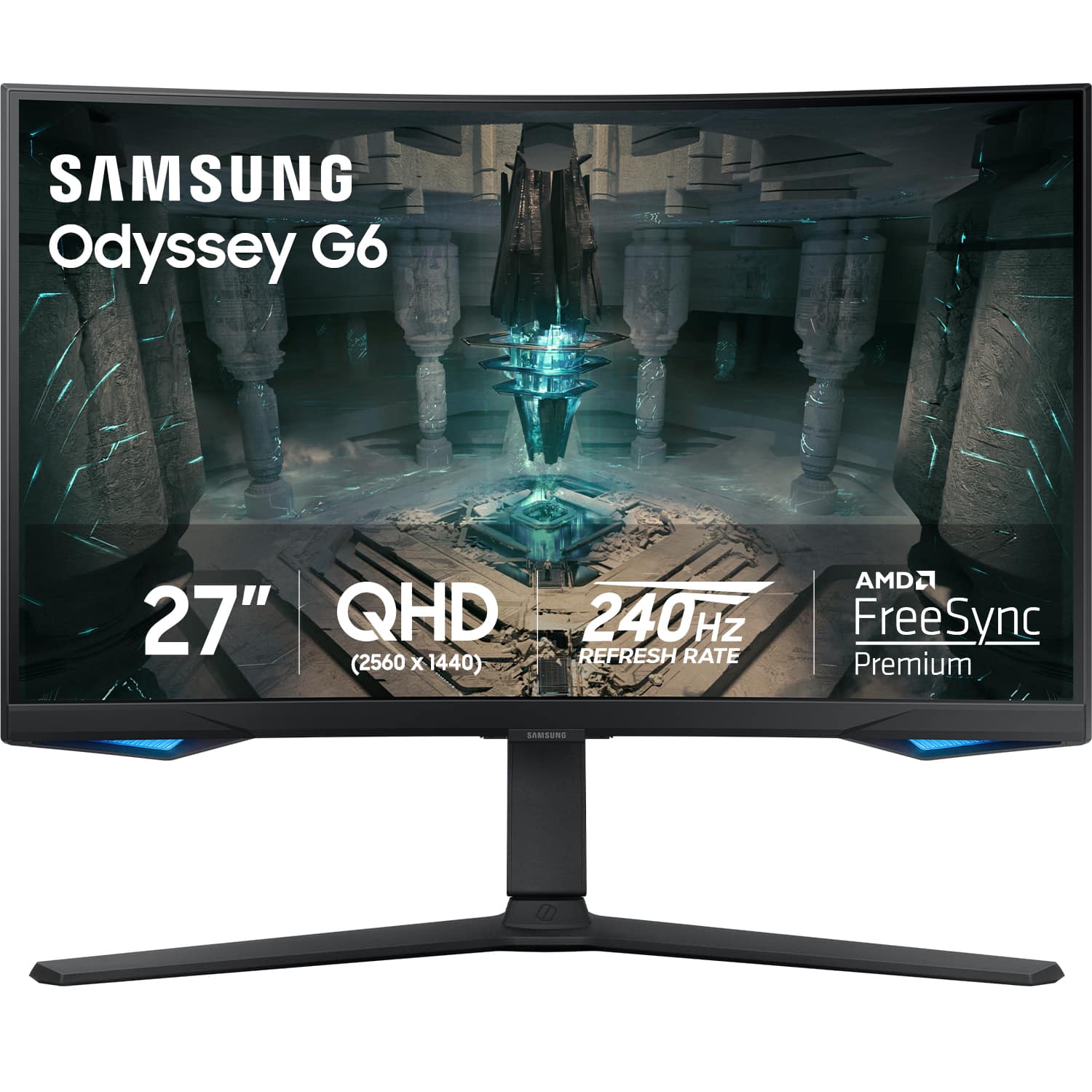
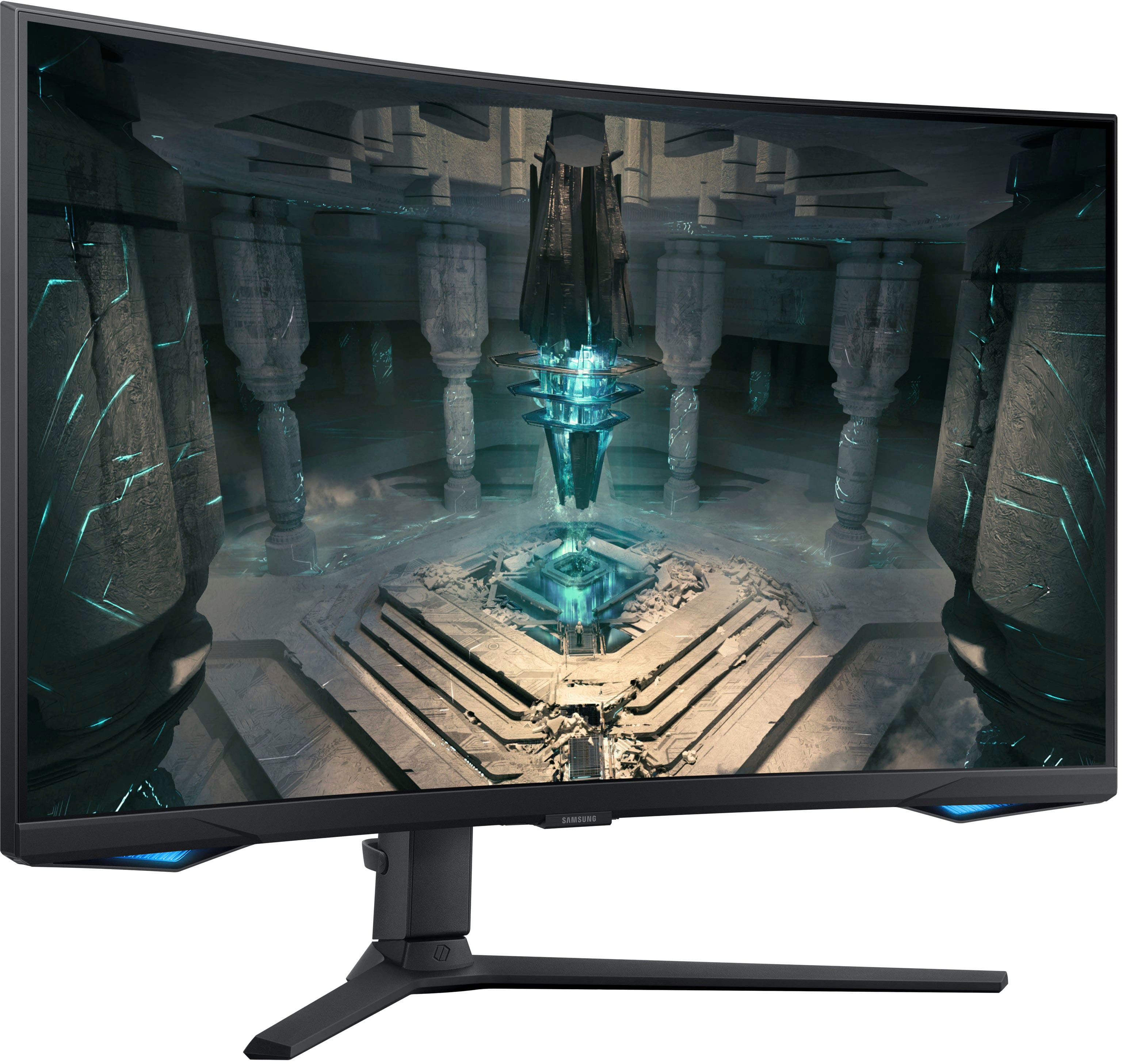
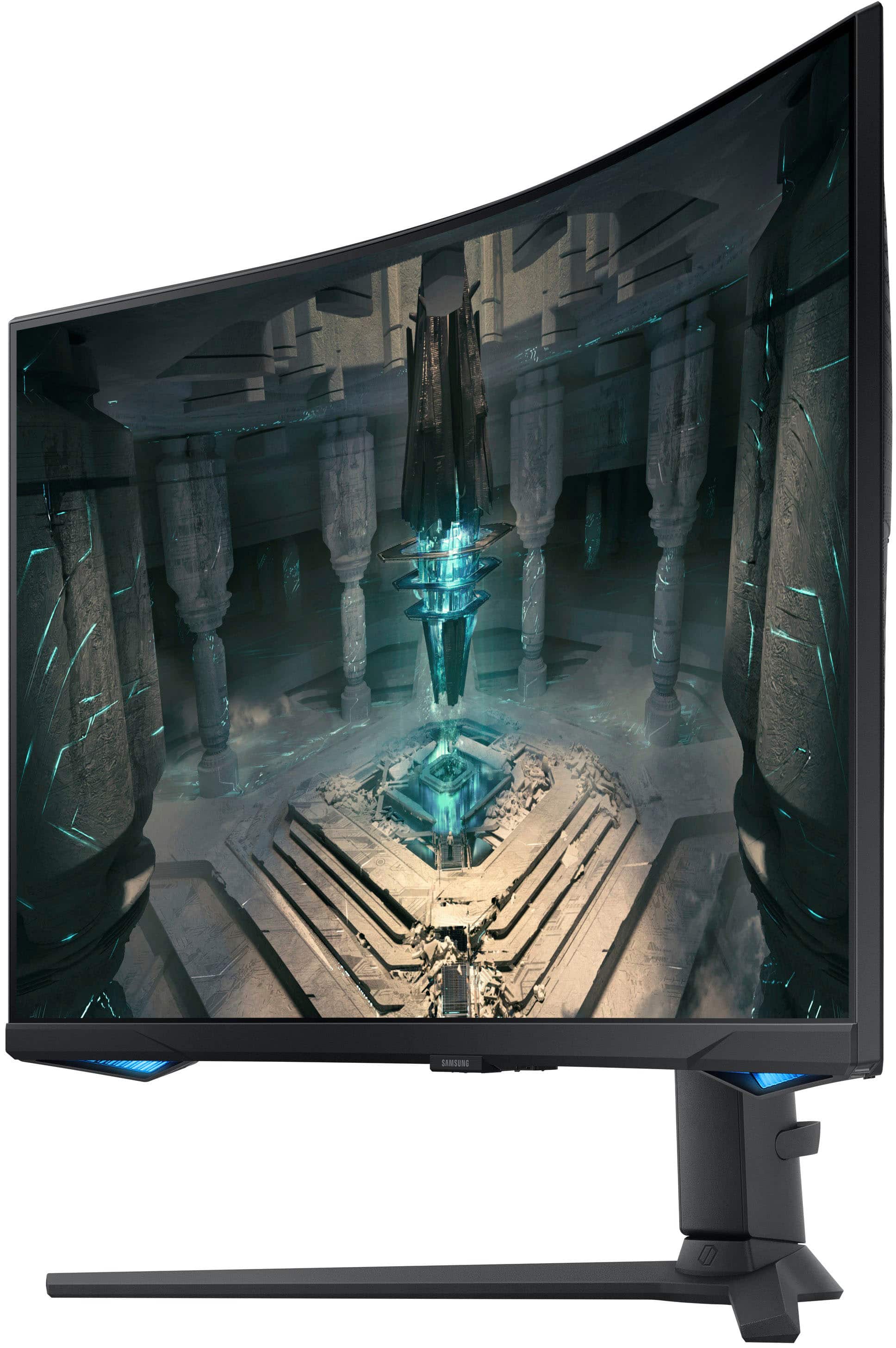
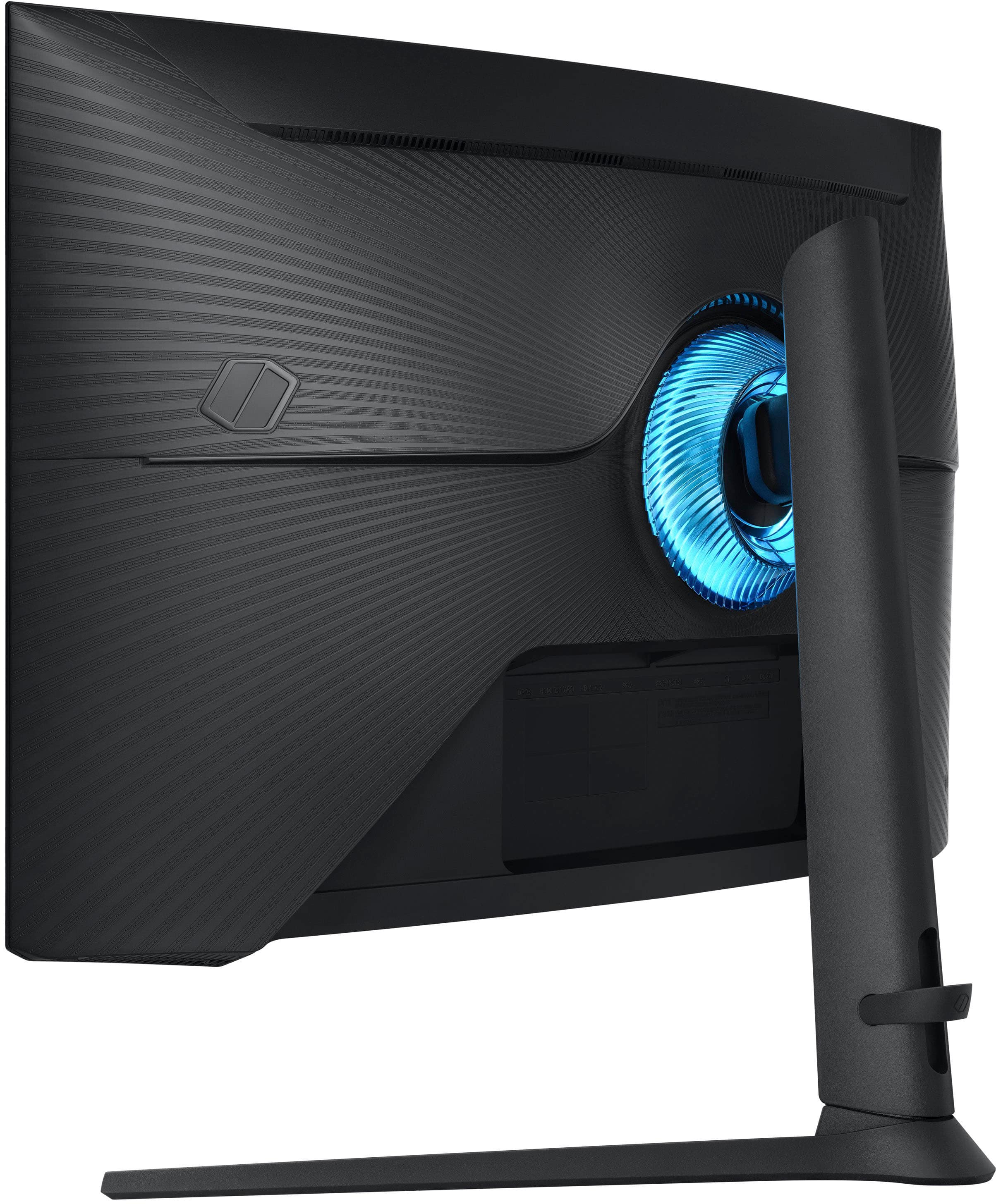
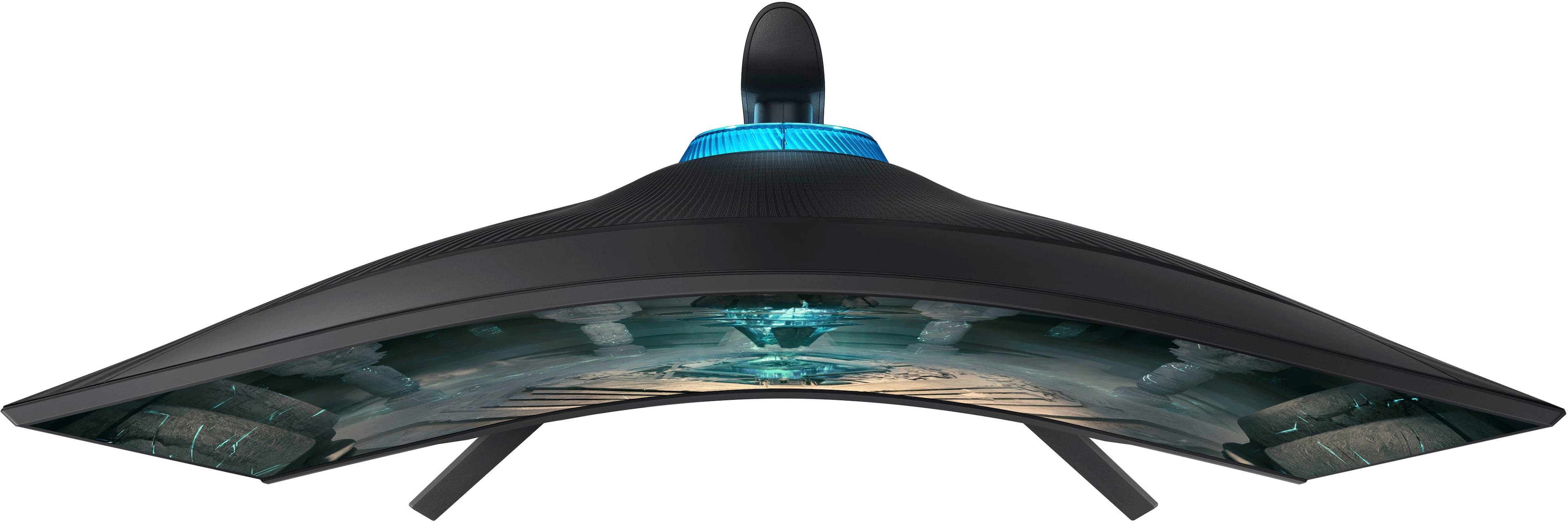
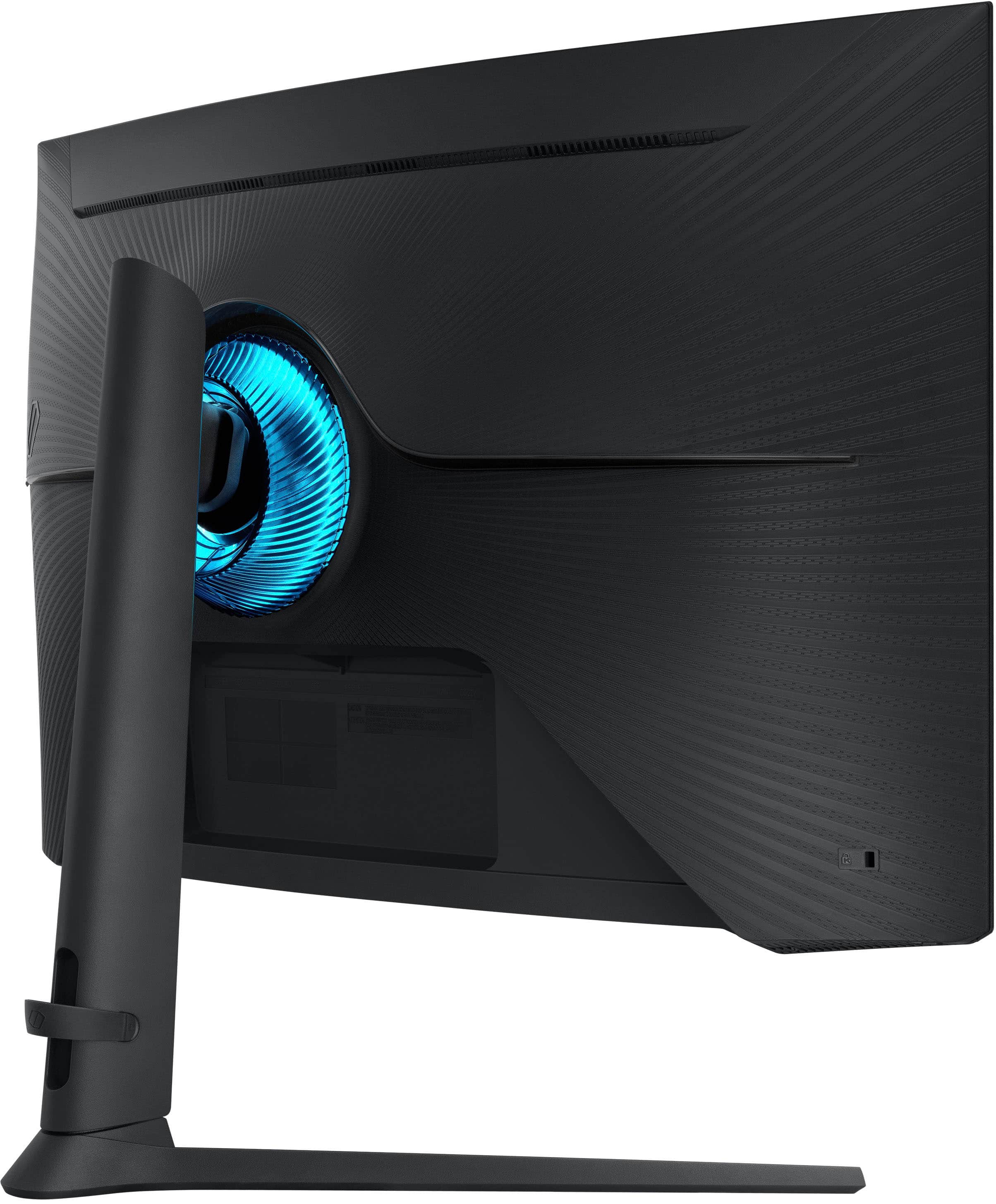
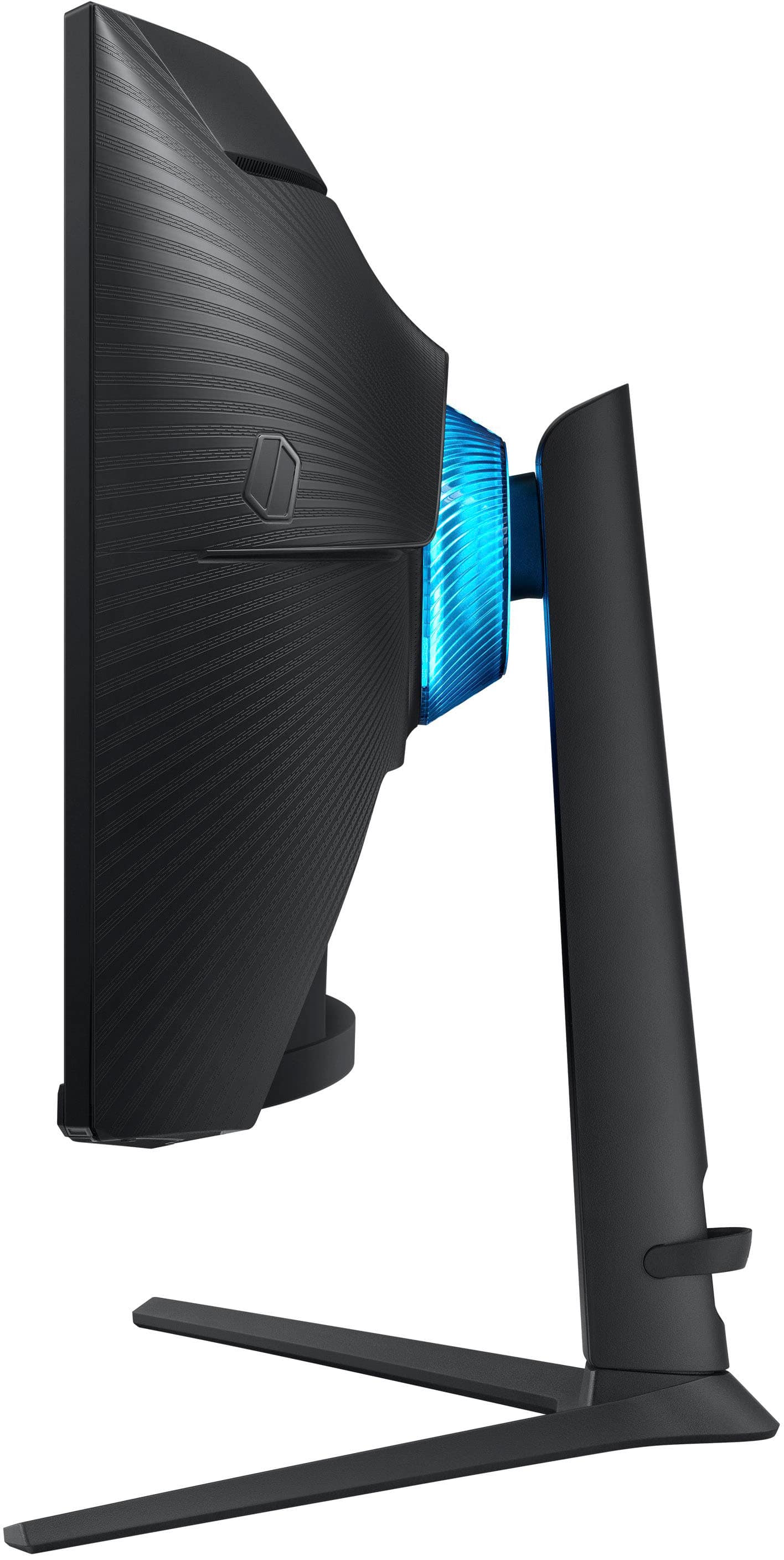
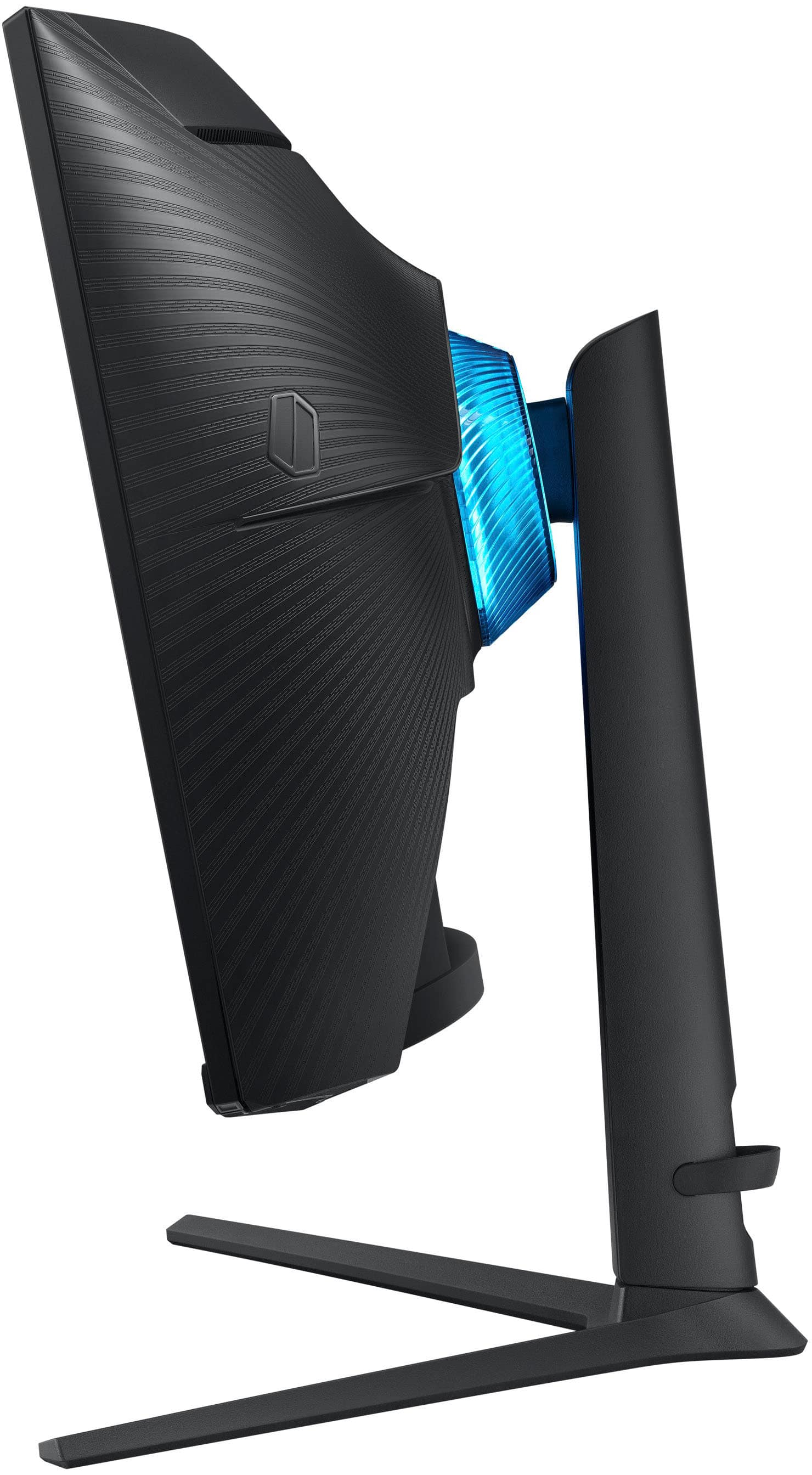
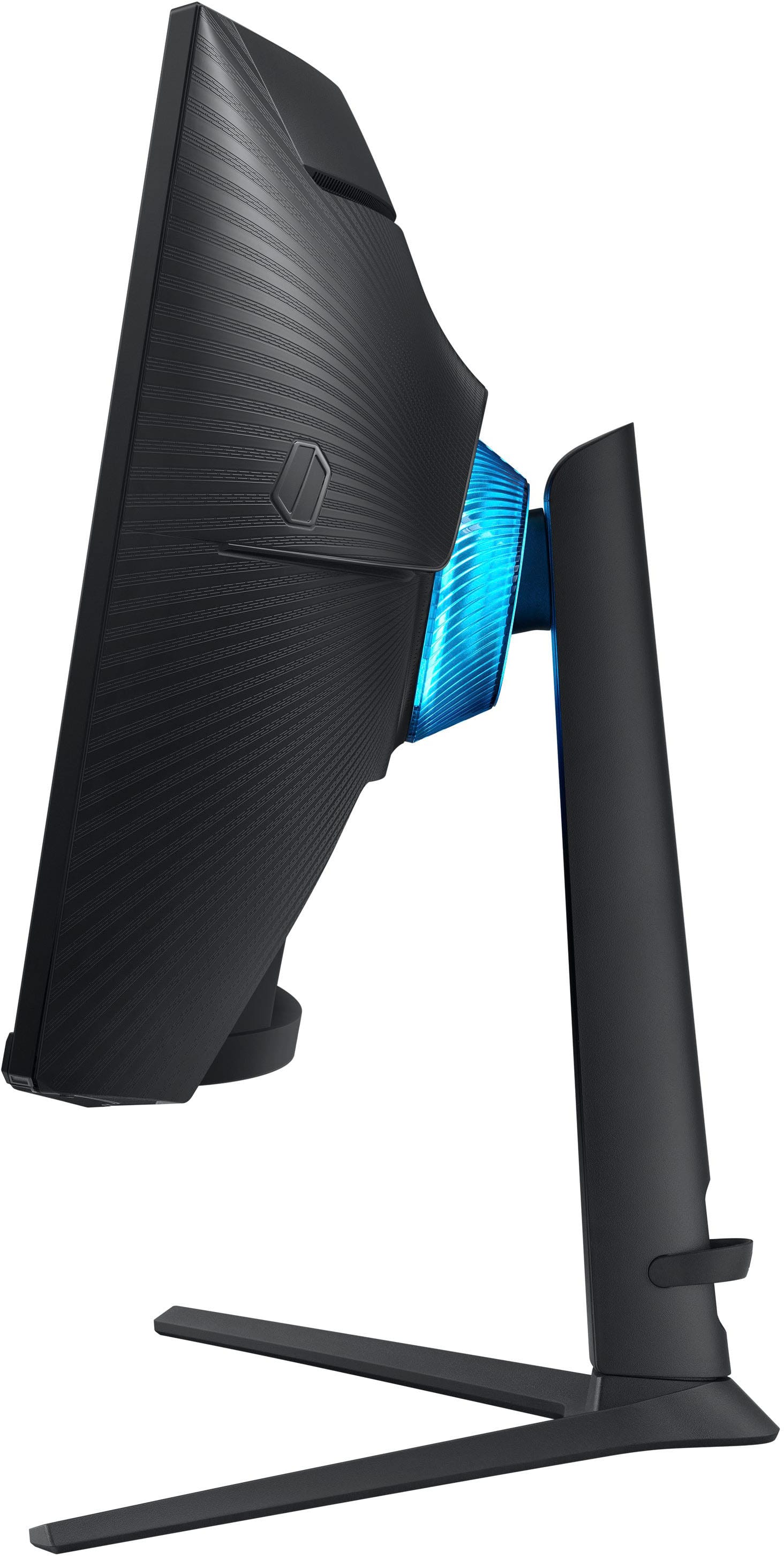
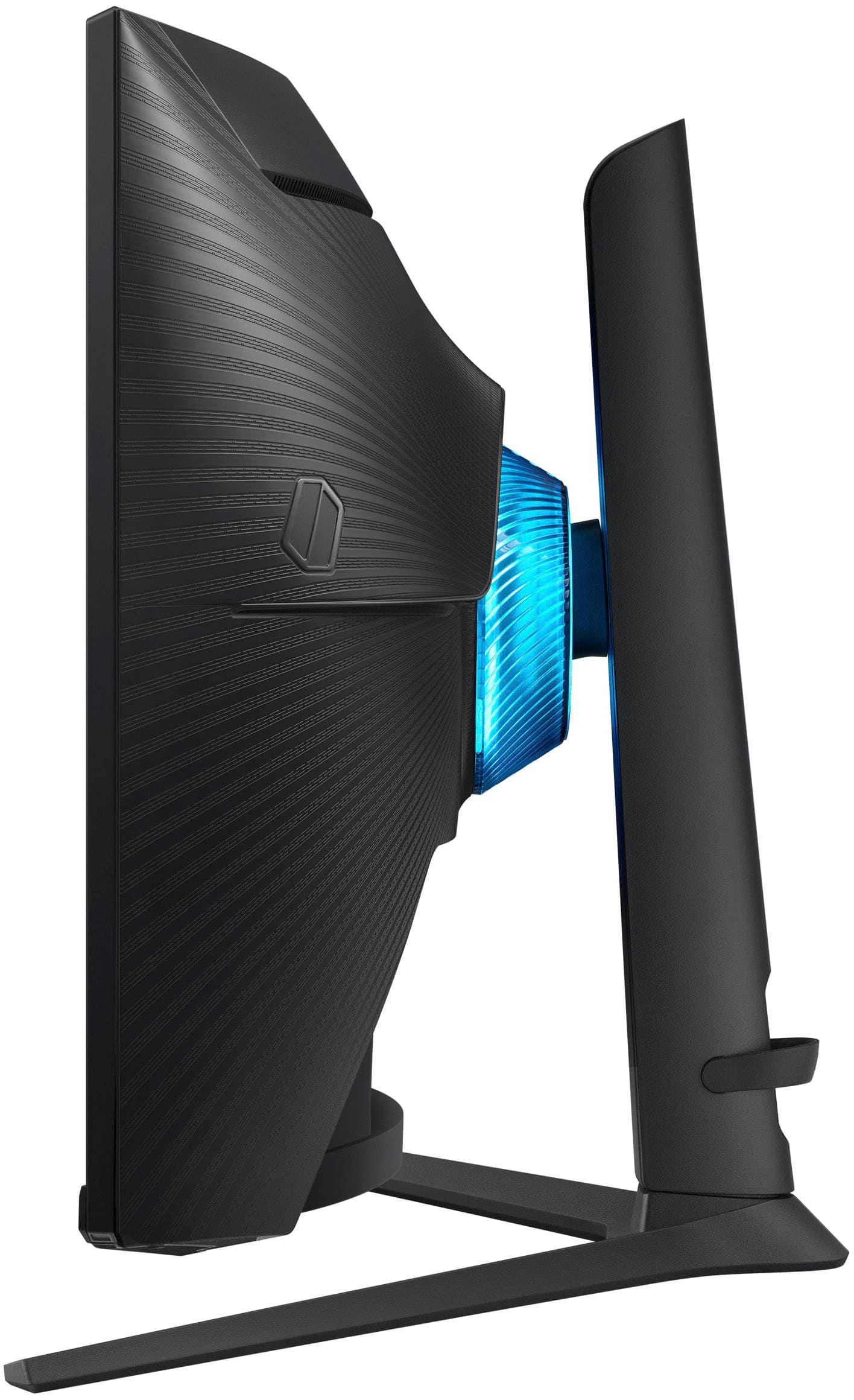
|Posted .This reviewer received promo considerations or sweepstakes entry for writing a review.As a casual console gamer who is new to PC gaming, I recently got my hands on the Samsung Odessey 27” G6 Smart Gaming Monitor, and I must say that so far I’m really liking this thing. Coming from a 65” LG CX in my living room, I really looked into this so I could have decent display to move the gaming to my man cave. I was initially skeptical about only going with a 27” LED monitor because outside of console gaming, I really like to watch movies in my man cave (meaning Picture Quality, screen size & black levels are paramount). However, picture and size concerns were put to rest once I ran the “Smart Calibration” feature with my Galaxy S23 Ultra and experienced just how immersive a curved monitor really is. I would recommend calibration and turning down the sharpness to zero be done immediately because the out of the box settings produce edge ringing and over saturation in the picture. This brings us to black levels. The G6 touts it’s local dimming and contrast enhancement features but there is still a noticeable grayish wash in the darker areas due to zone “blooming”. In terms of panel type, the Samsung Odyssey G6 is a VA LED panel, while the LG CX uses OLED technology. While OLED panels are hands down better in the black level department, the G6 still has amazing contrast due to its sheer nits brightness! I’m also finding that since games are almost always fullscreen, the benefit of the G6’s VA panel over my CX OLED is I get (and I stress to you) INCREDIBLE shadow detail! I played Gears5 on in 4K60 and 1440 @ 120hz on the SeriesX and it was truly a sight to see. I tried to do 4K@120 and it appears the monitor does not support HDMI 2.1. Overall, both panel types have their pros and cons and it really comes down to personal preference. That being said, as a casual gamer who primarily plays on consoles, the Odyssey G6's fast refresh rate of 240Hz and low input lag made a noticeable difference in my gaming experience. However, I would recommend connecting your controller directly to its source device as input lag increases significantly when the controller is connected to the Odyssey Monitor via bluetooth. The monitor's resolution of 1440p also struck a nice balance between fidelity and performance. The only drawback being the poor implementation of Game Mode Auto. The need to manually switch the console resolution & frame-rate in order to restore the monitor to “Movie (Calibrated)” is particularly frustrating. or In terms of design, the Samsung Odyssey G6 is sleek and modern, with thin bezels and a sturdy stand that make it easy to set up and adjust to the perfect viewing angle. “Core-Light” is an awesome dynamic LED feature located on the back of the monitor and on the speaker area. It can be set to either respond to the in-game action or be used as a customizable ambient mood light when streaming media of. I and make me want to The monitor's built-in cable management system also helped keep my desk clean and organized. Also, Tizen comes in at a close 2nd to Apple as THE best user interface. The landing pages for Gaming, Media, and layout is very clean, easy to navigate, and intuitive. Overall, I highly recommend the Samsung Odyssey G6 to any console gamer looking to make the switch to PC gaming. While it may not have the same screen size as my LG CX OLED, it more than makes up for it with its fast refresh rate, low input lag, and vivid colors. Whether you're playing on an Xbox Series X, Apple TV 4K, or NVidia 3070 graphics card, this monitor is a great choice for enhancing your gaming experience. 4.5/5
I would recommend this to a friendGreat!
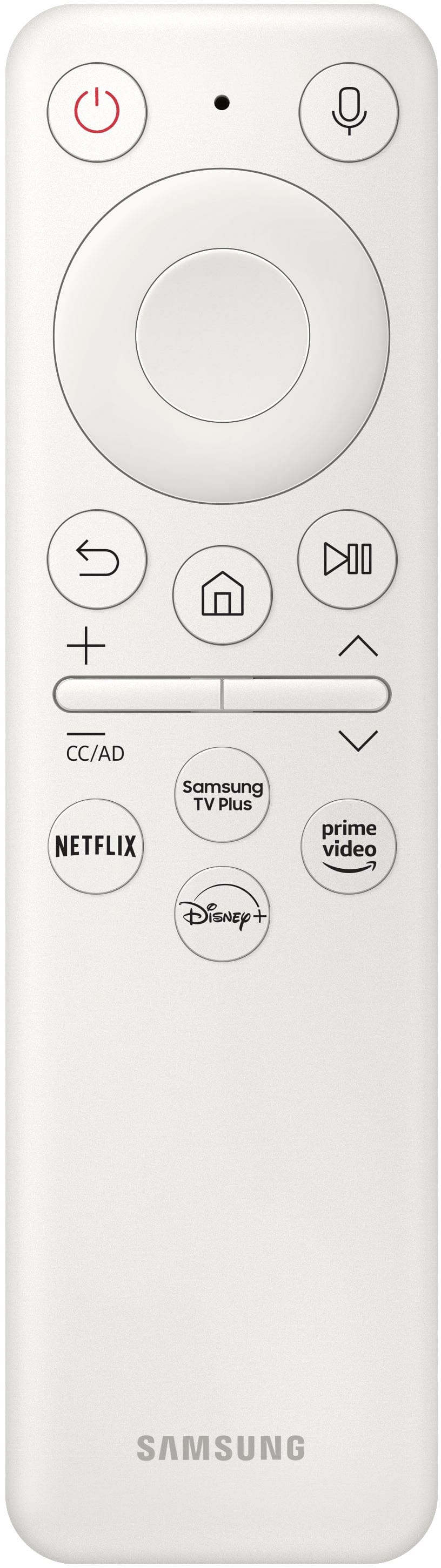
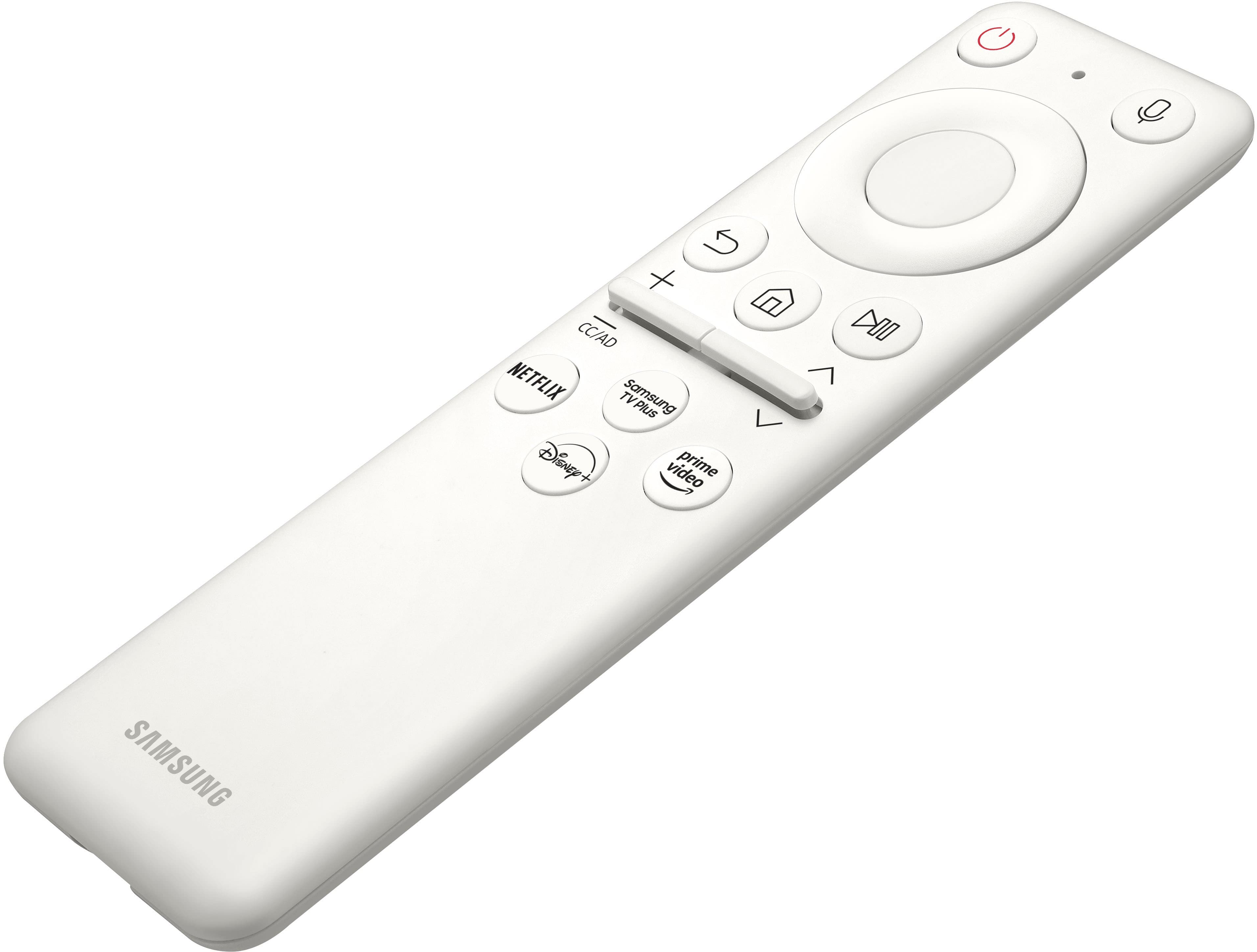
||Posted . Owned for 3 weeks when reviewed.This reviewer received promo considerations or sweepstakes entry for writing a review.Really great gaming monitor! The controller that comes with it is really great! Only problem is my samsung TV remote turns controlls this monitor unfortunately
I would recommend this to a friendGood, but issues
||Posted . Owned for 3 weeks when reviewed.This reviewer received promo considerations or sweepstakes entry for writing a review.This monitor could be so good if there weren't a few annoying issues that I've dealt with. I read all the horror stories about the old G7 and wanted to give this a chance. Really want to like and recommend it, but I can't. Pros - 240Hz is so nice coming from a 100Hz Ultrawide - Good colors and contrast - Easy setup with the included stand or with a monitor arm Cons - Scanlines are still an issue. Not as bad as the older G7 but on certain blue and green shades you can notice it. New Fortnite update it is VERY noticeable. Can see it on the BestBuy homepage. -Backlight bleed is not great. Even directly head on you can see the top and bottom of the screen is more gray on a dark page or screen. - Smart TV UI is just not my thing. Can be really slow and unresponsive at times. I'd rather use my Roku. - Won't detect signal when turning on computer unless I let it boot to Windows login screen. Have to replug the DP cable to fix. - Won't detect signal if monitor goes to sleep. Have to replug the DP cable to fix. Power cycling monitor for this and above issue does not work for me. - Only happened two times but once when plugging my Nintendo Switch and tabbing back in the MW2 2022 the monitor would seem like it turns off and on every second. Replugging power cable was the only way to fix.
No, I would not recommend this to a friend