Customer Ratings & Reviews
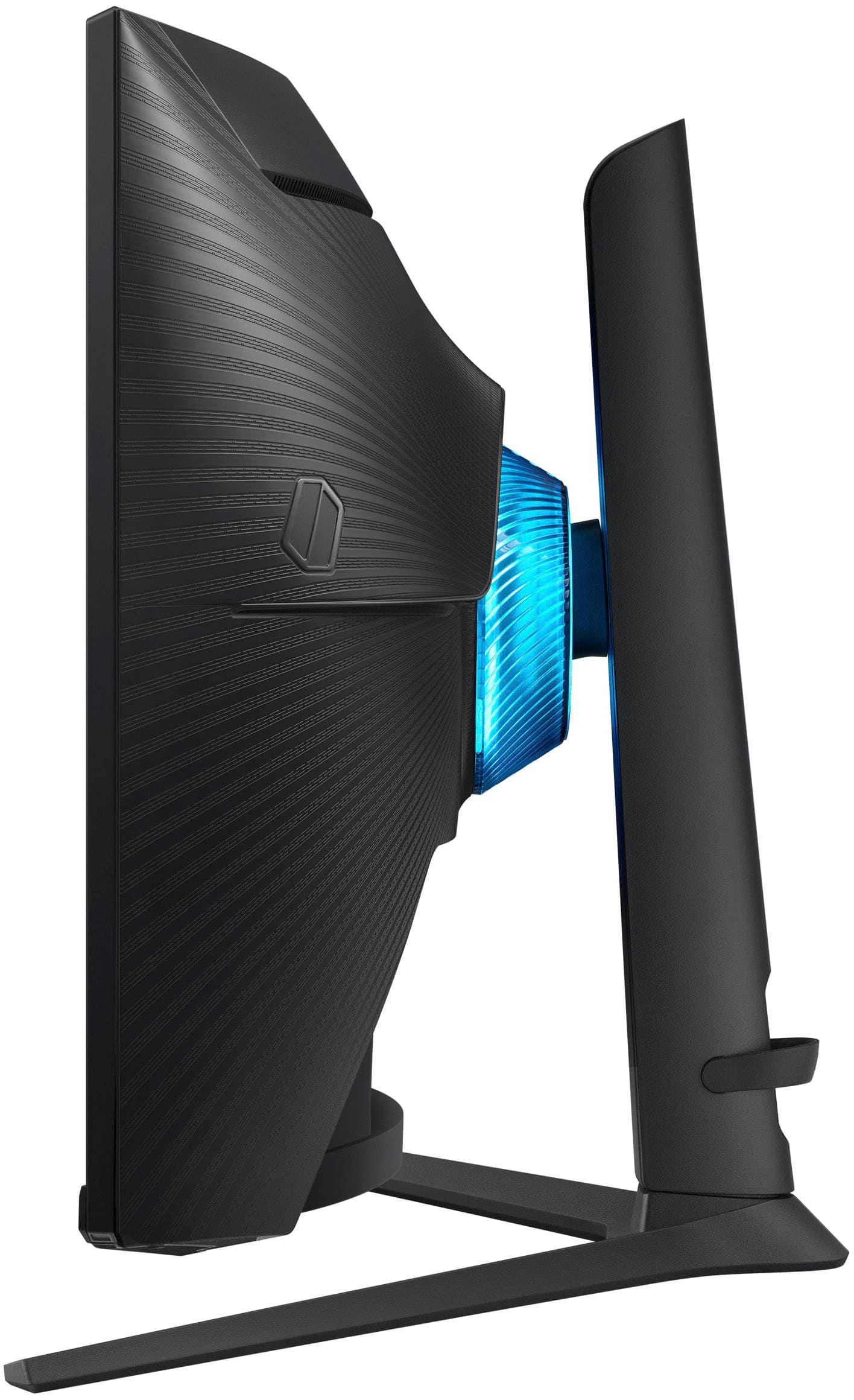

- Model:
- LS27BG652ENXGO
- SKU:
- 10735926
Rating by feature
- Display Quality
Rating 4.8 out of 5 stars
- Ease of Use
Rating 4.4 out of 5 stars
- Features
Rating 4.7 out of 5 stars
to a friend
Nice but expect replacement until you get a good o
||Posted . Owned for 1 month when reviewed.This reviewer received promo considerations or sweepstakes entry for writing a review.It is a amazing monitor. Received one with cracked screen and one with 10 dead pixles before getting a good one. Dont buy it if you need it immediately and expect replacements.
I would recommend this to a friendDead pixel
||Posted . Owned for less than 1 week when reviewed.This reviewer received promo considerations or sweepstakes entry for writing a review.Mine arrived with one Dead pixel towards the center of screen. Small but noticeable. Also silly for a $700 monitor. Picture quality is also nothing to brag about. My half priced alienware looks just as good. Focused way to much on the smart functionalities that i feel this is no longer a dedicated gaming monitor. Wouldnt waste your money on this.
No, I would not recommend this to a friendBrand response from Samsung
Posted .We are very sorry for the issues you have encountered with your 27" Odyssey G6 QHD.
Please contact Samsung Customer Support so that we can better understand your issue and assist with a solution.
You can reach us via any of the below options:
If you need further assistance, we are here to help. You can reach Samsung Support at 1-800-SAMSUNG, available 8AM - 12AM EST (Mon-Fri) / 9AM - 11PM EST (Sat-Sun).
Or visit our Samsung website and click on the SUPPORT link in the upper right corner for:
· Contact Us Options (LiveChat, Remote Support, Facebook, Twitter)
· Product Support
· Manuals and Downloads
· Warranty Info
· Product Registration: Registering your product gives you access to easy warranty support, convenient opt-in to special promos and offers, faster troubleshooting and service, and quick notification of system updates
· Samsung Community: A great resource for getting help from Samsung moderators and customers
· …and more
Registering your product gives you access to easy warranty support, convenient opt-in to special promos and offers, faster troubleshooting and service, and quick notification of system updates.
Samsung stands behind the quality and performance of every product we manufacture, and we back this model with a 1-year manufacturer's limited warranty, if purchased brand-new directly from an authorized seller.
Again, we are very sorry for the inconveniences you have had and hope that we will hear from you soon.
Odd avoidable choices that worsen the product
||Posted . Owned for 1 month when reviewed.This reviewer received promo considerations or sweepstakes entry for writing a review.Not a bad idea to have smart features in a monitor but you simple things like changing brightness takes digging in the menu with the remote, and there's no way to do it through your computer. Normal monitors have companion software or at least apps that can control brightness through displayport cabling and neither are available here. Not a fan.
No, I would not recommend this to a friendBrand response from Samsung
Posted .Thank you for bringing this issue to our attention as Samsung is committed to providing the best possible product experience, quality, and value. Samsung greatly values our customers’ feedback and we utilize your concerns and opinions in our relentless efforts towards delivering world-class products. We are very sorry to hear this product didn't meet your expectations and hope to have you back as a customer again.
If you ever need assistance in the future, please contact Samsung Customer Support and a rep will be happy to assist you:
1-800-SAMSUNG, available 8AM - 12AM EST (Mon-Fri) / 9AM - 11PM EST (Sat-Sun)
Good
||Posted . Owned for 2 weeks when reviewed.This reviewer received promo considerations or sweepstakes entry for writing a review.Love it definitely a big difference from a tv, love the fact you can turn it
I would recommend this to a friendAmazing monitor for the price!
||Posted . Owned for 3 weeks when reviewed.This reviewer received promo considerations or sweepstakes entry for writing a review.A really great monitor i have it as my main for my two monitor setup and it runs as it says it does really easy to use with the included remote! will probably be getting another one soon!
I would recommend this to a friend
10/10
|Posted . Owned for 3 months when reviewed.This reviewer received promo considerations or sweepstakes entry for writing a review.[Employee of bestbuy] great monitor wish bezel were smaller though but overall its a great monitor
I would recommend this to a friendGaming monitor
||Posted . Owned for 1 month when reviewed.This reviewer received promo considerations or sweepstakes entry for writing a review.Very good gaming experience in this monitor I recommended to anybody
I would recommend this to a friendOdyssey G6
||Posted . Owned for 1 month when reviewed.This reviewer received promo considerations or sweepstakes entry for writing a review.The dynamics is phenomenal. I was a bit skeptical when making the purchase, but I’m not disappointed. I love this!!!
I would recommend this to a friendNice product
||Posted . Owned for 10 months when reviewed.This reviewer received promo considerations or sweepstakes entry for writing a review.Overall this is a really good monitor with multiple functions
I would recommend this to a friendVery nice graphics
||Posted . Owned for 1 week when reviewed.This reviewer received promo considerations or sweepstakes entry for writing a review.It makes games much easier to see and being able to cloud game on nothing but it is a nice little plus side
I would recommend this to a friendGood gaming screen
||Posted . Owned for 3 weeks when reviewed.This reviewer received promo considerations or sweepstakes entry for writing a review.Its a great monitor so far im loving it it is definitely a fun monitor...
I would recommend this to a friendOutstanding
||Posted . Owned for 1 week when reviewed.This reviewer received promo considerations or sweepstakes entry for writing a review.Outstanding gaming monitor highly recommend it will buy again in the future
I would recommend this to a friendMonitor
||Posted . Owned for 2 weeks when reviewed.This reviewer received promo considerations or sweepstakes entry for writing a review.Excellent product and service, we are using it and it's great
I would recommend this to a friendIt’s Worth it!
||Posted . Owned for less than 1 week when reviewed.This reviewer received promo considerations or sweepstakes entry for writing a review.It’s a beautiful monitor and it’s honestly one of the best i’ve seen around this price tag. kudos to samsung!
I would recommend this to a friend
Combines deep blacks with fast response time
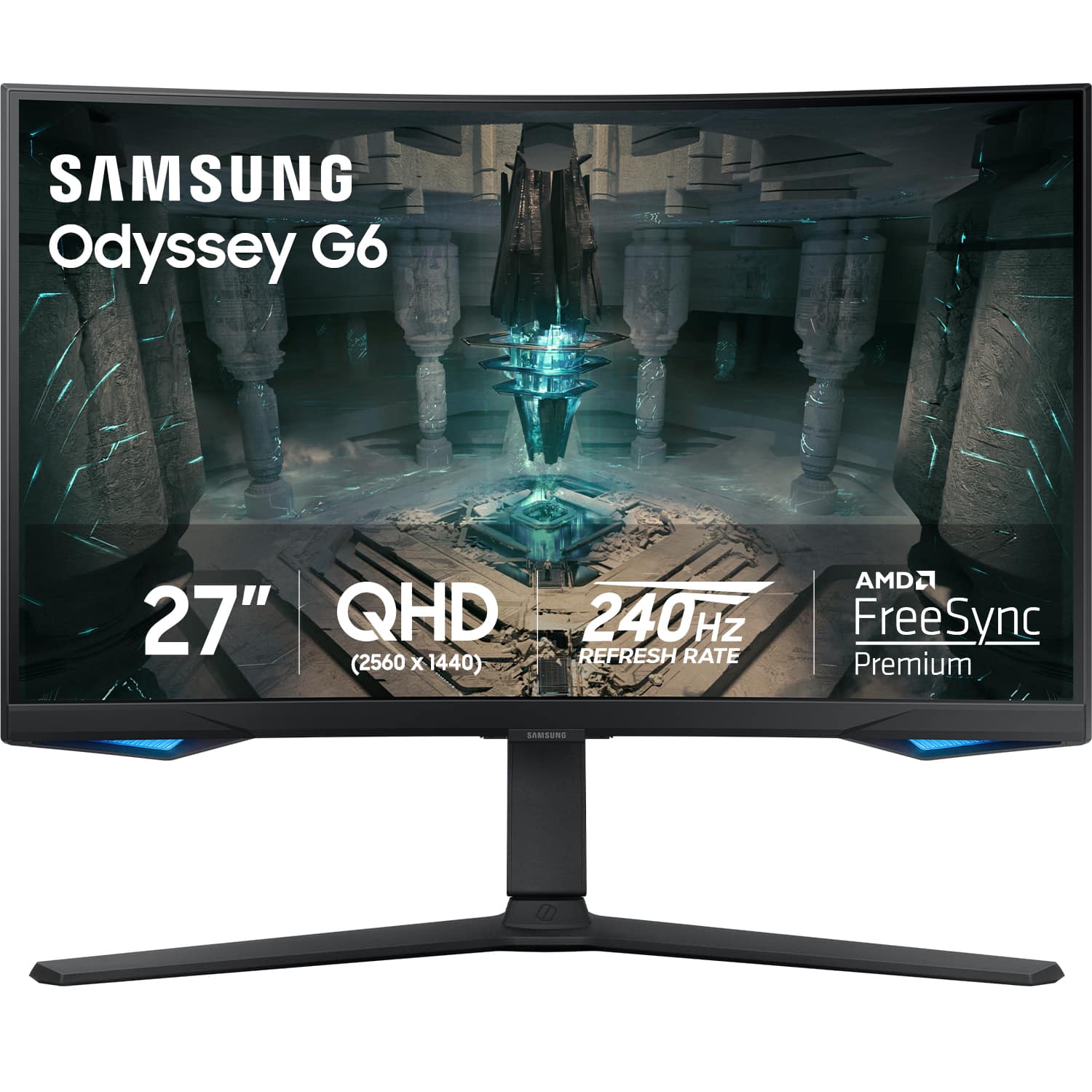
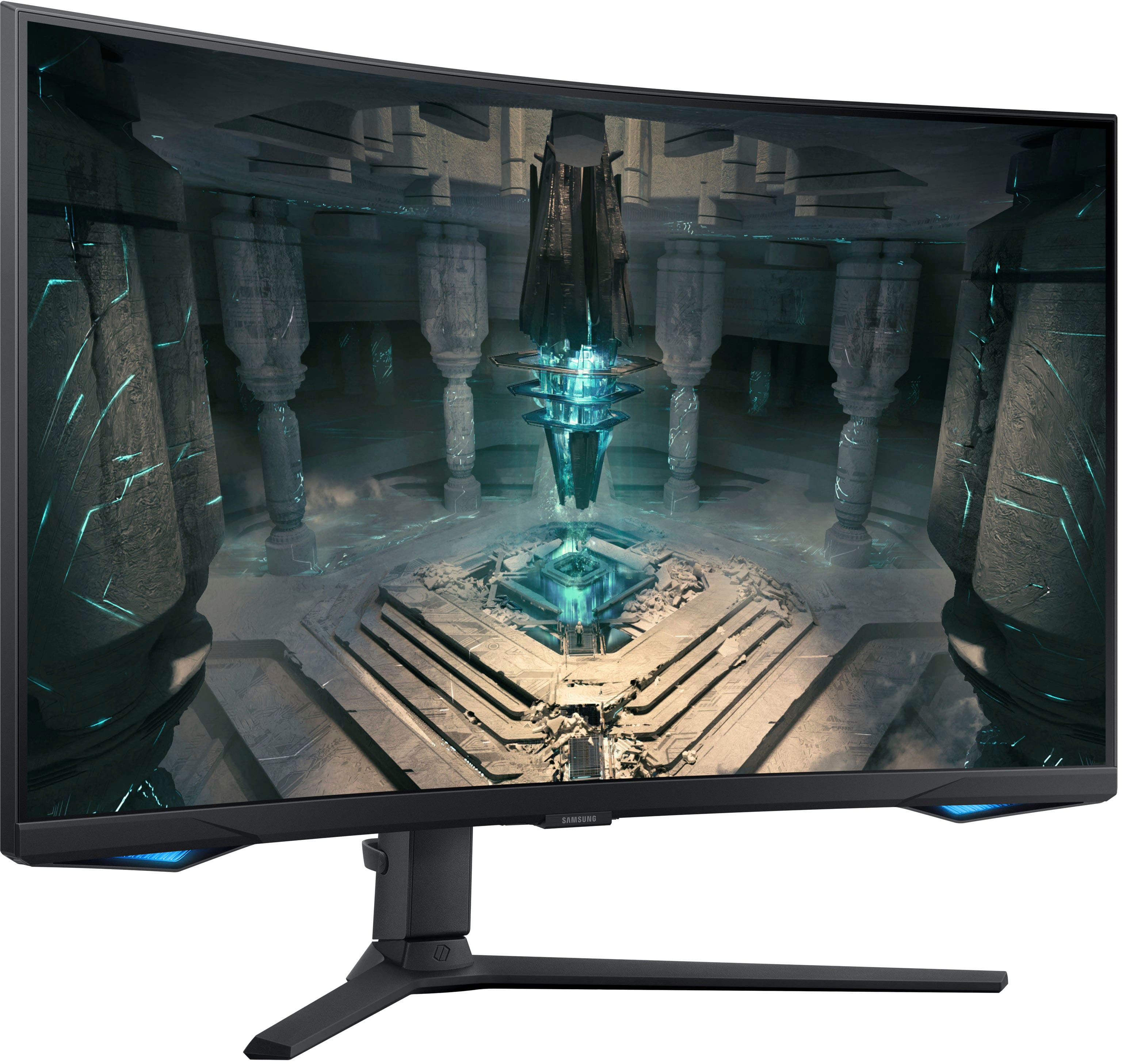
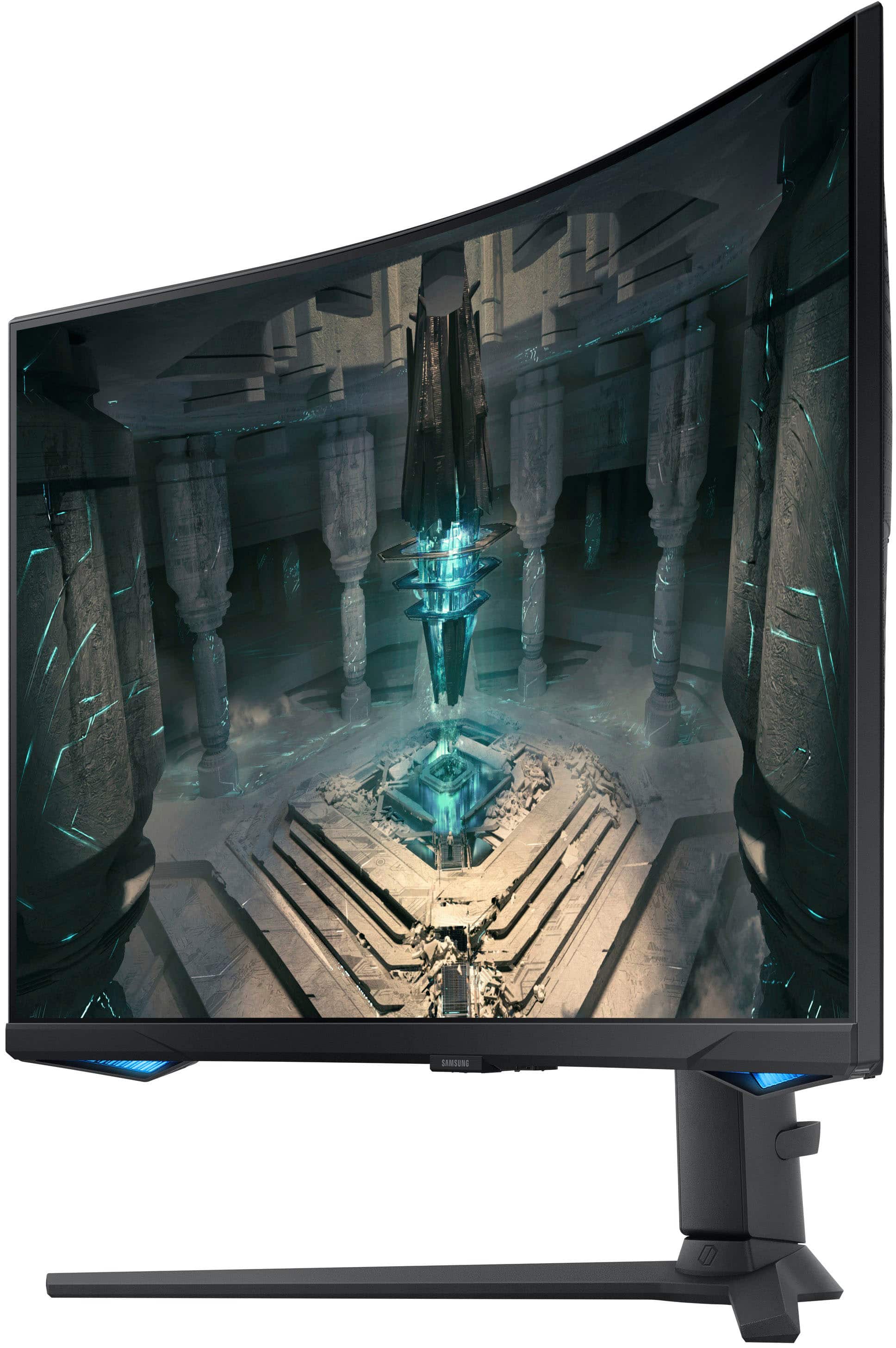
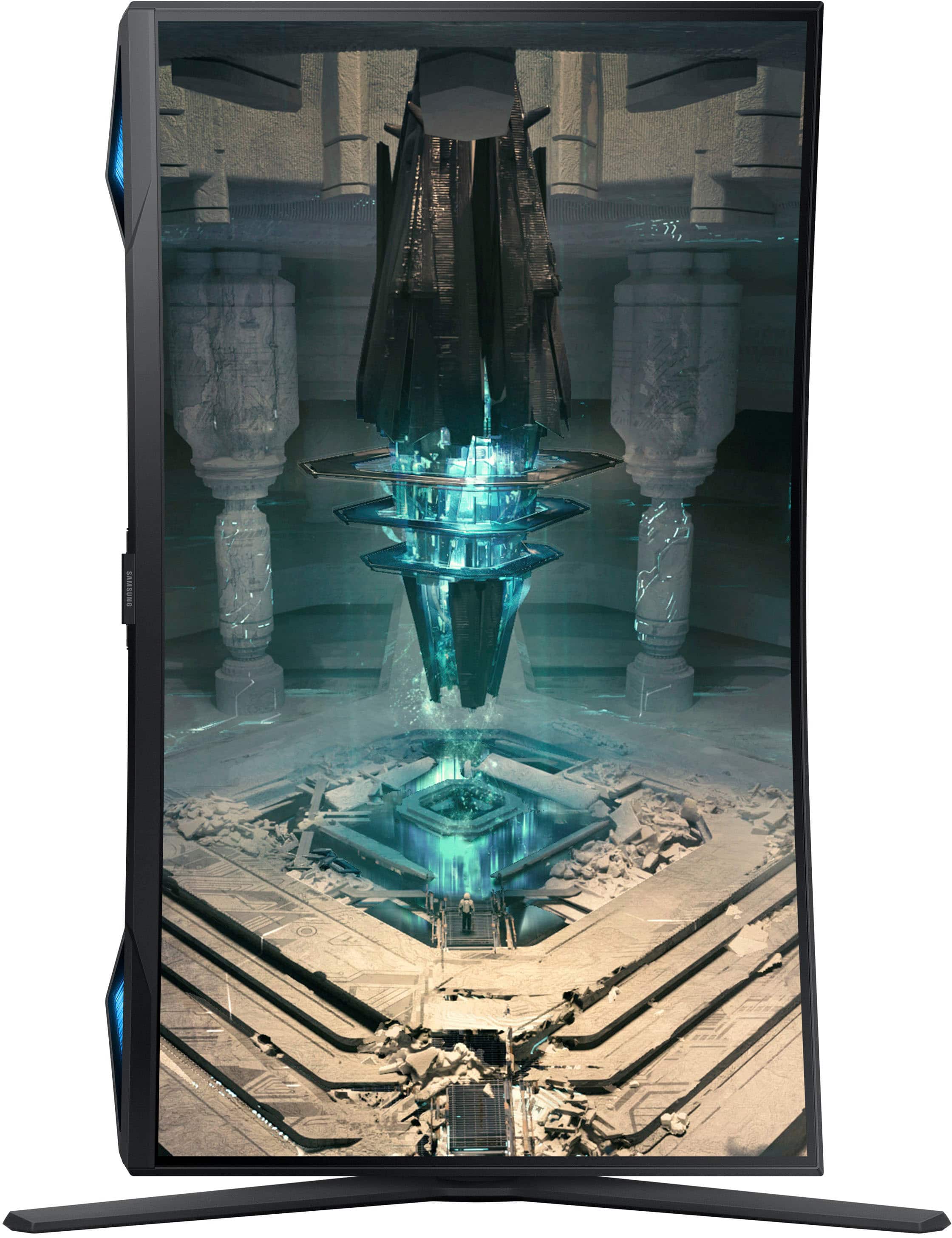
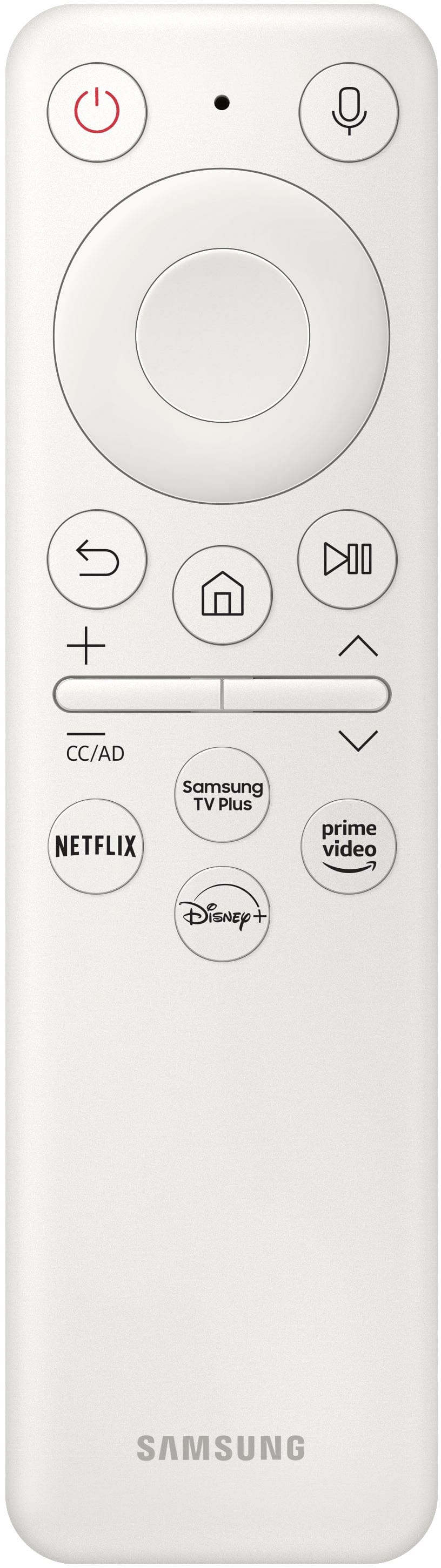
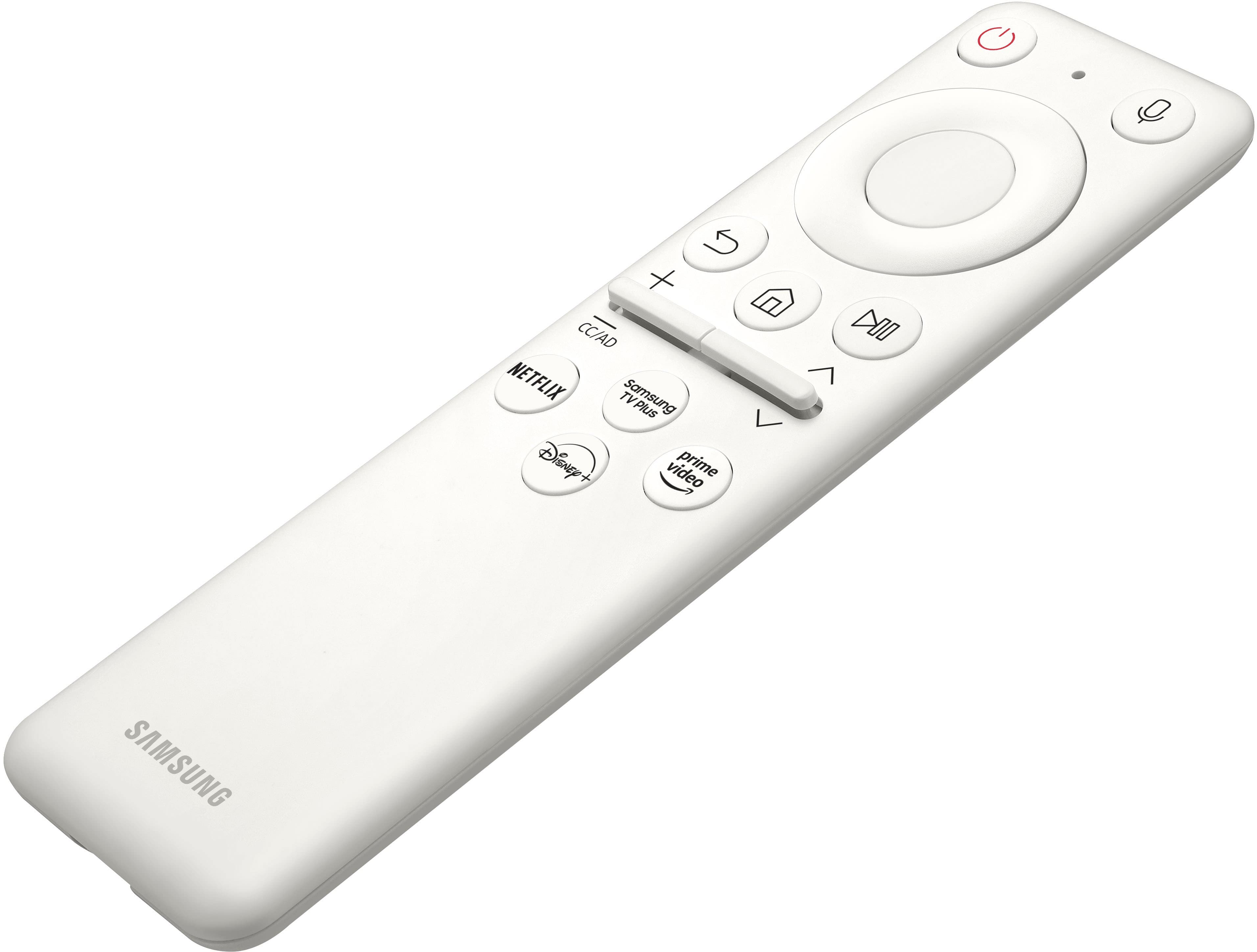
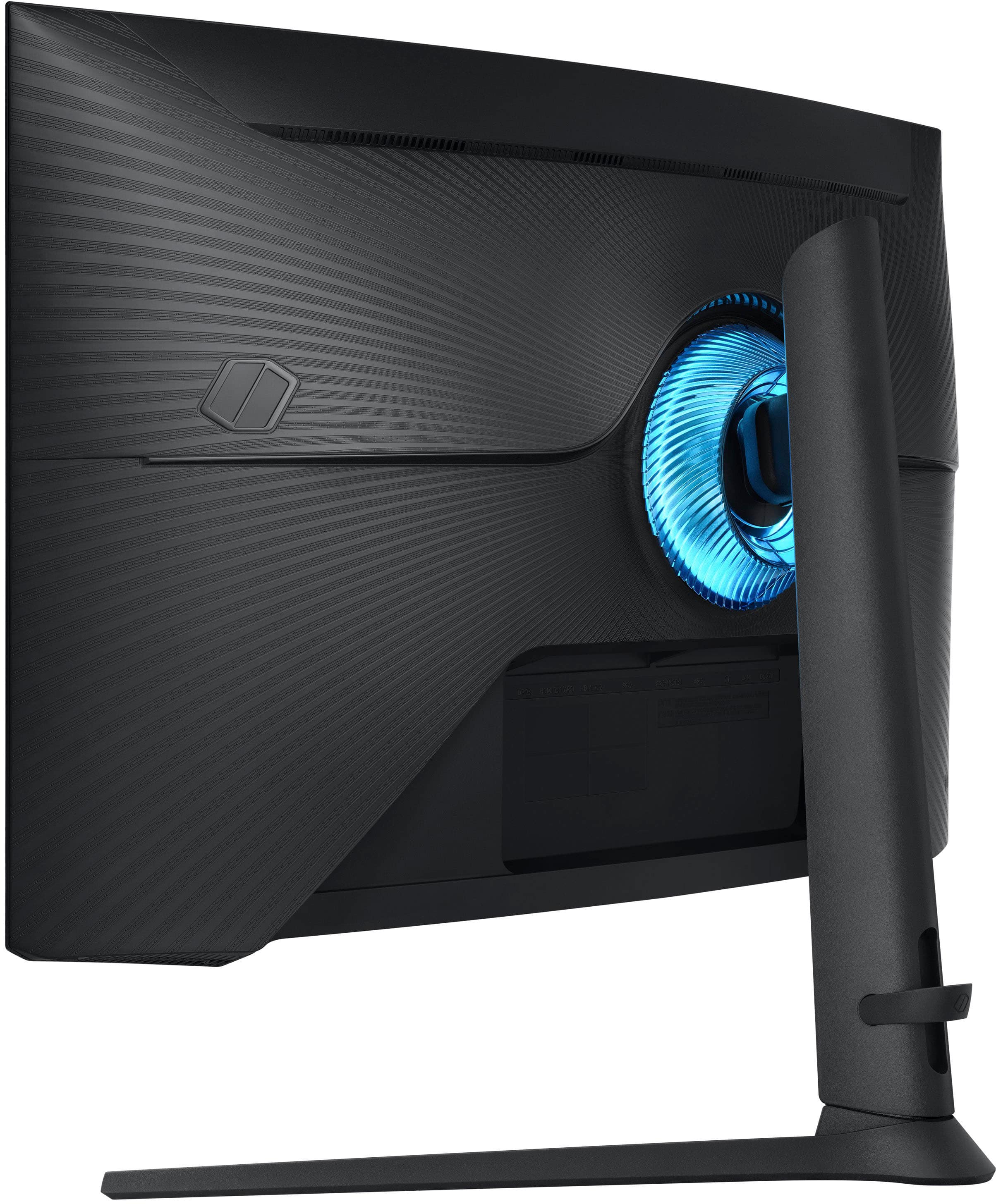
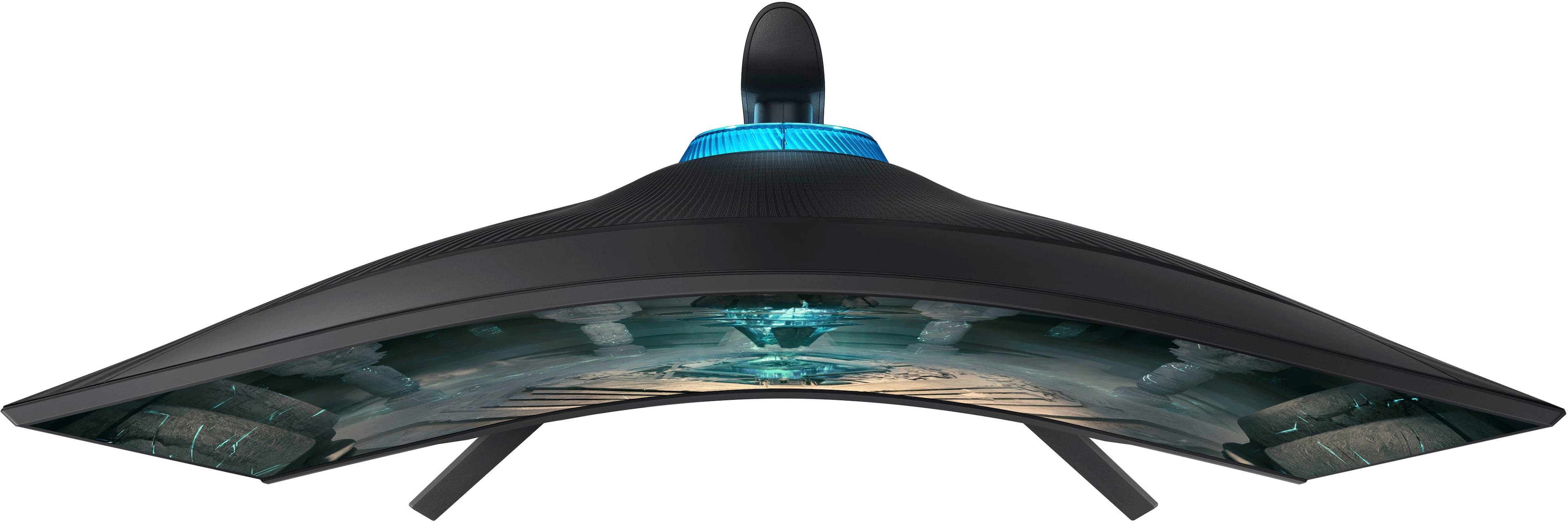
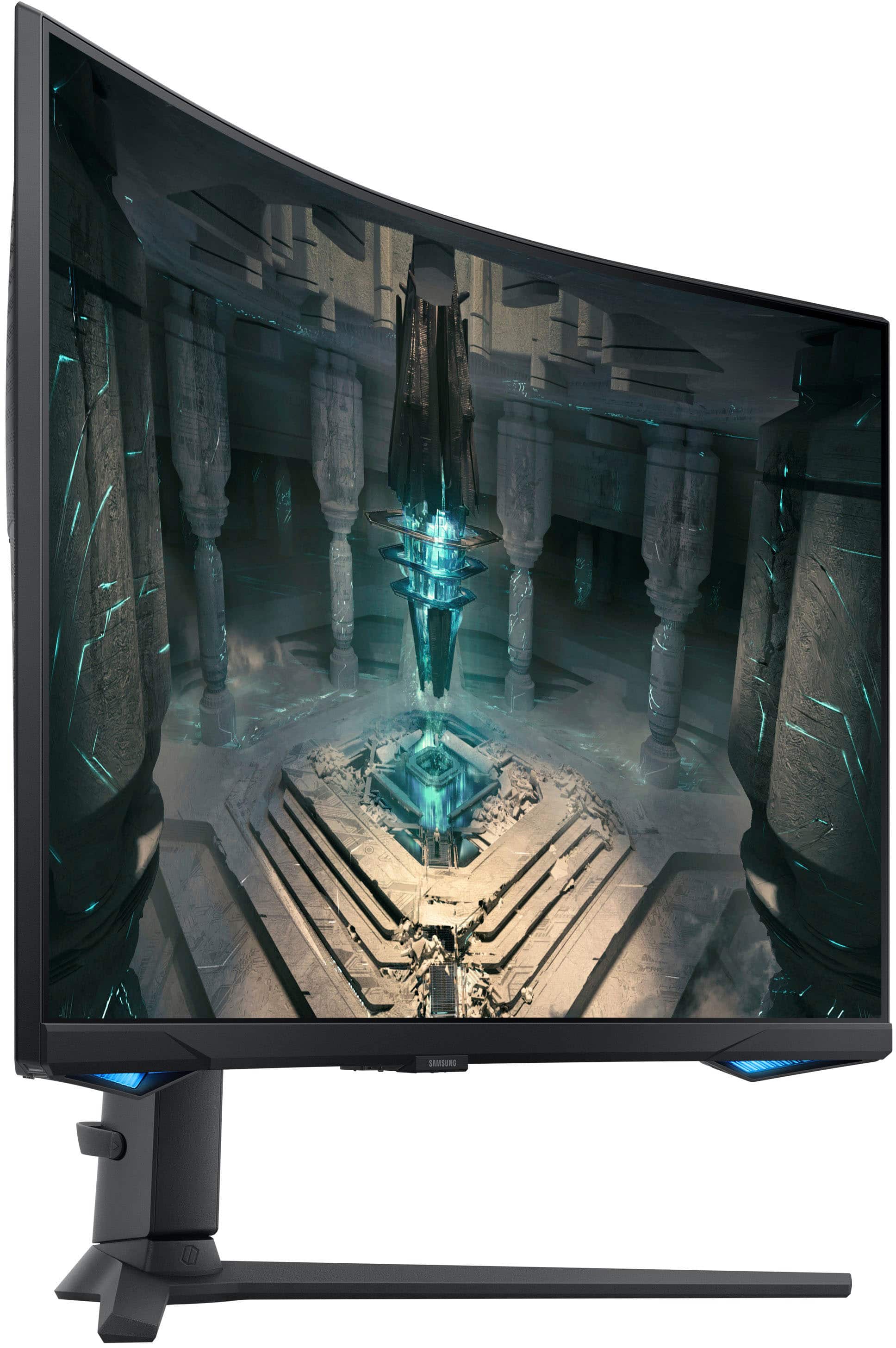
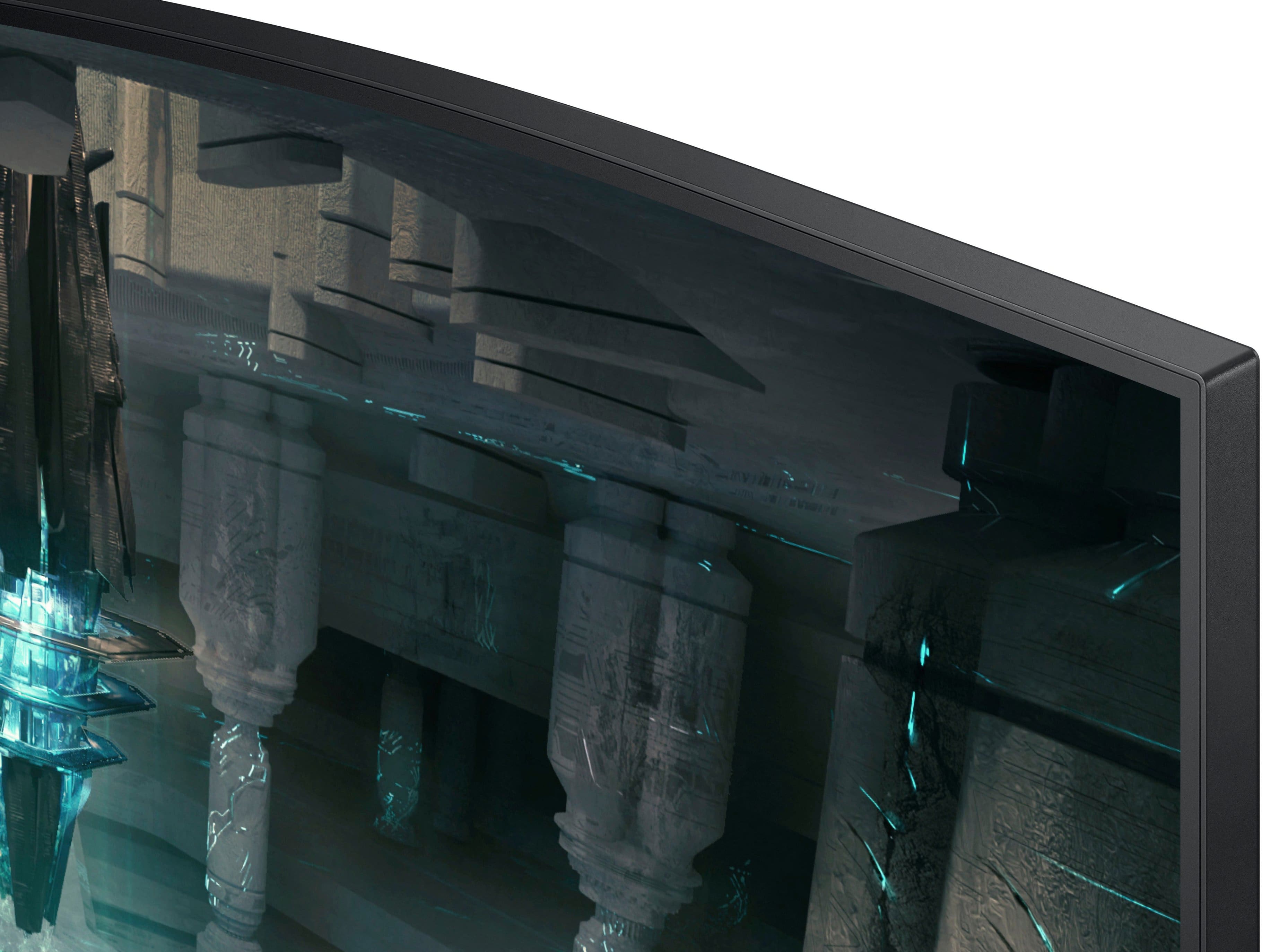
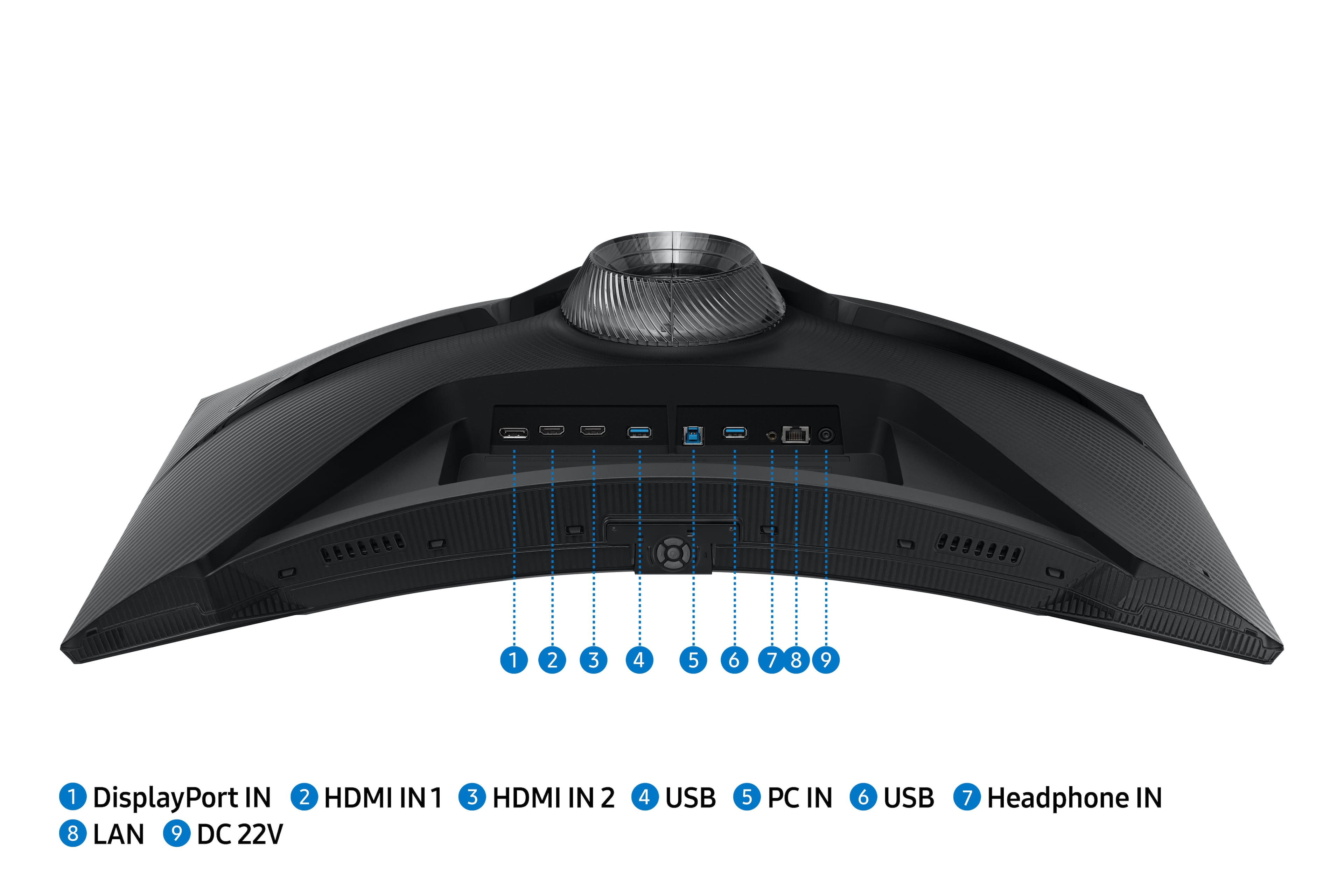
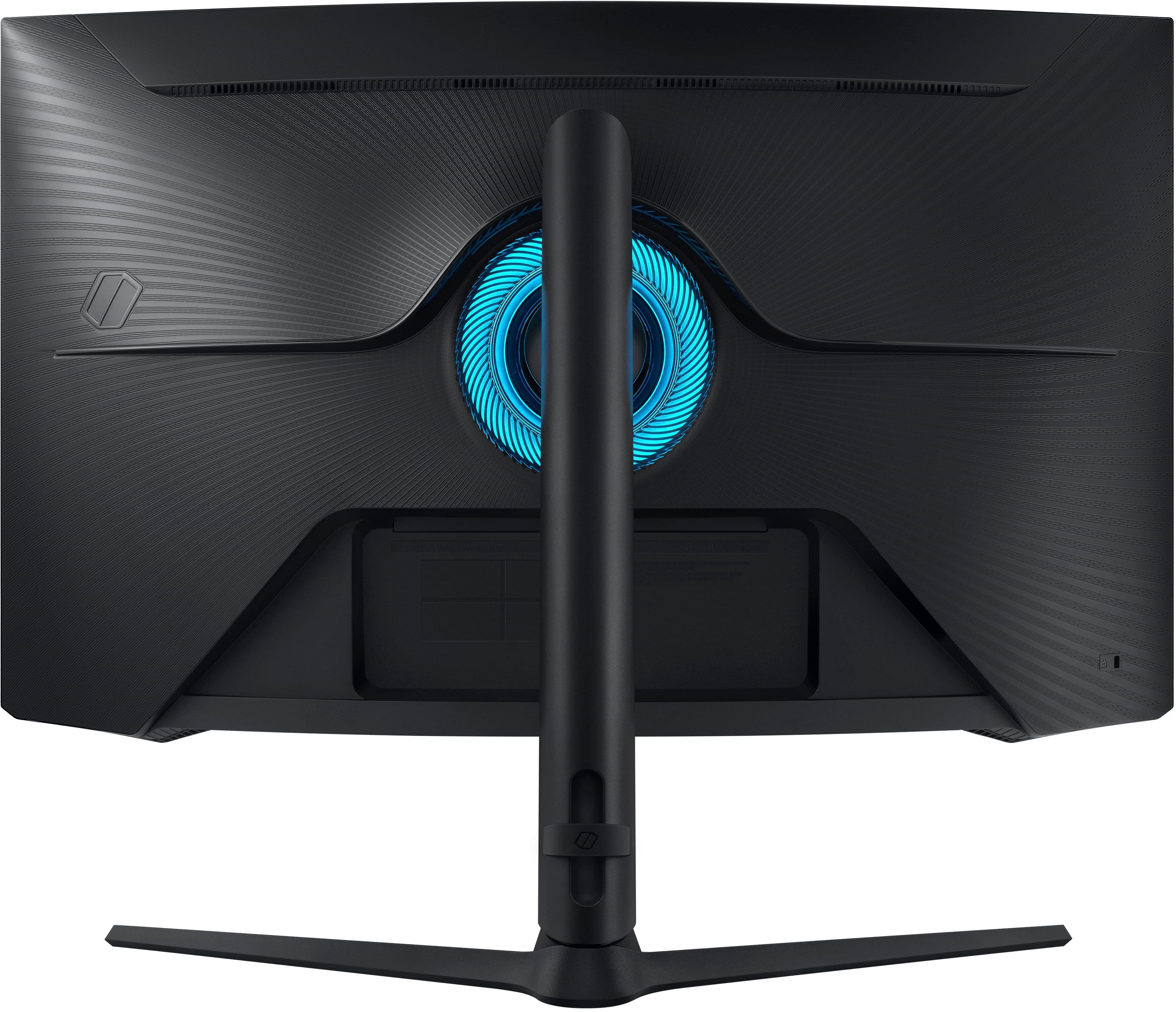
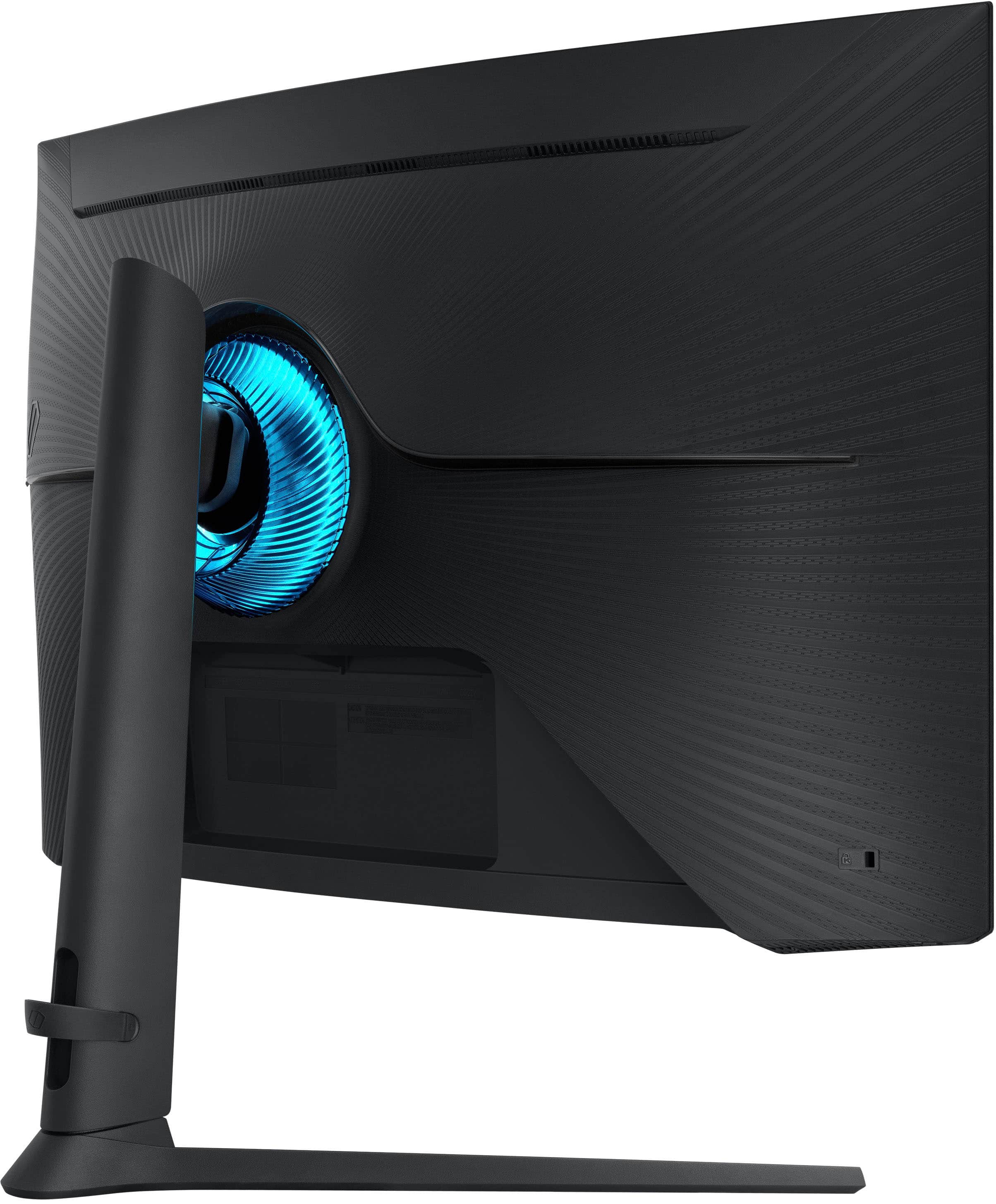
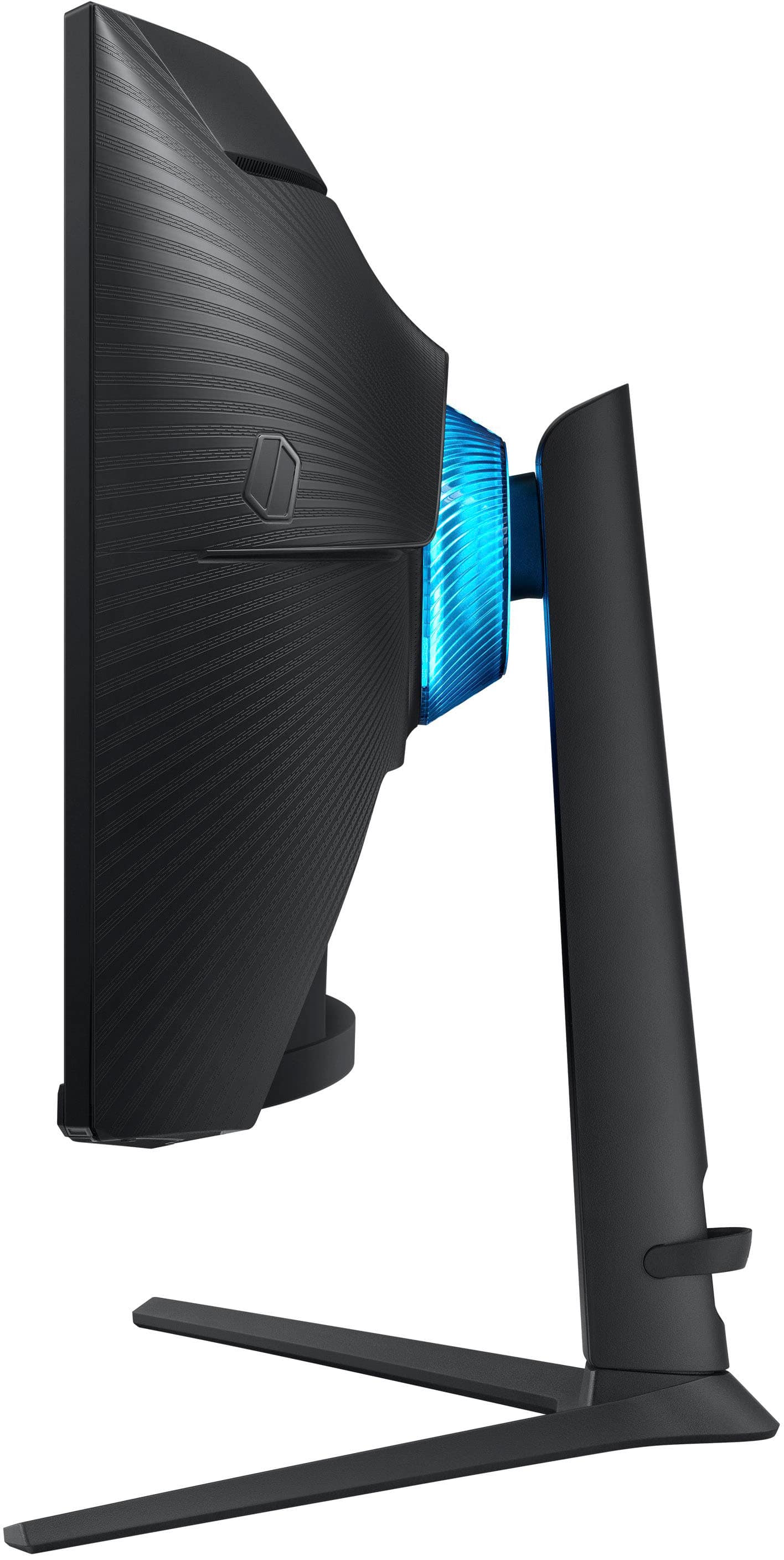
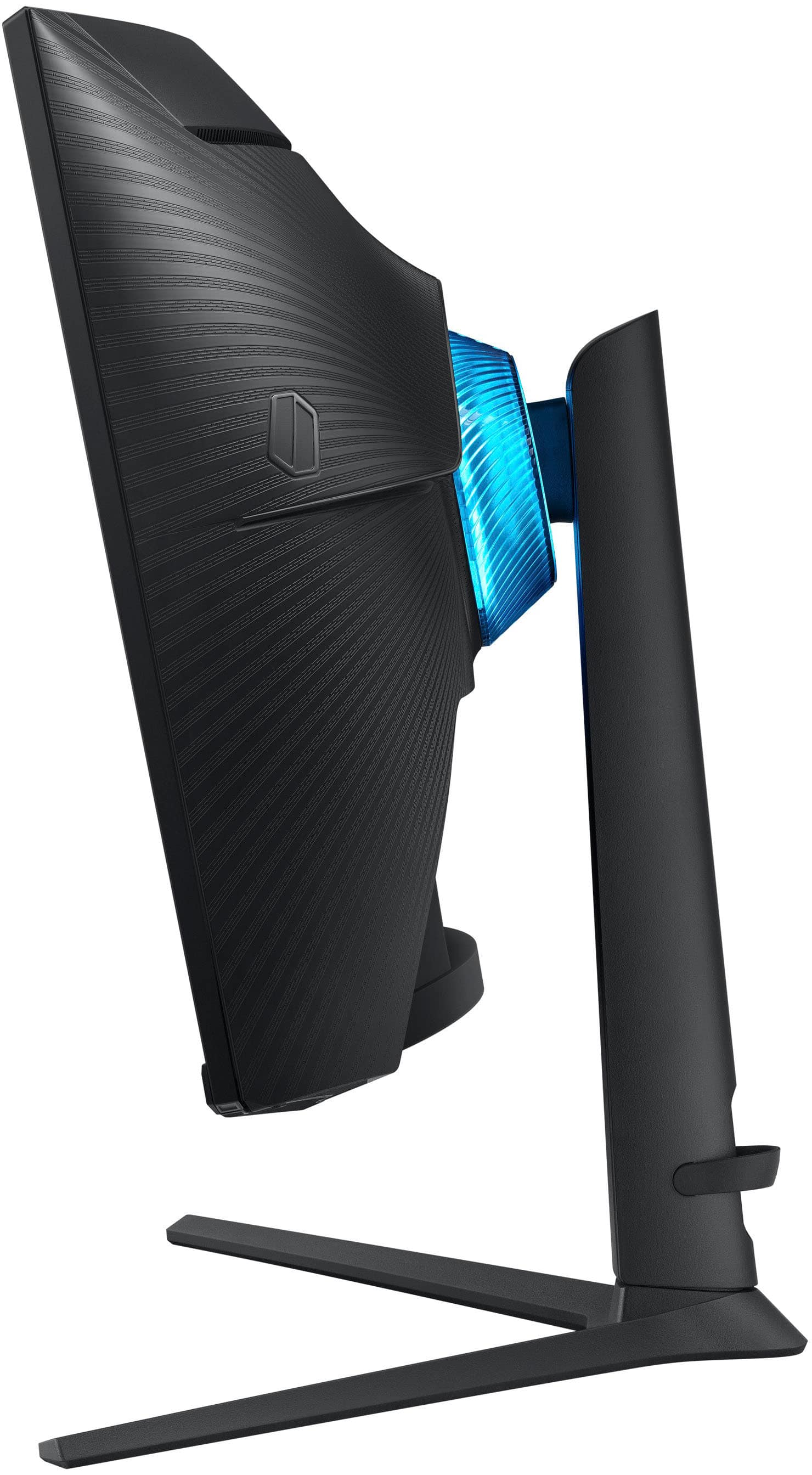
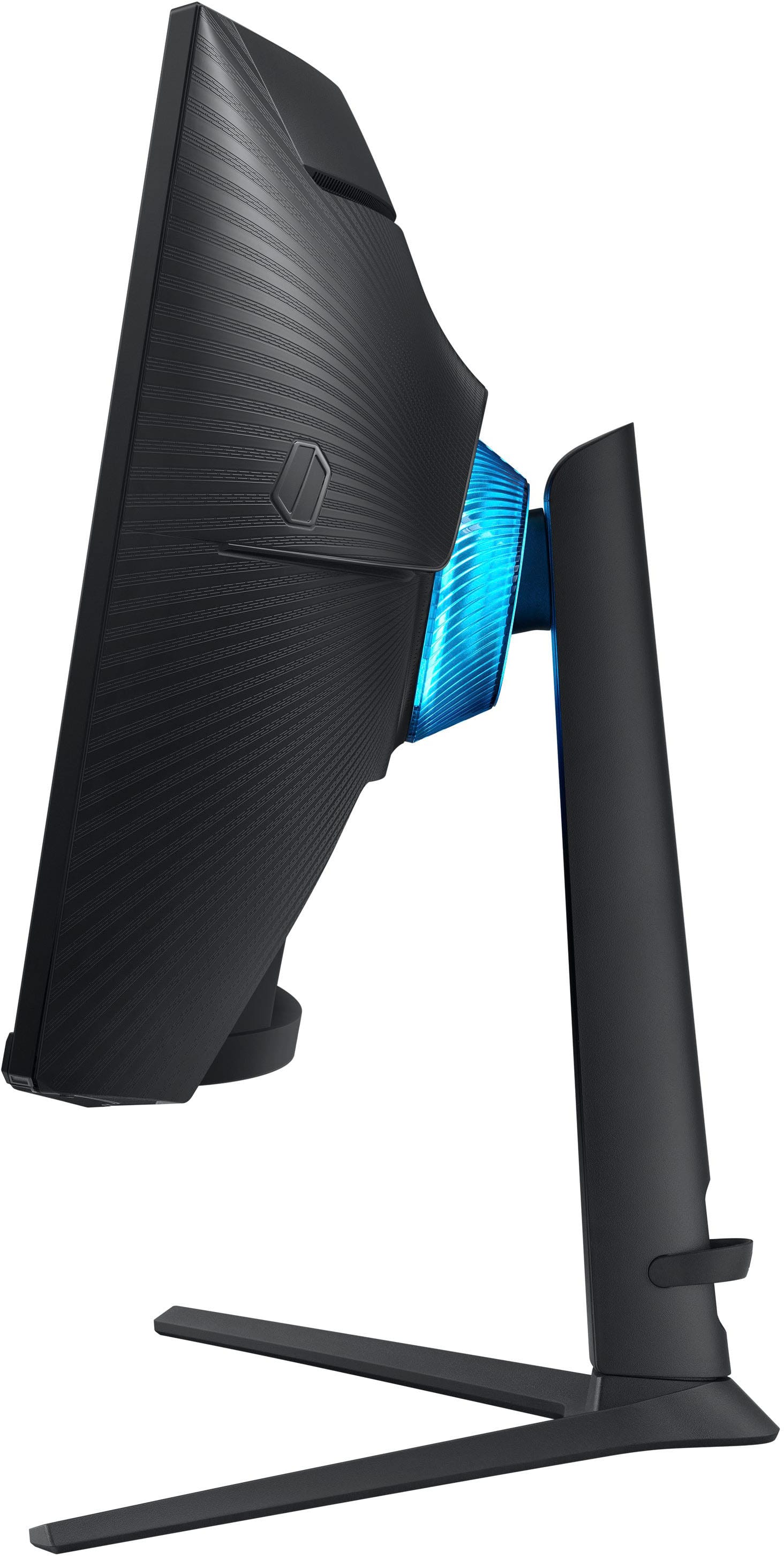
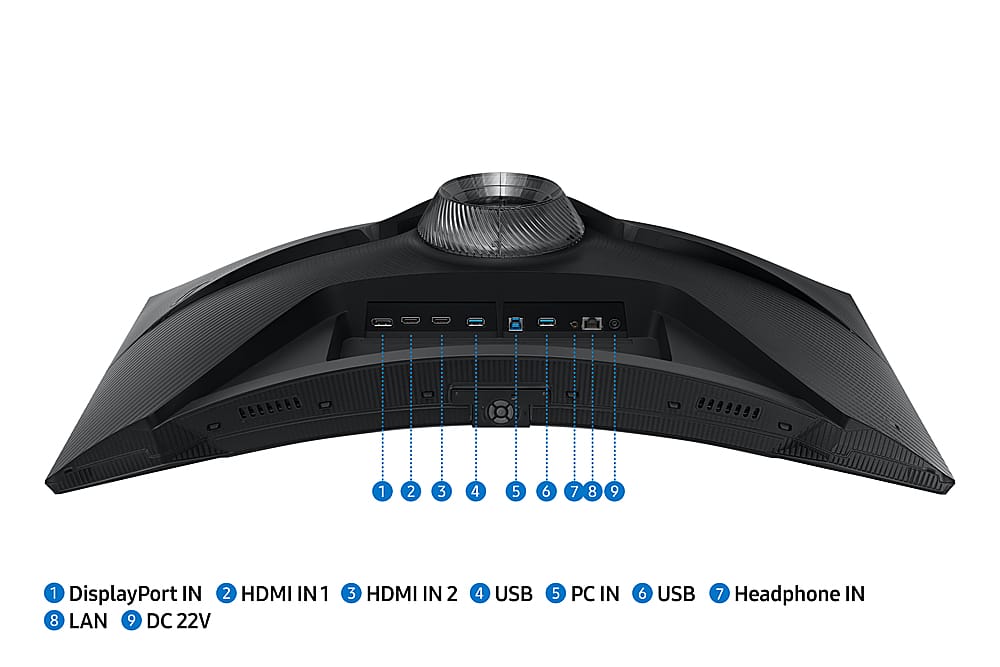
|Posted .This reviewer received promo considerations or sweepstakes entry for writing a review.Samsung has packed this monitor with tons of smart display features, plenty of inputs, a versatile stand that allows 90 degrees of rotation, and, most importantly, a high quality panel which combines the deep blacks and high contrast VA panels are known for with excellent refresh rates. The gentle curve of the screen takes a bit of getting used to, especially for productivity tasks, but after adjusting I find it’s great to use for everything from high frame rate gaming to 4 hour work sessions. I’ve been using this for about an 80/20 mix of home office work and gaming and it has excelled at both. The display is sharp, contrast is superb (not as good as OLED but outstanding for LCD), color rendition reasonably accurate, and the 1440p resolution keeps things clean and easy to read, even for legacy Windows apps which don’t always scale well on 4K or other high density displays. In games, the fast response time, high refresh rate, and support for variable refresh rates make for a very smooth experience. I’ve tried high FPS shooters like Halo Infinite and slower paced games like Uncharted and all of them have rendered superbly without tearing or ghosting. HDR worked reasonably well for games which supported it. VA panels don’t usually switch as fast as some other technologies, but Samsung has done a great job overcoming this. The coating on the display also does a good job controlling reflections, providing the full benefit of those nice deep blacks. I have windows behind me when using my PC and the reflections are very manageable. The monitor is also a very capable smart display, with built-in apps for YouTube, Netflix, Hulu, Disney+ and others, along with excellent wireless screen mirroring and superb Samsung DEX support. There’s even a built-in option to stream Xbox cloud games and directly connect a gamepad. The remote is easy to use and the built-in apps work fine with snappy responses, but I’ve found I prefer to just play content from the connected computer. Connectivity is extensive, with 2 HDMI ports, DisplayPort, headphone audio out, and an actual Ethernet jack. USB ports are provided both for connecting devices like keyboards and gamepads, and for connecting to a PC to act as a USB hub. In my experience, the main negative of this display is that it exhibits some flicker at lower refresh rates. Setting the rate to 120Hz completely resolves the flicker and provides a smoother experience, but not all devices are capable of these high rates in all modes. Depending on view angle, the very bottom of the display (say the bottom 10% of the task bar) also sometimes isn’t as evenly backlit as the rest. The other minor negative is the external power brick, but that’s really just a one time issue during setup. Overall this display combines incredible versatility and app support with a very solid display panel. If you want/need these features, it’s a great option. If all you want is a high quality panel with support for fast refresh rates and VRR, this will fit the bill but the extra features may be overkill. Either way, you should be pleased with the visuals. Pros: - Excellent sharp VA panel combines deep blacks and fast 1ms response time - Super for gaming, very good for productivity if you don’t mind the curve - Excellent stand enables easy adjustment and rotation - Plenty of inputs and support for high end HDMI features like VRR - Broad support for apps and screen mirroring - Works as a USB hub - Good remote and responsive UI Cons: - Some flicker at lower refresh rates - Backlight very even except very bottom 1-2% of screen depending on view angle - Smart display features might be overkill for some
I would recommend this to a friendOdyssey g6
||Posted . Owned for 3 weeks when reviewed.This reviewer received promo considerations or sweepstakes entry for writing a review.Everything about my experience buying it online was amazing
I would recommend this to a friendLeveled up my gaming experience
||Posted . Owned for 1 month when reviewed.This reviewer received promo considerations or sweepstakes entry for writing a review.I love this monitor! Would definitely recommend buying!
I would recommend this to a friendAmazing Picture + Great Extra Features
|Posted .This reviewer received promo considerations or sweepstakes entry for writing a review.Before I get into the meat of the review, one thing as a bit of a level-set here. First, I work in IT in the corporate world and have for over 15 years - so combined with gaming and PC building being a hobby of mine, I spend over 10 hours a day using screens of various types, sizes and shapes. While I'm not a graphic designer or artist that uses color accurate displays, I definitely know my way around a screen and what makes a good one. And this, my friends, this is a good one. First off, what you buy a screen for - the picture. Samsung gets this part spot on - a quality panel with great brightness, a high refresh rate and good viewing angles as well as deep, rich colors makes this a beauty to view. The "QHD" (2560x1440) resolution is the sweet spot in my mind for computer monitors in the 27-28" class - 1080p starts to look a bit grainy since you sit closer to a monitor than you would a TV, but 4K doesn't have as many benefits at this size since then the pixels get super small and most people would turn up the "scale" anyhow meaning you lose the benefits you're paying for. I'm rather ambivalent on the curve here - I think curve tends to help more on the ultra and super-ultra wide screens than more normal aspect ratios, but it doesn't hurt. There's also HDR, "Game" modes with adaptive refresh rates (FreeSync here, not GSync...officially, though I was able to get it to work "unofficially") and a ton of settings so you can tweak to your hearts content. The stand is sturdy and features a LOT of adjustability and you can VESA (wall or arm) mount the screen if you want, though note the weight as this isn't a light monitor. Connectivity is good with 2x HDMI and 1x full-sized DisplayPort. The monitor can also act as a hub if you connect the included USB cable from your computer to the monitor, splitting it into ethernet and 2 more USB-A ports. This is nice if you use a laptop, you can just plug in USB-A and HDMI and off you go. That said, in this day and age, it would have been nice to see a USB-C connector there instead so you could get power, display and data all over one cable to your laptop instead of needing three cables for those three types of signals, but it's not bad. The monitor actually does double duty as a TV as well with an included remote, built-in speakers and Samsung's smart TV software so you can stream from many internet video sources - Hulu, Netflix, Prime, and so on - right through the monitor without anything extra (it has built in Wi-Fi - and you can also connect external wired or Bluetooth speakers if you wish, though the built-in speakers don't sound bad - they're better than my laptop). This works really well and I can definitely see using this to watch videos/movies in my office. You can also do a split screen / picture in picture with the Samsung TV Plus or two inputs (it doesn't seem that you can do Hulu in a split screen with the built-in app...but I suppose if you have Hulu and you're using a computer attached, you could just create your own PiP with a small window). Technically, you can also use this monitor for light office work without even having a computer - it has a built-in web browser and you can browse to online document editing services like Microsoft 365 and Google Docs - but it's not the snappiest thing in the world. It's fine for making a super quick edit or (better) viewing a PowerPoint, but I wouldn't want to work on it for any sustained length of time. But hey - how many monitors can let you work without even HAVING a PC attached? (You do need some sort of keyboard / mouse attached via USB for that functionality). There are also LED lights at the bottom of the monitor - they aren't bright (more like accent lighting) but I like them and there are lots of options to configure them - and they default to "off" if you don't want them. All in all, this is an amazing monitor with great build quality, great features and a whole lot of flexibility and usability. It's not cheap, but in this case, you get what you pay for. Definitely recommended if you're in the market for a high-end 27" QHD.
I would recommend this to a friendWorked for six months then completely died
||Posted . Owned for 5 months when reviewed.This reviewer received promo considerations or sweepstakes entry for writing a review.I bought this monitor to be used as a secondary to my other 27" odyssey G7, so it was only used for general use and minimal media consumption. It worked great until six months later the screen went black, it flickered and tried to reconnect to my PC just to disconnect again a few seconds later. Tried a different power cord and display cables to no avail, so I returned it.
No, I would not recommend this to a friendOpen box return policy
||Posted . Owned for 1 week when reviewed.This reviewer received promo considerations or sweepstakes entry for writing a review.I bought this item as an open box before purchasing I spoke with Best buy they said I it has the same warranty as if you bought a new. Had an issue with the display port spoke with two separate agents both stated the same I would have to go to the store return the item and they would ship me a new. When I get to the store they said all they can do is refund me the money since this is an open box and they do not have another open box. Call Best buy again New agent said the same thing open box has the same warranty as a new. I advised her that is not true only way to have a warranty on an open box is if the store has the same item as an open box they will not replace it with a new.
No, I would not recommend this to a friendBrand response from Samsung
Posted .Thank you for your review.
We are sorry you were not satisfied with your experience. Your overall feedback is important to us and we will document your concerns.
We also recommend you contact Best Buy directly for assistance in correcting the situation.
If you ever need assistance with the monitor itself, please contact Samsung Customer Support and a rep will be happy to assist you:
1-800-SAMSUNG, available 8AM - 12AM EST (Mon-Fri) / 9AM - 11PM EST (Sat-Sun)
Samsung is committed to providing the best possible product experience, quality, and value, and we are always here to help with any of your questions or concerns.