Customer Ratings & Reviews
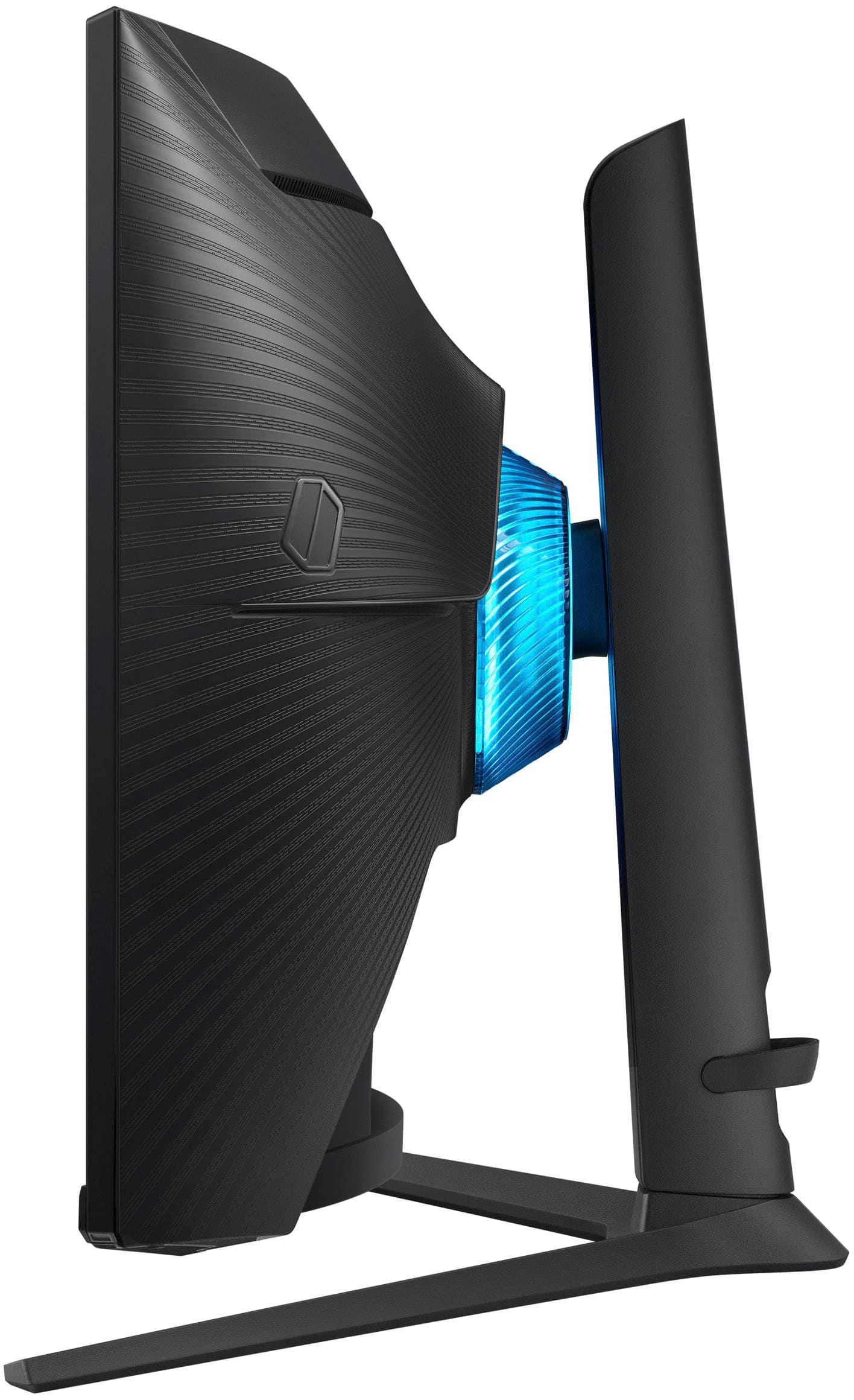
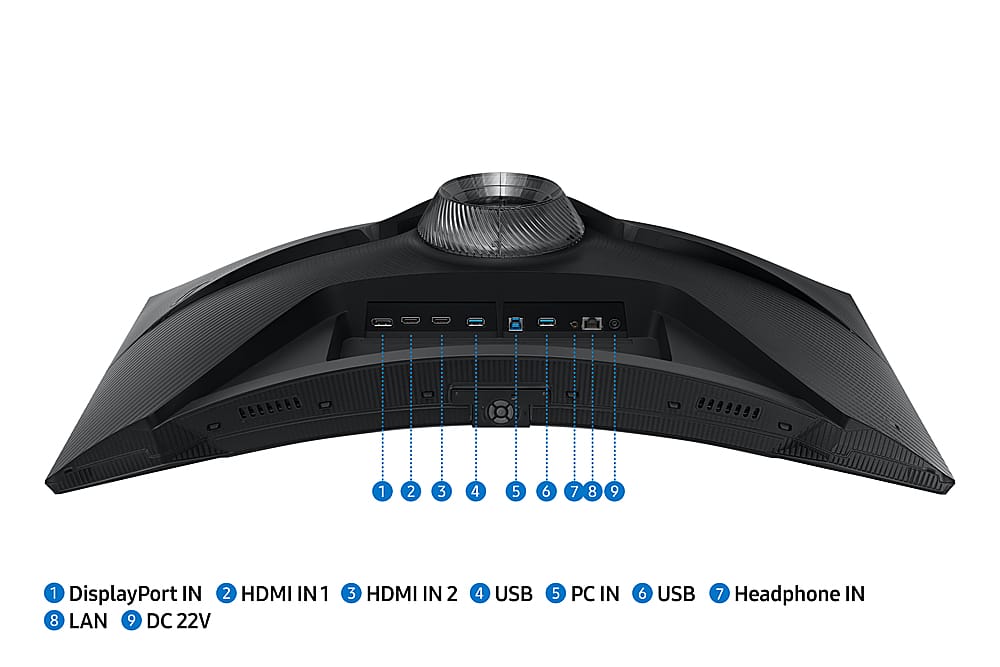

- Model:
- LS27BG652ENXGO
- SKU:
- 10735926
Rating by feature
- Display Quality
Rating 4.8 out of 5 stars
- Ease of Use
Rating 4.4 out of 5 stars
- Features
Rating 4.7 out of 5 stars
to a friend
Dead pixels
||Posted . Owned for less than 1 week when reviewed.This reviewer received promo considerations or sweepstakes entry for writing a review.came with a dead pixel kinda bummed because its pretty expensive for a gaming moniter
No, I would not recommend this to a friendBrand response from Samsung
Posted .We are very sorry for the issues you have encountered with your 27" Odyssey G6 QHD.
Please contact Samsung Customer Support so that we can better understand your issue and assist with a solution.
You can reach us via any of the below options:
If you need further assistance, we are here to help. You can reach Samsung Support at 1-800-SAMSUNG, available 8AM - 12AM EST (Mon-Fri) / 9AM - 11PM EST (Sat-Sun).
Or visit our Samsung website and click on the SUPPORT link in the upper right corner for:
· Contact Us Options (LiveChat, Remote Support, Facebook, Twitter)
· Product Support
· Manuals and Downloads
· Warranty Info
· Product Registration: Registering your product gives you access to easy warranty support, convenient opt-in to special promos and offers, faster troubleshooting and service, and quick notification of system updates
· Samsung Community: A great resource for getting help from Samsung moderators and customers
· …and more
Registering your product gives you access to easy warranty support, convenient opt-in to special promos and offers, faster troubleshooting and service, and quick notification of system updates.
Samsung stands behind the quality and performance of every product we manufacture, and we back this model with a 1-year manufacturer's limited warranty, if purchased brand-new directly from an authorized seller.
Again, we are very sorry for the inconveniences you have had and hope that we will hear from you soon.
W rizz
||Posted . Owned for 3 weeks when reviewed.This reviewer received promo considerations or sweepstakes entry for writing a review.Literally, crazy, monitor has usb hub built in, speakers built in
I would recommend this to a friendUpgraded G7
||Posted . Owned for 2 weeks when reviewed.This reviewer received promo considerations or sweepstakes entry for writing a review.Never owned the original G7, but this monitor seems to have all its features with just more stuff. Arrived with no dead pixels, and have not those scan lines people mention. However the one review is right with the connection not always displaying, very weird but easy to deal with it. Worth it for sale price
I would recommend this to a friendBest monitor of the year
||Posted . Owned for 2 weeks when reviewed.This reviewer received promo considerations or sweepstakes entry for writing a review.There is no flaw at all. The quality is awesome. Have TV option too. Can’t say no for this
I would recommend this to a friendReally nice
||Posted . Owned for 3 weeks when reviewed.This reviewer received promo considerations or sweepstakes entry for writing a review.I would say that the monitor looks and feels super nice and is easy to set up. My only complaint is that I have a line of pixels that bug out and go from the bottom of the screen to the top. When I am playing competitive games, that has become a problem. Good product if no issues on hardware.
No, I would not recommend this to a friendQuality?
||Posted . Owned for less than 1 week when reviewed.This reviewer received promo considerations or sweepstakes entry for writing a review.45 days of use and pixels were traveling from top to bottom
No, I would not recommend this to a friendDO NOT BUY
||Posted . Owned for 1 month when reviewed.This reviewer received promo considerations or sweepstakes entry for writing a review.Do not buy this "monitor". It has the terrible Tizen OS, and every time I start my computer from sleep, there are 2 separate popups from the game bar that cover my taskbar for about 10 seconds. If I could return this piece of garbage, I would.
No, I would not recommend this to a friend
Most versatile montitor I have ever used!
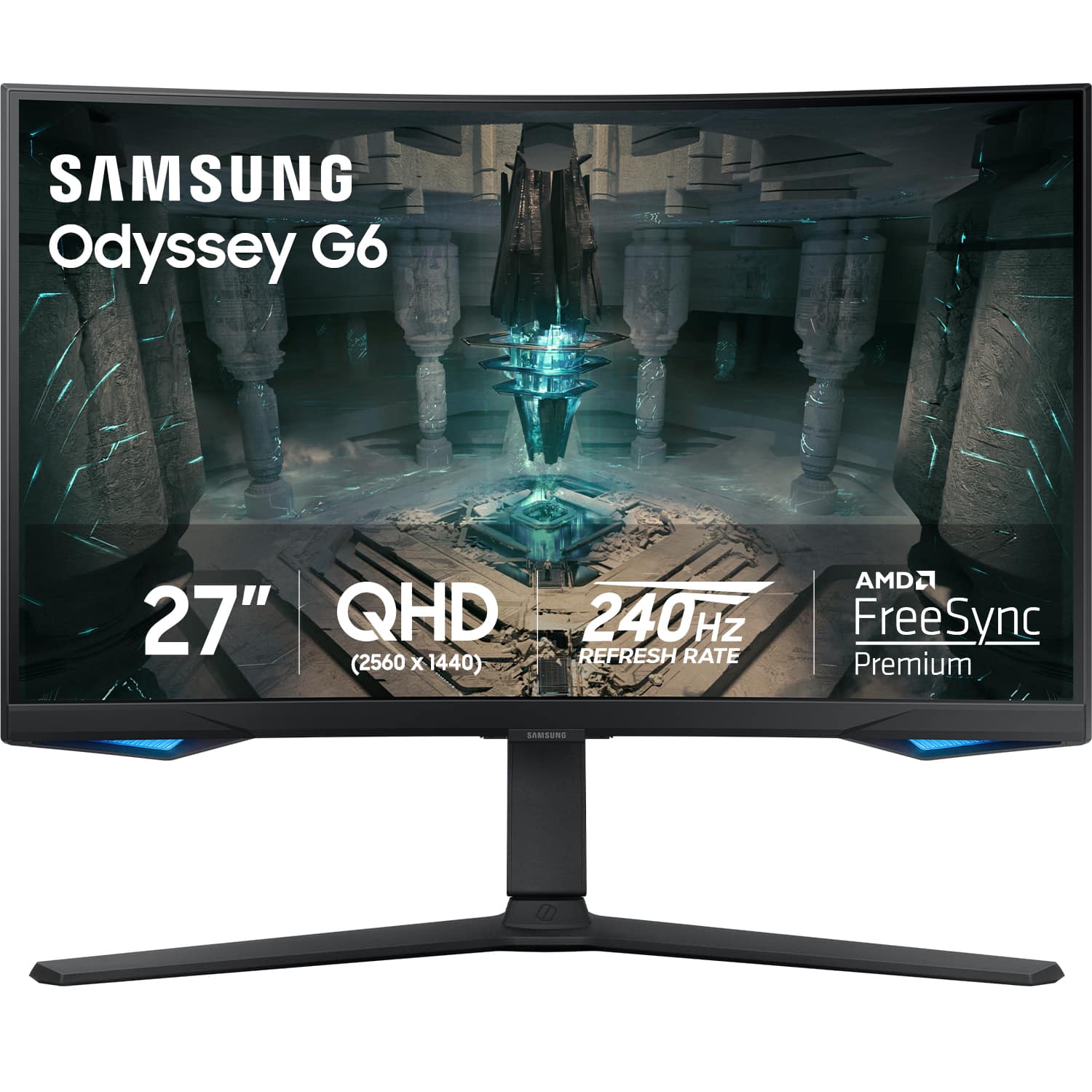
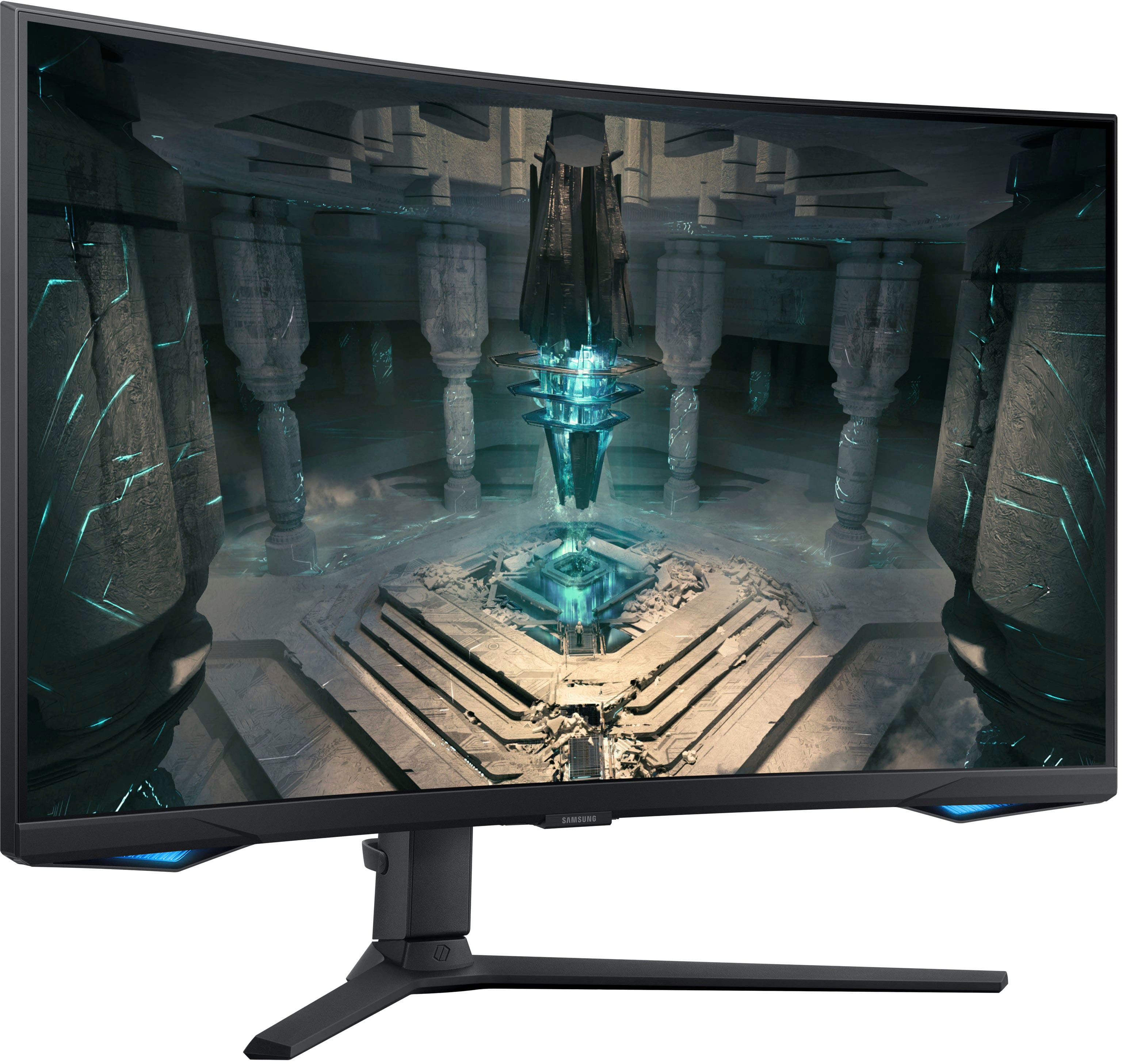
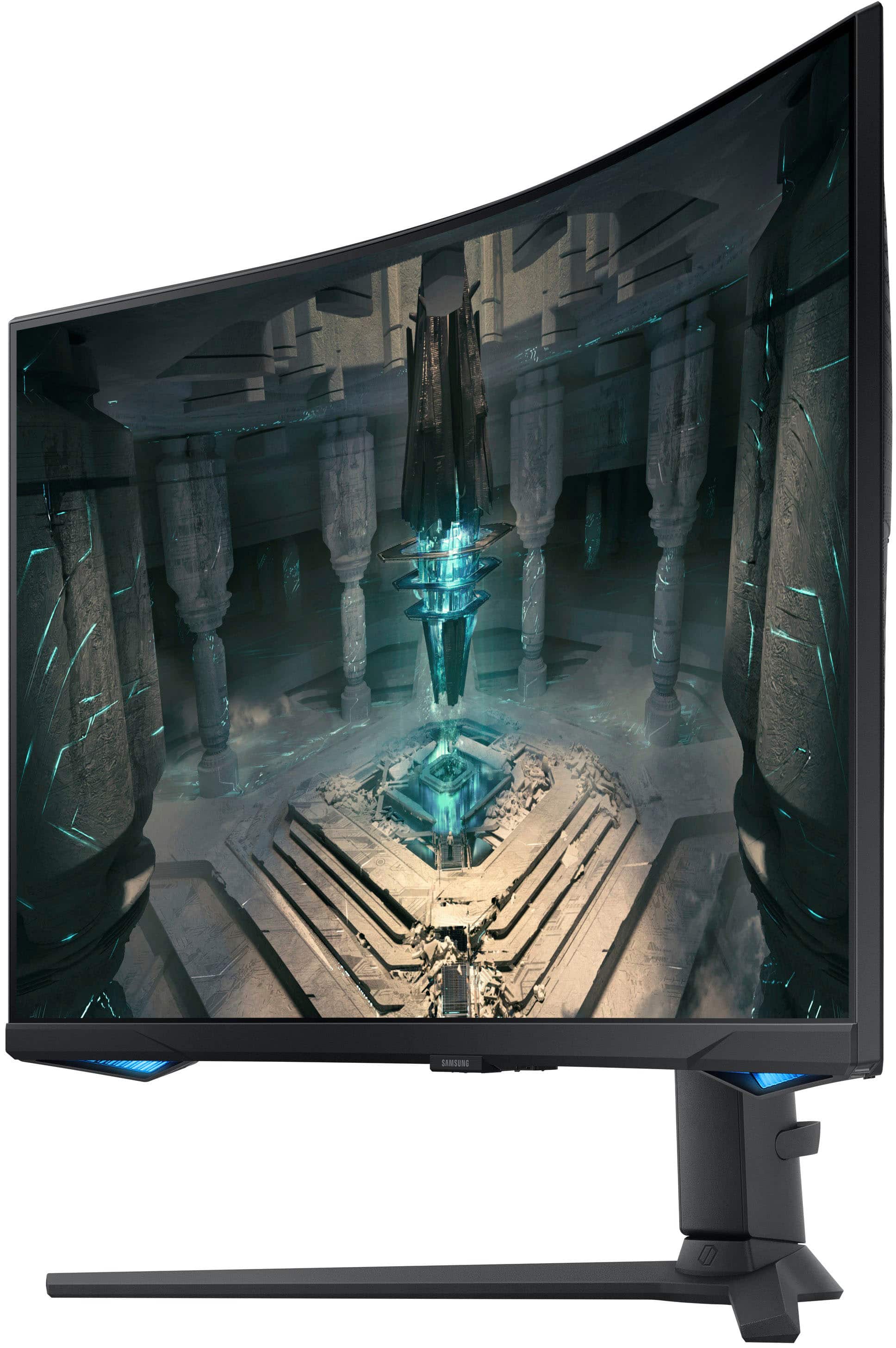
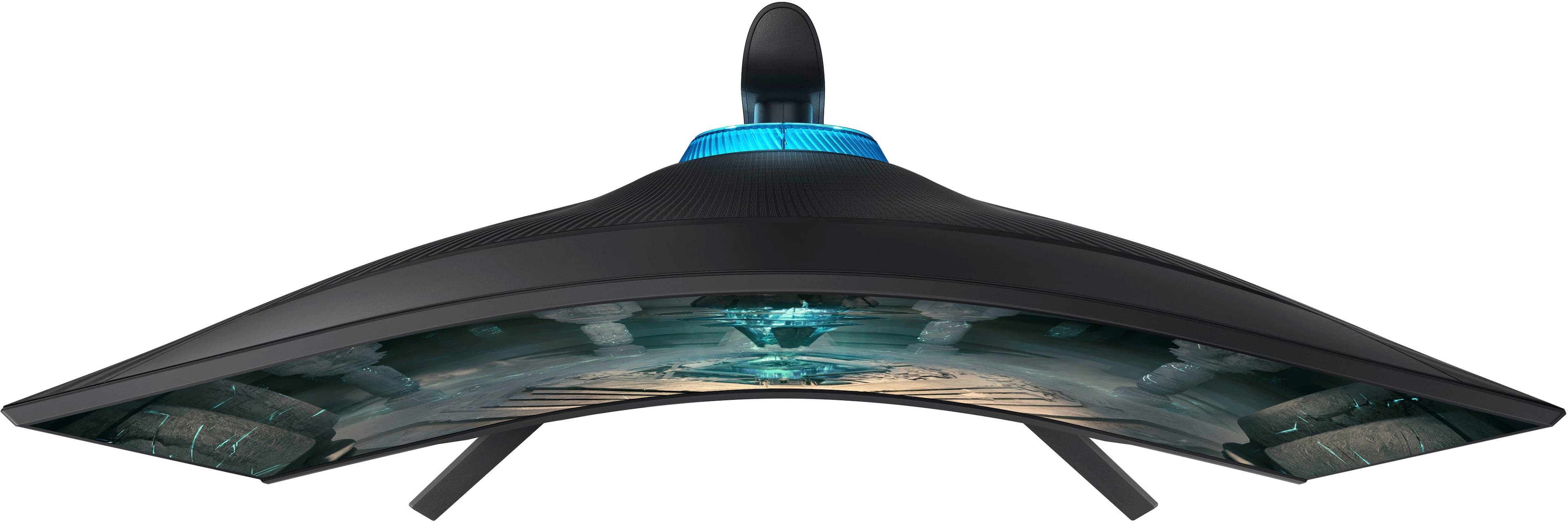
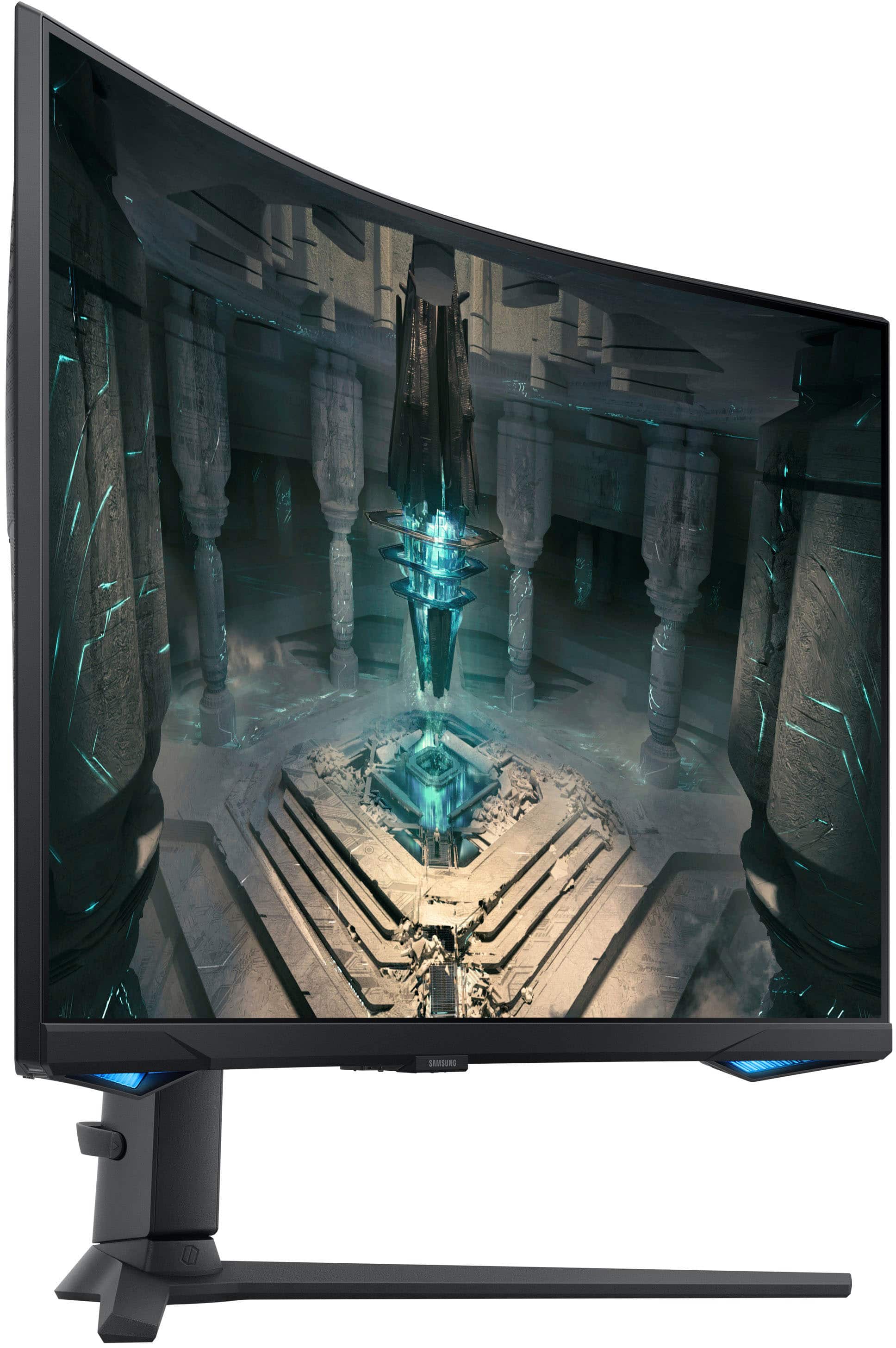
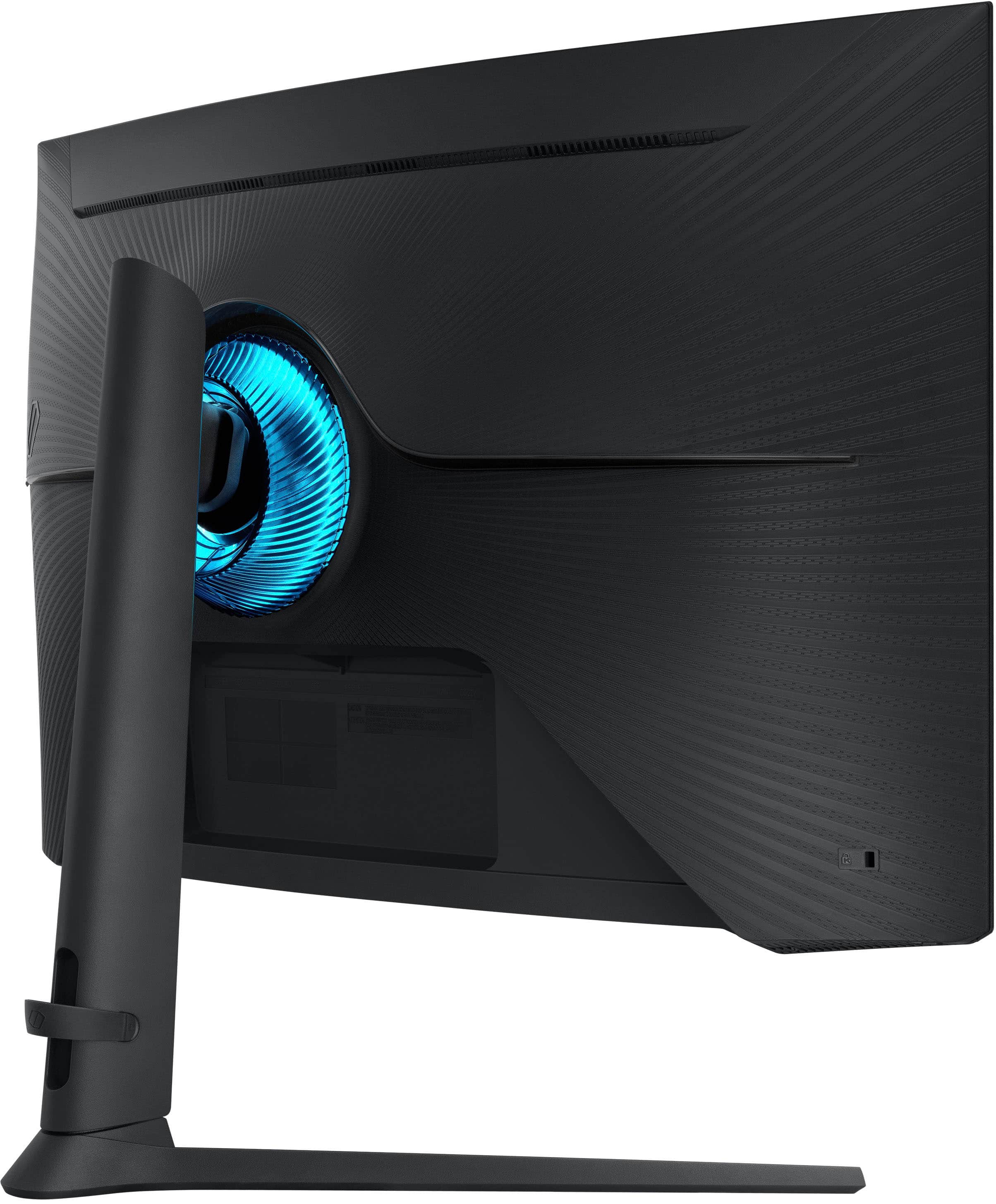
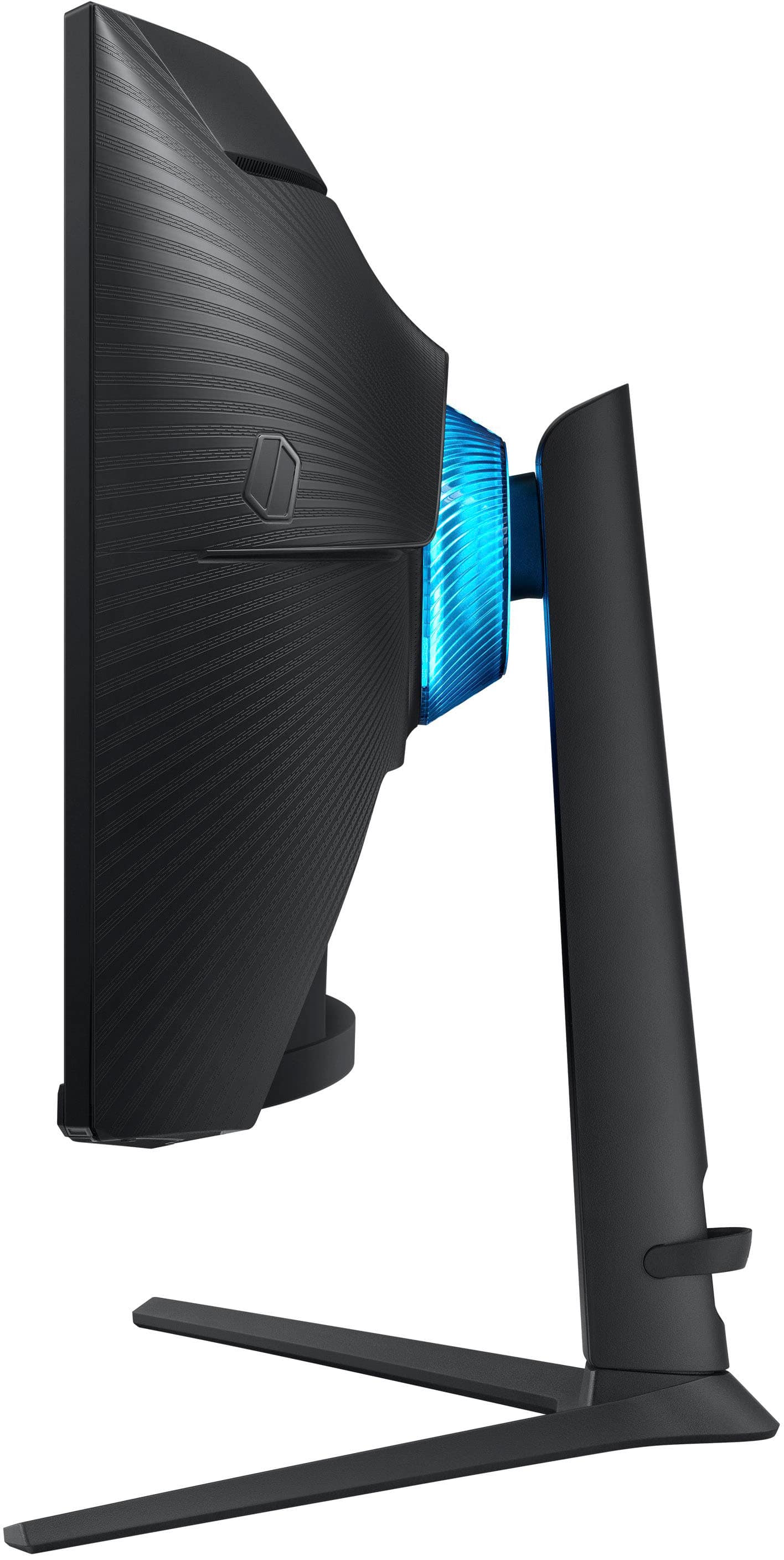
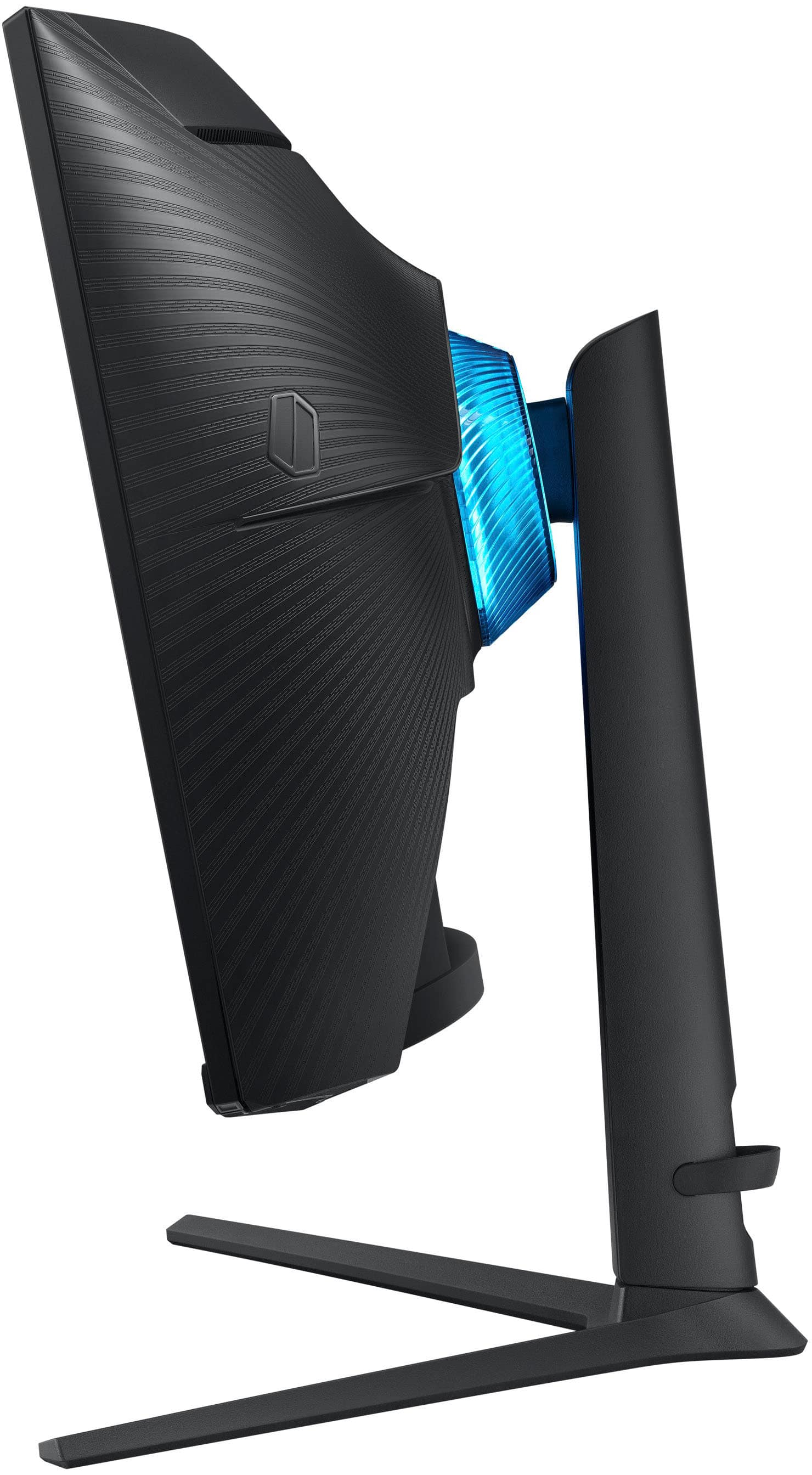
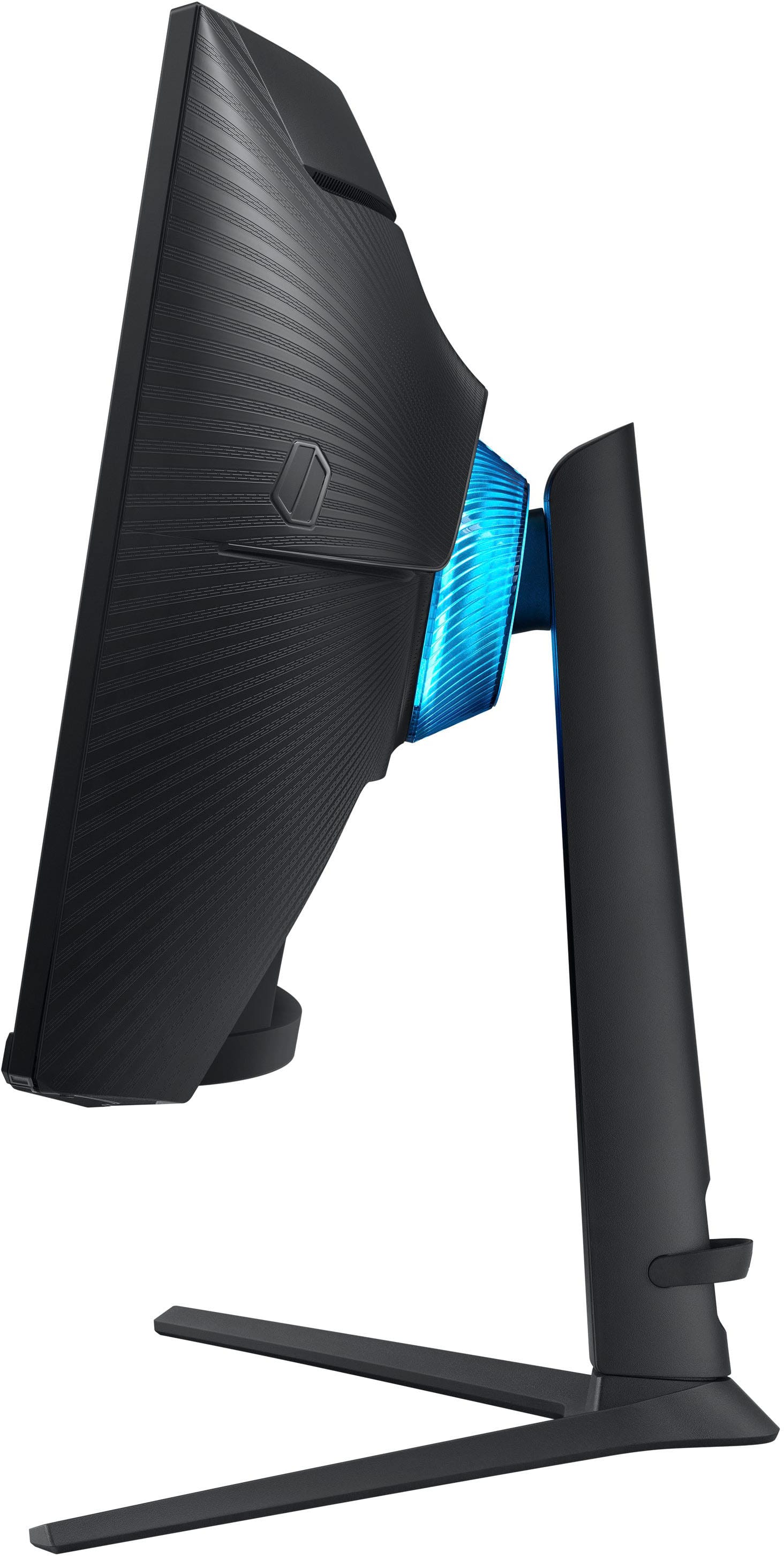
|Posted .This reviewer received promo considerations or sweepstakes entry for writing a review.The Samsung Odyssey G6 27” Curved QHD FreeSync Smart Monitor - Black is a beauty to behold. The sleek Elegance of the curved screen and the thick sturdy form gives confidence in the design principles while being functional at the same time. The curved screen idea really works and I can see that having two identical screens it would be very nice. At the moment I have one curved 27-inch and one flat 27-inch and even one curved screen really helps. It just seems like with two flat screens I am never able to get them at just the right angle. Moving on to the functional characteristics of theb Samsung Odyssey G6 27” monitor I will start off by saying this monitor has a really impressive built in menu. The Samsung smart monitor experience is unlike anything I have ever seen before. During set up you have the option of using the included remote or your smartphone. I chose to use the included remote and it works very well and is quite easy to use with a simple but effective layout. The Samsung smart menu is very thorough and covers everything from Gaming mode to movie mode. It is very detailed and has options that I never though would be included. I am very impressed with Samsungs comprehensive software and I believe they put a lot of effort into the Smart monitor software on the Odyssey G6 27”. Moving on to gaming with the Samsung Odyssey G6 27” smart monitor. I was very surprised and impressed with this monitors gaming capability. The Samsung Odyssey G6 is so smooth and games look very good on the 2560x1440 display along with the high refresh rate of 240Hz really makes a difference. It is hard to explain and I do not know that anyone would be able to understand the difference in performance unless they experienced it in person. I have never owned a monitor with a refresh rate higher than 60Hz so I did not know what to expect. I just knew right away that something was very different regarding gameplay than any other monitor I have used. It is a next level experience that I believe is a combination of the curved screen the high refresh rate and the 2k pixel density. I believe that the 2560x1440 is the ideal pixel density for a 27” gaming monitor. So much so at least for my preferences that I am not sure I would like a larger screen with the same pixel density. I like sharp and defined images especially when gaming. This monitor really brought gaming to a new level for me and I love the curved screen. If you are looking for a good gaming monitor that can also be a TV and serve as a normal computer monitor I do not think you will find a better option than the Samsung Odyssey G6 27” curved QHD Freesync Smart Monitor. This monitor does it all and more!
I would recommend this to a friendBoth monitor and T.V awesome quality
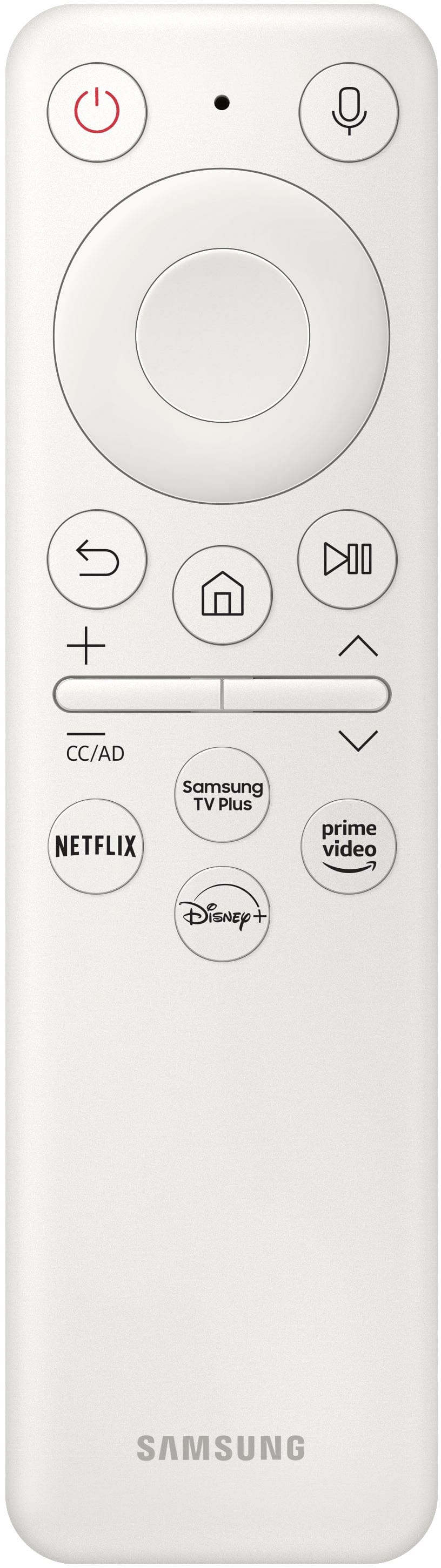
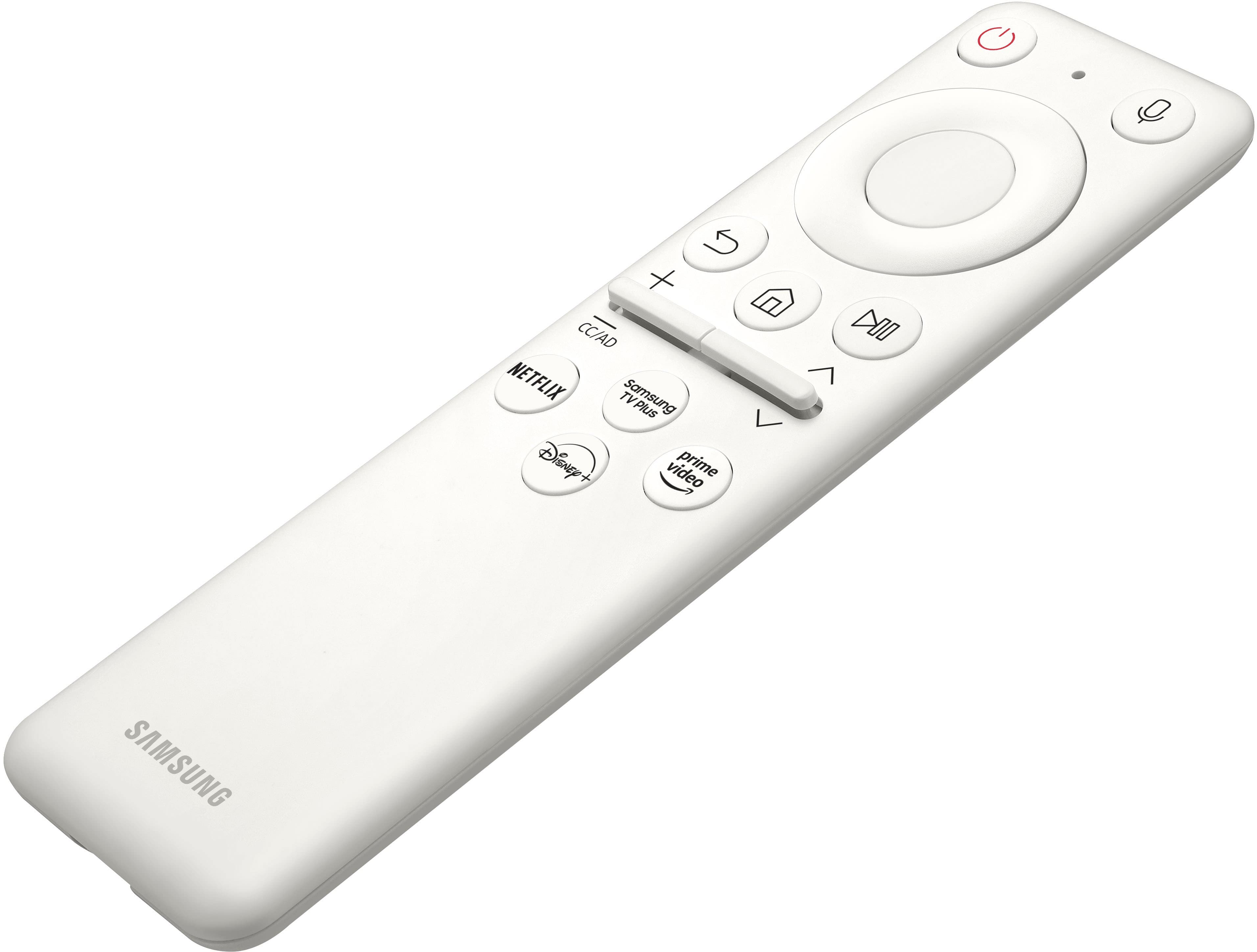
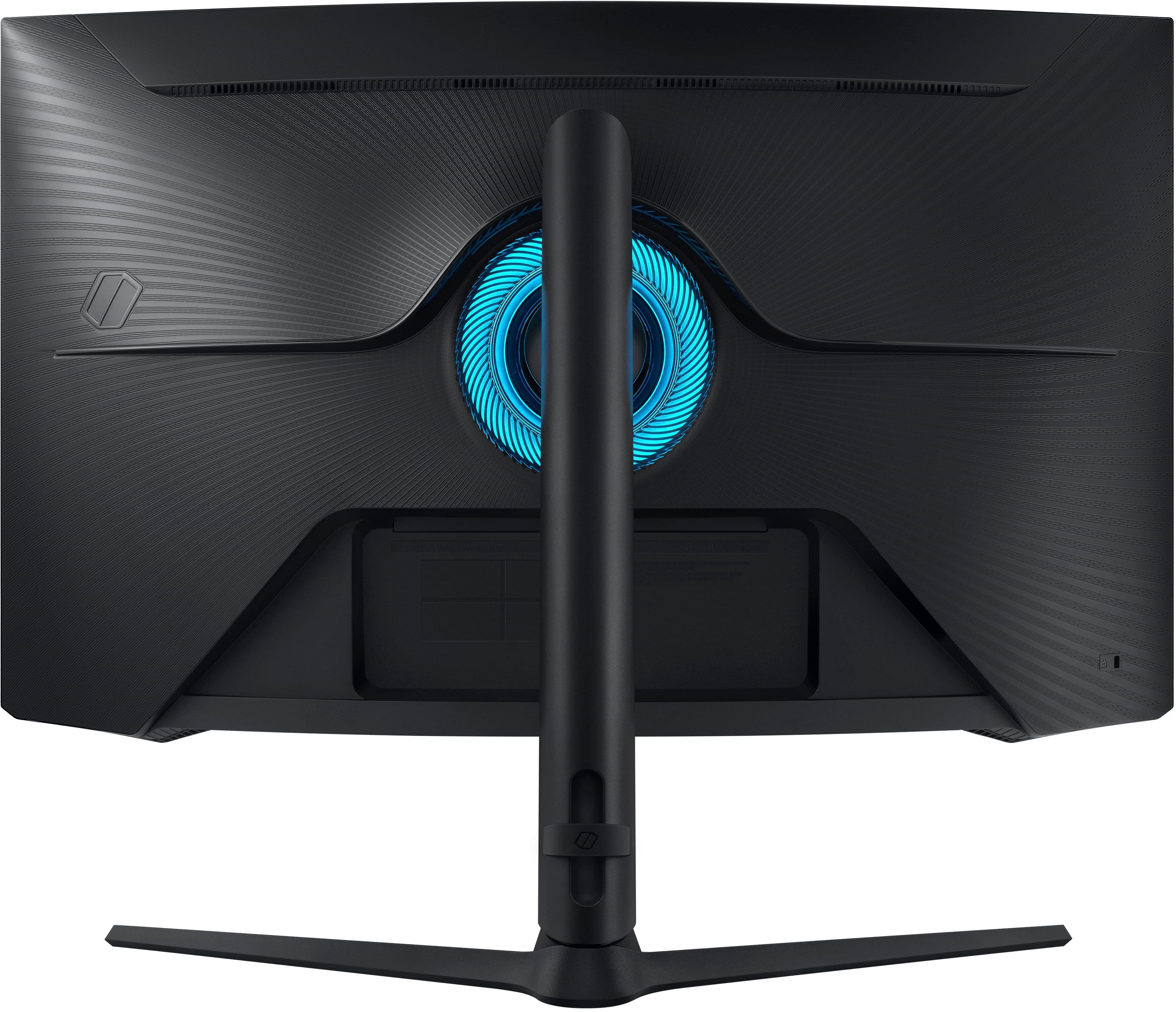
|Posted .This reviewer received promo considerations or sweepstakes entry for writing a review.So if you want a high end monitor/T.V look no further. This is such a nice monitor/T.V I'll defiantly use as both. The picture quality is by far the best I have seen in a monitor in a long time. Setup was super easy and pretty self explanatory. If you like led's there are two spots on each side of the monitor that they come on and in the back and the best part is they are not a set color. You have guessing like 20 different shades to pick from and they are not over bright or not under bright just perfect. I had an issue at first and it was user error with the remote control. I kept shutting the monitor off while setting it up. Yes it comes with a remote control for when you are using it as a T.V and you can use it for the volume for the T.V or in games as a pc monitor. Yes it has built in speakers and I was actually amazed on how good they sounded. They don't have a ton of base but it's build in speakers so I did not expect much base but they are crisp and sound very good. Some of the very nice features are the 240 hz refresh rate 1ms response time it does G-sync and Freesync support and I don't think I have seen to many monitors that do both. Normally it one or the other so having both is a very nice feature. Also being its a qled the colors are so vivid and pop out at you. The 2,560 x 1,440 resolution is also very nice if you are trying to game at a higher resolution they do make the 32" Odyssey Neo G7 4K UHD 165Hz 1ms Quantum HDR2000 Curved Gaming Monitor. But I'm very happy with the 32 inch of real estate and the picture quality that this has. For the price in my book you cant go wrong because of the fact you can use it as a computer monitor or a T.V and it comes with pre downloaded apps like Disney plus apple T.V Netflix and if you dont see the app you want you can download it. All in all super nice and you cant go wrong.
I would recommend this to a friendGet the picture?
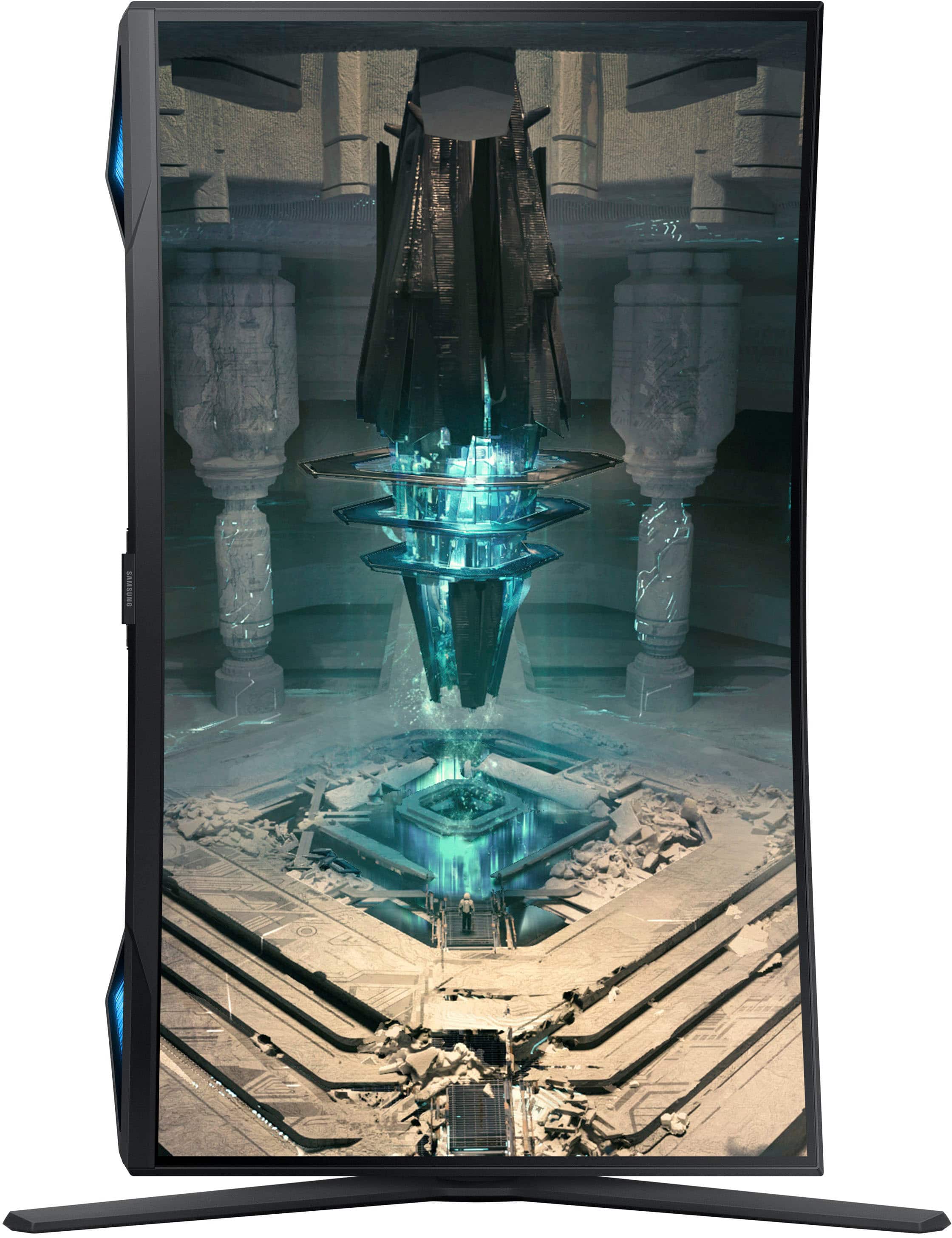
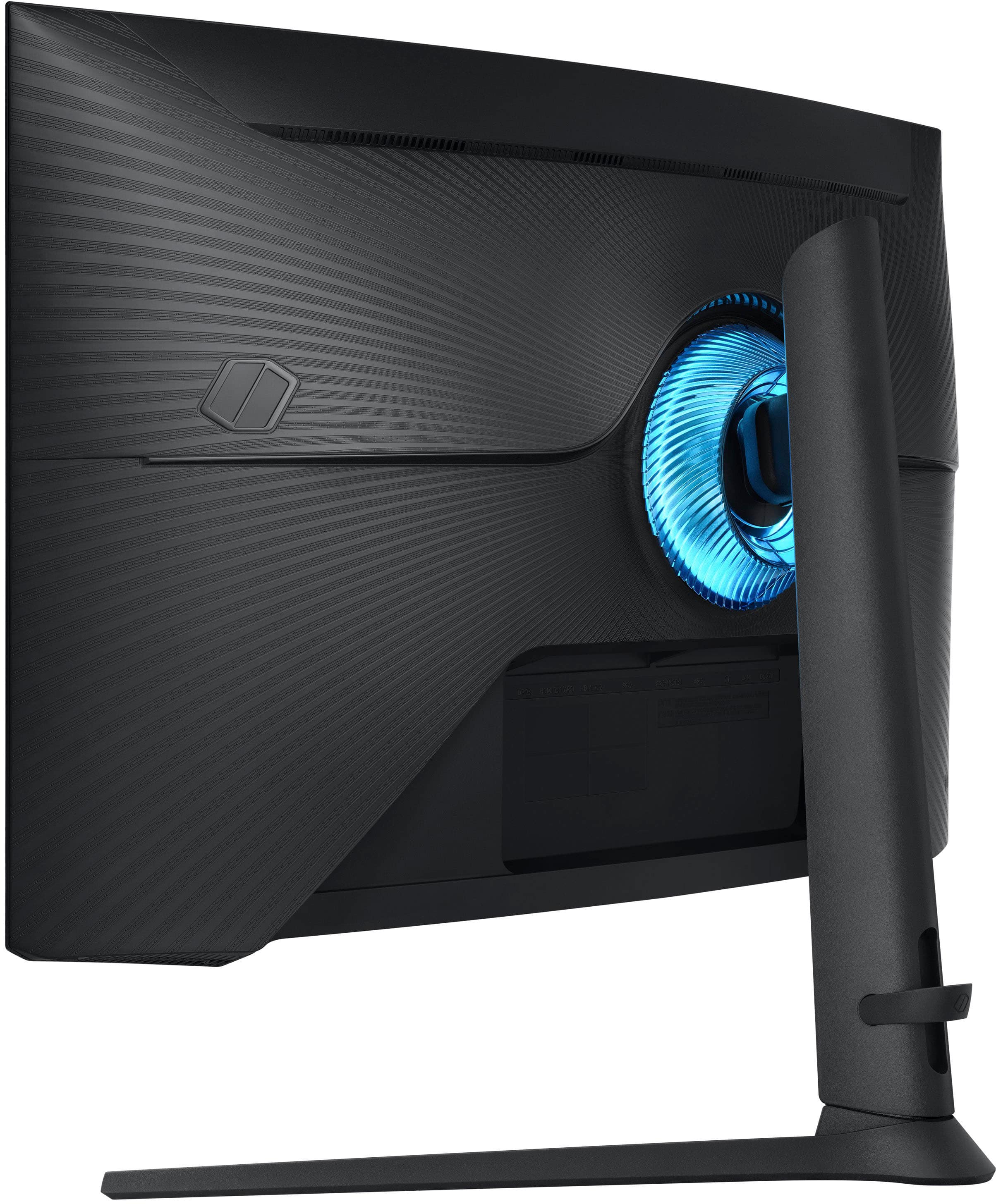
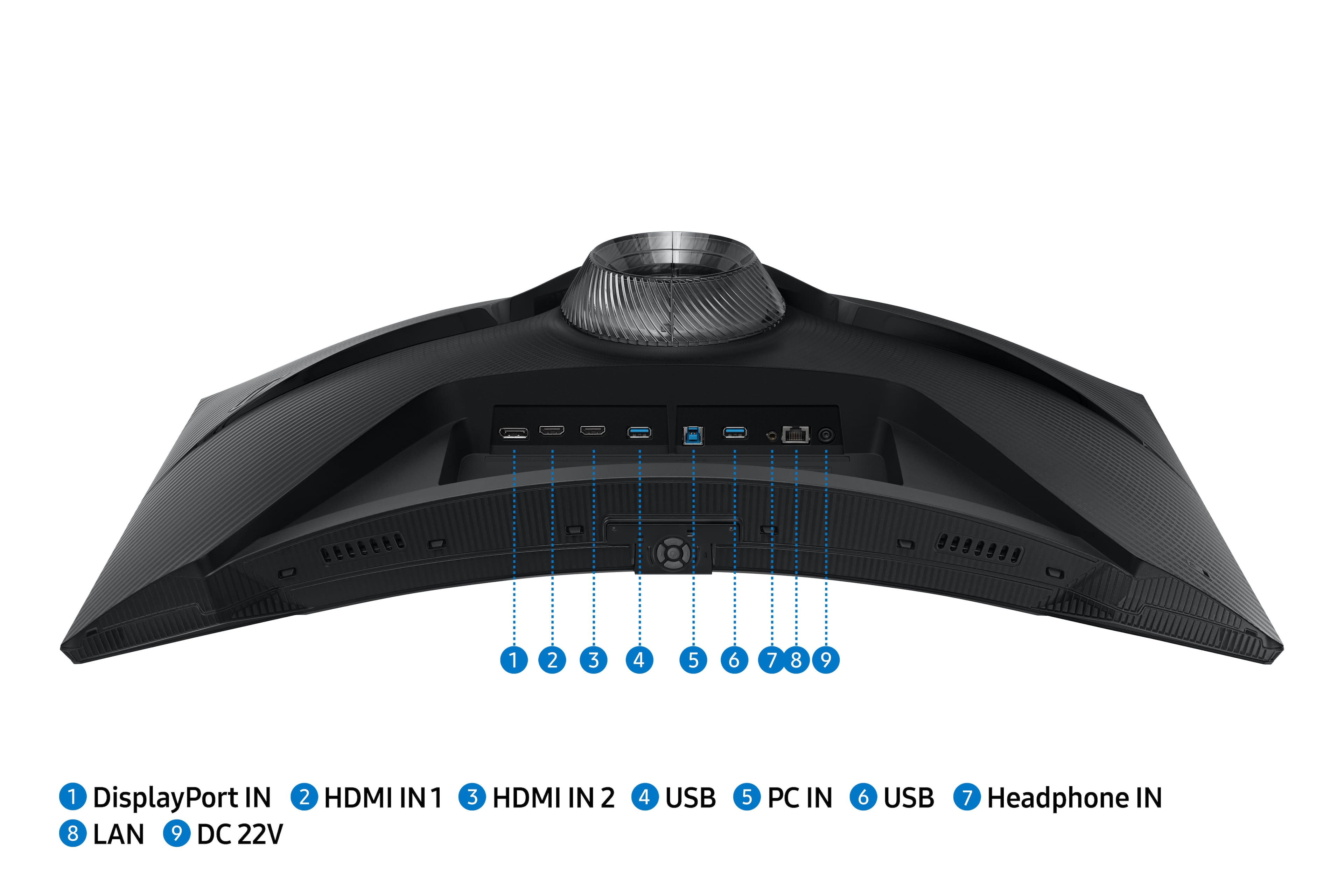
|Posted .This reviewer received promo considerations or sweepstakes entry for writing a review.Unboxing the monitor was a mix of positives and negatives. On the plus side, the monitor was shipped face down, which meant that assembly was very easy; the box doubled as a safe place to keep the monitor while work was being done. I didn't have to find a flat spot, something to protect the screen, or anything else, while I was putting it together. All the parts and pieces were individually wrapped, and they were all labeled, which was nice, as well as having a QR code. I'm not sure what that was for, but I'm assuming it was possibly for assembly, warranty, or something else. The sticker came off of the wrapping easily, so I didn't have to tear it and potentially ruin important information, had I needed to reference the part name or QR code. On the minus side, the instructions for assembly were extremely small and made no reference to any of the individual pieces. Luckily, assembly was intuitive, and I only ended up with 1 leftover piece. The labels on the individually wrapped pieces are also very small. Finally, the monitor came with a DP cable. For those who are familiar with, or expecting, an HDMI cable, like I was, it created an extra step as I felt I needed to look up DP versus HDMI to determine if I was using what came with the monitor, or if I needed to rummage through my cable bin for a spare. Setup was easy, but time consuming. I elected to put the monitor where it was going to be before attaching cables. While there is a cutout for cables to keep them from protruding from the back of the monitor, the black plastic embossed labels were very hard to read when trying to find the correct ports. A redesign to better make the ports, and labels, easier to access and read is probably a good idea. I also appreciated the fact that there is a built-in rubber band to help with cable management, but a better setup would have been to route the cables through the upright portion of the pedestal to fully hid them. Once everything was connected, I easily put the screen into position through its almost-infinite range of motion. Height, side-to-side, and tilt adjustment are very smooth and easy, but I wonder about what happens when the friction brakes wear out and no longer keep the screen where it is. Finally, because this is basically a smart TV, once it's turned on initially, updates are required. Be prepared, as this took quite a bit of time. It reminded me of the old Windows screens that kept a countdown of time remaining, in some cases approaching hours or months. It wasn't that long of course, but it was quite reminiscent. After all updates were made that required WiFi, the remainder of the setup was very straightforward. The included remote control was very helpful, but the volume control wasn't intuitive. It took me a couple of repetitions of muting and unmuting the volume before I realized the button was also a rocker. After using the monitor, I'm quite impressed. I primarily use it for work as a 3rd screen. The over size shows all the information I could ever want. SharePoint sites are in full, and scrolling is kept to a minimum. While in desktop mode however, pictures are very grainy. This could be because most photos and images aren't optimized for a screen of this resolution and size, but it is something to consider. I do like the auto-off feature, which means that when I shut down my main laptop, I don't have to manually turn off the monitor. The built-in streaming video services are handy, too. A quick switch of inputs, and I can do work on another couple of screens while something else plays on the TV. My only complaint is attempting to maximize the eye strain/energy-saving features. If I put optimization on 'high', the screen acts like an old CRT where it becomes false-colored, pixelated, and completely unusable. I had to reset everything to factory to get it back to where I could see things again. Overall, this is a pretty good buy. The footprint isn't that bad for a screen that size, setup was relatively easy, and the performance is what I expected. Depending on what you're looking for in a dual-option monitor, you could do a lot worse.
I would recommend this to a friendThe ultimate QHD gaming experience and streamer!
|Posted .This reviewer received promo considerations or sweepstakes entry for writing a review.This Samsung G6 gaming monitor has it all, and everything is well executed, without compromise. The monitor starts as a basic 27" curved display - The curve on Samsung's gaming and consumer monitors is more pronounced than their competitors I've noticed, and much more pronounced than it is on their larger TVs as well. This monitor has it all - In case you're wondering what its capable of - - Smart TV/Screen features: This thing has an included remote and COULD function independent of a PC or console as just a Smart TV with apps using Samsung's "TV Plus" smart TV interface. It even has Samsung's "Gaming Hub" that offers XBOX Game Pass Ultimate streaming and Nvidia GeForce NOW as well as Amazon's Luna gaming service. Those things alone make this a streaming console in an all-in-one form factor, even with nothing connected! The connection experience is great. This thing supports 2x HDMI ports and 1x DisplayPort for lots of connectivity options to PCs, docking stations and consoles. I was able to simultaneously connect my XBox, Switch, and DisplayPort-based gaming PC to this screen and it worked flawlessly with all of them. The real star shines with the PC gaming experience - With up to 240Hz refresh rate using FreeSync technology, this thing is not only sharp (QHD/2K resolution is plenty for a 27" screen) but it also makes games look amazing with no tearing or motion blur. This doesn't do it virtually and create a soap-opera effect, it just makes games and consoles that support higher refresh rates look hyper-realistic without the strange effect of virtual alternatives. The other impressive thing about this screen is it's nearly perfect backlighting - No light leak or irregularity, something that I think comes with its HDR600 rating and REALLY dark black point. Colors are quite vivid, but it seems that contrast takes a hit, but what's really happening is that gray point is raised in this configuration but its less useful than higher-ratings of HDR from OLED TVs and the like. This is still great for streaming and gaming where artistically many creators are leveraging darker scenes. This is a table stakes requirement for today's darker media. This is a gaming monitor, but I loved that it was still professional enough looking and matte-black finished to look good on an office desk, but it has some really cool colored lighting and subsequent RGB effects that emanate from the speakers at the bottom and the bezel surrounding the monitor stand (this bezel also emanates light when using the VESA mount adapter for wall-mounted setups where I'm sure the effect is even more interesting. This is a GREAT gaming monitor and a really useful media device also. I highly recommend it as a utilitarian addition to anyone's rig.
I would recommend this to a friendQuality control is terrible
||Posted . Owned for less than 1 week when reviewed.This reviewer received promo considerations or sweepstakes entry for writing a review.Was very much look forward to this, first one came with dead pixels, and a lines of colored pixels running up the screen every 60 seconds or so. Second one came and same thing. No quality control with this. Getting a good one is like winning the lottery.
No, I would not recommend this to a friendBrand response from Samsung
Posted .We are very sorry for the issues you have encountered with your 27" Odyssey G6 QHD.
Please contact Samsung Customer Support so that we can better understand your issue and assist with a solution.
You can reach us via any of the below options:
If you need further assistance, we are here to help. You can reach Samsung Support at 1-800-SAMSUNG, available 8AM - 12AM EST (Mon-Fri) / 9AM - 11PM EST (Sat-Sun).
Or visit our Samsung website and click on the SUPPORT link in the upper right corner for:
· Contact Us Options (LiveChat, Remote Support, Facebook, Twitter)
· Product Support
· Manuals and Downloads
· Warranty Info
· Product Registration: Registering your product gives you access to easy warranty support, convenient opt-in to special promos and offers, faster troubleshooting and service, and quick notification of system updates
· Samsung Community: A great resource for getting help from Samsung moderators and customers
· …and more
Registering your product gives you access to easy warranty support, convenient opt-in to special promos and offers, faster troubleshooting and service, and quick notification of system updates.
Samsung stands behind the quality and performance of every product we manufacture, and we back this model with a 1-year manufacturer's limited warranty, if purchased brand-new directly from an authorized seller.
Again, we are very sorry for the inconveniences you have had and hope that we will hear from you soon.
Samsung G6
Posted .This reviewer received promo considerations or sweepstakes entry for writing a review.Good screen. I love that it works as a tv also. A+
I would recommend this to a friendBest monitor of all time
Posted .This reviewer received promo considerations or sweepstakes entry for writing a review.Survive shotgun slug round to the screen. Must buy for average beta male gamer!!!
I would recommend this to a friendGreat Monitor
Posted .This reviewer received promo considerations or sweepstakes entry for writing a review.bought it on sale, much better than my msi 1080p va screen. great detail, color looked good out of the box, really good blacks. it does have that glitch where it wont come out of sleep mode and you have to restart the computer sometimes, so make sure to save your work before walking away. great gaming monitor.
I would recommend this to a friendDead Pixels. Exchanged for same monitor 3 times.
Posted .This reviewer received promo considerations or sweepstakes entry for writing a review.This monitor would be a great monitor if it did not struggle with dead pixels. I have returned this monitor 3 times for a new one, and each time it has had dead pixels. (All within the same weekend) Samsung needs to recall this monitor! There is no reason for this to be happening on 3 different monitors. I am returning and switching monitors.
No, I would not recommend this to a friend