Customer Ratings & Reviews
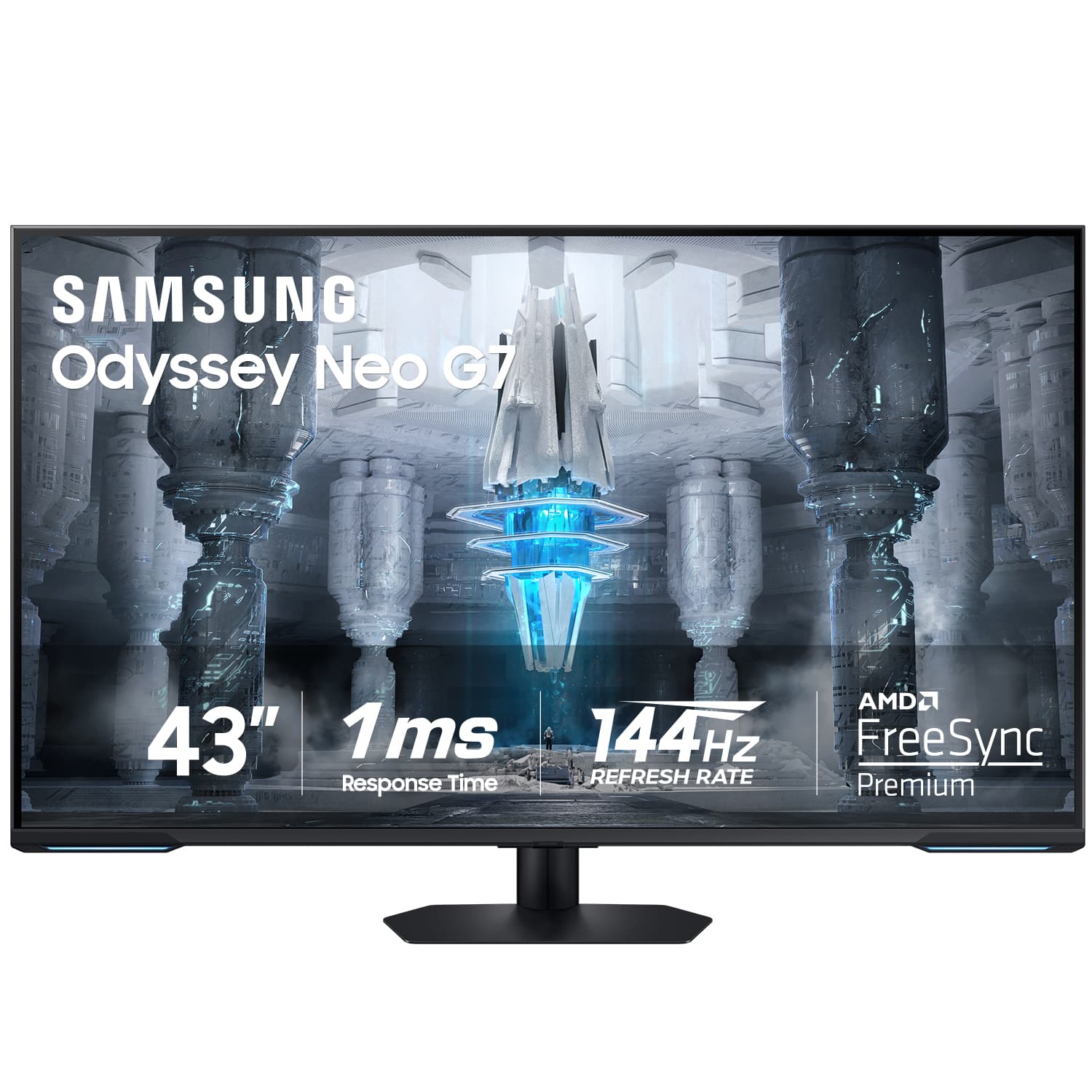

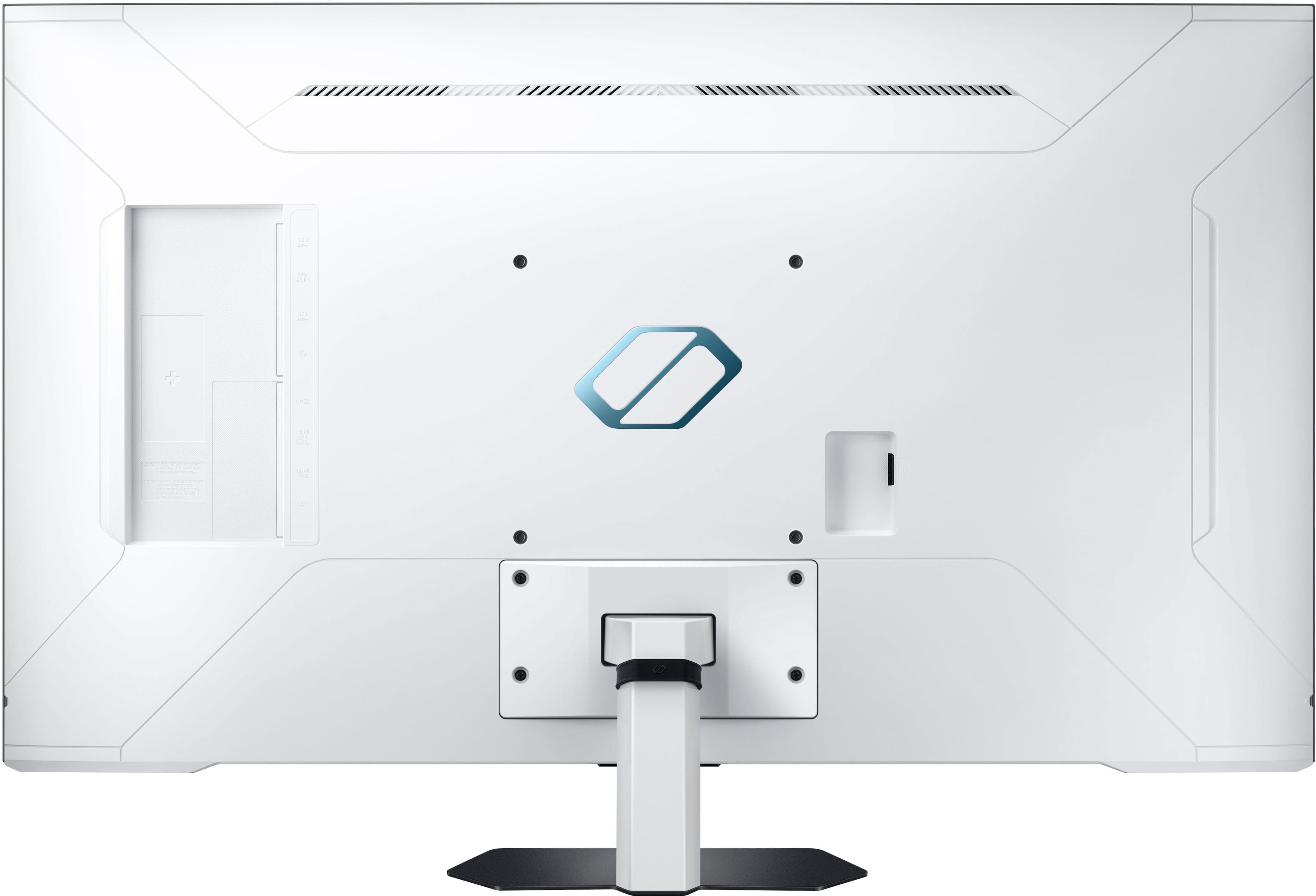

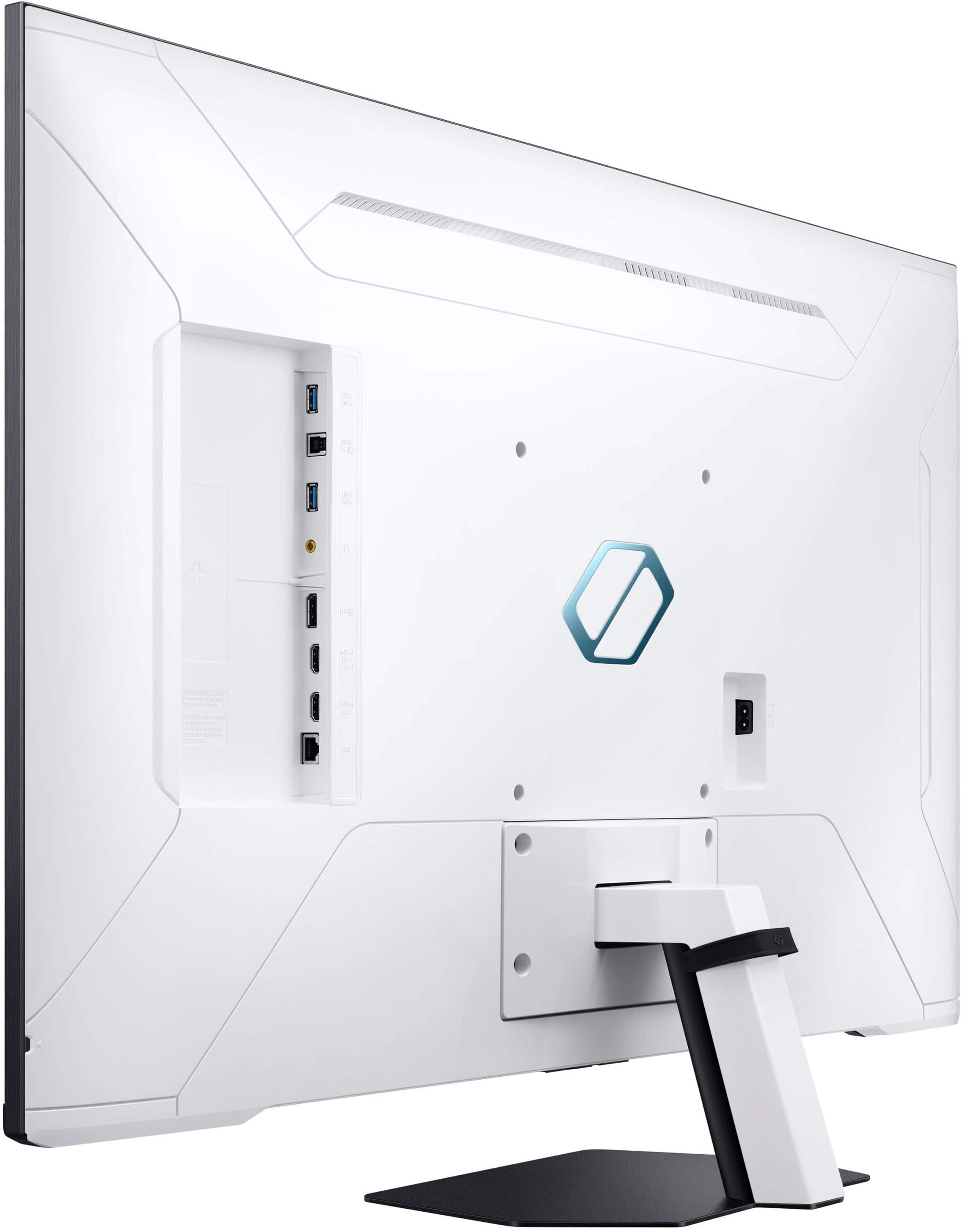
- Model:
- LS43CG700NNXZA
- |
- SKU:
- 6559079
Customer reviews
Rating 4.3 out of 5 stars with 478 reviews
(478 customer reviews)Rating by feature
- Display Quality4.6
Rating 4.6 out of 5 stars
- Ease of Use4.2
Rating 4.2 out of 5 stars
- Features4.4
Rating 4.4 out of 5 stars
Customers are saying
Customers are delighted by the Odyssey Neo G7's exceptional picture quality, high refresh rate, and impressive size. Many users also appreciate its flawless performance and HDR capabilities. While some users have noted ghosting and connectivity issues, the monitor is still considered an awesome value for its price.
This summary was generated by AI based on customer reviews.
- Pros mentioned:Picture qualityCons mentioned:Ghosting
Rated 4 out of 5 stars
Good for Playstation 5/5 Pro Gaming, $500 or less
||Posted . Owned for 1.5 years when reviewed.This reviewer received promo considerations or sweepstakes entry for writing a review.I wish i could give it like a 3.8 rating, but here we are. If you purchase this monitor, be ready to tinker with the picture settings (ALOT) because out of the box it doesn’t show its capabilities very well, being a VA panel. My settings & reasoning are as follows: Max Brightness(A given in using it in HDR) 40 Contrast(Lower can look a bit too bland) 0 Sharpness(I personally dislike any sharpness) Color 25 or higher(25 when in PvP, higher everywhere else, though the value depends on the game) 0 Tint(Monitor picture skews red originally, but this isn’t the right setting to mess with) High or Off Local Dimming(Costs more responsiveness than other monitors supposedly so I turn it Off in PvP, pretty good when it’s on with relatively minimal blooming in-person) Off Contrast Enhancer(Does NOT help out at all with my settings) Standard Color Tone(Already fine-tuned with my other settings, but maybe setting it to Cool out of the box can help against the red-intensity?) 2 Point White Balance(-25 R-Gain, -5 R-Offset, helps against the red skew this monitor has, although I wouldn’t put it past something thinking it’s now too blue) -1 ST.2084 Gamma(Colors look just a teensy bit washed out at 0) -1 Shadow Detail(Really helps with the blacks, although be careful with super dark areas) Auto or Native Color Space(Auto for PvP, Native significantly helps with color accuracy) VRR Control Off(It has only caused strange microstutters and tears when turning it on, with the added negative of slower response times) Standard Response Time(I used to use Extreme for PvP but upon rudimentary testing with my phone’s camera, there might not be that much of a gain & it’s offset by more volatile response times) 0 Dynamic Black Equalizer(It seems to just undo the Shadow Detail setting for the most part) No Game Motion Plus Settings(Just doesn’t seem right for me personally) Basic or Advanced HDR Tone Mapping(Basic in PvP, Advanced seems to very slightly help boost HDR) Game HDR On(Just always seems to be helpful overall) Moving past this, there is some level of ghosting with this monitor, although it can be mitigated to an extent & it seems to not be as horrible as before. The settings for Response Time, VRR Control, and potentially Native Color Space affects how bad it might get. My settings I have found to maybe be the most helpful against it, though the benefit will vary depending on the content. Another potential issue is response time of the monitor itself. However I read somewhere that there was an input lag bug for other samsung monitors like the ultra wide G9 that could be fixed by backing out to the homescreen and re-entering the video input you are on. Lo & behold, I launch a game, wait for Game Mode to activate, then I back out to the home screen & go back to my PlayStation’s HDMI input. Repeating this again will somehow brighten the display & seemingly causes it to become more responsive. Note that this only happens when I set the Response Time to Extreme(I set it to Standard after & it’s unaffected greatfully). Just all around strange… I hardly use this monitor as a TV(living room type of guy) but it is kitted out with a myriad of streaming options & has built-in channels too(granted I haven’t looked through them but there’s always something for someone). Workspace side I can’t comment on, my current job doesn’t require any work from home whatsoever. Although I will say that text is the most prone to ghosting so I probably wouldn’t suggest this monitor for mostly/strictly work/creation but it won’t hurt if you just need to use it on occasion & you tune the settings to lessen ghosting. If you’re like me & have the money to spend on a big boy monitor for a console but you want to be frugal about it, this monitor is not a horrible choice, but you might just need to go a bit higher in price and premium if you want something more flawless & hassle-free. My frugality keeps me from getting a new one, but I can say I’m not hating this monitor as much as I once did. Now if only the remote stopped bugging out once in while-
I would recommend this to a friend - Pros mentioned:Picture quality, Refresh rate
Rated 5 out of 5 stars
There is no better monitor at this price point.
||Posted . Owned for less than 1 week when reviewed.This reviewer received promo considerations or sweepstakes entry for writing a review.I’ve spent a lot of time worrying that my choice to buy this was foolish… or at least I did based on reviews completed by people who have no clue what they were doing. I say that because this monitor rocks. 1: Its menu is not slow. 2: it runs fine ar 144hz via displayport… IF you use a rates cable. If it flickers and drops your cable is not fast enough for 10 bit, 4k at 144hz. I suspect many people whining about that exact issue simply reused old DP cables rather than one that came with the device or a new one rated for 8k. The mini led backlights are superb and there is minimal blooming (see pics) assuming you soent five minutes A: calibrating HDR and B: calibrating your brightness/contrast. The set doesnt smear in real world use unless you are scrolling solid black on a solid white background. Avoid setting the response to fastest, just use faster. The device WILL remmeber the last input you used and gives your pc a minute to boot before dropping to the main menu. You can also rearrange the main menu so PC input is the first choice. Now, nitpicks… yes you should use a remote to turn this on and off. You can use the included one, the smart things app on your phone ir buy a smart remote clone for ten bucks. I always manually turn my home monitors on/off so I didnt see a problem here. Thats personal preference though. Colors… it did take some slight calibration out of the box to maximize black levels and colors. It was pretty saturated by default. I did 90% of the calibration using geforce image settings and the rest in the game mode menu as that was the only way to drop blacks far enough without crush. Currently I have no black crush. It does do 600 in HDR settings with ease. Finally, I was worried it would be far to large. To my relief, at my normal distance of about 3.5 - 4ft, its perfect. Any closer would be rough on my eyes. though. So, if you’re on the fence, give this a try. Just make sure you use good cables because the 2k monitor you had did NOT come with a high spec DP cable. FYI, I am pushing this with a 4090 for anyone wondering, and this plays well with vrr.
I would recommend this to a friend - Pros mentioned:SizeCons mentioned:Ghosting
Rated 4 out of 5 stars
Awesome with right settings
||Posted .This reviewer received promo considerations or sweepstakes entry for writing a review.Coming from an 34 inch ultrawide, 43 inch is plenty big enough for a monitor. Found wall mounting to be the best solution, so its not on my desk. Once I dialed in the settings the monitor looks darn good, but I do see ghosting in some gaming or scrolling quickly. Not a huge deal breaker since 4k 144hz hdr looks good. The remote and all the other features are awesome, I got this monitor open box for 300, if it were the original 1k I would not keep it.
I would recommend this to a friend - Pros mentioned:Brightness, Refresh rate, Size
Rated 5 out of 5 stars
Don’t listen to the negative reviews
||Posted . Owned for 2 weeks when reviewed.This reviewer received promo considerations or sweepstakes entry for writing a review.This monitor is actually craaazy value for the price. I am someone who has a $2,000+ OLED tv so I’m not clueless on what a nice display look like. This monitor is super bright, amazing colors, deep blacks/contrast, crisp 4K, 144hz…. and it’s HUGE to top it all off. This is seriously the best deal for a monitor I’ve ever seen. I cant believe there are 28 inch monitors more expensive than this. Buy it. You won’t be disappointed.
I would recommend this to a friend - Pros mentioned:Picture quality, Refresh rate
Rated 5 out of 5 stars
Samsung Monitor & Streaming Movies.
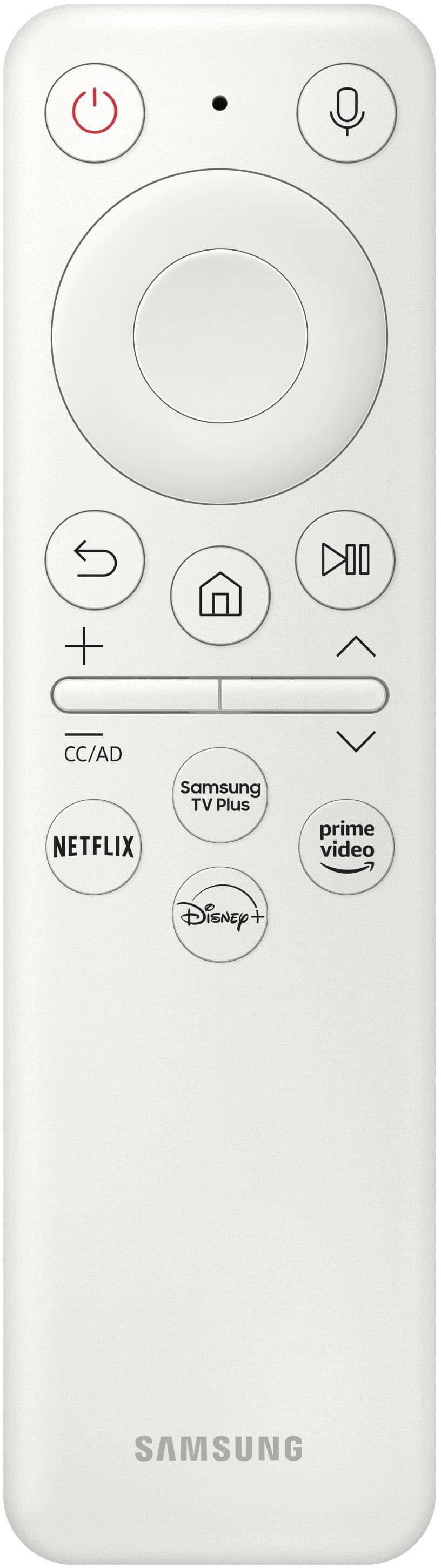
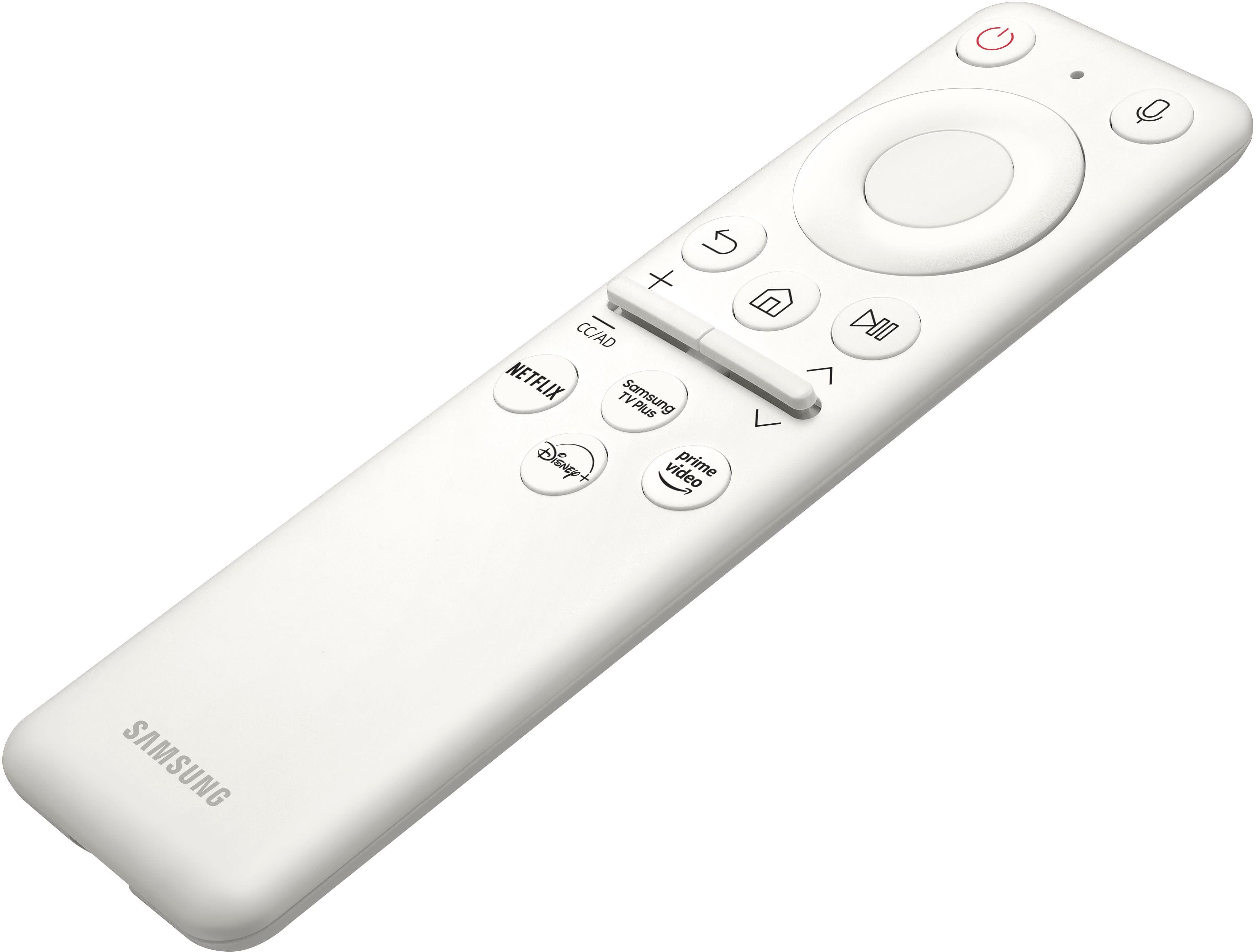
||Posted . Owned for 1 month when reviewed.This reviewer received promo considerations or sweepstakes entry for writing a review.I am very impressed with this Samsung Monitor, the fact that it has its own Samsung Program like RokuTV. Meaning all your apps will be on Samsung. You name it, and it will have it, or you can download the app, such as Netflix, Samsung TV Plus, Prime Video, YouTube, and so on. It comes with a remote, which can be charged using a USB cord. The options on this Monitor are such that not only is this a PC Monitor, but it also has TV streaming apps that sold me right there. You can watch your movies on here & very easy to do so. It has a lot of options & so far I played PC Games & watched movies with crystal clear views at 3840X2160 & yes, will do 144mhz depending on what games you play & I use a Displayport. I never liked small monitor I prefer large ones thats just me.
I would recommend this to a friend - Pros mentioned:Picture quality, Refresh rate
Rated 4 out of 5 stars
First World Problems
||Posted .This reviewer received promo considerations or sweepstakes entry for writing a review.For half price at $500 you can't go wrong with this high class computer monitor that doubles as a smart TV. One thing I don't like is the local dimming can show halo effect in some dark areas, when it's not doing that and local dimming is working as intended however the picture quality is almost on par with OLED. My display is the 144hz model and the first above 60hz display I've owned. In a nutshell - there's no going back. If I can't hit 144fps in-game it's almost disappointing. First world problems, right?
I would recommend this to a friend - Pros mentioned:Refresh rate
Rated 5 out of 5 stars
Feature rich gaming monitor
||Posted .This reviewer received promo considerations or sweepstakes entry for writing a review.A phenomenal gaming monitor once you configure HDR briefly, (can fine tune further too) the smart hub/tv capabilities are incredible and the split screen/pip (picture in picture) Is Truly the difference maker between this monitor and other high end monitors under 800. Also if ghosting is an issue for you can set refresh rate to 120 instead of 144 and it'll disappear entirely (:
I would recommend this to a friend - Pros mentioned:Picture quality, Refresh rate
Rated 4 out of 5 stars
Crystal Clear
||Posted .This reviewer received promo considerations or sweepstakes entry for writing a review.I love this monitor. The picture quality is amazing, colors pop, and the 240Hz refresh rate makes everything super smooth. The curved screen really pulls you into the game, and it feels premium overall. Easily one of the best monitors I’ve owned.
I would recommend this to a friend - Pros mentioned:Picture quality, Refresh rate
Rated 5 out of 5 stars
Great for Gaming and Watching TV
||Posted . Owned for 7 months when reviewed.This reviewer received promo considerations or sweepstakes entry for writing a review.I have my PS5 connected to this monitor. The picture quality and black levels are impressive. Playing games with unlocked refresh rates is noticeable. The colors really look great and are deeper compared to a LCD tv. Highly recommend if you want a bigger screen and want the smart tv features as well. Great value if this on sale off the original price.
I would recommend this to a friend - Cons mentioned:Connectivity
Rated 3 out of 5 stars
Would be great if Display Port didn't time out
||Posted . Owned for 2 weeks when reviewed.This reviewer received promo considerations or sweepstakes entry for writing a review.TLDR; IF this monitor would work like a PC monitor when connected via Display Port, it would be awesome. But sadly in most cases, it fails to meet the advertised claims in installations and acts like a TV instead. This particular model states 4K @ 100Hz - 144Hz via DP. And this is great since I didn't need to opt for the more expensive model with the HDMI 2.1 port. And when you first connect it, it works as expected. However, the G7 fails to recognize the connection to the PC once you either lock your computer or the power management attempts to put the displays to sleep. Multiple attempts to reset the monitor via the OSD's connection selector as well as power cycling the monitor DO NOT resolve the issue. The screen times out and goes into standby. Pulling the DP does reset the connection but this is not a solution. Power cycling the computer will also bring it back to life, but if you're in the middle of editing or any other task, this is also no solution. I've got an open ticket with Samsung Business support on the issue but during the call, the rep indicated via conversations with an engineer in her office that the port is passive. So this tells me that the G7 is not properly reporting EDID so the GPU knows what it is talking to on the display side. My system: i7 9900K, RTX 2080 Monitors: Samsung 43" Odyssey Neo G7 (DP), LG 32" 4K (DP), EVE 27" Spectrum (DP) Odyssey Firmware: 1520.9 The included DP cable results in a Generic Display @ 60Hz. Nvidia Control panel was unable to identify the monitor at all. I've used a VESA certified DP1.4 cable from KabelDirekt, not super expensive but they are listed on VESA's cert page. And the system recognizes the monitor correctly and allows for advertised refresh rates 100Hz, 120Hz and 144Hz to be set without issue. Again, this results in the monitor becoming unresponsive once the system is either locked or the displays are allowed to sleep. I also tried with VESA certified HDMI. The monitor works as expected during sleep and lock scenarios but was unable to meet the advertised refresh rate due to this model missing the high end HDMI port. I also spoke to an engineer over at EVGA and he ran through some troubleshooting steps and pointed out that the NVIDIA control panel was even set to aggressively detect TV's and even with that, this display fails to function on the port it's advertised for. His final thought was that Samsung is not providing the correct protocol on the Display Port for sleep scenarios and this causes the display to stop listening on that input. If you want to follow the ticket; you can look up 'g7 monitor not detecting displayport' online. I really want to like this monitor but honestly, if they do not do anything to resolve this issue, I feel like I've been a victim of false advertising since I cannot use this as it was sold to me; a 4K display running 144Hz.
No, I would not recommend this to a friend - Pros mentioned:Performance, Picture quality
Rated 5 out of 5 stars
Gorgeous
||Posted .This reviewer received promo considerations or sweepstakes entry for writing a review.Overall beautiful monitor whether pc or my game console this monitor was worth every penny. Also the built in speakers and smart tv options make this even better. Will be buying another soon!
I would recommend this to a friend - Pros mentioned:Performance, Picture quality
Rated 5 out of 5 stars
Amazing monitor
||Posted .This reviewer received promo considerations or sweepstakes entry for writing a review.This has been awesome to use. Super smooth for gaming, really sharp picture, and the curve makes everything feel more immersive. It looks great on my desk and feels solid. Easily one of the best monitors I’ve picked up.
I would recommend this to a friend - Pros mentioned:Picture quality, Refresh rate
Rated 4 out of 5 stars
Monitor worth the money
||Posted . Owned for 2 weeks when reviewed.This reviewer received promo considerations or sweepstakes entry for writing a review.Great monitor for the price point but unfortunately I recieved a damaged one and had to return. It had a few dead pixels and the local dimming zones were behaving abnormally. All that aside, the monitor is great for gaming at 120 Hz, to watch videos/movies and for working professionals provided you have a deep desk.
I would recommend this to a friend - Pros mentioned:Picture quality, Refresh rate
Rated 5 out of 5 stars
Really amazing monitor at a certain price point
||Posted . Owned for 2 weeks when reviewed.This reviewer received promo considerations or sweepstakes entry for writing a review.I've never had a monitor large as my main screen and I was a little concerned about the real use case (i had 2 27 inch on my previous setup). But boy I was missing out the screen is beautiful and after some adjustments it works pretty close to an oled with no burn in concerns. 4k 144hz miniled for 500 is unheard off. I use it for productivity and gaming even brought my ps5 to my pc room since i like the screen a lot. I would revommend at discounted prices
I would recommend this to a friend - Pros mentioned:Refresh rate
Rated 5 out of 5 stars
Smooth monitor that doesn't lag
||Posted . Owned for 1 week when reviewed.This reviewer received promo considerations or sweepstakes entry for writing a review.Awesome monitor. I use it more as monitor less as TV. TV is also good, only issues to date is after watching bad resolution videos on YouTube my monitor resolution settings gets stuck. It does resolve though after a restart. There must be easy fix rather than restarting but I have not yet explored it. It's still new for me. Refresh rate is really good. Three screws were missing for stand. Best Buy as usual very unfriendly handled it. Samsung was awesome courteous enough, they sent it within two days. All the sins of Best Buy was corrected by Samsung.
I would recommend this to a friend - Pros mentioned:Picture quality
Rated 4 out of 5 stars
Vibrant, excellent dual purpose monitor.
||Posted .This reviewer received promo considerations or sweepstakes entry for writing a review.Excellent dual purpose monitor. I would use it as a TV though unless you're sitting far back, as it is quite large to view on a computer desk. Excellent colors though!
I would recommend this to a friend - Cons mentioned:Ghosting
Rated 4 out of 5 stars
Great monitor, has some flaws
||Posted . Owned for 1 week when reviewed.This reviewer received promo considerations or sweepstakes entry for writing a review.Monitor looks sharp but it's response time and the really bad ghosting on the screen may be a total deal breaker for most but i personally dont mind and for 500$ its an amazing addition to my setup!
I would recommend this to a friend - Pros mentioned:Picture quality
Rated 5 out of 5 stars
Still amazed
||Posted .This reviewer received promo considerations or sweepstakes entry for writing a review.At the beginning, i thought that I overshot with the size of it, but after some adjustments i ask myself about how i didn't get it sooner Got the PC, PS5 and series X connected on it and looks simple beautiful in any platform
I would recommend this to a friend - Pros mentioned:Picture quality
Rated 5 out of 5 stars
Great monitor but needs better color saturation
||Posted . Owned for 1 month when reviewed.This reviewer received promo considerations or sweepstakes entry for writing a review.I really like the display of the monitor. I have been researching for a tv in my room and this monitor is big enough for that. It is not only great for watching tv, but also playing video games and for my work(I do mostly coding on assemby). It is really fast and never freezes or lags. However, the color isn't as great as some other tvs I compared it to, but that's understandable given that its main purpose isn't for movies. On Netflix/Youtube it's great but when I tried some movies on Tubi, some colors like blue weren't as strong and seem faded. For the cost it's a worthy monitor but if you have the budget try looking for something with better color like the LG monitors. The VA panel also makes it easy to keep clean given that fingerprints aren't as visible as with an IPS. It also has some pretty good viewing angles and is extremely easy to set-up and use.
I would recommend this to a friend - Pros mentioned:Picture quality
Rated 5 out of 5 stars
Great monitor
||Posted .This reviewer received promo considerations or sweepstakes entry for writing a review.Don’t let the negative reviews get you, this a great monitor, colors look amazing 4k as well. Specially for the price, destiny the Witcher and other games looks amazing.
I would recommend this to a friend