Customer Ratings & Reviews
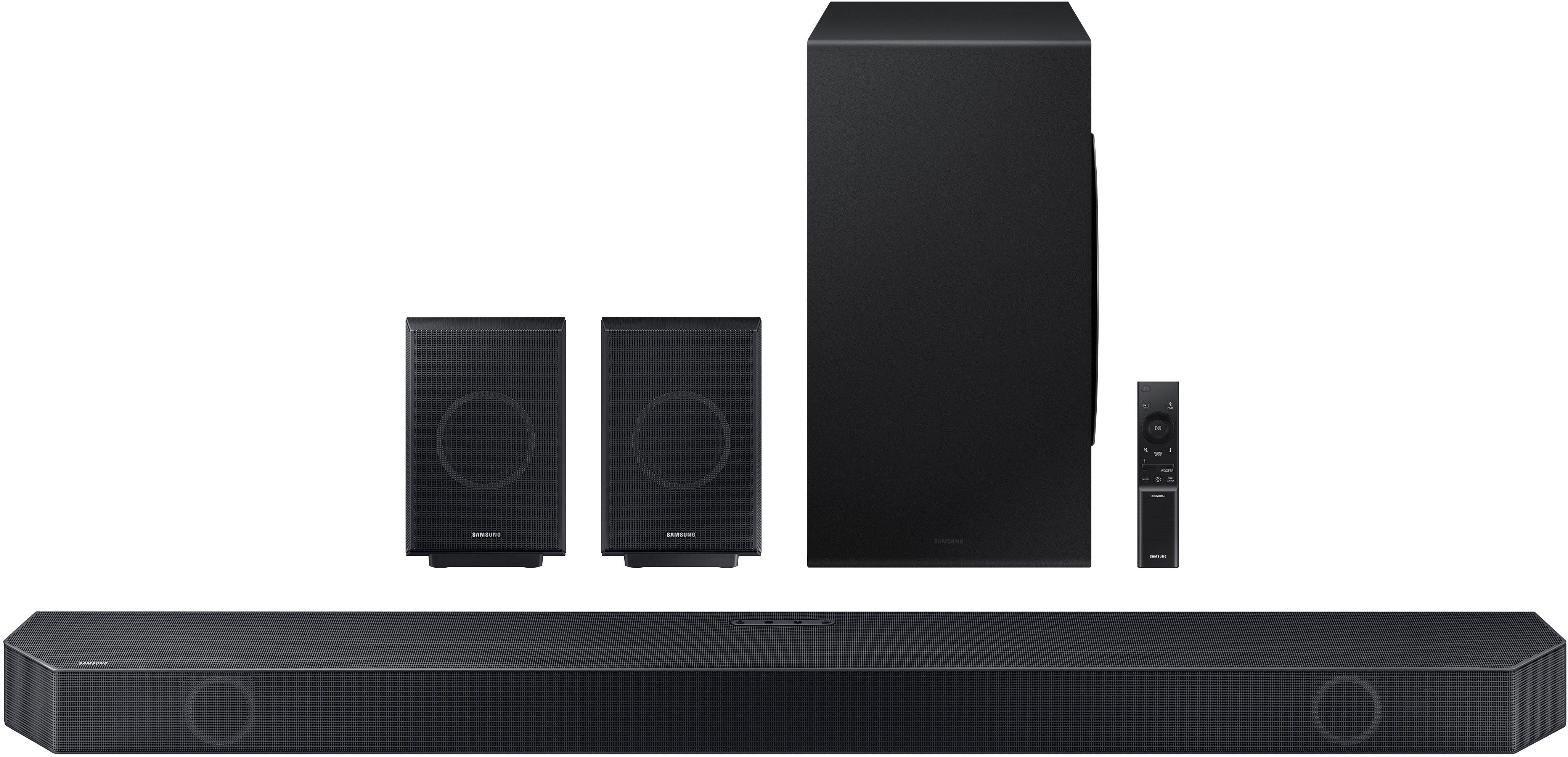
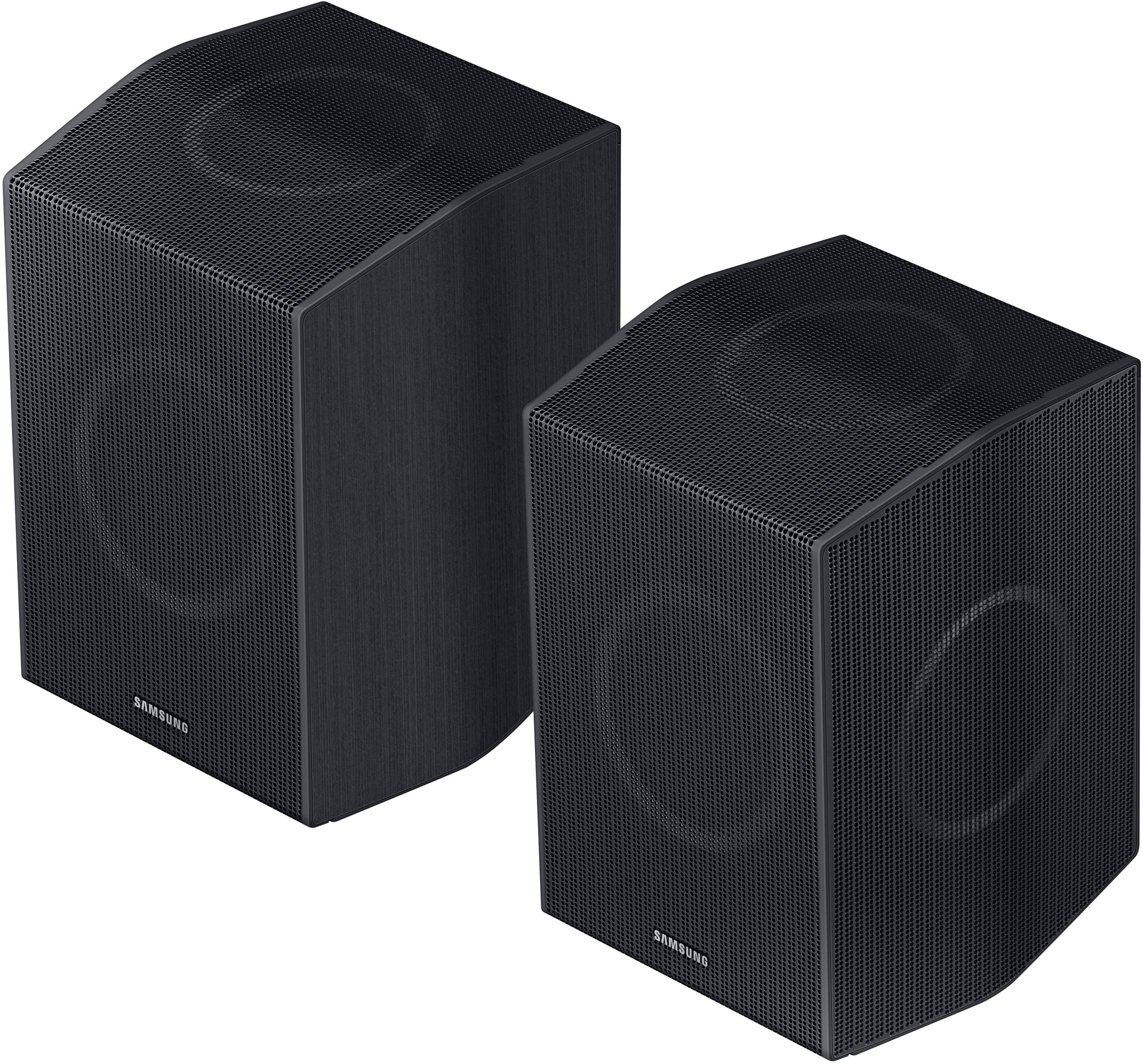
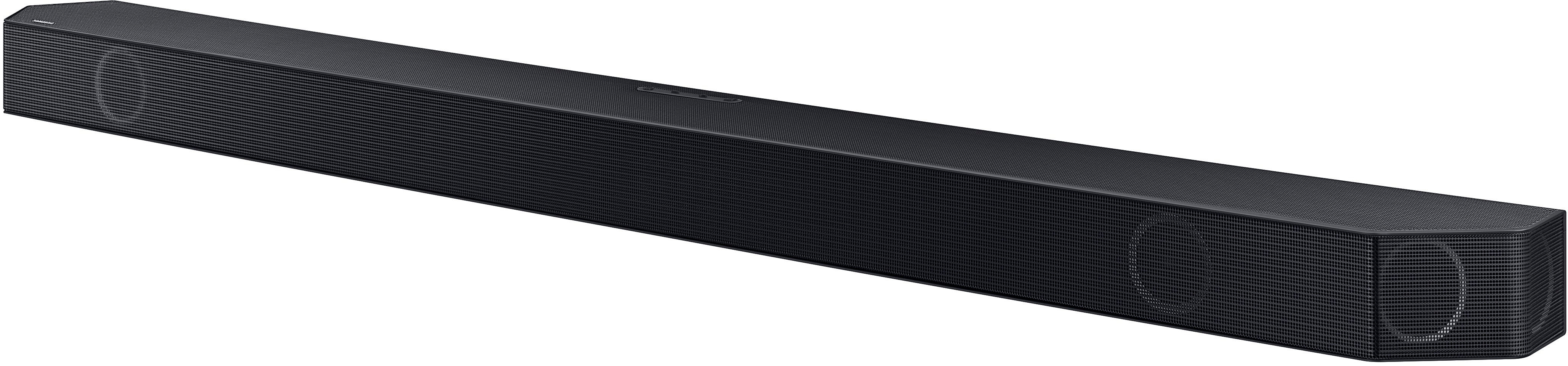
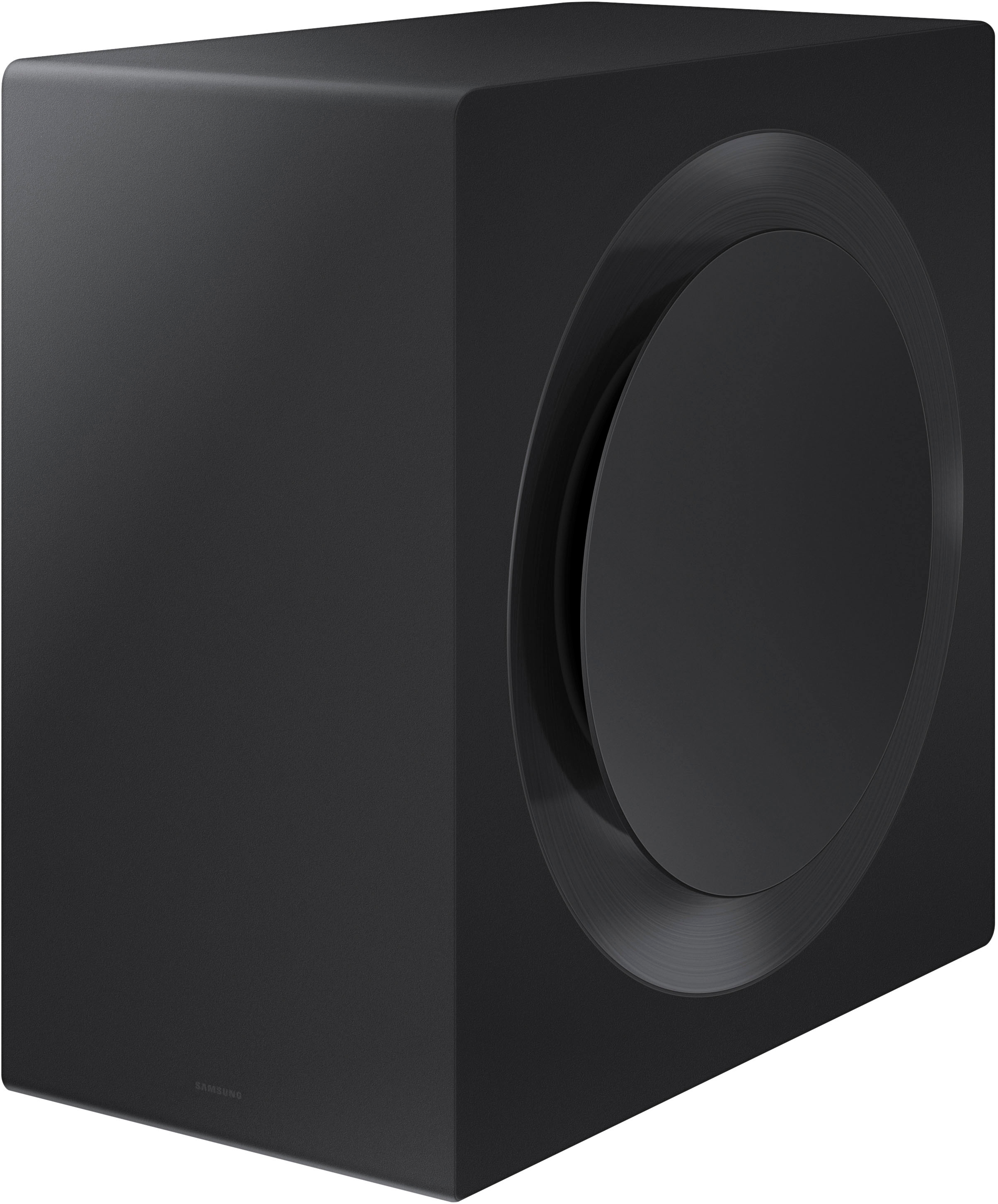


- Model:
- HW-Q990C
- SKU:
- 6536382
Rating by feature
- Value
Rating 4.5 out of 5 stars
- Quality
Rating 4.7 out of 5 stars
- Ease of Use
Rating 4.7 out of 5 stars
Customers are saying
Customers commend the Q-series soundbar's exceptional sound quality, powerful bass, and ease of setup. Many appreciate the immersive Dolby Atmos experience and the added benefit of rear speakers, enhancing the overall listening experience. However, some users find the product expensive and experience occasional connectivity issues. The Q-Symphony feature is also praised by those with compatible Samsung TVs.
This summary was generated by AI based on customer reviews.
Im in love with it
||Posted . Owned for 1 month when reviewed.This reviewer received promo considerations or sweepstakes entry for writing a review.I just so happy and glad for got my sounds system with Best Buy
I would recommend this to a friendBest products & customer service!
||Posted . Owned for 1 month when reviewed.This reviewer received promo considerations or sweepstakes entry for writing a review.Best Buy has the best products and customer service
I would recommend this to a friendgreat product
||Posted . Owned for 1 week when reviewed.This reviewer received promo considerations or sweepstakes entry for writing a review.replacement for my original Q80 soundbar that finally crapped out
I would recommend this to a friendGreat system
||Posted . Owned for 1 week when reviewed.This reviewer received promo considerations or sweepstakes entry for writing a review.Easiest surround sound to setup and very immersive.
I would recommend this to a friendGreat sound bar for sound.
||Posted . Owned for 1 week when reviewed.This reviewer received promo considerations or sweepstakes entry for writing a review.Awesome performance. It easily syncs up with Samsung TVs.
I would recommend this to a friendSamsung surround sound stereo
||Posted . Owned for 3 weeks when reviewed.This reviewer received promo considerations or sweepstakes entry for writing a review.Very good purchase. Would recommend to family and friends
I would recommend this to a friendAwesome beatiful
||Posted . Owned for 2 weeks when reviewed.This reviewer received promo considerations or sweepstakes entry for writing a review.Excelente beatiful awesome perfect Wonderfull nice
I would recommend this to a friendAwesome
||Posted . Owned for 3 weeks when reviewed.This reviewer received promo considerations or sweepstakes entry for writing a review.Great mount and easy install. Don’t hesitate to purchase
I would recommend this to a friendGood product
||Posted . Owned for 1 week when reviewed.This reviewer received promo considerations or sweepstakes entry for writing a review.Good product only down fall need a computer to do updates
I would recommend this to a friendBrand response from Samsung
Posted .Hi BerryB,
We appreciate you taking a moment to review the HW-Q990C Soundbar.
Updating the firmware on your soundbar gives you all the benefits of the latest improvements. When the Soundbar is connected to the Internet, Auto Update allows software to update automatically even when the Soundbar is turned off. You can also update by using the SmartThings app.
Should you ever have questions or need help, Samsung is here for you. Just give us a call at 1-800-SAMSUNG (Ask for Soundbars), 8AM - 12AM EST, 7 days a week. Our Live Chat agents are also available by clicking on the ‘Support’ link on our website.
~ Samsung Solutions
Great with an issue
||Posted . Owned for 2 weeks when reviewed.This reviewer received promo considerations or sweepstakes entry for writing a review.Audio will cut out on some apps, Vudu is by far the worst. It's not just mine
I would recommend this to a friendBrand response from Samsung
Posted .Hello JamesB,
Thank you for sharing your experiences with the HW-Q990C Soundbar. I am sorry to see that your out of box experience has been not ideal.
There are a few steps you can take to troubleshoot your Soundbar.
First, try doing a soft reset, unplug the soundbar from the outlet for roughly 30 seconds and then plug it back in.
Next, update the firmware on your soundbar. The easiest way to accomplish this would be to download the SmartThings app and connect your Soundbar to Wi-Fi. This will allow you to not only download any firmware updates but also control your entire soundbar on the screen of your smart device.
Please also verify that you are running the latest firmware on your TV. You can check to see what software version your TV is using and if there is an available update through the settings on your TV. Go to: Menu > Settings > Support > Software Update.
2020, 2021, 2022, and 2023 Samsung TVs have a feature called Audio Pass-Through. You can utilize this feature on your Samsung TV to assist with your issue.
On your TV go to: Settings > Audio > Expert Settings > Digital Audio Output Format > Pass-Through.
Lastly do a hard reset if you are still experiencing issues with your audio. With the Soundbar on, press the + & - (Volume UP/DOWN) buttons on the body at the same time for at least 5 seconds. “INIT OK” appears on the display and then the Soundbar is reset.
If you need more help, Samsung is here for you. Please call us at 1-800-SAMSUNG, 8AM - 12AM EST (Ask for Soundbars), 7 days a week. Our LiveChat agents are also available by clicking on the ‘Support’ link on our website.
~ Samsung Solutions
- Pros mentioned:Sound quality
Wheres the bass?
||Posted . Owned for 2 weeks when reviewed.This reviewer received promo considerations or sweepstakes entry for writing a review.I absolutely loved the sound of the bar and surround speakers. I could not tell that there was any bass coming from the sub. Assuming it was faulty but the one at the store didn't seem much better.
No, I would not recommend this to a friendBrand response from Samsung
Posted .Hello AdamJ,
Thank you for sharing your review of the HW-Q990C Soundbar. I am sorry to see that your out-of-box experience has not lived up to your expectations.
There are a few steps you can take to troubleshoot your Soundbar.
Please verify that you are running the latest firmware on your TV. You can check to see what software version your TV is using and if there is an available update through the settings on your TV. Go to: Menu > Settings > Support > Software Update.
Next, update the firmware on your soundbar. The easiest way to accomplish this would be to download the SmartThings app and connect your Soundbar to Wi-Fi. This will allow you to not only download any firmware updates but also control your entire soundbar on the screen of your smart device.
If you are still not hearing any bass from your subwoofer, do a soft reset. Unplug the soundbar and subwoofer from the outlets for roughly 30 seconds and then plug them back in.
Last do a hard reset. With the Soundbar on, press the + & - (Volume UP/DOWN) buttons on the body at the same time for at least 5 seconds. “INIT OK” appears on the display and then the Soundbar is reset. This will reset all of the settings including your Wi-Fi password.
If you need more help, Samsung is here for you. Please call us at 1-800-SAMSUNG, 8AM - 12AM EST (Ask for Soundbars), 7 days a week. Our LiveChat agents are also available by clicking on the ‘Support’ link on our website.
~ Samsung Solutions
- Pros mentioned:Sound quality
Great for about 7 days
||Posted . Owned for 2 weeks when reviewed.This reviewer received promo considerations or sweepstakes entry for writing a review.Sounds amazing for q sound ar setup, after 7 days or so it now only works for about 30 minutes the. The sound for no reason shuts off, regardless of input used. Only way to have audio return is to unplug it from the power cord andplug it back in. Then it will again work for 30 minutes or so. Needless to say this is going back.
No, I would not recommend this to a friendBrand response from Samsung
Posted .Hello Gabe,
Thank you for your review of the Samsung HW-Q990C Soundbar and for sharing your experiences with the issues that have caused you to consider returning your soundbar. Your experience is very important to us and will be shared with our product team.
If you have not yet returned your unit, please give us the opportunity to troubleshoot your issue and work toward a solution.
You can reach Samsung Support at 1-800-SAMSUNG (ask for Soundbars) 8 AM – 12 AM EST, 7 days a week.
We hope to hear from you soon.
~Samsung Solutions
Subwoofer disappoints
||Posted . Owned for less than 1 week when reviewed.This reviewer received promo considerations or sweepstakes entry for writing a review.Not enough bass no matter where I locate the subwoofe. I have a wide open living area with marble floors.
I would recommend this to a friendBrand response from Samsung
Posted .Hello Joseph,
Thank you for sharing your review of the HW-Q990C Soundbar. There are a few steps you can take to troubleshoot your Soundbar.
Make sure that the software is completely up to date. You can download the firmware directly from Samsung’s website by clicking “Support” in the top right corner. Then go to “Manuals & Software” > “TVs & Home Theater” > “Home Theater” > “Sound Bars”. From there, you can select the HW-Q990C under Q Series.
Download the update and install it via a USB thumb stick to your soundbar. If you need additional help, there are how-to instructions on this page. Please know that Samsung Customer Service is here to assist as well.
You can also update your Soundbar easily by connecting to SmartThings. This is a free app that is available for iOS and Android that allows you to have full control over your Soundbar from the volume, channel levels, Sound Modes, and more.
Next, do a soft reset, unplug the soundbar from the outlet for roughly 30 seconds, and then plug it back in.
If this still does not correct your issue, then do a hard reset. With the Soundbar on, press the + & - Volume buttons on the body of the soundbar at the same time for at least 5 seconds. INIT OK” appears on the display and then the Soundbar is reset.
If we can further help with any other issues, please know we are here for you. Just call us at 1-800-SAMSUNG (Ask for Soundbars), 8 AM – 12 AM EST, 7 days a week. Or visit us on the Samsung website and click on the ‘Support’ link for:
• LiveChat with an agent
• Manuals, Software, & Warranty Info
~ Samsung Solutions
Would be the best if it didn’t disconnect sometim.
||Posted . Owned for 1 week when reviewed.This reviewer received promo considerations or sweepstakes entry for writing a review.Right rear speaker turns off sometimes and ruins the surround sound experience.
No, I would not recommend this to a friendBrand response from Samsung
Posted .GabrielS,
Thank you for sharing your experience. You may need to disable the Auto Power Link feature. To disable the Auto Power Link feature, find the Auto Power button on your soundbar remote and press it once. Each time the button is pressed, your soundbar will alternate between Power Link On and Power Link Off. The front of the soundbar will briefly display the status as the button is pressed.
Note: This button may be clearly labeled on some Soundbar remotes but may be hidden behind another function on others. See your user manual if you need more information.
If this does not help I recommend letting a service technician have a look. As we would like to gather additional information and look at this from a case by case basis, please please call us at 1-800-SAMSUNG (Ask for Soundbars), 8 AM – 12 AM EST, 7 days a week.
LiveChat with an agent as well as manuals, software, and warranty info can be found at the ‘Support’ link on our Samsung website.
~ Samsung Specialist
Meh
||Posted . Owned for 3 weeks when reviewed.This reviewer received promo considerations or sweepstakes entry for writing a review.Great sustem but the person who had this b4 me messed it up. Next time i biy it brand new
I would recommend this to a friendBrand response from Samsung
Posted .Hello Django,
Thank you for sharing your experiences with the HW-Q990C Soundbar.
There are a few steps you can take to troubleshoot your Soundbar.
First, try doing a soft reset, unplug the soundbar from the outlet for roughly 30 seconds and then plug it back in.
Next, update the firmware on your soundbar. The easiest way to accomplish this would be to download the SmartThings app and connect your Soundbar to Wi-Fi. This will allow you to not only download any firmware updates but also control your entire soundbar on the screen of your smart device. Alternatively you can update your Soundbar using a USB thumb stick after downloading the firmware directly from Samsung's website.
If this still does not correct your issue, then do a hard reset. With the Soundbar on, press the + & - Volume buttons on the body of the soundbar at the same time for at least 5 seconds. INIT OK” appears on the display and then the Soundbar is reset.
Should you ever have questions or need help, please call us at 1-800-SAMSUNG (ask for Soundbars), available 8 AM – 12 AM EST, 7 days a week.
For additional support resources such as downloading a full manual, visit us on the Samsung website and click on the ‘Support’ link in the upper right corner of the homepage.
~Samsung Solutions
Very Frustrating Experience
||Posted . Owned for 1 month when reviewed.This reviewer received promo considerations or sweepstakes entry for writing a review.Very disappointing experience with this soundbar. The bar and rear speakers make a loud screeching sound when changing audio sources or rewinding, pausing, and fast forwarding content from apps and HDMI connected devices. This seems to only happen when Dolby Digital Plus/Atmos is turned on. Replaced HDMI wires and tried two different TVs to rule those things out. Noise still occurred on both. Tried factory resetting the bar, didn’t help. Turned Dolby Digital Plus off, no more noise. The soundbar is just too new and probably needs a software update. I didn’t have the luxury to wait for a possible fix, if any at all. Had to return it. Put in my old Samsung bar (Q850A) and no more problems….
No, I would not recommend this to a friendBrand response from Samsung
Posted .Hello Blake,
Thank you for your review of the Samsung HW-Q990C Soundbar and for sharing the issues that have caused you to return your unit. Your experience is very important to us and will be shared with our product team.
Should you ever decide to give Samsung Soundbars another try and have questions or need assistance with settings, setup, or features, please know we are always here to help. Call us at 1-800-SAMSUNG (ask for Soundbars), available 8 AM – 12 AM EST, 7 days a week.
LiveChat with an agent by clicking the ‘Support’ link on the Samsung website.
~Samsung Solutions
Worse purchase I ever made
||Posted . Owned for 1 month when reviewed.This reviewer received promo considerations or sweepstakes entry for writing a review.This soundbar is a nightmare. First off, you can only set it up by downloading an app via google. Once you do that, google invades your computer and suddenly you have to use google as a search engine and all your bookmarks disappear. All your stored passwords disappear and you have to change everyone! The app is Samsung Smart thing, and it is not smart! You can't do anything with it--adjust bass and treble and that's it. What a bunch of dishonest hype. Cannot hear from satellite speakers and no way to adjust volume. This soundbar is a rip off, I rue the day I bought it. You will regret it too. Do not buy this crap!
No, I would not recommend this to a friendBrand response from Samsung
Posted .pigs,
Thank you for your review of Samsung’s HW-Q990C soundbar. I’m sorry to hear you had a frustrating experience with setting up your soundbar and using SmartThings.
So that we can better troubleshoot this issue and provide steps towards a solution, please contact Samsung Soundbar Support at 1-800-SAMSUNG (Ask for Soundbars), 8 AM – 12 AM EST, 7 days a week. Live Chat with an agent as well as manuals, software, and warranty info can be found at the ‘Support’ link on our Samsung website.
~ Samsung Solutions
Reasonable Home Theater for movies
||Posted . Owned for 2 weeks when reviewed.This reviewer received promo considerations or sweepstakes entry for writing a review.Decent home theater system, but not great for music.
No, I would not recommend this to a friendBrand response from Samsung
Posted .Hello Sonal,
Thank you for sharing your thoughts regarding the HW-Q990C Soundbar. I am sorry to see that you were not completely satisfied with the audio quality of your new Soundbar.
You can manually optimize your audio experience by pressing the SOUND CONTROL button (which looks like a gear), you can set the audio function such as Auto EQ, Spacefit sound, AVA, Voice Enhance mode, Night mode, Sync, Surround speaker mode, Virtual. The desired item can be adjusted using the Up/Down buttons.
You can try quickly optimizing the audio by pressing the SOUND MODE button on your remote, and then select the desired sound effect by choosing STANDARD, SURROUND SOUND, GAME, or ADAPTIVE SOUND.
To control the volume of each speaker, press the CH LEVEL button on the provided remote. Then select CENTER LEVEL, SIDE LEVEL, WIDE LEVEL, FRONT TOP LEVEL, REAR LEVEL, or REAR TOP LEVEL. Once you find the channel you are looking for, adjust the volume between -6 to +6 by using the Up/Down buttons.
Press the SOUND CONTROL button (looks like a gear) to access the setting items such as Auto EQ, Spacefit sound, AVA, Voice enhance mode, Night mode, Sync, Surround speaker mode, Virtual. The desired item can be adjusted using the Up/Down buttons.
Alternatively, you can press and hold the SOUND CONTROL button for about 5 seconds to adjust the sound for each frequency band. 150Hz, 300Hz, 600Hz, 1.2kHz, 2.5kHz, 5kHz, and 10kHz are selectable using the Left/Right buttons and each can be adjusted to a setting between -6 to +6 using the Up/Down buttons.
Should you ever have questions or need help, please call us at 1-800-SAMSUNG (ask for Soundbars), available 8 AM – 12 AM EST, 7 days a week.
For additional support resources, visit us on the Samsung website and click on the ‘Support’ link in the upper right corner of the homepage for:
1) Chat with Us/Product Help: To begin a chat or find solutions, choose ‘TVs & Home Theater’ and select your model & topic.
2) Manuals & Software
3) Warranty Info
4) Register a Product: For access to easy warranty support, convenient opt-in to special promos and offers, faster troubleshooting and service, and quick notification of system updates
5) Contact Us
~ Samsung Solutions
Waste of money and a headache
||Posted . Owned for 6 months when reviewed.This reviewer received promo considerations or sweepstakes entry for writing a review.I purchased this in February, I really wanted the Sennheiser Ambeo Max but felt I’d get better compatibility with the Samsung soundbar being paired to a Samsung tv and being able to connect wireless. Man was I wrong…. It shuts off every 20-23 minutes which it’s supposed to do IF it’s not receiving a signal, but it is getting a signal given we’re watching TV and only use the soundbar for audio. All the firmware is updated and it’s connected to a 22 model Q9 Neo. This was absolutely our last Samsung product we will ever purchase.
No, I would not recommend this to a friendNot worth it
||Posted . Owned for 1 week when reviewed.This reviewer received promo considerations or sweepstakes entry for writing a review.I bought the Soundbar having high hope that it would sound a lot better than my Bose 900 setup with the base module and Surround speakers I saw a lot of YouTube reviewers saying how amazing the Soundbar is that you can hear things overhead and all around you so I thought this would be way better than my bose after setting it up I realize my bose blew this out of the water my Bose had better surround sound effects and even overhead effects this one was really loud but that's about it and the base module sucks hardly any base it does get boomy when certain scenes but not like the Bose my suggestion is if he already have a really good sound bar to stick with it you don't realize what you got until you get something else
No, I would not recommend this to a friendBrand response from Samsung
Posted .BigL,
I’m sorry to hear that your Samsung HW-Q990C soundbar did not meet your expectations. This is not the quality we expect from our products.
Please know, if you are not satisfied with the performance of your soundbar, you can try the various built in sound modes to quickly tune the audio to your liking. Press the SOUND MODE button on your remote, and then selecting the desired sound effect by choosing STANDARD, SURROUND SOUND, GAME PRO, or ADAPTIVE SOUND
Additionally, if you would like louder (or softer) bass from your subwoofer, you can adjust the level by rocking the WOOFER button on the soundbar remote, and then adjusting the level from -6 to +6. To set the subwoofer volume level to 0, press the button in.
You can further adjust TREBLE and BASS of the soundbar via the SOUND CONTROL button (looks like a gear symbol).
I hope this helps. If you need further assistance, please know we are here to help. You can reach Samsung Customer Support at 1-800-SAMSUNG (Ask for Soundbars), 8 AM – 12 AM EST, 7 days a week. Or visit us on the Samsung website and click on the ‘Support’ link for: • LiveChat with an agent • Manuals, Software, & Warranty Info ~ Samsung Solutions