Customer Ratings & Reviews
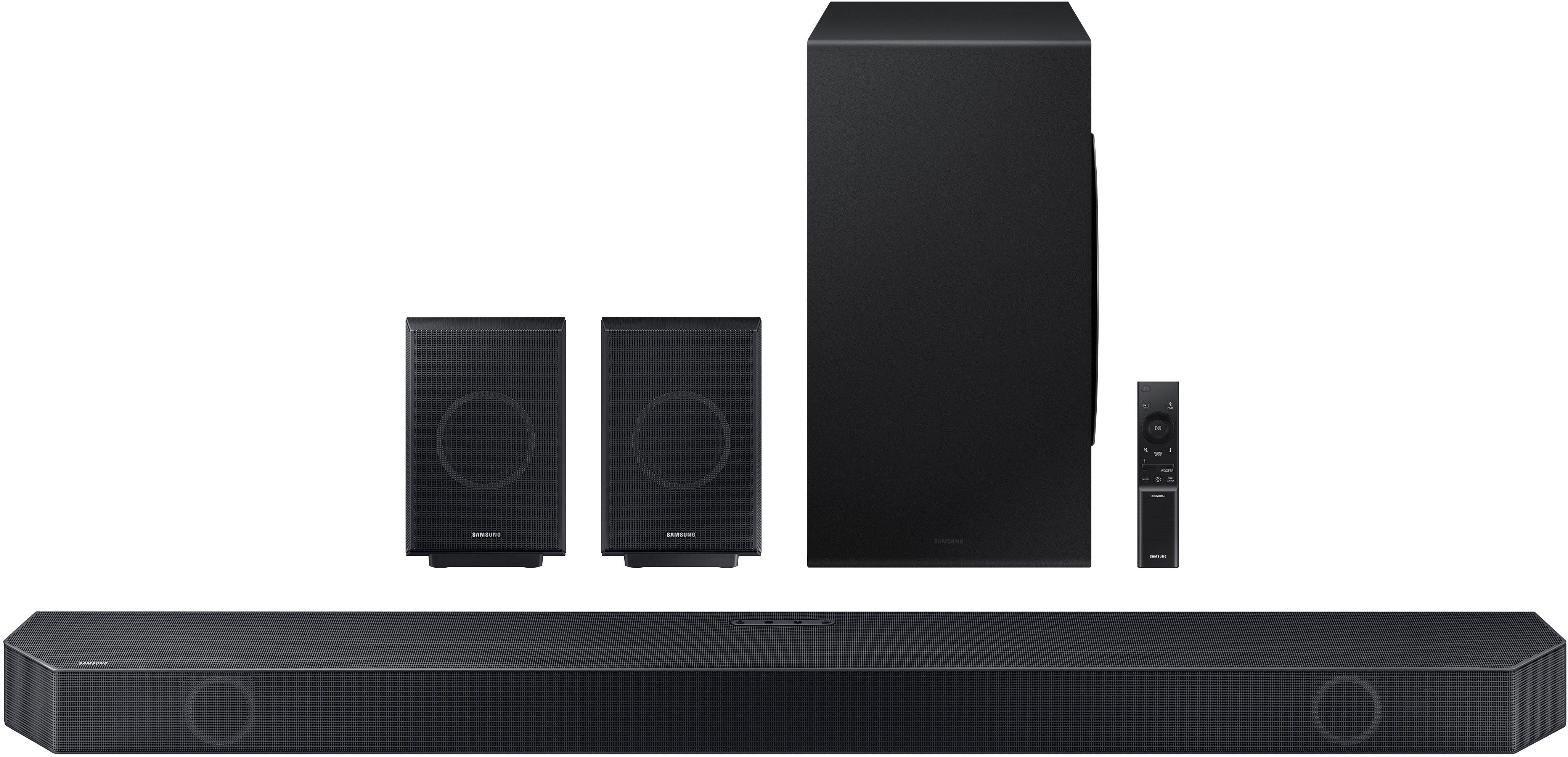
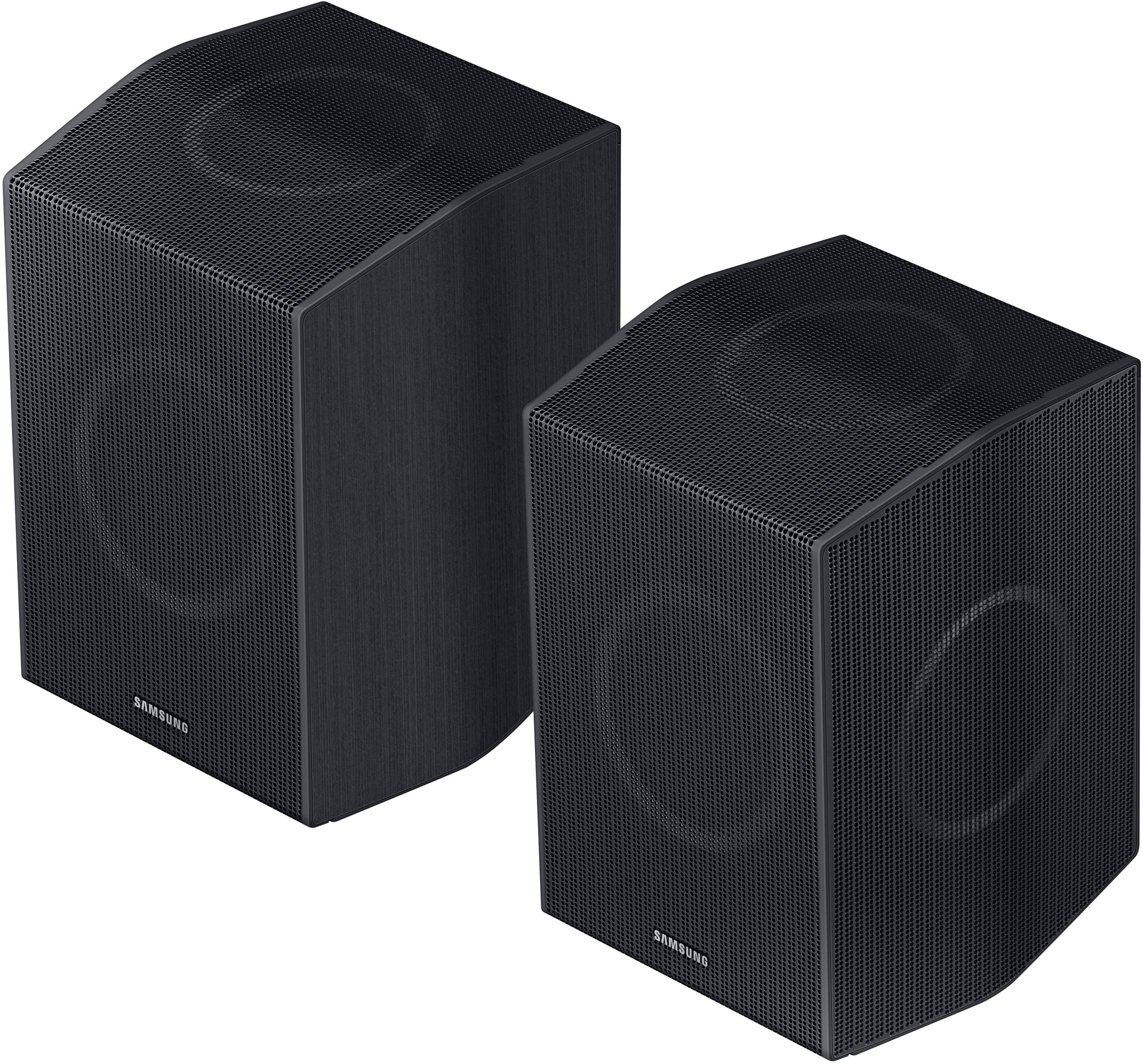
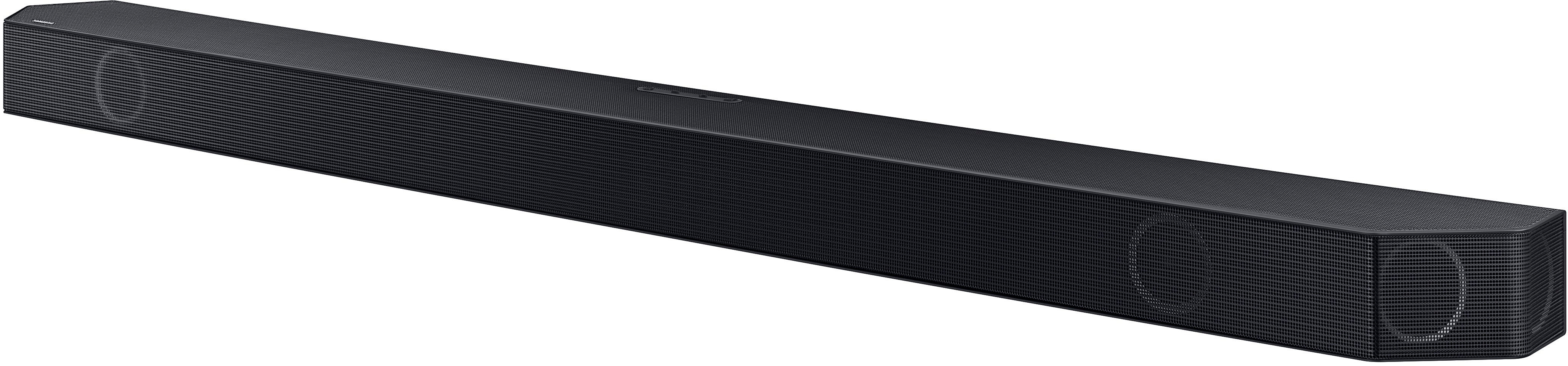
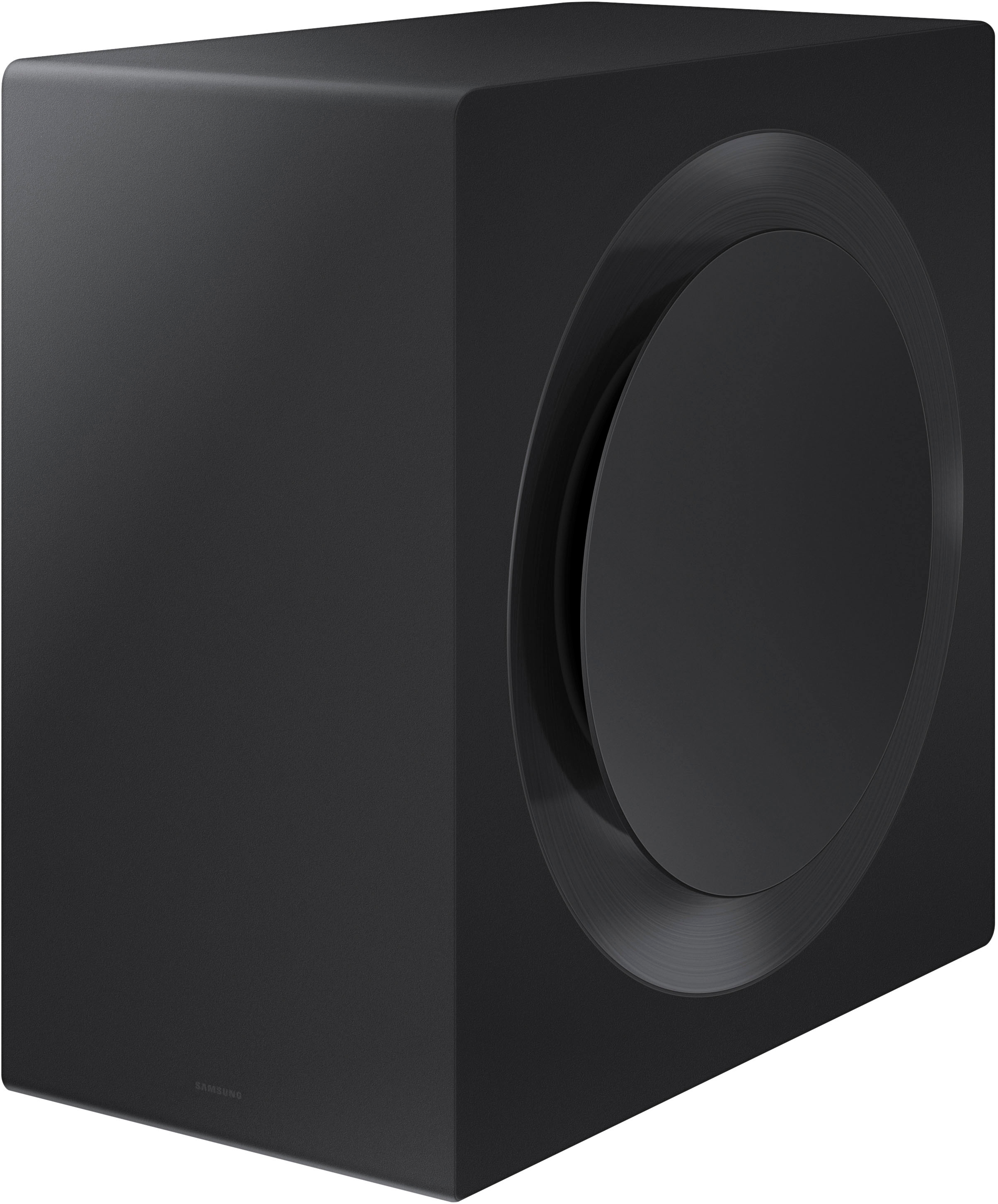


- Model:
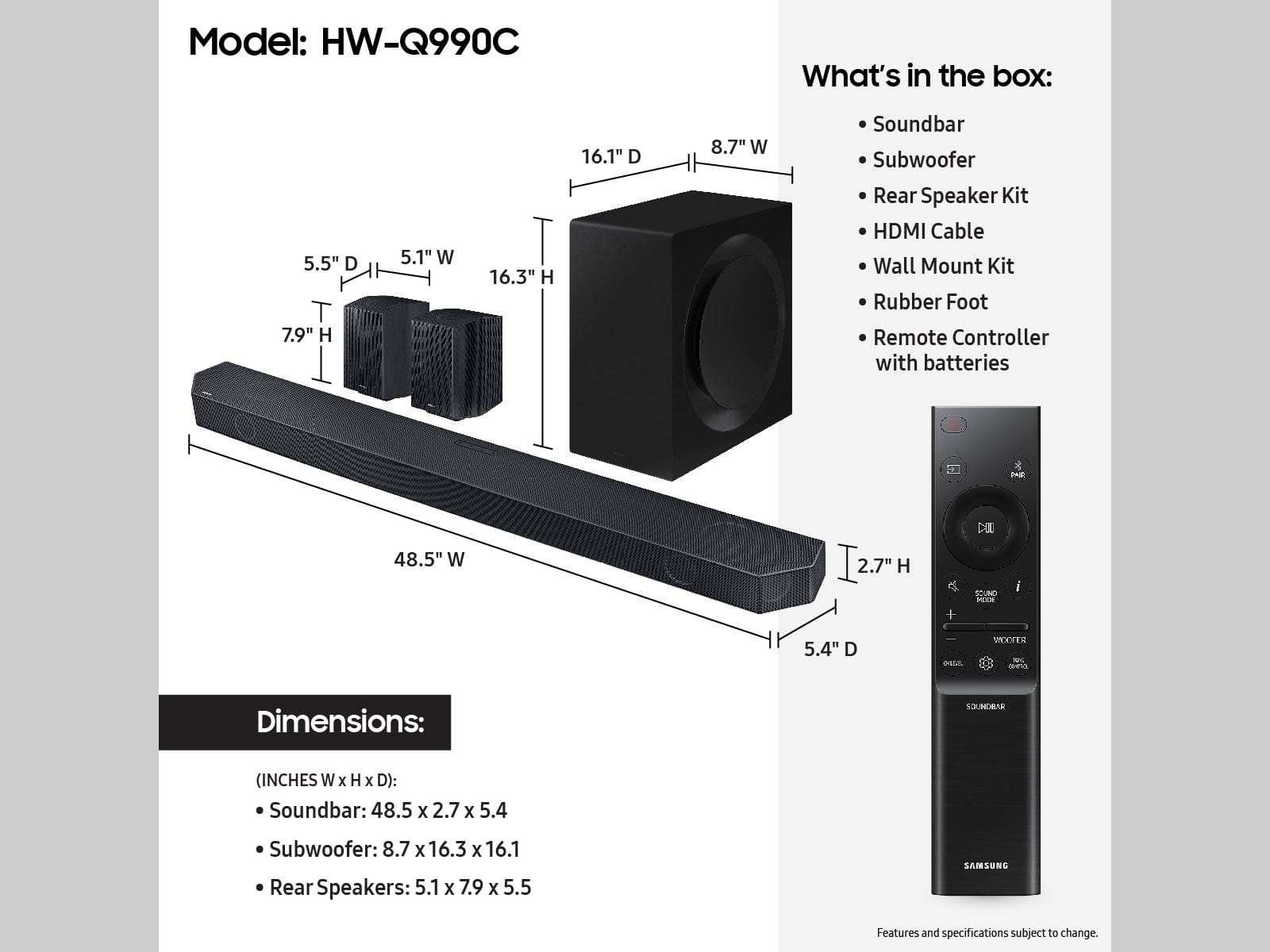
- HW-Q990C
- SKU:
- 6536382
Rating by feature
- Value
Rating 4.5 out of 5 stars
- Quality
Rating 4.7 out of 5 stars
- Ease of Use
Rating 4.7 out of 5 stars
Customers are saying
Customers commend the Q-series soundbar's exceptional sound quality, powerful bass, and ease of setup. Many appreciate the immersive Dolby Atmos experience and the added benefit of rear speakers, enhancing the overall listening experience. However, some users find the product expensive and experience occasional connectivity issues. The Q-Symphony feature is also praised by those with compatible Samsung TVs.
This summary was generated by AI based on customer reviews.
Sound bar
||Posted . Owned for 1 week when reviewed.This reviewer received promo considerations or sweepstakes entry for writing a review.This one is hard , they set everything up for delivery, but not even 2 weeks into it they changed it all up on me, they messed everything up , fought them for 2 days on trying to get everything fix , I got my TV but they ended up loosing my srruond sound and sending it to someone else. This is a truly a horrible experience and they need to step up there game .I can't honestly rate it , but I can rate the over all rating to poor
I would recommend this to a friendBrand response from Samsung
Posted .Hello AdamS,
Please know you are leaving a review for the HW-Q990C Samsung Soundbar, not the service provided by Best Buy.
Please follow up directly with Best Buy for further assistance. We hope your issue is resolved in a timely manner.
Should you ever have questions or need help related to Samsung Soundbars, please call us at 1-800-SAMSUNG (ask for Soundbars), available 8 AM – 12 AM EST, 7 days a week.
For additional support resources such as downloading a full manual, visit us on the Samsung website and click on the ‘Support’ link in the upper right corner of the homepage.
~Samsung Solutions
Hyped reviews
||Posted . Owned for 1 month when reviewed.This reviewer received promo considerations or sweepstakes entry for writing a review.I was disappointed by the sound quality. It was just loud with many components and nothing more. I compared it side by side with my 6-year-old Bose 500, and Samsung could not match its sound quality.
No, I would not recommend this to a friendWorthless
||Posted . Owned for 3 months when reviewed.This reviewer received promo considerations or sweepstakes entry for writing a review.Honestly I was expecting a lot more about this soundbar but after 3 months of use the subwoofer is falling apart I realized there is a huge rip on the bottom, I called samsung regarding the issue and they said it is not covered under warranty. If you want to invest 1500 on a soundbar this is not the right one.poor quality.
No, I would not recommend this to a friendBrand response from Samsung
Posted .Hello Deadpool29,
Thank you for sharing your review of the HW-Q990C Soundbar.
You can manually optimize your audio experience by pressing the SOUND CONTROL button (which looks like a gear), you can set the audio function such as Auto EQ, Spacefit sound, AVA, Voice Enhance mode, Night mode, Sync, Surround speaker mode, Virtual. The desired item can be adjusted using the Up/Down buttons.
You can try quickly optimizing the audio by pressing the SOUND MODE button on your remote, and then select the desired sound effect by choosing STANDARD, SURROUND SOUND, GAME, or ADAPTIVE SOUND.
To control the volume of each speaker, press the CH LEVEL button on the provided remote. Then select CENTER LEVEL, SIDE LEVEL, WIDE LEVEL, FRONT TOP LEVEL, REAR LEVEL, or REAR TOP LEVEL. Once you find the channel you are looking for, adjust the volume between -6 to +6 by using the Up/Down buttons.
Press the SOUND CONTROL button (looks like a gear) to access the setting items such as Auto EQ, Spacefit sound, AVA, Voice enhance mode, Night mode, Sync, Surround speaker mode, Virtual. The desired item can be adjusted using the Up/Down buttons.
Alternatively, you can press and hold the SOUND CONTROL button for about 5 seconds to adjust the sound for each frequency band. 150Hz, 300Hz, 600Hz, 1.2kHz, 2.5kHz, 5kHz, and 10kHz are selectable using the Left/Right buttons and each can be adjusted to a setting between -6 to +6 using the Up/Down buttons.
Should you ever have questions or need help, please call us at 1-800-SAMSUNG (ask for Soundbars), available 8 AM – 12 AM EST, 7 days a week.
For additional support resources, visit us on the Samsung website and click on the ‘Support’ link in the upper right corner of the homepage for:
1) Chat with Us/Product Help: To begin a chat or find solutions, choose ‘TVs & Home Theater’ and select your model & topic.
2) Manuals & Software
3) Warranty Info
4) Register a Product: For access to easy warranty support, convenient opt-in to special promos and offers, faster troubleshooting and service, and quick notification of system updates
5) Contact Us
~ Samsung Solutions
Larry
||Posted . Owned for 1 week when reviewed.This reviewer received promo considerations or sweepstakes entry for writing a review.I would give it zero stars. It lasted 15 days, it keep going into S Mute. Samsung said it was defective and I returned It to Best Buy.
No, I would not recommend this to a friendBrand response from Samsung
Posted .Major,
Thank you for your review of the Samsung HW-Q990C Soundbar and for sharing the issues that have caused you to return your unit. Your experience is very important to us and will be shared with our product team.
It is possible that your unit needed minor troubleshooting, a firmware update, or adjustments in settings.
Updating the firmware on your soundbar gives you all the benefits of the latest improvements. When the Soundbar is connected to the Internet, Auto Update allows software to update automatically even when the Soundbar is turned off. You can also update by using the SmartThings app.
If not connected to the internet, you can download it onto a USB device, and then upload it to your soundbar - no wireless connection required. Connect the USB drive that contains the update firmware to the SERVICE port of the Soundbar.
1.Go to the Samsung Electronics website (www.samsung.com) → click on the “Support” option in the upper left corner.
2.Click on “Manuals & Software” from the pop-up list > TVs & Home Theater > Home Theater > Select your model
2. Download the firmware file (USB type).
3. Unzip the file to create a folder with the file name.
4. Store the created folder in a USB and then connect it to the Soundbar.
5. A sequence of “UPDATE” > “BYE” > “ON” will appear on the display 3 times. This will take around 6 minutes.
- During update, do not turn it off or remove the USB.
- If “UPDATE” does not appear on the display window, remove the power cord from the Soundbar and then reconnect it.
- When the latest version is installed, no update is performed.
- Depending on the USB type, update may not be supported.
6. After the 3 cycles are complete, the Soundbar will restart and last source used will appear on the display for about 20 seconds and then it will go off (“UPDATE” > “BYE” > “ON”) 3 times “D.IN” > off
Should you ever decide to give Samsung Soundbars another try and have questions or need assistance with settings, setup, or features, please know we are always here to help. Call us at 1-800-SAMSUNG, 8AM - 12AM EST, 7 days a week. Our Live Chat with an agent, as well as manuals, software, and warranty information, can be found at the “Support” link on our website. Again, thank you for taking the time to share your experience. We hope to regain you as a customer in the future.
~ Samsung Solutions
Avoid
||Posted . Owned for 1 month when reviewed.This reviewer received promo considerations or sweepstakes entry for writing a review.Center channel audio breaks apart with high/piano sounds. Sent to Samsung for warranty. It was deemed normal “ Nothing wrong” and sent back.
No, I would not recommend this to a friendBrand response from Samsung
Posted .Hello XavierC,
Thank you for sharing your review regarding your contact with Customer Service and your new HW-Q990C Soundbar. I am sorry to see that you have experienced these issues. Your review is very appreciated and will be shared among our service and product teams.
If you have not yet done so, there are a few steps you can take to troubleshoot your Soundbar.
First, update the firmware on your soundbar. The easiest way to accomplish this would be to download the SmartThings app and connect your Soundbar to Wi-Fi. This will allow you to not only download any firmware updates but also control your entire soundbar on the screen of your smart device.
Please be sure you are using a high-speed HDMI cable with Ethernet Channel (sometimes called HDMI HEC cable). Also be sure to enable HDMI-eARC in the Expert Settings menu. Additionally, please also verify that you are running the latest firmware. You can check to see what software version your TV is using and if there is an available update through the settings on your TV. Go to: Menu > Settings > Support > Software Update.
Next, with the Soundbar on, press the + & - (Volume UP/DOWN) buttons on the body at the same time for at least 5 seconds. “INIT OK” appears on the display and then the Soundbar is reset. This will bring your Soundbar back to factory settings.
If you need more help, Samsung is here for you. Please call us at 1-800-SAMSUNG, 8AM - 12AM EST (Ask for Soundbars), 7 days a week. Our LiveChat agents are also available by clicking on the ‘Support’ link on our website.
~ Samsung Solutions
Disappointment
||Posted . Owned for 2 weeks when reviewed.This reviewer received promo considerations or sweepstakes entry for writing a review.This does not have great surround sound. It sounds like a small Bluetooth speaker. Before this I had a Bose home theatre. This pales in comparison.
No, I would not recommend this to a friendBrand response from Samsung
Posted .Hi Happylark,
We appreciate you providing your feedback and experience with the HW-Q990C soundbar. Please know there are a wide range of audio adjustments available to tune the sound to your liking.
You can manually optimize your audio experience by pressing the SOUND CONTROL button (which looks like a gear), you can set the audio function such as Auto EQ, Spacefit sound, AVA, Voice Enhance mode, Night mode, Sync, Surround speaker mode, Virtual. The desired item can be adjusted using the Up/Down buttons.
Alternatively, you can press and hold the SOUND CONTROL button for about 5 seconds to adjust the sound for each frequency band. 150Hz, 300Hz, 600Hz, 1.2kHz, 2.5kHz, 5kHz, and 10kHz are selectable using the Left/Right buttons and each can be adjusted to a setting between -6 to +6 using the Up/Down buttons.
You can try quickly optimizing the audio by pressing the SOUND MODE button on your remote, and then select the desired sound effect by choosing STANDARD, SURROUND SOUND, GAME, or ADAPTIVE SOUND.
To control the volume of each speaker, press the CH LEVEL button on the provided remote. Then select CENTER LEVEL, SIDE LEVEL, WIDE LEVEL, FRONT TOP LEVEL, REAR LEVEL, or REAR TOP LEVEL. Once you find the channel you are looking for, adjust the volume between -6 to +6 by using the Up/Down buttons.
There are multiple ways to control the bass levels for your new Soundbar.
1) Using the WOOFER button on the provided Soundbar remote. Use the woofer button by pushing forward or pulling backward on the button itself to adjust the bass levels between -12 or -6/+6. If you want to reset the bass to 0 then push the button in.
2) When you press the TONE CONTROL button, you can adjust the treble or bass levels between -6/+6.
Alternatively, you can adjust all of these same settings and more within the SmartThings app. Download the app for your iOS or Android device and then connect your Soundbar to Wi-Fi. From here, you will be able to adjust all of the same settings as the provided remote, but with the added benefit of being able to see the changes on your smart device.
If you need more help, Samsung is here for you. Please call us at 1-800-SAMSUNG, 8AM - 12AM EST (Ask for Soundbars), 7 days a week. Our Live Chat agents are also available by clicking on the ‘Support’ link on our website.
~ Samsung Solutions
Do business at a company that actually cares.
||Posted . Owned for 3 weeks when reviewed.This reviewer received promo considerations or sweepstakes entry for writing a review.Damaged in packaging. Was supposed that be in good condition. Whole experience was bad. Waited over an hour to have them come out and say they forgot about us.
I would recommend this to a friendBrand response from Samsung
Posted .Hello,
Thank you for sharing your review with us I’m sorry to hear of your in-store experience. We understand your frustrations.
If you have not yet, please contact Best Buy's Customer Service.
If you have any questions regarding your new Soundbar, please call us at 1-800-SAMSUNG (ask for Soundbars), available 8 AM – 12 AM EST, 7 days a week.
LiveChat with an agent by clicking the ‘Support’ link on the Samsung website.
~Samsung Solutions
Missing controller
||Posted . Owned for 3 weeks when reviewed.This reviewer received promo considerations or sweepstakes entry for writing a review.Bought refurbished, but understood all parts would be there. Received with out remote, customer service said sorry about your luck. Return it
I would recommend this to a friendBrand response from Samsung
Posted .Hello Viperman911,
Thank you for your review of the Samsung HW-Q990C Soundbar and for sharing the experience that has caused you to return your unit. Your feedback is very important to us and will be shared with our internal team.
Should you ever decide to give Samsung Soundbars another try and have questions or need assistance with settings, setup, or features, please know we are always here to help.
Call us at 1-800-SAMSUNG (ask for Soundbars), available 8 AM – 12 AM EST, 7 days a week.
~ Samsung Solutions
Sounds great til it breaks
||Posted . Owned for 3 weeks when reviewed.This reviewer received promo considerations or sweepstakes entry for writing a review.Sub went bad after the 5th day I had it. Both lights blinking which means required service.
No, I would not recommend this to a friendBrand response from Samsung
Posted .Hi DavidB,
Thank you for taking a moment to review Samsung’s HW-Q990C soundbar.
The blinking lights show that the subwoofer has lost the connection to the soundbar.
First, try doing a soft reset, unplug the soundbar from the outlet for roughly 30 seconds and then plug it back in.
If that does not resolve the issue, you can try these steps to manually re-connect your subwoofer back to the soundbar by doing the following steps.
Before performing the manual connection procedure, check whether the power cables for the Soundbar and subwoofer are connected properly and make sure that the Soundbar is turned off.
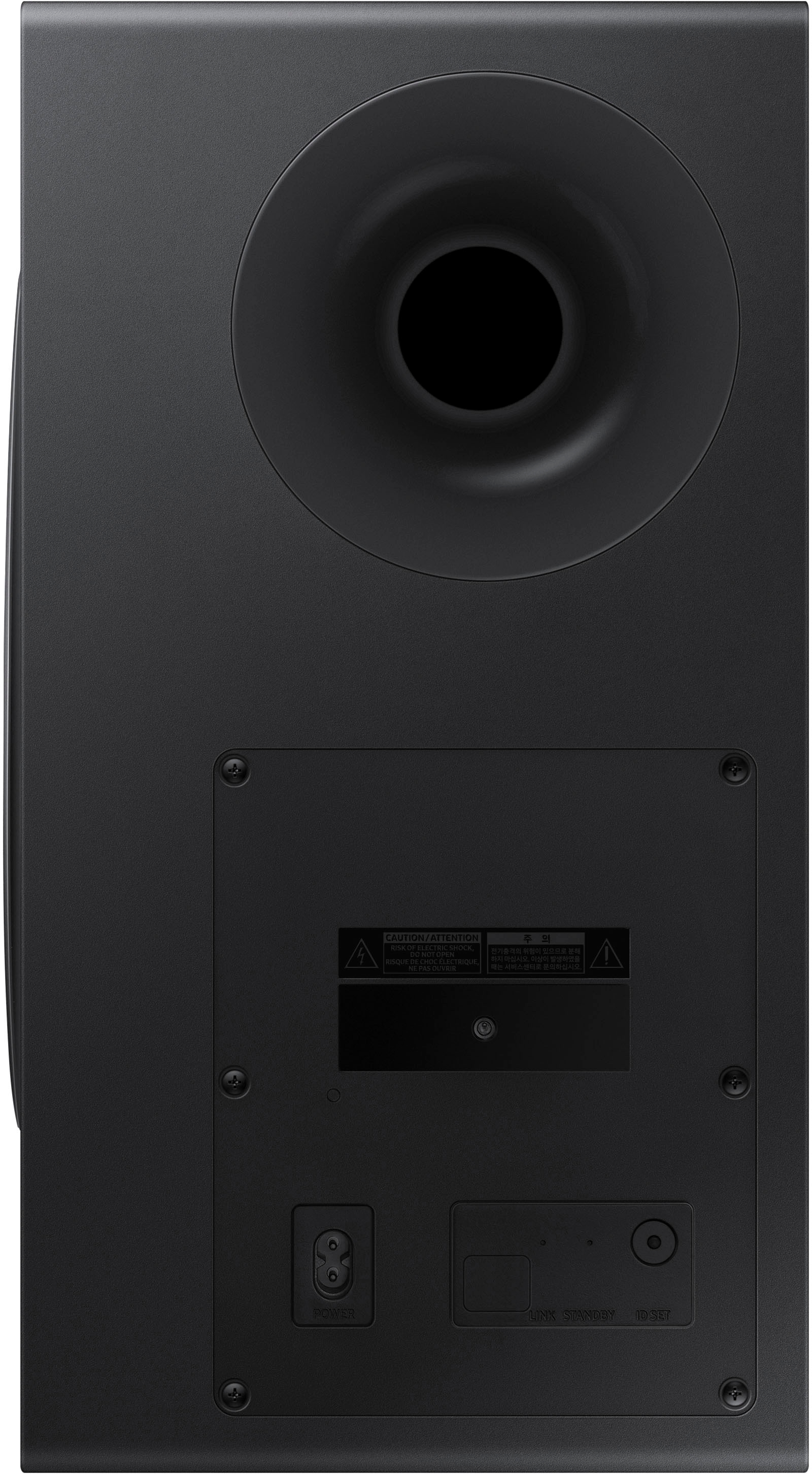
Press and hold ID SET on the rear of the subwoofer for at least 5 seconds. The red indicator on the rear of the subwoofer turns off and the blue indicator blinks. Press and hold the Up button on the remote control for at least 5 seconds. The ID SET message appears on the display of the Soundbar for a moment, and then it disappears. The Soundbar will automatically power on when ID SET is complete. The LINK LED indicator stops blinking and glows a solid blue when a connection is established between the Soundbar and the Wireless Subwoofer.
If you need more help, Samsung is here for you. Please call us at 1-800-SAMSUNG, 8AM - 12AM EST (Ask for Soundbars), 7 days a week. Our Live Chat agents are also available by clicking on the ‘Support’ link on our website.
~ Samsung Solutions
Bad soundbar
||Posted . Owned for 3 weeks when reviewed.This reviewer received promo considerations or sweepstakes entry for writing a review.The soundbar had one or two speakers blown 7th of September after being purchased on the 15th of August.
No, I would not recommend this to a friendBrand response from Samsung
Posted .Hello JoshuaR,
Thank you for purchasing the Samsung HW-Q990C Soundbar and sharing your review. This is definitely not the product experience we want for you.
So that we can better assist you, please reach out to Samsung Support via:
1) 1-800-SAMSUNG, 8 AM - 12 AM EST, 7 days a week. Ask for "Soundbars."
2) LiveChat with an agent by clicking the ‘Support’ link on the Samsung website homepage.
Samsung is committed to providing the best possible product experience, quality, and value, and we back this soundbar with a 1-year limited manufacturer's warranty.
We hope to hear from you and to make this right.
~Samsung Solutions
Not satisfied.
||Posted . Owned for 1 month when reviewed.This reviewer received promo considerations or sweepstakes entry for writing a review.The volume goes up and down on its own. Bluetooth disconnects.
No, I would not recommend this to a friendBrand response from Samsung
Posted .Hello JosueN,
Thank you for purchasing the new HW-Q990C Samsung Soundbar. I am sorry to see that your experiences with the Soundbar have not been ideal.
There are a few steps you can take to troubleshoot your Soundbar.
You can download the firmware directly from Samsung’s website by clicking “Support” in the top right corner. Then go to “Manuals & Software” > “TVs & Home Theater” > “Home Theater” > “Sound Bars”. From there, you can select the HW-Q990C under Q Series.
Download the update and install it via USB thumb stick to your soundbar. If you need additional help, there are how-to instructions on this page. Please know that Samsung Customer Service is here to assist as well.
Alternatively, you can setup Wi-Fi on your Soundbar using the SmartThings app from your smart device (either iOS or Android). This will allow you to set your Soundbar to be automatically updated whenever there is a new firmware patch available.
Next, try doing a soft reset, unplug the soundbar from the outlet for roughly 30 seconds and then plug it back in.
If this still does not correct your issue, then do a hard reset. With the Soundbar on, press the + & - Volume buttons on the body of the soundbar at the same time for at least 5 seconds. INIT OK” appears on the display and then the Soundbar is reset.
If you need more help, Samsung is here for you. Please call us at 1-800-SAMSUNG, 8AM - 12AM EST (Ask for Soundbars), 7 days a week. Our LiveChat agents are also available by clicking on the ‘Support’ link on our website.
~ Samsung Solutions
- Pros mentioned:Bass, Sound quality
Lives up to the hype
Posted .This reviewer received promo considerations or sweepstakes entry for writing a review.I wasn’t expecting a whole lot from a spund bar system, but this does a great job. The sound stage is quite wide and the surround sound is very impressive. While sound bars are still far from an amp/speaker setup, this comes pretty close. The center channel is fairly warm and not tin-sounding like the sonos arc. The bass isnt over-powering and compliments the system well. All in all, its a good system for the oroce. For those not looking for absolute perfection, youll get pretty close with this. Definitely worth the price.
I would recommend this to a friend - Pros mentioned:Setup, Sound quality
The best atmos option in this price range
Posted .This reviewer received promo considerations or sweepstakes entry for writing a review.This soundbar is amazing. I reas and watch a ton of reviews on youtube and several sites and I can only say this is a great atmos device for the price. Installation was a breeze specially because I have a Samsung TV but I can tell even without it would be easy. Sound quality is excellent on movies and fairly decent for music very aimilar to other more expensive atmos devices. Only thing to watch is the lenght of the power cords for the rear speakers since theyare only 3 ft so consiser that into your installation
I would recommend this to a friend It’s good, but not great.
Posted .This reviewer received promo considerations or sweepstakes entry for writing a review.I went from a Yamaha Dolby Digital Stereo set up to this sound bar for my new 8k Samsung television. The sound bar is good-but not better than an actual stereo system. It is much more compact and easy to set up than a stereo system- but not better in sound. The really big drawback is that it does NOT display settings on the Samsung TV- which is a big fail by Samsung. This works best in tandem with the TV set speakers for theatre. Without the tandem with the tv- this would not be worth it. The remote control is sub par. The display on the sound bar is sub par. All in all it works and it’s pretty good- but if you want big time theater and booming audio, you will need an actual stereo system.
I would recommend this to a friendBrand response from Samsung
Posted .Hello Chris,
Thank you for sharing your thoughts regarding the HW-Q990C Soundbar System. We appreciate you taking the time to write a review and it will be shared among our internal teams.
So you are aware you can bypass the Soundbar remote and the display screen of the Soundbar by using the SmartThings app. Download the app on either iOS or Android and you will have the ability to change every setting from your smart device easily and quickly. You will be able to adjust the input, channel levels, the 7-band EQ and Sound Modes right from the screen of your phone or tablet. From your smart device you will be able to fine-tune your Soundbar to better meet your standards for your audio experience.
Should you ever have questions or need help, please call us at 1-800-SAMSUNG (ask for Soundbars), available 8 AM – 12 AM EST, 7 days a week.
For additional support resources, visit us on the Samsung website and click on the ‘Support’ link in the upper right corner of the homepage for:
1) Chat with Us/Product Help: To begin a chat or find solutions, choose ‘TVs & Home Theater’ and select your model & topic.
2) Manuals & Software
3) Warranty Info
4) Register a Product: For access to easy warranty support, convenient opt-in to special promos and offers, faster troubleshooting and service, and quick notification of system updates
5) Contact Us
~ Samsung Solutions
- Pros mentioned:Sound quality
Best DOLBY ATMOS system!!!
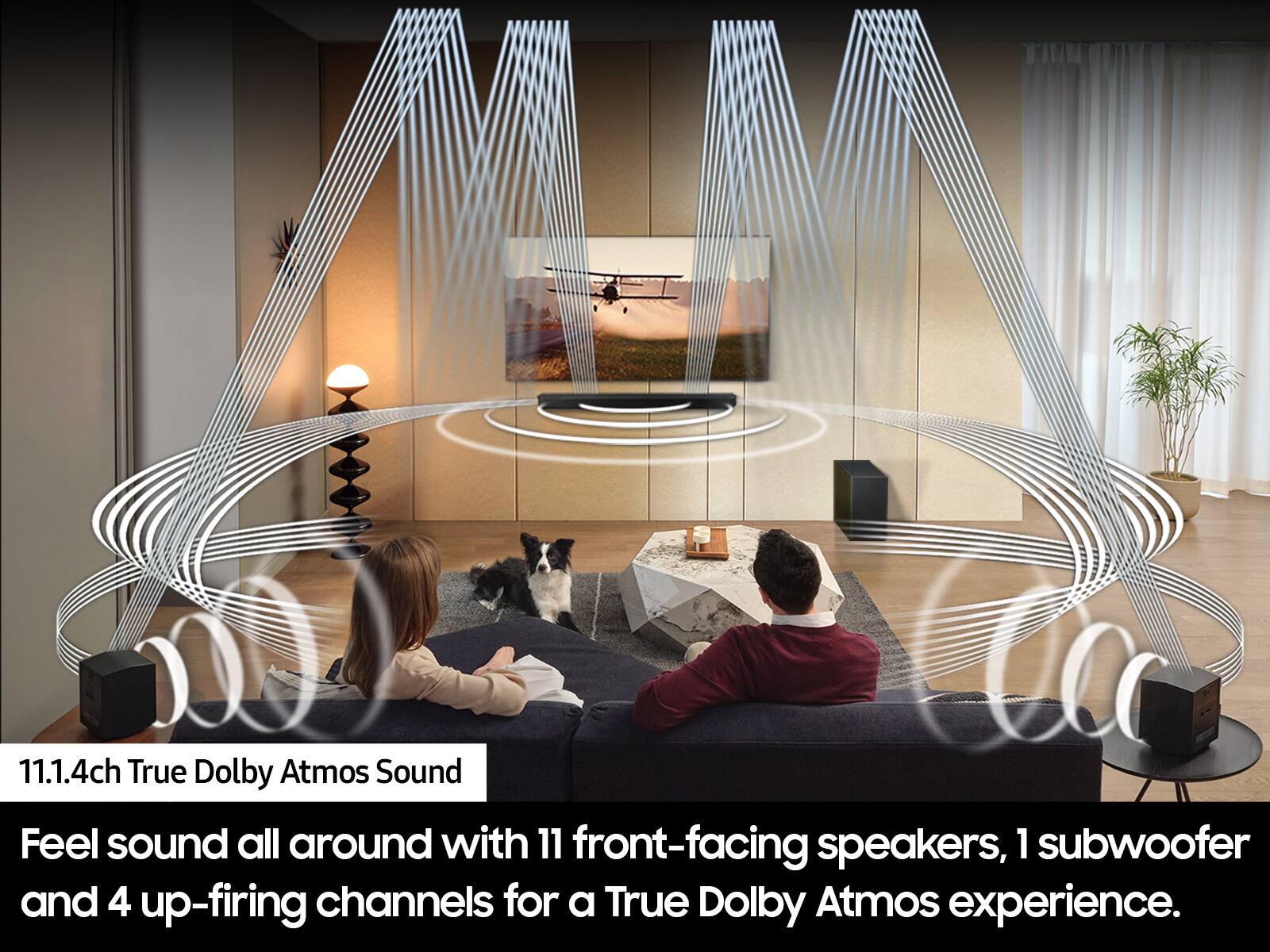
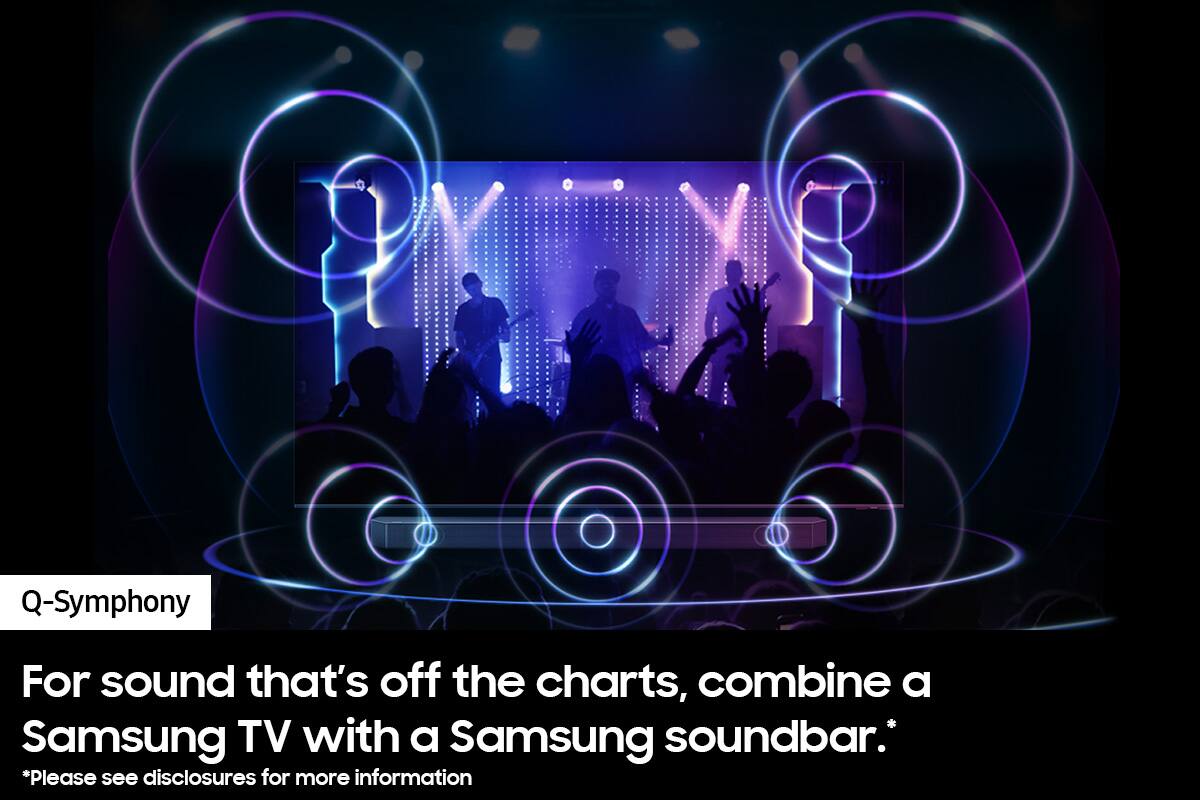
Posted .This reviewer received promo considerations or sweepstakes entry for writing a review.We previously owned a Samsung Dolby Atmos Soundbar....but we upgraded our TV to a new Samsung 65", so decided to upgrade our Soundbar as well and we decided on this new, Samsung Dolby Atmos 11.1.4 channel..and we are sure we glad we did!!! It feels like we are right there in the movie!!!! This is the reason why we have Marvel, Star Wars, DC 4k Blu Ray movies!!!! There is no going back for us!!! If I could give 10+ Stars, I would!!! And the Q-Symphony works fantastically!!!! Great job Samsung and DOLBY!!!!!
I would recommend this to a friend - Pros mentioned:Sound quality
Awesome soundbar
Posted .This reviewer received promo considerations or sweepstakes entry for writing a review.I bought this to replace an older soundbar that I have to keep at a high volume to be able to hear over the spa jets. I am using it outside under a gazebo while sitting in my spa watching TV. The sound is amazing from this model. I wanted a soundbar that I could hear at a lower volume over the jets of my spa and not have everyone else hear what I'm watching too. This soundbar does just that. I want to get another one for my bedroom.
I would recommend this to a friend - Pros mentioned:Bass, Sound quality
You’re crazy if you don’t buy this model
Posted .This reviewer received promo considerations or sweepstakes entry for writing a review.Wish I could give it 10 stars!!! This system is phenomenal in every way possible. I installed it in my 24 by 12 Sunroom and the sound is spectacular! Sound is coming from every angle and the bass has depth and power. I was tempted to buy a competitive model that begins with an S but oh my goodness… not only am I saving $$$ I have increased the entertainment factor exponentially! Thank you Samsung!
I would recommend this to a friend - Pros mentioned:Bass, Ease of use, Sound quality
Sound bar
Posted .This reviewer received promo considerations or sweepstakes entry for writing a review.Worked well! Good sound--Easy Set-Up! :) Great sub-woofer
I would recommend this to a friend - Pros mentioned:Ease of use, Sound quality
Excellent surround system
Posted .This reviewer received promo considerations or sweepstakes entry for writing a review.Nice surround sound and bass. Clarity is top notch, could hear the dialogues clearly. Set up is super easy out of the box.
I would recommend this to a friend - Pros mentioned:Setup, Sound quality
Great soundbar!
Posted .This reviewer received promo considerations or sweepstakes entry for writing a review.Great sound and easy setup. This replaced a HW-Q950T Atmos soundbar and the difference is amazing. I regret not buying this sooner.
I would recommend this to a friend