Customer Ratings & Reviews






- Model:
- HW-Q750C
- SKU:
- 6540800
Rating by feature
- Value
Rating 4.4 out of 5 stars
- Quality
Rating 4.5 out of 5 stars
- Ease of Use
Rating 4.4 out of 5 stars
Customers are saying
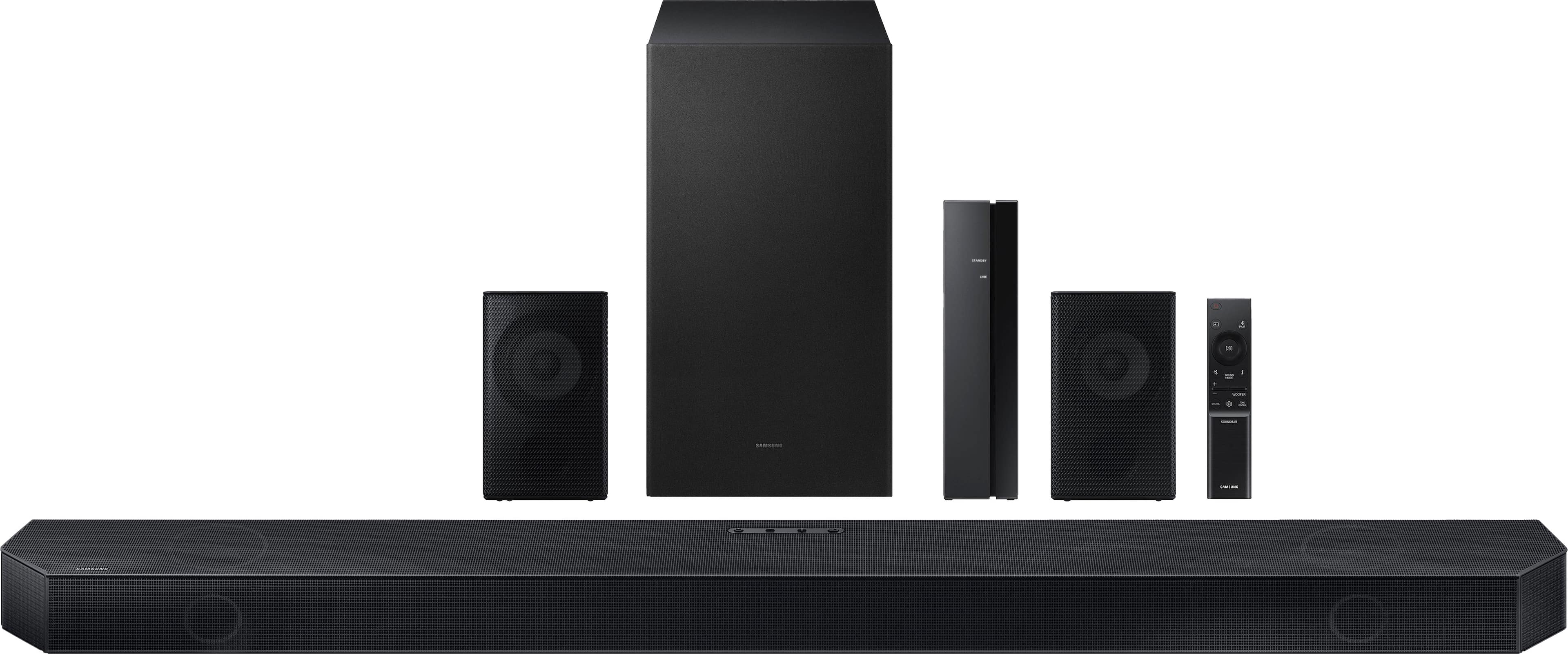
Customers admire the Q series soundbar's exceptional sound quality, encompassing the bass, Dolby Atmos, and Q Symphony features, finding it easy to set up and use. However, some users point out that the rear speakers are not wireless and that the instructions could be improved for clarity. The volume is also noted as impressively loud.
This summary was generated by AI based on customer reviews.
- Pros mentioned:Sound quality
Lovely piece of technology
||Posted . Owned for 7 months when reviewed.This reviewer received promo considerations or sweepstakes entry for writing a review.Amazing sound movie theater quality hasn’t disappointed in any way and just makes parties at the house a easy thing to have it is loud enough for the whole house
I would recommend this to a friend - Pros mentioned:Sound quality
Nice sound
||Posted . Owned for 2 weeks when reviewed.This reviewer received promo considerations or sweepstakes entry for writing a review.This speaker is best speaker for Samsung TV. I simply love the surroundings sound while watching movies. You must go for it, if you have Samsung Qled TV.
I would recommend this to a friend - Pros mentioned:Sound quality
Soundbar review
||Posted . Owned for 3 weeks when reviewed.This reviewer received promo considerations or sweepstakes entry for writing a review.Bought to pair with Samsung S90C TV. Works well with other Samsung TVs and was easy to set up. Good for small rooms when the larger system isn't necessary.
I would recommend this to a friend - Pros mentioned:Sound quality
Great Product
||Posted . Owned for 1 month when reviewed.This reviewer received promo considerations or sweepstakes entry for writing a review.Great product, It really does makes a difference no need to go to the movies anymore although I got it as an open box and of course it was missing a piece
I would recommend this to a friend - Pros mentioned:Sound quality
Room Full of Sound
||Posted . Owned for 3 weeks when reviewed.This reviewer received promo considerations or sweepstakes entry for writing a review.I’ve had my Samsung Q Series Soundbar System for about a month and the installation couldn’t have been easier. It instantly connected to my television and the sound is fantastic.
I would recommend this to a friend - Pros mentioned:Sound quality
Sound bar
||Posted . Owned for 1 week when reviewed.This reviewer received promo considerations or sweepstakes entry for writing a review.This has increased our capabilities to listen to the T. V. So much more. The Samsung T. V. We had to turn it up really high now we don’t. Love the Bluetooth as well.
I would recommend this to a friend - Pros mentioned:Sound quality
Subwoofer issue
||Posted . Owned for 1 week when reviewed.This reviewer received promo considerations or sweepstakes entry for writing a review.Very good system, at the beginning give issu with the sub Woofer ( sound intermittent) but move the router 10 feet away, change the connection from 2.4 to 5 and done, no more issue. The sound is great.
I would recommend this to a friend - Pros mentioned:Sound quality
Good Sound bar
||Posted . Owned for 1 week when reviewed.This reviewer received promo considerations or sweepstakes entry for writing a review.It’s an excellent sound bar, the only thing is that you have to use “YOUTUBE” if you didn’t pair rear speakers to the sound bar, before! I like Samsung!
I would recommend this to a friend - Pros mentioned:Bass, Sound quality
Not for me
||Posted . Owned for 1 month when reviewed.This reviewer received promo considerations or sweepstakes entry for writing a review.The sound bar is great so is the subwoofer the surround speakers Or a hassle to hook up
No, I would not recommend this to a friendBrand response from Samsung
Posted .JohnD,
Thank you for sharing your review of the HW-Q750C. Your experiences and feedback are very important to us and will be shared with our product teams.
You can optimize the audio performance for your specific content by pressing the SOUND MODE button on your remote, and then selecting the desired sound effect by choosing STANDARD, SURROUND SOUND, GAME PRO, or ADAPTIVE SOUND
You can adjust the Treble and Bass by pressing the TONE CONTROL button then use the UP/DOWN buttons to change the levels between -6 to +6.
By pressing the CH LEVEL button, you can adjust the volume of the available channels. Each time you press the CH LEVEL button it will switch to a different channel such as Center, Front Top, or Rear Level. After selecting the channel you wish to adjust, use the UP/DOWN buttons on the provided Soundbar remote to adjust the volume between -6 to +6.
If you would like louder (or softer) bass from your subwoofer, you can adjust the level by rocking the WOOFER button on the soundbar remote, and then adjusting the level from -6 to +6. To set the subwoofer volume level to 0, press the button in.
With the sound mode set to Standard, press and hold the Sound Control button for about 5 seconds to adjust the sound for each frequency band for precise audio adjustments. 150Hz, 300Hz, 600Hz, 1.2kHz, 2.5kHz, 5kHz, and 10kHz are selectable using the Left/Right buttons and each can be adjusted to a setting between -6 to +6 using the Up/Down buttons.
If you need more help, Samsung is here for you. Please call us at 1-800-SAMSUNG, 8AM - 12AM EST (Ask for Soundbars), 7 days a week. Our Live Chat agents are also available by clicking on the ‘Support’ link on our website.
~ Samsung Solutions
I like it but don’t love it
||Posted . Owned for 1 month when reviewed.This reviewer received promo considerations or sweepstakes entry for writing a review.Kind of wish I went with the comparable Sony model but easily paired with my Samsung tv so made more sense.
I would recommend this to a friend- Pros mentioned:Sound quality
Awesome!
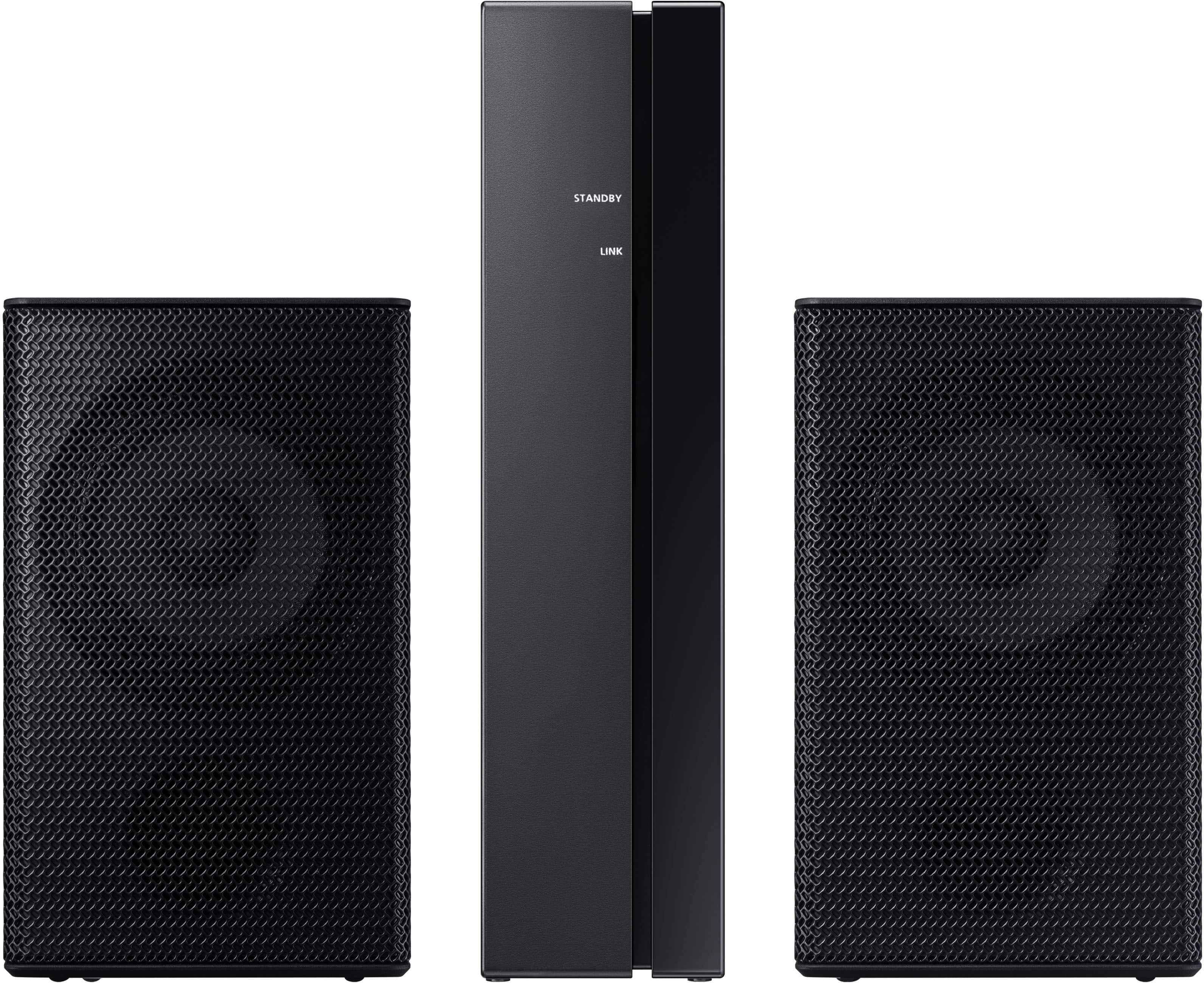
||Posted . Owned for 1 week when reviewed.This reviewer received promo considerations or sweepstakes entry for writing a review.Great system! Incredible sound! Wireless subwoofer made it easy to set anywhere for great bass! Rear speakers are wired, but plug into a wireless receiver, which is great! Definitely recommend!
I would recommend this to a friend - Pros mentioned:Sound quality
Excellent Home Theatre
||Posted . Owned for 3 weeks when reviewed.This reviewer received promo considerations or sweepstakes entry for writing a review.This sound system transformed my living room into a home theatre. Could not be more satisfied with how it sounds. The integration with my samsung TV has made the experience even better.
I would recommend this to a friend - Pros mentioned:Sound quality
Great Speakers
||Posted . Owned for 1 month when reviewed.This reviewer received promo considerations or sweepstakes entry for writing a review.This gives good sound quality. Once I was watching a YouTube video that I did not expect to utilize the satellite speakers but the voices coming from behind felt like they were in my home.
I would recommend this to a friend - Pros mentioned:Sound quality
Great bang for my buck!
||Posted . Owned for 2 weeks when reviewed.This reviewer received promo considerations or sweepstakes entry for writing a review.Got this as an open box deal for around 40%…. Amazing deal and they KNOCK bro. Heavy knock. Like knock your socks off.
I would recommend this to a friend - Pros mentioned:Sound quality
Great sound system at a great price.
||Posted . Owned for 1 month when reviewed.This reviewer received promo considerations or sweepstakes entry for writing a review.The system sounds great. Having the ability to have sound projected from behind is amazing. The eARC worked perfectly. The use of the remote was very easy to change any volume setting.
I would recommend this to a friend - Pros mentioned:Sound quality
Samsung sound bar
||Posted . Owned for 5 months when reviewed.This reviewer received promo considerations or sweepstakes entry for writing a review.Very good surround sound system for the price I got it couldn’t ask for more!
I would recommend this to a friend - Pros mentioned:Sound quality
Great Soundbar
||Posted . Owned for 5 months when reviewed.This reviewer received promo considerations or sweepstakes entry for writing a review.Great sound. Perfect for a living room. Rear speakers sound great also.
I would recommend this to a friend - Pros mentioned:Sound quality
Perfect with a Samsung Tv...
||Posted . Owned for 1 month when reviewed.This reviewer received promo considerations or sweepstakes entry for writing a review.I bought this and the 75" Q70 tv for our bedroom and i can now actually go from the living Room to the bedroom and not get frustrated!
I would recommend this to a friend - Pros mentioned:Sound quality
Samsung sound bar
||Posted . Owned for 1 month when reviewed.This reviewer received promo considerations or sweepstakes entry for writing a review.This is so amazing item I bought. Previous one I had Bose sound system. my concern that Samsung sound system is much better then Bose. So rating should be more then excellent.
I would recommend this to a friend - Pros mentioned:Sound quality
Great sound system
||Posted . Owned for 4 months when reviewed.This reviewer received promo considerations or sweepstakes entry for writing a review.Great sound and super easy setup with my Samsung Neo TV. The surround sound has fooled my wife and I from thinking someone was outside. Truly immerses you.
I would recommend this to a friend