Customer Ratings & Reviews
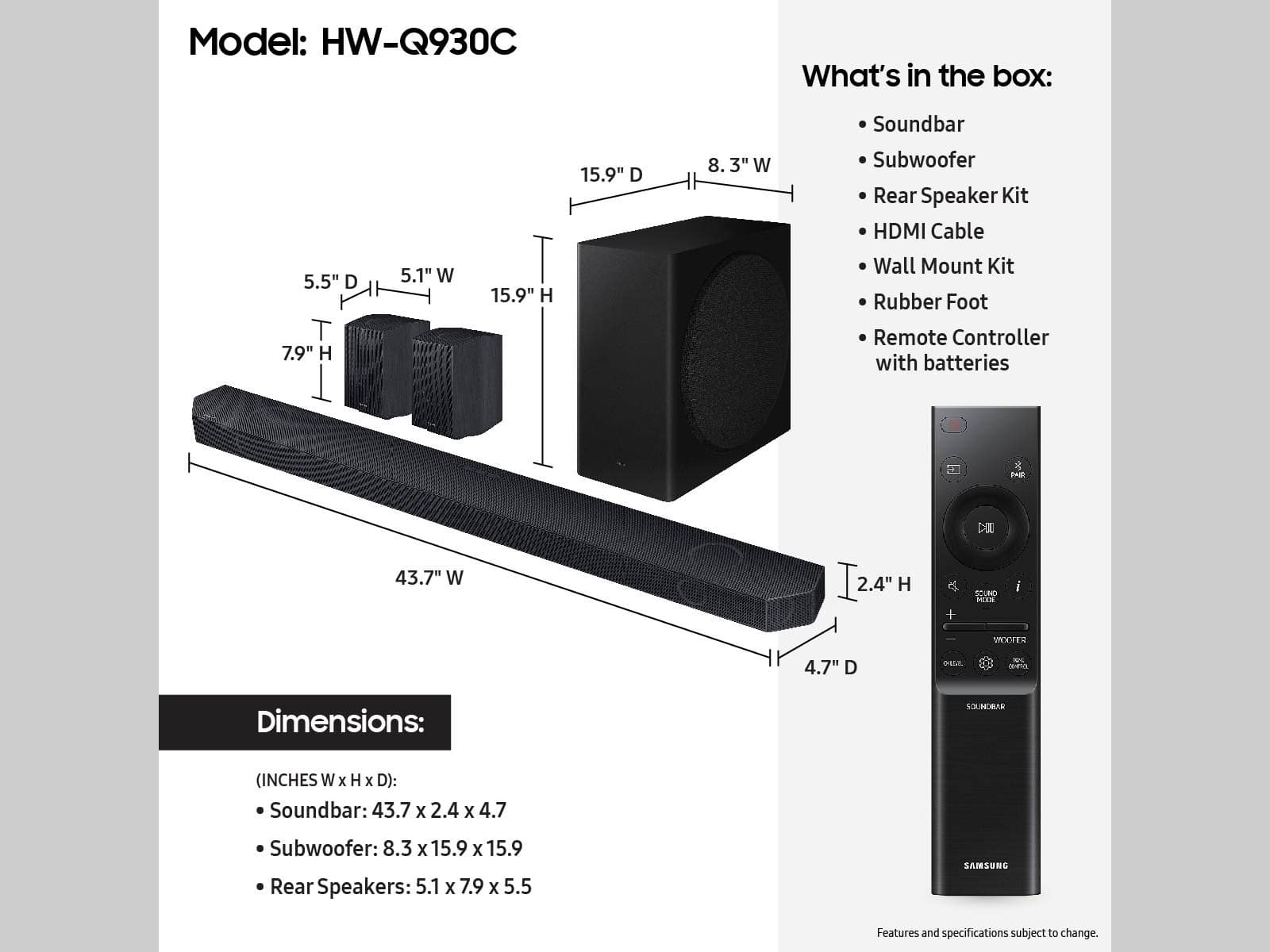


- Model:
- HW-Q930C
- SKU:
- 6535890
Rating by feature
- Value
Rating 4.6 out of 5 stars
- Quality
Rating 4.7 out of 5 stars
- Ease of Use
Rating 4.7 out of 5 stars
Customers are saying
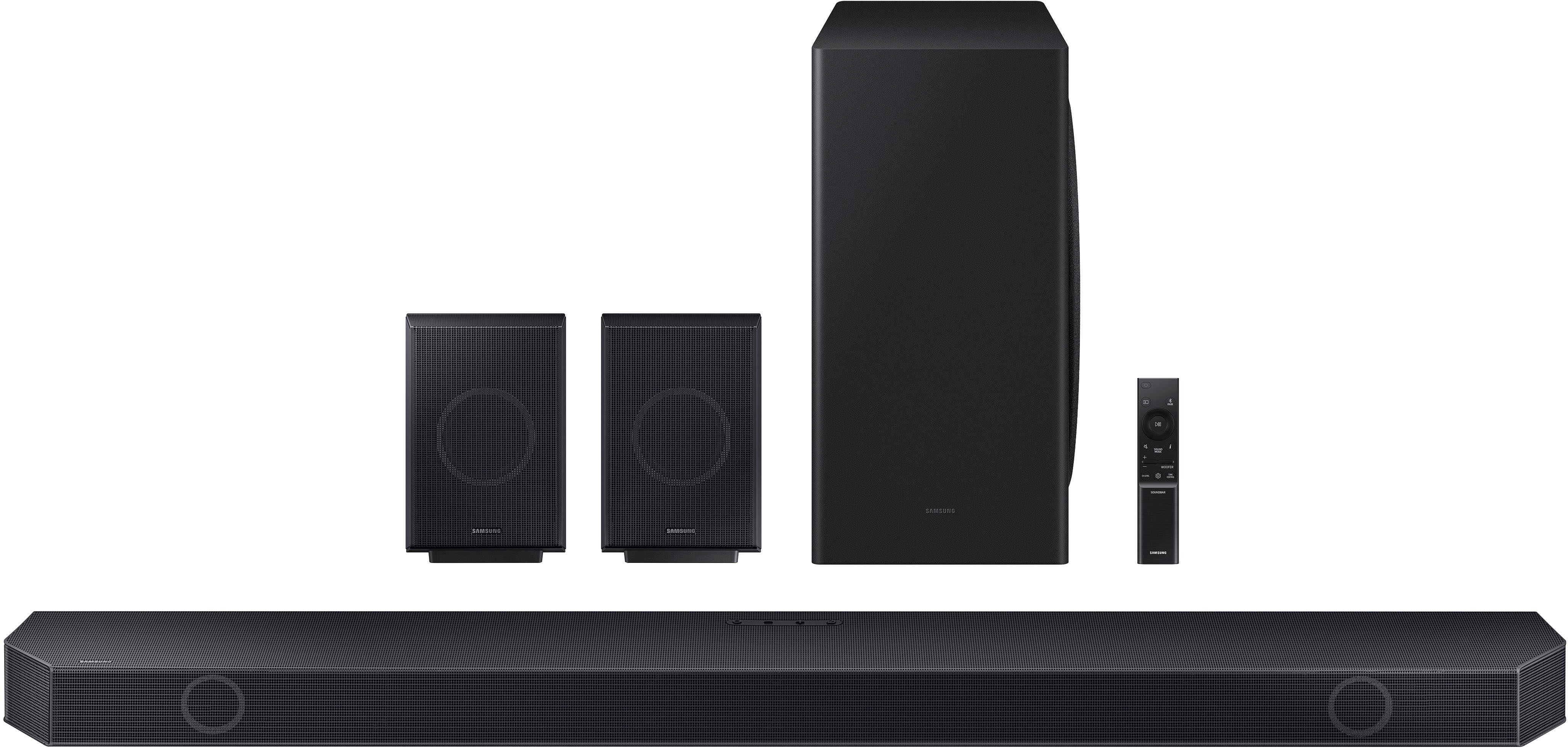
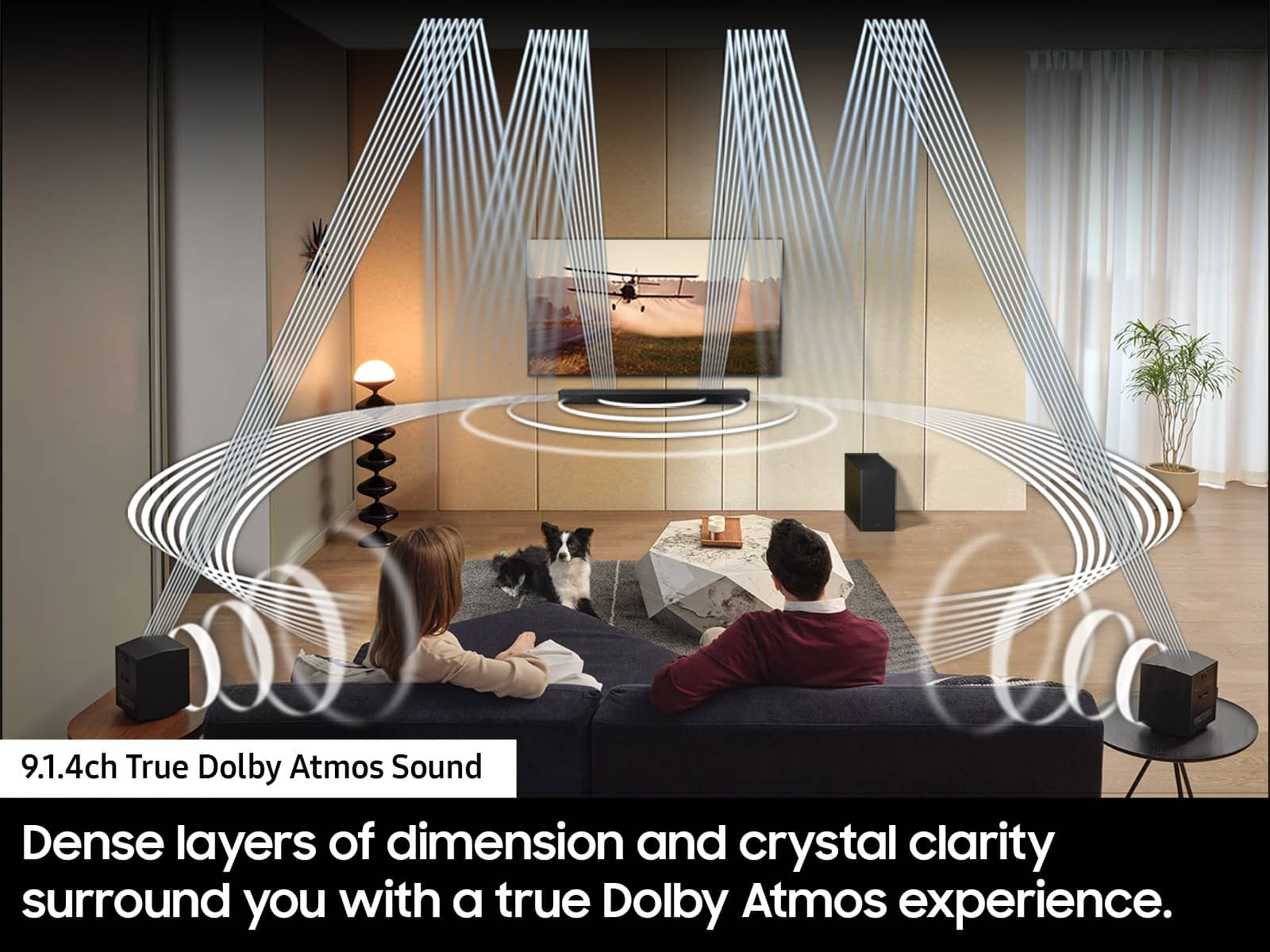
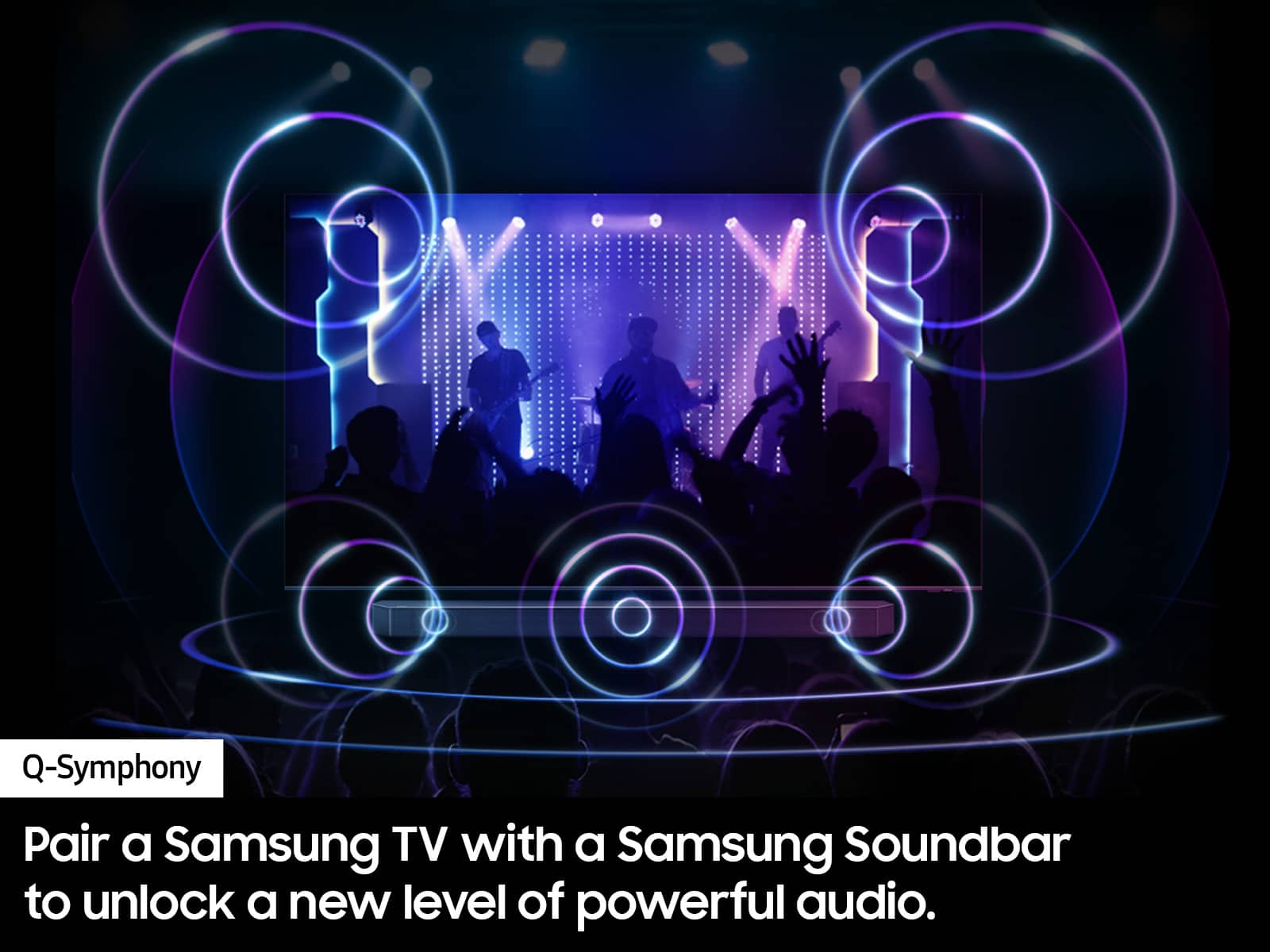
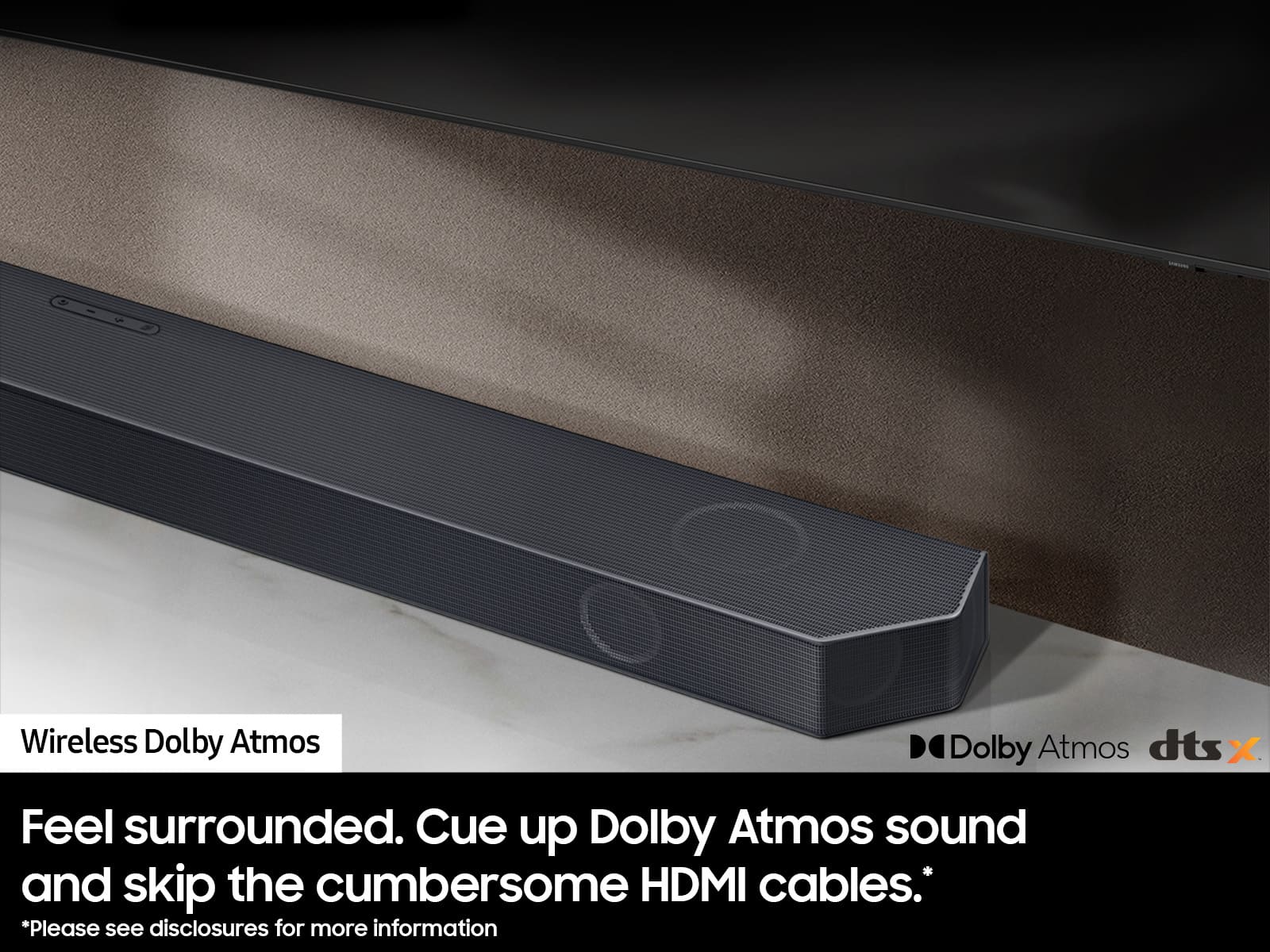
Customers are positive about the Q-Series 9.1.4ch Wireless True Dolby Atmos Soundbar's exceptional sound quality, ease of use, and strong bass response. Many appreciate the relatively simple setup process and immersive Dolby Atmos experience, along with the enhancement provided by the rear speakers and Q-Symphony feature. However, some customers express concerns regarding connectivity issues and the remote control's functionality. A few also mention the product's price point as a potential drawback.
This summary was generated by AI based on customer reviews.
- Pros mentioned:Sound quality
Hw-q 930c
||Posted . Owned for less than 1 week when reviewed.This reviewer received promo considerations or sweepstakes entry for writing a review.Sounds really good. I came from an older high level Bose soundbar (soundtouch 130). My only complaint with this Samsung soundbar is that it doesnt always synch with new Sony X93L tv
I would recommend this to a friendBrand response from Samsung
Posted .MarkS,
While it’s great to hear that you’re loving the sound quality of your Samsung HW-Q930C soundbar, I’m sorry to hear of the difficulties you experienced with syncing.
Connecting your soundbar to a TV through HDMI will provide the best audio and user experience, often eliminating any connection or delay issues you may be experiencing. There are 2 ways to connect your soundbar with HDMI: you can connect a device to your soundbar (like a Blu-ray player) and then connect the soundbar to the TV, or you can use HDMI ARC. The first method will give you the best possible sound from external devices you regularly use. ARC is the way to go if you want great sound from streaming apps on your TV and a soundbar.
If connected via Bluetooth to the TV and the soundbar is dropping out intermittently there are a few things to check before performing any troubleshooting:
1) The maximum wireless signal transmission distance is about 33 ft.
2) If there is a device that uses the same wireless frequency near the Soundbar, interference may cause some sound interruption.
4) Check all the sources on the soundbar. If the audio is dropping while watching TV it could be an issue with the broadcast.
5) Also, please be sure you have the latest firmware update. You can update your firmware by using a USB device. You can find the update on the product page of your xxx on the Samsung website.
If the issue persists, please contact us at 1-800-SAMSUNG, 8AM - 12AM EST (Ask for Soundbars), 7 days a week. Our Live Chat agents are also available by clicking on the ‘Support’ link on our website.
~ Samsung Solutions
Good Bang for the Buck
||Posted . Owned for 1 month when reviewed.This reviewer received promo considerations or sweepstakes entry for writing a review.This delivers the exact experience I was looking for out of a sound system. I do feel the surround quality of it is where it loses points for me, but I would purchase this again. I am confident it will deliver superb audio for years to come.
I would recommend this to a friendGreat Soundbar
||Posted . Owned for 1 month when reviewed.This reviewer received promo considerations or sweepstakes entry for writing a review.Best addition to my home theater ever. I was looking for a good atmos system and this really hit the spot and great sell price.
I would recommend this to a friendSatisfied Customer! Samsung soundbar!
||Posted . Owned for 1 month when reviewed.This reviewer received promo considerations or sweepstakes entry for writing a review.excellent Samsung soundbar to accompany my new LG 77" TV. Geek Squad did it all. Very professional, great customer service. Satisfied customer!
I would recommend this to a friend- Pros mentioned:Sound quality
Samsung surround sound
||Posted . Owned for 3 weeks when reviewed.This reviewer received promo considerations or sweepstakes entry for writing a review.The surround sound system works great. One issue we have noticed, every once in a while the volume goes way up. I will have to get it looked at.Hopwfully can be fixed.
I would recommend this to a friendBrand response from Samsung
Posted .Hello TracieM,
Thank you for taking a moment to review Samsung’s HW-Q930C soundbar.
I hope the following tips help improve your experience and enjoyment with your new Samsung Soundbar!
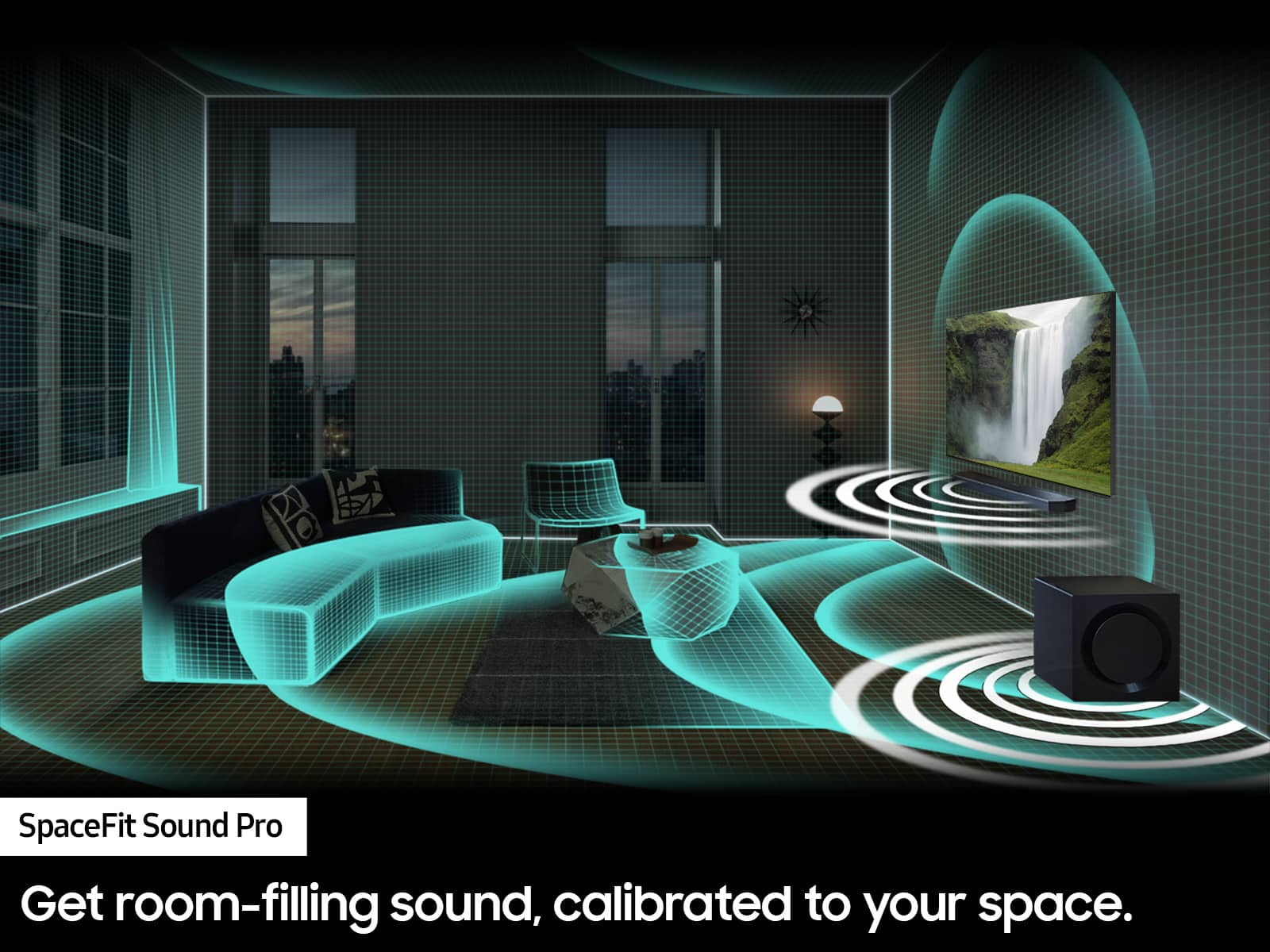
You can manually optimize your audio experience by pressing the SOUND CONTROL button (which looks like a gear), you can set the audio function such as Auto EQ, Spacefit sound, AVA, Voice Enhance mode, Night mode, Sync, Surround speaker mode, Virtual. The desired item can be adjusted using the Up/Down buttons.
Alternatively, you can press and hold the SOUND CONTROL button for about 5 seconds to adjust the sound for each frequency band. 150Hz, 300Hz, 600Hz, 1.2kHz, 2.5kHz, 5kHz, and 10kHz are selectable using the Left/Right buttons and each can be adjusted to a setting between -6 to +6 using the Up/Down buttons.
You can try quickly optimizing the audio by pressing the SOUND MODE button on your remote, and then select the desired sound effect by choosing STANDARD, SURROUND SOUND, GAME, or ADAPTIVE SOUND.
To control the volume of each speaker, press the CH LEVEL button on the provided remote. Then select CENTER LEVEL, SIDE LEVEL, WIDE LEVEL, FRONT TOP LEVEL, REAR LEVEL, or REAR TOP LEVEL. Once you find the channel you are looking for, adjust the volume between -6 to +6 by using the Up/Down buttons.
There are multiple ways to control the bass levels for your new Soundbar.
1) Using the WOOFER button on the provided Soundbar remote. Use the woofer button by pushing forward or pulling backward on the button itself to adjust the bass levels between -12 or -6/+6. If you want to reset the bass to 0 then push the button in.
2) When you press the TONE CONTROL button, you can adjust the treble or bass levels between -6/+6.
Alternatively, you can adjust all of these same settings and more within the SmartThings app. Download the app for your iOS or Android device and then connect your Soundbar to Wi-Fi. From here, you will be able to adjust all of the same settings as the provided remote, but with the added benefit of being able to see the changes on your smart device.
If you need more help, Samsung is here for you. Please call us at 1-800-SAMSUNG, 8AM - 12AM EST (Ask for Soundbars), 7 days a week. Our LiveChat agents are also available by clicking on the ‘Support’ link on our website.
~ Samsung Solutions
Great system
||Posted . Owned for 1 week when reviewed.This reviewer received promo considerations or sweepstakes entry for writing a review.Great system for any room. The Atmos effect is great with certain mixes and clarity is way better than most other systems I’ve had. Can’t go wrong here.
I would recommend this to a friend- Pros mentioned:Ease of use
Overpriced
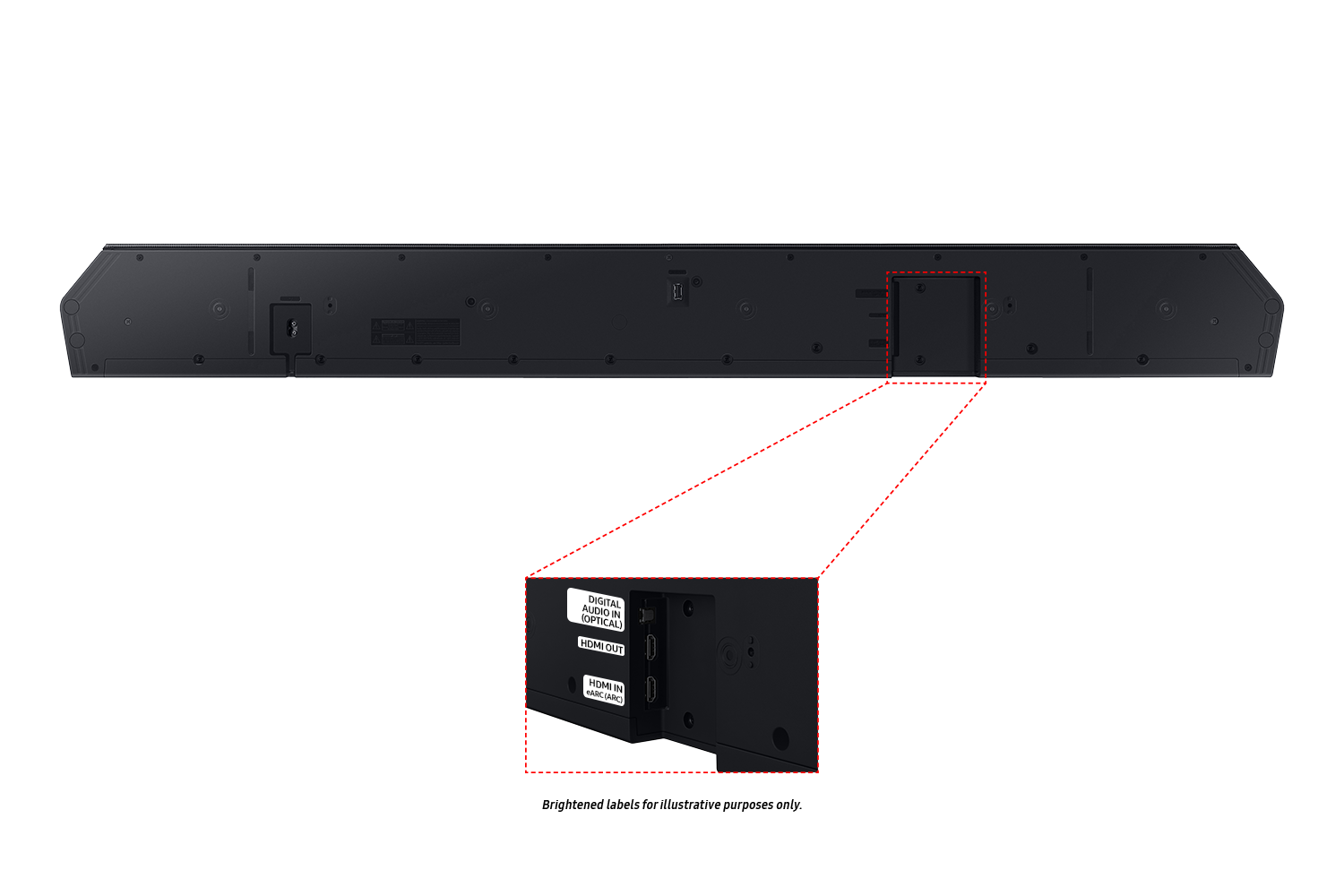
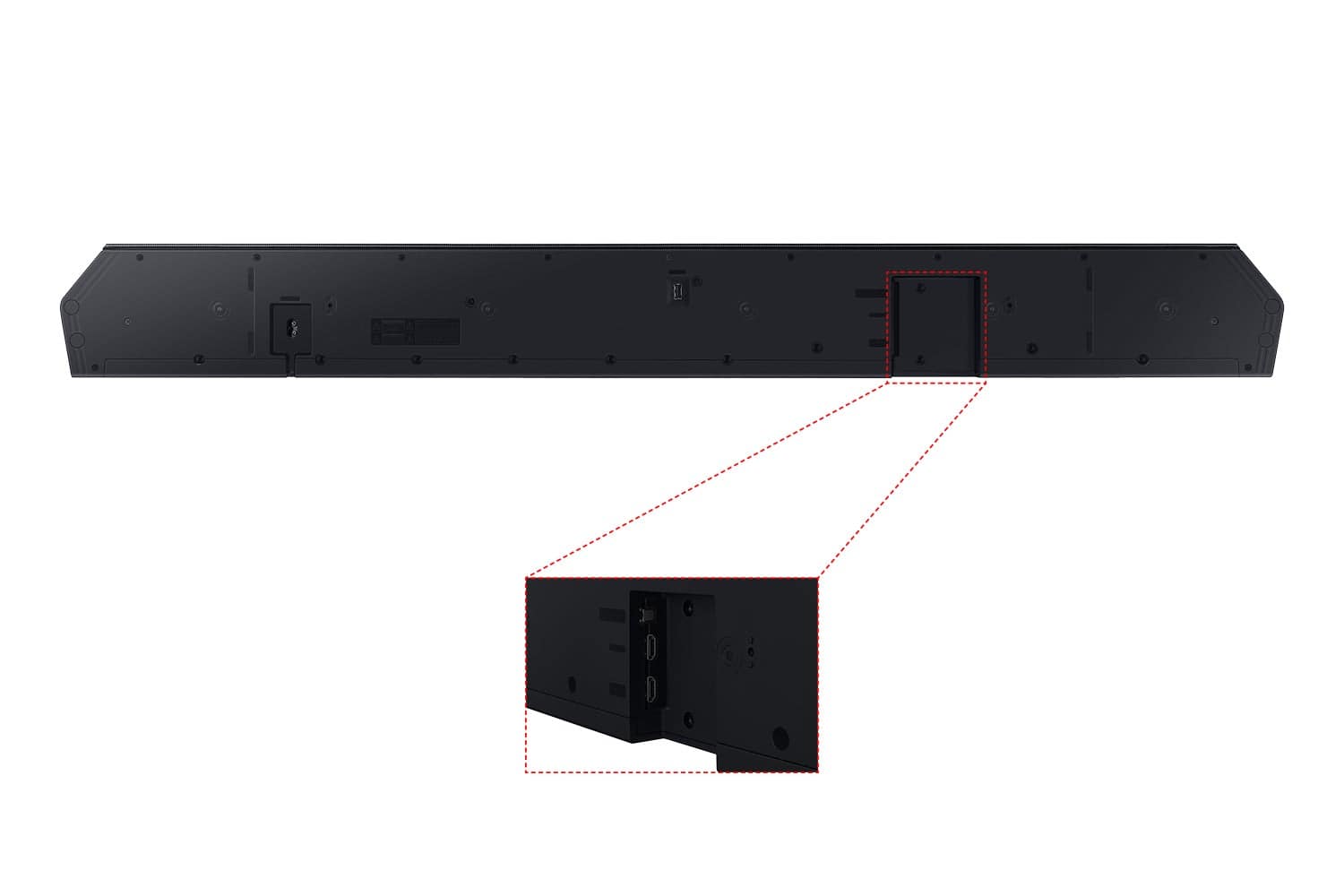
||Posted . Owned for 3 weeks when reviewed.This reviewer received promo considerations or sweepstakes entry for writing a review.Not enough Hdmi inputs. Alot of money for not enough sound. No choice for all stereo sound. Easy setup. Would not purchase again or recommend due to price.
No, I would not recommend this to a friendBrand response from Samsung
Posted .Hello SheldonS,
Thank you for your review of the Samsung HW-Q930C soundbar.
Here are some tips to manually optimize your audio experience with the Samsung HW-Q930C soundbar.
By pressing the SOUND CONTROL button (which looks like a gear), you can set the audio function such as Auto EQ, Spacefit sound, AVA, Voice Enhance mode, Night mode, Sync, Surround speaker mode, Virtual. The desired item can be adjusted using the Up/Down buttons.
Alternatively, you can press and hold the SOUND CONTROL button for about 5 seconds to adjust the sound for each frequency band. 150Hz, 300Hz, 600Hz, 1.2kHz, 2.5kHz, 5kHz, and 10kHz are selectable using the Left/Right buttons and each can be adjusted to a setting between -6 to +6 using the Up/Down buttons.
You can try quickly optimizing the audio by pressing the SOUND MODE button on your remote, and then select the desired sound effect by choosing STANDARD, SURROUND SOUND, GAME, or ADAPTIVE SOUND.
To control the volume of each speaker, press the CH LEVEL button on the provided remote. Then select CENTER LEVEL, SIDE LEVEL, WIDE LEVEL, FRONT TOP LEVEL, REAR LEVEL, or REAR TOP LEVEL. Once you find the channel you are looking for, adjust the volume between -6 to +6 by using the Up/Down buttons.
There are also multiple ways to control the bass levels for your new Soundbar.
1) Using the WOOFER button on the provided Soundbar remote. Use the woofer button by pushing forward or pulling backward on the button itself to adjust the bass levels between -12 or -6/+6. If you want to reset the bass to 0 then push the button in.
2) When you press the TONE CONTROL button, you can adjust the treble or bass levels between -6/+6.
Alternatively, you can adjust all of these same settings and more within the SmartThings app. Download the app for your iOS or Android device and then connect your Soundbar to Wi-Fi. From here, you will be able to adjust all of the same settings as the provided remote, but with the added benefit of being able to see the changes on your smart device.
I hope this tip helps improve your enjoyment. For more help, please call us at 1-800-SAMSUNG (Ask for Soundbars), 8 AM – 12 AM EST, 7 days a week. Live Chat with an agent as well as manuals, software, and warranty info can be found at the ‘Support’ link on our Samsung website.
~ Samsung Solutions
Amazing workers
||Posted . Owned for 1 week when reviewed.This reviewer received promo considerations or sweepstakes entry for writing a review.The 2 people from geek squad did an amazing job setting up the sound bar and making sure everything was connected and that I had the best sound quality
I would recommend this to a friend- Cons mentioned:Price
Hard to use!
||Posted . Owned for 1 month when reviewed.This reviewer received promo considerations or sweepstakes entry for writing a review.Not easy to use at all! Had to call Samsung 3 times and still have problems with it way too expensive to be so difficult to use
No, I would not recommend this to a friendBrand response from Samsung
Posted .We appreciate your feedback regarding your interaction with Samsung customer service and I am sorry to hear that your issue has not been resolved.
Please contact Samsung Customer Support for further troubleshooting assistance or for setting up a warranty service appointment at 1-800-SAMSUNG (Ask for Soundbars), 8 AM – 12 AM EST, 7 days a week. Or visit us on the Samsung website and click on the ‘Support’ link for:
• LiveChat with an agent
• Manuals, Software, & Warranty Info
~ Samsung Solutions
- Pros mentioned:Bass, Dolby atmos, Sound quality

Awesome Sound especially with Rear (BT) speakers
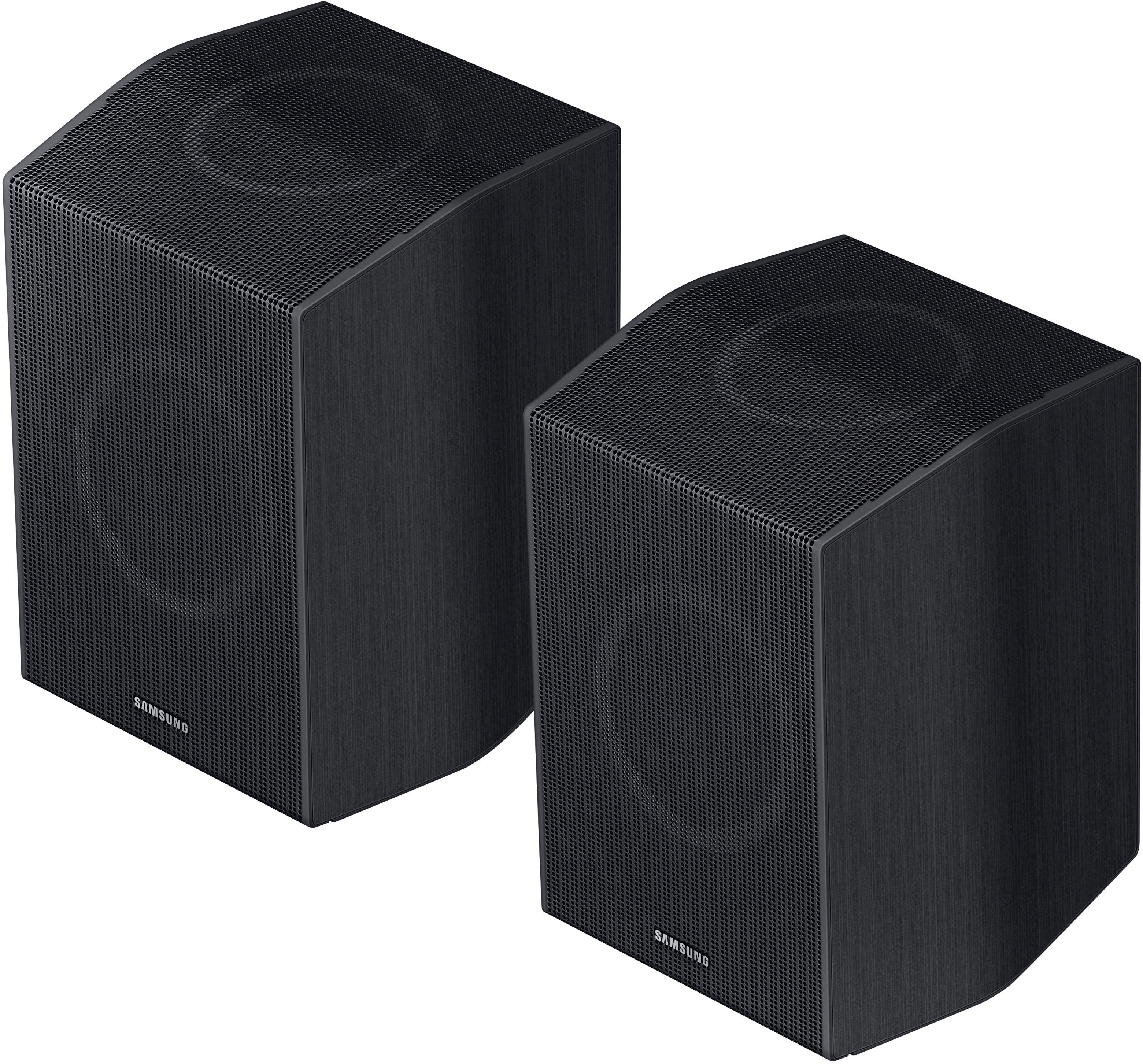
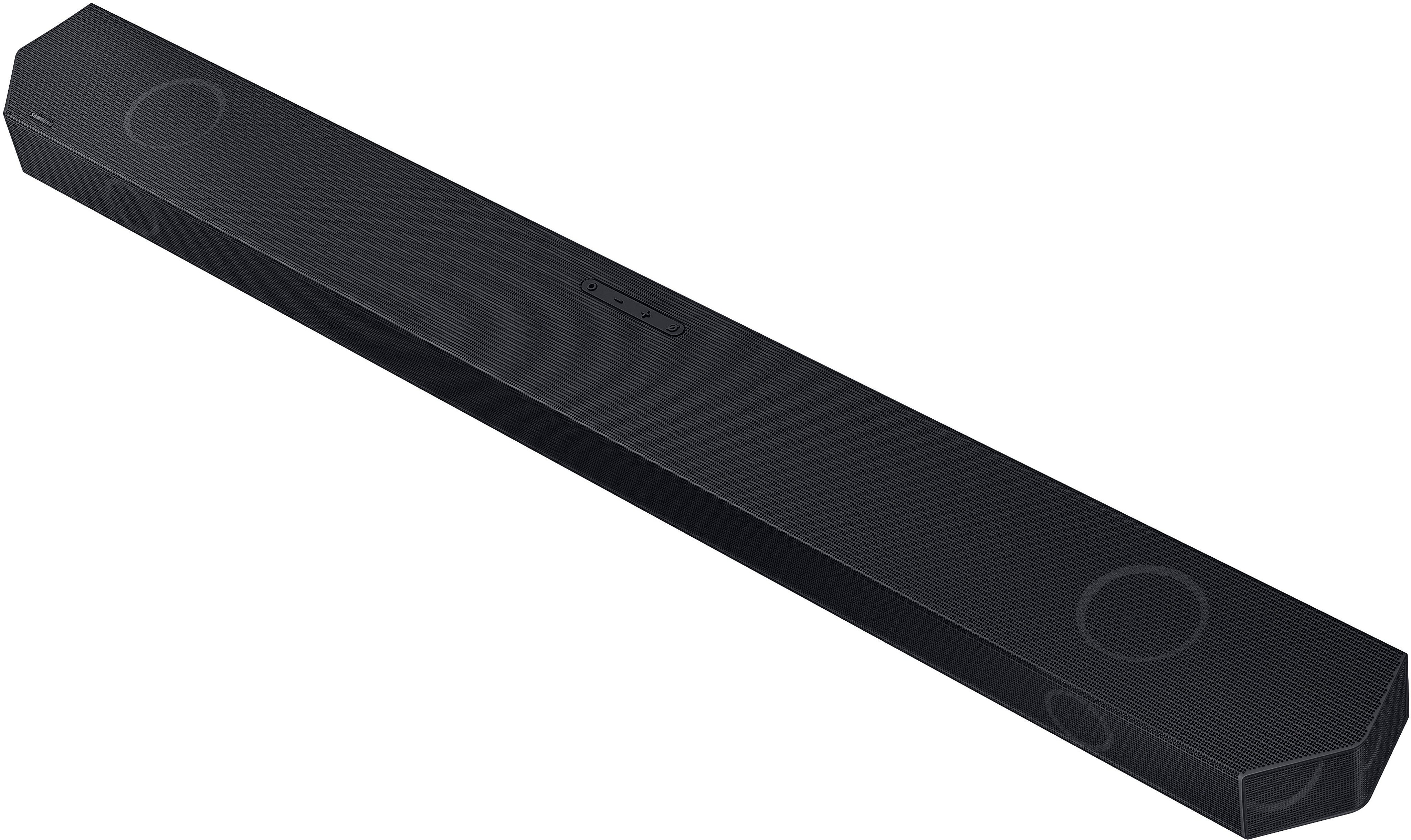
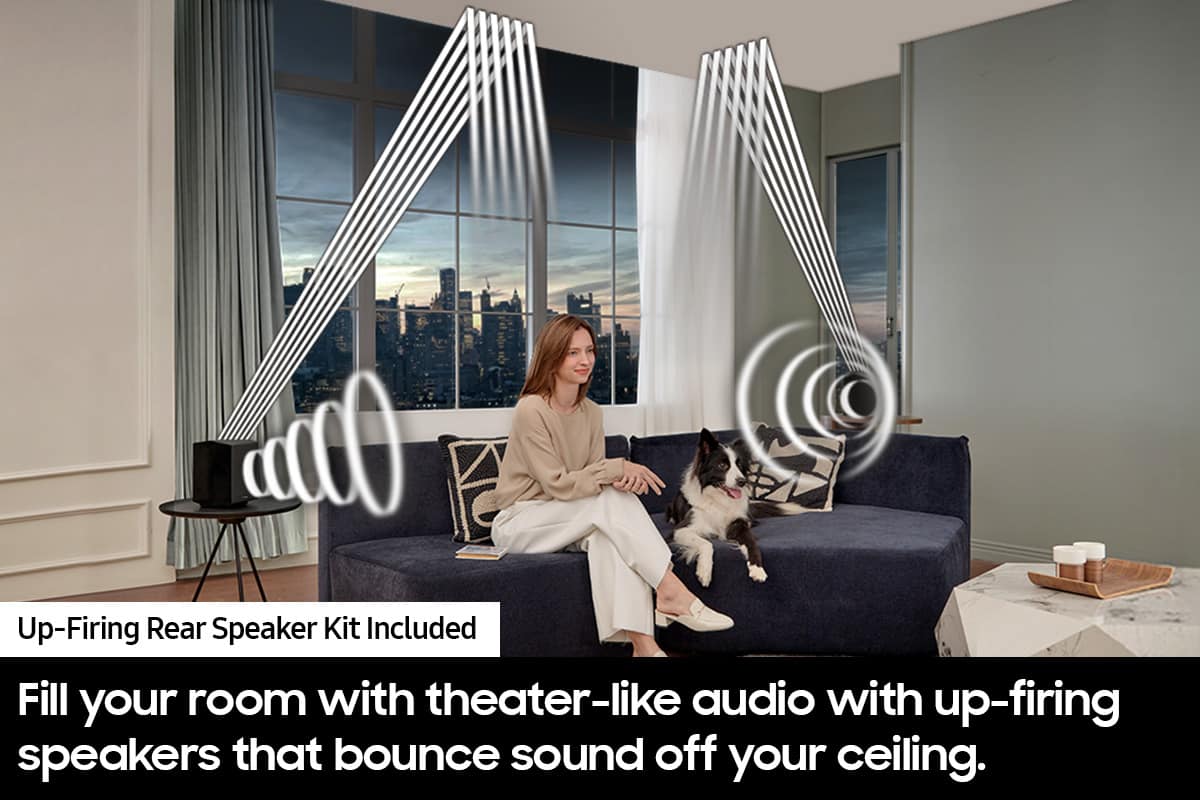
|Posted .This reviewer received promo considerations or sweepstakes entry for writing a review.I'm a huge fan of Samsung products, and I was looking for a soundbar that could enhance my home theater experience. I decided to splurge on the Samsung Q Series 9.1 4ch Wireless True Dolby Atmos Soundbar with Q Symphony and Rear Bluetooth Speakers, and I'm so glad I did! This soundbar is amazing! The sound quality is superb, with clear dialogue, immersive surround sound, and deep bass. The Dolby Atmos feature creates a realistic 3D soundstage that makes you feel like you're in the middle of the action. The Q Symphony technology syncs the soundbar with my Samsung QLED TV, creating a harmonious sound effect that fills the room. The rear Bluetooth speakers add an extra dimension of sound, and they're easy to set up and connect. The design of the soundbar is sleek and elegant, and it fits perfectly under my TV. The wireless subwoofer is compact and powerful, and it can be placed anywhere in the room. The remote control is simple and intuitive, and it lets me adjust the volume, sound mode, and other settings with ease. I'm very impressed with this soundbar, and I highly recommend it to anyone who wants to enjoy a cinematic sound experience at home. It's worth every penny, and it's one of the best purchases I've ever made!
I would recommend this to a friend Audio cuts-out.
||Posted . Owned for less than 1 week when reviewed.This reviewer received promo considerations or sweepstakes entry for writing a review.I just purchased the HW-Q930C; my only complaint is the audio randomly cuts out. I never had this issue until I purchased the HW-Q930C. It doesn't matter if I am watching live TV or something on Netflix, Apple TV, or whatever. When it does cut out, it doesn't last long, perhaps 3 to 5 seconds, but what worries me is will it get worse and what can I do to stop this from happening? Other then that, I have to admit that the audio is pretty awesome. I would love to recommend HW-Q930C, however if this audio issue can't be resolved, I probably won't.
I would recommend this to a friendBrand response from Samsung
Posted .Hello DavidR,
Thank you for sharing your review of the HW-Q930C Soundbar. Thank you for taking the time to share your experiences, your review will be shared among our internal teams.
There are a few steps you can take to troubleshoot your Soundbar.
First, you will want to download the latest software for your Soundbar. You can download the firmware directly from Samsung’s website by clicking “Support” in the top right corner. Then go to “Manuals & Software” > “TVs & Home Theater” > “Home Theater” > “Sound Bars”. From there, you can select the HW-Q930C under Q Series.
Download the update and install it via USB thumb stick to your soundbar. If you need additional help, there are how-to instructions on this page. Please know that Samsung Customer Service is here to assist as well.
Alternatively, you can download SmartThings on your iOS or Android device. This will allow you to update your Soundbar automatically or manually right from your phone or tablet.
Please verify that you are running the latest firmware on your TV. You can check to see what software version your TV is using and if there is an available update through the settings on your TV. Go to: Menu > Settings > Support > Software Update.
Next, try doing a soft reset, unplug the soundbar from the outlet for roughly 30 seconds and then plug it back in.
If this still does not correct your issue, then do a hard reset. With the Soundbar on, press the + & - Volume buttons on the body of the soundbar at the same time for at least 5 seconds. INIT OK” appears on the display and then the Soundbar is reset.
Should you ever have questions or need help, please call us at 1-800-SAMSUNG (ask for Soundbars), available 8 AM – 12 AM EST, 7 days a week.
For additional support resources, visit us on the Samsung website and click on the ‘Support’ link in the upper right corner of the homepage for:
1) Chat with Us/Product Help: To begin a chat or find solutions, choose ‘TVs & Home Theater’ and select your model & topic.
2) Manuals & Software
3) Warranty Info
4) Register a Product: For access to easy warranty support, convenient opt-in to special promos and offers, faster troubleshooting and service, and quick notification of system updates
5) Contact Us
~ Samsung Solutions
WOW
||Posted . Owned for 1 month when reviewed.This reviewer received promo considerations or sweepstakes entry for writing a review.You’ve put out the money for the perfect tv now get the sound to take it too the next level
I would recommend this to a friendSurround sound
||Posted . Owned for 4 months when reviewed.This reviewer received promo considerations or sweepstakes entry for writing a review.These r the best for ....samsung surround sound always gets it right
I would recommend this to a friendIt's ok
||Posted .This reviewer received promo considerations or sweepstakes entry for writing a review.Randomly cuts out/ disconnects for a second, like randomly.
No, I would not recommend this to a friendSpeakers
||Posted . Owned for 1 year when reviewed.This reviewer received promo considerations or sweepstakes entry for writing a review.Sound clarity & product quality is really good for a small room or big
I would recommend this to a friendIt is awesome
||Posted . Owned for 3 weeks when reviewed.This reviewer received promo considerations or sweepstakes entry for writing a review.Had to return a different brand, for this brand, and had no problems with it.
I would recommend this to a friendNice Product
||Posted . Owned for 1 month when reviewed.This reviewer received promo considerations or sweepstakes entry for writing a review.Truly enhances the big-screen TV experience and pairs well with our 77-inch Samsung TV.
I would recommend this to a friendGreat realistic sound
||Posted . Owned for 2 months when reviewed.This reviewer received promo considerations or sweepstakes entry for writing a review.I have a set it up on a 450 ft.² and it’s great the best performance I have
I would recommend this to a friendThe WOW Factor
||Posted . Owned for 2 weeks when reviewed.This reviewer received promo considerations or sweepstakes entry for writing a review.Love this sound system with basically no wires to worry about and enhance your overall viewing experience
I would recommend this to a friendGood speakers
||Posted . Owned for 1 month when reviewed.This reviewer received promo considerations or sweepstakes entry for writing a review.Nice and loud, the wireless connection isn’t the best. Had connection problems every time I turned the tv on so it was very annoying. Works best with hdmi connected in my opinion.
I would recommend this to a friend