Customer Ratings & Reviews
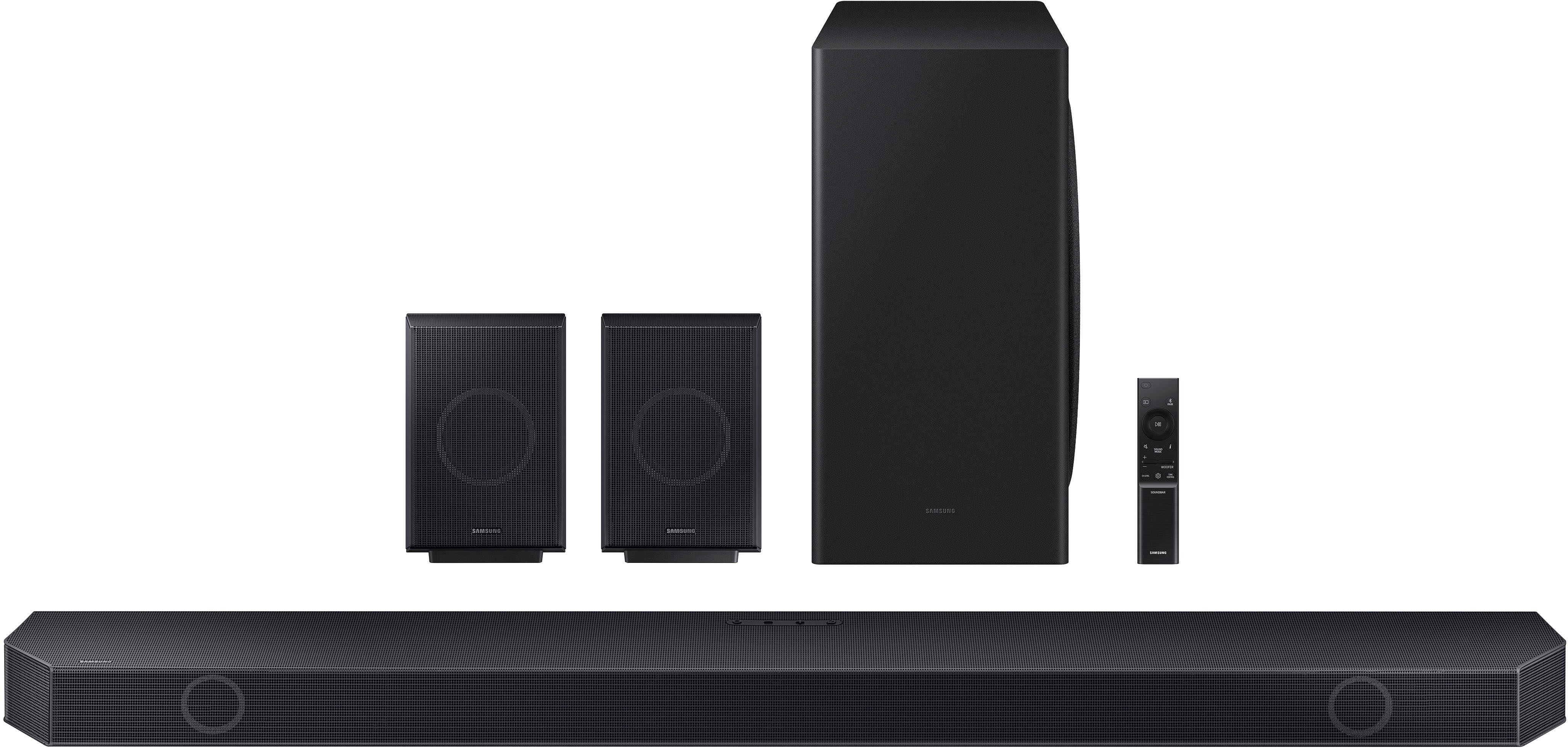
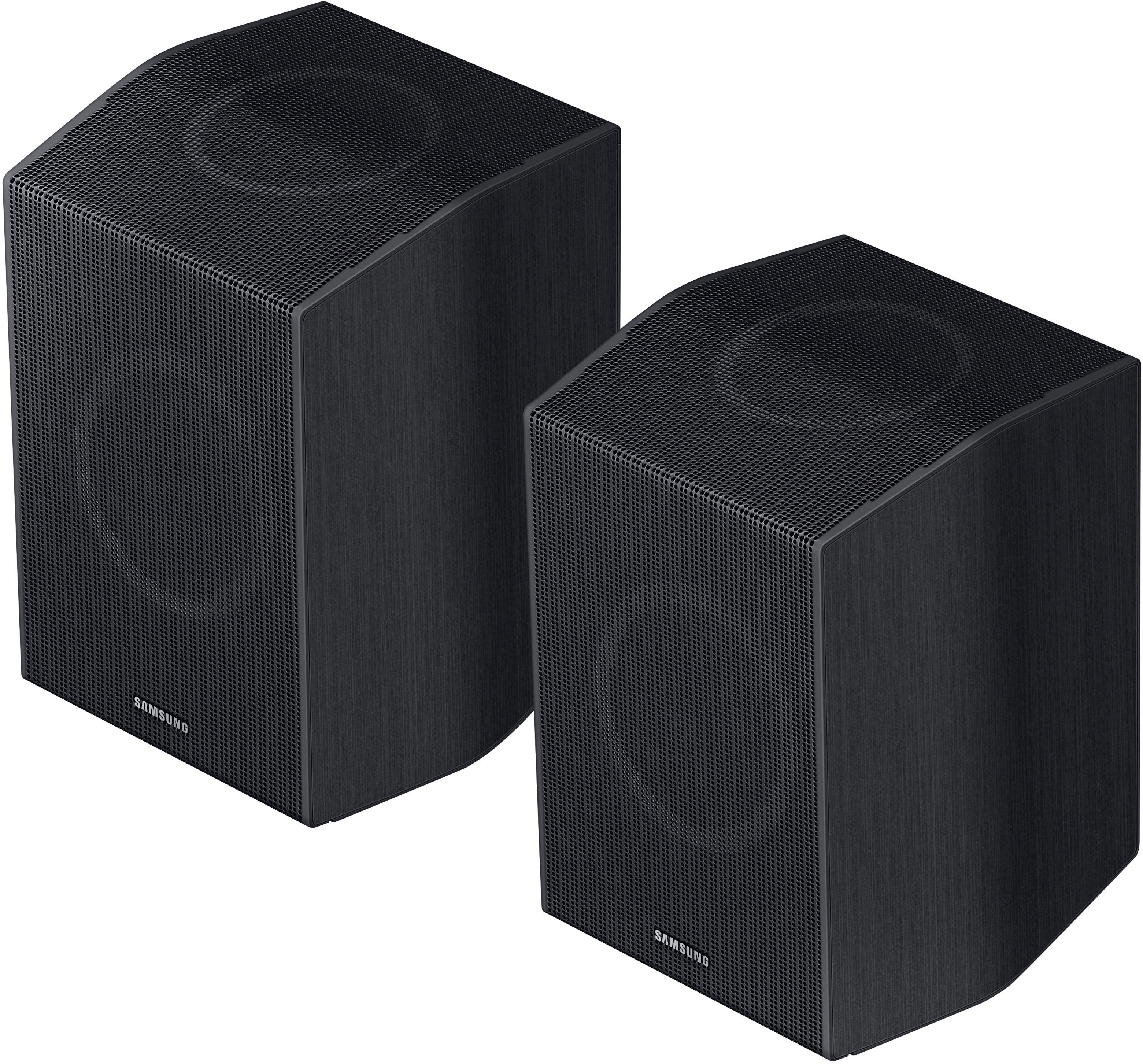
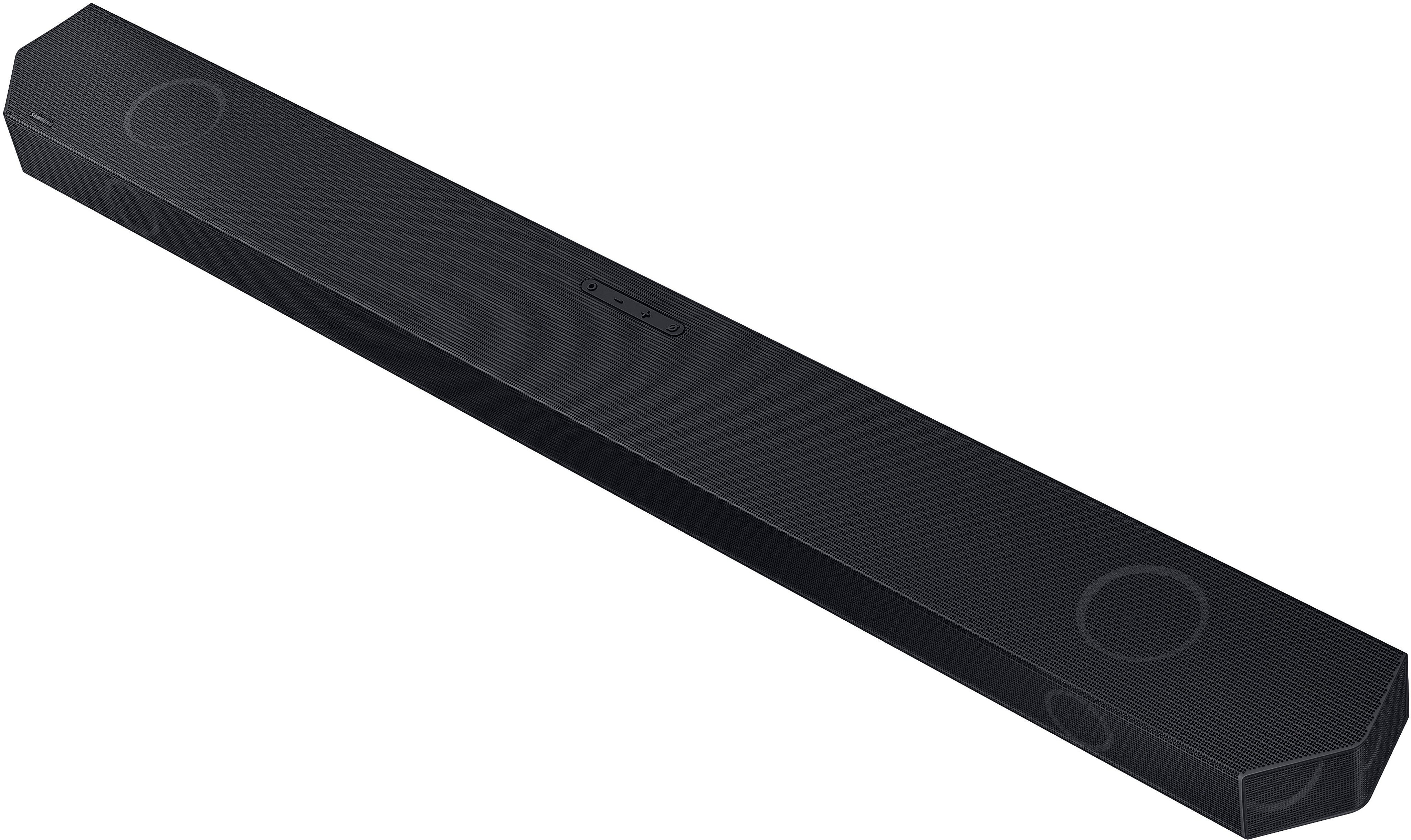
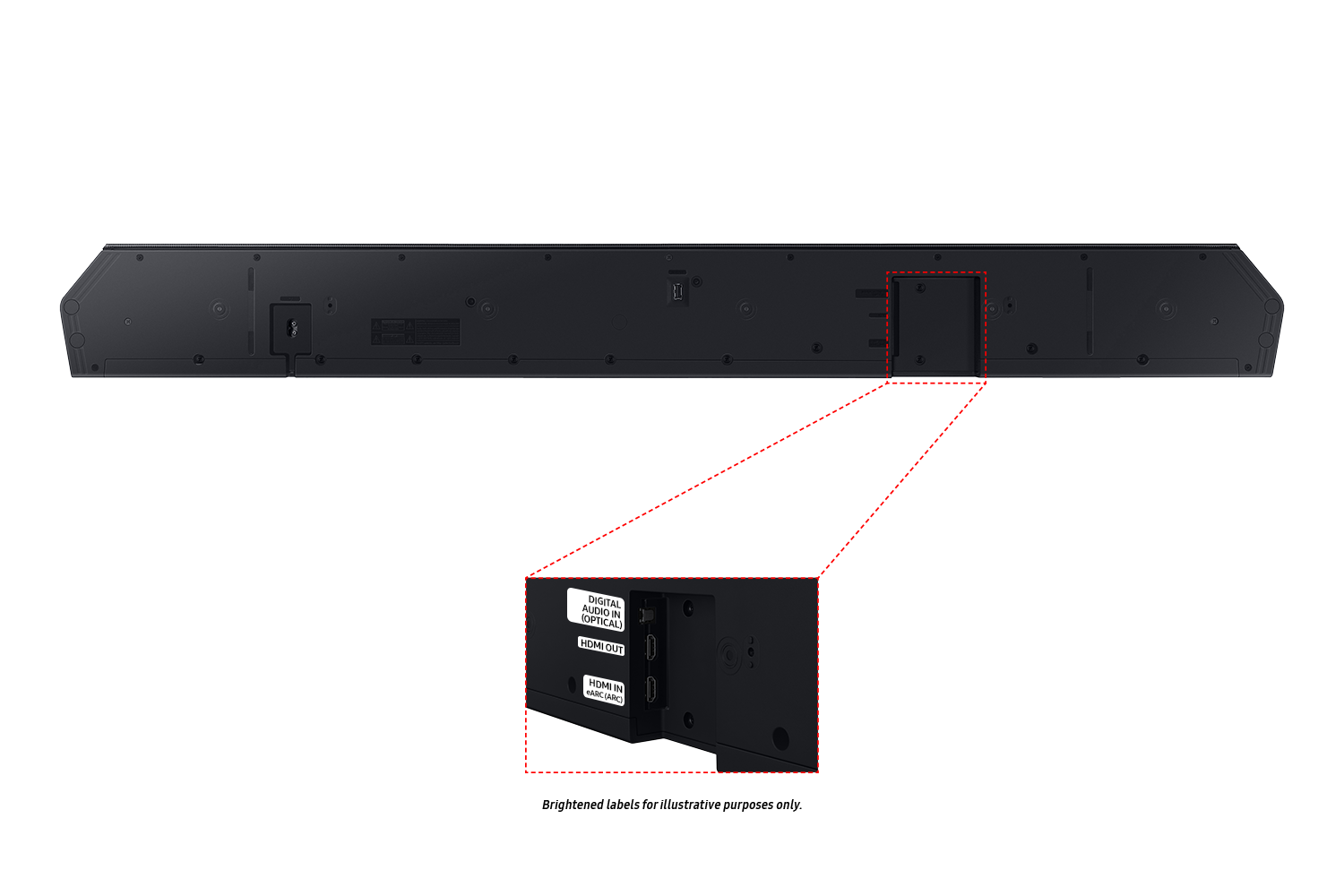
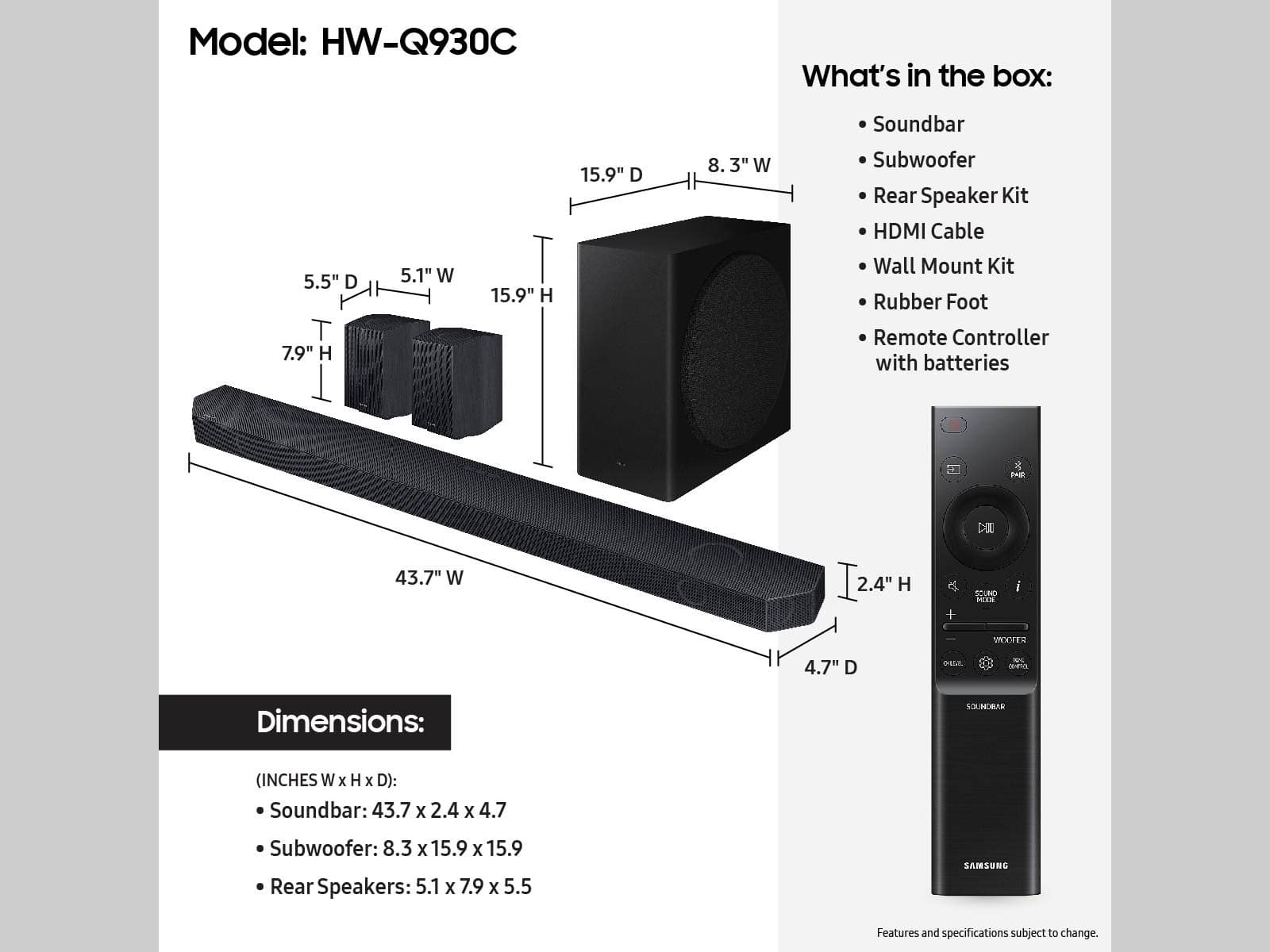



- Model:
- HW-Q930C
- SKU:
- 6535890
Rating by feature
- Value
Rating 4.6 out of 5 stars
- Quality
Rating 4.7 out of 5 stars
- Ease of Use
Rating 4.7 out of 5 stars
Customers are saying
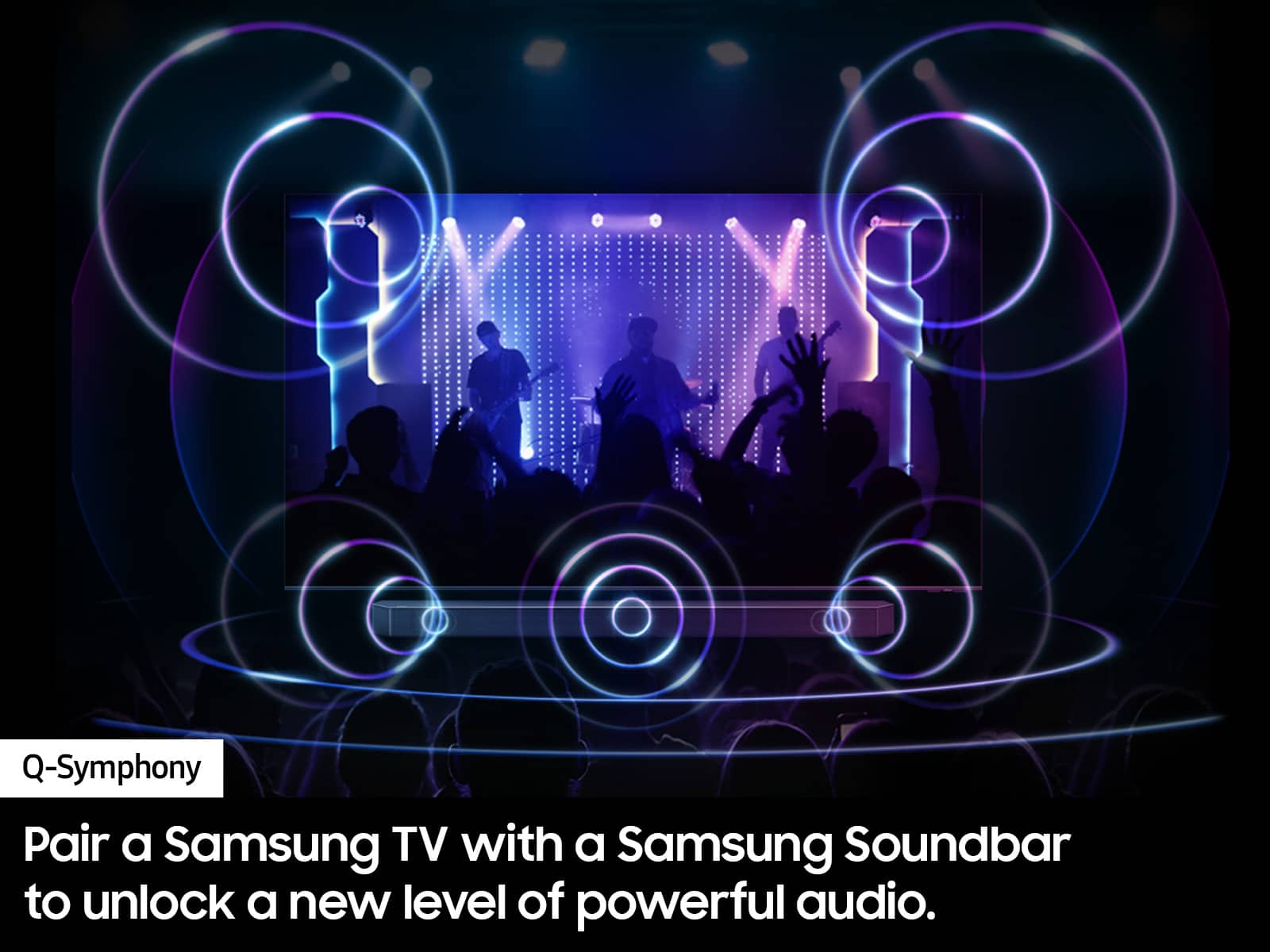
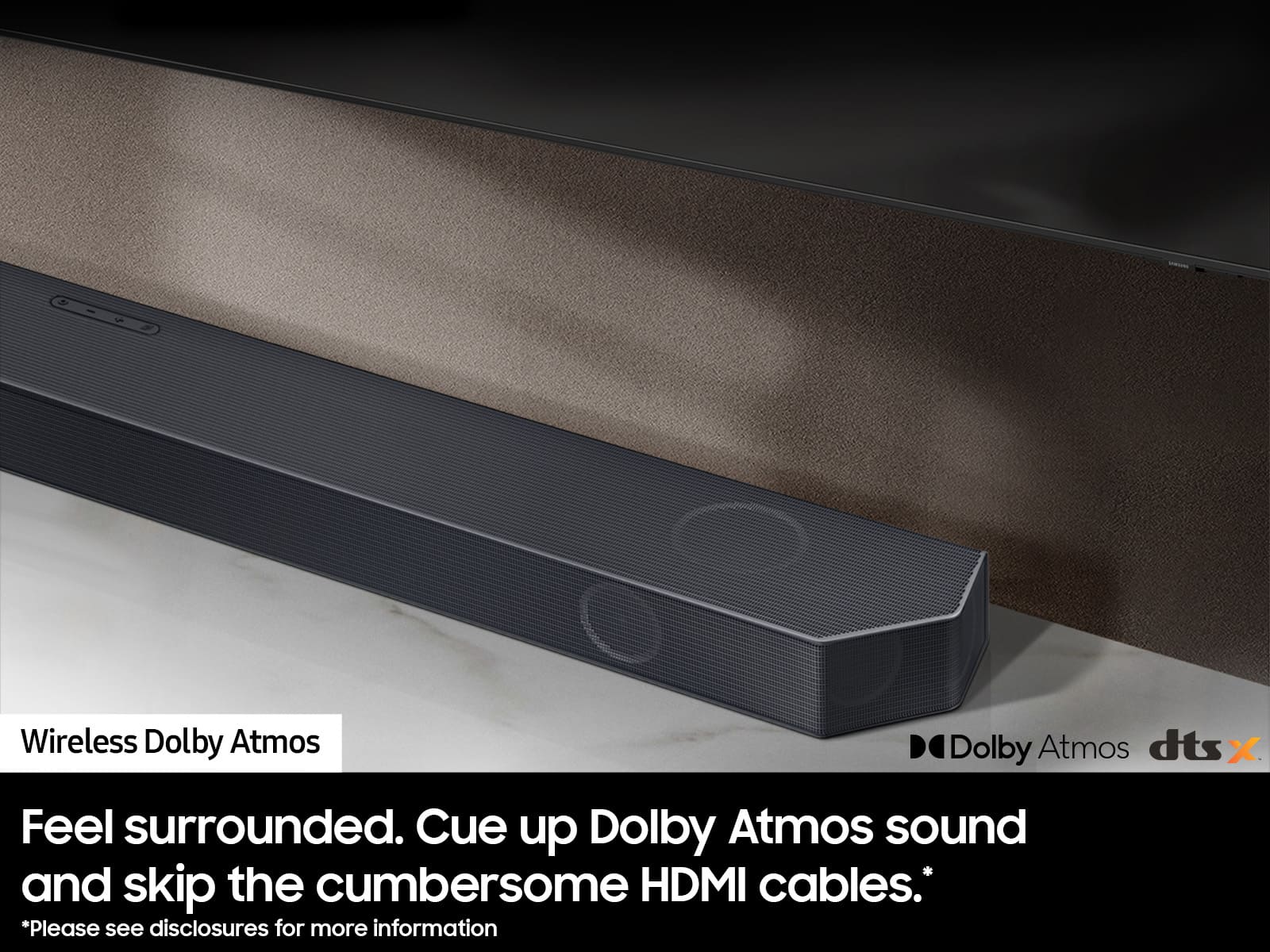
Customers are positive about the Q-Series 9.1.4ch Wireless True Dolby Atmos Soundbar's exceptional sound quality, ease of use, and strong bass response. Many appreciate the relatively simple setup process and immersive Dolby Atmos experience, along with the enhancement provided by the rear speakers and Q-Symphony feature. However, some customers express concerns regarding connectivity issues and the remote control's functionality. A few also mention the product's price point as a potential drawback.
This summary was generated by AI based on customer reviews.
Good product, but could be better
||Posted . Owned for 3 weeks when reviewed.This reviewer received promo considerations or sweepstakes entry for writing a review.Good product, but to customize the settings I needed to download the app.
I would recommend this to a friendDefinitely buy this!!!
||Posted . Owned for 1 month when reviewed.This reviewer received promo considerations or sweepstakes entry for writing a review.I love my new sound system. The subwoofer sounds amazing !!
I would recommend this to a friendGreat buy!
||Posted . Owned for 3 weeks when reviewed.This reviewer received promo considerations or sweepstakes entry for writing a review.Excellant choice! Mtches well with my Samsung S90C TV.
I would recommend this to a friend- Pros mentioned:Sound quality
Good product bad repair support
||Posted . Owned for 3 weeks when reviewed.This reviewer received promo considerations or sweepstakes entry for writing a review.The system sounds fantastic. However, the warranty is useless. Samsung partners with an unprofessional repair company in The SF Bay Area. Samsung offers no assistance in providing alternative repair options. This is sad as Samsung does have a nice range of products, but leaves owners out in the cold when warranty issues arise.Search Service Quick in Hayward California, this is the company which Samsung partners with for in home repair.
No, I would not recommend this to a friendBrand response from Samsung
Posted .Hi Matt,
Thank you for reaching out and letting us know about the issues you experienced when having your Soundbar repaired. We are very sorry to hear about your experience, and we would like the opportunity to assist and further investigate your feedback. You can reach us at 1-800-SAMSUNG, 8 AM - 12 AM EST, seven days a week. Our LiveChat agents are also available by clicking on the ‘Support’ link on our website.
~ Samsung Advisor
Pretty good
||Posted . Owned for 1 week when reviewed.This reviewer received promo considerations or sweepstakes entry for writing a review.Sounds good overall. It seems like the bass and rear speakers should be louder.
I would recommend this to a friendMissie
||Posted . Owned for 3 weeks when reviewed.This reviewer received promo considerations or sweepstakes entry for writing a review.Sound is good but not earth shattering. It was a decent buy for the money.
I would recommend this to a friendvbn
||Posted . Owned for 3 weeks when reviewed.This reviewer received promo considerations or sweepstakes entry for writing a review.Good stuff. !!!!!!!!!!!!!!!!!!!!!!!!!!!!!!!!!!!!!!!!!!!!!!!
I would recommend this to a friendIt rocks
||Posted . Owned for 2 weeks when reviewed.This reviewer received promo considerations or sweepstakes entry for writing a review.I love this item, it's the best. Can't wait untill the next one is released
I would recommend this to a friendDon't waste your time and stay away from this pro
||Posted . Owned for 6 months when reviewed.This reviewer received promo considerations or sweepstakes entry for writing a review.I purchased this Soundbar on June 21st, 2023 and all I have is nothing but problems with this device. Samsung has horrible customer service and keeps playing games with a company called Repair Pros. The Bluetooth and Wi-Fi don’t work and keep disconnecting in the middle of the movie. I sent videos to show the issue and I reset this device more than 75 times and the device disconnected out of the blue more than 65 times and Samsung has access to this report on my TV. I called Samsung various times to report this issue and the Repair Pros tech has been in my house trying to fix the issue 4 times. Samsung told me that now they had another part to replace and the Repair Pros canceled my ticket saying once they received the part they would create a new one. I never had any issues with the other Soundbar devices that I have in my house from Sony, Bose, and Pulk which I have had for over 5 to 6 years and Samsung still refuses to replace this problematic device. My next step if they don’t fix this device this month will be to file a claim on BBB. Don't waste your time and stay away from this product.
No, I would not recommend this to a friendBrand response from Samsung
Posted .Hello DennisD,
Thank you for sharing your experiences with the HW-Q930C Soundbar and your time with Samsung Customer Service.
I am sorry that your experience have not been ideal, please know that we are here to help you. Please reach out to Samsung Customer Service with your Service number so we can best assist you at 1-800-SAMSUNG (ask for Soundbars), available 8 AM – 12 AM EST, 7 days a week.
LiveChat with an agent by clicking the ‘Support’ link on the Samsung website.
~Samsung Solutions
Samsung soundbar
||Posted . Owned for 1 week when reviewed.This reviewer received promo considerations or sweepstakes entry for writing a review.Samsung best value for your money. However the subwoofer is very weak. Not strong enough compared to Bose lifestyle series that I had.
No, I would not recommend this to a friendGood, but for a steep price
||Posted . Owned for 1 week when reviewed.This reviewer received promo considerations or sweepstakes entry for writing a review.Honestly not as premium as expected for the price. Soundbar itself is very good, but side speakers really hardly output audio
No, I would not recommend this to a friendBrand response from Samsung
Posted .Hello AndrewN,
Thank you for sharing your thoughts of the HW-Q930C Soundbar. I am sorry to see that your initial time with the Soundbar has not been ideal.
There are a few steps you can take to improve your overall experience. Check the Digital Audio Output of your TV, if it is set to PCM then this will only allow the Soundbar to play in stereo. You will want to use either Bitstream, Auto, or Pass-Through (depending on your model TV). These settings will send the correct audio to the rear channels of your Soundbar.
Also check the Sound Mode of your Soundbar, use Surround, Game, or Adaptive, these will also help improve your rear speaker experience. Using either the SmartThings app to control your Soundbar over Wi-Fi, or the provided Soundbar remote, adjust the rear levels by pressing the CH LEVEL button. This will allow you to increase or decrease the rear top and rear front firing channels to your liking.
Should you ever have questions or need help, please call us at 1-800-SAMSUNG (ask for Soundbars), available 8 AM – 12 AM EST, 7 days a week.
For additional support resources such as downloading a full manual, visit us on the Samsung website and click on the ‘Support’ link in the upper right corner of the homepage.
~Samsung Solutions
I have heard better
||Posted . Owned for less than 1 week when reviewed.This reviewer received promo considerations or sweepstakes entry for writing a review.The subwoofer is not strong. Parts of this system is ok but no bass. The Vizio Elevate has a powerful subwoofer that can be appreciated. Needs a bigger Sub.
No, I would not recommend this to a friendBrand response from Samsung
Posted .Hello CarlockArk,
Thank you for sharing your feedback regarding the bass of the HW-Q930C Soundbar. I am sorry to see your out-of-box expectations were not met.
There are multiple ways to control the bass levels for your new Soundbar.
1) Using the WOOFER button on the provided Soundbar remote. Use the woofer button by pushing forward or pulling backward on the button itself to adjust the bass levels between -12 or -6/+6. If you want to reset the bass to 0 then push the button in.
2) When you press the TONE CONTROL button, you can adjust the treble or bass levels between -6/+6.
Additionally, you can adjust the 7-band EQ within the Soundbar. Press and hold the SOUND CONTROL button for about 5 seconds to adjust the sound for each frequency band. 150Hz, 300Hz, 600Hz, 1.2kHz, 2.5kHz, 5kHz, and 10kHz are selectable using the Left/Right buttons and each can be adjusted to a setting between -6 to +6 using the Up/Down buttons. (Make sure the Sound mode is set to “STANDARD”.)
To control the volume of each speaker, press the CH LEVEL button on the provided remote. Then select CENTER LEVEL, SIDE LEVEL, WIDE LEVEL, FRONT TOP LEVEL, REAR LEVEL, or REAR TOP LEVEL. Once you find the channel you are looking for, adjust the volume between -6 to +6 by using the Up/Down buttons.
I hope these tips help you enjoy your new product.
You can always contact us for further help at 1-800-SAMSUNG (Ask for Soundbars), 8 AM – 12 AM EST, 7 days a week. Our LiveChat agents are also available by clicking on the ‘Support’ link on our website.
~ Samsung Solutions
Not what I expected.
||Posted . Owned for 1 week when reviewed.This reviewer received promo considerations or sweepstakes entry for writing a review.The speaker isisnt loud enough, spend the extra money on something else
No, I would not recommend this to a friendBrand response from Samsung
Posted .Hello,
Thank you for sharing your thoughts regarding the HW-Q930C Soundbar. I am sorry to see that you are unhappy with your purchase.
So we can offer step-by-step troubleshooting, please call us at 1-800-SAMSUNG (ask for Soundbars), available 8 AM – 12 AM EST, 7 days a week.
LiveChat with an agent by clicking the ‘Support’ link on the Samsung website.
~Samsung Solutions
Samsung
||Posted . Owned for 6 months when reviewed.This reviewer received promo considerations or sweepstakes entry for writing a review.I took it back could not get enough base out of the subwoofer. Tried three different models.
No, I would not recommend this to a friendBrand response from Samsung
Posted .Hello WilliamM,
Thank you for your review of the Samsung HW-Q930C Soundbar and for sharing the experience that has caused you to return your unit. Your feedback is very important to us and will be shared with our product team.
Should you ever decide to give Samsung Soundbars another try and have questions or need assistance with settings, setup, or features, please know we are always here to help.
Call us at 1-800-SAMSUNG (ask for Soundbars), available 8 AM – 12 AM EST, 7 days a week.
~ Samsung Solutions
Sound Bar
||Posted . Owned for 1 month when reviewed.This reviewer received promo considerations or sweepstakes entry for writing a review.It’s going to two weeks when will we be get our refund back on our car
I would recommend this to a friendBrand response from Samsung
Posted .Hello HeribertovC,
Please know you are leaving a review for the HW-Q930C Soundbar, not the service provided by Best Buy. Please follow up directly with Best Buy for further assistance. We hope your issue is resolved in a timely manner.
Should you ever have questions or need help related to Samsung Soundbars, please call us at 1-800-SAMSUNG (ask for Soundbars), available 8 AM – 12 AM EST, 7 days a week.
For additional support resources such as downloading a full manual, visit us on the Samsung website and click on the ‘Support’ link in the upper right corner of the homepage.
~Samsung Solutions
WHAT DID I BUY?!
||Posted . Owned for 1 month when reviewed.This reviewer received promo considerations or sweepstakes entry for writing a review.I am unfortunately not a very satisfied customer with the purchase of this surround sound system. It does not process the proper amount of sound necessary to have a good experience. For this amount of money the system should be able to at the very least have seamless and even volume.
No, I would not recommend this to a friendBrand response from Samsung
Posted .Hello TurboErnie,
Thank you for sharing your thoughts regarding the HW-Q930C Soundbar. I am sorry to see that your initial time with the Soundbar has not been ideal.
So that we can offer step-by-step troubleshooting or warranty assistance, please call us at 1-800-SAMSUNG (ask for Soundbars), available 8 AM – 12 AM EST, 7 days a week.
LiveChat with an agent by clicking the ‘Support’ link on the Samsung website.
~Samsung Solutions
Not a good quality soundbar
||Posted . Owned for 3 weeks when reviewed.This reviewer received promo considerations or sweepstakes entry for writing a review.For the price you pay, you would think this would be a great sounding system, I was wrong… I can barely hear sound coming from the small surround sound speakers.
No, I would not recommend this to a friendBrand response from Samsung
Posted .Hello AlanC,
Thank you for sharing your thoughts regarding the audio quality of the new HW-Q930C Soundbar. We appreciate your review and it will be shared with our product team.
Make sure that you are using Adaptive, Surround or Game modes by pressing the SOUND MODE button. These options will offer a better experience using the rear speakers of your Soundbar. Also within your TV, change your Digital Audio Format to either Pass-Through, Auto, or Bitstream. If you are using PCM this will reduce the amount of channels sent to the Soundbar and in turn reduce your overall experience with the Soundbar.
You can use either the provided Soundbar remote or the SmartThings app to adjust all of the channels the Soundbar offers between -6 to +6.
If we can help with anything else, please call us at 1-800-SAMSUNG (Ask for Soundbars), 8 AM – 12 AM EST, 7 days a week. LiveChat with an agent as well as manuals, software, and warranty info can be found at the ‘Support’ link on our Samsung website.
~ Samsung Solutions
Dud so far
||Posted . Owned for 3 weeks when reviewed.This reviewer received promo considerations or sweepstakes entry for writing a review.I not impressed at all with this system yet. I’m hoping to get tech support to walk me through the setup to see if I’m missing something. If not it’s going back.
No, I would not recommend this to a friendBrand response from Samsung
Posted .Hello Floyd,
Thank you for taking the time to review the HW-Q930C Soundbar.
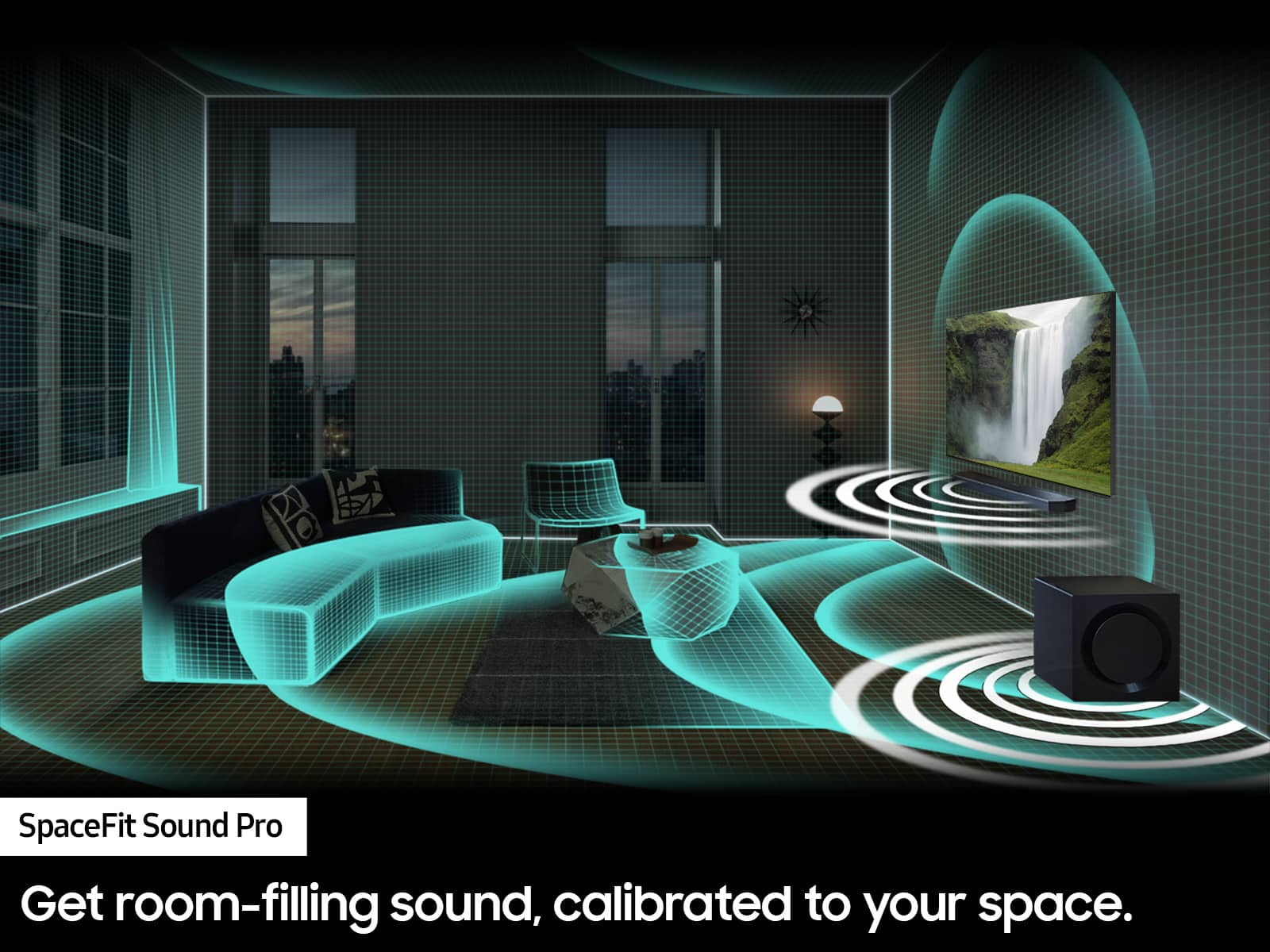
Here are some tips to manually optimize your audio experience by pressing the SOUND CONTROL button (which looks like a gear), you can set the audio function such as Auto EQ, Spacefit sound, AVA, Voice Enhance mode, Night mode, Sync, Surround speaker mode, Virtual. The desired item can be adjusted using the Up/Down buttons.
Alternatively, you can press and hold the SOUND CONTROL button for about 5 seconds to adjust the sound for each frequency band. 150Hz, 300Hz, 600Hz, 1.2kHz, 2.5kHz, 5kHz, and 10kHz are selectable using the Left/Right buttons and each can be adjusted to a setting between -6 to +6 using the Up/Down buttons.
You can try quickly optimizing the audio by pressing the SOUND MODE button on your remote, and then select the desired sound effect by choosing STANDARD, SURROUND SOUND, GAME, or ADAPTIVE SOUND.
To control the volume of each speaker, press the CH LEVEL button on the provided remote. Then select CENTER LEVEL, SIDE LEVEL, WIDE LEVEL, FRONT TOP LEVEL, REAR LEVEL, or REAR TOP LEVEL. Once you find the channel you are looking for, adjust the volume between -6 to +6 by using the Up/Down buttons.
There are multiple ways to control the bass levels for your new Soundbar.
1) Using the WOOFER button on the provided Soundbar remote. Use the woofer button by pushing forward or pulling backward on the button itself to adjust the bass levels between -12 or -6/+6. If you want to reset the bass to 0 then push the button in.
2) When you press the TONE CONTROL button, you can adjust the treble or bass levels between -6/+6.
Alternatively, you can adjust all of these same settings and more within the SmartThings app. Download the app for your iOS or Android device and then connect your Soundbar to Wi-Fi. From here, you will be able to adjust all of the same settings as the provided remote, but with the added benefit of being able to see the changes on your smart device.
If you'd like more help with settings, please know that we're here to help! Please call us at 1-800-SAMSUNG (Ask for Soundbars), 8 AM – 12 AM EST, 7 days a week. Live Chat with an agent as well as manuals, software, and warranty info can be found at the ‘Support’ link on our Samsung website.
~ Samsung Solutions
Dont waste your money
||Posted . Owned for 1 week when reviewed.This reviewer received promo considerations or sweepstakes entry for writing a review.Horrible! I was so stuck on having a samsung soundbar but when i got it home it didn't work at all kept tuning off by itself and when it was on the volume would turn all the up by itself had it for less then 12 hours and brought it back to store for another but they had none and was told that was a common problem with them so I was showed a L.G instead and couldn't be more happy
No, I would not recommend this to a friendIssues with Samsung TV
||Posted . Owned for 8 months when reviewed.This reviewer received promo considerations or sweepstakes entry for writing a review.Worked fine for awhile. Now it will randomly refuse to pass a signal through the soundbar or work with eArc. I use this with a Samsung TV and everything is updated through their app. Garbage product. I'm tired of troubleshooting this stuff every week. Inexcusable that it struggles with simply playing audio or passing through HDMI. Never getting Samsung again.
No, I would not recommend this to a friendBrand response from Samsung
Posted .Hello,
Thank you for sharing your experiences with the HW-Q930C Samsung Soundbar. I completely understand your frustrations, and I am here to help.
There are a few steps you can take to troubleshoot your Soundbar.
First, try doing a soft reset, unplug the soundbar from the outlet for roughly 30 seconds and then plug it back in.
If this still does not correct your issue, then do a hard reset. With the Soundbar on, press the + & - Volume buttons on the body of the soundbar at the same time for at least 5 seconds. INIT OK” appears on the display and then the Soundbar is reset.
Lastly, double-check to make sure that the software is completely up to date on both the TV and the Soundbar. Please know that we are here to help you. Samsung is committed to providing the best possible product experience, quality, and value, and we back this soundbar with a 1-year limited manufacturer's warranty.
If you need more help, Samsung is here for you. Please call us at 1-800-SAMSUNG, 8AM - 12AM EST (Ask for Soundbars), 7 days a week. Our LiveChat agents are also available by clicking on the ‘Support’ link on our website.
~ Samsung Solutions