Customer Ratings & Reviews


- Model:
- HW-Q600F/ZA
- |
- SKU:
- 10534369
Customer reviews
Rating 4.7 out of 5 stars with 276 reviews
(276 customer reviews)Rating by feature
- Value4.6
Rating 4.6 out of 5 stars
- Quality4.7
Rating 4.7 out of 5 stars
- Ease of Use4.8
Rating 4.8 out of 5 stars
- Pros mentioned:Sound quality
Rated 5 out of 5 stars
Sound system
||Posted . Owned for 3 weeks when reviewed.This reviewer received promo considerations or sweepstakes entry for writing a review.The sound system is wonderful great purchase will buy again.
This review is from Samsung - Q-series HW-Q600F ATMOS 3.1.2 Ch Soundbar with Subwoofer - Titan Black
I would recommend this to a friend - Pros mentioned:Sound quality
Rated 5 out of 5 stars
Review
||Posted . Owned for 1 month when reviewed.This reviewer received promo considerations or sweepstakes entry for writing a review.Very good and clear sound with really great bass and quality
This review is from Samsung - Q-series HW-Q600F ATMOS 3.1.2 Ch Soundbar with Subwoofer - Titan Black
I would recommend this to a friend - Pros mentioned:Sound quality
Rated 5 out of 5 stars
Great System
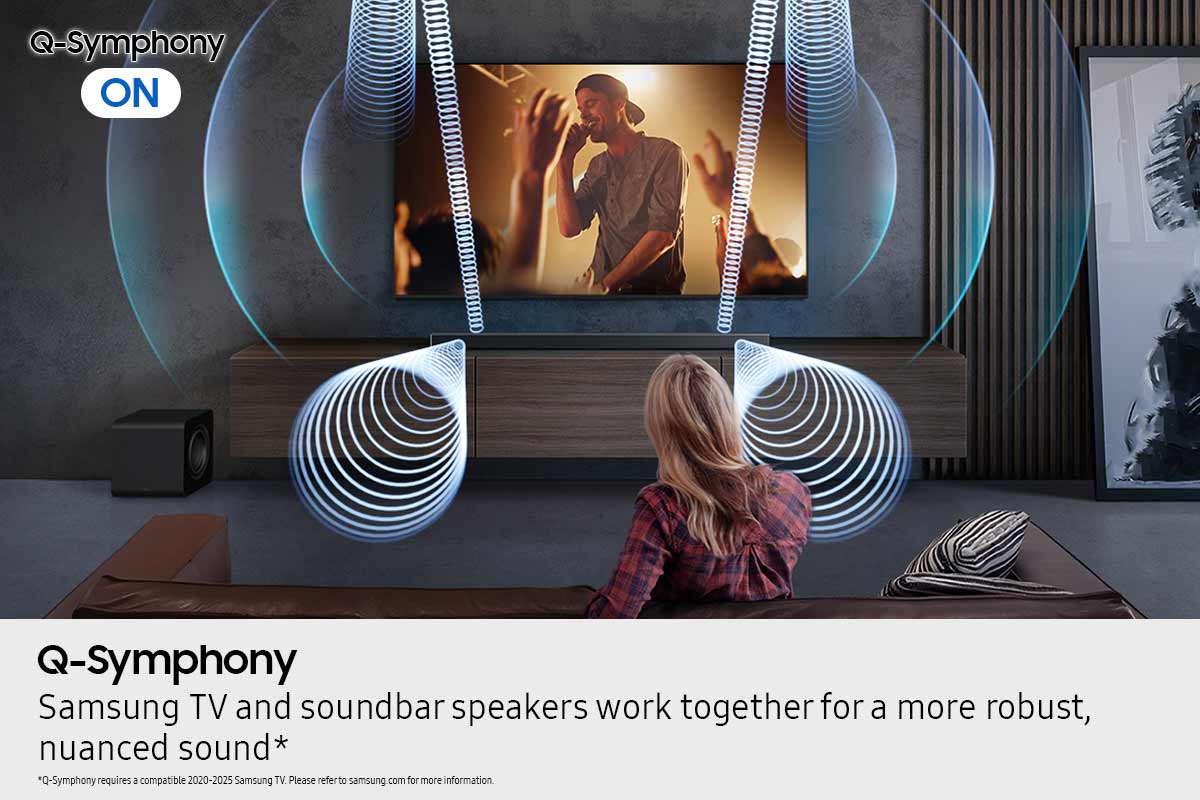
||Posted . Owned for 1 month when reviewed.This reviewer received promo considerations or sweepstakes entry for writing a review.Samsung Q-series sound system matched with a Samsung TV is the way to go if you're going to upgrade, also the system I bought was very affordable.
This review is from Samsung - Q-series HW-Q600F ATMOS 3.1.2 Ch Soundbar with Subwoofer - Titan Black
I would recommend this to a friend - Pros mentioned:Sound quality
Rated 5 out of 5 stars
Great soundbat
||Posted . Owned for 1 month when reviewed.This reviewer received promo considerations or sweepstakes entry for writing a review.Great audio, best soundbar for the price we love to hear music and watch movies. Deep sound and rich voices
This review is from Samsung - Q-series HW-Q600F ATMOS 3.1.2 Ch Soundbar with Subwoofer - Titan Black
I would recommend this to a friend - Pros mentioned:Sound quality
Rated 5 out of 5 stars
Great sound bar for home theater
||Posted . Owned for 2 weeks when reviewed.This reviewer received promo considerations or sweepstakes entry for writing a review.Sound is fantastic, perfect for home theater! Great for watching movies at home or using as a Bluetooth player for your house.
This review is from Samsung - Q-series HW-Q600F ATMOS 3.1.2 Ch Soundbar with Subwoofer - Titan Black
I would recommend this to a friend Rated 5 out of 5 stars
Perfect Pair
||Posted . Owned for 2 weeks when reviewed.This reviewer received promo considerations or sweepstakes entry for writing a review.The sound quality is great and it paired so seamlessly with the new QN90F Samsung TV that I bought with it. Bring on the Movies!!!
This review is from Samsung - Q-series HW-Q600F ATMOS 3.1.2 Ch Soundbar with Subwoofer - Titan Black
I would recommend this to a friend- Pros mentioned:Sound quality
Rated 5 out of 5 stars
We love it
||Posted .This reviewer received promo considerations or sweepstakes entry for writing a review.The sound is amazing - Watching movies and listening to music now is just different and we love it.
This review is from Samsung - Q-series HW-Q600F ATMOS 3.1.2 Ch Soundbar with Subwoofer - Titan Black
I would recommend this to a friend Rated 5 out of 5 stars
Love my system! Should have been purchased it!
||Posted . Owned for 1 month when reviewed.This reviewer received promo considerations or sweepstakes entry for writing a review.Great Quality, sound, and Price! You won't go wrong if you purchase this system. If you like Great sound, then buy it you will see what i mean!
This review is from Samsung - Q-series HW-Q600F ATMOS 3.1.2 Ch Soundbar with Subwoofer - Titan Black
I would recommend this to a friend- Pros mentioned:Sound quality
Rated 4 out of 5 stars
Samsung sound bar
||Posted . Owned for 2 weeks when reviewed.This reviewer received promo considerations or sweepstakes entry for writing a review.I'm very satisfied with this product in overall sound and quality.
This review is from Samsung - Q-series HW-Q600F ATMOS 3.1.2 Ch Soundbar with Subwoofer - Titan Black
I would recommend this to a friend Rated 5 out of 5 stars
Atmos soundbar
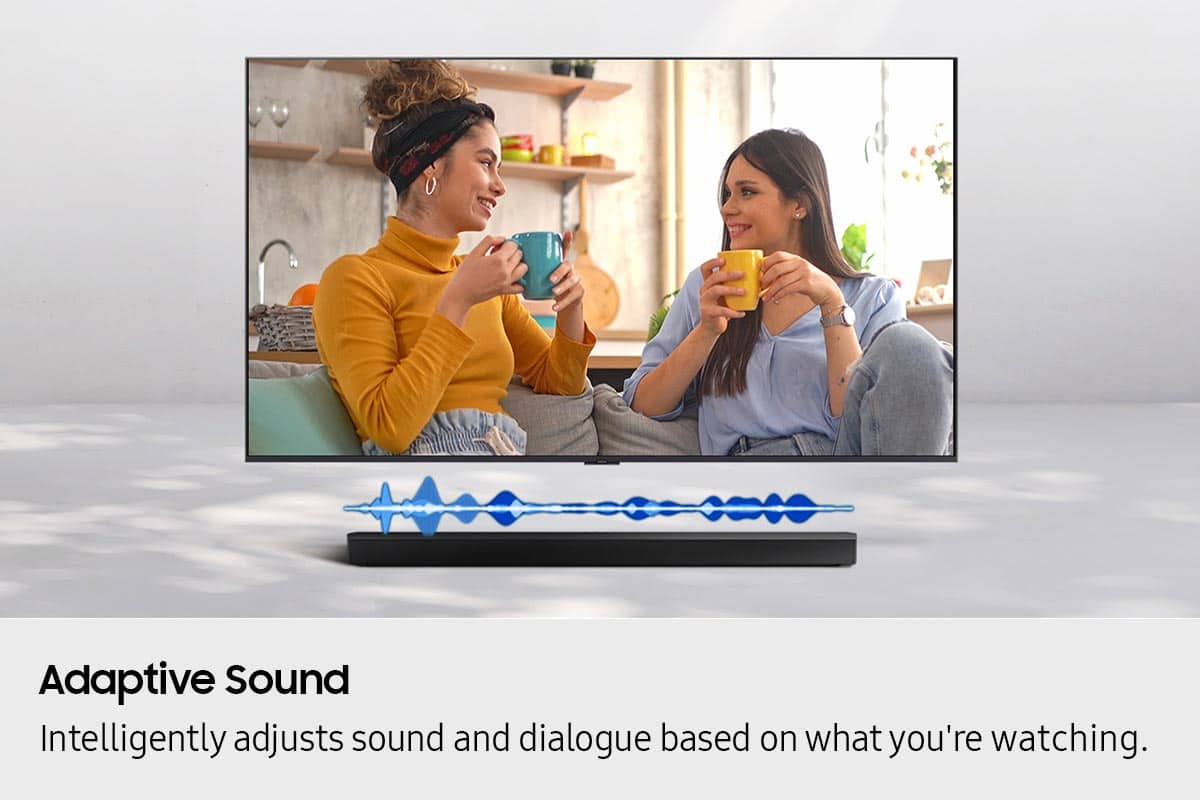
||Posted . Owned for 3 weeks when reviewed.This reviewer received promo considerations or sweepstakes entry for writing a review.Extremely high quality soundbar with excellent sound. Seamlessly paired with my Samsung TV and automatically adjusts sound mode to the media being played.
This review is from Samsung - Q-series HW-Q600F ATMOS 3.1.2 Ch Soundbar with Subwoofer - Titan Black
I would recommend this to a friendRated 4 out of 5 stars
Decent sound bar subwoofer bundle
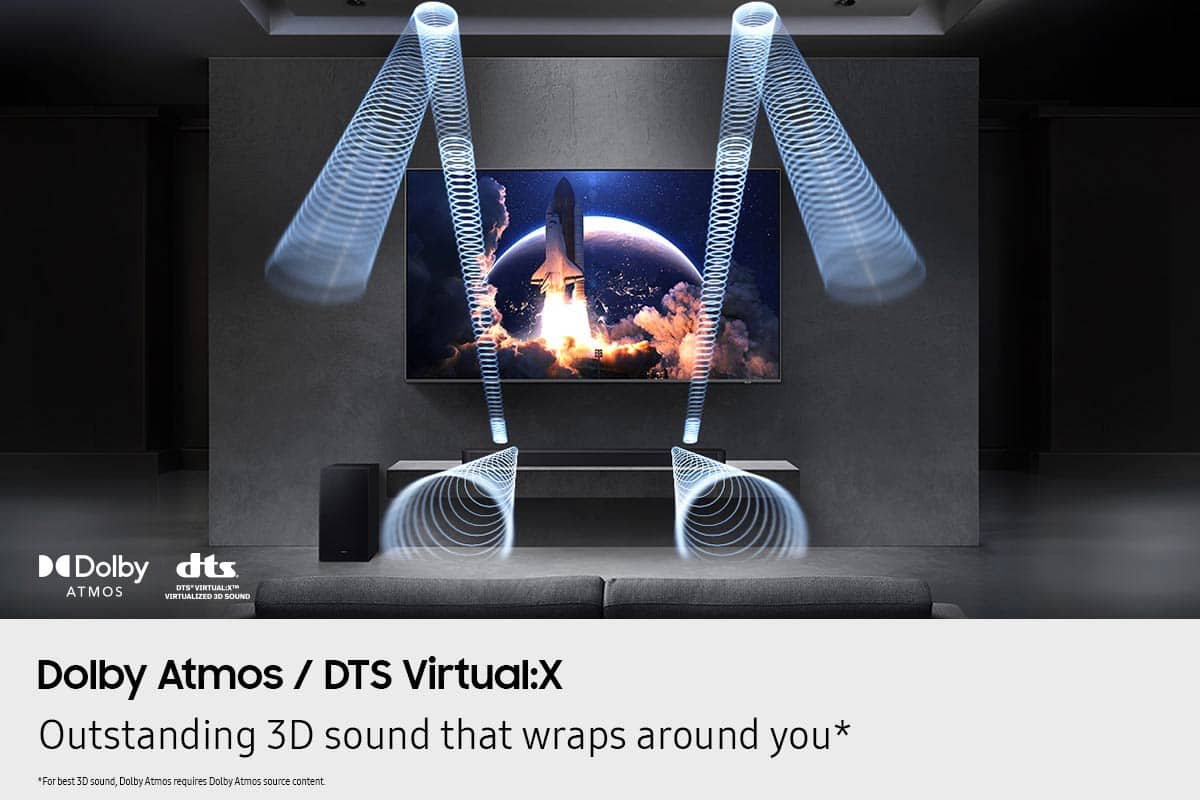
||Posted . Owned for 1 week when reviewed.This reviewer received promo considerations or sweepstakes entry for writing a review.Sounds good connect to my 2026 75” TCL tv well & I like the three letter board sign on the right side going across briefly they can also let me know when it’s receiving Dolby Atmos.
This review is from Samsung - Q-series HW-Q600F ATMOS 3.1.2 Ch Soundbar with Subwoofer - Titan Black
I would recommend this to a friendRated 5 out of 5 stars
Want the movie theater sound at home
||Posted . Owned for 2 weeks when reviewed.This reviewer received promo considerations or sweepstakes entry for writing a review.Love how it sounds. Definitely performs really well with my new Samsung TV. Its like we are in the movies. The bass is also really amazing
This review is from Samsung - Q-series HW-Q600F ATMOS 3.1.2 Ch Soundbar with Subwoofer - Titan Black
I would recommend this to a friend- Pros mentioned:Sound quality
Rated 5 out of 5 stars
Great choice
||Posted . Owned for 3 weeks when reviewed.This reviewer received promo considerations or sweepstakes entry for writing a review.Great soundbar setup! Quality audio, makes every movie and show that much better.
This review is from Samsung - Q-series HW-Q600F ATMOS 3.1.2 Ch Soundbar with Subwoofer - Titan Black
I would recommend this to a friend - Pros mentioned:Sound quality
Rated 5 out of 5 stars
Sound bar
||Posted . Owned for 3 weeks when reviewed.This reviewer received promo considerations or sweepstakes entry for writing a review.Fantastic sound!! Feels like your in what your watching
This review is from Samsung - Q-series HW-Q600F ATMOS 3.1.2 Ch Soundbar with Subwoofer - Titan Black
I would recommend this to a friend Rated 5 out of 5 stars
Samsung Soundbar and Subwoofer
||Posted . Owned for 1 month when reviewed.This reviewer received promo considerations or sweepstakes entry for writing a review.Excellent quality and works perfect with new tv, The sound is amazing
This review is from Samsung - Q-series HW-Q600F ATMOS 3.1.2 Ch Soundbar with Subwoofer - Titan Black
I would recommend this to a friendRated 5 out of 5 stars
Samsung speaker bar and subwoofer
||Posted . Owned for 2 weeks when reviewed.This reviewer received promo considerations or sweepstakes entry for writing a review.Nice easy to install sound s nice nice deep bass control with a desperate control it was on sale my old system was cutting off and on
This review is from Samsung - Q-series HW-Q600F ATMOS 3.1.2 Ch Soundbar with Subwoofer - Titan Black
I would recommend this to a friend- Pros mentioned:Sound quality
Rated 5 out of 5 stars
delighted
||Posted . Owned for 2 weeks when reviewed.This reviewer received promo considerations or sweepstakes entry for writing a review.I'm delighted, the sound is very clear, I give the product 10 out of 10.
This review is from Samsung - Q-series HW-Q600F ATMOS 3.1.2 Ch Soundbar with Subwoofer - Titan Black
I would recommend this to a friend Rated 5 out of 5 stars
Love it!
||Posted . Owned for 4 months when reviewed.This reviewer received promo considerations or sweepstakes entry for writing a review.Amazing sound quality and bass when you are playing music for those cleaning days in the house!
This review is from Samsung - Q-series HW-Q600F ATMOS 3.1.2 Ch Soundbar with Subwoofer - Titan Black
I would recommend this to a friend- Pros mentioned:Sound quality
Rated 5 out of 5 stars
Best sound bar ever
||Posted . Owned for 1 month when reviewed.This reviewer received promo considerations or sweepstakes entry for writing a review.I was very impressed with this sound bar in the store. Once I powered it on in my home my mouth just dropped from the clarity that I was hearing.
This review is from Samsung - Q-series HW-Q600F ATMOS 3.1.2 Ch Soundbar with Subwoofer - Titan Black
I would recommend this to a friend Rated 5 out of 5 stars
Excellent Soundbar System
||Posted . Owned for 2 weeks when reviewed.This reviewer received promo considerations or sweepstakes entry for writing a review.Excellent Soundbar System. It fills the room with great quality sound, and it linked up seamlessly to a pair of Samsung Rear Surround Bluetooth speakers.
This review is from Samsung - Q-series HW-Q600F ATMOS 3.1.2 Ch Soundbar with Subwoofer - Titan Black
I would recommend this to a friend