Customer Ratings & Reviews
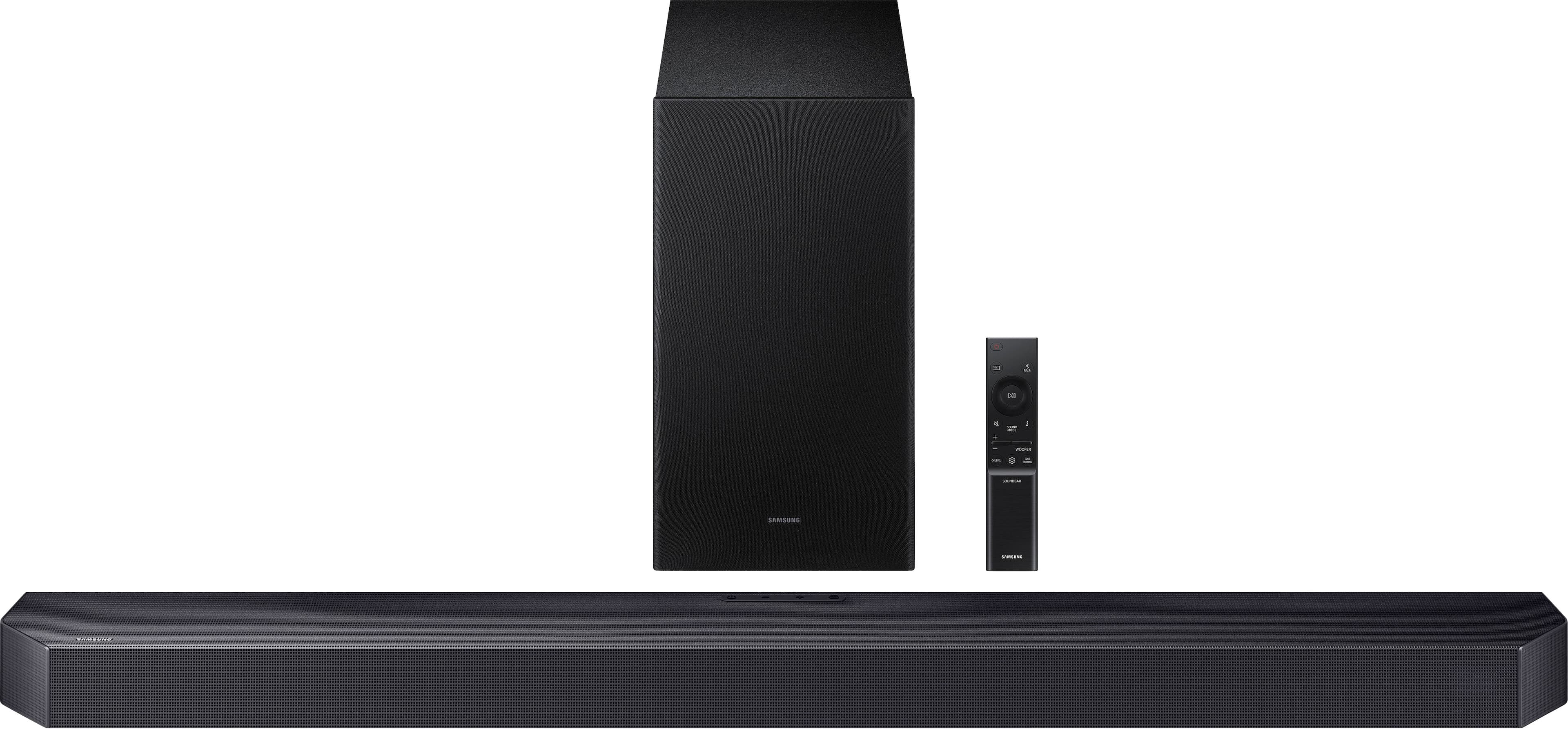
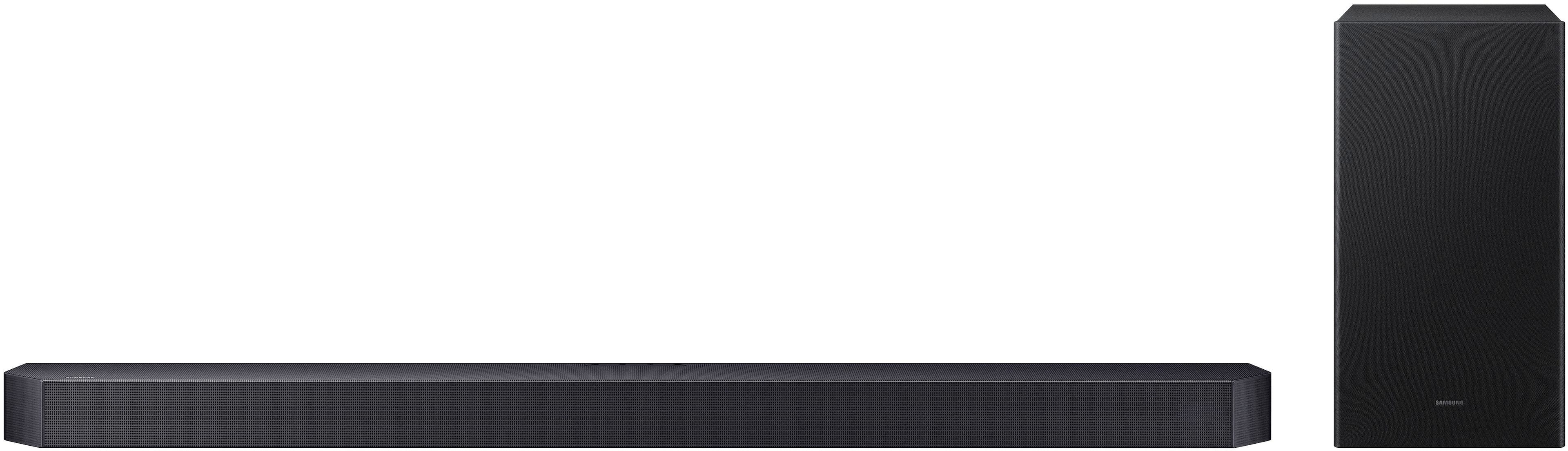
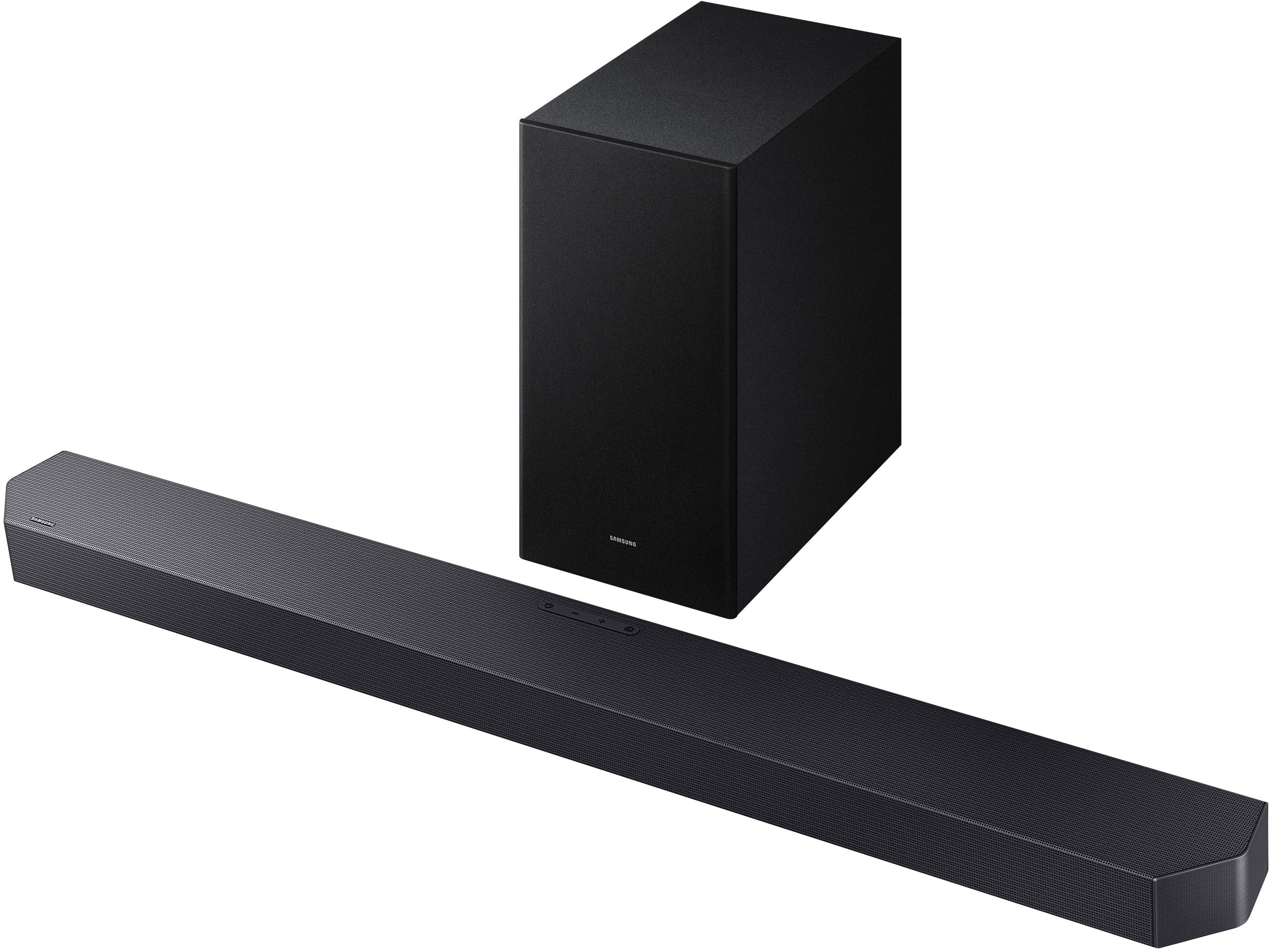

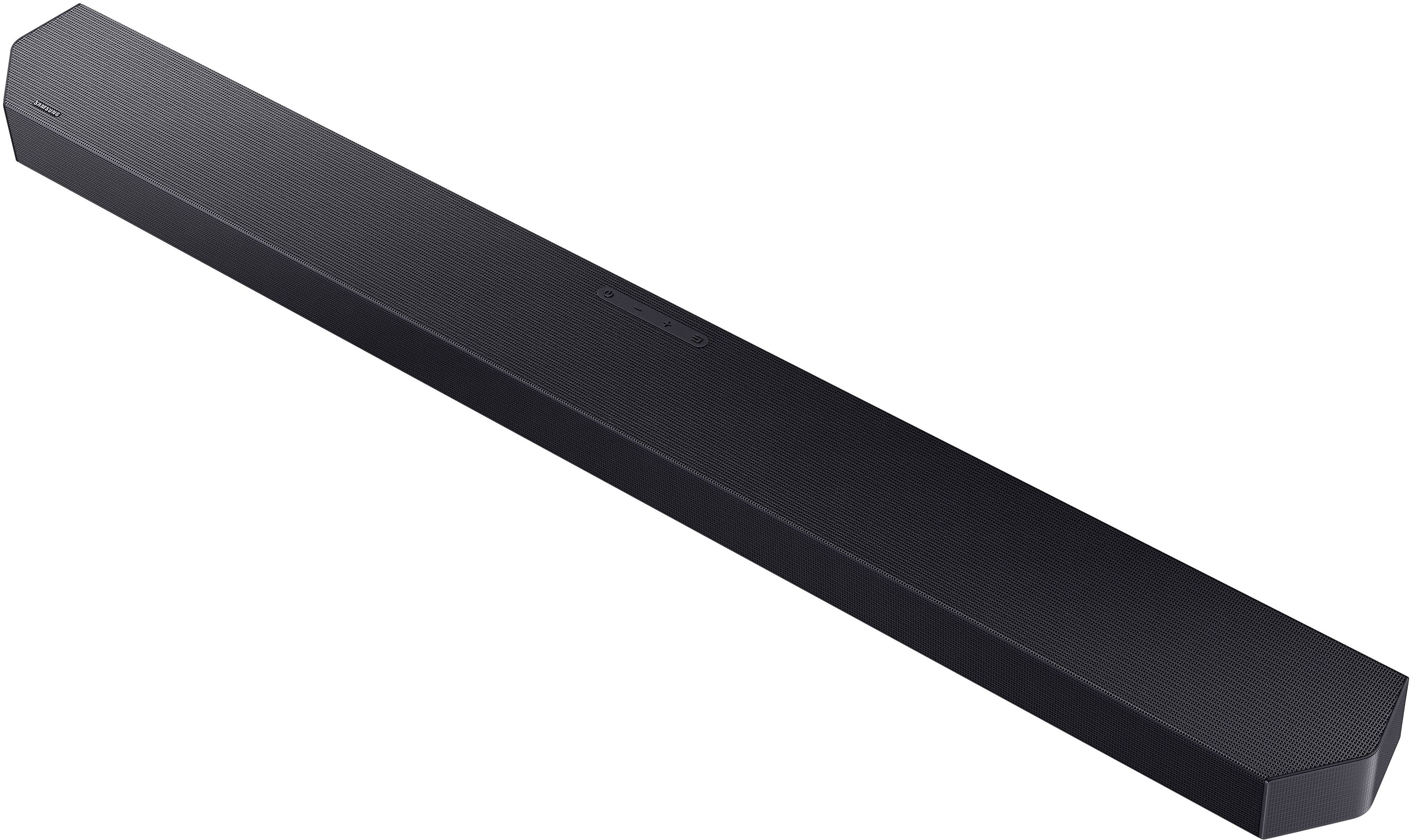

- Model:
- HW-Q600F/ZA
- SKU:
- 10735620
Rating by feature
- Value
Rating 4.6 out of 5 stars
- Quality
Rating 4.7 out of 5 stars
- Ease of Use
Rating 4.8 out of 5 stars
- Pros mentioned:Sound quality
Good soundbar, minimal subwoofer
||Posted .This reviewer received promo considerations or sweepstakes entry for writing a review.The base and treble (sound) is a great output with the main soundbar however not much or not at all with the subwoofer. I returned it for the model above it and satisfied
I would recommend this to a friendBrand response from Samsung
Posted .Hi CJclinic,
Thank you for sharing your review of the Samsung HW-Q600F and for sharing your experience with this soundbar, detailing the reasons you have decided to replace it with a different model. Thank you for being a loyal Samsung customer.
Your feedback regarding this model is important to us and will be shared with our internal teams.
Should you have questions or need assistance with settings, setup, or features with your new Samsung soundbar, please know we are always here to help. Just give us a call at 1-800-SAMSUNG (Ask for Soundbars), 8AM - 12AM EST, 7 days a week. Our Live Chat agents are also available by clicking on the ‘Support’ link on our website.
~ Samsung Solutions
- Pros mentioned:Sound quality
Great System
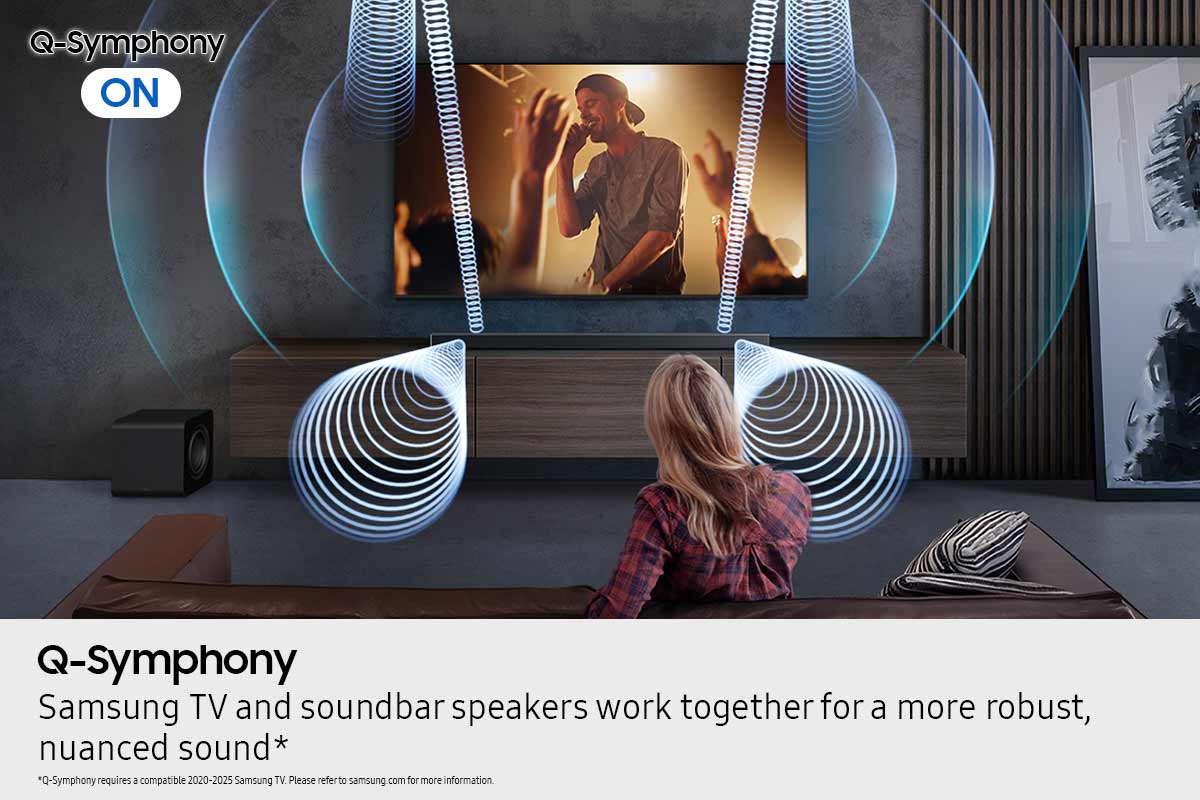
||Posted . Owned for 1 month when reviewed.This reviewer received promo considerations or sweepstakes entry for writing a review.Samsung Q-series sound system matched with a Samsung TV is the way to go if you're going to upgrade, also the system I bought was very affordable.
I would recommend this to a friend - Pros mentioned:Sound quality
Sound of bar review
||Posted . Owned for 2 weeks when reviewed.This reviewer received promo considerations or sweepstakes entry for writing a review.Excellent upgrade for my new QLED, sound uality is amazing!!!
I would recommend this to a friend Soundbar with Subwoofer
||Posted . Owned for 3 weeks when reviewed.This reviewer received promo considerations or sweepstakes entry for writing a review.Works great with my Spectrum TV. easy to pair and set .
I would recommend this to a friend- Pros mentioned:Sound quality
Great sou d given to my tv.
||Posted . Owned for 1 month when reviewed.This reviewer received promo considerations or sweepstakes entry for writing a review.Excellent. The end sound made a great improvement when watching the tv.
I would recommend this to a friend - Pros mentioned:Sound quality
Great sound system
||Posted . Owned for 1 month when reviewed.This reviewer received promo considerations or sweepstakes entry for writing a review.Pairs wonderfully with the TV for a great picture and sound combo
I would recommend this to a friend - Pros mentioned:Sound quality
Sound system
||Posted . Owned for 3 weeks when reviewed.This reviewer received promo considerations or sweepstakes entry for writing a review.The sound system is wonderful great purchase will buy again.
I would recommend this to a friend - Pros mentioned:Sound quality
Great sound bar for home theater
||Posted . Owned for 2 weeks when reviewed.This reviewer received promo considerations or sweepstakes entry for writing a review.Sound is fantastic, perfect for home theater! Great for watching movies at home or using as a Bluetooth player for your house.
I would recommend this to a friend - Pros mentioned:Sound quality
Great soundbat
||Posted . Owned for 1 month when reviewed.This reviewer received promo considerations or sweepstakes entry for writing a review.Great audio, best soundbar for the price we love to hear music and watch movies. Deep sound and rich voices
I would recommend this to a friend Big sound
||Posted . Owned for 3 months when reviewed.This reviewer received promo considerations or sweepstakes entry for writing a review.Got this for my bedroom, but sound good enough to be in the living room. Paired this with the rear speaker kit and a Q8 series tv. Fantastic setup.
I would recommend this to a friend- Pros mentioned:Sound quality
We love it
||Posted .This reviewer received promo considerations or sweepstakes entry for writing a review.The sound is amazing - Watching movies and listening to music now is just different and we love it.
I would recommend this to a friend - Pros mentioned:Sound quality
Review
||Posted . Owned for 1 month when reviewed.This reviewer received promo considerations or sweepstakes entry for writing a review.Very good and clear sound with really great bass and quality
I would recommend this to a friend not a technical review
||Posted . Owned for 2 weeks when reviewed.This reviewer received promo considerations or sweepstakes entry for writing a review.Got this for our daughters room, since tv only volume typically sucks.....
I would recommend this to a friend- Pros mentioned:Sound quality
Best sound bar ever
||Posted . Owned for 1 month when reviewed.This reviewer received promo considerations or sweepstakes entry for writing a review.I was very impressed with this sound bar in the store. Once I powered it on in my home my mouth just dropped from the clarity that I was hearing.
I would recommend this to a friend - Pros mentioned:Sound quality
Great choice
||Posted . Owned for 3 weeks when reviewed.This reviewer received promo considerations or sweepstakes entry for writing a review.Great soundbar setup! Quality audio, makes every movie and show that much better.
I would recommend this to a friend - Pros mentioned:Sound quality
Sound bar
||Posted . Owned for 3 weeks when reviewed.This reviewer received promo considerations or sweepstakes entry for writing a review.Fantastic sound!! Feels like your in what your watching
I would recommend this to a friend - Pros mentioned:Sound quality
delighted
||Posted . Owned for 2 weeks when reviewed.This reviewer received promo considerations or sweepstakes entry for writing a review.I'm delighted, the sound is very clear, I give the product 10 out of 10.
I would recommend this to a friend Great Sound
||Posted .This reviewer received promo considerations or sweepstakes entry for writing a review.Great product. It works perfectly with my space which is open to the second floor. Nice bass and all around sound. Easy to install.
I would recommend this to a friend- Pros mentioned:Sound quality
Samsung sound bar
||Posted . Owned for 2 weeks when reviewed.This reviewer received promo considerations or sweepstakes entry for writing a review.I'm very satisfied with this product in overall sound and quality.
I would recommend this to a friend Soundbar
||Posted . Owned for 2 weeks when reviewed.This reviewer received promo considerations or sweepstakes entry for writing a review.Great sound and bass. Really a game changer compared to regular tv sound. Brings the cinema feeling out when it comes to a sound bar like this.
I would recommend this to a friend