Customer Ratings & Reviews
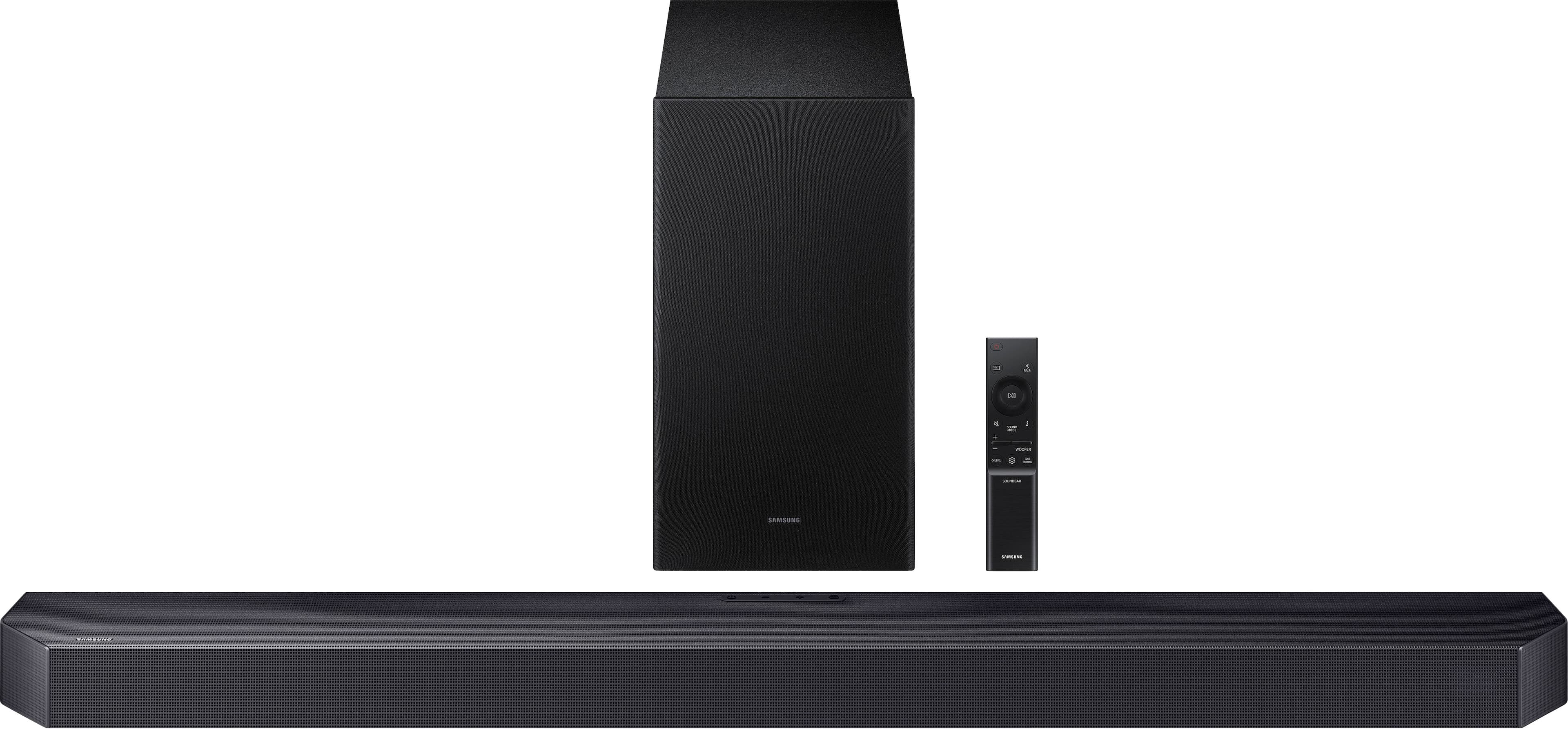
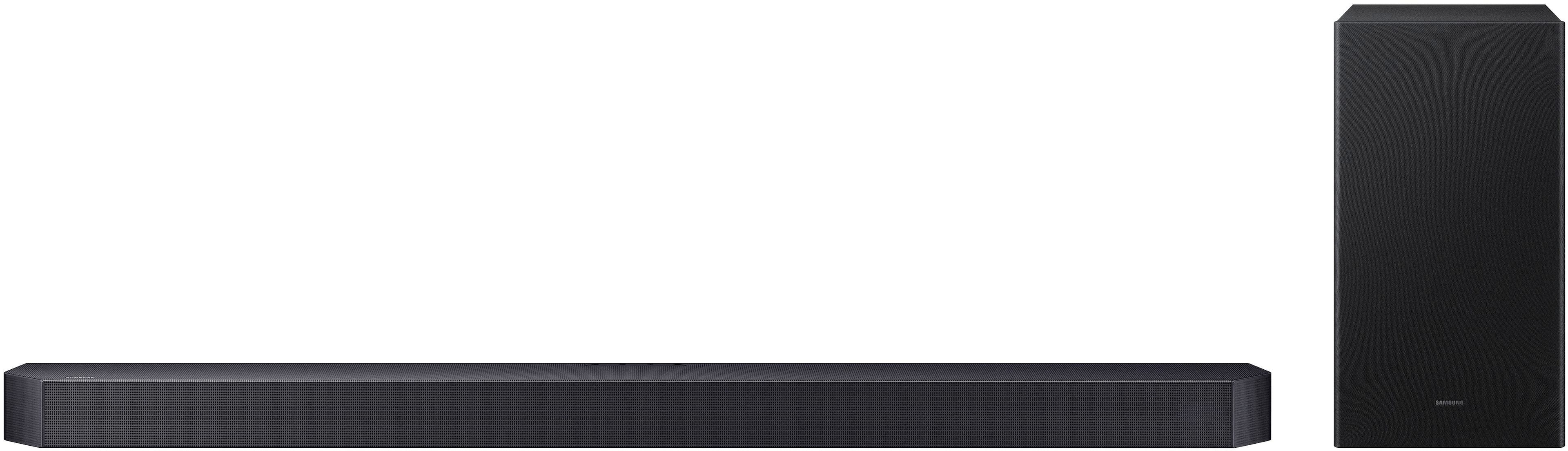
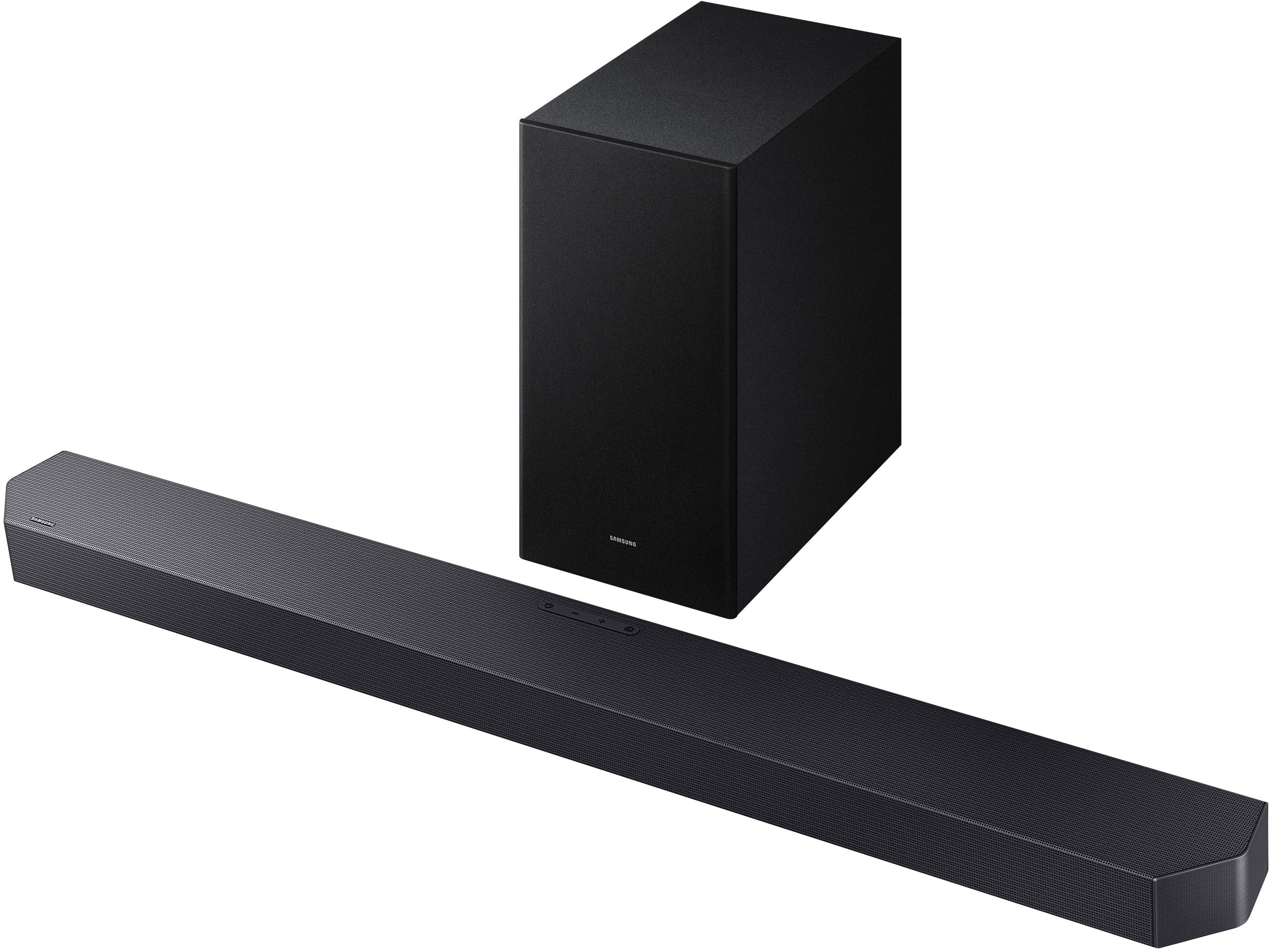

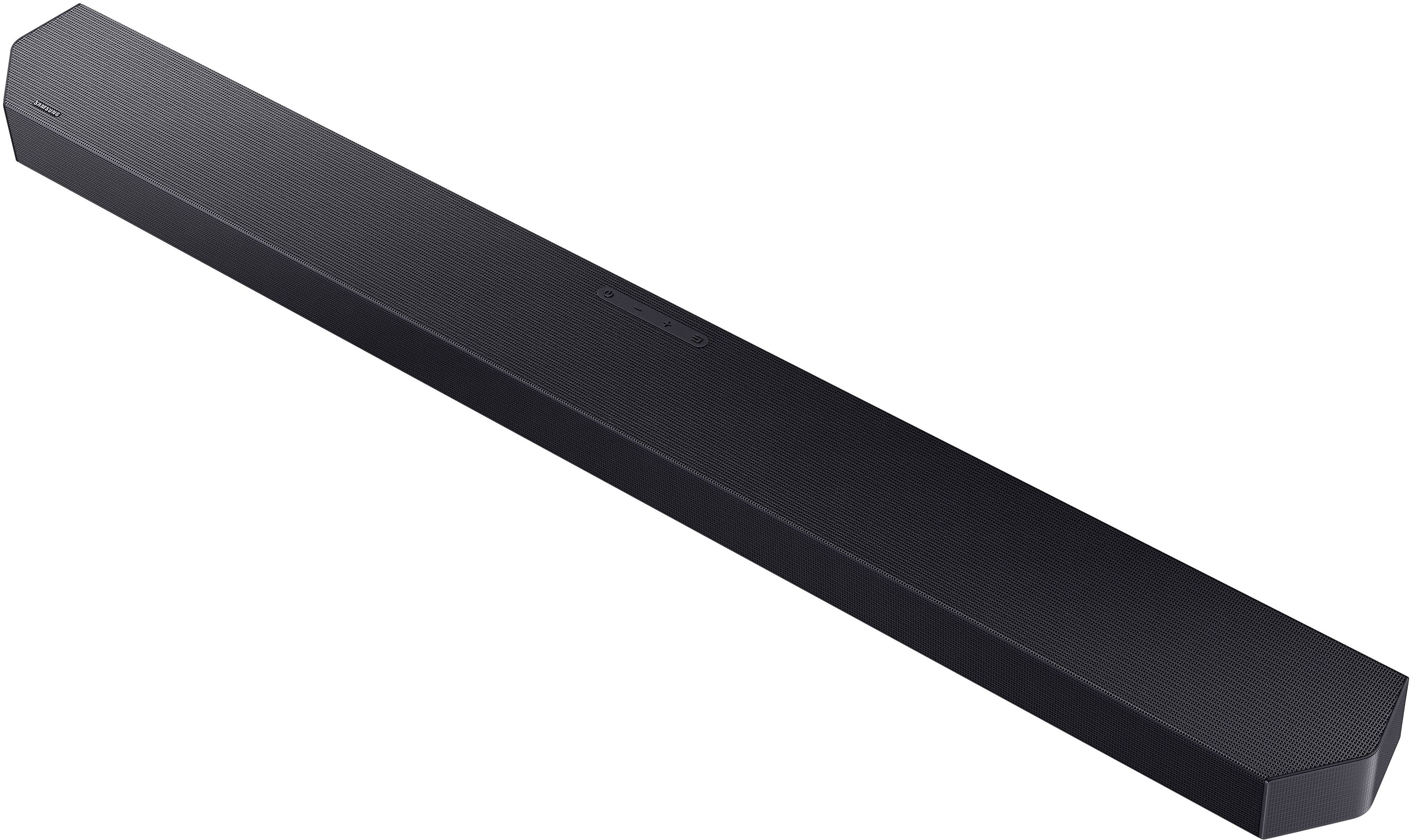
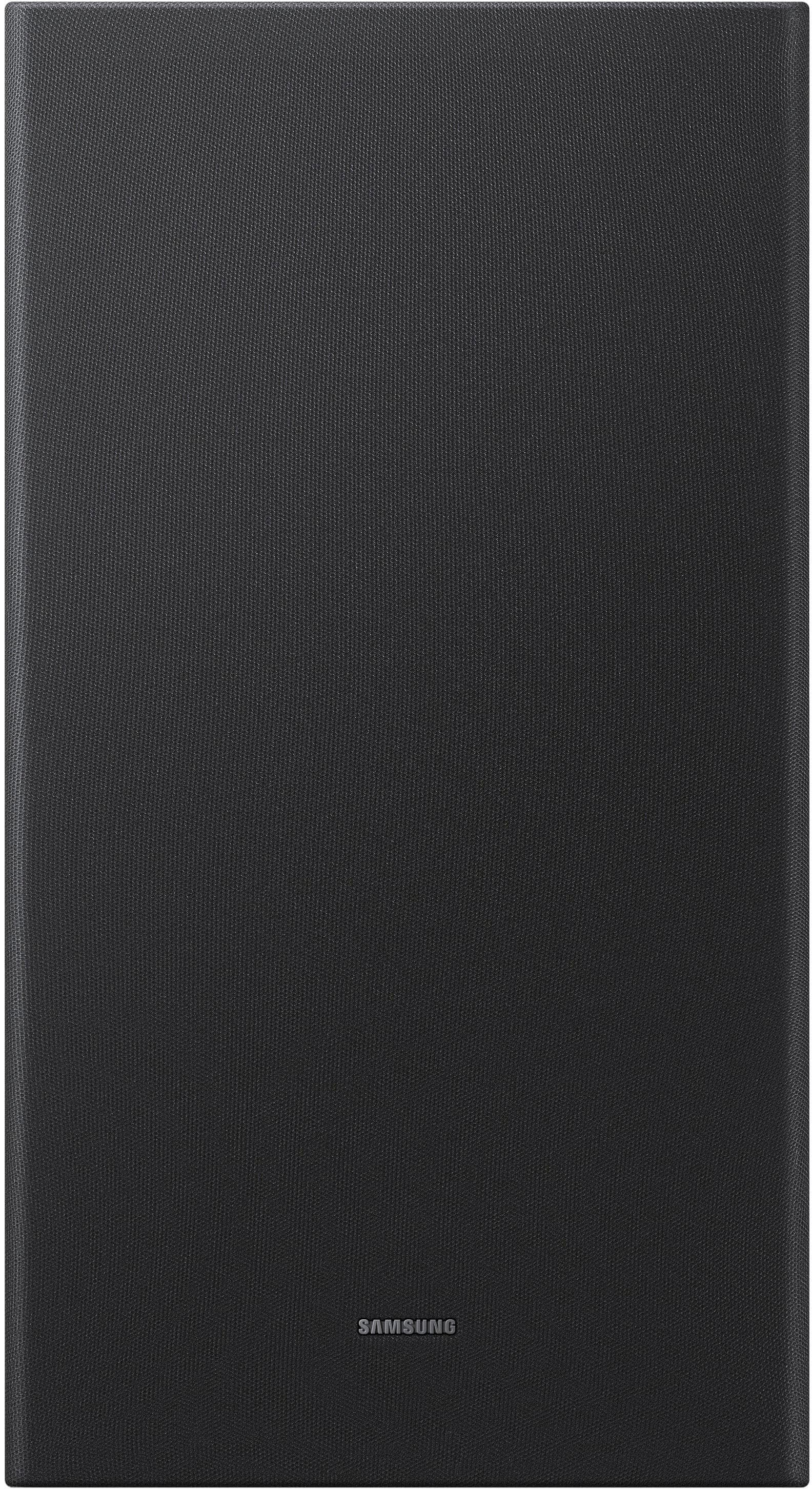
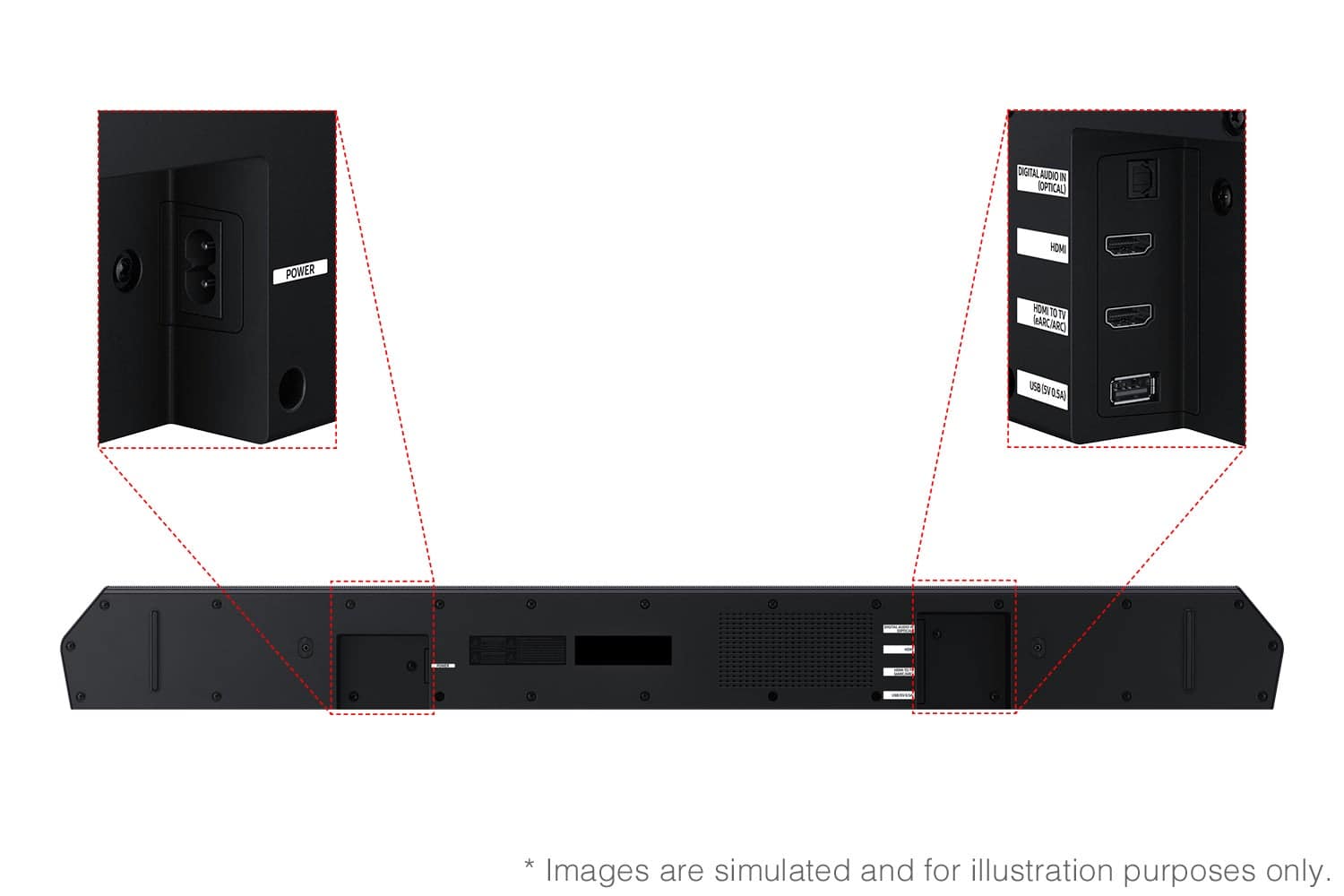
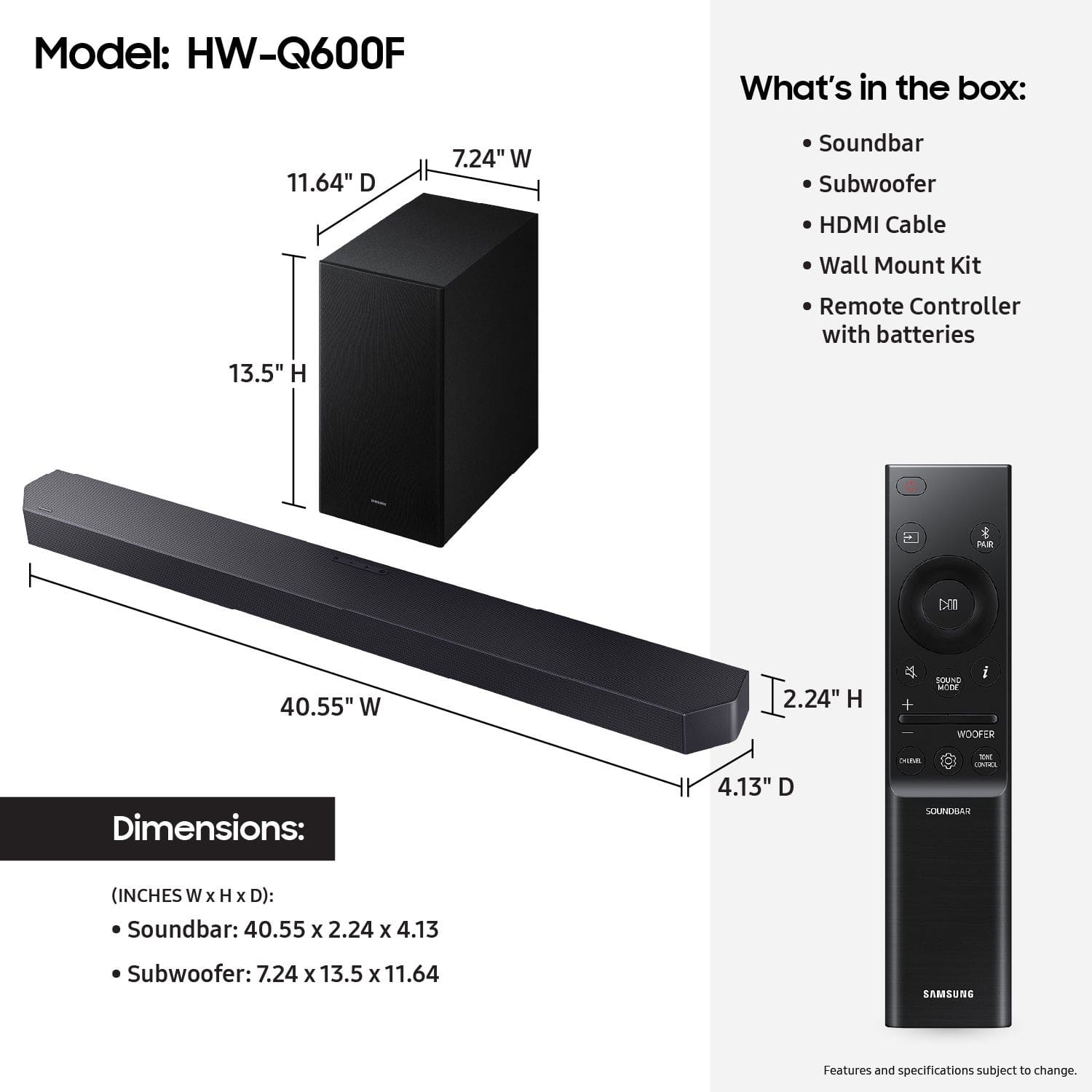
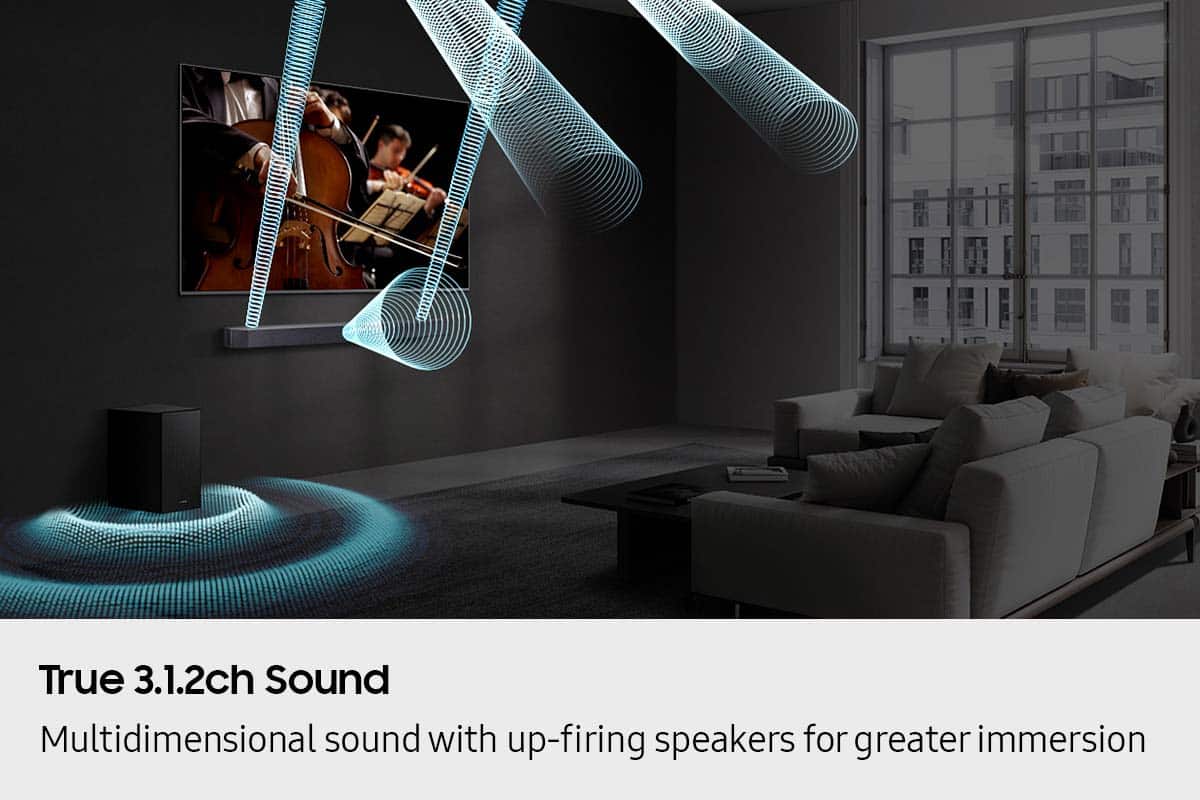

- Model:
- HW-Q600F/ZA
- SKU:
- 10784084
Rating by feature
- Value
Rating 4.6 out of 5 stars
- Quality
Rating 4.7 out of 5 stars
- Ease of Use
Rating 4.8 out of 5 stars
- Pros mentioned:Sound quality
Ted C.
Posted .This reviewer received promo considerations or sweepstakes entry for writing a review.Seems to improve audio on my tv. Not sure what the sub woofer is for. Have to use 3 remotes since geek squad did the installation. They told me at install I would only need 1.
I would recommend this to a friend - Pros mentioned:Sound quality
Very Good Performance
Posted .This reviewer received promo considerations or sweepstakes entry for writing a review.Crisp, clear sound, good performance for it's price range.
I would recommend this to a friend Good Surround for a Soundbar
Posted .This reviewer received promo considerations or sweepstakes entry for writing a review.When the movie provides good surround sound, this soundbar fills the room with sound. Too many newer movies, unfortunately, have music over the dialogue or sound effects that are far louder than the dialogue and that’s hard to overcome. It’s not the fault of the soundbar, though. When the sound engineers did their job well, the sound is outstanding. I like that the subwoofer level is adjustable separately from the main volume.
I would recommend this to a friend- Pros mentioned:Sound quality
Great sound bar
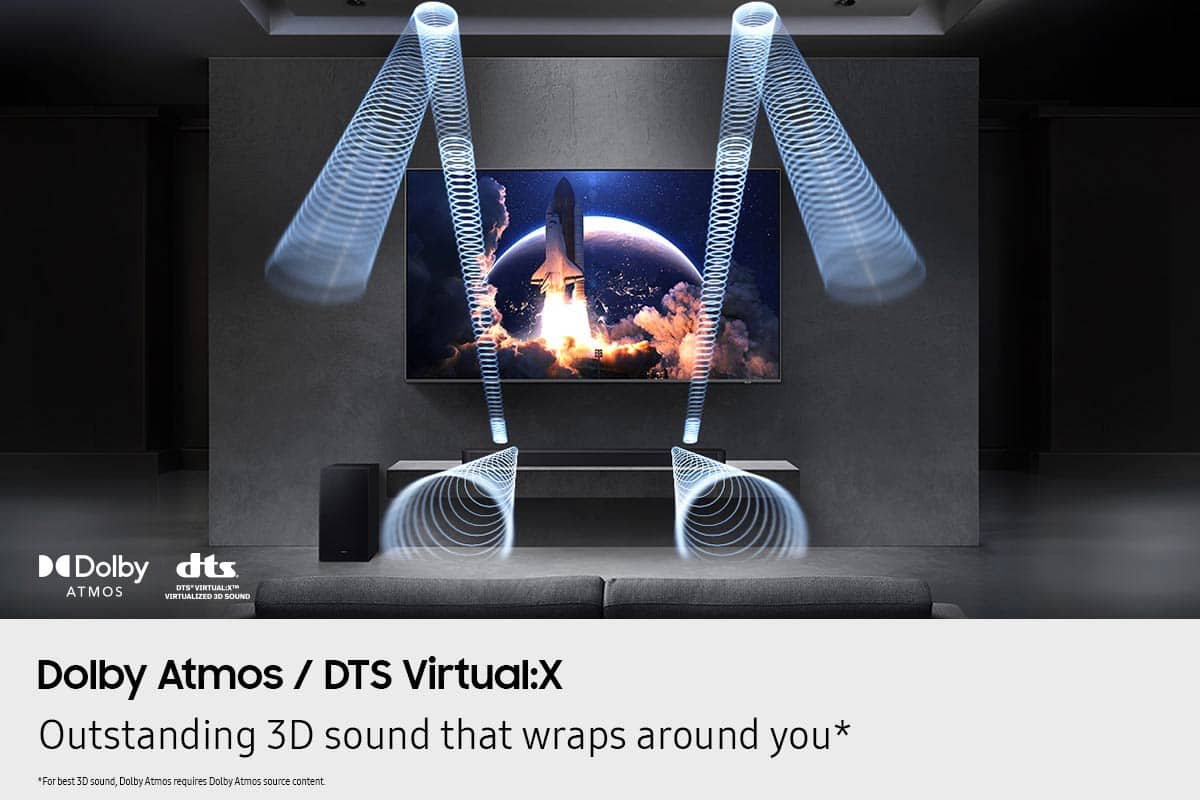
Posted .This reviewer received promo considerations or sweepstakes entry for writing a review.Great product , sound quality excellent have connected this with my projector via Bluetooth and the experience is amazing Dolby THX sound s are accurate and great virtual saround with 3 channel split
I would recommend this to a friend Samsung Soundbar
Posted .This reviewer received promo considerations or sweepstakes entry for writing a review.The soundbar has performed flawlessly. I believe this was one of my best purchases I’ve done in a while.
I would recommend this to a friendGreat sound, weak bass
Posted .This reviewer received promo considerations or sweepstakes entry for writing a review.The soundbar itself was amazing sounding and was super simple to setup. No wifi or app setup needed, just plug and play. The upfiring speakers made a huge difference and had a great soundstage for a medium sized living room. The reason I had to knock off 2 stars is due to the incredibly weak bass even with the settings cranked to max. I tried moving the subwoofer around the room but it didn't seem to make a difference. If I was in an apartment with thin walls, then it wouldn't be as bad. If you're not after thunderous bass, this soundbar is excellent
I would recommend this to a friendBrand response from Samsung
Posted .Hi Drew,
Thank you for taking a moment to review the Samsung HW-Q600F Soundbar.
There are two adjustments that can be made to maximize bass from the soundbar and subwoofer:
1. Using the WOOFER button on the remote, you can adjust the level between -6 to +6. To set the subwoofer volume level to 0, press the button in.
2. Adjust the bass control by pressing the TONE CONTROL button on the remote control, then select BASS to increase the level. You can adjust the volume between -6 to +6 by using the Up/Down buttons.
For precise audio adjustments, you can use the 7-band frequency equalizer to optimize the sound for your room acoustics.
If you need more help, Samsung is here for you. Please call us at 1-800-SAMSUNG, Mon – Fri 8 AM – 9 PM EST, Sat & Sun 8 AM – 6 PM EST. Live Chat with an agent as well as manuals, software, creating a service ticket, and warranty info can be found at the ‘Support’ link on our Samsung website.
~ Samsung Solutions
- Pros mentioned:Sound quality
Sound bar
Posted .This reviewer received promo considerations or sweepstakes entry for writing a review.The sound is good but because it separates sounds when characters are speaking the volume has to be higher. My husband doesn’t mind but it drives me crazy.
No, I would not recommend this to a friendBrand response from Samsung
Posted .Hi MiguelO,
Thank you for taking a moment to review the Samsung HW-Q600F Soundbar.
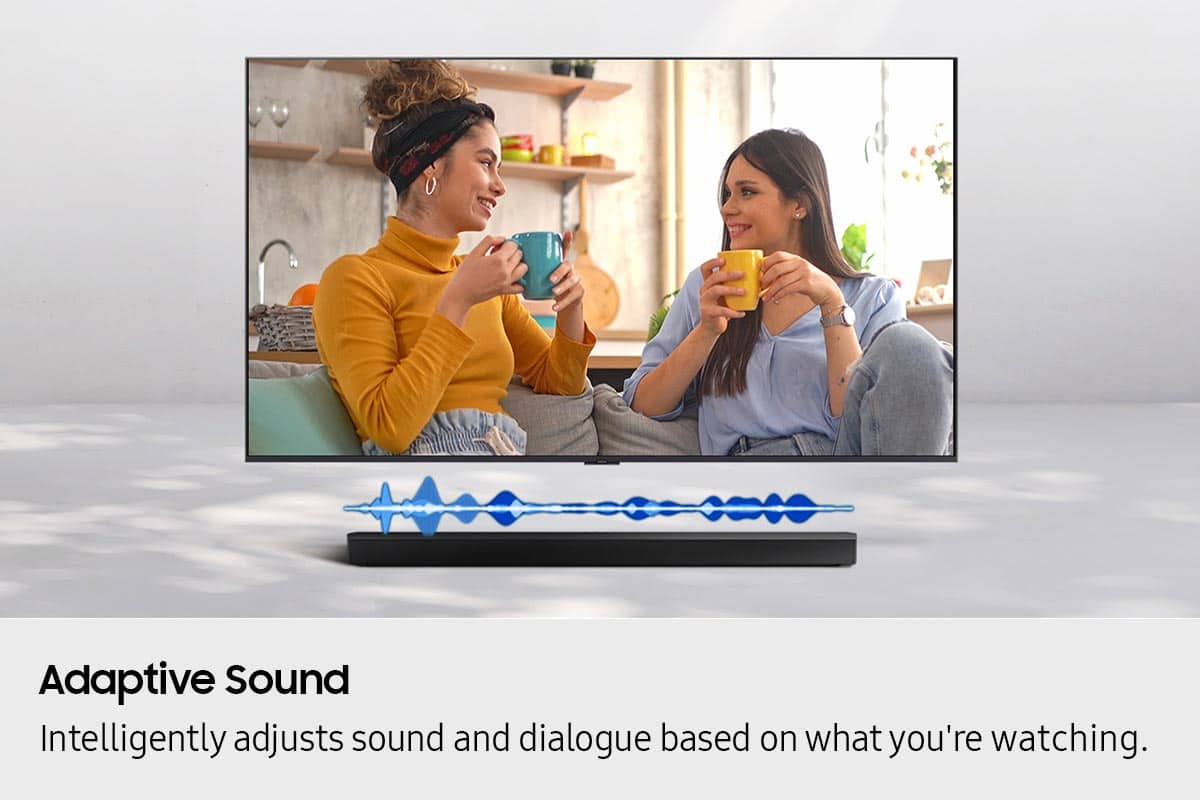
You can manually optimize your audio experience by pressing the SOUND MODE button to select the desired pre-equalized sound setting. The choices are SURROUND SOUND – GAME – ADAPTIVE SOUND – DTS VIRTUAL:X – STANDARD.
To control the volume of the treble or bass sound, press the TONE CONTROL button and then adjust the volume between -6 to +6 by using the Up/Down buttons.
Press and hold the SOUND CONTROL button for about 5 seconds to adjust the sound for each frequency band. 150Hz, 300Hz, 600Hz, 1.2kHz, 2.5kHz, 5kHz, and 10kHz are selectable using the Left/Right buttons and each can be adjusted to a setting between -6 to +6 using the Up/Down buttons. (Make sure the Sound mode is set to “STANDARD”.)
Press the CH LEVEL button so you can adjust the volume of each speaker. CENTER LEVEL or TOP LEVEL can be adjusted using the UP/DOWN buttons from -6 to +6.
With the optional SWA-9250S Wireless Rear Speaker Kit connected you can adjust the volume by using the provided Soundbar remote. Press CH LEVEL and select REAR LEVEL, then use the Up/Down buttons to adjust the volume within a -6 to +6 range.
I hope this tip helps improve your enjoyment. For more help, please call us at 1-800-SAMSUNG (Ask for Soundbars), 8 AM – 12 AM EST, 7 days a week. Live Chat with an agent as well as manuals, software, creating a service ticket, and warranty info can be found at the ‘Support’ link on our Samsung website.
~ Samsung Solutions
sounds great
Posted .This reviewer received promo considerations or sweepstakes entry for writing a review.sounds great and easy to use fills the room with rich sound
I would recommend this to a friendSoundbar great; subwoofer, not so much
Posted .This reviewer received promo considerations or sweepstakes entry for writing a review.The sound quality was fantastic. However, the subwoofer was lacking. Any low end sounds emanating from the sub were barely discernable. Ended up returning it for a Q800 (which was an upgrade from previous model I had, S800) and the difference was huge. I would still recommend this item if they don't really care about getting a full spectrum of sound.
I would recommend this to a friendBrand response from Samsung
Posted .Hello AdmiralThrawn,
We appreciate you taking a few moments to review the HW-Q600F Samsung Soundbar.
There are two adjustments that can be made to maximize bass from the soundbar and subwoofer:
1. Using the WOOFER button on the remote, you can adjust the level between -6 to +6. To set the subwoofer volume level to 0, press the button in.
2. Adjust the bass control by pressing the TONE CONTROL button on the remote control, then select BASS to increase the level. You can adjust the volume between -6 to +6 by using the Up/Down buttons.
For precise audio adjustments, you can use the 7-band frequency equalizer to optimize the sound for your room acoustics.
I hope these tips help you enjoy your new product.
You can always contact us for further help at 1-800-SAMSUNG (Ask for Soundbars), Mon – Fri 8 AM – 9 PM EST, Sat & Sun 8 AM – 6 PM EST. Our Live Chat agents are also available by clicking on the ‘Support’ link on our website.
~ Samsung Solutions
Samsung soundbar installation
Posted .This reviewer received promo considerations or sweepstakes entry for writing a review.Installed soundbar with no problem. Did a very good job
I would recommend this to a friendSound bar
Posted .This reviewer received promo considerations or sweepstakes entry for writing a review.Very expensive, quality of sound not that great, sub buffer sound terrible
No, I would not recommend this to a friendBrand response from Samsung
Posted .Hi Peter,
We appreciate you taking a few moments to review the Samsung HW-Q600F Soundbar.
You can manually optimize your audio experience by pressing the SOUND MODE button to select the desired pre-equalized sound setting. The choices are SURROUND SOUND – GAME – ADAPTIVE SOUND – DTS VIRTUAL:X – STANDARD.
To control the volume of the treble or bass sound, press the TONE CONTROL button and then adjust the volume between -6 to +6 by using the Up/Down buttons.
Press and hold the SOUND CONTROL button for about 5 seconds to adjust the sound for each frequency band. 150Hz, 300Hz, 600Hz, 1.2kHz, 2.5kHz, 5kHz, and 10kHz are selectable using the Left/Right buttons and each can be adjusted to a setting between -6 to +6 using the Up/Down buttons. (Make sure the Sound mode is set to “STANDARD”.)
Press the CH LEVEL button so you can adjust the volume of each speaker. CENTER LEVEL or TOP LEVEL can be adjusted using the UP/DOWN buttons from -6 to +6.
With the optional SWA-9250S Wireless Rear Speaker Kit connected you can adjust the volume by using the provided Soundbar remote. Press CH LEVEL and select REAR LEVEL, then use the Up/Down buttons to adjust the volume within a -6 to +6 range.
I hope these tips help you enjoy your new product.
You can always contact us for further help at 1-800-SAMSUNG (Ask for Soundbars), 8 AM – 12 AM EST, 7 days a week. Our Live Chat agents are also available by clicking on the ‘Support’ link on our website.
~ Samsung Solutions