Customer Ratings & Reviews
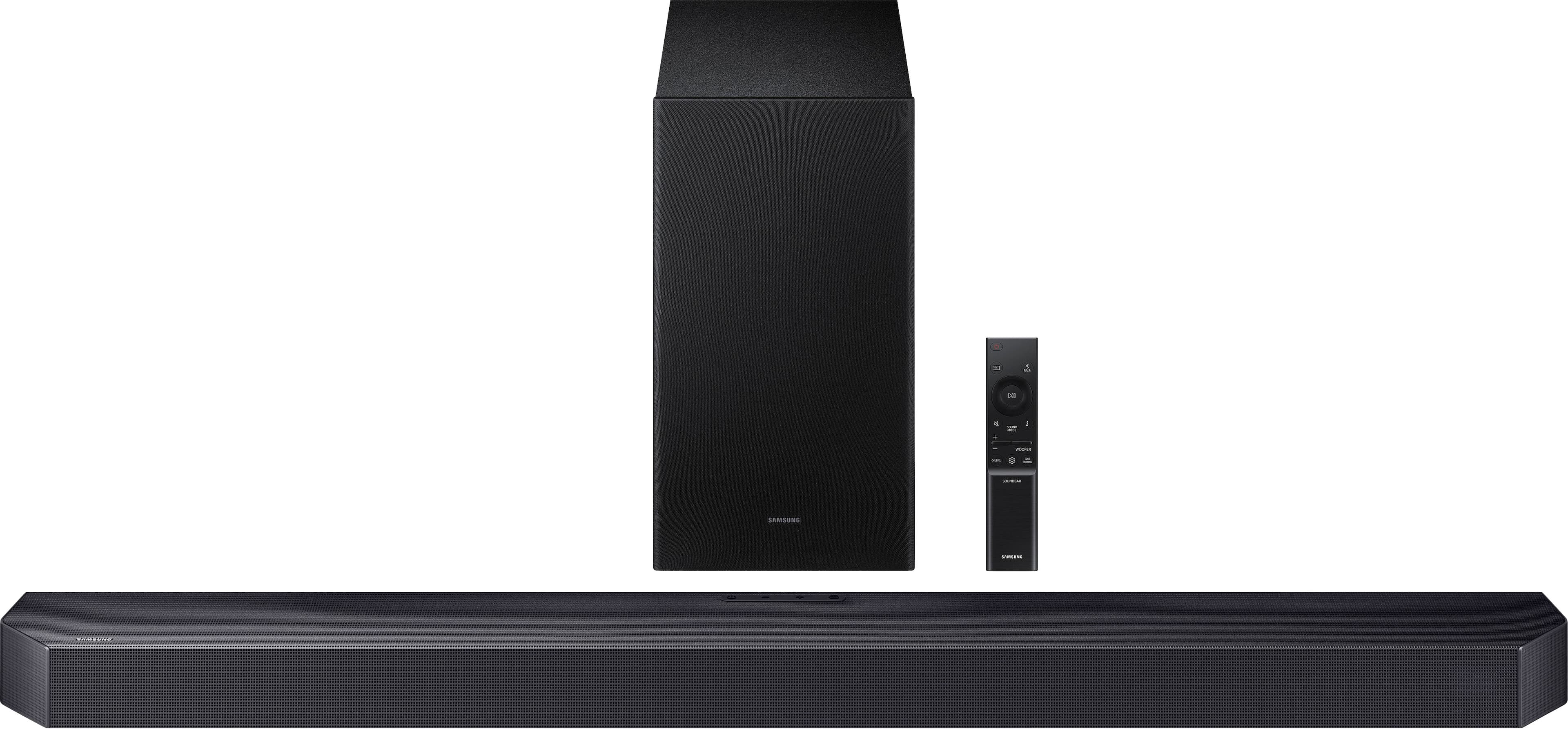
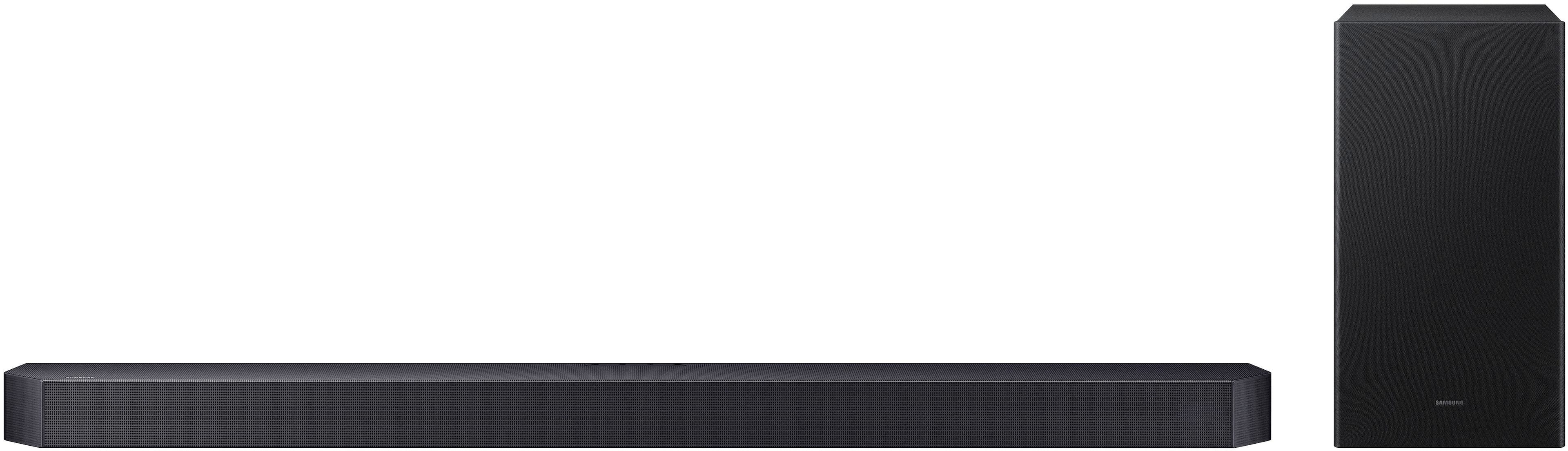
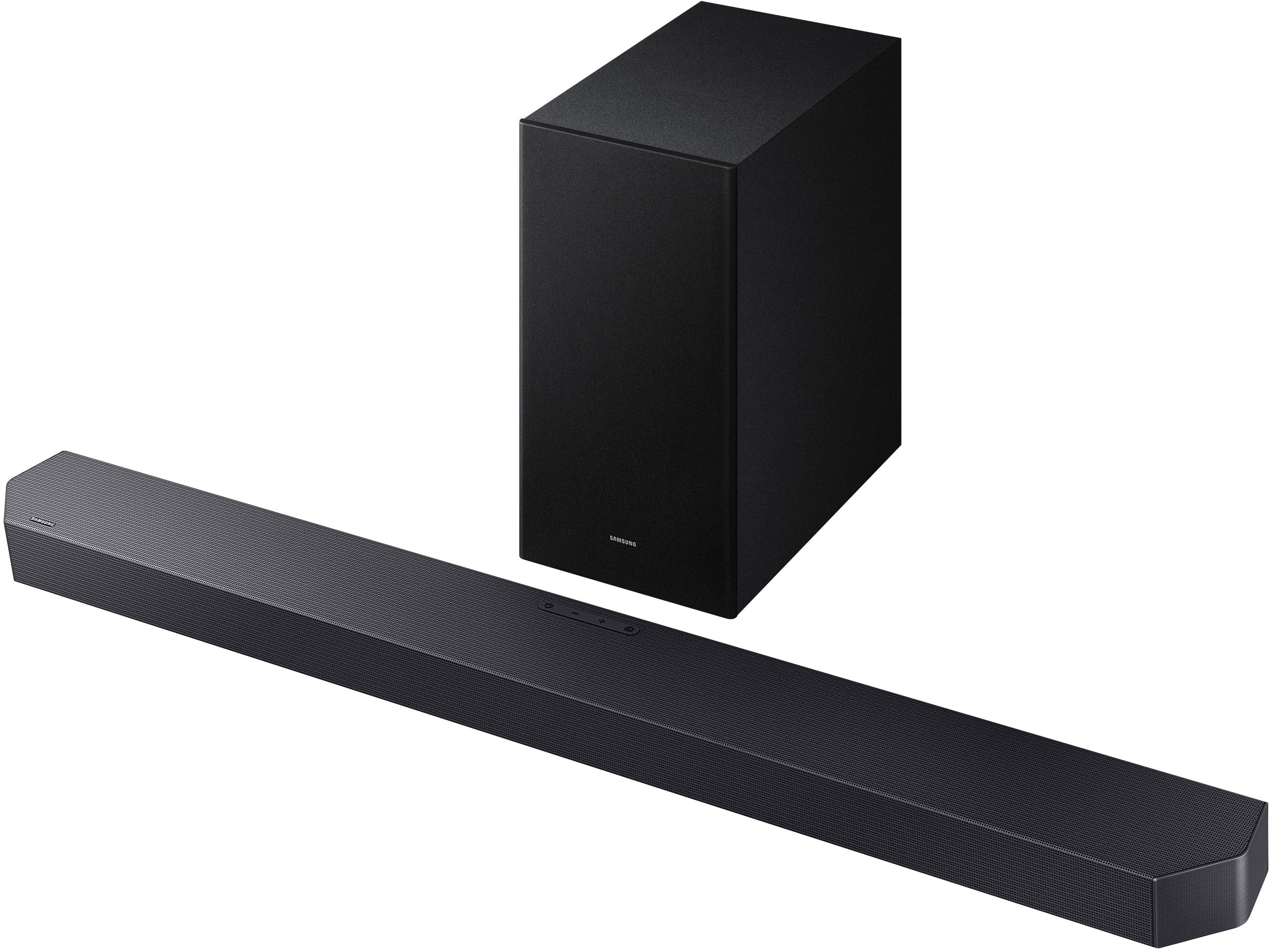

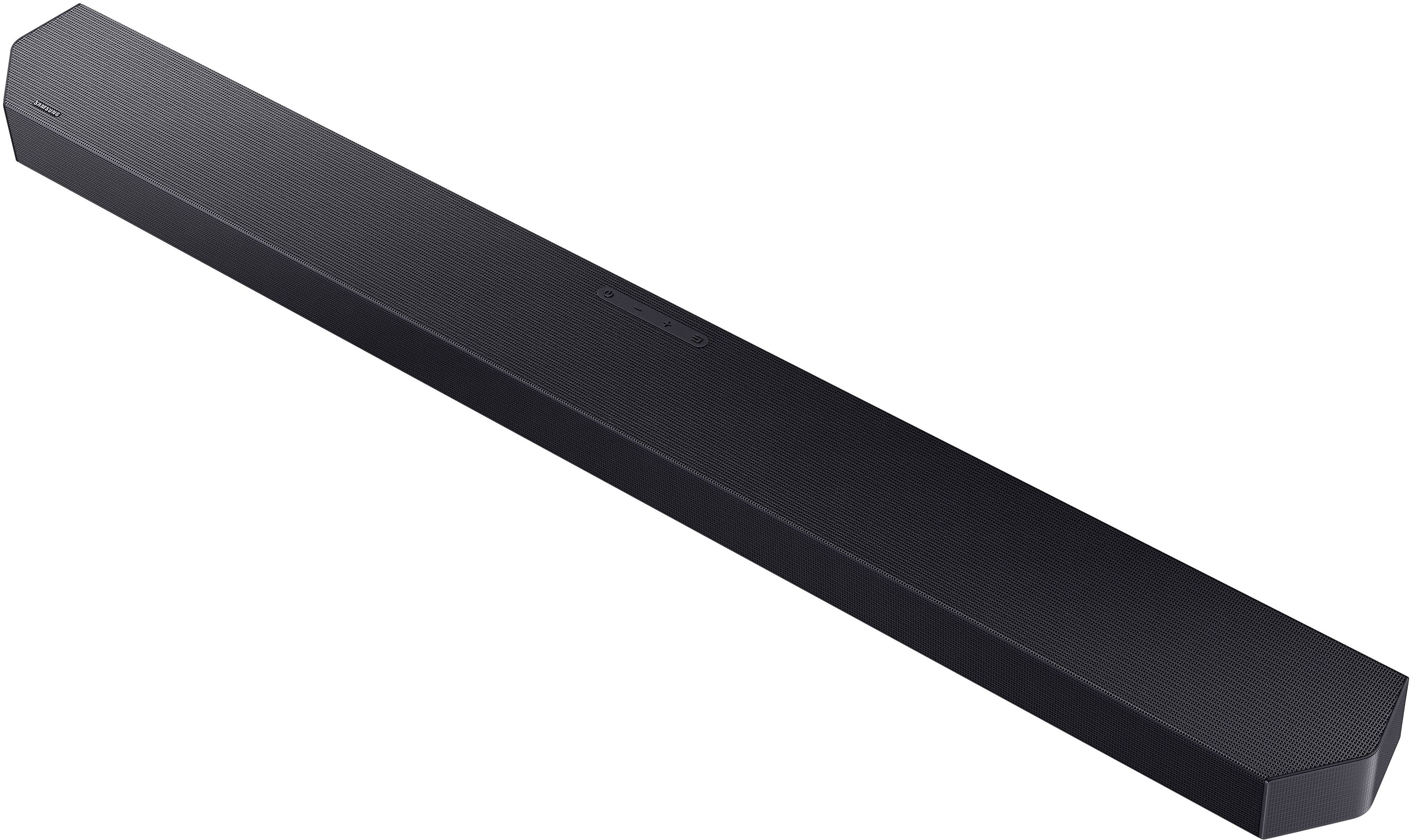
- Model:
- HW-Q600F/ZA
- SKU:
- 6619392
Rating by feature
- Value
Rating 4.6 out of 5 stars
- Quality
Rating 4.7 out of 5 stars
- Ease of Use
Rating 4.7 out of 5 stars
Customers are saying
Customers highly value the Q-series HW-Q600F ATMOS 3.1.2 Ch Soundbar with Subwoofer for its very good and clear sound quality. Users also appreciate the easy setup and sleek design, as well as its seamless connectivity to Samsung TVs and space-saving size. There were no cons mentioned for this product.
This summary was generated by AI based on customer reviews.
Not worth price
||Posted .This reviewer received promo considerations or sweepstakes entry for writing a review.Upsold from a $200 unit to this one at $500 and I cant tell difference from the TV speaker to this unit!
No, I would not recommend this to a friendBrand response from Samsung
Posted .Hi RichardL,
Thank you for taking a moment to review the Samsung HW-Q600F Soundbar.
This soundbar features a powerful wireless subwoofer, as well as Game Pro Mode, Dolby Digital Plus, and DTS Digital Surround for deep bass, rich sound, and clear tones.
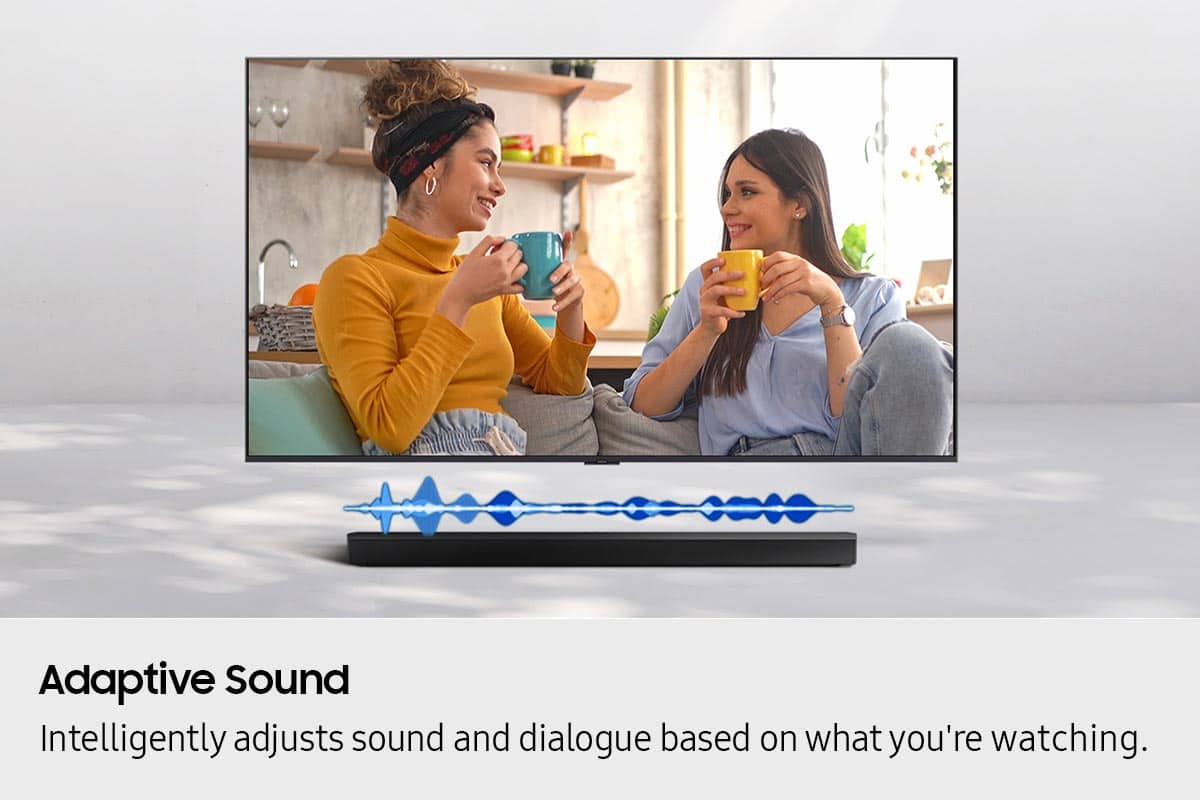
You can try optimizing audio performance for your specific content by pressing the SOUND MODE button on your remote, and then selecting the desired sound effect by choosing SURROUND SOUND, GAME PRO, ADAPTIVE SOUND or STANDARD.
To control the volume of the treble or bass sound, press the TONE CONTROL button and then adjust the volume between -6 to +6 by using the Up/Down buttons.
Press and hold the SOUND CONTROL button for about 5 seconds to adjust the sound for each frequency band. 150Hz, 300Hz, 600Hz, 1.2kHz, 2.5kHz, 5kHz, and 10kHz are selectable using the Left/Right buttons and each can be adjusted to a setting between -6 to +6 using the Up/Down buttons. (Make sure the Sound mode is set to “STANDARD”.)
Press the CH LEVEL button so you can adjust the volume of each speaker. CENTER LEVEL or TOP LEVEL can be adjusted using the UP/DOWN buttons from -6 to +6.
With the optional SWA-9250S Wireless Rear Speaker Kit connected you can adjust the volume by using the provided Soundbar remote. Press CH LEVEL and select REAR LEVEL, then use the Up/Down buttons to adjust the volume within a -6 to +6 range.
If you’d like more help with settings, please know we’re here to help! Call us at 1-800-SAMSUNG (Ask for Soundbars), 8AM - 12AM EST, 7 days a week. Or visit us on the Samsung website and click on the ‘Support’ link for:
• Live Chat
• Manuals, Software, & Warranty Info
• Creating a service ticket
~ Samsung Solutions
Good speaker !
||Posted . Owned for 3 weeks when reviewed.This reviewer received promo considerations or sweepstakes entry for writing a review.Very good. Very loud. Easy to setup! Even better watching movies and shows
I would recommend this to a friendQ system is where it’s at
||Posted . Owned for 3 weeks when reviewed.This reviewer received promo considerations or sweepstakes entry for writing a review.Remarkable sound in a small package. Sounds great and is priced right.
I would recommend this to a friendVery nice…
||Posted . Owned for 1 month when reviewed.This reviewer received promo considerations or sweepstakes entry for writing a review.I would have liked a little more bass, but can’t complain for this Q-series soundbar with subwoofer. It definitely works excellent with Samsung Art Frame TV.
I would recommend this to a friendLG OLED TV and Soundbar
||Posted . Owned for 2 weeks when reviewed.This reviewer received promo considerations or sweepstakes entry for writing a review.Very happy with my purchase. Thank you guys for everything
I would recommend this to a friendSamsung Q
||Posted . Owned for 1 month when reviewed.This reviewer received promo considerations or sweepstakes entry for writing a review.I can't figure out how to work the unit with my television. either that or the sound quality is not very good.
No, I would not recommend this to a friendBrand response from Samsung
Posted .Hello JStewartB,
Thank you for sharing your review of the HW-Q600F Soundbar. We value your feedback and will share it with our teams.
Connecting your soundbar to a TV through HDMI will provide the best audio and user experience, often eliminating any connection or delay issues you may be experiencing. There are 2 ways to connect your soundbar with HDMI: you can connect a device to your soundbar (like a Blu-ray player) and then connect the soundbar to the TV, or you can use HDMI ARC. This will give you the best possible sound from external devices you regularly use. ARC is the way to go if you want great sound from streaming apps on your TV and a soundbar.
You can manually optimize your audio experience by pressing the SOUND MODE button to select the desired pre-equalized sound setting. The choices are SURROUND SOUND – GAME – ADAPTIVE SOUND – DTS VIRTUAL:X – STANDARD.
To control the volume of the treble or bass sound, press the TONE CONTROL button and then adjust the volume between -6 to +6 by using the Up/Down buttons.
Press and hold the SOUND CONTROL button for about 5 seconds to adjust the sound for each frequency band. 150Hz, 300Hz, 600Hz, 1.2kHz, 2.5kHz, 5kHz, and 10kHz are selectable using the Left/Right buttons and each can be adjusted to a setting between -6 to +6 using the Up/Down buttons. (Make sure the Sound mode is set to “STANDARD”.)
Press the CH LEVEL button so you can adjust the volume of each speaker. CENTER LEVEL or TOP LEVEL can be adjusted using the UP/DOWN buttons from -6 to +6.
With the optional SWA-9250S Wireless Rear Speaker Kit connected you can adjust the volume by using the provided Soundbar remote. Press CH LEVEL and select REAR LEVEL, then use the Up/Down buttons to adjust the volume within a -6 to +6 range.
If you need more help, Samsung is here for you. Please call us at 1-800-SAMSUNG, 8AM - 12AM EST (Ask for Soundbars), 7 days a week. Our Live Chat agents are also available by clicking on the ‘Support’ link on our website.
~ Samsung Solutions
Samsung sound bar
||Posted . Owned for 1 month when reviewed.This reviewer received promo considerations or sweepstakes entry for writing a review.Ok sound but not great . Does work well with tv speakers
I would recommend this to a friendBrand response from Samsung
Posted .Hi Crn911,
Thank you for taking a moment to review the Samsung HW-Q600F Soundbar.
You can manually optimize your audio experience by pressing the SOUND MODE button to select the desired pre-equalized sound setting. The choices are SURROUND SOUND – GAME – ADAPTIVE SOUND – DTS VIRTUAL:X – STANDARD.
To control the volume of the treble or bass sound, press the TONE CONTROL button and then adjust the volume between -6 to +6 by using the Up/Down buttons.
Press and hold the SOUND CONTROL button for about 5 seconds to adjust the sound for each frequency band. 150Hz, 300Hz, 600Hz, 1.2kHz, 2.5kHz, 5kHz, and 10kHz are selectable using the Left/Right buttons and each can be adjusted to a setting between -6 to +6 using the Up/Down buttons. (Make sure the Sound mode is set to “STANDARD”.)
Press the CH LEVEL button so you can adjust the volume of each speaker. CENTER LEVEL or TOP LEVEL can be adjusted using the UP/DOWN buttons from -6 to +6.
With the optional SWA-9250S Wireless Rear Speaker Kit connected you can adjust the volume by using the provided Soundbar remote. Press CH LEVEL and select REAR LEVEL, then use the Up/Down buttons to adjust the volume within a -6 to +6 range.
If you’d like more help with settings, please know we’re here to help! Call us at 1-800-SAMSUNG (Ask for Soundbars), 8AM - 12AM EST, 7 days a week. Or visit us on the Samsung website and click on the ‘Support’ link for:
• Live Chat
• Manuals, Software, & Warranty Info
• Creating a service ticket
~ Samsung Solutions
Okay for the price point.
||Posted . Owned for 1 month when reviewed.This reviewer received promo considerations or sweepstakes entry for writing a review.Purchased at a sale price. Has okay build quality but at times the sound will go out for a split second. At times it can also lag with the picture, which is corrected by turning the sound bar off and on. This is hooked up to a 4 year old Sony Bravia. Okay product for the price point.
No, I would not recommend this to a friendBrand response from Samsung
Posted .Hello GeovannyM,
We appreciate you taking a few moments to provide feedback regarding your experience with the HW-Q600F Soundbar.
If the video on the TV and audio from the soundbar are not synchronized, press the SOUND CONTROL button on the soundbar remote, until you see AUDIO SYNC on the display. You can then set the audio delay between 0~300 milliseconds by using the Up/Down buttons.
Additionally, please make sure your soundbar is using the latest firmware Version. You can update the firmware Version of your soundbar by using a USB device. If available, you may also want to update the firmware Version of your TV which may feature audio delay improvements.
If you continue to experience audio delay and are connected wirelessly, please use the included digital optical audio cable or an HDMI cable to connect the soundbar to the TV. Using a wired connection instead of wireless often eliminates the audio delay entirely and improves the user experience.
If you need more help, Samsung is here for you. Please call us at 1-800-SAMSUNG, 8AM - 12AM EST (Ask for Soundbars), 7 days a week. Live Chat with an agent as well as manuals, software, creating a service ticket, and warranty info can be found at the ‘Support’ link on our Samsung website.
~ Samsung Solutions
Sound bar
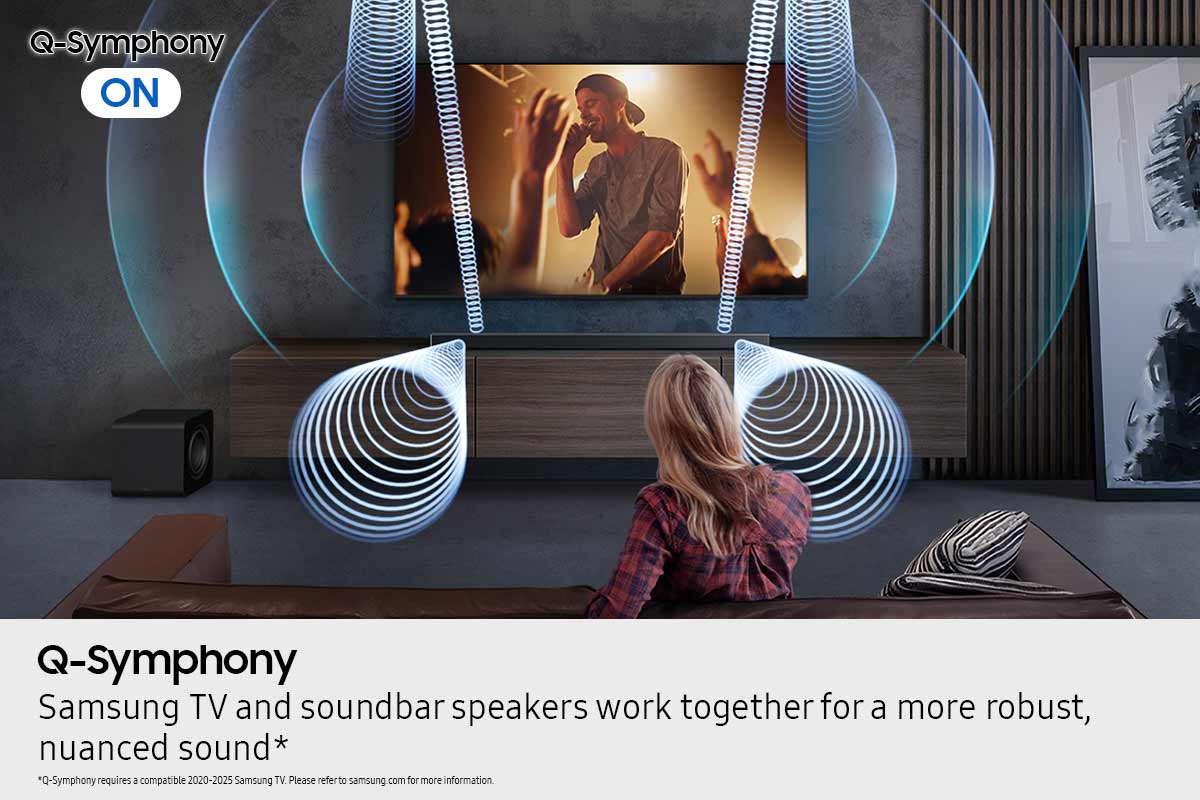
||Posted . Owned for 1 month when reviewed.This reviewer received promo considerations or sweepstakes entry for writing a review.Love the sound but can’t get the mute to work properly using Q symphony mode
I would recommend this to a friendTv and sound
||Posted . Owned for 3 weeks when reviewed.This reviewer received promo considerations or sweepstakes entry for writing a review.Excellent system for the space, audio visual.......
I would recommend this to a friendNot as much base
||Posted .This reviewer received promo considerations or sweepstakes entry for writing a review.Bass for this sound bar is lacking its ok but cheaper model had more base
No, I would not recommend this to a friendBrand response from Samsung
Posted .Hi JackE,
Thank you for sharing your review of the HW-Q600F Soundbar. We value your feedback and will share it with our teams.
There are two adjustments that can be made to maximize bass from the soundbar and subwoofer:
1. Using the WOOFER button on the remote, you can adjust the level between -6 to +6. To set the subwoofer volume level to 0, press the button in.
2. Adjust the bass control by pressing the TONE CONTROL button on the remote control, then select BASS to increase the level. You can adjust the volume between -6 to +6 by using the Up/Down buttons.
For precise audio adjustments, you can use the 7-band frequency equalizer to optimize the sound for your room acoustics.
I hope this helps. For further assistance with features, settings, adjustments, or functions please contact Samsung Customer Support. Just give us a call at 1-800-SAMSUNG (Ask for Soundbars), 8AM - 12AM EST, 7 days a week. Our Live Chat agents are also available by clicking on the ‘Support’ link on our website.
~ Samsung Solutions
It's OK
||Posted . Owned for 1 month when reviewed.This reviewer received promo considerations or sweepstakes entry for writing a review.Not sure it makes that big of a difference in sound from the regular TV
No, I would not recommend this to a friendBrand response from Samsung
Posted .Hi KarenJ,
We appreciate you taking a few moments to provide feedback regarding the HW-Q600F Samsung Soundbar.
Did you know you can manually optimize your audio experience by pressing the SOUND MODE button to select the desired pre-equalized sound setting. The choices are SURROUND SOUND – GAME – ADAPTIVE SOUND – DTS VIRTUAL:X – STANDARD.
To control the volume of the treble or bass sound, press the TONE CONTROL button and then adjust the volume between -6 to +6 by using the Up/Down buttons.
Press and hold the SOUND CONTROL button for about 5 seconds to adjust the sound for each frequency band. 150Hz, 300Hz, 600Hz, 1.2kHz, 2.5kHz, 5kHz, and 10kHz are selectable using the Left/Right buttons and each can be adjusted to a setting between -6 to +6 using the Up/Down buttons. (Make sure the Sound mode is set to “STANDARD”.)
Press the CH LEVEL button so you can adjust the volume of each speaker. CENTER LEVEL or TOP LEVEL can be adjusted using the UP/DOWN buttons from -6 to +6.
With the optional SWA-9250S Wireless Rear Speaker Kit connected you can adjust the volume by using the provided Soundbar remote. Press CH LEVEL and select REAR LEVEL, then use the Up/Down buttons to adjust the volume within a -6 to +6 range.
I hope these tips help you enjoy your new product.
You can always contact us for further help at 1-800-SAMSUNG (Ask for Soundbars), 8 AM – 12 AM EST, 7 days a week. Our Live Chat agents are also available by clicking on the ‘Support’ link on our website.
~ Samsung Solutions
Poor Service
||Posted . Owned for 1 month when reviewed.This reviewer received promo considerations or sweepstakes entry for writing a review.The products are OK, but Best Buy is seriously going down hill. I am disabled and specically went to Best Buy for purchase, delivery, and installation. The initial purchase (well over $8,000) was September 25th. It was written up wrong and I had to go to the store to have them get it correct on September 26th. When they delivered it and left before they finished saying they had another job and would be back Saturday. On Saturday one of the workers broke a connecting cable and told me to go get another cable and fix it myself. Now it's October10 and two TVs still are not installed correctly. I called the store again and was treated quite disrespectfully. Finallly they agreed to send the workers out for a third time to install what should have been done on the first day. I'm sorry I trusted Best Buy. James Burke
No, I would not recommend this to a friendBrand response from Samsung
Posted .Hi JamesB,
Please know you are leaving a review and 1-star rating for the HW-Q600F, but we are sorry to hear of your Best Buy experience, nonetheless. You may want to consider providing feedback directly to the Best Buy store where you made your purchase.
Should you have questions on the HW-Q600F itself, Samsung is here for you. You can reach us at 1-800-SAMSUNG, 8AM - 12AM EST, 7 days a week. Our LiveChat agents are also available by clicking on the ‘Support’ link on our website.
~ Samsung Solutions
Two remotes needed
||Posted . Owned for 1 month when reviewed.This reviewer received promo considerations or sweepstakes entry for writing a review.Works well with tv, however does not sync with Dierct TV remote
No, I would not recommend this to a friendBrand response from Samsung
Posted .Hi RobertG,
Thank you for taking a moment to review the Samsung HW-Q600F Soundbar.
To control your Samsung Soundbar with your DIRECTV remote (manual setup):
Move the switch at the top of your DIRECTV remote to AV1 or AV2.
Press and hold MUTE and SELECT until the green light blinks twice.
Enter one of the following Samsung soundbar codes: 32609, 31868, 30189, 31304, or 32660.
When the green light blinks twice, the code was accepted.
Test the volume and mute buttons to confirm the soundbar responds.
If the soundbar doesn’t respond, repeat the steps and try the next code.
You can also use the remote’s code search feature:
Press and hold MUTE and SELECT until the light blinks twice.
Enter 9-9-1, then press 1.
Press VOL UP repeatedly until the soundbar’s volume changes.
Press SELECT to save the code.
If you need more help, Samsung is here for you. Please call us at 1-800-SAMSUNG, 8AM - 12AM EST (Ask for Soundbars), 7 days a week. Live Chat with an agent as well as manuals, software, creating a service ticket, and warranty info can be found at the ‘Support’ link on our Samsung website.
~ Samsung Solutions
Soundbsr
||Posted .This reviewer received promo considerations or sweepstakes entry for writing a review.I'm sure it would sound great but missing a cord wasn't in box and wasn't told I needed it
I would recommend this to a friendBrand response from Samsung
Posted .Hi Samsungoled,
We appreciate you sharing your experience; however, we recommend you contact Best Buy directly for assistance in correcting this situation. We hope your issue is resolved in a timely manner.
You may also want to consider providing feedback directly to the Best Buy store where you made your purchase.
Should you have any questions or need help with your HW-Q600F once your issue has been resolved, please reach Samsung Support at 1-800-SAMSUNG, 8AM - 12AM EST, 7 days a week. Our LiveChat agents are also available by clicking on the ‘Support’ link on our website.
~ Samsung Solutions
samsung reciever
||Posted .This reviewer received promo considerations or sweepstakes entry for writing a review.poot sound quality the remote is will never consider
No, I would not recommend this to a friendBrand response from Samsung
Posted .Hi kate,
Thank you for taking a moment to review the Samsung HW-Q600F Soundbar.
You can manually optimize your audio experience by pressing the SOUND MODE button to select the desired pre-equalized sound setting. The choices are SURROUND SOUND – GAME – ADAPTIVE SOUND – DTS VIRTUAL:X – STANDARD.
To control the volume of the treble or bass sound, press the TONE CONTROL button and then adjust the volume between -6 to +6 by using the Up/Down buttons.
Press and hold the SOUND CONTROL button for about 5 seconds to adjust the sound for each frequency band. 150Hz, 300Hz, 600Hz, 1.2kHz, 2.5kHz, 5kHz, and 10kHz are selectable using the Left/Right buttons and each can be adjusted to a setting between -6 to +6 using the Up/Down buttons. (Make sure the Sound mode is set to “STANDARD”.)
Press the CH LEVEL button so you can adjust the volume of each speaker. CENTER LEVEL or TOP LEVEL can be adjusted using the UP/DOWN buttons from -6 to +6.
With the optional SWA-9250S Wireless Rear Speaker Kit connected you can adjust the volume by using the provided Soundbar remote. Press CH LEVEL and select REAR LEVEL, then use the Up/Down buttons to adjust the volume within a -6 to +6 range.
I hope this tip helps improve your enjoyment. For more help, please call us at 1-800-SAMSUNG (Ask for Soundbars), 8 AM – 12 AM EST, 7 days a week. Live Chat with an agent as well as manuals, software, creating a service ticket, and warranty info can be found at the ‘Support’ link on our Samsung website.
~ Samsung Solutions
- Pros mentioned:Sound quality
High Quality product sound is awesome!!
Posted .This reviewer received promo considerations or sweepstakes entry for writing a review.I bought this as part of my package deal with the Samsung 65 inch QF70 television for a deal and I'm so glad I did. The television sound was ok at best but with the soundbar it is night and day difference. It's a Samsung so you know its great quality. It was a little bit more then I wanted to spend but for length of time I plan on having this it was well worth the extra money.
I would recommend this to a friend Good Surround for a Soundbar
Posted .This reviewer received promo considerations or sweepstakes entry for writing a review.When the movie provides good surround sound, this soundbar fills the room with sound. Too many newer movies, unfortunately, have music over the dialogue or sound effects that are far louder than the dialogue and that’s hard to overcome. It’s not the fault of the soundbar, though. When the sound engineers did their job well, the sound is outstanding. I like that the subwoofer level is adjustable separately from the main volume.
I would recommend this to a friend- Pros mentioned:Sound quality
Great sound bar
Posted .This reviewer received promo considerations or sweepstakes entry for writing a review.Great product , sound quality excellent have connected this with my projector via Bluetooth and the experience is amazing Dolby THX sound s are accurate and great virtual saround with 3 channel split
I would recommend this to a friend Samsung soundbar installation
Posted .This reviewer received promo considerations or sweepstakes entry for writing a review.Installed soundbar with no problem. Did a very good job
I would recommend this to a friend